Cursor demo
A visible cursor operates the interface.
15,085 scenes · page 174 of 252
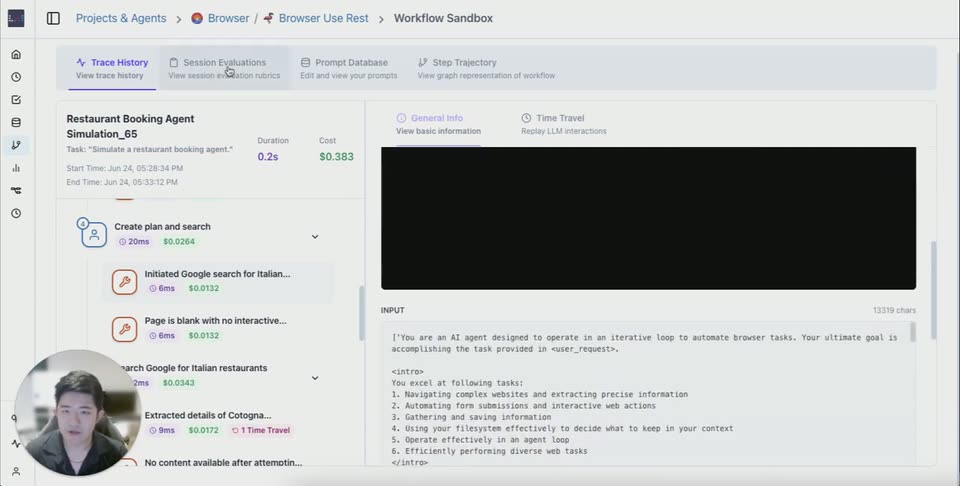 0:43–0:45Lucidic AI · Lucidic HN DemoA dashboard view of a trace history screen; a cursor glides from the dark preview panel up to the Session Evaluations tab while a small circular webcam feed of a man sits in the lower-left corner.
 3:15–3:20Neo AI · Neo AI - Introducing NEO: The first Agentic Machine Learning Engineer. It worA dark settings panel fills the frame in close-up. A white cursor taps the toggle beside the label Human in the Loop, flipping the switch from a red-green split to solid green. The frame then holds on the active toggle.
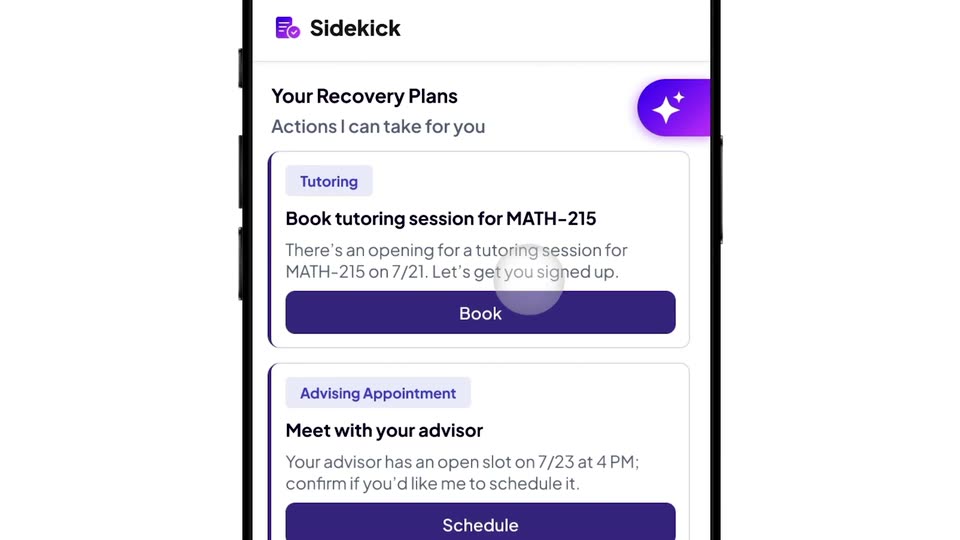 1:01–1:03Risely AI · Introducing Risely: AI agents that automate administrative tasks for universitiesA close-up of a phone screen shows the Sidekick app listing action cards. A soft circular touch indicator glides to the Book button and taps it; the button fades to gray and shows a green check with Booked.
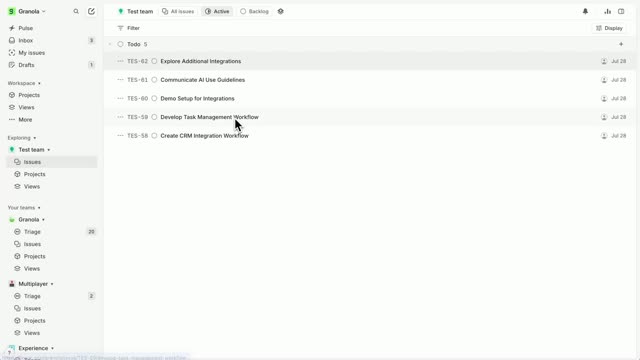 1:27–1:28Granola · Introducing Granola + Zapier | Your meeting notes, now connected with over 8,000 appsA light Linear workspace shows a sidebar and a five-row issue list. A cursor hovers over the rows, then the screen switches to the detail page of one ticket, revealing its description text and a right-hand properties panel.
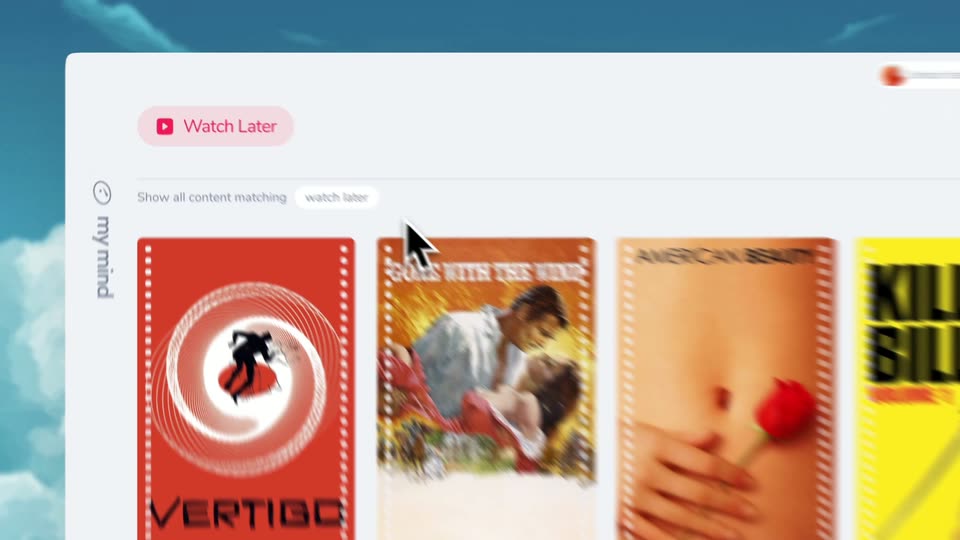 0:11–0:15mymind · mymind - You asked for it, we shipped it 🧡 We hope you enjoy this new feature!A white library window floats over a cloudy blue sky. The view zooms into the top-left filter row with a moving cursor, then pulls back to the full grid of film-strip movie posters as the cursor hovers one tile to reveal a small movie tag.
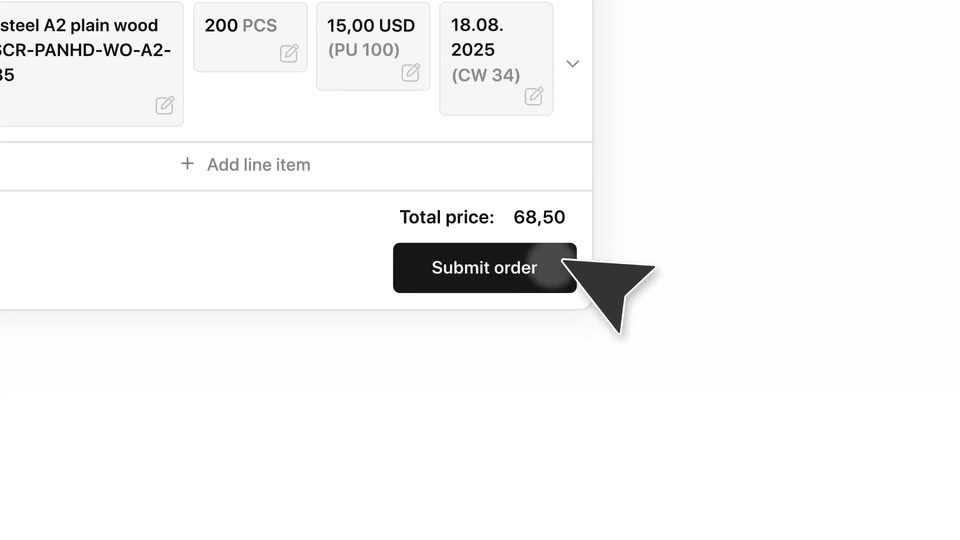 1:10–1:11Comena · Comena Launch Demo - Automated PO ProcessingClose-up of an order form listing line items, a total price and a black Submit order button. The view reframes onto the button as a cursor arrow glides in and rests at its right edge.
 0:37 · 0.7sFigma · Figma - Prompt it. Then push it to make it better. Figma Make, now availableAn abstract circular graphic of fractured crystals and neon lines cuts to the Pattern Generator interface, a black-and-white diagonal pixel pattern on the canvas, a control sidebar at left, and a cursor resting on the ROWS slider.
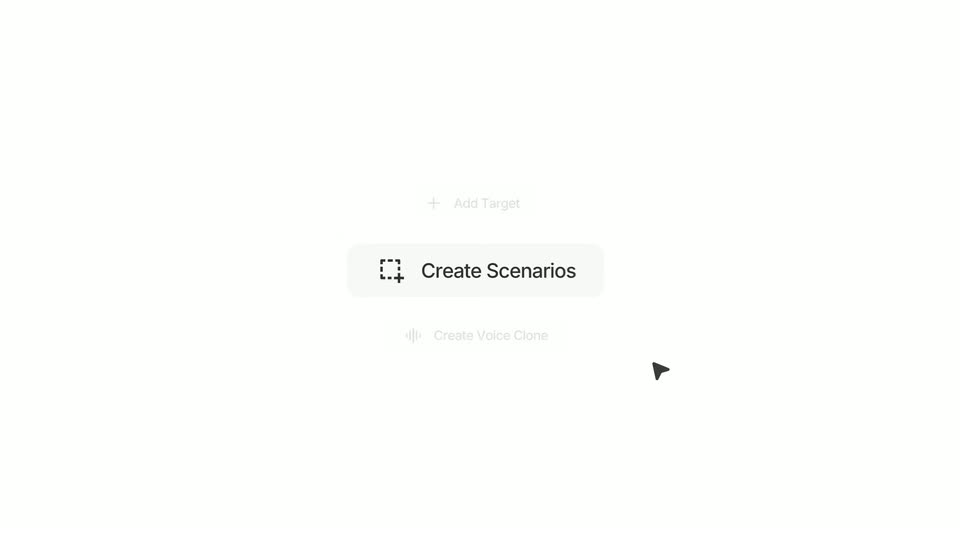 0:30–0:32GhostEye · Introducing: GhostEyeA three-item menu on a white background scrolls upward, the highlighted center row changes from Add Target to Create Scenarios with a gray pill, while a cursor fades in at the right edge.
 0:39–0:44Submagic · Submagic - Today, we’re launching the world’s first short-form video editing APIOn a cream gradient background, a dashed “Create New Avatar” card fills with a purple gradient as a large black cursor hovers over it. The card then morphs into a portrait video of a man on an orange background, while the HeyGen logo stays fixed on the right.
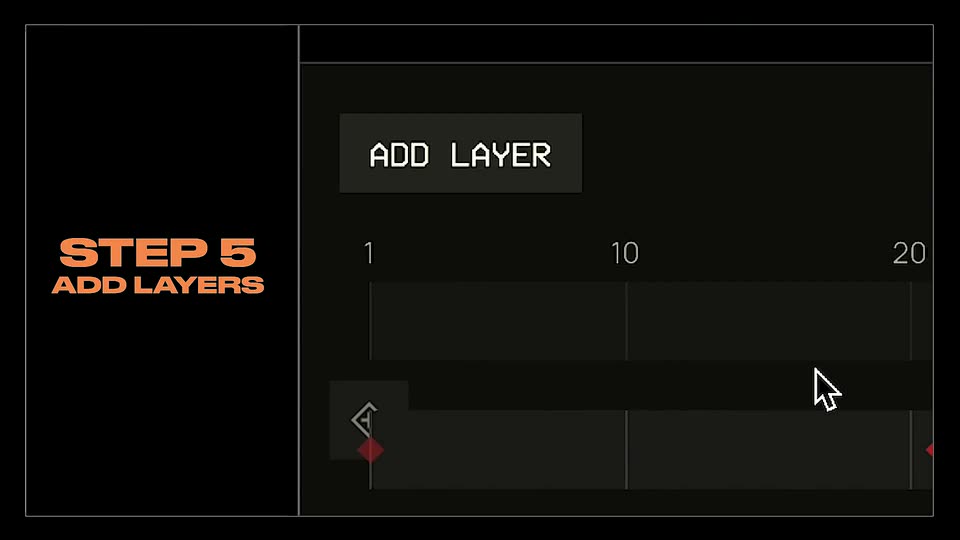 0:19–0:20Marey · Moonvalley - Most AI video tools rely on text prompts or preset motions to defineA dark timeline interface holds a locked-off frame. Orange step text sits left as a hand cursor taps an orange ADD LAYER button, then moves right while timeline numbers and red markers shift.
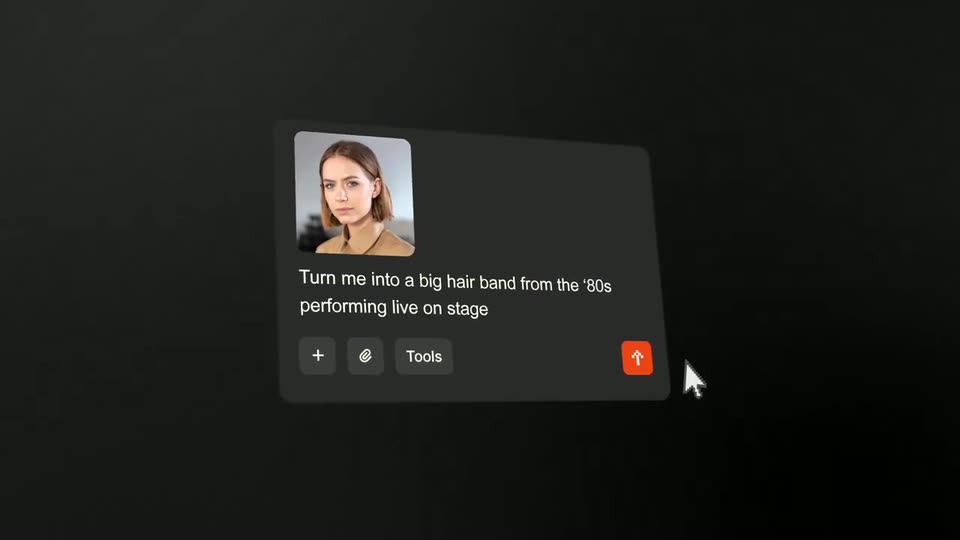 1:32–1:36Mistral AI · Mistral AI - Introducing powerful new features in Le Chat, making it more capableOn a black background, a dark prompt card types out a request. A photo of a woman in a tan jacket drops into the top-left corner. A white cursor glides to the orange send button and clicks it, the card tilting into 3D.
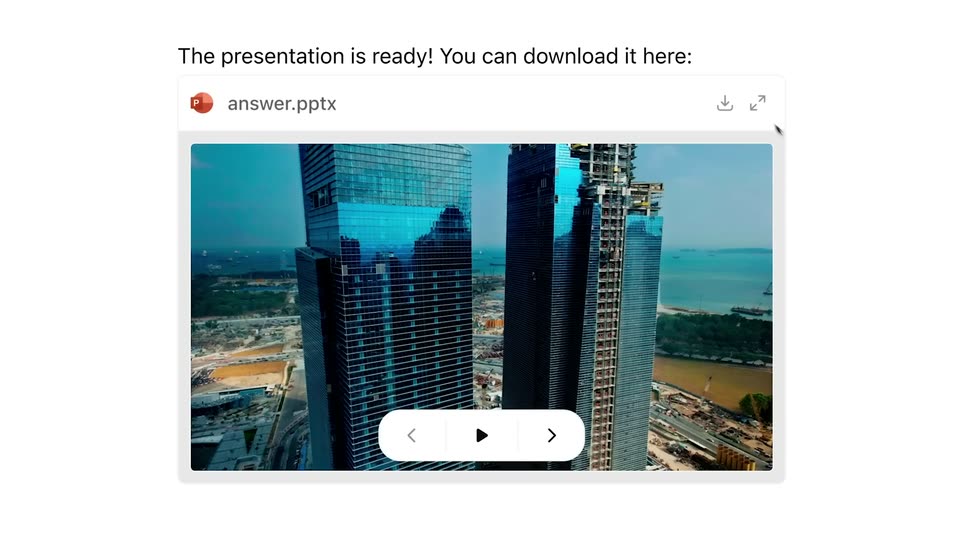 1:18–1:19OpenAI · Introducing ChatGPT agentA chat interface shows a message above a file card labeled answer.pptx, whose preview displays an aerial photo of blue glass towers with playback controls. A cursor hovers over the expand icon in the card's top right corner as the frame stays locked off.
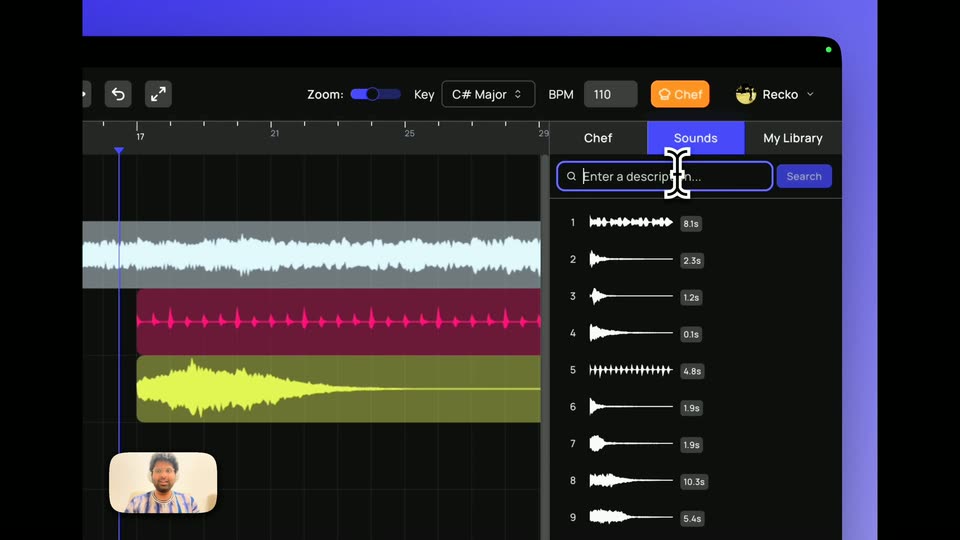 1:21–1:26Physical Turing · Welcome to RiffA music app interface shows a waveform timeline left and a Sounds panel right. A hand cursor clicks the search field and types kick as a clip list populates. Large white caption words appear word by word over the timeline; a small presenter video sits bottom-left.
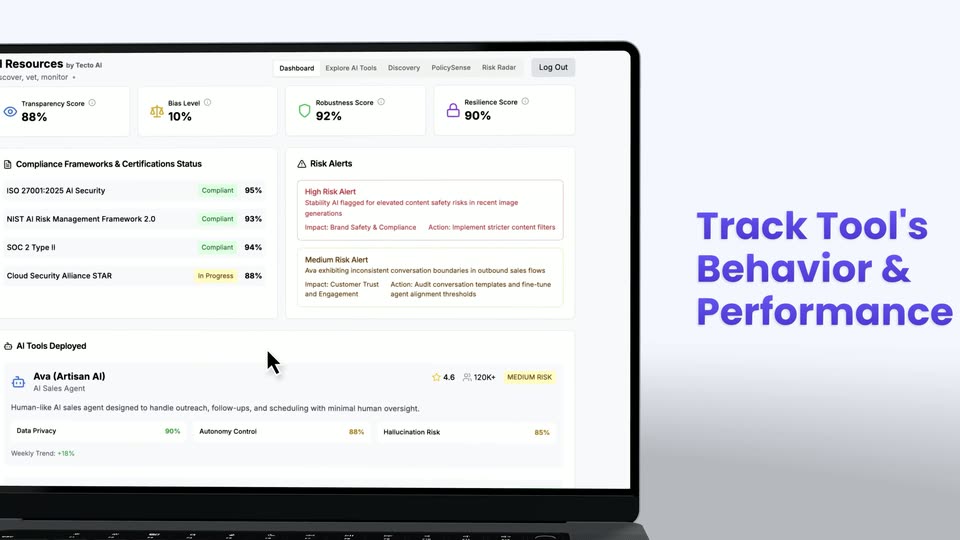 0:48–0:50TectoAI · Introducing Tecto - Governance Platform for AI EmployeesA 3D laptop mockup shows a Tecto AI dashboard with score cards and risk alerts, then the screen switches to a Global AI Policy Monitor list as the laptop pulls back. A cursor glides over the interface; a blue headline sits to the right.
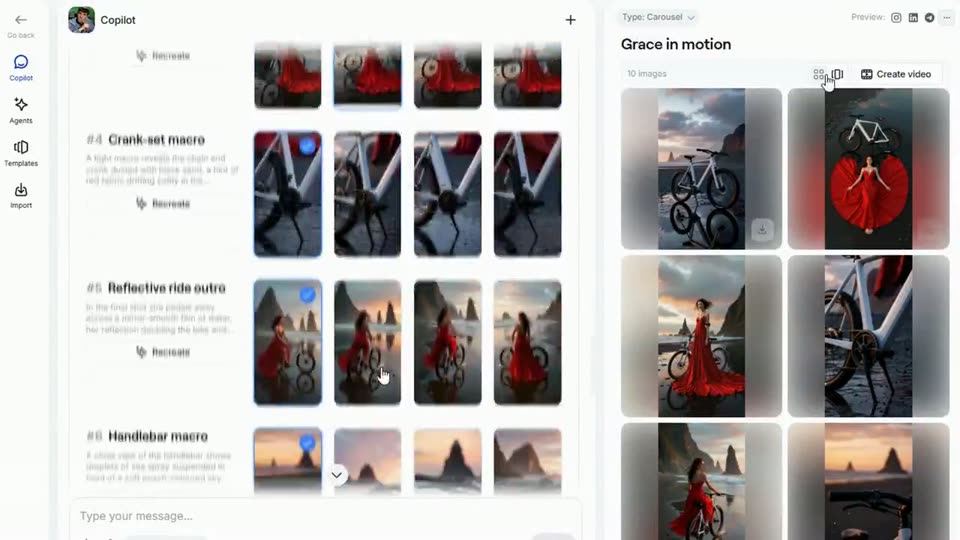 0:16–0:18Scade · scade.xyz - Meet Scade. The first full-cycle marketing system Forget the 30-persA split view of an AI design tool: the left chat panel scrolls up through numbered scene prompts, each with a row of four thumbnails, while the right panel holds a two-column image grid of a woman in red on a beach. A cursor hovers over the layout toggle at top right.
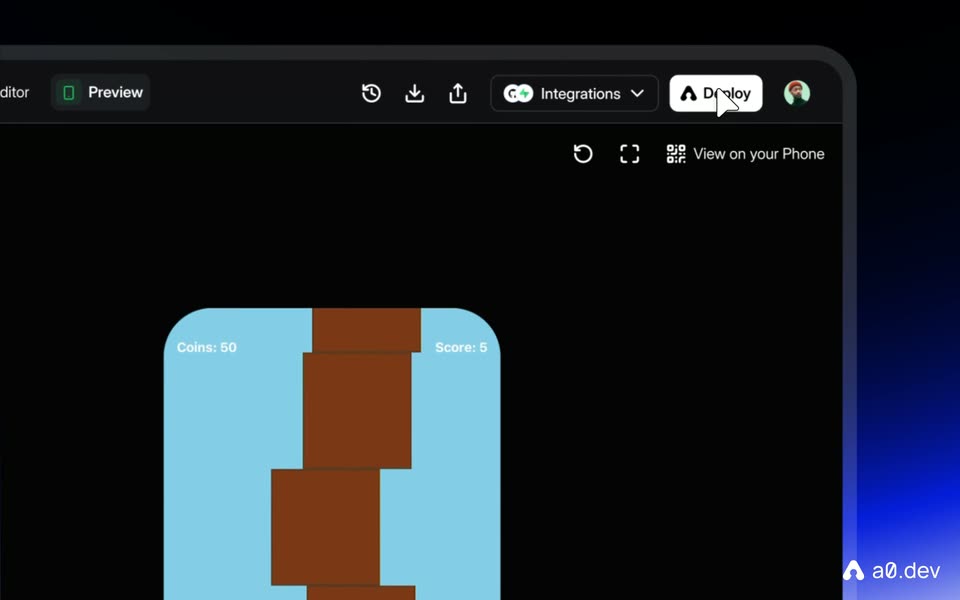 0:51–0:54a0.dev · a0.dev - Phase 1 (WAGMA)A white and blue headline sits above a dark app interface showing a chat panel and a phone preview. The view zooms into the top toolbar as a cursor hovers over the Deploy button while the phone plays a block game.
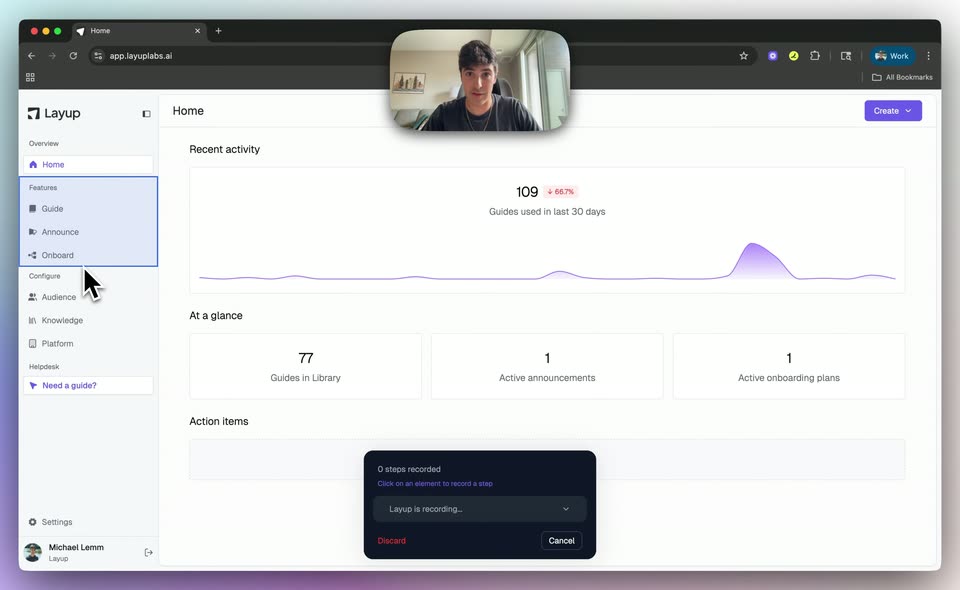 0:23–0:29Andco · Layup 2.0 July LaunchA browser screen recording of the Layup dashboard with a small webcam overlay of the presenter at top center. The interface settles from an overlapping transition, then the cursor moves down the left sidebar, highlighting Home and the Features group, while a dark recording toast stays at the bottom.
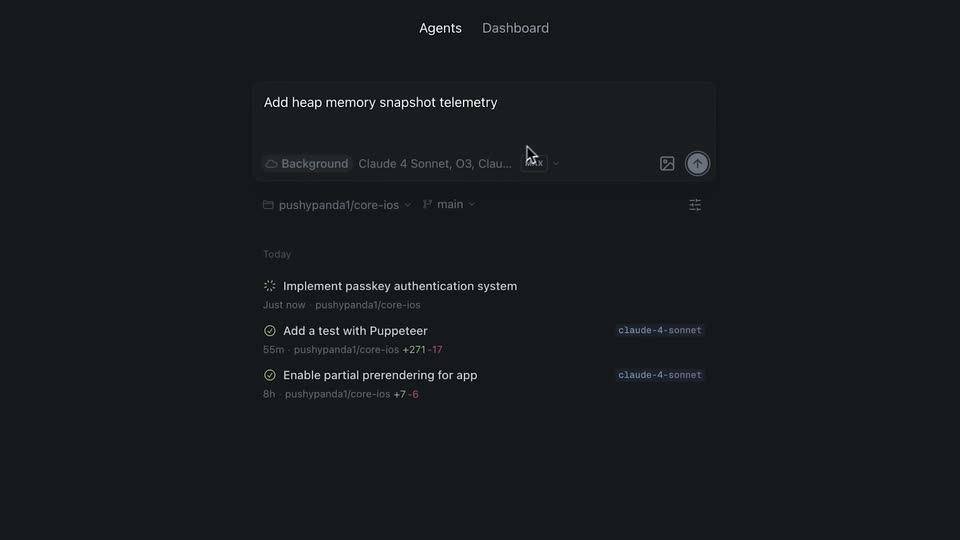 0:40–0:46Cursor · Cursor on Web and MobileA dark agent dashboard: a cursor opens the model picker under a prompt card, ticks O3 and Opus next to Sonnet, then submits. The card flips to a Generating state with a Stop button while three New Background Agent rows drop into the list.
 0:40–0:41Sennu AI · Sennu AI - AI Salesforce QA DemoA dark Jira board with four columns sits behind a dimmed overlay showing a loading panel labeled SD-4 with gray placeholder bars. A cursor drifts across the center while a circular webcam of a man in a white polo stays fixed in the top right corner.
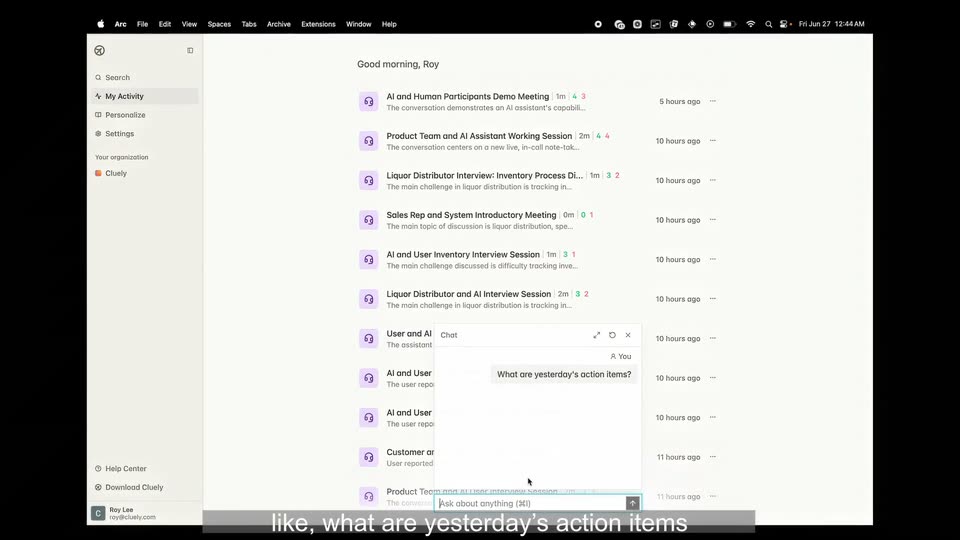 1:27–1:29Cluely · Roy - introducing @cluely. today is the start of a world where you never hA light app window lists AI meeting summaries with a left sidebar. A cursor opens a suggestions menu, clicks the question about yesterday's action items, and a small chat popup appears. A bottom caption narrates the action.
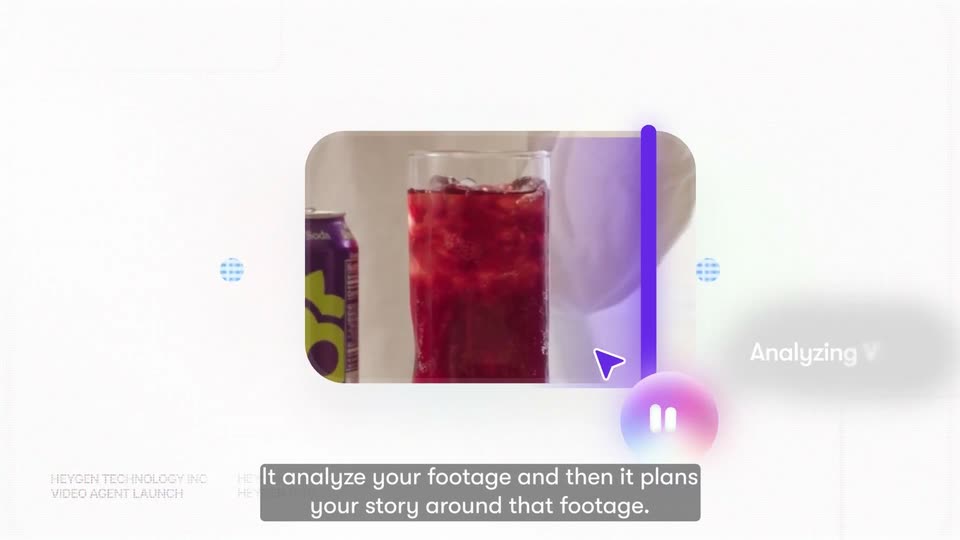 1:25–1:26HeyGen · Joshua Xu - Today we’re introducing you to the future of video. The world’s firsA rounded video preview switches from soda cans to a glass of red drink as a purple selection bar sweeps across. A cursor arrow hovers, a pink pause orb floats at the bottom right, and a bottom caption says the agent plans the story around the footage.
 0:32–0:36AgentMail · AgentMail Integration DemoA Gmail screen shows a compose panel on the right. The view zooms into the panel, a cursor points at the recipient address, then the frame scrolls down past the message body to a blank white area. White outlined captions run along the bottom.
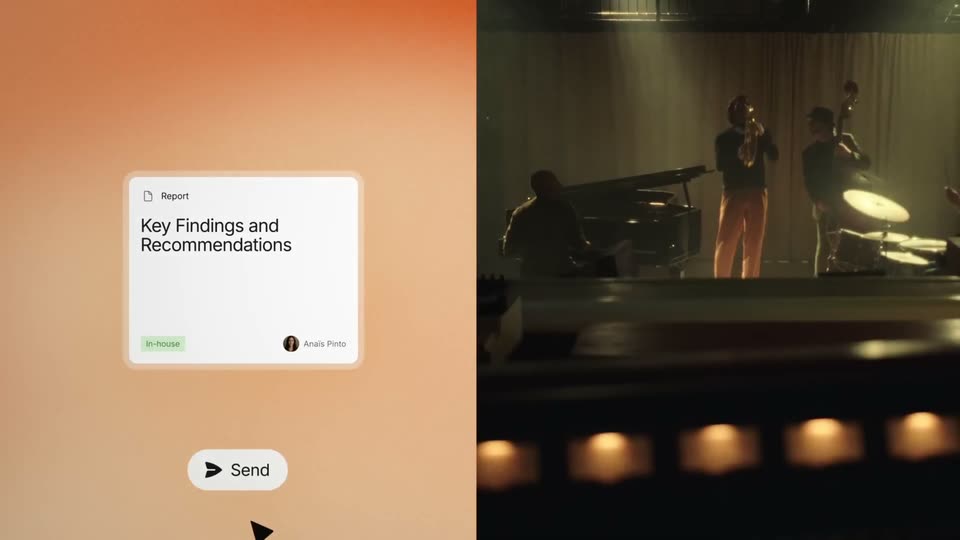 0:53–0:55Legora · Legora Workflows - The orchestration layer for legal workA split screen shows a white report card on a peach gradient on the left, where dense body text collapses and the title Key Findings and Recommendations slides in, while a band plays on a dim stage on the right. A cursor rests on the Send button.
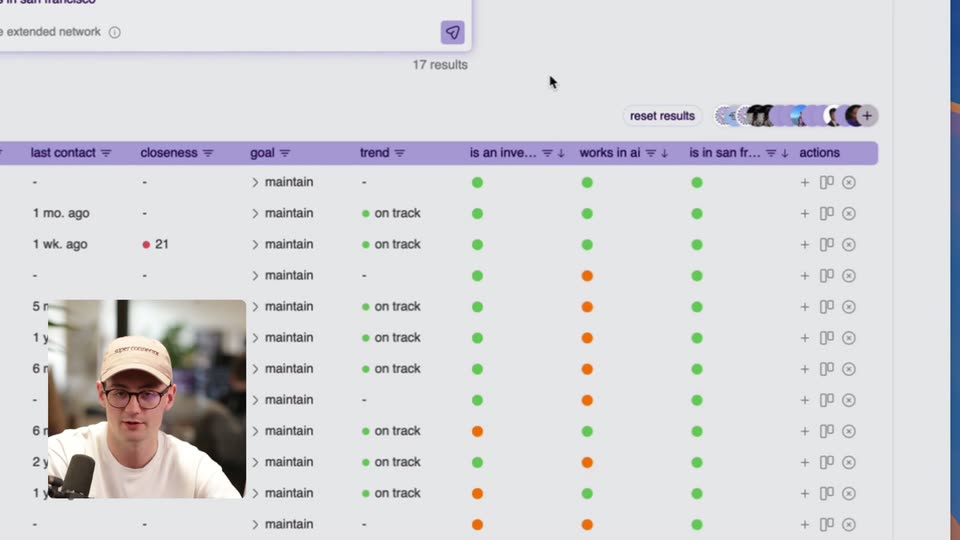 2:08–2:14Pally · Pally Launch VideoA light contact table fills the frame, three right-hand columns tinted purple to mark new filters, a row of round avatars above. A small video of a man in a cap speaks in the left column while a cursor glides from the middle rows to the top right.
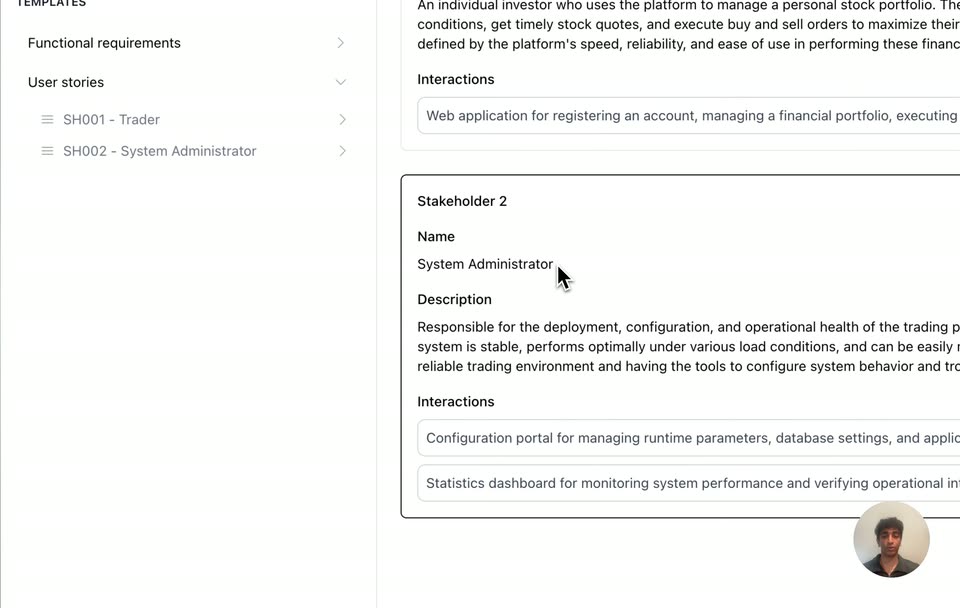 1:22–1:36Axal · Extract Functional Requirements from Legacy CodeA product interface shows a stakeholder page with two cards on a gradient background, a circular webcam of the presenter in the corner. The view zooms into the Trader name, scrolls to the System Administrator field, and the cursor highlights the text before zooming back out.
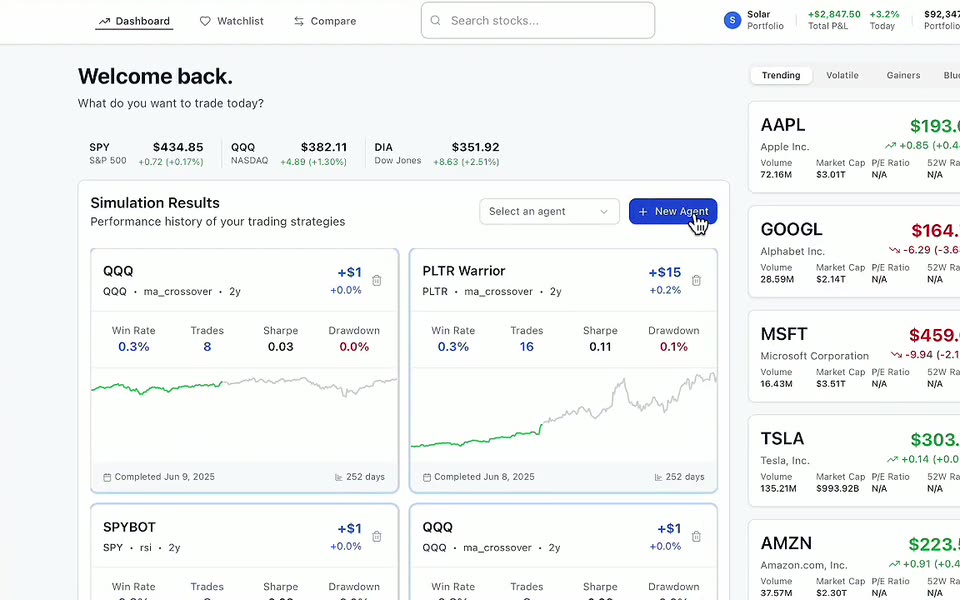 0:29 · 0.8sSharpe · Introducing Solar by LumenaryA cursor hovers the New Agent button on a stock trading dashboard, then the screen switches to a Create New Trading Agent form showing a three-step header, a ticker field, and strategy options.
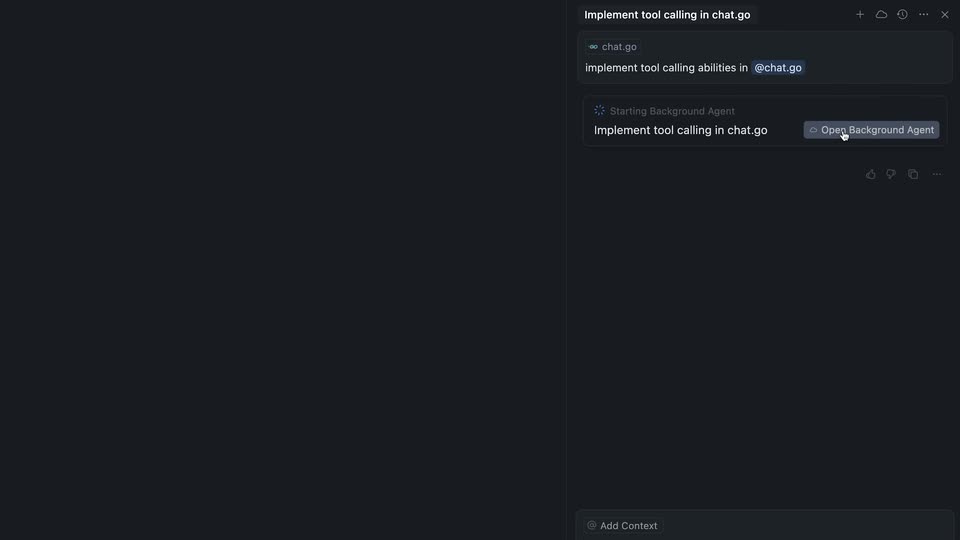 1:04–1:06Cursor · Meet Cursor 1.0A dark agent interface opens a left workspace beside the right chat panel. A cursor moves to the Open Background Agent button while monospace terminal logs fill the left pane.
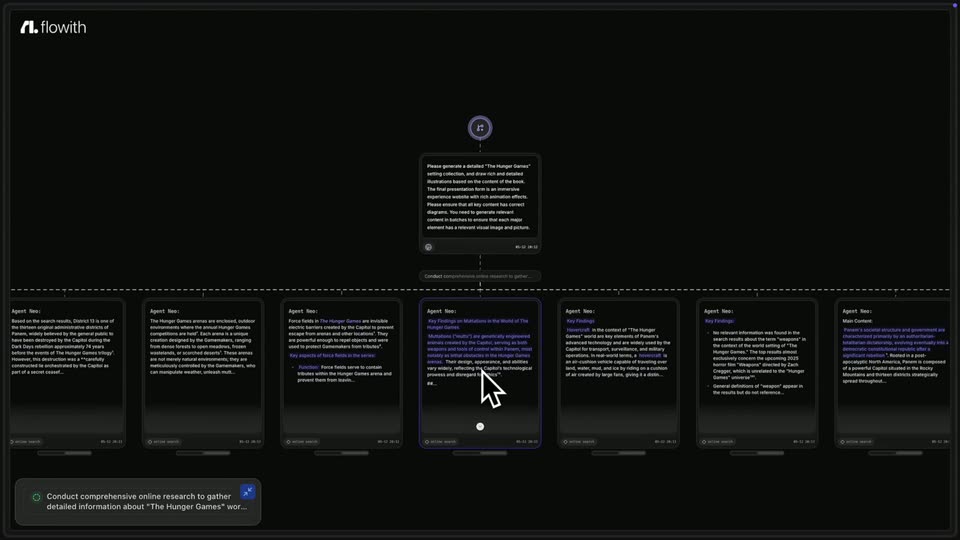 0:41–0:44Flowith · Flowith - flowith neo is now open to everyone. no more codes hunting. gen anytA dark node-graph interface sharpens from a blurred wide view, then zooms onto a central vertical column of generated cards. A cursor hovers over the active card while a task list fills with checked items at bottom left.
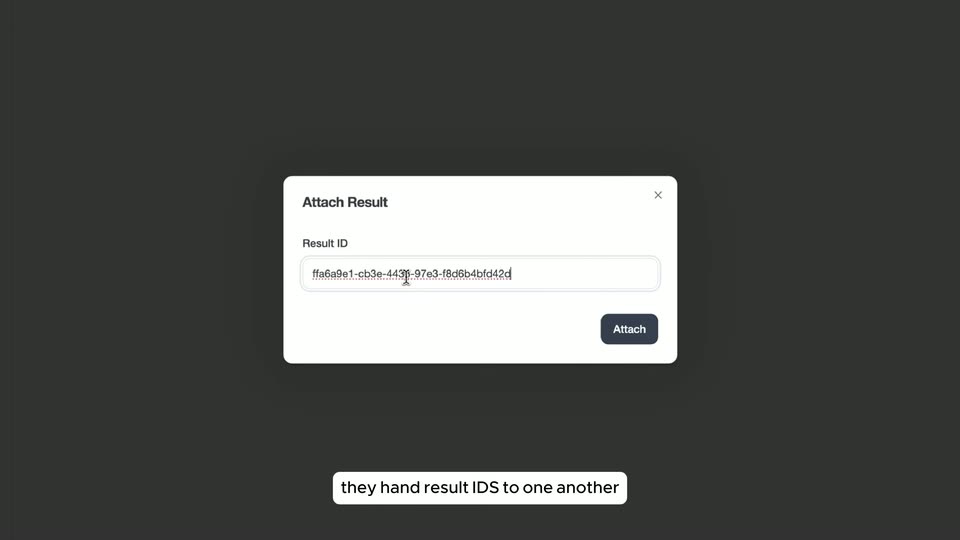 1:48–1:50Leeroo · Leeroo Continuous Learning AgentsA dimmed chat screen centers on a white Attach Result dialog. A cursor types a Result ID, a dark dropdown of IDs appears, then the cursor clicks Attach and the dialog closes as the screen brightens to full view.
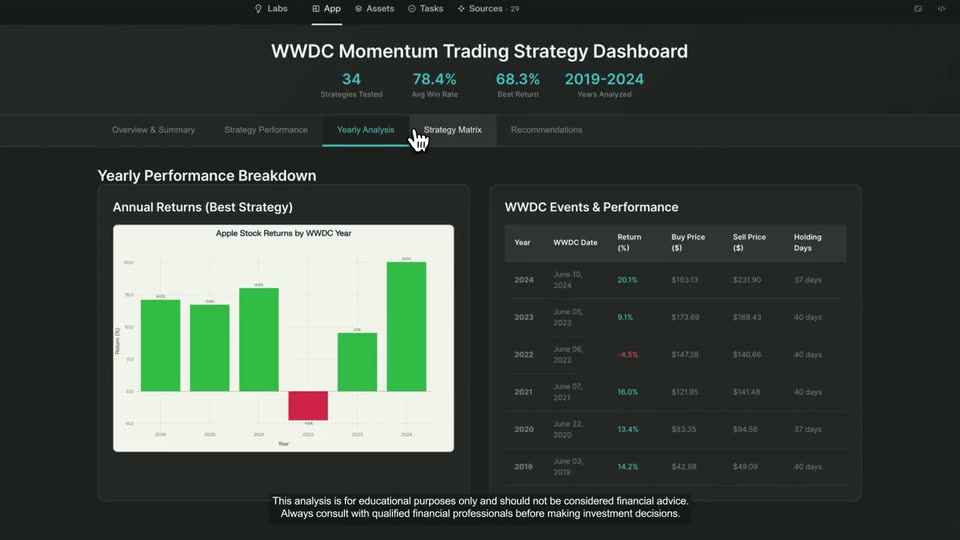 0:12–0:13Perplexity · Perplexity - Today we're launching Perplexity Labs. Labs is for your more complexA dark trading dashboard fills the screen, pairing a green bar chart with a data table under a row of stat figures. A hand cursor glides across the top tab bar, sliding from the Yearly Analysis tab to the Strategy Matrix tab.
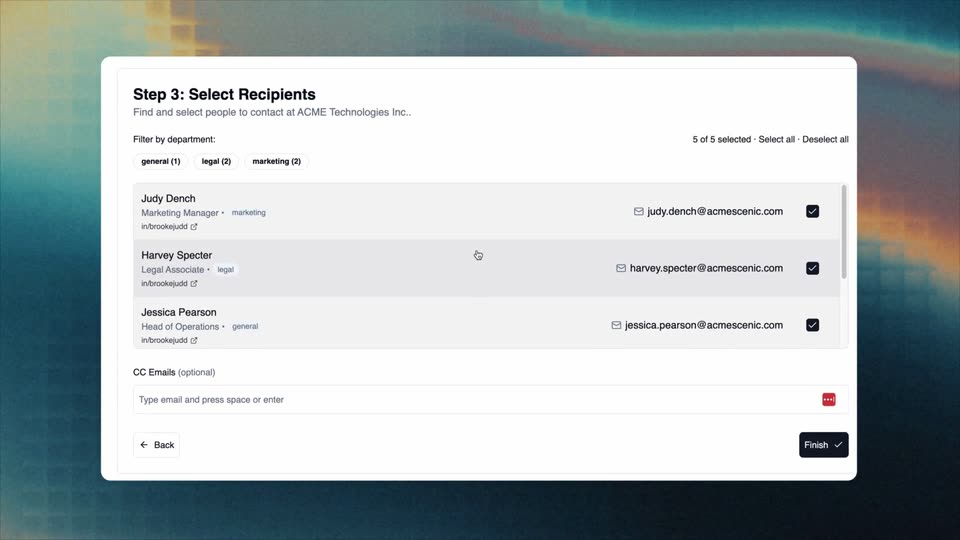 1:23–1:29Third Chair · Third Chair Product DemoA flat white recipient-picker panel sits on a blurred orange-teal backdrop. A cursor glides to the legal filter chip and clicks it, swapping the contact list to two legal names. The panel then scales up and dissolves out.
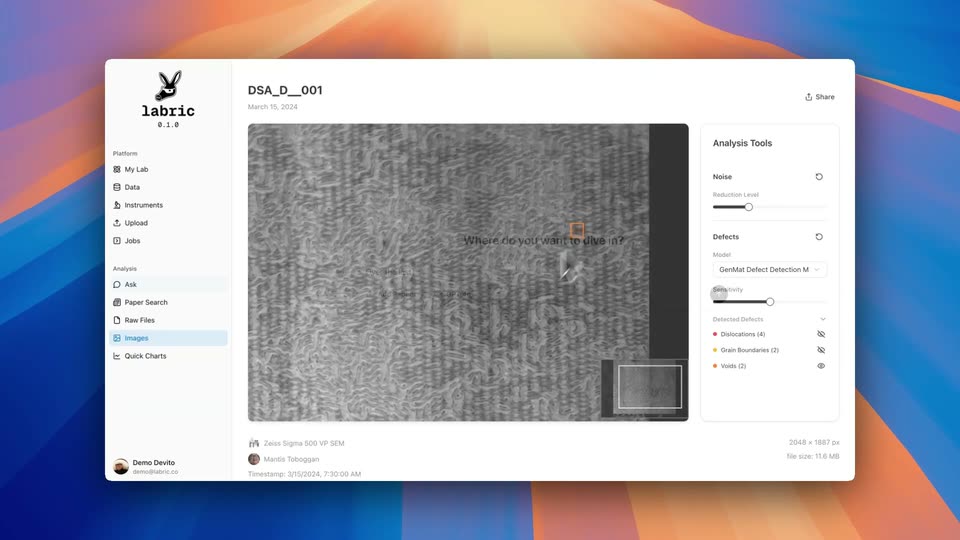 0:49–0:50Labric · Labric (YC X25) Launch VideoA flat labric interface sits on a colorful gradient background. A cursor hovers over a grayscale microscope image, then the view switches to the Ask panel, fading the image and revealing the prompt “Where do you want to dive in?” with two buttons.
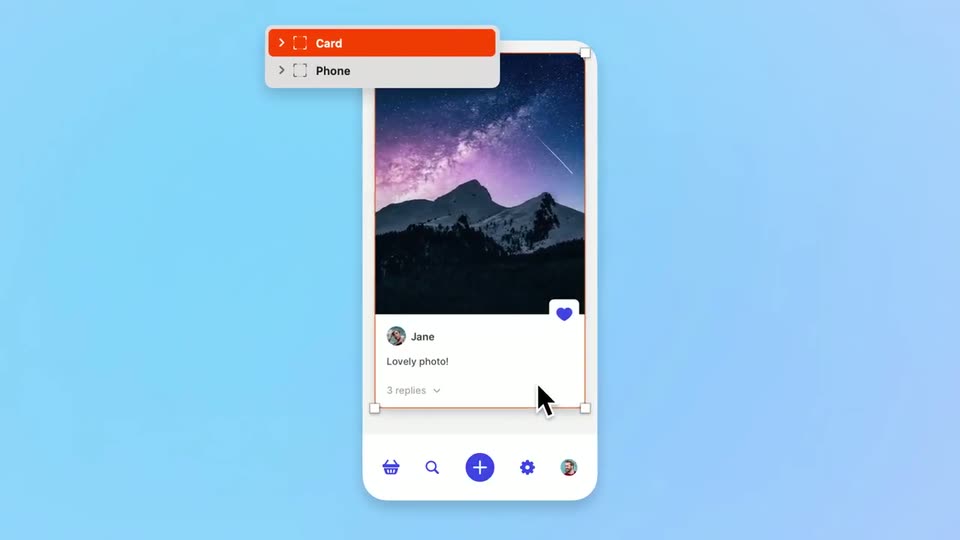 0:12–0:13Sketch · Sketch - Remember when we said auto layout was coming to Sketch? It’s here. ItOn a light blue canvas, a white phone frame with a bottom icon bar sits beside a layer panel with Card highlighted in orange. A cursor drags a mountain photo card with a comment block from the right into the phone screen, landing inside an orange selection box.
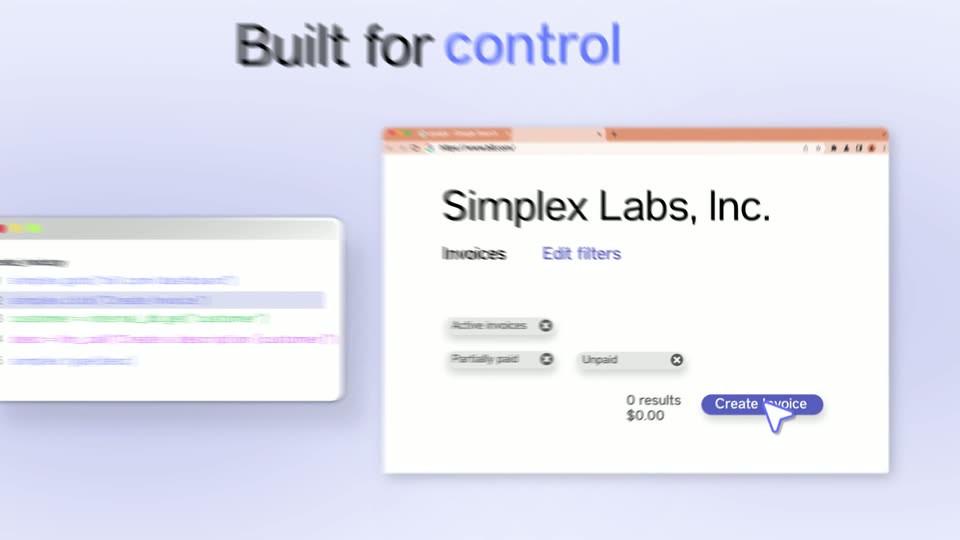 0:32–0:36Simplex · Simplex Launch VideoOn a lavender background, the headline 'Built for control' sits above two floating mockups: a code editor left and a browser with a Simplex Labs invoice page right. A blue cursor reaches the Create Invoice button as the view zooms into the browser.
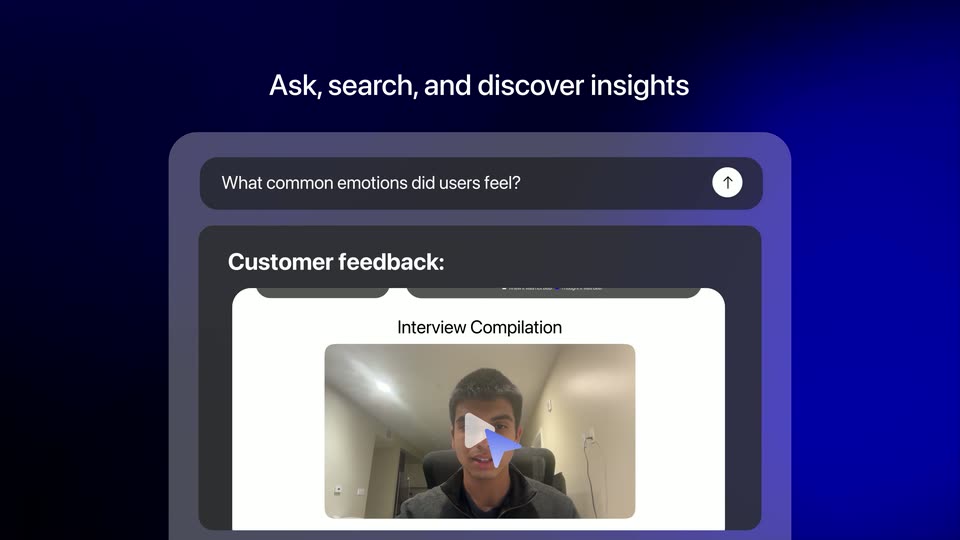 0:57–0:58stratify · Stratify Demo VideoA dark blue gradient frame holds a centered headline above a product interface mockup. A search field shows a user question, and a panel below displays a video thumbnail of a man with a play button. A blue cursor slides in and points at the play button.
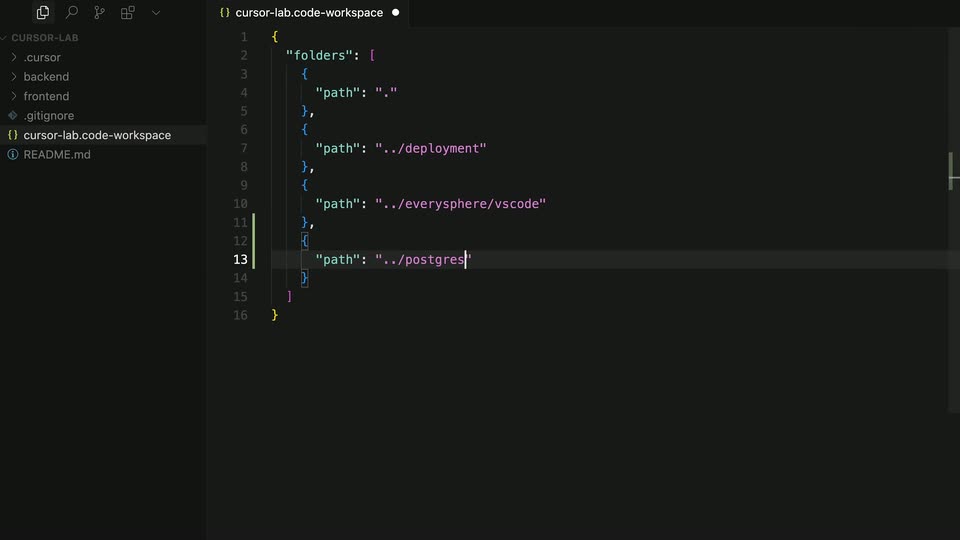 1:09–1:13Cursor · Cursor's largest update yetA dark code editor shows a JSON file listing folder paths. A blinking cursor sits on line 13 while a new path is typed letter by letter, spelling out a postgres folder. The project tree stays static in the left sidebar.
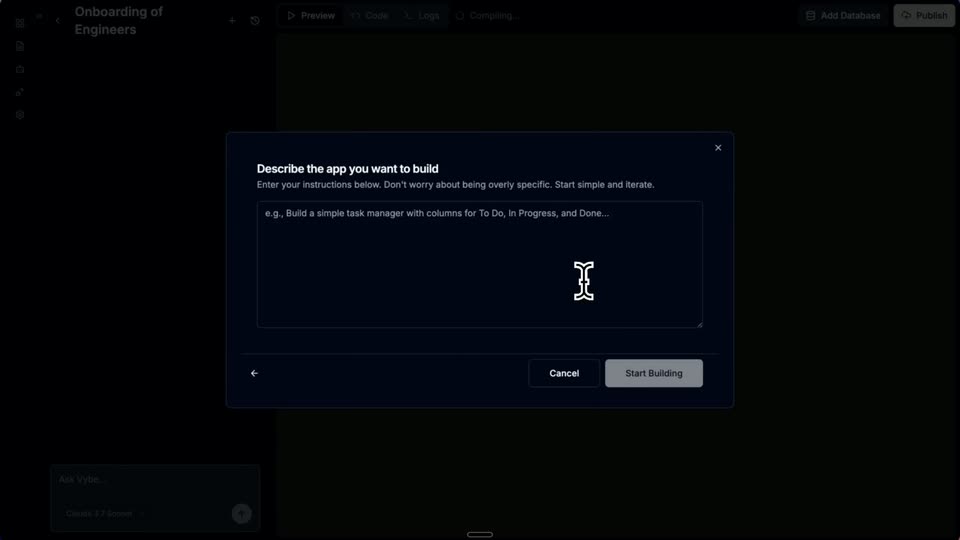 0:49–0:50Vybe · Vybe Demo - Build internal apps 10X fasterA white cursor clicks the “I have an idea” button in a dark app-builder modal, and the dialog swaps to a “Describe the app you want to build” prompt with an empty text field and a large I-beam cursor icon.
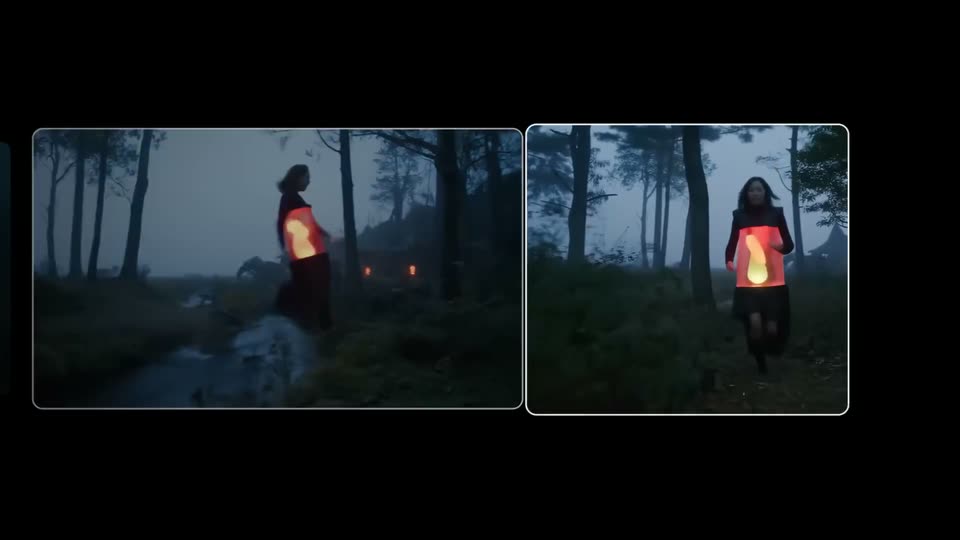 0:47–0:53Google · Introducing Flow | Google’s New AI Filmmaking ToolRounded white-bordered cards on black play live-action clips of a person in a glowing red vest crossing a foggy beach, forest, and rubble. A white hand cursor clicks a gray plus button, and a new card slides in as the carousel shifts left, bordering the active clip.
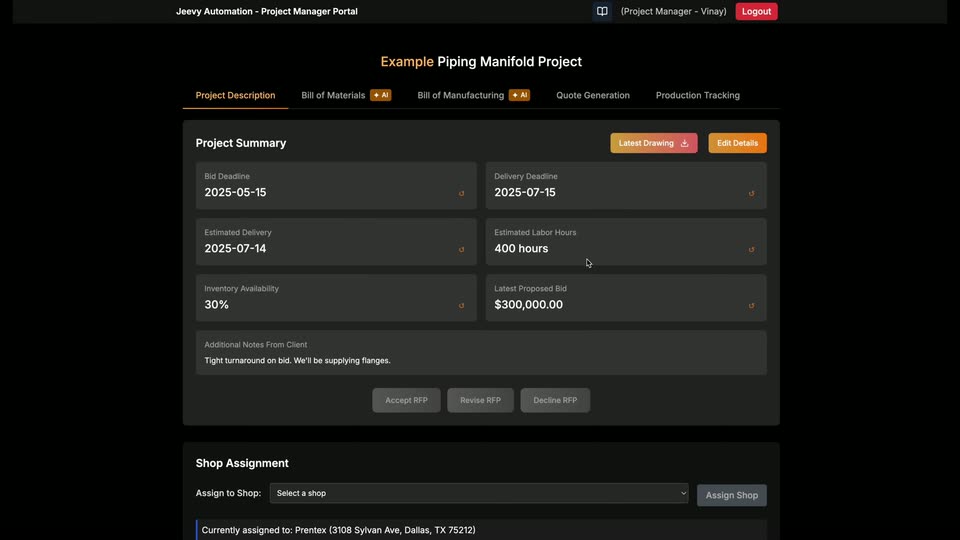 2:56–3:00Jeevy Fabrication · Introducing Jeevy FabricationA dark project manager portal shows a summary card with bid and delivery dates, labor hours and a $300,000 proposed bid, above a shop assignment section. The cursor drifts from the tab bar across the card and hovers near the delivery deadline field.
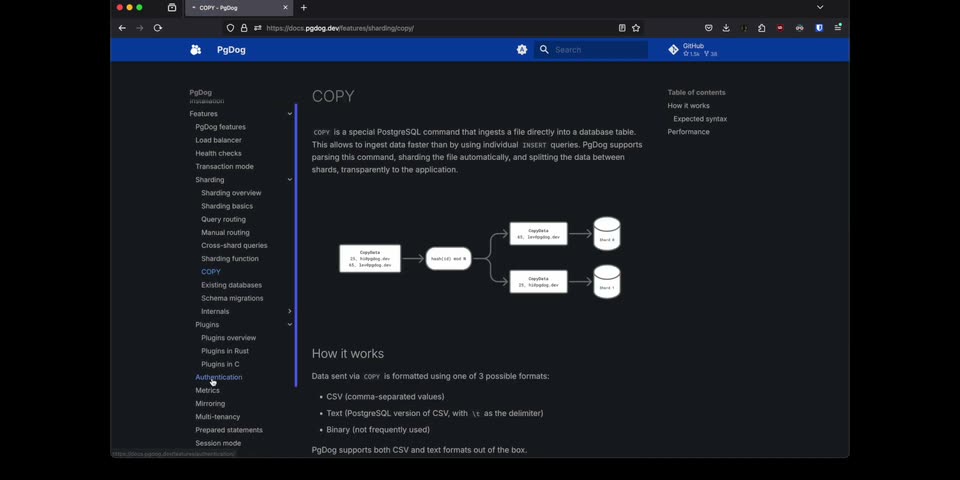 0:32–0:33PgDog · PgDog LaunchA browser window displays a dark documentation page featuring a sidebar and a data flow diagram. A cursor moves down the left sidebar, expanding the Plugins and Authentication menu items to reveal their sub-pages.
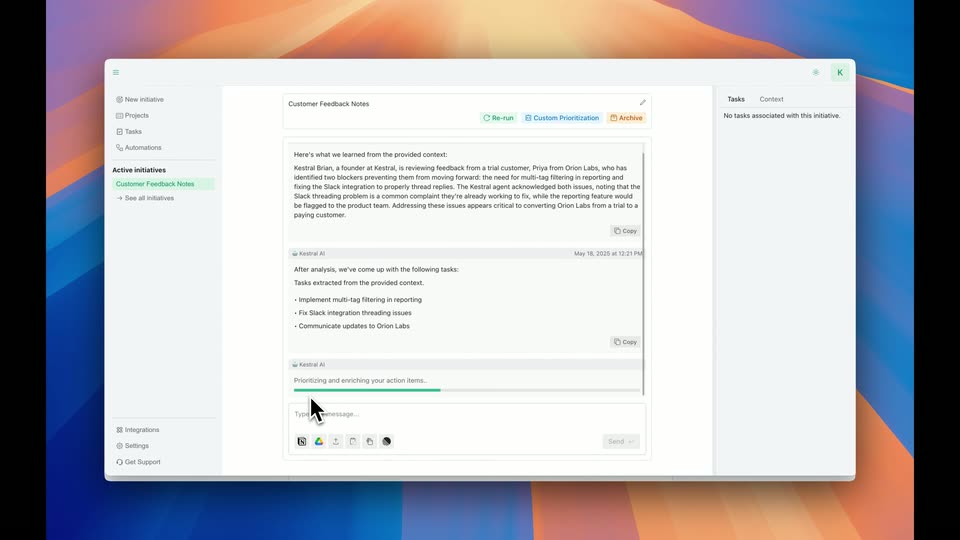 0:32–0:45Kestral · Kestral - Your AI Work Prioritizer -- Launch YCA product window sharpens from a blurred close-up into a full chat view. A cursor hovers as AI messages stream in with green progress bars; the panel scrolls to a prioritized task list, then zooms into the right Tasks sidebar.
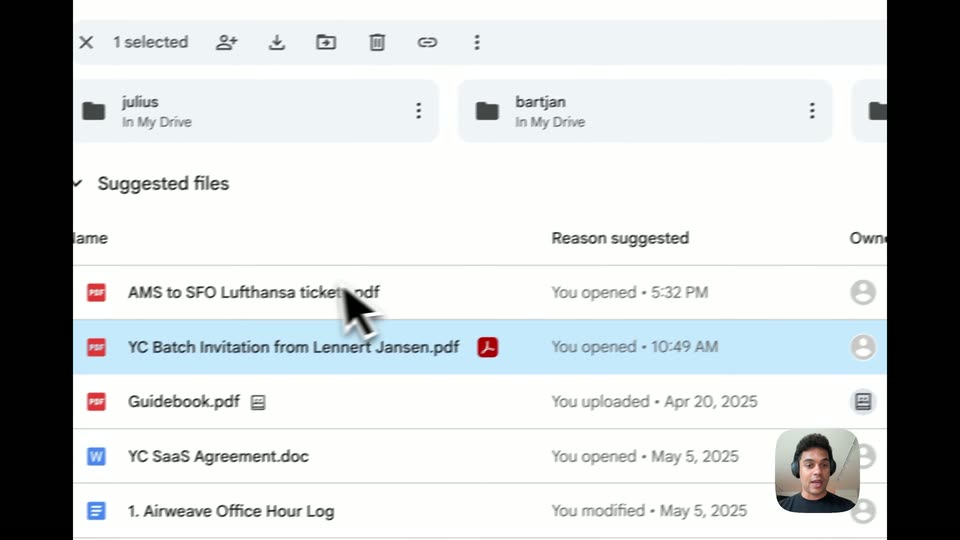 0:29–0:30Airweave · Airweave AI // Launch YC DemoA Google Drive screen pans horizontally to reveal a suggested files list, the cursor hovers over a highlighted PDF row, and a small circular facecam of a man with headphones sits in the bottom right corner.
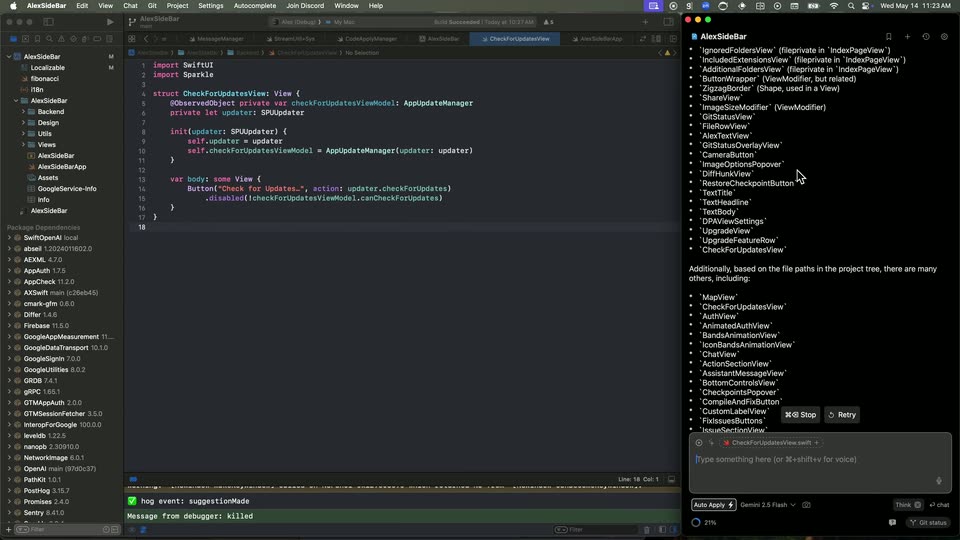 0:46–0:53Alex · Alex - Xcode AI Coding AssistantA dark code editor fills the screen: Swift source on the left, the ALEX chat panel on the right. After a brief blur, the assistant's answer streams in as a long bulleted list of view names, then the quick action buttons reappear.
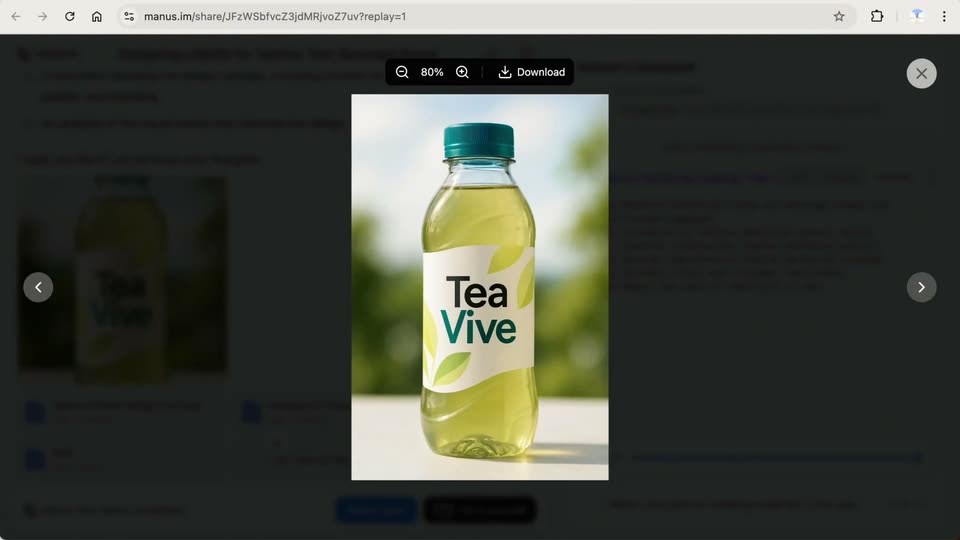 0:31–0:33Manus · Manus - Introducing Manus image generation. Manus doesn’t just generate imagA dimmed browser page frames a centered lightbox of a glass tea bottle labeled Tea Vive, with a black zoom toolbar above. A hand cursor glides to the close button in the top right corner.
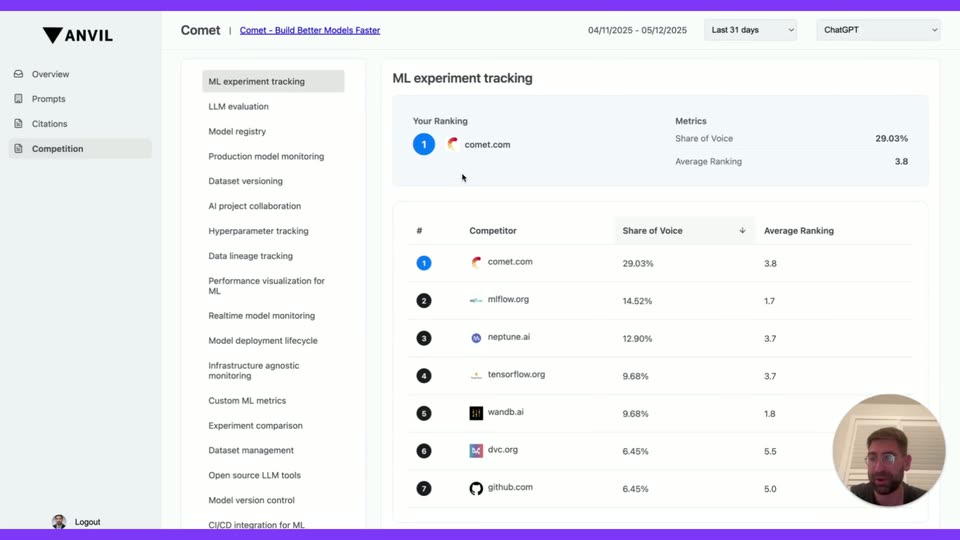 0:58–1:05Acolite · Anvil (YC X25) - Launch VideoA white dashboard interface with a left menu and a column of topic labels. The right panel loads from gray skeleton bars into a ranking table as a cursor moves from the sidebar across the rows and hovers the top card. A circular webcam feed sits bottom right.
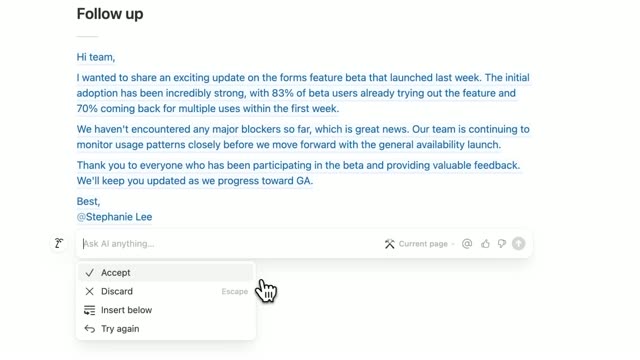 0:49–0:55Notion · Introducing AI Meeting NotesA document view zooms into a Follow up section as a floating summary card fades. An input field cycles through Thinking and Editing while a draft message types out in blue. A hand cursor clicks Accept, and the draft turns black.
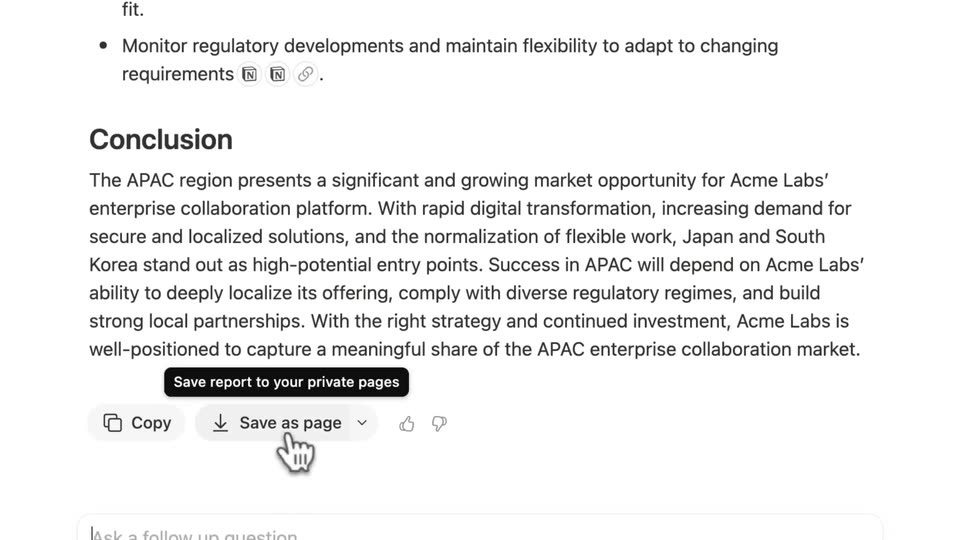 0:52–0:53Notion · Introducing Enterprise SearchA close-up of a report's conclusion shows a hand cursor hovering over the Save as page button. The view then zooms out to reveal the full document inside a browser window, with its title, headings and body text.
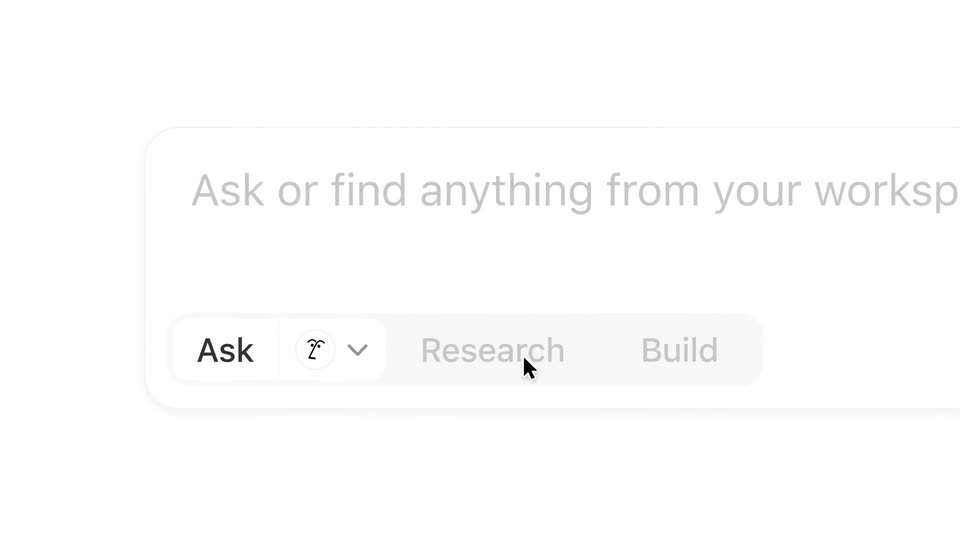 0:44–0:46Notion · Meet the all-in-one Notion AI for workA workspace home screen with a greeting, search bar and recent cards zooms into the search field, where the Research tab highlights white as the cursor hovers below.
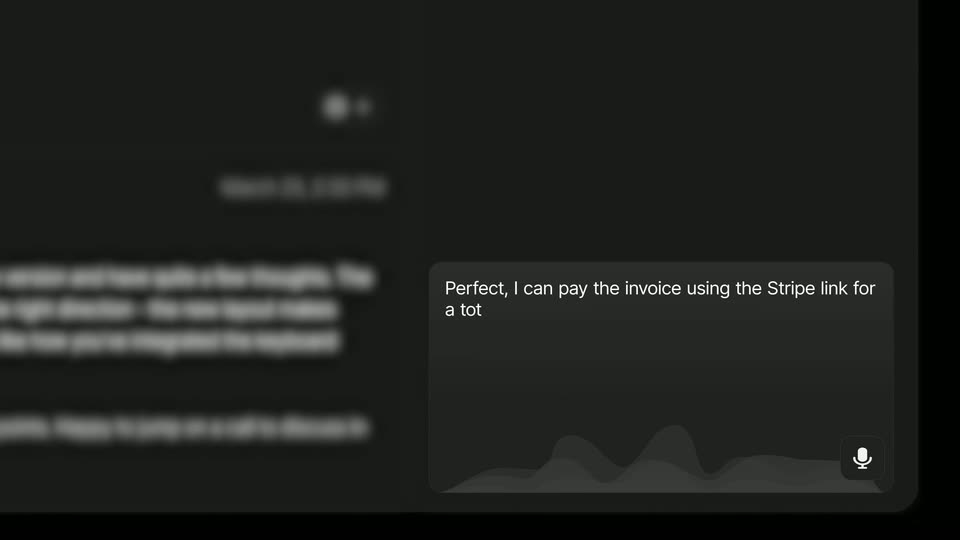 1:07–1:23Orchid · Zero - The AI-native email that manages your inboxThe tilted dark email client sits in 3D space as the camera pushes in on the voice input card; a cursor hovers over the mic while a white caption pill states the command. The waveform ripples, then the reply types in word by word and a Confirm button appears.
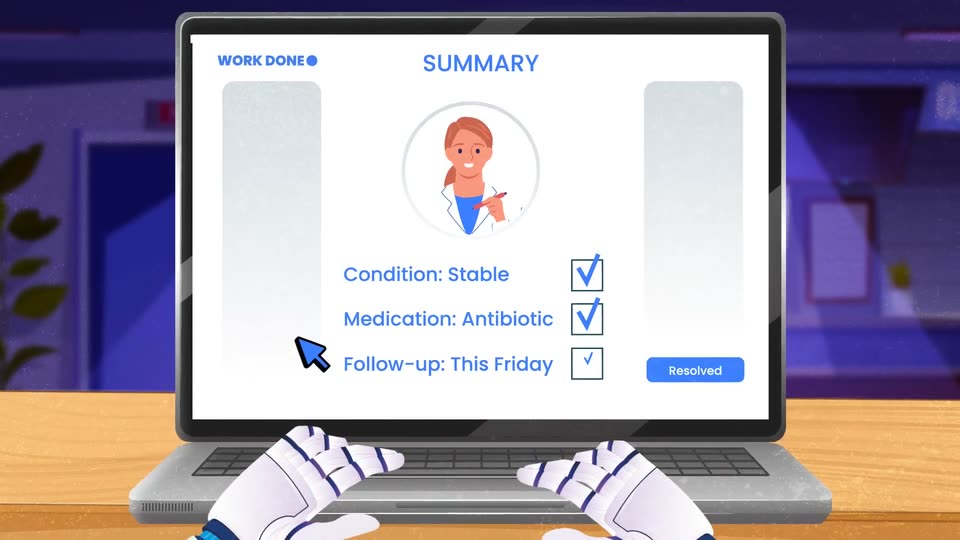 0:57–0:59Adentris · Adentris – AI Compliance Copilot for Healthcare Providers | Prevent Claim DenialsA 3D laptop with white robot hands on the keyboard shows a patient summary interface. A diagonal light beam crosses the screen as the avatar, status lines and checkboxes animate in, the cursor moves and the boxes tick over, then a blue Resolved button appears.
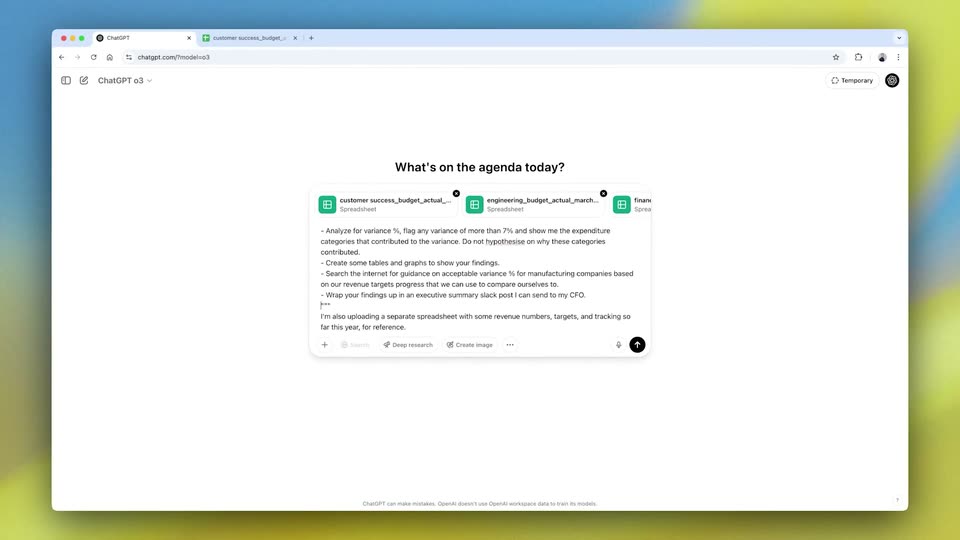 0:47–1:24OpenAI · Automate complex workflows with OpenAI o3Close-up of an AI chat prompt with three spreadsheet attachments; blue highlights sweep across the typed steps as the list scrolls. At 19s the view pulls back to the full browser window on a blurred desktop, a cursor appears, and the frame cuts to a reframed card.
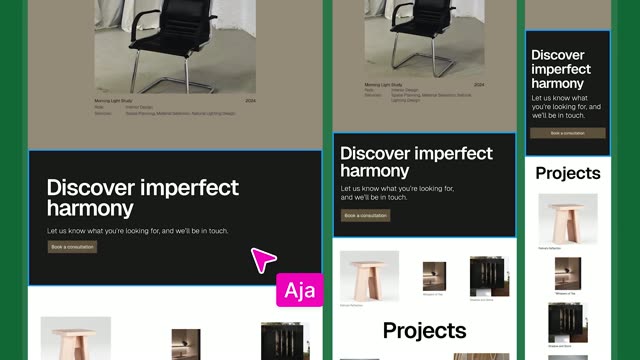 0:17 · 0.8sFigma · All the launches at Config 2025 | FigmaA portfolio website is shown at three widths side by side, each with a black panel outlined in blue. A pink cursor hovers over the left panel, tagged with a pink 'Aja' label.
 0:38–0:41Figma · Figma - Introducing Figma Draw New fills, effects, brushes, and more, now inA colorful abstract bird illustration fills the frame with a white Texture panel on the left. A cursor drags the Spread slider, adding a grainy noise texture to the shapes. The panel vanishes and the view zooms into the textured wings.
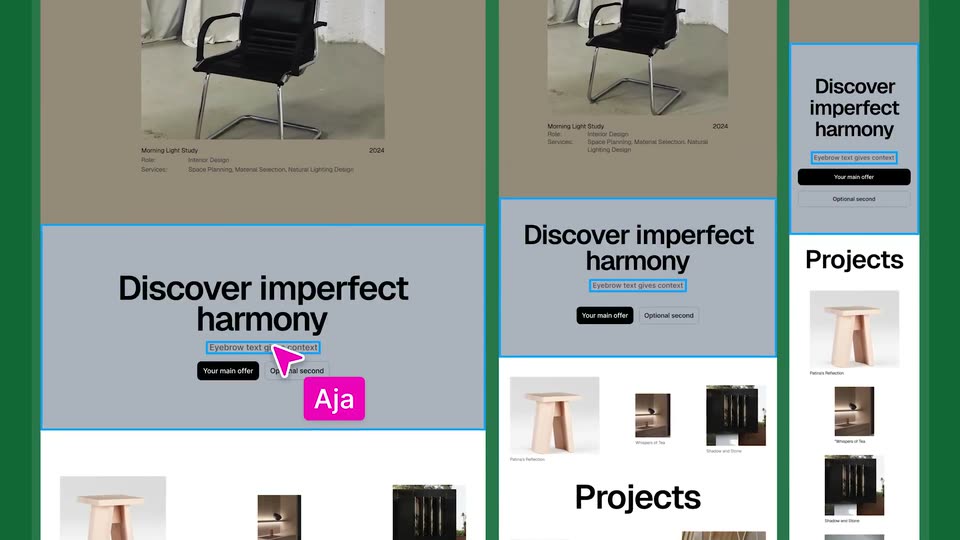 0:19–0:21Figma · Figma - Introducing Figma Sites Take your designs straight to the web. WithThree webpage mockups of different widths sit side by side on green and scroll upward in sync, a chair photo, a blue text block and a project grid passing by. A pink cursor with a pink Aja tag glides across the left panel.
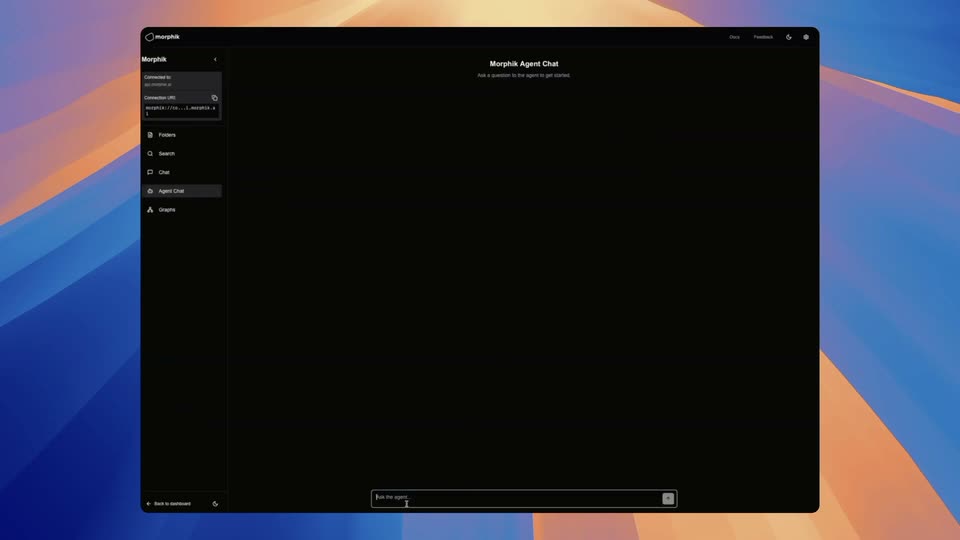 1:08–1:16Morphik · Morphik Launch DemoA dark window tilted in 3D over diagonal blue and orange stripes shows a network graph of purple and cyan nodes. It crossfades to the Morphik agent chat; the cursor clicks the input field, types a question about gen AI startups, and a response with a progress bar appears.
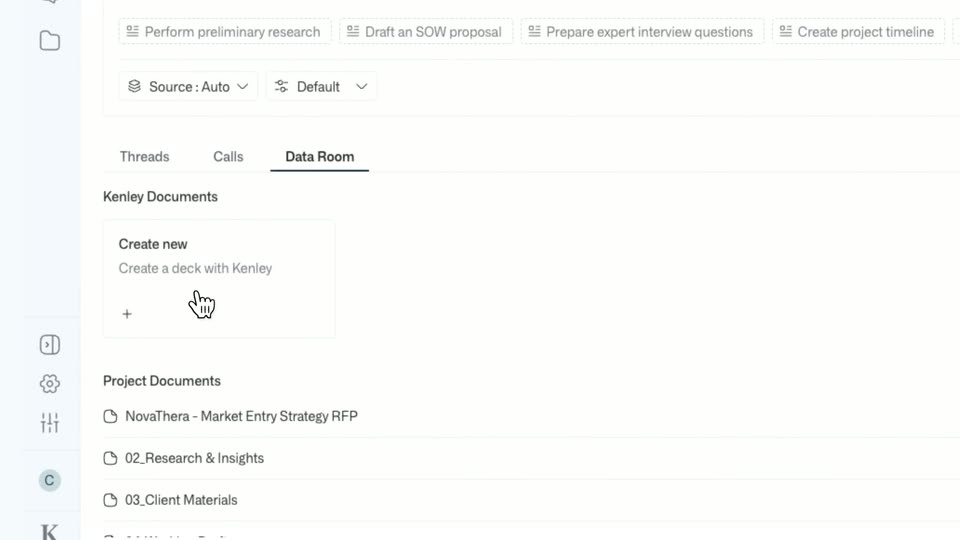 0:31–0:33Kenley · Introducing Kenley WorkStreamsThe Data Room screen of a product interface shows a hand cursor resting on the Create new card, then the view switches to a document type picker with three template cards: Kenley Deck, Proposal Deck and Custom Deck.
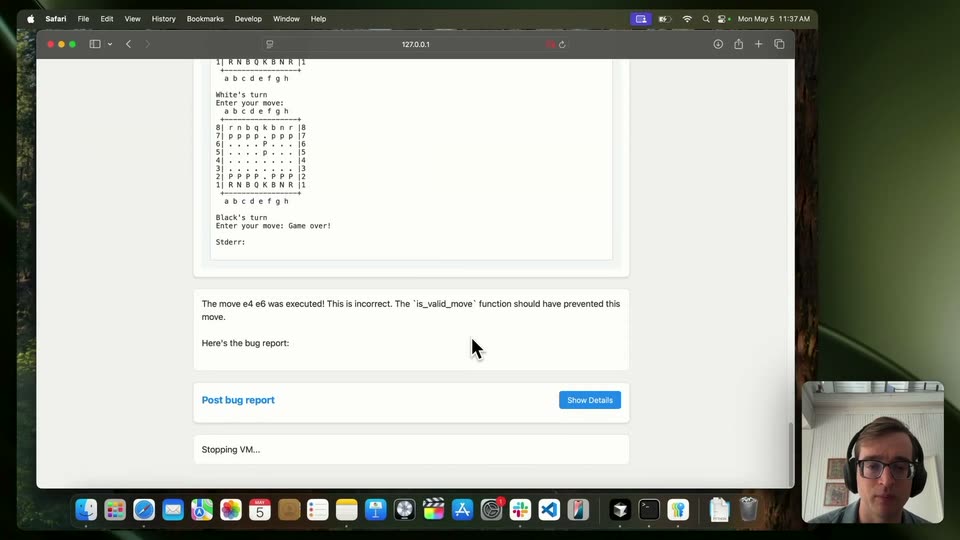 1:47–1:52Cartpole · Jazzberry DemoA Safari window shows a terminal panel with an ASCII chess board scrolling up, revealing a bug report box and a blue Post bug report button, while a mouse cursor drifts across the page. A small webcam feed of a man with headphones sits in the lower right.
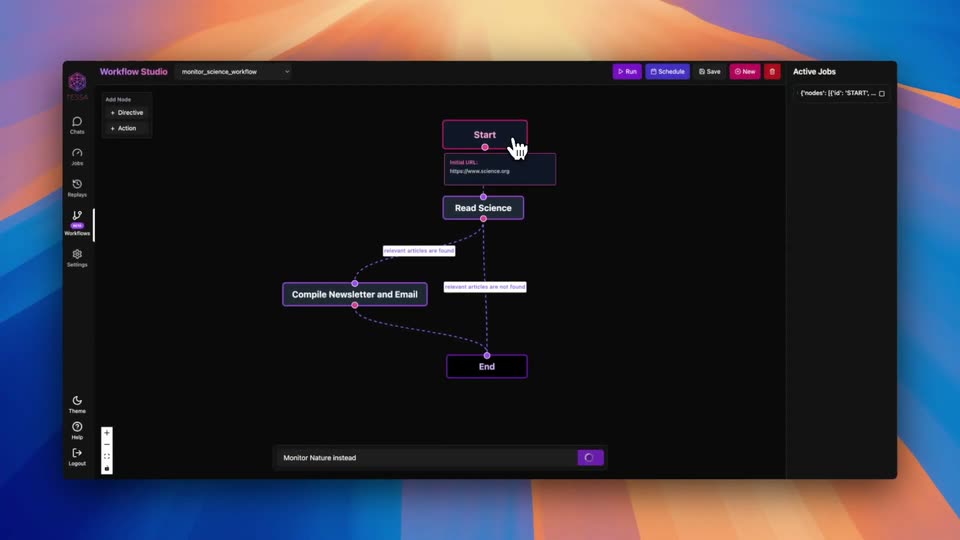 0:35–0:44Altrina · Workflow EditorA tight crop of the flowchart pulls back to reveal the full workflow editor window over a gradient backdrop. A cursor types a prompt and clicks Modify; the 'Read Science' node updates to 'Read Nature'. The camera zooms into the Start node, whose Initial URL field shows the nature.com address.
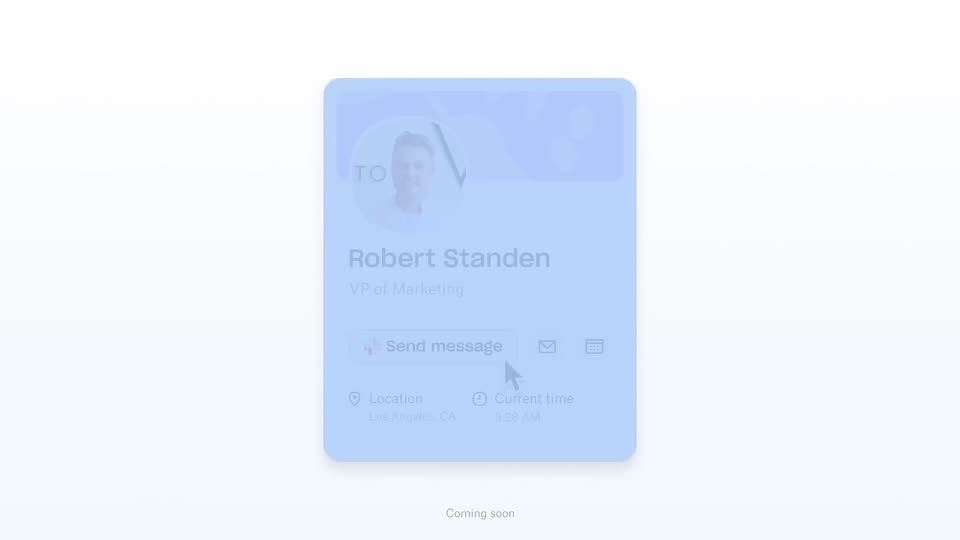 0:33–0:34Dropbox Dash · Dropbox Dash: Search videos, images, and create content fastA white profile card sits centered on a pale background with a man's photo, name, title, a Send message button and two icon buttons. A cursor glides up from the lower right to hover the Send message button, which gains a focus ring. Small gray text reads Coming soon below.
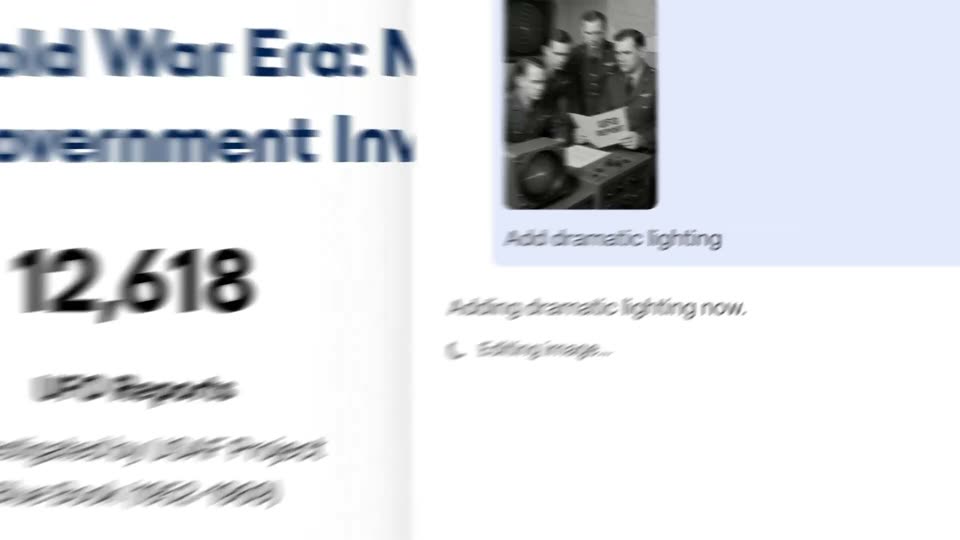 0:19–0:22Gamma · Gamma - Introducing AI Image Editing with animation! You can now edit and anA close-up of the AI chat panel shows a cursor clicking the “Add dramatic lighting” chip; the view then pulls back to reveal the full slide editor with a black-and-white photo of men examining a UFO report.