Cursor demo
A visible cursor operates the interface.
15,085 scenes · page 173 of 252
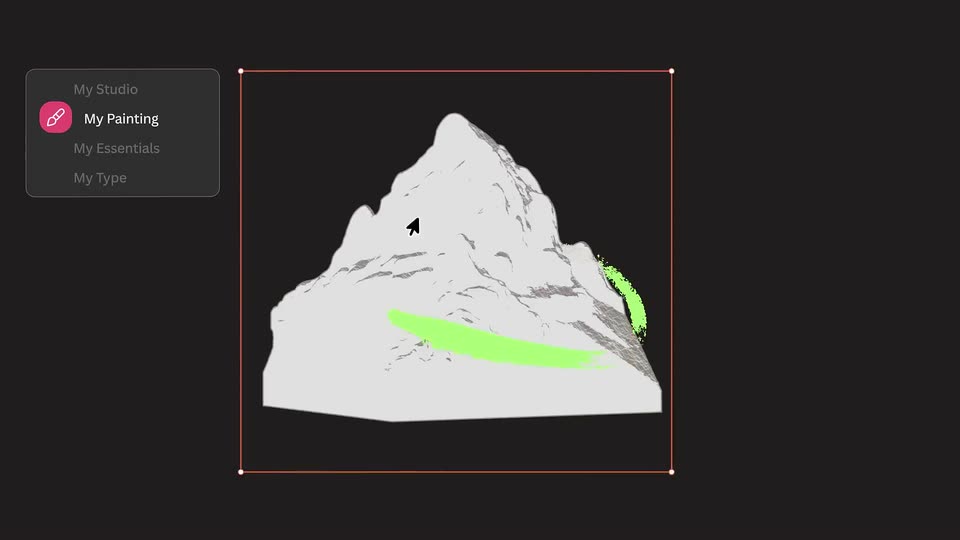 0:33–0:34Affinity · Creative FreedomA white pencil sketch of a mountain sits inside an orange selection box on a dark canvas. A cursor draws a green brush stroke across it while a left-side menu of items slides vertically.
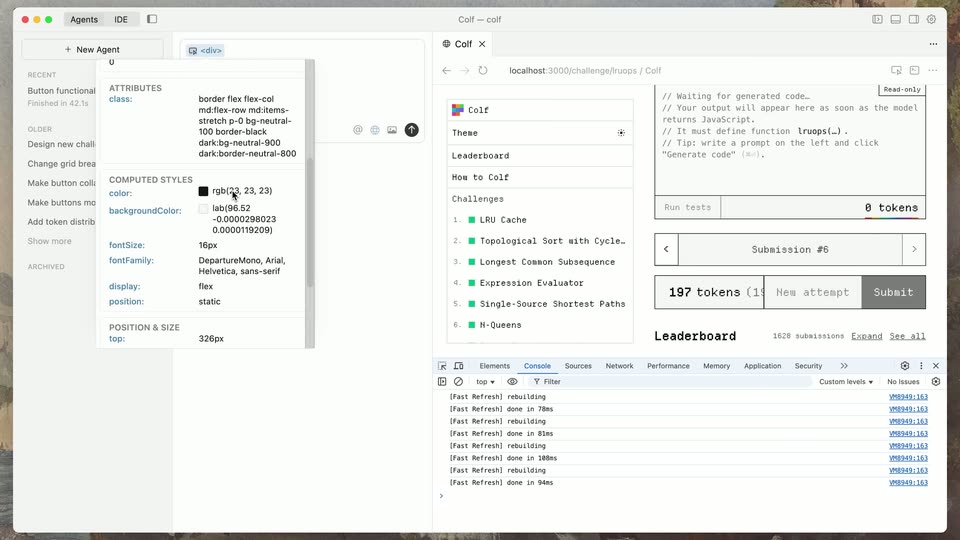 0:46–0:51Cursor · Introducing Cursor 2.0Side by side, an agent IDE and a browser open a coding challenge page, with DevTools below. The cursor closes a dropdown, inspects a div, types a prompt that references it, and the shot zooms into the IDE panel.
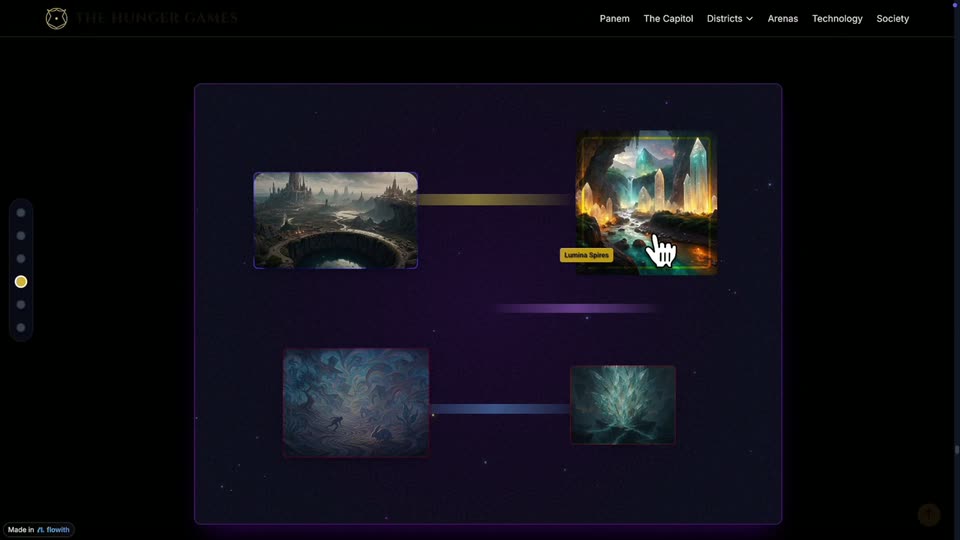 0:44–0:47Flowith · Derek Nee - introducing the OpenAI Atlas killer. might be the last browser you'llA dark web canvas shows four fantasy illustration tiles linked by colored lines beneath a THE HUNGER GAMES header and nav menu. A hand cursor hovers each tile in turn, popping up a small label on hover.
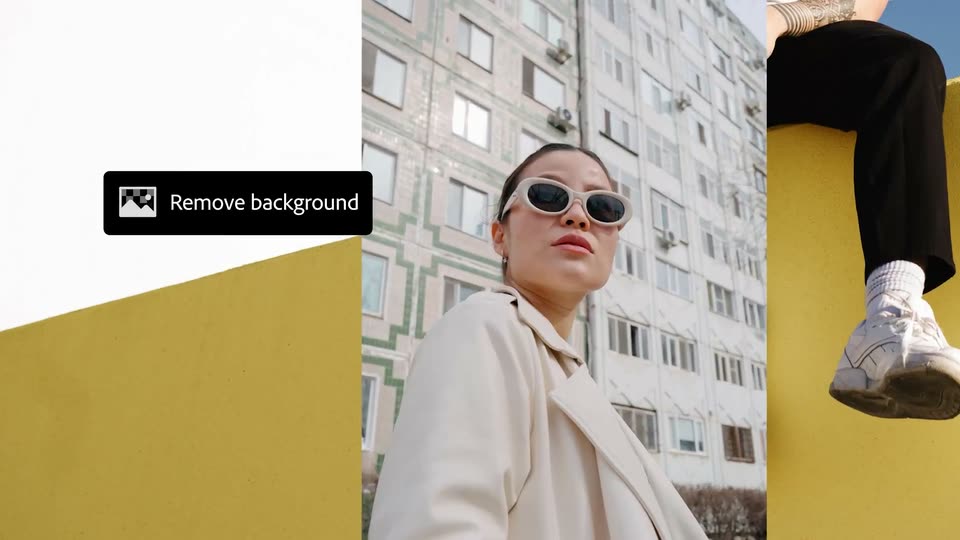 0:16–0:20Topaz Labs · Topaz Labs - @Adobe + Topaz Labs 🤝🙌 Just announced—you can now access select TopazA photo of a man on a yellow wall sits right on a white canvas as a smaller photo of a woman in a beige coat scales up to fill the center. A black button reading Remove background slides in from the left under a hovering cursor.
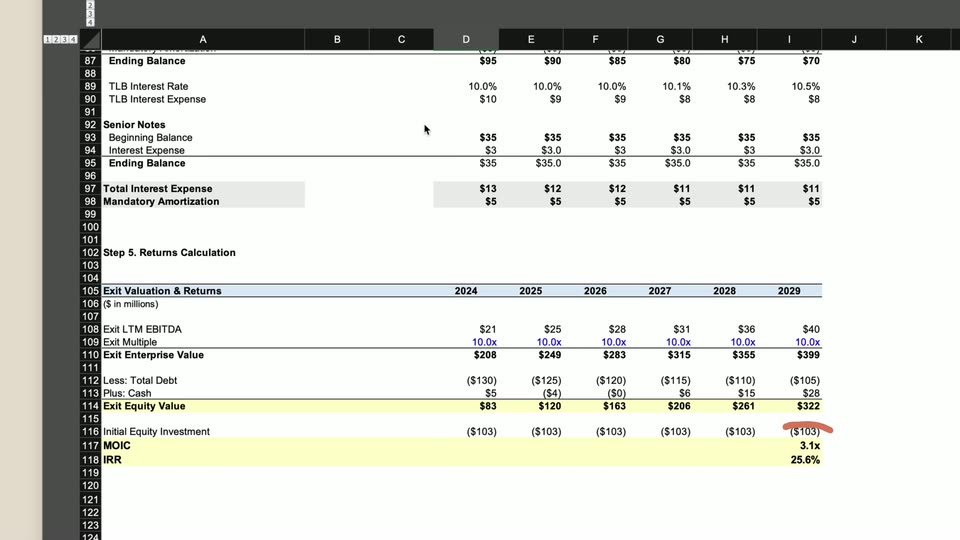 0:56–1:03Anthropic · Anthropic - We’re expanding Claude for Financial Services, with an Excel add-in,An Excel LBO model scrolls down through its assumptions and returns, a red circle highlighting the IRR cell. The cursor clicks Add-ins in the ribbon, and a menu opens with the Claude add-in icon circled in white.
 0:15 · 0.9sThe Browser Company · Dia - Complex Skills, simple words. Create expert-level prompts with the rClose-up of two interface buttons: a light “Advanced Mode” button cut off at the left edge and a dark “Create Skill” button with a return arrow. A white cursor hovers over the dark button as it flickers between dark and light states above a magenta gradient band.
 0:05–0:06Jitter · Jitter - New this week: Jitter plugin for Figma Buzz 🎉 Drive engagement by adA black toast bar reading “Pasted” with a checkmark sits on a light canvas, a blue cursor hovering at its right edge. The whole interface zooms out as the bar shrinks toward the bottom, revealing a SALE banner with a 30% OFF coupon at the top left while the cursor turns dark and lifts above the bar.
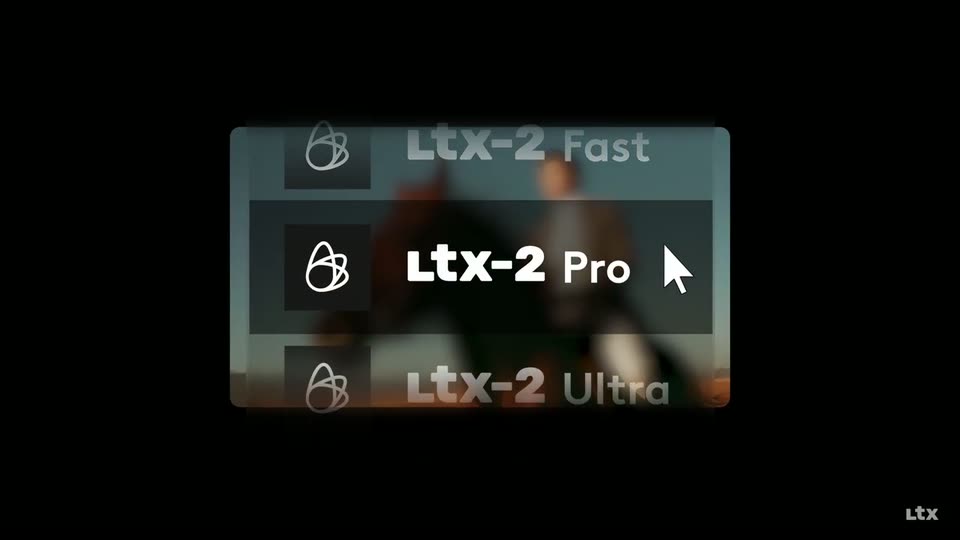 0:31–0:32LTX · LTX.io - Today we’re launching LTX-2 in LTX (we're more than a studio). LTX-2A dark model-selector list floats over a blurred photo of two people. The three rows slide upward as the cursor hovers the middle row, which brightens and scales up to show the selection.
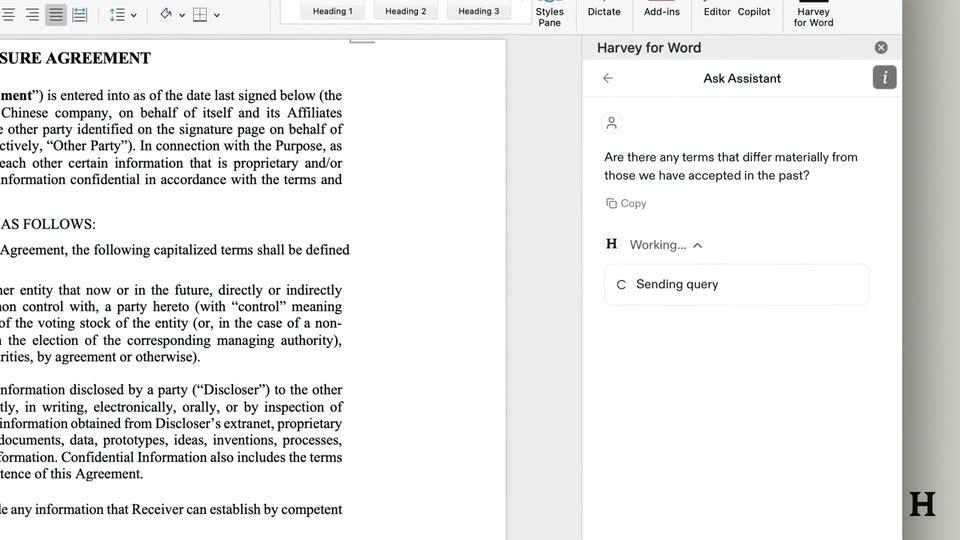 0:59–1:15Harvey · Microsoft IntegrationsA cursor works through the Harvey add-in inside a Word NDA: it attaches files from the Vault, picks the Check NDA prompt, and sends the query, while the sidebar lists the AI's working steps as the view zooms into the panel.
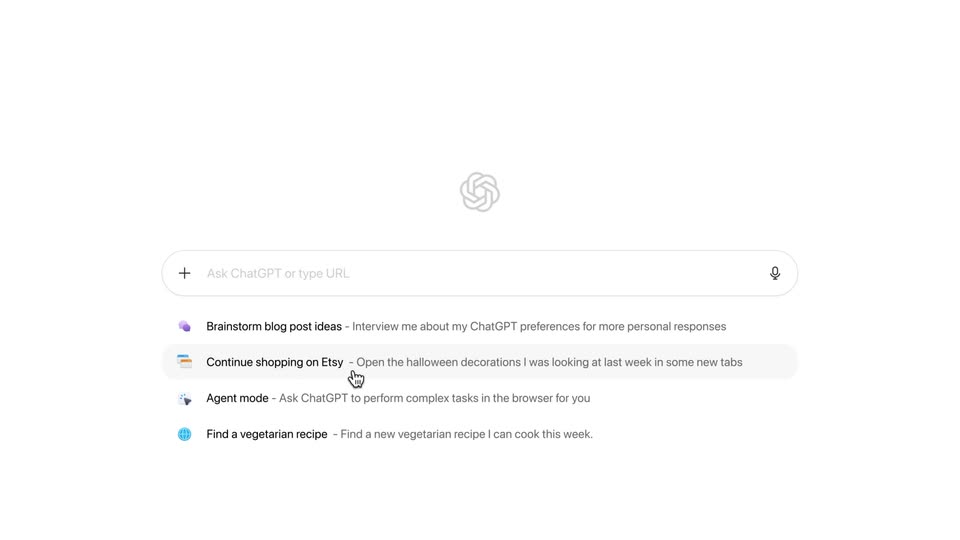 0:53–0:54OpenAI · OpenAI - Meet our new browser—ChatGPT Atlas. Available today on macOS:A white new-tab screen shows a search bar above four suggestion rows. A cursor glides down to the Etsy row and clicks it, then a large gray two-line caption appears over the bar stating the prompt.
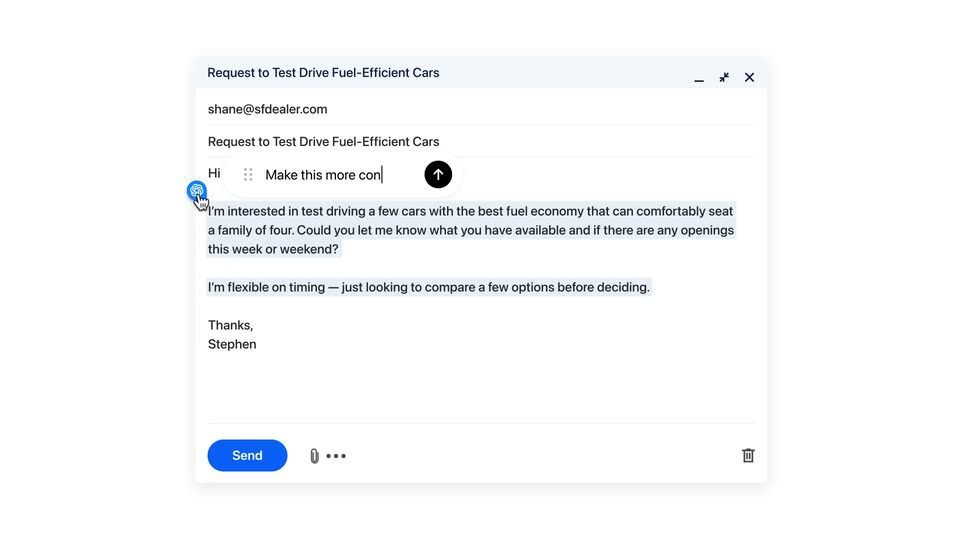 0:44–0:50OpenAI · Introducing ChatGPT AtlasAn email draft window sits on a white field. A blue AI icon pops in at the body's start, a prompt bar opens above it, and the instruction to make it concise is typed. A hand cursor clicks the black up-arrow button, then the whole window fades to white.
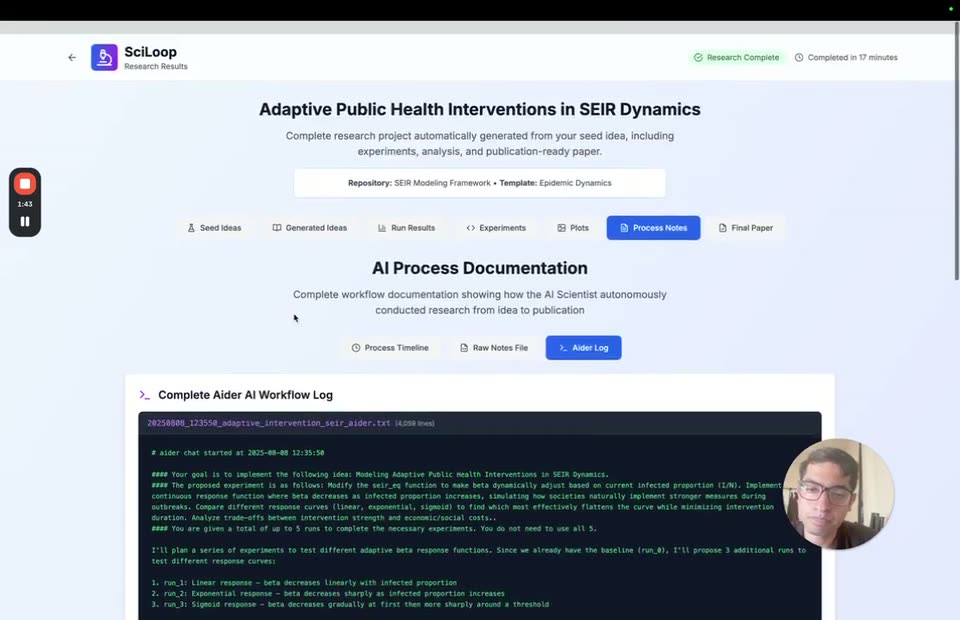 1:40–1:46Sciloop · Sciloop - End to End Scientific DiscoveryThe SciLoop results page scrolls up from stat and insight cards to the report header and tab bar. A circular webcam of a man with glasses stays in the lower right corner, and a cursor hovers over the tabs.
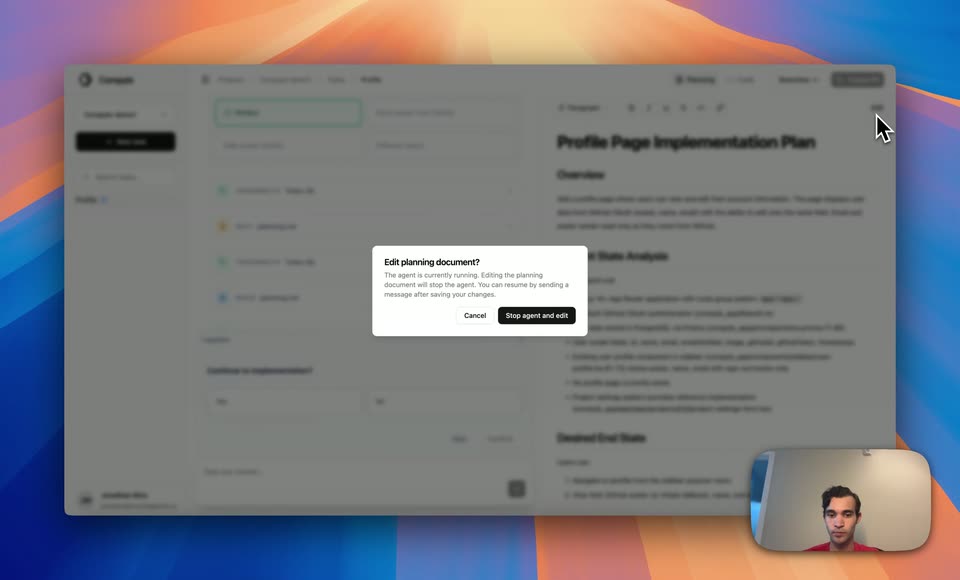 1:38–1:40Compyle · Compyle | Demo VideoA product interface displays a document titled Profile Page Implementation Plan with a centered modal dialog reading Edit planning document. A cursor glides across the screen and rests on the Cancel button, while a small presenter video sits in the lower right corner.
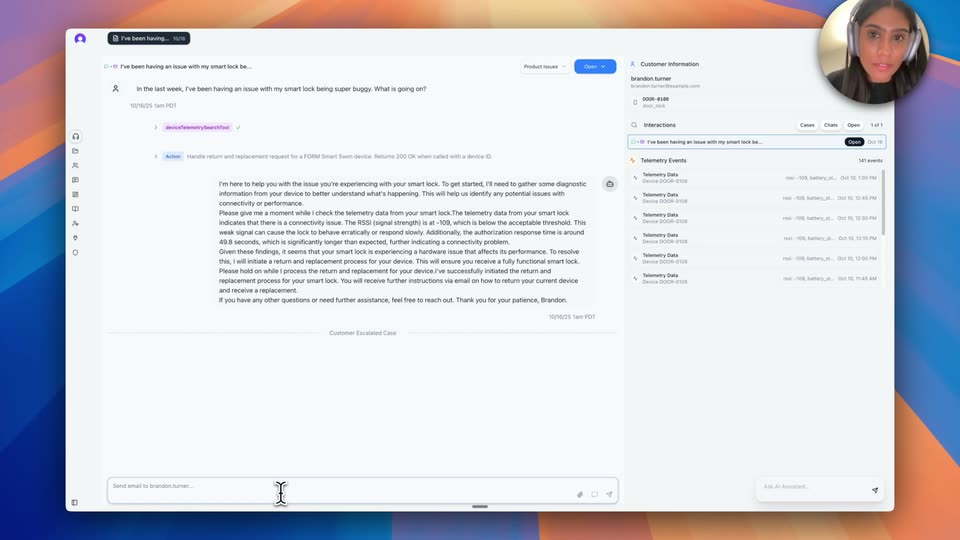 1:46–2:05Layers · Telemetron DemoA support interface fills the frame, a presenter in a circular video bubble at the top right. A cursor hovers over an expanded telemetry code block, then collapses it to one line. The cursor moves down to the reply field as the presenter speaks.
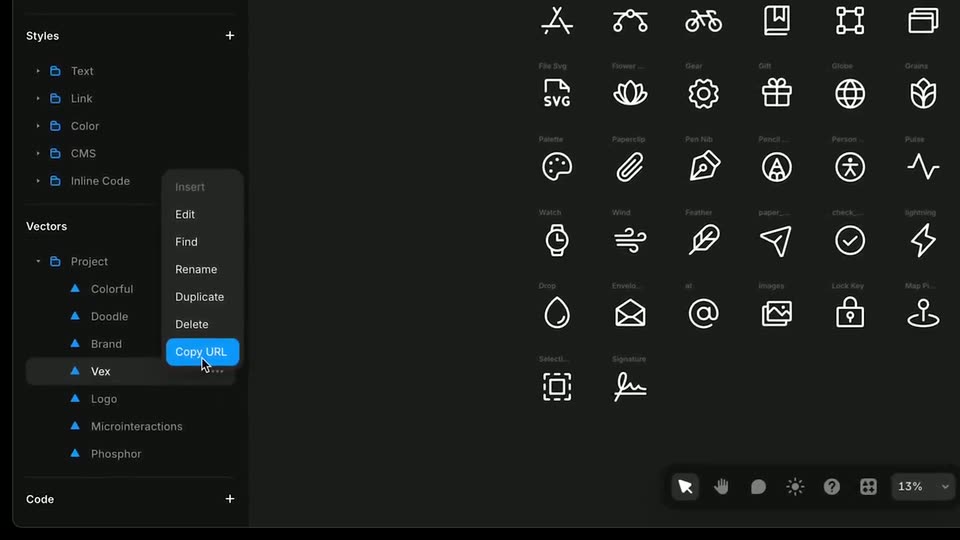 0:37–0:41Framer · Framer - 🖌️ Vectors are now available on the Framer Marketplace. Easily add reA dark interface shows a grid of white line icons; a cursor right-clicks the Vex set in the left panel, opens a context menu, selects Copy URL, and a toast confirms the copy.
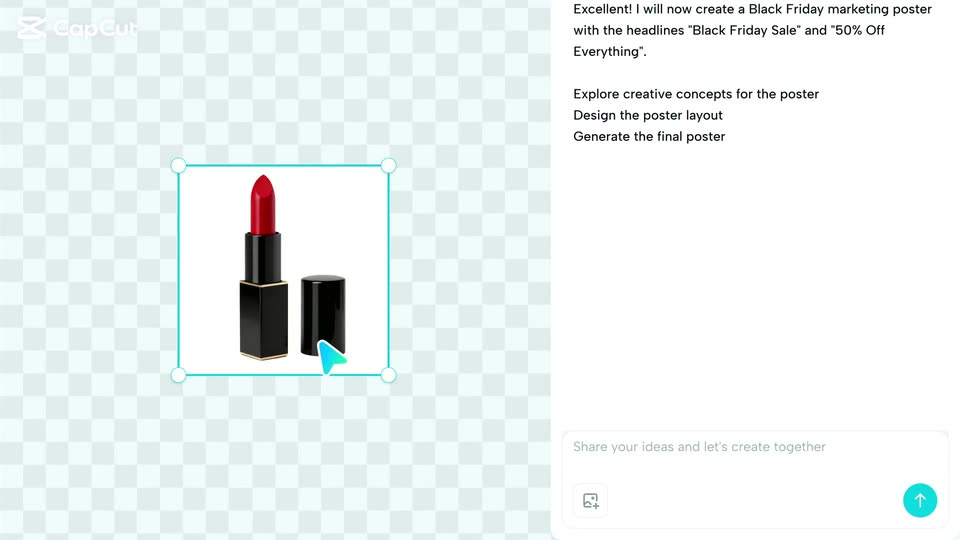 0:42–0:43CapCut · CapCut - Your all-in-one e-comm toolkit is here. Meet the new CapCut Desktop!A CapCut editor screen fills the frame: a checkered canvas holds a red lipstick photo while a teal cursor glides across it and a teal bounding box with corner handles snaps around the photo. A chat panel on the right lists the poster steps.
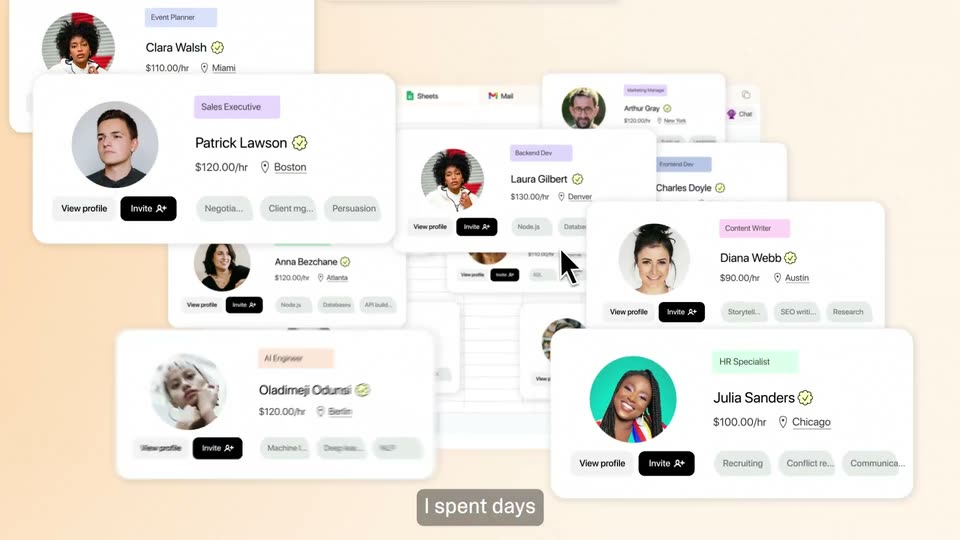 0:29–0:30Strawberry · Charles Maddock - We've raised $6M from General Catalyst, EQT Ventures, and founders ofA cluster of candidate profile cards, each with a photo, name, role and hourly rate, floats and drifts across a peach gradient, layered over a faint calendar and app icons, while a cursor glides between them and a caption reads “I spent days”.
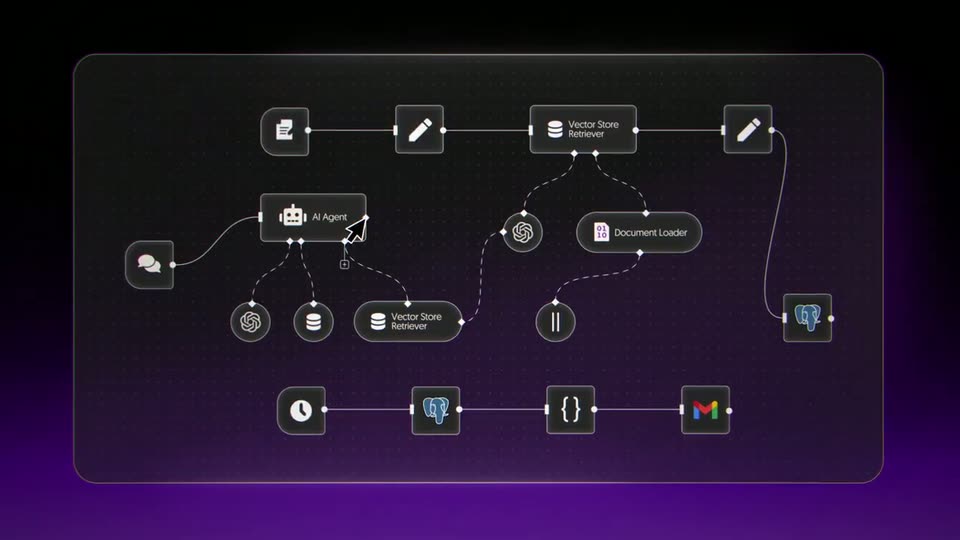 0:45–0:50n8n · n8n.io - 🚀 Introducing AI Workflow Builder (Beta) - Turn prompts into living wA dark dotted canvas holds a node graph of icon tiles linked by solid and dashed lines. A cursor selects the document and pencil nodes with a purple rectangle and drags them right, then hovers over the AI Agent and pause nodes.
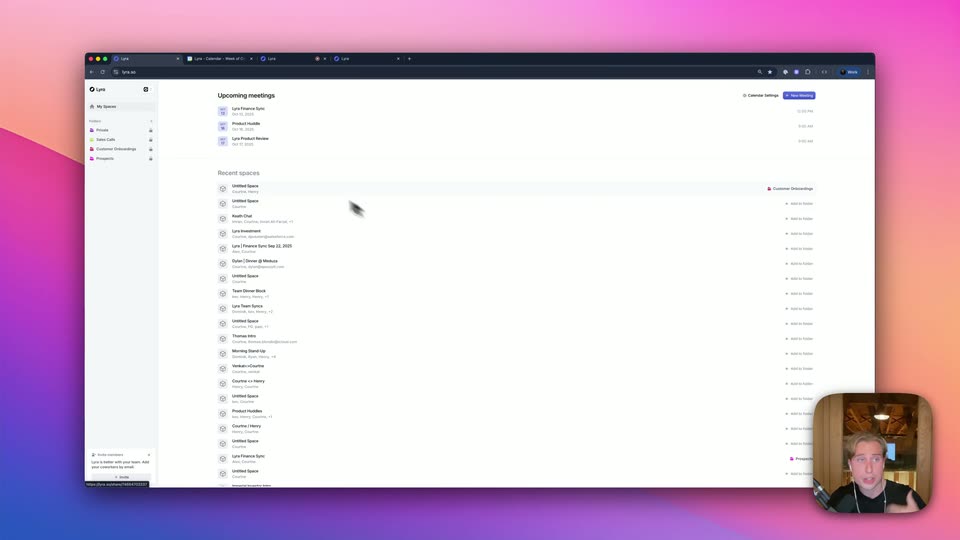 0:09–0:10IRBC · Lyra, The Final Meeting Platform.A browser window of the Lyncr interface floats on a pink and purple gradient, with a small presenter cam in the lower right. A mouse cursor glides from the center of the space list up to the first upcoming meeting row while the man in the cam gestures.
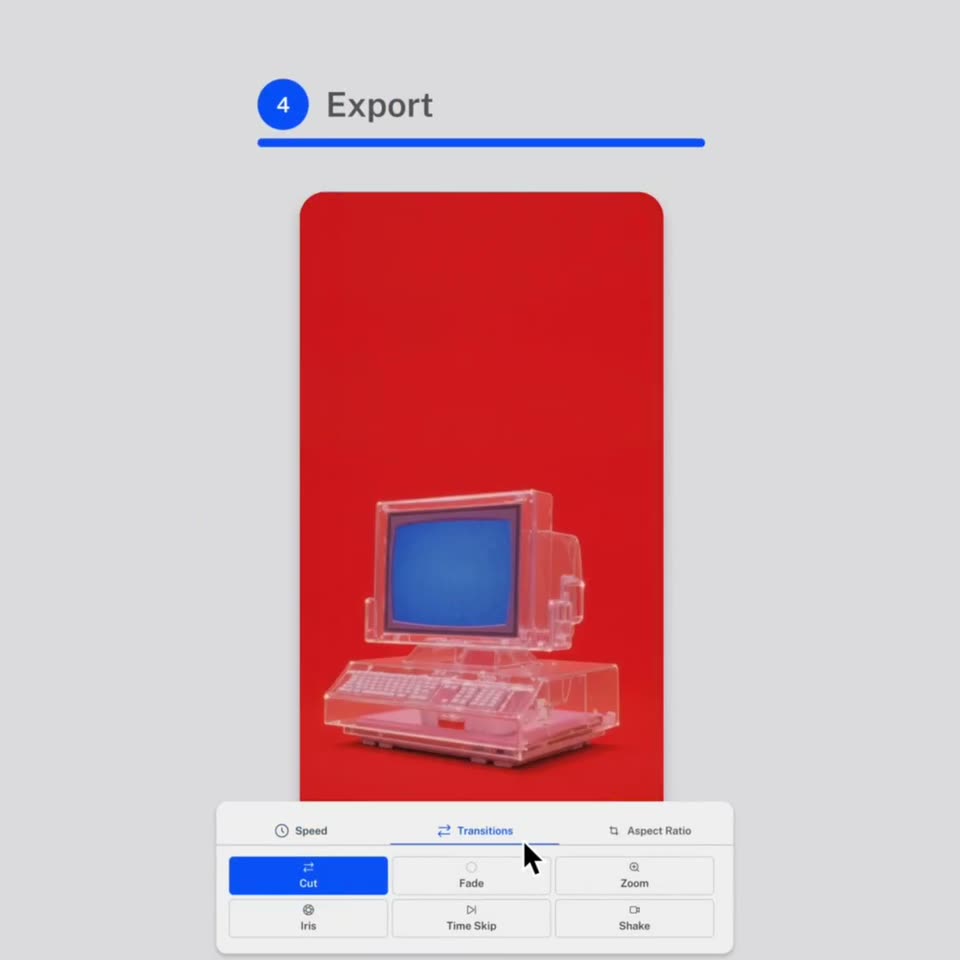 0:22–0:23Kaiber · Kaiber - Most AI tools just generate. But Superstudio helps you create. MakeA phone frame shows a red card with a transparent retro computer. Above it, a numbered step label reads Export. A cursor moves across the bottom panel, switching the Transitions tab to Aspect Ratio, and the button grid changes from transition names to ratio options.
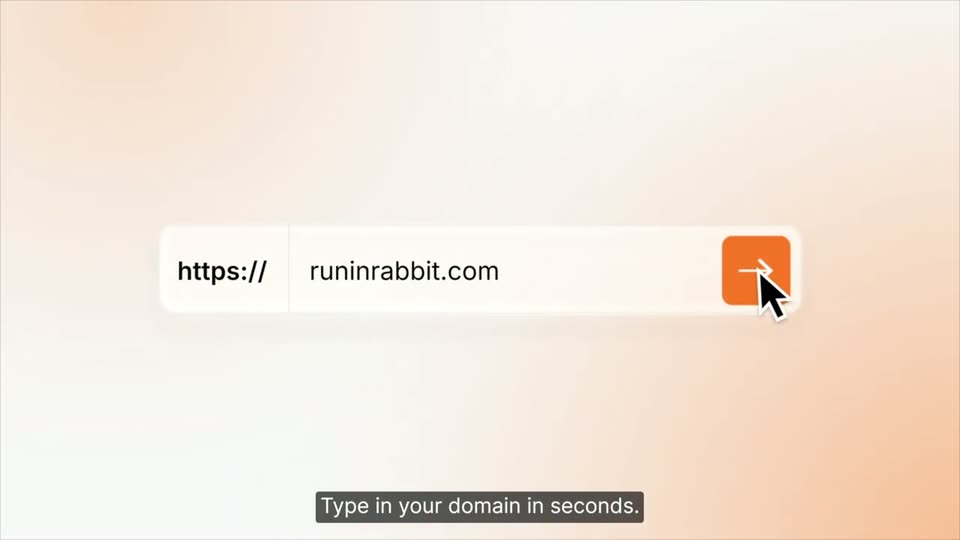 1:25–1:27Meridian · Alex Dees - Introducing Meridian. 50% of searches are now powered by AI (Think COn a soft peach gradient, a URL field assembles as the https:// prefix slides in and runinrabbit.com types out; a cursor glides to the orange arrow button and clicks it, with the caption Type in your domain in seconds. below.
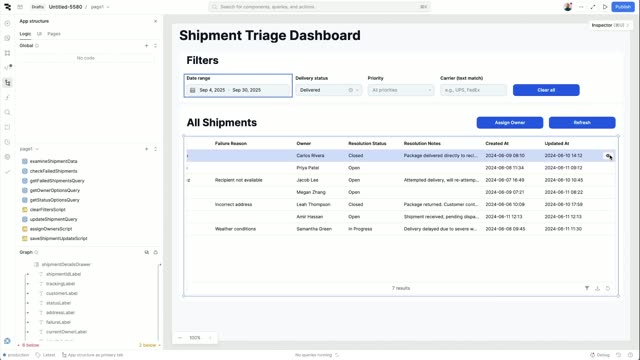 1:15–1:16Retool · Introducing Enterprise AppGen: AI-Assisted Development from RetoolA dashboard builder canvas displays a Shipment Triage Dashboard with a filter bar and a shipments table. A cursor hovers over the first two table rows while the left sidebar lists queries and scripts.
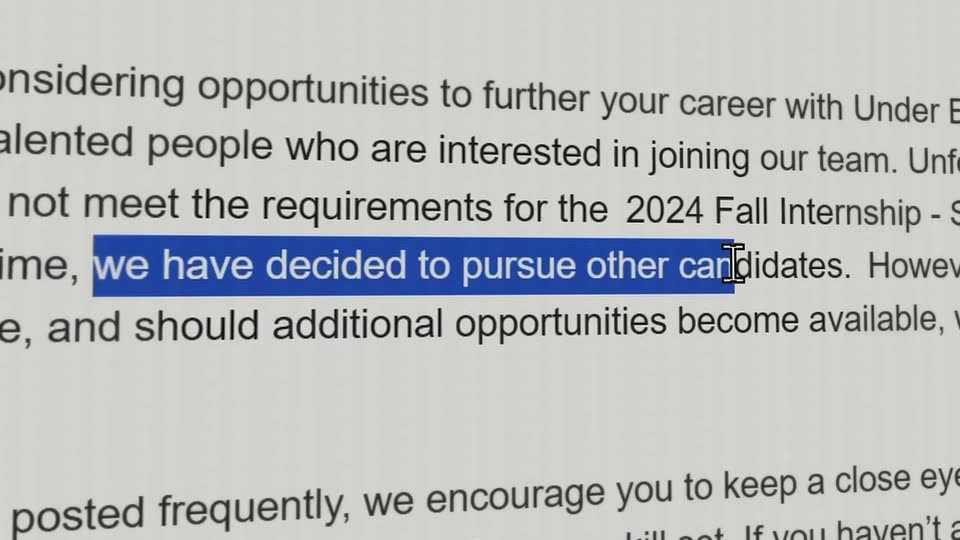 0:23–0:24Sorce · Y Combinator - Sorce (@sorcejobs) is building Tinder for Jobs. When you swipe rightA tight close-up of a document on a light gray field. A text cursor drags a blue highlight left to right across the line we have decided to pursue other candidates, the selection block growing word by word.
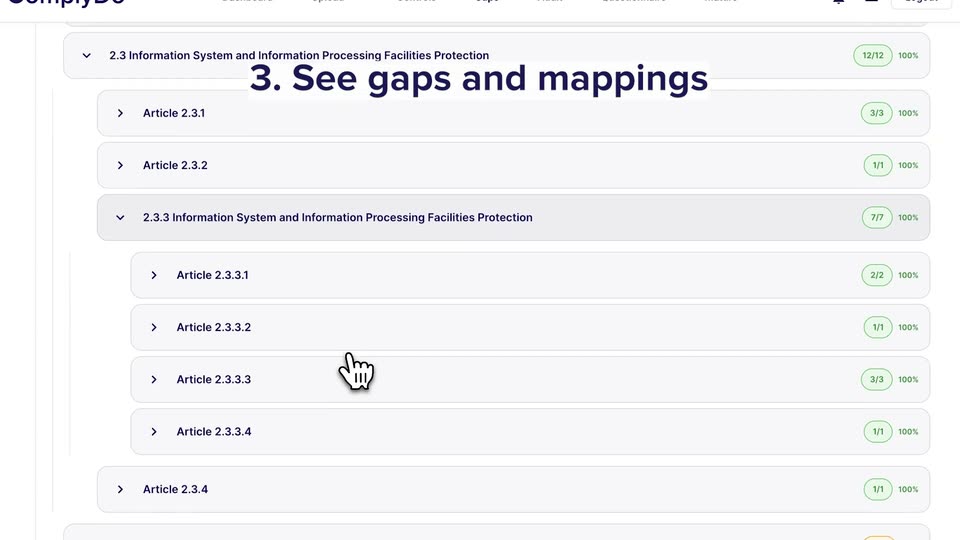 0:25–0:31ComplyDo · Compliance is CHAOS. ComplyDo (YC F25) - The most flexible enterprise compliance engine.A hand cursor clicks down a compliance list, expanding nested rows as the interface scrolls beneath a fixed navy headline. Each click reveals deeper article levels until a requirements table slides in at the bottom.
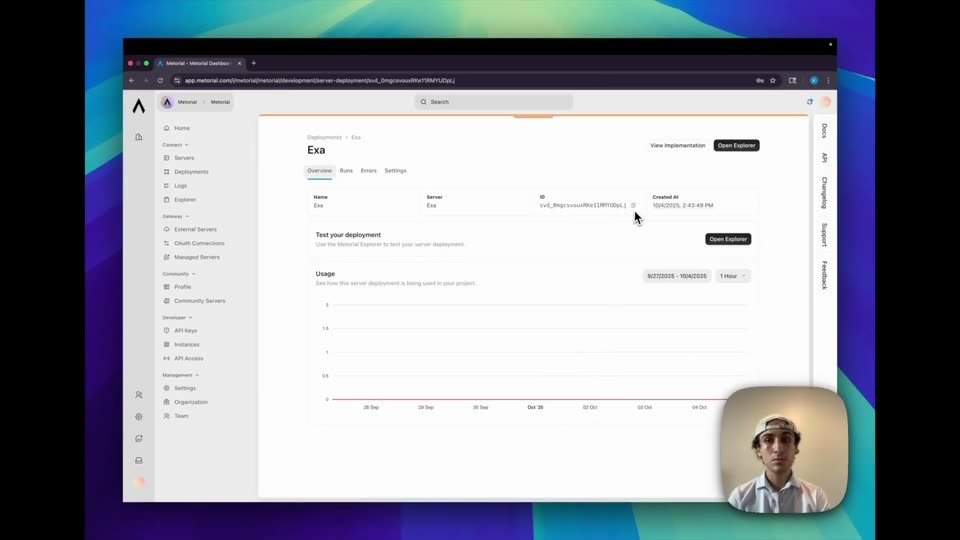 0:34–0:36Metorial · Introducing Metorial - YC F25A browser window on a colorful abstract desktop shows the Metorial dashboard. A cursor clicks Continue on a Create Deployment dialog, then the view cuts to a welcome page where the heading slides in. A circular webcam feed of a man in a cap sits in the lower right corner.
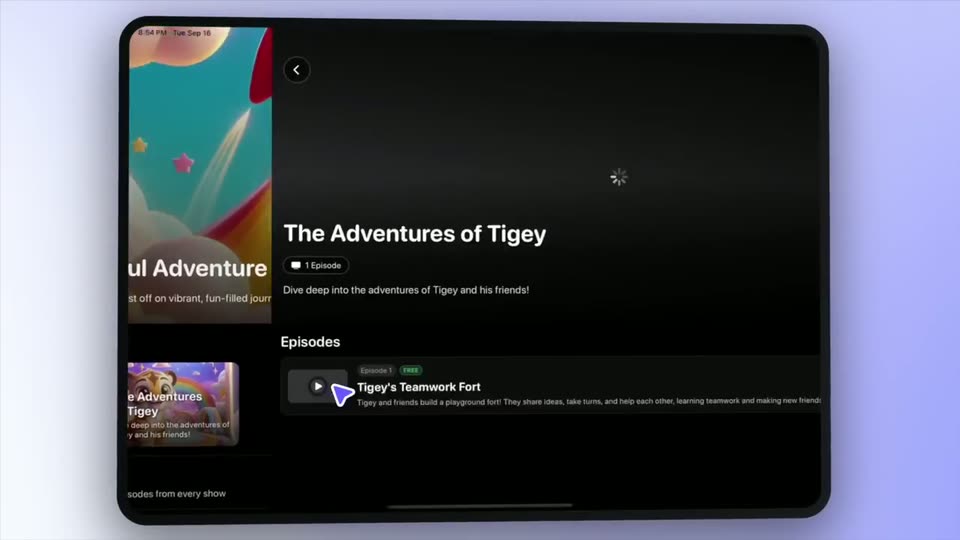 0:39 · 0.5sPixley AI · Introducing Pixley AIA tablet in 3D perspective on a lavender field shows the app switching from a rocket hero banner to a dark episode panel. The title slides in as a cursor hovers the first episode row.
 0:32 · 0.8sNexus · Nexus - Enabling business teams to build agent without codingA white list card with a highlighted Flow row and a black cursor sits under a blue headline. The card gives way to a dotted white panel that slides in from the right as Sales Lead is typed at its top.
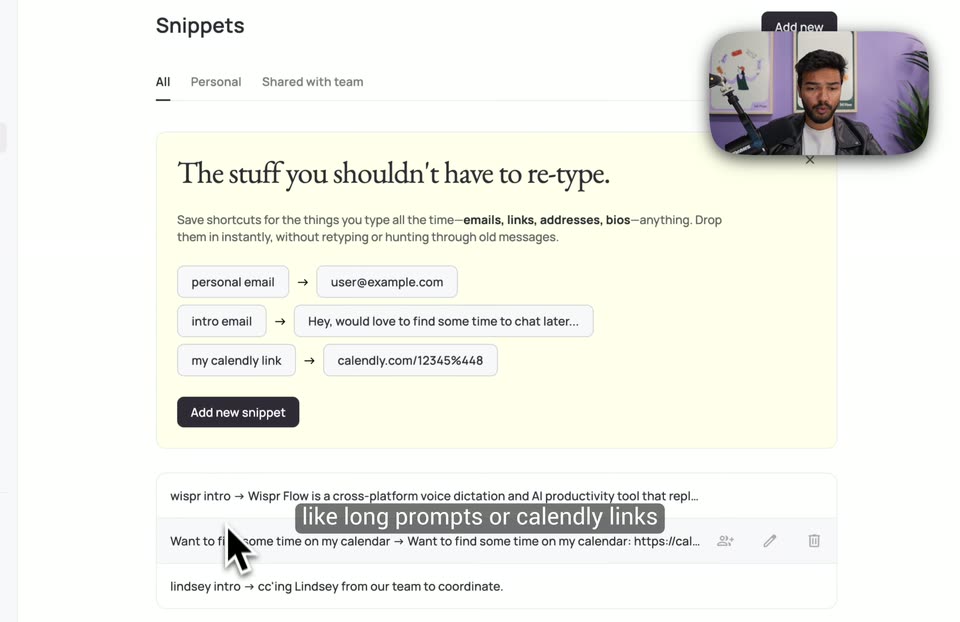 0:45–0:51Wispr Flow · Intro to Wispr Flow: voice-to-text AI that turns speech into clear, polished writing in every app.The Snippets screen zooms in from the full desktop, a yellow card listing example shortcuts at the center, presenter in a top-right inset. A cursor moves down the list while captions swap below, then the frame pulls back slightly.
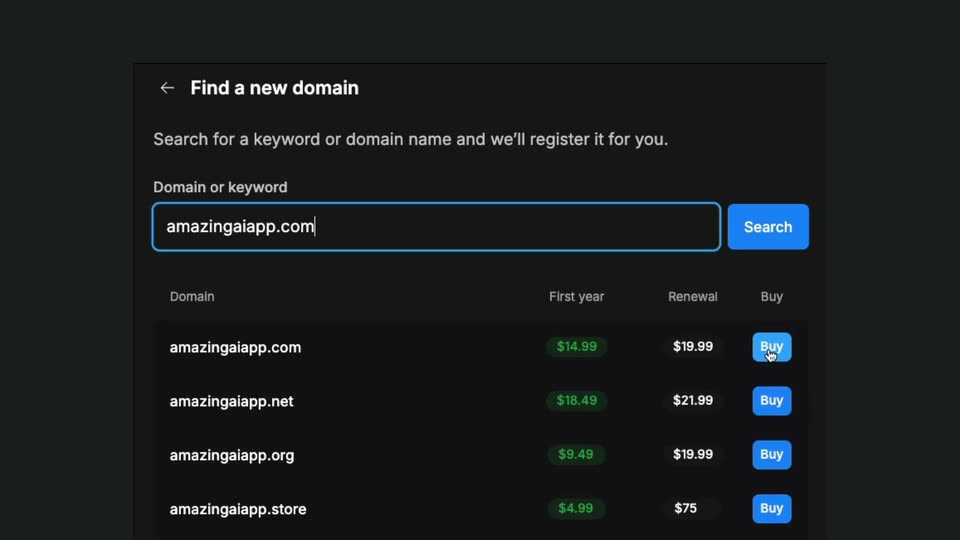 1:55–1:57Bolt · bolt.new - Today vibe coding goes pro. Introducing Bolt v2: → World's best ageA dark domain search view fills the frame, a blue-outlined field holding a typed address above a results table of prices. A cursor hovers over the first blue Buy button.
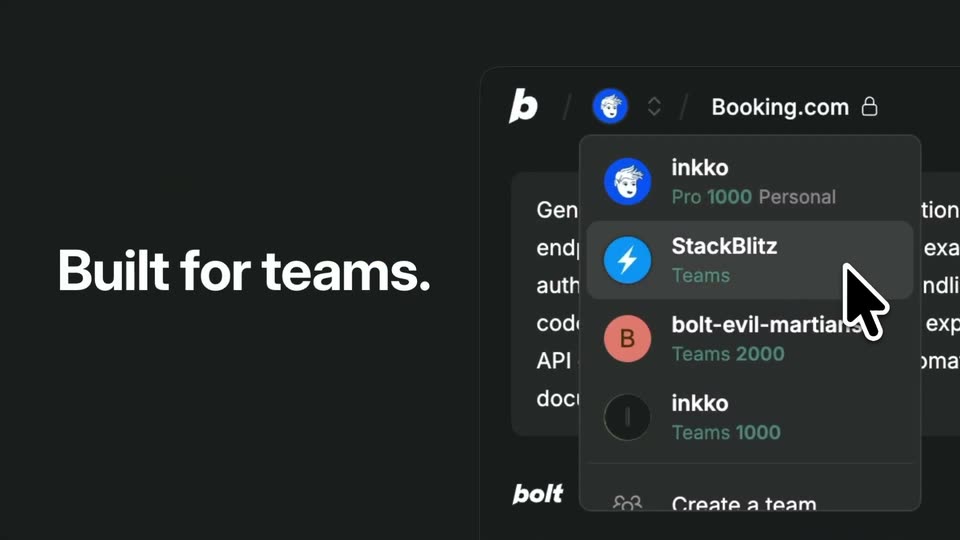 2:02–2:06StackBlitz · Bolt.new V2 Is Here: The Future of BuildingA white headline holds on the left while a dark product window on the right opens a team-switcher dropdown. A cursor glides down the list of team names, then the whole frame fades to black.
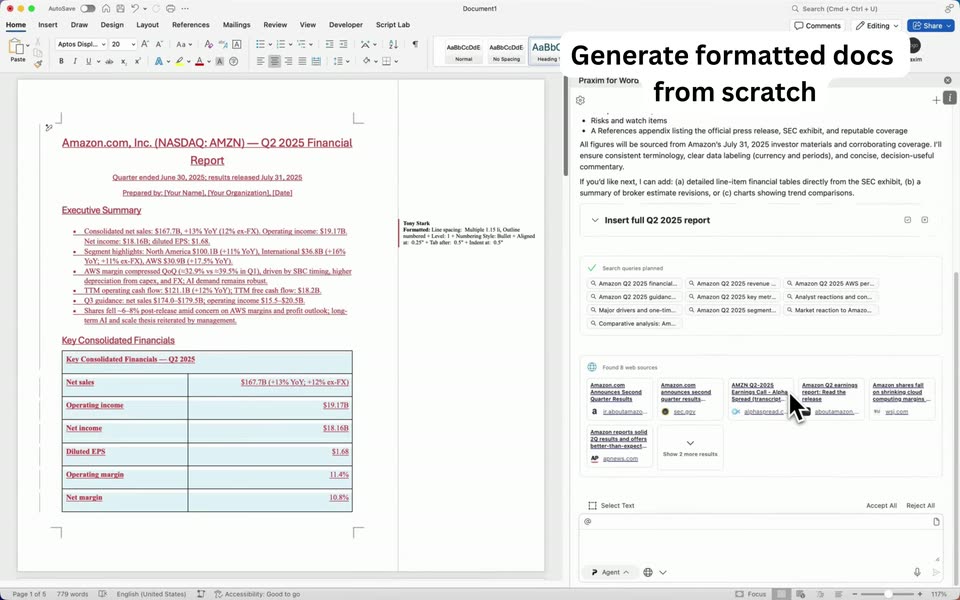 0:43–0:55Praxim · Praxim for Word DemoA Word window splits the frame: empty page left, AI panel right. The view zooms into the prompt box while a cursor types a request. The panel ticks off steps and loads source cards as the page fills with a formatted report and scrolls. A cursor clicks Accept All.
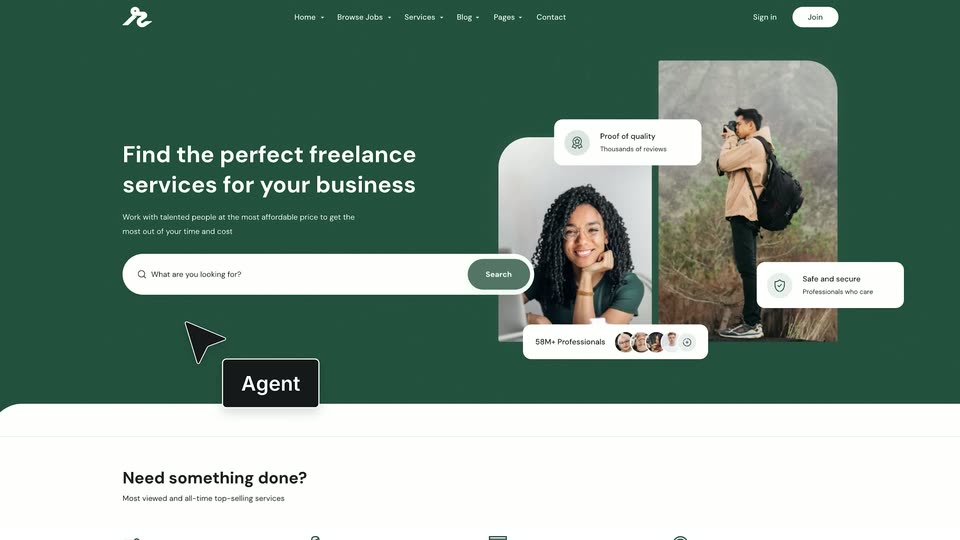 0:38–0:39Anything · Introducing Anything MaxA dark green website hero with a search bar. A black outline cursor glides down from the top to hover over the search field, carrying a dark rounded tag reading Agent that follows its position.
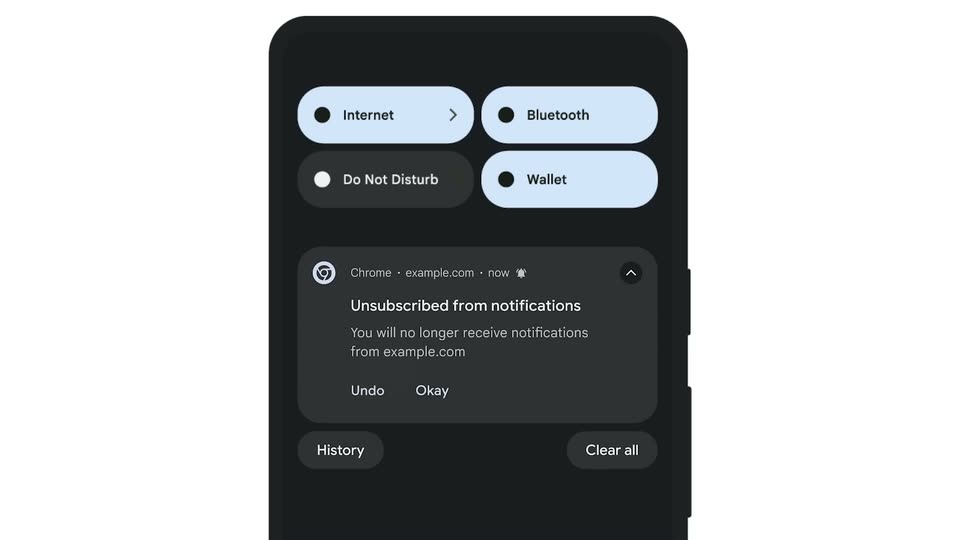 1:29–1:38Google · Behind the Browser: AI Edition HighlightsA flat black phone on white shows a quick-settings panel with a Chrome notification. The view zooms in as a gray cursor taps the card; its text switches from a scam alert to a malware warning, then to an unsubscribe confirmation before the card disappears.
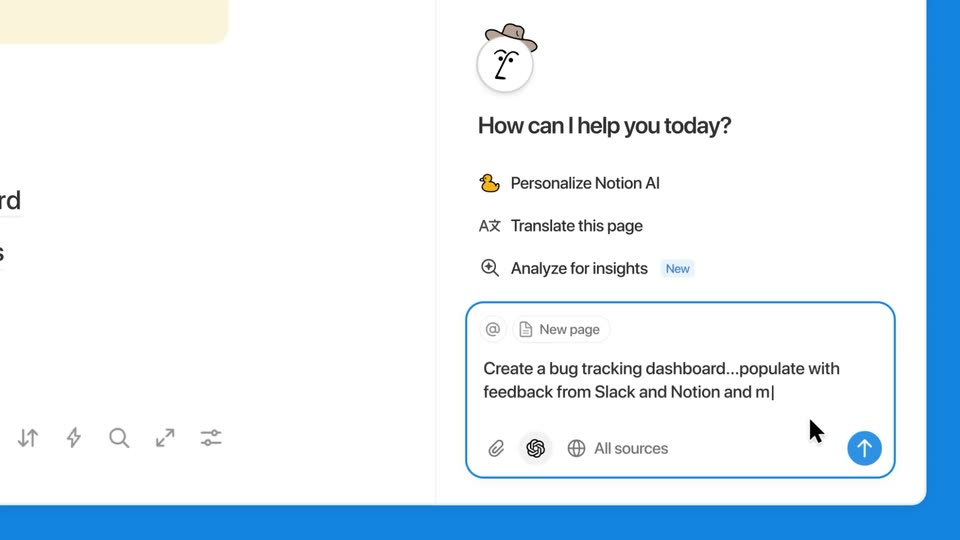 0:25–0:32Notion · Introducing Notion 3.0: AgentsThe Notion AI chat panel fills the right side of a white page. Inside the blue-outlined prompt box, a request is typed out letter by letter, then the cursor glides to the round blue send button and presses it.
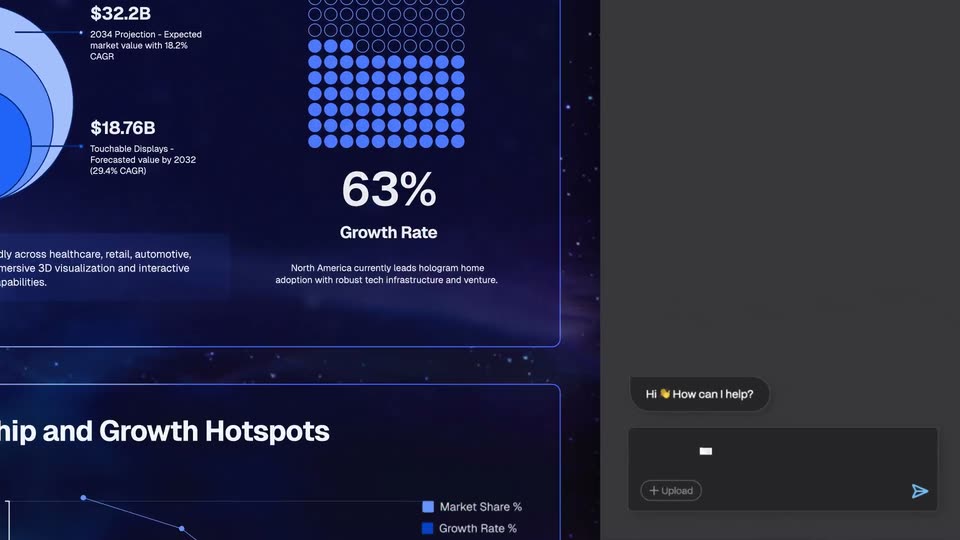 1:07–1:08Gamma · Gamma - Gamma 3.0 is here, so we put our CEO in a spaceship. And it got millA dark blue presentation slide with a Venn diagram and a matrix is shown. A white document thumbnail is dragged from right to left across the screen. The view then zooms into a dark chat interface on the right, where a chat bubble and an upload button appear.
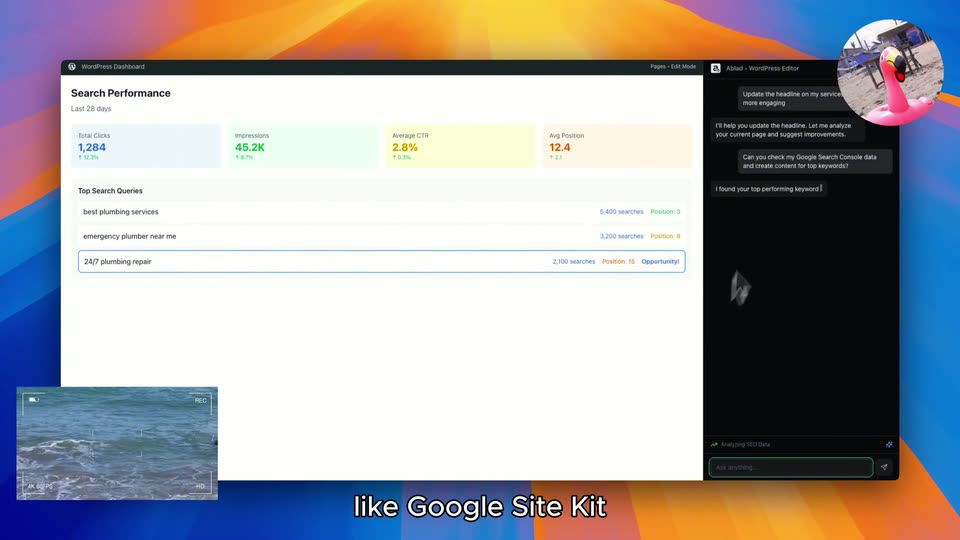 0:29–0:33Ablad · Claudio C - I’m building the first Cursor for WordPress in the world. See how AbA flat UI screen pairs a WordPress dashboard with a dark AI chat panel, a Google logo and loading bar centered between them. The left panel switches from an edit page to a search performance view, then the frame zooms onto the chat as a cursor moves over it.
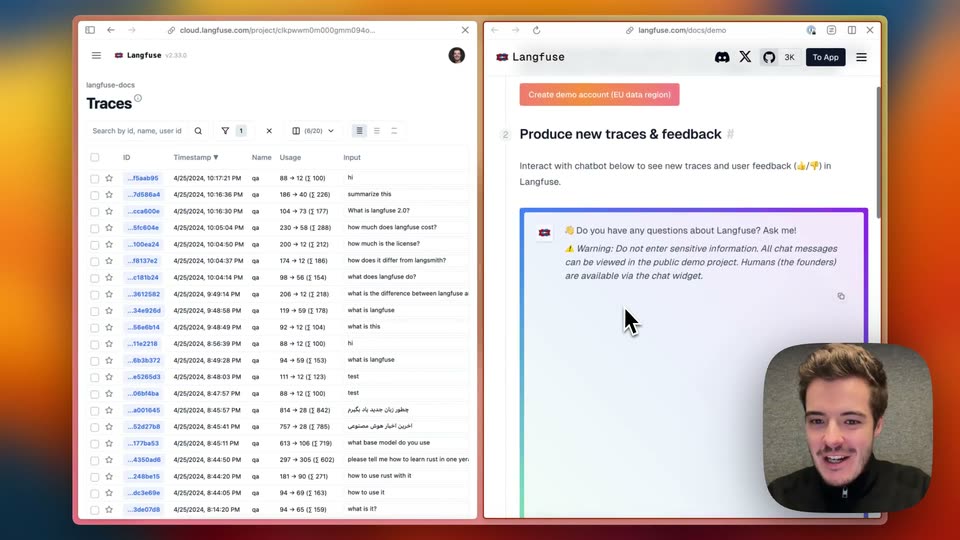 0:59–1:00Langfuse · Introducing Langfuse 2.0Two browser windows sit side by side on a gradient backdrop: a Langfuse traces table on the left and an interactive demo page on the right. A cursor moves into the chat widget and starts typing as the page scrolls up. A small webcam feed of a man rests in the lower right corner.
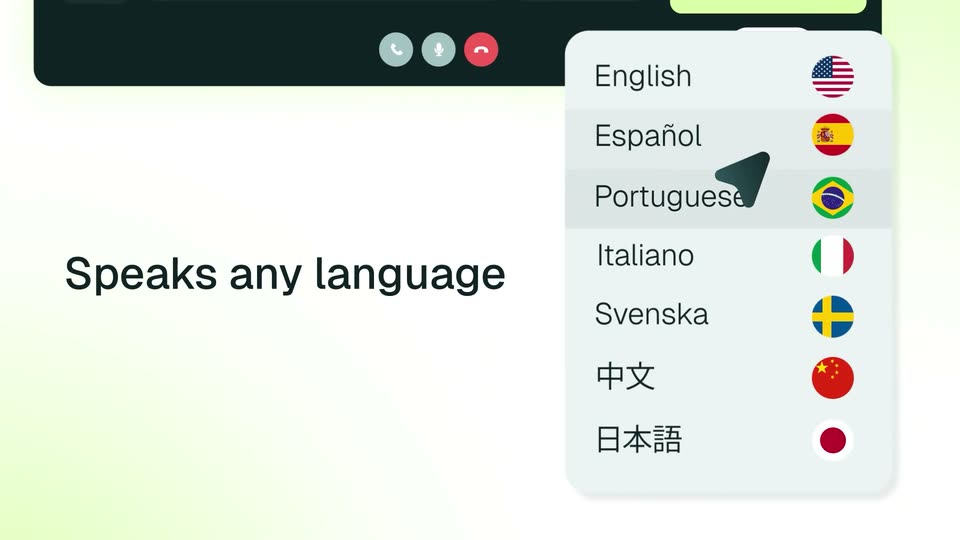 0:22–0:25SupersonikAI · Dani Carmona - The wait is over. Today we’re launching @SupersonikAI, the first AI tA flat language-picker card lists seven options with round flags while a dark cursor glides down the list, highlighting each row in turn. The black headline “Speaks any language” fades in on the left over a pale green background.
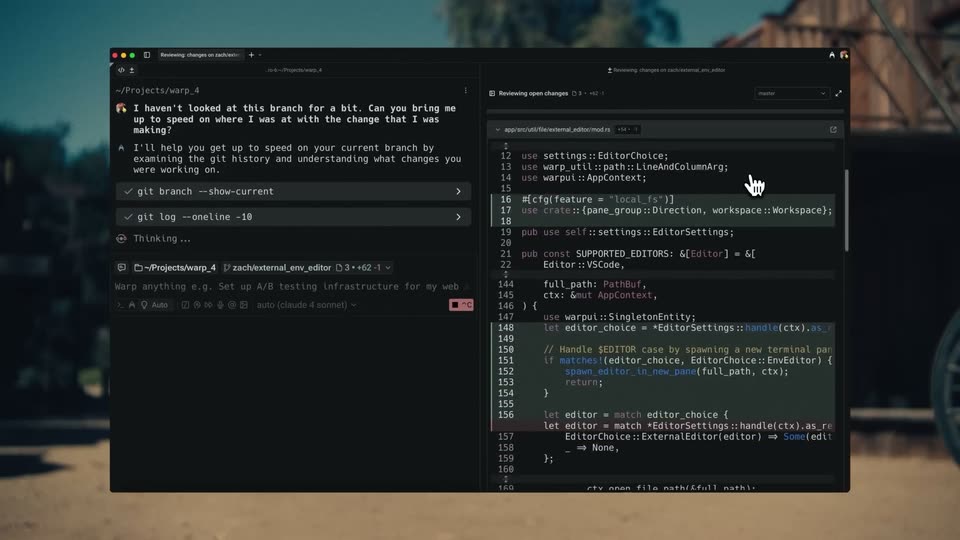 0:55–1:01Warp · Introducing Warp Code | The fastest way from prompt to productionA dark editor window floats over a blurred beach. The left chat panel types out messages and stacks git command boxes; the right diff view scrolls through code. A hand cursor glides across, hovering and clicking elements.
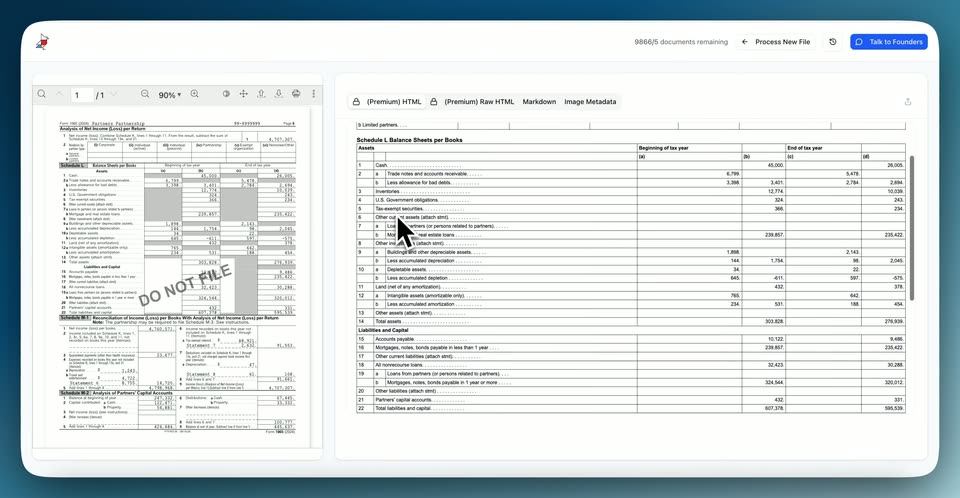 0:23–0:24Cardinal · cardinal demoA product screen shows a tax form PDF with a red DO NOT FILE stamp on the left and a data table on the right. A cursor hovers over a row as the table scrolls.
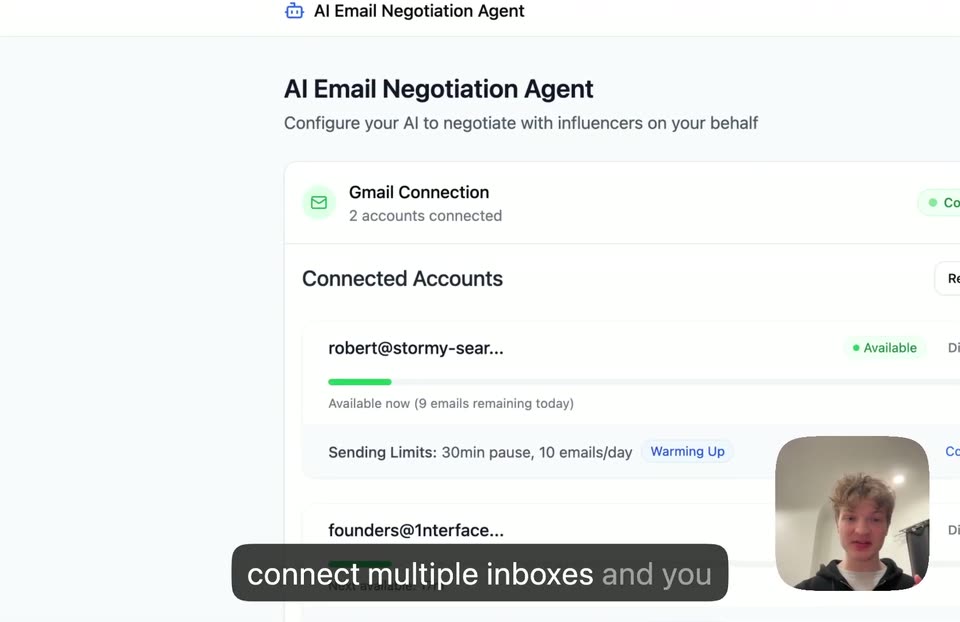 1:13–1:14Stormy · Stormy AI launch videoA product settings page titled AI Email Negotiation Agent lists Gmail connections and per-account sending limits, with a black cursor at the left edge and a small rounded webcam clip of a presenter in the lower right. A dark caption bar runs across the bottom.
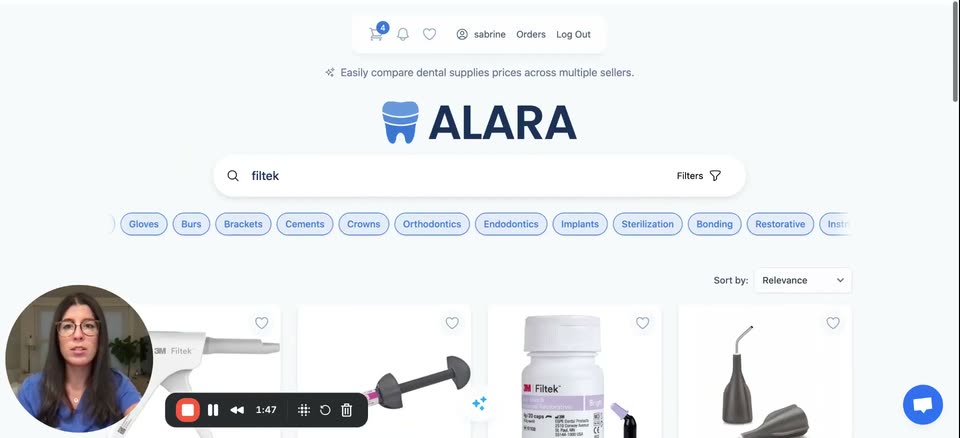 1:45–1:48Alara · Alara Dental - Transforming Dental Supply PurchasingA light website screen displays the blue ALARA tooth logo, a search bar reading 'filtek', and a row of category pills over product cards. A circular webcam of a woman in a blue top sits bottom left, and a cursor drifts up to the cart icon.
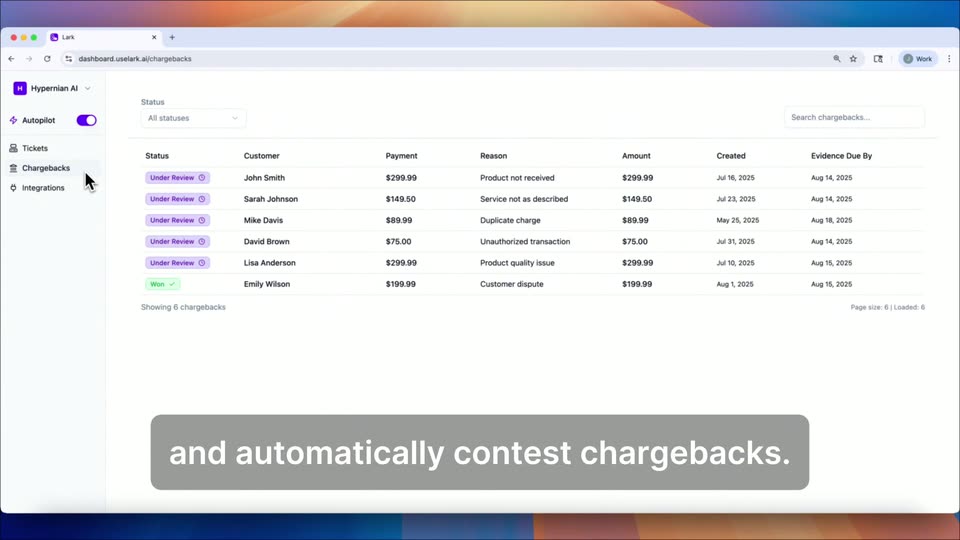 0:36–0:38Lark · Lark: AI Agents for BillingA browser window on a gradient desktop shows the Hypernarian AI chargebacks dashboard in slight 3D perspective. A cursor glides up the sidebar to select Chargebacks while the table rows settle into Under Review, and a gray caption bar sits at the bottom.
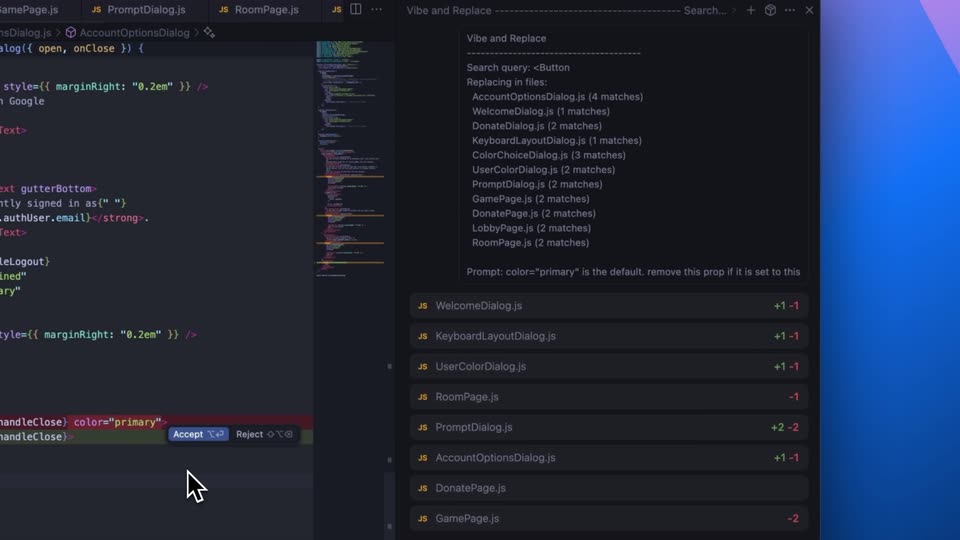 0:59–1:06Windsurf · Windsurf Wave 12: Devin features in Windsurf!A dark code editor shows a modal with a W logo offering to replace 23 occurrences across 11 files via AI prompt. A cursor clicks Replace, the view reframes onto a right-hand panel listing matched files, and diff rows with plus and minus counts slide into the panel.
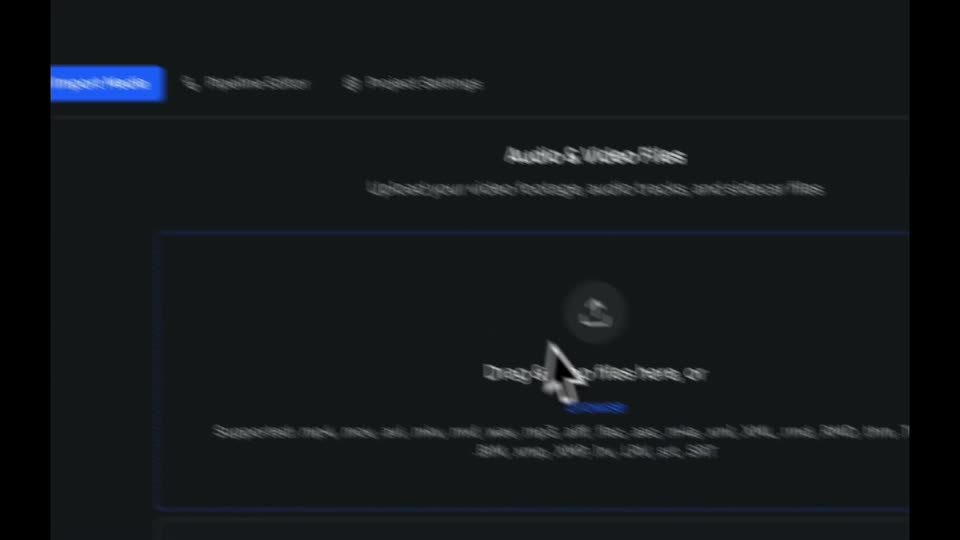 0:41–0:44cocreate · Cocreate demo videoA dark workspace UI shows a cursor clicking the blue Import Media tab, then the view zooms into the upload section. The cursor moves to the browse link in a dashed drop zone that lists supported file types.
 1:03–1:06Harvey · iManage IntegrationA light document editor with an earnings memo fades out to plain white, leaving the Export to iManage button centered while a black cursor hovers at its lower-right corner. The frame stays locked off.
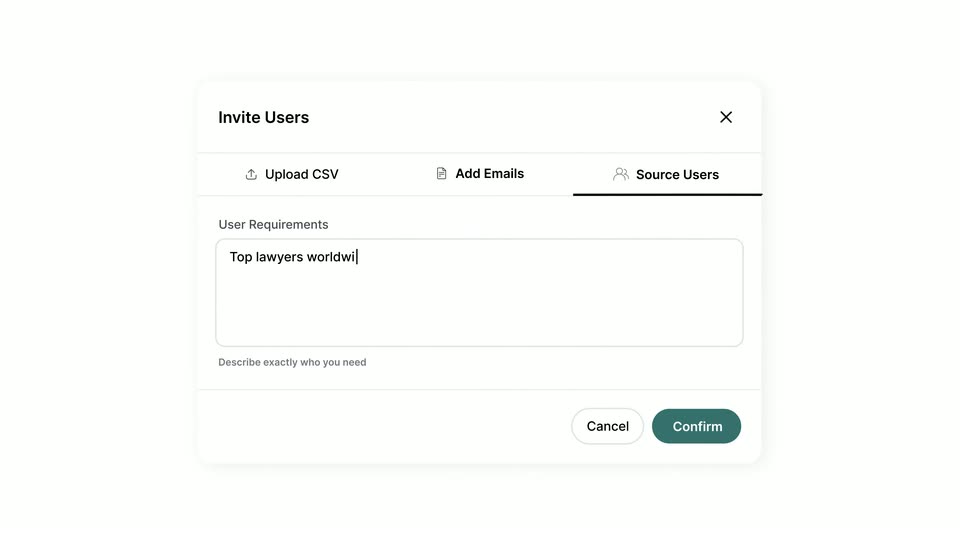 0:41–0:46MangoDesk · MangoDesk DemoA white modal titled Invite Users sits centered on a plain background. A cursor clicks the Source Users tab, switching the form to a User Requirements field where text is typed, then the cursor moves to the Confirm button.
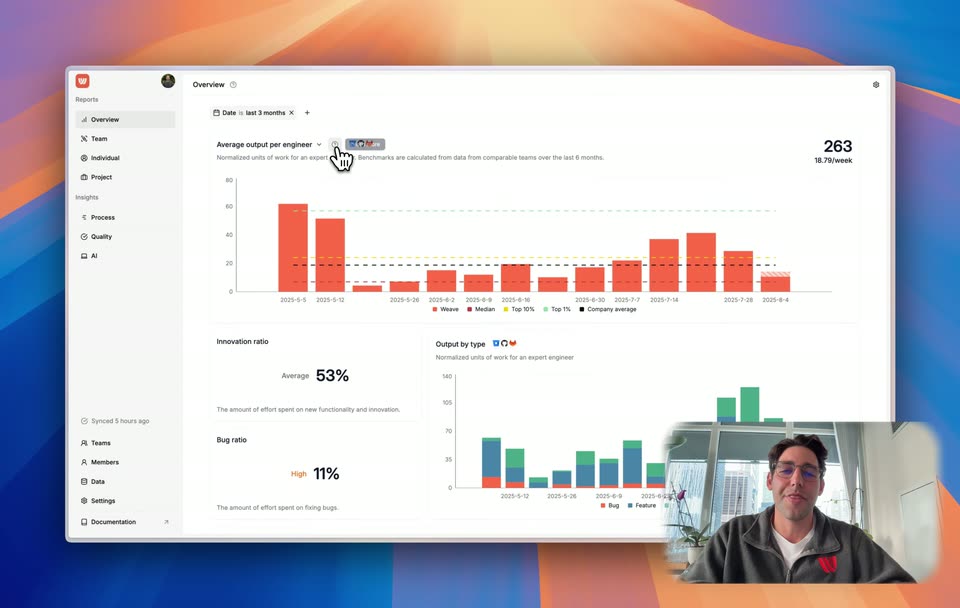 0:41–0:42Weave · Product Hunt Launch VideoA Weave analytics dashboard fills the frame over a colorful gradient, with a man in a webcam inset at the bottom right. A cursor moves to the info icon and a How it works modal pops open in the center.
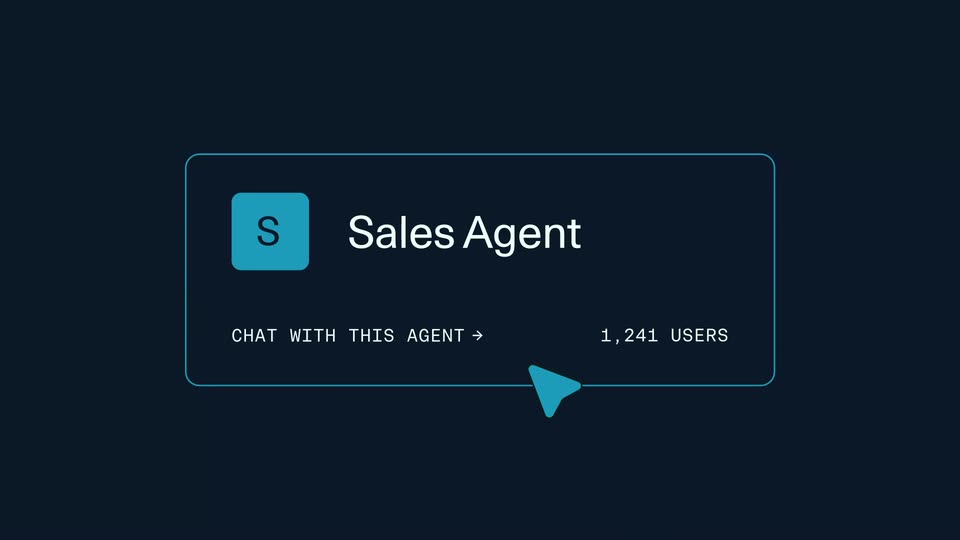 1:18 · 0.8sCohere · Cohere - Our secure agentic AI platform, North, is now widely available.A centered interface card on a dark navy field shows a blue square avatar with an S, the title Sales Agent, and a Chat with this agent link beside a user count. A blue cursor arrow glides up from below the card to hover on the link.
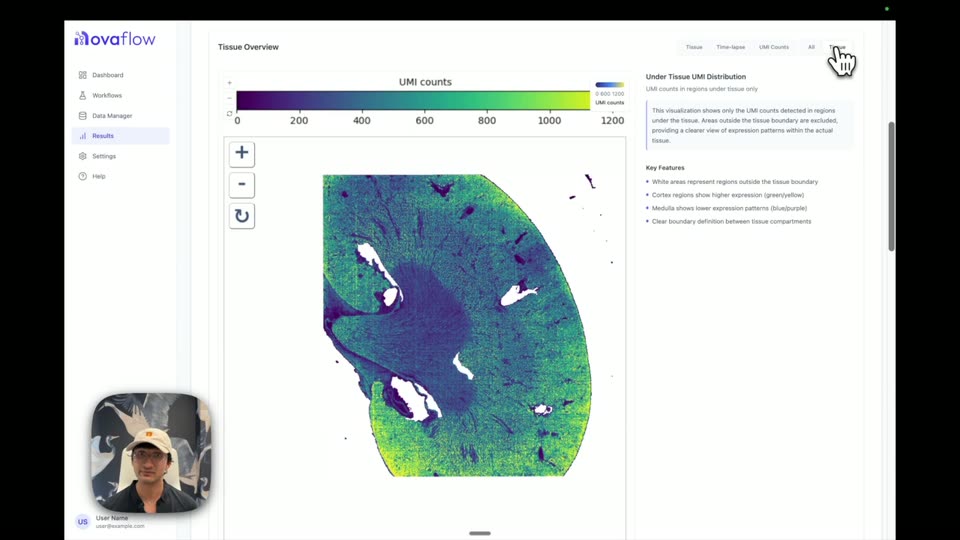 1:39–1:46Novaflow · Novaflow Launch VideoA screen recording of a tissue analysis dashboard. A hand cursor clicks the Tissue tab in the top right, updating the right panel text and removing the purple background from the central tissue image. A small webcam feed of a presenter sits in the bottom left corner.
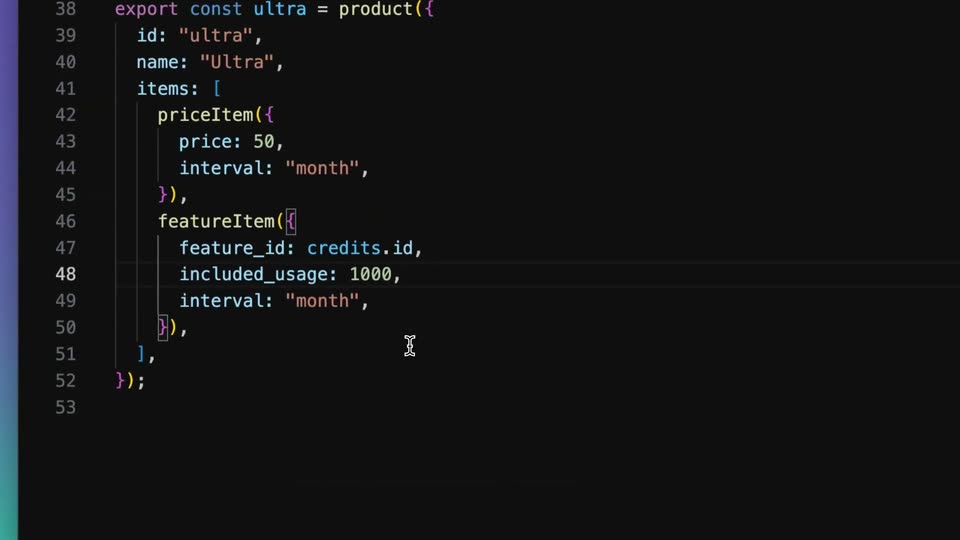 2:10–2:25Autumn · Autumn: Stripe for AI StartupsA dark code editor displays a TypeScript config file. The view zooms in as new ultra-plan code is typed, then a terminal panel opens at the bottom and a push command runs, printing success output. White subtitle captions with a blue word highlight run along the bottom.
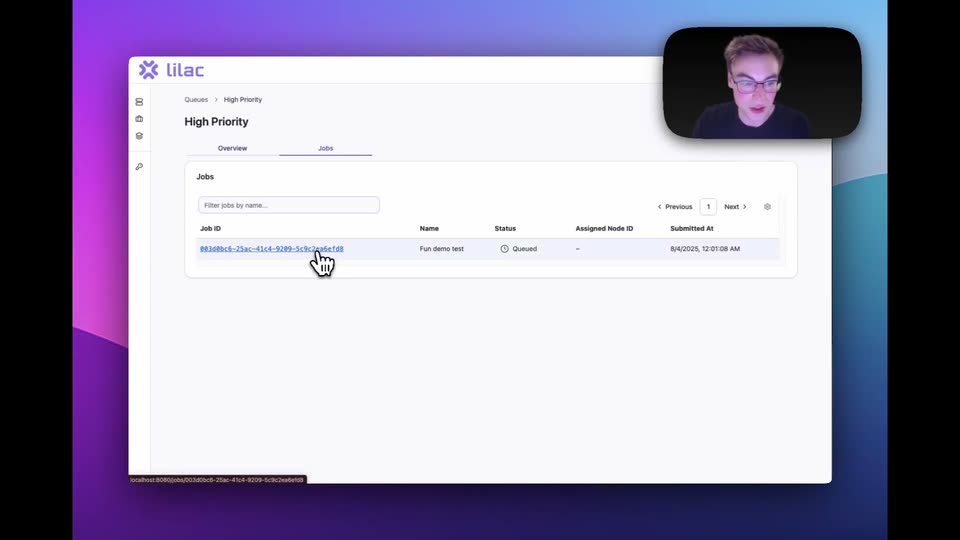 1:02–1:17Lilac · Lilac Launch -- Ensuring GPU Availability!A lilac dashboard: the High Priority queue card and cluster table fill the Overview tab while a terminal overlay prints a CLI submit command and success output. The terminal vanishes; the cursor clicks the Jobs tab, and one queued job row appears. A webcam of the presenter stays top right.
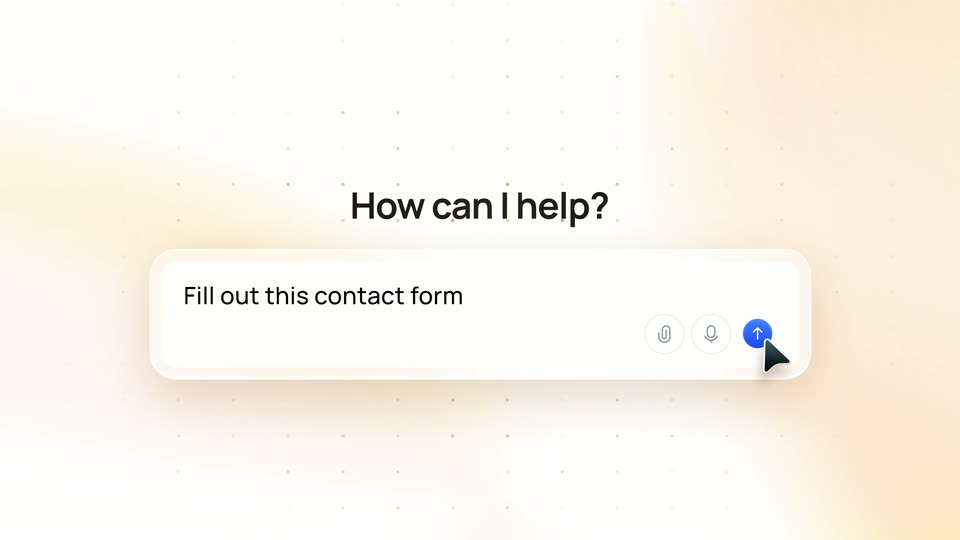 0:36–0:37Lindy · Lindy - Lindy 3.0 is live. You can now create agents with a simple prompt anA white rounded prompt bar floats on a cream dotted background. The headline “How can I help?” slides into the center as the line “Fill out this contact form” types out letter by letter, then a black cursor glides to the blue send button and presses it.
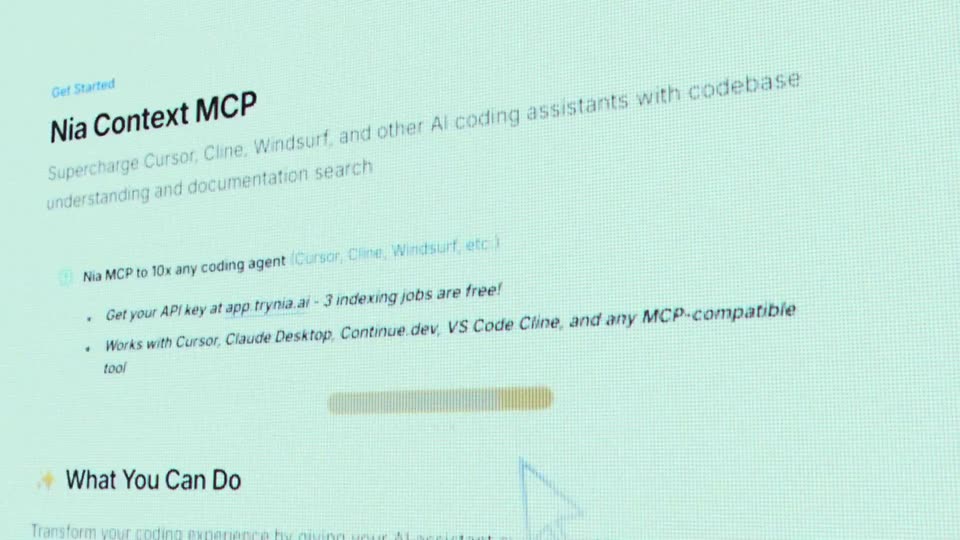 1:23–1:24Nia · arlan rakh - introducing nia. ship reliable code 10x fasterA light documentation page titled Nia Context MCP fills the frame. A dark side panel on the right, holding a white Create Key button and an Active status badge, slides out of view to the right, leaving the full page; a cursor hovers over a toggle bar.
 1:21–1:24VibeFlow · YC Launch Video: VibeFlowA dark chat window tilted in 3D perspective on a blue gradient. The camera zooms into the prompt bar as the typed text scrolls in, then a white hand cursor clicks the blue send button.
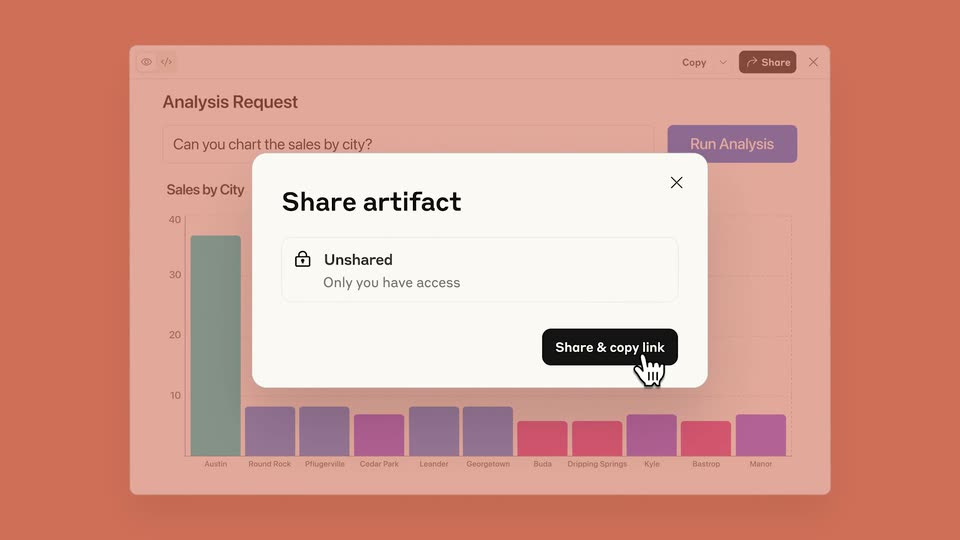 0:35–0:38Anthropic · Anthropic - Claude artifacts are now even better. Upload PDFs, images, code fileA flat UI card on a coral background shows a city sales bar chart. A hand cursor clicks Share, a Share artifact modal scales in, the cursor clicks Share & copy link, the panel flips to Shared, then fades as a small confetti burst pops in the middle.
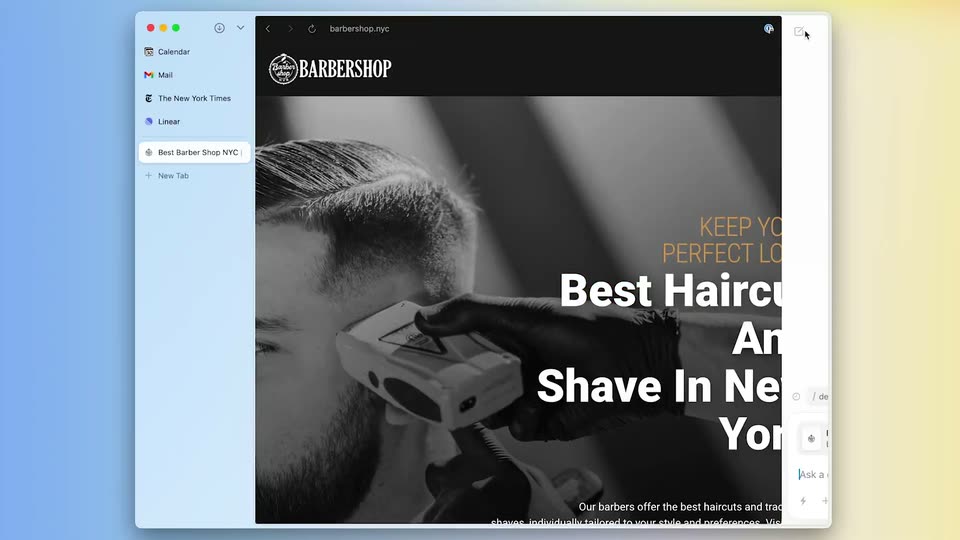 0:47 · 0.4sThe Browser Company · Dia - Sometimes you need a bit more… power. Reasoning models, now availablA browser window with a tab sidebar displays a barbershop website showing a black and white photo of a man getting a haircut. A cursor moves to the Chat button in the top right and clicks it, creating a small ripple.
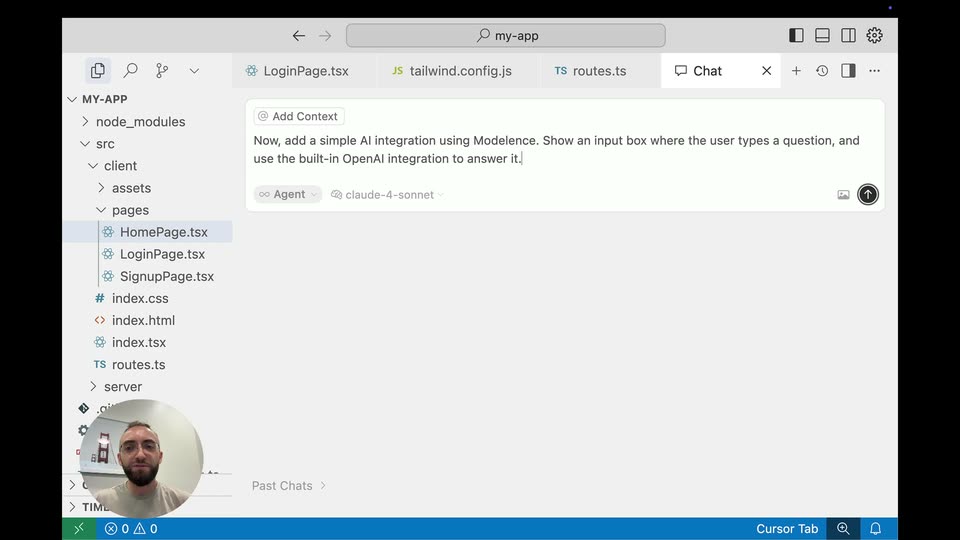 1:00–1:11Modelence · Modelence - Launch DemoA Cursor IDE screen where a prompt is typed into the chat box, then the agent streams green diff code blocks and a to-do list while a new file appears in the sidebar. A circular webcam feed of a man sits in the bottom-left corner.
 0:53–0:54Descript · Descript - Never edit alone again. Underlord is now available in beta. UnderlorA light purple chat panel shows a bot named Underlord with the message Let's ship it! and a rocket emoji, a paperclip icon below, and a blue send button with a hand cursor on it. The panel stays fixed while the blurred pill-shaped background shifts to a deeper purple.
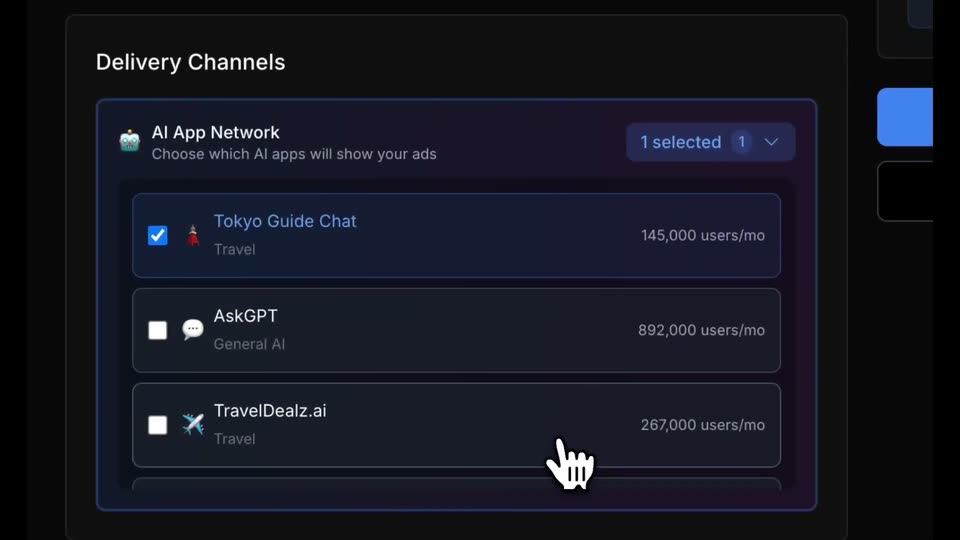 0:47–0:51Imprezia · Imprezia Launch VideoA dark campaign form blends in, then the view zooms into the Delivery Channels card. A cursor opens the AI App Network list and checks two travel apps. The camera pulls back to the full form as the performance estimates on the right update.