Cursor demo
A visible cursor operates the interface.
15,089 scenes · page 172 of 252
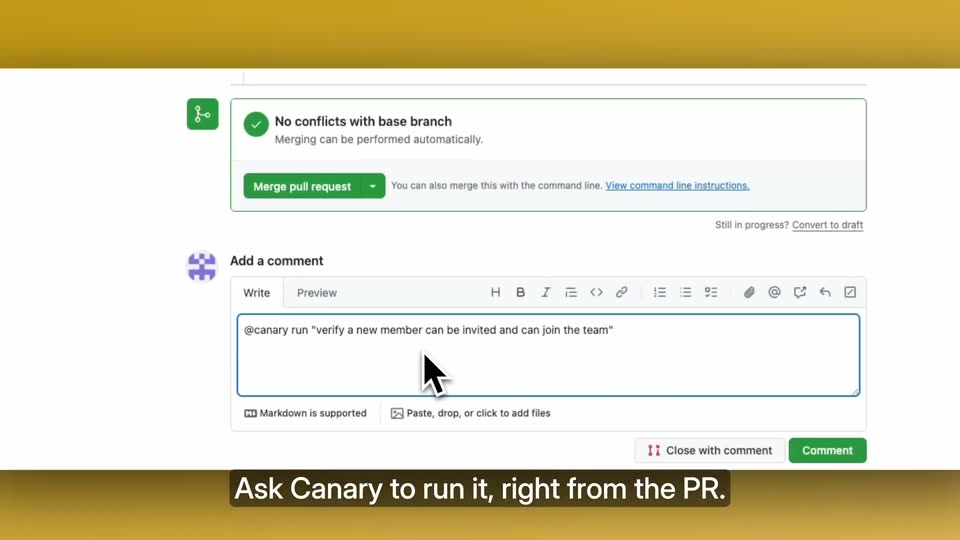 0:43–0:47Canary · Canary Launch VideoA close-up of a pull request comment box; a cursor types a command into the field while the view zooms out to reveal the full form, then the cursor moves to the green Comment button and a hand icon clicks. Bottom captions change in sequence.
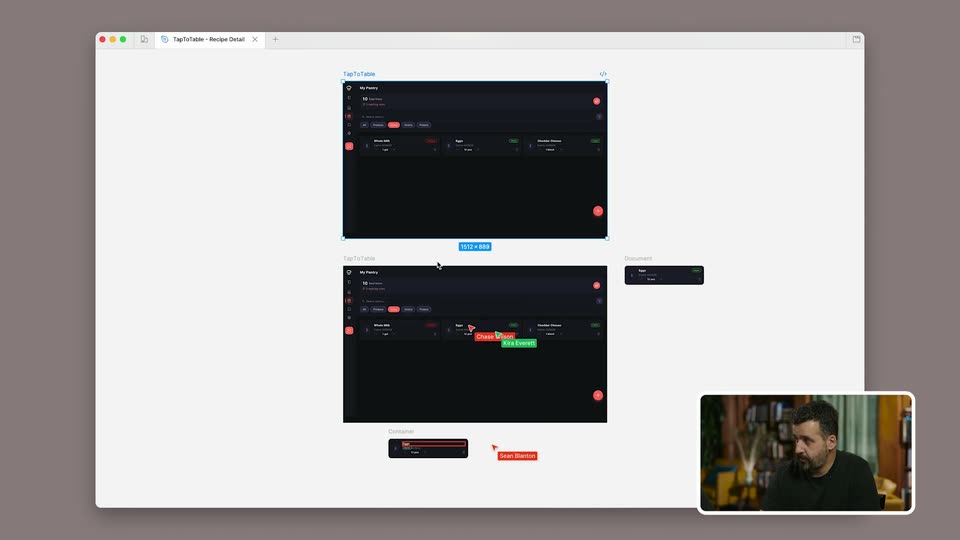 2:14–2:17Figma · Figma - Tired: code or canvas Wired: code AND canvas Introducing Claude CodeA design-tool canvas in a browser window holds dark restaurant-app panels (My Panel, reservation cards) that the cursor moves while the view zooms in and out. A small picture-in-picture clip of the presenter runs in the lower right corner.
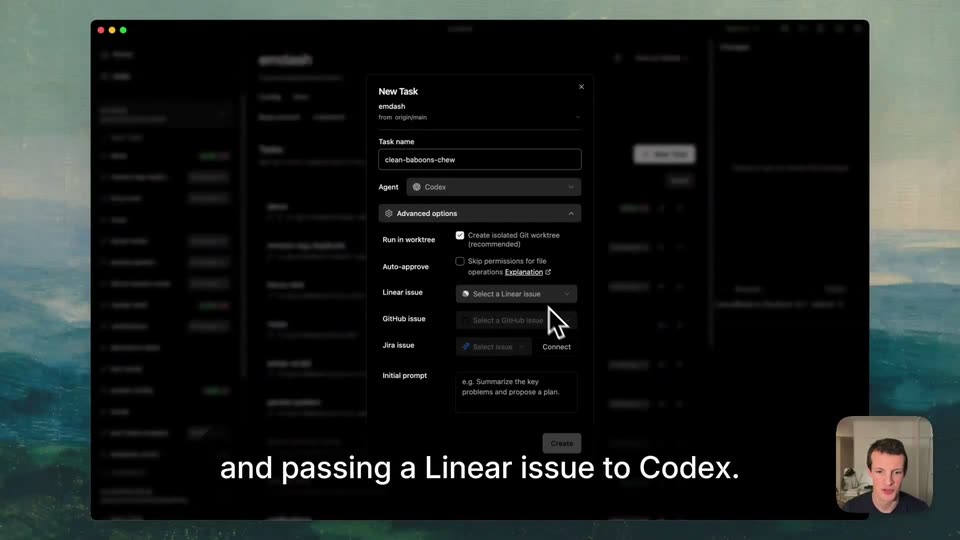 0:15–0:16Emdash · Y Combinator - .@emdashsh is building an open-source Agentic Development EnvironmentA dark app screen with a blurred background; a New Task dialog in the center expands to reveal Advanced options, and a cursor moves down to the Linear issue dropdown. A small webcam inset of the presenter sits in the bottom right corner.
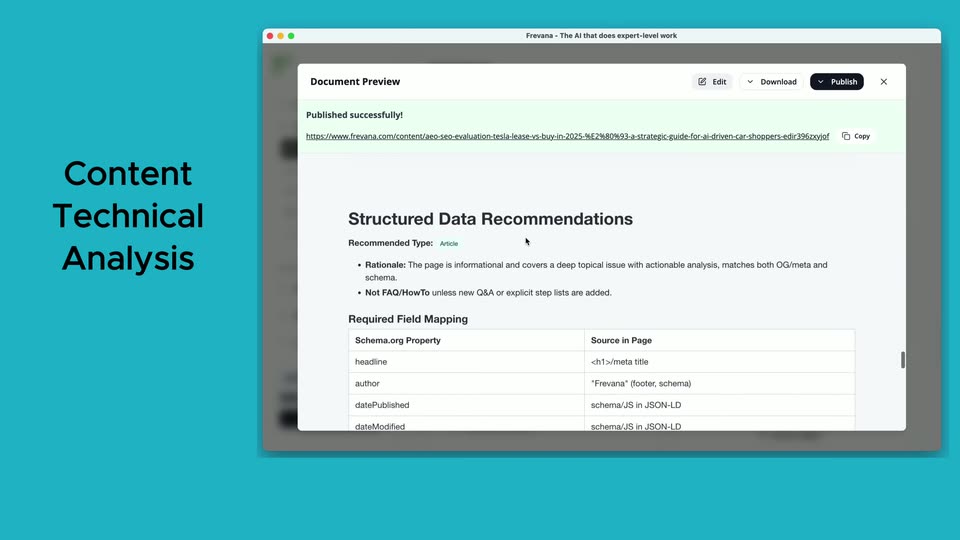 0:46–0:50Frevana · Frevana AEO Agent Team Launched 🎉A teal backdrop holds a static black headline on the left. On the right, a flat browser window shows a document report that scrolls vertically through body text, code and a colored bar chart, then returns to the top as a cursor drifts up to the toolbar.
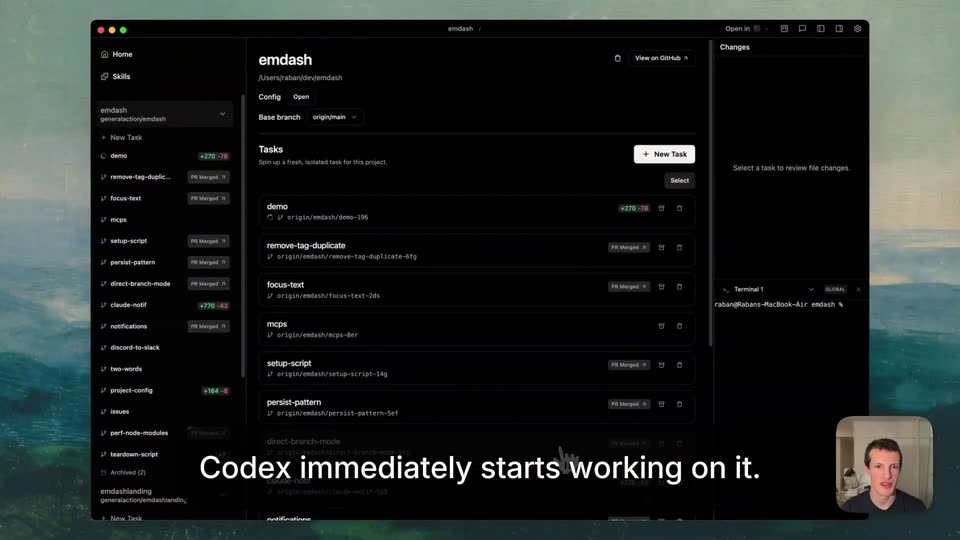 0:20 · 0.8sEmdash · Launch Emdash (YC W26)A dark task app window fills the frame over a blurred landscape, with a task sidebar and a right panel for Changes and Terminal. A small webcam feed of a man sits bottom right, and a white caption sits at the bottom as a hand cursor hovers the list.
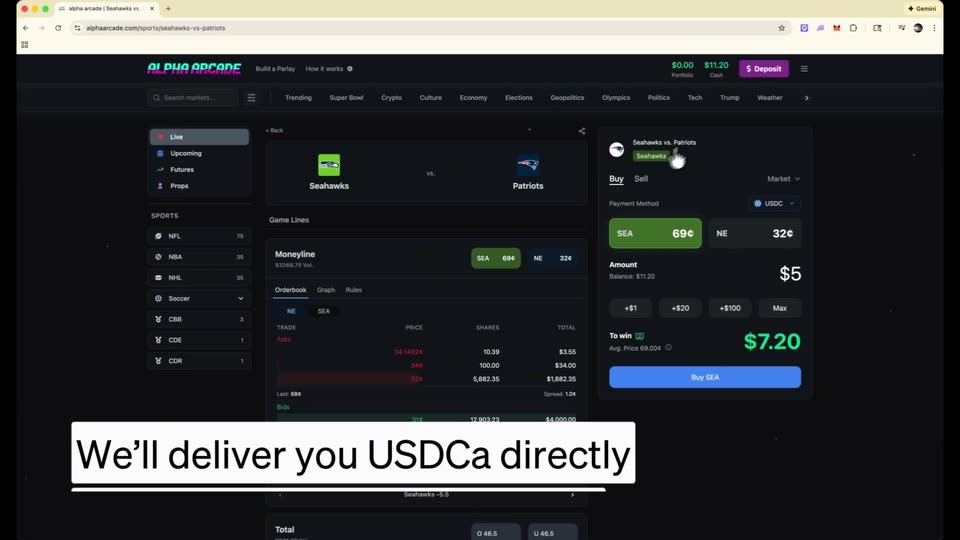 0:19–0:20Unifold · Unifold - Universal Deposit InfrastructureA dark prediction-market interface fills the frame as a cursor glides to the Deposit button in the top right. A two-line black headline on white highlight boxes slides up from the bottom edge.
 0:20–0:21Lightricks · LTX.io - Introducing Brand Kit. A new enterprise feature in LTX Studio that lA row of lit blue, cream and orange candles sits on a blue field with a white Publish pill and a cursor at the center. The view zooms out to reveal a rounded frame around the card.
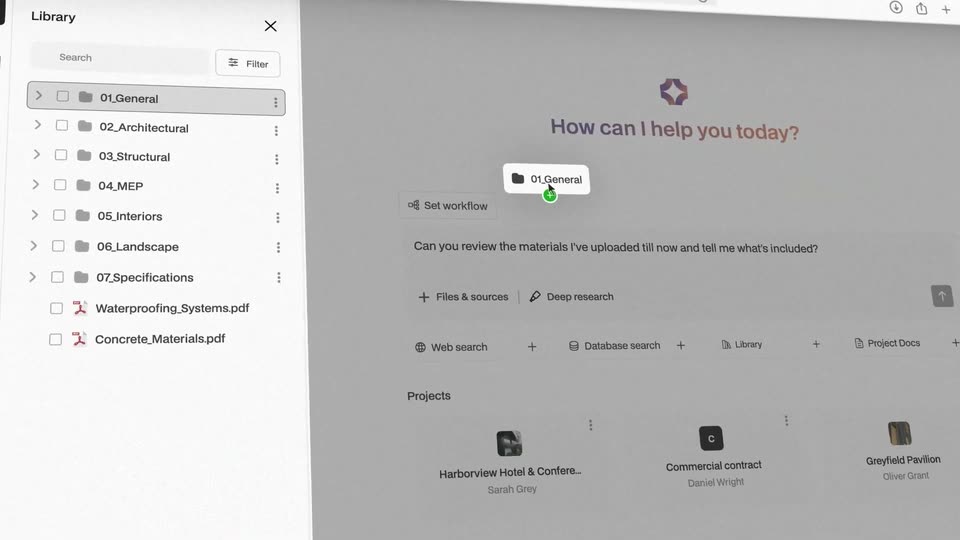 0:32–0:33Avoice · Avoice | The AI Workspace For ArchitectsA white file library panel on the left settles from a tilted 3D angle into sharp focus. A small folder chip, held by a green drag cursor, floats above the gray chat interface and its greeting prompt on the right.
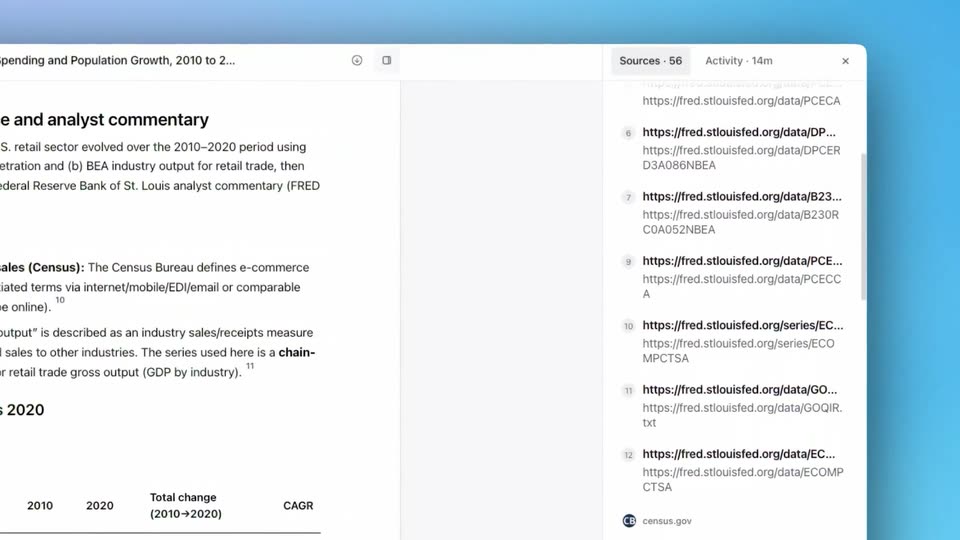 0:59–1:15OpenAI · OpenAI - Deep research in ChatGPT is now powered by GPT-5.2. Rolling out starA research-document app floats in 3D perspective on a blue gradient, then flattens into a full interface view. The page scrolls through the report, reframes onto the citations panel, and a cursor hovers a source link then opens an export menu.
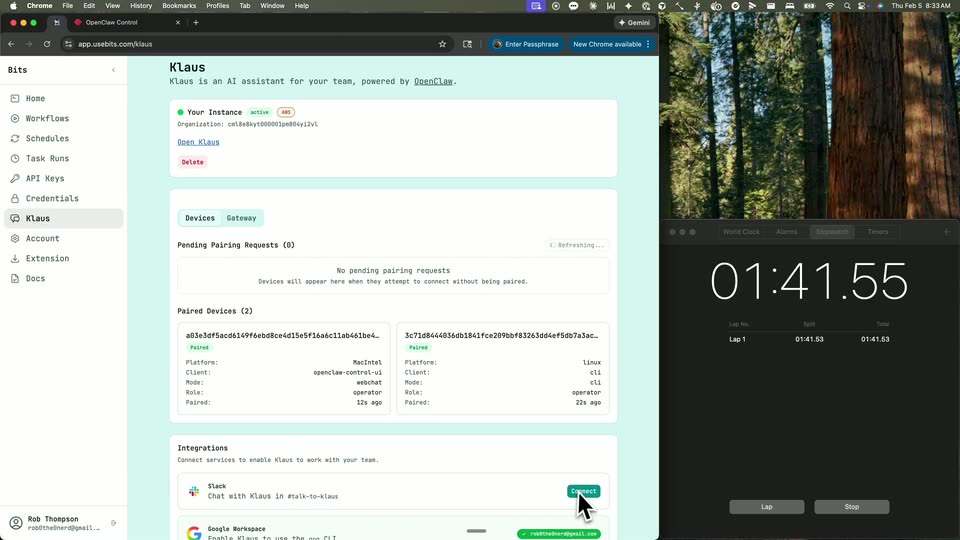 0:18–0:20usebits_inc · Y Combinator - OpenClaw is a new viral and scarily effective virtual assistant. ButA browser window shows a dashboard with a stopwatch counting up on the right. A mouse cursor moves from a red delete button to a green connect button in the center panel.
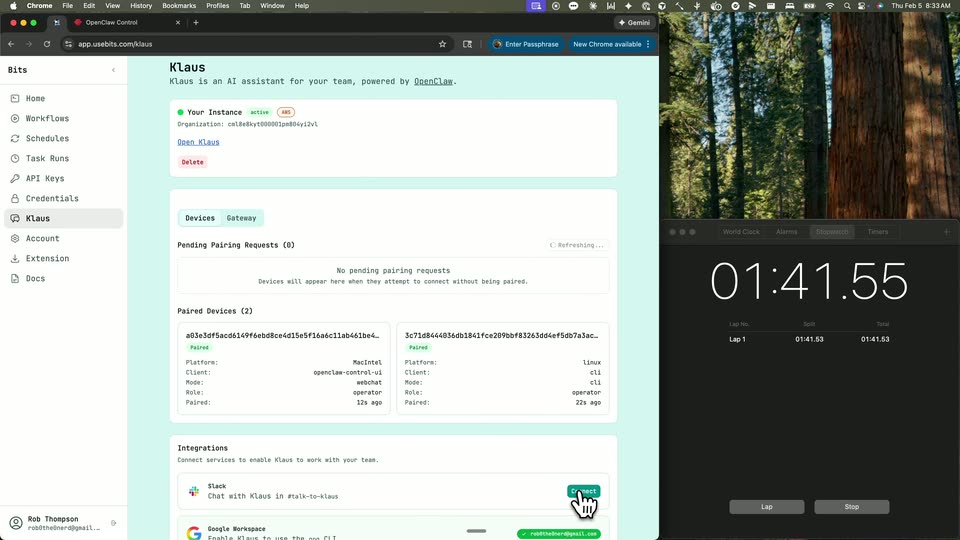 0:28–0:30Klaus AI · Klaus launchA browser window shows the Klaus dashboard with sidebar, instance card, paired device cards and an integrations list, beside a dark stopwatch counting up on the right. The cursor travels down the page and hovers the Slack Connect button as the view scrolls.
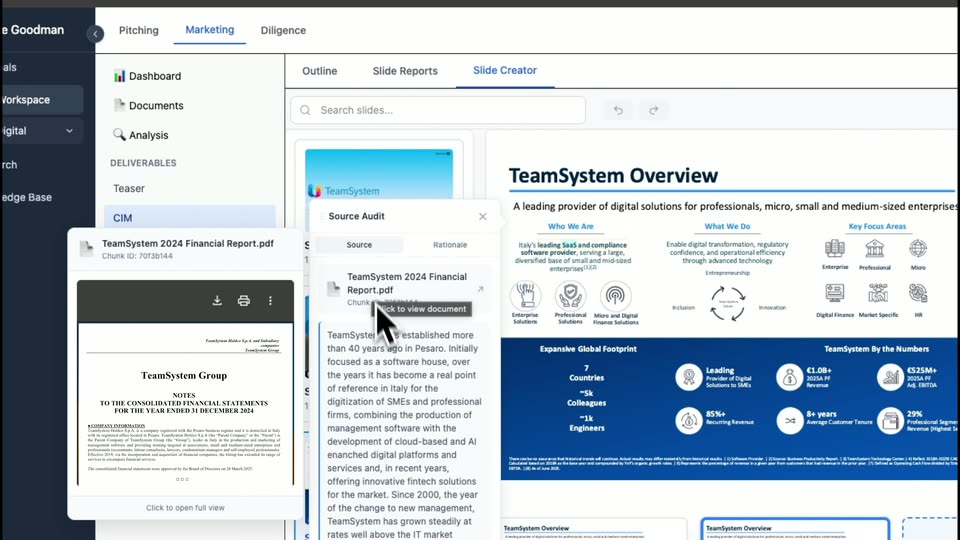 0:48–0:50Maywood · Maywood Launch VideoA product dashboard with a document sidebar, a Source/Audit modal over the file list, and a TeamSystem Overview slide on the right. A cursor hovers the view document button with a tooltip while the frame stays locked.
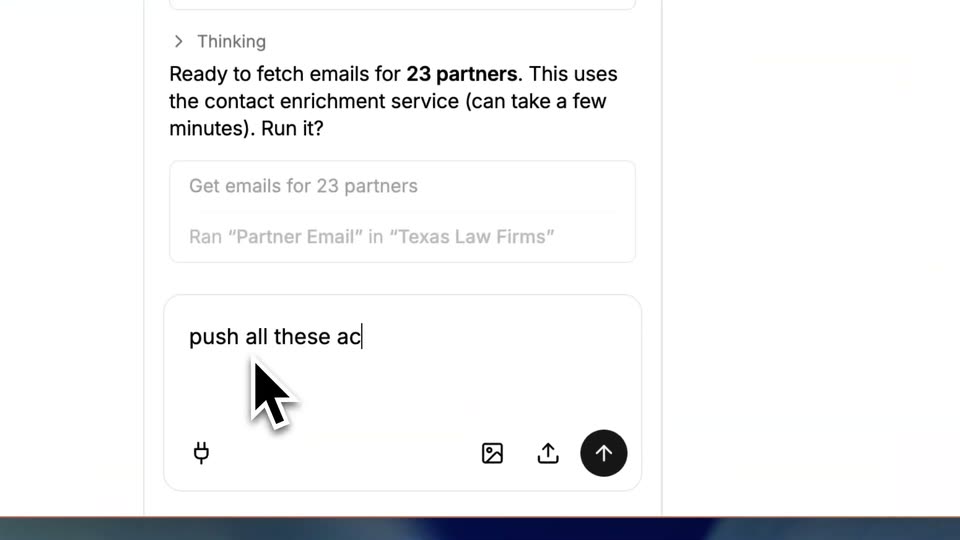 0:50–0:52Orange Slice · Orange Slice LaunchA product screen shows a chat assistant beside a spreadsheet of law firm contacts. The view zooms into the chat column as a cursor types a command and hovers over an Approve button, while the spreadsheet stays in the background.
 1:33–1:37RamAIn · RamAIn (YC W26) Launch VideoA noodle-bowl icon and the ramAln wordmark sit on a pale green grid background, the green tagline slides in beneath them, then a green pill with the URL fades in as a cursor arrow glides in from the right and hovers at the button.
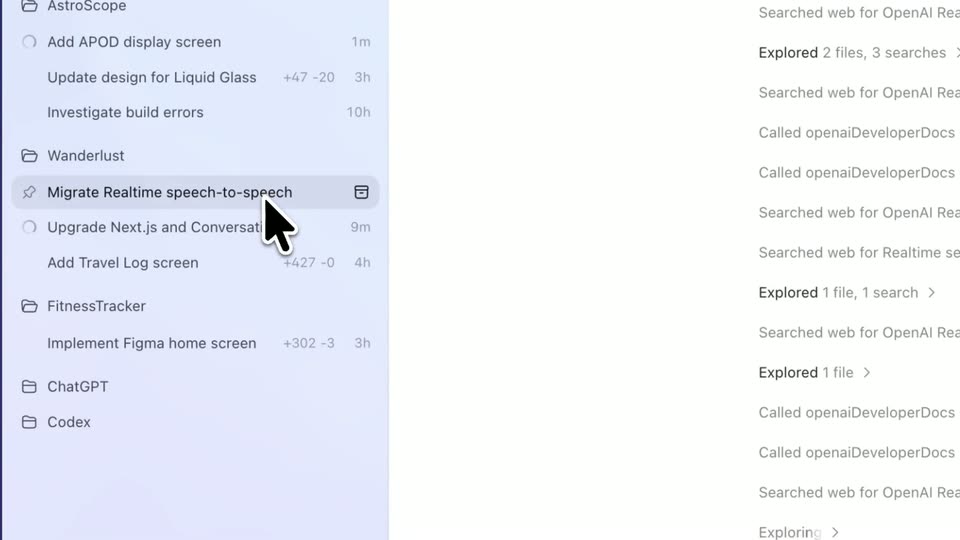 0:59–1:01OpenAI · Introducing the Codex appA task list and a scrolling activity log sit side by side in a light interface. A large arrow cursor hovers over the highlighted row for migrating realtime speech-to-speech while log entries on the right scroll upward.
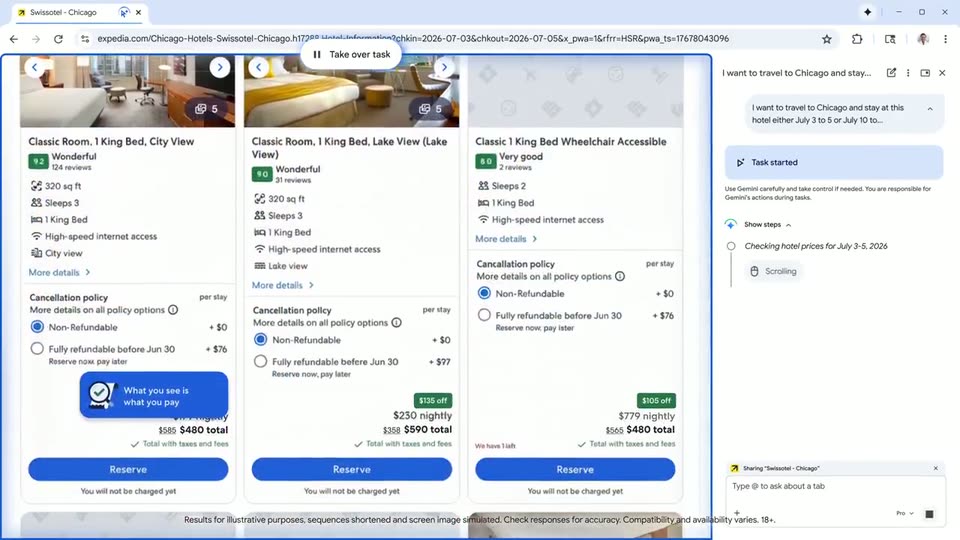 0:44–0:47Chrome · Chrome - Auto browse in Gemini in Chrome (now available for Google AI Pro andA split view shows a web browser and a chat panel. The browser displays an Expedia hotel page scrolling down to reveal room options and prices. A cursor hovers over a blue Reserve button. The chat panel on the right shows a task list with a Scrolling status.
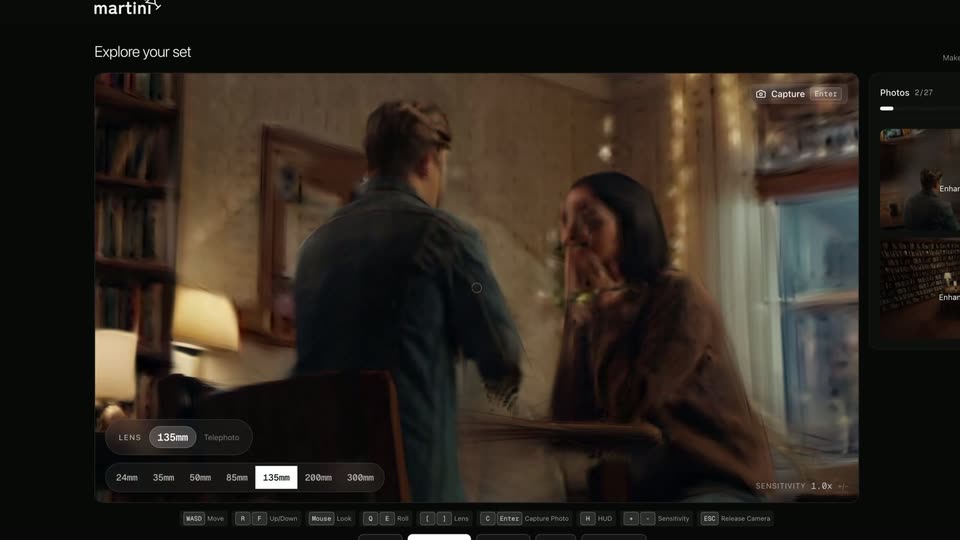 0:05–0:07Martini · Y Combinator - Video professionals don’t want to play prompt roulette. Filmmaking hA dark app screen stays locked off while its viewport dissolves between two camera angles of a 3D-rendered room with two people. The lens value steps from 35mm to 200mm as the highlighted chip moves, captured thumbnails stack in the right panel, and a cursor hovers near the bottom.
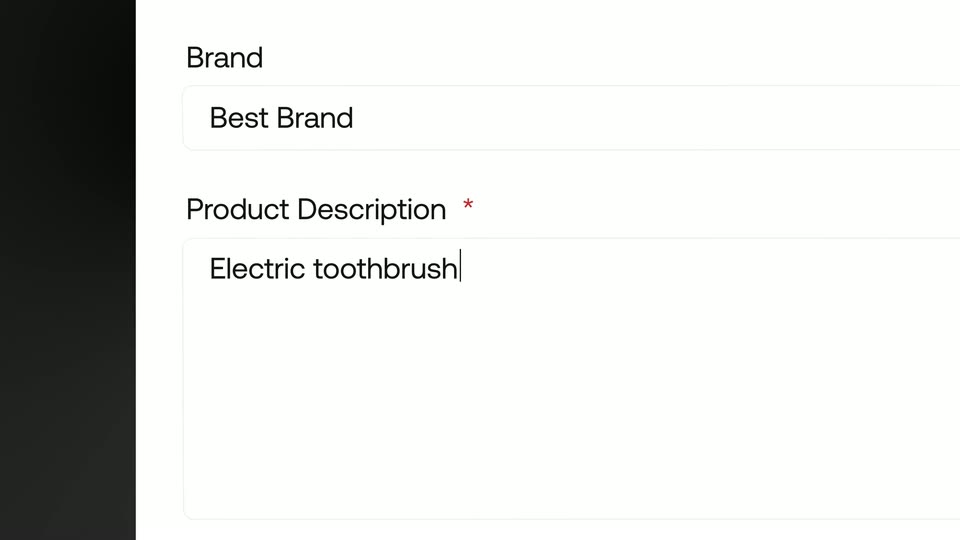 0:19–0:21Stord · Smart Commerce - Meet Stord AIA product form shows a Brand field set to Best Brand and a Product Description field. A cursor types Electric toothbrush into the description box, then the view zooms down to an auto-fill prompt with a gradient hexagon icon and Cancel and Save buttons.
 1:29–1:32Google · Google AI - Last August, we previewed Genie 3: a general-purpose world model thatA dark settings panel fills the frame while a motion-blurred 3D cardboard robot streaks across it from left to right. The view then reframes onto a white 'Create world' pill button, where a white cursor hovers over the label.
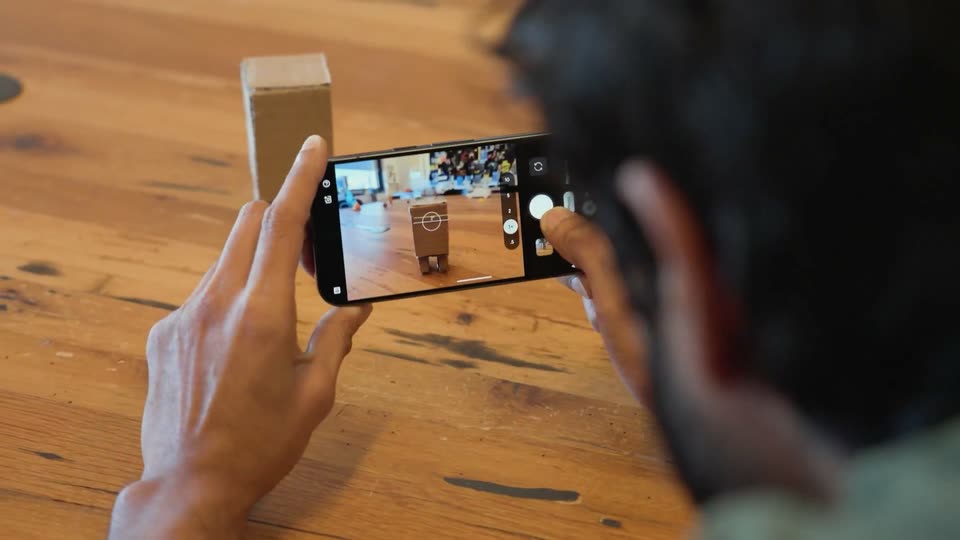 1:10–1:12Project Genie · Google DeepMind - Step inside Project Genie: our experimental research prototype that lOver-the-shoulder shot of a person holding a phone over a wooden table, framing a small cardboard box. The phone screen shows an augmented view of the box with camera controls, and the person's thumb taps the shutter button.
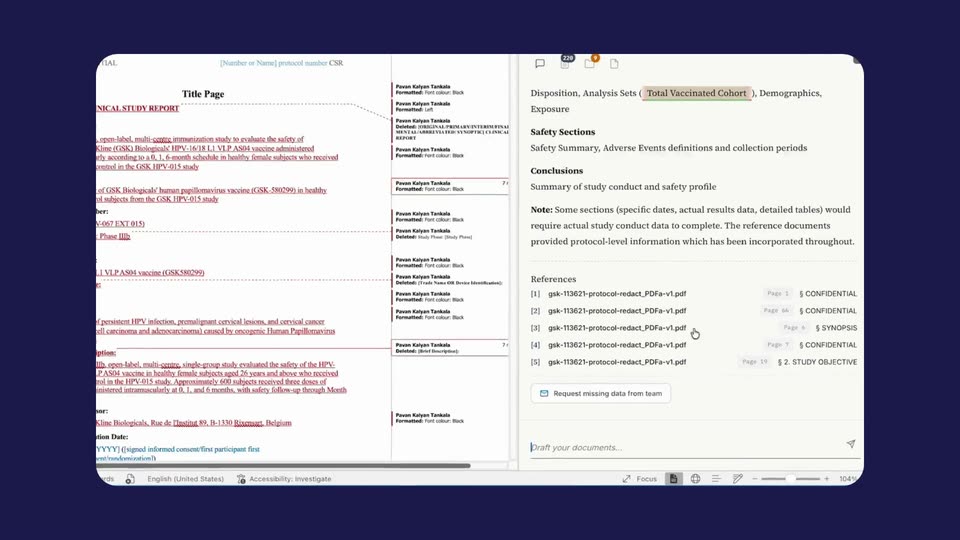 0:49–0:52TensorTest · ritivel drafts regulatory documents in minutes!A split screen shows a clinical study report with red annotations beside an AI outline panel. The view zooms into the panel as a 'Request missing data from team' button pops in and a cursor clicks it.
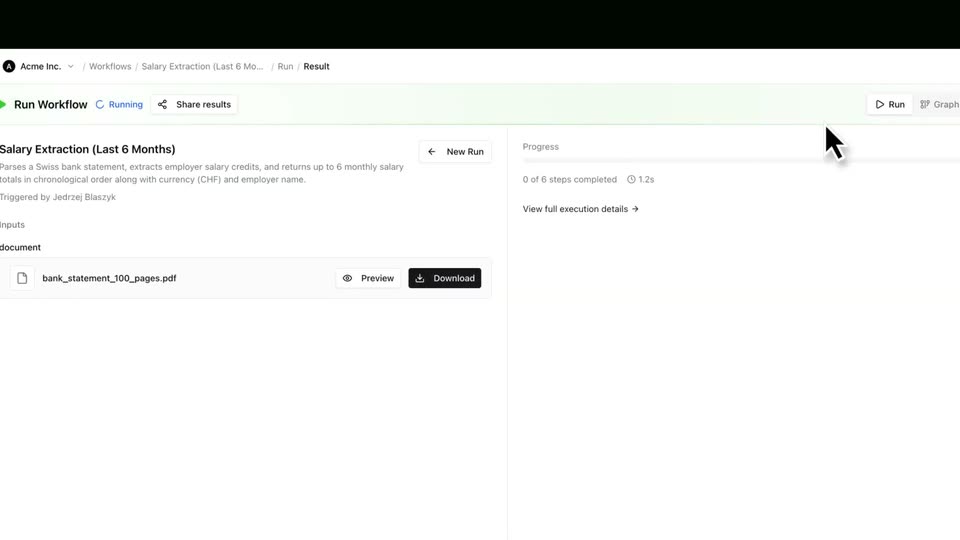 0:43–0:46EigenPal · Introducing EigenPalA flat workflow screen shows the Salary Extraction page with a 100-page PDF attached; a cursor clicks Run, the view crossfades to a results panel where a progress bar reads 0% and a Running status spins.
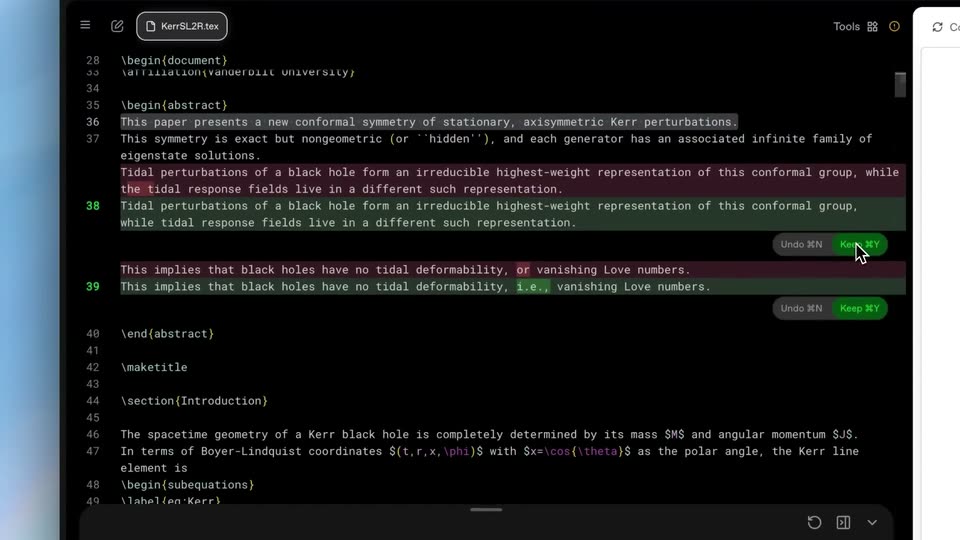 0:25–0:26OpenAI · Introducing Prism, a free workspace for scientists to write and collaborate on researchA dark code editor displays a LaTeX diff, red lines stacked above green ones. A white arrow cursor glides down the right edge from line 38 and rests on the green Keep button beside line 39.
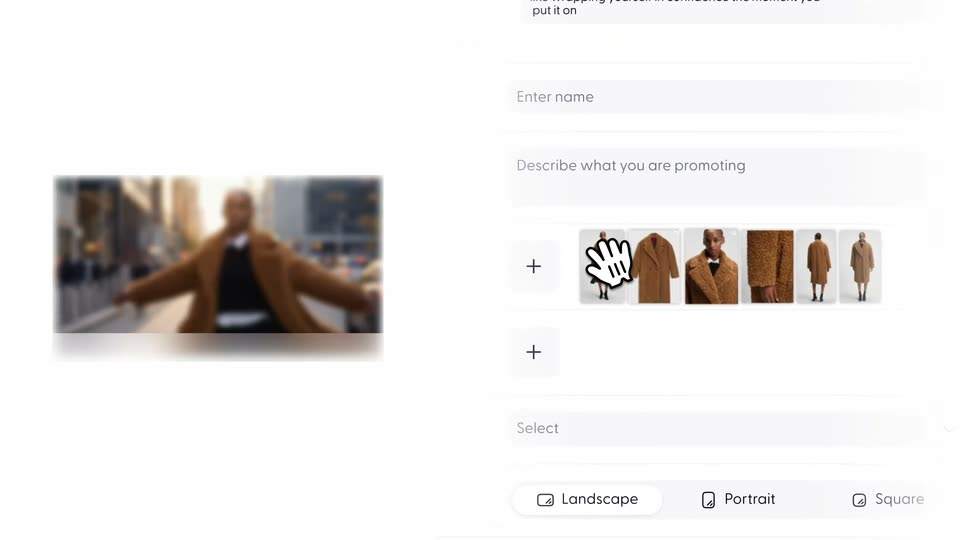 0:53–1:00Wondercraft · Dimi Nikolaou - Today AI Video stops being slop. Introducing Wondercraft Video, an AA product form scrolls down the right side as a hand cursor drops in a fur coat photo, picks format and duration options, and taps a green Next button. A blurred clip of a man in a camel coat sharpens on the left.
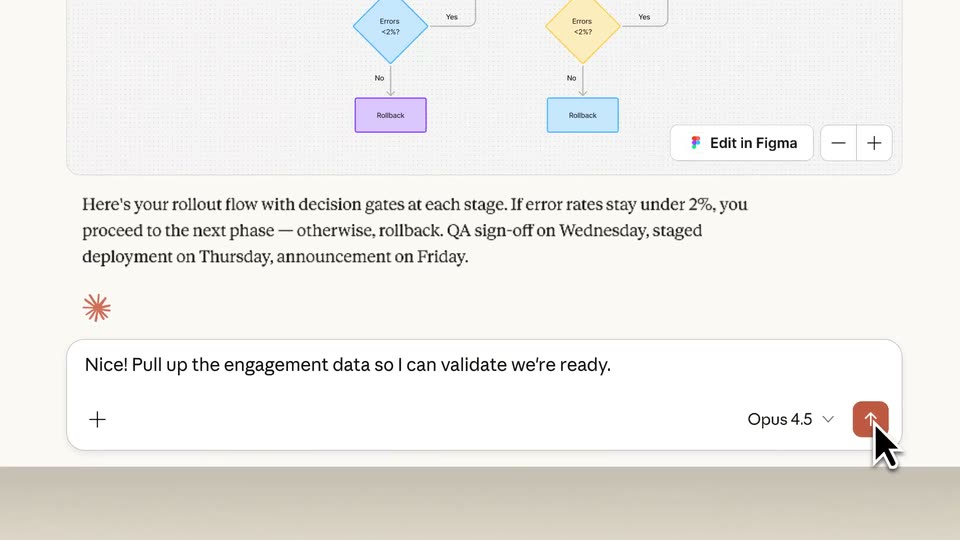 0:17–0:19Anthropic · Claude - Your work tools are now interactive in Claude. Draft Slack messages,A screen showing a Figma rollout flowchart and body text zooms down to the reply input, where a typed message fills the box and the cursor rests on the orange send button.
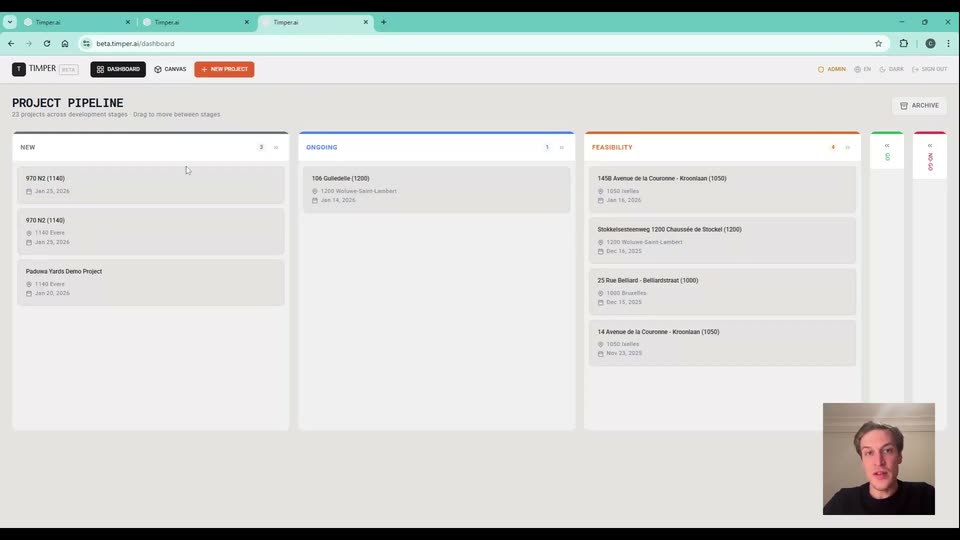 0:35–0:36Timper · Timper.ai - Demo Jan 2026A browser window shows a Kanban dashboard titled Project Pipeline with columns New, Ongoing and Feasibility, each holding project cards. A presenter's webcam feed sits in the bottom right corner while a cursor moves across the New column.
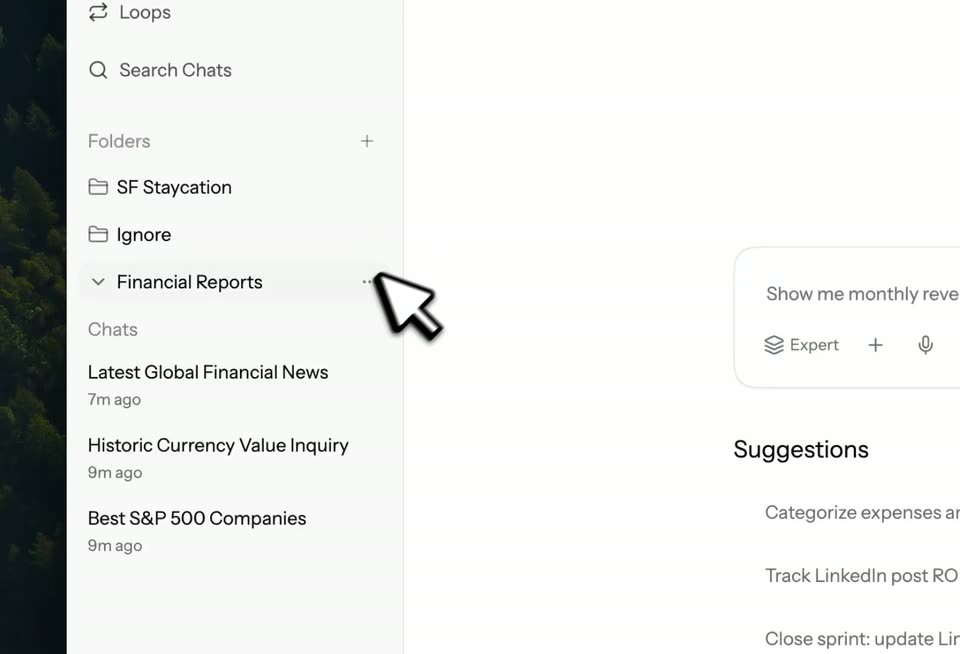 0:05–0:06Doe · doe - We're announcing folders for chat sessions and files!A close-up of a chat app sidebar lists folders and recent chats. A black cursor glides down to the Financial Reports row, highlighting it, then rests on the three-dot menu at the row's right edge.
 2:53–2:55Conductor Quantum · Coda | Natural language quantum computingA chat app interface fills the frame with a sidebar of recent prompts on the left and a quantum code panel on the right. A cursor clicks a recent chat, the screen blurs, and the cursor drifts to the empty center as a new view loads.
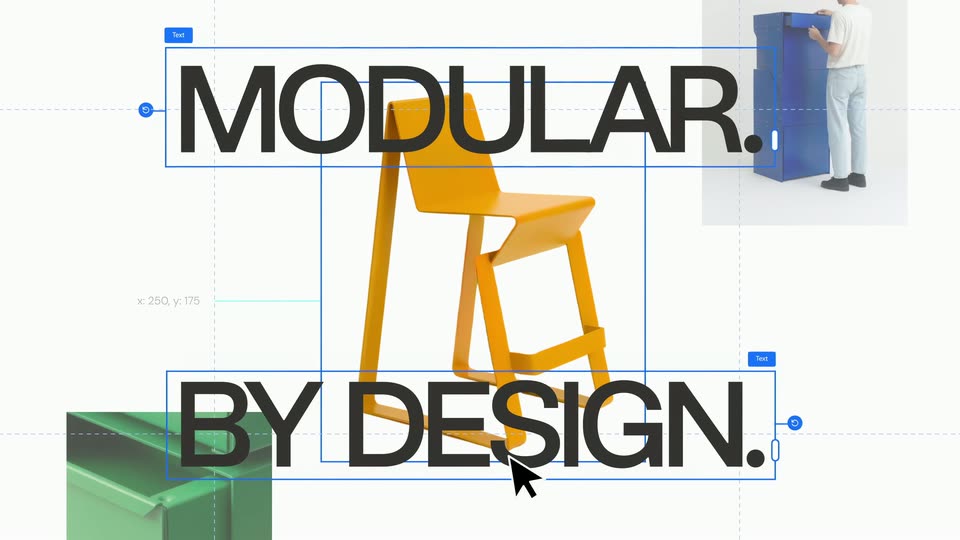 0:29–0:31Wix Harmony · Wix Harmony: The new way to createAn orange 3D chair sits in a blue selection frame on a white canvas with dashed grid lines, while black text blocks “MODULAR.” and “BY DESIGN.” slide and reflow between boxes; a cursor points at the lower box.
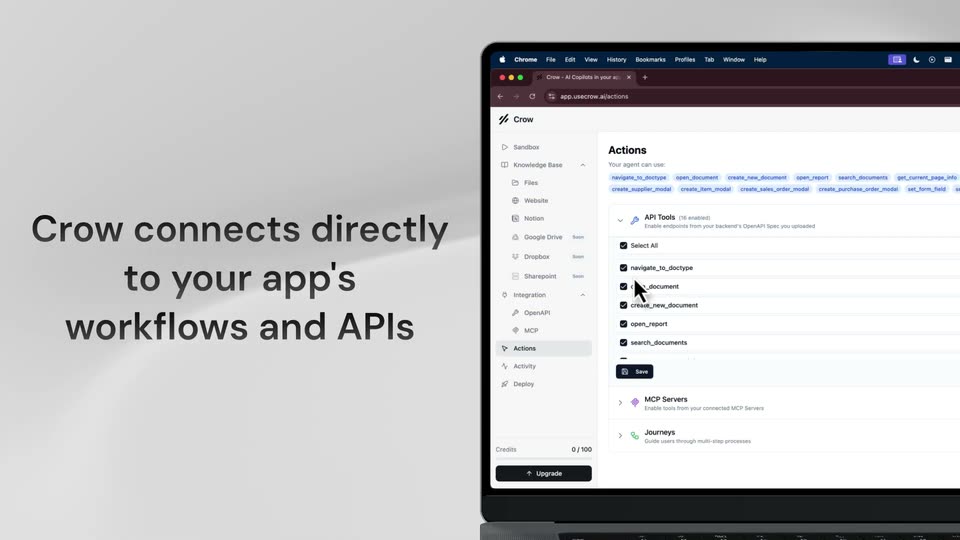 0:34–0:39Turnstone · Crow Launch VideoA laptop in 3D perspective shows the Crow dashboard as a bold headline fades in at left. The Files view cuts to the Actions view; the cursor clicks Select All, the tool checkboxes tick, then Save triggers a green success banner.
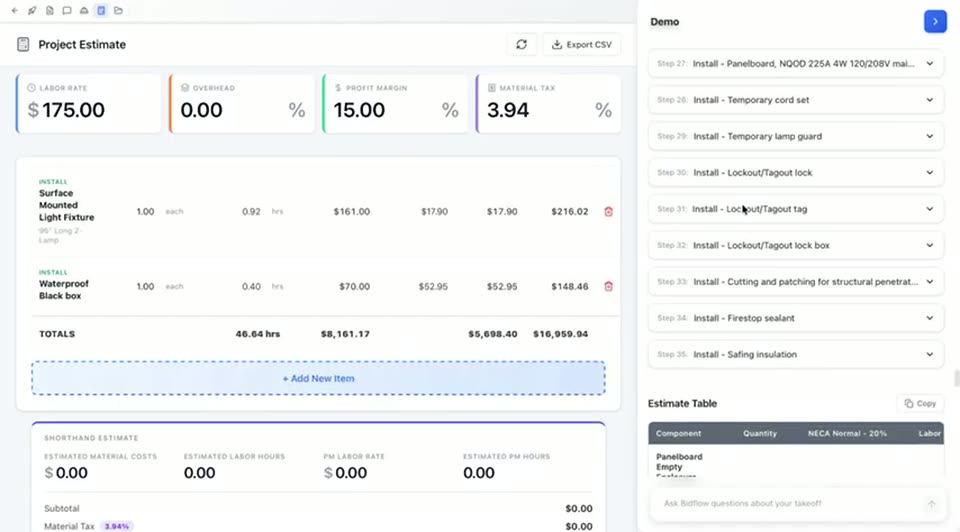 0:55–0:58Bidflow · Bidflow DemoA project estimate screen shows a line-item table left and a demo panel right. The table scrolls and its rates and rows update, revealing an Add New Item button, while the right panel scrolls down to a yellow note and numbered install steps. A cursor moves across both.
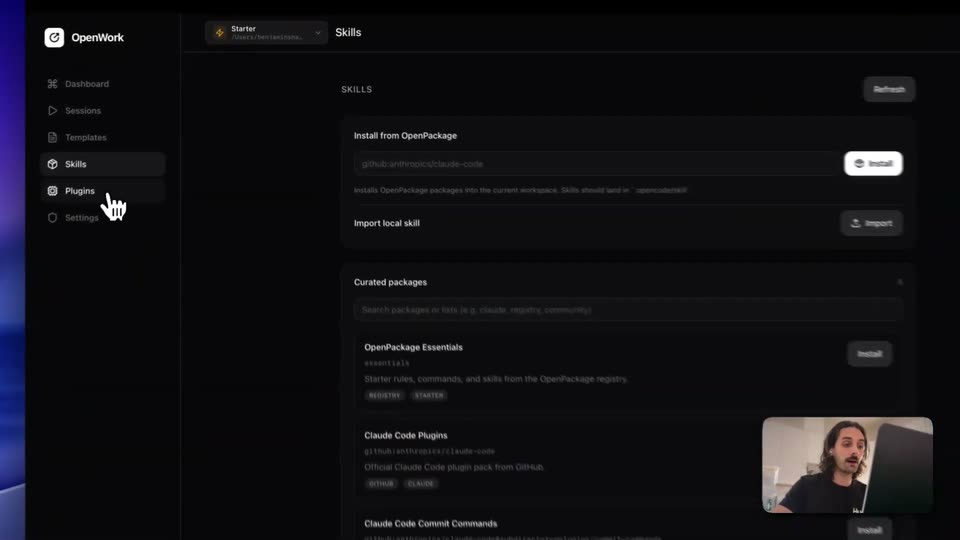 1:04–1:06OpenWork · OpenWork: The open-source alternative to Claude CoworkA dark OpenWork interface fills the frame with a small webcam inset of a presenter in the bottom right. The Skills view transitions to the Plugins view while a hand cursor points at the left sidebar.
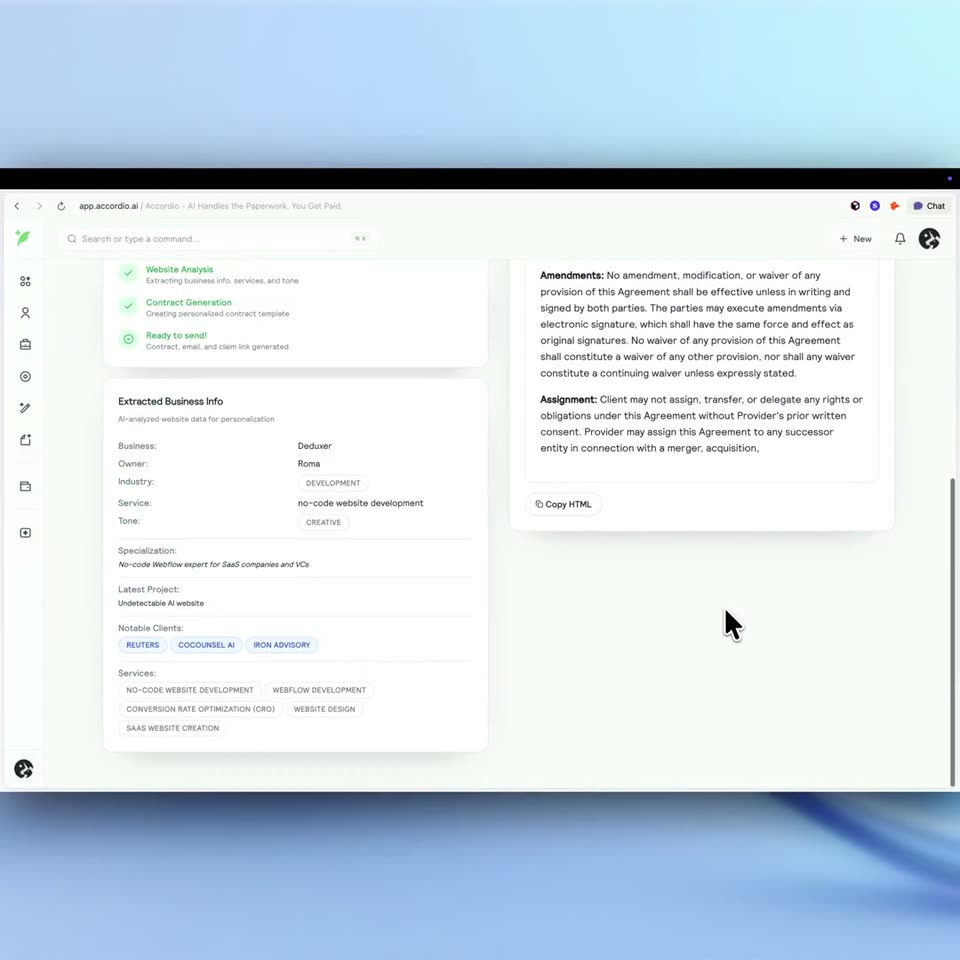 0:42–0:45Accordio · Accordio AI - Vibe coded a gift contract tool yesterday. Took 2 hours. Add someoneA browser window on a desk shows the Accordion app's Gift a Contract screen. The left form scrolls to reveal extracted business details while the contract preview on the right scrolls upward under a hovering cursor; a tap icon flashes at the top right.
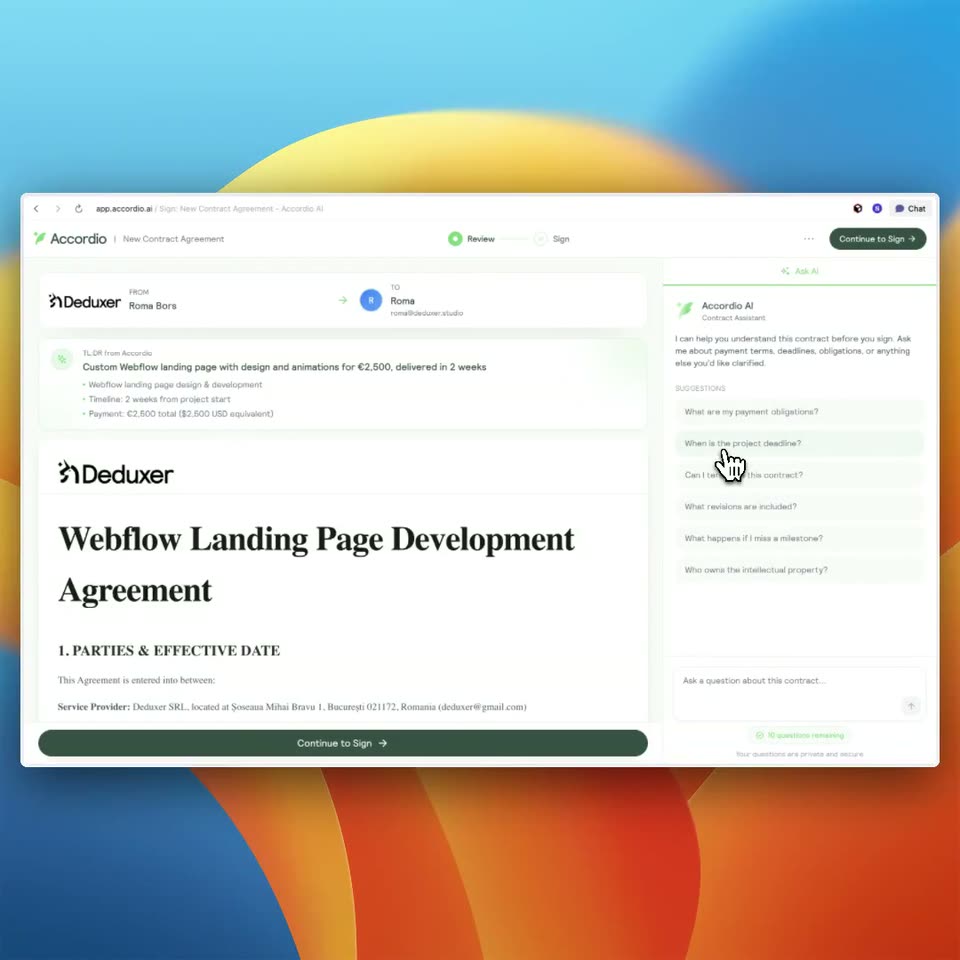 1:03–1:13Accordio · Accordio AI - Founders spend way too much time on contracts. In 2026, you describA flat browser mockup of the Accordio contract app rests on a curved multicolor background. The shot opens zoomed in, eases out to the full window, a hand cursor clicks a suggestion, then the view pushes into the AI panel showing a Thinking state.
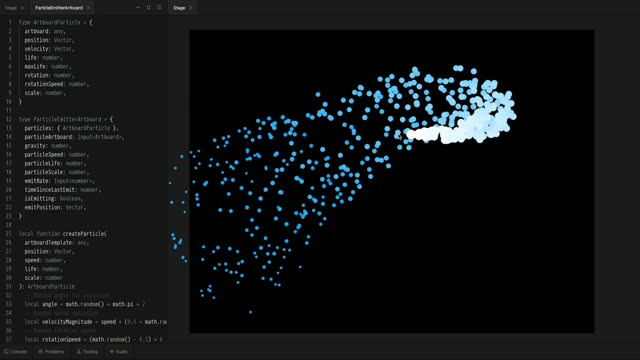 0:31–0:32Rive · Scripting is Live in Rive ✨A code-and-preview screen: TypeScript on the left, a black canvas on the right where a white core of particles bursts and scatters into blue dots, tracking a moving cursor.
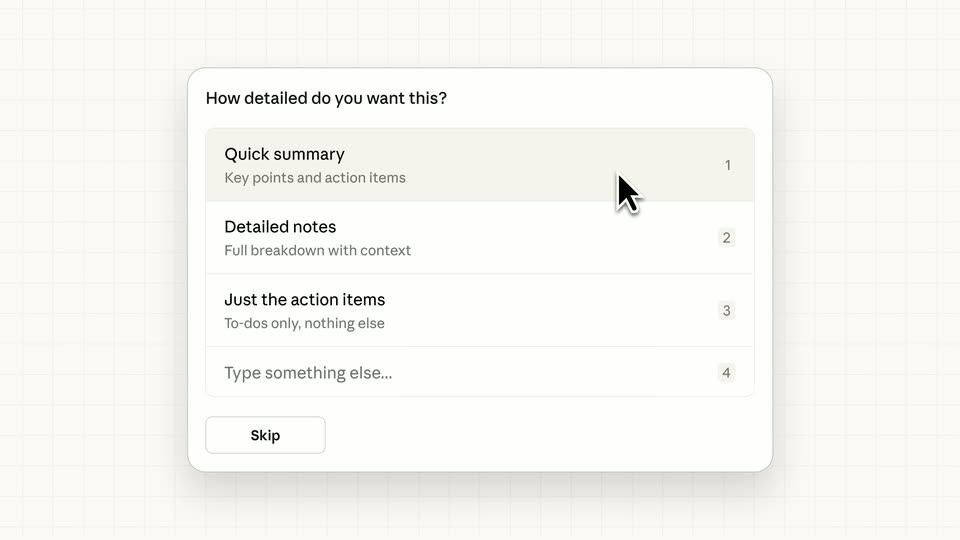 0:23–0:27Anthropic · Introducing Cowork: Claude Code for the rest of your workOn a faint grid background, a white input field types out the question, then expands downward into a card listing four numbered options and a Skip button. A cursor glides down the list and highlights the second row.
 0:16–0:19Anthropic · Claude - Introducing Cowork: Claude Code for the rest of your work. Cowork leA white prompt card sits on a cream grid background. The view zooms into the card as the attachment chip relabels from Work in a folder to Meeting Transcripts, then pans right to the red Let's go button, which a hand cursor presses.
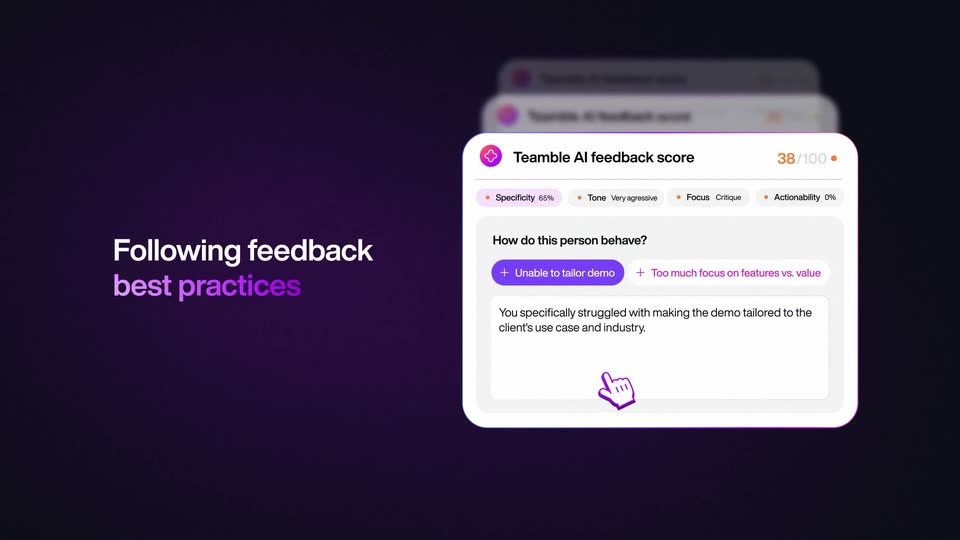 0:36–0:41Teamble · Teamble launch filmA white headline 'Following feedback best practices' with a purple sparkle sits left. Right, a white feedback card floats in 3D perspective, blurred copies stacked behind. A purple hand cursor taps a label that fills purple, a sentence types into the box, the score counts up to 38.
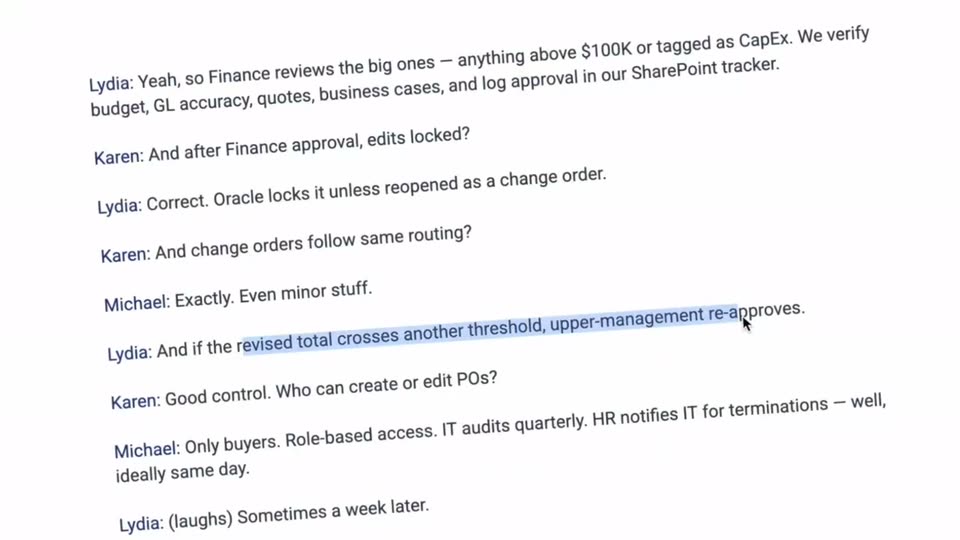 0:20–0:21Oxus · Oxus: Modern intelligence for better auditsA white page holds a static dark-text dialogue. A mouse cursor glides left along one line and drags a blue selection highlight over the phrase about thresholds and re-approval.
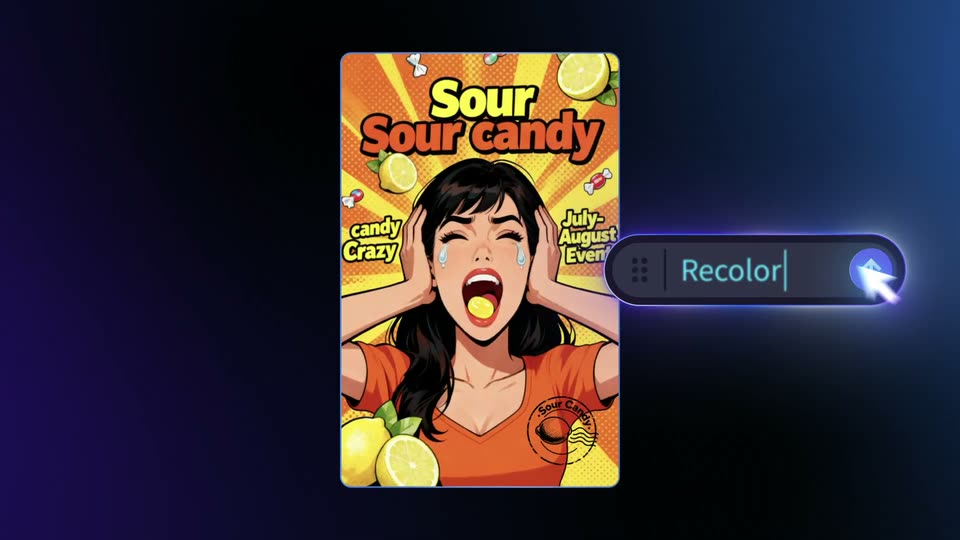 0:27–0:30Qwen · Qwen - 🎨 Qwen-Image-Layered is LIVE — native image decomposition, fully openA comic-style illustration card sits on a dark blue gradient. A glowing command bar slides in from the right and types a prompt; the card's palette shifts from orange to blue as a cursor presses the send button. The card then slides up-left while a second orange card slides into the center.
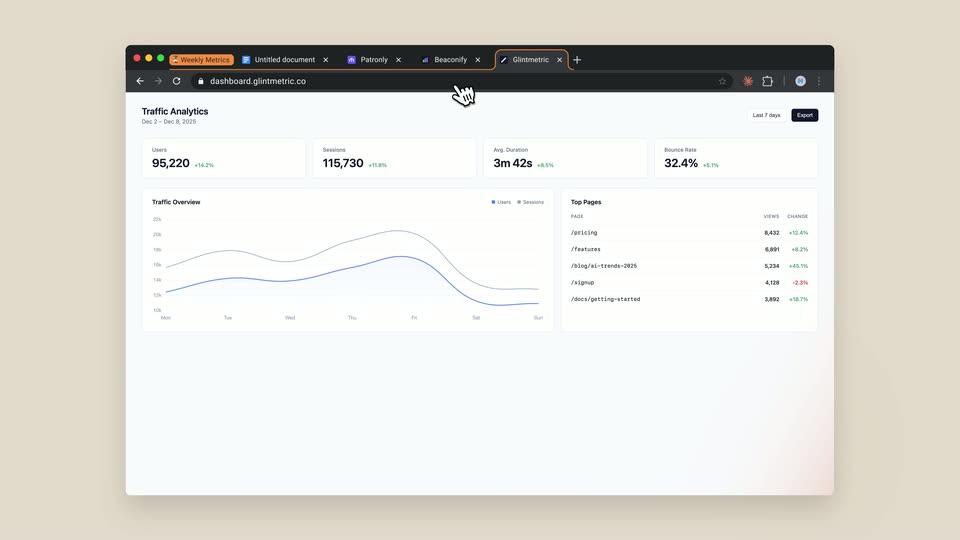 0:22–0:25Anthropic · Let Claude handle work in your browserA flat browser window on a beige backdrop displays a Traffic Analytics dashboard. A cursor taps the Glintmetric tab, the page refreshes through a soft pink wash, then the cursor drifts to the Untitled document tab.
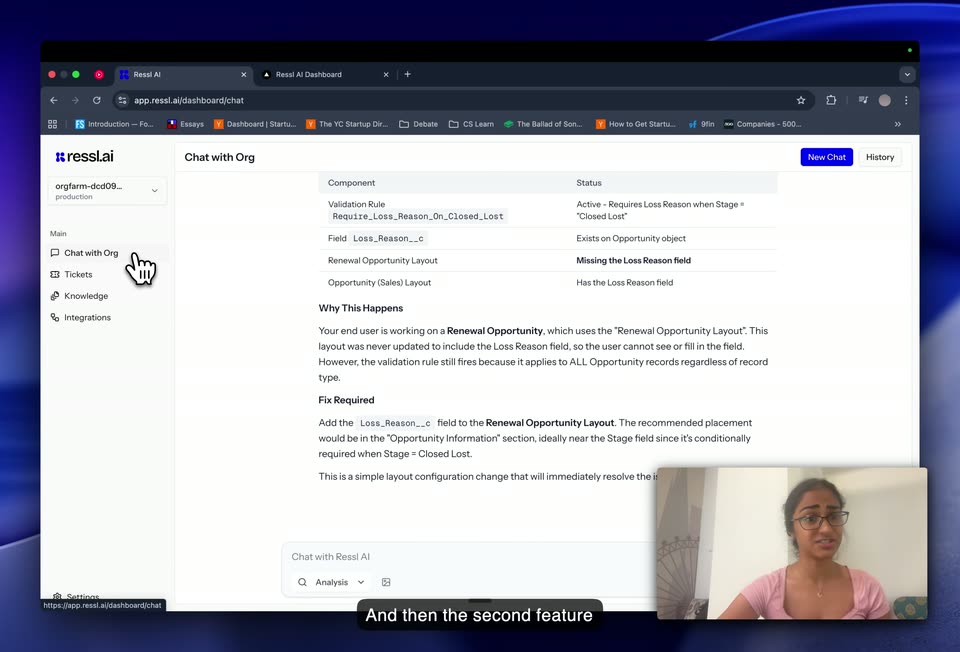 1:47–1:48Ressl · Ressl AI x Launch BookfaceA browser window shows the Ressl AI dashboard: a left sidebar and a chat panel listing components, statuses and a fix. A hand cursor hovers over the Chat with Org menu item. A presenter sits in a video call inset at the bottom right, with a caption at the bottom.
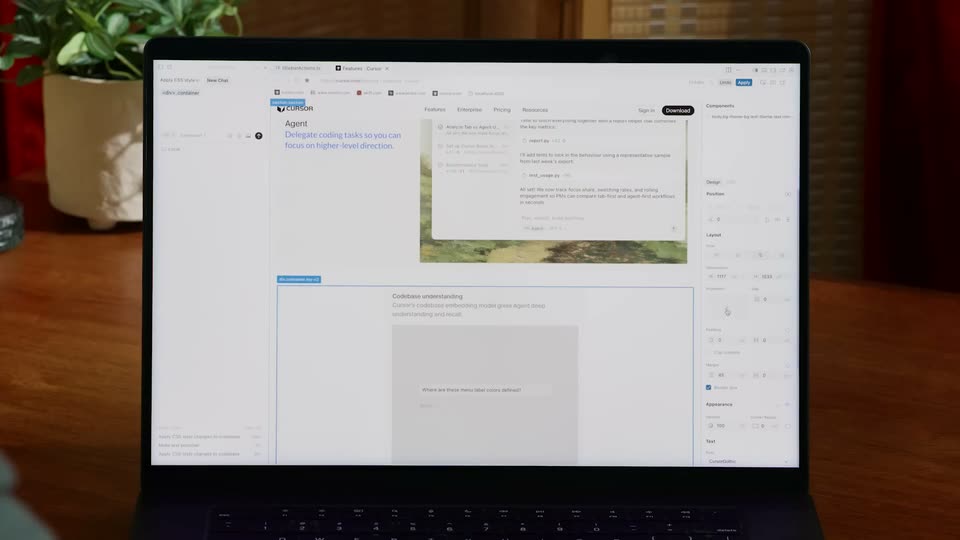 1:15–1:17Cursor · A new visual editor: design directly in your codebaseA laptop on a wooden desk shows a design tool editing a website mockup, with a cursor moving to the page header. The shot cuts to a man in a cap speaking to camera.
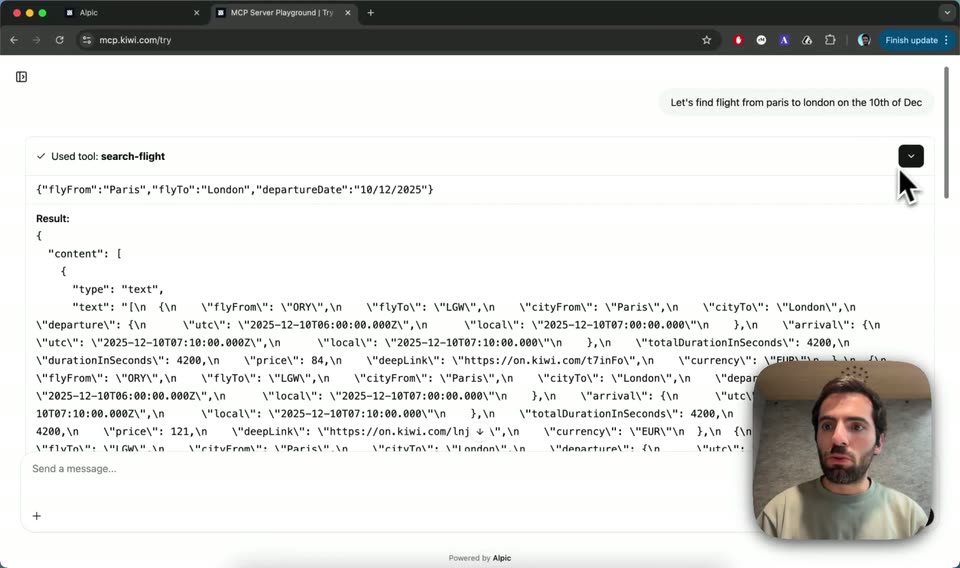 0:51–0:52Alpic · Alpic launch week 2: PlaygroundA cursor clicks a toggle on a result card, converting a raw JSON dump into a formatted flight table with route, time and price columns; a presenter's webcam sits in the lower right corner.
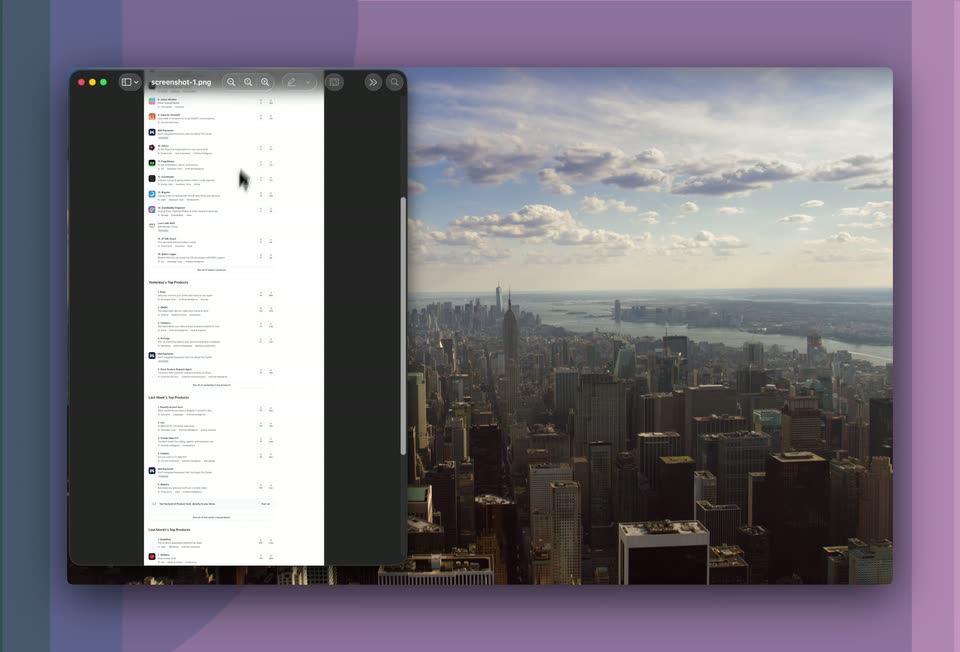 1:44–1:50Kilvin · BrowserBook YC DemoA dark app window floats over an aerial city photo on a purple gradient. Inside, a tall white list of items scrolls as a hand cursor moves up to the toolbar and clicks a zoom icon, widening the column.
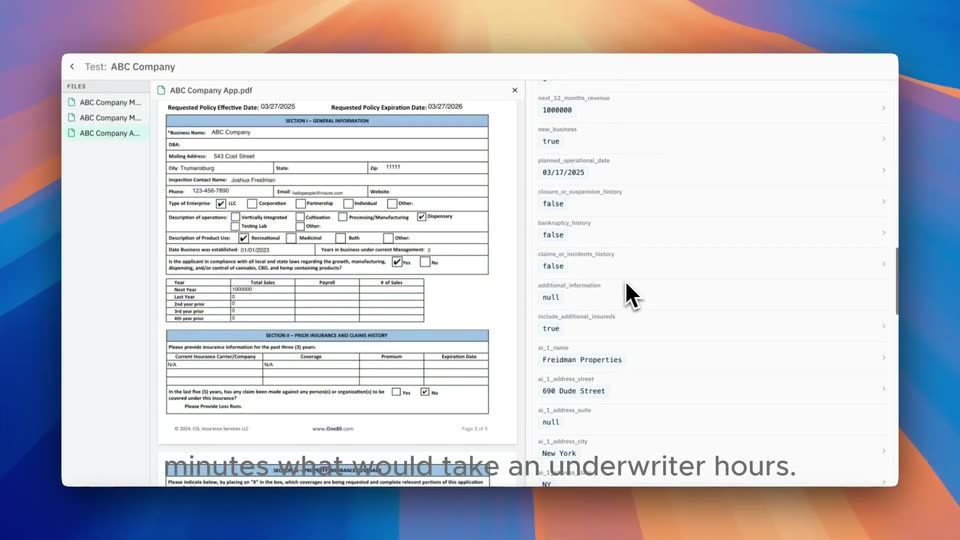 0:49–0:58Adaptional · Adaptional IntroA PDF document viewer window sits on a colorful gradient background. The window contains a split view: a PDF form on the left and a scrolling list of data fields on the right. A cursor hovers over the file list on the left, then moves to the right panel. The right panel scrolls rapidly through a long list of key-value pairs. The window then blurs and fades out as a new caption appears.
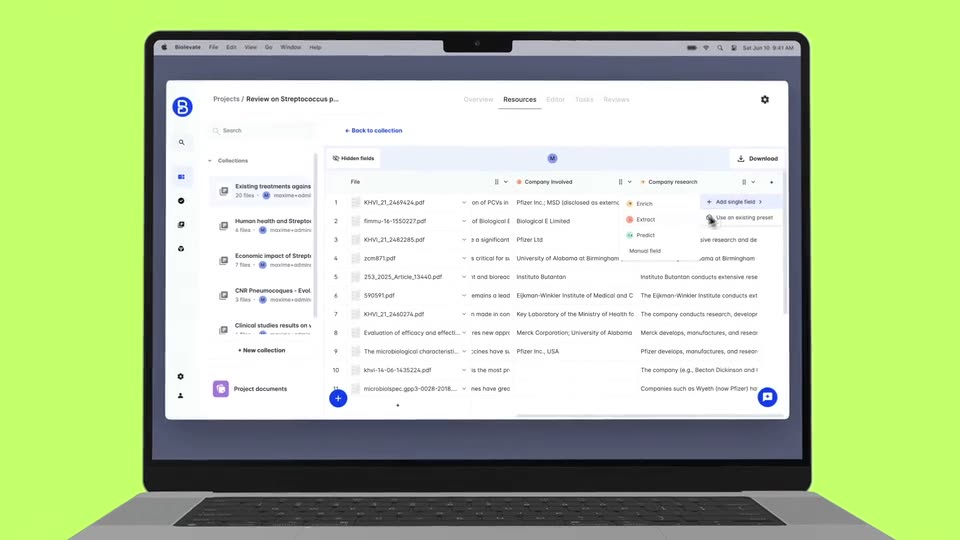 0:26–0:27Biolevate · Biolevate launch filmOn a lime green field, a laptop mockup in 3D perspective rotates from a tilted side angle to a flat front view. Its screen shows a file list where a cursor opens a dropdown menu. The dark serif headline “Screen your results at scale” holds over the first frame.
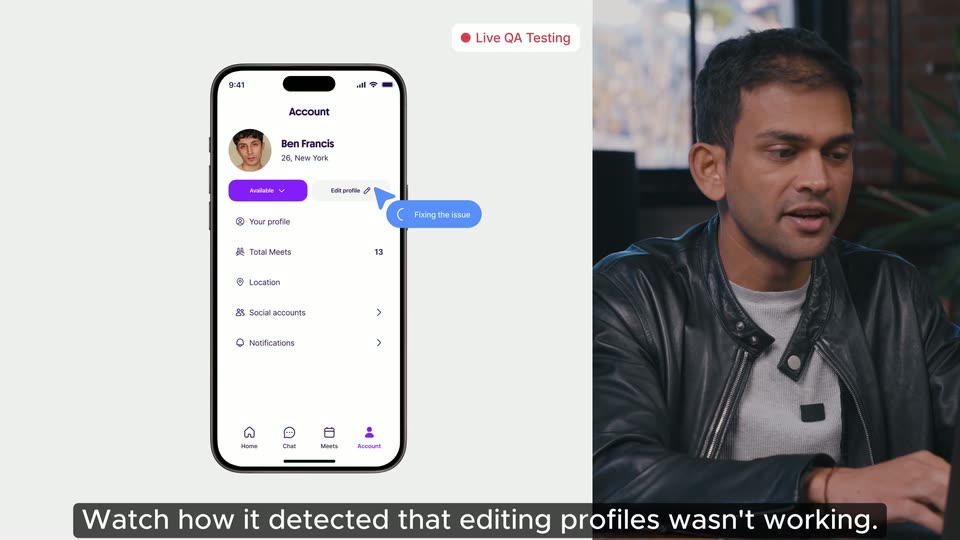 1:11–1:12Anything · Anything - Introducing Anything Max: Vibe Coding that's leaps above Lovable andSplit screen: a phone Account screen on the left with a cursor over Edit profile and a blue 'Fixing the issue' bubble, a 'Live QA Testing' badge above. On the right, a man in a black leather jacket talks and gestures. The phone scales up slightly; a caption bar sits at the bottom.
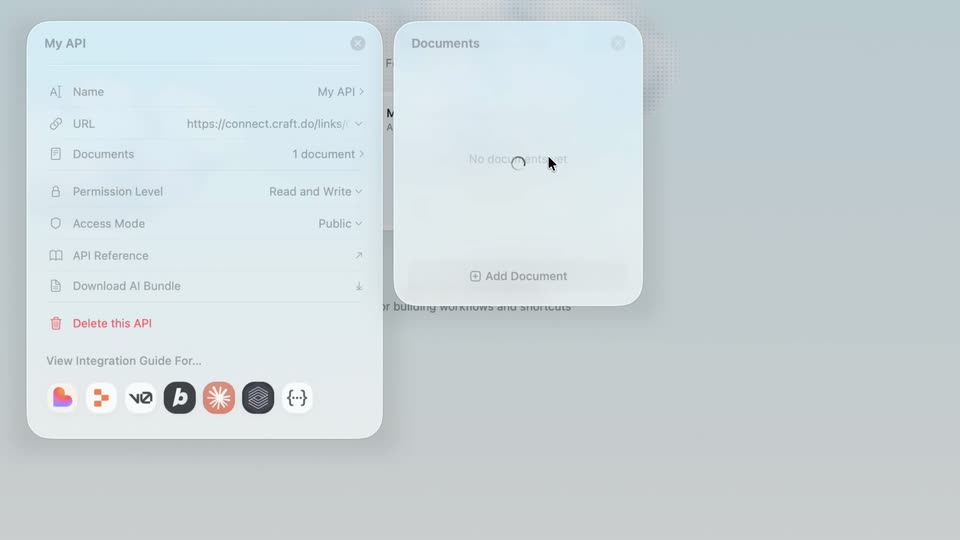 0:54–0:59Craft · Introducing the new Craft Assistant, MCP & API and more!Two frosted white panels float over a blurred gray background. The right panel cycles from an empty state to a searchable list, then a spinner loads before settling on one entry, while the left panel's Documents row updates to 1 document. A cursor arrow moves through the list.
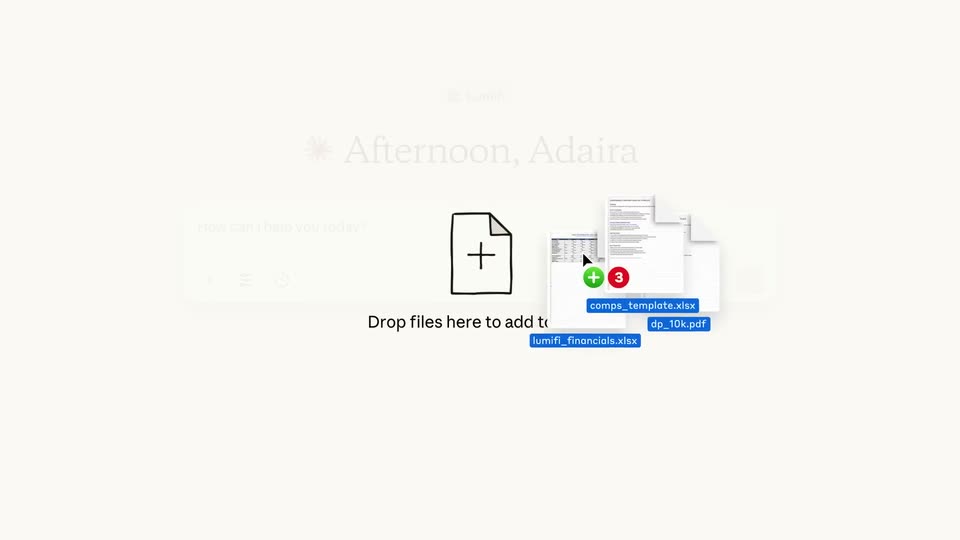 0:37–0:38Anthropic · Claude works with you on slides, spreadsheets, and contract redlinesA faint chat interface fades in on a cream background. A cursor drags a stack of three labeled documents up from the lower right toward the greeting, while a hand-drawn file icon with a plus and the drop prompt shift left.
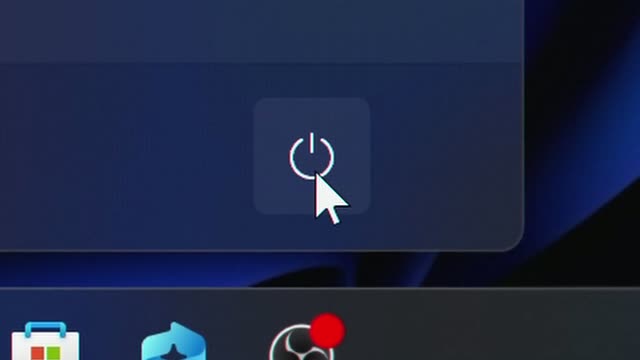 0:37–0:38Raycast · A New Start | Raycast for WindowsClose-up of a dark blue interface panel. A white cursor glides up from the lower right and lands on a power icon button. The panel scrolls up, revealing a 'Shut down' label above the button as the cursor clicks it.
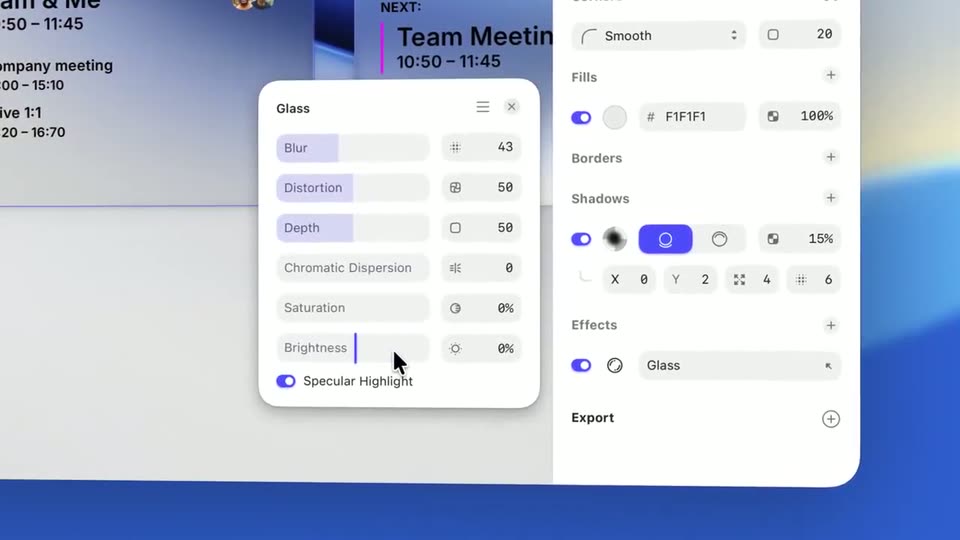 0:27–0:34Sketch · Sketch - We’ve got a biiiig update for you. A complete redesign of Sketch. MayA cursor taps the Glass effect in the right-hand properties panel, opening a Glass card with sliders. It drags the Brightness slider from 0% to 40%, then the view pulls back to reveal the full editor window holding three frosted calendar widgets over a blue gradient.
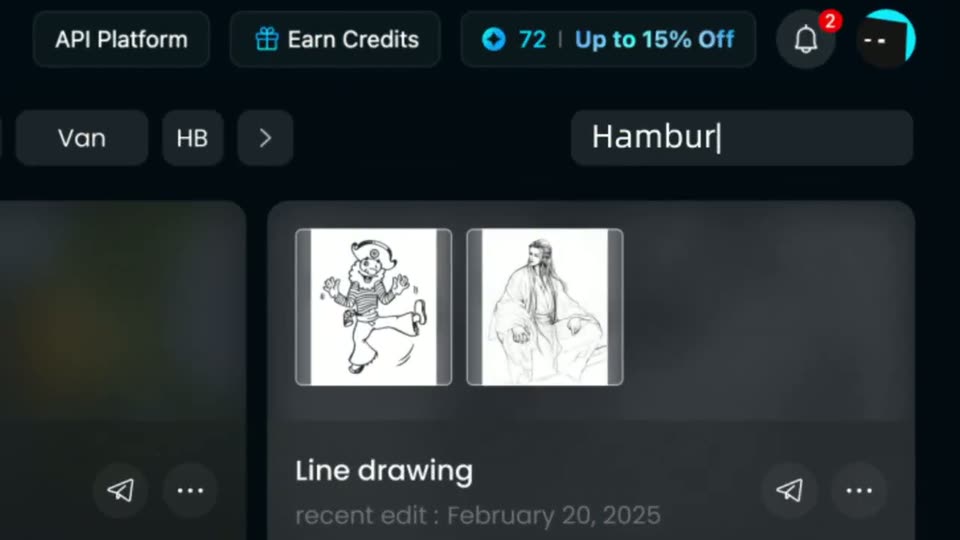 0:35–0:37Vidu · Vidu AI - 10-Image video creation with seamless creative transitions Upscale noA dark product dashboard is shown full-frame, then the view zooms into the top bar while a cursor types a search query, highlighting a matching result card.
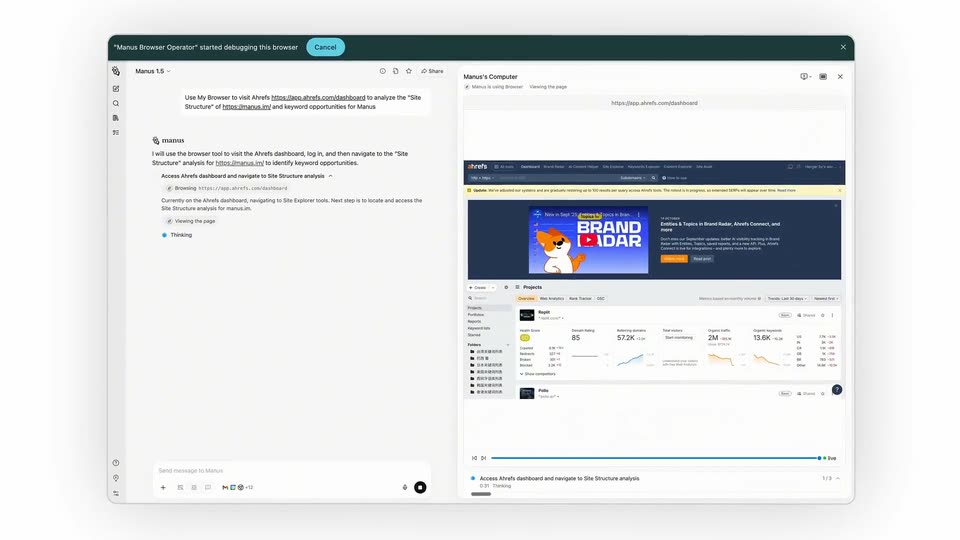 0:35–0:36Manus · Manus - Today we're launching Manus Browser Operator. Any browser can now beA three-panel browser operator interface fills the frame on a light gray background. A hand cursor hovers in the left chat panel; the right panel holds a static Ahrefs dashboard with a Brand Adar illustration. The view stays still throughout.
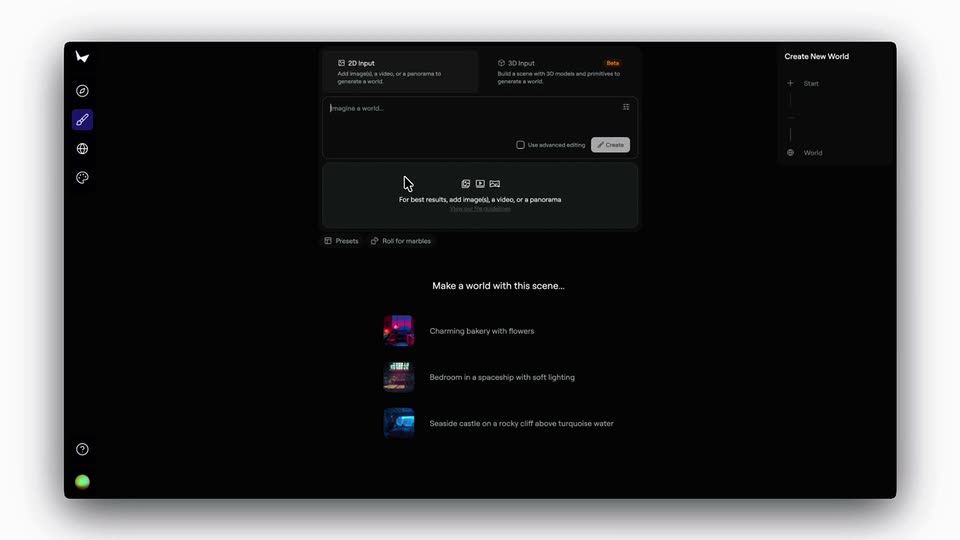 0:40–0:43World Labs · Welcome to Marble!A dark world-builder interface sits flat on screen with a left icon rail, an input panel, and a right-side Create New World card. A white cursor drifts from the prompt field down to the upload hint, then a small click ripple pulses. The frame stays locked.
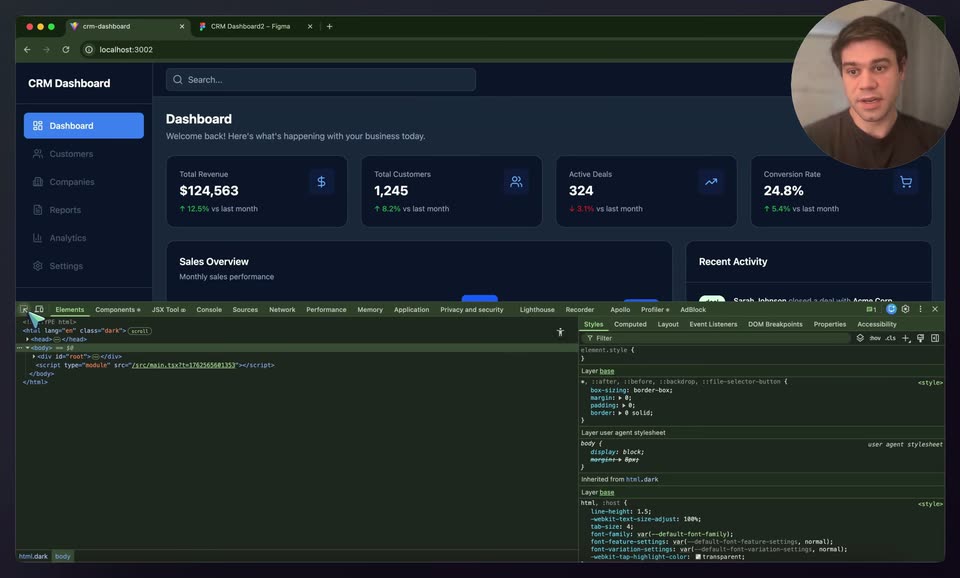 0:40–0:43Coasts · JSX Tool DemoA screen recording shows a dark CRM dashboard in a browser with DevTools docked below. The cursor clicks the Elements tab and expands the HTML document tree, while a circular webcam of the presenter stays fixed in the top-right corner.
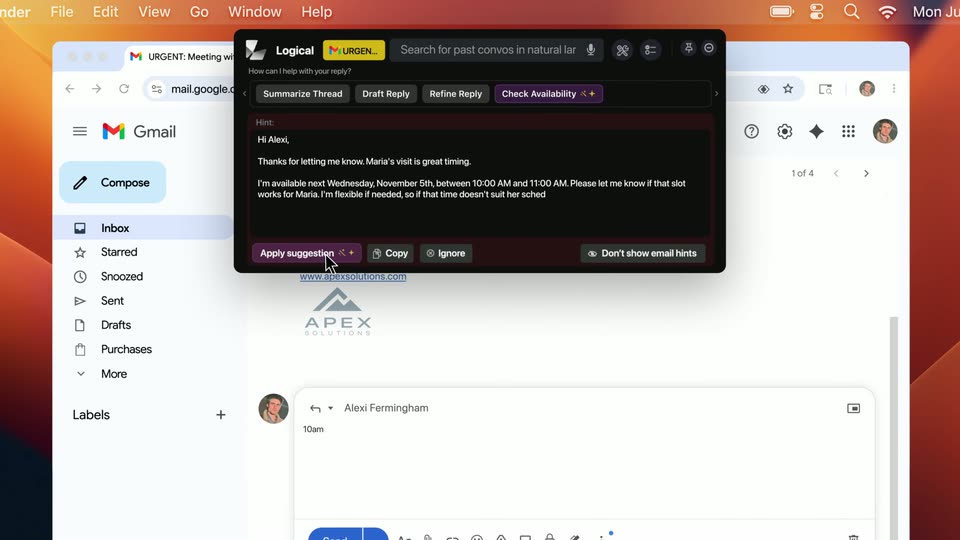 0:48–0:50Logical · Logical | The Proactive Desktop CopilotA dark 'Logical' hint panel floats over a Gmail email. A suggested reply types out line by line while a cursor hovers, then a row of action buttons fades in along the panel's bottom edge.
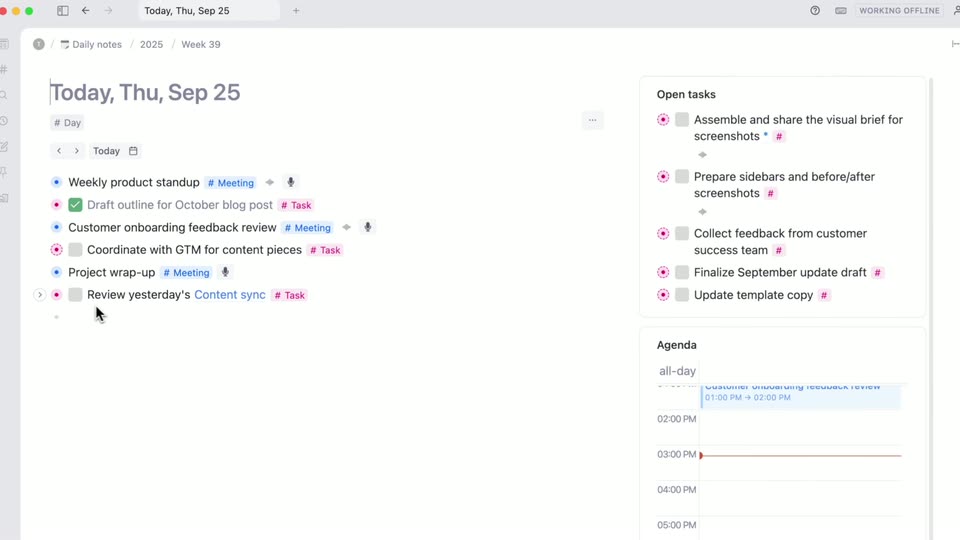 0:45–0:50Tana · Tana Outliner Offline Is HereA close-up of the Open tasks list under a Working Offline badge pulls back to reveal the full daily note page with task list and agenda. A cursor clicks a task, opening a new tab that shows its properties.
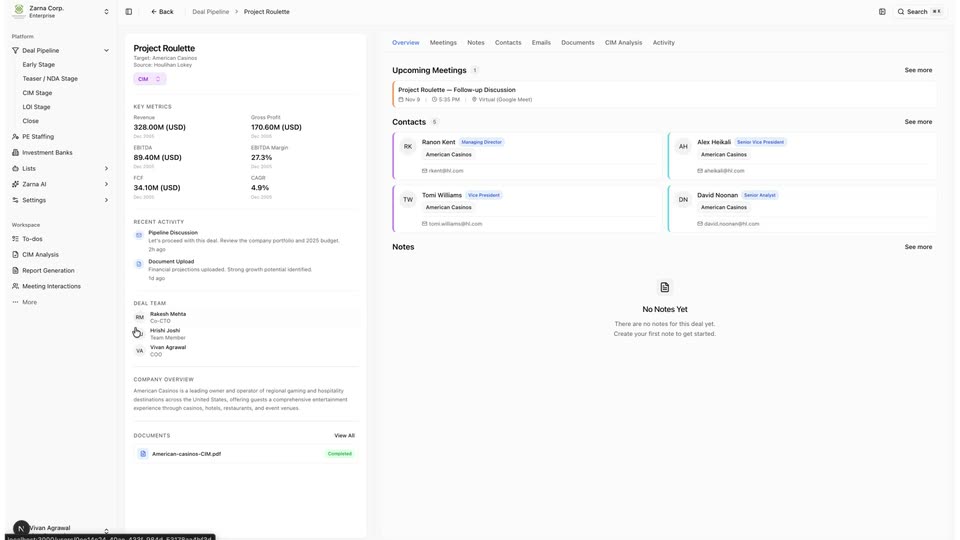 0:49–1:05Zarna · Demo Video - ZarnaA CRM deal page fills in from skeleton loaders: key metrics, deal team and four contact cards appear. The cursor hovers the contact cards, then the right panel switches to the Documents tab, revealing a CIM file card with View and Download buttons and an empty Teaser card.
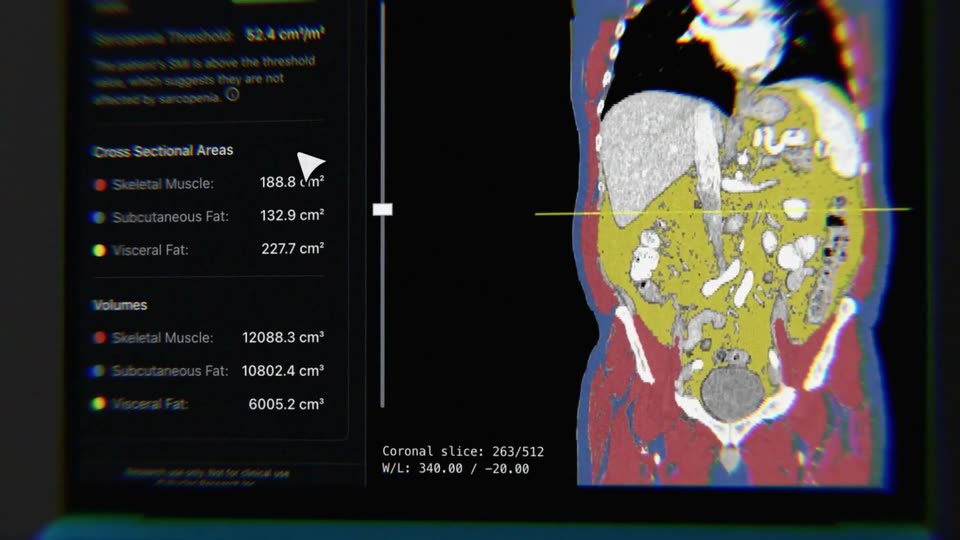 0:57–0:58Nucleo · Nucleo - Automated cancer diagnosticsA dark medical imaging interface fills the frame. A data panel on the left lists cross-sectional areas and volumes for muscle and fat, while a color-coded coronal CT scan of a torso with yellow and red overlays occupies the right. A white cursor hovers over the panel.