0:32
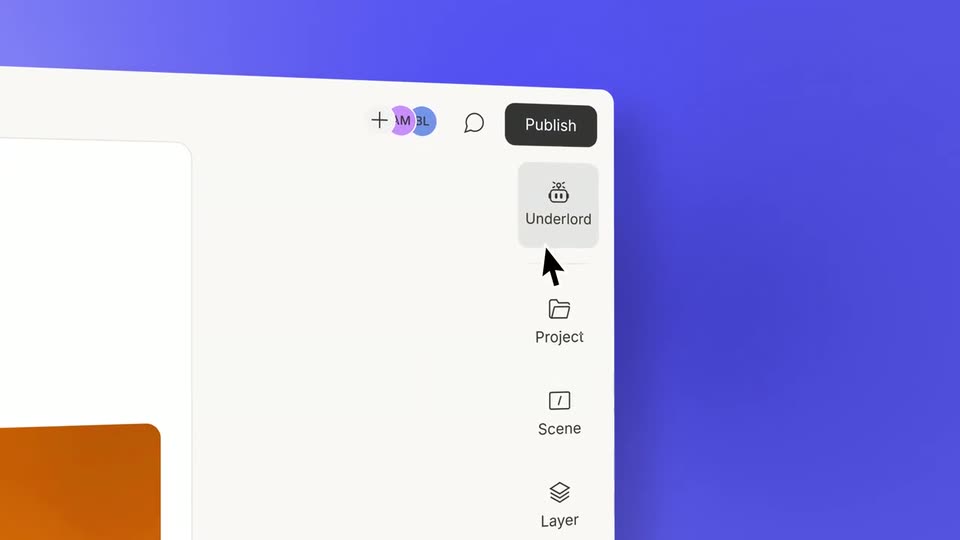
Descript - Vibe editing is here. Any job, any video. Underlord’s got it.
Descript · Design · May 2025
Sketch · Nov 2025 · 0:38 · AI-annotated
Sketch’s 0:38 launch film runs 8 scenes, about 4.8 s each. The product shows up at 0:03 and 2 features are revealed. There is no explicit call to action. The video opens on an abstract gradient, then tours a floating design app window with a single cursor, cutting between wide 3D views of the library and tight close-ups of panels and pickers. Its signature is a frosted glass language: rounded translucent panels over a blurred blue gradient, bookended by the orange diamond mark.
Is this your launch? to your site or press kit.
Descript · Design · May 2025
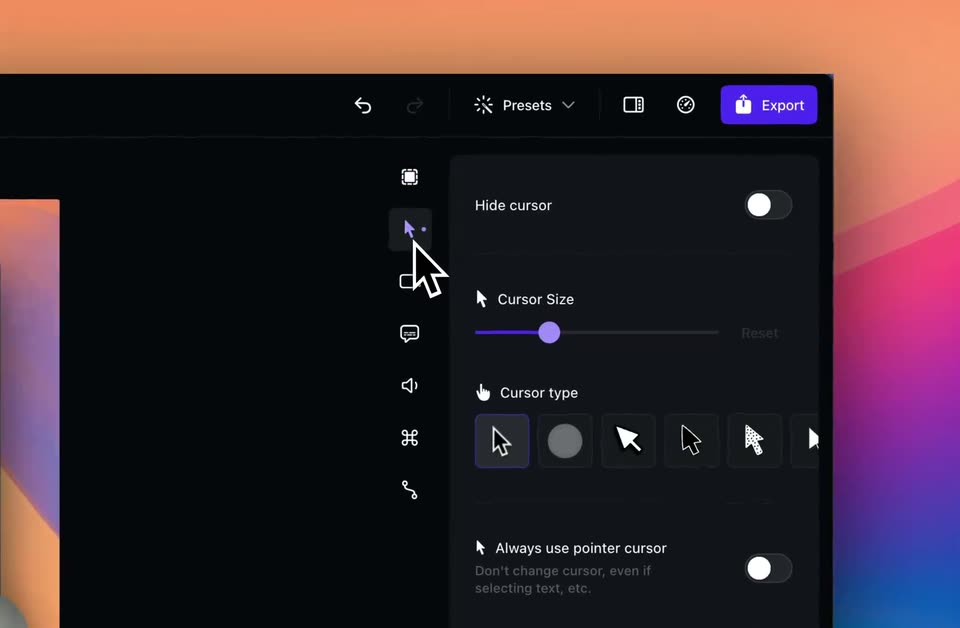
Screen Studio · Jun 2024
A blurred blue and cream gradient with a pale sun disc. A frosted white pill bar fades in at center with a row of dark line icons. The row shifts as new icons enter, including a yellow gem and a diamond.
Camera: Static
A design app window floats in slight 3D perspective over a blue desktop. The view zooms across its layers panel and three calendar widgets while a cursor opens a context menu and selects items, then reframes to the toolbar where the pen tool draws a bezier curve.
Techniques: Cursor demo, UI zoom, 3D mockup
Camera: Pan
A design tool canvas shows a translucent calendar and event card beside a white properties panel. A cursor taps the width field, then the view scrolls down to reveal the March 2026 grid and a Team Meeting list under a Style section.
Techniques: Cursor demo
Camera: Pull out
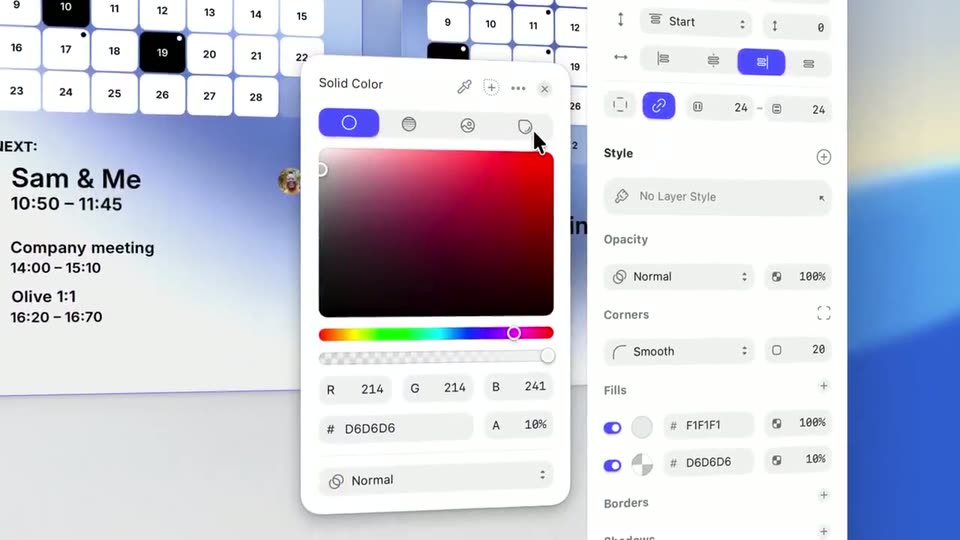
A close-up of a design tool shows a Solid Color picker dialog centered over a calendar list and a properties panel. A cursor glides from the fills section up to the dialog's top corner. The interface stays static while the cursor moves.
Techniques: Cursor demo
Camera: Static
A cursor slides to the layout toggle in the Color Variables panel and clicks it, turning the grid of color swatches into a vertical list of named variables. A properties panel and a calendar with events sit in the background.
Techniques: Cursor demo
Camera: Static
A close-up of a design interface shows meeting cards on the left and a properties panel on the right. A cursor glides into the Fills section and clicks a toggle, adjusting a color value. The framing stays fixed on the panel.
Techniques: Cursor demo
Camera: Pan
A cursor taps the Glass effect in the right-hand properties panel, opening a Glass card with sliders. It drags the Brightness slider from 0% to 40%, then the view pulls back to reveal the full editor window holding three frosted calendar widgets over a blue gradient.
Techniques: Cursor demo, UI zoom
Camera: Pull out
A white rounded app icon holding a glossy orange diamond sits centered on a soft blue and yellow gradient. A blurred calendar interface fades out behind it in the first frame, leaving the icon alone on the abstract background.
Camera: Static