Cursor demo
A visible cursor operates the interface.
15,085 scenes · page 176 of 252
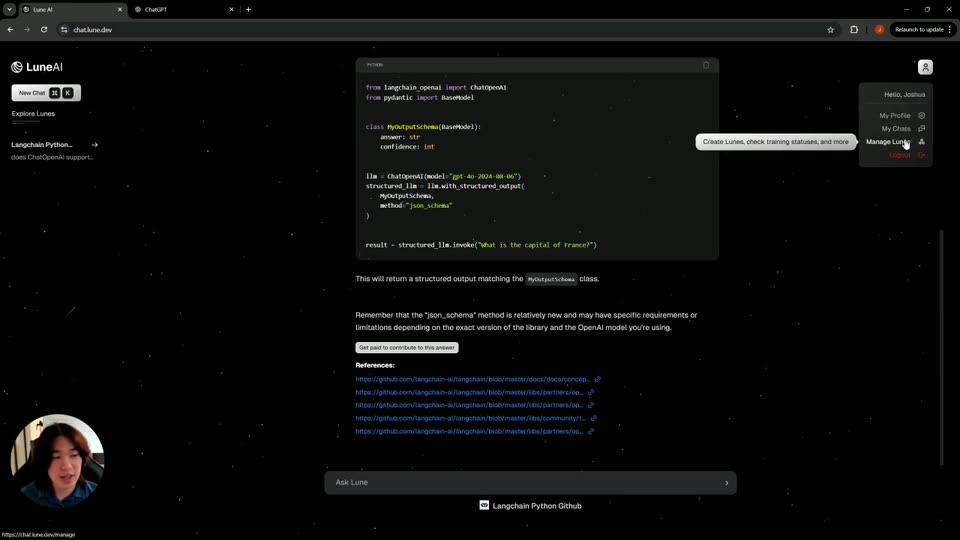 1:30–1:39Endstack · Lune AI DemoDark web app screen with a Python code block and answer text; a circular webcam of the presenter sits in the corner. The cursor opens the top-right avatar menu, hovers My Profile for a tooltip, then the view cuts to a Profile page with tabs and two empty cards.
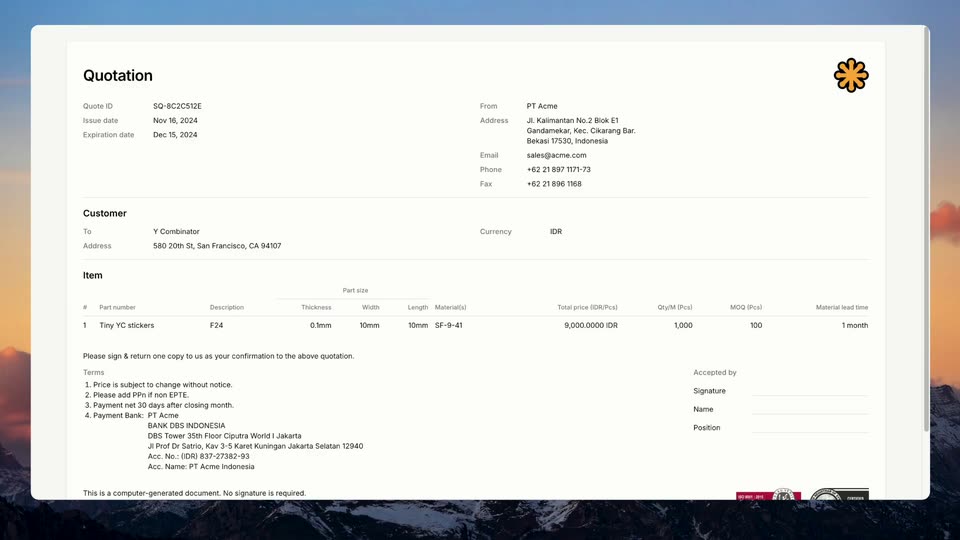 1:37–1:39Tiny · Tiny (YC F24) Launch VideoA quotation document fills a white card against a mountain backdrop at dusk. A mouse cursor drifts down to the brand mark in the top corner, and the asterisk logo fills from a pale outline to solid orange.
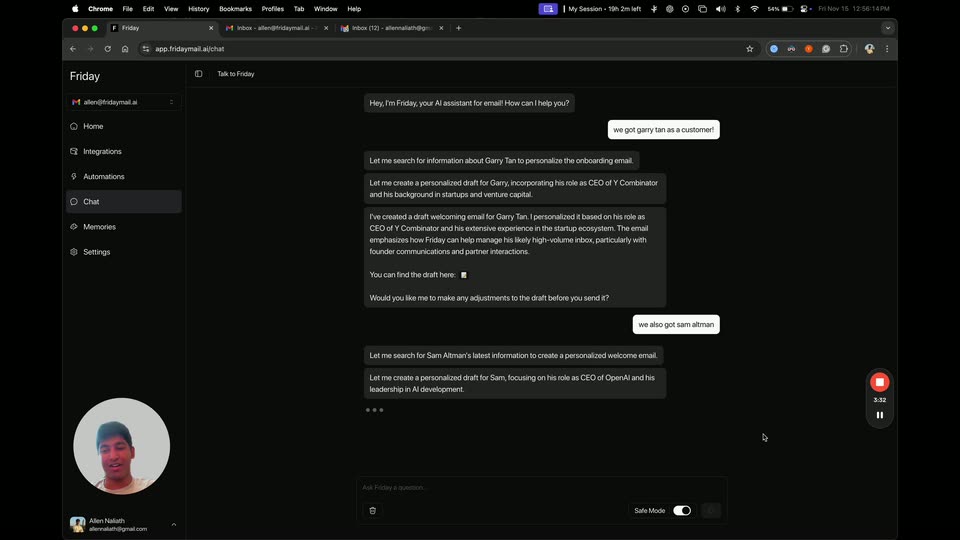 3:18–3:47Freestyle · Friday - Never Check Your Email AgainA locked-off screen capture of a dark chat app in a browser. The cursor types a new customer name into the bottom field and sends it; a three-dot typing indicator appears, then gray AI reply bubbles stack in under the earlier Garry Tan exchange.
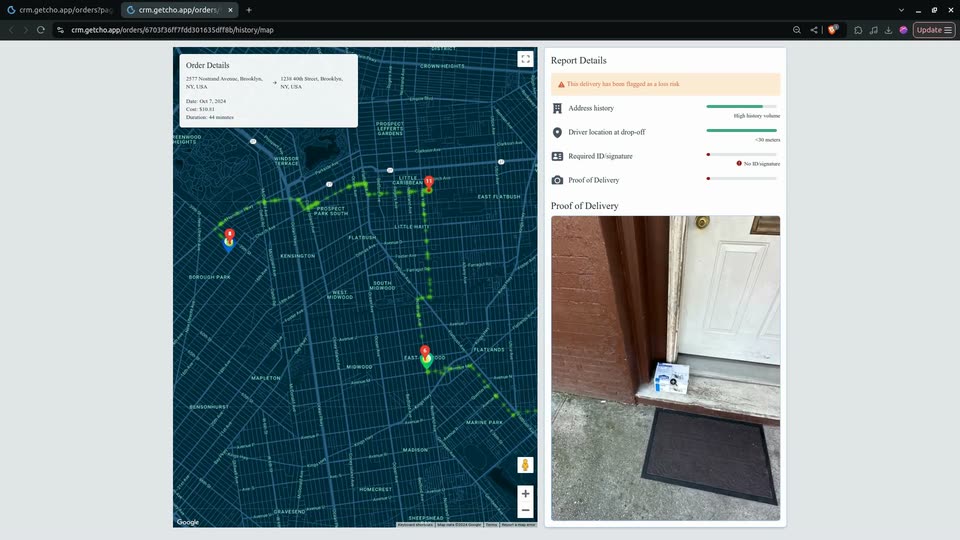 0:47–1:06Getcho · Getcho Launch YCA split CRM screen: a dark delivery map with a green route and pins on the left, a white report panel with a risk banner and a proof-of-delivery photo on the right. The cursor drags the map and zooms the photo in and out.
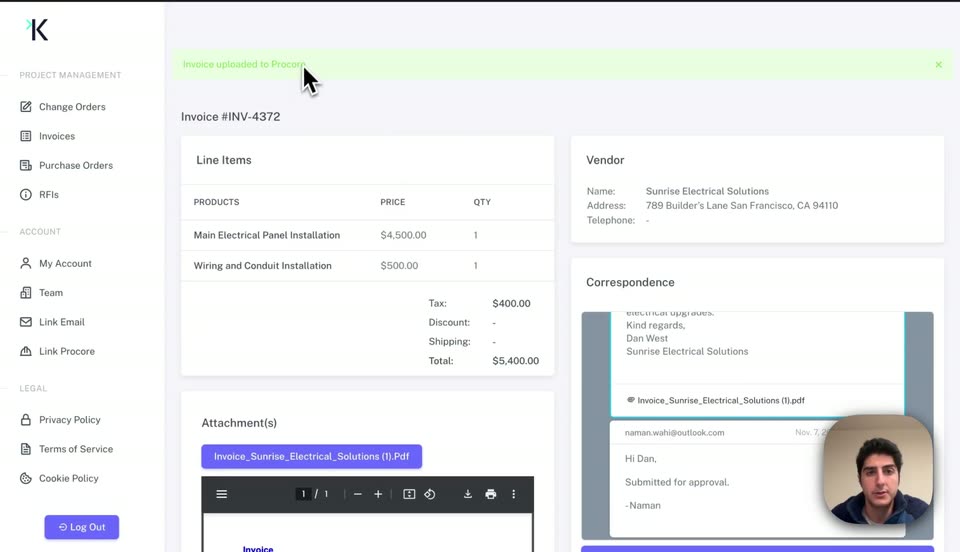 0:57–1:01Karmen · Karmen DemoA Procore invoice dashboard fills the frame, showing line items, a vendor card and a correspondence thread with a PDF attachment under a green upload banner. A small video call window with a man sits in the corner. A cursor drifts from the total up to the banner.
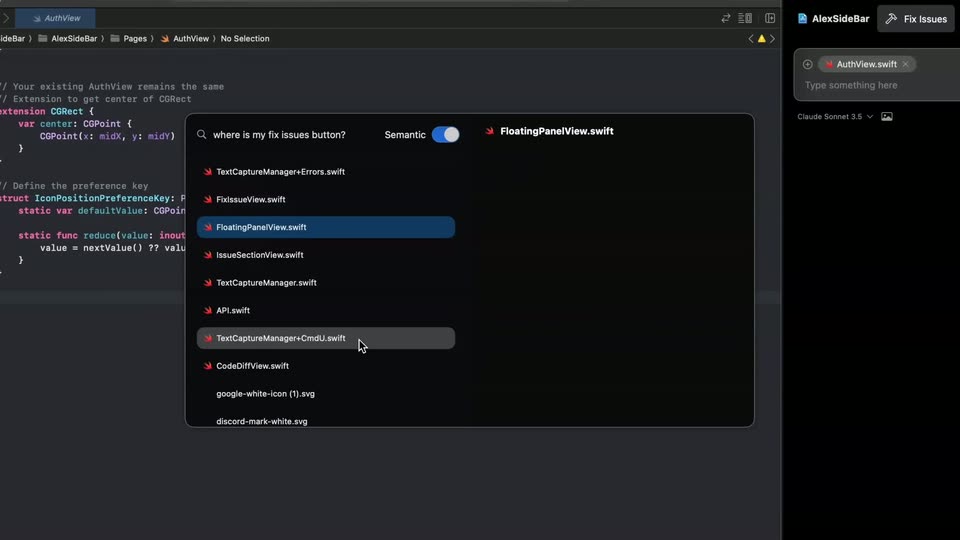 0:47–0:52Alex · Alex - Your AI Copilot for XcodeA dark code editor fills the frame with a centered search panel. A query sits in the search bar above a list of Swift files. Selecting a file highlights it and reveals a code snippet with a short explanation on the right. The panel then closes to the editor.
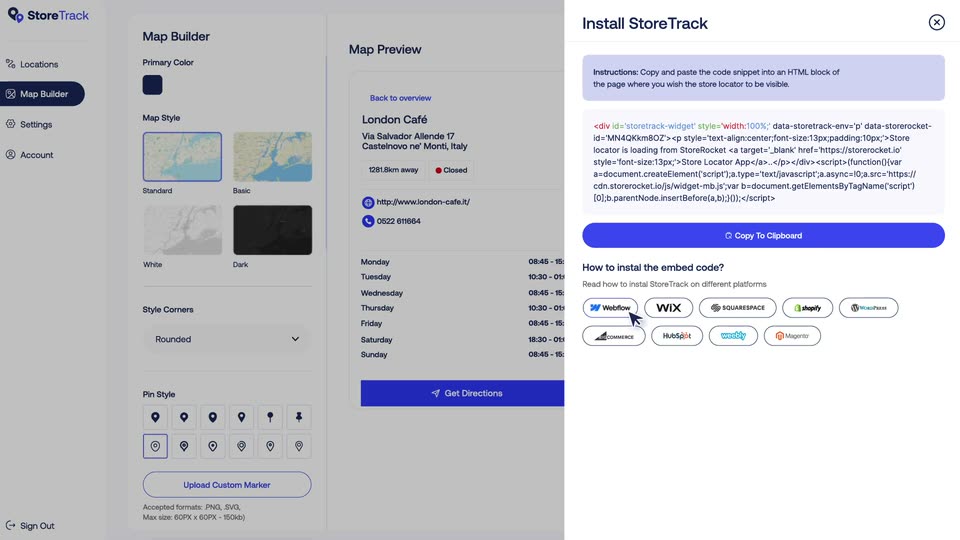 0:48 · 0.9sStoreTrack · Product Explainer Video for SaaS | StoreTrack | ZeliosA flat UI screen holds the StoreTrack dashboard: a Map Builder panel left, a London Café map preview center, and an install panel with an embed code and platform logos right. A cursor moves over the logos.
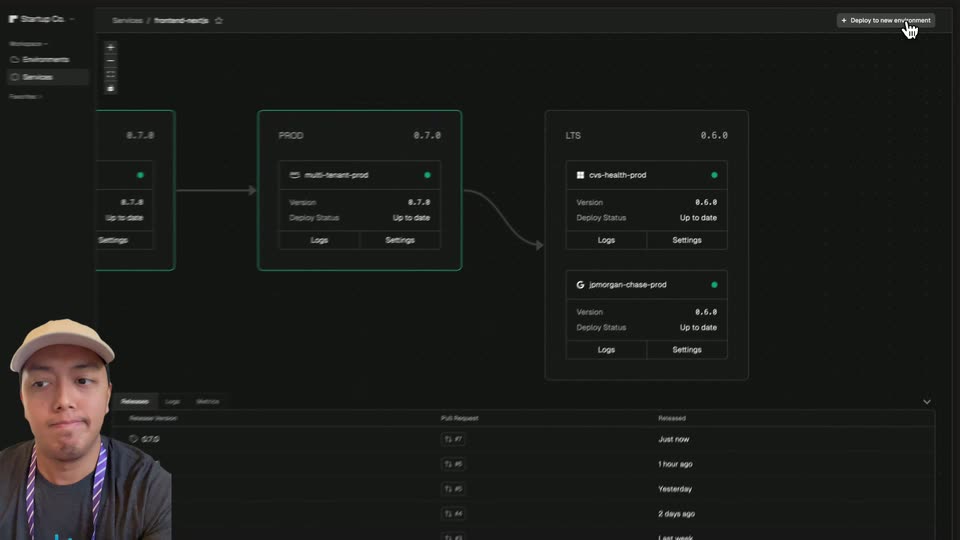 0:26–0:28Ryvn · Ryvn | On-prem deployments, without the stressA dark dashboard shows a node graph of environment cards; the view zooms out from a close-up of the top-right button as a cursor clicks it, then a toast slides in at the bottom right. A surprised presenter reacts in a face-cam inset at the bottom left.
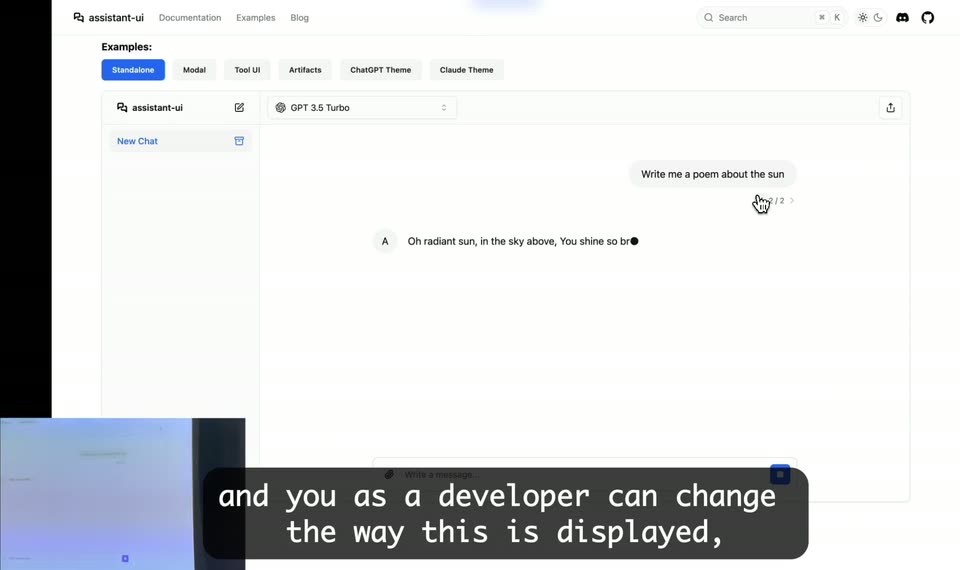 0:48–0:52assistant-ui · assistant-ui | AWS GenAI Loft DemoA screen recording of a chat interface fills the frame while a cursor edits the prompt from weather to sun and clicks Send, streaming a new poem. A small inset of a speaker at a podium sits bottom-left, and a dark caption bar carries the voiceover at the bottom.
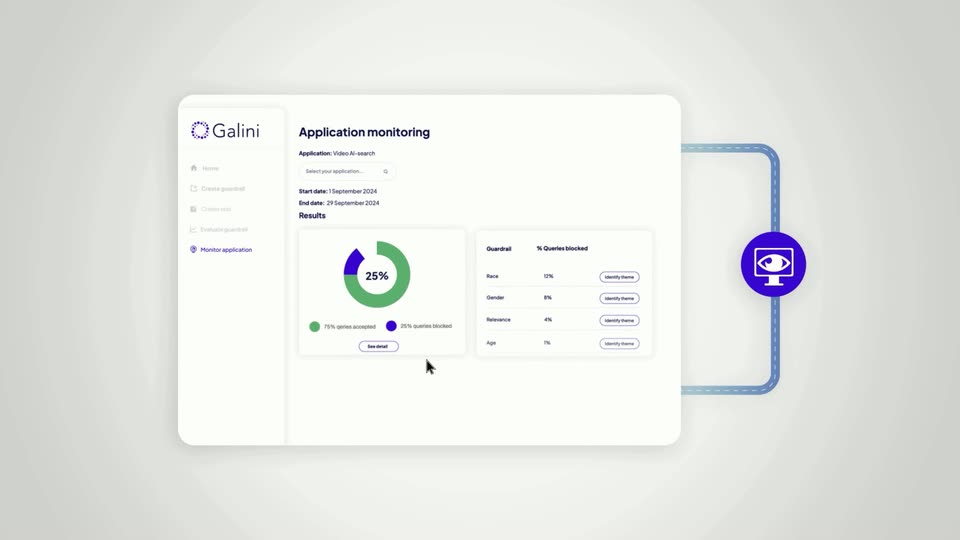 2:25–2:34Galini · Galini Product DemoA flat white Galini dashboard panel on a gray backdrop. A cursor opens a September 2024 calendar, selects the 1st and 29th to set a range, then closes it. A 25% donut chart and a guardrail table animate in as results load.
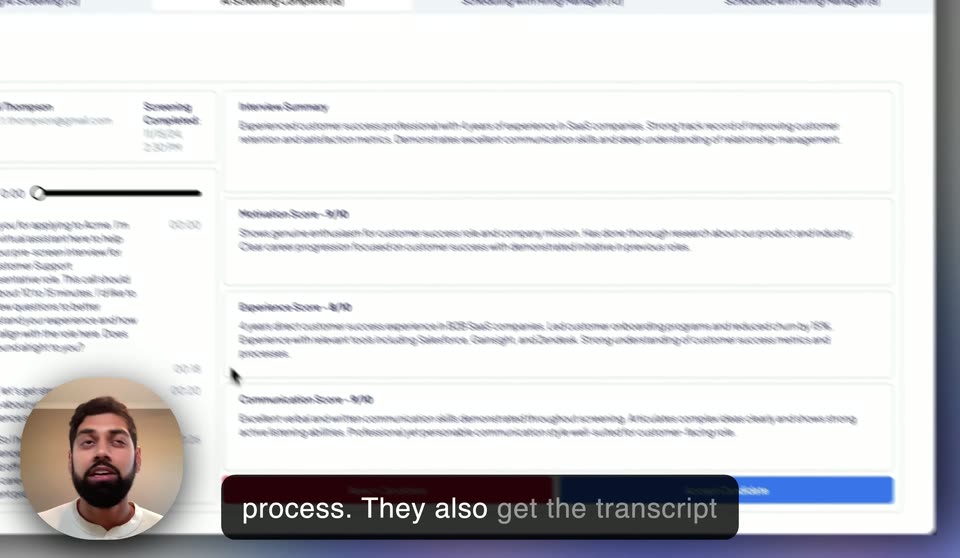 2:08–2:23Symphony · Symphony - Conversational AI-Recruiter for customer-facing roles.A browser screen of the Symphony candidate page with a circular presenter video in the lower left and a caption bar along the bottom. The view zooms into the AI score cards, then back out to the transcript and candidate list.
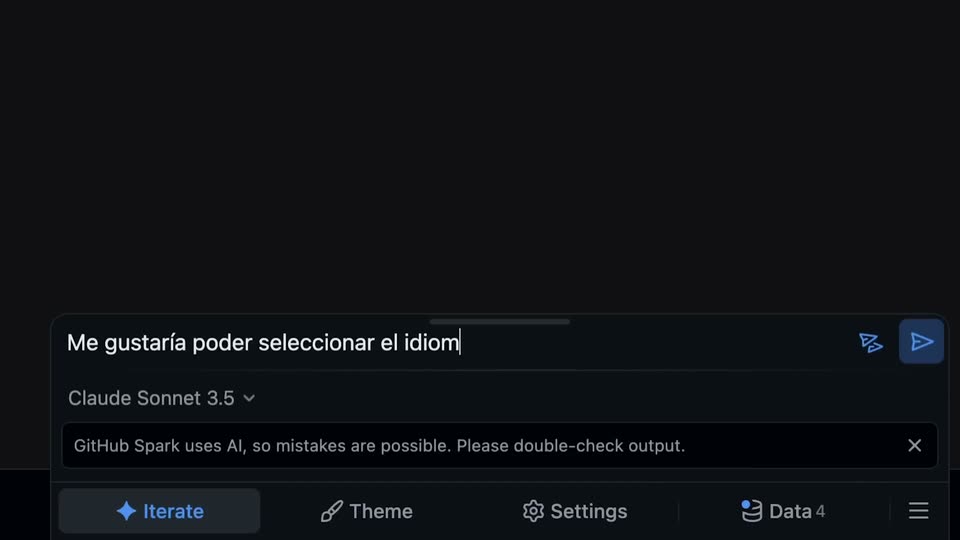 0:24–0:26GitHub · What is GitHub Spark? Introducing a brand new way to build powerful, AI assisted applicationsA dark chat window fills the lower third of a black frame. Spanish text types out letter by letter in the input bar, while a model selector and an AI warning banner sit beneath it. A still caption, “Iterate in your own words,” is locked on screen.
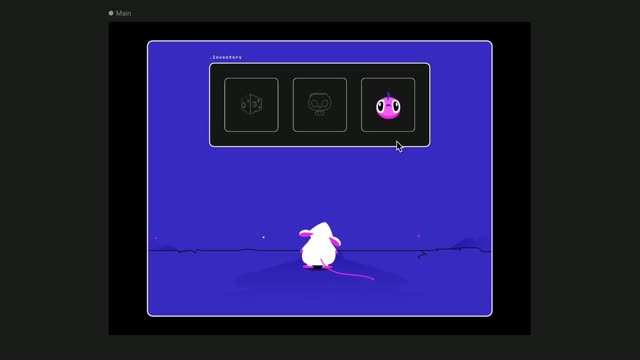 0:35–0:36Rive · Responsive Layouts have landedA dark game viewport shows an inventory panel and a white mouse character on a cracked floor, then the view cuts to a design tool workspace where the same inventory card sits on a white canvas between a layers list and a layout inspector, with a cursor hovering over it.
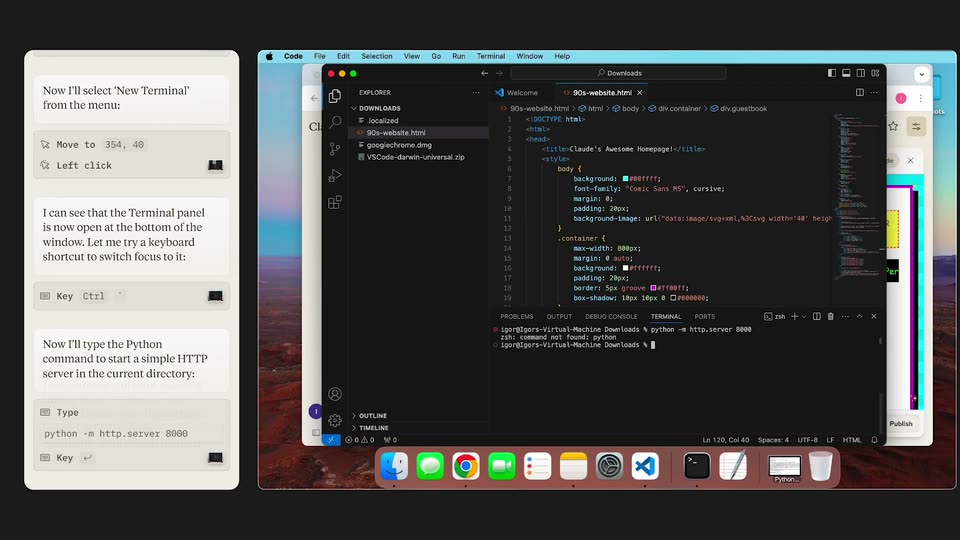 1:41–1:59Anthropic · Claude | Computer use for codingA split layout pairs a scrolling chat and action log on the left with a flat macOS screen on the right. A cursor opens the Terminal menu in VS Code, picks New Terminal, types a Python command that errors. The right side pushes in at the end.
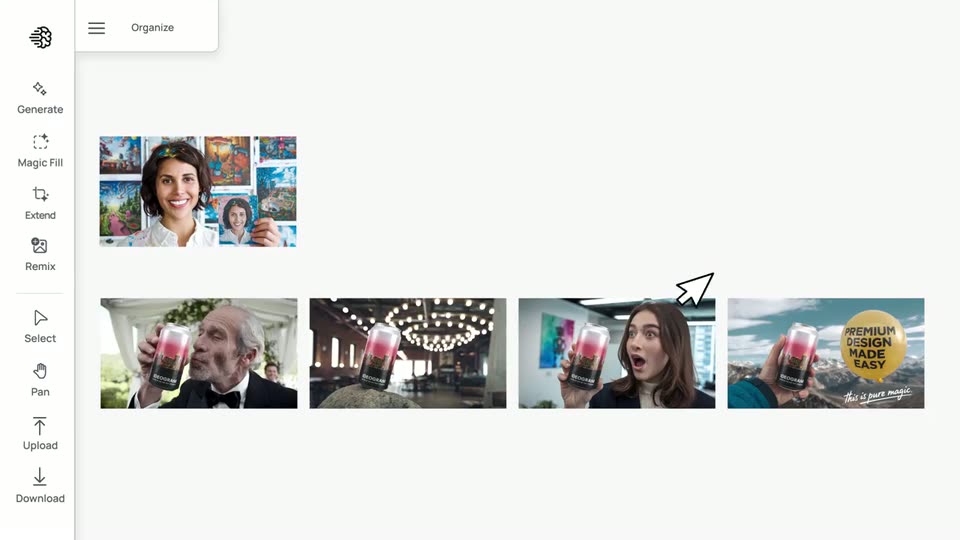 0:26–0:28Ideogram · Ideogram - Today, we’re introducing Ideogram Canvas, an infinite creative boardA white image-editing interface with a left tool rail displays a grid of sample photos. A cursor drags a pink selection marquee around the bottom row of images while the top row of photos clears. A caption reads organize ideas.
 0:54 · 0.4sRamp · Meet Ramp: A smart finance operations platform that saves you time and moneyA transaction table with date and category columns fills the screen, a hand cursor hovers over a row, then a Review & sync side panel fades in on the right listing four vendors to sync to NetSuite.
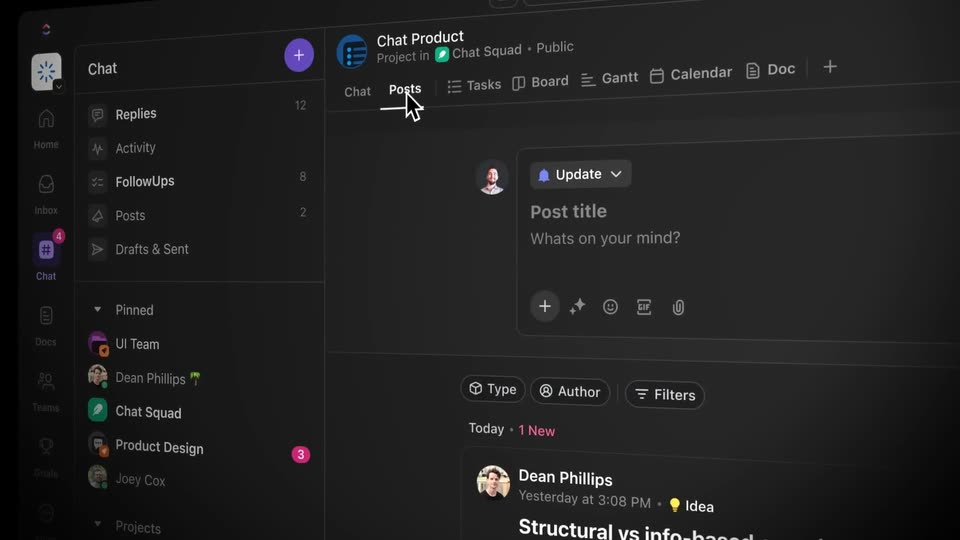 0:42–0:43ClickUp · Introducing ClickUp ChatA dark project-management dashboard fills the frame, with a left sidebar and a chat thread on the right. A cursor hovers over the Posts tab while the headline Work from Chat scales up across the center.
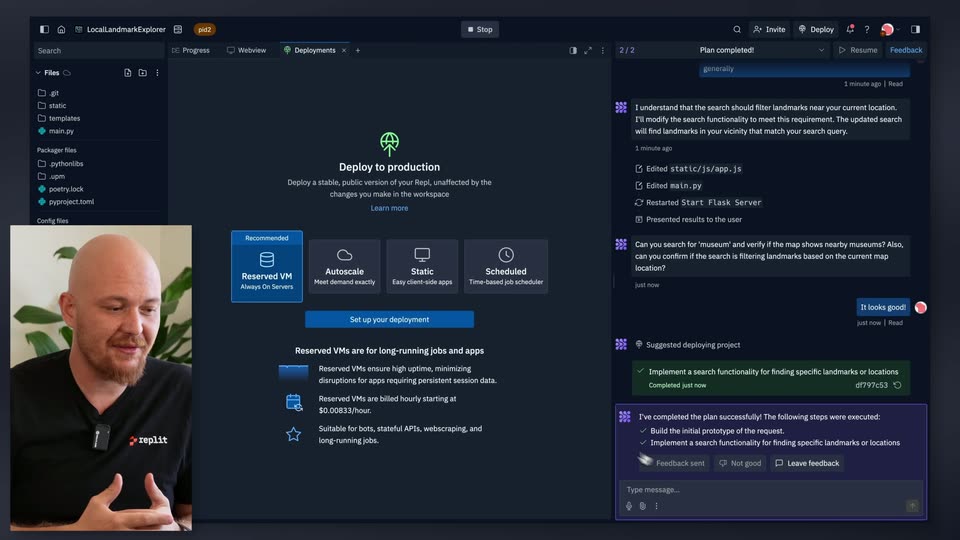 2:02–2:06Replit · Meet the Replit AgentA bald presenter in a black Replit shirt talks in a bottom-left webcam box while the Replit IDE fills the screen. A cursor clicks the Good feedback button in the chat panel, then the center deploy view switches to a Reserved VM configuration form.
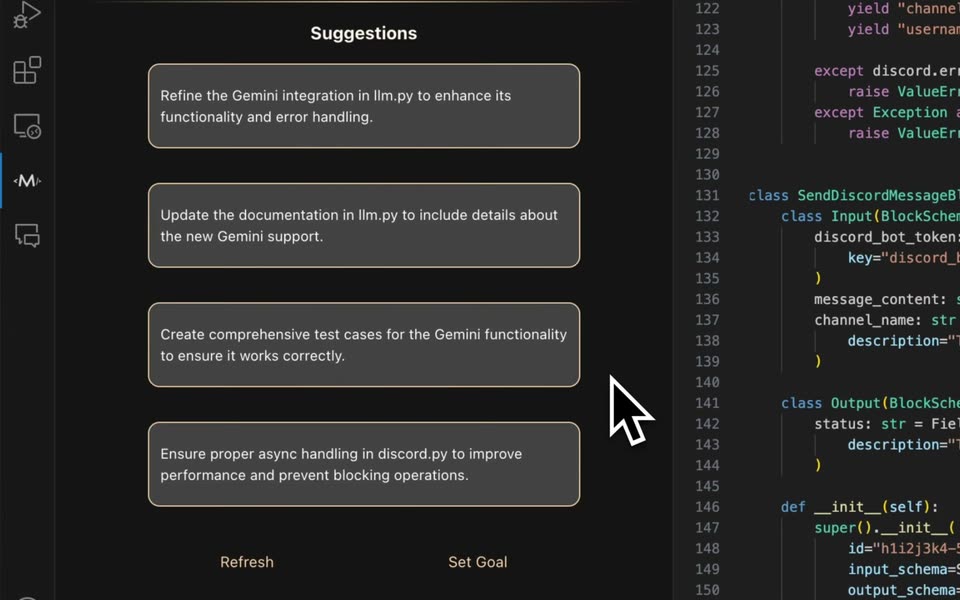 1:28–1:34MagiCode · MagiCode: Your Proactive Pair ProgrammerA laptop in 3D perspective on a blue and pink gradient zooms into its screen, revealing a Suggestions panel with four cards. A cursor moves down and hovers the last card, then the view pulls back to the laptop.
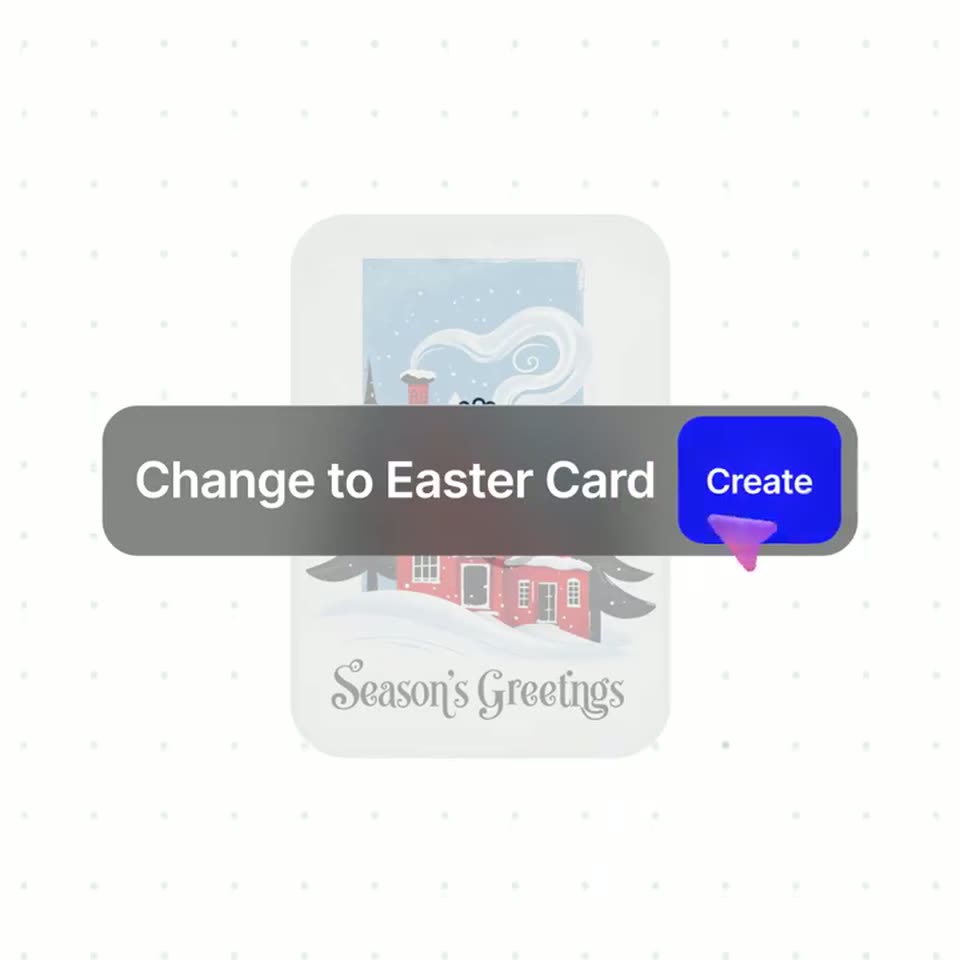 0:38–0:40Playground · Playground - Welcome to the new Playground Use AI to design logos, t-shirts, sociA winter card with a red house and pines sits on a dotted background, its center under a dark square. A prompt bar reading “Change to Easter Card” with a blue Create button slides in. A purple cursor clicks Create; the bar exits and the square blurs into “Easter” text.
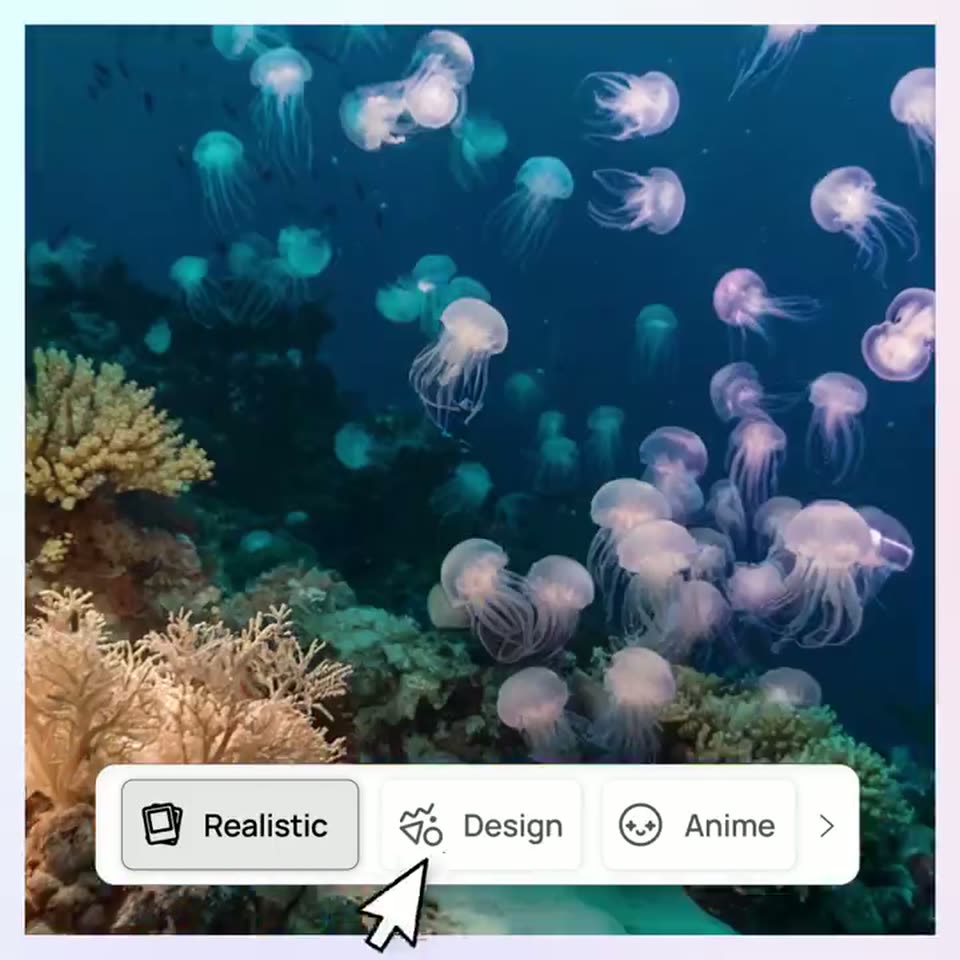 0:15–0:16Ideogram · Ideogram - Introducing Ideogram 2.0 — our most advanced text-to-image model, nowAn underwater scene of jellyfish over coral fills the frame, with a white style bar at the bottom listing Realistic, Design and Anime buttons. A cursor slides right from Realistic toward Design, and the Design label scales up on hover.
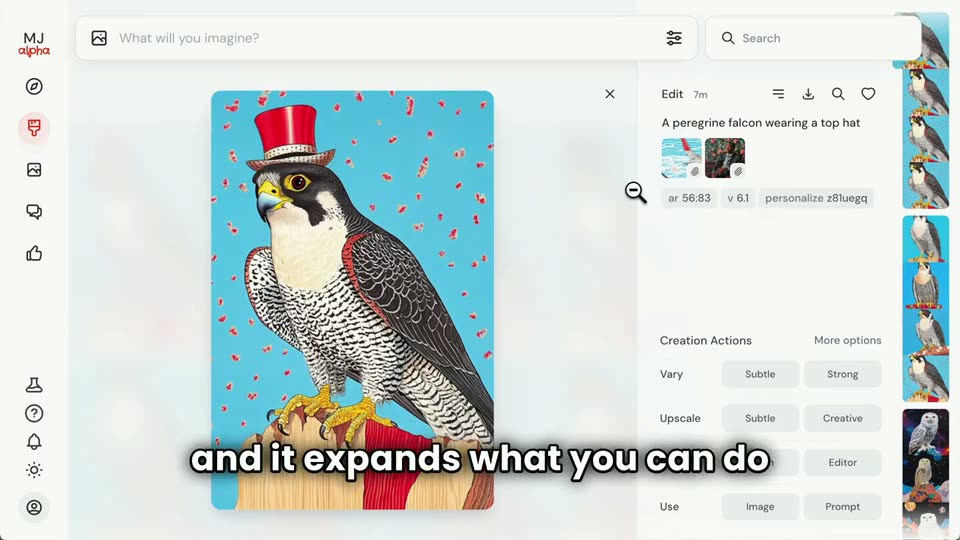 0:59–1:09Midjourney · Midjourney - We're releasing a new web editor today. This combines many previouslyThe Midjourney interface shows a falcon in a top hat on the canvas, a prompt panel right, and a thumbnail strip at the far edge. The hat shifts from black to red as bold captions swap phrase by phrase at the bottom, while a zoom cursor hovers by the image.
 0:22–0:25Ember Robotics · 🔥 Introducing Ember Assistant 🔥- Robotics Camera System Assistant!A dark macOS Finder window fills the frame; the search field types “librealsense” letter by letter under a large I-beam caret, its Name/Content suggestion dropdown updating below. A white caption “parse logs” types in at the bottom left on an orange block.
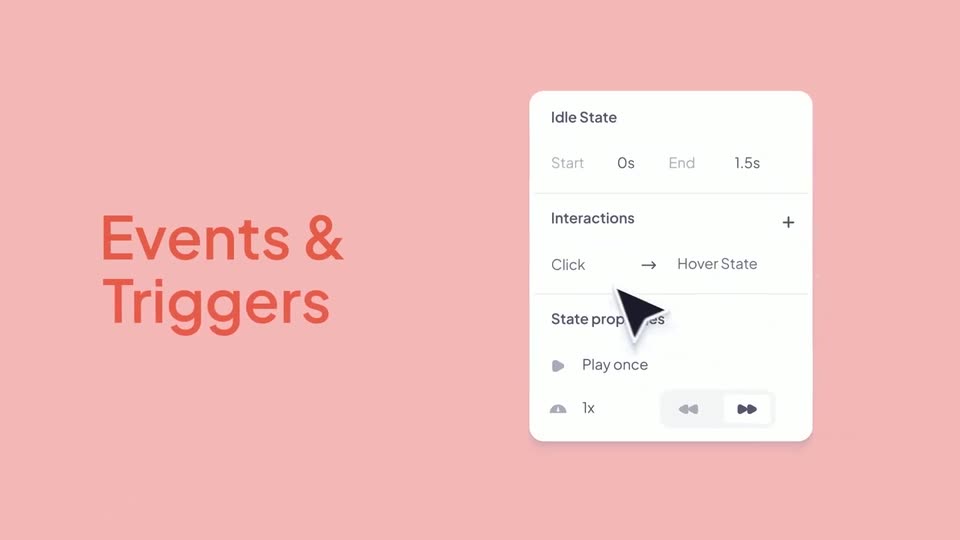 0:21–0:23Lottielab · Lottielab - Interactivity is now live on Lottielab. 📣A red Events & Triggers headline sits on a pink background beside a white settings panel. A cursor taps the plus button, a Click to Hover State row appears, the panel scrolls to an easing curve, then both fade out to bare pink.
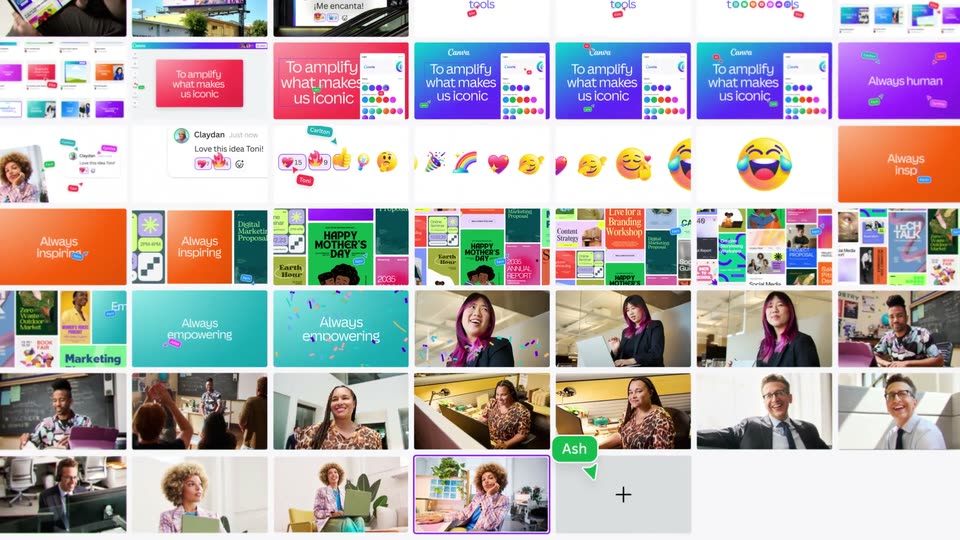 1:06–1:07Canva · Introducing Canva’s Brand RefreshA dense grid of design tiles fills the frame as two labeled cursors, Ash and Phill, glide across it. The view zooms into the grid, then a purple card takes over and the white headline scales in at center while the cursors sit at the edges.
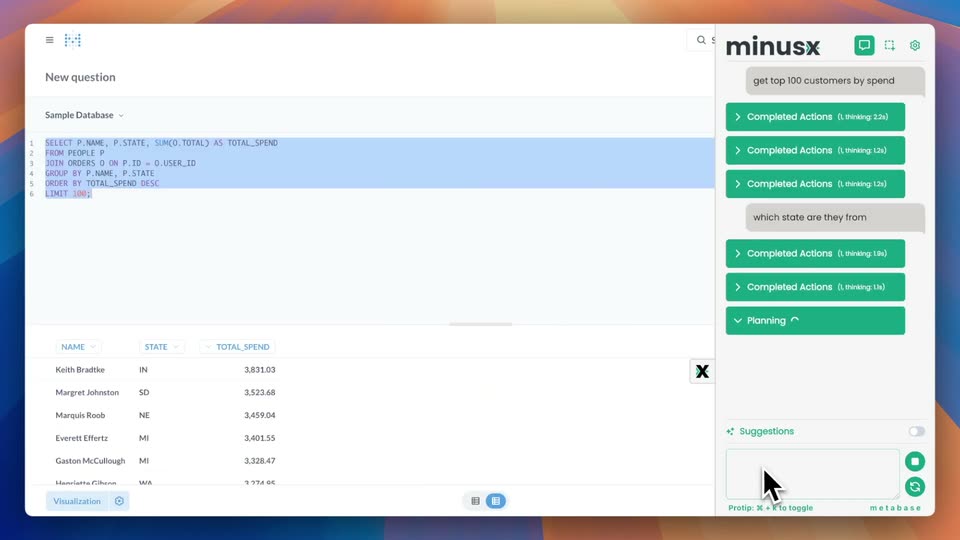 0:25–0:31MinusX · MinusX: AI Data Scientist for Jupyter and MetabaseA two-panel product screen: a SQL query panel left, a chat panel right. As prompts are typed, the left view cycles from a loading spinner to a data table, then a US map, while green 'Completed Actions' pills stack in the chat.
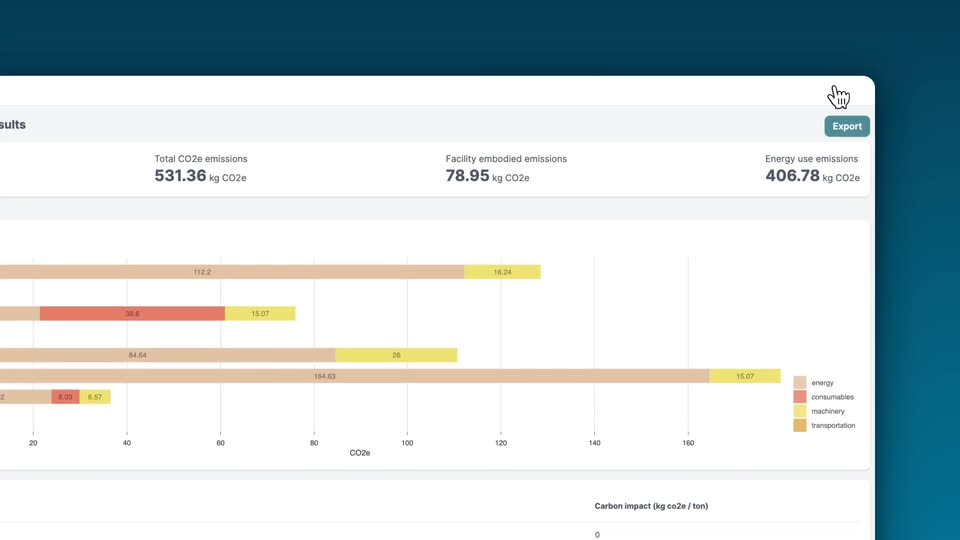 0:15–0:18Offstream · Offstream: Streamlined carbon compliance for project developersA cursor hovers over the Export button on a zoomed-in carbon emissions chart, then the frame pulls back to reveal the full OffiCe Dream dashboard with sidebar, tabs and stacked bar chart on a blue background.
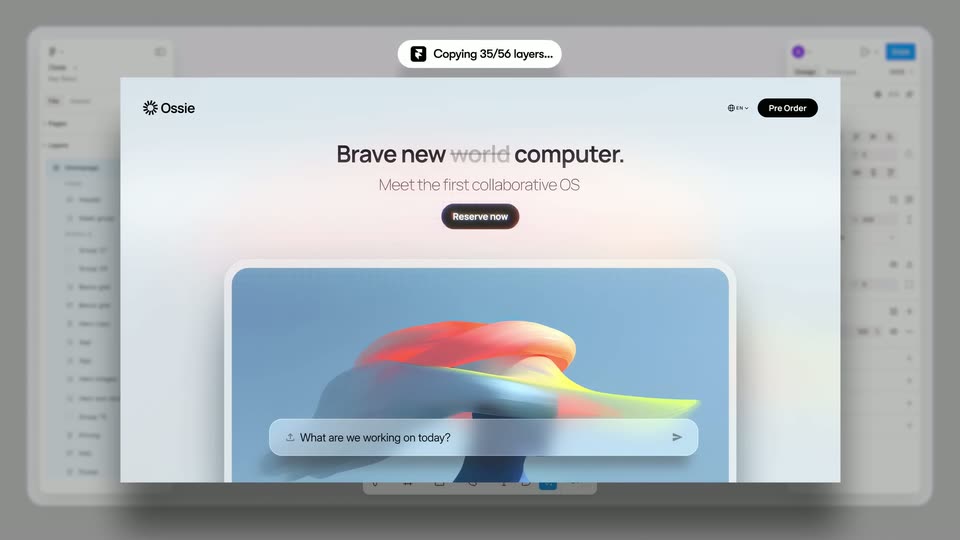 0:29–0:35Framer · Framer Design: Design on an intuitive CanvasA Figma workspace zooms onto a centered webpage mockup for Ossie while the side panels blur. A progress tooltip counts copied layers at the top, then the mockup flips to a gray wireframe layout.
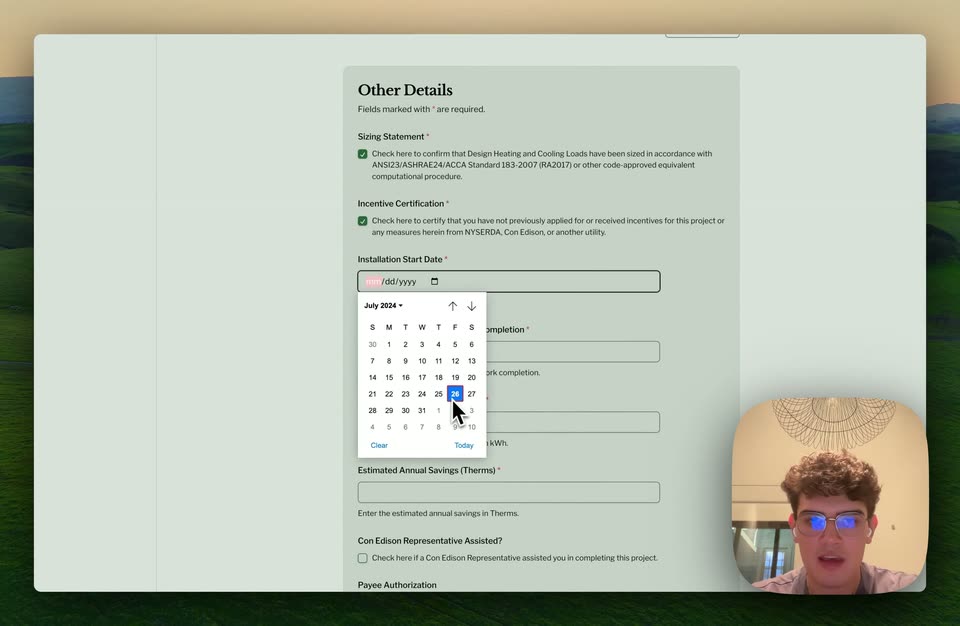 1:00–1:30RetroFix · RetroFix Product DemoA RetroFix form fills in step by step: the view zooms onto the “Fill with AI” button, then a cursor types values and selects options across screens. A small webcam of the presenter sits bottom right over a blurred landscape.
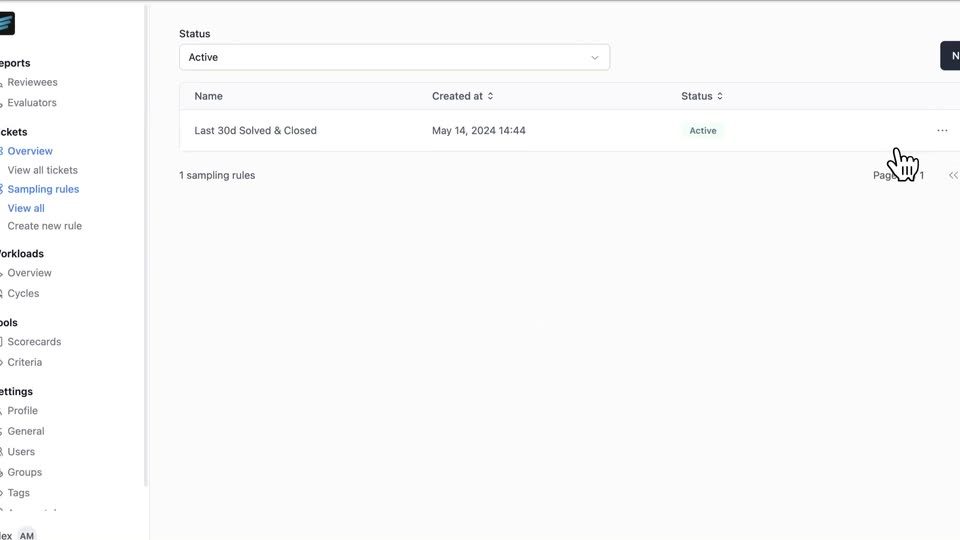 0:24–0:25Intryc · Intryc YC Launch videoA flat dashboard screen shows a left sidebar and a sampling rules table. A hand cursor moves down the sidebar from View all to Create a new rule, then into the main panel. The layout stays static.
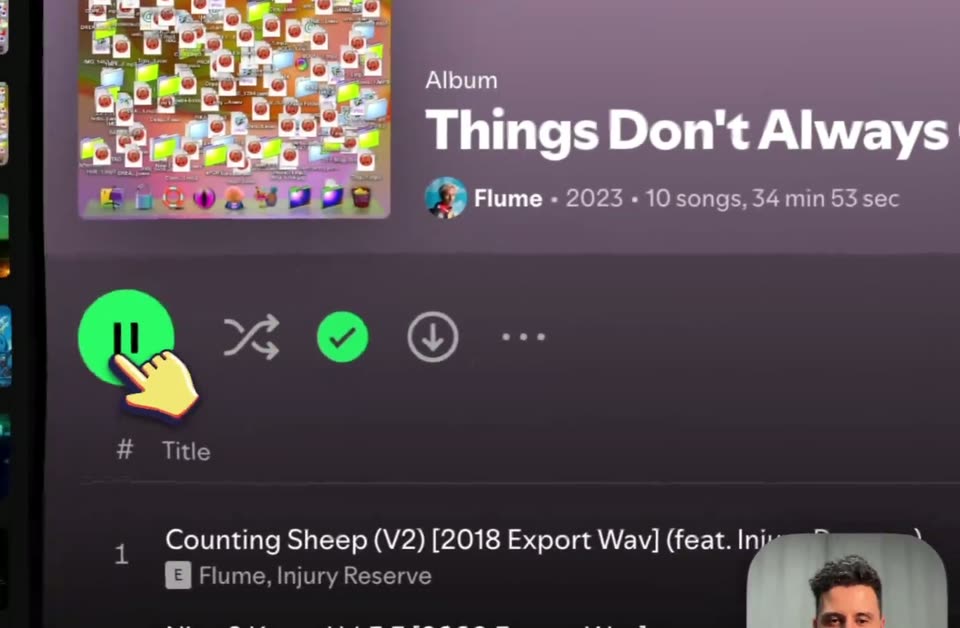 0:17–0:19Screen Studio · Screen Studio - There is a major new update coming soon to Screen Studio! The updateA close-up of a music player interface shows the Flume album Things Don't Always. A hand cursor taps a green play button as the track list shifts, with a small webcam feed of a man in the lower-right corner.
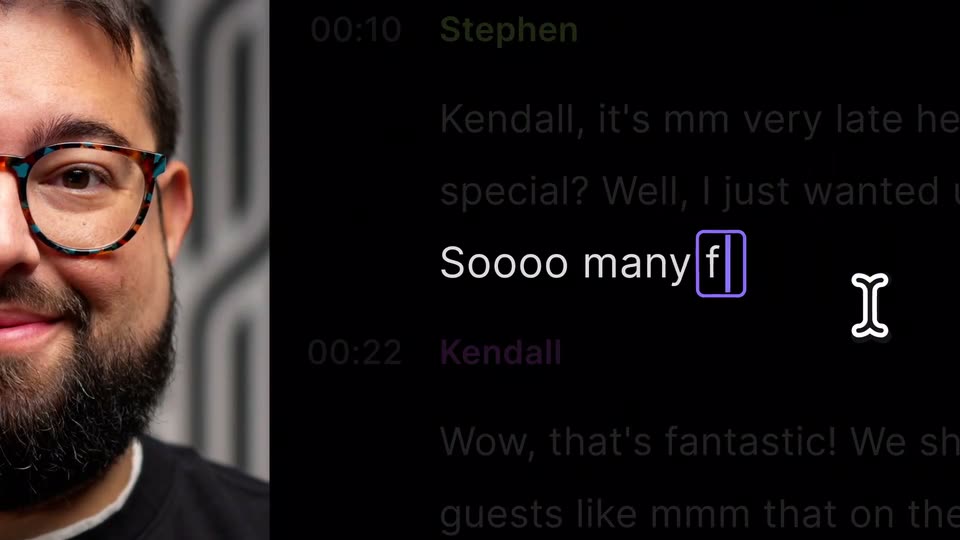 0:39–0:42Riverside · Riverside - Introducing the new Conversation Studio. With full HD live streamingSplit screen: a smiling bearded man in tortoiseshell glasses on the left; on the right, a dark transcript where a cursor clicks a Correct tooltip over the highlighted word pictures, which is then re-typed as features inside a purple selection box.
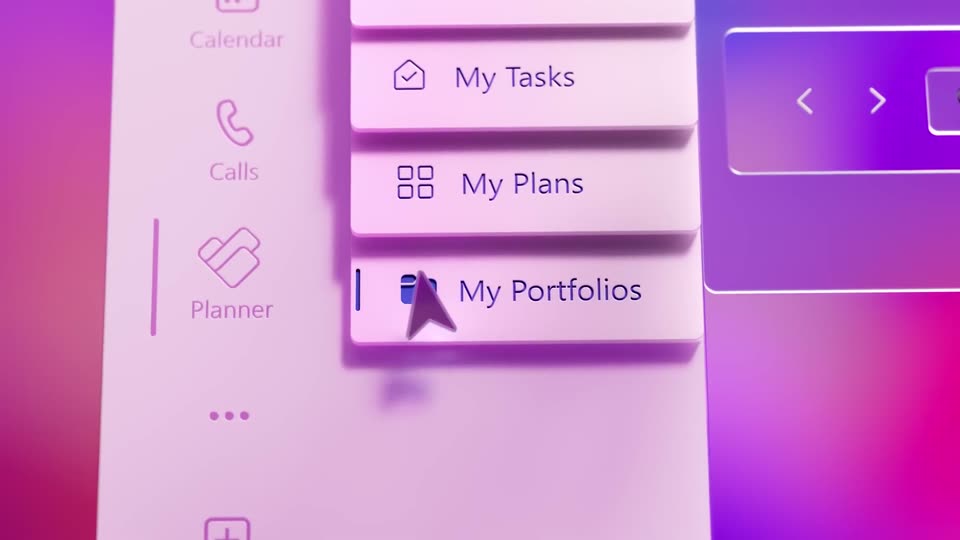 0:33–0:34Microsoft · The new Microsoft Planner is here! Streamline the planning, management, and execution of workA 3D-tilted app interface floats over a pink-purple gradient. A left rail lists Calendar, Calls, Planner; a center stack shows My Tasks, My Plans, My Portfolios. A cursor hovers on My Portfolios. The frame racks from soft blur into sharp focus.
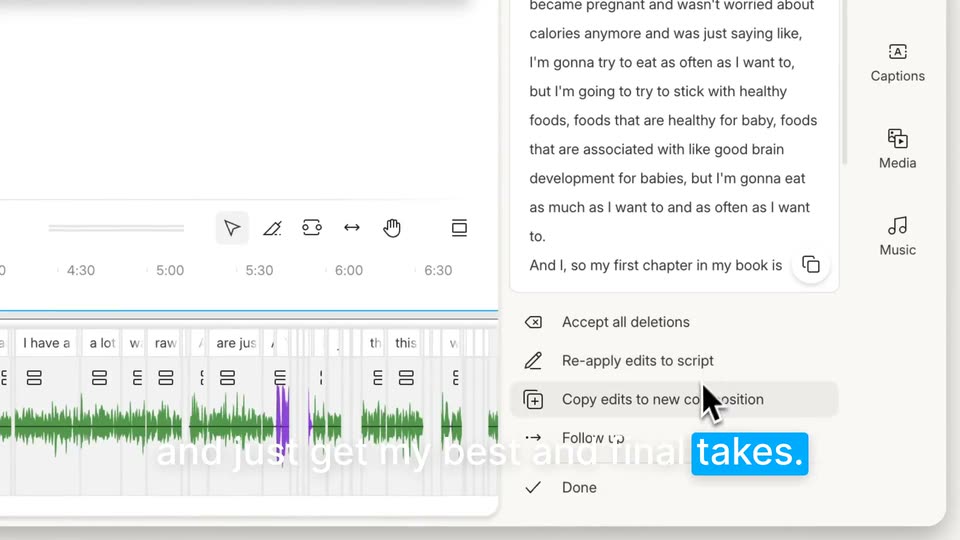 2:04–2:11Descript · Descript - Today, we're launching Descript's new AI assistant editor, Underlord.A screen capture of the app reframes from the Remove retakes panel down to the timeline and right menu. A cursor hovers and clicks options such as Apply edits to script and Publish, while white bottom captions box the current word in blue.
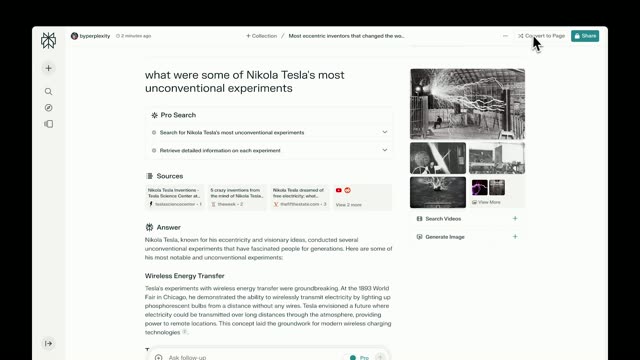 0:30–0:31Perplexity · Introducing Perplexity PagesLocked-off view of the research tool's answer page: a question about Nikola Tesla's experiments, Pro Search rows, source cards, and a black-and-white photo grid in the right rail. A mouse cursor drifts toward the Convert to Page button.
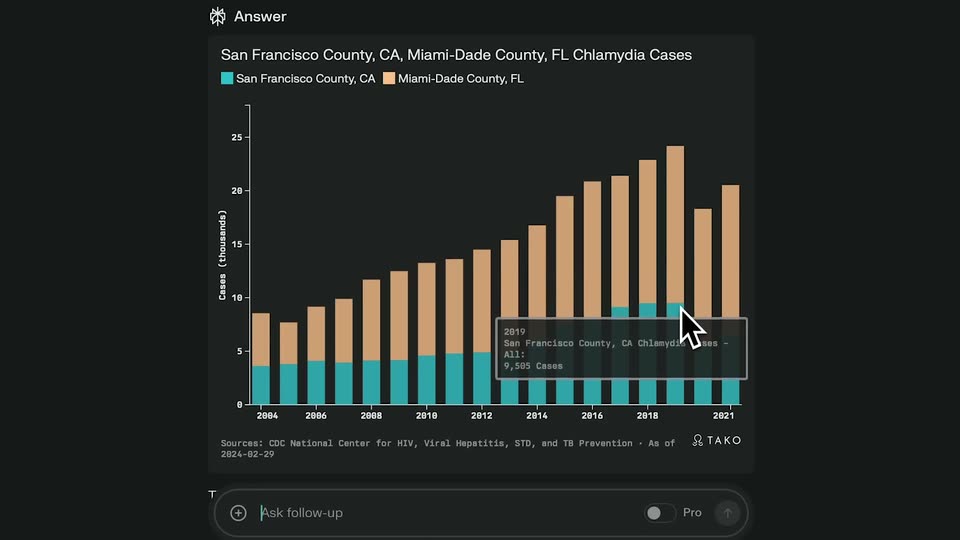 0:23–0:25Perplexity · Introducing Interactive Knowledge CardsA dark analytics dashboard displays a bar chart that morphs from a public-debt view into a stacked chlamydia-cases chart while a cursor hovers over the bars, pulling up a value tooltip. An input bar labeled Ask follow-up sits at the bottom.
 0:12–0:13The Browser Company · The Browser Company - Arc on Windows is finally here. No more waitlists, no more betas. DA close-up of the Windows taskbar begins out of focus, a white cursor resting on the dark start button beside the search icon. The image sharpens and the frame reframes onto the blue four-pane logo tile on a pale background.
 0:11–0:12The Browser Company · Arc on Windows. Download now.Close-up of a Windows taskbar showing the Start button and Internet Explorer icon on a blue bar. A white arrow cursor slides left from the browser icon and comes to rest beside the Start button.
 0:13–0:14Riverside · Riverside - NEW: Audiograms are now available on Riverside Turn your audio-onlyA dark purple editor canvas shows a black rounded tile with the white script word Logo, framed by a purple selection box. A white cursor drags the bottom-right handle, enlarging and shifting the tile, while a vertical toolbar of icons and labels runs down the right edge.
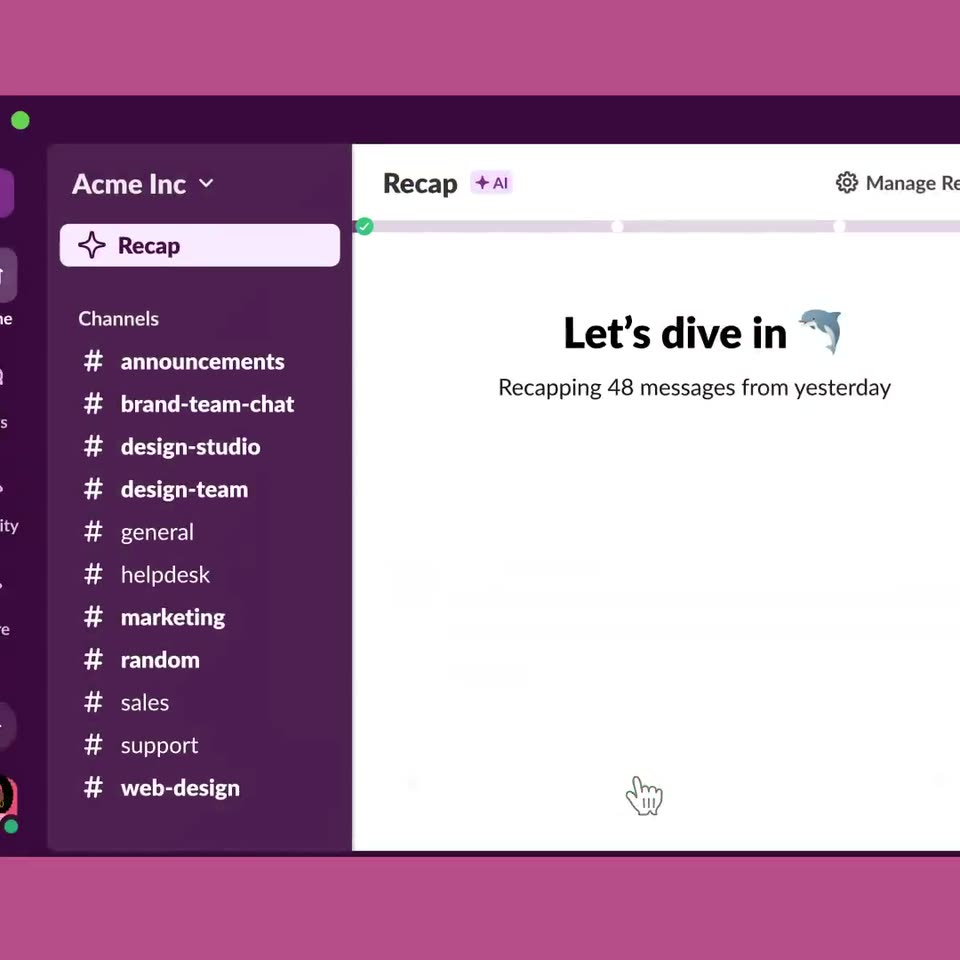 0:35 · 0.8sSlack · Slack - Time is valuable. Slack AI gives you more of it. 🙌✨ And starting todA white modal with a channel checklist and a green Add 3 Channels button closes, revealing the recap view with a Let's dive in heading and a dolphin emoji. A hand cursor hovers over the button, then rests in the empty panel.
 0:07–0:08Captions · Mirage - Introducing Captions for web. Video editing made simple, thanks toA close-up photograph of a blonde woman with red lips on a red background holds a black cursor arrow near her ear. The frame blurs and whips to a second photo of the same woman, hand raised to her lips, on a dark background.
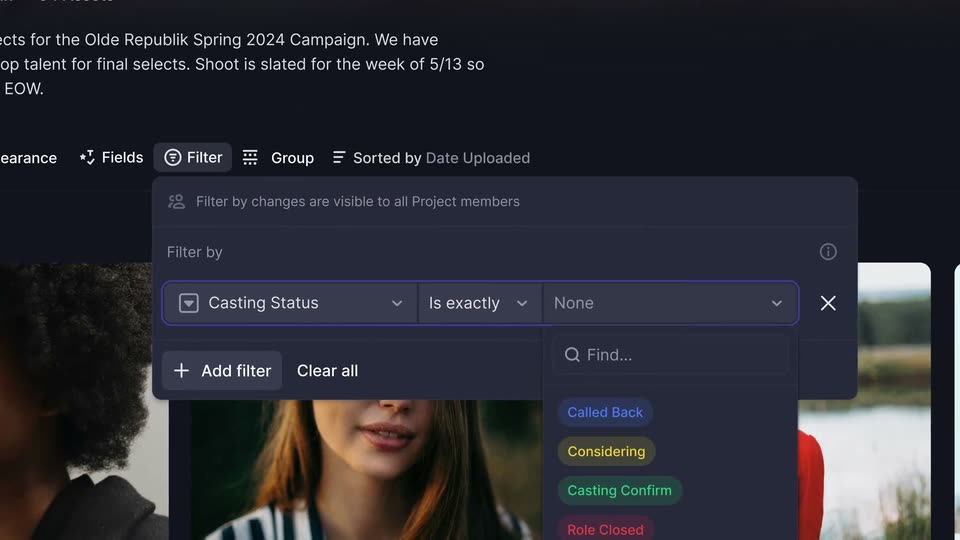 0:38–0:41Frame.io · Frame.io - It's here. The all-new Version 4. Now in beta.A dark asset-management screen titled Casting Selects scrolls to the toolbar as a circular cursor taps the Filter button. A dropdown opens, the value Considering is selected, and the panel closes to reveal a four-column grid of tagged portrait thumbnails.
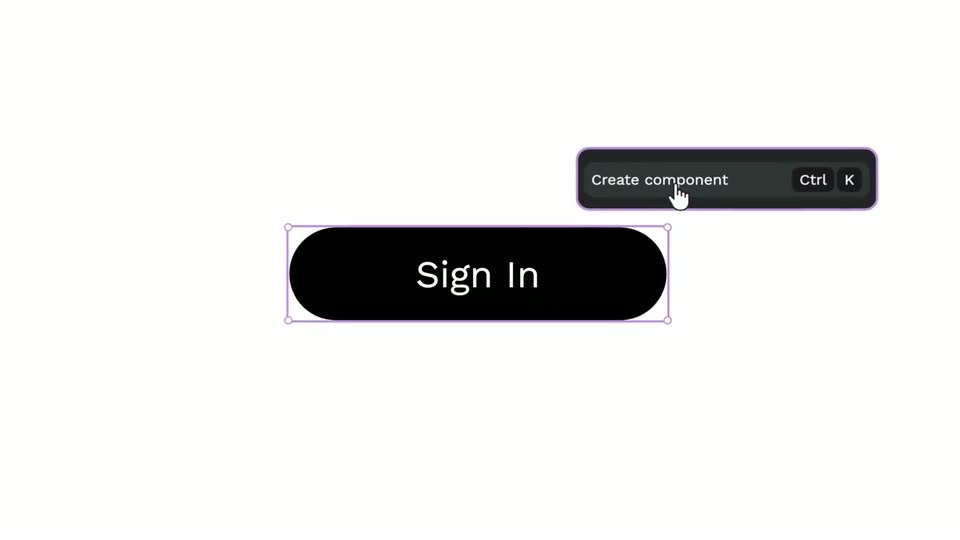 0:35–0:39Penpot · Penpot - 💥 Penpot 2.0 is now available! Explore & enjoy the unique featurA black “Sign In” pill button on a white canvas gains a purple selection box and a cursor; the button scales up. A dark “Create component” tooltip with a Ctrl K shortcut pops in top right, a hand cursor taps it, and a small diamond icon appears above the button.
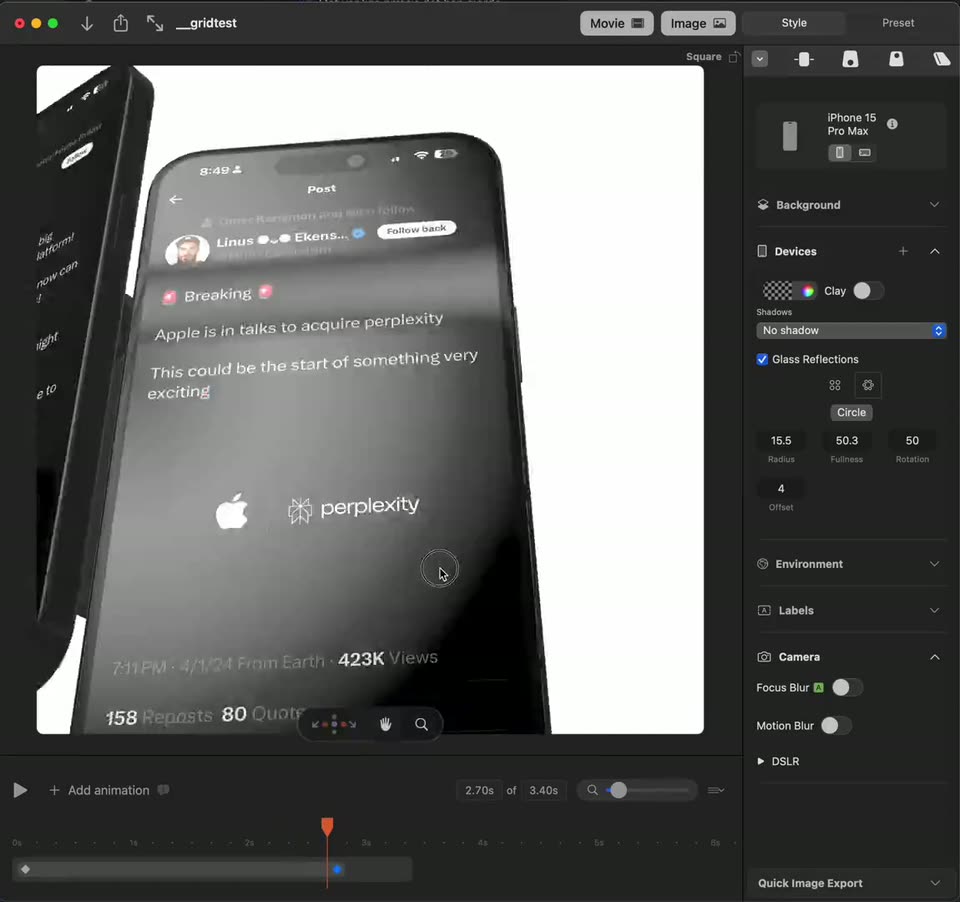 0:25–0:27Rotato · Morten from Rotato - Circles, half circles and grids rolling out to beta users soon:A dark design-app interface fills the frame, its canvas holding tilted iPhone mockups with social posts. The view zooms in on one phone showing a Breaking post about Apple acquiring Perplexity, while a cursor moves across the canvas.
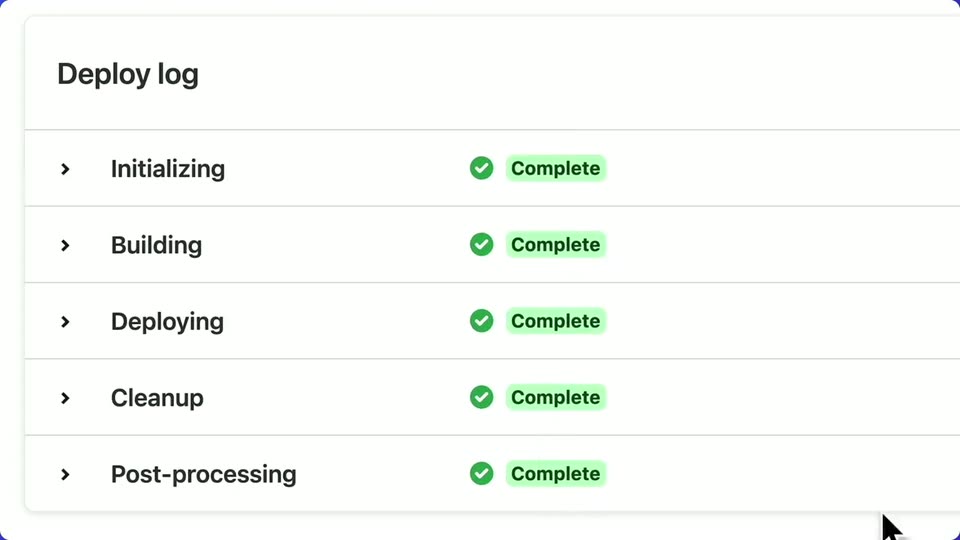 0:22–0:24Netlify · Netlify - Problems debugging your build? AI can take a look. Learn more here:A white deploy log panel lists five steps, each with a green check and a Complete pill. A cursor travels down the rows and exits to the bottom right.
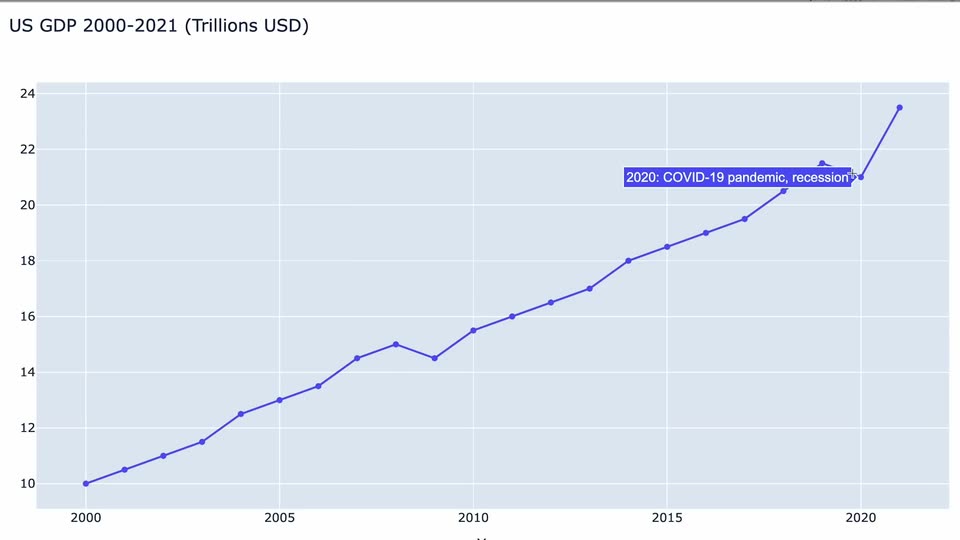 1:06–1:17Anthropic · Claude 3 Opus as an economic analystA blue GDP line chart on a pale blue grid stays fixed while a small crosshair cursor hops between data points, each hop fading in a blue tooltip box that names the year's event. The boxes appear one after another from left to right and dissolve before the next, then the whole chart shifts down at the end.
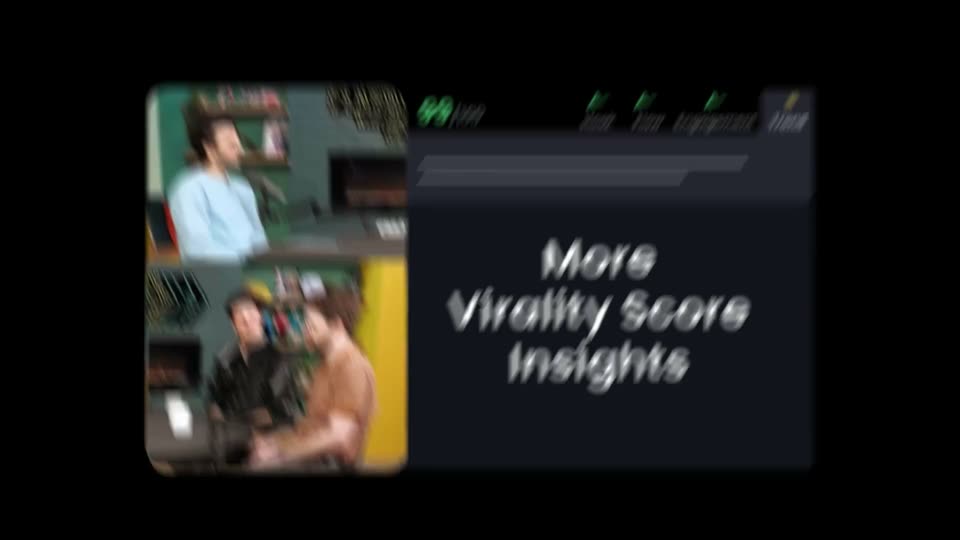 0:20 · 0.8sOpusClip · OpusClip - Introducing OpusClip 3.0. The smartest AI video clipping tool just goA dark insights panel headed More Virality Score Insights shows Hook, Flow, Engagement and Trend grades with a cursor on Trend; blurred video thumbnails sit left, then the panel blurs and wipes to black.
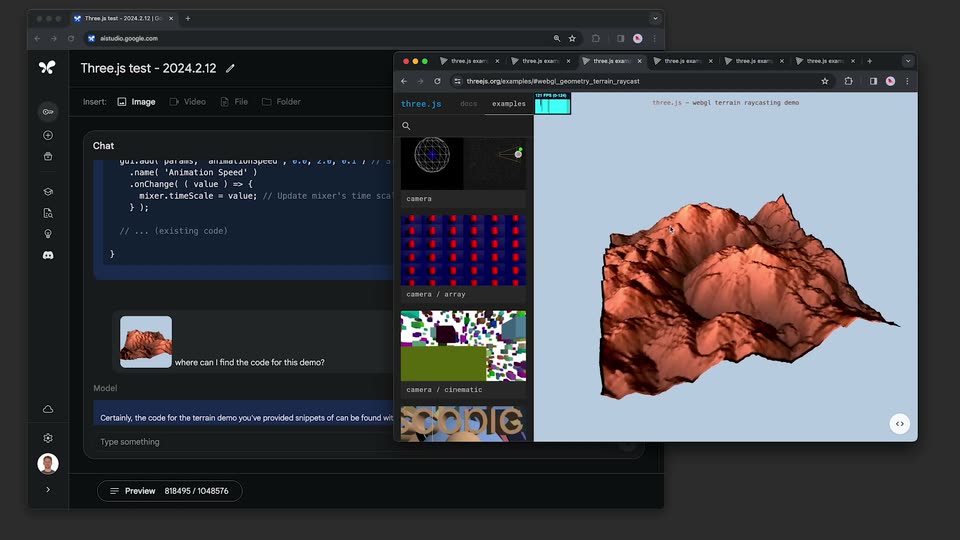 1:49–1:52Google · Problem solving across 100,633 lines of code | Gemini 1.5 Pro DemoA dark AI chat panel sits on the left, showing a code block and a terrain thumbnail, while a browser window on the right displays a rotating orange 3D terrain mesh on a pale blue canvas beside a column of camera thumbnails. A cursor drifts across the chat area.
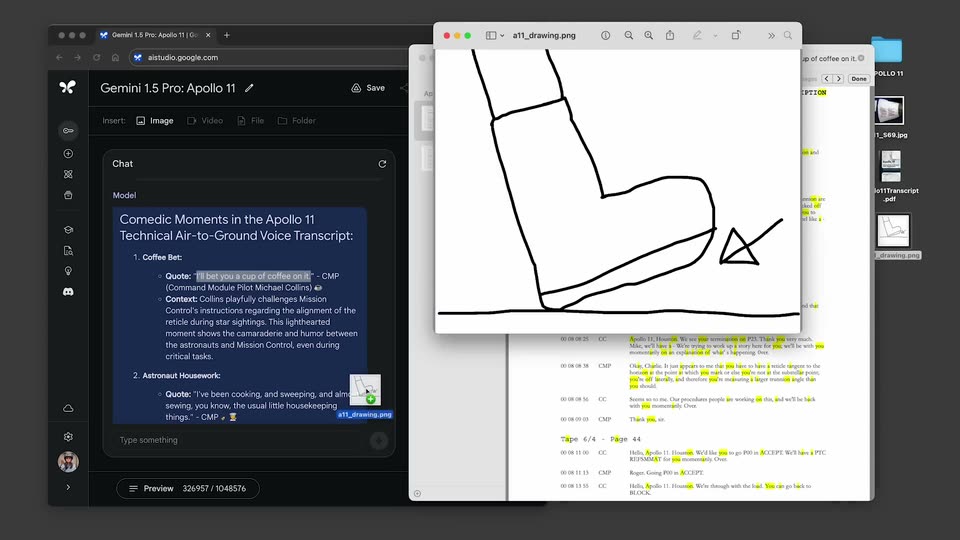 0:55–0:58Google · Reasoning across a 402-page transcript | Gemini 1.5 Pro DemoA static macOS desktop shows three overlapping windows: a Gemini chat on the left, an image viewer with a black line drawing in the center, and a Finder panel on the right. A cursor moves, and a thumbnail of the drawing drops into the chat input.
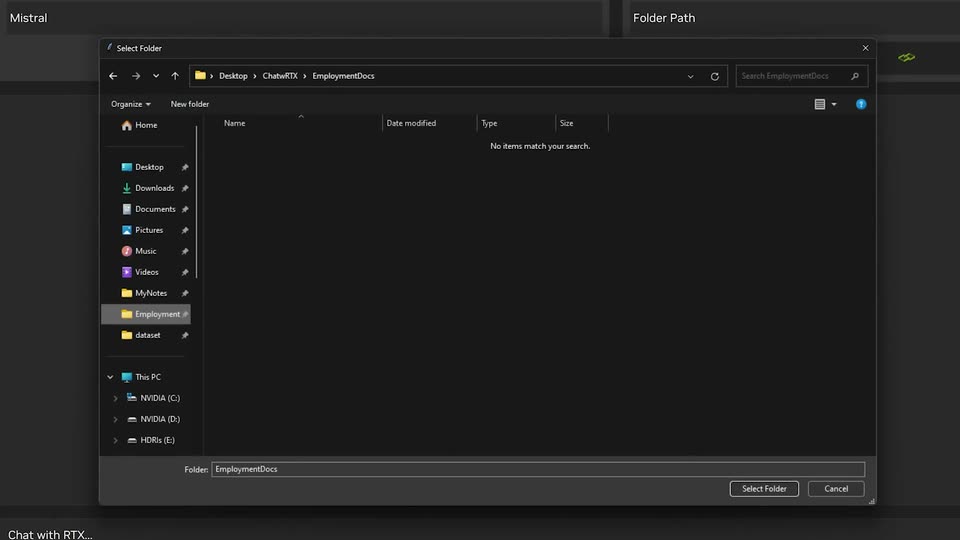 0:44–0:49NVIDIA · Create A Personalized AI Chatbot with Chat With RTXA dark screen recording of the Chat with RTX app. The frame reframes onto the dataset panel as a cursor clicks the edit icon, a file picker opens, the EmploymentDocs folder is chosen, and the folder path updates.
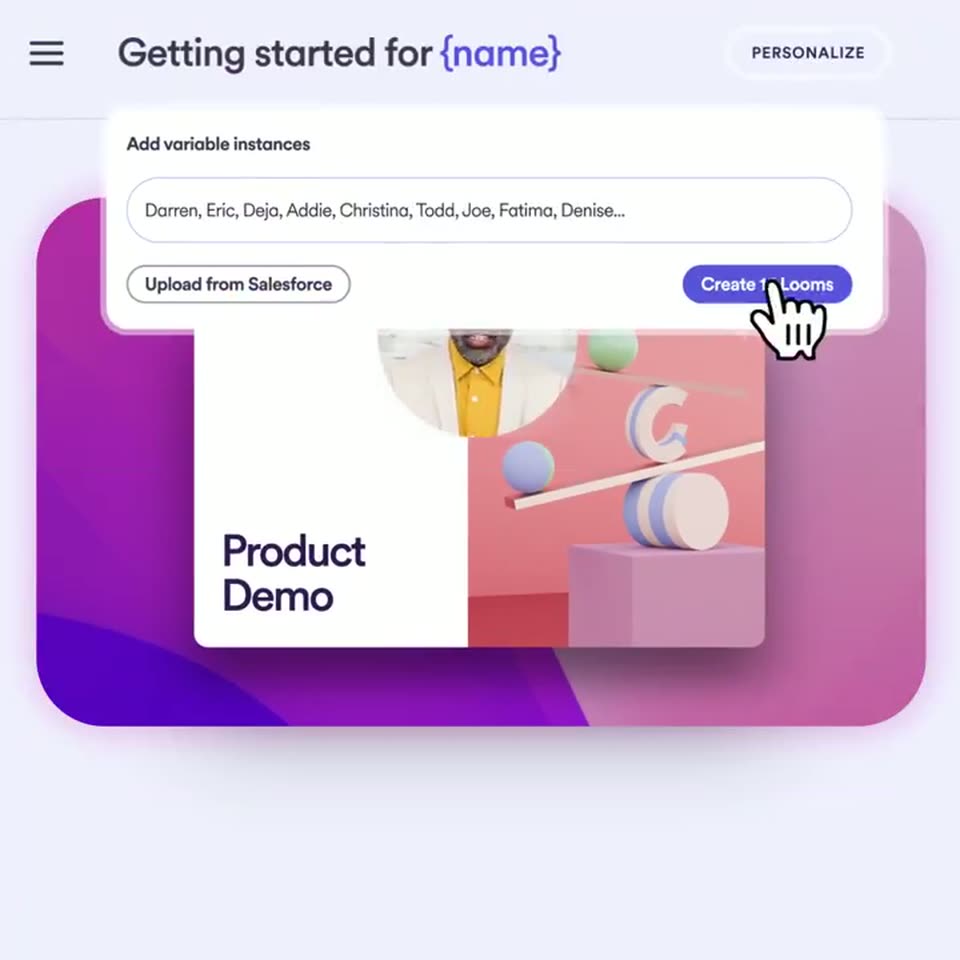 0:13–0:15Loom · Loom - 🚨 Sales & customer-facing teams — unlock more revenue with Loom!A flat product UI shows a header reading Getting started for {name} above a video preview labeled Product Demo. A white panel with a name list and a Create 16 Looms button fades in, while a cartoon hand cursor glides down from the top right and taps the button.
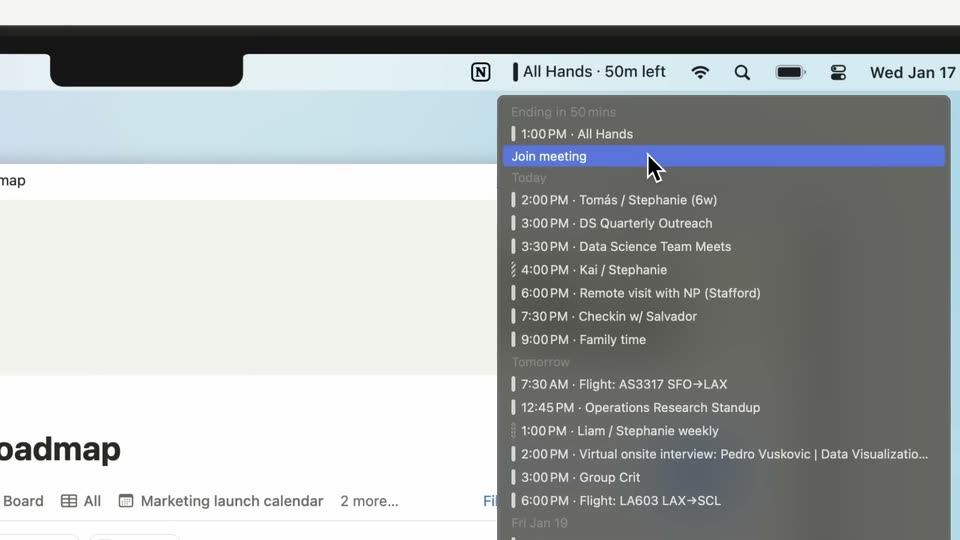 0:39–0:41Notion · Meet Notion CalendarA dark macOS menu dropdown lists calendar events over a blurred Notion page. A white cursor moves down the list and pauses on Join meeting, which highlights in blue. The page behind shows a large Roadmap heading and a row of calendar filters.
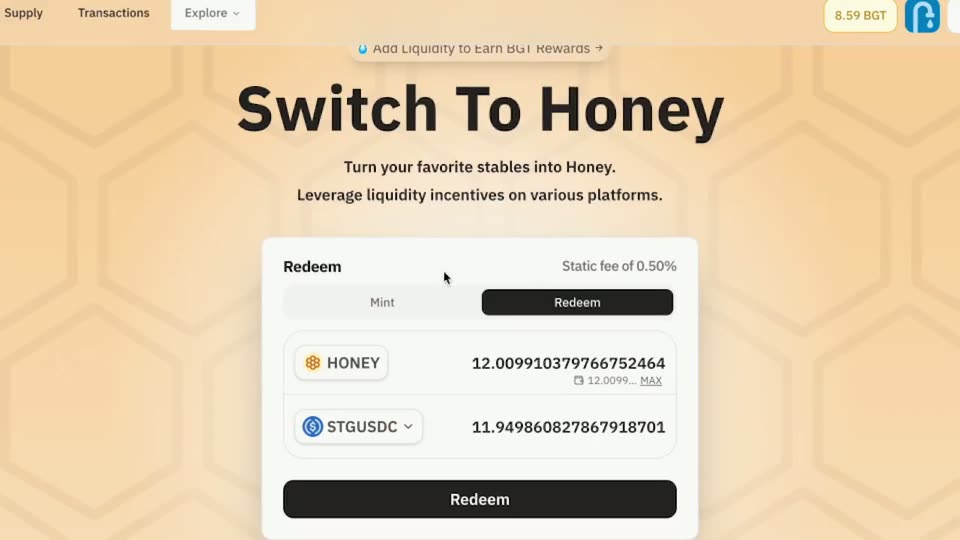 0:27–0:29Berachain · Berachain Foundation 🐻⛓ - Berachain’s Public Testnet "Artio" is now live. The March of the BerA tilted 3D close-up of the Honey redeem interface pulls back to a flat, front-on view. The cursor moves into the HONEY amount field, then rests as a hand pointer over the black Redeem button.
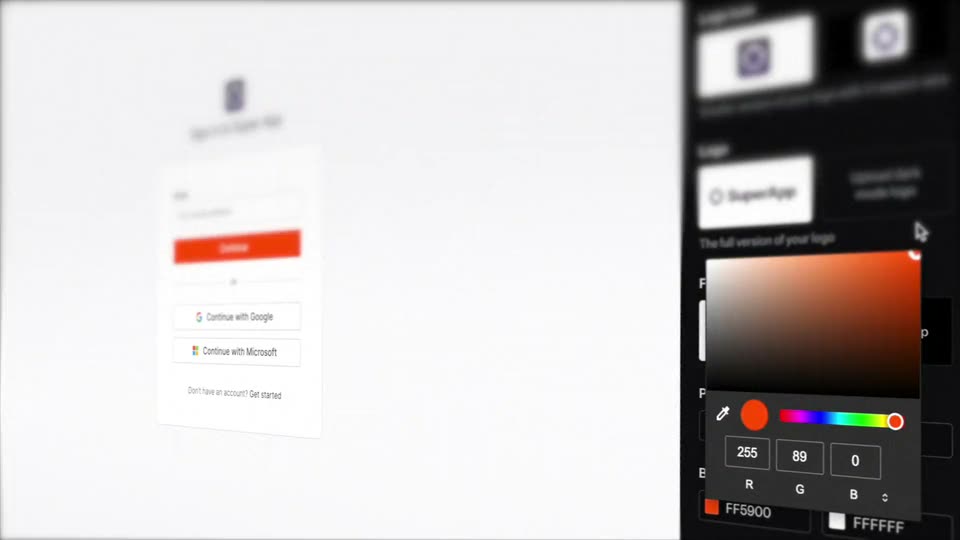 0:19–0:21AuthKit · WorkOS - Introducing @AuthKit — an open source auth UI built on @radix_ui.A split screen displays a blurred login interface on the left and a dark theme editor on the right. A cursor drags a color slider to orange, updating the login button color in real time.
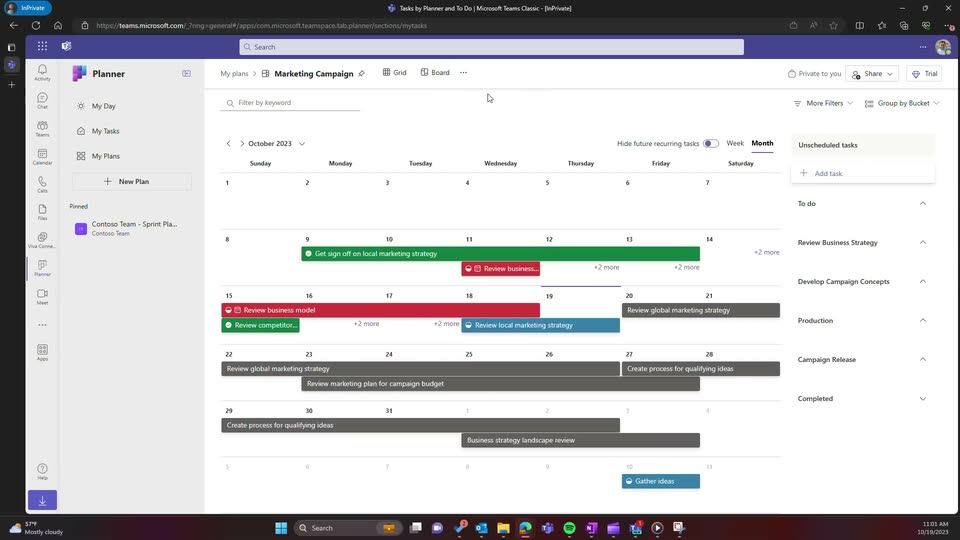 1:19–1:27Microsoft · Meet the new Microsoft PlannerA cursor clicks the view tabs of the Planner app, switching a task list to a board of five task columns, then opens a dropdown and the view becomes a monthly schedule with colored task bars.
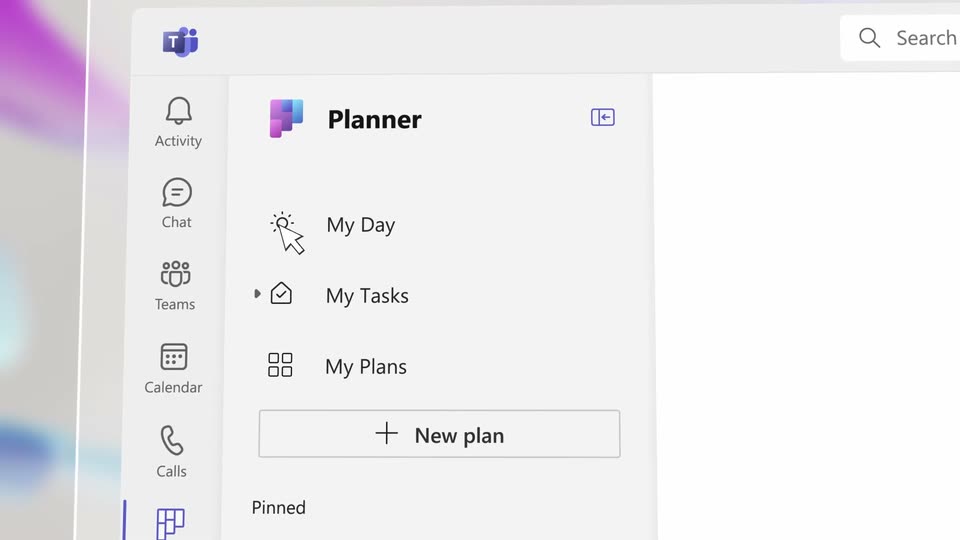 0:53–0:55Microsoft · The new Microsoft Planner: Manage all your tasks and plans in one simple, familiar experienceA Teams window shows the Planner menu. A cursor slides from My Tasks to My Day, the row highlights, and the panel swaps to the My Day page with a Today header, progress bar and a checkbox task list.
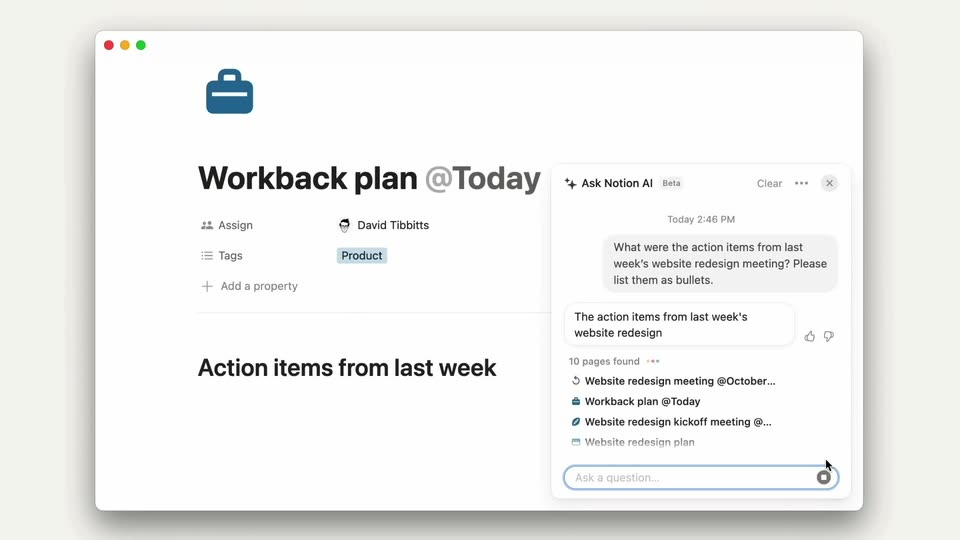 0:26–0:33Notion · Introducing Q&A: Get AI-powered answers to your questions in NotionA flat Notion page titled Workback plan shows an Ask Notion AI panel on the right. A cursor sends a question, the panel searches and lists pages, then a bulleted answer types in and mirrors onto the page. The window tilts into 3D perspective and rotates away.
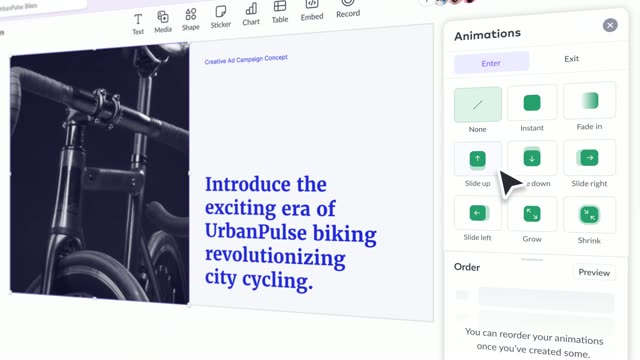 0:49–0:52Pitch · Introducing Pitch 2.0On a purple backdrop, a cursor clicks the animation icon in a slide editor, opening an Animations panel and selecting Slide up. The frame zooms in on a slide showing a black bicycle beside a blue UrbanPulse headline.
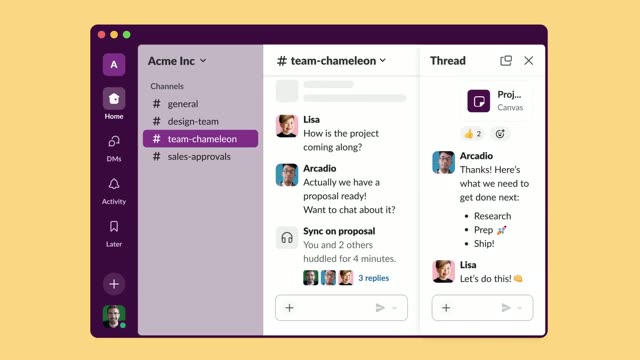 1:01–1:11Slack · Introducing new coworking capabilities in Slack huddlesA flat chat app window on a yellow background scales in. A hand cursor clicks View thread on a huddle message, and a thread panel slides in from the right showing the replies, then the window fades out.
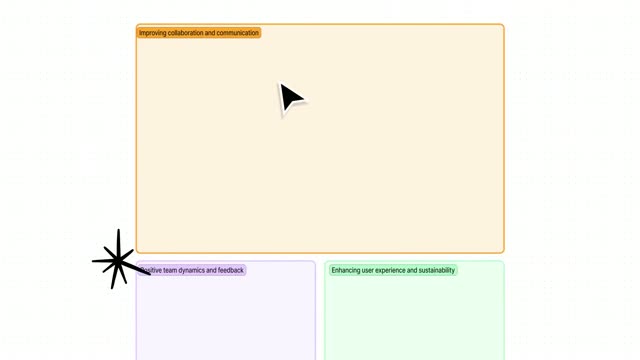 0:24–0:25Figma · Introducing FigJam AILocked-off flat board of three pastel cards on a dotted grid. Category labels and two testimonial cards pop into the orange card, black cursor arrows shift, and spiky black starbursts flash at two corners.