0:28
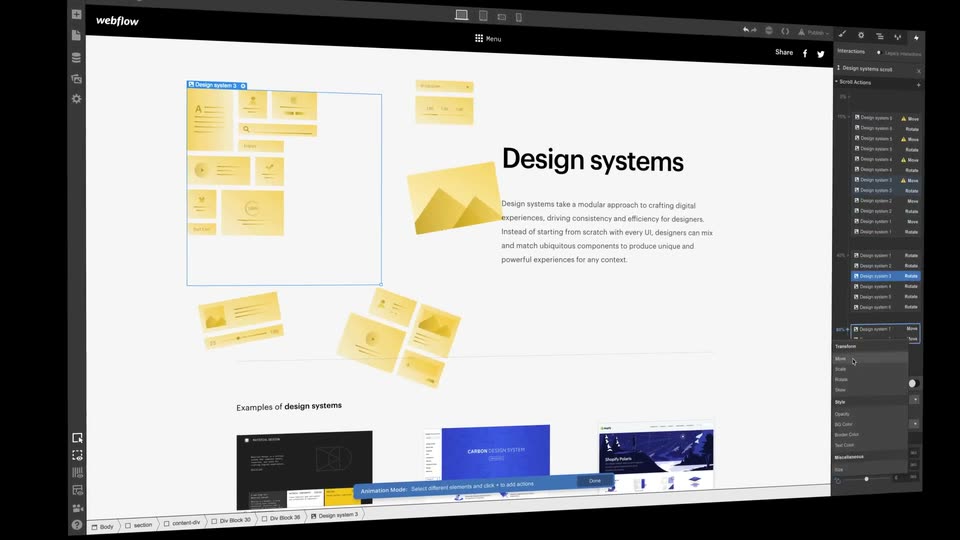

Meet the design tool from the future — Webflow
Webflow · Design · Oct 2018
Riverside · Apr 2024 · 0:25 · AI-annotated
Riverside’s 0:25 launch film runs 13 scenes, about 1.9 s each. The product is on screen from the first frame and 5 features are revealed. There is no explicit call to action; a voiceover carries the film. A rapid feature tour on a near-black field: a white pill announces each tool, a tight 2 to 4 second UI cut demos it on a purple canvas, and a zoom-out reveals the finished studio project before the logo card. Signature moves are the scaling white chips, the word-by-word purple highlight, and the static logo hold that closes the loop.
Is this your launch? to your site or press kit.
Webflow · Design · Oct 2018
Airtable · Productivity · Jun 2025
NeuraFlow · May 2025
A centered white headline “Now you can create” holds on black, then a white rounded square scales in over it. The frame opens to the dark Riverside studio interface, and the larger headline “Audiograms on Riverside” scales up over a purple preview panel.
On-screen text: “Now you can create”, “Audiograms on Riverside”
Techniques: Kinetic type
Camera: Pull out
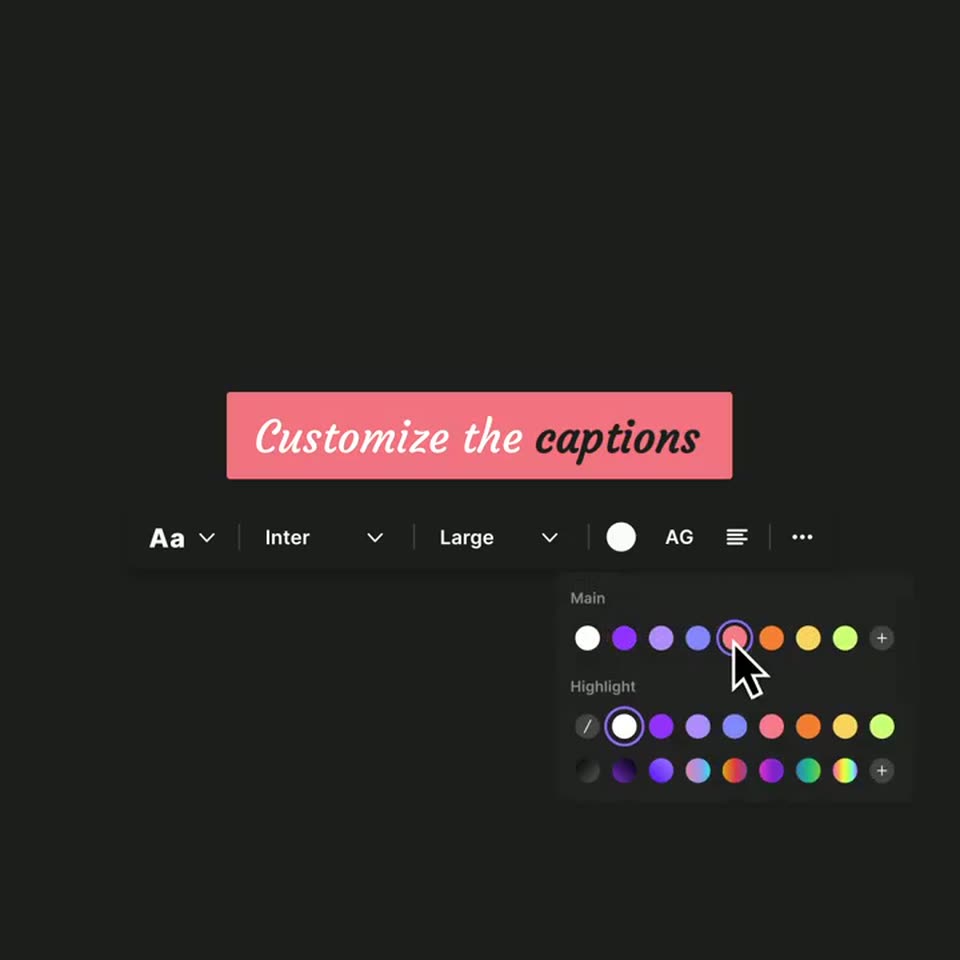
A dark caption editor centers a purple bar reading “Customize the captions” above a formatting toolbar. A cursor opens the font menu, the caption restyles to an italic serif, then the cursor picks a pink swatch and the bar turns pink with black highlight text.
On-screen text: “Customize the captions”
Techniques: Cursor demo
Camera: Static
A white rounded pill with the caption stays centered and static while the abstract backdrop cuts from purple shapes on dark gray to white brushstrokes on a purple field.
On-screen text: “Change up the background”
Camera: Static
A white pill with the black text 'Change up the background' sits centered over a field of paint brush strokes. The background flips from dark with lavender strokes to pale yellow-green with purple strokes while the text stays fixed.
On-screen text: “Change up the background”
Camera: Static
A white pill caption reading Change up the background sits on a dark purple editor canvas as the cursor clicks the Text item in the right toolbar. The caption swaps to Add some text and a large white ADD SOME TEXT placeholder fades in inside a purple selection box with handles.
On-screen text: “Change up the background”, “Add some text”
Techniques: Cursor demo
Camera: Static
A dark purple product screen shows stacked rows of bold “ADD SOME TEXT” placeholder lines in white and purple, beside a vertical toolbar with icons for Brand, Track, Captions, Text, Uploads, Music and Image. A cursor hovers the Text button, then a rounded “Add images” tooltip pops up in the center.
Techniques: Cursor demo
Camera: Pan
A dark purple editor canvas shows a white “Add images” chip while the cursor hovers the Image tool in the right sidebar. A purple cassette illustration with “Podcasting jams” and the Riverside logo scales in inside a selection box with handles.
Techniques: Cursor demo
Camera: Push in
A 3D isometric cassette tape labeled Podcasting jams sits in the editor canvas as a cursor hovers the Image tool in the right toolbar, then a Logo placeholder with selection handles drops in at the top left.
Techniques: 3D mockup, Cursor demo
Camera: Pan
A dark purple editor canvas shows a black rounded tile with the white script word Logo, framed by a purple selection box. A white cursor drags the bottom-right handle, enlarging and shifting the tile, while a vertical toolbar of icons and labels runs down the right edge.
Techniques: Cursor demo
Camera: Static
A dark video editor fills the frame, its preview showing a purple canvas with the headline “Create audiograms in Riverside” and tilted cassette tapes. The camera zooms out to reveal the full studio window, with a script panel on the left and a waveform timeline below.
Camera: Pull out
A flat video-player mockup sits centered on a near-black field. Its frame holds a purple gradient with the headline “Create audiograms in Riverside.” on the left and three purple cassette illustrations stacked diagonally on the right. A play button, the title “Your audiograms video” and a 00:16 timestamp line the bottom; the player stays static.
On-screen text: “audiograms your audience will love.”
Camera: Push in
A centered white headline sits on a near-black background. A purple highlight box jumps from word to word in sync with the voiceover, then the line clears to reveal the Riverside wordmark and icon.
On-screen text: “Everything you need to create audiograms your audience will love.”
Techniques: Kinetic type
Camera: Static
A white RIVERSIDE wordmark paired with a rounded-square wave icon sits dead center on a near-black field with a soft radial vignette. The logo holds perfectly still, with no reveal or motion, for the entire shot.
Camera: Static