0:49
Explore
Midjourney - We're releasing a new web editor today. This combines many previously
Midjourney · Aug 2024 · 1:09 · AI-annotated
- Length
- 1:09
- Scenes
- 7 · 10.0 s avg
- Product on screen
- 0:00
- Features shown
- 1
- Voiceover
- Yes
00:00:00 / 01:09:28
Midjourney’s 1:09 launch film runs 7 scenes, about 10.0 s each. The product is on screen from the first frame and 1 feature is revealed. There is no explicit call to action; a voiceover carries the film. A static screen capture tutorial where the Midjourney interface never moves and a cursor performs every action, with bold outlined captions swapping phrase by phrase in sync with the voiceover. Cuts are quick between UI states, and the signature moves are the circle highlight on buttons and the checkered erase mask on the canvas.
No filming indicatedEstimated needs: 2 capture groups — your screens or recordings
Is this your launch? to your site or press kit.
More like this
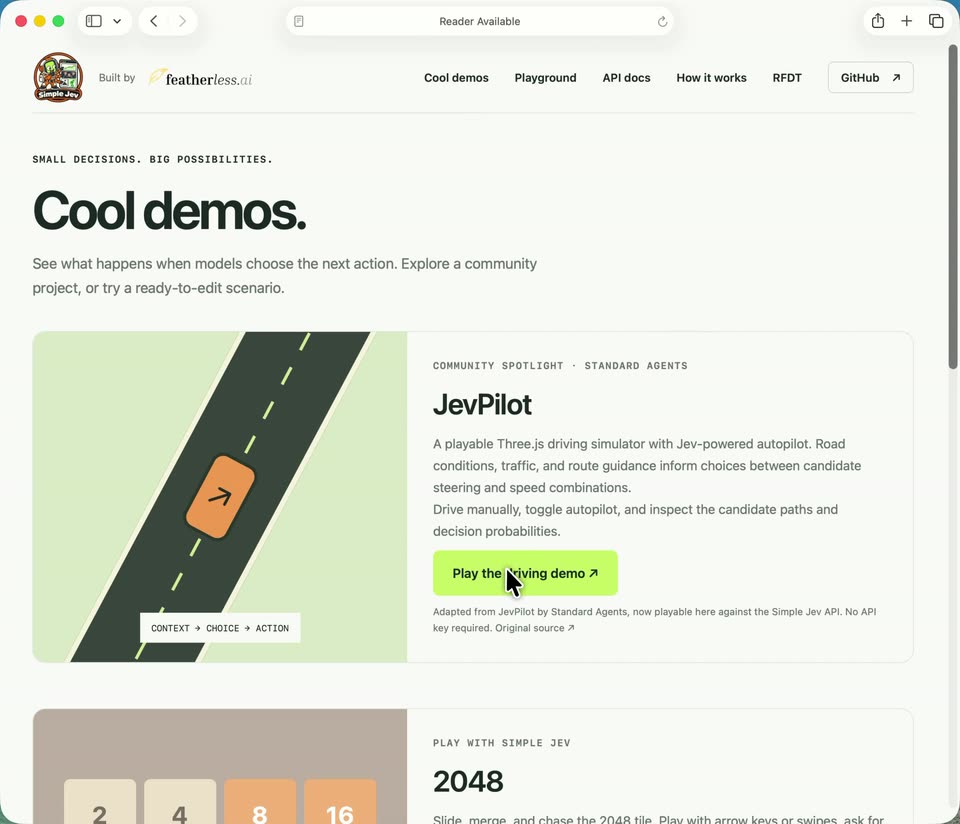
0:11

Suno - Introducing Suno MCP Beta Create songs from wherever you get inspire
Suno · AI · Oct 2026
0:53
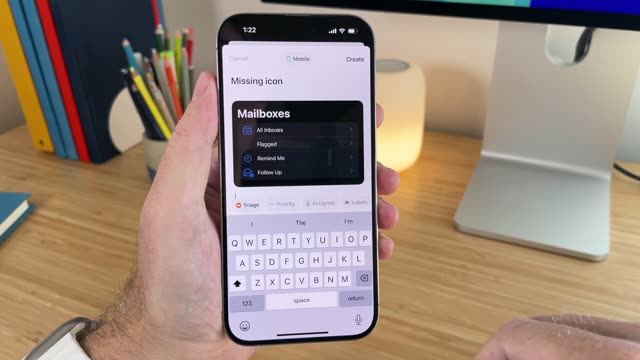

Introducing Linear Mobile
Linear · Productivity · Sep 2024
Midjourney - We're releasing a new web editor today. This combines many previously, scene by scene
· 7 scenes as text
01 · Product intro · 0:00–0:08
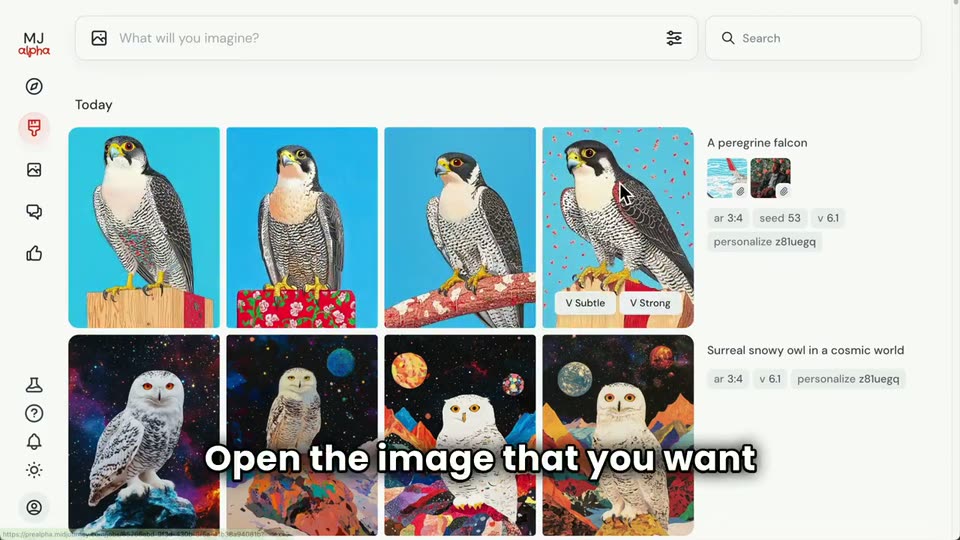
Screen capture of the Midjourney home screen with a grid of generated owl and house images. A cursor moves to the top prompt bar, a text caret appears, and a falcon prompt with two reference thumbnails types itself in, while white caption phrases swap in at the bottom.
On-screen text: “Today, I want to show you”, “Midjourney's new editor feature.”, “As always, type your prompt”, “into the Imagine bar”, “and press enter to submit.”
Techniques: Cursor demo
Camera: Static
02 · Product intro · 0:08–0:09
A product interface fills the frame, showing a prompt bar, a left icon rail, and a grid of four cosmic owl images under a 'Today' header. A row of empty gray placeholders sits above them, and the status pill in the first box flips from 'Submitting...' to 'Starting...'.
Camera: Static
03 · Feature reveal · 0:09–0:11
A light image-generation UI displays a grid of bird thumbnails. A cursor moves over a falcon image and a side panel slides in from the right with action buttons, as a bold outlined caption appears across the bottom.
On-screen text: “Open the image that you want”
Techniques: Cursor demo
Camera: Static
04 · Feature reveal · 0:11–0:13
The Midjourney interface shows a falcon illustration centered, with a Creation Actions panel on the right. A bottom caption states the instruction, then a cursor moves to the Editor button and a circle highlights it.
On-screen text: “to open the image that you want”, “to change and select the editor.”
Techniques: Cursor demo
Camera: Static
05 · Feature reveal · 0:13–0:57
A light-themed image editor shows a falcon illustration on the canvas. A cursor types a phrase into the prompt field, erases the area above the bird's head into a checkered mask, drags the canvas frame up, and clicks Submit.
On-screen text: “Suppose I want to give”, “this falcon a top hat?”, “We'll start by adding”, “this to the prompt.”, “Next, we'll select the portion”, “of the image that”, “should be regenerated.”, “We'll do this by erasing parts”, “of the original image.”, “When you're doing this,”
Techniques: Cursor demo
Camera: Static
06 · Feature reveal · 0:57–0:59
The Midjourney interface fills the frame, a grid of painterly falcons in top hats on a blue field. A white caption 'and see our results.' sits at the bottom, then fades. A cursor glides to one tile, revealing a control with a green plus and a Subtle to Strong slider.
On-screen text: “and see our results.”
Techniques: Cursor demo
Camera: Static
07 · Feature reveal · 0:59–1:09
The Midjourney interface shows a falcon in a top hat on the canvas, a prompt panel right, and a thumbnail strip at the far edge. The hat shifts from black to red as bold captions swap phrase by phrase at the bottom, while a zoom cursor hovers by the image.
On-screen text: “Now you can see four fine”, “falcons with top hats.”, “We hope you have a lot”, “of fun with the editor,”, “and it expands what you can do”, “with Midjourney”
Techniques: Cursor demo
Camera: Static