
0:57
Explore
00:00:00 / 01:51:12
- Length
- 1:51
- Scenes
- 14 · 8.0 s avg
- Product on screen
- 0:00
- Features shown
- 1
- Voiceover
- Yes
- Views
- 2K on YouTube
as of November 24, 2026
Tiny’s 1:51 launch film runs 14 scenes, about 8.0 s each. The product is on screen from the first frame and 1 feature is revealed. There is no explicit call to action; a voiceover carries the film. The video is built as a talking-head pitch interleaved with screen-capture demos: a named product intro, a problem montage, a platform overview, then one end-to-end sales quotation workflow, and a sign-off. Its signature moves are locked-off B-roll, side-by-side desktop and mobile mockups on black, and cursor-driven form filling with a live activity log over a sunset desktop wallpaper.
Footage neededEstimated needs: 3 capture groups — your screens or recordings · 4 filmed passages — shoot, supply or replace · 1 graphic passage — draw or supply
Is this your launch? to your site or press kit.
More like this

1:12

Klavis AI: Open Source MCP integrations for AI Applications
Klavis AI · B2B · May 2025
3:54

Stop manually picking AI models: how GitHub Copilot Fusion works
GitHub · Developer tools · Nov 2026
Similar soundtrack
Films whose music sounds like this one, voice left out
1:39
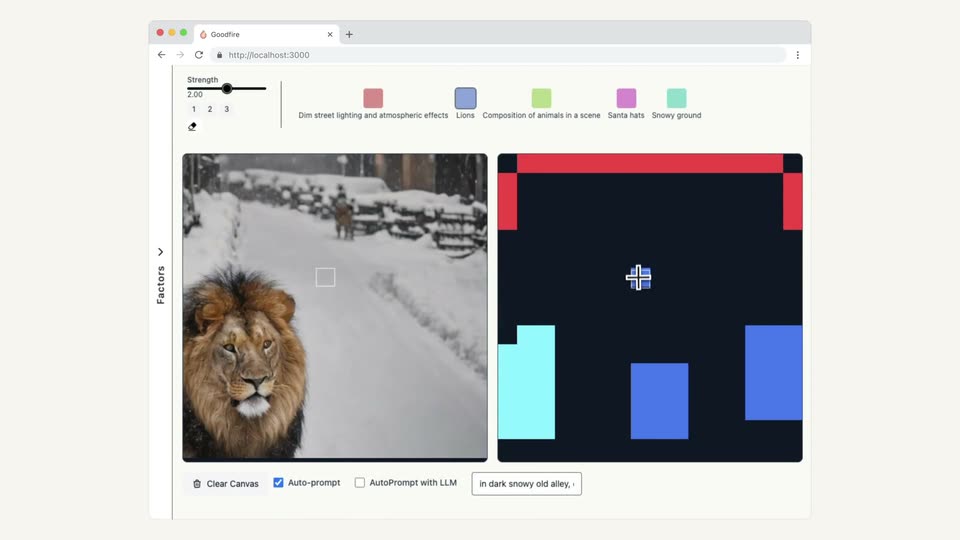
Goodfire - Today, we're announcing our $50M Series A and sharing a preview of Em
Goodfire · Modern electronic, tech promotional
1:19
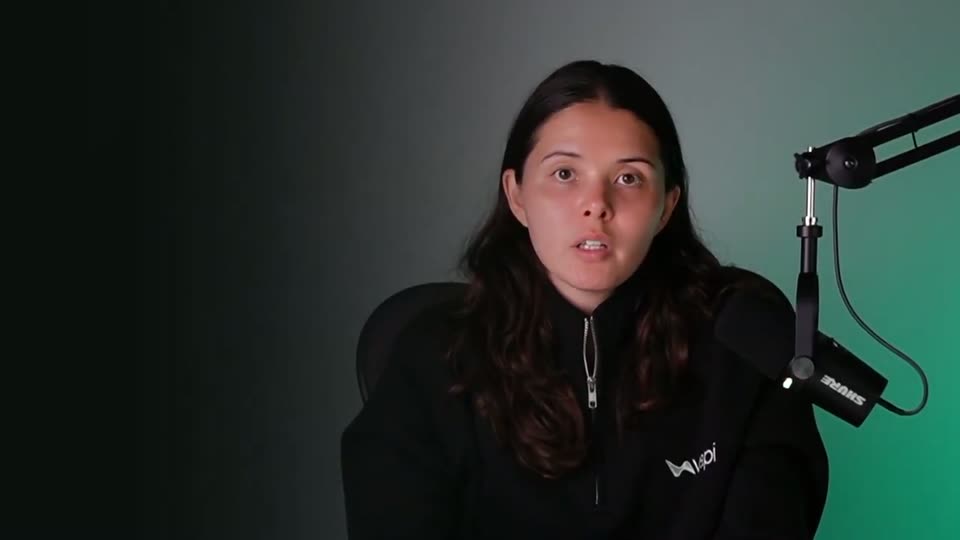

Vapi - We’re announcing Agent Loop. Self-improving voice agents, now in earl
Vapi · Upbeat electronic
2:50
Tom Kelly - Today, Heidi (@tryheidi) is announcing US$340M in new funding: a US$1
Heidi Health · Electronic
Tiny (YC F24) Launch Video, scene by scene
· 14 scenes as text
01 · Product intro · 0:00–0:06
A man in a black t-shirt sits at a desk facing the camera, a silver laptop lid in the right foreground. He speaks and gestures with his hands, white earbuds in, a wooden staircase with black railings behind him.
Camera: Static
02 · Problem · 0:06–0:13
A static screen capture layers three disjointed interfaces: a dense order table on the left, a Debtor Statement dialog in the center, and a Detail New Model form on the right. Three white captions sit over the left table while the voiceover lists the problems.
On-screen text: “Outdated software”, “Disjointed spreadsheets”, “Partially integrated tools”
Camera: Static
03 · Problem · 0:13–0:19
A hand holds a gray, glittery, star-shaped foam piece in the lower center of the frame. Behind it, open cardboard boxes are piled with hundreds of identical gray pieces. The camera is handheld and nearly still, with a slight shake, in a warehouse setting.
Camera: Static
04 · Demo · 0:19–0:27
A desktop dashboard and a matching mobile view sit side by side on a black background, both showing the same sidebar, inbox rows and grid of colored app tiles. The two flat mockups hold static for the full clip.
Camera: Static
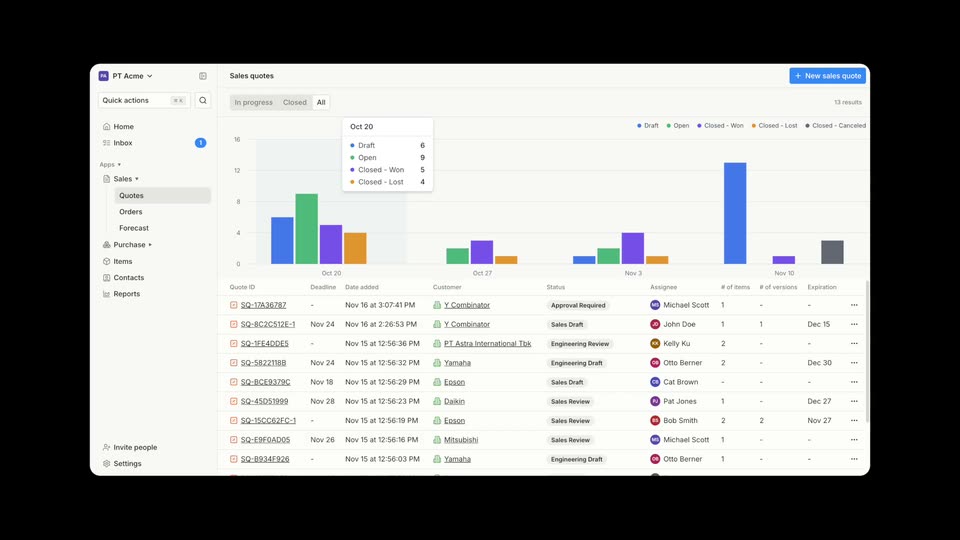
05 · Feature reveal · 0:27–0:31
A product interface sits static on a dark background: a sales quotes view with a left sidebar, a bar chart of quote statuses, and a table of quote records. The frame is locked-off with no motion.
Camera: Static
06 · Feature reveal · 0:31–0:35
A split screen holds two factory shots side by side, both locked off. On the left a worker in a checkered shirt stacks black sheets on a cutting machine; on the right a worker in a black shirt works a large press with a control panel. No camera movement.
Techniques: Split screen
Camera: Static
07 · Feature reveal · 0:35–0:40
A white technical drawing sheet sits centered on a black background, showing orthographic views, dimension lines, and a title block for a metal part. The frame is locked off with no motion throughout the clip.
Camera: Static
08 · Feature reveal · 0:40–1:01
A flat product window sits on a sunset mountain wallpaper. A cursor fills form fields while the page scrolls and the right-hand activity log fills with new entries. The view zooms into the feed as a comment is typed.
Techniques: Cursor demo, UI zoom
Camera: Push in
09 · Feature reveal · 1:01–1:03
A white dashboard window sits on a mountain sunset desktop. The cursor slides down the left sidebar and clicks Inbox, and the main panel crossfades from a home screen of colored app tiles into a tasks list table.
Techniques: Cursor demo
Camera: Static
10 · Feature reveal · 1:03–1:08
Over a sunset desktop wallpaper, a cursor clicks a task row in a list view, the panel switches to the task detail, then the cursor clicks the related quote link and the quote detail page loads.
Techniques: Cursor demo
Camera: Static
11 · Feature reveal · 1:08–1:12
A sales quote detail window rests on a desktop with a mountain sunset wallpaper. A cursor glides to the right panel and clicks Mark as completed; the activity feed scrolls and an Updated task toast slides in at the bottom.
Techniques: Cursor demo
Camera: Static
12 · Feature reveal · 1:12–1:37
A sales-quote screen scrolls down to a cost breakdown table. A cursor clicks an edit icon, types a new profit margin, then a new unit price, and the totals recalculate live. The cursor then clicks Approve, and the task panel updates to the next step.
Techniques: Cursor demo
Camera: Pan
13 · Feature reveal · 1:37–1:39
A quotation document fills a white card against a mountain backdrop at dusk. A mouse cursor drifts down to the brand mark in the top corner, and the asterisk logo fills from a pale outline to solid orange.
Techniques: Cursor demo
Camera: Static
14 · Outro · 1:39–1:51
A man in a black t-shirt sits at a desk, speaking to the camera and gesturing with his hands, an open silver laptop in front of him. A wooden staircase with a black cable railing runs behind him. The shot is a static medium close-up from a low angle.
Camera: Static