2:37

Giga - Introducing Scout. Tell it the KPI you care about, like funded depos
Giga (Scout) · Jun 2026
stratify’s 1:06 launch film runs 31 scenes, about 2.1 s each. The product shows up at 0:11 and 4 features are revealed. There is no explicit call to action; a voiceover carries the film. Built as a problem montage, a logo reveal, and a chain of 3D tilted UI cards, each feature announced by a bold headline over a dark blue gradient. Signature moves: cards rotating from a steep tilt to flat, caret typed text, and objects morphing into the stratify mark.
Is this your launch? to your site or press kit.
Giga (Scout) · Jun 2026
Sully AI · Jul 2026
Samsung · Sep 2026
Films whose music sounds like this one, voice left out
Adobe · Electronic dance-pop
Pika · Electronic dance music
editframe · Electronic dance music, UK Garage, Latin urban
On a dark blue gradient, a white caret types out “User research” in large white text that scales in, then “search is broken” in smaller text. A white calendar card with a bar chart rises from the bottom edge.
On-screen text: “User research”, “search is broken”
Techniques: Kinetic type
Camera: Static
A white calendar card titled Month, filled with orange numbered circles, rotates from a steep 3D tilt into a flat frontal view on a dark blue gradient. As it settles, the caption Customers are unresponsive fades in along the bottom edge.
On-screen text: “Customers are unresponsive”
Techniques: 3D mockup
Camera: Pan
A white calendar card with orange numbered date buttons sits in 3D on a dark blue gradient, a white caption below it. The card and caption slide out to the right, blurring as they exit.
On-screen text: “Customers are unresponsive”
Techniques: 3D mockup
Camera: Pan
A white survey form card slides from left to right across a dark blue gradient, revealing large white text on the left. The form shows filled name fields, red Missing field notes, rating checkboxes and a Submit Feedback button.
On-screen text: “Surveys are impersonal”
Camera: Pull out
A tilted 3D video-call window rotates flat toward the camera over a dark blue background, showing a grid of participants and a bottom toolbar. Then the headline “Focus groups are expensive” slides in across the grid.
On-screen text: “Focus groups are expensive”
Techniques: 3D mockup, Kinetic type
Camera: Pull out
A video-call interface sits on the left, its participant tiles and toolbar flat against a dark blue field. On the right, a small line reads above a large word that swaps mid-clip, the outgoing and incoming letters overlapping in a crossfade before settling on the final word.
On-screen text: “Focus groups are”, “expressive”, “expensive”
Techniques: Kinetic type, Morph
Camera: Pan
A small video-call interface sits in the top-left corner beside the large white headline on a dark blue gradient. The UI and headline slide out, then the next line scales in at center with a soft glow and a small blue sparkle to its left.
On-screen text: “Focus groups are expensive”, “It's time for a better way”
Techniques: Kinetic type
Camera: Static
A dark blue gradient holds the white line 'It's time for a better way' with a small purple star at its left. The text scales down and blurs as two soft white pills drift in from the right.
On-screen text: “It's time for a better way”
Techniques: Kinetic type
Camera: Static
On a deep blue gradient, four white pills drift into the stratify mark as the wordmark slides in from the right. The faint line 'It's time for a better way' scales and fades. 'Introducing' and the large tagline 'Your AI user researcher' slide in below.
On-screen text: “It's time for a better way”, “stratify”, “Introducing”, “Your AI user researcher”
Techniques: Kinetic type
Camera: Static
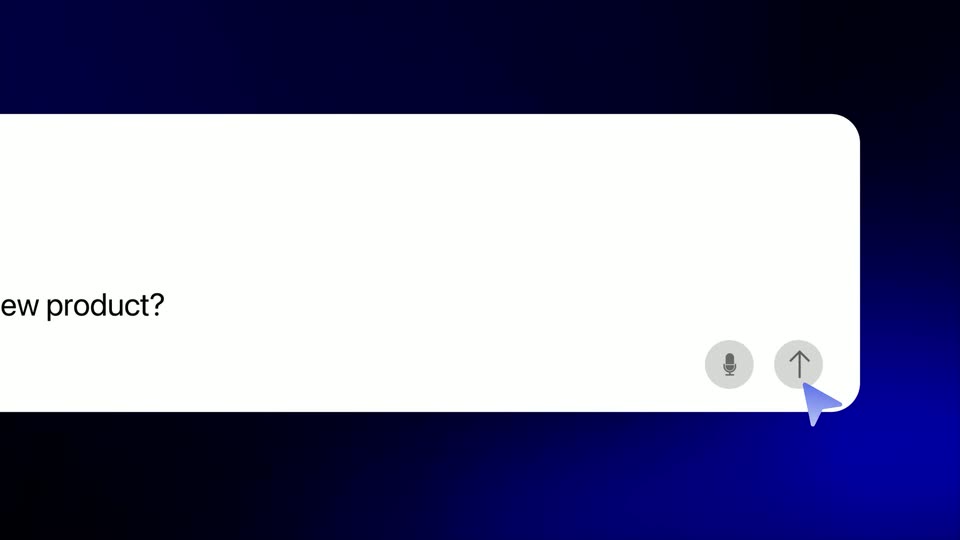
A white input card on a dark blue background holds a beer can image and the typed prompt about a new product. The card slides left to reveal a mic icon and an up-arrow button, which a blue cursor clicks as it scales.
On-screen text: “Introducing”, “Your Al user researcher”, “stratify”
Techniques: Cursor demo
Camera: Static
A white rounded card slides in from the left over a deep blue gradient, then shifts upward to reveal a survey prompt and a row of icons. A second white panel with a question-type list rises from the bottom as a cursor hovers at the card's right edge.
Techniques: Cursor demo
Camera: Static
A white survey-builder panel with a left question-type menu and a single question card scales up into the center of a deep blue gradient background.
Camera: Static
A survey-builder panel in 3D perspective scales up and tilts on a dark blue gradient. A white two-line headline appears at the left.
On-screen text: “Research questions made instantly”
Techniques: 3D mockup
Camera: Pan
A demographics filter panel eases from a flat centered card into a tilted 3D card on the left, its fields filling with sample values. A blue cursor taps the Apply Filters button while the white headline Instantly recruit participants builds in on the right against a deep blue gradient.
On-screen text: “Instantly recruit”, “participants”
Techniques: Kinetic type, Masking, 3D mockup, Cursor demo
Camera: Pan
A white pill-shaped button labeled Launch scales up from a glowing point in the center of a dark blue gradient. A blue cursor arrow slides in from below and hovers at the button's lower edge.
Techniques: Cursor demo
Camera: Static
On a dark navy field, browser-style video-call windows showing people drift across the edges at varying sizes. Centered white text scales in phrase by phrase, first “Reach hundreds of users” then “Learn what they think”, each glowing briefly before fading as the windows keep flowing.
On-screen text: “Reach hundreds of users”, “Learn what they think”, “Launch”
Techniques: Kinetic type, Parallax
Camera: Push in
A video-call window fades in on a black background, showing a man in a gray jacket seated in a hallway, speaking to the camera. A dark control bar with icons and an End button runs along the bottom of the window.
Camera: Static
A video call window with a man speaking sits centered on a dark background. A light blue caption card with an animated waveform and the question slides up beneath it, then the window zooms in to fill the frame as the card exits.
On-screen text: “What makes it rebellious?”
Techniques: UI zoom
Camera: Push in
A Zoom video call window showing a man in a gray sweater sits centered on a black background. The window shrinks and drifts upward as a light blue folder icon scales up beneath it.
Camera: Pull out
A small video call tile showing a man spins and dives toward a glowing light blue folder icon centered on a dark blue background. The tile shrinks as it drops behind the folder's top edge, as if being saved inside it.
Camera: Static
Blurred photo thumbnails arc down into a glowing light-blue folder icon centered on a dark blue gradient. The thumbnails exit, then a purple cursor arrow slides in and rests on the folder.
Techniques: Cursor demo
Camera: Static
A glowing white folder icon with a blue cursor pointer morphs into the stratify logo mark, and the white wordmark slides in to its right on a dark blue gradient.
Techniques: Morph
Camera: Static
The white stratify logo, three stacked bars beside the lowercase wordmark, slides gently into the center of a deep blue gradient and holds. The frame stays locked as the mark settles.
On-screen text: “stratify”
Techniques: Kinetic type
Camera: Static
A dark blue backdrop frames a flat app window. The black sidebar fills in with menu items as the white panel loads a heading, then a gray report card slides up from the bottom and scrolls to reveal bullet points and two bar charts.
Camera: Static
A 3D-tilted dashboard mockup, dark sidebar left and white Campaign Insights panel right, floats on a deep blue gradient. A white headline fades in above the interface. The interface holds still while the text animates in.
On-screen text: “Instant insights, not endless research”
Techniques: Kinetic type, 3D mockup
Camera: Static
A dark rounded card slides up on a deep blue gradient, its search bar showing the question as the arrow button scales and lights up. The headline appears above the card, and the answer line fades in below it.
On-screen text: “Ask, search, and discover insights”
Camera: Static
A flat product UI card on a dark blue gradient shows a search bar and a feedback panel. The white inner card scrolls upward, revealing a list of user quotes, then two chart thumbnails, then a video thumbnail. A white headline sits static at the top.
On-screen text: “Ask, search, and discover insights”
Camera: Pull out
A dark blue gradient frame holds a centered headline above a product interface mockup. A search field shows a user question, and a panel below displays a video thumbnail of a man with a play button. A blue cursor slides in and points at the play button.
On-screen text: “Ask, search, and discover insights”
Techniques: Cursor demo
Camera: Static
A thin white cursor types “Users have opinions” on a dark blue gradient; the line is replaced by “Are you listening?”, backspaced to “listening?”, which dissolves into scattered white dashes that reassemble into the stratifv logo.
On-screen text: “Users have opinions”, “Are you listening?”, “listening?”, “stratifv”
Techniques: Kinetic type, Particles, Morph
Camera: Static
The white stratify wordmark and three-bar icon sit centered on a dark blue gradient with a soft glow in the lower right. The logo sharpens from a slight blur and scales gently into place on a locked-off frame.
Camera: Static
A black frame holds as the wordmark stratify scales up at center and locks off, serving as the closing sign-off.
On-screen text: “stratify”
Techniques: Kinetic type
Camera: Static