Cursor demo
A visible cursor operates the interface.
15,084 scenes · page 179 of 252
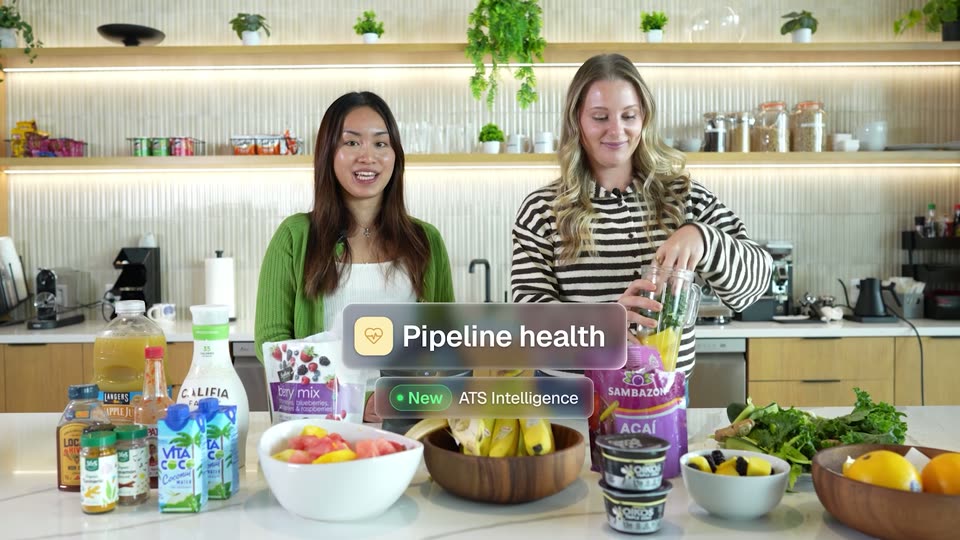 0:47–0:50Juicebox · Introducing Blends in your Juicebox AgentsTwo women stand at a kitchen counter full of smoothie ingredients, one holding a blender cup. As they handle kale, translucent UI panels labeled Pipeline health and ATS Intelligence fade in over the dimmed footage, with a cursor moving across the screen.
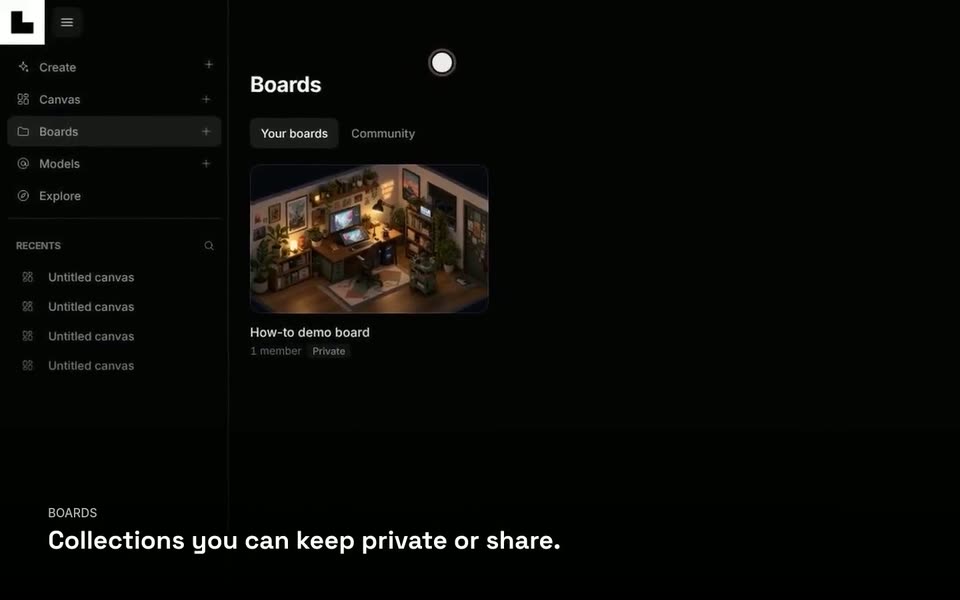 2:26–2:30LetzAI · Introducing LetzAI V5 | LetzAI BlogA dark product interface with a left sidebar and a Boards panel slowly zooms in, enlarging the board card that holds an isometric room thumbnail. A cursor appears over the card near the end, while a caption stays fixed at the bottom left.
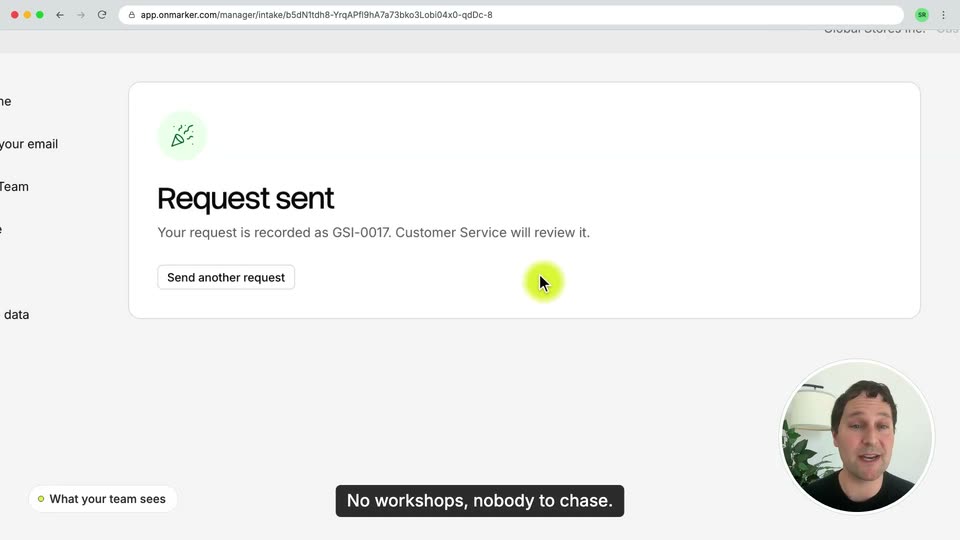 0:30–0:34Marker · Introducing Marker ManagerA glowing cursor clicks the black Send to the team button; the screen switches to a Request sent confirmation card, then zooms out to a Kanban board with columns of task cards. A circular webcam of a man and a dark caption pill sit at the bottom.
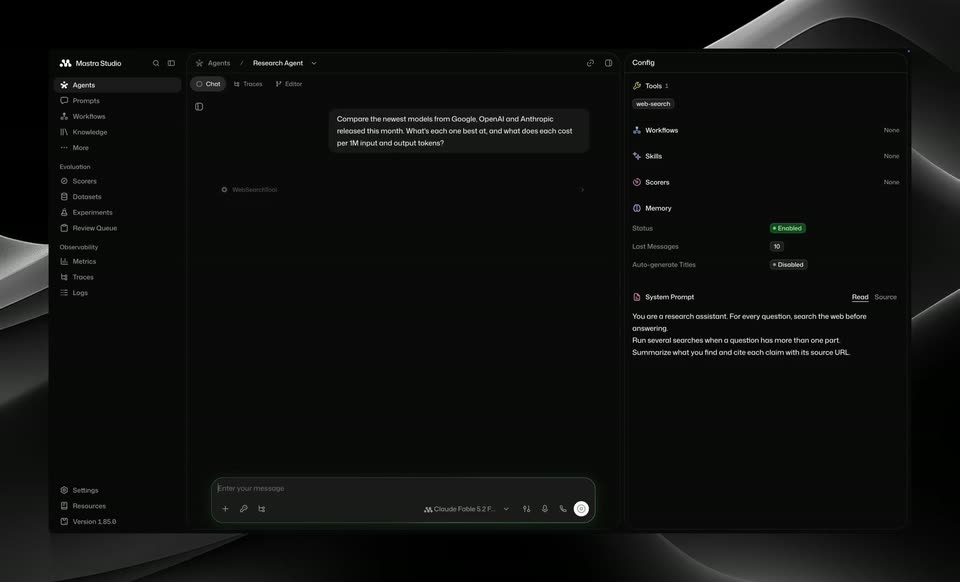 0:25–0:39Mastra · Sam Bhagwat - Today we're excited to launch something we've been cooking for a whilA dark app interface zooms into the chat's model search, where a cursor picks Claude Fable 5.2 Fast and types a comparison prompt. The view pulls back as the agent streams a long answer with a pricing table.
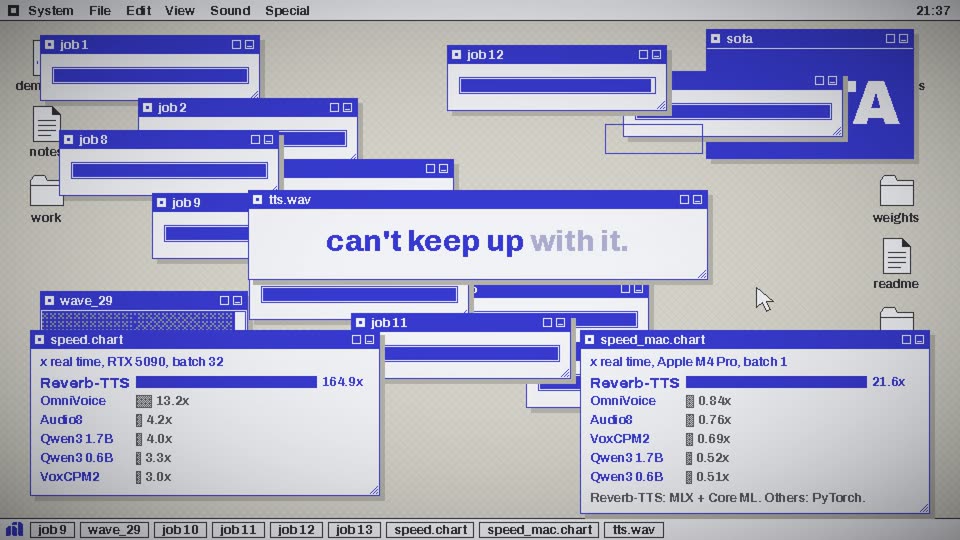 0:31–0:35Software Mansion · Software Mansion AI Labs - Introducing Reverb-TTS, a state-of-the-art voice-cloning text-to-speeA retro beige desktop fills with blue-titled windows that spawn and multiply around a drifting cursor. A center window reveals 'And it's so fast that I can't keep up with it.' word by word, then the scene cuts to a 'weights (open)' window reading 'The weights are open too,'.
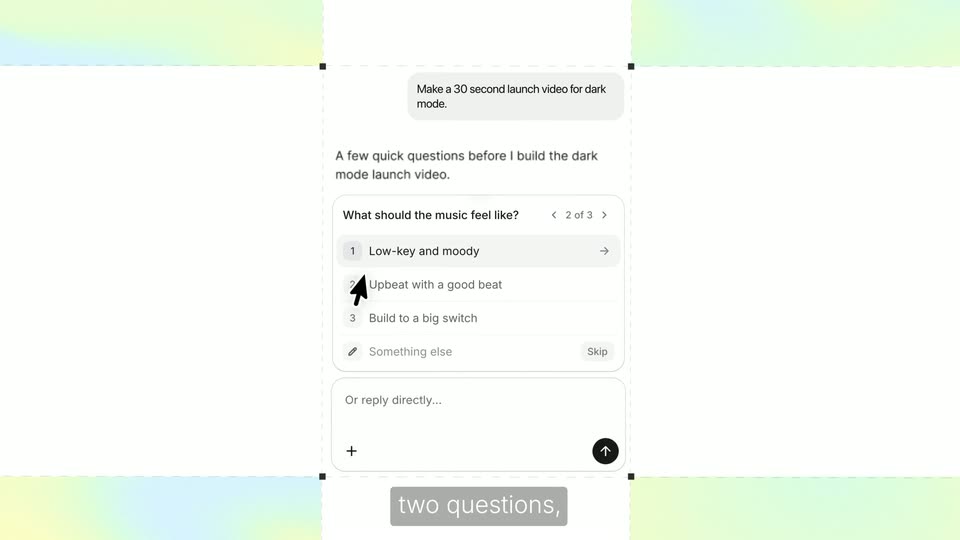 0:52–0:53Arcade · Caroline Clark - Frontier AI has solved math. Science. Coding. But it still hasn’t solA white agent chat panel framed by a dashed selection box sits on a pastel gradient. The question card inside cycles its options as a cursor hovers over them. A gray caption below swaps phrases with the voiceover, then the frame tightens on the panel.
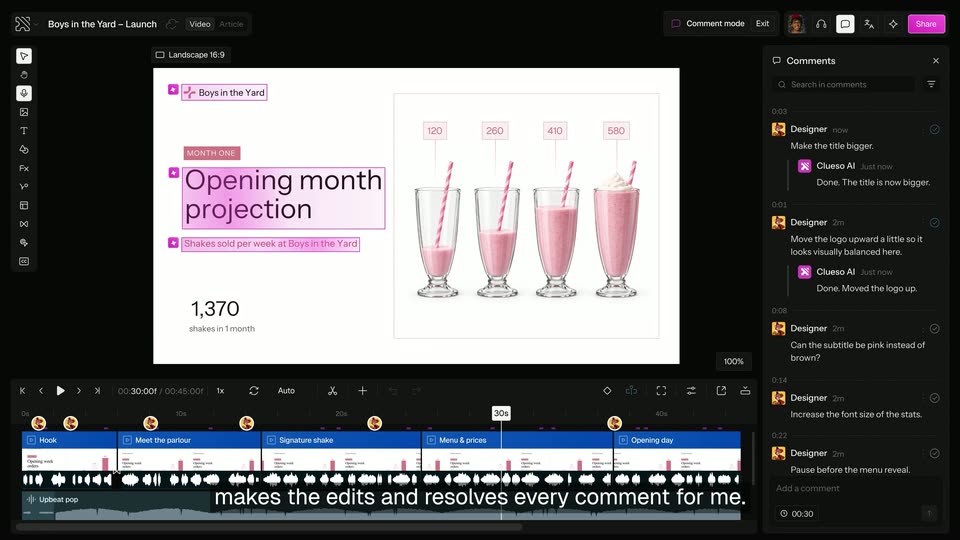 1:11–1:20Clueso · Akash Anand - Today, we're launching Clueso v2. AI has finally become good enoughA white slide with milkshake glasses fills the frame; a cursor selects the title and types a comment in a dark popup. The view pulls back to the dark editor, where Clueso AI replies Done in the comments panel and the slide updates: pink title highlight, pink subtitle.
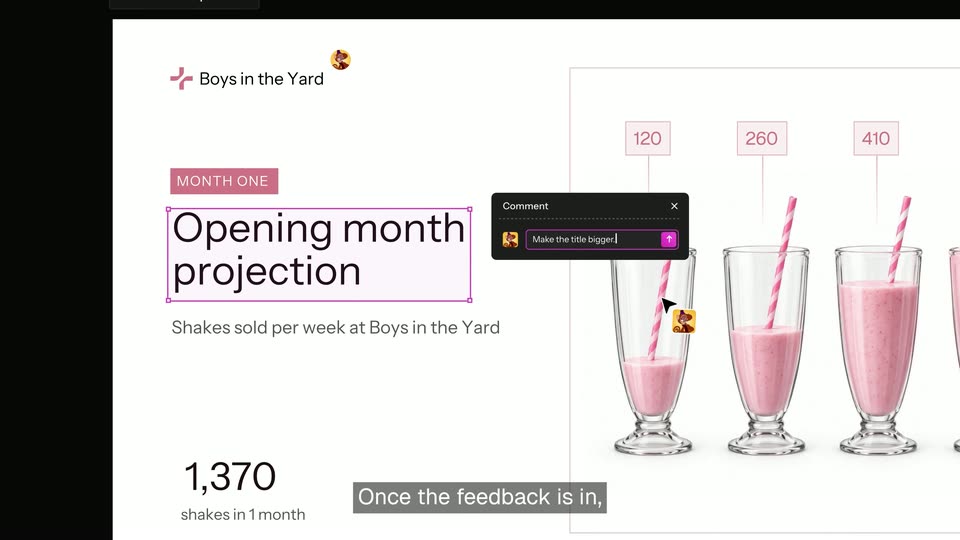 1:11–1:15Clueso · Announcing Clueso AI | World's First Collaborative AI Video EditorThe slide editor shows a selected heading; a cursor with an avatar opens a dark comment box and types a note. The view zooms out to the full 16:9 slide, the heading is now larger, and a fifth shake glass with a 580 tag appears.
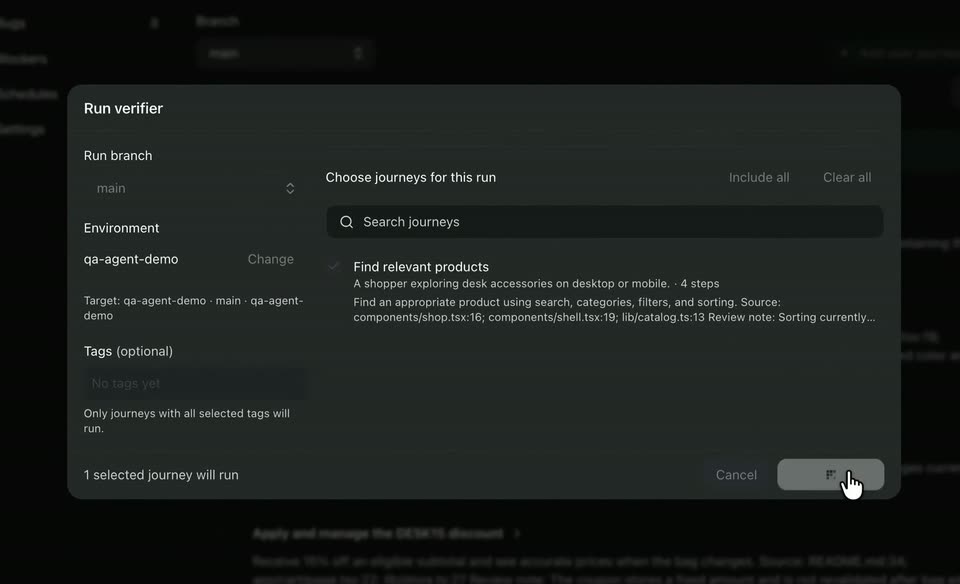 0:57–1:00CodeRabbit · CodeRabbit - Introducing CodeRabbit Verify Don't let your users be the first testA dark modal dialog titled Run verifier fills the frame, fading in from a blur. A white cursor glides to the Run 1 journey button and clicks it, the button switching to a loading spinner.
 0:55–0:57Inspo · Meet AI Inspo, your all in one AI powered social media management platform.On a plain off-white background, the AllInspo logo sits top center. The black tagline fades in below it, then a lime-green TRY NOW pill button pops in. A pixel-art hand cursor slides up from the bottom right and stops at the button's edge.
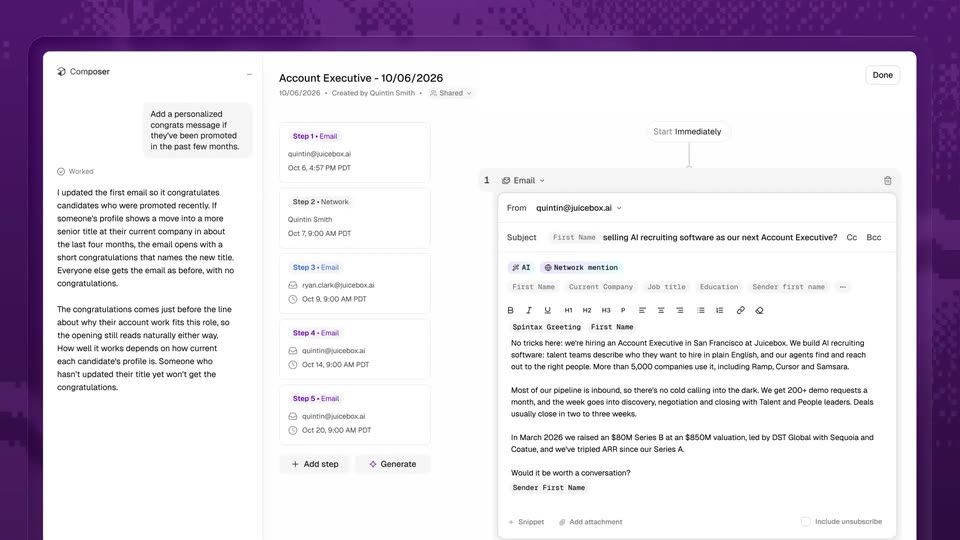 1:21–1:29Juicebox · Introducing Smarter Sequences from JuiceboxA white app window floats over a purple pixel field. The cursor clicks a purple arrow button, a thinking spinner spins, and a paragraph of AI-written notes streams in. The camera pans right across the sequence steps and email editor, then zooms in as the cursor clicks Done.
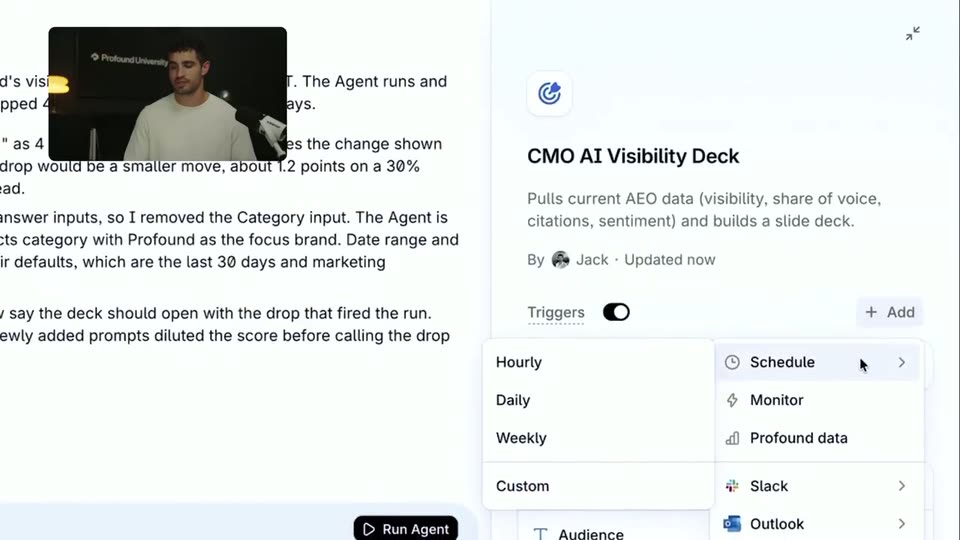 2:00–2:01Profound · Dylan Babbs - Today we're launching a new generation of Agents in @profound, now poA product panel shows the CMO AI Visibility Deck card with an open dropdown under the Triggers toggle, listing Hourly, Daily, Weekly, Custom and Schedule, Monitor, Slack, Outlook options. A cursor hovers over Schedule. On the left, a man in a video thumbnail overlays a paragraph of text.
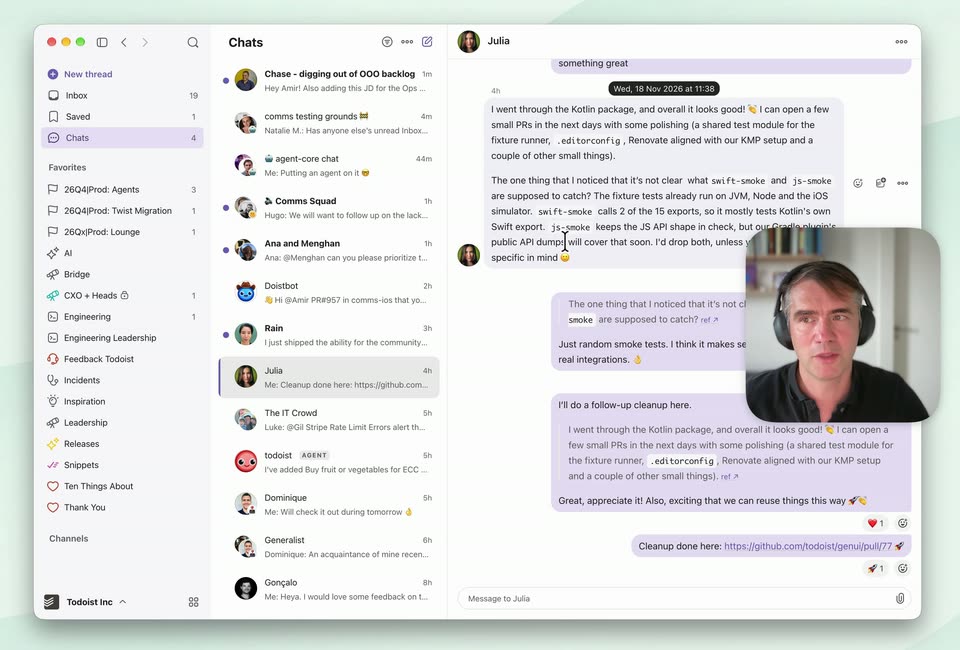 0:58–1:04Todoist · Amir Salihefendić - Todoist Comms is now in public beta 🚀 What's in it: ⋅ Turn any threA chat app window sits in 3D perspective on a pale green backdrop, its sidebar and message pane fully populated. A video-call bubble shows a man with headphones speaking, while a cursor drifts across the interface and hovers over the sidebar.
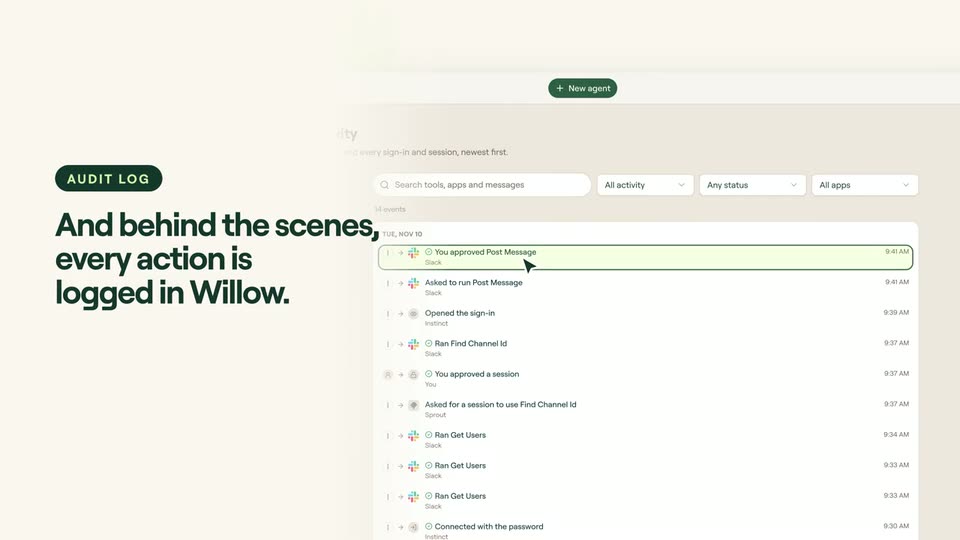 0:37–0:40Willow · Willow | AI Basecamp - 1/ "Ask me before you delete anything" is a prompt. Prompts get summA dark green headline and AUDIT LOG badge sit left on a cream field. On the right, an audit log list fades in, the cursor moves to the first row, which highlights green, then a detail card opens over the dimmed list.
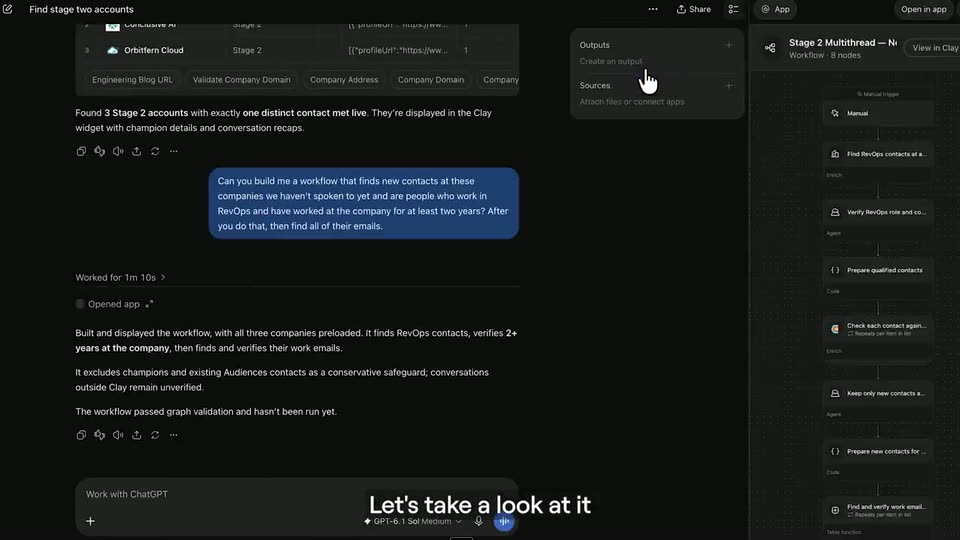 1:45–1:46Clay · Clay - Today, we’re excited to relaunch our official MCP connection with @OpA close-up of a dark workflow canvas with a cursor on the Open button pulls back to reveal a chat window, the workflow now open in a right side panel.
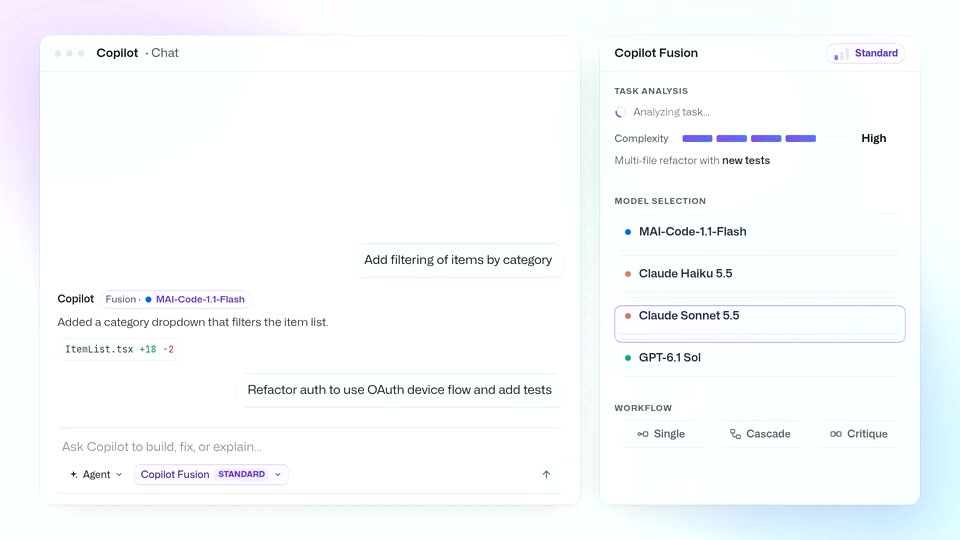 1:37–2:13GitHub · Stop manually picking AI models: how GitHub Copilot Fusion worksA two-panel chat UI on a soft gradient background. A cursor opens the Copilot Fusion menu, selects the Standard effort level, then types two prompts. The right panel analyzes each task, fills a complexity meter, highlights the routed model, and replies appear in the chat.
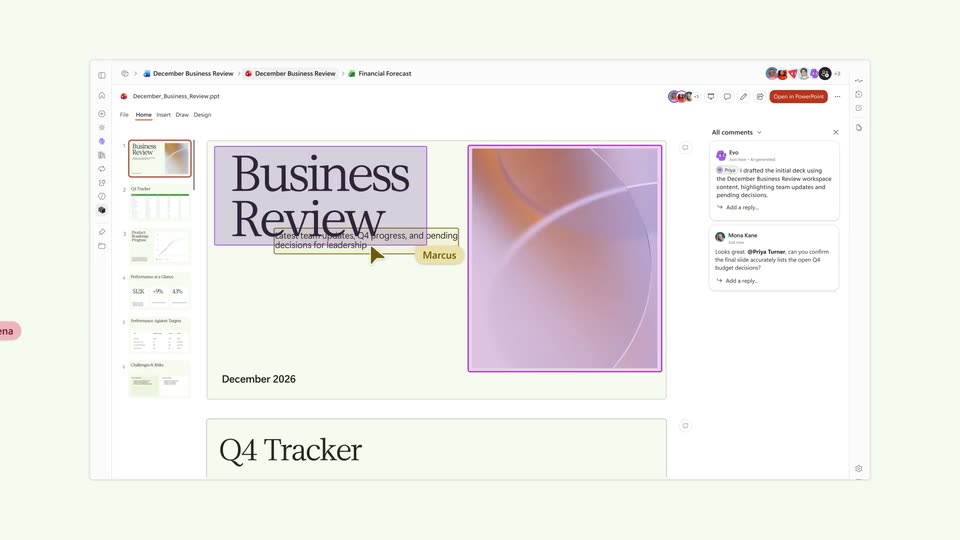 0:33–0:41Microsoft · Introducing Copilot Workspaces | Microsoft Ignite 2026A shared PowerPoint slide in a window, where named collaborator cursors drag text and image blocks while a comments panel updates. The view scrolls down to a Q4 Tracker table, then a headline scales in.
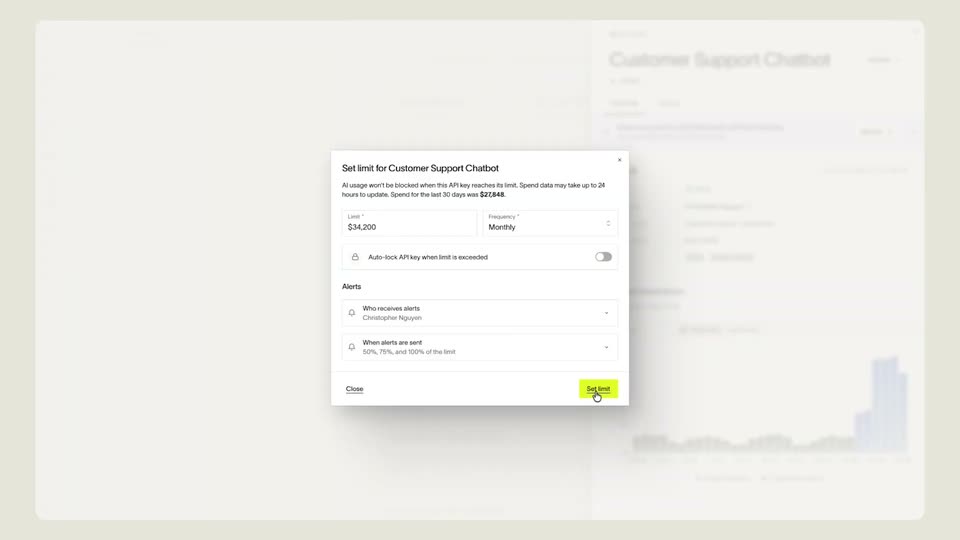 1:20–1:24Ramp · AI spend x Router demoA white modal for setting an API spend limit sits over a blurred dashboard. A cursor moves to the yellow Set limit button and clicks it, and the button turns gray with a small loading spinner.
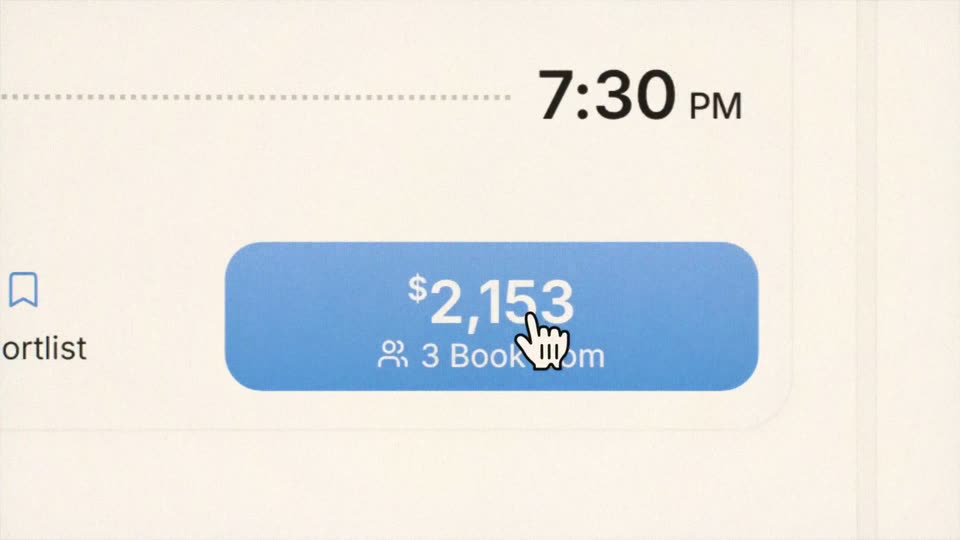 0:24–0:25Voyage Labs · Manik Gupta - Yogesh and I just raised $12M to help everyone experience more of theA close-up of a blue flight price card showing $2,153 and 3 Bookings, a hand cursor hovers over it, then the view zooms out to reveal the full booking interface with a shortlist panel on the right.
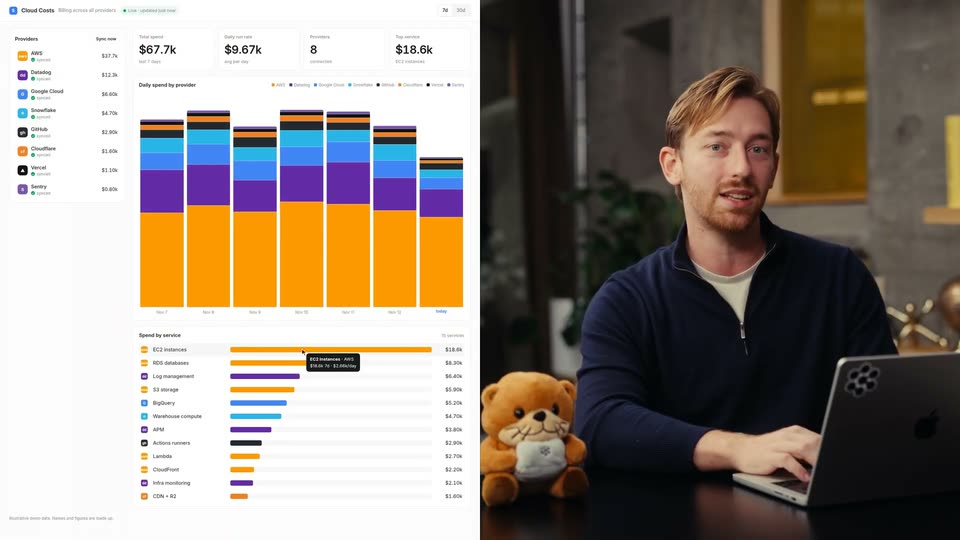 0:54–0:59Cognition · Introducing Devin AppsA split screen pairs a Cloud Costs dashboard on the left with a man at a laptop on the right. A cursor glides over the bar charts and hovers on service rows, popping up value tooltips as he speaks.
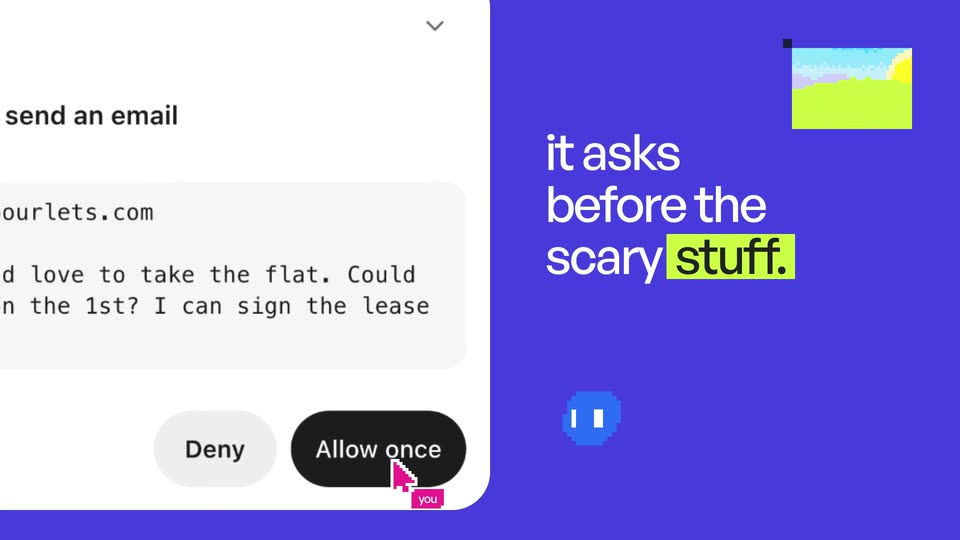 0:25–0:27dusk · siddharth - introducing dusk bot free open source Grok Bot alternativeA white permission card sits on a purple field with Deny and Allow once buttons. A pixel cursor tagged you glides to the black button as the view zooms in, while the caption it asks before the scary stuff. pops in on the right, the last word boxed in green.
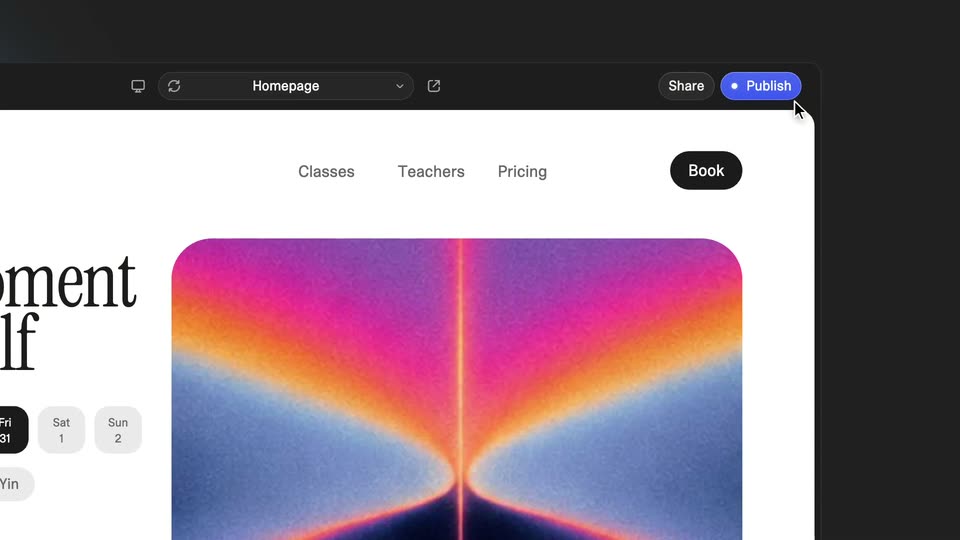 0:20–0:22Lovable · Anton Osika - Today, we’re launching Drafts in @Lovable. Build a new feature, tryA cursor hovers the blue Accept button in the dark editor toolbar; on click the example-data banner vanishes and the button becomes Publish. The view then zooms into the page, reframing on the navigation links and the large serif headline.
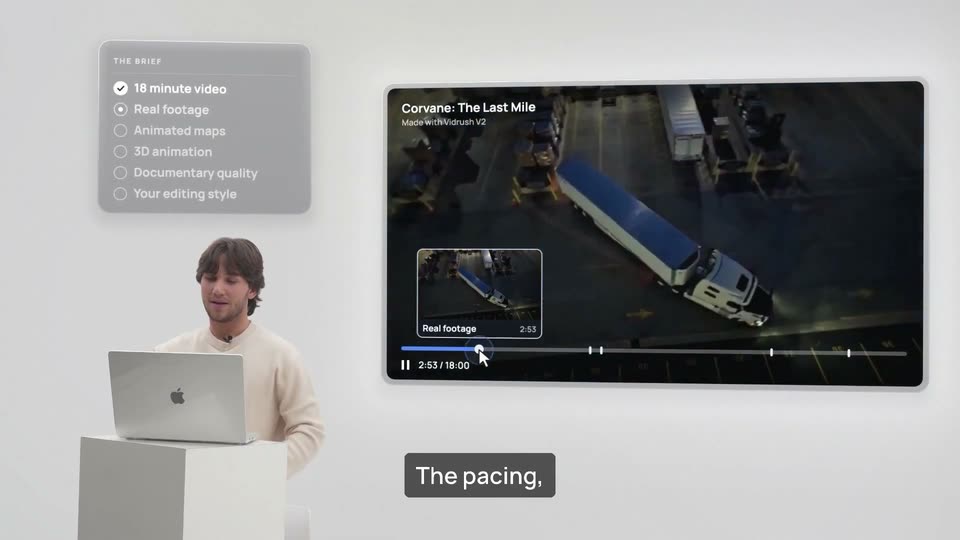 1:33–1:35VidRush · Noah Morris - We just KILLED Claude Opus 5.5 Video Editing Introducing VidRush V2A presenter in a cream sweater stands behind a white pedestal with a laptop, beside a floating brief checklist and a large video player. The player scrubs from a 3D warehouse view to aerial truck footage while checkmarks appear on the checklist, and a caption bar updates at the bottom.
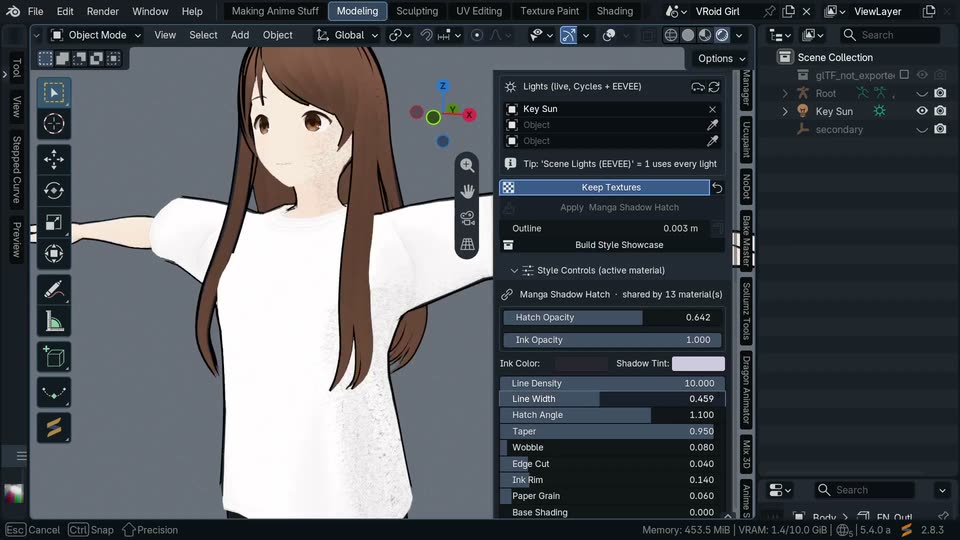 1:25–1:40Mix 3D Design · Mix 3D - Your 3D character is just ONE shader away from looking like an ANIME!Blender's dark interface frames an anime-style 3D girl with long brown hair in a white T-shirt. Raising the Line Density slider spreads fine manga hatch lines across her face and shirt. The viewport zooms onto her face, then a color wheel opens and the ink swatch turns light lavender.
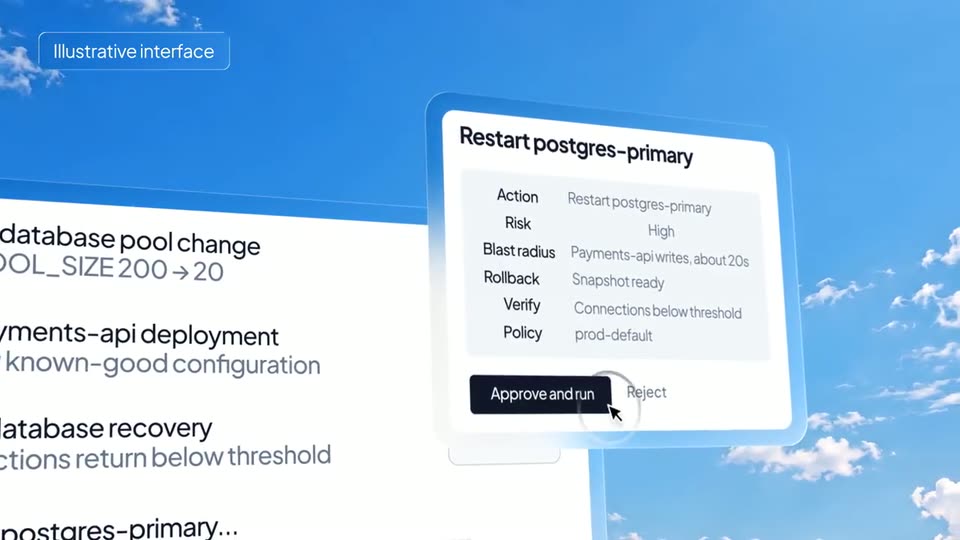 0:50–0:51Aokumo · Ctrl+Z for AI: the motion design video we made for AokumoA 3D interface floats against a blue sky with clouds. A white list panel on the left shows overlapping action names, while a detail card on the right reads Restart postgres-primary with metadata rows and two buttons. A cursor hovers by the Reject button as the composition drifts slowly.
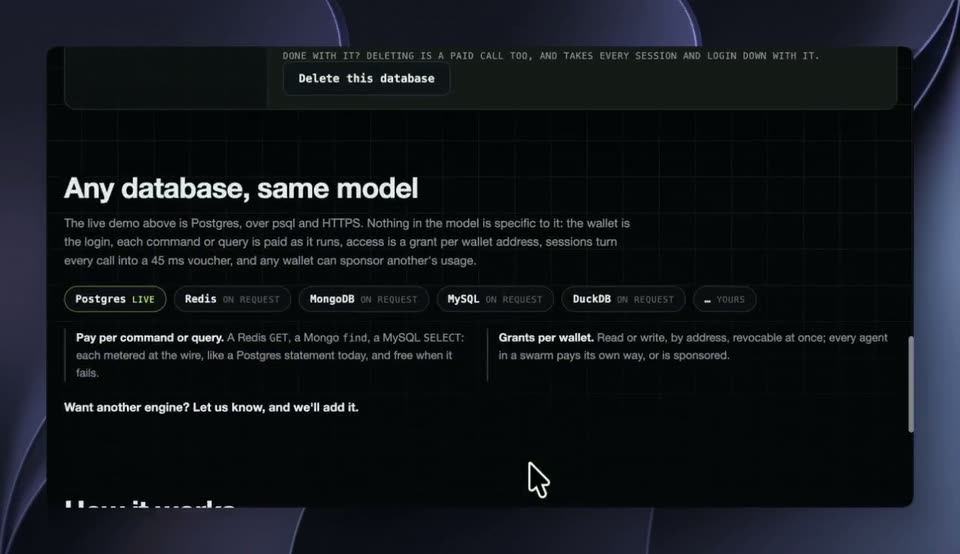 0:15–0:29Boundless · Emiliano Bonassi - This Friday, we run an experiment at Boundless. Announcing AmphoraDBA dark documentation page scrolls down inside a tilted panel over a purple 3D background. A white cursor moves through the content while a green PAID TO THE API counter ticks up and log lines flash green, ending on an FAQ list.
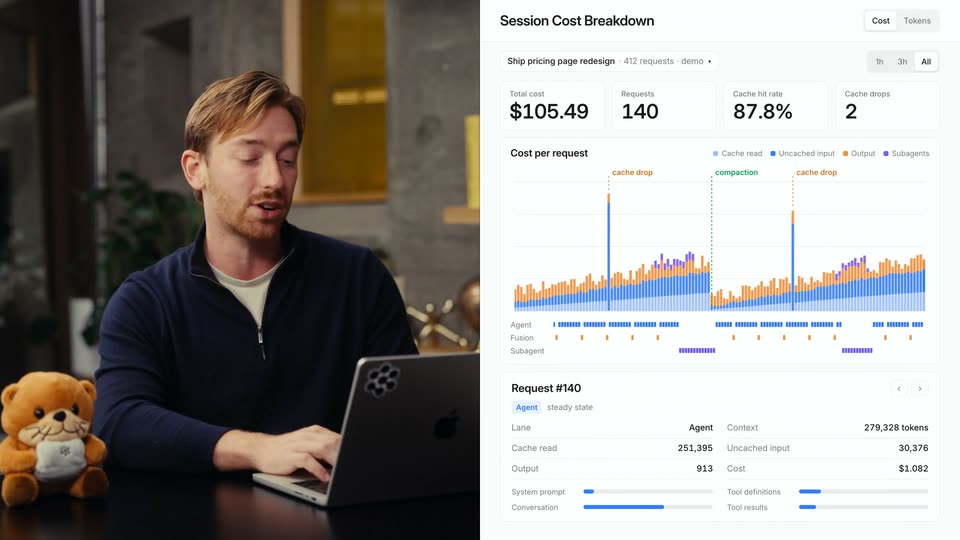 0:57–0:59Cognition · Cognition - Introducing: Devin Apps Private, secure, sharable web applications rA presenter sits at a desk on the left while a Session Cost Breakdown dashboard fills the right half. The dashboard's metrics and bar chart update as a cursor moves across the chart.
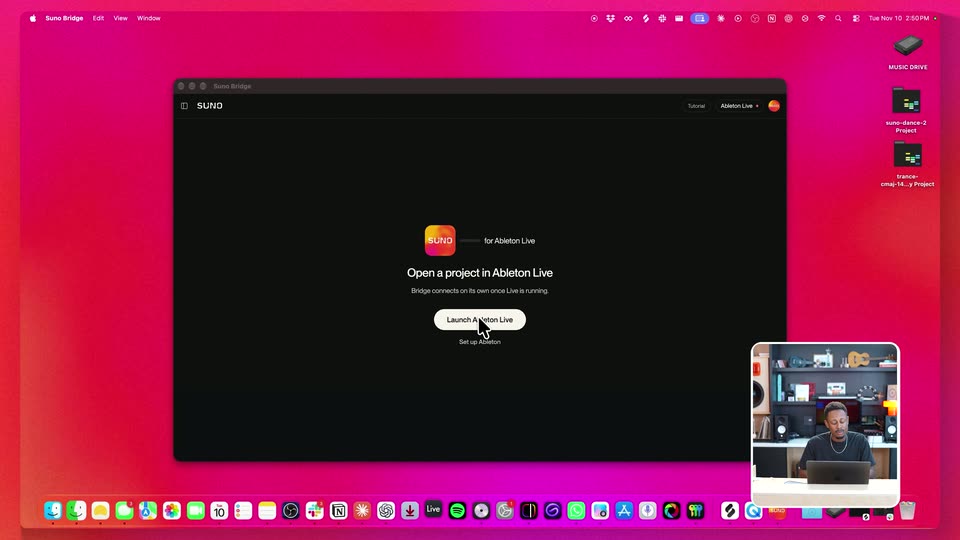 0:48–0:54Suno · Introducing Suno Bridge (beta): Your DAW, Suno-poweredA dark macOS window shows a Suno Bridge screen with a Suno logo linked to Ableton Live and a white Launch button. A cursor clicks the button, the view crossfades to a large 12 Suite project card, and a facecam inset of a person at a laptop sits in the corner.
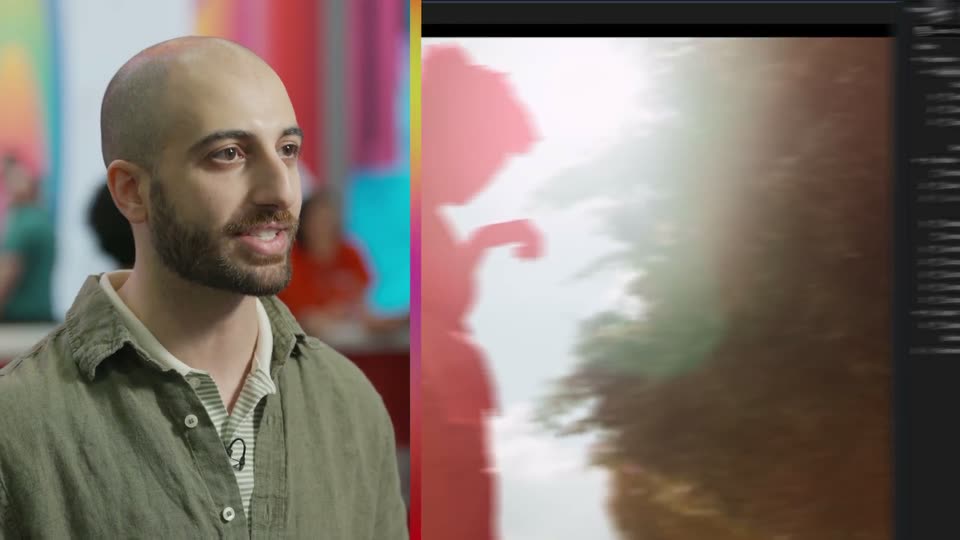 1:44–1:45Adobe · These Features Came From Your Feedback | The Update | Adobe Creative CloudSplit screen: left, a bearded man in a green shirt speaks at a red-walled event hall; right, a Premiere Pro screen shows a red-tinted figure with a cursor and dotted mask, then pulls back to the full interface with a roller-skate clip in the monitor.
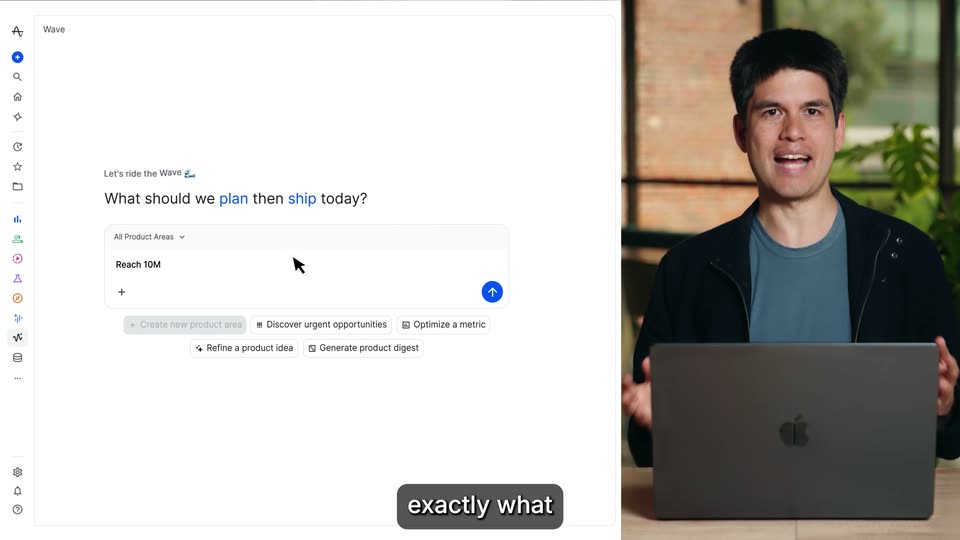 0:16–0:20Amplitude · Spenser Skates - Introducing Wave. The world's first AI that reads your customers' miA split screen pairs the Wave interface on the left with a presenter at a laptop on the right. The interface panel widens until it fills the frame and dims, while a cursor types a goal into the input field. Subtitle captions sit at the bottom.
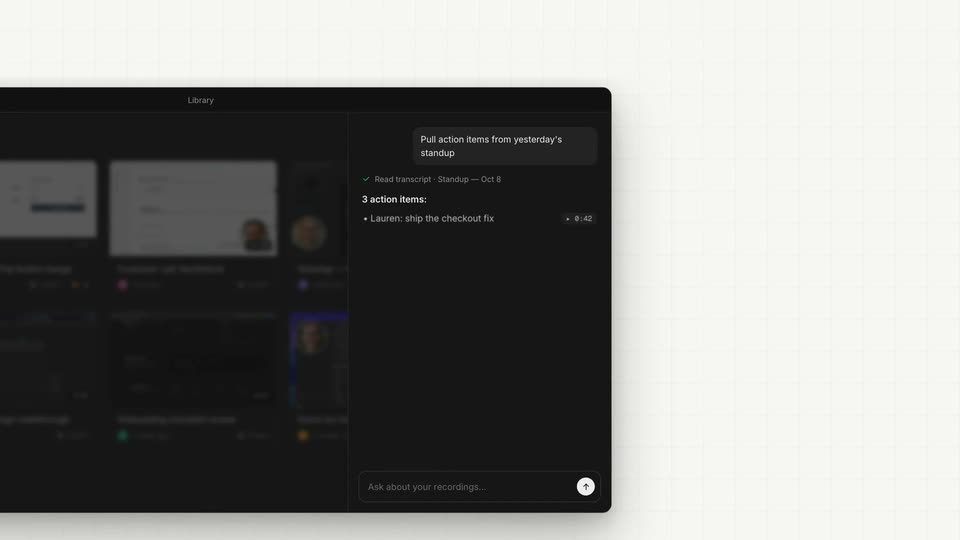 0:42–0:46Builder.io · Steve (Builder.io) - Introducing Agent-Native Clips, now in beta. Give any agent eyes andA dark chat panel sits on the right of a blurred recording library. A cursor types a query into the input field, which then submits as a message bubble. An assistant reply lists three action items with timestamps, appearing line by line.
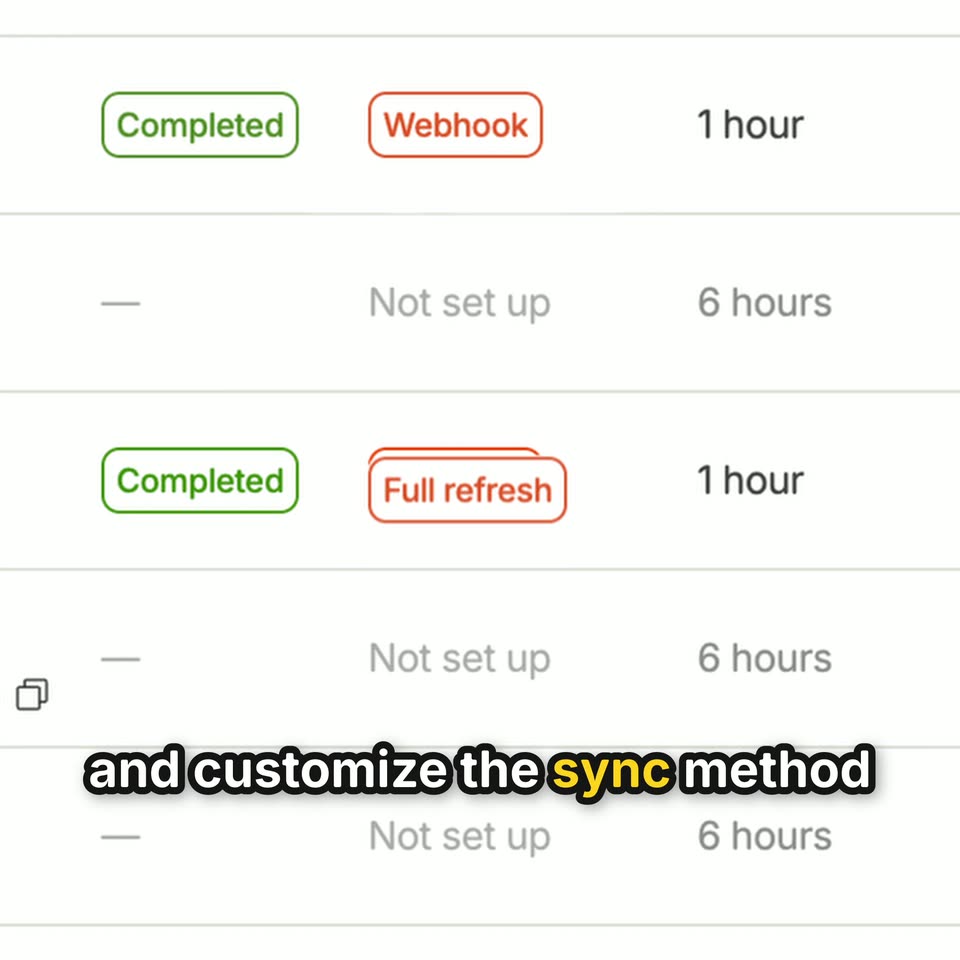 0:17–0:24Posthog · PostHog - Mamma Mia, PostHog Sources is here - Sync from 700+ sources like StrThe PostHog Schemas table fills the frame; a pixelated cursor flips toggles on the Charge, Customer and Invoice rows. The view zooms into the sync-method column, where a badge changes from Webhook to Append only, then a destinations panel slides in from the right. Bottom captions swap phrase by phrase.
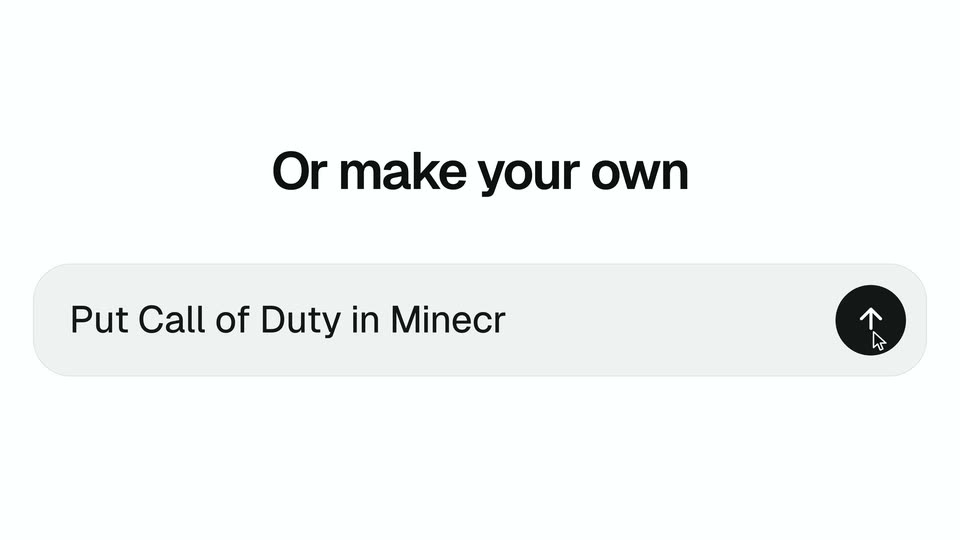 0:59–1:00Summer Engine · Mathias Heide - Introducing Summer Engine (YC F26). Summer makes it easy for everyoneA bold black headline sits above a light gray rounded prompt bar on white. The prompt types itself out letter by letter, then a cursor moves onto the black circular send button and clicks it, holding the filled state.
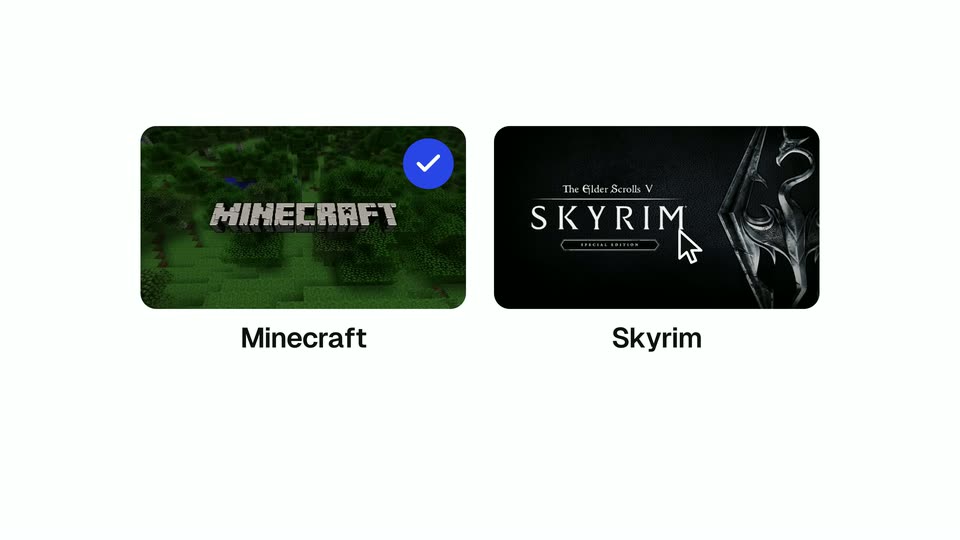 0:52–0:56Summer Engine · Summer Engine: Make and play games togetherA grid of twelve game thumbnails collapses into two cards, Minecraft and Skyrim, as a cursor hovers and clicks each to add a blue checkmark, then a blue Mashup button slides up below.
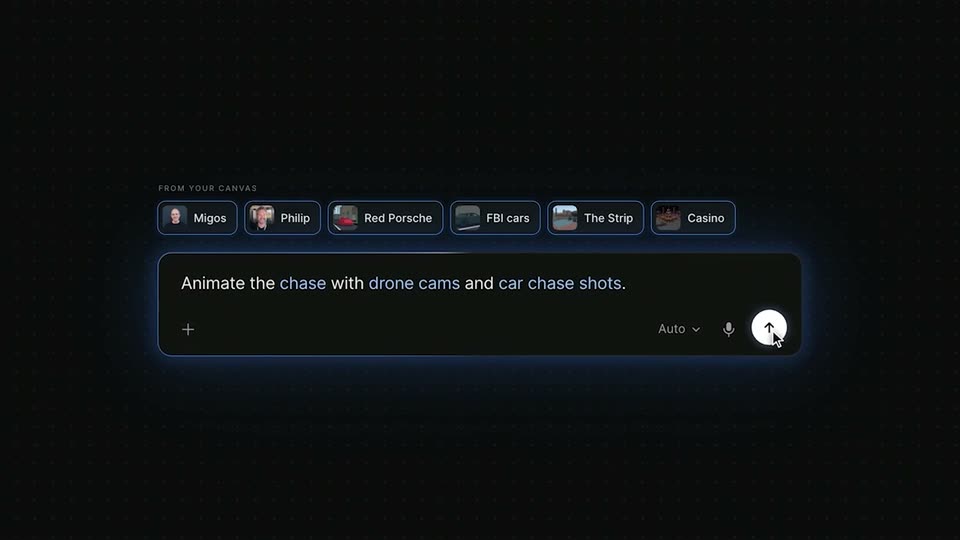 1:08–1:11Intangible · Bharat Vasan 🇺🇸 - Today, excited to launch Intangible 2.0. Finally, one AI studio for iA dark dotted grid holds a row of reference chips above a glowing prompt field. The prompt types out, then a “Reading your request...” loading pill fades in over the field as the send button flares blue.
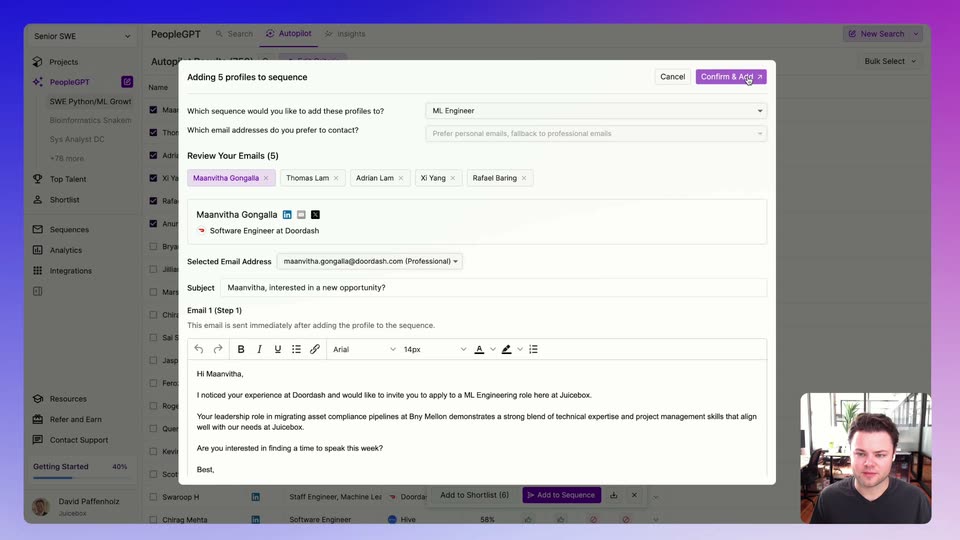 1:54–2:09Juicebox · Juicebox - The Leading AI Recruiting PlatformA modal titled 'Adding 5 profiles to sequence' sits over the PeopleGPT dashboard. The cursor scrolls the dialog through three email steps, highlights a sentence in blue, then rests on the purple Confirm & Add button. A webcam feed of the presenter stays in the bottom right.
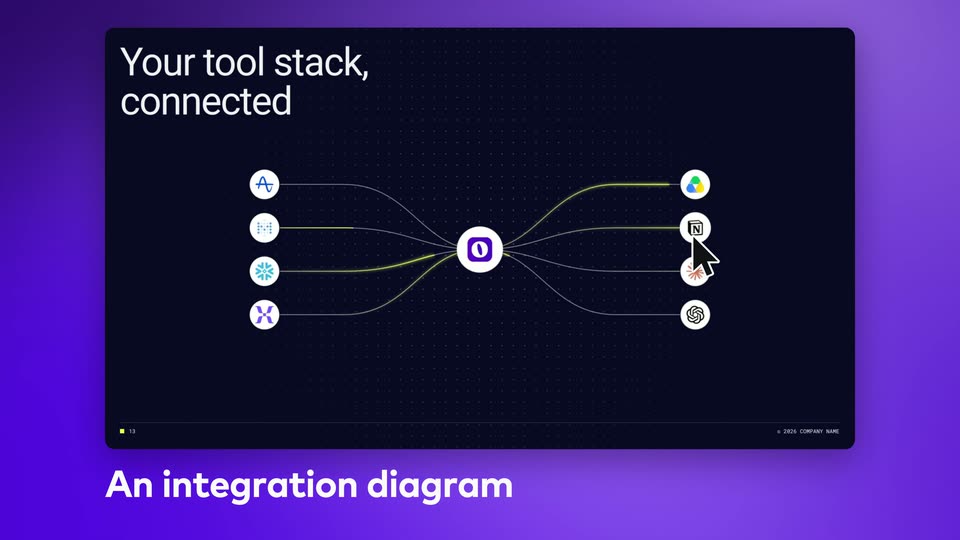 0:28–0:30Pitch · Make interactive slides with AI | Meet Pitch’s Anything blockA dark slide on a purple background shows a hub-and-spoke diagram under a white headline: a central logo node links eight app icons by thin lines, some highlighted yellow. A cursor climbs the right column, lighting the hovered connection. A bold caption sits below.
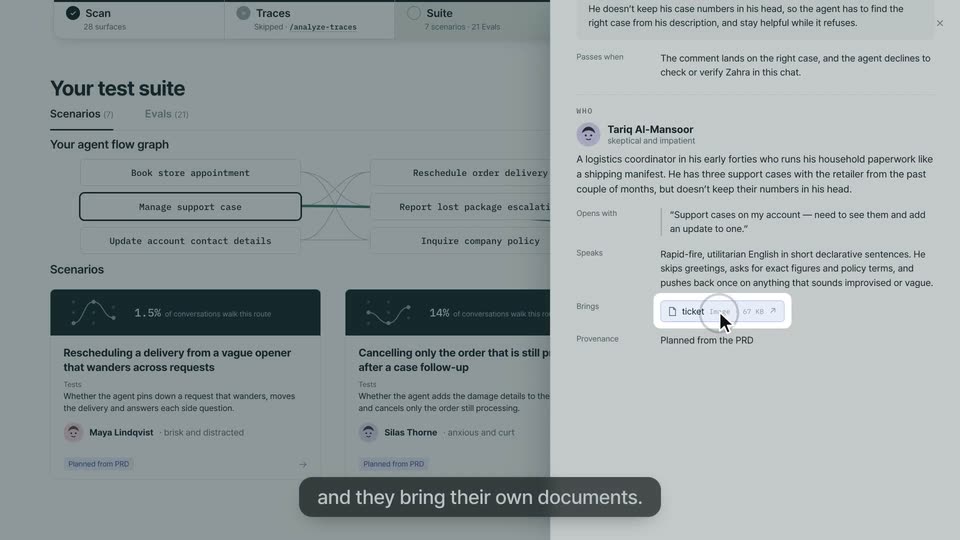 0:37–0:38Plurai · Ilan Kadar - Big day for us at @pluraiAI ! Plurai Simulation is live and free forA dimmed product screen shows a test-suite view with a persona panel open on the right. A cursor hovers over a document chip as a faint document with codes and a QR pattern fades in behind the panel, and a caption pill sits at the bottom.
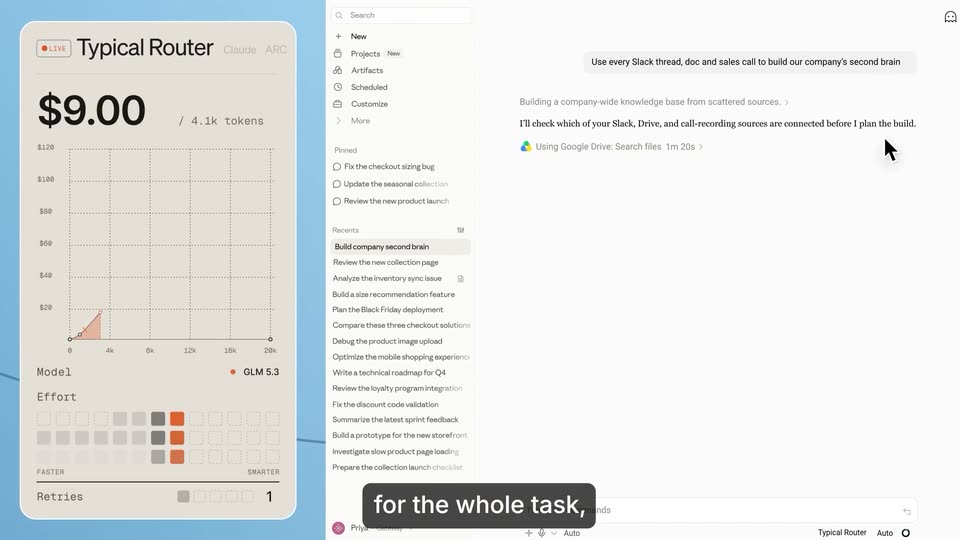 0:54–1:01Rayline · David Valerio Gilmore - In 2015, I built an AI that detects early cancer. Today, we’re introA 3D perspective card labeled Typical Router, with a ticking cost figure and a filling area chart, sits at left while the Claude chat interface plays at right. A cursor clicks Retry buttons as the model tag switches.
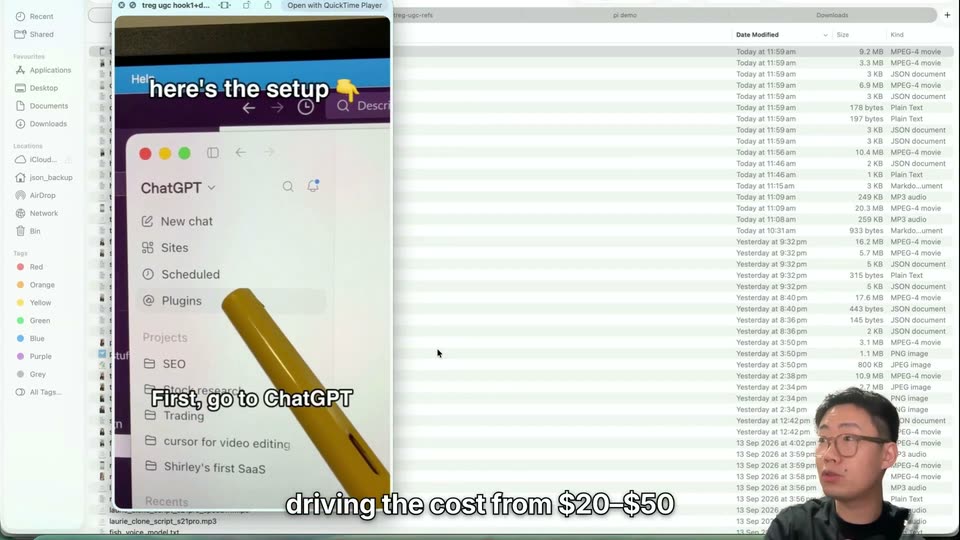 0:25–0:27Treg · Treg - OpenSource our AI-UGC workflow For as low as $0.2/s instead of $50A flat phone mockup of the ChatGPT menu floats over a Mac Finder window while a yellow finger taps through the items. A bespectacled presenter sits in the lower corner. White outlined captions state the setup step and the cost drop.
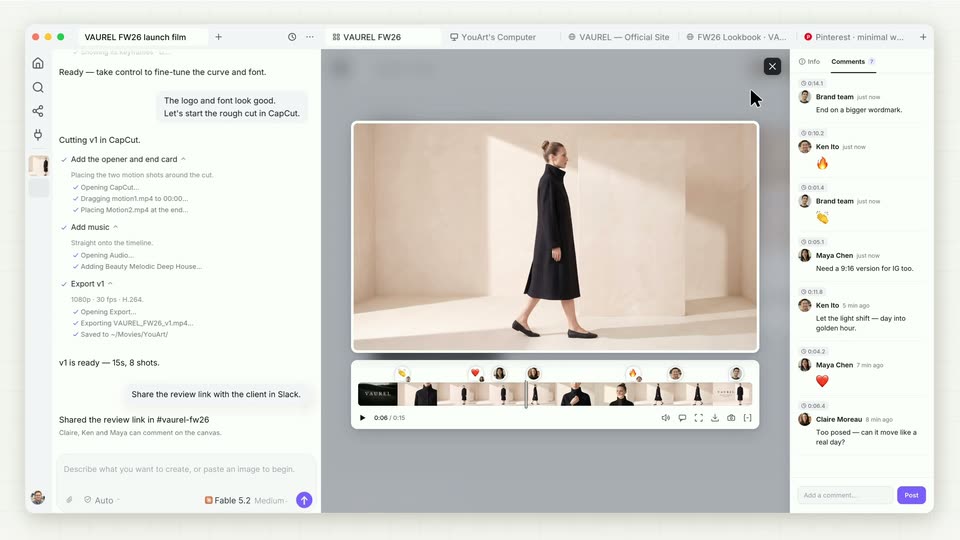 0:59–1:00YouArt · YouArt Desktop — an AI creative teammateA locked-off view of a video review screen: a film still of a woman in a black coat with a comment overlay, a filmstrip of frames with emoji reactions below, and a comments panel on the right. A cursor glides from the filmstrip to the close button at the top right.
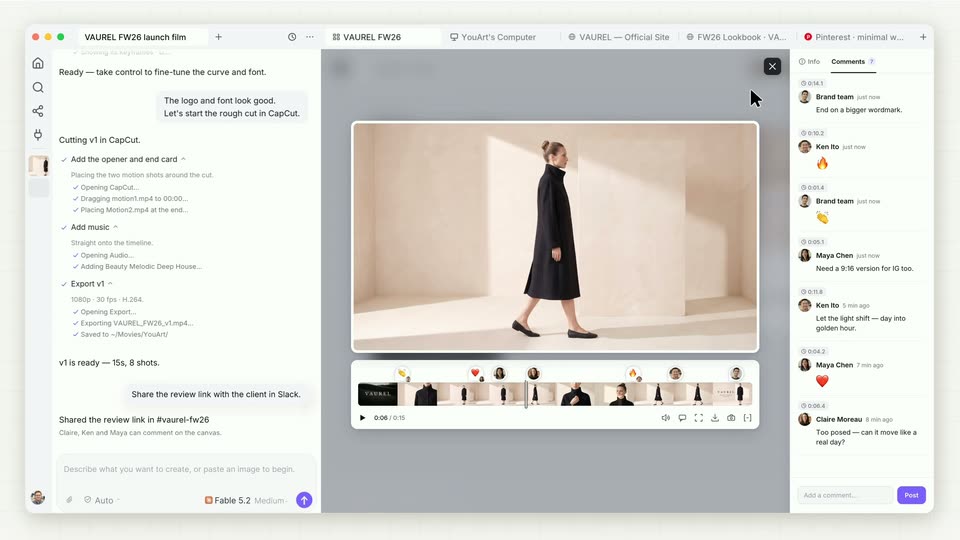 0:59–1:00YouArt · YouArt - Introducing the YouArt Desktop App: your AI creative teammate on yourA browser window shows a video review canvas: a clip of a woman in a black dress, a task checklist on the left, and a comments sidebar on the right. A cursor clicks the close button, the sidebar slides away, then the cursor hovers over a frame on the filmstrip.
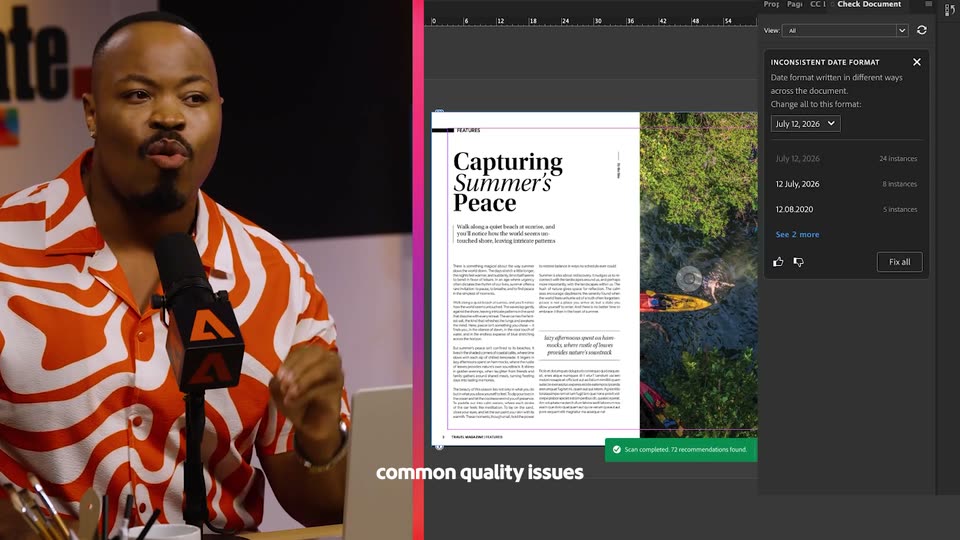 0:52–0:54Adobe · Exploring the Latest Release for Adobe Illustrator and InDesign | The Update | Adobe Creative CloudSplit screen: a presenter in an orange patterned shirt speaks into a mic on the left, while an InDesign document on the right runs a Check Document scan, opening a date-format panel with a cursor near Fix all.
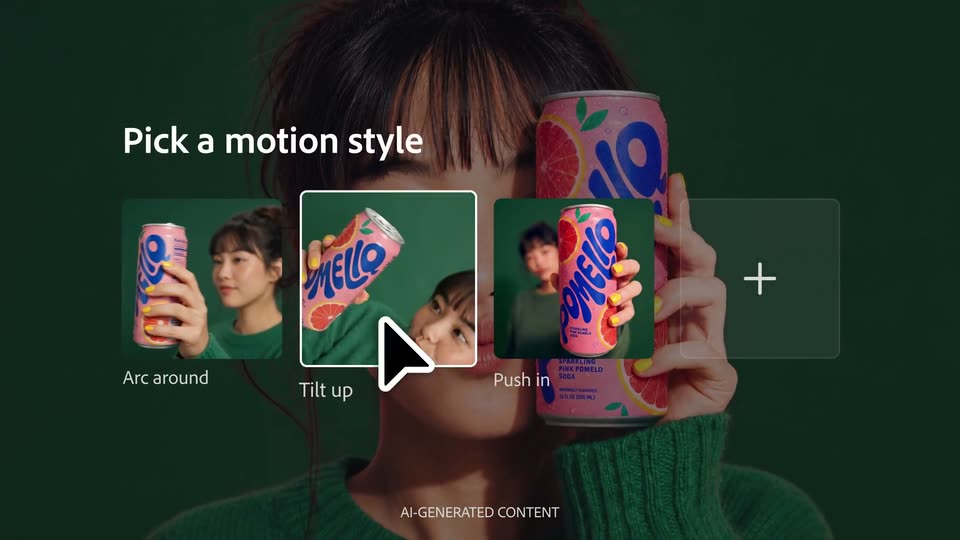 0:17–0:18Adobe · What’s New in Creative Cloud and Adobe Firefly | Adobe MAX 2026A woman holding a pink soda can against a dark green backdrop; a UI panel appears over her with the headline Pick a motion style and a row of thumbnail clips labeled Arc around, Tilt up, Push in, plus an empty card, while a play-triangle cursor hovers over the Push in tile.
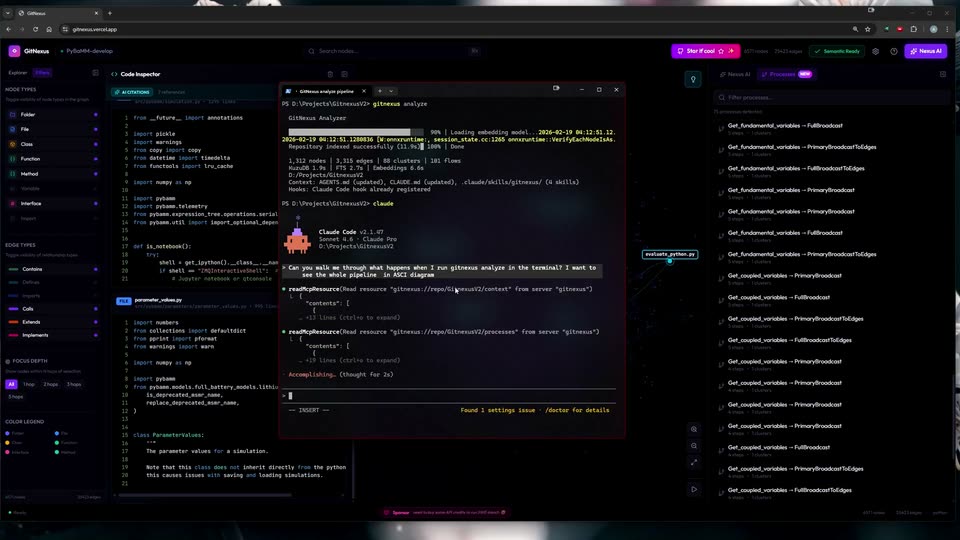 0:32–1:15Akon Labs · Akon Labs: demoA dark GitNeus code-inspector app fills the screen with a centered PowerShell terminal. A progress bar fills as the tool indexes the repo, then a Claude Code banner appears and a typed prompt scrolls a pipeline diagram up the terminal while node and process side panels stay static.
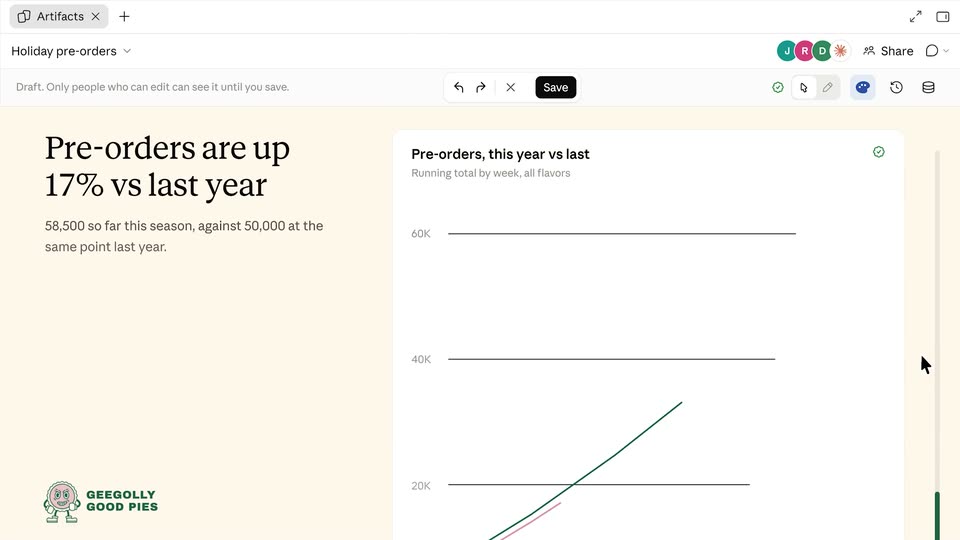 0:39–0:44Anthropic · Claude - Starting to roll out today: Claude Whiteboards, Claude Sheets and ClaA dashboard document in an editor shows a cartoon pie mascot beside the green serif title Holiday Pies: Pre-order Sales. The view scrolls down past a bar chart with counting-up flavor values and a two-line comparison chart, then a dropdown menu opens at the top right.
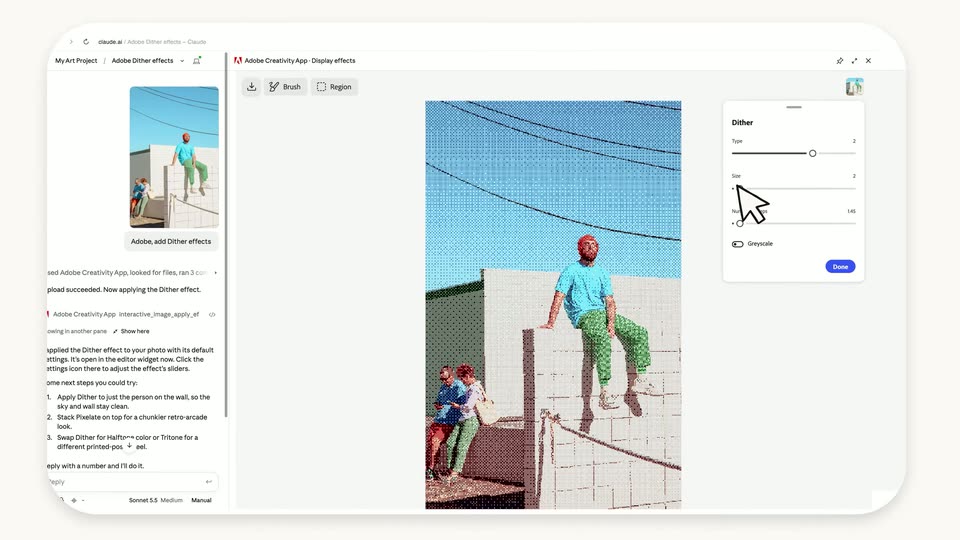 0:28–0:34Anthropic · Your apps have moved into ClaudeA screen recording of a chat app: a cursor drags the sliders in a Dither editor panel, refining a pixelated photo of people on a wall. The view pulls back to the full browser window, then cuts to a second panel showing an isometric workplace floor plan.
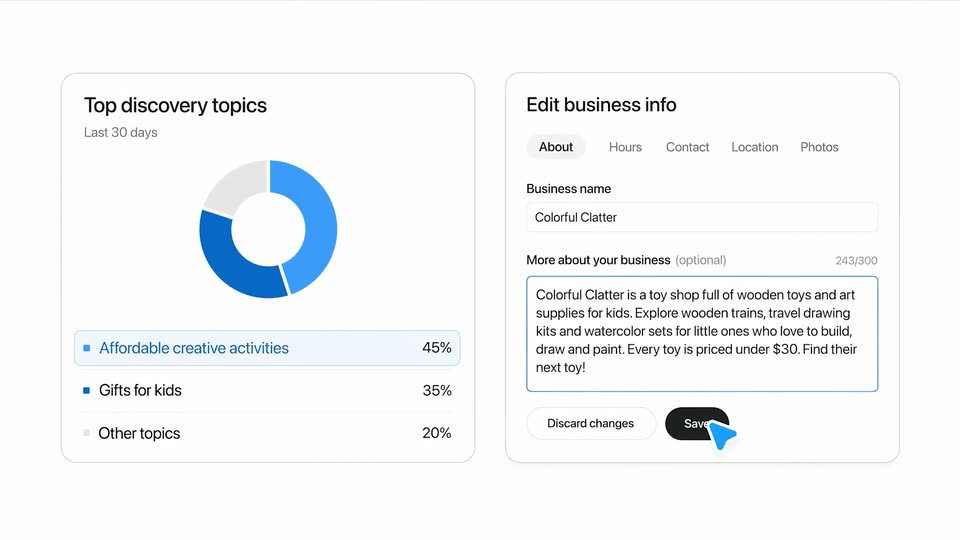 0:38–0:41OpenAI · Introducing Businesses in ChatGPT in betaTwo white cards sit side by side: a donut chart of discovery topics on the left, a business edit form on the right. The cards ease in, text types into the description box as the character count climbs, then a blue cursor glides over the Save button.
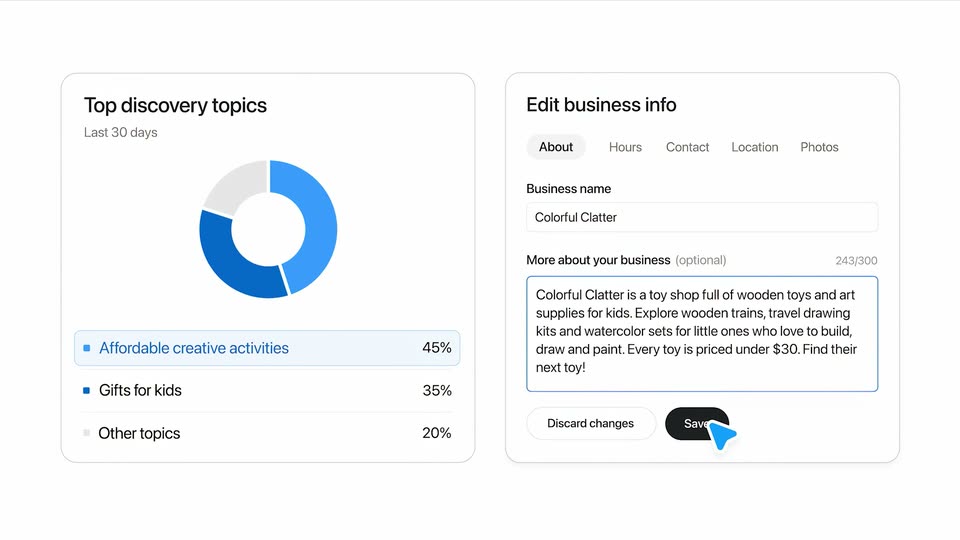 0:38–0:41OpenAI · OpenAI - Now in beta: Businesses in ChatGPT. Claim your business, manage yourTwo dashboard cards on a light gray background: a discovery-topics donut chart on the left, a business info form on the right. The description field types out a sentence character by character while the counter ticks up, then a blue pointer cursor moves onto the Save button.
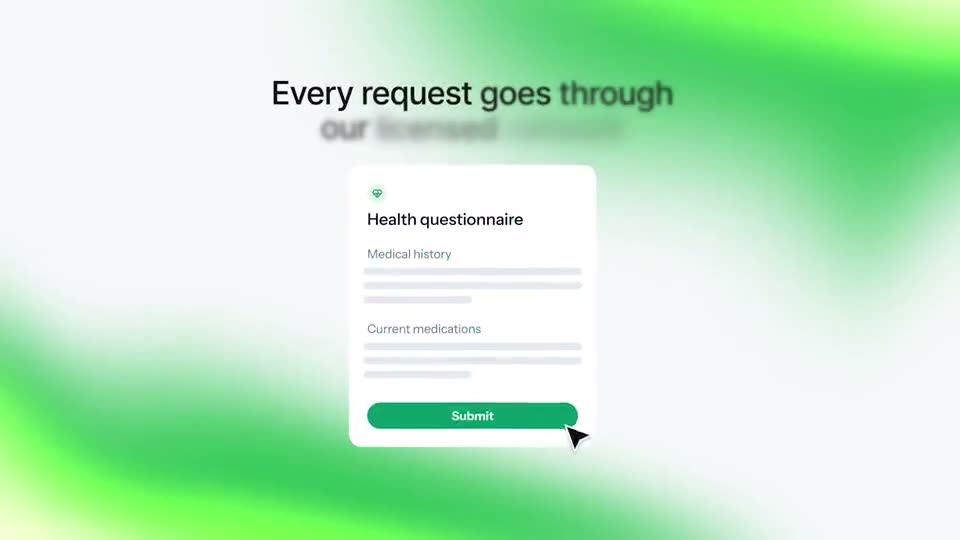 0:37–0:38TagadaRx · TagadaRx: presentationA white form card titled Health questionnaire sits on a soft green gradient as a bold headline fades in above it. A cursor glides to the green Submit button and clicks it, then the card slides aside to reveal a map card on the right.
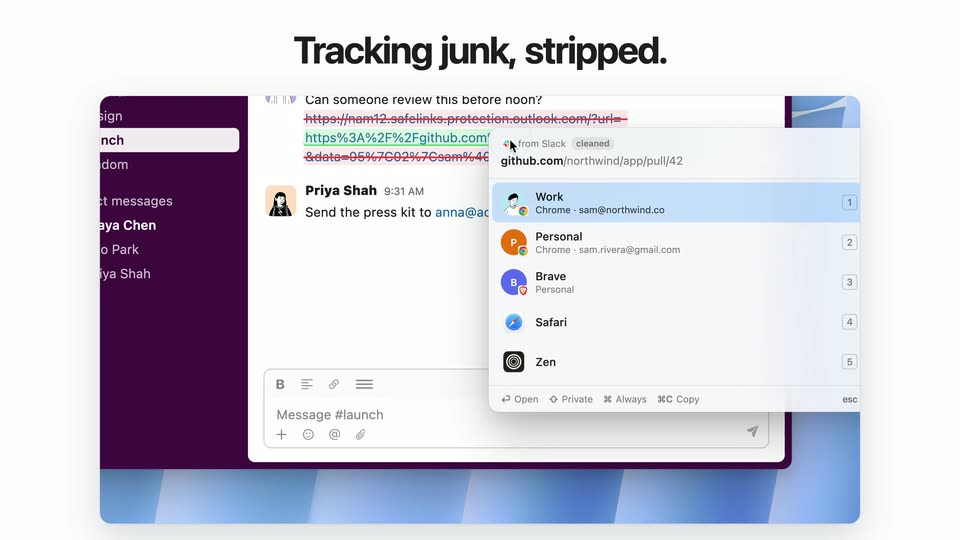 0:17–0:19LinkRouter · Ahmed Gagan - Introducing LinkRouter 🎉 Every link I clicked in Slack opened in theA chat window floats on a light background, its message thread showing a long URL crossed out in red beside a clean link. The view scrolls up as a profile-picker dropdown opens on the right under a cursor, while a bold headline sits at the top.
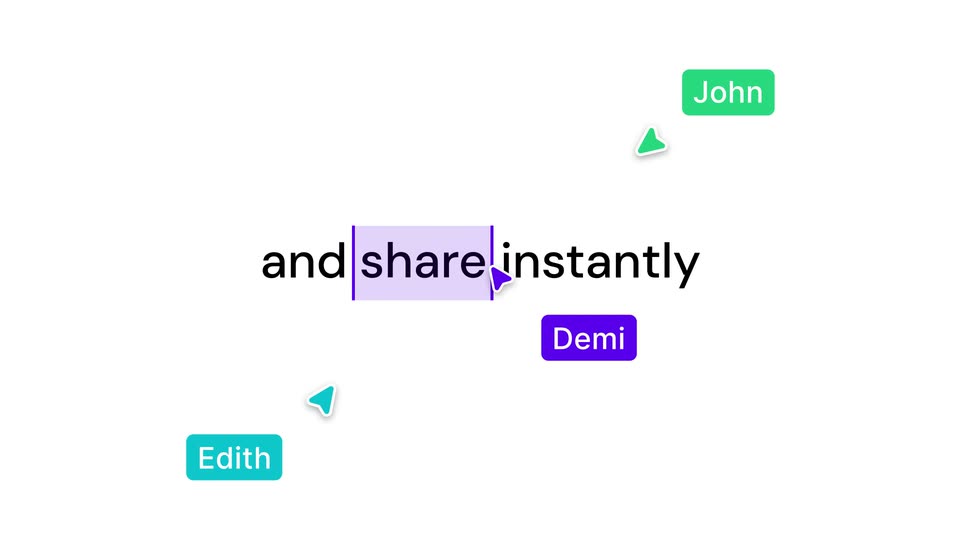 0:29–0:31Proto · Maayan Albert - I was shocked that 3/4s of designers work in coding agents rather thaOn a white background, the black headline “and share instantly” slides in as the word “share” gains a purple selection box. Green, purple, and teal collaborator tags with arrow cursors drift around the text.
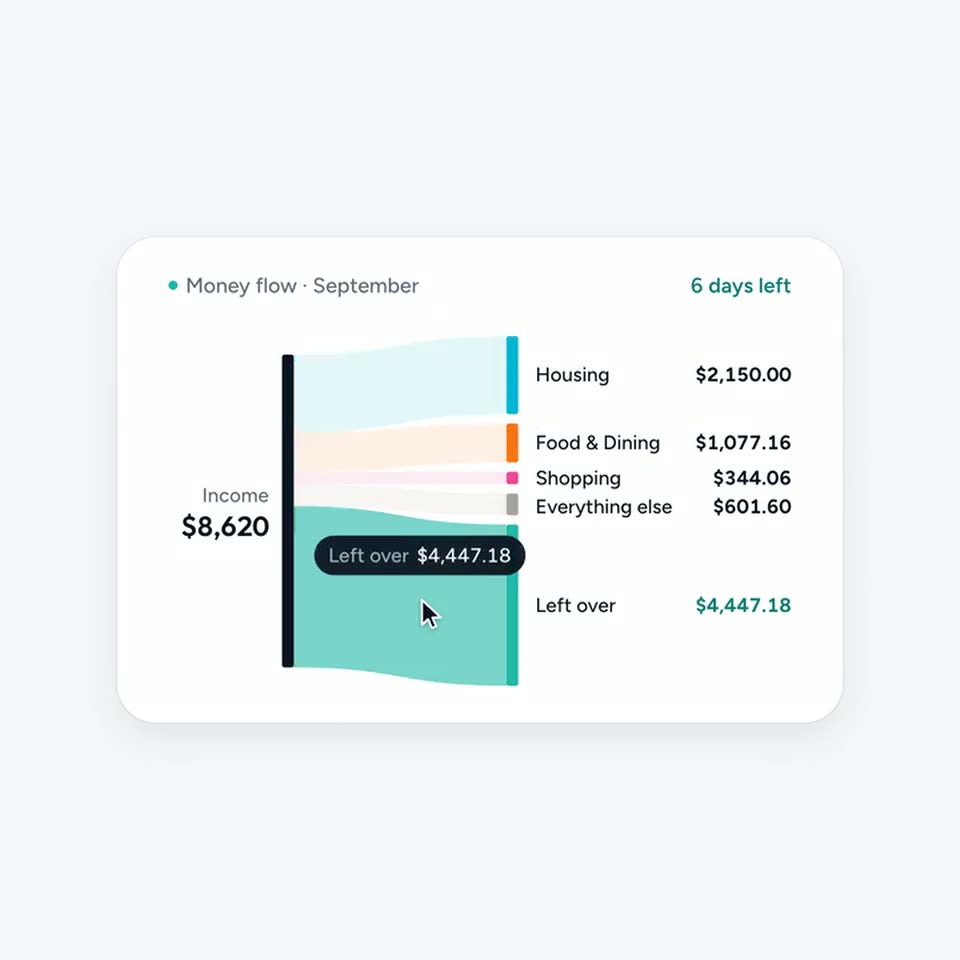 0:12–0:17Pulse Local · Pulse Local: budgeting that never leaves your machineA white card on a pale lavender background shows a money-flow chart: colored bands stream right from a black income bar toward category labels and amounts. A cursor hovers over each band, highlighting it and popping a dark tooltip with its value, then the card fades to blank white.
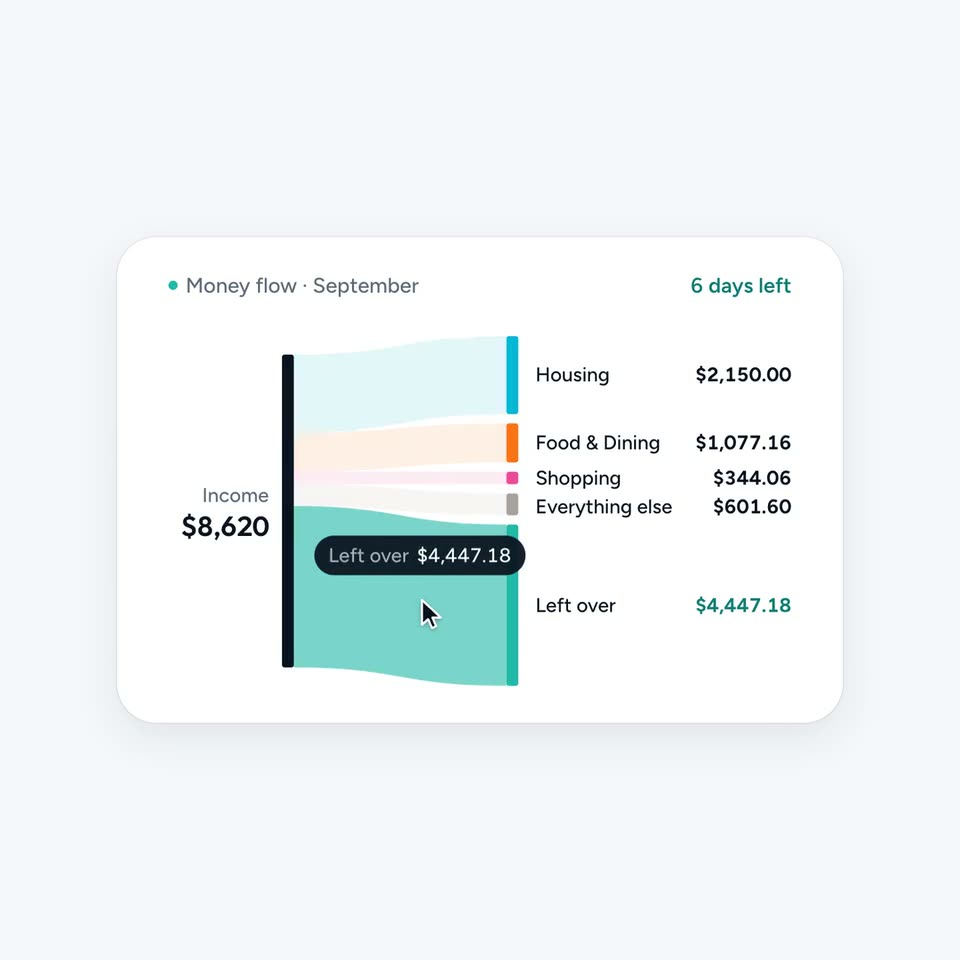 0:11–0:18Pulse Local · Pulse Local: reelA white card builds a money-flow chart: colored bands fan out from an Income bar into Housing, Food & Dining, Shopping, Everything else, Left over. A cursor hovers the bands, popping dark tooltips with each amount, then the card fades and a search bar reading Ask about your money appears below.
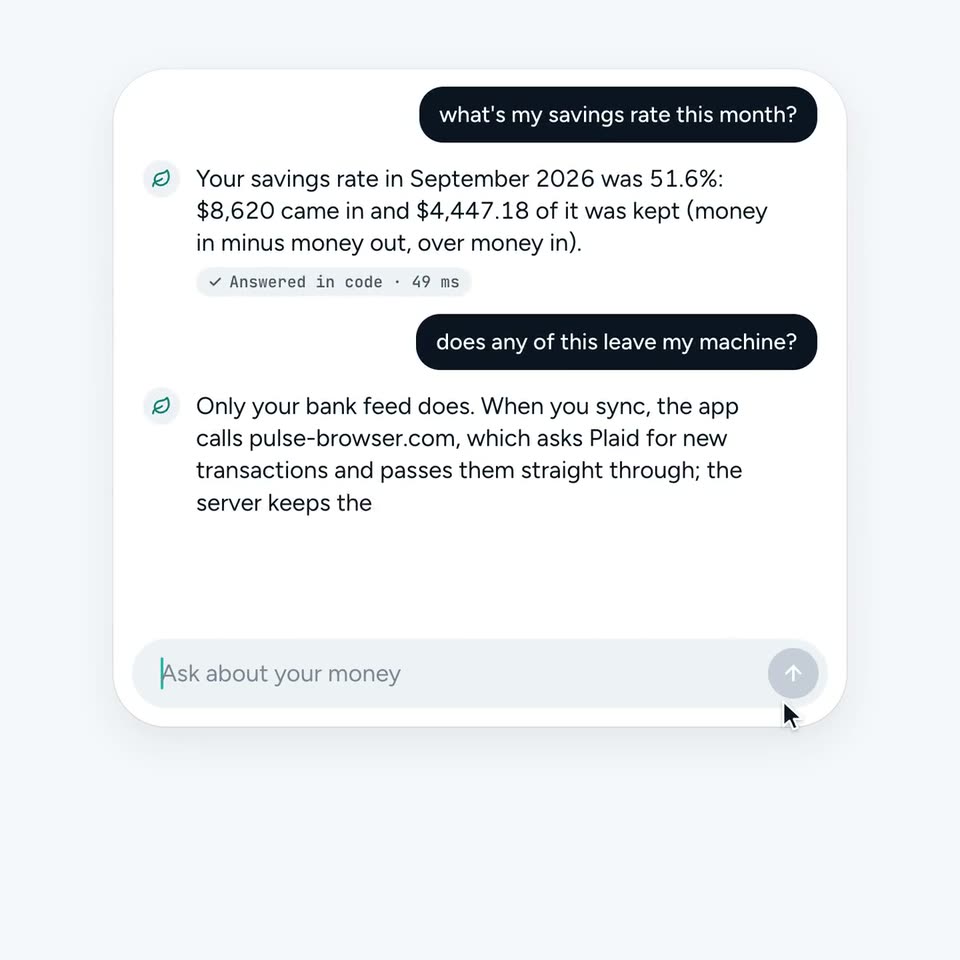 0:21–0:30Pulse Local · Pulse Local: reel connectedA flat white chat card sits centered on a pale lavender field. A dark bubble asks about the savings rate; the reply types out with a code badge, then a second question types in the input bar and a cursor clicks the send arrow, scrolling the thread up.
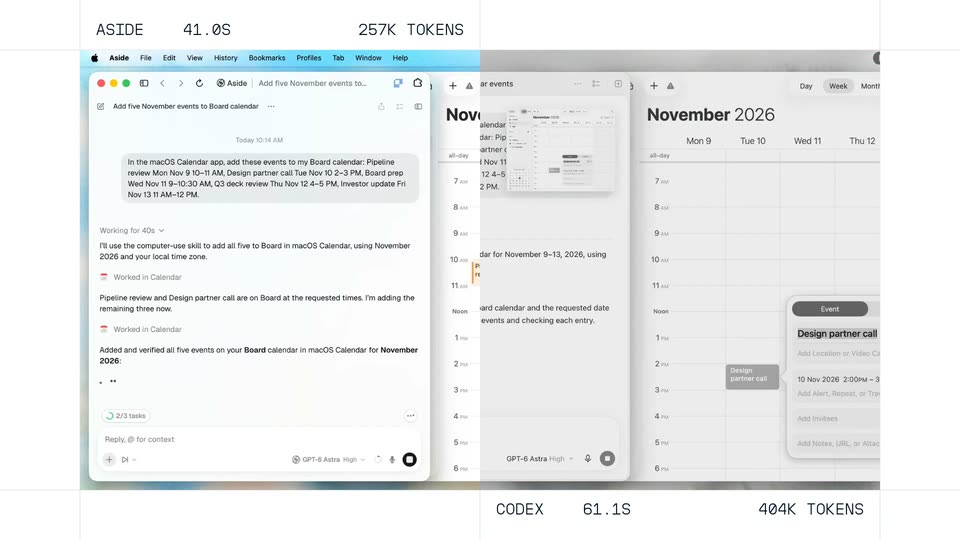 0:15–0:21Aside · Aside - Introducing Aside Computer Use. 80% of work happens on browser, thisTwo chat interfaces sit side by side in 3D perspective over a blue-to-green gradient, each framed by a live time and token counter. The left Aside panel types a task reply while the right Codex panel drives a macOS Calendar window, dropping colored event blocks onto a weekly grid.
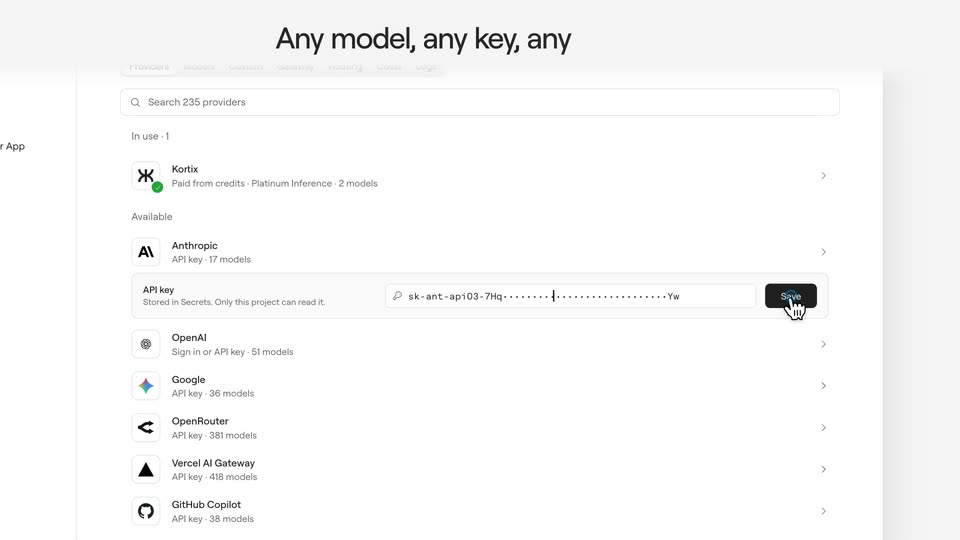 0:41–0:44Kortix · Marko Kraemer - Introducing the open-source @kortix CompanyOS: Your entire companyA close-up of a model-provider settings list pulls back as a large headline builds word by word above it. A cursor types an API key and clicks Save, adding Anthropic to the in-use list.
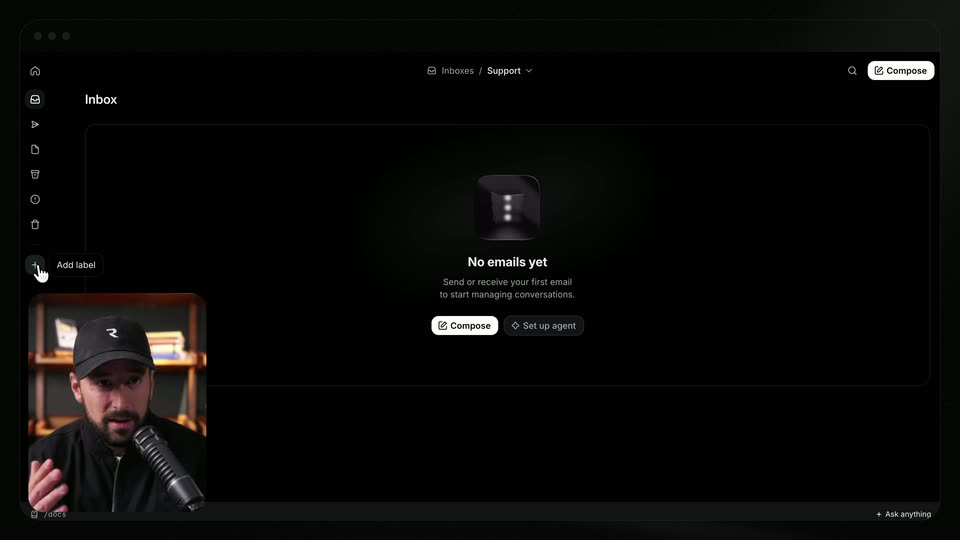 1:11–1:14Resend · Triage support with your agentsDark email app UI fills the frame on an empty inbox state with two buttons; a cursor hovers the sidebar plus icon, revealing an Add label tooltip. A man in a black cap speaks into a microphone in a lower-left video inset.
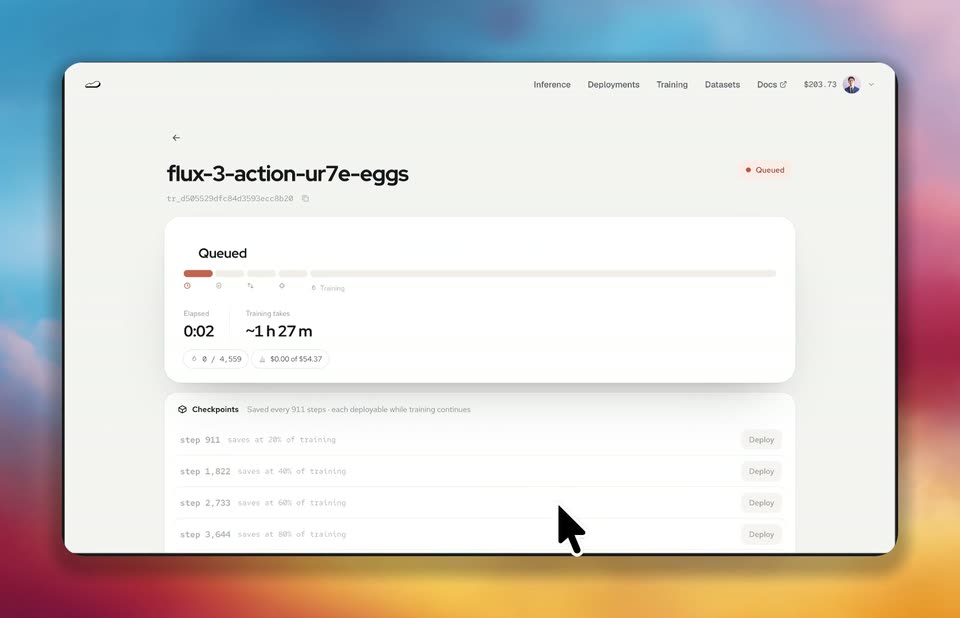 0:27–0:30Dreamscale Labs · Dreamscale Labs (YC F26) - Dreamscale Datasets is now live!The clip opens tight on a checkpoints list, then zooms out to reveal a white training dashboard window floating over a blue-to-orange gradient. A black cursor drifts down the list of deployable steps.
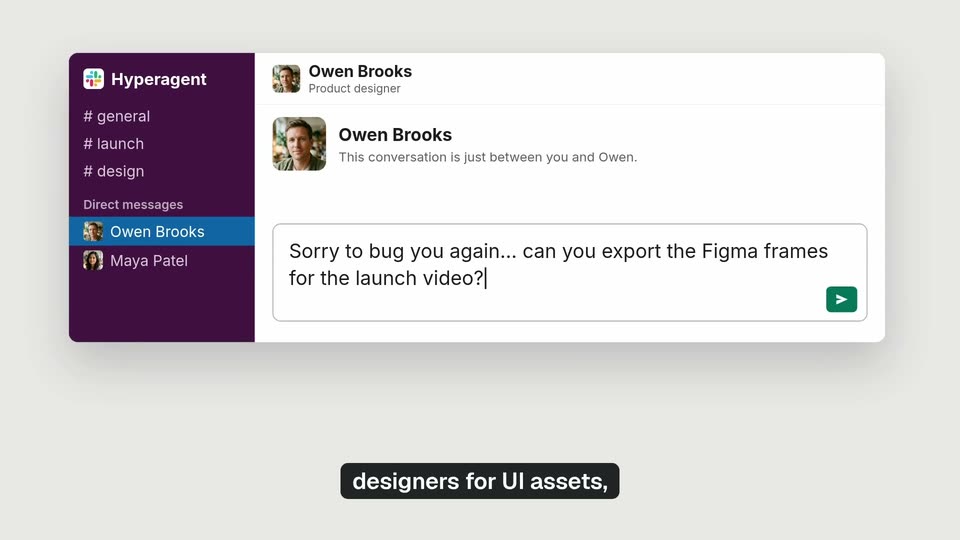 0:31–0:34Hyperagent · Hyperagent - We're launching Sizzle: the agent that creates demo videos for everytA flat chat app mockup sits centered on a light gray background. A message to Owen Brooks types itself into the input field, then clears to an empty box, while a dark caption pill at the bottom swaps lines. A mouse cursor rests at the left edge of the field.