Cursor demo
A visible cursor operates the interface.
15,082 scenes · page 181 of 252
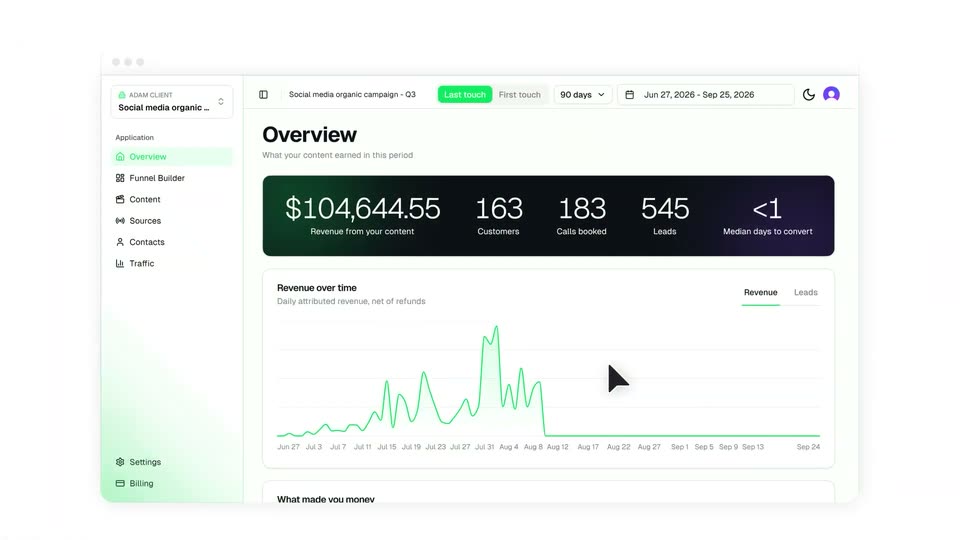 0:44–0:45Pulse · SaaS Launch Video & Motion Design | PulseA flat analytics dashboard fills the frame: a left nav, a dark green stat strip showing revenue, customers, calls, leads, and a green revenue line chart. A black cursor hovers over the chart while the text settles into place.
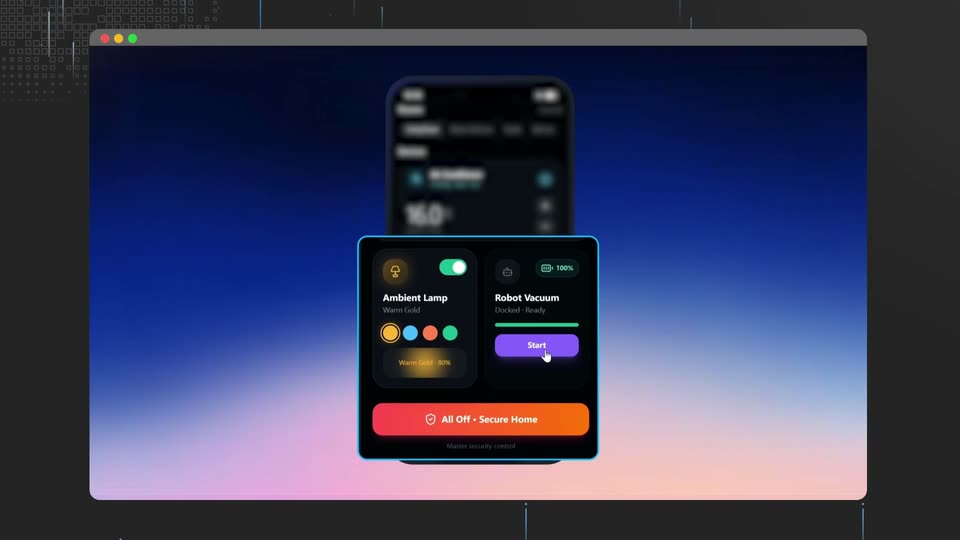 1:17–1:20Ant Ling · Ant Ling - Ling-3.1-flash is now open source: ~560B total parameters, ~25B activA locked-off browser window frames a smart-home control card over a blurred phone mockup on a blue-to-peach gradient. A cursor taps the lamp toggle, dimming the Ambient Lamp panel, then slides down to the orange Secure Home button.
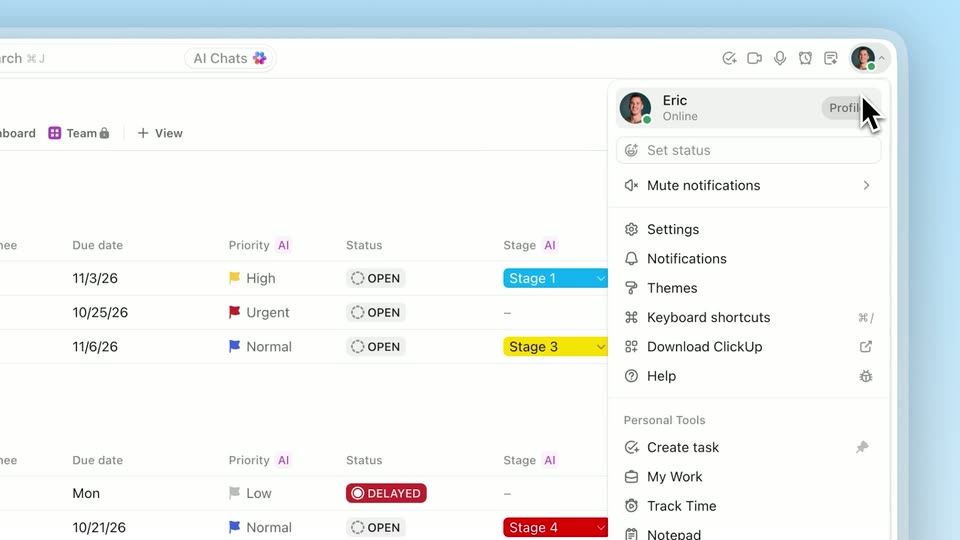 0:55–0:57ClickUp · ClickUp Release 4.09: List Templates in Automations, Parent Task Date Sync, and more!A light task board interface with colored stage tags fills the frame. A cursor rests on the user avatar in the top right corner, holding open a profile dropdown that lists Settings, Notifications, Themes and Personal Tools over the list view.
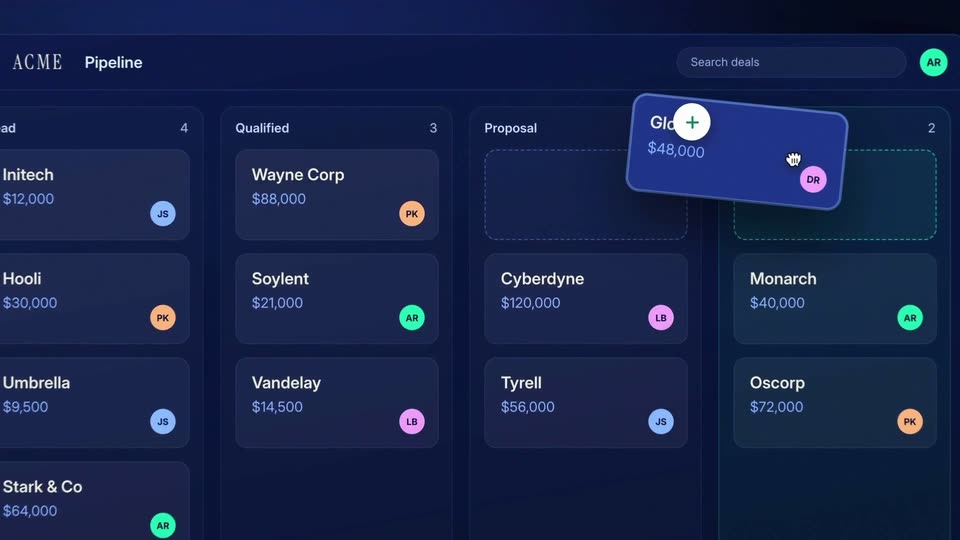 0:24–0:25HyperFrames · HyperFrames - No more one-shot slop - storyboard first Just like working with an aA dark pipeline board with columns of deal cards sits behind a white comment modal that fades out, while a tilted deal card with a hand cursor hovers over the Closed drop zone.
 0:23 · 0.4sMelius · Melius - Introducing Cast, a platform for anyone to make anything with AI AvatA teal cursor hovers over a Generate button and a 685 counter on a curved red band, the interface tilted in 3D perspective against a green field. The band and cursor shift from red and teal to coral and green as the cursor drifts right.
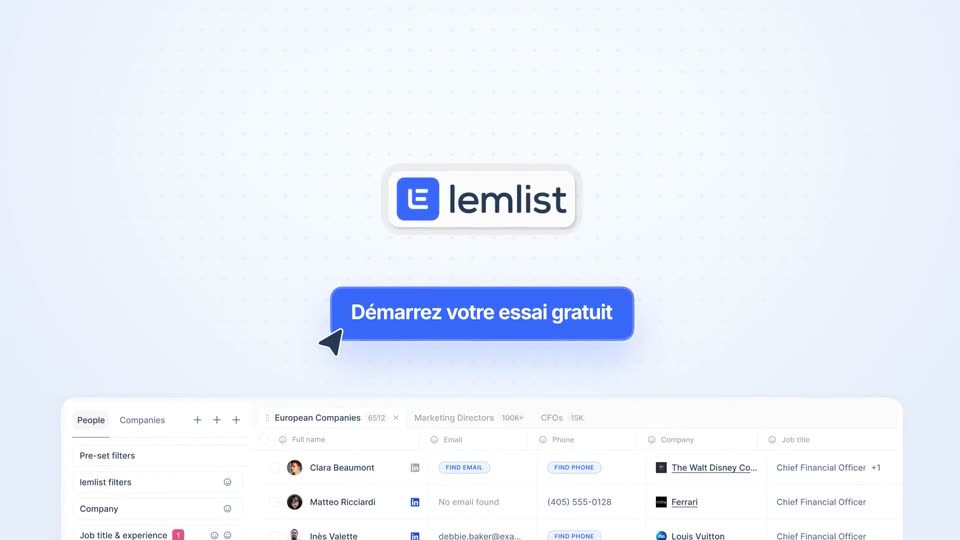 0:44–0:48Lemlist · Lemlist - Vidéo de présentation FRThe lemlist logo pill and a blue CTA button float centered on a light dotted background while a contact-list table sits at the bottom. The logo and button scale up as a cursor clicks the button with a ripple.
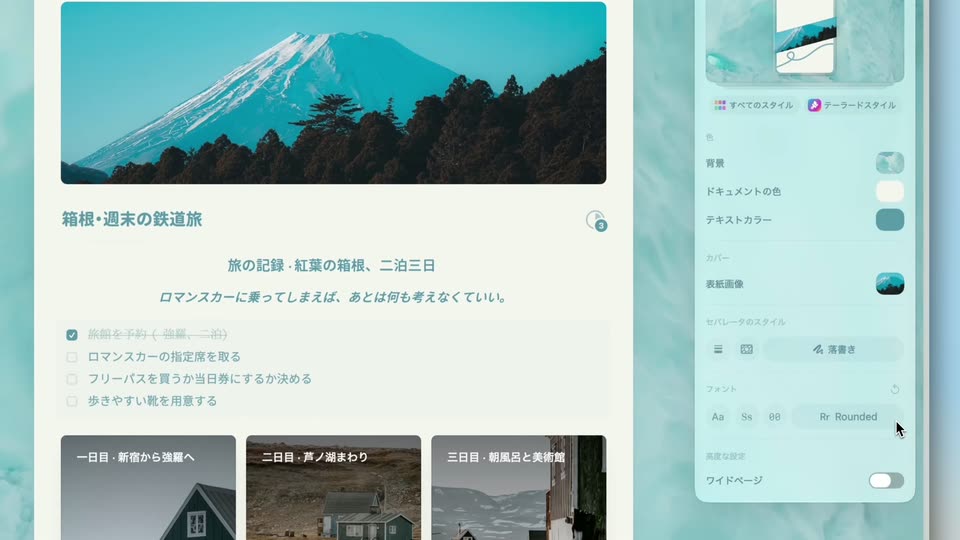 1:04–1:15Craft · What’s New in Craft: Shortcuts, Widgets & More Powerful Plus PlanA document page with a Mount Fuji photo and Japanese travel notes sits beside a style panel. The view zooms in as a cursor clicks through font options, swapping the document's typeface in real time.
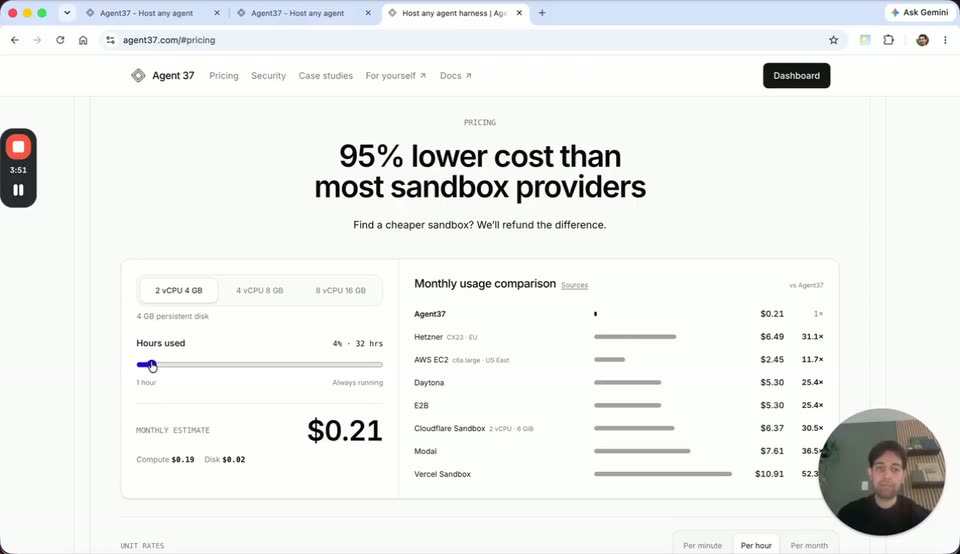 0:57–1:13Agent 37 · Agent37 DemoA browser window shows the Agent37 pricing page with a cost comparison table. A cursor drags the hours slider back and forth, and the monthly estimate and table prices update in real time. A small webcam circle of a man sits in the bottom right.
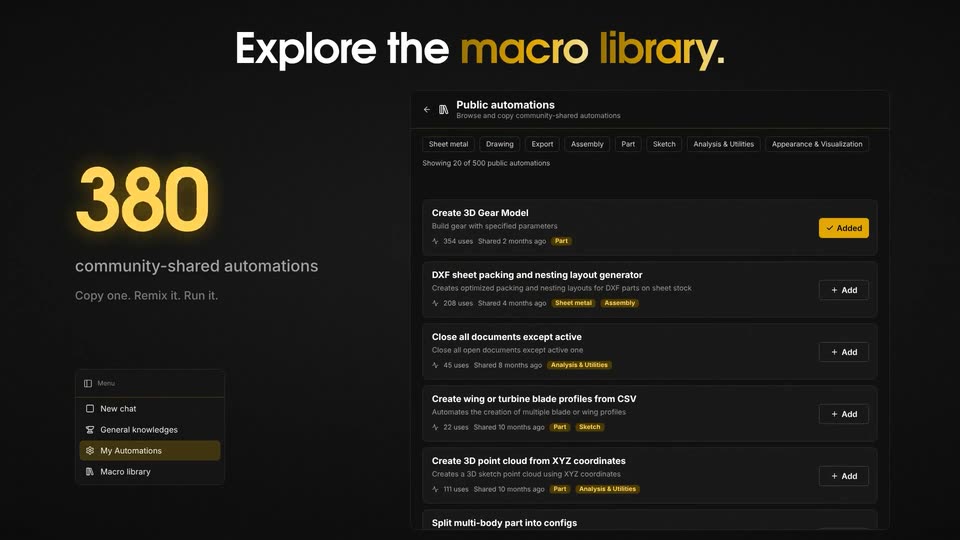 1:42–1:46MecAgent · MecAgent - Introducing MecAgent V2.0.0 - The Future of AI & CAD.Under the headline “Explore the macro library,” an automations list scrolls up on the right as a big counter on the left counts from 27 to 447. A cursor clicks the Add button on the top row, which becomes a gold “Added” pill, and a sidebar menu fades in below.
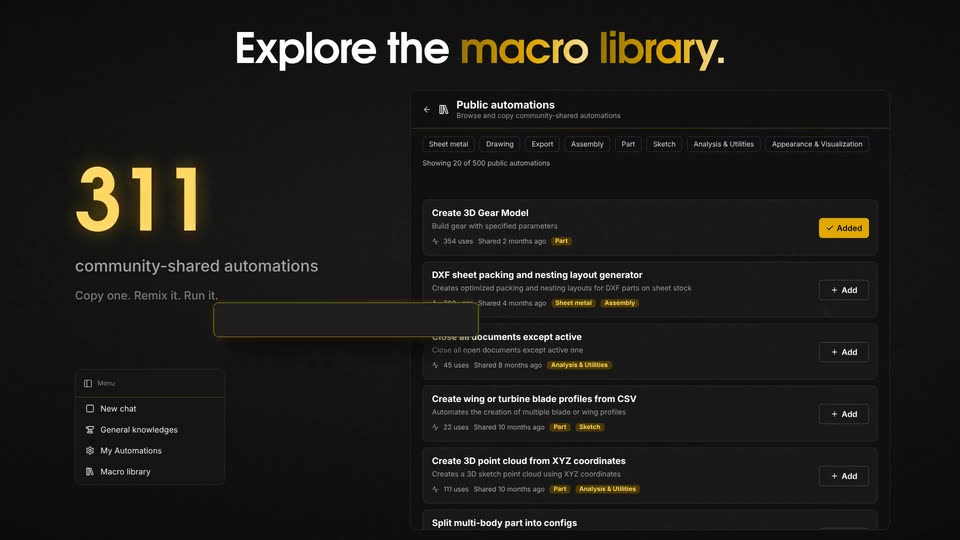 1:42–1:46MecAgent · Owein - After a year and a half of hustle, I’m proud to introduce MecAgent 2.A glowing gold number counts up on the left beside a scrolling list of community automations in a dark UI panel on the right. A cursor clicks Add on the first row, flipping it to Added, then a menu panel slides in at the lower left.
 0:46–0:48Lemlist · Lemlist | Find Your Next Customers | Motion Design VideoA light dotted-grid background holds the Lemlist logo card and a blue Start your free trial button, with a black cursor arrow resting on the button's left edge. A filter bar with People and Companies tabs and chips like European Companies sits along the bottom edge.
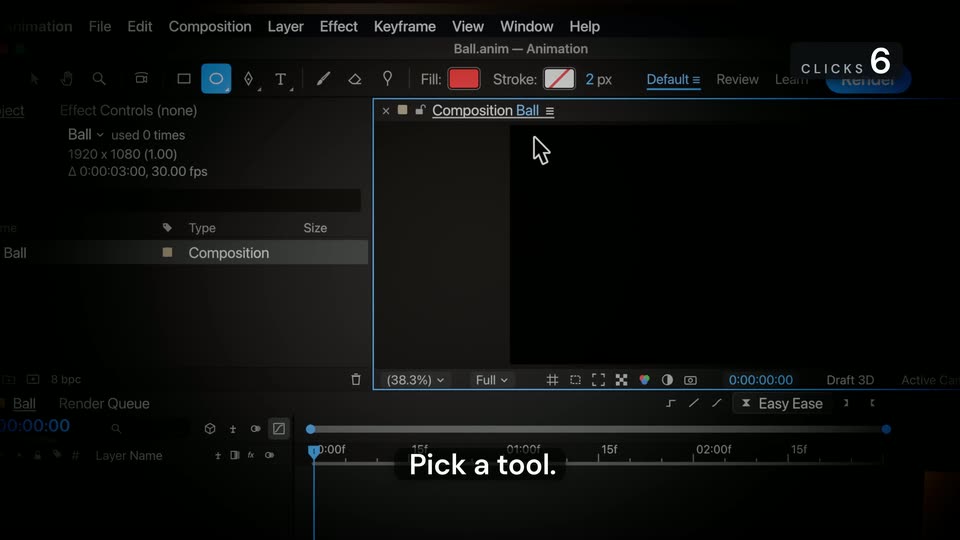 1:03–1:04ManimGX · Sina Atalay - Introducing ManimGX, the 3D animation engine for agents. - BlazinglyA dark After Effects workspace fills the frame, with toolbar, project panel and timeline stacked across it. A white cursor hops between the toolbar and the composition panel, clicking tools, while a CLICKS counter ticks up top right. The caption “Pick a tool.” holds at the bottom.
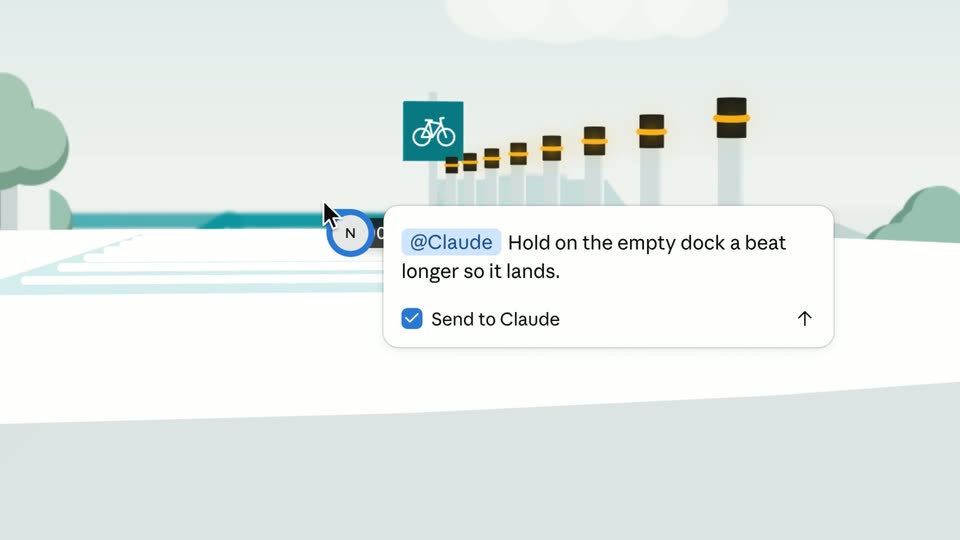 0:56–0:59Anthropic · Introducing Claude Dashboards and Claude MotionThe camera dives toward an empty low-poly bike dock. A comment box overlays the animation and types @Claude Hold on the empty dock a beat longer so it lands.
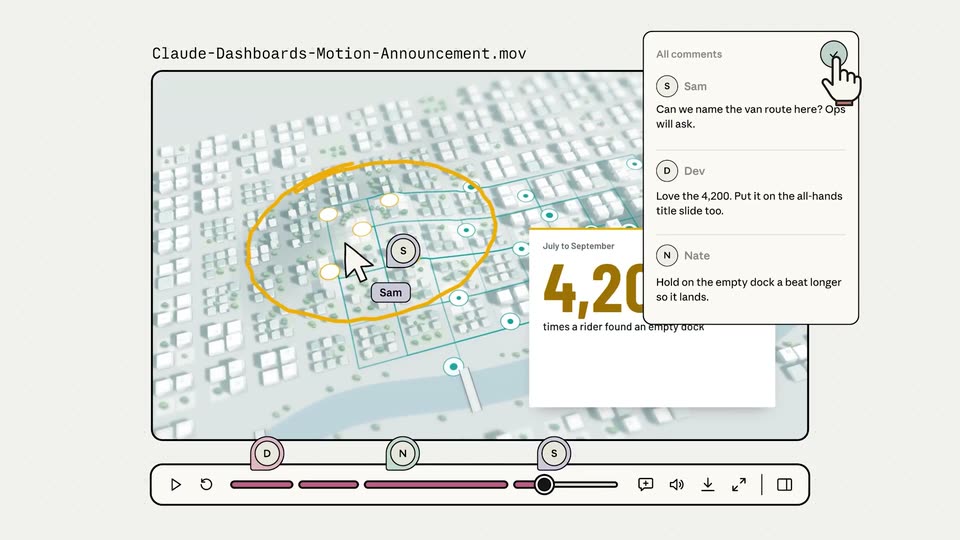 1:03–1:07Anthropic · Claude - Claude Dashboards and Claude Motion are in beta today. Ask Claude toA close-up of a comment panel over a slide pulls back to reveal the full video player, with an isometric city map, a counting stat card and a timeline. A cursor clicks the X to dismiss the panel.
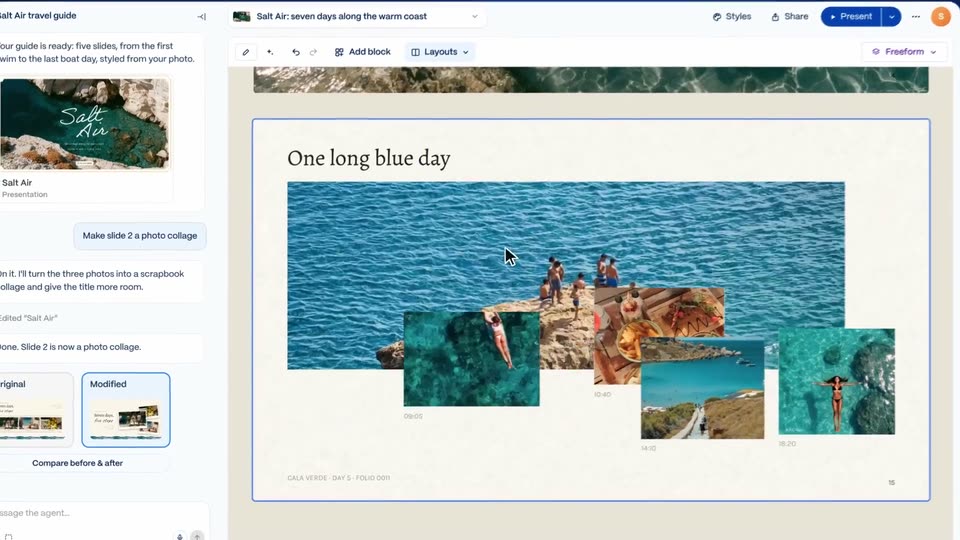 0:31–0:34Gamma · Gamma - Gamma 5 is here! It's a complete overhaul of Gamma to create the mostA design tool interface: the cursor opens the Layouts menu, selects a suggested layout, and the slide photos rearrange into a bottom collage row while the chat panel logs the change. The view then zooms in on the updated slide.
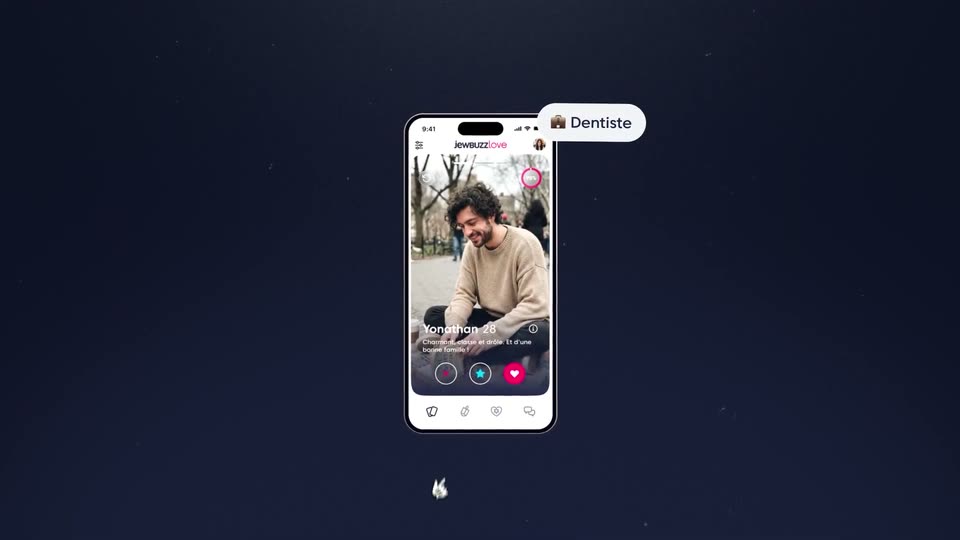 0:55–1:00JewBuzz Love · JewBuzz Love | L’amour au sein de la communauté juive | Vidéo motion designA front-facing iPhone mockup centered on a dark navy field plays a dating-app feed: a cursor taps the like button as profile cards swipe past. White pill tags with emoji icons pop out around the phone one by one: Dentiste, Marocain(ne), Drôle, Sportif.
 0:37 · 0.9sVoyager · Voyager - AI Harness for Creative WorkA dark rounded-square button with a white plus sign sits in sharp focus at center over a blurred dark interface. A white-outlined cursor arrow drifts in from the lower right, closing in on the button.
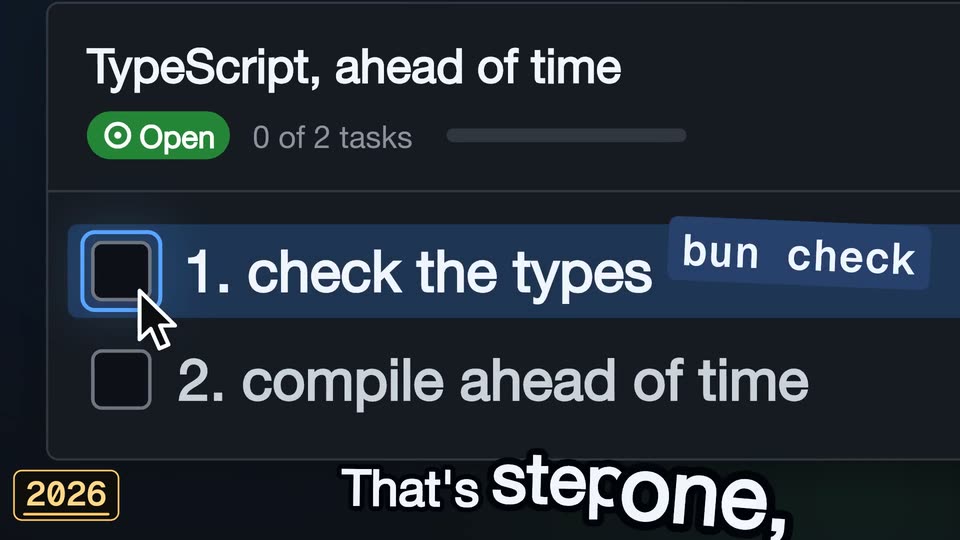 0:43–0:44Bun · Bun - bun check ./slopcore.tsA dark task panel lists two checklist rows with a code chip, and a terminal window slides up from below showing a pink prompt and a typed command. A cursor hovers the first checkbox while a bold caption at the bottom types out a short phrase.
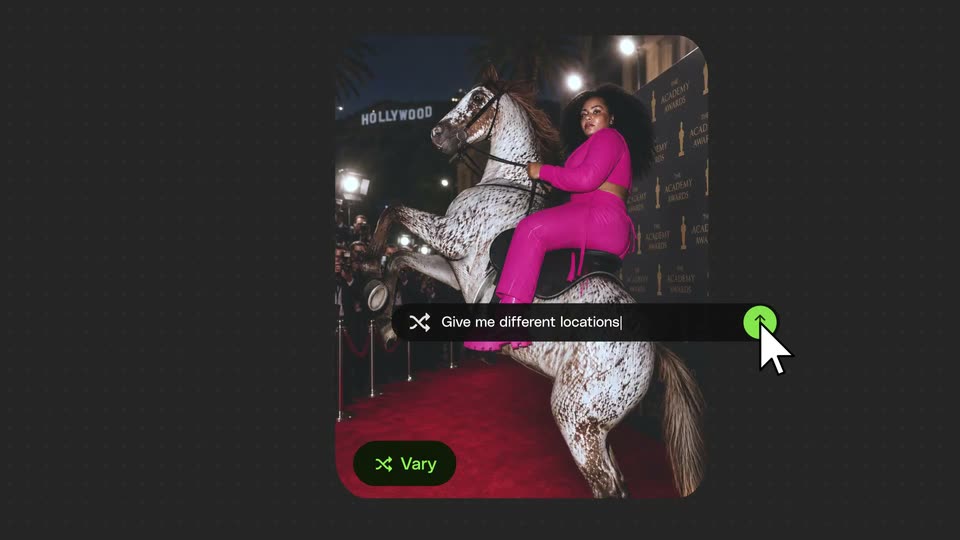 0:33–0:34Envato · Envato - Most AI tools expect you to know exactly what you want. But creativeA vertical photo card floats on a dark dotted grid. A white cursor clicks a green arrow beside a prompt pill, the image of a woman on a rearing horse swaps to a red carpet shot, and the card tilts in 3D.
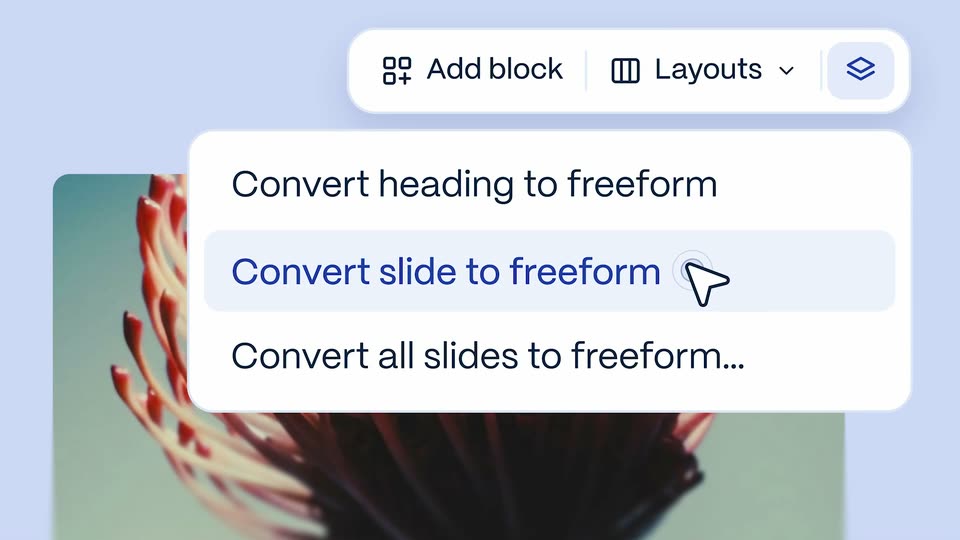 1:49–1:50Gamma · Grant Lee - Everyone is sick of generic AI, including us. Gamma was the first AIA white dropdown menu with three convert options floats over a blurred flower photo on a pale blue background. A cursor glides down from the first row and hovers the second, which highlights in blue.
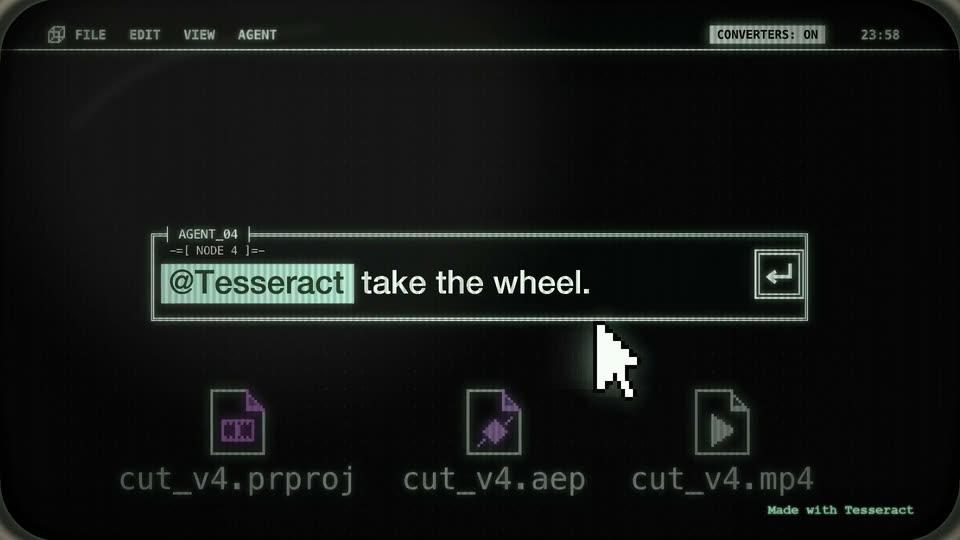 0:17–0:18Mirage · Mirage - Now Claude and ChatGPT can natively create Premiere (.PRPROJ) and AftA dark retro terminal UI types “@Tesseract take the wheel.” in a command bar as a green enter key lights up and a pixelated cursor slides to it. Tilted terminal cards fan out behind the bar and the top menu bar glitches.
 0:54–0:55Oki · Luofei - Say hello to Oki Home, your Personal AI Computer. We're building aA map and a rounded chat bar reading Press to chat with Oki sit on a pale yellow field. The map pans slowly upward while a black cursor glides from the red send button out over the map. A dark caption bar holds the subtitle at the bottom.
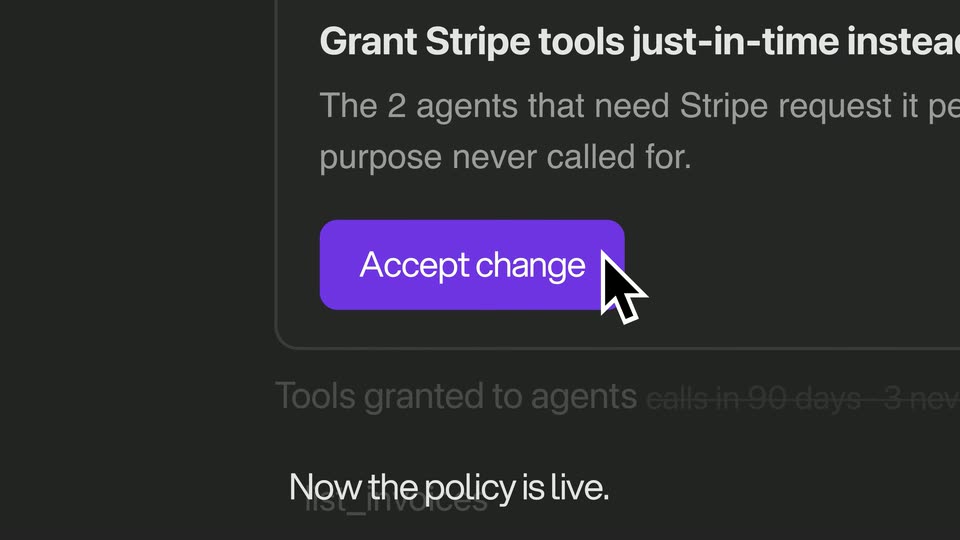 0:59–1:00Opal · Opal Zero — SaaS Product Explainer Video | SaaS AnimateA dark settings card shows a purple Accept change button under a heading about just-in-time tool grants. A white cursor slides in from the right and hovers on the button as the bottom caption swaps from approve it. to Now the policy is live.
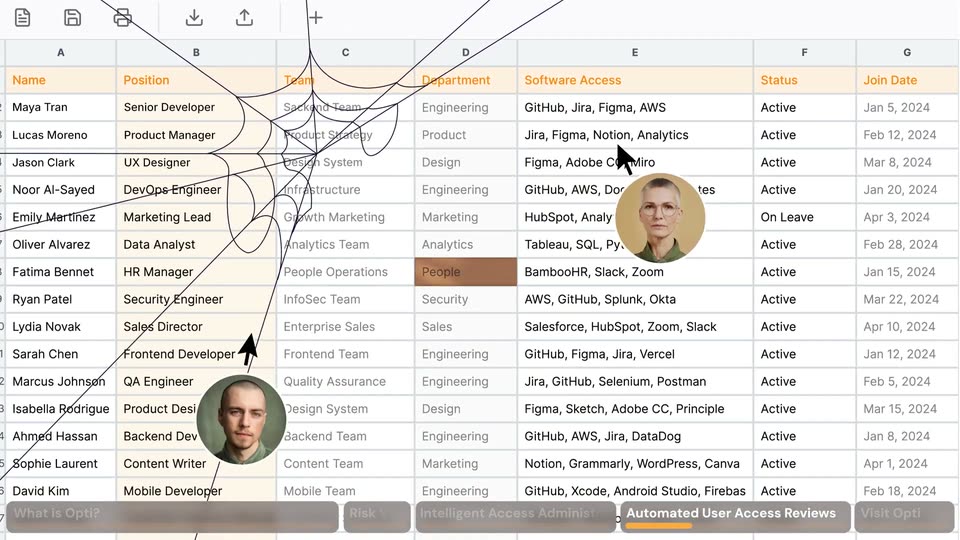 1:00–1:06Opti · Opti — SaaS Product Explainer Video | SaaS AnimateA spreadsheet of employee records fills the frame, thin black curves linking cells across the grid. The view pulls back from the Position column to the full table as two circular headshots hover over the rows and a cursor drifts between cells.
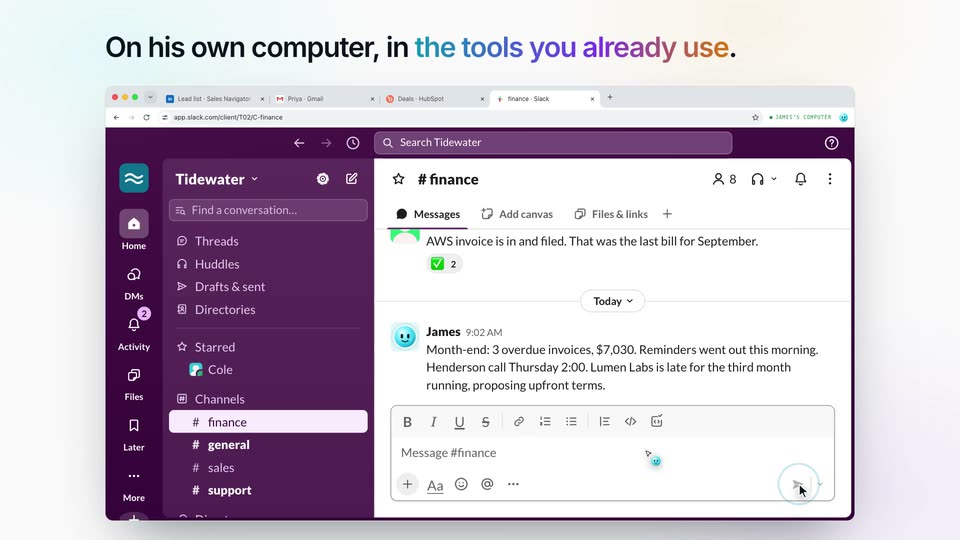 0:38–0:39James · Cole Le - Introducing James, a Super Intelligence (SI) employee for business owA browser window shows a Slack-like channel in a dark theme. A cursor clicks the send button and the drafted message posts as a new entry from James, the compose box clearing. A static headline sits above the window.
 1:03–1:05Promethee · N. - introducing Promethee, an app that turns your work into a multiplayerA dark, flowing 3D surface fills the frame behind a small pill-shaped timer widget reading 12:34:14. A white cursor hovers the pause button and clicks it, toggling the icon to a red play symbol. A caption, 12 hours of work., sits at the bottom.
 0:47–0:49Motionfly · Motionfly - Introducing Motionfly V2.0. We trained motionfly with more than 10A chat input with a typed prompt sits above a model picker listing Auto, Claude, GPT and Gemini. A cursor clicks Claude, the menu collapses into the input bar, then the cursor taps the blue send button.
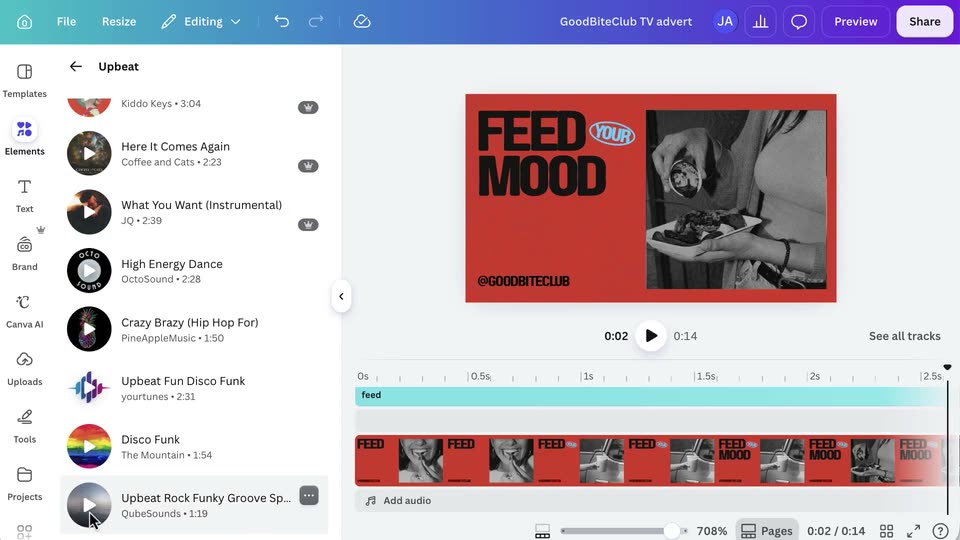 2:32–2:42Canva · Create and launch TV ads straight from CanvaA cursor clicks the Audio tab in the left panel, then scrolls a list of upbeat music tracks and presses play on one. The right side holds a static preview of a red food ad above a timeline.
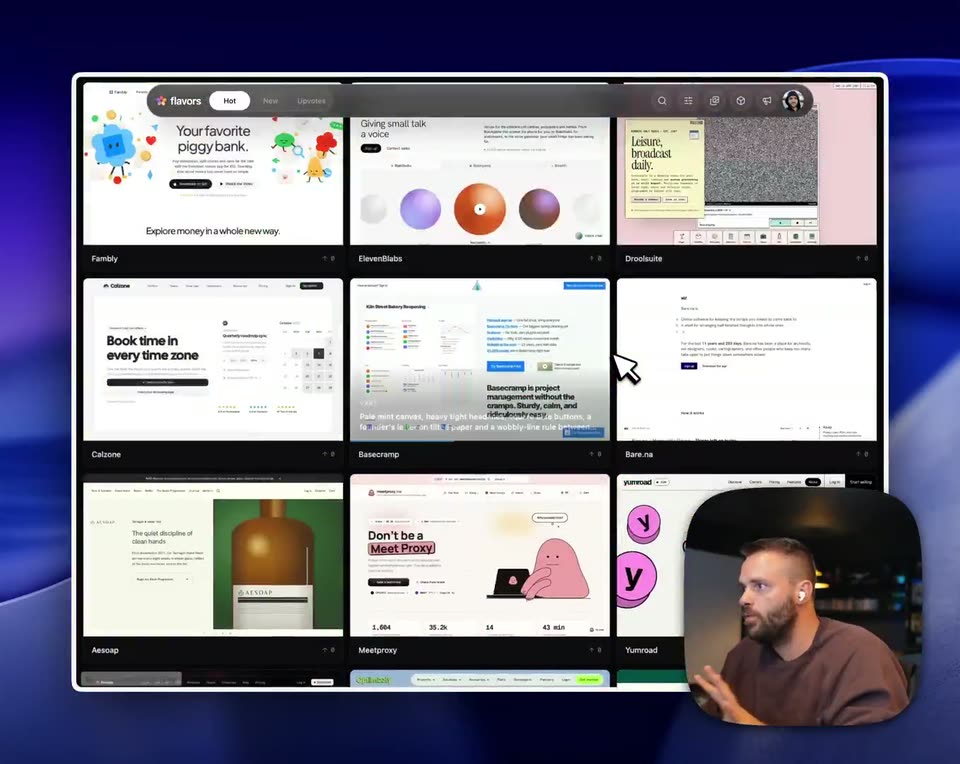 0:13–0:14flavors design · Dr. Kitze ❤️ healthmaxx.app - your agent can code, but it has zero taste. introducing 🌸 a galleryA Mac window holding a 3x3 grid of website thumbnails scales into place on a blue 3D backdrop. A cursor glides across the middle row while a small picture-in-picture video of a talking man stays in the lower right corner.
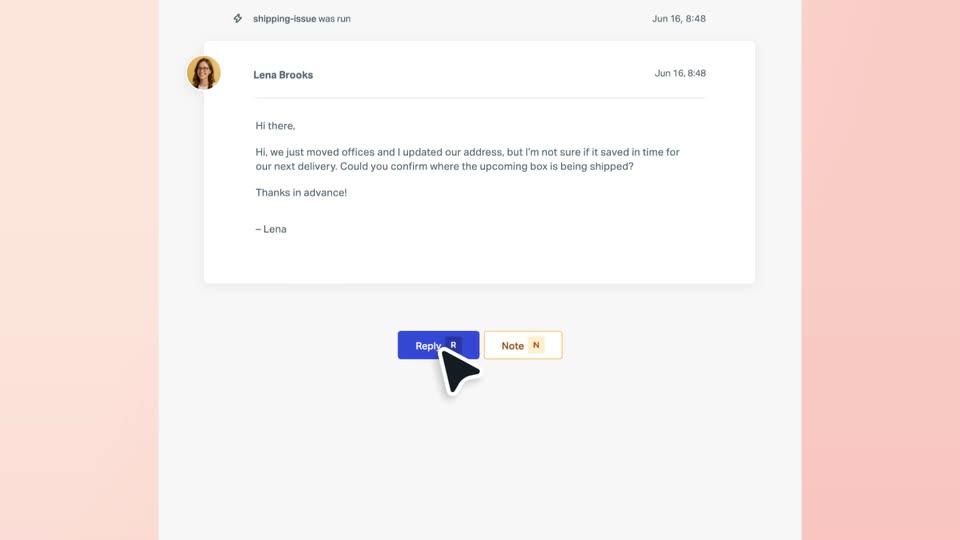 0:35–0:36Help Scout · Customer Support Software Demo | Help Scout x MotionCueA light gray support ticket card showing an email from Lena Brooks sits on a peach gradient background. The card slides up a few pixels while a black cursor arrow glides from the blue Reply button down to the lower left. The motion is slow and locked-off.
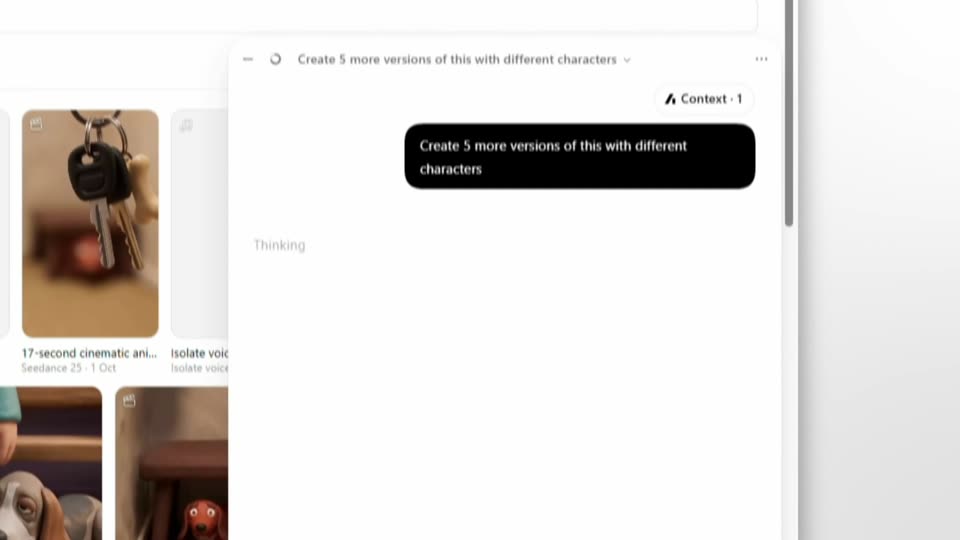 0:30–0:31Arcads · arcads AI - Introducing Arcads plugin in ChatGPT, Access all your assets right iA chat interface reframes from a tight crop of the bottom input bar, where a cursor hovers a round button, up to the top prompt. A black callout pops out over the typed prompt, then a Thinking status fades in beside a column of video thumbnails on the left.
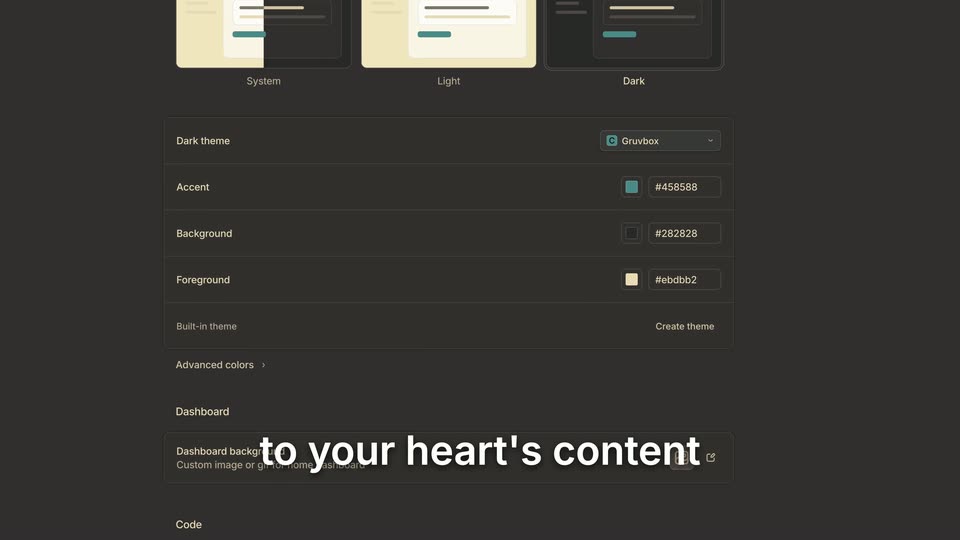 1:07–1:08Capy · justin - Introducing Capy Desktop: the best way to orchestrate coding agents aA dark settings screen shows a theme dropdown open over rows like Dark theme, Accent and Background. A cursor hovers the theme list, then the view shifts to color pickers and a second dropdown near a Create theme button. Large white caption text sits along the bottom edge.
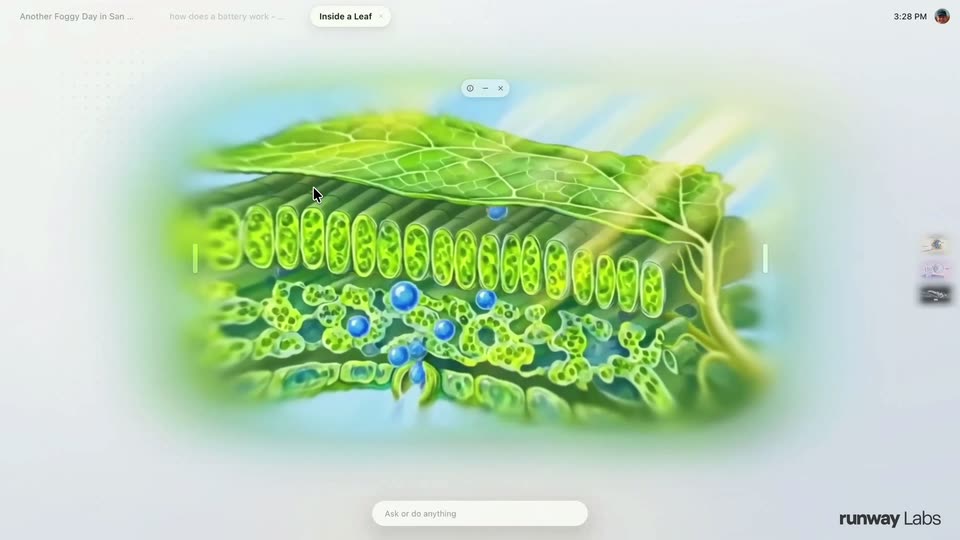 2:03–2:36Runway · Introducing Continuum: A Real-Time Video Operating System | Runway LabsA light gray Runway interface frames a generated leaf cross-section: sunlight rays sweep the green cells as the CO2 and O2 arrows pulse and shift color. A black caption pill appears. The view zooms into the tissue where blue droplets drift, then pulls back; a cursor clicks the top controls.
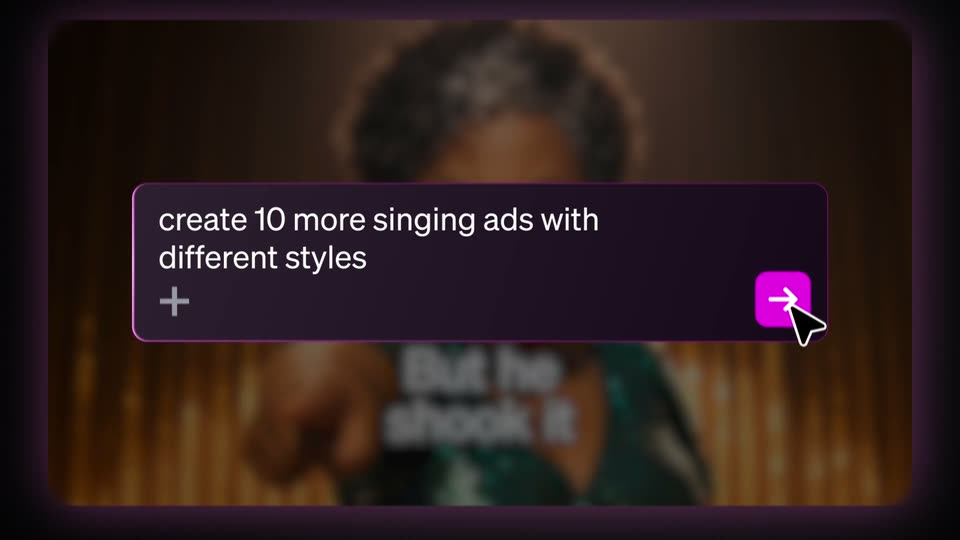 0:39–0:40Arcads · arcads AI - Introducing Arcads Singing Ads 🎶 This format is CRUSHING on Meta ..A blurred figure in a warm-lit room moves behind a dark rounded prompt card holding white text and a plus sign. A glowing magenta arrow button sits at the card's right edge, where a black cursor hovers. The footage shifts subtly while the card stays locked.
 1:10–1:12Runway · Introducing Runway Ads | RunwayClose-up of a dark UI panel with a blue rounded Publish button centered. The button scales up as a white outlined cursor slides in and rests on it, implying a click.
 1:10–1:12Runway · Runway - Introducing Runway Ads, an autonomous engine for performance marketinA dark rounded panel holds a blue Publish button on a black background. The shot zooms in on the button as a white outlined cursor arrow slides in and hovers at its lower-right corner, about to click.
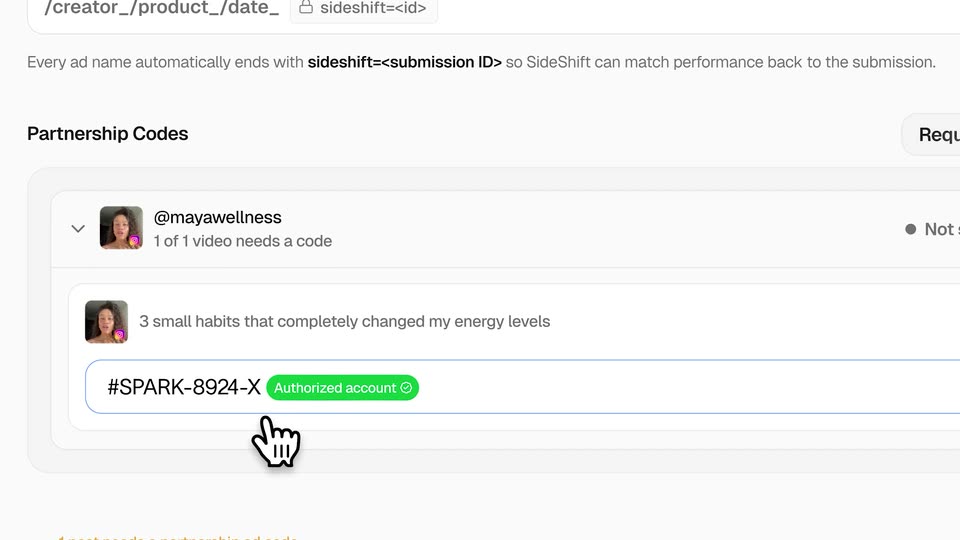 1:29–1:32SideShift · Nick Lawton - Introducing SideShift: the first AI creator marketer. AI can now scaA light dashboard form fills the frame; the cursor hovers a code field as #SPARK-8924-X fills in and a green Authorized account badge pops in, then the view reframes down to a blue Launch button the cursor clicks. A dark caption pill reads with one single click.
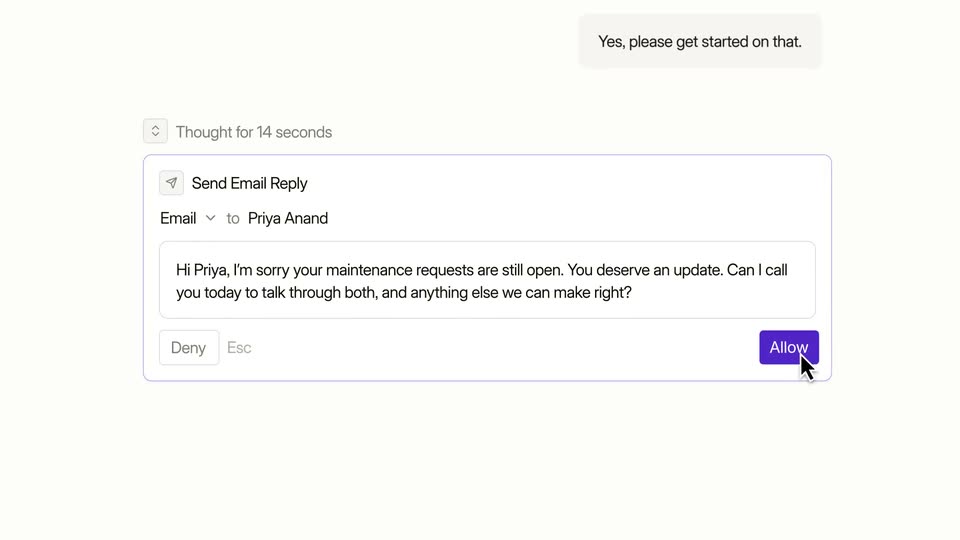 1:17–1:20Apollo · Best AI SaaS Product Video | ApolloA light UI shows a chat bubble and an email-draft card with Deny and Allow buttons. A cursor glides in from the lower right, hovers the purple Allow button, and clicks it; the button reads Sent and the card title switches to Sending.
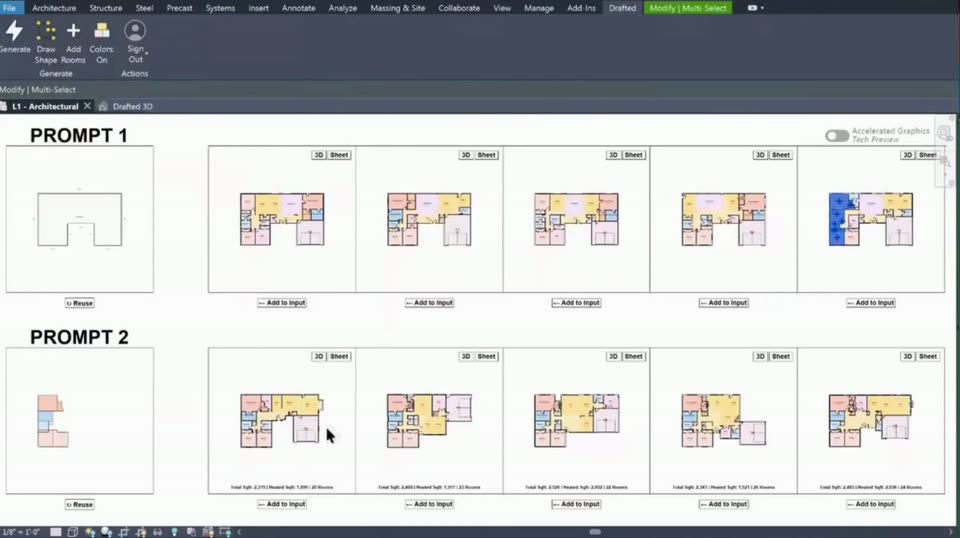 0:29–0:31Drafted · Drafted - Introducing Drafted in Revit. Draw a footprint, add your room list,A dark architecture app screen shows a loading dialog with a green progress bar, which closes to reveal a grid of colored floor plan thumbnails. Large white overlay labels read INPUT, then PROMPT 1 and PROMPT 2, while a cursor drifts across the grid.
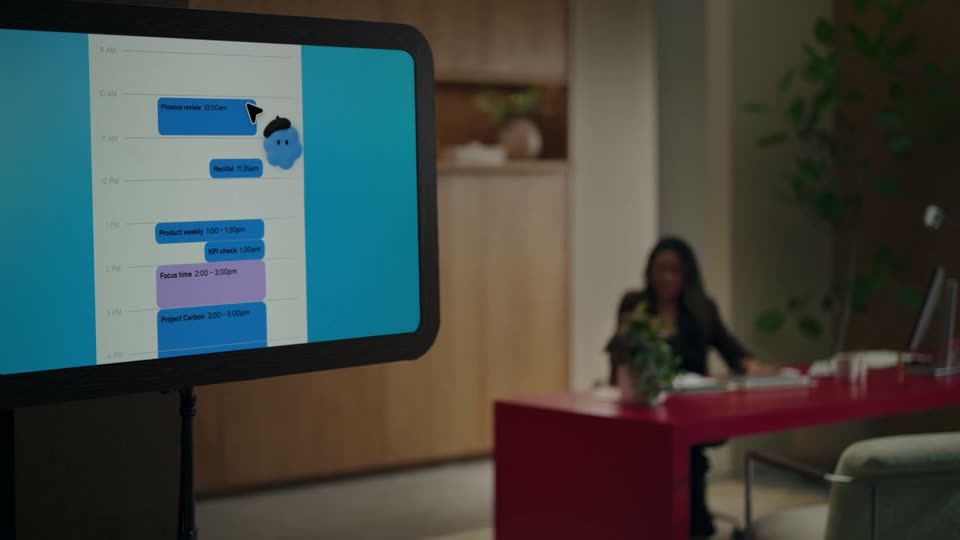 2:15–2:17OpenAI · Introducing dots, always-on agents built to handle everything.A monitor on a stand in the foreground shows a weekly calendar, its top events shifting from red to blue as a cursor moves and a small blue character bobs. Behind it, a woman works at a red desk in a softly blurred office.
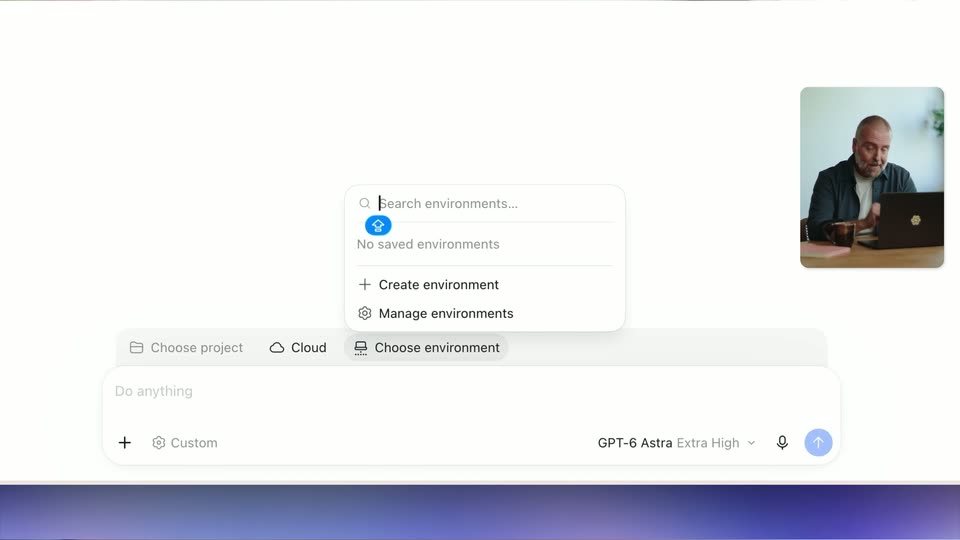 1:31–1:36OpenAI · Meet the all new Codex CloudThe full app window zooms into the input bar. A cursor picks Cloud in the Work in menu, swapping the chip and opening an environments menu, while a small presenter video stays in the top-right corner.
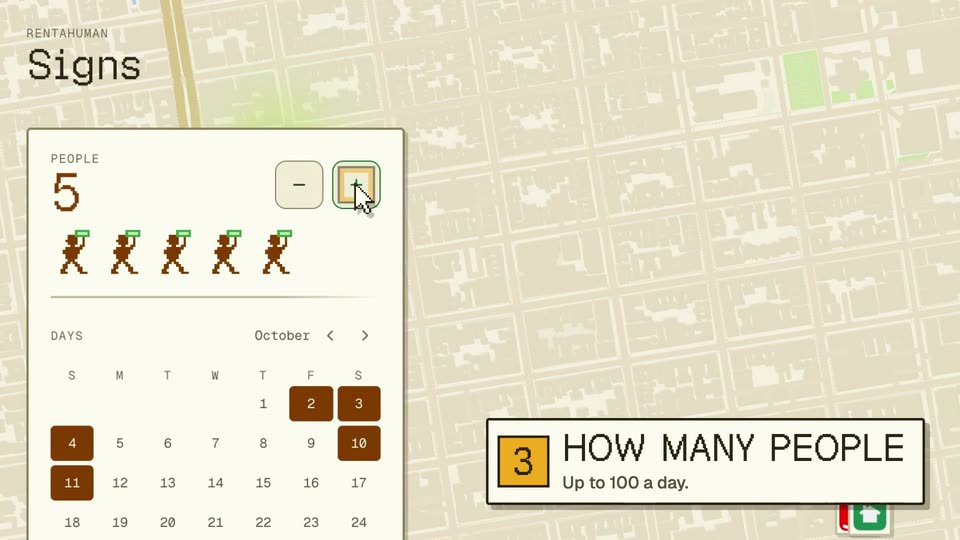 0:21–0:23Rentahuman · Alex - Today we're launching The easiest way to advertise your product to tA pixel street map fills the background as a white Signs panel sits left, its people count ticking from 3 to 4 and a pixel walker popping in as a cursor taps the plus button. A caption box on the right reads HOW MANY PEOPLE.
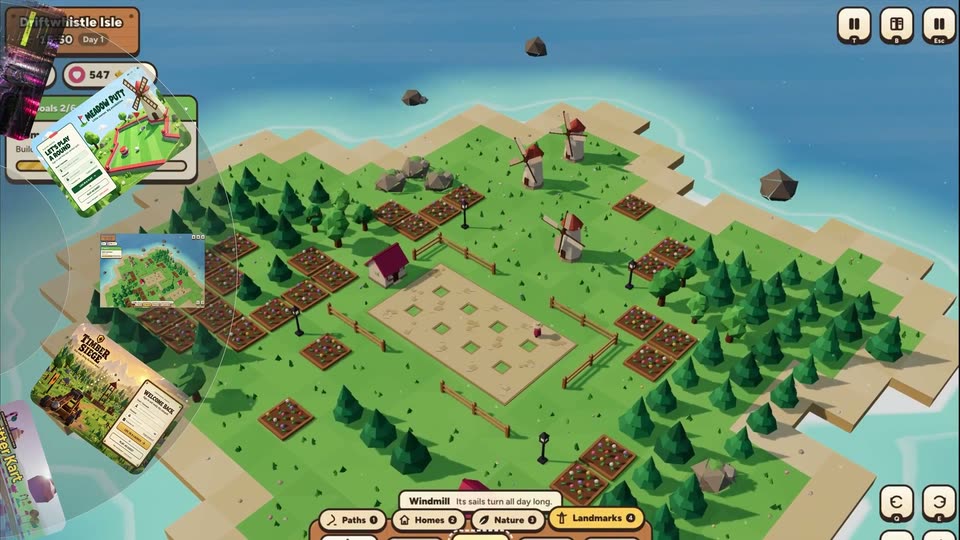 1:00–1:03Manus · Manus - Introducing Manus 2.0Isometric 3D island in a builder game with HUD panels. A cursor hovers the grid, drops a second windmill with a ghost preview, then moves to a street lamp as the tooltip swaps. A fan of titled cards sits along the left edge.
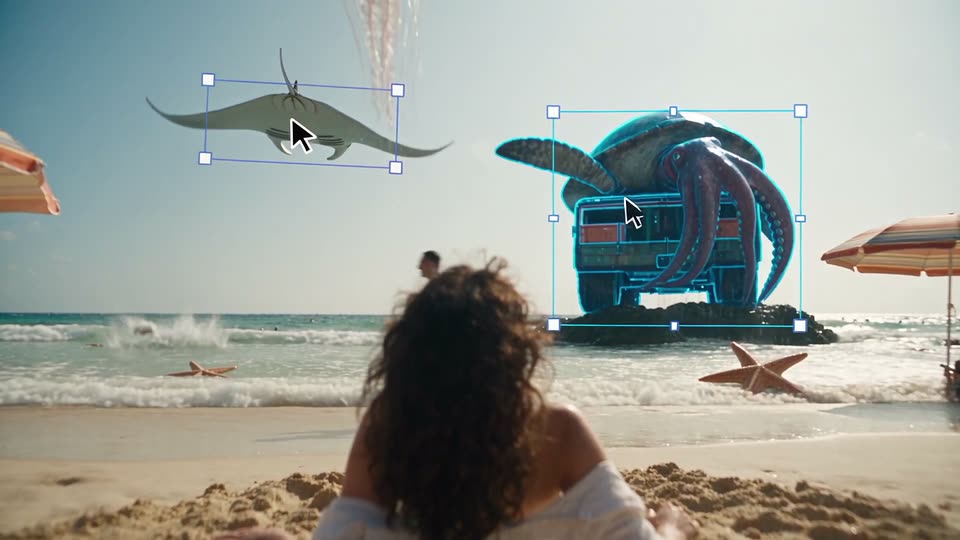 0:22–0:23Runway · Runway - New in Runway, Layers. Split any image into editable layers with a siA sunlit beach with a seated woman in the foreground and surreal sea creatures in the background. Blue selection boxes with white corner handles and two white cursors re-target the creatures, framing the crab and jellyfish, then the manta ray and the giant octopus.
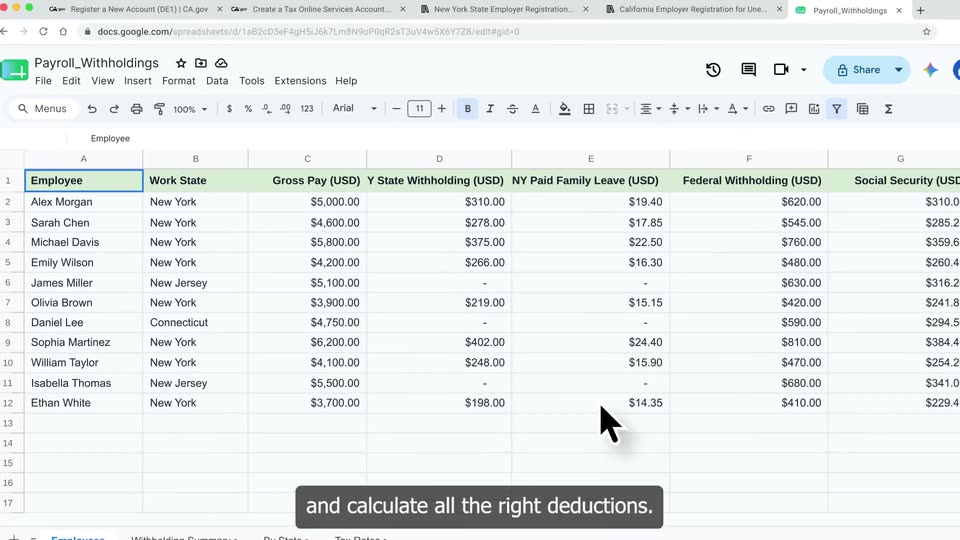 0:52–0:55Warp · Ayush S - We’ve raised $85M for this moment. Introducing Warp 2.0: The firstA Google Sheets payroll spreadsheet fills the frame, showing employee names, work states and deduction columns. The view zooms out to reveal the full browser window as a black cursor drifts across the cells, while a caption updates at the bottom.
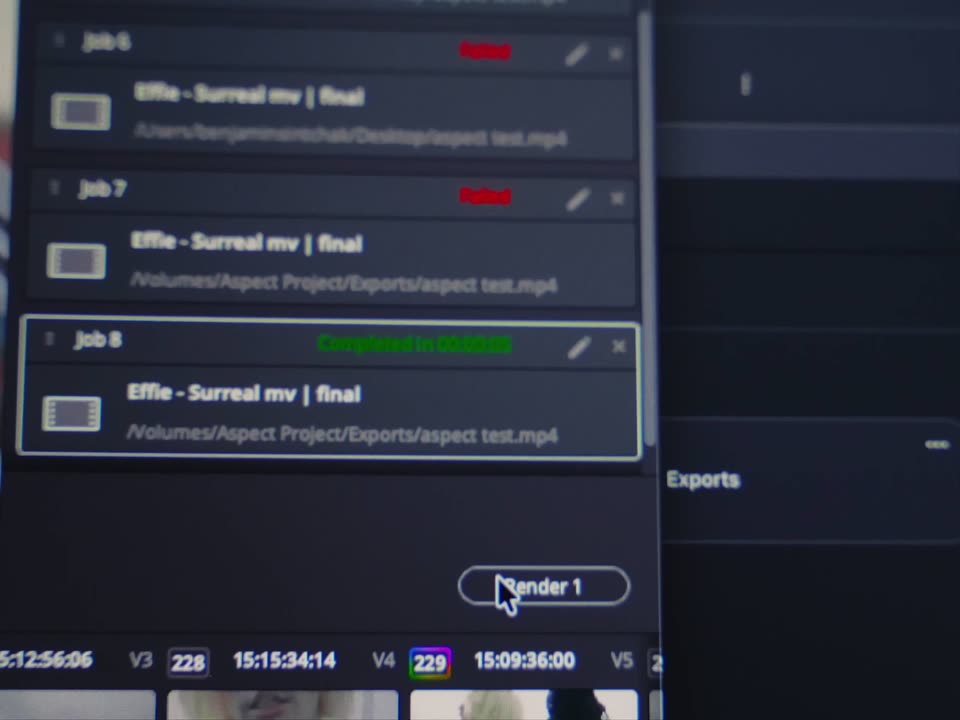 1:31–1:32Aspect · gurish - Today we are making infinite storage free to use for everyone. 6 monA dark render queue panel fills the frame. The green progress bar on Job 8 completes and its status flips to a green completed state, while the bottom button label switches from Stop to Render 1 beneath a hovering cursor.
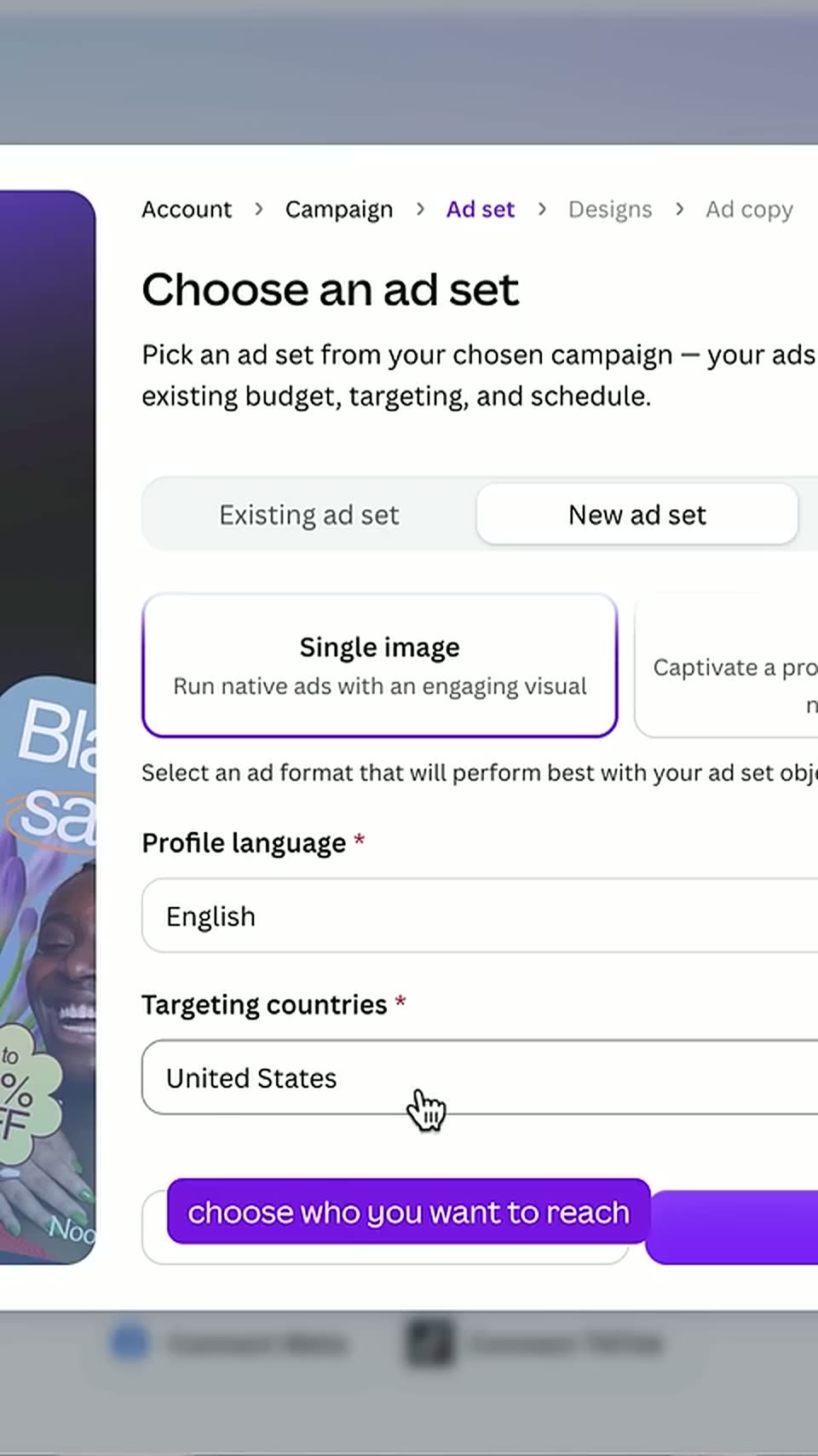 0:17–0:18Canva · Create & launch LinkedIn Ads without leaving CanvaClose-up of an ad manager form titled Choose an ad set, with Single image selected and a United States targeting field. A hand cursor drifts over the field while a purple caption pill reading choose who you want to reach slides in at the bottom.
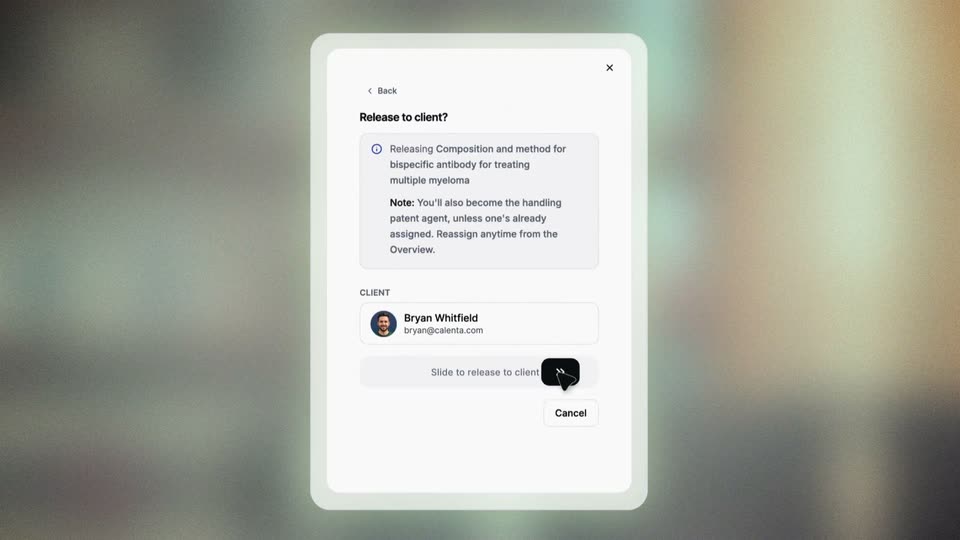 0:55–0:58Fearn · han - Today, we're killing the billable hour for patent work. Fearn LegalA white release-to-client dialog sits on a blurred, multicolor backdrop. A cursor grabs the black slider handle marked with double arrows and drags it from the left end of the track to the right, completing the slide-to-release action.
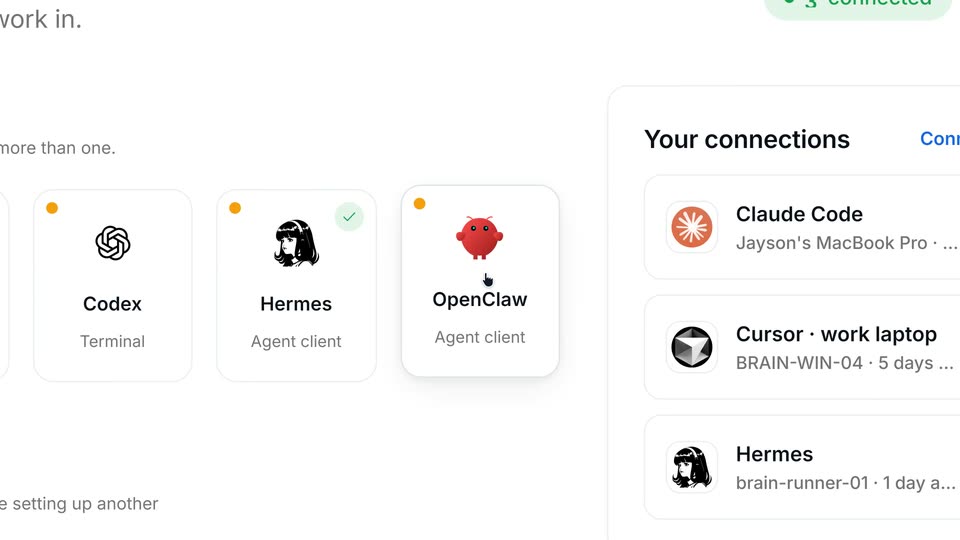 0:12–0:17HeyBrain · HeyBrain - Brain works with the AI stack your company already uses. Connect youA wide view of the Brain MCP setup screen zooms into the Choose your tool row as a cursor hovers across the tool cards, panning right from Claude Code to OpenClaw. The connections panel stays at the right edge.
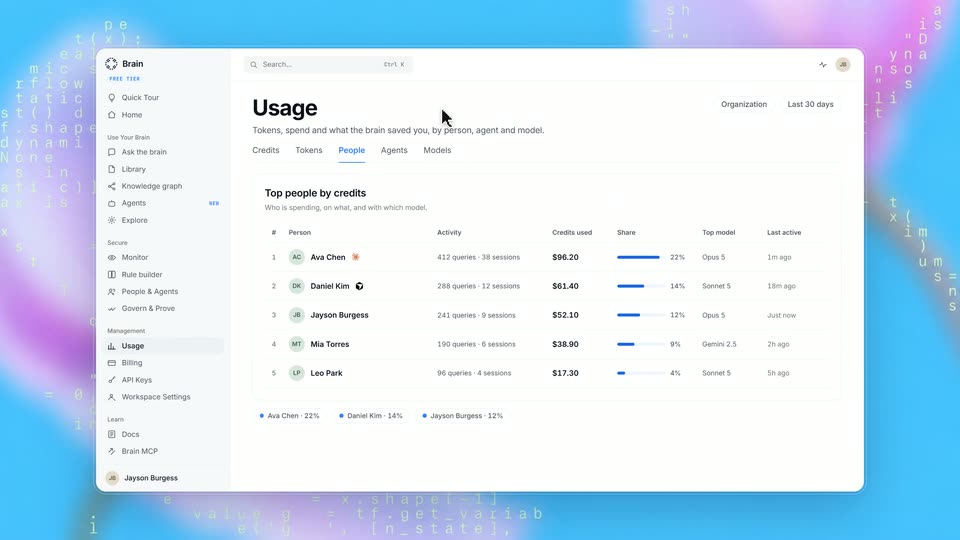 0:43–0:45HeyBrain · HeyBrain - Today, we’re launching Brain into general availability. One AI worksA 3D-tilted usage dashboard floats on a blue field of drifting code. A cursor clicks the People tab, then Models; the top card swaps from a people table to a credits-by-model bar chart while the table below holds still.
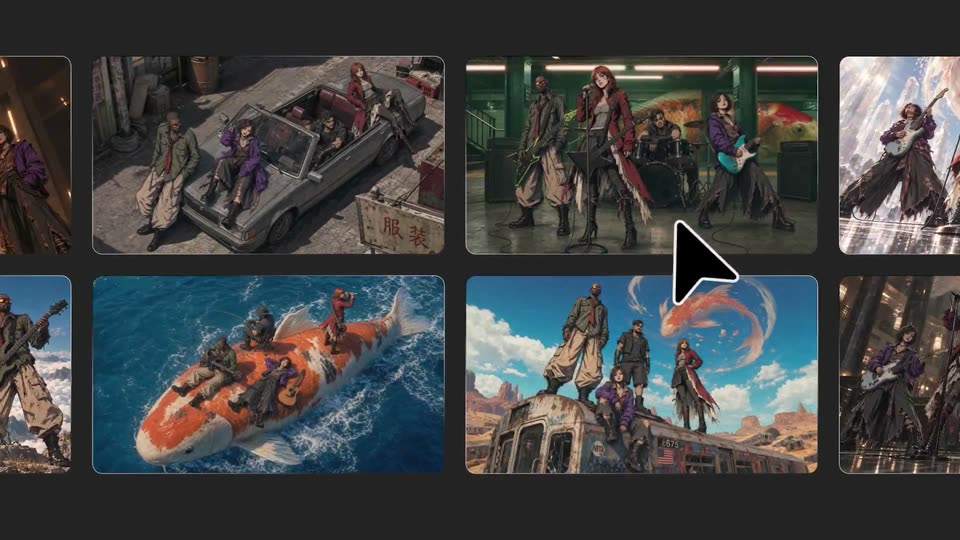 0:27–0:29Leonardo AI · Leonardo.Ai - Introducing the Leonardo Agent. Start with one idea. Build it into aA dark grid of rectangular cards holding band concept art, from a car rooftop to a stage and a train, brightens from shadow to full color while a white outlined cursor glides from the lower right toward the upper middle.
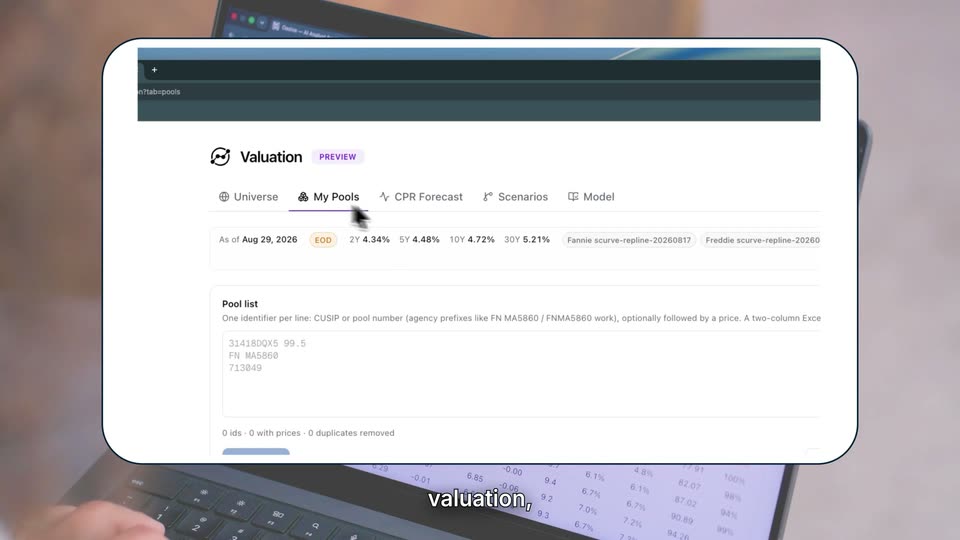 1:03–1:04Oasive · Anaïs Howland, CFA - Today, I'm excited to bring @OasiveAI out of stealth and announce thaA rounded Valuation interface card hovers over a blurred laptop with a hand on the keys. A cursor rests on the My Pools tab as a data table blurs and shifts to a pool list. The white caption 'valuation,' pops in at the bottom.
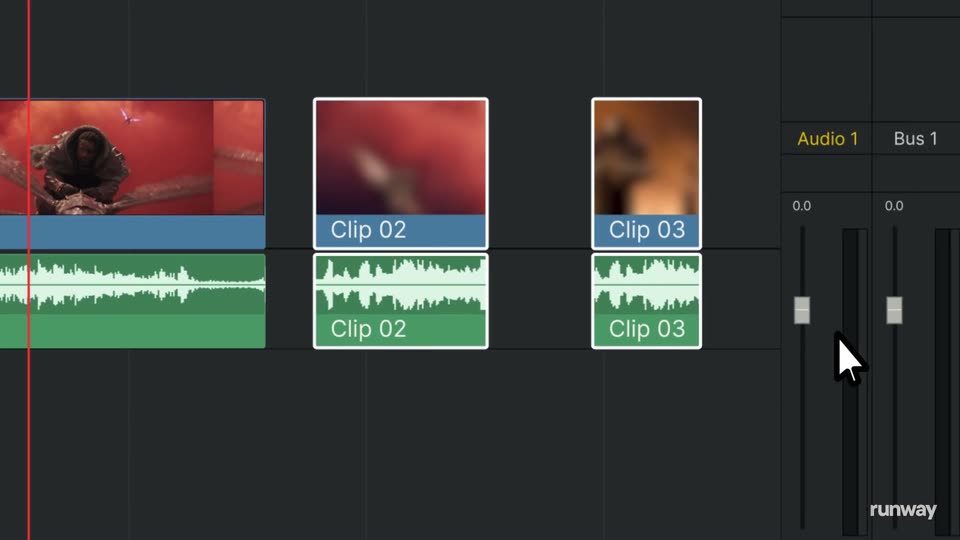 1:00–1:01Runway · Runway - Runway is now in DaVinci Resolve Access the world's best models direA dark interface shows a prompt bar with a blue Generate button and a cursor, then the view slides left to reveal a timeline with labeled video clips and green audio waveforms, ending on a red playhead.
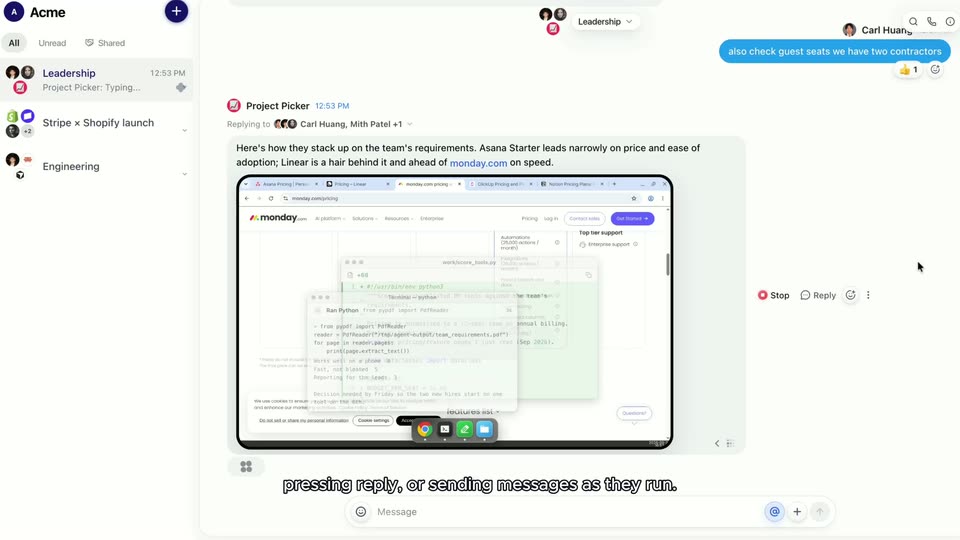 1:17–1:18Sila · Sila - Introducing Sila: the agent messaging platform backed by @ycombinatorA macOS desktop stacks three windows: a terminal running Python code, a PDF viewer, and a monday.com pricing tab. The windows shuffle as the browser rises to the front and a cursor hovers over the tabs. A white caption sits at the bottom.
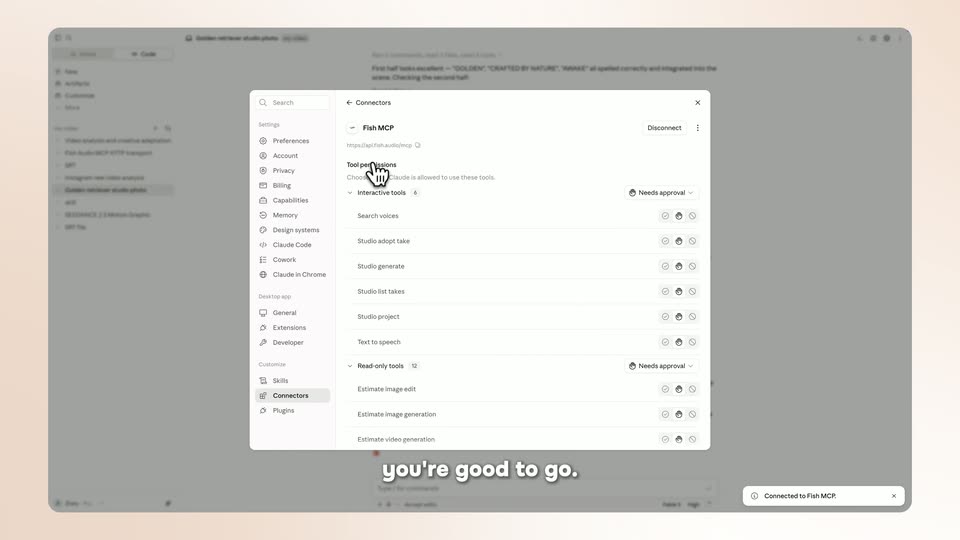 1:27–1:29Fish Audio · Fish Audio MCP Now Supports Image & Video GenerationA blurred desktop app sits behind a Connectors panel. A cursor hovers Fish MCP, then slides down to Search voices in the tool list. The caption you're good to go. holds at the bottom while a connection toast pops in at the lower right.
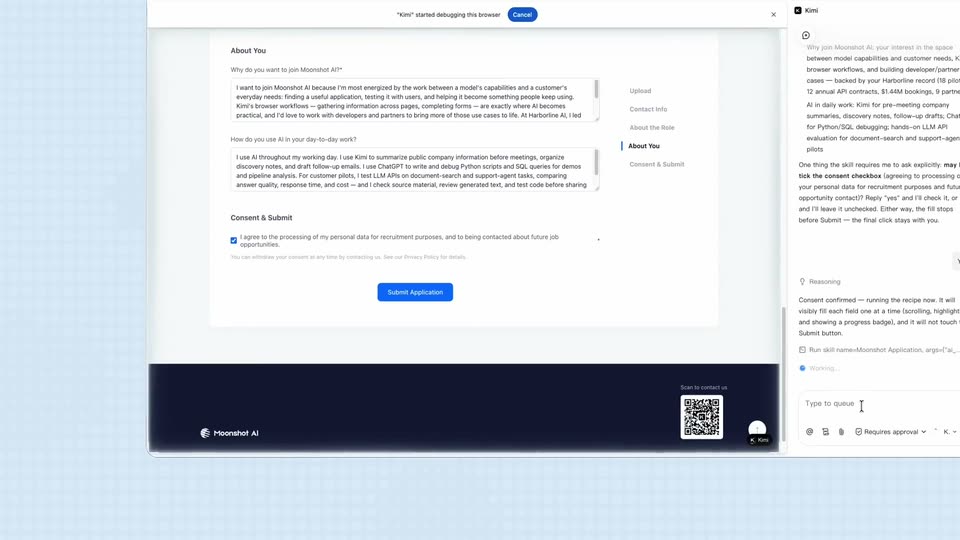 0:30–0:35Moonshot AI · Meet the new Kimi Browser Extension (formerly Kimi WebBridge)A browser window shows a job application form beside a Kimi chat panel. Fields fill in one by one as a cursor moves through them. The view zooms into the form, then the cursor clicks Submit Application and a confirmation toast appears. Large black text reads End-to-end Auto-fill.
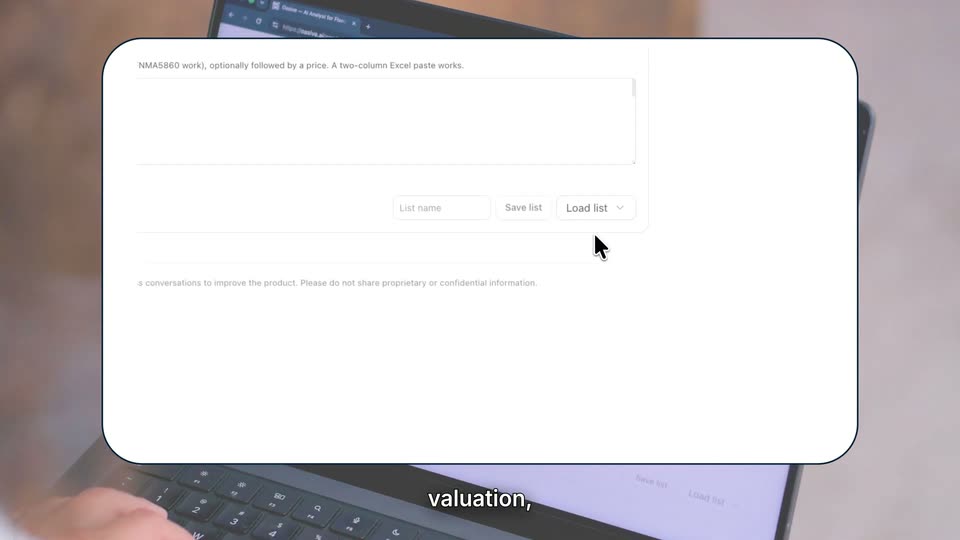 1:04–1:05Oasive · Oasive (YC F26): Find better bonds to buyA white rounded card floats over a blurred laptop, framing a list screen where a cursor opens a dropdown of pool options and closes it. The caption “valuation,” stays fixed at the bottom.
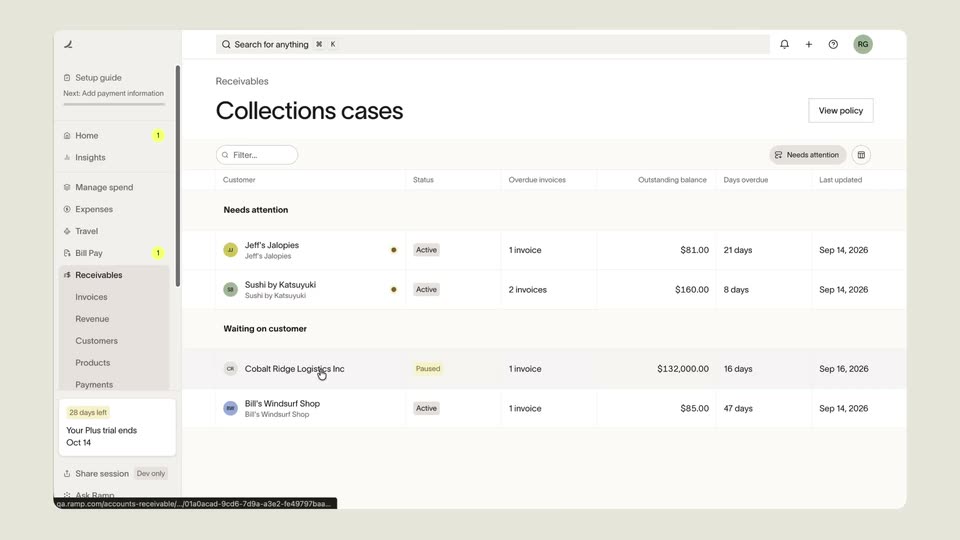 1:12–1:14Ramp · Introducing Ramp Accounts ReceivableA locked-off view of the Ramp collections interface. A cursor hovers across the customer rows, then the left panel and main table slide and fade into a Collections cases list with a search field and a loading spinner.
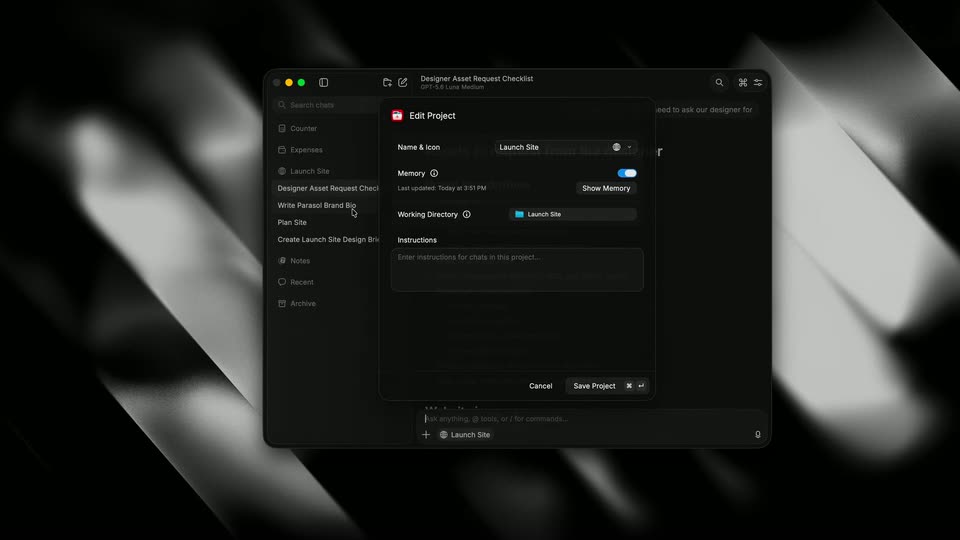 2:11–2:14Raycast · New in Raycast AI: Automations, Projects and a new HarnessA dark app window fills the frame over a black backdrop. A context menu pops open beside a sidebar entry, the cursor moves down and clicks Edit Project, and a centered modal form appears with a name field, a Memory toggle, and a Save button.
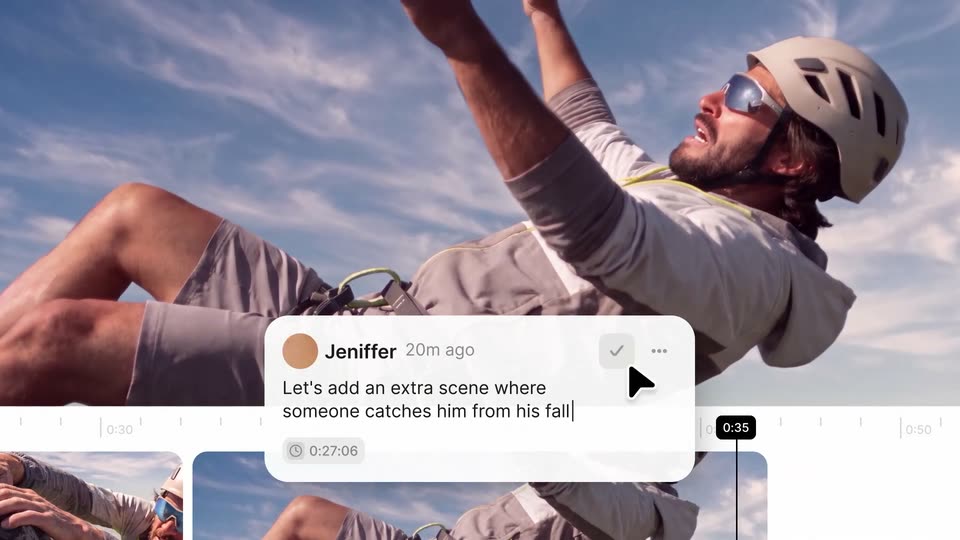 0:51–0:53ElevenLabs · Introducing Studio 4.0, the agentic video editor in ElevenCreativeA video editor timeline sits at the bottom with a playhead at 0:35. Above it, a clip of a helmeted man falling against a blue sky plays, while a comment card from Jennifer types out a note and a cursor hovers beside it.