
0:24
Explore
00:00:00 / 00:36:23
- Length
- 0:36
- Scenes
- 15 · 2.5 s avg
- Product on screen
- 0:00
- Voiceover
- No
- Views
- 7K on X
as of November 17, 2026
Arcads’s 0:36 launch film runs 15 scenes, about 2.5 s each. The product is on screen from the first frame. There is no explicit call to action. The video is built as one continuous interface tour: a dual-logo title card, then a screen-capture demo that whip-zooms through the Arcads library and chat to generate and iterate on a UGC ad, ending on a tagline and logo card. Its signature moves are fast dolly-ins and 3D-perspective window shots on a clean white backdrop, cut at a brisk 150 bpm.
No filming indicatedEstimated needs: 1 capture group — your screens or recordings · 1 official logo — reused across the film · 1 graphic passage — draw or supply · 1 3D passage — build or supply
Is this your launch? to your site or press kit.
More like this

Similar soundtrack
Films whose music sounds like this one, voice left out
0:57
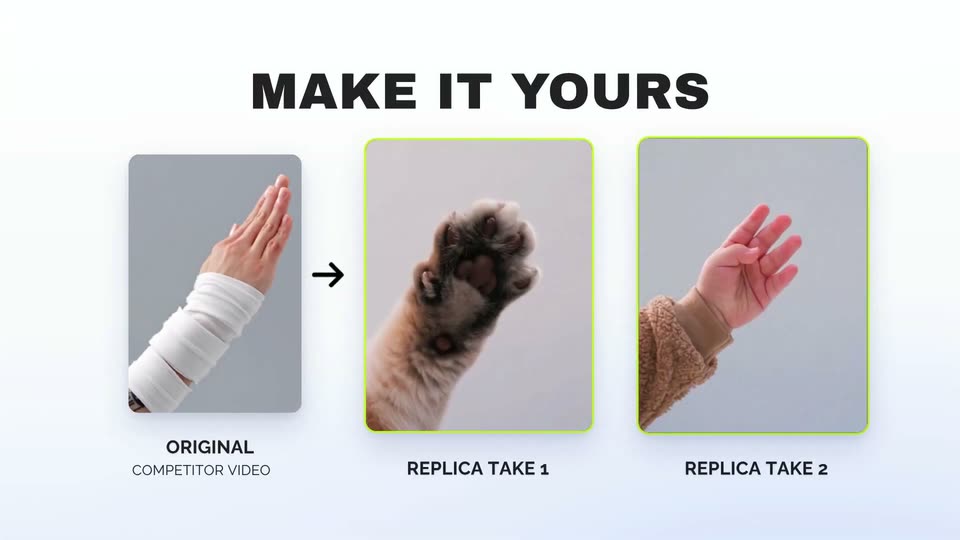

Meet AI Inspo, your all in one AI powered social media management platform.
Inspo · Electronic Dance Music
0:39
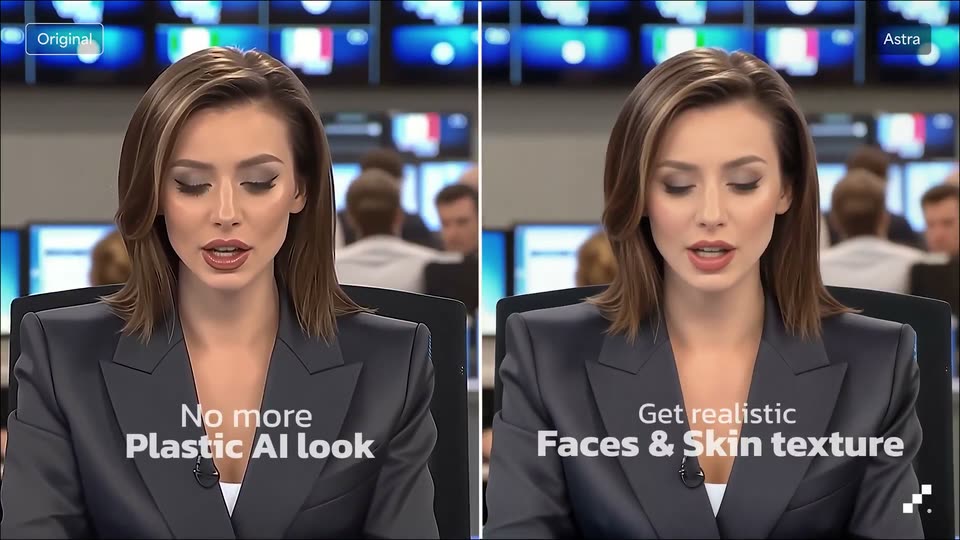

Topaz Labs - 📢 Big release! Introducing Starlight Precise 2, a new video enhancem
Topaz Labs · Electronic dance / Eurodance
0:52

YouWare - The chatbot is done in 30 seconds. You are not. An answer is never e
YouWare · Modern electronic
arcads AI - Introducing Arcads plugin in ChatGPT, Access all your assets right i, scene by scene
· 15 scenes as text
01 · Product intro · 0:00–0:00
A gray line-art knot logo sits centered on a white background. It fills in black and a white rounded square with a soft shadow forms behind it, becoming an app icon. The frame stays locked off.
Techniques: Morph
Camera: Static
02 · Product intro · 0:00–0:02
Two white rounded app icons, a black Arc mark and a black OpenAI knot, sit centered on a soft gray gradient. A faint gray tagline fades in behind them, partly hidden by the icons, while the frame stays locked off.
On-screen text: “Create with”, “and”, “ChatGpt”
Camera: Static
03 · Product intro · 0:02–0:03
A centered black two-line headline on a pale gray background. Small white app icon tiles with black marks orbit around the text in 3D, rotating and blurring as they drift in and out of focus.
On-screen text: “Create with Arcads”, “Inside Chagpt”
Techniques: 3D mockup
Camera: Static
04 · Demo · 0:03–0:07
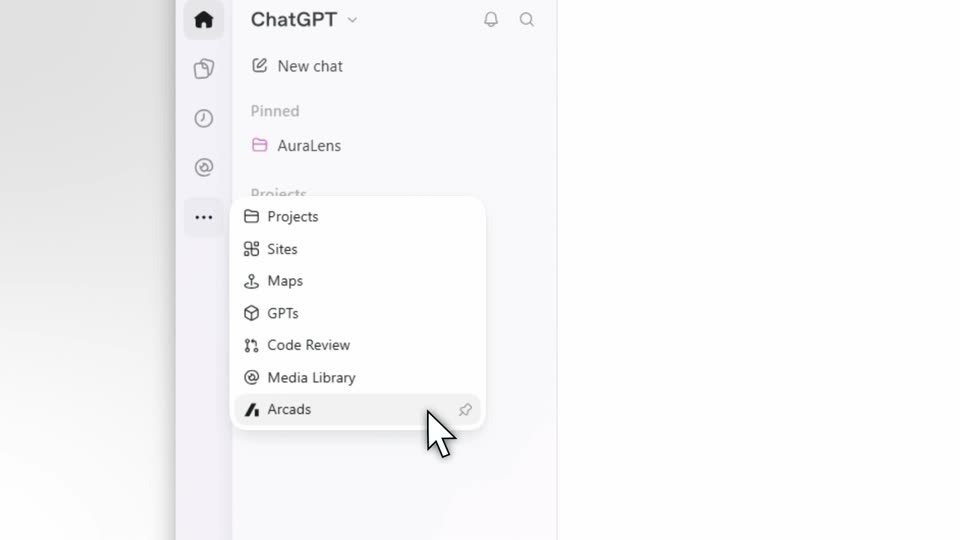
A ChatGPT desktop window opens, the frame zooms into the left sidebar where a dropdown menu is open and a cursor slides down to the Arcads row. The view pulls back as the menu collapses and an A icon scales into the rail beside a black Arcads tooltip.
Techniques: UI zoom, Cursor demo
Camera: Push in
05 · Demo · 0:07–0:09
A white asset library screen shows a grid of image and video thumbnails under a row of filter chips. The view zooms into the first tile, a purple dog-treat can, and the cursor hovers over the Add to chat button that fades in.
Techniques: UI zoom, Cursor demo
Camera: Push in
06 · Demo · 0:09–0:22
A close-up of a video-generation app interface. The view sharpens from a blurred zoom on the prompt box, pulls back to show a thumbnail grid and chat panel, then zooms into the chat as a typed prompt is sent and status lines update. A cursor clicks send.
Techniques: Cursor demo, UI zoom
Camera: Pull out
07 · Demo · 0:22–0:23
A blurred close-up of the video player pulls back to reveal the full Arcads interface: a left grid of asset thumbnails and a right video of a woman holding a small dog, with a chat bar at the bottom. A cursor hovers over the video.
Techniques: UI zoom, Cursor demo
Camera: Pull out
08 · Demo · 0:23–0:25
A browser window shows the Arcads interface with a left library grid of asset thumbnails and a right video player. The player plays a clip of a woman holding a small dog, then lifting a purple BORK can beside it, while a cursor hovers over the footage.
Techniques: Cursor demo
Camera: Static
09 · Demo · 0:25–0:26
A tilted 3D view of the Arcads app window shows an asset library on the left and a video preview of a woman with a dog on the right. The camera rushes into the left grid, motion blur smearing the purple can and cartoon thumbnails as it closes in.
Techniques: 3D mockup, UI zoom
Camera: Push in
10 · Demo · 0:26–0:30
A library grid of video and image assets fills the screen. A cursor selects the first tile, then the view reframes onto a prompt box where a text prompt is typed and the cursor moves to the send button.
Techniques: UI zoom, Cursor demo
Camera: Pan
11 · Demo · 0:30–0:31
A chat interface reframes from a tight crop of the bottom input bar, where a cursor hovers a round button, up to the top prompt. A black callout pops out over the typed prompt, then a Thinking status fades in beside a column of video thumbnails on the left.
Techniques: Cursor demo, UI zoom
Camera: Pan
12 · Demo · 0:31–0:33
A light chat interface floats over a grid of media thumbnails. The thumbnail column scrolls upward behind the static chat card, which holds a black prompt bubble and a Thinking label on the left.
Techniques: Parallax
Camera: Pull out
13 · Demo · 0:33–0:34
Two app windows in 3D perspective settle onto a pale backdrop: a library grid of image thumbnails on the left and a chat panel with a dark prompt bubble on the right, a cursor resting at the lower corner.
Techniques: 3D mockup
Camera: Pull out
14 · Outro · 0:34–0:35
A centered black headline reads on a plain light gray background while a blurred interface panel at the bottom edge fades out and drops away, leaving the text alone.
On-screen text: “Great ads start with a chat”
Camera: Static
15 · Outro · 0:35–0:36
On a light gray field, the centered tagline holds, then the black arcads logo mark and wordmark settle into the center of the frame.
On-screen text: “Great ads start with a chat”
Camera: Static