Cursor demo
A visible cursor operates the interface.
15,084 scenes · page 180 of 252
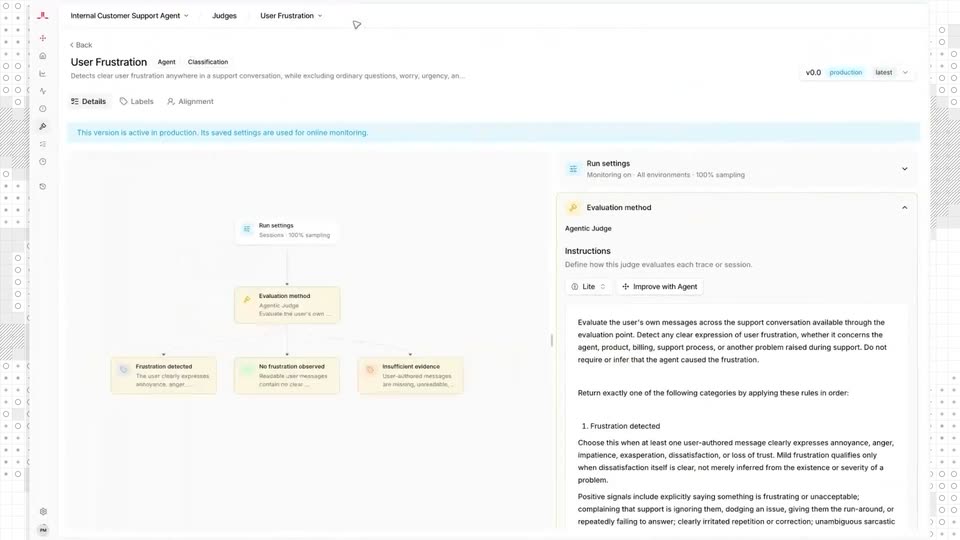 1:08–1:09Judgment Labs · Judgment Labs - Is your Jev-as-a-judge, LLM-as-a-judge, or agent-as-a-judge checkingA split view shows two interface panels side by side. The left shows a monitor chat with a red View Judge button; the right shows the User Frustration agent page with run settings and instructions. A cursor hovers at the top, revealing a Minimize tooltip.
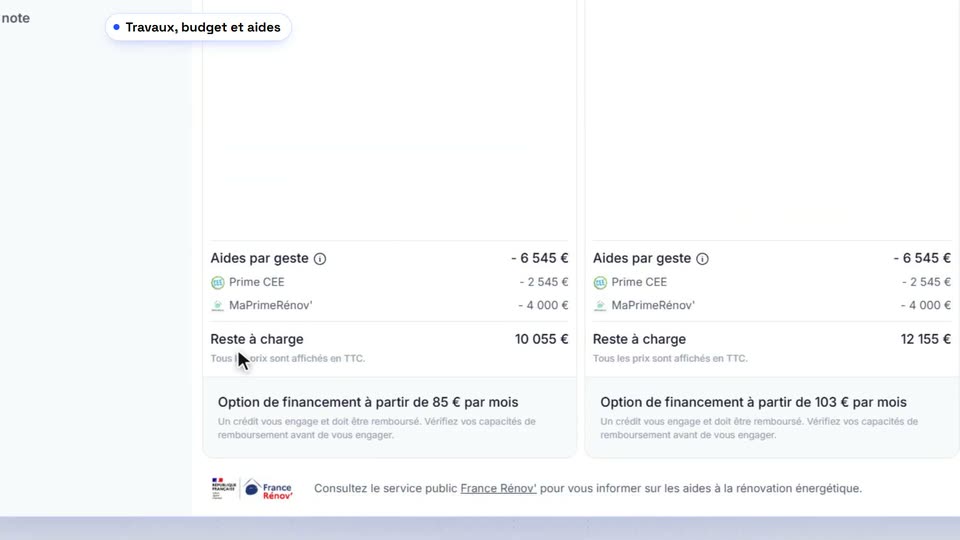 1:19–1:26Kelvin · Les 3 outils kelvin° : ciblage, simulateur, aide à la venteA web app screen scrolls down through scenario cards showing work costs and subsidies, then pans right to a third card. A label pill at the top and a caption bar at the bottom swap text with each step, and a cursor hovers the download button.
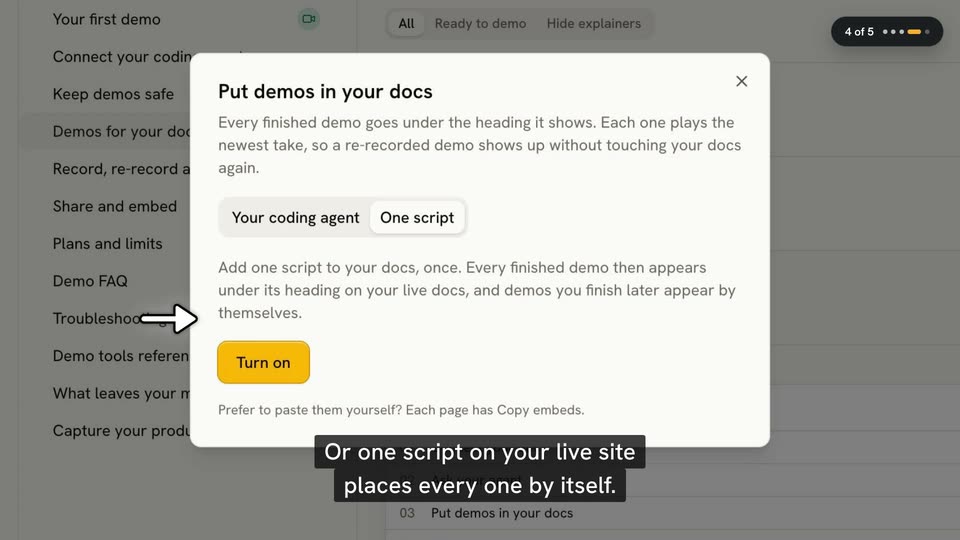 1:00–1:10tday.com · tday - product demos your coding agent recordsA docs app screen shows a 'Put demos in your docs' modal over a dimmed sidebar, with a cursor drifting to the top filter. Dark caption bars at top and bottom swap lines to match the voiceover, while a white arrow points at the sidebar.
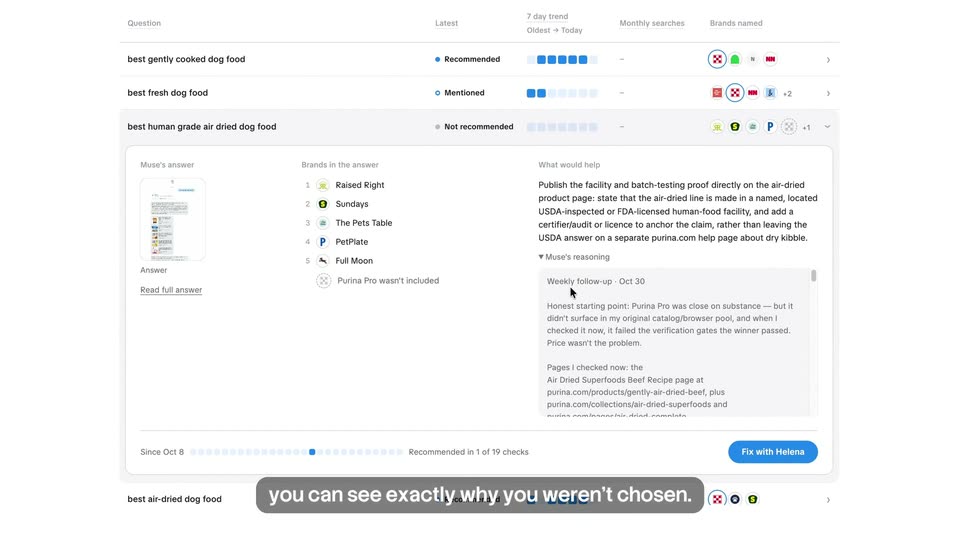 0:42–0:48Enrich Labs · Seijin Jung - Today, we're introducing Agent Conversion Optimization → Muse, InstiA customer-questions table dissolves in, then the 'best human grade air dried dog food' row expands into a panel showing Muse's answer, ranked brands, and a fix suggestion. The cursor opens a 'Muse's reasoning' accordion, and the view crossfades to a conversion chart.
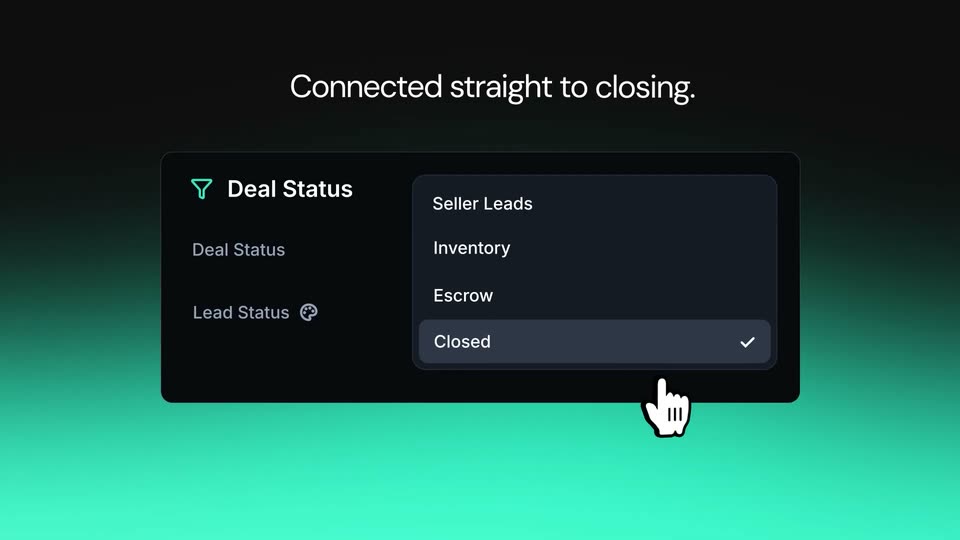 0:47–0:49LandAtlas · Launch Video for LandAtlasA dark panel shows a Deal Status field with an open dropdown listing Seller Leads, Inventory, Escrow and Closed. A hand cursor taps Closed, a checkmark appears, and the headline fades in above the panel.
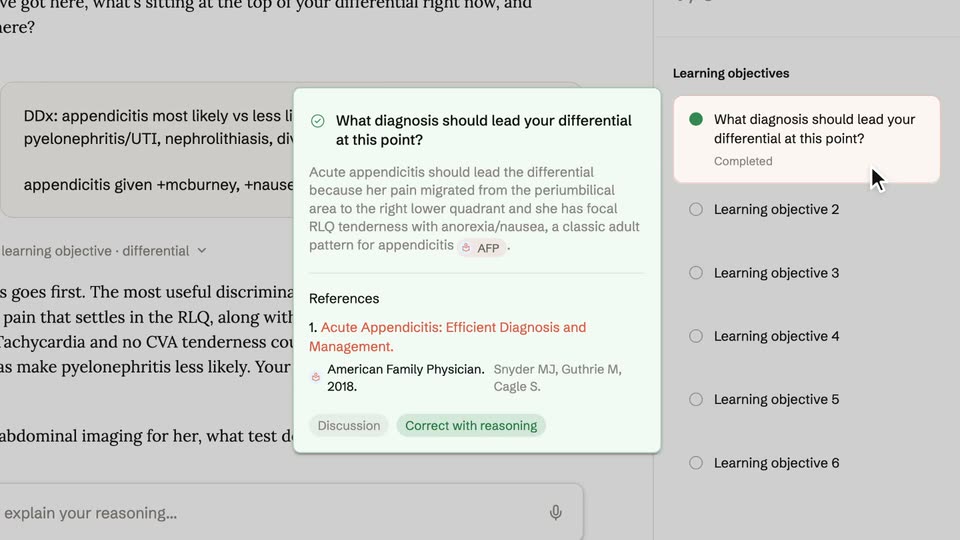 0:24–0:32OpenEvidence · OpenEvidence - Introducing Learn, a free, personalized medical education platform frA clinical case app interface reframes between the full three-panel layout and a close-up of the central chat. A cursor types a diagnosis into the input box and sends it; the right panel marks the first objective complete, a reference citation appears, and a new lab-results divider slides in.
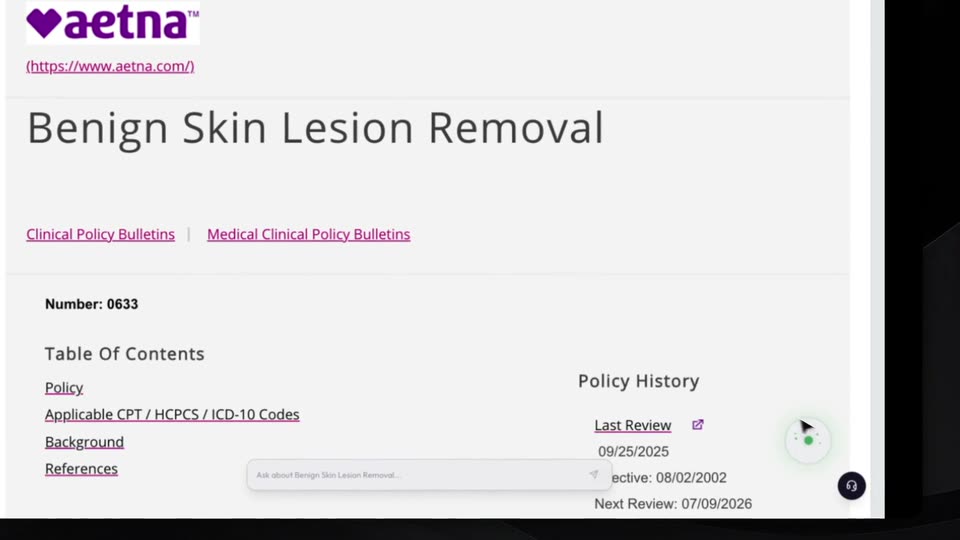 1:19–1:22Altair Health · Altair Health: manifestoA cursor selects Payer Intel in the left rail, then the frame zooms into the Aetna policy document header while the cursor drifts down the policy history. A static caption sits over the shot.
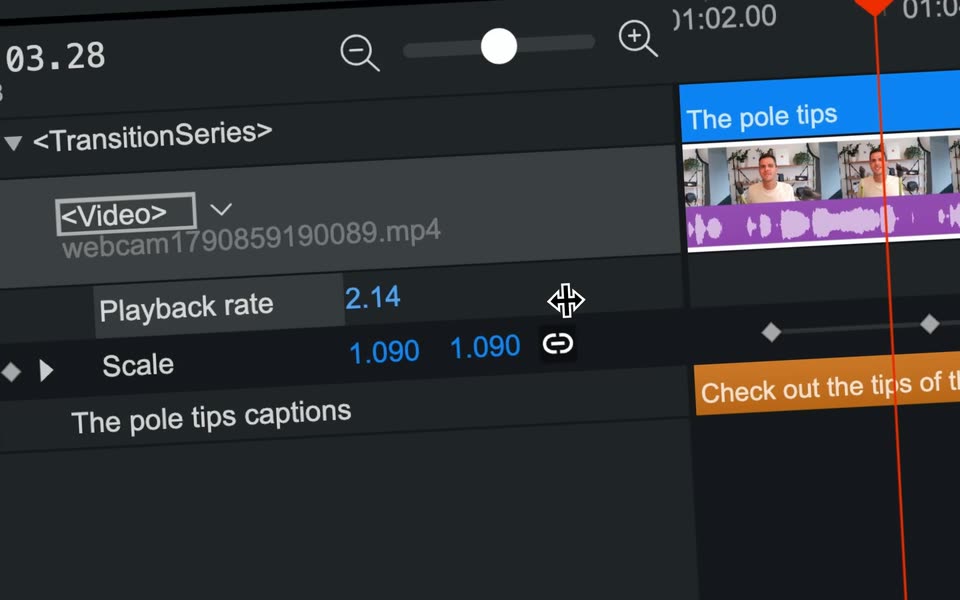 0:25–0:26Remotion · Remotion — edit agent-made videosA dark editor panel fills the left as playback rate and scale values tick up while a move cursor slides across them. On the right, a video preview shows a man speaking under a blue bar and an orange caption, with a red playhead line at the edge.
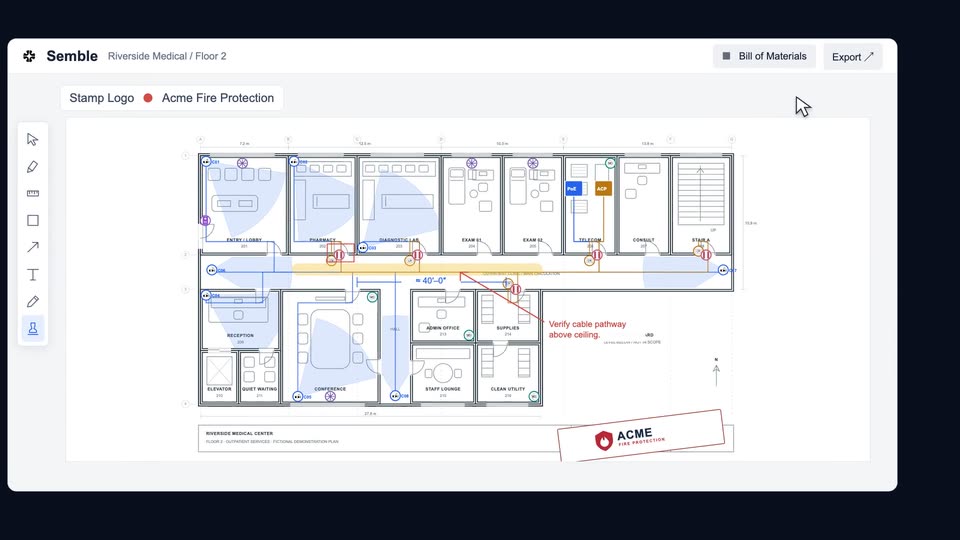 0:44–0:45Semble · Semble launch filmThe Semble floor-plan interface fills the frame; the view zooms in on the blueprint while a cursor moves up to the Export button. A large white BOM label appears in the top-right corner over the dark background.
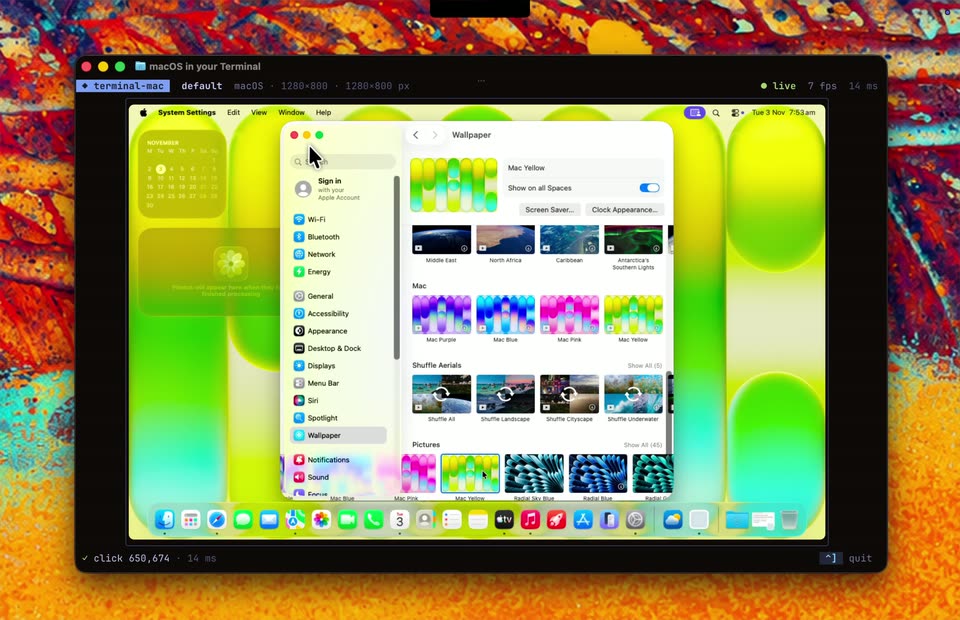 0:25–0:27terminal-mac · govi - Introducing terminal-mac. Entire MacOS that runs inside your existinA terminal window titled macOS in your Terminal runs a full macOS desktop over a colorful abstract backdrop. The System Settings Wallpaper panel is open on a yellow-green screen, and a cursor glides from a Mac Yellow thumbnail to the window's top-left corner.
 2:16–2:19Trajectory · Trajectory - Yesterday we launched the Trajectory platform to the world, the easieA white dialog card fills a locked-off frame over a blurred gray backdrop. At the bottom sit a white Cancel button and a lavender Deploy to test button. A black cursor arrow glides in from the upper left and lands on Deploy to test.
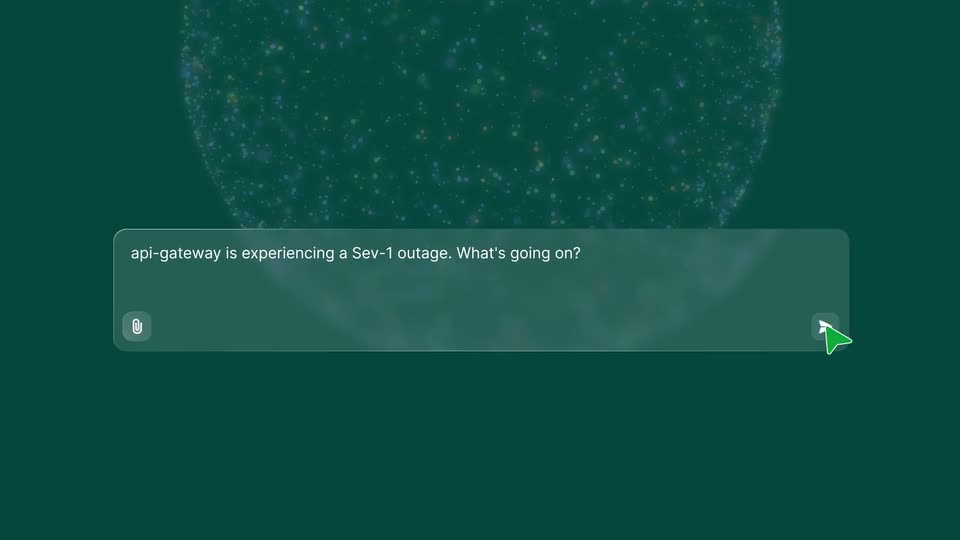 1:11–1:12Traversal AI · Introducing Traversal, the AI SRE for the enterpriseA translucent search bar floats over a dark sphere of colored dots. The query types out character by character, then a green cursor moves onto the send button, which lights up white.
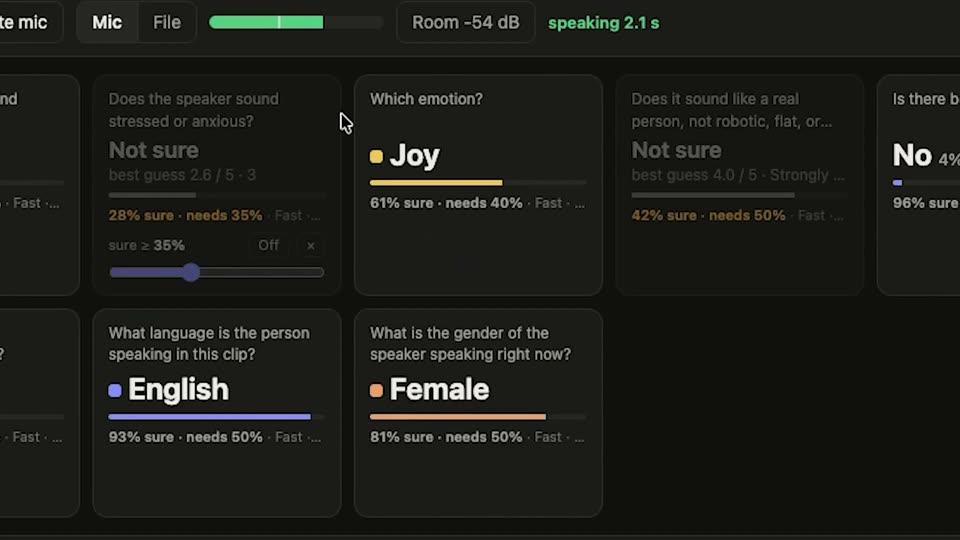 3:13–3:16Hume AI · Hume AI - Introducing the Hume Audio Decision API. Ask anything: How many speaA dark dashboard of analysis cards shows emotion, language and gender with confidence bars, while a top bar counts a speaking timer. A cursor drifts over the cards and white captions appear at the bottom, then the frame cuts to a faint pixelated dot silhouette on black.
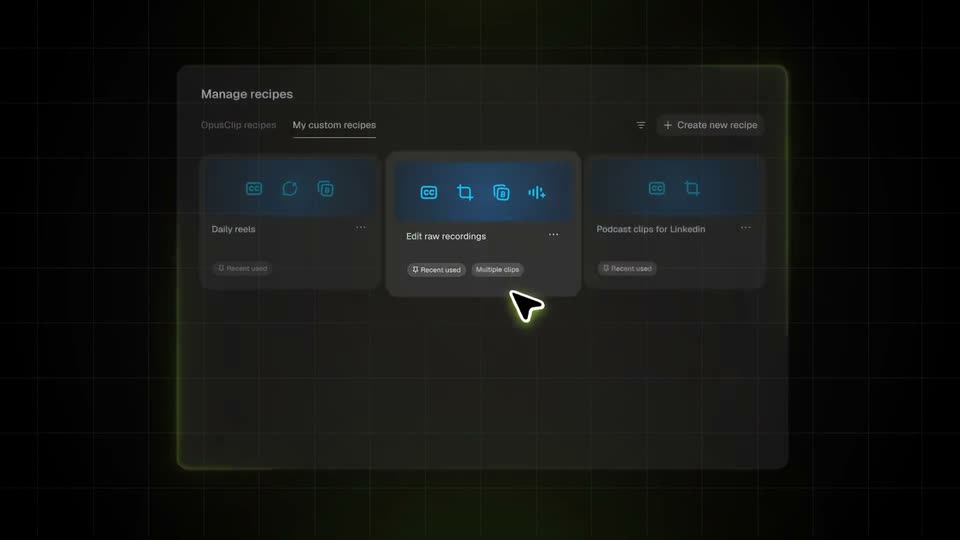 1:07–1:08OpusClip · OpusClip - OpusClip 4.0 is here. We used to find the best moments in your videoA dark recipe management panel with three cards sits centered on a black grid background. A glowing white cursor hovers over the middle card, then drifts downward while the panel stays locked in frame.
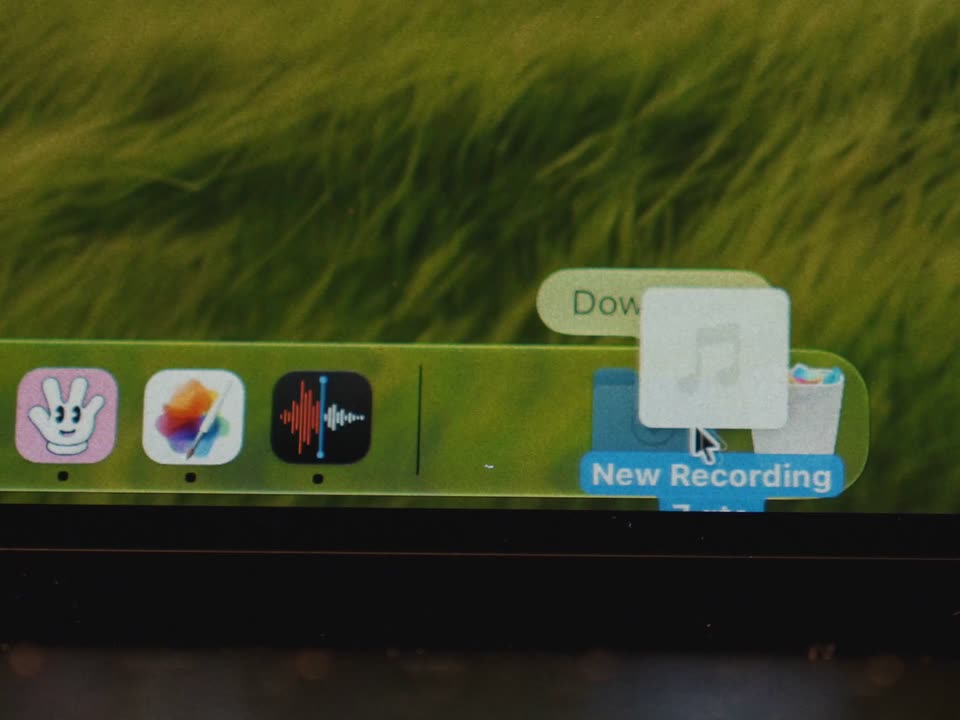 0:35–0:36Screen Studio · Screen Studio - Screen Studio 4.0 is live on Product Hunt. What should we build nexA cursor drags a blue audio file icon labeled New Recording 6.m4a across the macOS Dock toward a trash bin on the right. The Dock sits over a green grass wallpaper, with app icons to the left. The frame is locked-off at a slight angle to the screen.
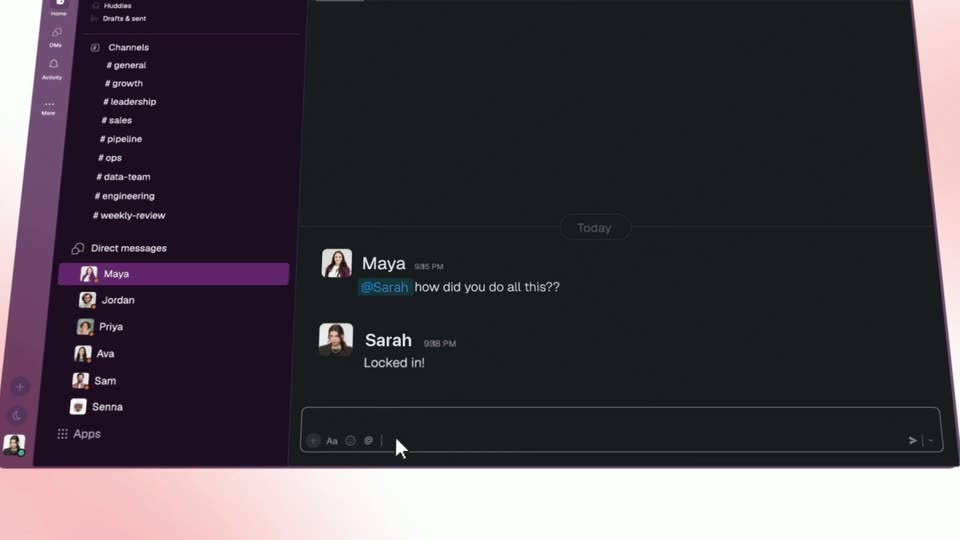 0:58–0:59Fastlane · Gaurav - We raised $3.5M to build Claude for Ads. Just enter your website, anA dark chat interface floats in 3D perspective over a pink-to-white gradient, tilted at first, then rotates to face the camera while a reply is typed into the input box and a cursor hovers beside it.
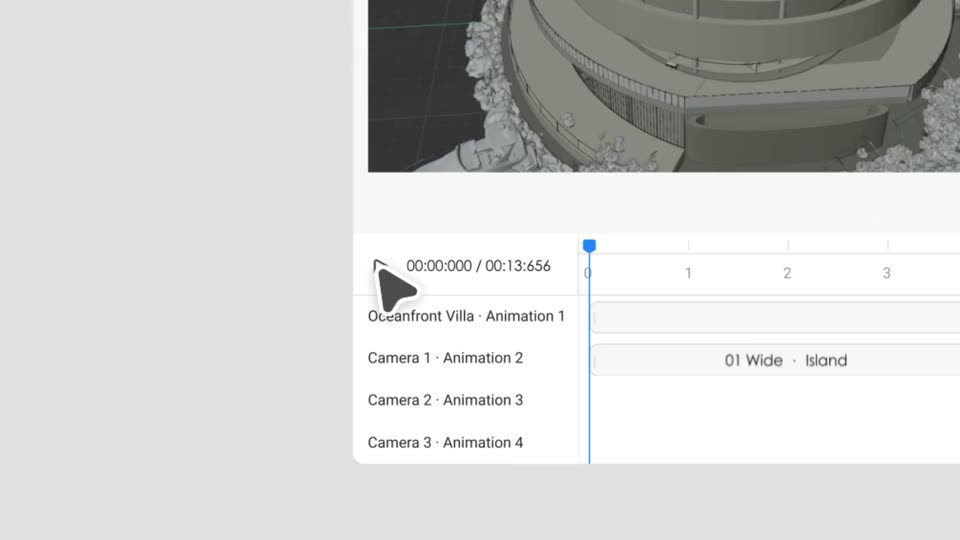 0:22 · 0.9sMoonshot AI · Introducing 3D Make in KimiA 3D animation tool screen shows a gray villa model in the top viewport and a timeline panel below. A cursor clicks the play button, the timecode ticks up and a blue playhead slides right across the track.
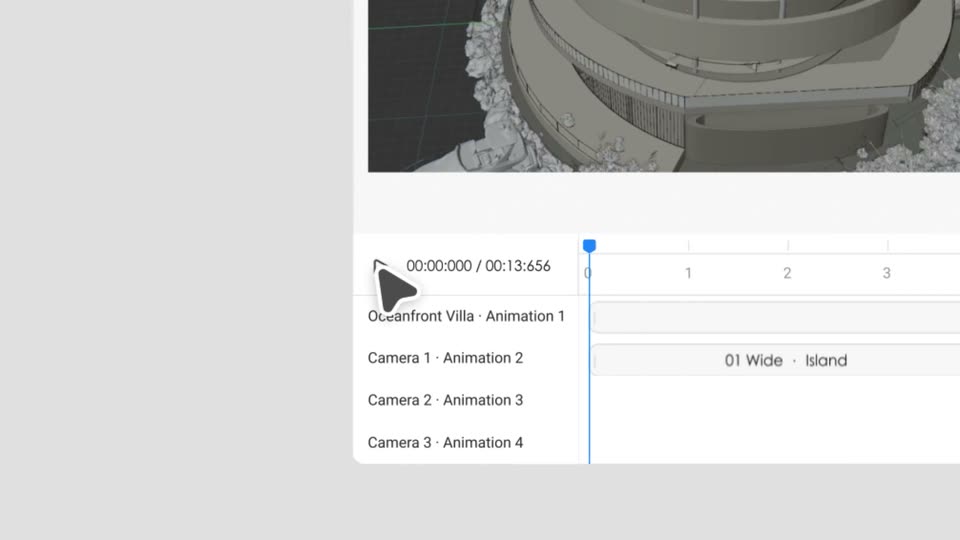 0:22 · 0.9sMoonshot AI · Kimi.ai - Introducing 3D Make in Kimi. Kimi connects to tools like Blender andA product interface shows a grayscale 3D villa model in a top viewport above a list of camera animations and a timeline. A black cursor hovers by the play button as the blue playhead advances and the timecode ticks up.
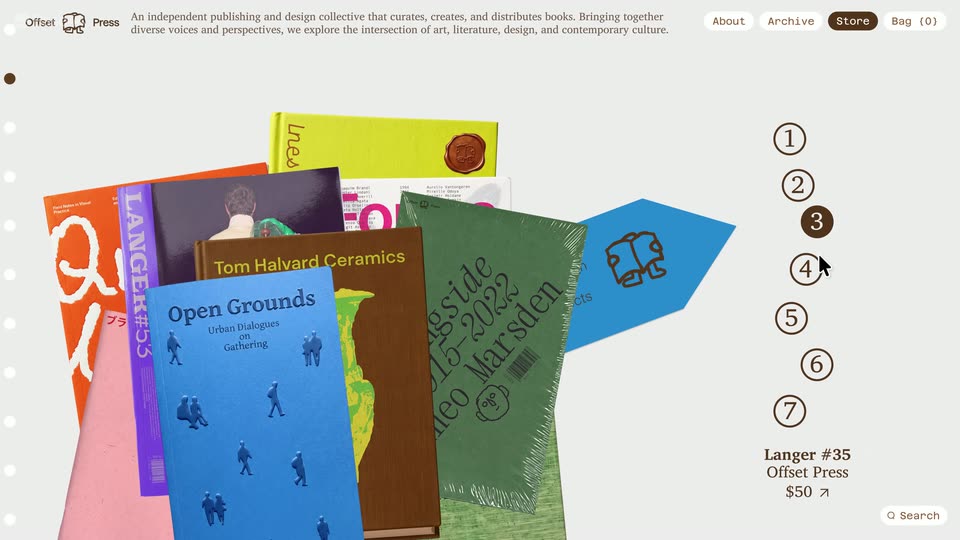 0:12–0:13Base44 · Beautiful from the first prompt | Base44A store page for Offset Press shows a tilted pile of book covers. A cursor clicks numbered dots down the right column, and the pile reshuffles while the title and price caption updates below.
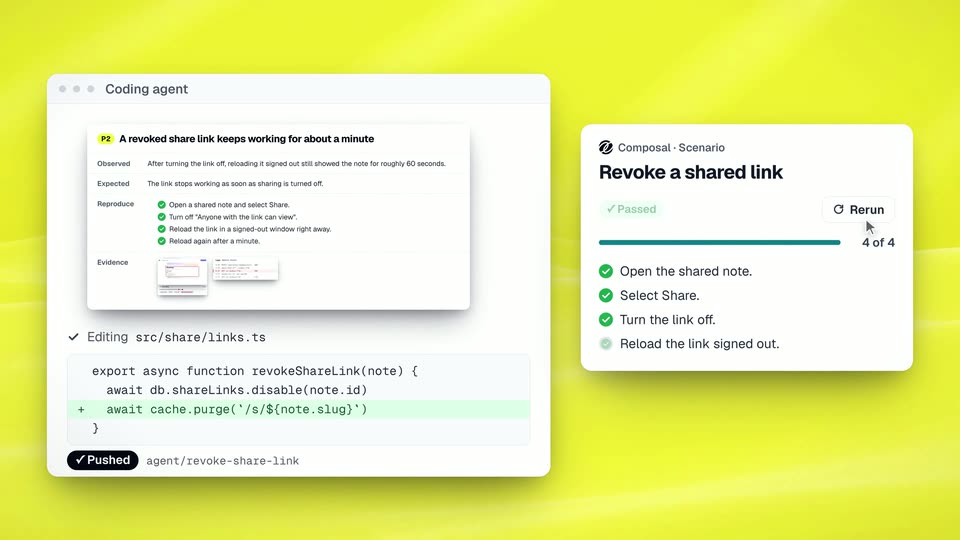 0:38–0:40Composal · Introducing Composal: A swarm of agents that tests your product like real usersTwo white UI panels sit on a yellow gradient. The left shows a coding agent editing a file. On the right, a scenario checklist ticks off four items in sequence, the progress bar fills, the counter climbs to 4 of 4, and the status flips from In progress to Passed.
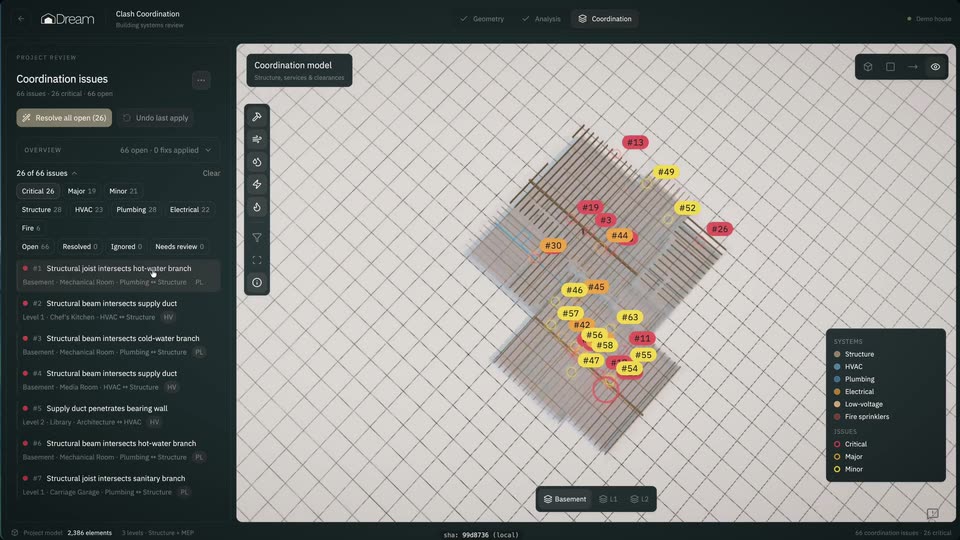 1:58–1:59Dream · Andy Elder - Today @arjunmathur_ and I are introducing Dream. We’re announcing $1A dark BIM interface displays an isometric building model dotted with numbered red and yellow issue markers, beside a left panel listing coordination problems. A cursor rests on the first list row while the model holds still.
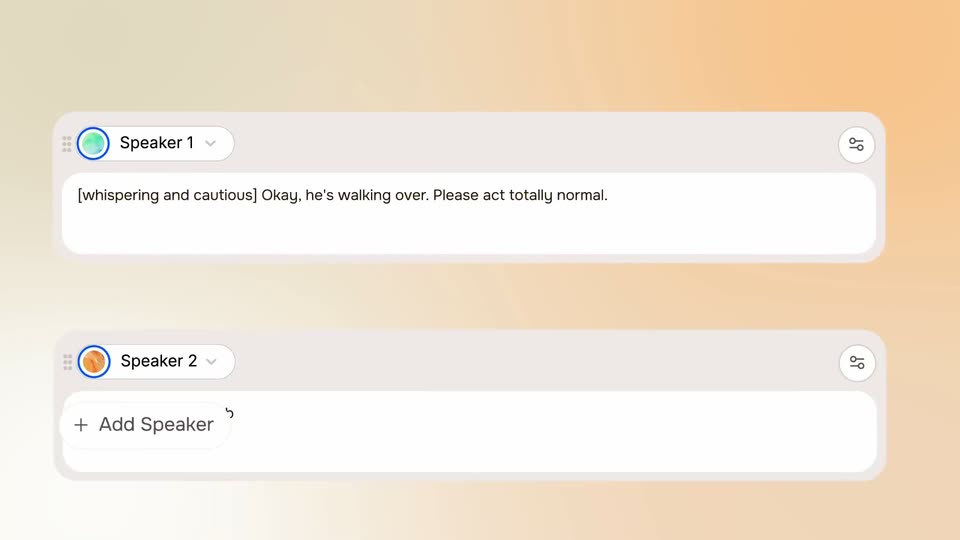 2:12–2:14Fish Audio · Fish Audio Drama 3 (Full Guide)On a peach gradient, a rounded panel shows a Speaker 1 card typing a whispered line. A cursor clicks Add Speaker, a Speaker 2 card slides in beneath it and types a reply, the panel scrolling up as it fills.
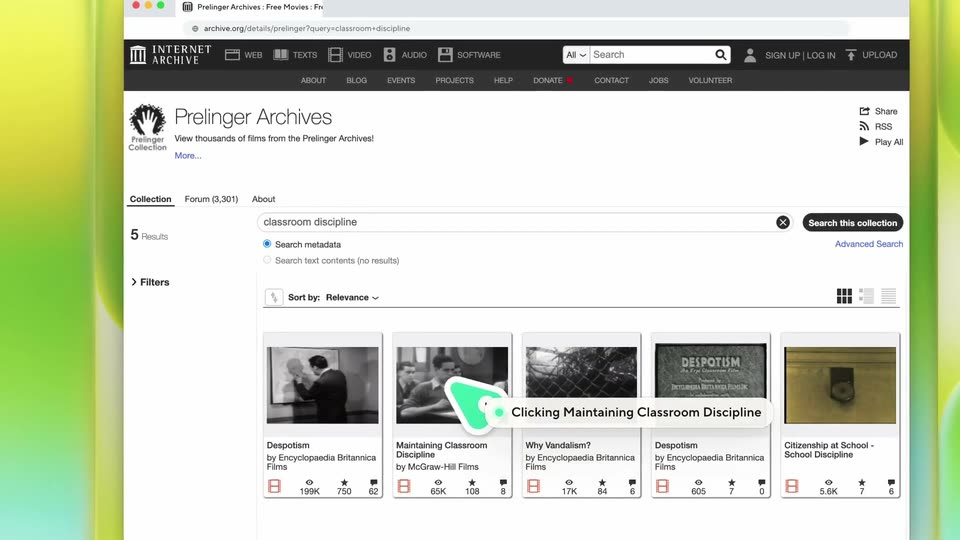 0:32 · 0.6sHyperFrames · HyperFrames - the AI slop launch video killer is here Computer use is live in HypeA browser window shows the Internet Archive Prelinger Archives page with a search for classroom discipline and five film results. A green cursor moves across the thumbnails and clicks one, while explanatory captions appear beside it and the page scrolls up slightly.
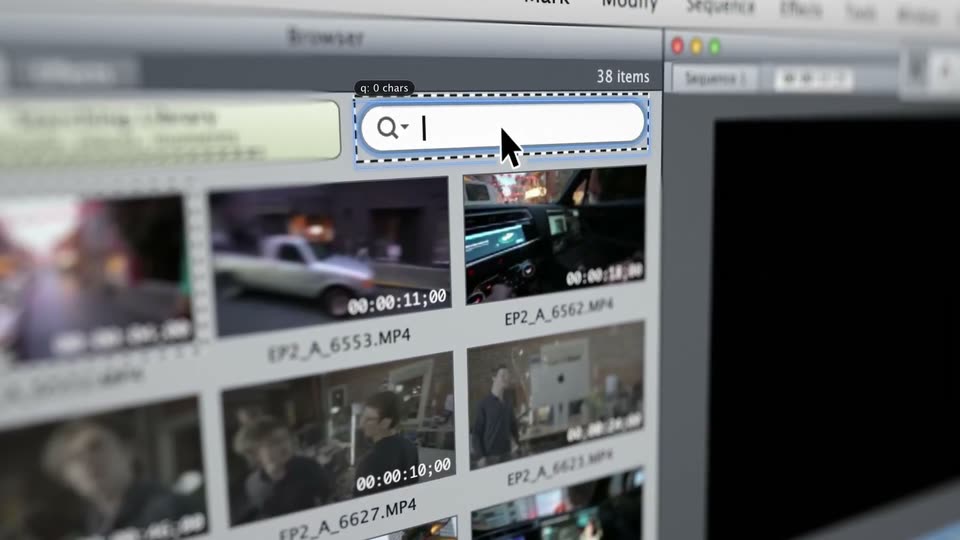 1:01–1:02Kino · Luke Igel - Introducing Kino: make videos end-to-end with Claude Code and Codex.A tilted close-up of a video editor's browser panel zooms in on the search field, framed by a dashed selection outline. A cursor arrow rests on the field as the thumbnail grid behind it falls out of focus.
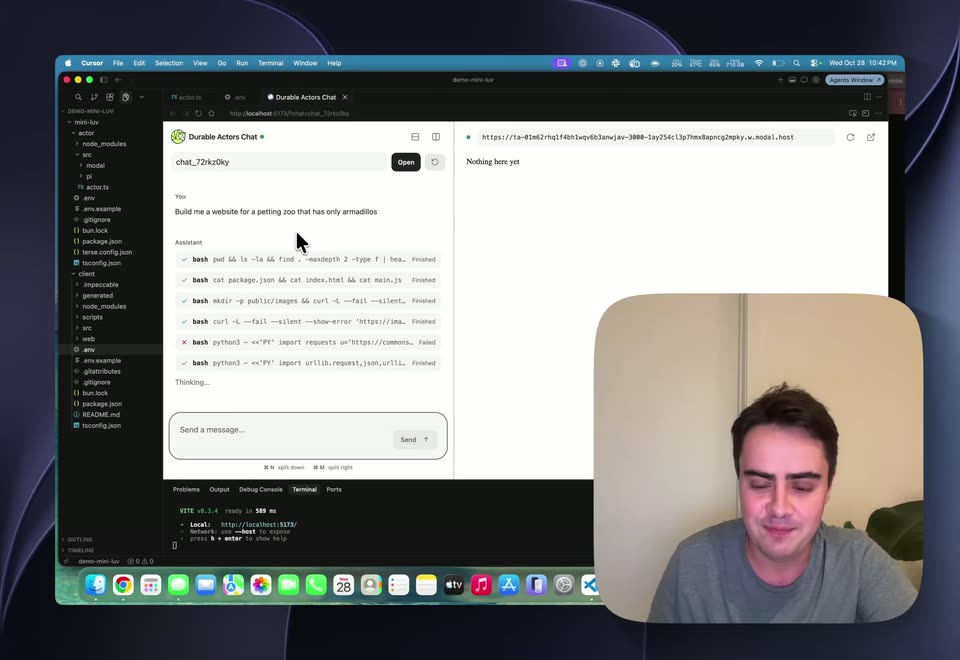 1:55–2:40Terse · Durable Actors Launch YC Demo VideoScreen recording of a code editor with an AI chat panel, a presenter webcam in the corner. A typed prompt asks for an armadillo petting zoo site; bash tool calls tick off one by one, then the generated website appears in the browser on the right.
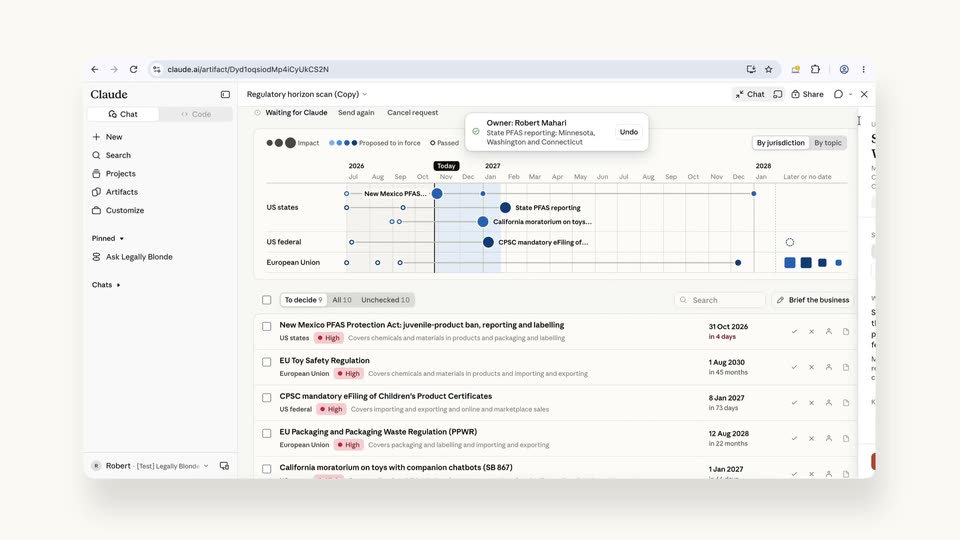 0:23–0:29Anthropic · Claude - New in Claude for Legal: a gallery of ready-made artifacts for contraA browser window shows the Claude regulatory dashboard. A cursor picks an owner from a dropdown, a confirmation toast slides in, then the right panel closes and the list gains due dates. The view zooms in as a new regulation's detail panel opens.
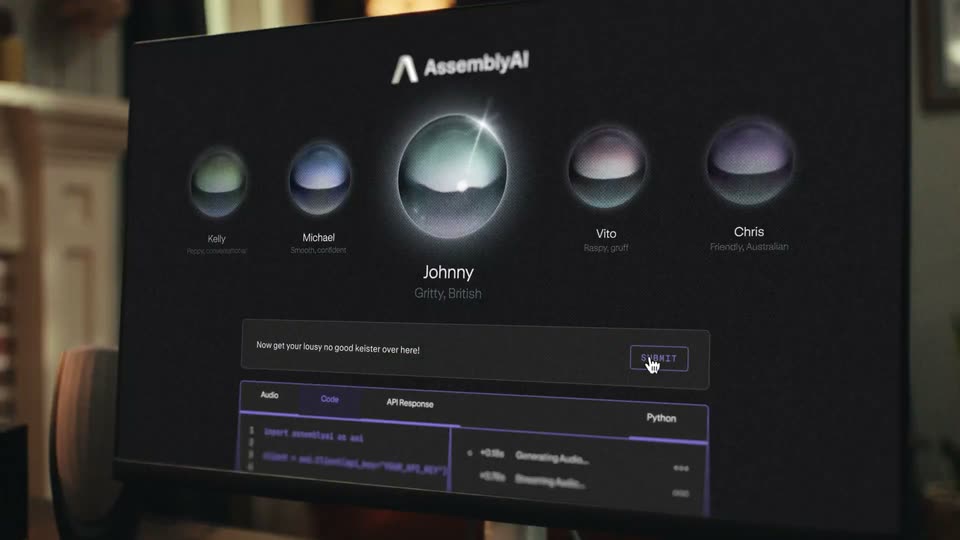 1:07–1:08AssemblyAI · AssemblyAI - Introducing AssemblyAI-TTS-1, our first text-to-speech model. NaturaA monitor angled in a dim room shows the AssemblyAI voice picker: five glowing spheres, the large Johnny one selected with a sparkle. A cursor hovers the Submit button above a Python code panel.
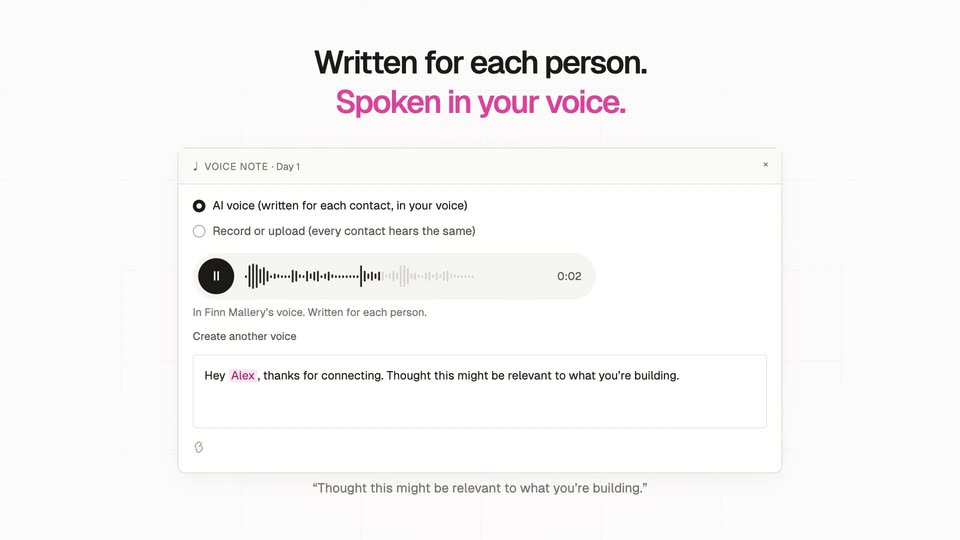 0:32–0:41Origami · Origami - Introducing voice cloning to Origami. (🔊 Audio: ON to hear the AI-clA black-and-pink two-line headline sits above a white voice-note card on a light grid background. A cursor clicks the round play button, the waveform fills with a running timer, and gray captions of the spoken line fade in below the card.
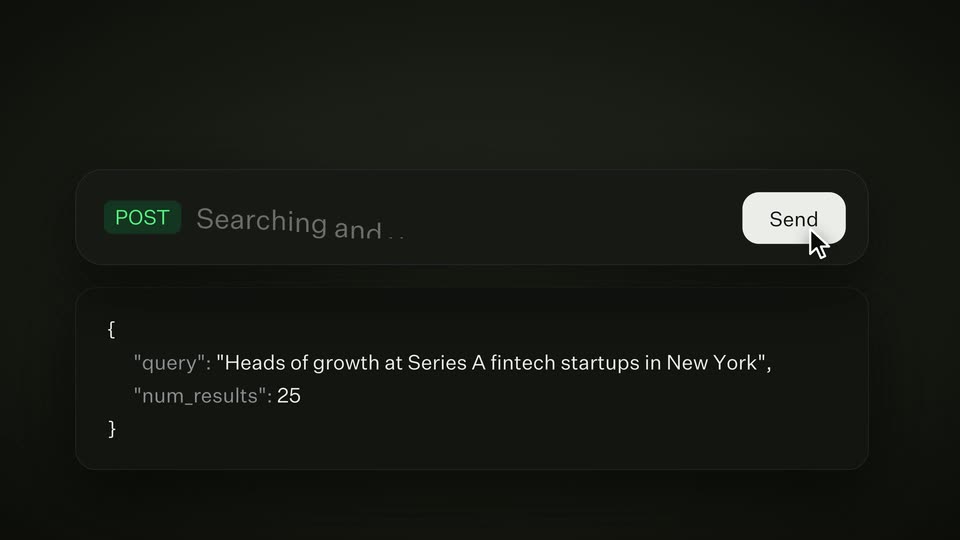 0:45–0:49Ploid · Manny Hernandez - Introducing Ploid. I think the world's data should belong to everyA dark API request panel shows a POST endpoint and a JSON body. A cursor slides in from the lower right and clicks the white Send button, then the endpoint line cross-fades into the status text Searching and verifying.
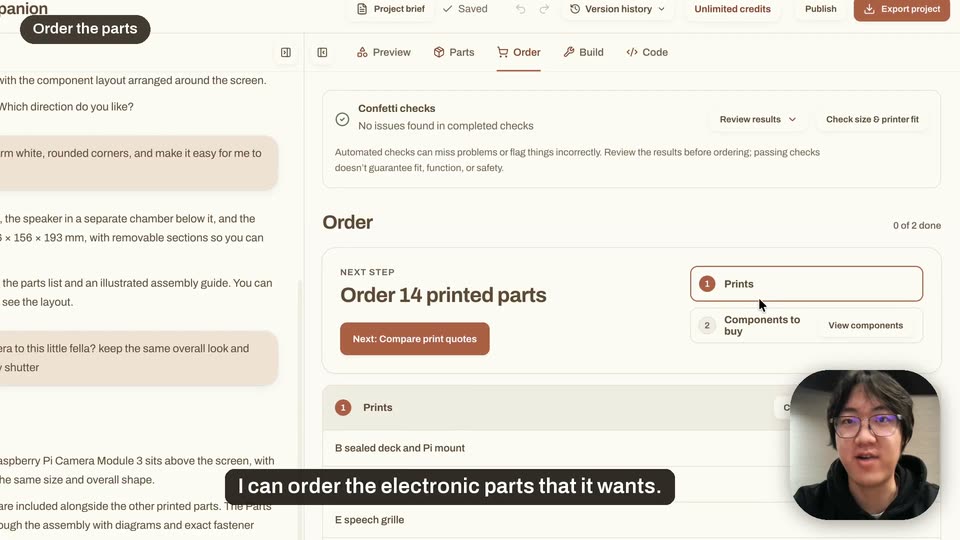 0:45–0:46Confetti · Introducing Confetti — Build hardware from a single promptA product interface fills the frame, showing an order panel with a Confetti checks card and a numbered step list. A cursor hovers over the Prints tab. A facecam of a bespectacled man sits in the bottom right, and a black caption bar reads the line along the bottom.
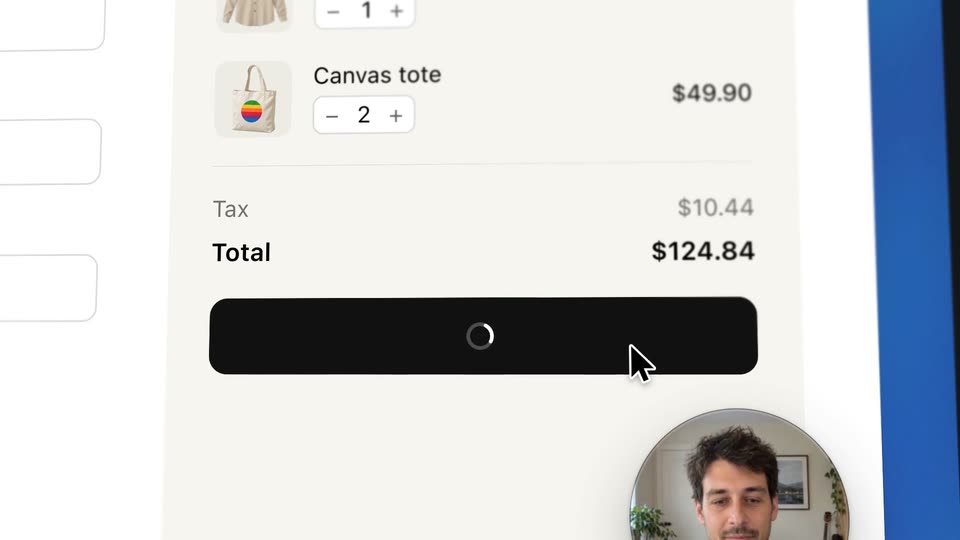 0:14–0:16Jam · Jam.dev - Jam for Mac is officially out - Get logs from Chrome, Safari + ElectA close-up checkout panel shows a canvas tote line, tax, total, and a black Pay button. A cursor moves to the button, which turns dark red with a spinner, then returns black as red error text appears below.
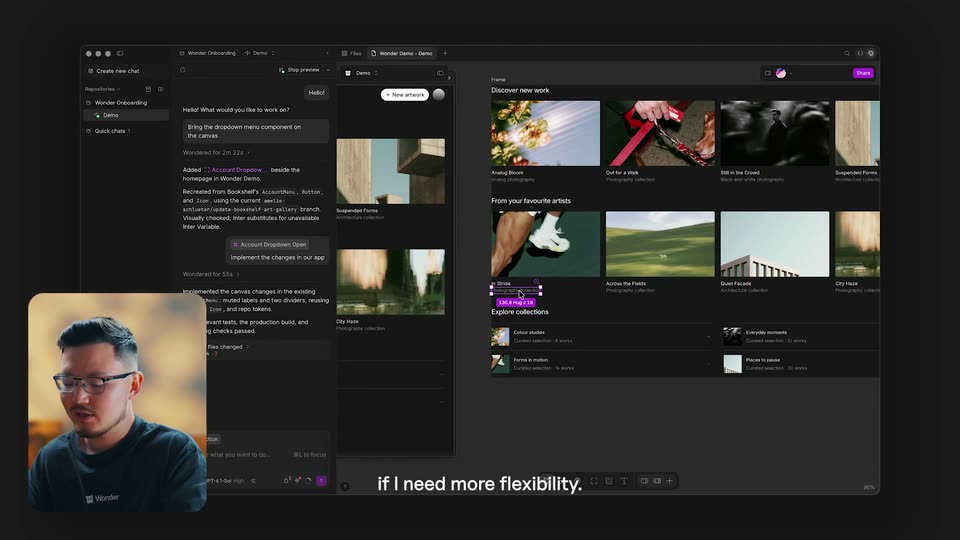 1:49–1:54Wonder · Wonder - Today we're launching the new Wonder! The fastest way to go from desA dark app window with chat, canvas and preview panels scales into frame beside a small talking-head video of a bespectacled man at bottom left. The interface zooms between 70, 90 and 50 percent while a cursor points at the gallery preview. White subtitles run along the bottom.
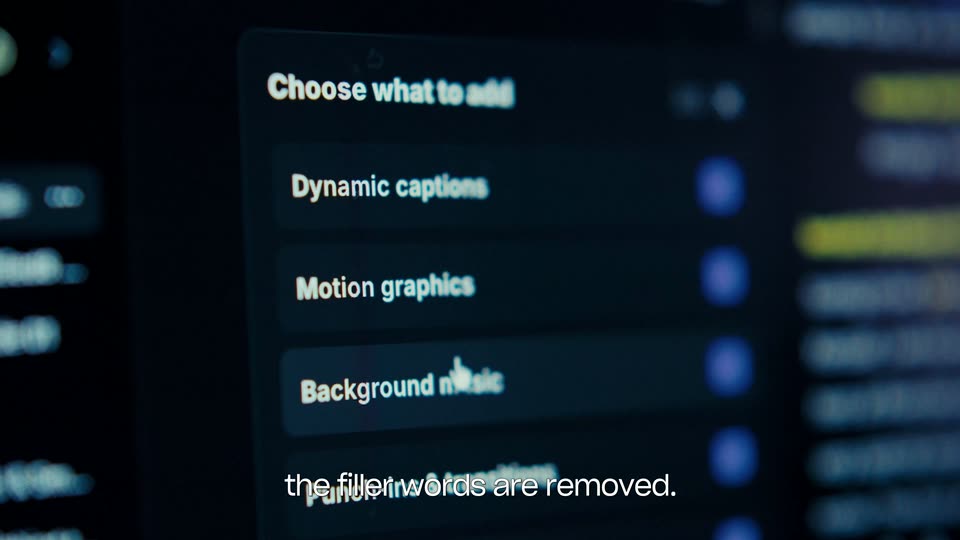 1:16 · 0.6sRiverside · Nadav Keyson - Meet Riverside Agents, the first AI production team built only for viA shallow-focus close-up of a dark settings panel titled Choose what to add, listing options with a cursor resting on Background music. Blurred interface elements sit at the frame edges. A caption at the bottom reads the filler words are removed.
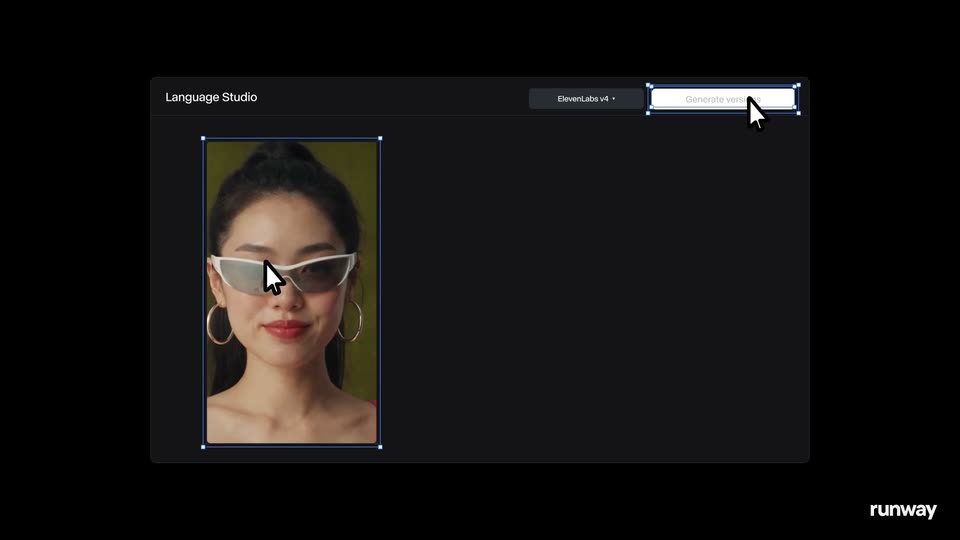 0:22 · 0.5sRunway · Runway - Introducing Runway App Studio. Build the creative app you wish existA dark interface labeled Casting room shows a woman's preview and three actor cards, then quickly breaks into separate blocks with blue selection handles as the header switches to Language Studio, a cursor hovering over the Generate audition button.
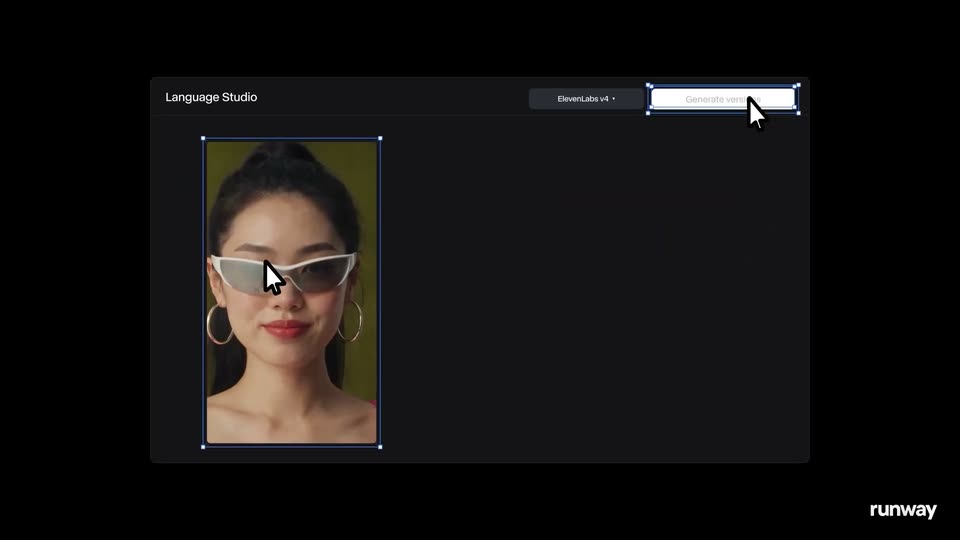 0:21–0:22Runway · Introducing App Studio | RunwayA dark casting interface shows a scene preview of a woman in a pink top on the left and three candidate cards on the right. A cursor hovers on the white Generate audition button as the preview cuts to a new face and a blue box frames her.
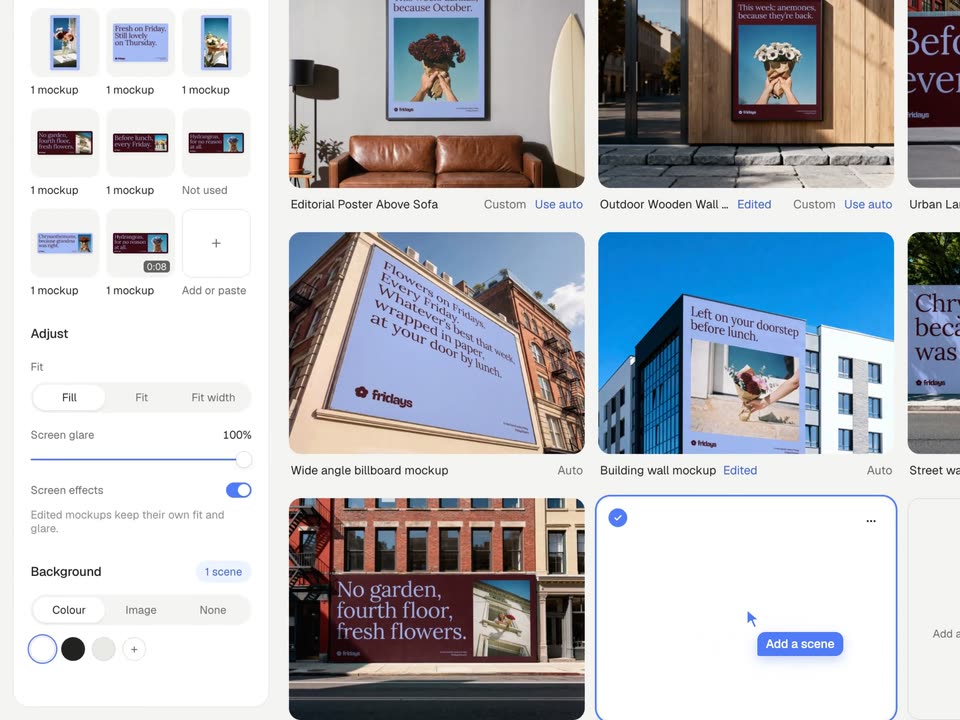 0:39–0:41Showroom · Seyi - Introducing Showroom, an app that lets you see your designs in everyA light “Showroom” interface shows a grid of billboard mockup thumbnails. The left panel shifts from image assets to a background settings block, and a blue arrow cursor glides toward an empty “Add a background” card at the bottom of the grid.
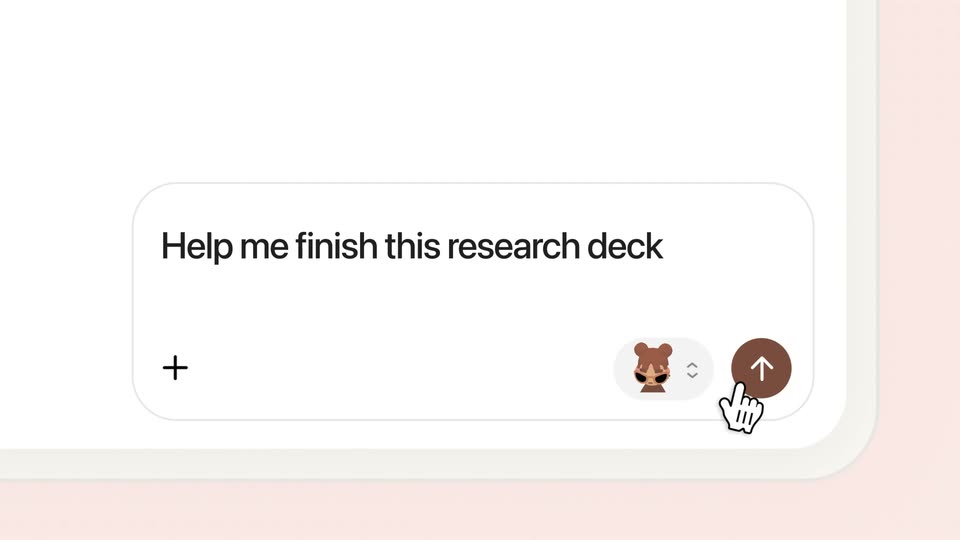 0:34–0:36Strawberry · Charles Maddock - Delete Chrome Delete Granola Delete Claude Strawberry 1.0 is here, tLocked-off close-up of a white chat input card on a cream background. The prompt is typed out letter by letter with a caret, then a cartoon hand cursor presses the brown circular send button.
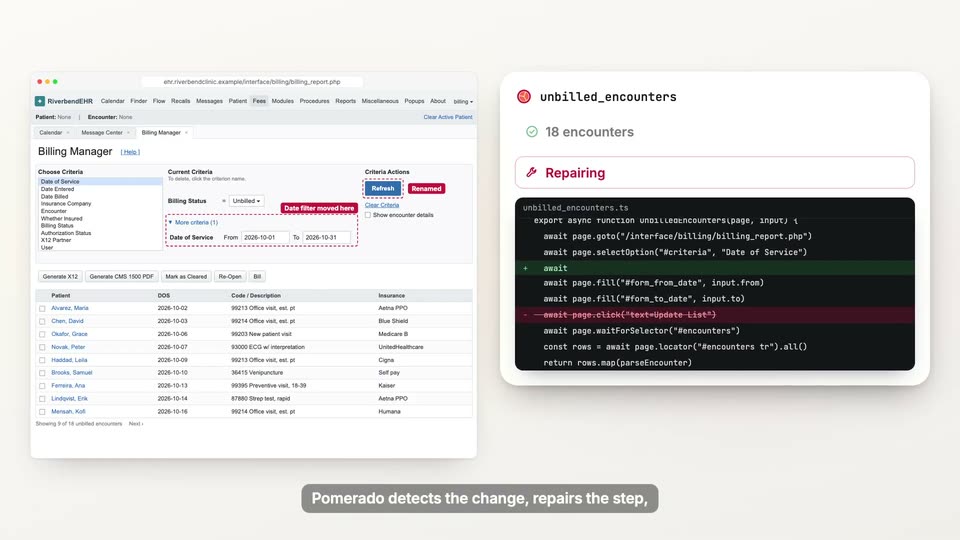 1:08–1:19Pomerado · Pomerado (YC F26) - faster, cheaper, more reliable browser useThe presenter sits before a headboard with the app overlaid, then it cuts to a split screen: a billing page left, a status card right. The card cycles Running, Repairing, Testing, Tested as callouts flag a moved date filter and a renamed button, and a code diff appears.
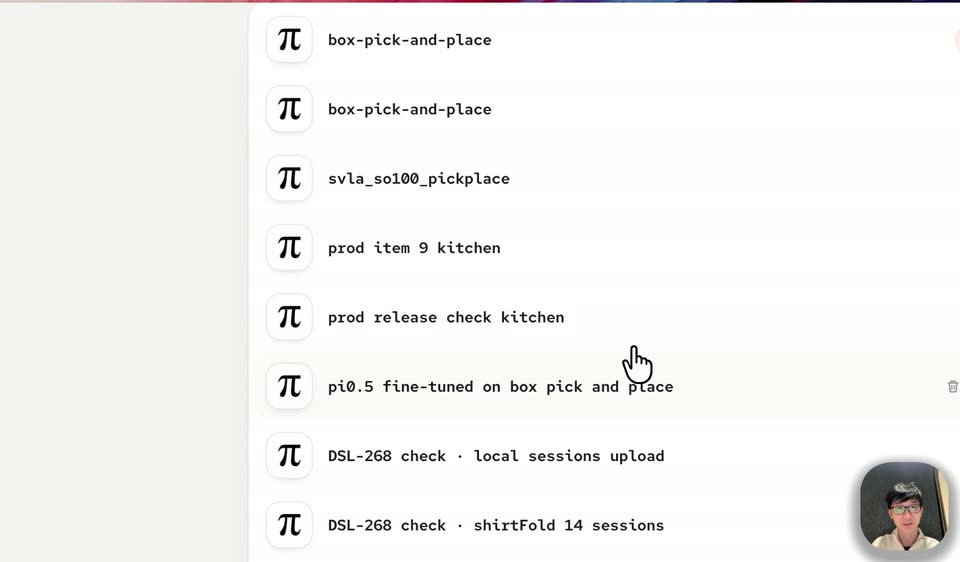 0:37–0:38Dreamscale Labs · Chris Yoo ⚡ CoRL - Fine-tuning VLAs just got so much easier. Today, we're releasing TraA list of training runs with pi icons fills the screen; a cursor hovers over one entry and the view crossfades into a detail page showing a descending loss chart.
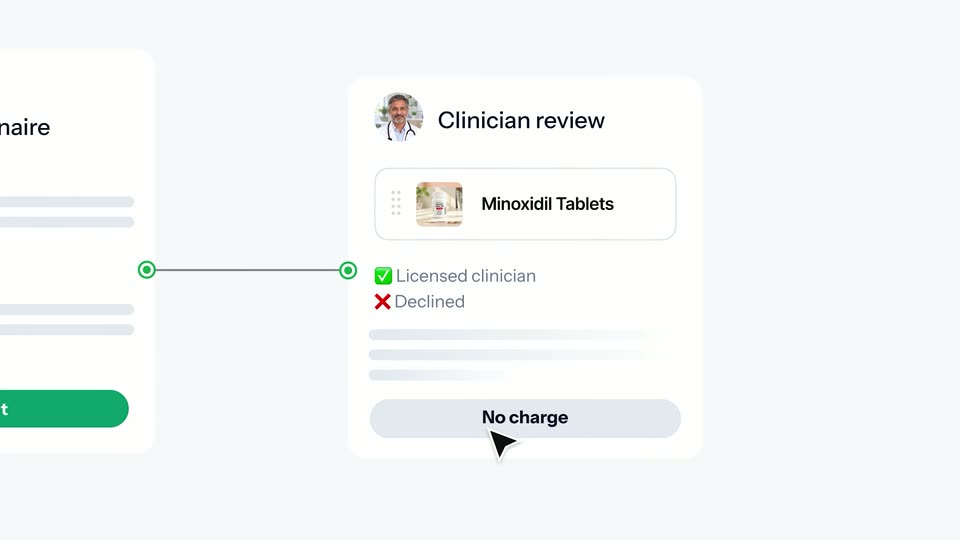 0:37–0:44TagadaRx · TagadaRx motion design video: launch the next Hims & HersA white health questionnaire card is submitted by a cursor, then the frame pans right to a clinician review card for Minoxidil Tablets. The cursor clicks Decline, the button becomes a grey No charge, then the status flips to Approved and the cursor clicks Accept.
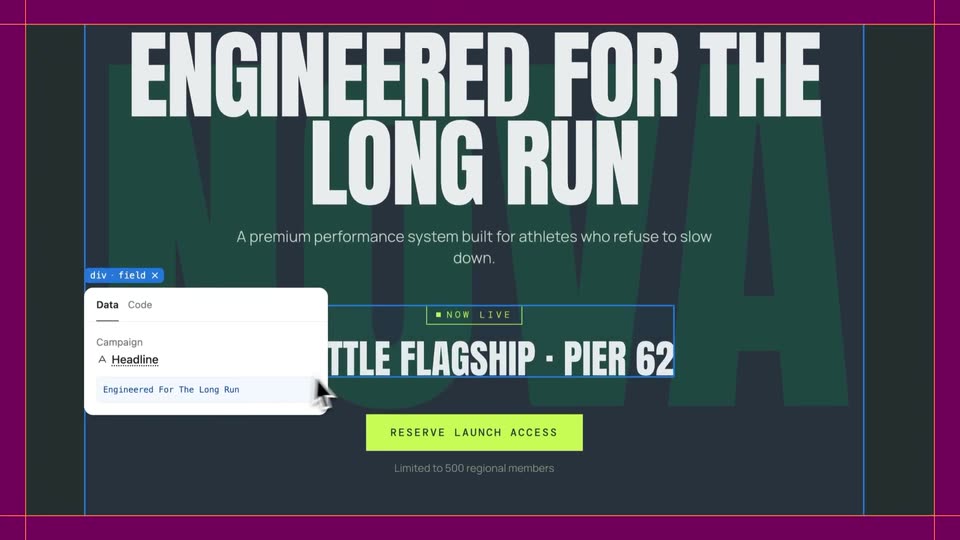 0:43–0:44Airtable · October 2026 Launch: CanvasA dark landing-page artboard on a magenta grid canvas displays a big white condensed headline and a green reserve button, with a code inspector panel at left and a cursor resting on the highlighted subhead.
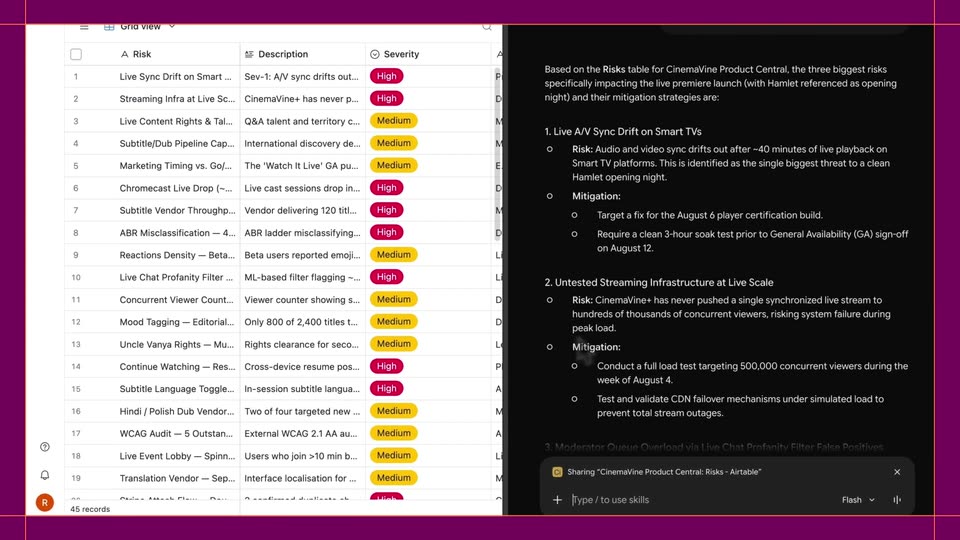 1:04–1:05Airtable · October 2026 Launch: MCPA split screen holds an Airtable risk grid with red and yellow severity pills on the left and a dark chat panel on the right. A typed message listing the top three launch risks fills in line by line while a white cursor drifts down the text.
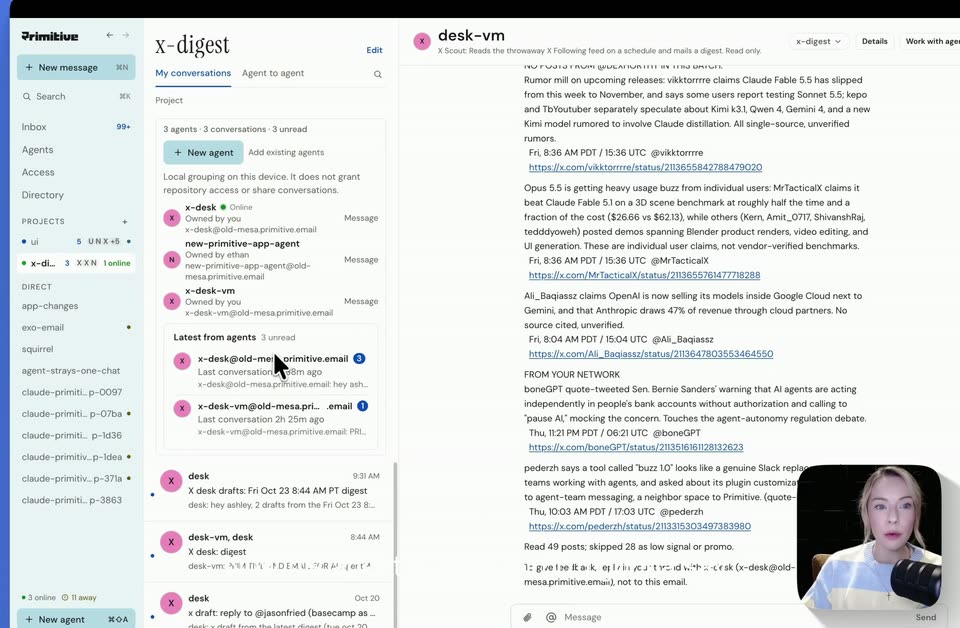 1:24–1:28primitive · Primitive - we 💌 emailA three-pane agent messaging interface fills the frame, with a navigation rail, a conversation list, and a news digest on the right. A hand cursor hovers over the list, and a small rounded video of a woman speaking sits in the lower right corner.
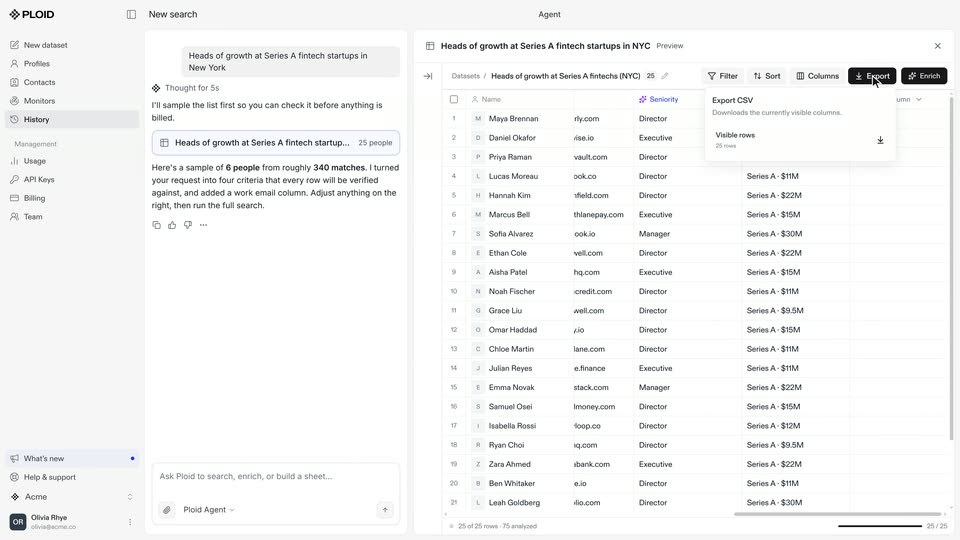 0:43–0:58Ploid · Ploid Demo: Creating a DatasetThe Ploid app screen shows an agent chat on the left and a contacts table on the right. The table scrolls sideways to reveal email, seniority and funding round columns, then the cursor opens the Export menu and a CSV dropdown appears.
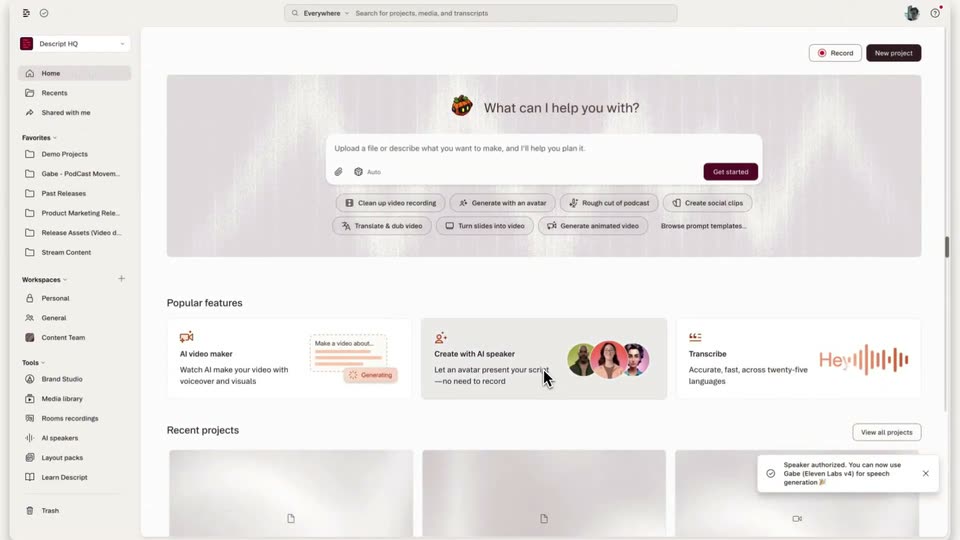 1:18–1:19Descript · New in Descript: Drive Search, Recording Requests, ElevenLabs v4 & MiniMax H3A desktop app home view with a left sidebar and a central help panel, a row of feature chips, and three feature cards. A cursor glides across the middle card while a small toast confirms speaker authorization at the bottom right.
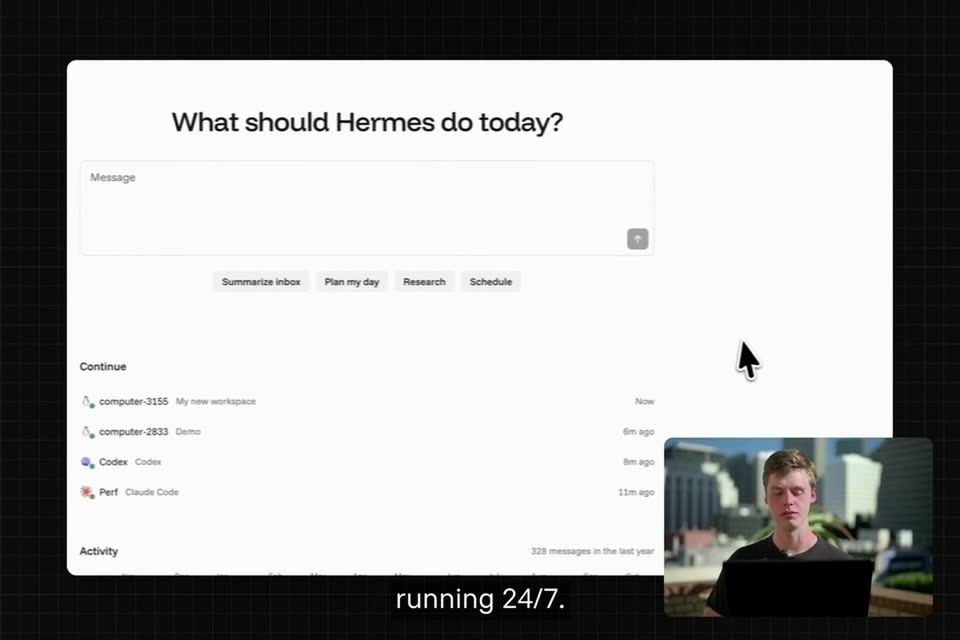 0:31–0:34Orgo · Orgo - Introducing Orgo: computers for agents. Give every agent its own desA white dashboard interface resolves from a doubled, offset frame into a clean view, then scrolls down to reveal the agent list and connected apps. A mouse cursor moves across the screen while a small live-action inset of the presenter stays in the lower right corner.
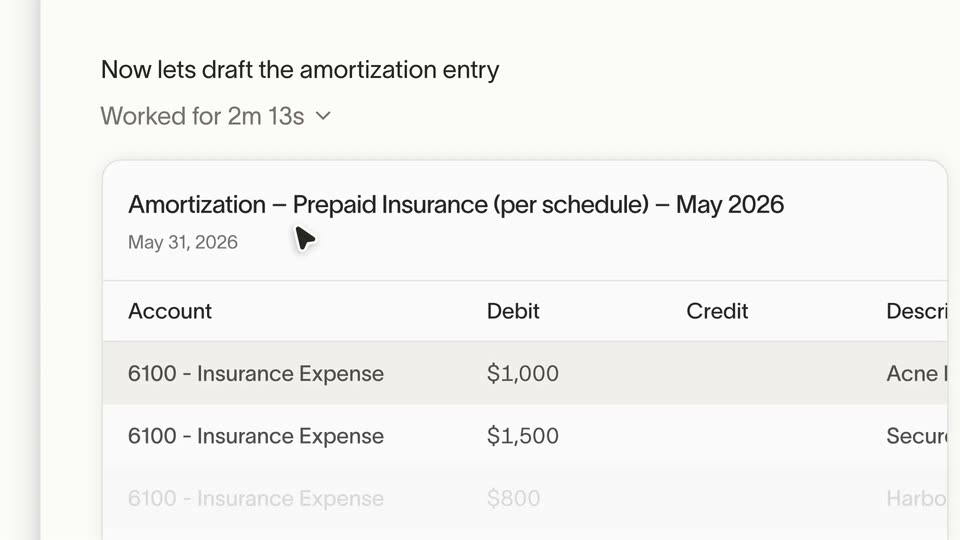 1:38–1:39Ramp · Introducing Ramp for Accounting FirmsA light interface view of a journal entry card fades in: a table with Account, Debit and Credit columns lists three insurance expense rows, while a cursor drifts from the date line to the entry title.
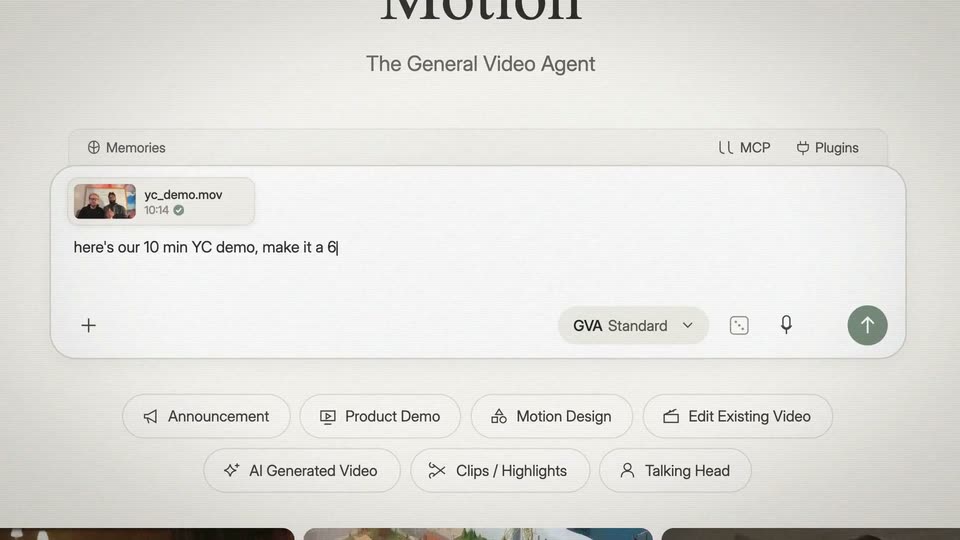 0:46–0:56Motion · Adish Jain ☕️ - today, we're launching the General Video Agent. GVA edited this entiA Finder window on a desktop holds a video file that the cursor drags into a chat input on the Motion page, then the view zooms into the input as a prompt is typed and a link is attached, ending with the cursor on the send button.
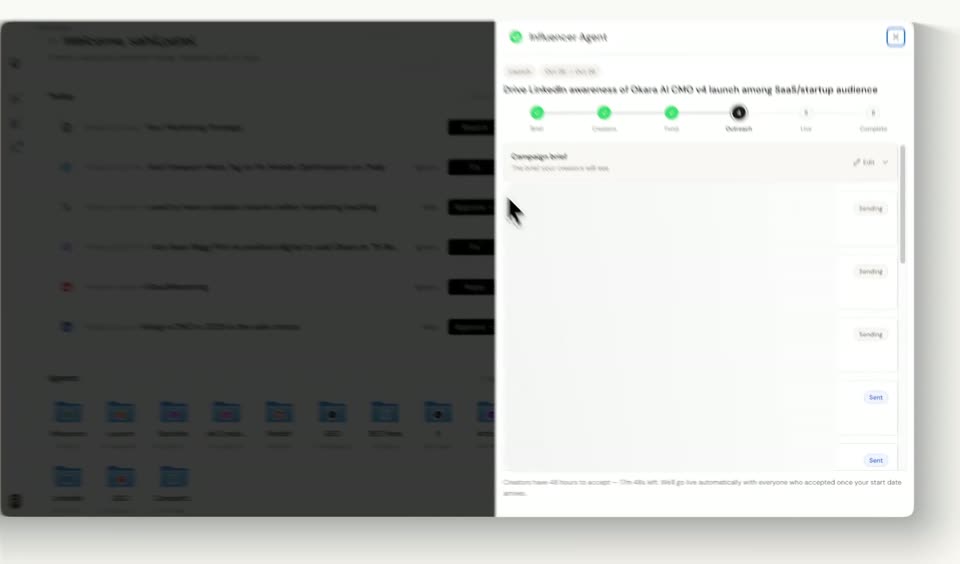 0:36–0:45Okara · Okara - Today we're launching the world's first LinkedIn Influencer Agent. TA cursor hovers over the white Influencer Agent panel, then the frame zooms in as it clicks the Shortlist 13 creators button, which shows a spinner. A cut lands on a welcome dashboard where the panel's Outreach step is active and creator rows read Sending.
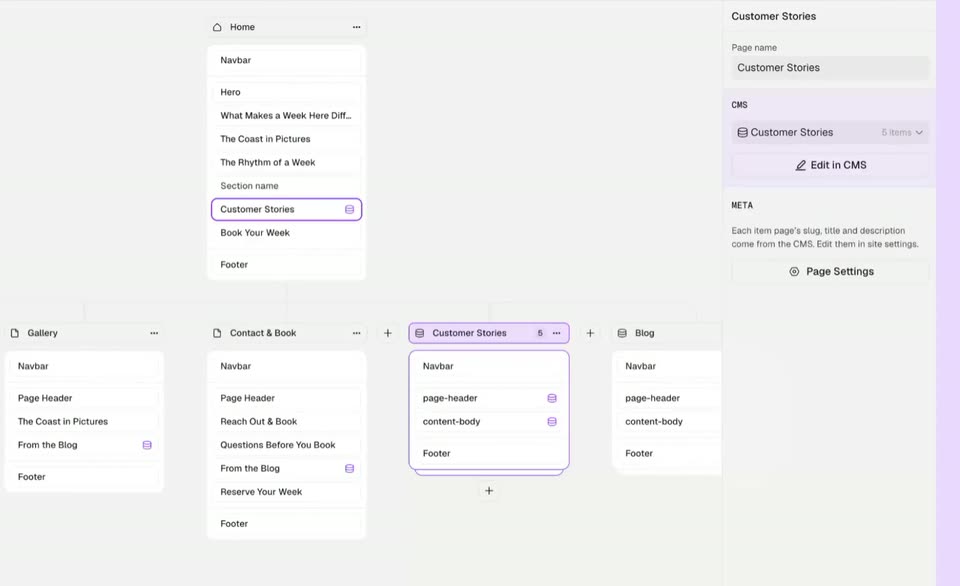 0:31–0:39Relume · Relume - Introducing Relume CMS. → Swap layouts without reconnecting anythingOn a sitemap canvas of white section cards, a cursor selects the Customer Stories row in the Home card, outlining it in purple. The matching card below highlights and a right properties panel slides in, while the view zooms in and back out.
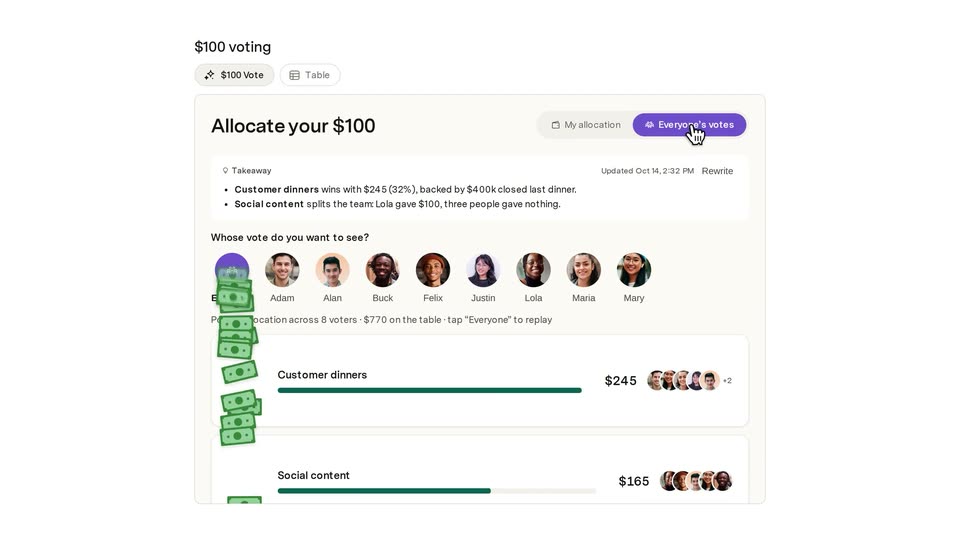 0:26–0:33Superhuman · Superhuman - We just launched AI views in open beta, one of our most anticipated fA cursor taps plus buttons on a $100 allocation list, the total counting down to $0 as green bill icons drop in and stack beside each row. The view switches to Everyone's votes, showing a takeaway summary and pooled totals with avatars, a column of bills stacking on the left.
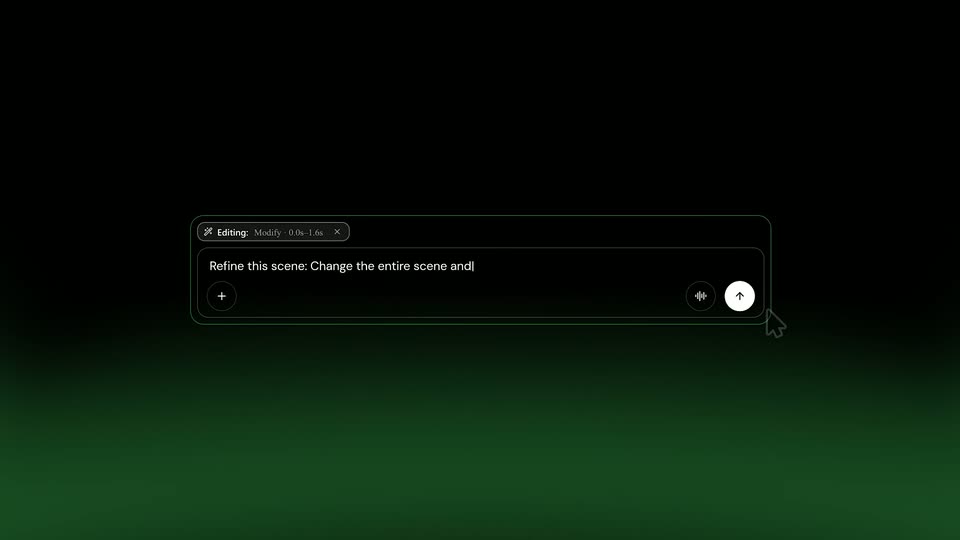 0:52–0:54Visually · Best AI SaaS Product Launch Video | VisuallyA tight crop on a dark input field zooms out to reveal the full prompt box, where green text types in the instruction to refine the scene. A cursor glides to the green send button.
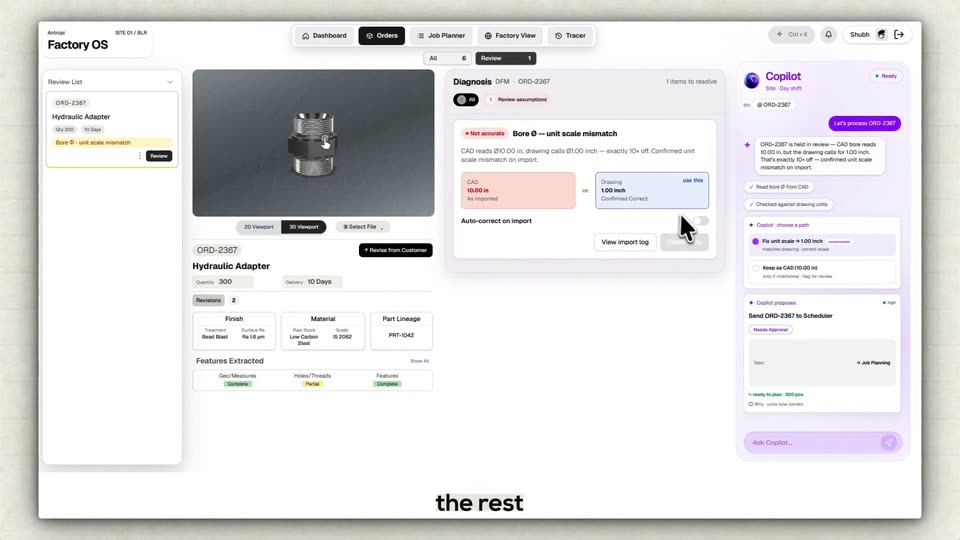 1:08–1:13Antropi Robotics · Antropi Robotics (F26) | Launch VideoThe Factory OS review screen runs a cursor demo: a 3D fitting and a diagnosis card pop into the bench, the cursor picks the fix, and a completion badge appears while the Copilot panel updates. Captions swap phrase by phrase at the bottom.
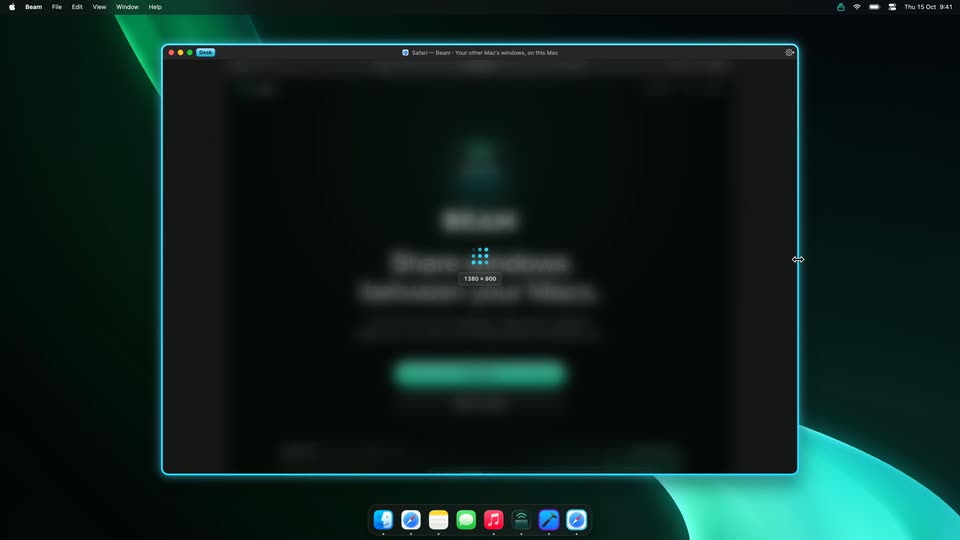 0:27–0:38Beam · Hiten Shah - In June, @SamAsante and I launched Typeahead, the first product fromOn a dark macOS desktop, a Safari window with a cyan glow border shows the Beam site. A cursor drags the right edge in and out, resizing the page so the headline and buttons scale live. Then it scrolls down to feature cards and a row of app icons.
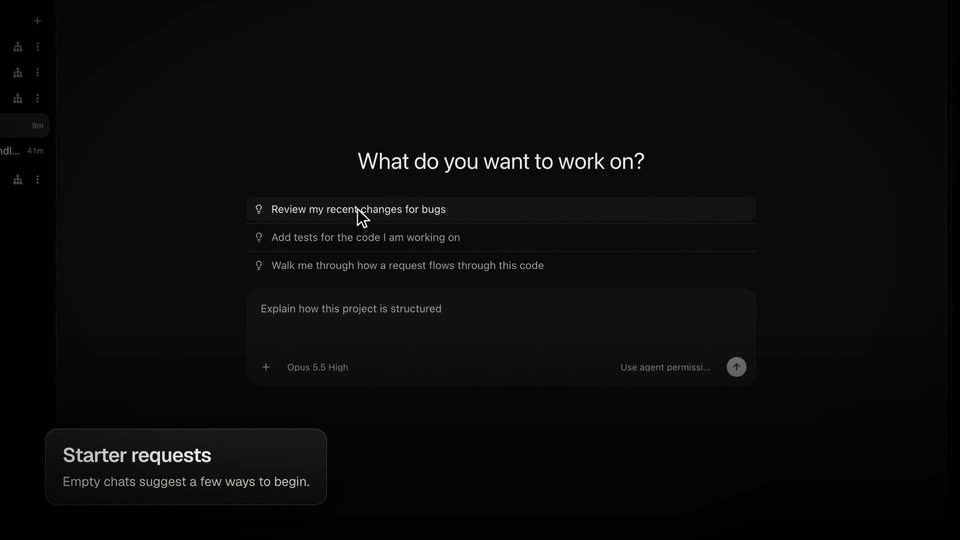 0:51–0:54Orchestrator.inc · Orchestrator.inc - https://t.co/JOaE2ABlJC v0.14.3 is out. Artifacts: everything your aA dark interface shows the heading “What do you want to work on?” over three suggestion rows. A cursor clicks the first row; its text fills the input and the list collapses. A “Starter requests” caption card sits lower left.
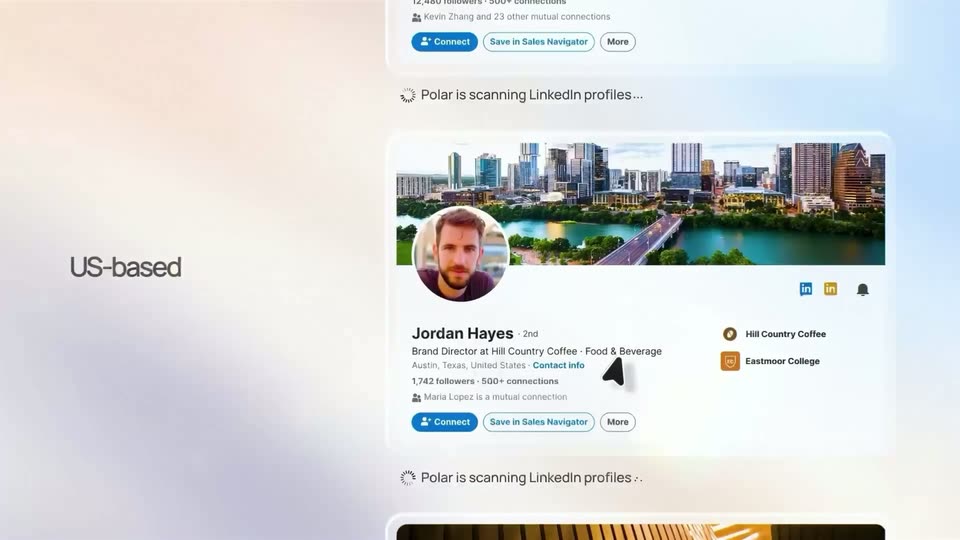 0:20–0:22Polar Browser · Polar Browser - In the past 90 days, Polar took 1 million actions on LinkedIn for itsA light gradient frame holds a vertical feed of LinkedIn profile cards on the right, each with a banner, headshot and company chips, while large black labels on the left cycle through industry and size filters as the cards refresh and a cursor hovers a Connect button.
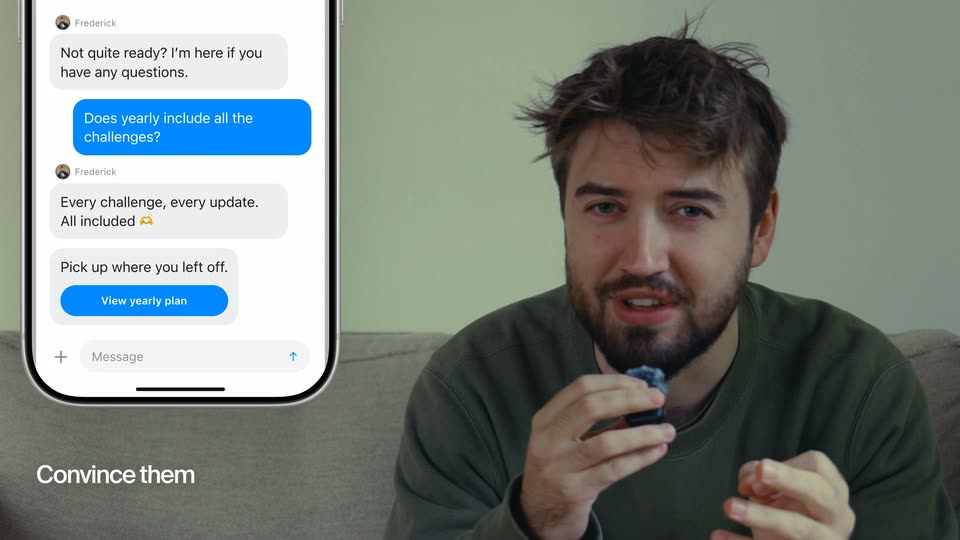 0:57–1:00Reception · Frederick James - Today we're launching Reception. In app support for iOS apps. • TurA bearded man sits on a couch, holding a small device and gesturing as he speaks. On the left, a phone mockup scrolls through a support chat and a pricing screen while a cursor clicks the options. A caption appears at the bottom left.
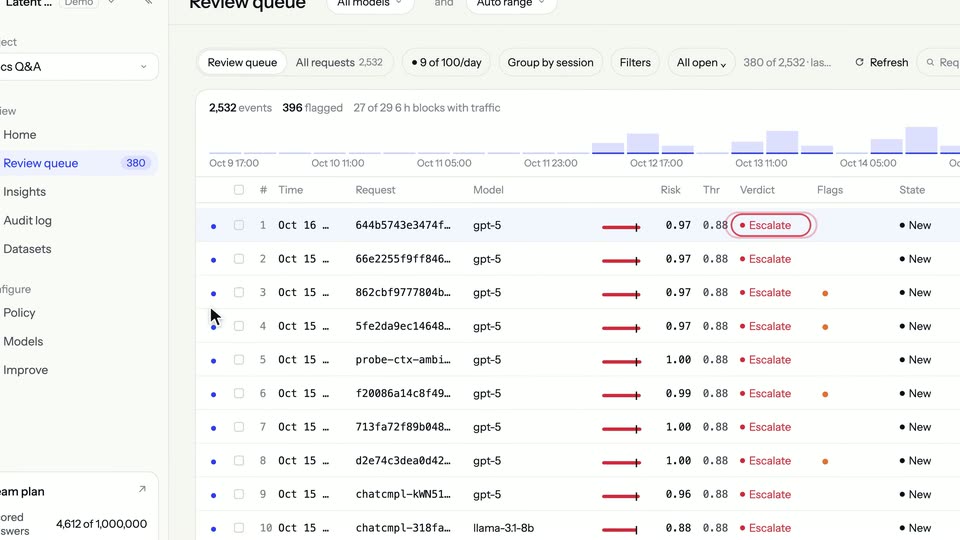 2:09–2:10Latent · Introducing LatentA light review queue table fills the frame; the rows scroll up a few lines as a red hand-drawn oval circles the Escalate verdict in the top row. A cursor hovers over the list.
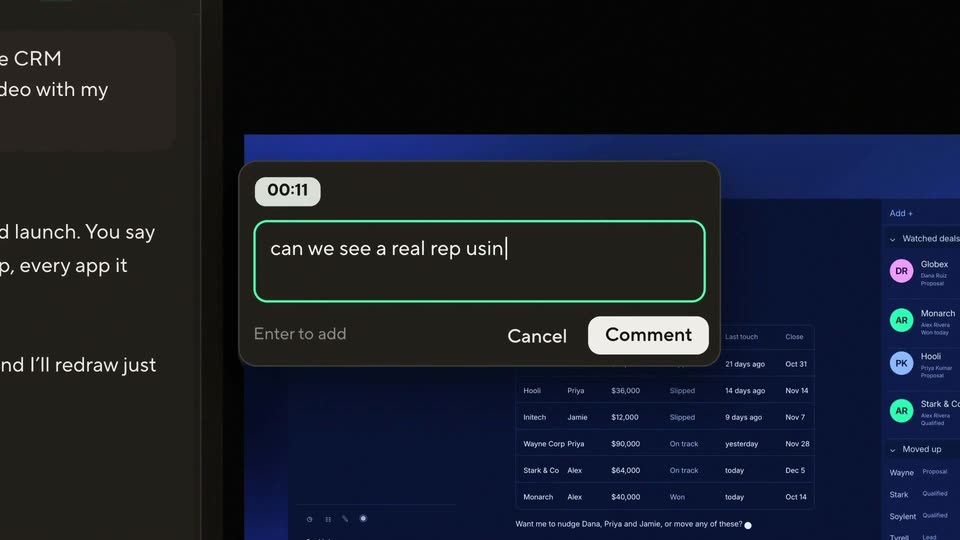 0:23–0:24HyperFrames · HyperFrames - we brought the best image, video and music models into HyperFrames StA blurred CRM deals table fills the background as a centered comment box with a green outline types out the text in its field. A left panel shows partial transcript lines, and the box carries a 00:11 time tag plus Cancel and Comment buttons.
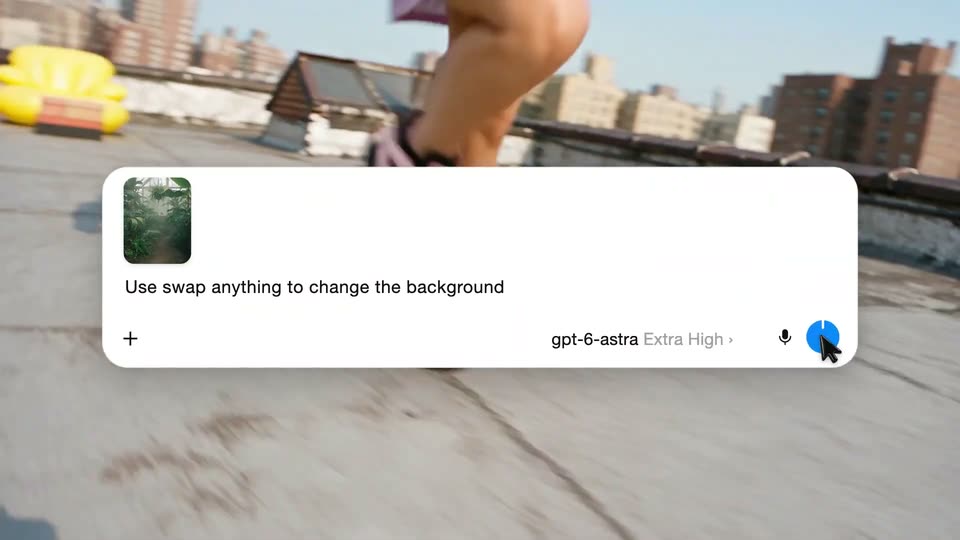 0:53–0:56Pika · The Pika x ChatGPT Plugin Extension is hereA white prompt card scales in over a rooftop running shot, its text typing out as a cursor taps the model name. The card lifts away to a split screen comparing the original and swapped backgrounds.