Cursor demo
A visible cursor operates the interface.
15,082 scenes · page 183 of 252
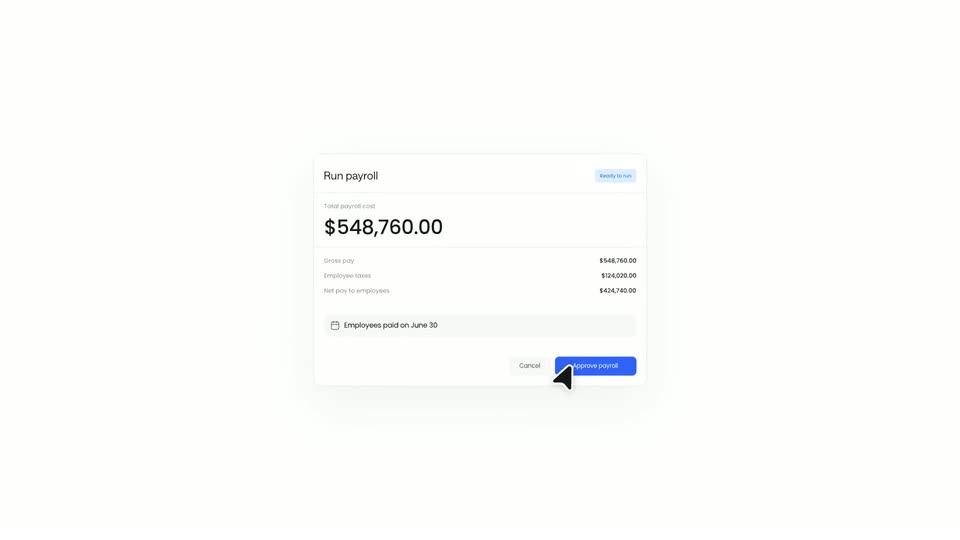 0:29–0:33Bolto · Mern Singh - today, we’re introducing a refreshed @boltohq platform hr & payrA white payroll summary card fades in at center, showing the total cost, line items and a date row. A black cursor glides in from the left and stops hovering over the blue Approve payroll button.
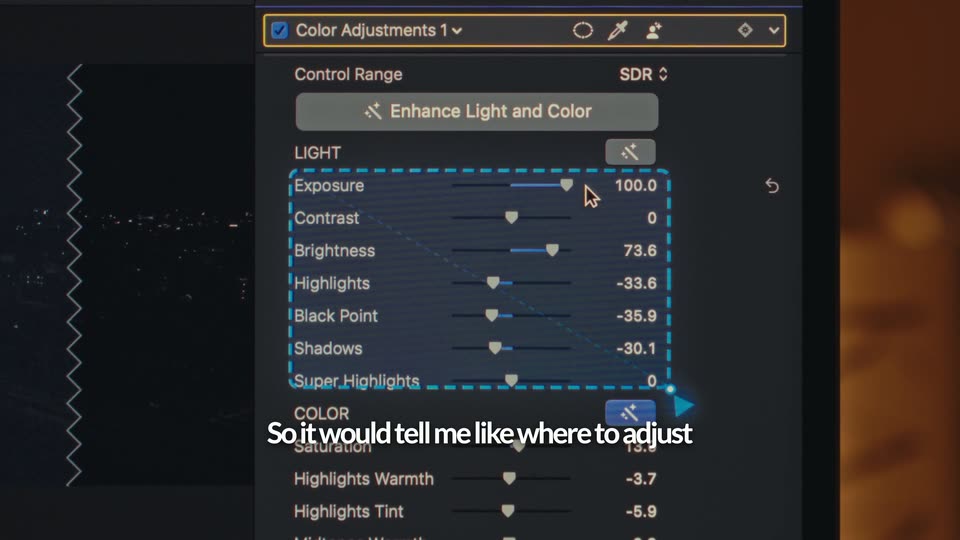 0:58–0:59HeyClicky · heyclicky - he can flyA close-up of a Color Adjustments panel in a video editor shows light and color sliders. A cursor hovers at the Exposure row, then a blue dashed box draws around the Light group. White caption text appears at the bottom.
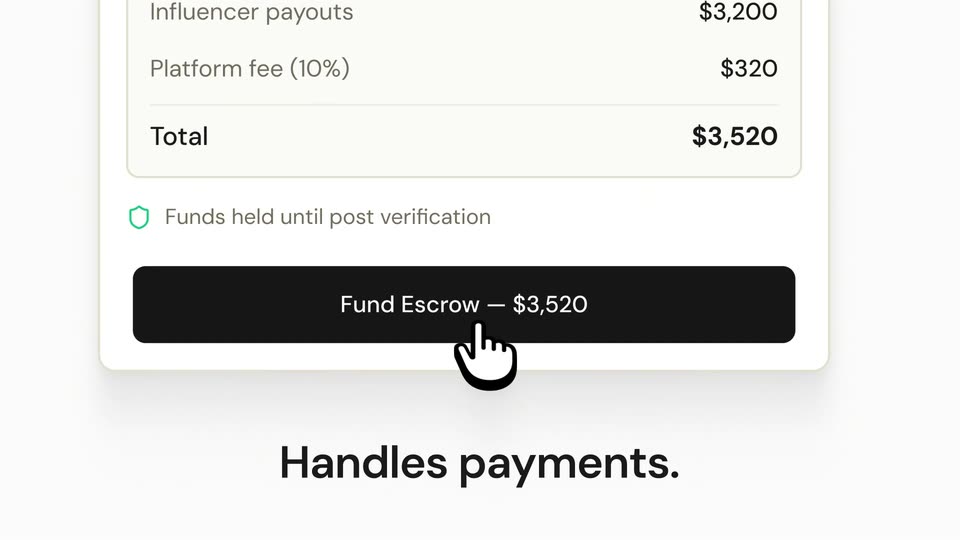 0:49–0:51Okara · Okara - Today we're introducing Okara AI CMO v2. Drop in your website and itA flat interface shows an Escrow Payment modal over a list of creator handles and statuses. A cursor taps Continue, then the black Fund Escrow button, and a green verified card slides in below. The bottom headline swaps from Does the outreach. to Handles payments.
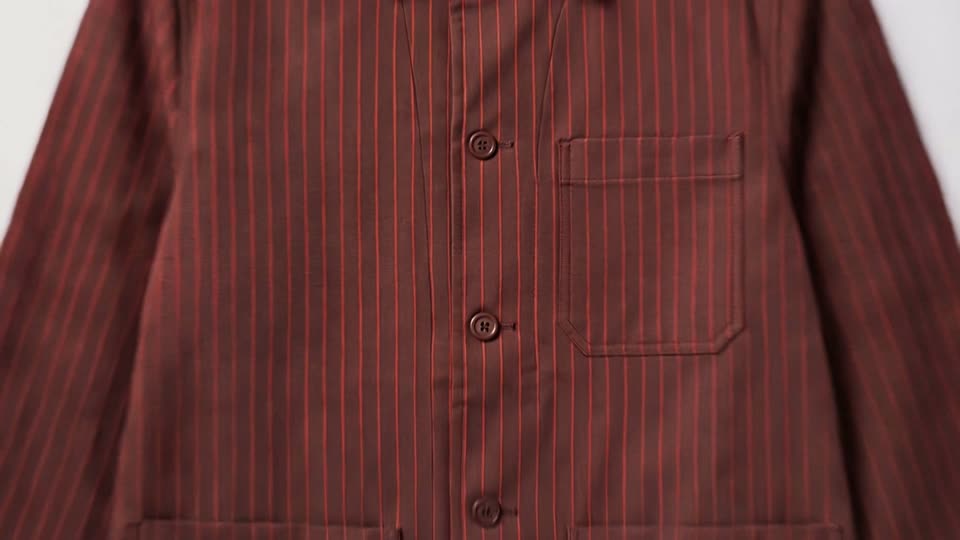 0:22–0:25Fashion Studio · FLORA © - Introducing Fashion Studio. Fashion Studio is a curated set of toolA product panel with Garment and Fabric selectors and a cursor on the green Generate button overlays a close-up of rust pinstriped fabric. The UI fades and the frame pulls back to the full shirt laid flat on white.
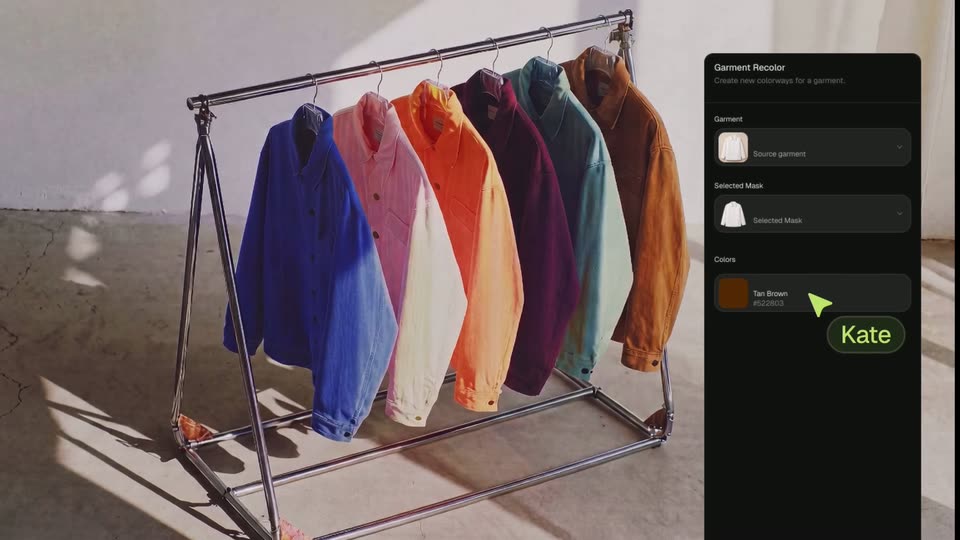 0:25–0:27FLORA · Introducing Fashion StudioA metal clothing rack in a sunlit room fills the left of the frame while a dark Garment Recolor panel sits on the right. Jackets appear one by one on the rack in blue, pink, white, orange, maroon and teal as the color swatch in the panel updates, with a green cursor and a Kate tag held still.
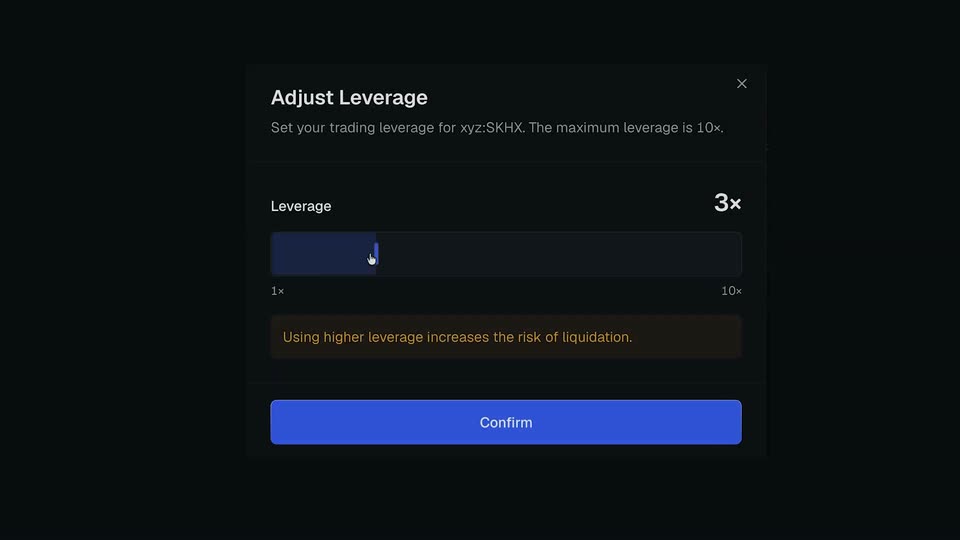 0:35–0:38Arbital · Arbital – Trade memes, stocks, and perps from one placeA dark perps panel on black: the ticker list crossfades from crypto to stock rows as the cursor rests on the Perps tab. The list scrolls down to NVDA, then an Adjust Leverage modal opens with the slider set to 10x.
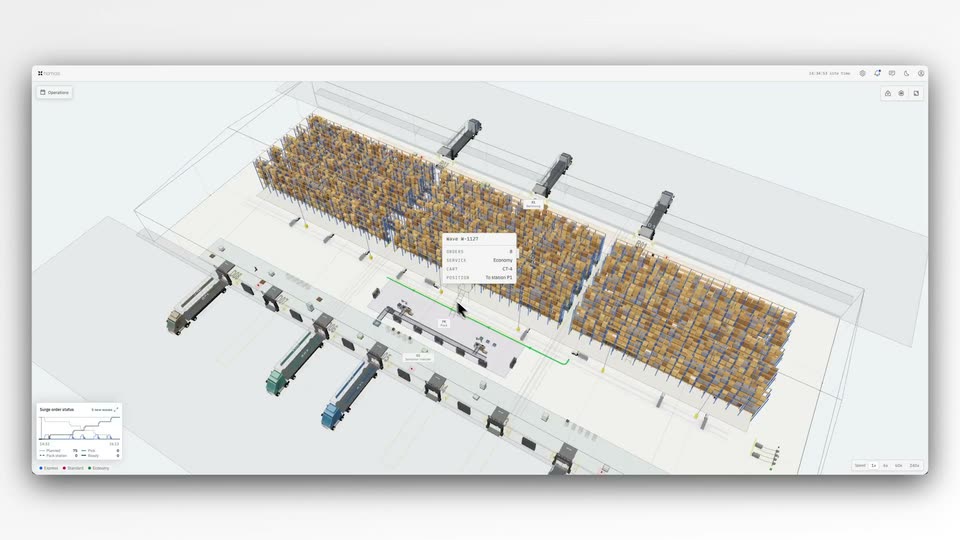 1:06–1:12Haladir · Jibran Hutchins - Today at @Haladirofficial, we are launching Nomos Sandbox, an interacA 3D digital twin of a warehouse fills a light UI window. The camera orbits the model of box racks and dock trucks while a cursor clicks the 240x zoom control, then a wave tooltip and green route lines appear over the floor.
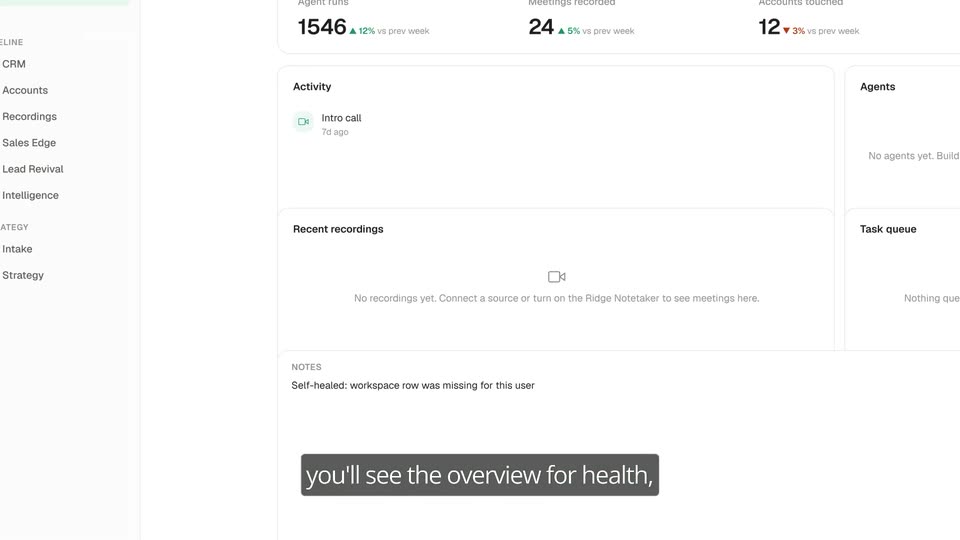 1:01–1:03Ridge · Ridge - Introducing Ridge Forge! For the past year, our autonomous agents haA dashboard overview with stat cards and activity panels fills the frame, then the view reframes to a horizontal tab bar. A green cursor slides in to hover over the Intake tab above a green gradient.
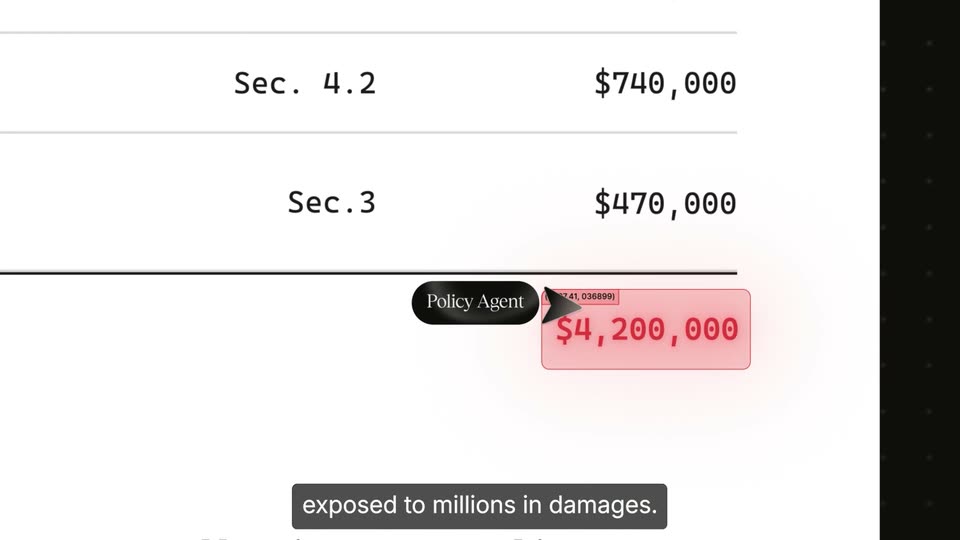 0:56–0:59With Coverage · JD Ross - In 2014, I took on real estate brokers w/ my company Opendoor In 202Close-up of a document table listing policy sections and dollar amounts. The Policy Agent cursor points at the total row, where a red $4,200,000 glows and fades out. The view zooms in on the total line as the bottom caption swaps to the next phrase.
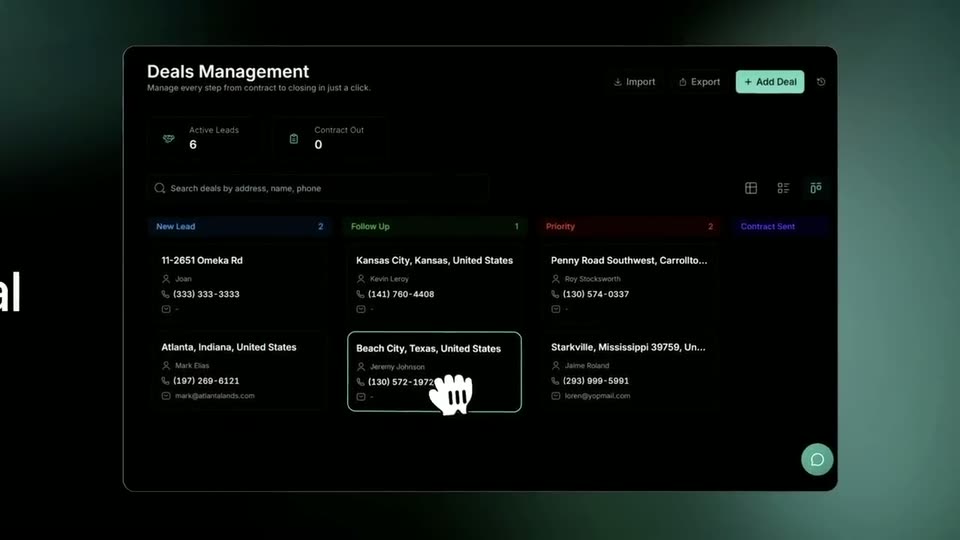 1:39–1:42LandAtlas · LandAtlas: demoA dark Deals Management dashboard slides left into center as a large white headline exits to the left. A white hand cursor glides from the Beach City card across the deal grid to the Starkville card.
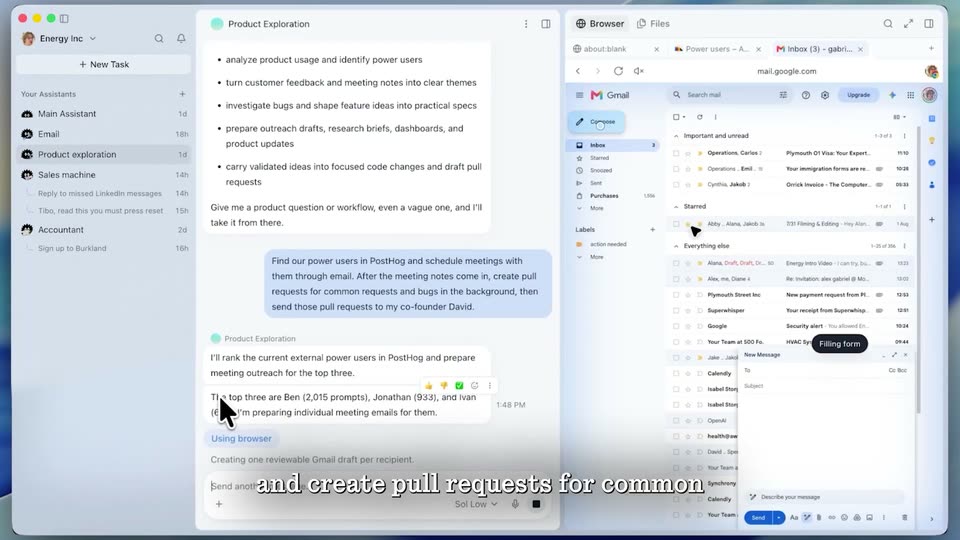 0:53–0:55Energy · gabriel - 3 months ago i resigned from @OpenAI. today we are launching EnergyA flat macOS desktop shows two app windows side by side: an AI assistant chat on the left streams a reply while a browser on the right switches from a code page to a Gmail inbox where a cursor opens a draft. A caption runs along the bottom.
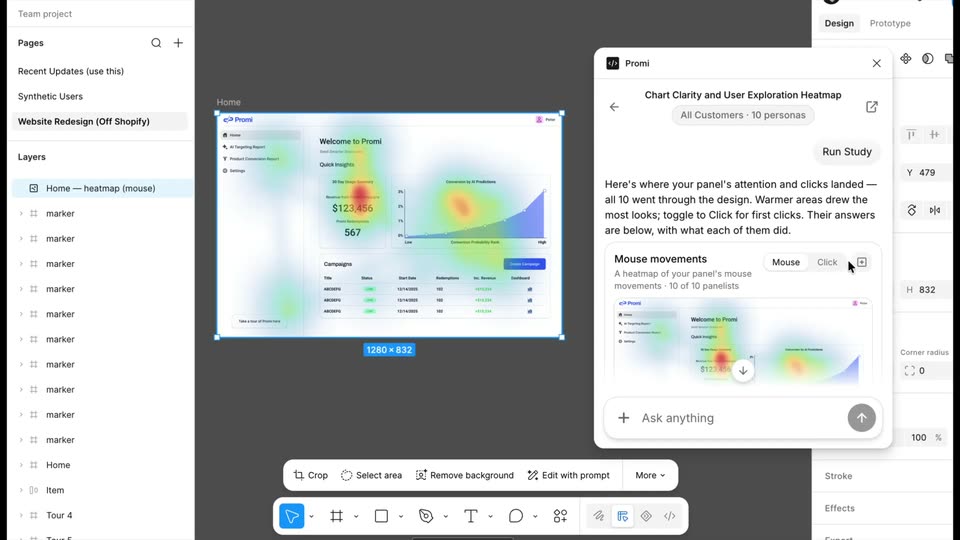 0:39–0:46Promi · Promi Digital Twins DemoA Figma canvas holds a dashboard frame while a floating AI panel on the right previews a mouse heatmap. A cursor clicks the Click toggle, the panel switches to first clicks with red dots, and matching markers fade onto the canvas frame. A toast confirms the heatmap was added.
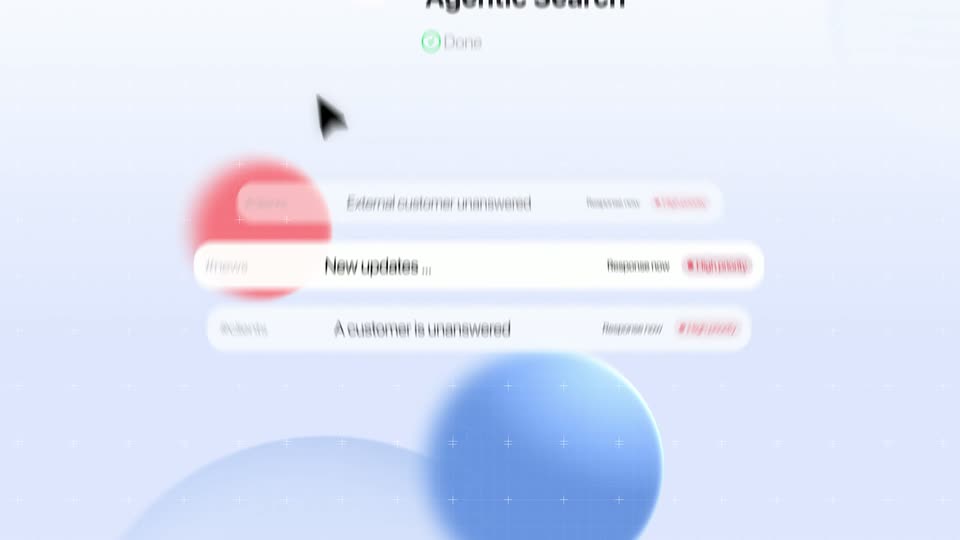 0:57–0:58Sila · Introducing SilaA light list of support tickets with red priority pills sits on a lavender plus-grid. The title Agentic Search slides in at the top above a green Done check, while a black cursor travels across the rows and the list shifts down to reveal a new ticket.
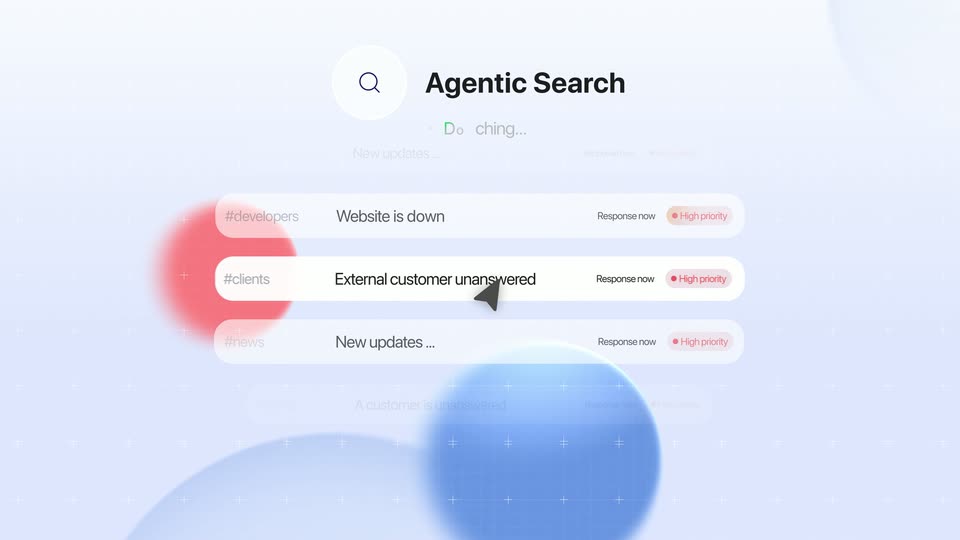 0:53–0:58Sila · Mith Paresh Patel - Introducing Sila backed by @ycombinator : Messaging built for 2026 AUnder a bold “Agentic Search” heading on a pale grid with blurred spheres, a search bar holds a typed query as a cursor taps the send button. The bar yields to result rows that sharpen in under “Searching...”, then “Done” as the rows blur away.
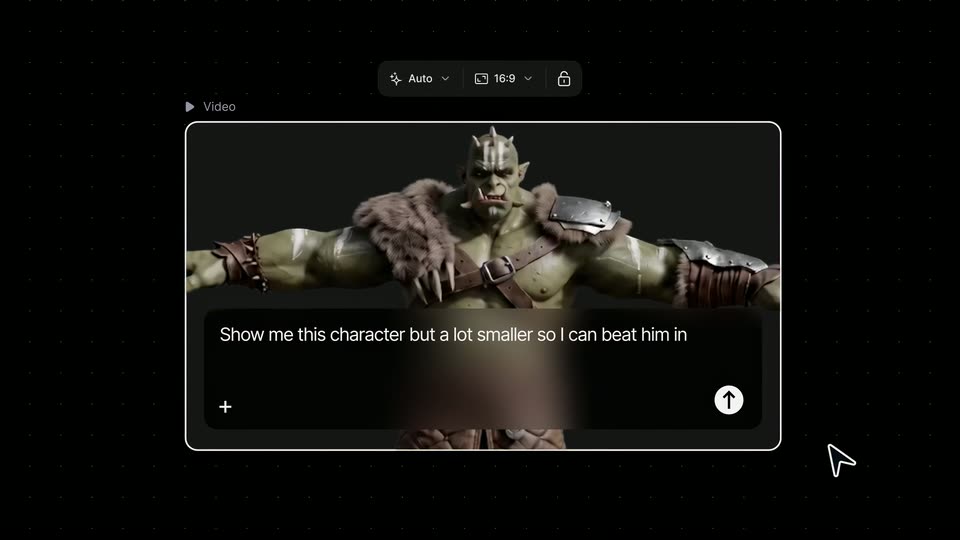 1:29–1:31Autodesk · Autodesk Flow Studio - AI video has a control problem. Most AI tools generate in 2D. FilmmaThe left node menu fades out, reframing the dark interface on a video card that shows a green orc with arms spread. A cursor glides to the up-arrow send button as the prompt line fills in.
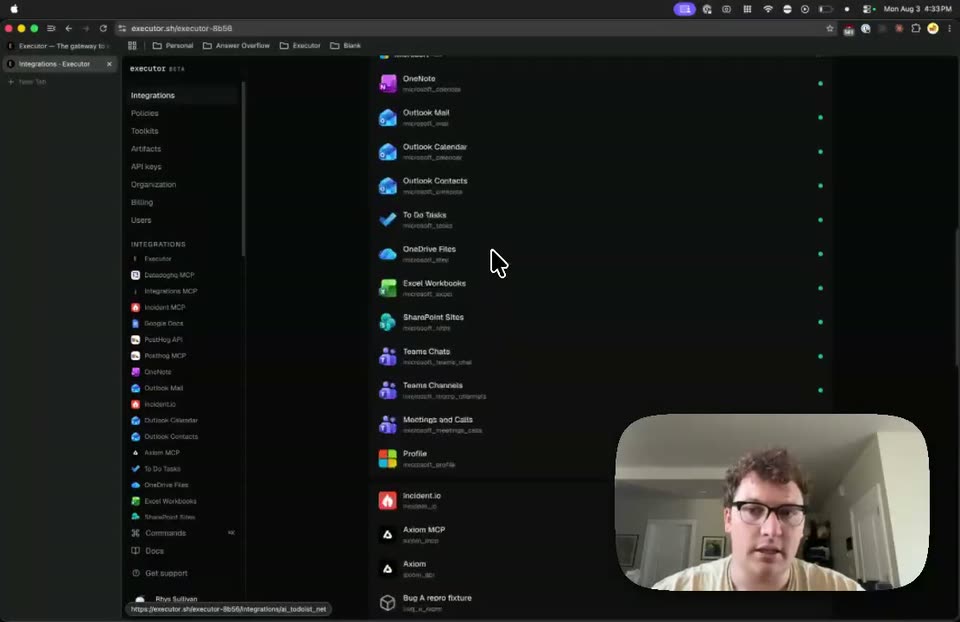 0:27 · 0.6sExecutor · Executor DemoA dark web app screen shows a sidebar and a long list of integration tiles. The list scrolls up to reveal a code command and an agent row while a cursor hovers mid-list. A presenter's webcam video plays in a rounded window at the bottom right.
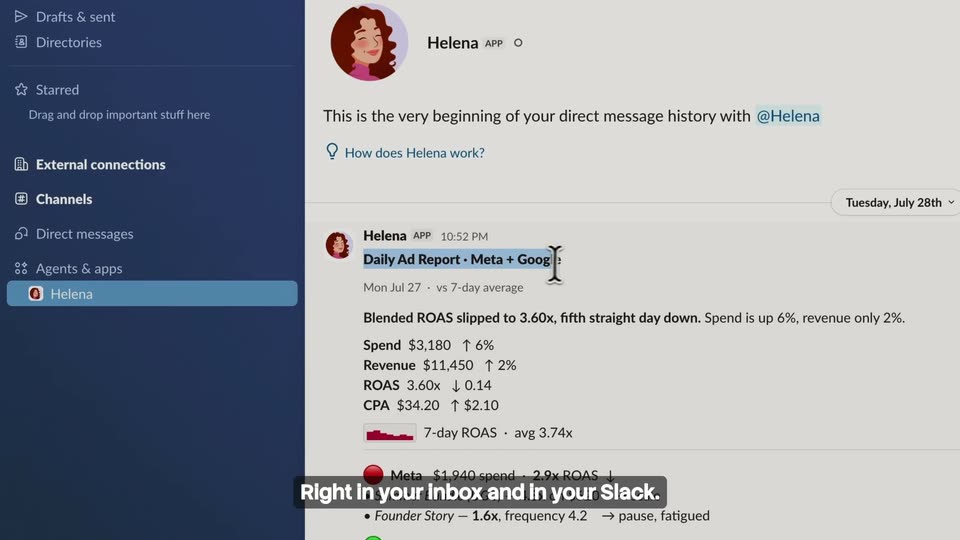 0:29–0:30Enrich Labs · Seijin Jung - introducing Helena, the world's first self-improving AI marketer. $1A Slack direct message pane shows a bot named Helena posting a daily ad report with spend, revenue and ROAS metrics plus a small red bar chart. A text cursor glides across the report title. A white caption sits on a dark pill at the bottom.
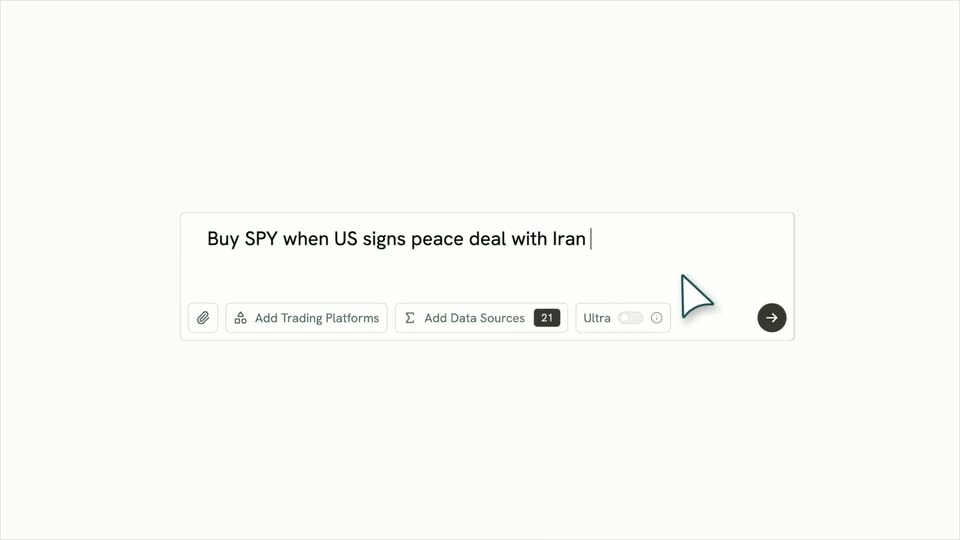 1:30–1:32Scalar Field · Amandeep Singh - We’re incredibly excited to share what we’ve been building over the pA light prompt field reads “Buy SPY when US signs peace deal with Iran” with a blinking caret. A large cursor arrow glides from the field to the round send button at the right edge and presses it.
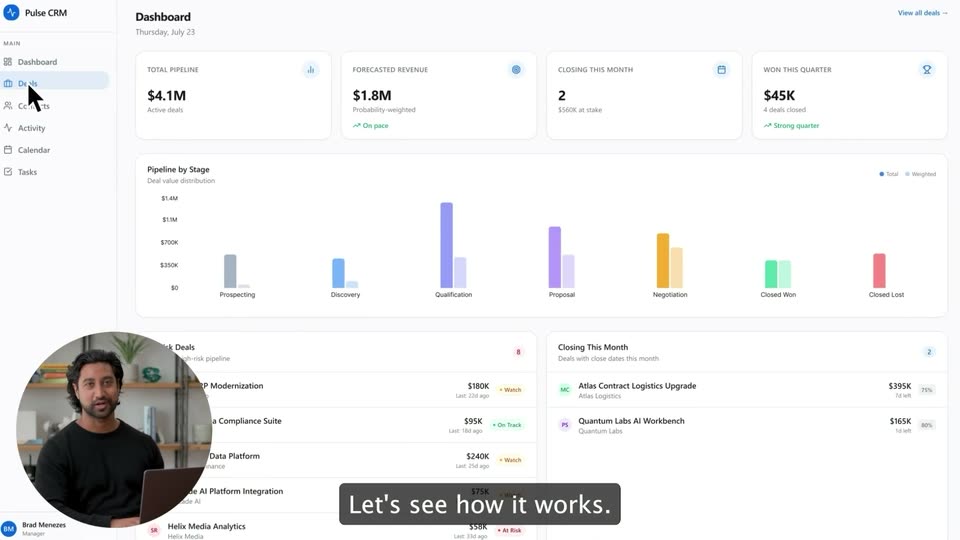 0:44–0:45Superblocks · Brad Menezes - Today we’re partnering with AWS to launch Superblocks 3.0: the secureA light CRM dashboard fills the screen as the presenter's circular video shrinks from the center down to a small corner picture-in-picture. A dark caption bar sits at the bottom while a cursor hovers the left sidebar.
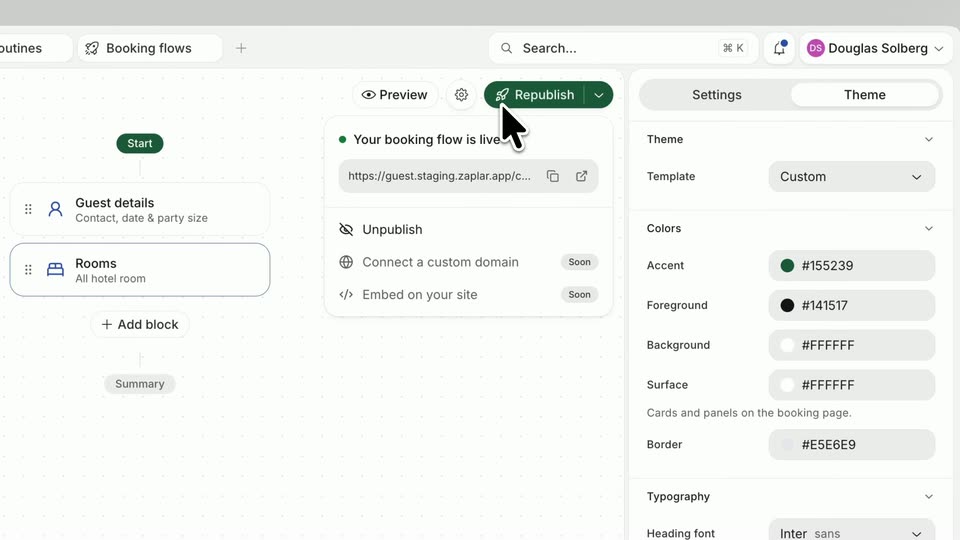 1:32–1:37Zaplar · Zaplar: the AI-native operating system for hotels (Y Combinator S26)A booking-flow editor fills the frame; a cursor taps the Guest details and Rooms blocks while the right panel updates. The view zooms into the publish panel, where the cursor clicks the green Republish button and hovers the live URL field.
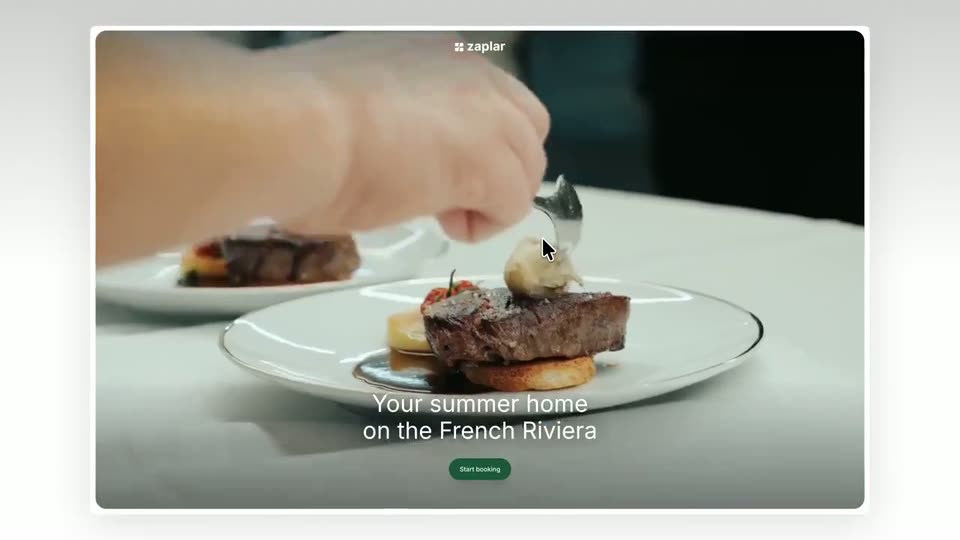 1:39 · 0.5sZaplar · Zaplar (YC S26) - Today, we're launching Zaplar (YC S26) Zaplar is the agentic hotel oA rounded video card on a pale gray field plays a chef spooning a quenelle onto a steak while a cursor hovers over the plate. The white headline scales in above a green Start booking button; the zaplar logo sits top center.
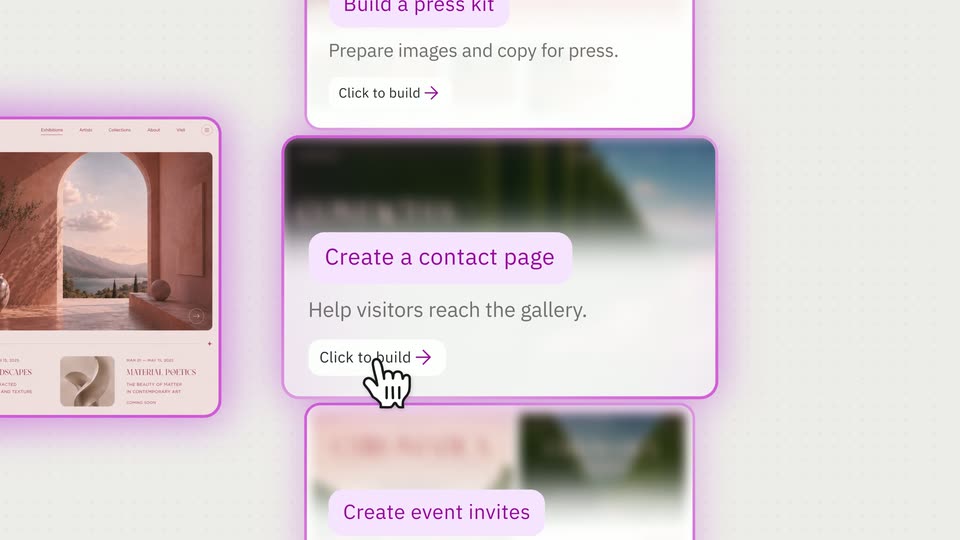 0:26–0:28Replit · Introducing Replit DesignA gallery website mockup sits left of a vertical stack of builder cards on a pale background. The cursor glides to the Click to build link, the card list scrolls up, and a blank page with a pink dot grid opens beside the site.
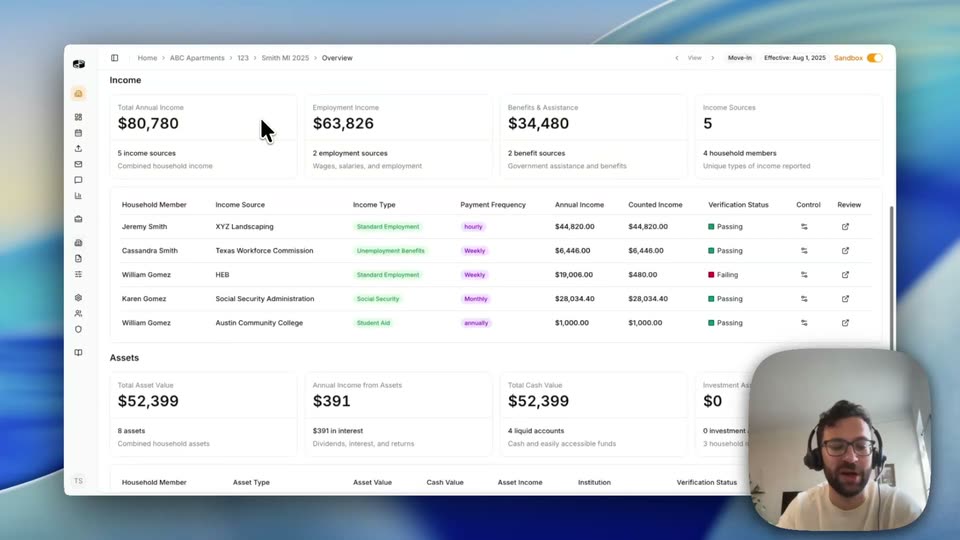 0:46–1:23Tire Swing · Tire SwingA screen recording of the overview page scrolls and zooms across the household, income, and asset tables while a cursor hovers over the figures, a presenter's webcam sits in the corner, then it cuts to a dark end card with the tagline and contact lines.
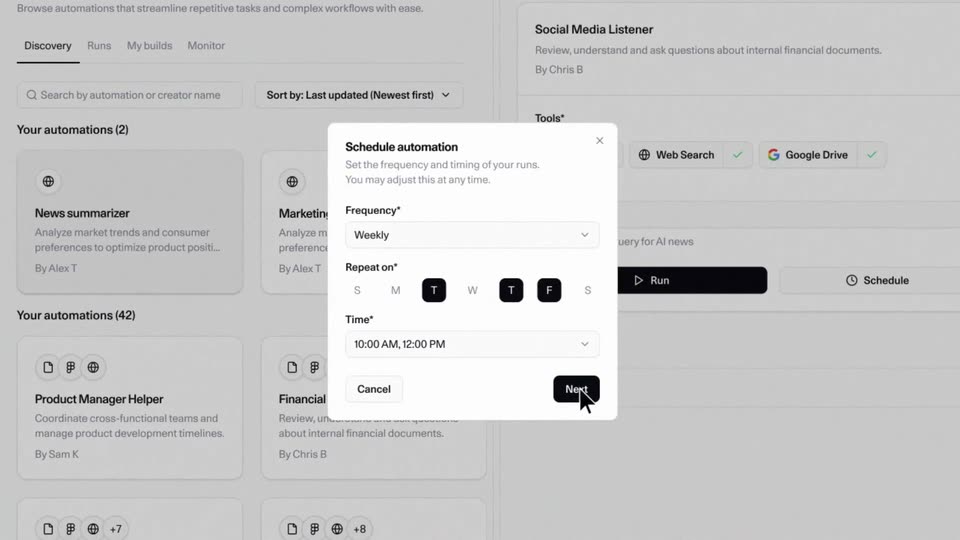 0:34 · 0.6sNorth Automations · Cohere - Introducing North Automations Use plain language to design automatedA schedule automation dialog showing weekly frequency and selected weekdays sits over an agent list, a cursor on the Next button. The view pans right, the dialog blurring left as a sharp agent details panel for the North Company Knowledge Assistant fills the right.
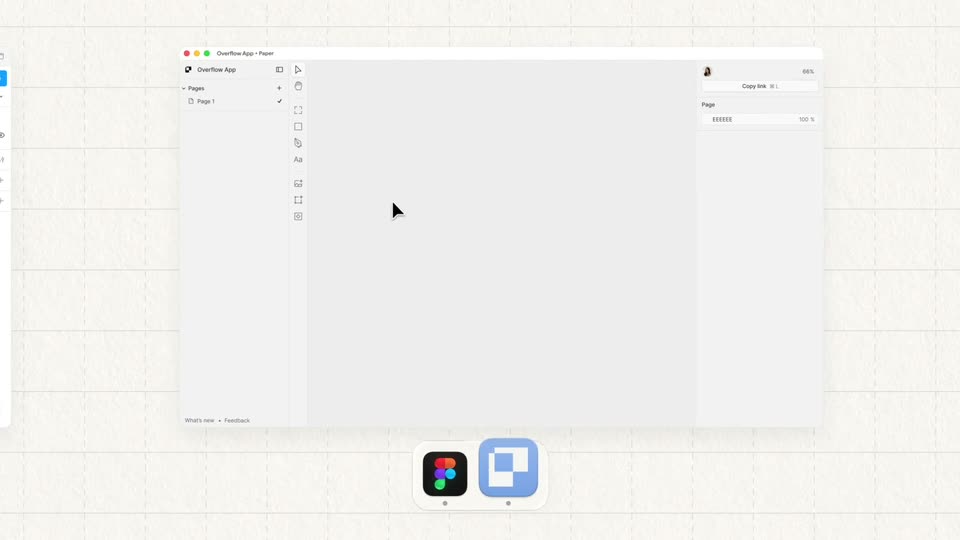 0:34–0:36Paper · Stephen Haney - Getting started in Paper is now really easy You can start your desigThree overlapping app windows sit on a light grid canvas, a dark panel sliding inside the left one. A cursor hovers over the middle window as the layout pans left. At the bottom, a small dock pairs a dark icon with colorful dots against a new blue icon.
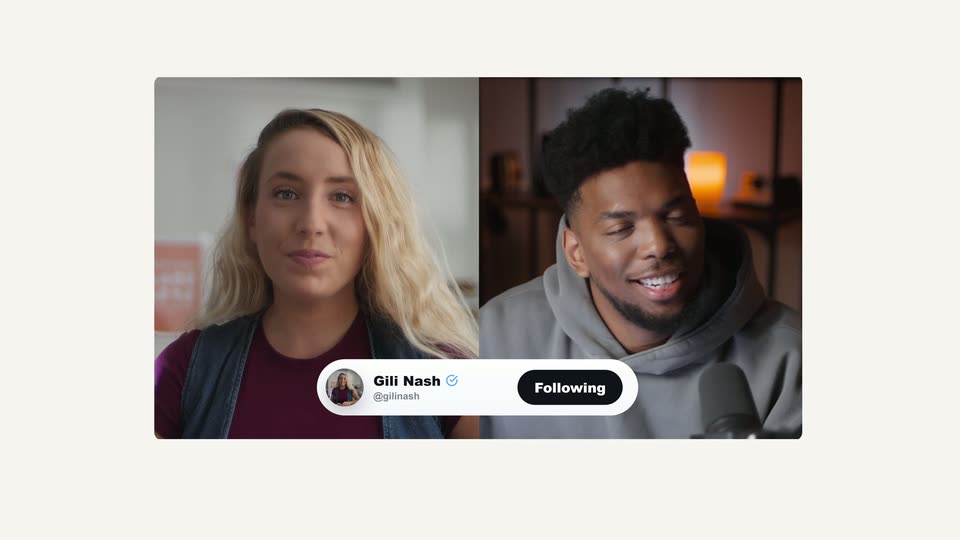 0:18–0:22Riverside · Riverside - Motion graphics, now on Riverside. Generate and customize them righA split screen shows a blonde woman and a man in a gray hoodie speaking. A white follow bar with Gili Nash's profile slides up at the bottom, a cursor clicks the pink Follow button, it turns to dark Following, and colored confetti bursts across the frame.
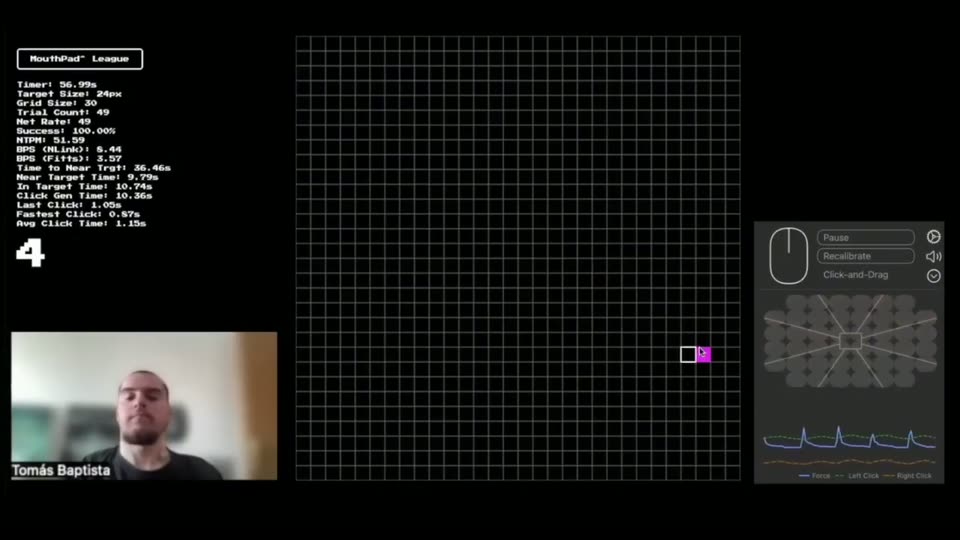 1:39–1:43Augmental · MouthPad is now availableA dark grid fills the center as a white cursor darts to purple square targets and clicks them. A webcam feed of a man sits lower left, a live stats panel upper left, and a control panel with a mouse icon and force graph on the right.
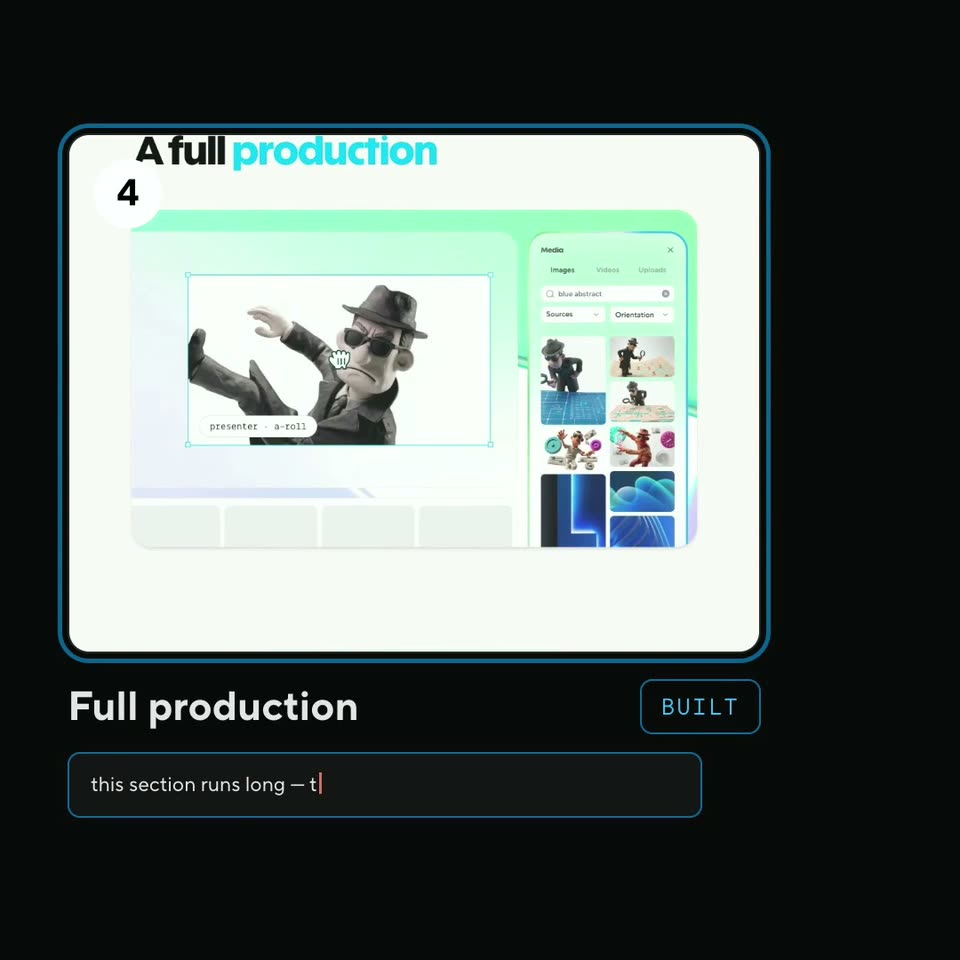 0:45–0:48HeyGen · HeyGen - Introducing companion mode The difference between ordering a video aA white card on black holds a video editor UI with a clay presenter and a media panel, under the heading 'A full production' and a 4 badge. Below, a field types a note letter by letter, then a cursor moves to a save button.
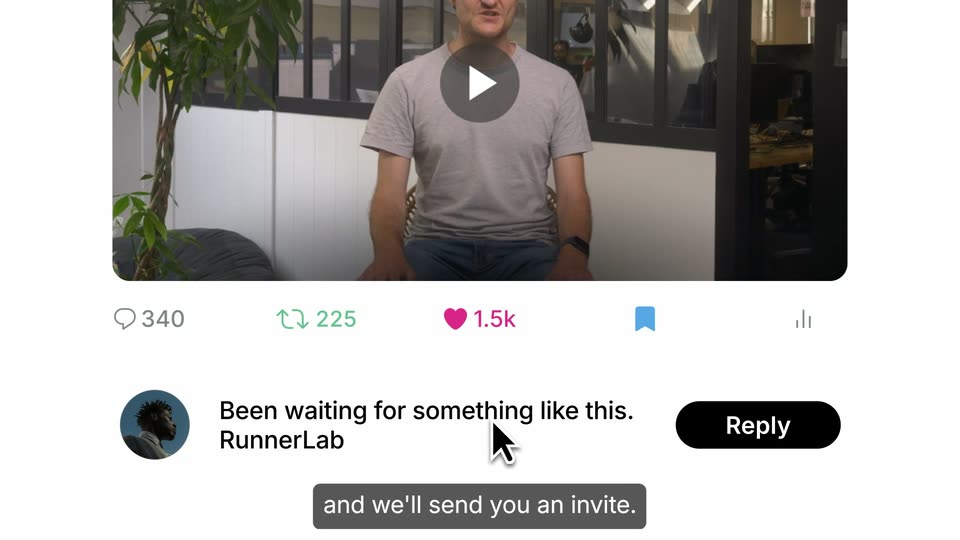 2:17–2:20Gorgias · Romain Lapeyre - We’ve raised over $100M to create AI customer support that doesn’t soA YouTube-style post card fills the frame. The view reframes onto the comment row as a cursor types a comment. The card then zooms out to show its rounded edges. Two dark caption boxes with white text appear at the bottom.
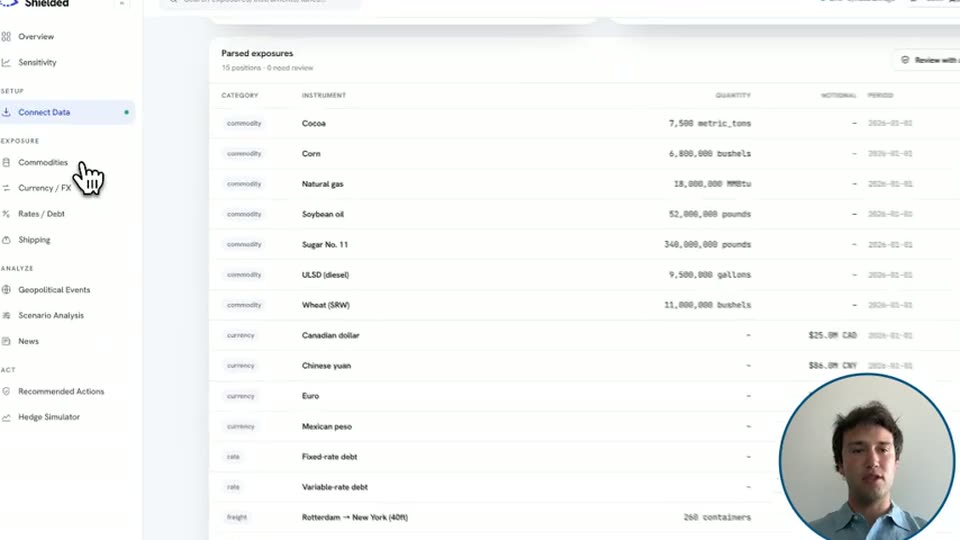 0:33–0:34Shielded · Shielded Live DemoA light dashboard screen shows a 'Parsed exposures' table of commodities and currencies. A circular video-call bubble with a speaking man sits bottom right. A cursor glides in and hovers the 'Connect Data' menu item as the screen drifts slightly.
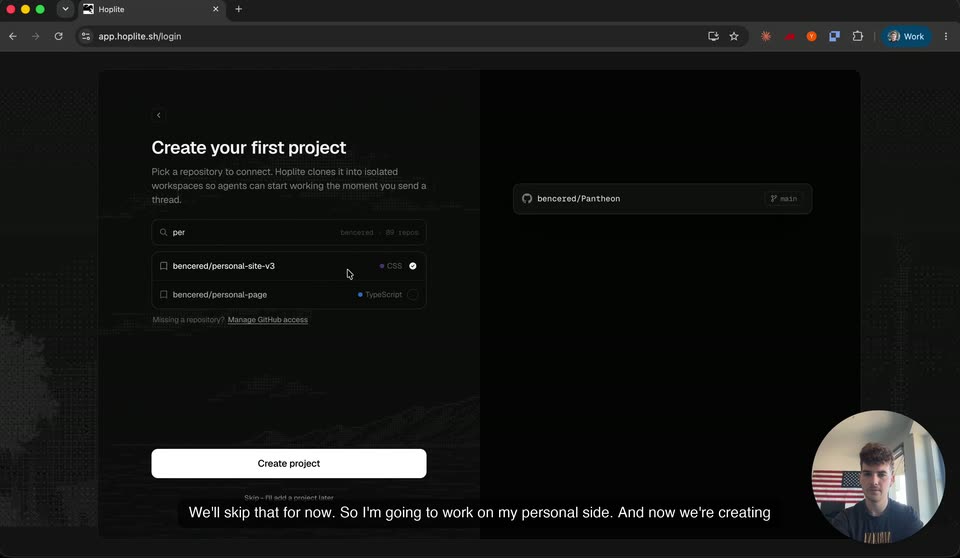 0:30–0:48Hoplite · Ryan Morrissey - We have spent weeks making the best cloud coding platform out thereA dark onboarding UI in a browser window steps through GitHub connection, a local setup import with a terminal snippet, and a project creation form where the cursor types a search query and picks a repo. A small circular webcam of the presenter and bottom subtitles stay fixed.
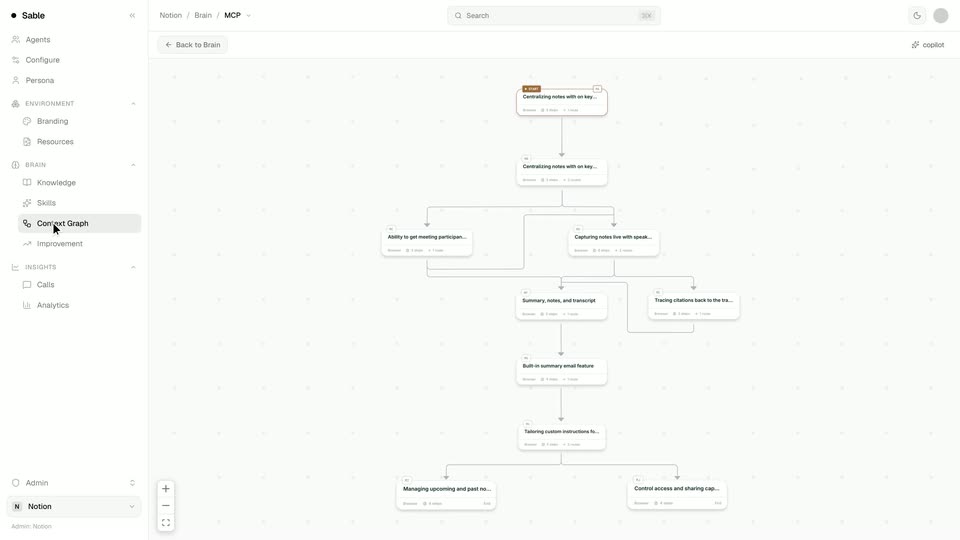 1:20–1:22Sable · Nim Ravid - Introducing Aidan, your newest AI employee Aidan is the first computA light product interface shows a node graph on a dotted canvas. The graph expands downward as new labeled nodes and connecting lines appear one after another, while a cursor hovers the Context Graph item then moves to the Back to Brain button.
 1:29–1:30Scalar Field · Scaler Field | Agentic Trading DeskA white circle mask shrinks to reveal a desert launch site with a rocket on a trailer behind a chain-link fence, under a red BREAKING tag and a Trump attacks Iran caption. The frame then fades to a white screen where a settings panel with Add Trading Platforms and Add Data Sources buttons appears and a cursor hovers near the Update button.
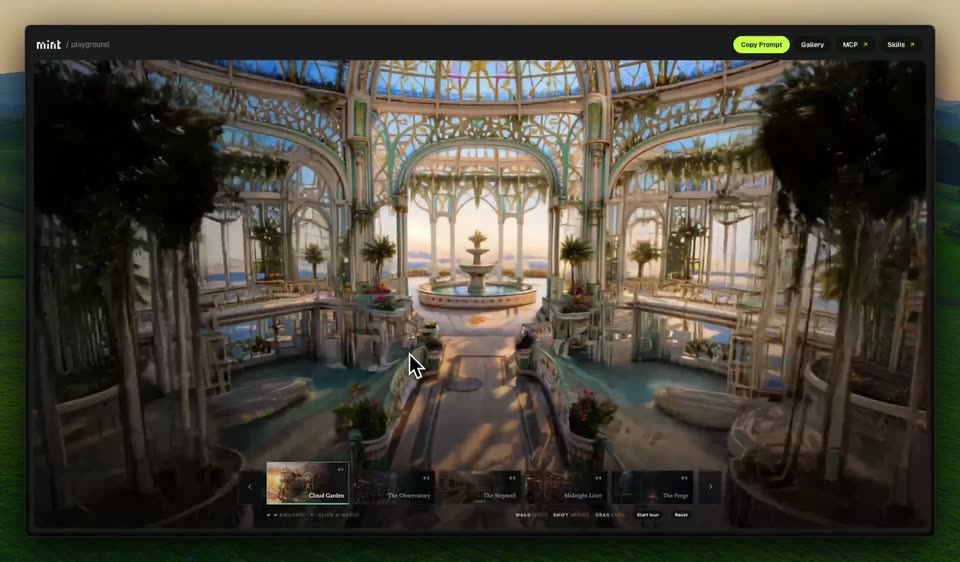 0:09–0:12Mint MCP · tamrat - Introducing Mint MCP - It turns your coding agent into a 3D engine!A laptop mockup rests on a grassy field, its screen showing a dim glasshouse interior with a fountain. The screen brightens as a magazine-style text overlay fades in over the garden, then clears, leaving two cursors over the bright 3D view.
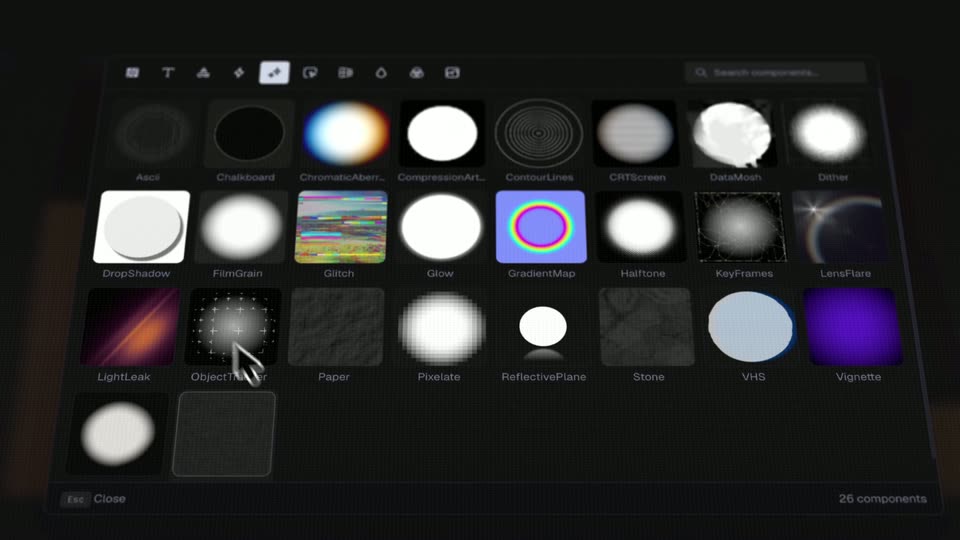 0:39–0:40Shaders · shaders - Introducing Shaders v3 🔥 Our biggest release yet. Built for design eA dark effect-library panel sits in 3D perspective, a grid of labeled thumbnails under a toolbar. A white cursor glides up to the ObjectTracker tile, which highlights with a bright white border.
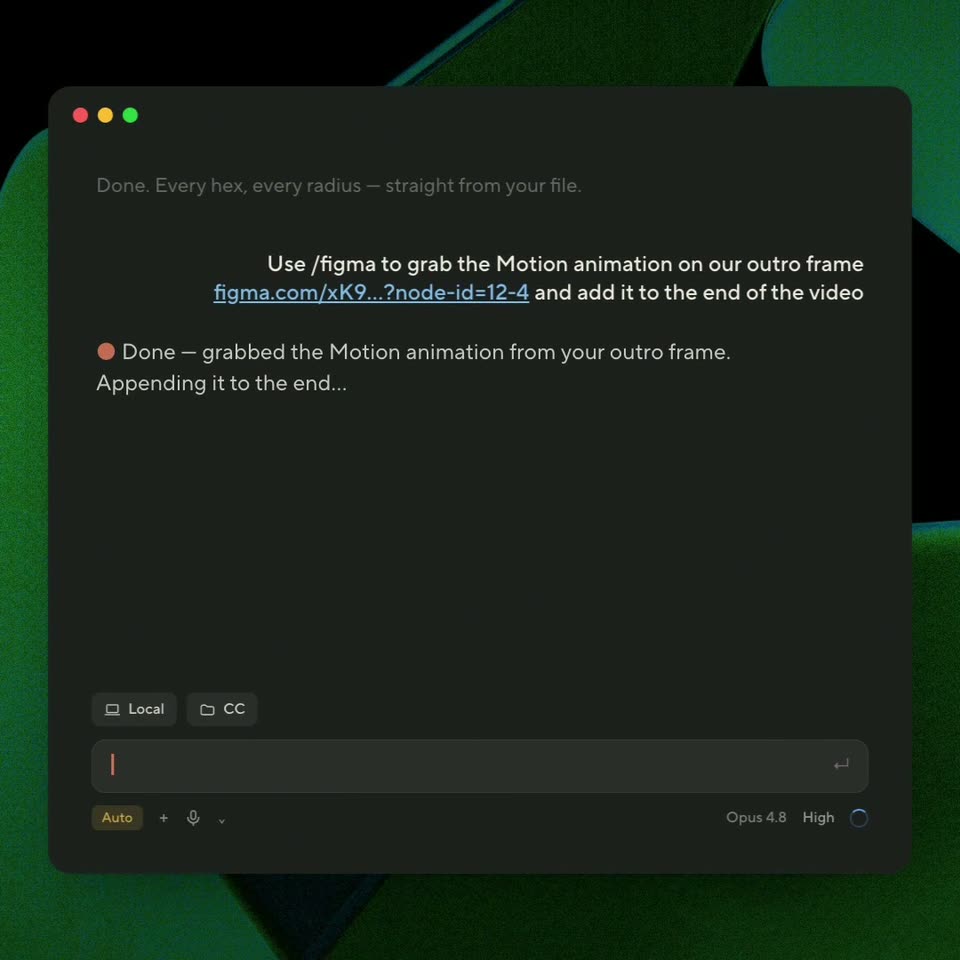 0:48–0:51HyperFrames · HeyGen - Figma -> HyperFrames Designers can now ship launch videos straighA dark chat window floats over green 3D shapes. A white cursor sits at the input bar as the typed /figma prompt lifts from the field into the conversation. A confirmation line appears below, then the window fades out to reveal the green background.
 0:34–0:36Jurni AI · Alex Socoloff - Another Friday, another brand launch. Excited to share the new brandA close-up of a white product card with a soft pink glow, holding pill-shaped suggestion chips and a black arrow button. A cursor hovers on the button as the card and the top headline slide slowly leftward.
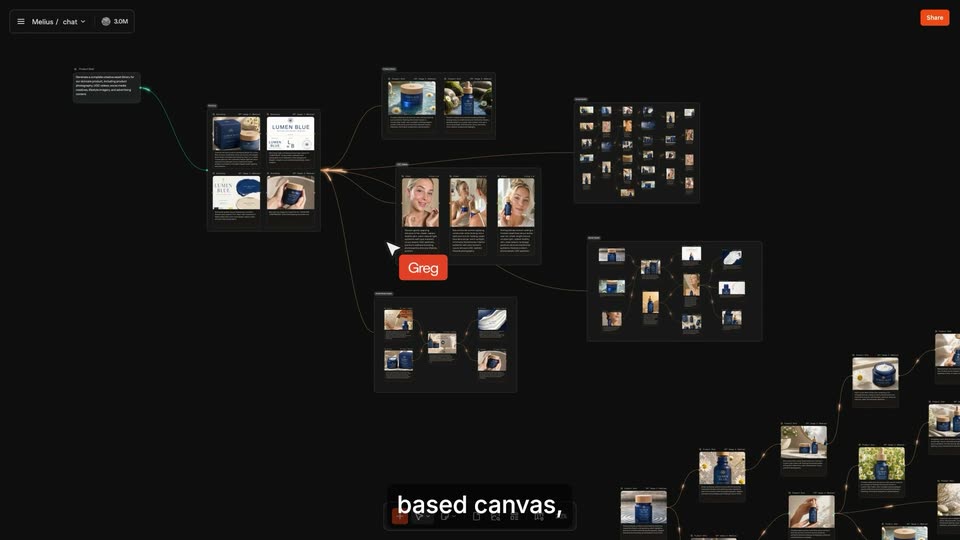 0:29–0:33Melius · joowon - If you’re a creative not using AI you’re fcked. Introducing Melius:A dark node-based canvas fills the screen, its cards of LUMEN BLUE product shots linked by glowing lines. The view zooms out to reveal the full graph while a cursor tagged Greg drifts across it, and a white caption at the bottom reads the sentence in sequence.
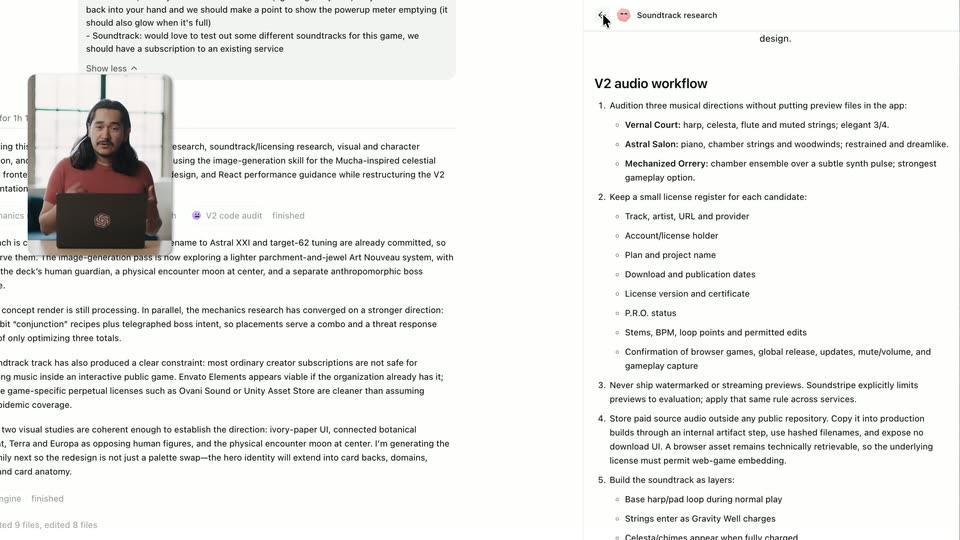 1:28–1:29OpenAI · Meet GPT-5.6Split-screen product view. Left, a man with headphones sits at a laptop before a whiteboard. Right, a workflow panel switches from a Soundtrack research document to a Done list of finished subagent tasks with small avatars, while a cursor moves across it.
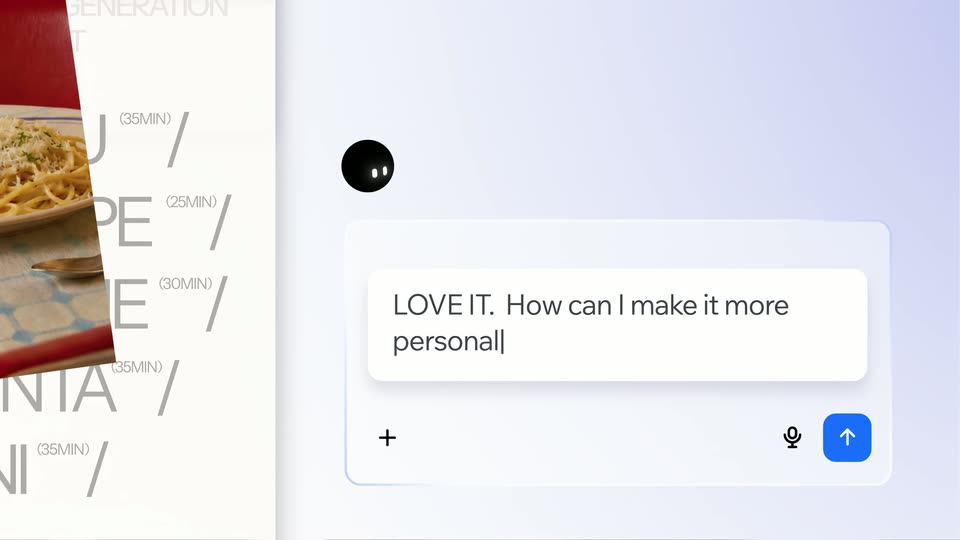 0:31–0:35Wix Harmony · The new way to tell your story | Wix HarmonyA tilted recipe card with a pasta photo and gray labels angles in 3D on the left. On the right, a chat field sits under a black dot avatar. A cursor types 'LOVE IT. How can I make it more personal?' then clicks the blue send button.
 1:23–1:26PromptQL · Tanmai Gopal - We raised $136M to kill Slack. Introducing PromptQL: The first AI veA white notification card with the PromptQL logo sits on a pale field. The camera pans across it to the purple Add to wiki button as the cursor clicks. The shot zooms into the button, then pulls back to a wiki page of small cards.
 0:14–0:15AutoHDR · Best SaaS Product Video | AutoHDRA blue gradient toolbar with an Edit with AI pill button; a large white cartoon cursor clicks it, and the button scales up as a white panel with an Aiyoo checkbox and Upload Photos text slides in from below. The ObiN STUDIO logo sits top left.
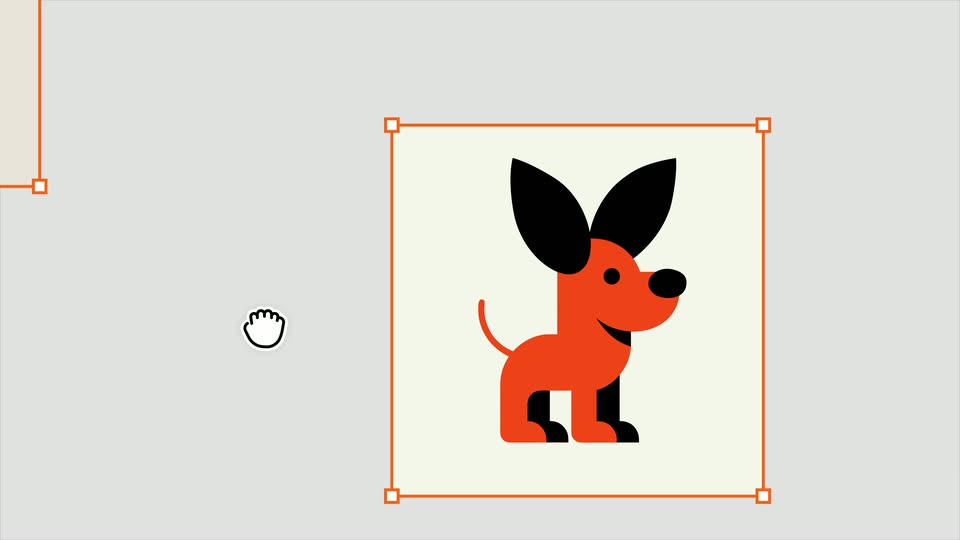 0:24–0:25Recraft · Recraft - You asked, we delivered. Say hello to Recraft’s Vector Editor. TweakA hand cursor drags a flat orange dog illustration from a left canvas to a right canvas, each outlined by an orange selection frame on a gray background. As the dog lands, a jumping character in a yellow sweater and purple pants pops in on the left canvas.
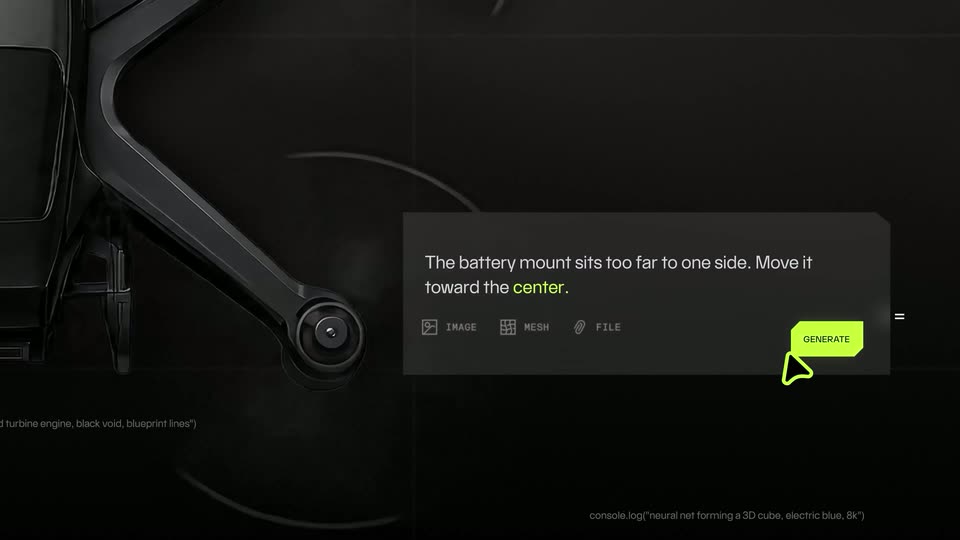 1:12–1:13Kyrall · OsamaAtwi - Today, we're officially launching Kyrall Until now, AI models couldnA dark 3D frame part sits on the left while a flat prompt panel on the right types out the sentence with “center.” in green. A green cursor then moves onto and clicks the green GENERATE button.
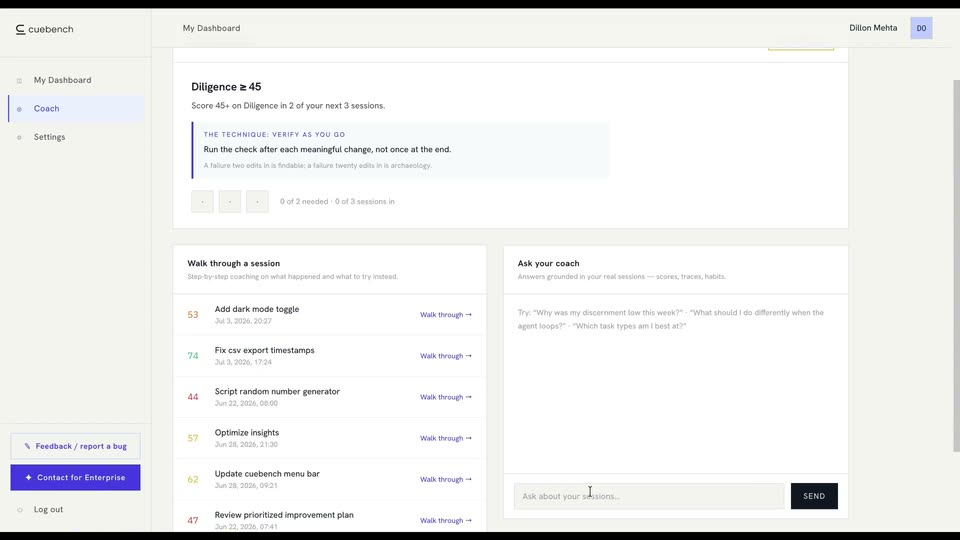 1:12–1:28CueBench · CueBench for Developers DemoThe cuebench Coach dashboard fills the frame. A session list populates the left card, the view scrolls down to the chat box, and a cursor glides to the Contact for Enterprise button.
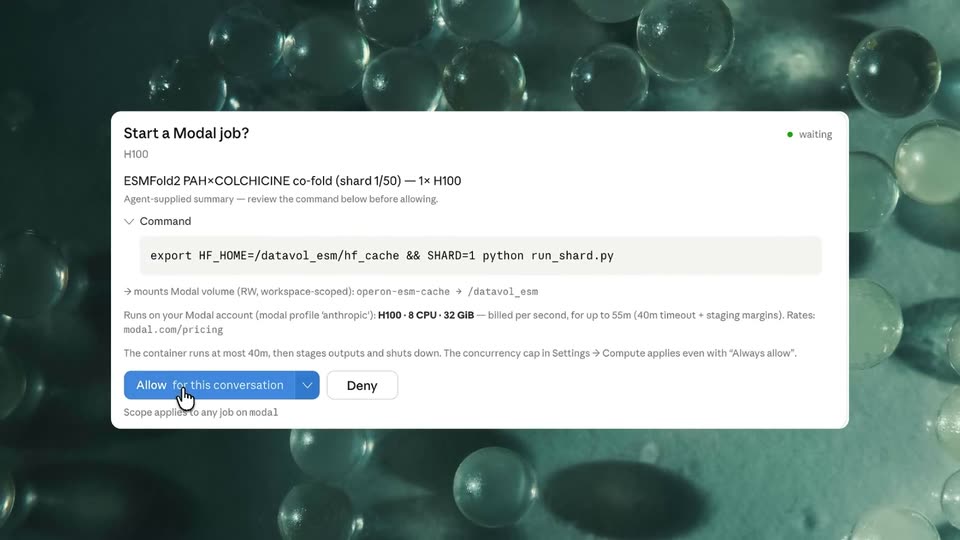 0:38–0:42Anthropic · Introducing Claude Science (now in beta)A white “Start a Modal job?” dialog with a command line and a green waiting dot floats over teal glass spheres. A cursor clicks the blue “Allow once” button, a scope dropdown opens, and the cursor selects “This conversation”, relabeling the button.
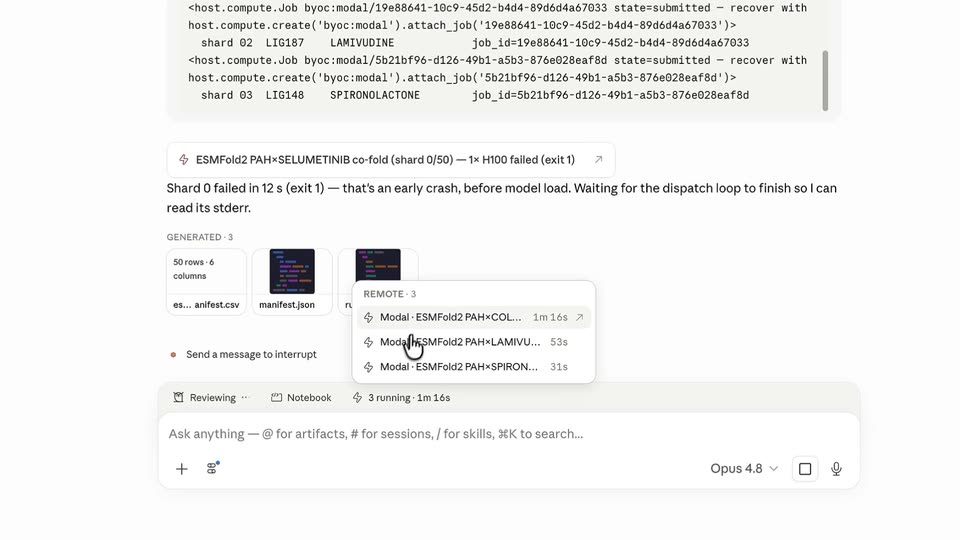 0:45–0:48Anthropic · Claude - Introducing Claude Science, a new app designed with every stage of reA light chat interface holds a code block, a failed-job status line and three artifact cards. A cursor clicks the running-jobs tab, opening a dropdown of three remote tasks, then hovers the first row. Locked-off frame.
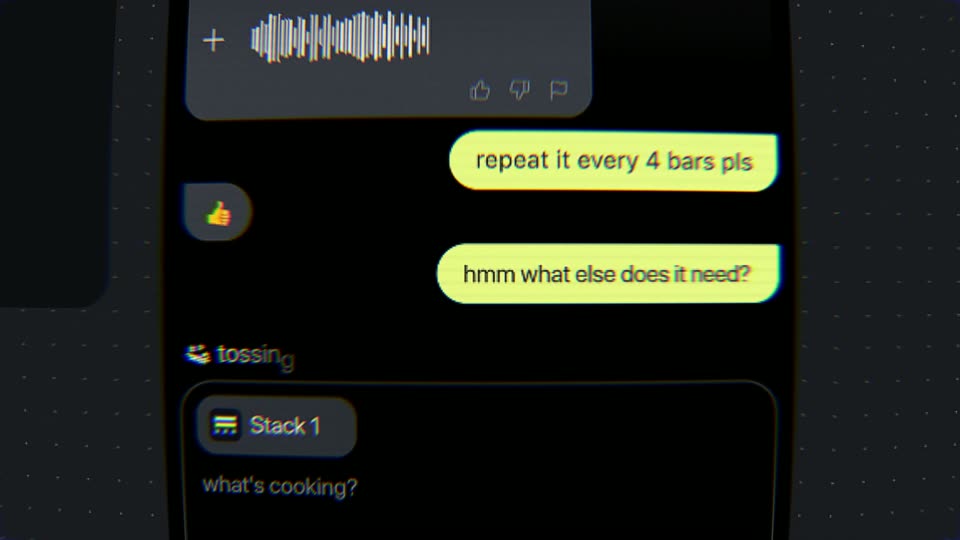 0:48–0:52Riffle · deo - introducing riffle 2.0 welcome to the social era of music creation.Close-up of a dark chat screen on a dotted grid background. A cursor clicks a lightning bolt icon, then yellow message bubbles and a gray reply slide in with a chromatic glitch, while a Stack 1 card with an audio waveform stays at the bottom.
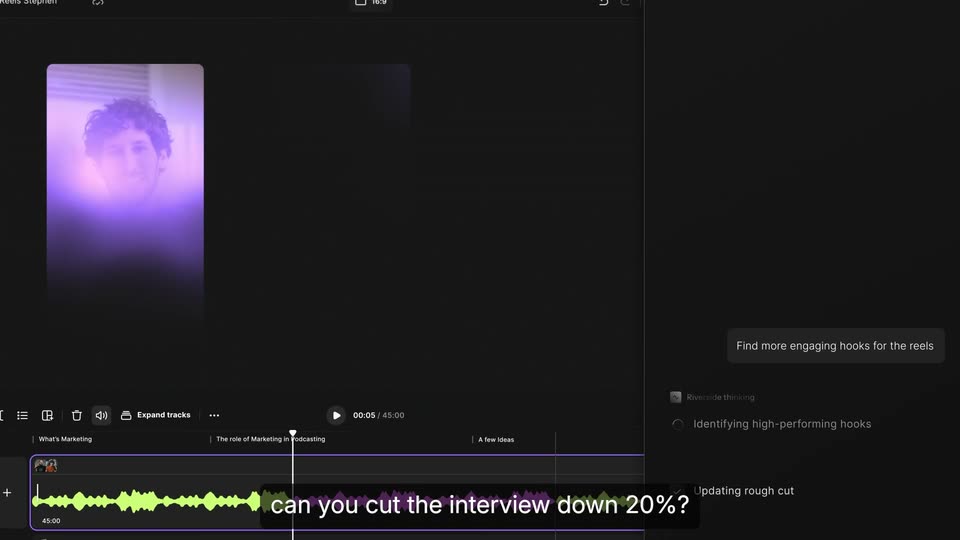 1:04–1:05Riverside · Nadav Keyson - AI Videos are ALL slop. AI should be making you a content machine.A video editing interface pans down, sliding the top video preview out of frame as a new prompt appears in the right-hand chat panel.
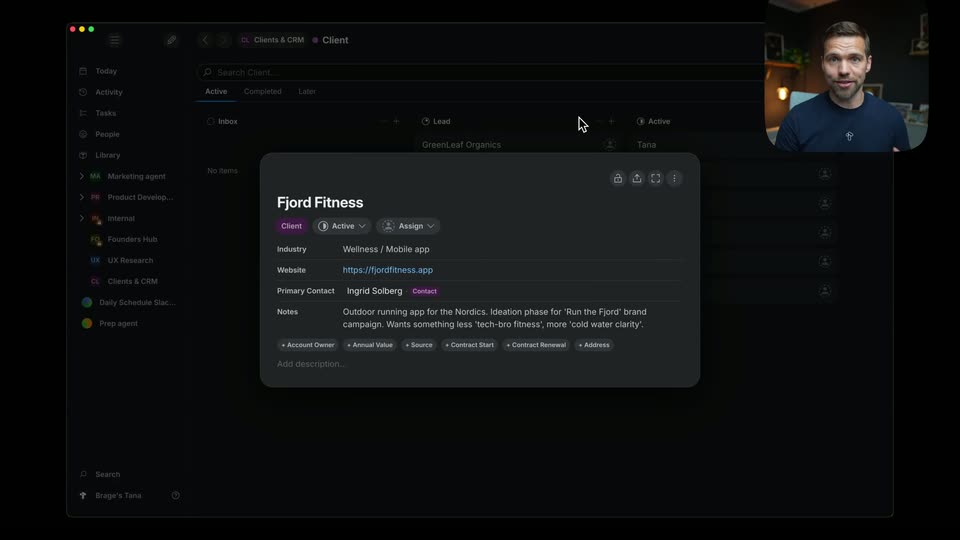 1:36–1:40Tana · Beyond AI Meeting Notes: Meet the New TanaA dark CRM board with Inbox, Lead and Active columns fills the screen; a video call of a man in a blue shirt sits in the top-right corner. A cursor clicks the Fjord Fitness card, opening a detail panel with industry, website and notes fields.
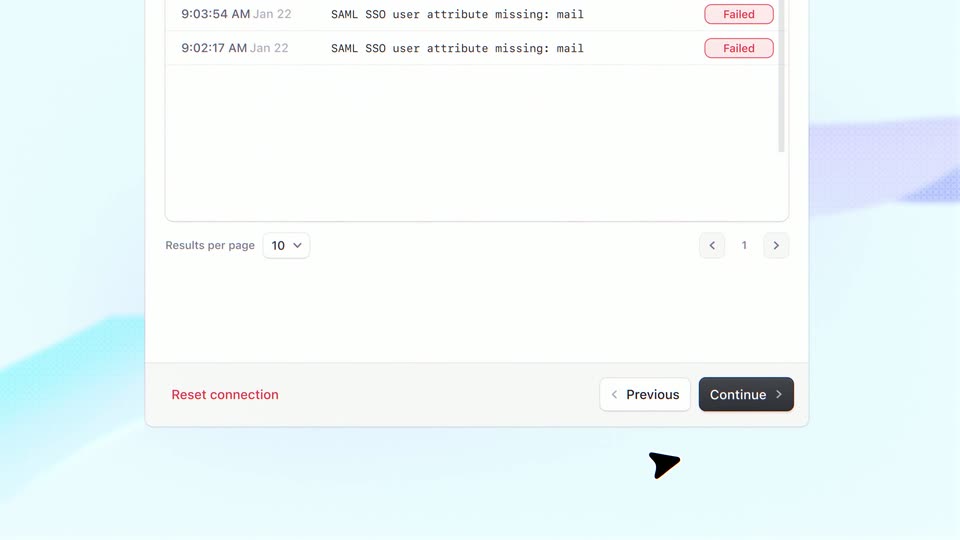 0:30–0:35Clerk · Clerk - Give your customers control of their SSO setup. Now their IT adminsA white SSO test card fades in over a soft gradient, its results table filling with one green and two red rows. The view reframes down to the footer, a cursor glides to the dark Continue button and clicks it, then the card fades to white.
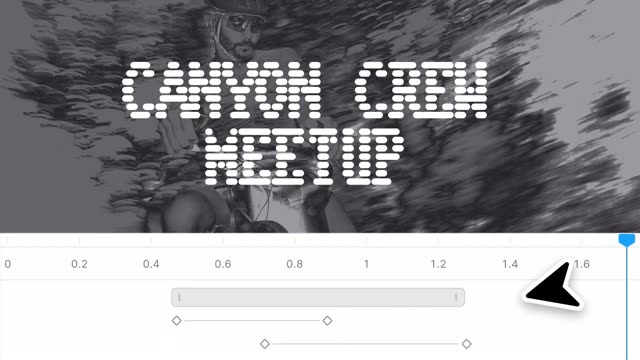 0:31–0:36Figma · Introducing Figma Motion: Your canvas now has a timelineA motion editor view shows a grayscale cyclist clip with a white dot-matrix title over it, then reframes down to reveal the timeline. A black cursor drags the blue playhead right across the keyframe track while the title dots glitch and re-form.
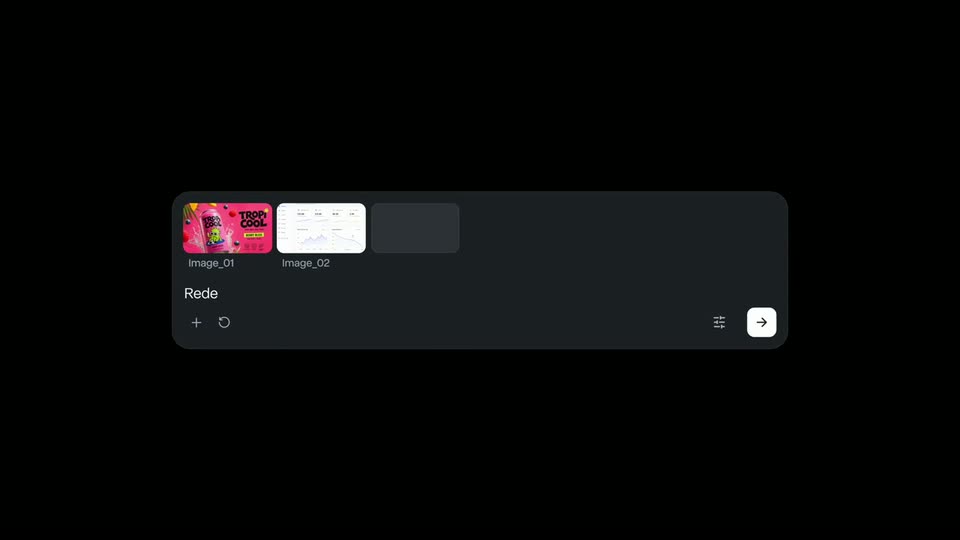 0:41–0:43Runway · Runway - Introducing Agent 2.0 Go from a simple prompt to fully realized markA dark composer panel scales up at center as a cursor hovers the add button. A pink drink can and a white analytics chart card sit above an empty input row with a send button on the right.
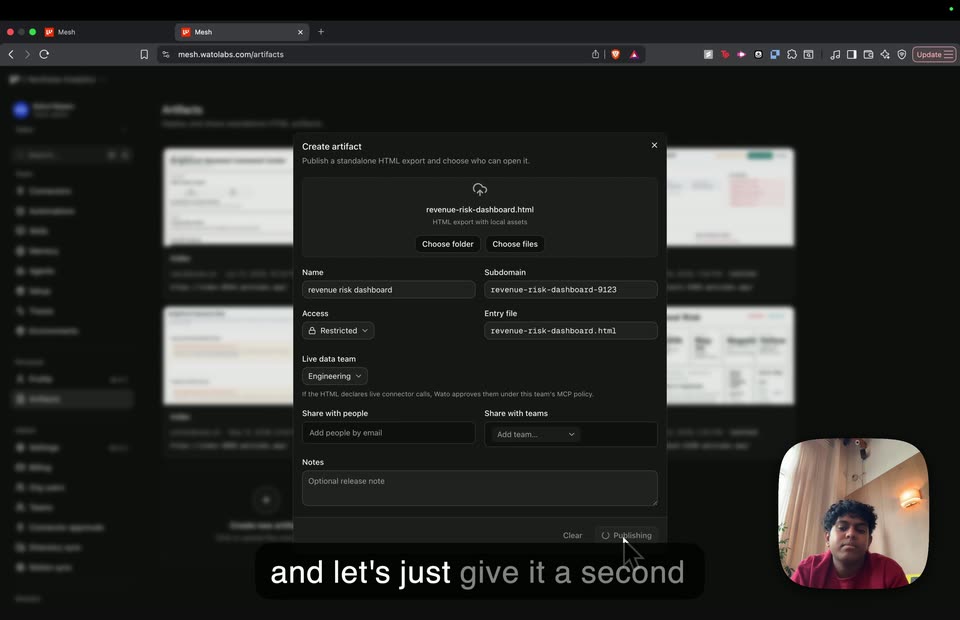 2:31–2:46Wato · Wato - A feature that sales teams love: Live Artifacts. Here's a revenue-riA dark dashboard app shows a Create artifact modal over a grid of cards. A cursor opens the live-data-team dropdown, then clicks publish; the modal closes to reveal the new card. A man in a red shirt appears in a small bottom-right video inset, with white subtitles along the bottom.
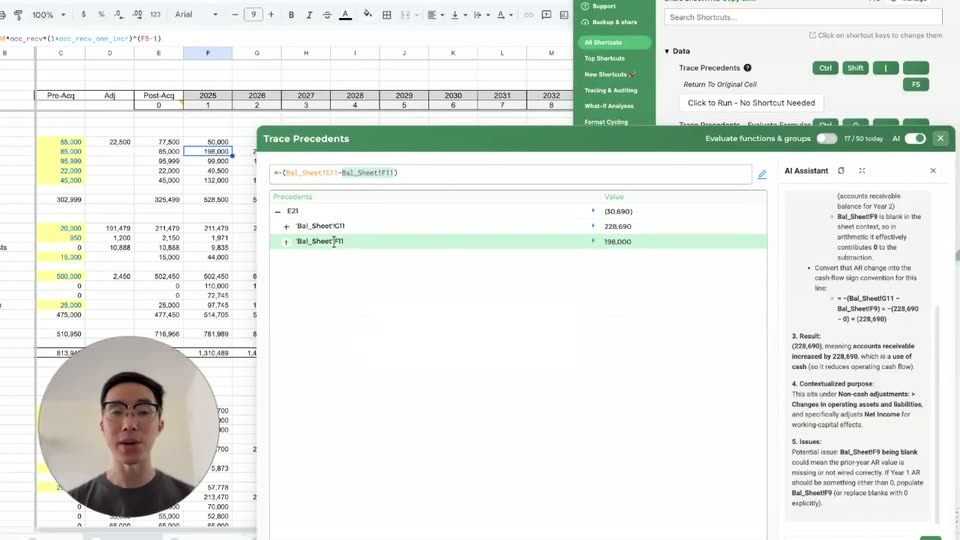 0:42–0:52Dimely · SheetWhiz Trace Precedents AI DemoA cursor edits a formula in the Trace Precedents window, then clicks the pencil icon; the precedent list collapses to two rows and the spreadsheet scrolls to the balance sheet section. A circular webcam feed of a presenter sits in the lower left.
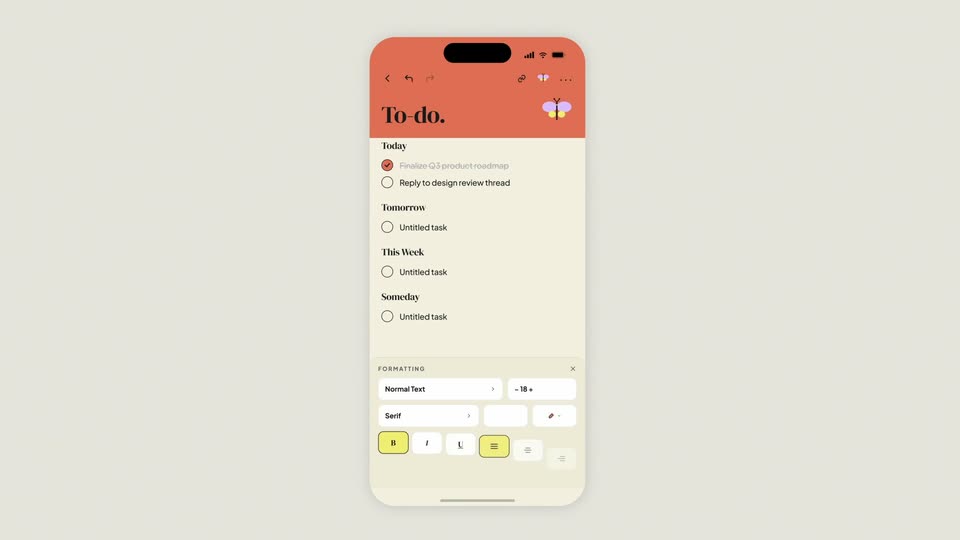 0:24–0:31Genspark · Genspark - 🎨 Introducing Genspark Design The next-gen AI for design and creatioA flat phone mockup of a to-do app on a cream background. A cursor draws a blue circle in the empty space, a white callout types 'Add a formatting editor here', then a formatting toolbar with highlighted buttons appears at the bottom. The frame pans down to a second phone.
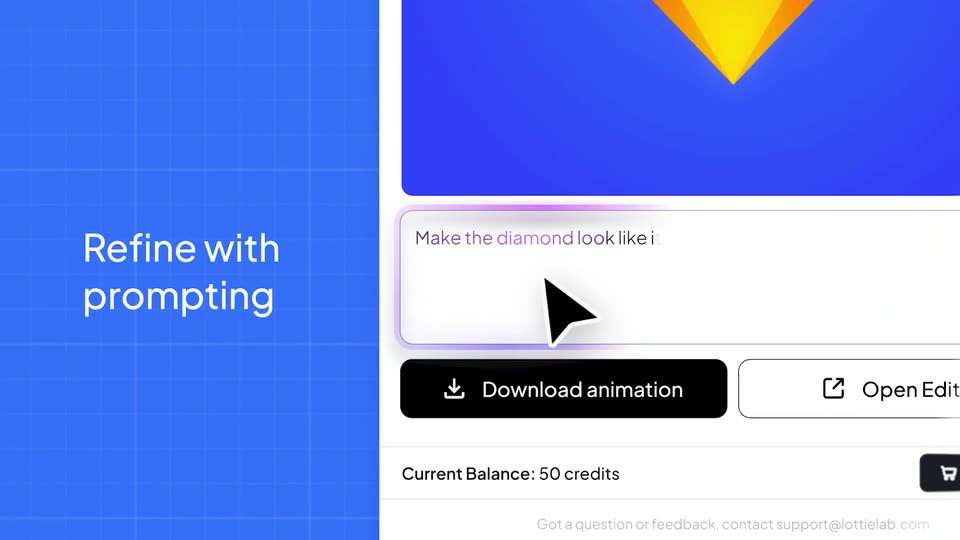 0:24–0:25Lottielab · Lottielab - Introducing Magic Animator beta 3.0✨ Prompt and edit animations in FA cropped editor screen sits beside a blue grid panel. A cursor hovers in the prompt field as the instruction appears, with download and open buttons below the input box.
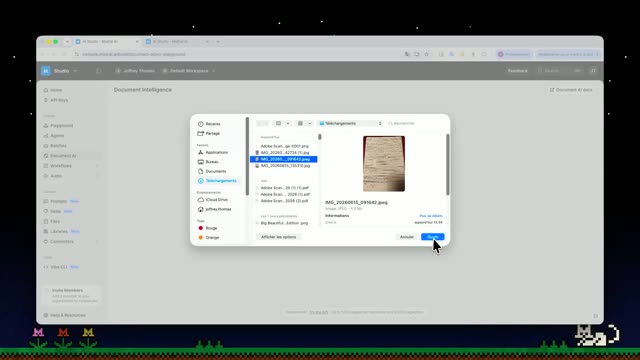 2:07–2:09Mistral AI · Introducing Mistral OCR 4A browser window shows the Mistral Document Intelligence page with a macOS file picker open over it. The cursor selects a file, the dialog closes to reveal the upload card, and the cursor moves to the blue Open button.
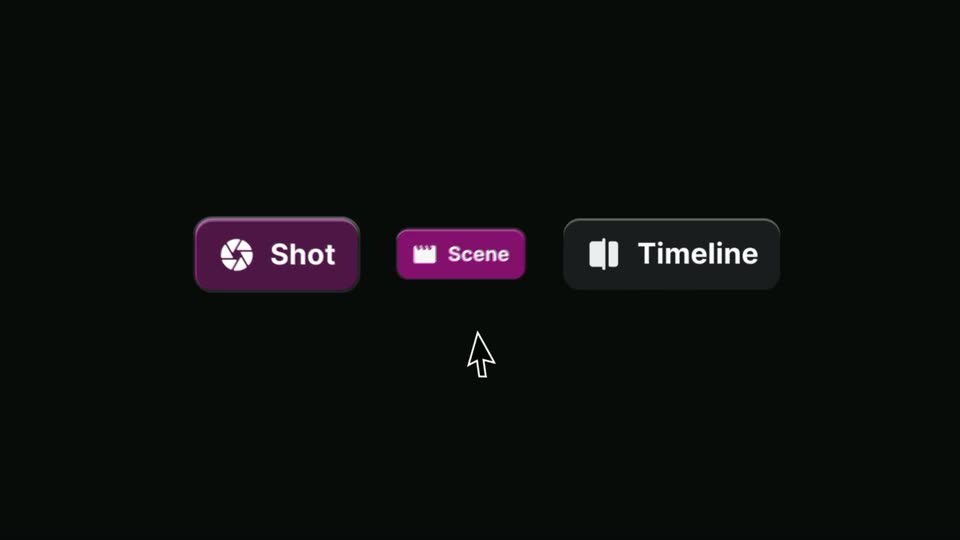 0:58–0:59OpenArt · OpenArt - The way videos are made is about to change. Introducing OpenArt DireThree pill-shaped tabs, Shot, Scene, Timeline, sit on black. The magenta selection moves from Shot to Scene, which scales up, as the cursor clicks and drifts down; a Batch video creation button appears at the bottom left.
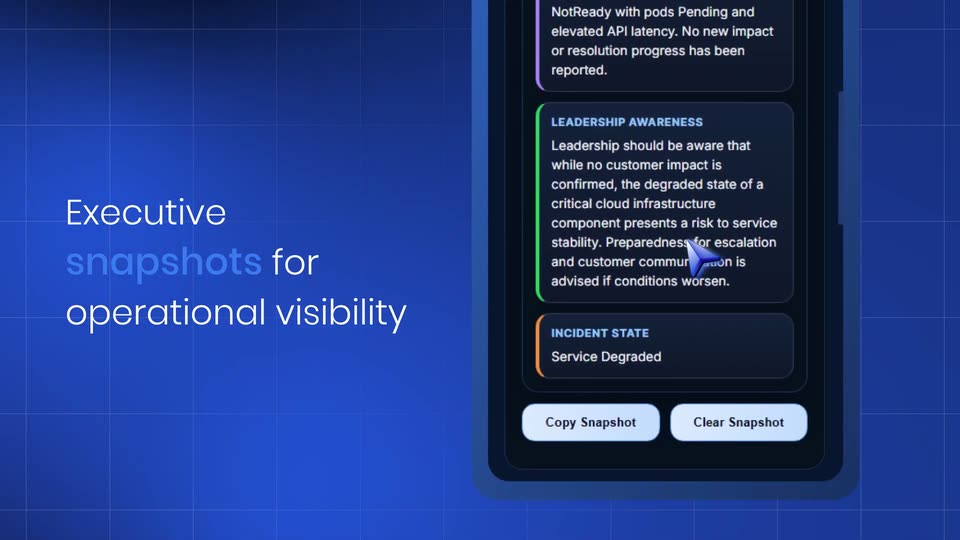 0:35–0:38BridgeOpsOne · BridgeOpsOne – Turning Critical Incidents Into Actionable InsightsA front-facing phone mockup on the right scrolls its feed upward past a blue cursor, revealing status cards, while the left headline fades in line by line over a blue grid background.