1:55

Fishlover @Asakana (YC) - Food distribution will be needed no matter how far AI advances. But t
Asakana · B2B · Oct 2026
Kyrall’s 1:47 launch film runs 66 scenes, about 1.6 s each. The product shows up at 0:05 and 2 features are revealed. The call to action lands at 1:44 (97% in), over a voiceover. Built as a step-by-step walkthrough: a physical drone frame opens the hook, the manual-design pain is stated, then each capability (prompt to model, knowledge base, full assembly, on-the-spot editing) is announced and demoed before a scope montage and a vision close. The signature moves are typewriter captions with a lime highlight box tracking each word, a recurring lime asterisk mark, 3D models resolving from wireframe or point-cloud into solid form, and a green triangular cursor clicking the
Is this your launch? to your site or press kit.
Asakana · B2B · Oct 2026
Shire · Nov 2026
A man in a white shirt holds a black folding drone frame in an office while white text types out word by word and a large green working drone label appears, then both clear. Small green squares drift across the frame.
On-screen text: “This is the”, “frame of a”, “working drone”
Techniques: Kinetic type, Particles
Camera: Pull out
A teal drone frame model floats in 3D perspective on a dark field, shifting from wireframe outline to solid glowing body. A leader line draws out to a point on the frame as white text fades in at the right, faint square outlines drifting behind.
On-screen text: “Every part of it was”
Techniques: 3D mockup
Camera: Static
A dark metallic drone wing frame floats in 3D perspective on a black background. A thin leader line runs from the wing to a text block at right, where the second line sits on a lime-green highlight.
On-screen text: “Every part of it was”, “designed by AI.”
Techniques: 3D mockup
Camera: Static
A man in a white shirt stands in a green-tinted office holding a large black angular drone frame. White captions type out word by word across the lower frame, with lime-green highlight boxes behind key words like AI and Kyrall.
On-screen text: “And unlike other AI hardware tools”, “Every part can actually be manufactured”, “No human was involved”, “In designing this drone.”, “Let me show you how Kyrall built it”
Techniques: Kinetic type
Camera: Push in
Grainy archival footage of a man in a gray shirt and glasses adjusting a vertical metal part on a machine. Centered white text types in letter by letter, reading Until now, with a lime highlight block behind the first letters.
On-screen text: “Let me show you how Kyrall built it”, “Until now”
Techniques: Kinetic type
Camera: Static
Vintage color footage of a bespectacled man in a brown jacket and red tie inspecting an orange tube beside a wireframe model, locked-off frame. White text types out across the left with a green block cursor, reading until now, mechanical design has been.
On-screen text: “Until now”, “Mechanical design has been”
Techniques: Kinetic type
Camera: Static
Desaturated archival footage of men in suits seated around a conference table, one raising his arm toward a blackboard. A lime-green block and a thin white caption type out word by word across the center of the frame.
On-screen text: “Mechanical design has been purely a manual process”
Techniques: Kinetic type
Camera: Static
Grainy vintage footage of suited men beside an aircraft, with the caption typed out in white and a green cursor. The frame then splits, keeping the footage on the left and revealing a dark 3D wireframe of the drone frame on a grid floor to the right.
On-screen text: “Purely a manual process”
Techniques: Kinetic type, Split screen, 3D mockup
Camera: Pull out
A vertical lime line splits the frame into a light and a dark half. The same drone frame appears as a thin wireframe on the light side and as a dense grid of points on the dark side, the line sweeping to draw the structure in.
On-screen text: “Purely a manual process”
Techniques: Split screen, 3D mockup, Masking
Camera: Push in
A dark wireframe drone frame with a tall tail fin rotates slowly in 3D over a split cream and black background. A lime-green vertical line with a small square marker sweeps left to right across the model, while faint grids and green selection boxes sit in the background.
Techniques: 3D mockup
Camera: Static
A bald man in glasses and a white shirt stands in a bright office, talking and gesturing. White text types in word by word on the left: “One Complicated part” with the last word in a green box, then “can burn a whole week” with a green cursor.
On-screen text: “One Complicated part”, “can burn a whole week”
Techniques: Kinetic type
Camera: Push in
A woman in headphones leans over a drafting table, sketching a blueprint with a pencil in warm light. White text types out on the left with a blinking cursor. Locked-off frame, letterboxed.
On-screen text: “That's your best engineers”
Techniques: Kinetic type
Camera: Static
Overhead shot of a technical drawing on a dark workbench, with a digital caliper and metal parts around it. A hand moves the caliper across the sheet while a white caption types out across the center, a green highlight marking the current word.
On-screen text: “Spending their time on wor”
Techniques: Kinetic type
Camera: Static
Over-the-shoulder shot of a person in headphones at a desk with a CAD schematic on one monitor and a document on a laptop. A white headline types out word by word across the left, a green highlight box marking the latest word.
On-screen text: “A machine should be doing”
Techniques: Kinetic type
Camera: Static
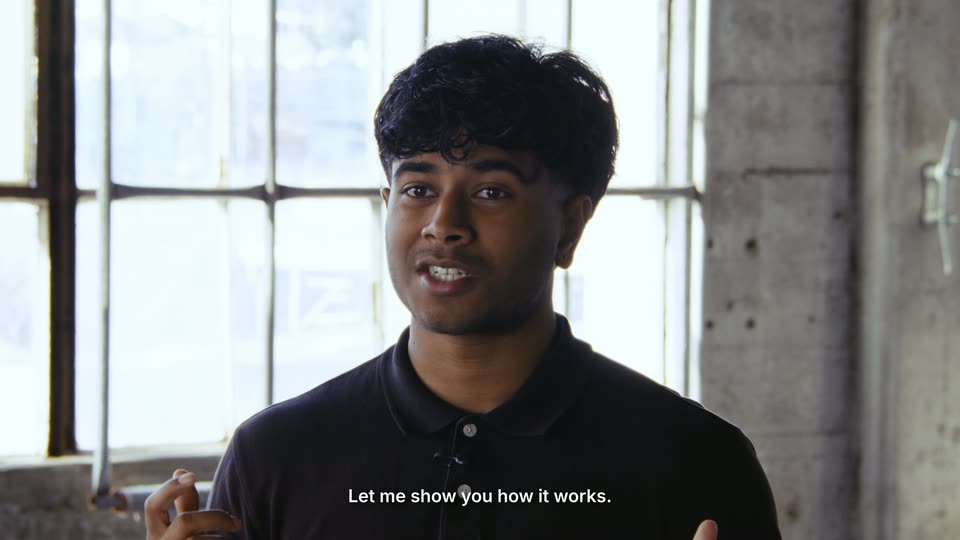
A bald man in glasses and a white shirt stands in a bright open office, talking to camera while captions build word by word on the left, key phrases boxed in lime green. The camera holds a static medium shot as the captions advance from “Let's take one example.” to “The hardware engineer / Building a drone.”
On-screen text: “A machine should be doing I”, “Let's take one example.”, “The hardware engineer”, “Building a drone”
Techniques: Kinetic type
Camera: Push in
A near-black field of faint outlined squares frames a centered terminal-style box. A small green arrow sits at the left edge while the line types out, the brand name rendered in green.
On-screen text: “With Kyrall.com”
Techniques: Kinetic type
Camera: Static
A bordered box with a green arrow and “With Kyrall.com” sits on a dark grid; it gives way to the centered line “You don't have”, the last word in green, as a bright 3D mechanical part rises from the bottom edge beside a dark panel.
On-screen text: “With Kyrall.com”, “You don't have”
Techniques: 3D mockup
Camera: Static
White rounded cards float in 3D perspective over a dark grid, each holding a 3D drone part like a quadcopter, propeller or fuselage. A green triangular cursor glides to point at the central card. The headline model parts by hand sits at top, hand in green easing to white.
On-screen text: “model parts by hand”
Techniques: 3D mockup, Parallax, Cursor demo
Camera: Pan
A dark interface panel shows the white KYRALL logo at left and a GENERATE MODE tag at right. In a text box, a prompt describing a futuristic drone types out line by line, with selected terms highlighted in green.
On-screen text: “model parts by hand”
Techniques: Kinetic type
Camera: Static
A dark interface panel holding a typed drone prompt slides upward; a green outline cursor glides down and rests on the GENERATE button, which then frames itself in a green selection box.
Techniques: Cursor demo
Camera: Pull out
On a near-black field with faint square outlines at the edges, a centered horizontal progress bar fills from left to right. The green fill extends while a small percentage counter rises, then the completed bar tilts into a diagonal.
Camera: Static
A lime green bar scales into a square on a dark grid background as a gray 3D drone model assembles to its right, opened by a small particle burst. The caption 100% holds on the right side.
On-screen text: “100%”
Techniques: Particles, Morph, 3D mockup
Camera: Static
A black carbon-fiber drone frame scales up and rotates into the right side of a white grid backdrop. Top left, the title “Drone” reveals in large black type next to a black tag carrying lime-green “Mark -001”.
On-screen text: “Drone”, “Mark -001”
Techniques: Kinetic type, 3D mockup
Camera: Static
A black quadcopter frame floats in 3D perspective over a white grid, a bold “Drone” title and a lime “Mark -001” tag pinned top left. A dark UI panel slides in from the left edge, pushing the drone right as the title exits.
On-screen text: “Drone”, “Mark -001”
Techniques: 3D mockup
Camera: Pull out
A split layout shows a dark prompt panel on the left, where a typed text prompt fills the box above a green generate button, while a carbon fiber drone frame rotates in 3D on a white grid canvas to the right.
Techniques: Split screen, 3D mockup
Camera: Pan
A dark prompt panel labeled KYRALL sits on a black grid field. The prompt text glitches between two versions, then the whole card slides out to the left past a white edge.
Techniques: Parallax
Camera: Static
A dark KYRALL interface panel rises into the center of a black grid background. Two outlined boxes, Upload and Add reference, settle in as a bright green glow fades from the right box, and the prompt text sharpens from blur.
Camera: Static
A diagonal fan of white document pages floats in 3D perspective against black, each showing technical line drawings and titles. A neon green cursor arrow glides from the lower right to the center as the stack brightens and scales up.
Techniques: 3D mockup, Cursor demo
Camera: Static
A fanned stack of white document cards sits in 3D perspective on black. The front card, outlined in glowing green, shows a black abstract mark and a small caption. A bright green cursor arrow glides leftward across it while the stack holds still.
Techniques: 3D mockup, Cursor demo
Camera: Push in
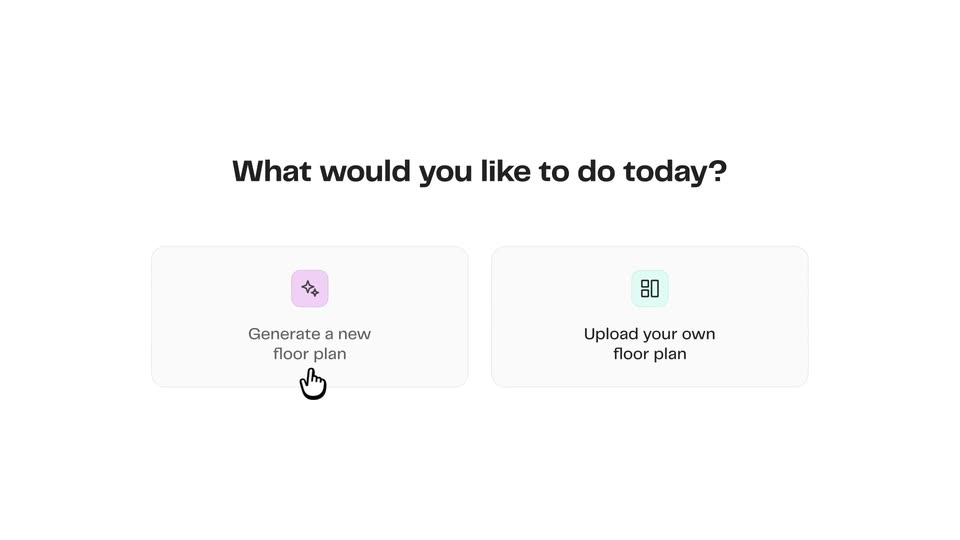
A dark KYRALL generate panel sits centered on a black field of faint square outlines. A hand cursor drags a small white reference card from the left edge into the upload slot, above the prompt box and the lime green generate button.
Techniques: Cursor demo
Camera: Static
A dark prompt panel fills the frame as the view tightens onto it; a green triangular cursor glides from the bottom edge up to the right end of the lime GENERATE button. A row of suggested-prompt chips sits just above the button.
Techniques: UI zoom, Cursor demo
Camera: Push in
A dark interface shows a row of part-name tags above a wide GENERATE button. The view zooms in as the button brightens to white and a small preview card with a 3D wheel and a progress bar fades in above it.
Techniques: UI zoom
Camera: Push in
A dark dashboard panel shows a knowledge base score counting up from 34 to 192 beside a 3D ring icon as its progress bar fills, while the view reframes onto a Knowledge Graph where colored nodes and lines appear.
Techniques: UI zoom
Camera: Push in
A dark product interface floats as a 3D panel rotating in perspective on a black field. The left side shows a Context Manager with upload bars and a file table, the right side a Knowledge Graph of colored nodes. The panel turns from a steep angle to a near-front view.
Techniques: 3D mockup
Camera: Pull out
A dark dashboard with a file list, a stats panel and a node graph of colored dots. Green progress bars fill and a score counts up while the view zooms in toward the graph, pushing the outer panels out of frame.
Techniques: UI zoom
Camera: Push in
A dark file manager screen shows two uploading progress bars and a context files table with status labels. The frame zooms in slightly, tightening on the file rows and the green Generate button.
Techniques: UI zoom
Camera: Static
An open book spread of grayscale drone parts slides sideways into a horizontal carousel of cards. The center card holds the cross-shaped frame while the caption 'The frame' scales in beneath it, flanked by cards showing the motor, body and propellers.
On-screen text: “The frame”
Techniques: 3D mockup
Camera: Pan
A horizontal carousel of dark cards slides left on a black background, each card holding a 3D drone part. The center card shows a white X-shaped frame with a green caption, while dimmer side cards recede in depth.
On-screen text: “The frame”
Techniques: Parallax
Camera: Pan
A dark horizontal strip of square cards, each holding a 3D-rendered drone part, drifts slowly left. The center card shows a white wing-like control surface, and the caption “The control surfaces” slides in beneath it.
On-screen text: “The frame”, “The control surfaces”
Camera: Static
A horizontal strip of dark tiles, each holding a 3D drone part, scrolls left across a black background. Green caption text sits below the center tile, and small green squares mark the tile corners.
On-screen text: “The control surfaces”
Camera: Pan
A horizontal strip of dark and light cards, each holding a 3D-rendered drone part, sits in perspective and slowly rotates. The center card shows a white square mount; its label scales up. Small green squares drift in the background.
On-screen text: “The control surfaces”, “The mount”
Techniques: 3D mockup
Camera: Pan
Three flat cards on black present drone parts: a metal bracket on a white photo, a white square mount with a gear-shaped hole, and a white ring. The green caption scales in under the center card; small green squares mark the card corners.
On-screen text: “The mount”
Techniques: Kinetic type
Camera: Static
A dark quadcopter drone sits in 3D perspective, propellers blurred as they spin, framed by thin outline boxes and a faint grid with small x= markers. A green caption builds word by word at the corners while the camera holds a locked-off front view.
On-screen text: “Until you've got a”, “whole drone to assemble”
Techniques: 3D mockup
Camera: Push in
A close-up shows hands driving a screw into a black drone on a workbench, then prying open the shell to expose the internal circuitry. A white caption stays centered over the action.
On-screen text: “The center of gravity sits too far back.”
Camera: Push in
On a near-black grid, a centered white sans-serif line reads “The center of gravity sits too far back.” It holds, then swaps to “Instead of reworking it by hand.” which scales in. A tiny “X =” marker fades in at the bottom left.
On-screen text: “The center of gravity sits too far back.”, “Instead of reworking it by hand.”
Techniques: Kinetic type
Camera: Static
A black quadcopter drone floats in 3D over a faint dark grid, pulling from blur into sharp focus. A control panel with a green Generate button slides in at the right while small X = coordinate labels drift around the frame.
On-screen text: “Instead of”
Techniques: 3D mockup
Camera: Push in
A dark 3D frame part sits on the left while a flat prompt panel on the right types out the sentence with “center.” in green. A green cursor then moves onto and clicks the green GENERATE button.
On-screen text: “The battery mount sits too far to one side. Move it toward the center.”
Techniques: Kinetic type, Cursor demo, 3D mockup
Camera: Static
A black quadcopter drone spins in 3D on a dark gridded void as the camera orbits from a tilted close-up to a top-down view, white selection boxes snapping onto the four motors. A command panel with a cursor on GENERATE sits at the right.
Techniques: 3D mockup, Cursor demo
Camera: Pull out
On a dark grid background, the words of the phrase start staggered vertically, 'in' low and 'one' and 'place' high, tinted green. They slide into a single centered line as the green fades to white.
On-screen text: “All in one place”
Techniques: Kinetic type
Camera: Static
A bald man in a white shirt stands in an open office, speaking and gesturing. A large lime headline 'And a drone' crosses his chest and fades to white, while smaller white text 'is just one example.' enters on the left, the last two words boxed in green.
On-screen text: “And a drone”, “is just one example.”
Techniques: Kinetic type
Camera: Push in
A lime-green square logo with a dark geometric mark sits centered on a white-to-pale-yellow gradient, the wordmark Kyrall.com beside it. Rendered metal parts, a bracket, a hex nut, a domed tool and a flange, drift in from the frame edges.
On-screen text: “is just”, “Kyrall.com”
Techniques: 3D mockup
Camera: Pull out
A silver 3D robotic arm with an open gripper sits on a dark grid background. It brightens from a dim teal tone, and three green square markers with asterisks pop on at its joints. Thin white text Robotic Arms holds on the left.
On-screen text: “Robotic”, “Arms”, “Kyrall.com”
Techniques: 3D mockup
Camera: Push in
A silver perforated metal enclosure rests on a white floor, camera locked off. At left, the words Mechanical Enclosures fade in, with Enclosures backed by a lime green highlight bar.
On-screen text: “Mechanical”, “Enclosures”
Techniques: 3D mockup, Kinetic type
Camera: Static
An iridescent 3D robot arm turns into view on a white background with faint grid squares. The caption Mechanical sits top left as Brackets pops in below on a lime-green block, and three lime asterisk markers land on the arm.
On-screen text: “Mechanical”, “Brackets”
Techniques: 3D mockup
Camera: Static
A bald man with glasses in a white shirt talks to camera in a bright office, gesturing with his hands. On the left, the caption types in word by word, the last word sitting in a lime-green highlight block.
On-screen text: “And much more”
Techniques: Kinetic type
Camera: Push in
A white industrial robotic arm renders in 3D on a pale background, rotating slightly. At left, the word Robotics fades from gray to black as a lime highlight box slides across it, while a faint grid of squares sits at right.
On-screen text: “Robotics”
Techniques: 3D mockup
Camera: Static
A top-down 3D render of a car chassis with battery pack and wheels sits centered on white, marked by small green asterisk tags. A lime green label with the word Automotive slides in from the left.
On-screen text: “Automotive”
Techniques: 3D mockup
Camera: Static
A glossy black twin-tail aircraft assembly floats in 3D on a white background, scaling up from a pale green-tinted state to solid black. A bright green bar on the left holds a black word that changes from Automotive to Aerospace.
On-screen text: “Automotive”, “Aerospace”
Techniques: 3D mockup, Kinetic type
Camera: Static
A bald man with glasses and a white shirt stands in an open office, speaking and gesturing toward camera. On the left, white text types in word by word, the second line revealed over a yellow-green highlight bar.
On-screen text: “This is the start of the”, “end of designing hardware”
Techniques: Kinetic type
Camera: Push in
A man in profile sits in a dark room facing two monitors, one with a white document, one with a 3D mechanical model. On the left, white text types out word by word, the last word boxed in lime green.
On-screen text: “The next generation of engineers”
Techniques: Kinetic type
Camera: Push in
A person sits at a desk in a dark room at night, facing a glowing curved monitor, while a white headline types in word by word with a green highlight box and a green caret.
On-screen text: “The next generation of engineers”, “won't spend years mastering manual design”
Techniques: Kinetic type
Camera: Push in
A white quadcopter drone with teal propellers sits centered on black, locked off. It resolves from a green point-cloud wireframe with coordinate readouts and dashed path lines into a clean solid model as the labels fade out.
On-screen text: “won't spend years mastering manual designl”
Techniques: Morph
Camera: Static
A black quadcopter drone renders in 3D at center on a dark grid, scaling up as dashed measurement lines and coordinate tags snap onto its arms. A prompt panel below types out a long product description, its IMAGE, MESH and FILE tabs and a GENERATE button holding still.
Techniques: 3D mockup
Camera: Static
A bald man with glasses and a light shirt stands in a bright office, gesturing as he speaks. On the left, a white caption builds word by word, a green highlight box tracking each new word.
On-screen text: “And the system will build it into a fully designed part that can be manufactured.”
Techniques: Kinetic type
Camera: Push in
A bald man with glasses in a cream shirt stands in a bright office, speaking and gesturing. The KYRAL wordmark with “is live today” appears over his chest, then a large “Try it now” with a text cursor.
On-screen text: “that can be manufactured.”, “KYRAL is live today”, “Try it now”
Camera: Push in
A static end card on a near-black background. A small white six-spoke asterisk mark sits left of the lime-green URL, both centered and locked off for the full duration.
On-screen text: “kyrall.com”
Camera: Static