1:13
HyperFrames - script based editing is live in HyperFrames Studio edit long-form an
HyperFrames · Oct 2026
Recraft · Jul 2026 · 0:35 · AI-annotated
Recraft’s 0:35 launch film runs 17 scenes, about 2.1 s each. The product shows up at 0:04 and 1 feature is revealed. The call to action lands at 0:32 (94% in). A hard-cut launch film built from flat color cards: a silent vector-editing hook, an orange title card, a 2x2 montage of flat illustrations, then bold text cards paired with point-by-point demos of flat characters. Signature moves are the recurring orange selection frames, the wipe-in italic headlines, and the 3D collage band that closes on the Try Recraft now pill.
Is this your launch? to your site or press kit.
HyperFrames · Oct 2026
Runway · AI · Jun 2026
A cream high-contrast serif wordmark, Thallus, fills a dark maroon screen. A blue vector selection box, anchor points, and arrow cursor edit the letters as the frame zooms into the central letters.
On-screen text: “Thallus”
Techniques: Cursor demo, UI zoom
Camera: Push in
Four blue mascots, a cup, a skateboarding rabbit, a globe and a shark, stand on a black canvas. Selection boxes jump from one to the next as the characters hop to new spots with a green glow, then the view pulls back to reveal the canvas in an orange frame.
Camera: Pull out
On a flat orange field, the headline 'THE NEW VECTOR EDITOR' fills in from outlined and striped-masked letters into solid white bold type, the lower lines slanted in italic, while a small spaced 'INTRODUCING' stays locked at the bottom center.
On-screen text: “THE NEW VECTOR EDITOR”, “INTRODUCING”
Techniques: Masking, Kinetic type
Camera: Static
A 2x2 split screen shows four vector artworks being edited. A cursor rotates a selected shape on a bold green wordmark and deletes a bezier point on a red character holding a cup, while a planet line drawing and a blonde portrait stay still below.
Techniques: Split screen, Cursor demo
Camera: Static
A locked-off 2x2 grid of flat vector illustrations. Top-left, a black wordmark on green with a cursor rotating a bar; top-right, a red character holding a steaming blue cup; bottom-left, a ringed planet line drawing with a cursor on a star; bottom-right, a blonde cartoon portrait.
On-screen text: “RALIE”
Techniques: Split screen, Cursor demo
Camera: Push in
A tight crop on the lower face and neck of a stylized blonde woman with pink lips and a green hoop earring. White node dots joined by thin lines trace her neck and collarbone, and a small black triangle slides along the path before vanishing.
Camera: Push in
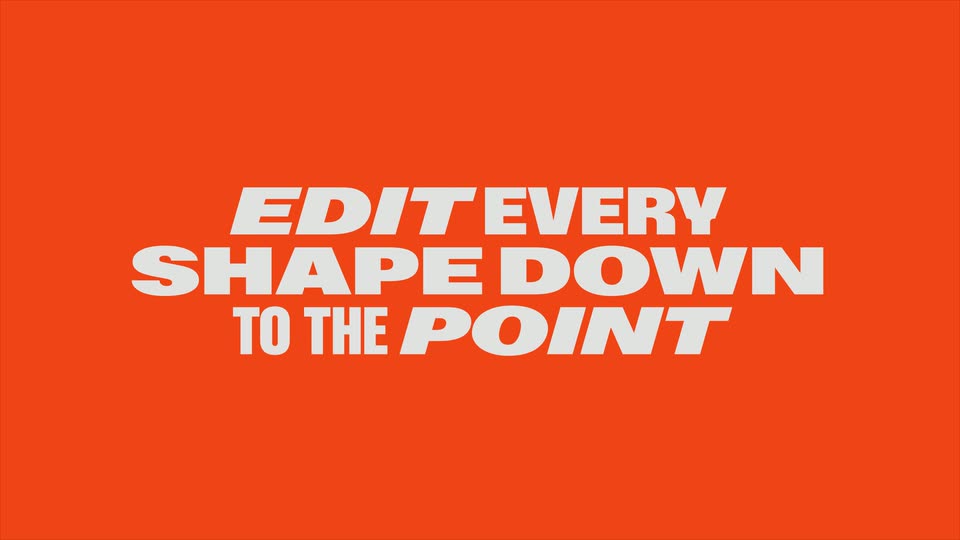
On a solid orange background, three lines of bold white type wipe in from left to right: EDIT EVERY, SHAPE DOWN, then TO THE POINT. The frame stays locked off while the last line finishes its reveal.
On-screen text: “EDIT EVERY”, “SHAPE DOWN”, “TO THE POINT”
Techniques: Masking
Camera: Static
A white prompt box sits centered on a light gray field. The prompt text types out over two lines, then a black arrow cursor glides in from the lower left and hovers over the round black send button.
Techniques: Kinetic type, Cursor demo
Camera: Static
A flat red dog with black ears on a cream square card starts in a colorful glitch of triangles and stars, then resolves clean. An orange selection box with corner handles frames the card while a black arrow cursor moves to the dog, then both vanish, leaving the static card.
Techniques: Cursor demo
Camera: Static
A flat orange dog illustration on a cream card zooms in to the head, where a cursor drags vector anchor points to reshape the black ears from floppy ovals to upright points. The view pulls back as the cursor drags the black mouth shape off to the left.
Techniques: UI zoom, Cursor demo, Morph
Camera: Static
A hand cursor drags a flat orange dog illustration from a left canvas to a right canvas, each outlined by an orange selection frame on a gray background. As the dog lands, a jumping character in a yellow sweater and purple pants pops in on the left canvas.
Techniques: Cursor demo, Split screen
Camera: Pan
A cartoon character in a yellow sweater and purple pants leaps with fists raised inside an orange selection frame, the square corner handles snapping into place as small white sparkles twinkle and a black arrow marker sits to the right.
Camera: Static
A flat cartoon of a cheering figure in a yellow sweater and purple pants on a beige card. The frame zooms in as a blue selection box with corner handles wraps the figure and color chips with hex codes pop in at the top right.
Techniques: UI zoom
Camera: Push in
A close-up of a cartoon character's legs sits inside a blue selection box. A black cursor opens a color palette and clicks a maroon swatch, recoloring the pants. The view then zooms out to frame the whole character on a white canvas.
Techniques: Cursor demo, UI zoom
Camera: Pull out
A flat cartoon figure in a yellow sweater jumps inside an orange selection frame with corner handles, a black cursor hovering at the right. It cuts to a pink panel packed with a collage of colorful illustrations and small photos.
Techniques: Cursor demo
Camera: Static
A 3D extruded band of colorful collage panels rotates across a solid orange field, flipping between cartoon characters and faces. Below it, a lime-green pill holds the static black text and a black arrow pointer.
On-screen text: “TRY RECRAFT NOW”
Camera: Static
On a flat orange background, a red octagonal sticker of a flame-eyed cartoon face in a sombrero slides off to the right, uncovering the full white RECRAFT wordmark. Below, a purple pill reads TRY RECRAFT NOW with a black cursor pointer.
On-screen text: “TRY RECRAFT NOW”, “RECRAFT”
Techniques: Masking
Camera: Static