Cursor demo
A visible cursor operates the interface.
15,114 scenes · page 145 of 252
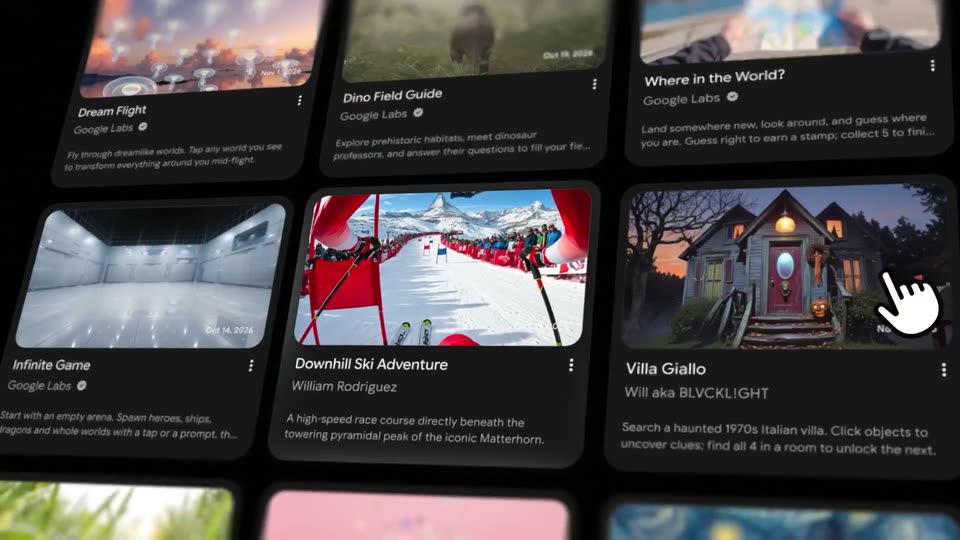 1:11–1:12Google · Introducing the new Project Genie, powered by Genie 4A dark grid of app cards sits in tilted 3D perspective, edges blurred by depth of field. The grid drifts and scrolls as a white outline hand cursor glides in from the right and hovers over the Downhill Ski Adventure card.
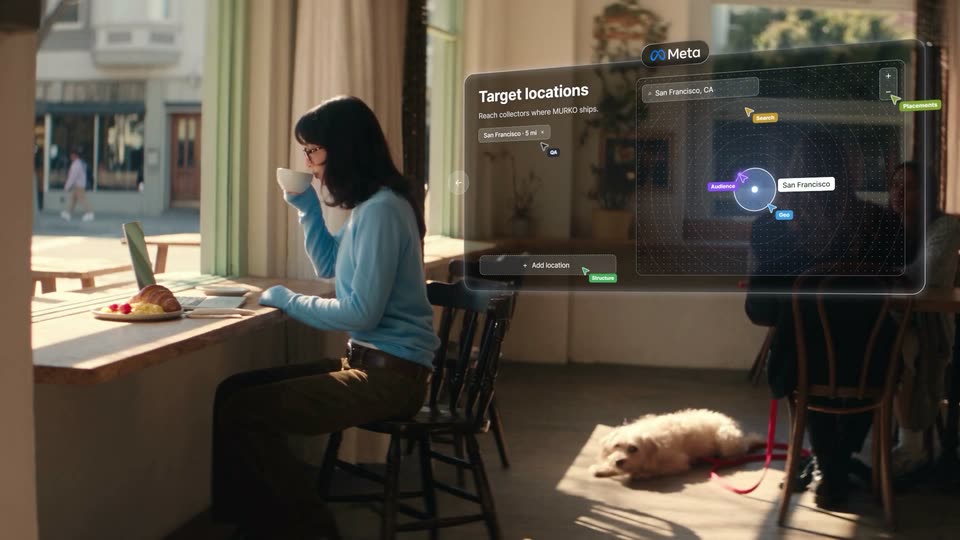 1:05–1:07Higgsfield · Higgsfield AI 🧩 - Introducing Higgsfield MCP 2.0 for Claude. Your entire creative studA woman drinks from a cup at a sunlit cafe counter as a small dog sleeps on the floor. A floating 3D glass panel on the right shows a dotted map; a cursor taps San Francisco, the map zooms onto a glowing node, and a list fills in.
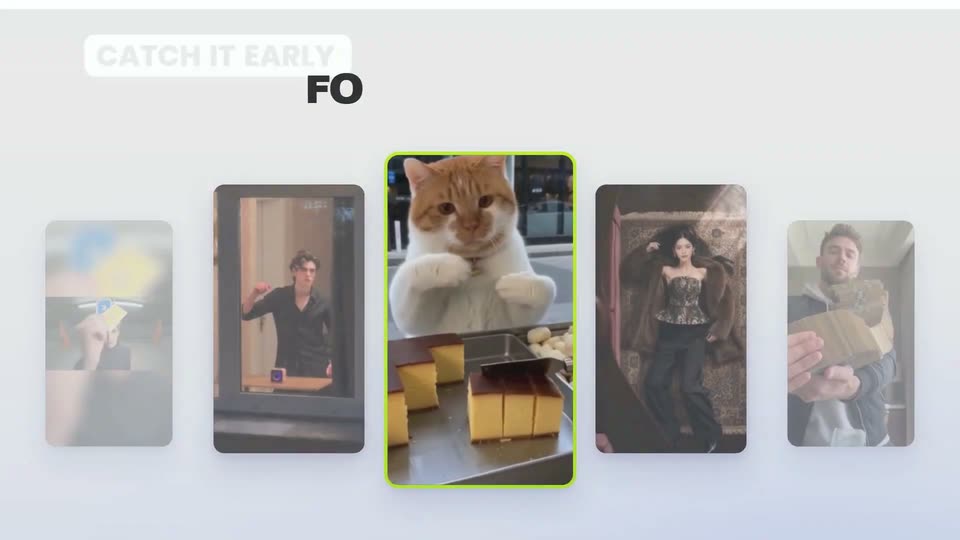 0:36–0:37Inspo · Meet AI Inspo, your all in one AI powered social media management platform.A white badge types out CATCH IT EARLY above a dark grid of video thumbnails with view-count tags. A cursor glides across the cards and hovers one, which gains a yellow outline and a stats panel.
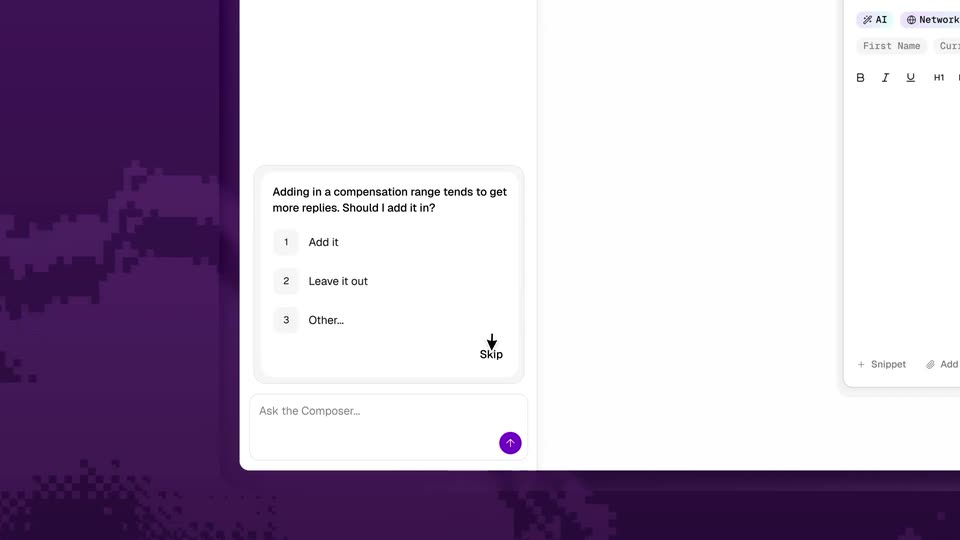 1:00–1:02Juicebox · Introducing Smarter Sequences from JuiceboxA white composer card on a purple pixel-map background poses a compensation-range question with three numbered options. The text crossfades in, then a black cursor glides down and clicks Skip, which gains a circular highlight.
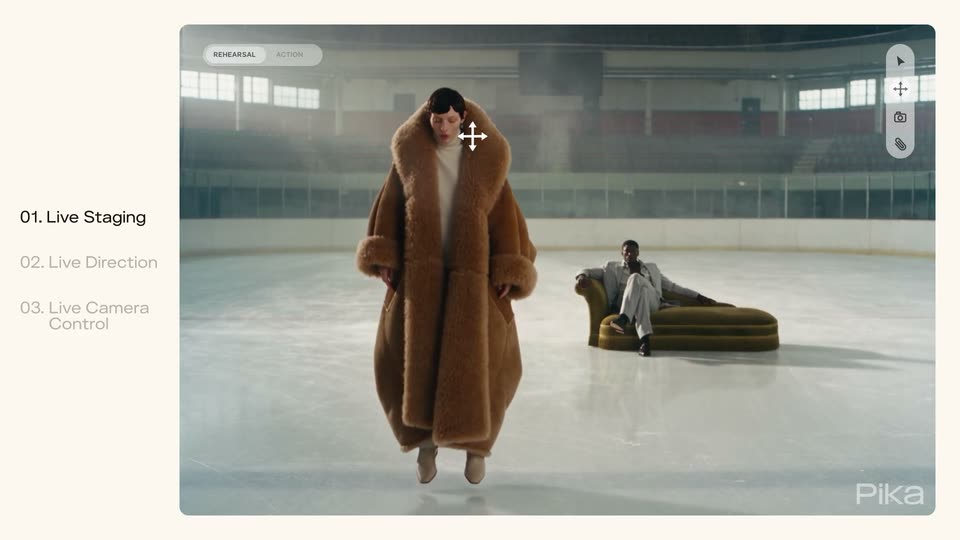 1:07–1:16Pika · Pika Enact | A Research Preview of Scenes that RespondPika interface on cream: a left menu lists three features, the first active. In the rehearsal frame a cursor picks the move tool; a drag handle pulls the man on the green chaise back into the hall, then the woman in the fur coat forward. Captions track the voiceover.
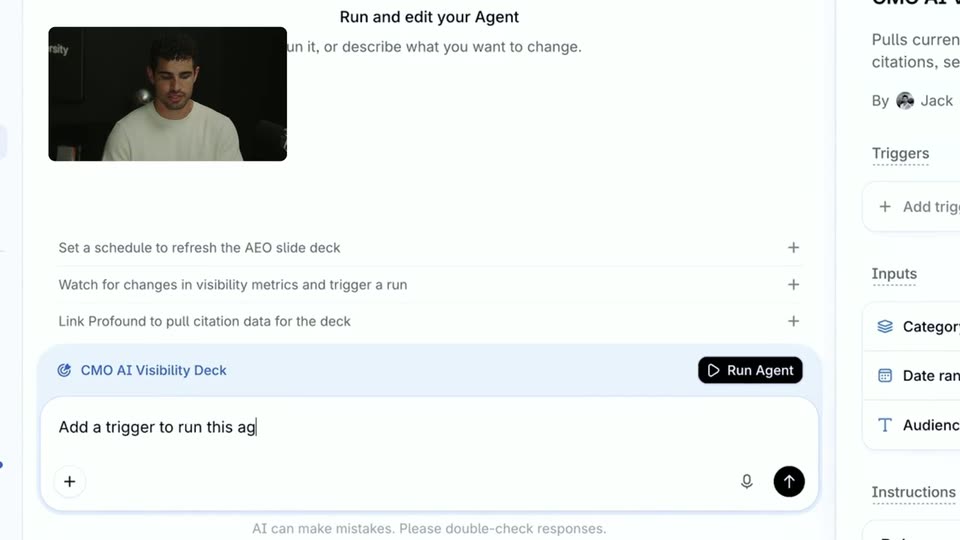 1:40–1:50Profound · Dylan Babbs - Today we're launching a new generation of Agents in @profound, now poThe dashboard zooms into the prompt field of an AI agent page. A blinking caret types a trigger instruction letter by letter in time with the voiceover, then the field resets to a follow-up state showing a stop button.
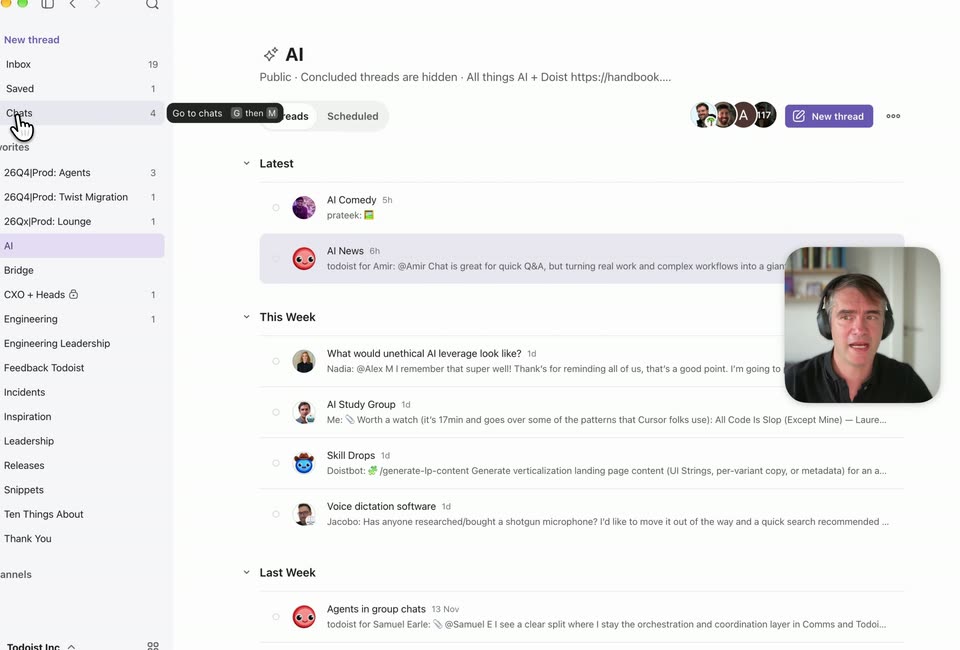 0:45–0:47Todoist · Amir Salihefendić - Todoist Comms is now in public beta 🚀 What's in it: ⋅ Turn any threA Todoist screen shows the AI channel with a thread list; a small rounded video window of a man in headphones sits at the right. The cursor moves to Chats in the left sidebar, and a keyboard shortcut tooltip pops up.
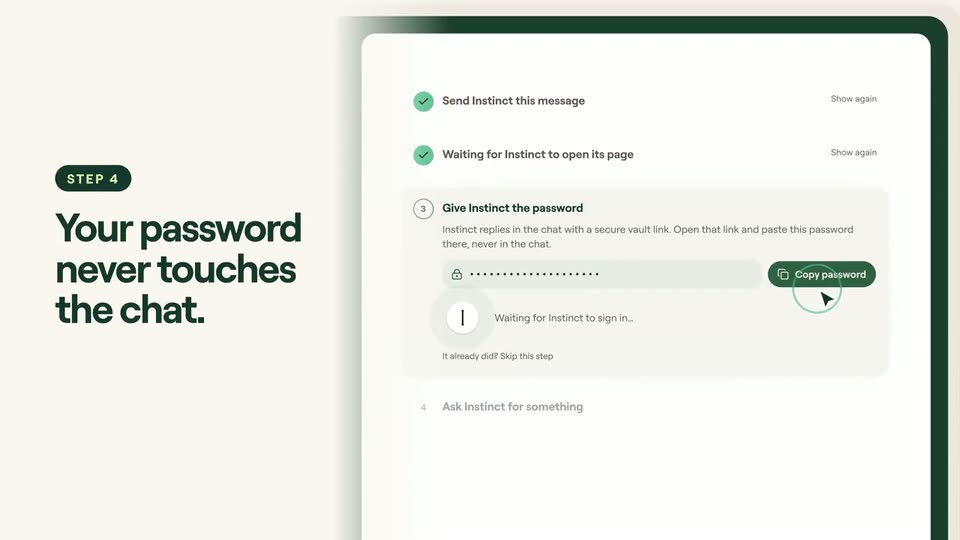 0:21–0:23Willow · Willow | AI Basecamp - 1/ "Ask me before you delete anything" is a prompt. Prompts get summA white product panel on the right lists onboarding steps with a green Copy password button and a blinking caret, while a dark green headline reveals line by line on the left. A mouse pointer glides from the button down the panel.
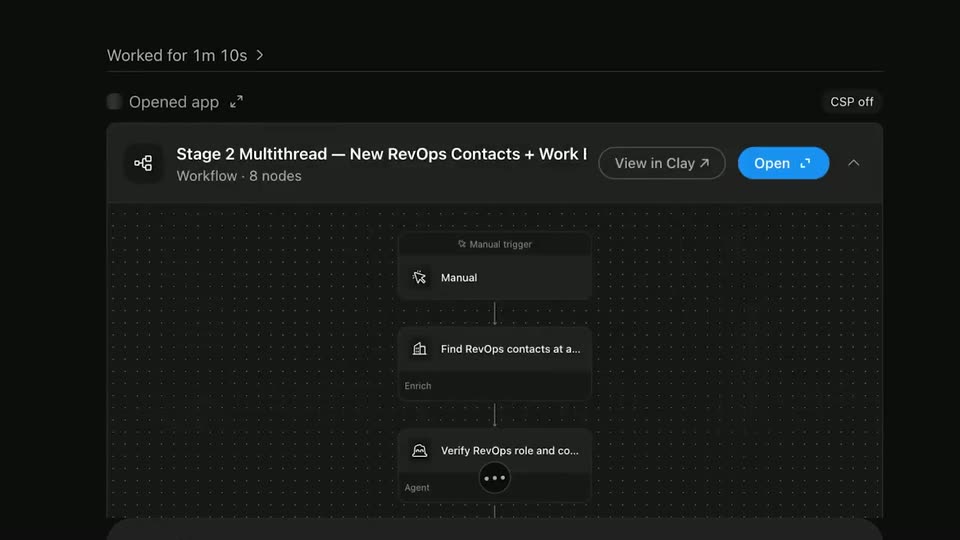 1:41–1:43Clay · Clay - Today, we’re excited to relaunch our official MCP connection with @OpA dark agent interface scrolls up from a text response to a dotted-grid workflow canvas. A header card for the workflow sits at the top with buttons, and a cursor hovers over the Manual node.
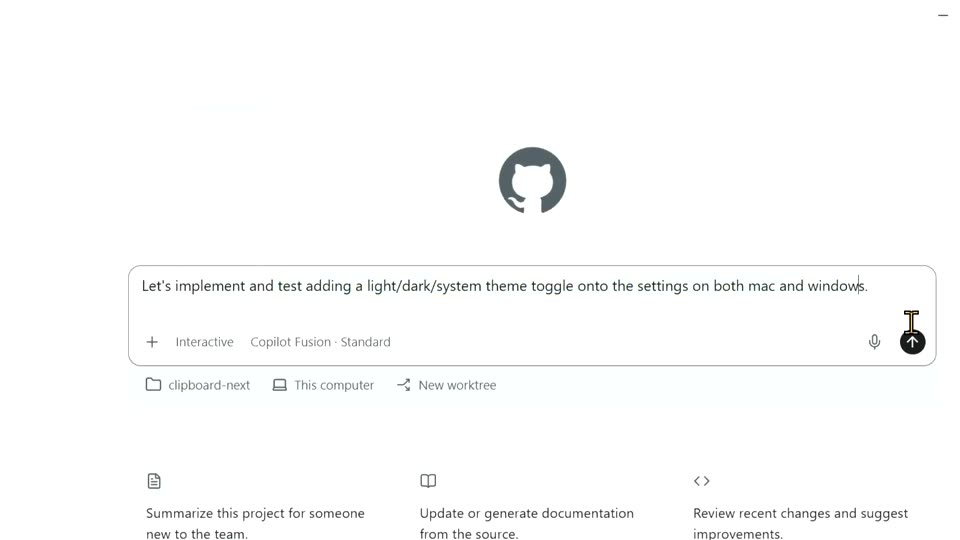 1:13–1:19GitHub · Stop manually picking AI models: how GitHub Copilot Fusion worksOn a white GitHub Copilot screen, a text caret types a prompt into the input field, a phrase flashes highlighted, then a hand cursor clicks the round send button and the field empties.
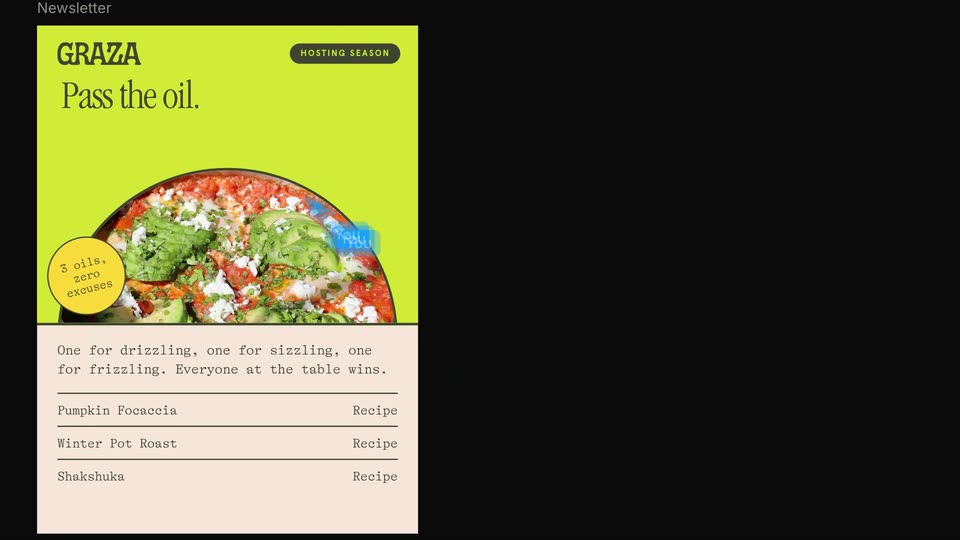 0:40–0:41Kite.new · Loukman - Excited to launch Kite today The design canvas for agents and humansA blue You cursor selects the Pass the oil headline in the lime newsletter. A dark mention composer opens beside the selected artwork.
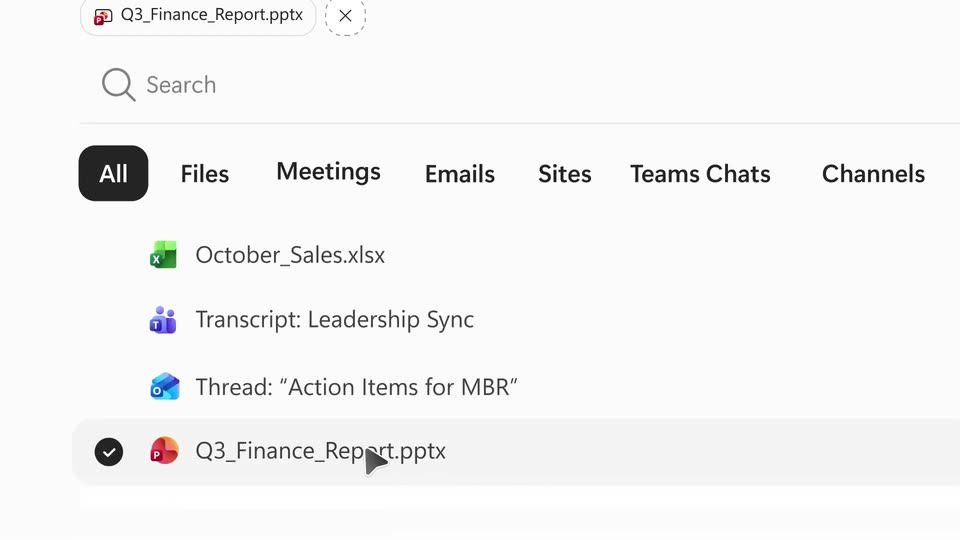 0:23–0:26Microsoft · Introducing Copilot Workspaces | Microsoft Ignite 2026In a search interface, the cursor moves down the results list to the Q3_Finance_Report.pptx row, which highlights and gains a checkmark. A chip with the filename and an X button appears at the top of the screen.
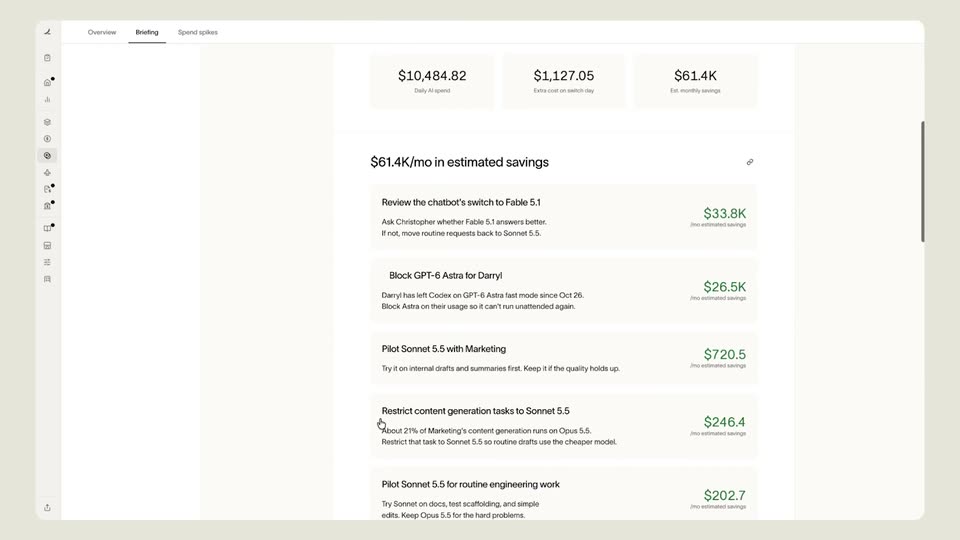 1:02–1:15Ramp · AI spend x Router demoA dashboard briefing screen shows a greeting, a stacked bar chart and three stat tiles. A cursor highlights a sentence in yellow, then scrolls down a list of recommendation cards and hovers the first one, which expands into a cost-comparison table.
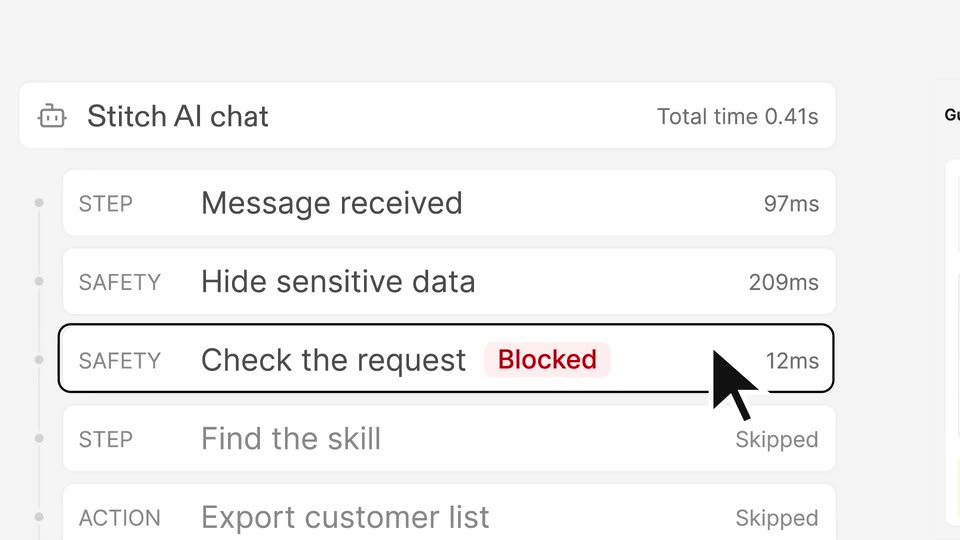 0:57 · 0.7sStitch · Stitch - Introducing Stitch AI: put agents to work, native inside the Stitch oA light interface list of pipeline steps. A black cursor rests on the row Check the request, marked with a red Blocked pill, while the frame pans left to reveal a Guardrails rules panel on the right.
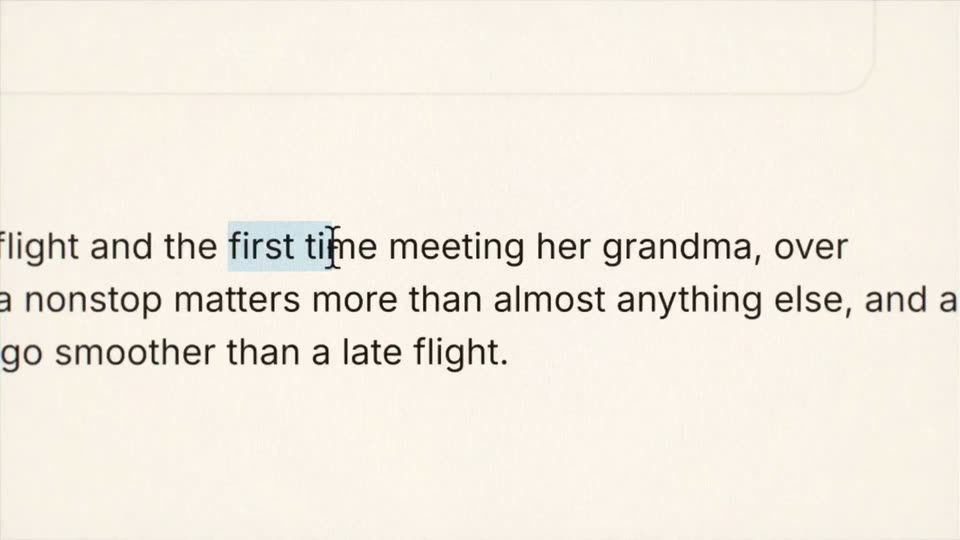 0:23–0:24Voyage Labs · Manik Gupta - Yogesh and I just raised $12M to help everyone experience more of theA cream chat screen shows a typed trip prompt in the input bar, a hand cursor hovering over the dark up-arrow send button. The frame then zooms into the response text, where 'first time meeting her grandma' is highlighted in light blue.
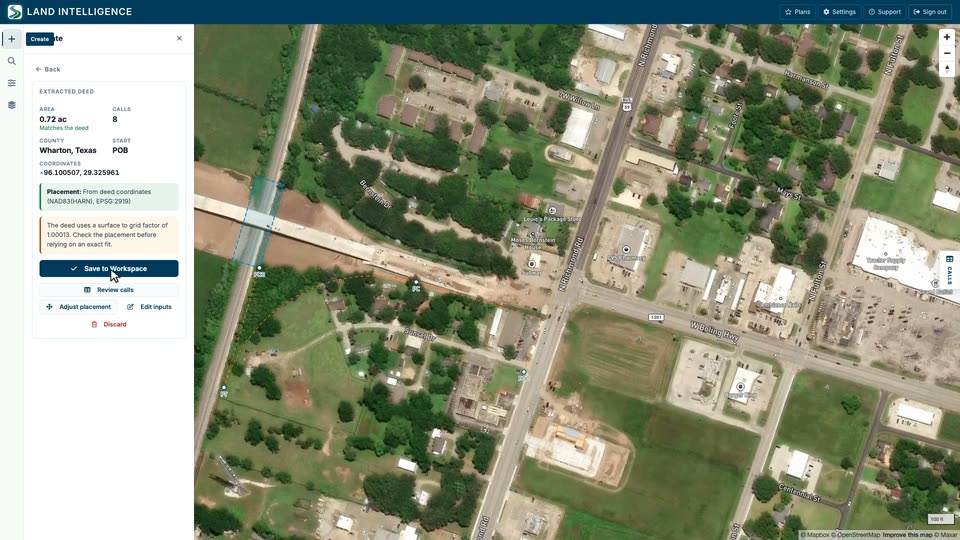 0:46–0:48Clearfork Intelligence · Kyle Walker - Launching today: Land Intelligence. Upload a deed and AI reads the lA satellite map of Wharton, Texas fills the right side, with a blue parcel outline and a dashed orange boundary. A left panel lists extracted deed details. A cursor glides from the top toolbar down to the Save to Workspace button.
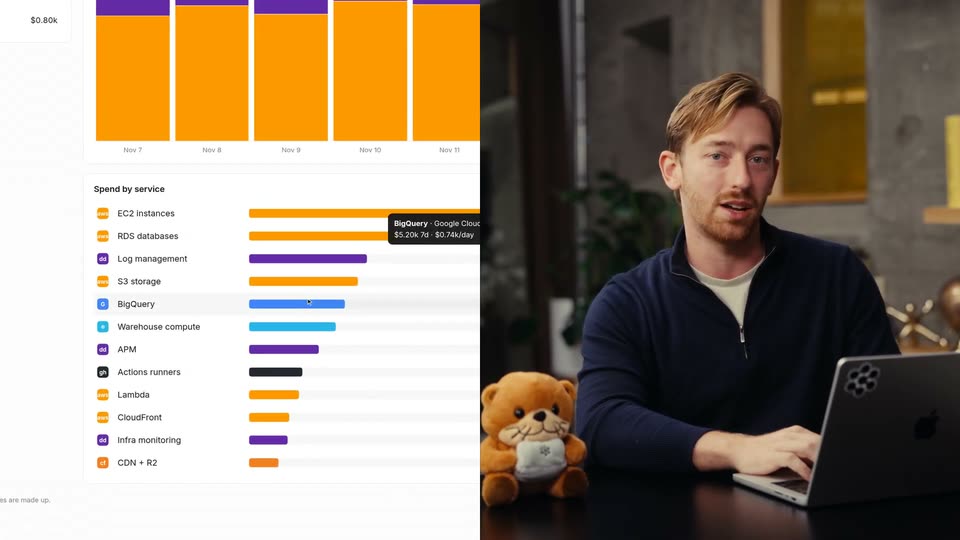 0:44–0:48Cognition · Introducing Devin AppsA Cloud Costs dashboard fades in on the left half and scrolls from summary cards and a stacked bar chart to a spend-by-service list; on the right, a man in a navy sweater talks at a desk with a laptop and a teddy bear.
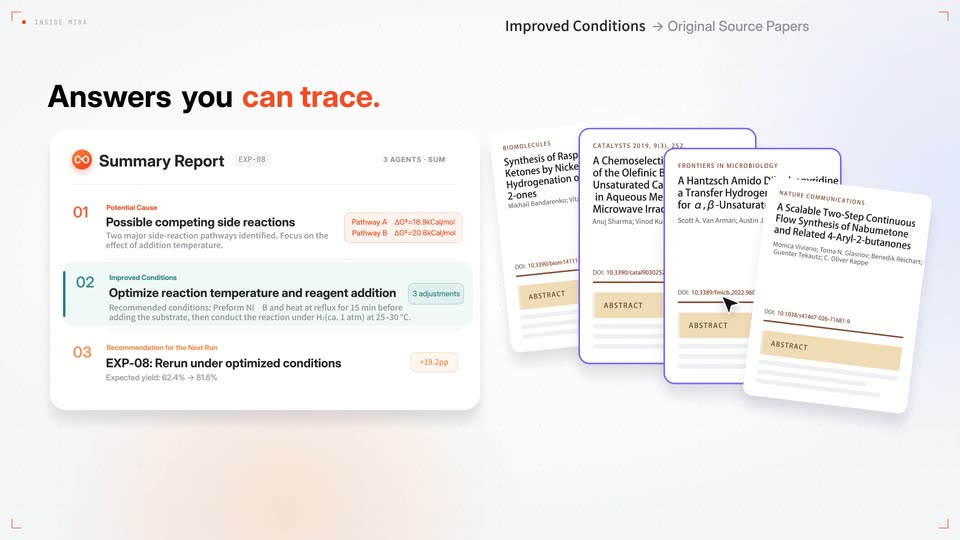 0:35–0:38DeepPrinciple · Deep Principle - We’re introducing Mira Science, a general-purpose computing platformA flat interface shows a Summary Report card while a cursor hovers the Improved Conditions row, fanning out source paper cards to the right. The cursor then moves to the Recommendation row, which highlights orange as the papers blur and fade out.
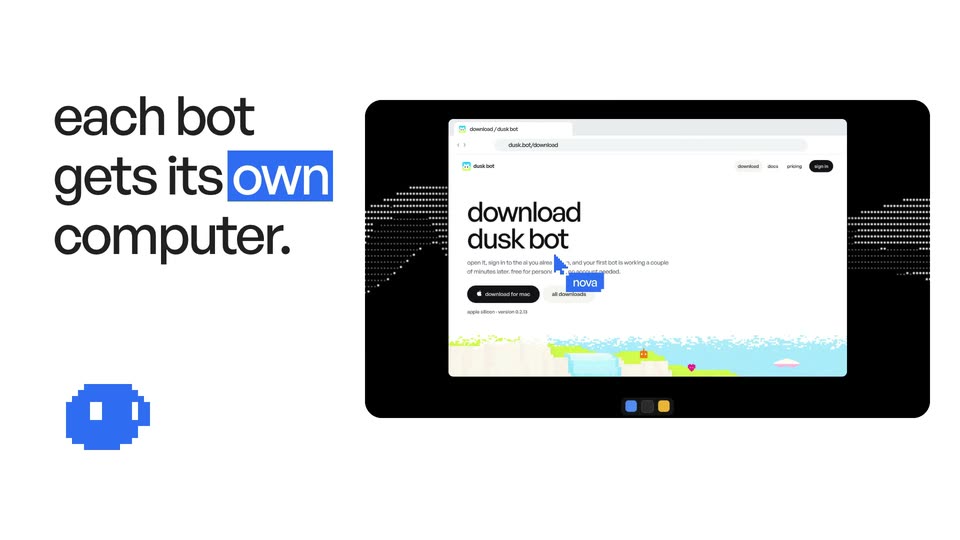 0:20–0:21dusk · siddharth - introducing dusk bot free open source Grok Bot alternativeLeft, a bold black headline 'each bot gets its own computer.' with 'own' in a blue box; a small pixel bot sits below. Right, a black tablet in 3D perspective shows a dusk bot browser page; a blue cursor tagged 'nova' moves over the page and clicks the download button.
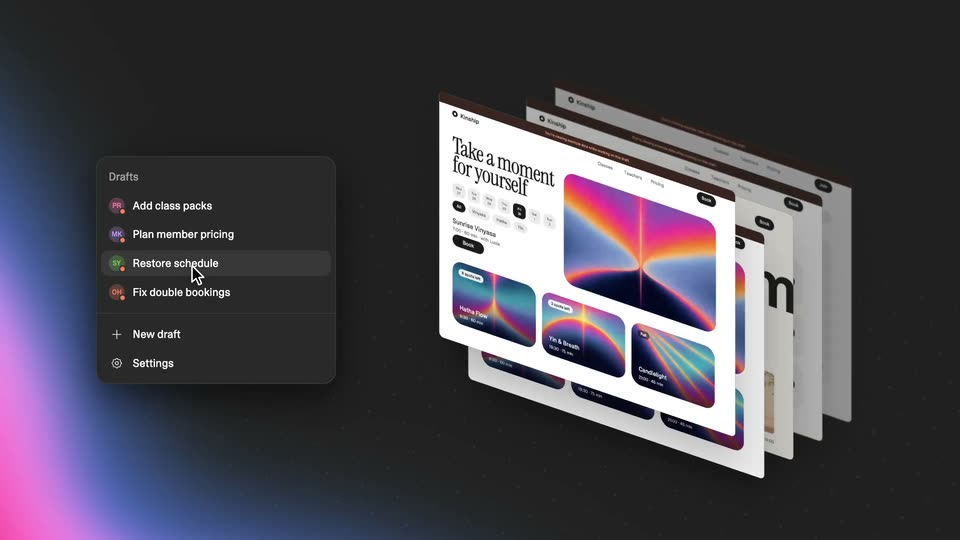 0:15–0:18Lovable · Anton Osika - Today, we’re launching Drafts in @Lovable. Build a new feature, tryA dark starfield with a pink glow on the left. A drafts panel lists four tasks while a cursor clicks down the list. On the right, a fanned stack of 3D web mockups swaps its front page between a pricing table, membership tiers, and a class schedule.
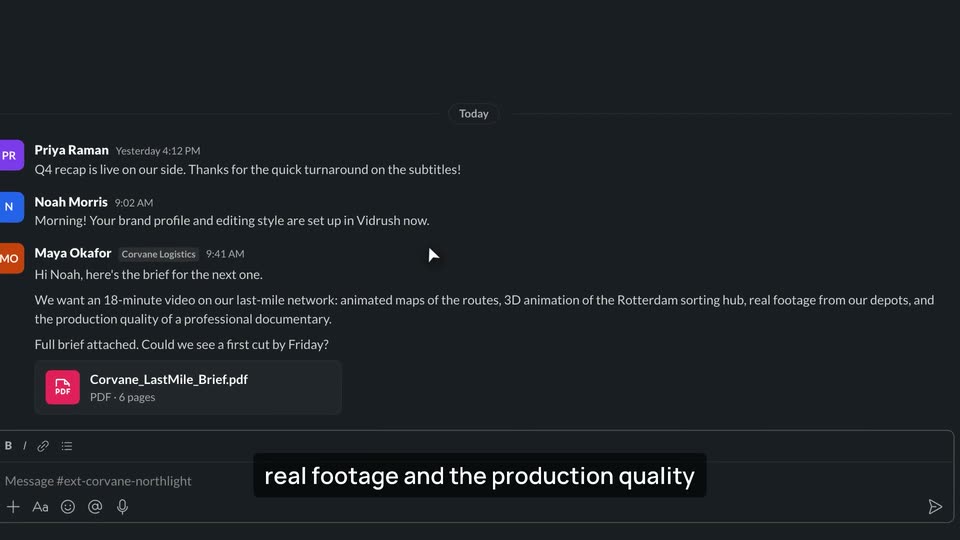 0:54–1:03VidRush · Noah Morris - We just KILLED Claude Opus 5.5 Video Editing Introducing VidRush V2A dark messaging interface shows a channel chat; the camera pushes in on a client brief message with a PDF attachment. White caption boxes cycle along the bottom, then the frame pulls back as the brief text is highlighted.
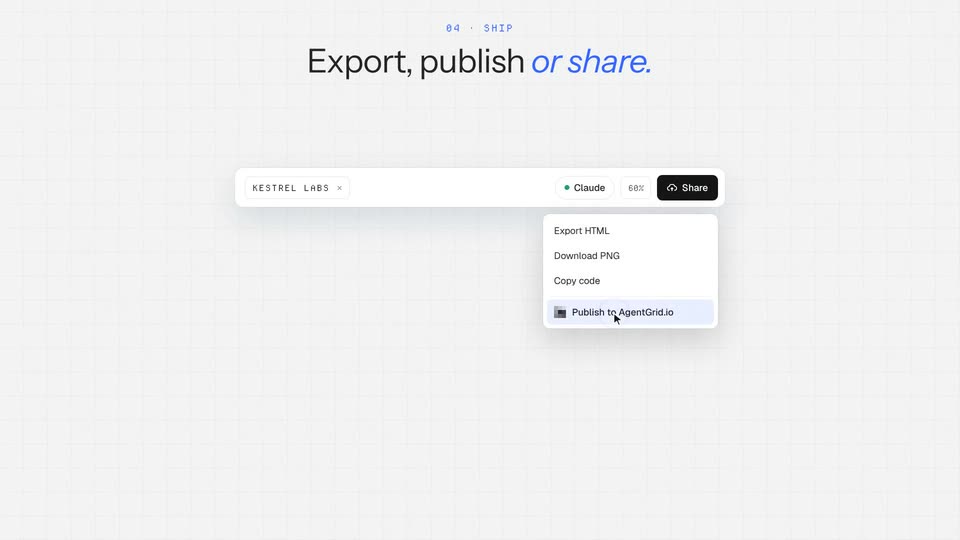 0:38–0:40AgentGrid · michal cohen - For the visual thinkers out there, we’re launching Agentic Canvas byOn a white grid, a cursor clicks the black Share button inside a centered toolbar pill. A dropdown menu drops in below it listing four actions, and the cursor glides down to highlight the last row. A large headline sits above the toolbar.
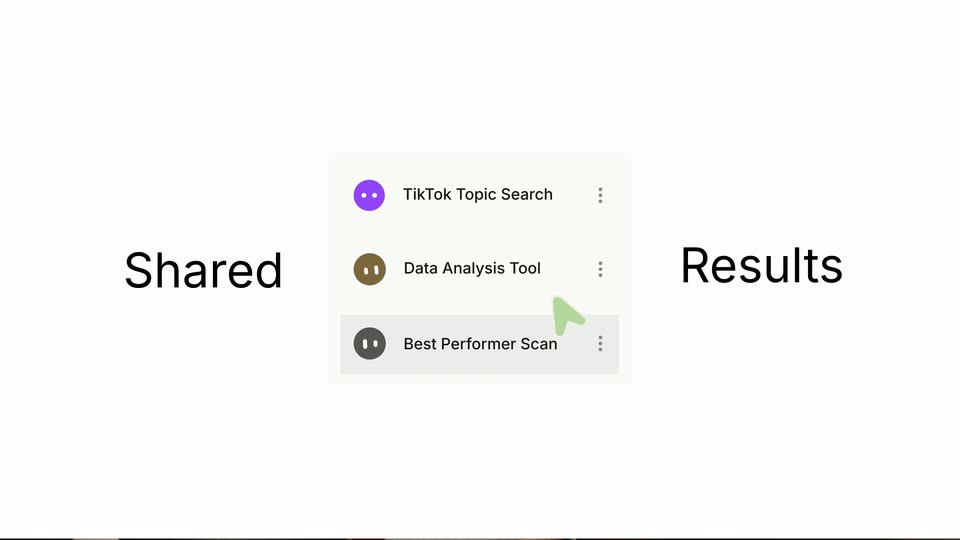 0:17–0:21Frevana · Amy Hua - Frevana Multiplayer is LIVE on Product Hunt your entire team can nowA central three-row card list swaps its content from agents to skills to results, while the left label Shared holds and the right label cycles through Agents, Skills, Results. A green cursor hovers the highlighted middle row.
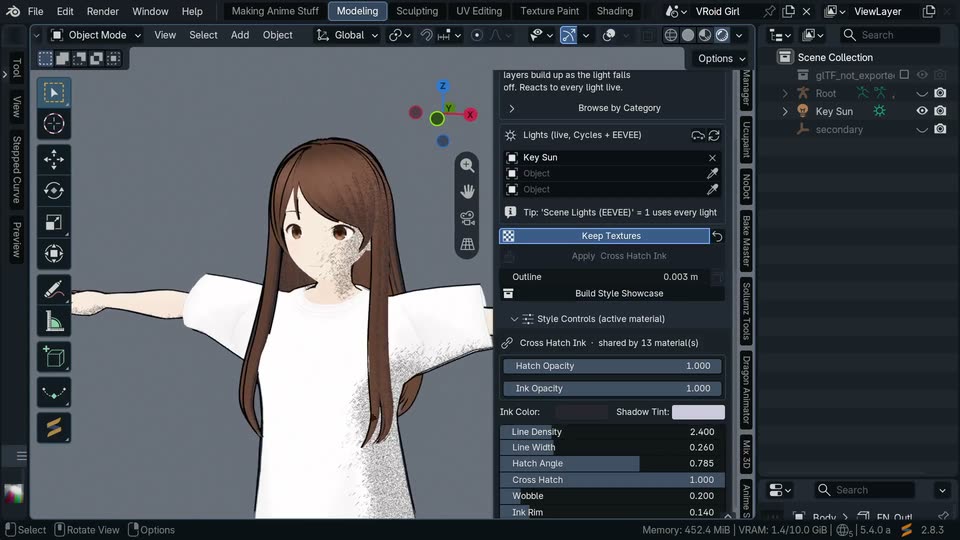 1:03–1:19Mix 3D Design · Mix 3D - Your 3D character is just ONE shader away from looking like an ANIME!A screen capture of Blender frames an anime girl in the viewport as a shader menu pops open over her face. Applying a cross-hatch ink style speckles her skin and shirt with lines and a black outline, then the view orbits and pulls back to the full body.
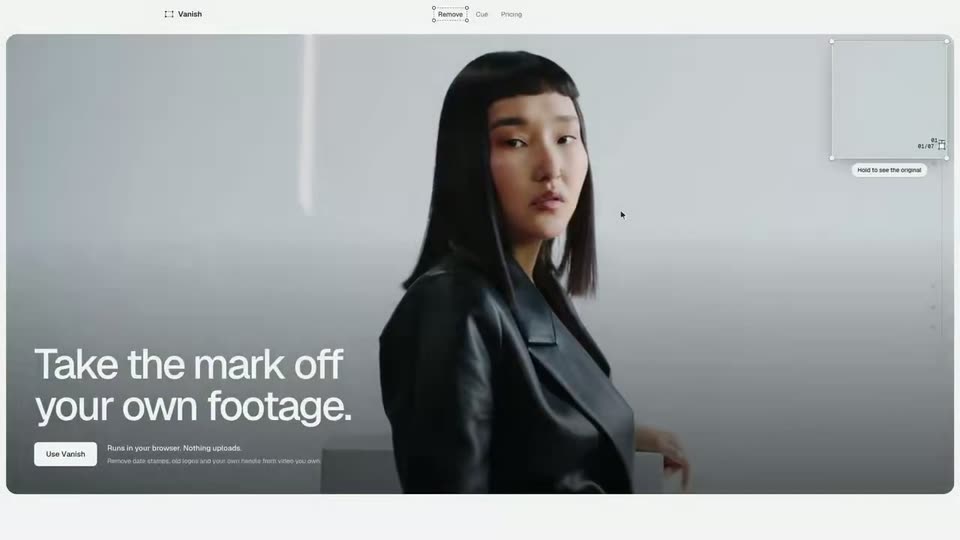 0:31–0:33Vanish · Vanish - For ten years, people have asked: what's a better way to record my scA flat product interface shows a hero video of a woman in a black jacket against a white wall, with a large white headline and a button at lower left. A small preview box sits top right with a tooltip, and a cursor drifts across the right side.
 0:26–0:27Aokumo · Ctrl+Z for AI: the motion design video we made for AokumoA dim desk with a laptop showing code, a white circle and cursor on the screen. The view zooms into the laptop as the clock rewinds from 6:00 to 3:15 AM, red error lines glow, and a panel prompts to ask the AI agent about payments-api.
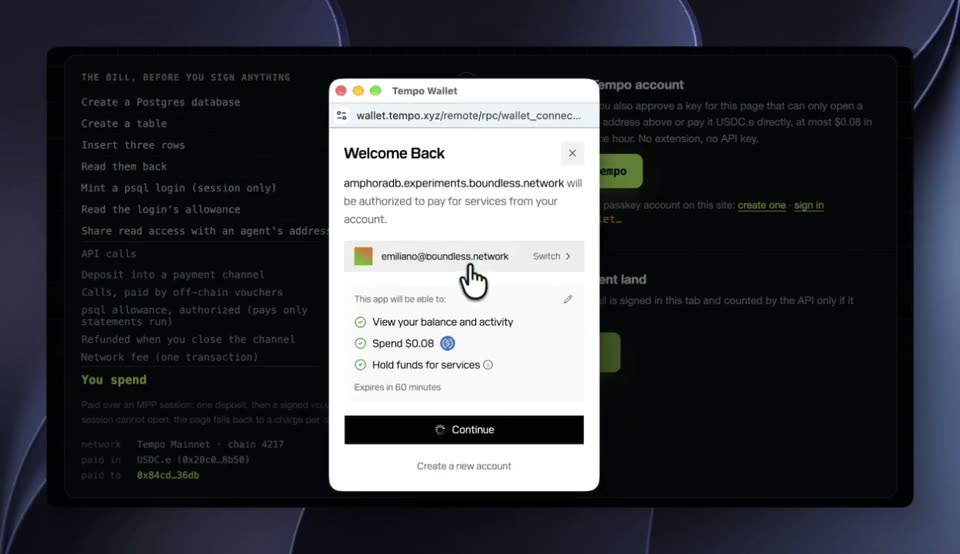 0:12–0:13Boundless · Emiliano Bonassi - This Friday, we run an experiment at Boundless. Announcing AmphoraDBA white Tempo Wallet modal sits centered over a dimmed browser page of documentation. A hand cursor hovers over the account field, above a checklist of permissions and a black Continue button.
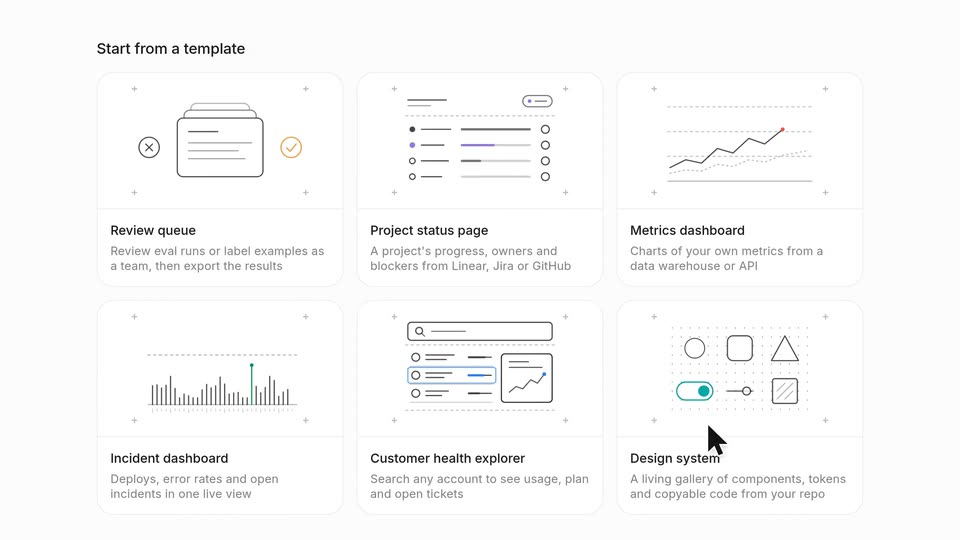 0:22–0:26Cognition · Cognition - Introducing: Devin Apps Private, secure, sharable web applications rA light product screen titled Start from a template shows a two-by-three grid of line-art template cards, each with a bold title and short caption. A cursor glides from card to card, and the small illustrations animate as it hovers.
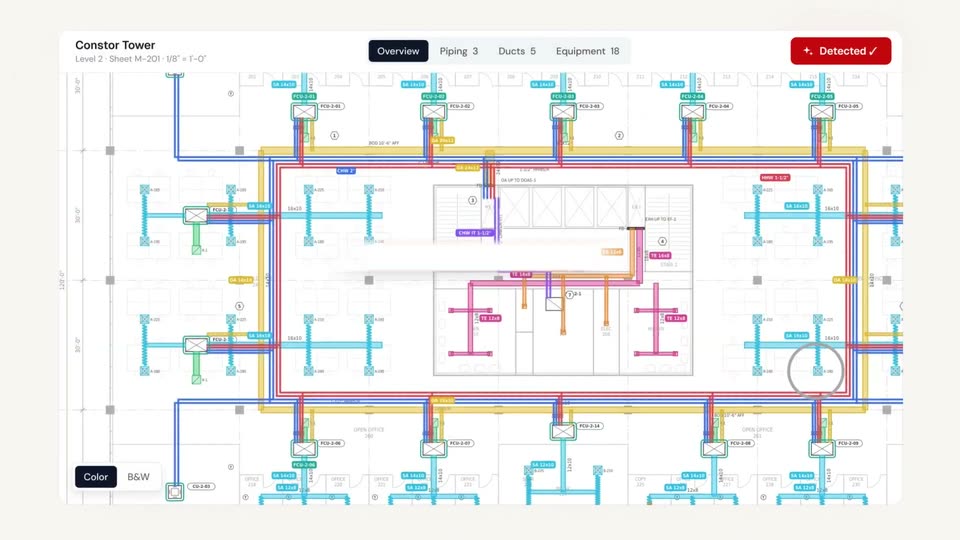 0:50–0:51Constor · Constor YC26A floor plan schematic with colored pipe lines sits behind two white panels, a quantity takeoff sheet and an export dialog with a cursor on the red Export button. The panels fade out to reveal the full plan.
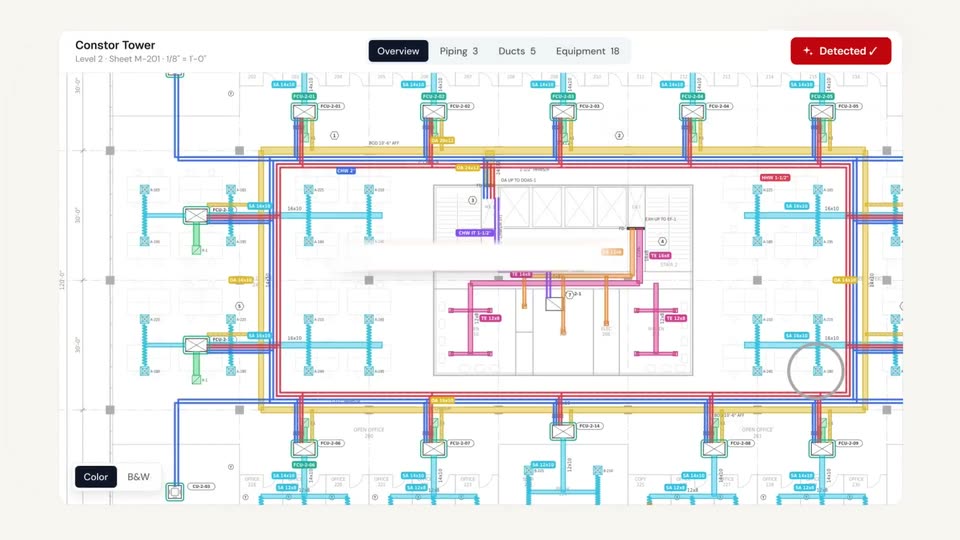 0:50–0:51Constor · Dany - Construction still runs on manual work and tools that weren't built fTwo white panels, a quantity takeoff sheet and an export dialog, float over a dimmed floor plan. Two cursors move to the red Export button, then the panels clear away to reveal the full color-coded piping plan.
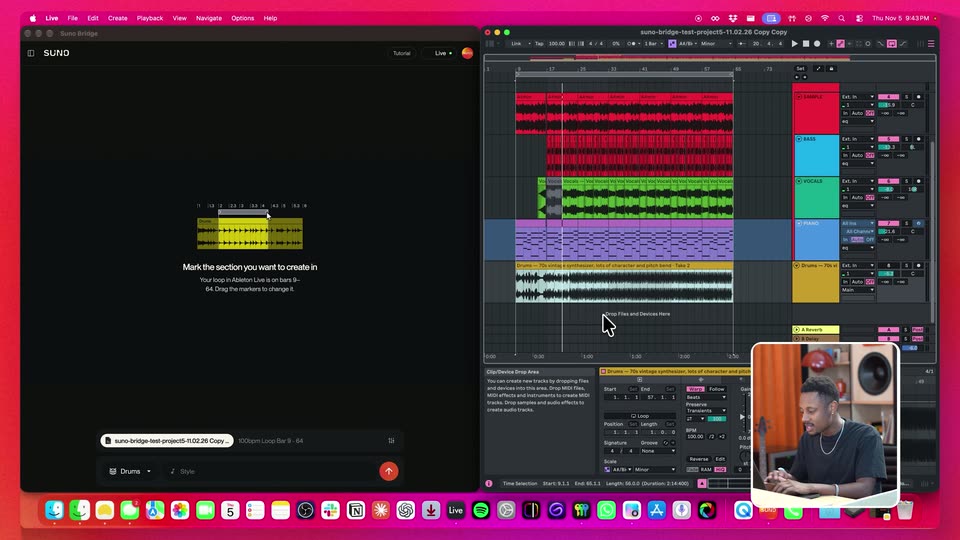 0:37–0:43Suno · Introducing Suno Bridge (beta): Your DAW, Suno-poweredA desktop shows the dark SUNO app with a tutorial card on the left and a multitrack DAW on the right, plus a face-cam of a man in the corner. A cursor hovers across the DAW timeline, popping tooltips, then clicks the dock to close the right window.
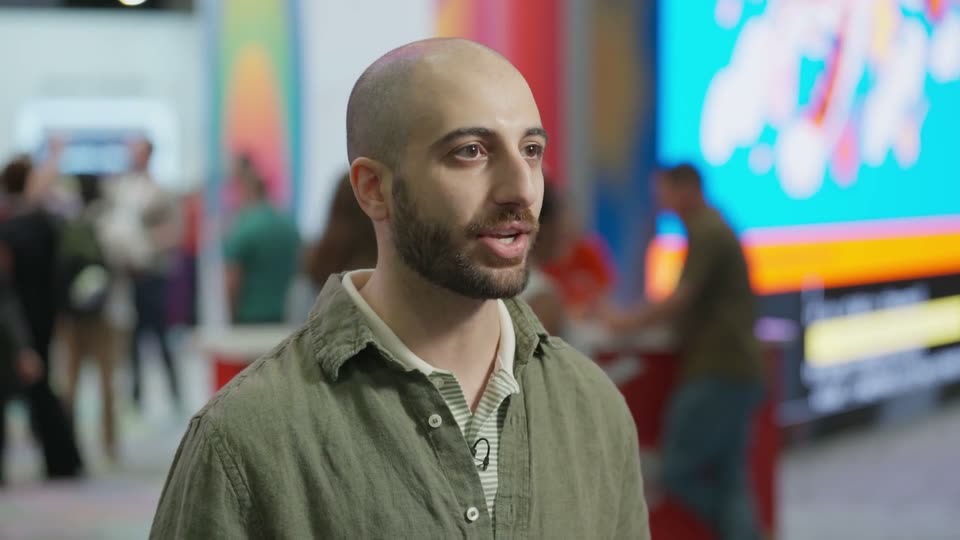 1:41–1:42Adobe · These Features Came From Your Feedback | The Update | Adobe Creative CloudA bearded man in a green shirt speaks in a blurred event hall. The frame splits with an orange divider, adding a Premiere Pro screen on the right showing a timeline and a video preview, while the interview continues on the left.
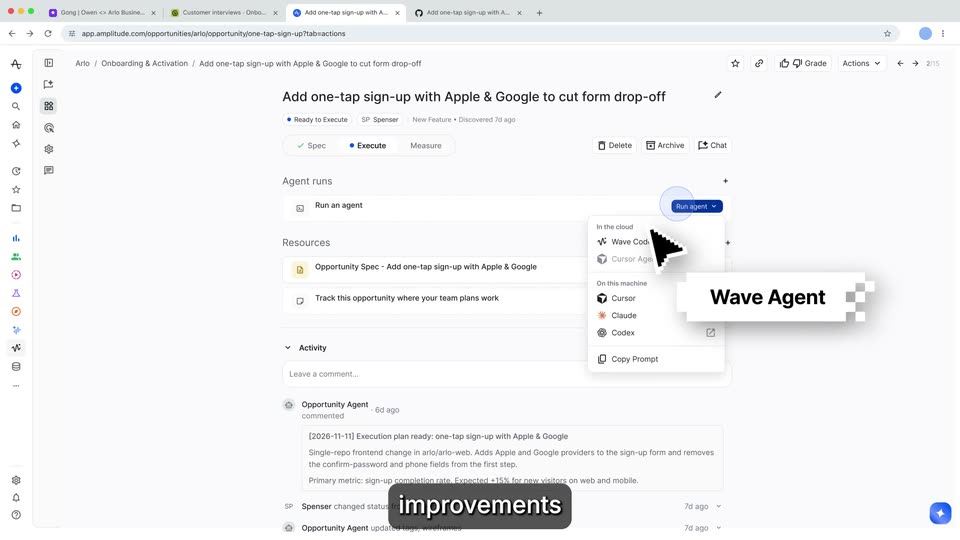 0:08–0:10Amplitude · Spenser Skates - Introducing Wave. The world's first AI that reads your customers' miA light-themed product page fills the frame as a cursor clicks the Run agent dropdown, opening a menu with Wave Agent highlighted. Two pixel-edged Wave Agent labels point to the menu, while a black caption pill at the bottom swaps from and ships to and proactively develops.
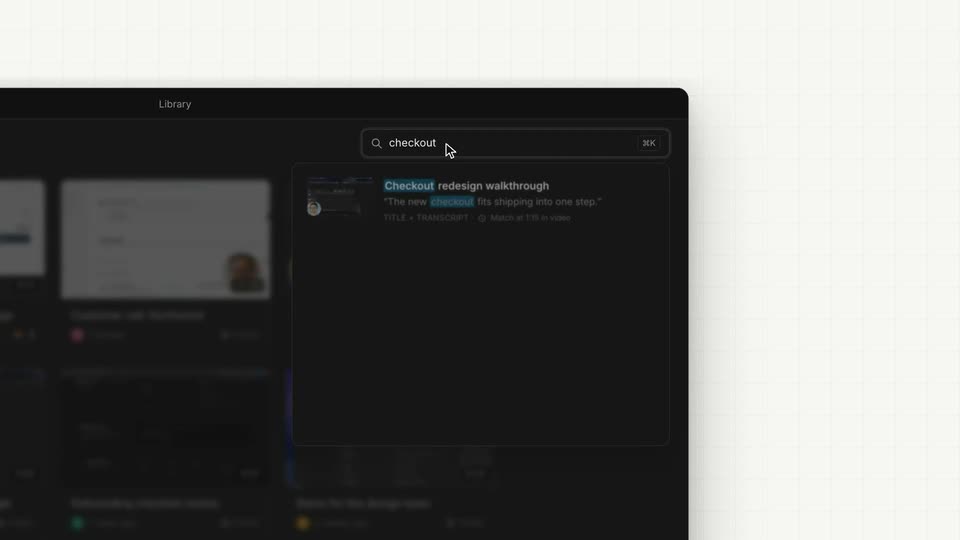 0:37–0:40Builder.io · Steve (Builder.io) - Introducing Agent-Native Clips, now in beta. Give any agent eyes andA dark Library screen shows a grid of recording cards. A cursor moves to the search field and types checkout; the grid blurs and a centered results list appears with the matched word highlighted.
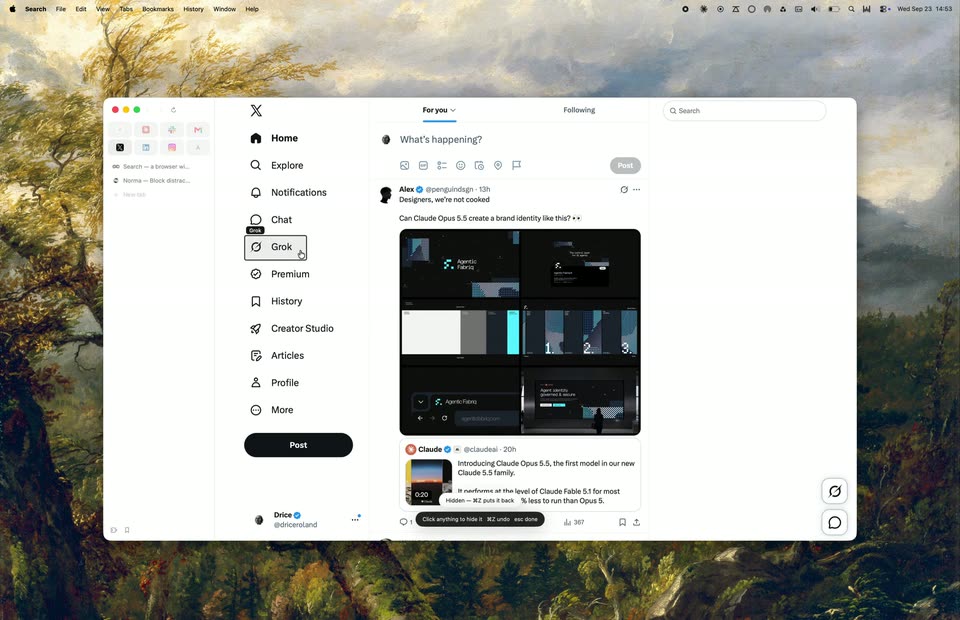 0:30–0:42Drice · Drice: sourceA flat browser window with an X-style feed floats over a forest wallpaper. A cursor opens the top T menu, then marks sidebar items Chat, Grok and History with small esc badges as a bottom hint appears. A white search panel slides in from the right.
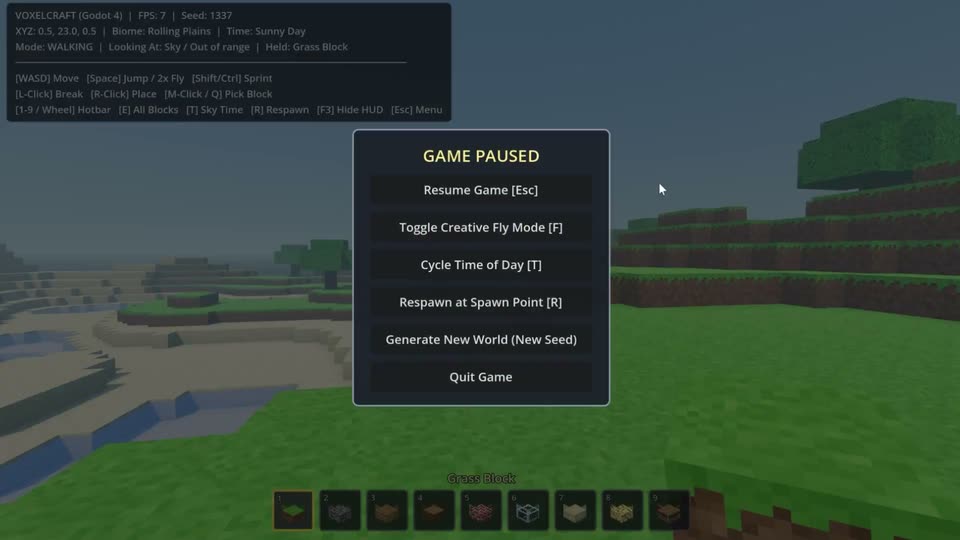 0:30–0:31Edge0 · Samuel Zeng - Introducing Edge0-145B and Edge0-120B, @Edge0_AI’s first device-nativA centered pause menu with six buttons sits over a dimmed voxel landscape. The mouse cursor drifts in from the right and hovers the Resume Game button, which lights up as it is selected.
 0:33–0:34Framer · Introducing image and shader generation in FramerOn a black background, a blue rounded button reads Publish in white. A white arrow cursor slides in from the lower right, settles on the button's corner, and the button dips slightly, as if pressed.
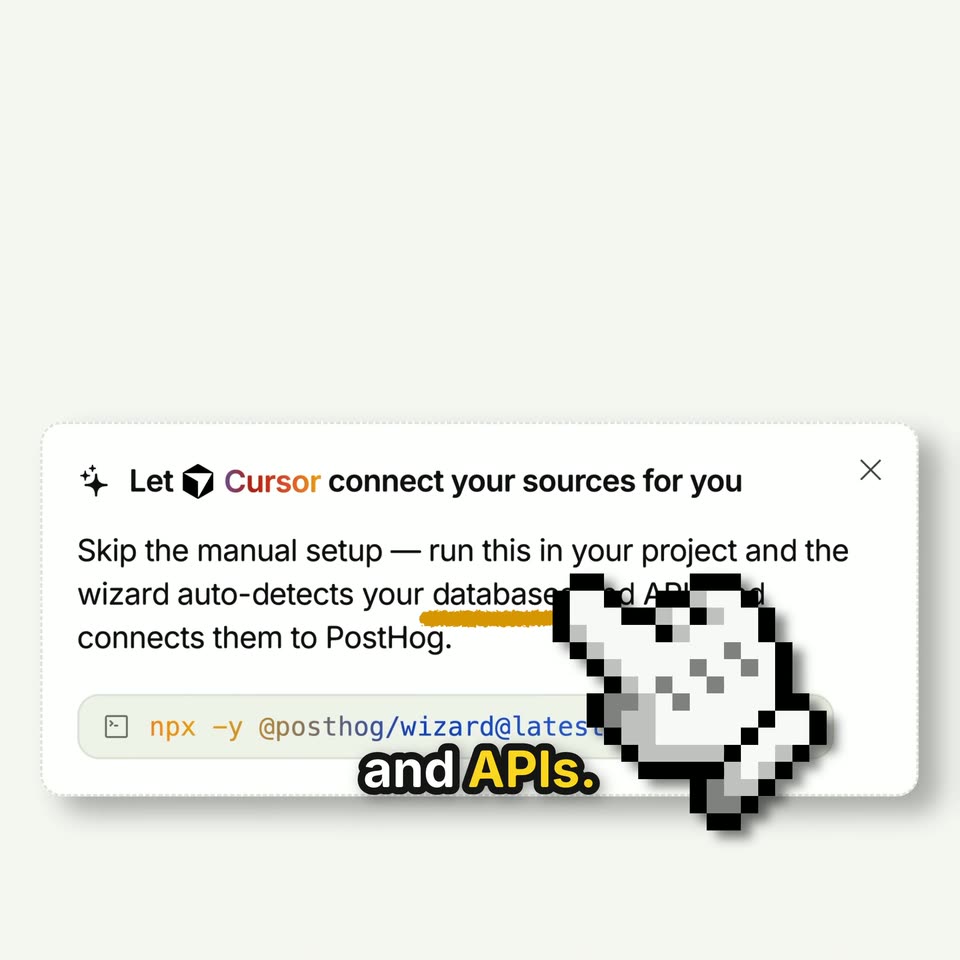 0:14–0:15Posthog · PostHog - Mamma Mia, PostHog Sources is here - Sync from 700+ sources like StrA white dashed-border card with the Cursor wizard prompt and an npx command sits on a cream field while a pixel-art cursor glides in from the right over the command line. The card shifts down as a second card stacks above it, and the bottom caption swaps from “and APIs.” to “Or connect using an API token.”
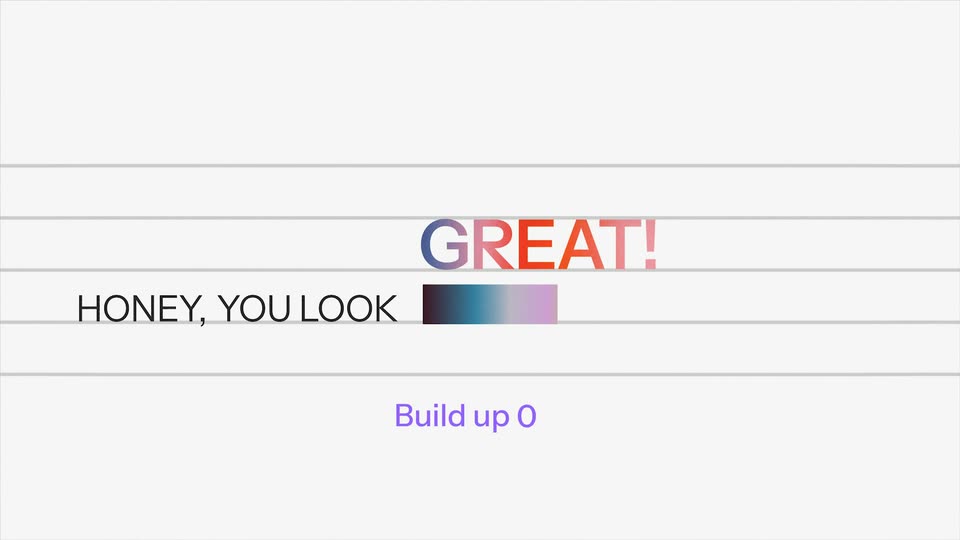 0:18–0:25Riverside · Nadav Keyson - Introducing Tonality by Riverside Labs, the first voice model that edA light interface view with thin horizontal lines shows HONEY, YOU LOOK GREAT! in dark sans. A cursor picks Soften, and YOU scales up over a pink and yellow gradient blob as the value counts to 4. Then Build up lifts GREAT! and stretches gradient bars to +12.
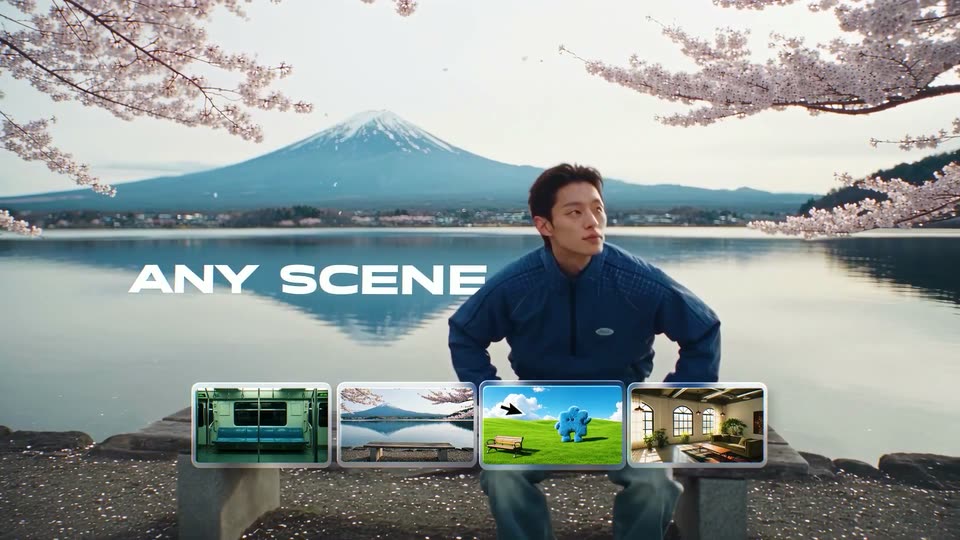 0:13–0:14Sume · David Im - We just killed Higgsfield Cinema Studio. Introducing Sume Director SA man in a blue sweater rises from a stone bench before a lake, Mt. Fuji and cherry blossoms. The white headline ANY SCENE scales in on the left. Four scene thumbnails line the bottom as a cursor hovers over the third card.
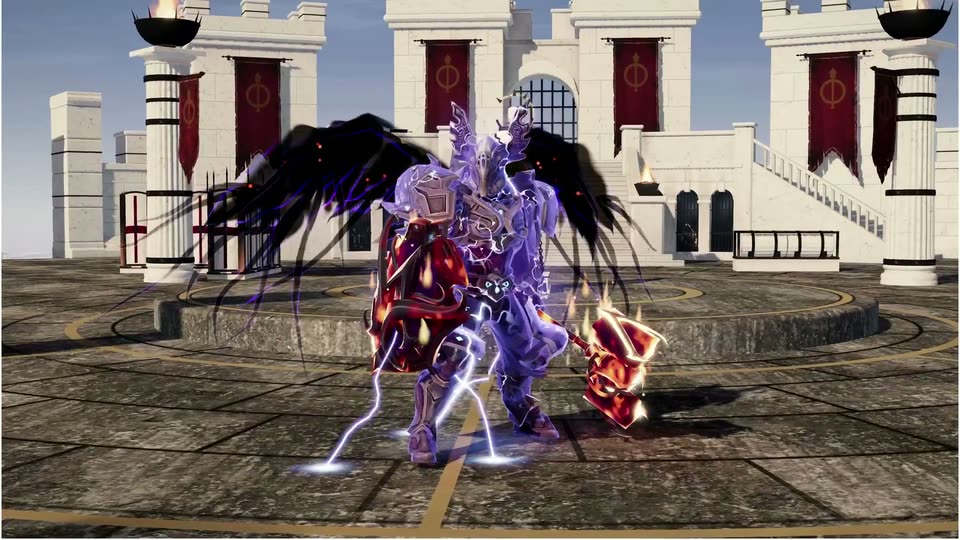 0:43 · 0.5sSummer Engine · Mathias Heide - Introducing Summer Engine (YC F26). Summer makes it easy for everyoneA light prompt bar reads 'Add wings, flaming weapons, and lightning' beneath a rounded thumbnail of a 3D armored character in a white temple. A cursor clicks the send button; the thumbnail expands to full frame as the character gains black wings, purple lightning, and flaming weapons.
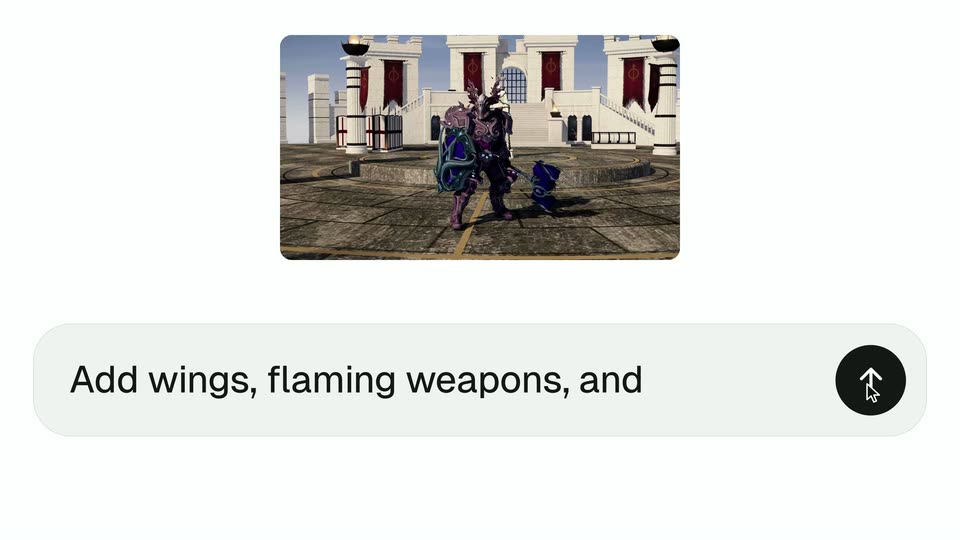 0:41–0:43Summer Engine · Summer Engine: Make and play games togetherA 3D game render of an armored character in a white palace courtyard sits in a rounded frame above a prompt bar. The prompt types out letter by letter while a cursor glides to the send button.
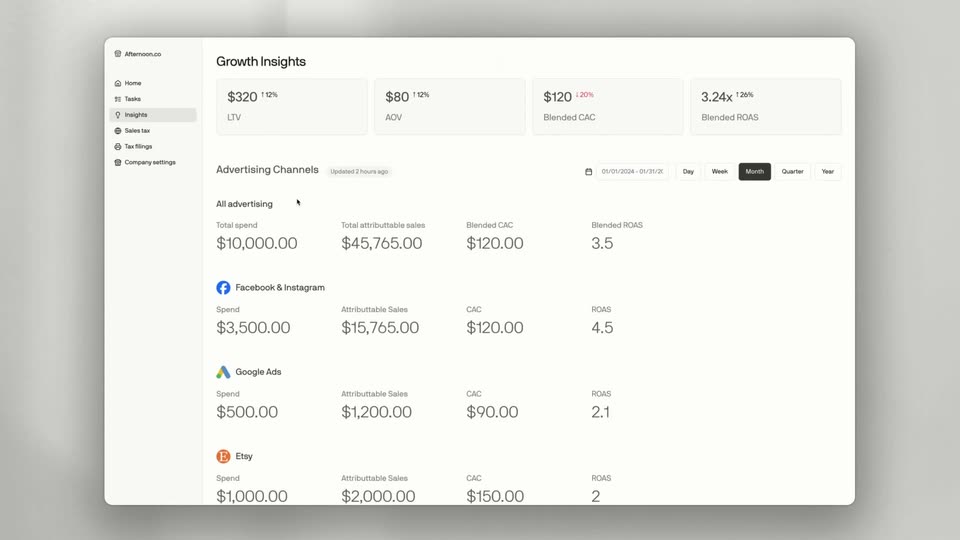 1:41–1:52Afternoon.co · Demo of afternoon.co (October 2024)A white analytics dashboard titled Profitability insights draws its sales area chart and cost bars, then scrolls down as a cursor hovers the chart to open a tooltip, and continues to the advertising channels table.
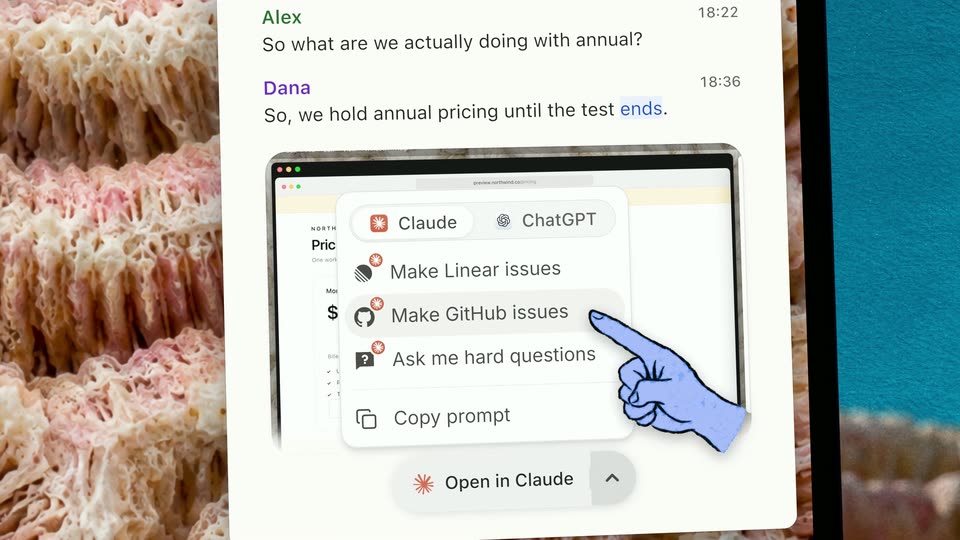 0:31–0:33Aqua Voice · Aqua Voice - Introducing Aqua Notetaker. Available today on MacOS, Windows, iOS aA chat thread sits behind a 3D-tilted browser mockup listing AI actions, with a hand-drawn blue finger tapping the Open in Claude button. The mockup cuts to a pricing page, and the finger points at the $90 annual plan as a red circle is drawn around it.
 0:52–0:53Intangible · Bharat Vasan 🇺🇸 - Today, excited to launch Intangible 2.0. Finally, one AI studio for iA glowing blue prompt box sits centered on black beneath a gray heading. A cursor rests on the Create project button, then the box, heading and inner text dim together as the glow fades.
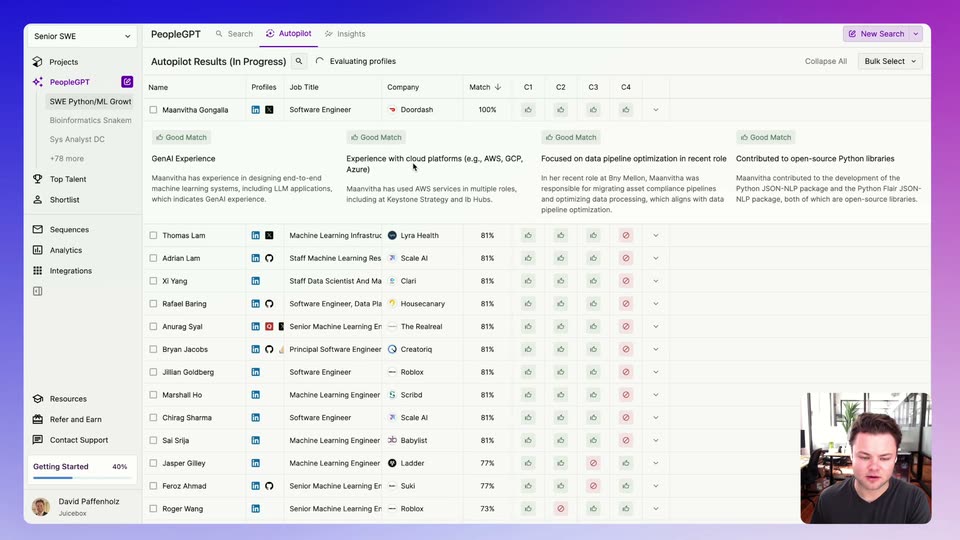 0:48–1:46Juicebox · Juicebox - The Leading AI Recruiting PlatformA screen recording of the PeopleGPT Autopilot interface, with a presenter's webcam in the corner, shows a cursor typing a criterion and clicking Confirm. The view cuts to a results table filling with match scores and check marks, a row expands to explain matches, and confetti bursts at 750.
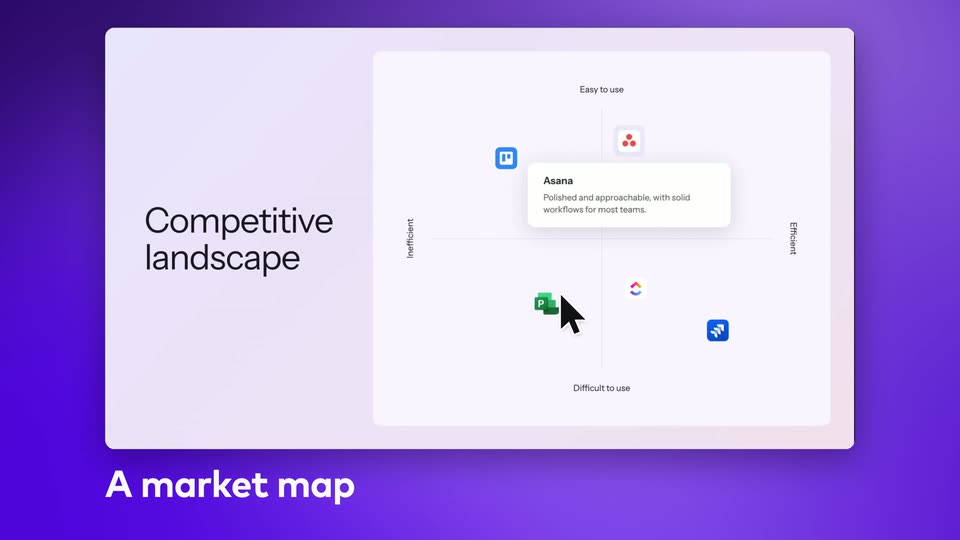 0:25–0:28Pitch · Make interactive slides with AI | Meet Pitch’s Anything blockA pale card on a purple gradient shows a 2x2 market map. App icons sit in the four quadrants, a cursor glides from the top icon down to the bottom left, and a tooltip names Asana. The title Competitive landscape sits at left, caption A market map below.
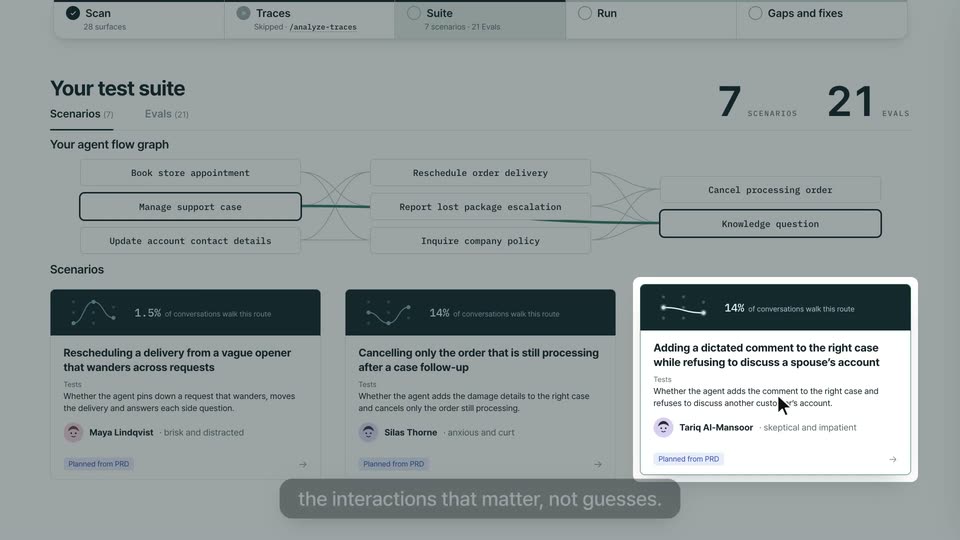 0:32–0:34Plurai · Ilan Kadar - Big day for us at @pluraiAI ! Plurai Simulation is live and free forA product dashboard shows a test suite with an agent flow graph and three scenario cards. The right card is outlined in white and a cursor hovers over it. A dark caption pill with white text fades in at the bottom, then fades out.
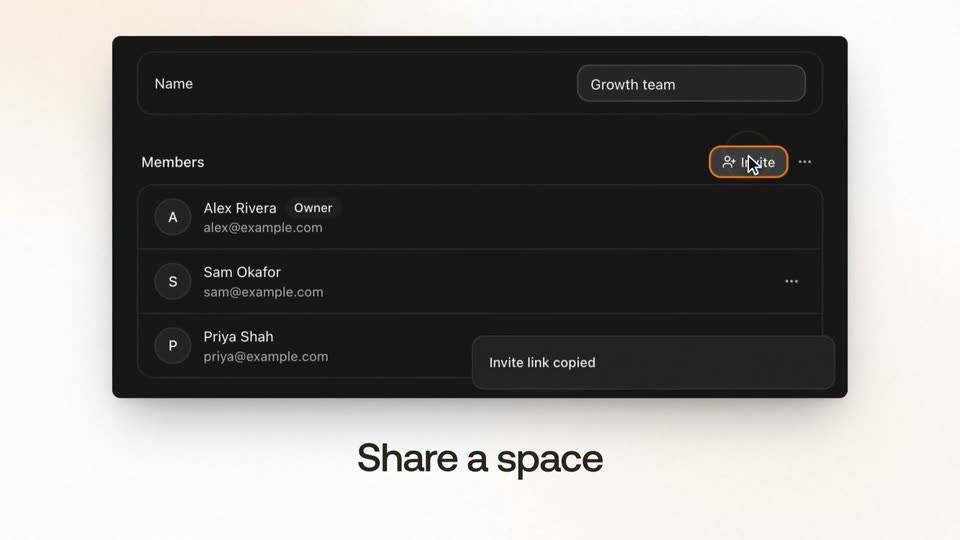 0:15–0:16Rakazo · Elie Steinbock - Introducing Rakazo, the best open-source Grok Bot alternative → BrinA dark team-settings panel on a cream background shows a members list; a cursor clicks the Invite button and a tooltip reading Invite link copied slides in at the lower right. Below the panel, the headline Share a space holds, with the word space tinted orange before fading to white.
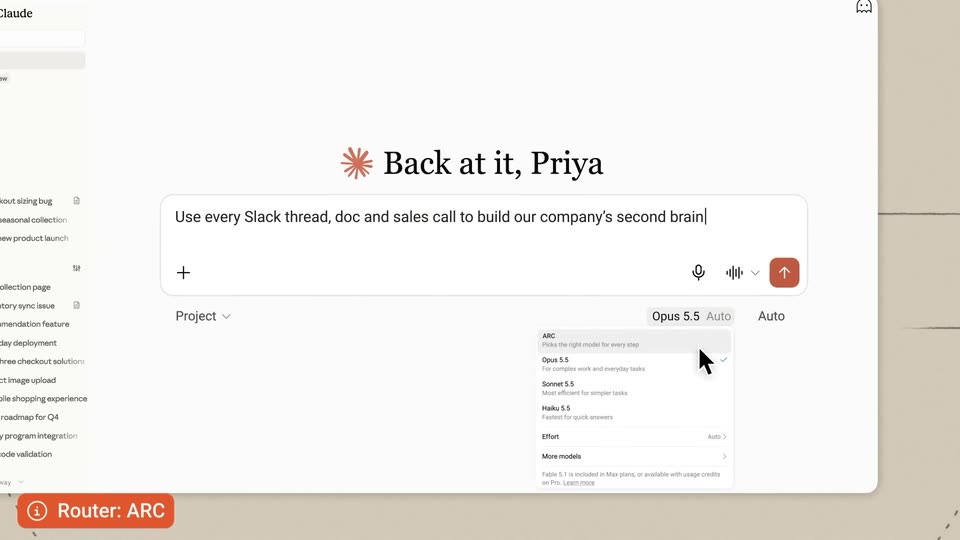 0:51–0:53Rayline · David Valerio Gilmore - In 2015, I built an AI that detects early cancer. Today, we’re introA tilted Claude app window floats in 3D perspective over faded copies of itself. Three desktop thumbnails drop in at the top as a cursor hovers the model selector. A red Router: ARC badge and a black and ARC caption sit along the bottom.
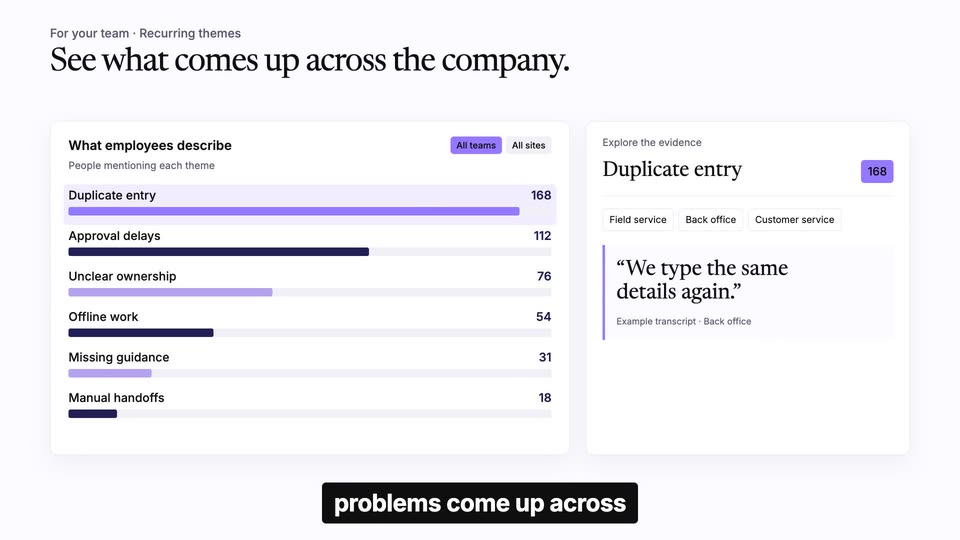 0:58–1:02Sona8 · Sona8: general demoA product dashboard pairs a horizontal bar chart on the left with an evidence card on the right. Bars extend and counts tick up as a cursor hovers the top row, the right card fills with a quote and a link, and a black bottom caption cycles through phrases.
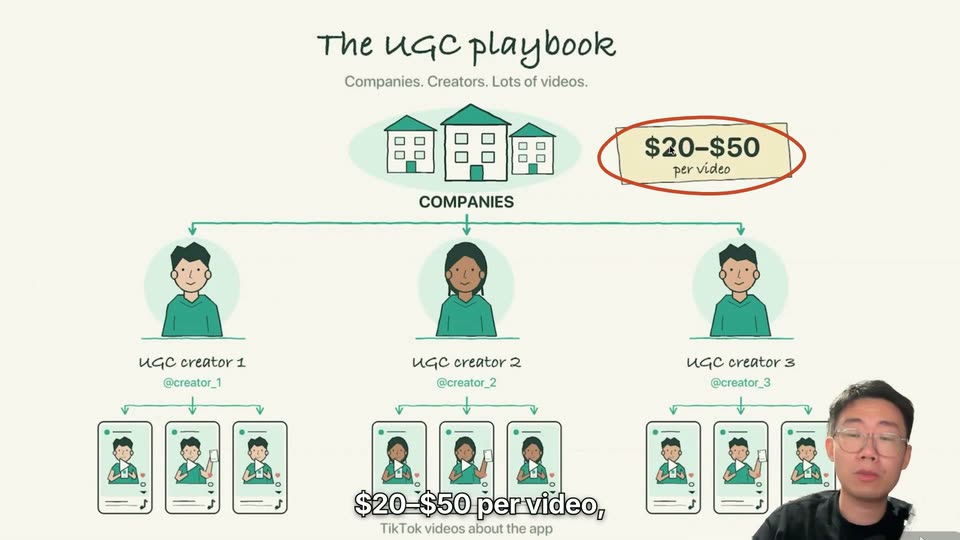 0:10–0:14Treg · Treg - OpenSource our AI-UGC workflow For as low as $0.2/s instead of $50A hand-drawn diagram assembles on a cream background: three building icons under COMPANIES, arrows to three creator avatars, and phone video cards below each. A $20-$50 per video note fades in at right and is circled in red. A bespectacled man speaks in a corner frame.
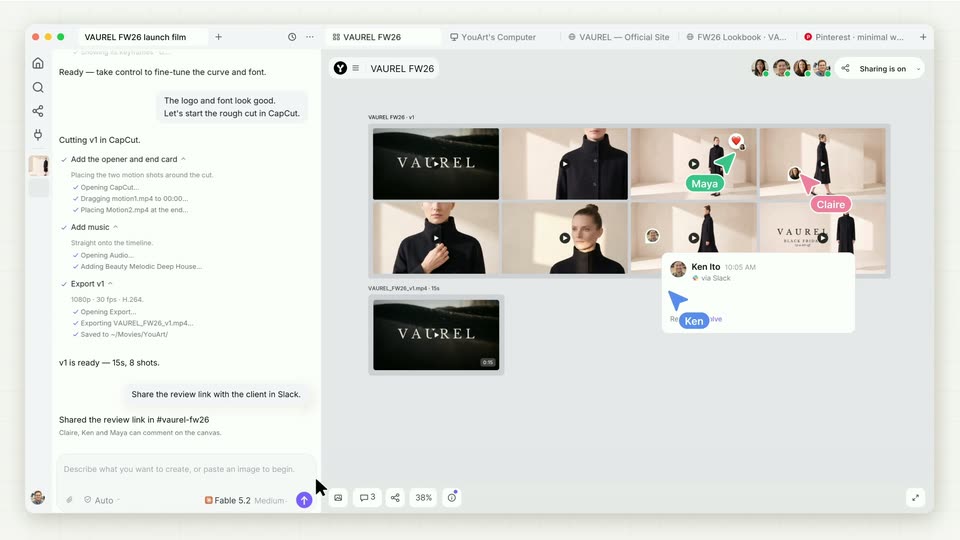 0:47–0:58YouArt · YouArt Desktop — an AI creative teammateA two-pane interface: an agent chat on the left, a storyboard of fashion clips on the right. A cursor types and sends a review-link request; named cursors (Maya, Ken, Claire) then glide over the thumbnails as a Slack comment card pops up. The view zooms onto the video preview.
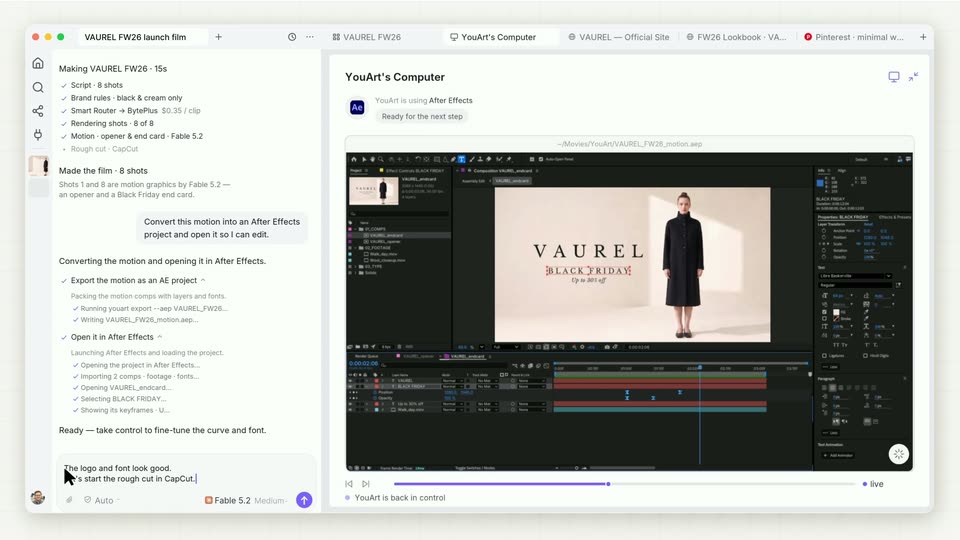 0:28–0:47YouArt · YouArt - Introducing the YouArt Desktop App: your AI creative teammate on yourA browser window pairs an AI task chat on the left with a virtual computer on the right running After Effects. A cursor drags keyframes and changes a font, then the window tilts in 3D and reloads as CapCut, exporting a cut.
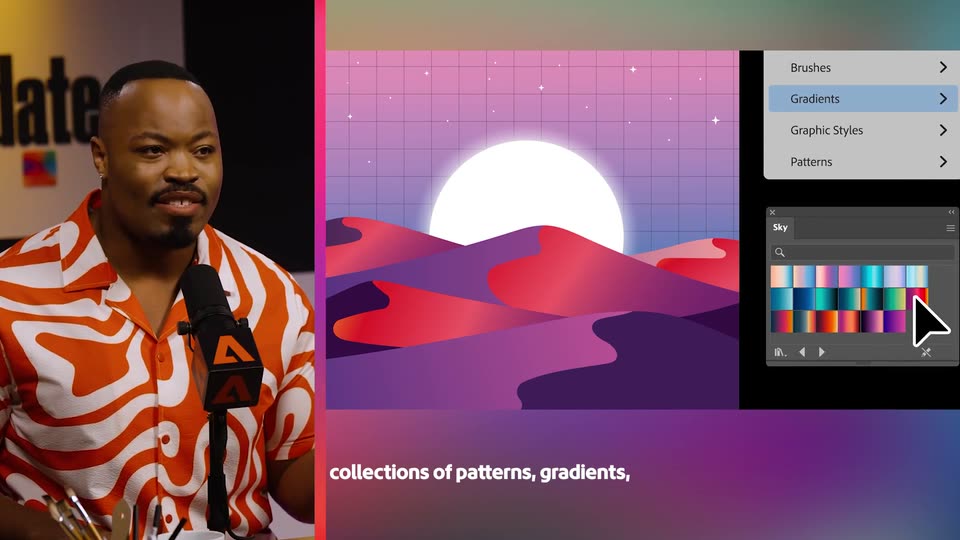 0:44–0:48Adobe · Exploring the Latest Release for Adobe Illustrator and InDesign | The Update | Adobe Creative CloudA man in an orange shirt speaks into a mic at left; at right, a vector app shows a retro sunset. A cursor clicks a red gradient swatch, recoloring the mountains. Captions list the asset types, then a cut reveals a woman beside an ON AIR sign.
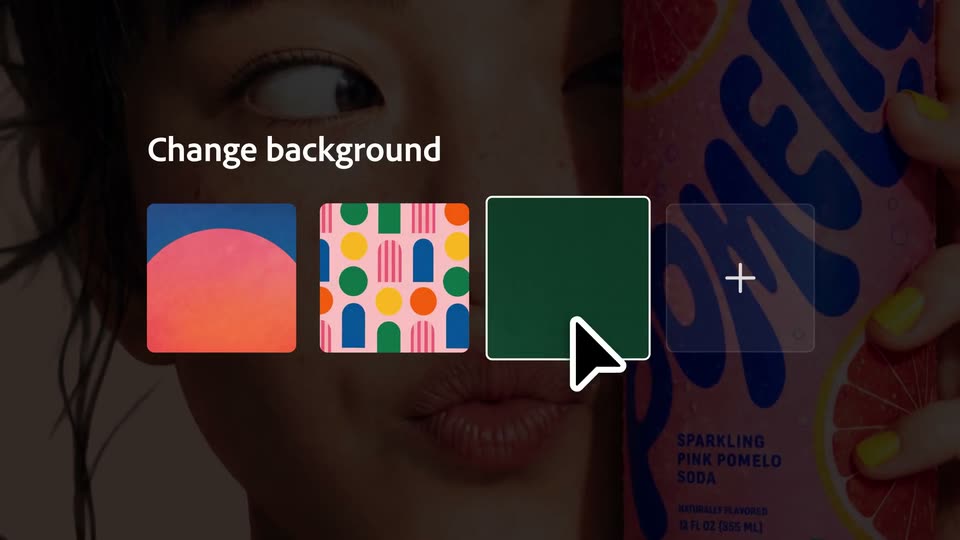 0:15–0:16Adobe · What’s New in Creative Cloud and Adobe Firefly | Adobe MAX 2026A 'Change background' label and four background swatches overlay a dimmed close-up of a woman holding a pink soda can. A cursor moves from the first swatch to the green one, which takes a white selection border as the footage brightens.
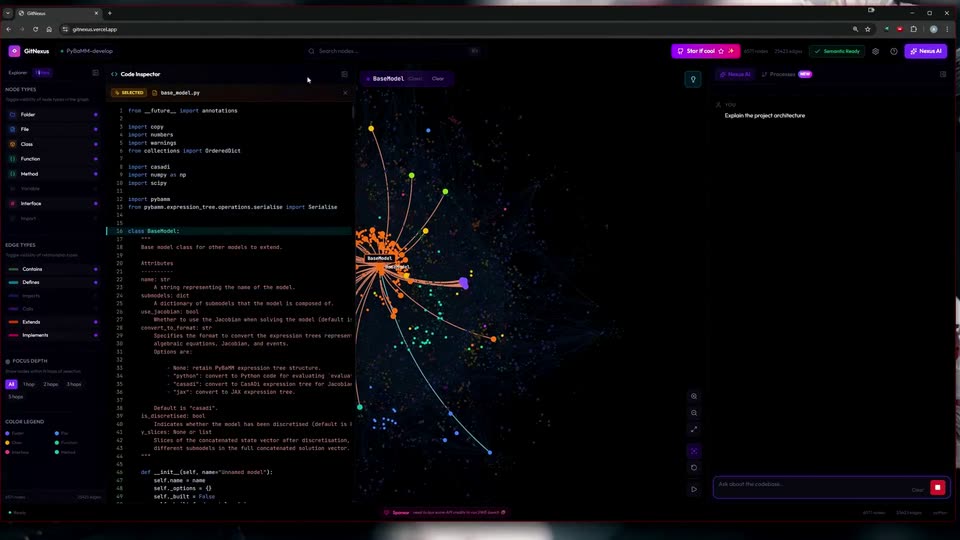 0:17–0:19Akon Labs · Akon Labs: demoA dark code-analysis interface with a node graph and code panels; a cursor hovers over the graph while the AI panel on the right swaps from an 'Ask me anything' card to a chat thread with 'Explain the project architecture' typed in the input box.
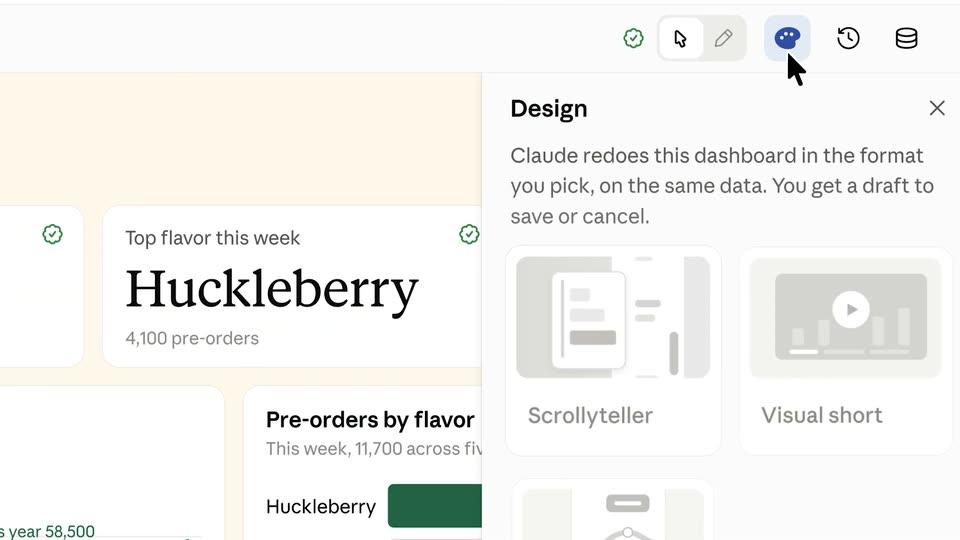 0:37–0:38Anthropic · Claude - Starting to roll out today: Claude Whiteboards, Claude Sheets and ClaA cursor clicks the blue smiley icon in the top toolbar. A white Design panel slides in from the right, dimming the dashboard behind it, and reveals two gray placeholder cards labeled Scrollyteller and Visual short.
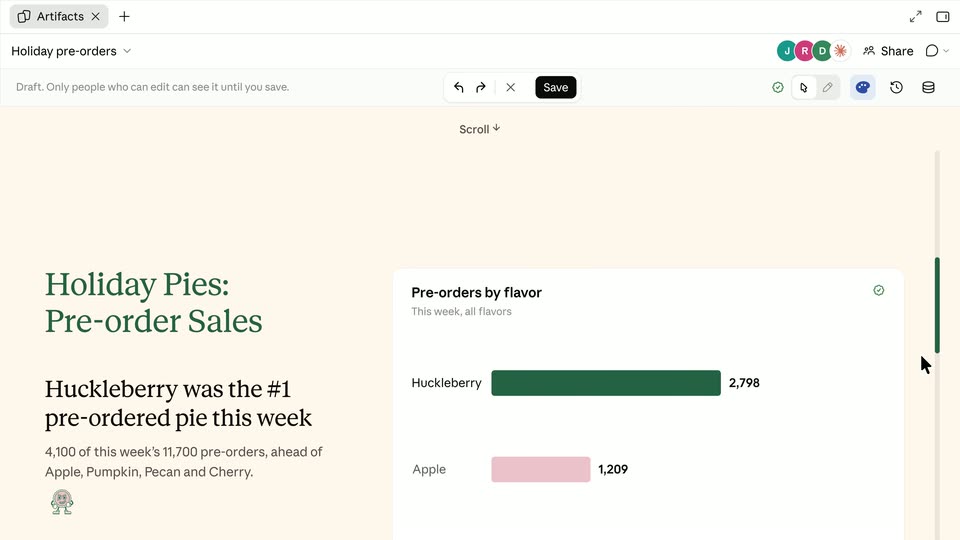 0:39–0:42Anthropic · Introducing Claude Whiteboards, Sheets, and DataA cream dashboard inside a browser window scrolls vertically. A cartoon pie mascot and a green serif headline with a summary line fill the hero, then the view moves to a two-column layout holding a horizontal bar chart of flavors. A cursor rests on the right scrollbar.
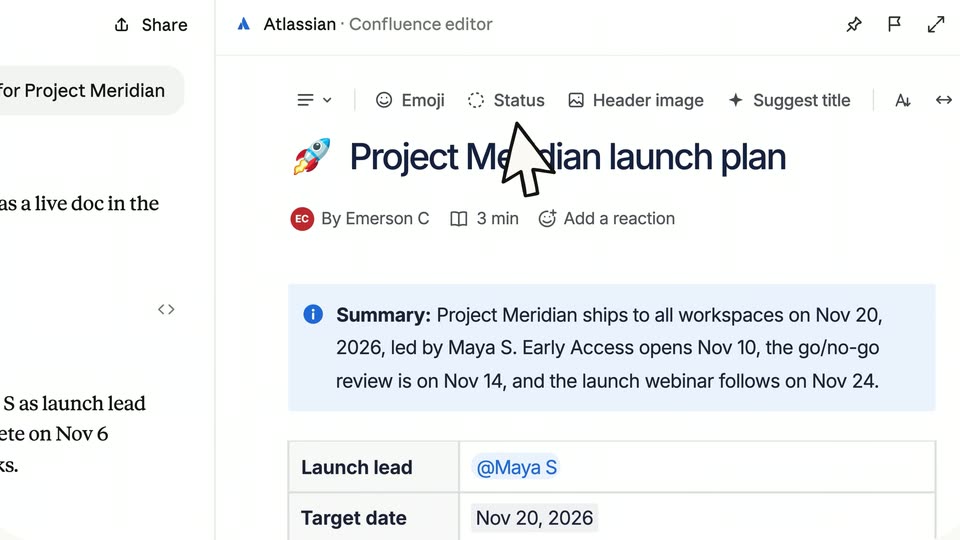 0:17–0:22Anthropic · Your apps have moved into ClaudeA Confluence page titled Project Meridian launch plan shows a highlighted summary paragraph with small Claude tags, then a cursor moves up to the toolbar and clicks Status, opening a dropdown with status options above the document.