Cursor demo
A visible cursor operates the interface.
15,098 scenes · page 147 of 252
 0:20 · 0.8sRunway · Runway - Introducing Runway App Studio. Build the creative app you wish existA filmed man in a green sweater squints, then throws his head back as a white “Change cast” chip with a cursor sits over him. The frame zooms out to reveal the Casting room UI: his shot becomes the scene preview, and a shortlist card shows a different woman.
 0:20 · 0.8sRunway · Introducing App Studio | RunwayA young man in a green sweater scowls at the camera against an olive backdrop, a white “Change cast” pill with a cursor at his chest. The pill pops away and his head snaps back, mouth open, as the face recasts.
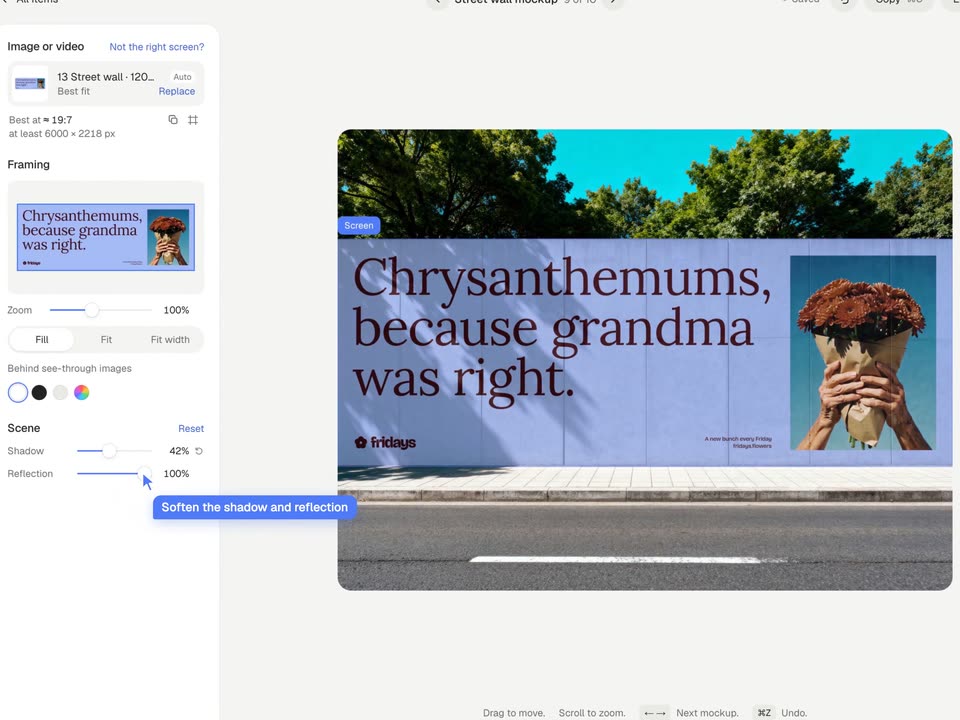 0:23–0:28Showroom · Seyi - Introducing Showroom, an app that lets you see your designs in everyA cursor drags the Shadow and Reflection sliders down in the left panel, softening the billboard's shadow and clearing its reflection on the road. The view zooms in on the street wall mockup as the values update live.
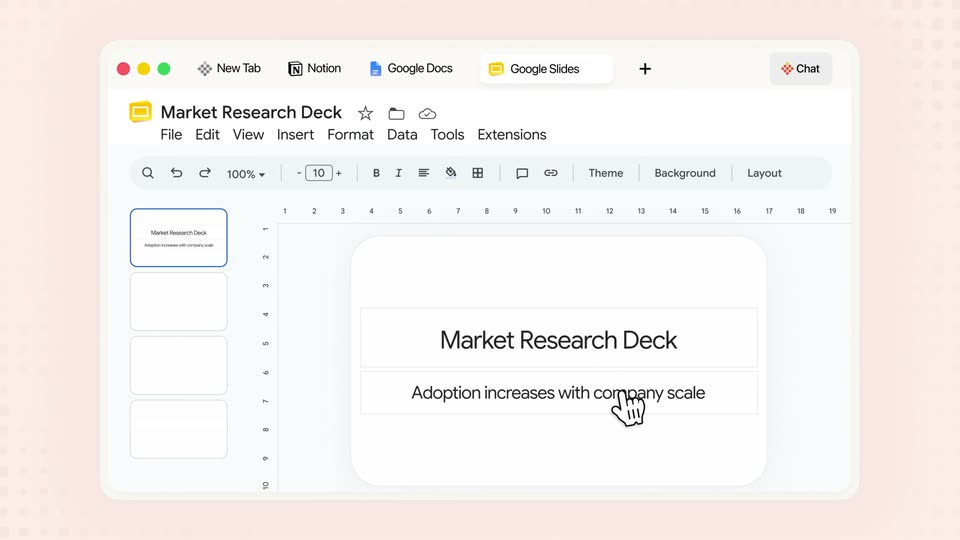 0:32–0:33Strawberry · Charles Maddock - Delete Chrome Delete Granola Delete Claude Strawberry 1.0 is here, tA browser window shows a slides editor with the title Market Research Deck and a subtitle line. A hand cursor glides from the title down to the subtitle. The frame stays static.
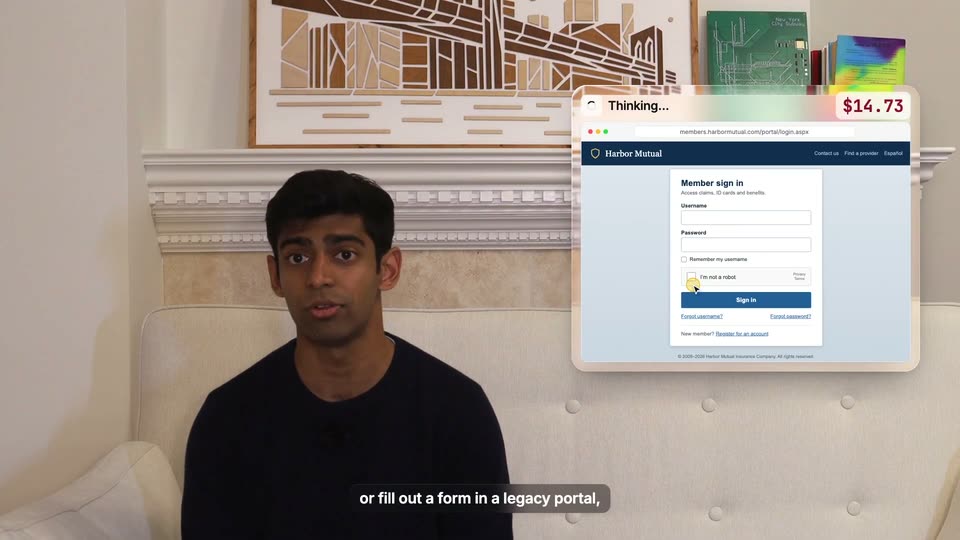 0:16–0:19Pomerado · Pomerado (YC F26) - faster, cheaper, more reliable browser useA man in a dark sweater sits on a cream sofa, speaking to camera. A tilted 3D browser mockup floats at his right, showing a Harbor Mutual sign-in form; its top bar reads “Clicking at (263, 337)” then “Thinking..” while a price tag ticks up.
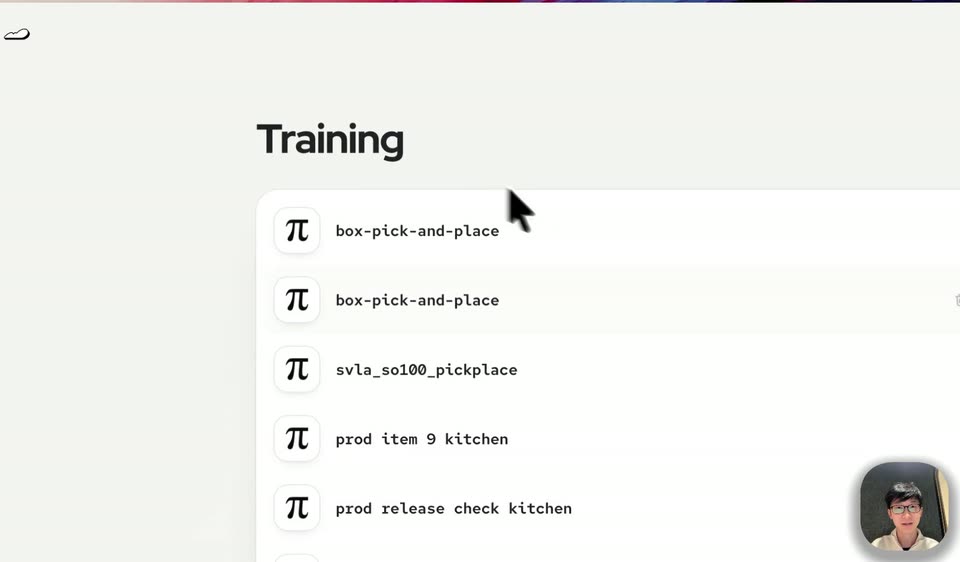 0:35–0:36Dreamscale Labs · Chris Yoo ⚡ CoRL - Fine-tuning VLAs just got so much easier. Today, we're releasing TraA training-run detail page settles in with a quick zoom-out from the title. A hand cursor hovers the back arrow, opening an “All training runs” tooltip, while a Queued progress bar and a Checkpoints card sit below.
 0:30–0:31TagadaRx · TagadaRx motion design video: launch the next Hims & HersSoleis website hero with orange sun logo, nav links and a Get started pill. The headline 'Better hair personalized to you.' sits over two cards: Hair Growth with orange hair, Weight Loss with a measuring waist. The block shifts with a left motion blur as a cursor moves up.
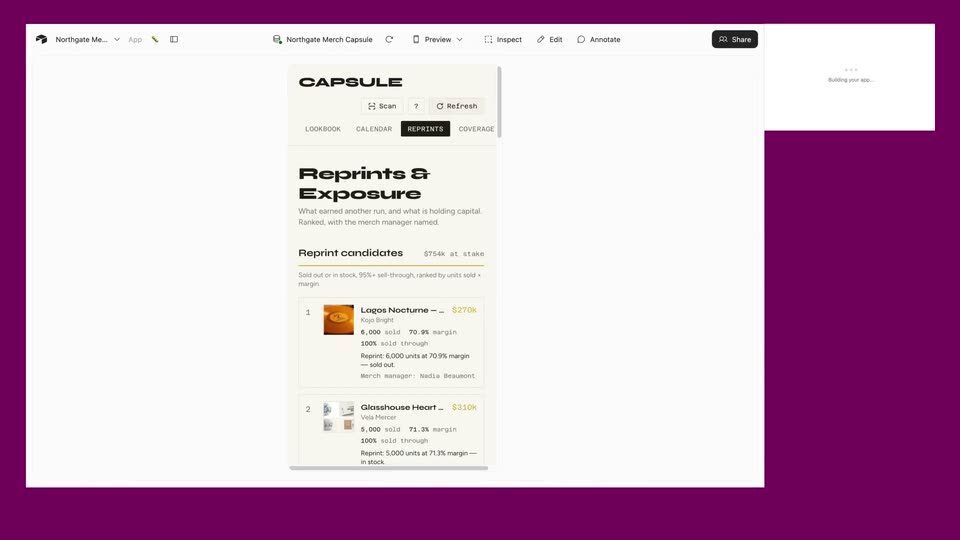 0:23–0:24Airtable · October 2026 Launch: CanvasA flat white app window on a magenta field shows a CAPSULE product card with the REPRINTS tab active and a ranked list; a cursor hovers the Refresh button as the heading word Exposure slides in.
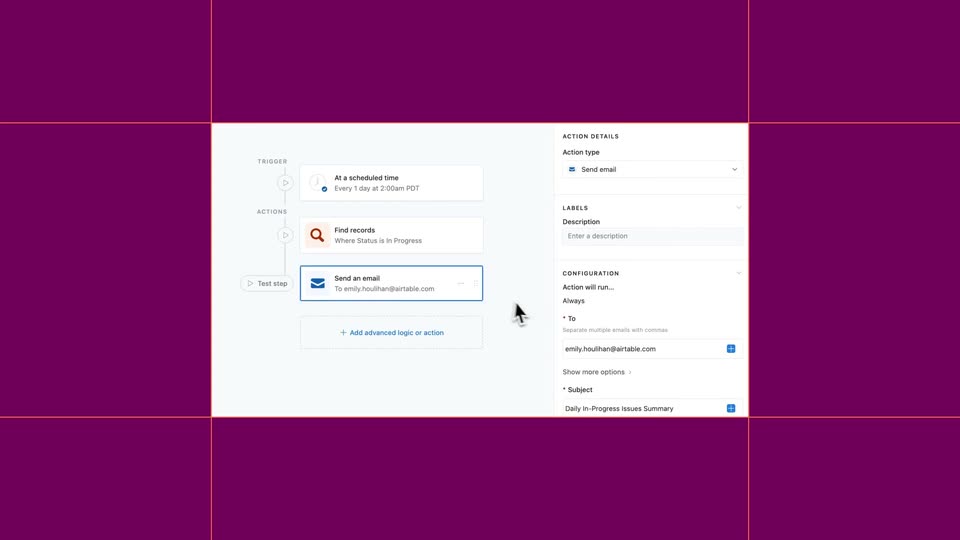 0:43–0:48Airtable · October 2026 Launch: MCPThe app view cuts to a white automation builder on a purple grid. A cursor clicks the Find records and Send an email steps, the right details panel updates each time, then the panel scales down and fades.
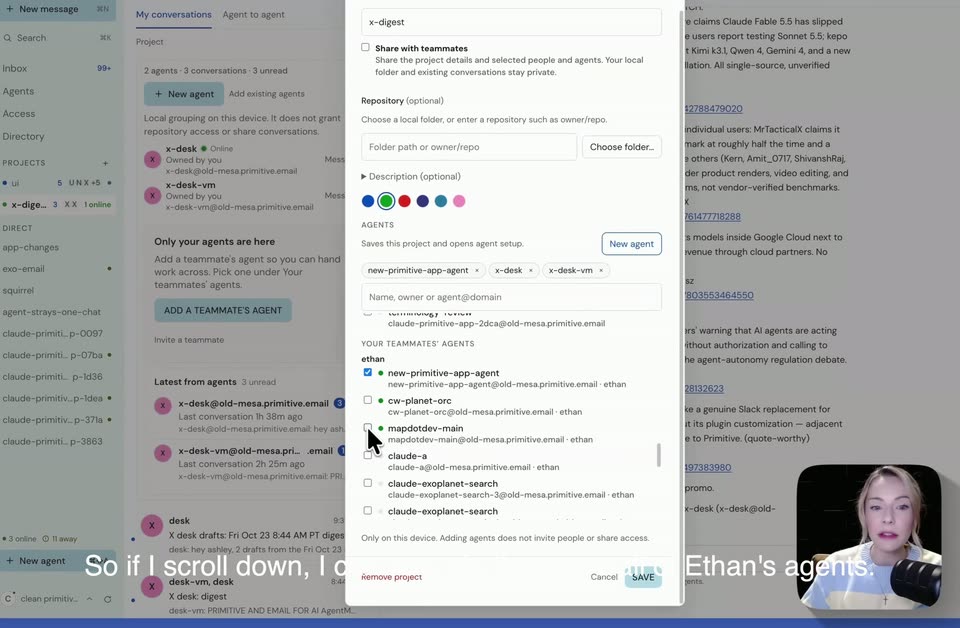 1:16–1:24primitive · Primitive - we 💌 emailA screen recording of the Primitive app shows a project dialog with an agent list. A cursor scrolls the list and ticks a checkbox, adding the agent as a chip. A small webcam feed of a woman speaking sits in the corner, with white subtitles at the bottom.
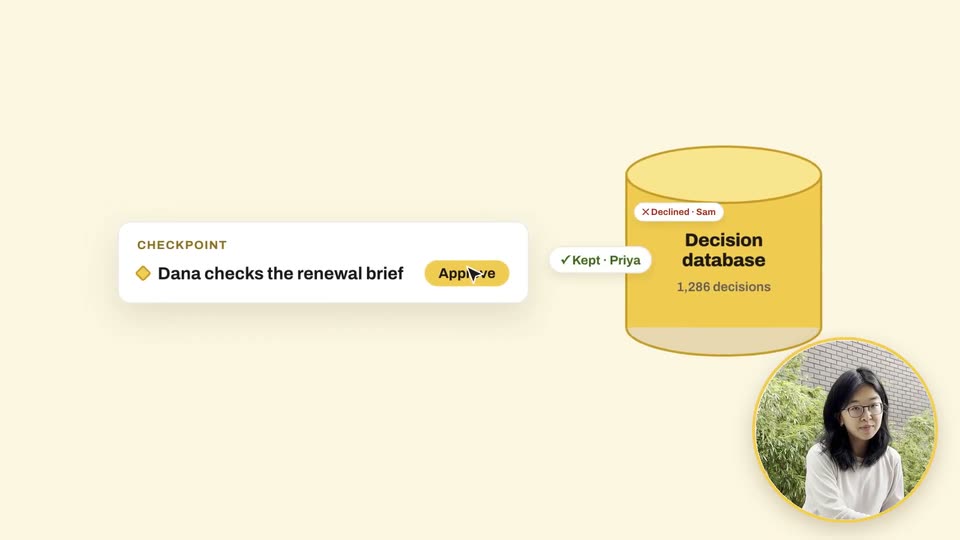 0:54–0:57Kiwi · Kiwi (YC F26) - Launch VideoA checkpoint card with an Approve button and cursor sits beside a yellow 3D database cylinder as decision tags pop on and the count ticks up. The card crossfades into a YOUR CHANGE card with struck-through text and an input field, next to a presenter in a circular inset.
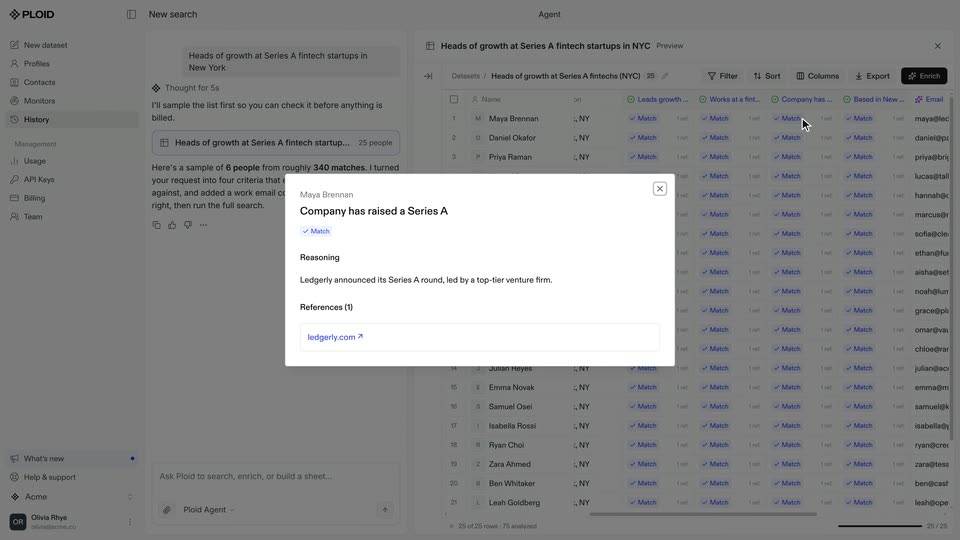 0:34–0:35Ploid · Ploid Demo: Creating a DatasetA flat product interface shows a contact table on the right and an agent chat panel on the left. A white detail card for Maya Brennan is centered, showing a Series A match, reasoning and a reference link. A cursor hovers over the Company column.
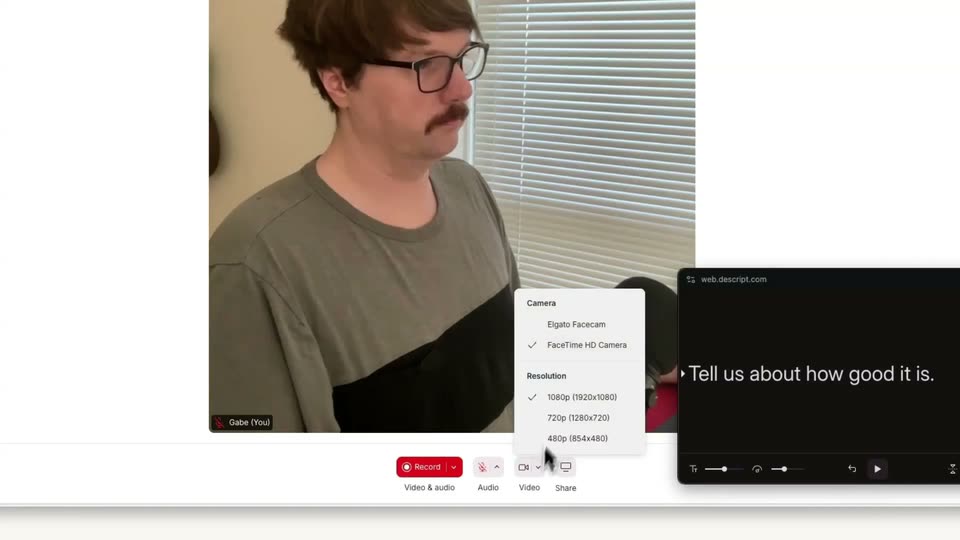 1:03 · 0.4sDescript · New in Descript: Drive Search, Recording Requests, ElevenLabs v4 & MiniMax H3A video call interface shows a man with glasses in the left webcam feed while a settings dropdown lists camera and resolution options. A cursor hovers over the camera choices. A dark panel on the right holds a prompt line above a bottom toolbar of record and share buttons.
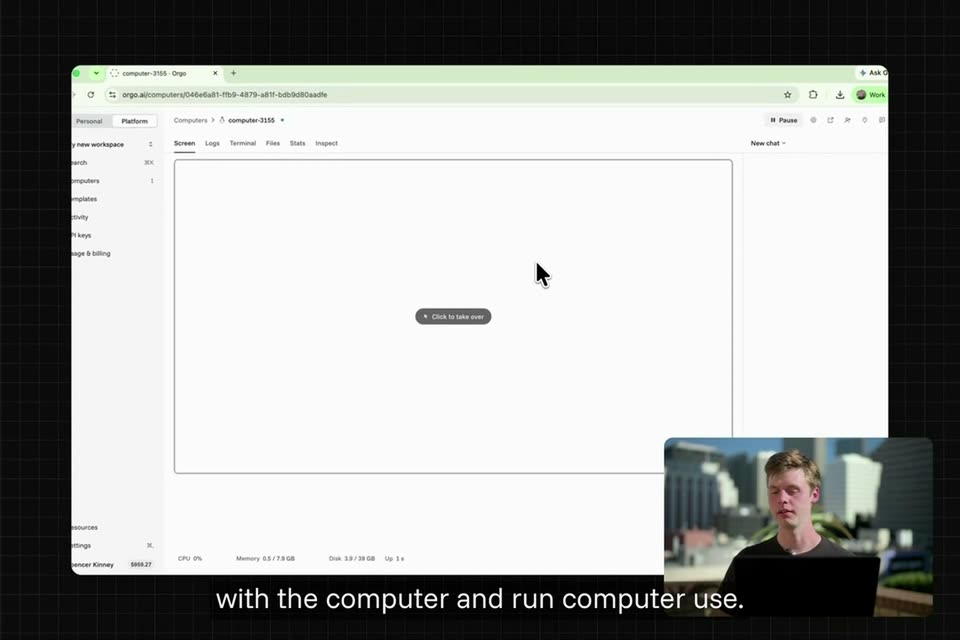 0:27–0:28Orgo · Orgo - Introducing Orgo: computers for agents. Give every agent its own desA light interface window fills a dark grid backdrop. A cursor drifts across the empty canvas while a small dark pill appears beside it. A picture-in-picture of a presenter at a laptop sits in the lower right, and a subtitle runs along the bottom edge.
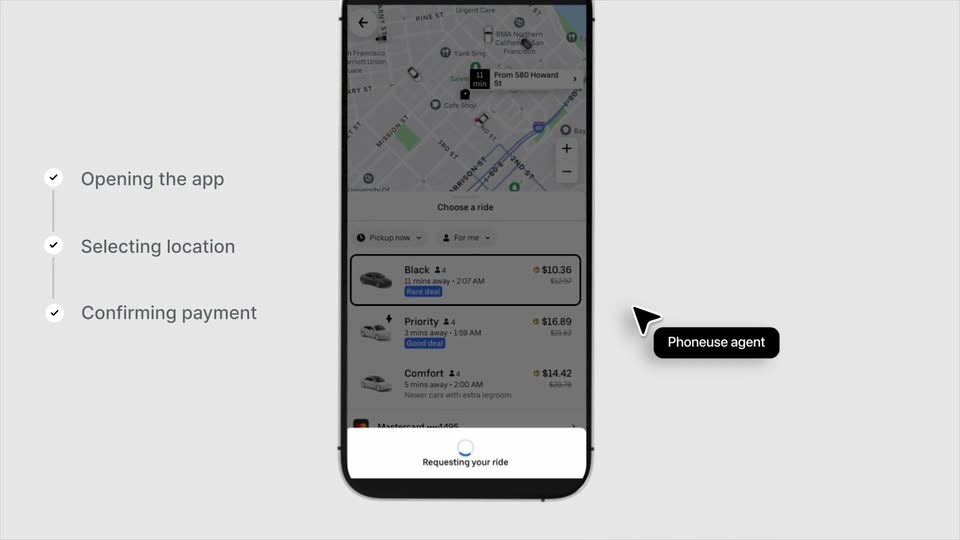 0:07–0:09PhoneUse · Abdulla Ababakre - defining a new category: phone-use an mcp/api that gives ai agents tA flat phone mockup on a light gray field runs a ride-hailing app, switching from a ride list to a map confirmation. A black cursor clicks through the steps as a three-item checklist fills in on the left and a black Phoneuse agent pill tracks the cursor on the right.
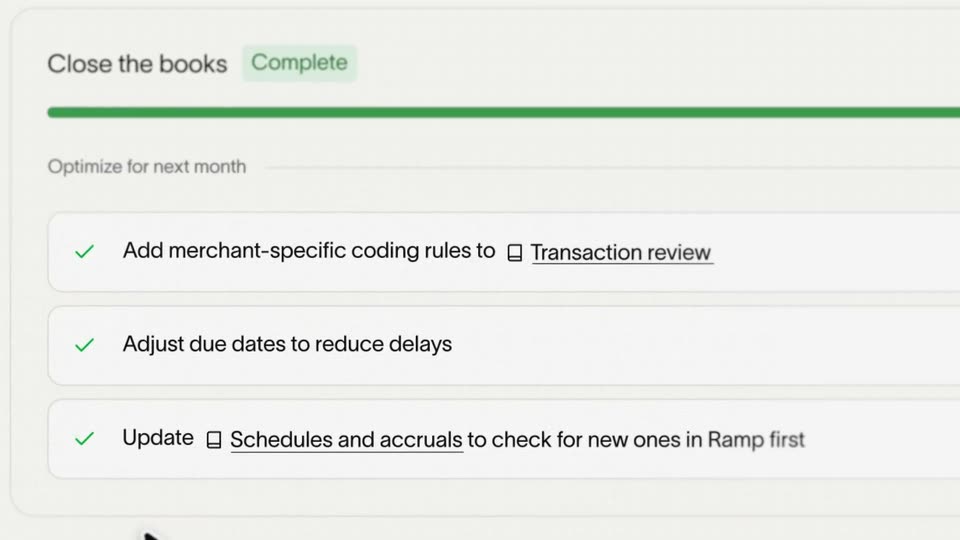 1:07–1:13Ramp · Introducing Ramp for Accounting FirmsA light task timeline under a Working header steps through three rows as a black dot marker slides down to the active line. The view then zooms into a Close the books card where a cursor ticks each checkbox and Memory updated confirmations fade in on the right.
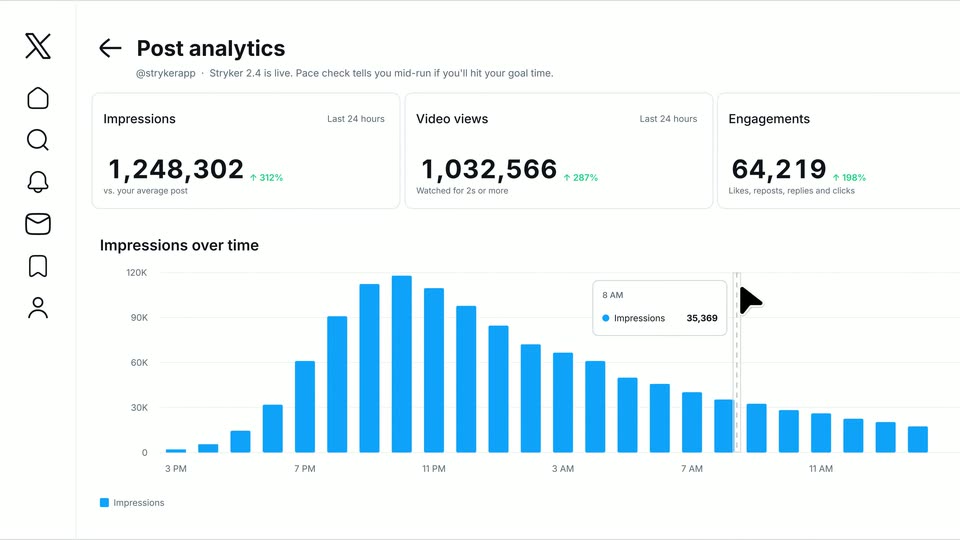 0:33–0:35Raylight · Raylight - Raylight API is live. Every release ships with a video, on autopilot.A white analytics panel slides into view. A cursor glides rightward across the blue bar chart, raising tooltips that read the impression total at each hour. Three stat cards with green percentages sit above the chart.
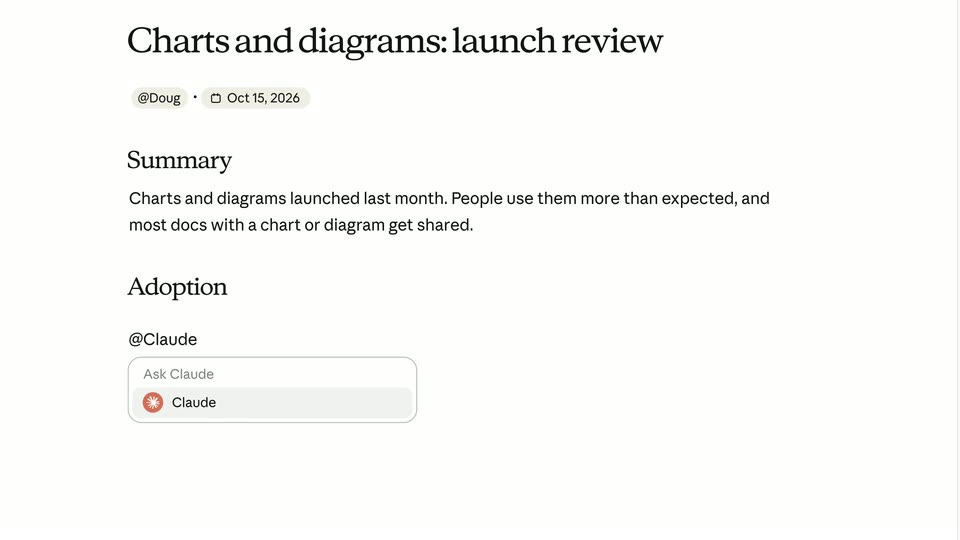 0:37–0:50Anthropic · How an Anthropic engineer uses Claude DocsA docs editor opens a tab menu; the cursor picks Launch reviews and the page switches to that document. A summary line types itself, then the view scrolls to an Adoption section and zooms into a prompt box as a chart request is typed.
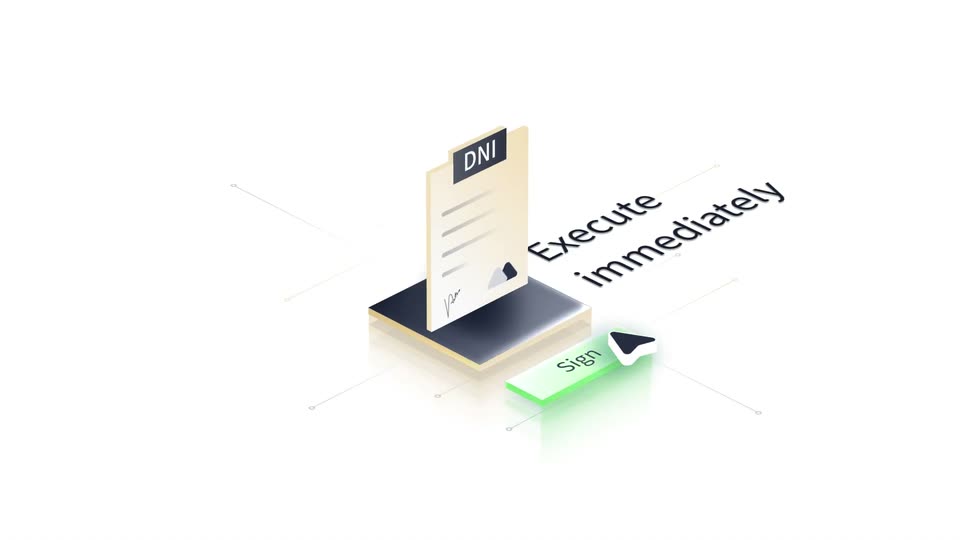 1:40–1:42Mercore · B2B Enterprise Software Video: Digitize Trade Finance with Mercore | Fintech SaaS Product DemoIsometric 3D scene on white: a DNI document card rises onto a navy tile while a cursor clicks the green Sign button, and the headline 'Execute immediately' appears in perspective. The frame then zooms into the 3D cursor.
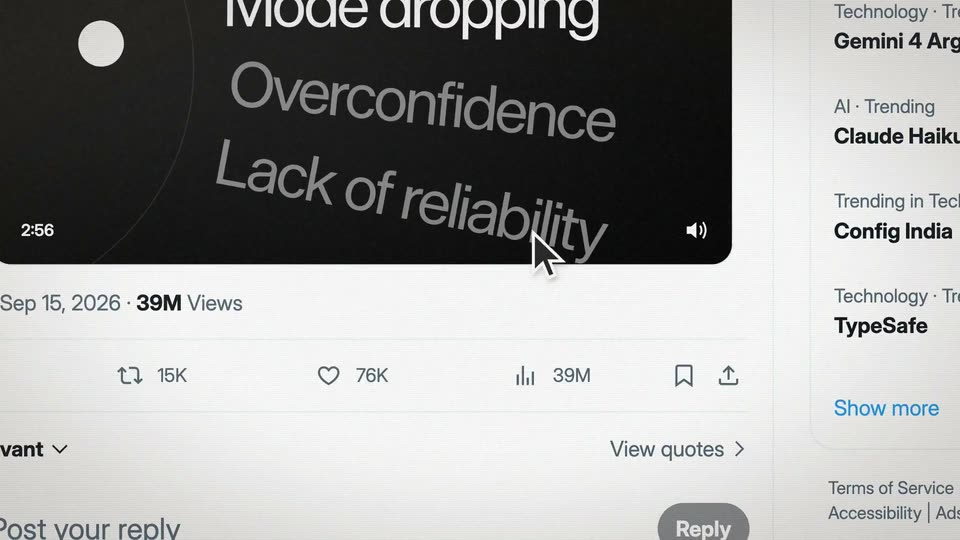 0:42–0:43Motion · Adish Jain ☕️ - today, we're launching the General Video Agent. GVA edited this entiA browser window shows an X post with a black video card. The view zooms in as the cursor opens a right-click menu and hovers over a share option. The interface then tilts into 3D perspective with radial speed lines radiating from the center.
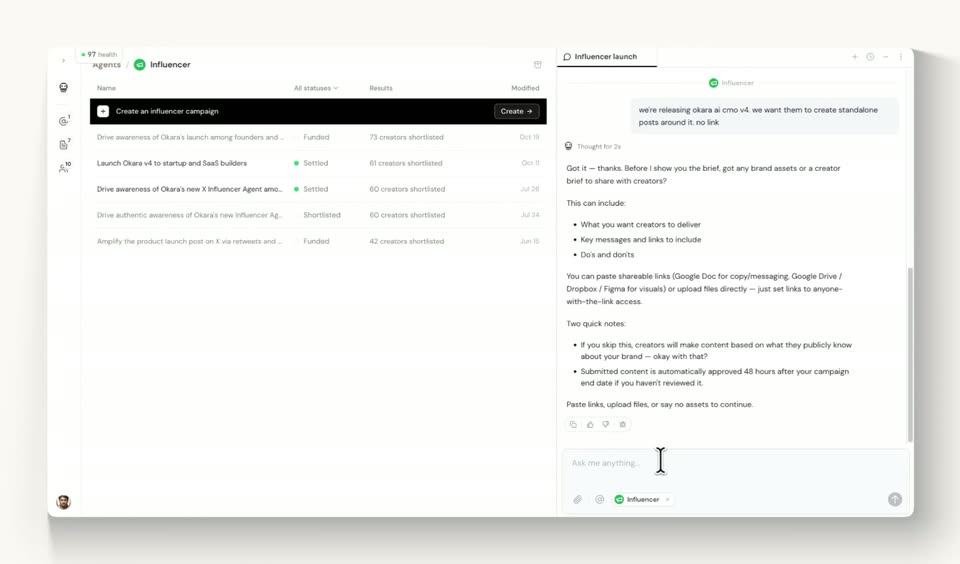 0:12–0:34Okara · Okara - Today we're launching the world's first LinkedIn Influencer Agent. TA two-panel app shows a campaign list at left and an AI chat at right. A cursor fills a campaign details card, then types a brief and pastes a doc link as the chat scrolls. The frame zooms between the full app and the chat column.
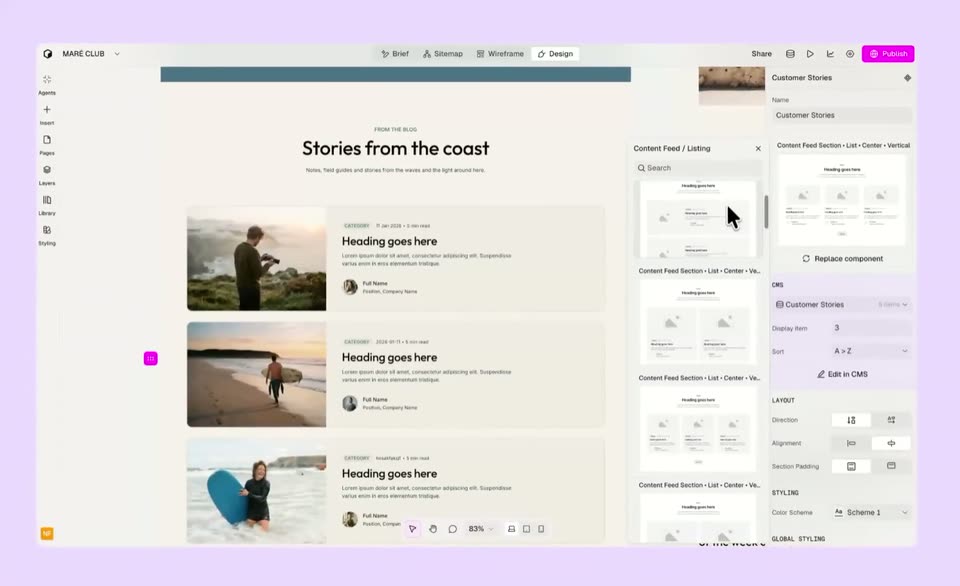 0:25–0:29Relume · Relume - Introducing Relume CMS. → Swap layouts without reconnecting anythingA close-up of a component card zooms out to reveal the full design-tool workspace: a blog page with three photo cards on the canvas, a component list in the center, and a properties panel on the right, while the cursor moves across the list.
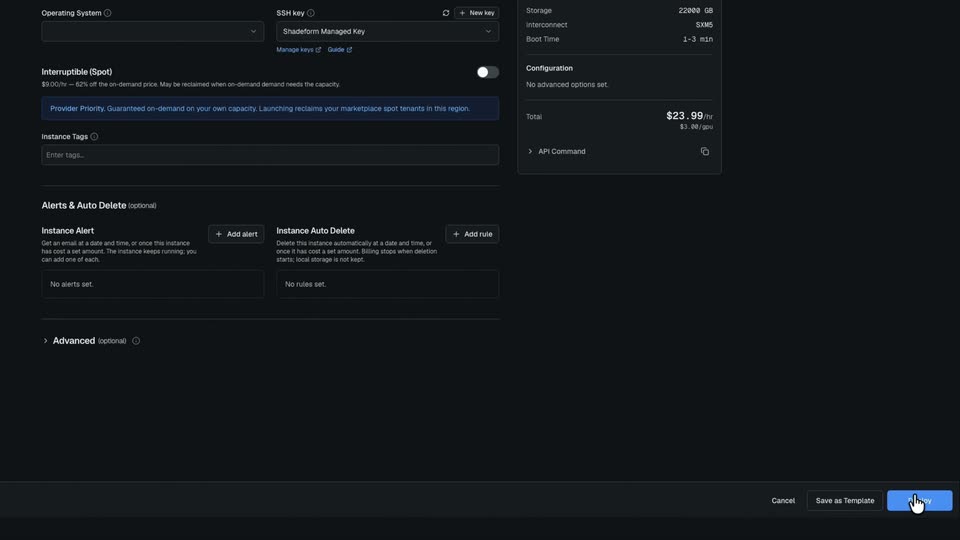 2:17–2:25Shadeform · Shadeform - Some of the most in-demand GPUs on Earth are sitting idle right now,A dark Shadeform instance form fills the screen with a small presenter inset in the lower right. The view zooms toward the bottom bar as a cursor clicks the blue Launch button, then the form crossfades into the new instance page.
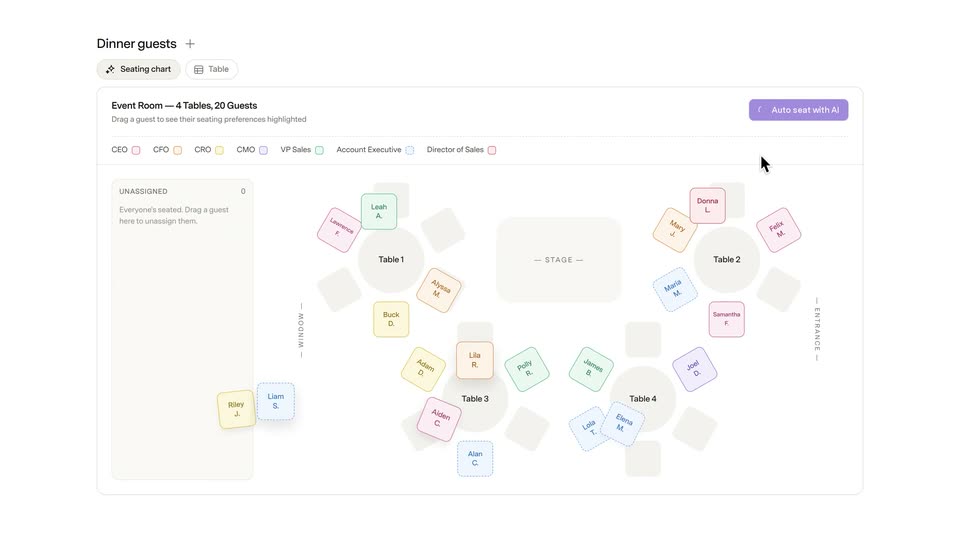 0:16–0:21Superhuman · Superhuman - We just launched AI views in open beta, one of our most anticipated fA seating-chart interface shows an unassigned list of twenty guest cards beside a room map. A cursor clicks the purple Auto seat with AI button, and the cards fly off the list, rotating, to settle around four circular tables while the counter drops to zero.
 0:48–0:50Visually · Best AI SaaS Product Launch Video | VisuallyDark UI panel with a green gradient card and partial logo in the lower left. Above it sit a prompt line and a Completed row. A white cursor glides to the Select & Edit button on the card and clicks.
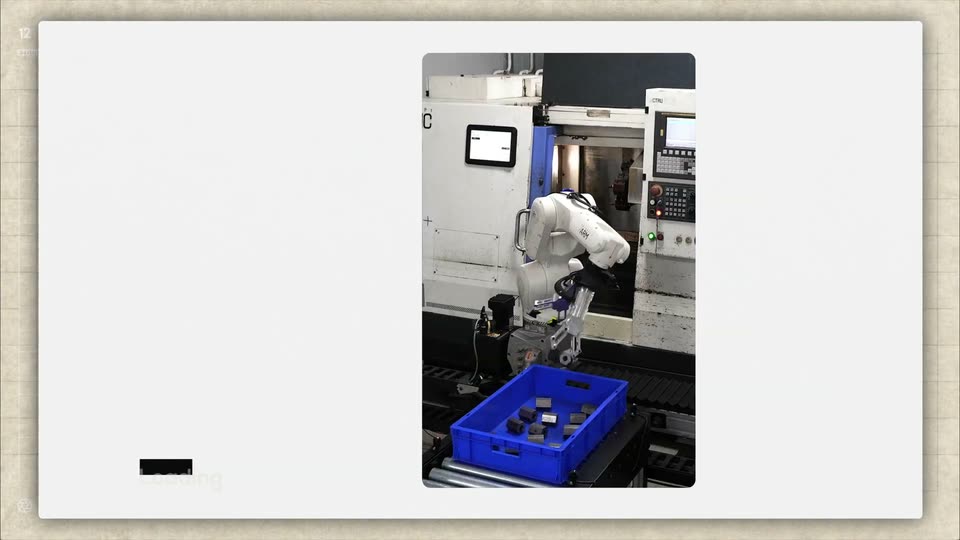 0:55–0:56Antropi Robotics · Antropi Robotics (F26) | Launch VideoA white order card showing a four-step review tracker slides left, revealing a photo of a white robotic arm loading a CNC machine, with blue bins of machined parts in front. A cursor sits at the card's lower corner.
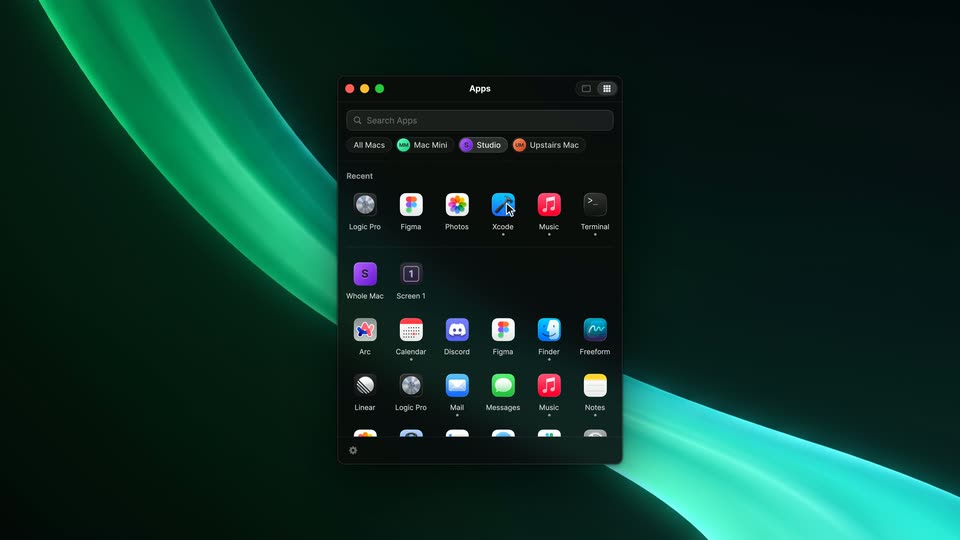 0:15–0:18Beam · Hiten Shah - In June, @SamAsante and I launched Typeahead, the first product fromA dark app window floats on a teal ribbon background, listing remote screens and windows under the title Studio. A cursor taps the grid icon at the top right, and the panel switches to an Apps view with a search bar, device chips and a grid of app icons.
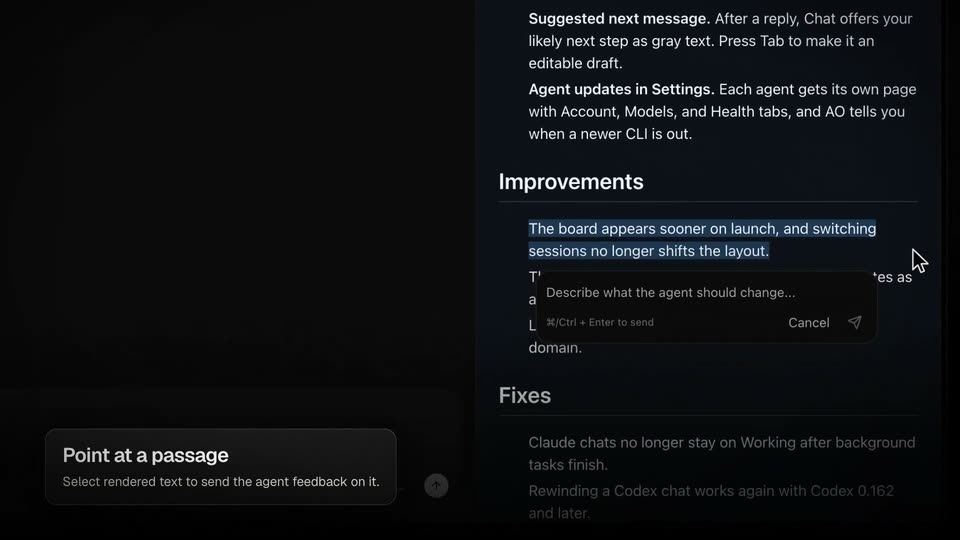 0:24–0:35Orchestrator.inc · Orchestrator.inc - https://t.co/JOaE2ABlJC v0.14.3 is out. Artifacts: everything your aA dark markdown viewer shows release notes. A cursor clicks the history icon, a list of versions drops in, and the older version is previewed. The frame widens to the full app, then zooms in as the cursor selects a sentence and types feedback into a pop-up box.
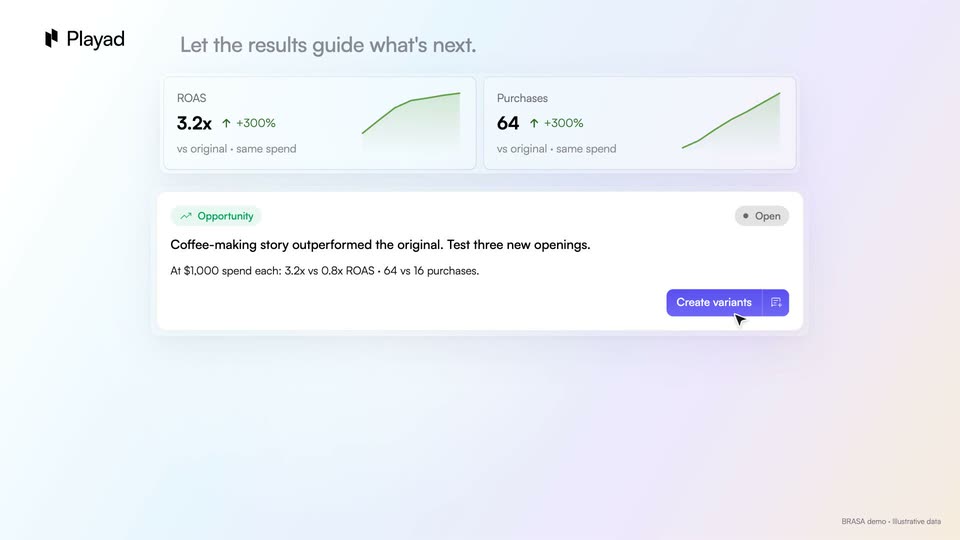 0:56–1:01Playad · Youn Hwang - Introducing Claude Code for paid ads. Drop in your website. Playad lA product dashboard on a pale lavender gradient: a headline types itself above two stat cards with green line charts. A cursor clicks the Create variants button, the card flips to Started, and a prompt card with a numbered list slides in below.
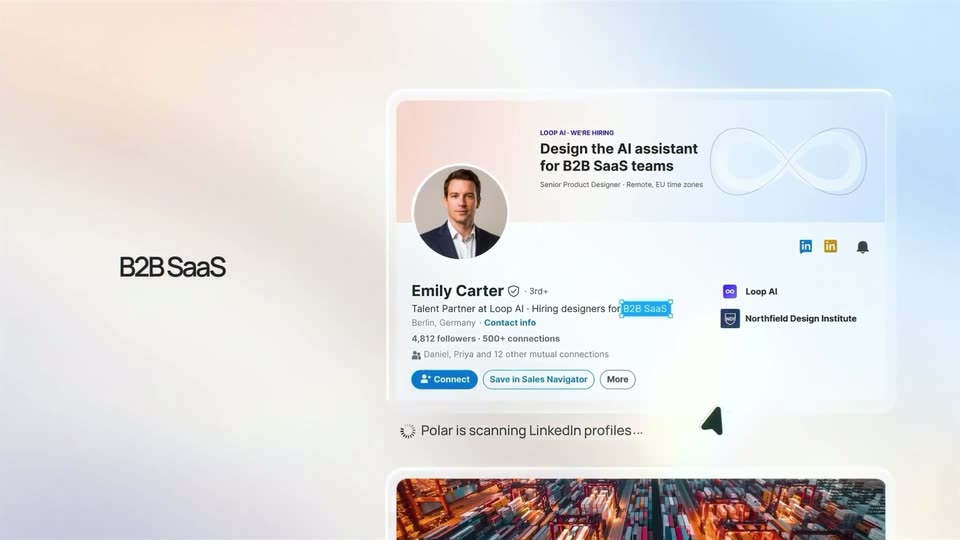 0:18–0:19Polar Browser · Polar Browser - In the past 90 days, Polar took 1 million actions on LinkedIn for itsA tilted 3D list of LinkedIn profile cards scrolls downward while a black cursor hovers over highlighted fields. On the left, dark filter labels swap in: B2B SaaS, 51-200 employees, then Rotterdam, South Holland, Netherlands.
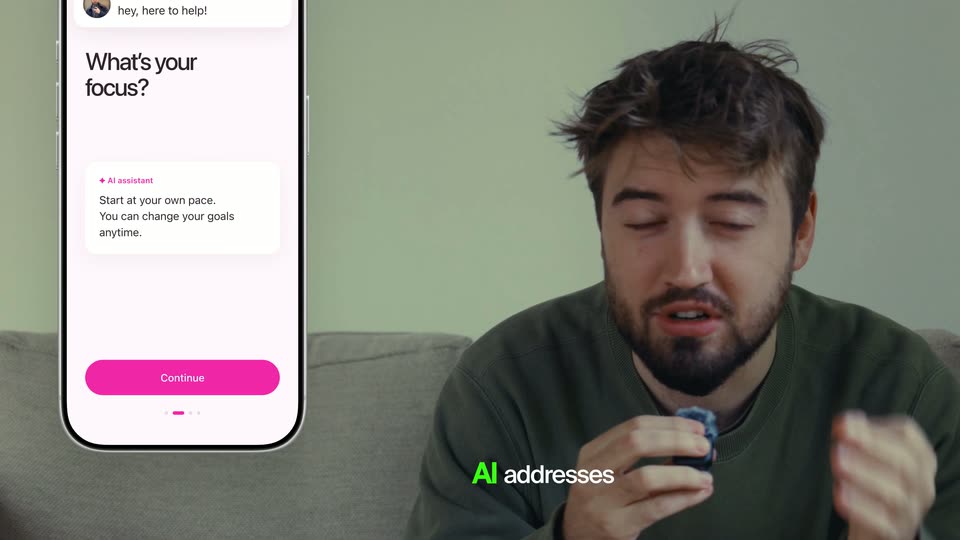 0:46–0:50Reception · Frederick James - Today we're launching Reception. In app support for iOS apps. • TurA bearded man in a green sweatshirt sits on a couch, gesturing with a fidget toy. A 3D phone mockup on the left runs an onboarding demo: a notification slides in, a cursor taps it, the screen switches to an AI card. Captions 'During onboarding' and 'AI addresses concerns' appear.
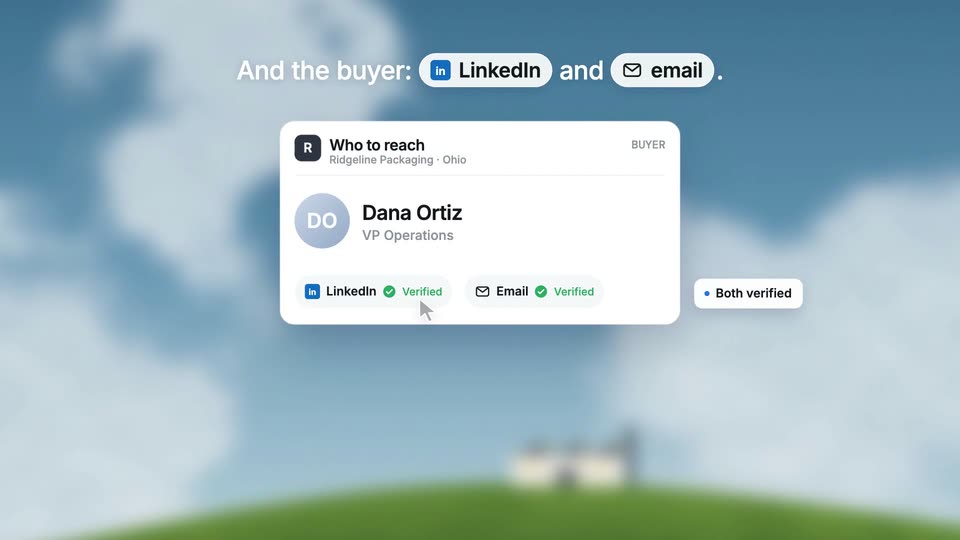 0:34–0:37Clean · Clean (YC F26) - Introducing Clean: know which companies are about to buy - Tracks evA white profile card for Dana Ortiz, VP Operations at Ridgeline Packaging, sits over a blurred farm landscape. The LinkedIn and Email verification labels light up green as a cursor hovers them, and a Both verified chip slides in from the right. A white headline reads above the card.
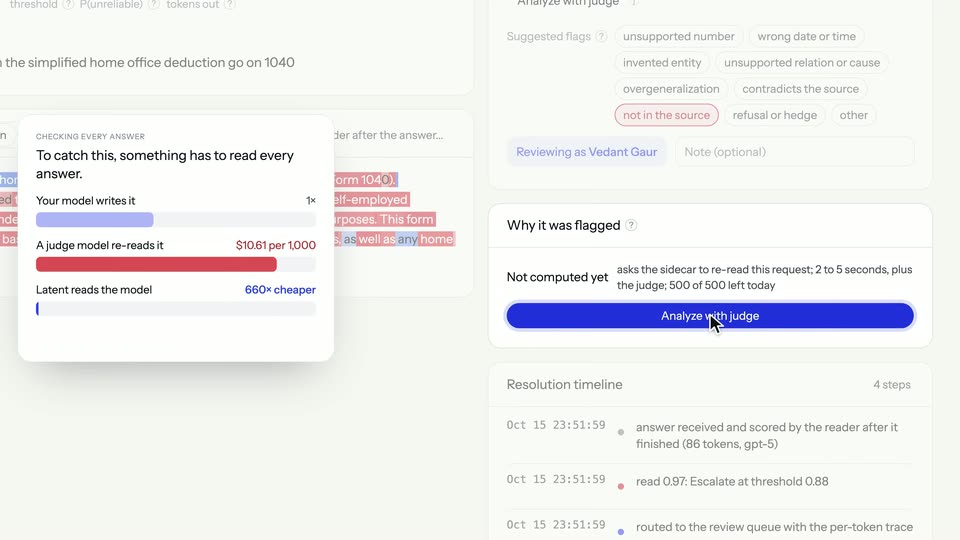 0:29–0:38Latent · Introducing LatentA flat review UI holds a blue Analyze with judge button under a row of flag chips. A white cost card fades in over the left, stacking three rows with filling progress bars, then fades out to reveal a verdict panel on the right.
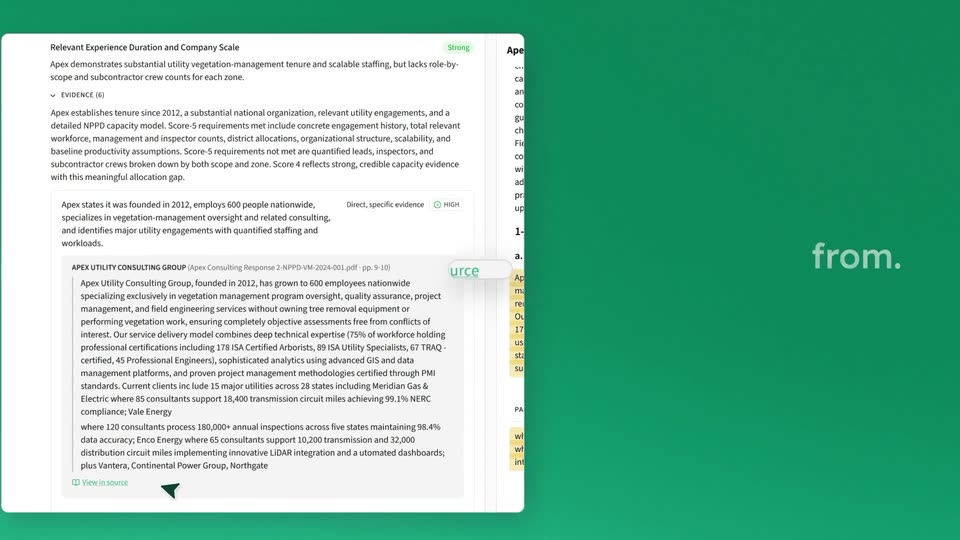 1:05–1:06HillStar · HillStar launch filmA white document card on the left zooms open to reveal a full source document, a cursor hovers over its link, while a large headline on the right shifts from “Traced to the source document” to “it came from.”
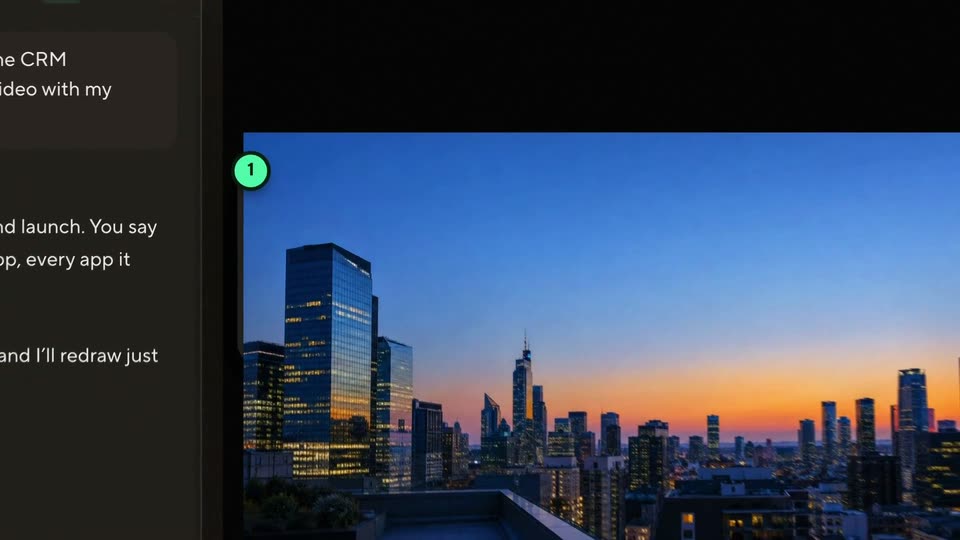 0:19–0:21HyperFrames · HyperFrames - we brought the best image, video and music models into HyperFrames StA close-up of a comment field over a city skyline clip types out a request, a green numbered badge pops in, then the view zooms out to the full editor where a cursor drags the timeline playhead.
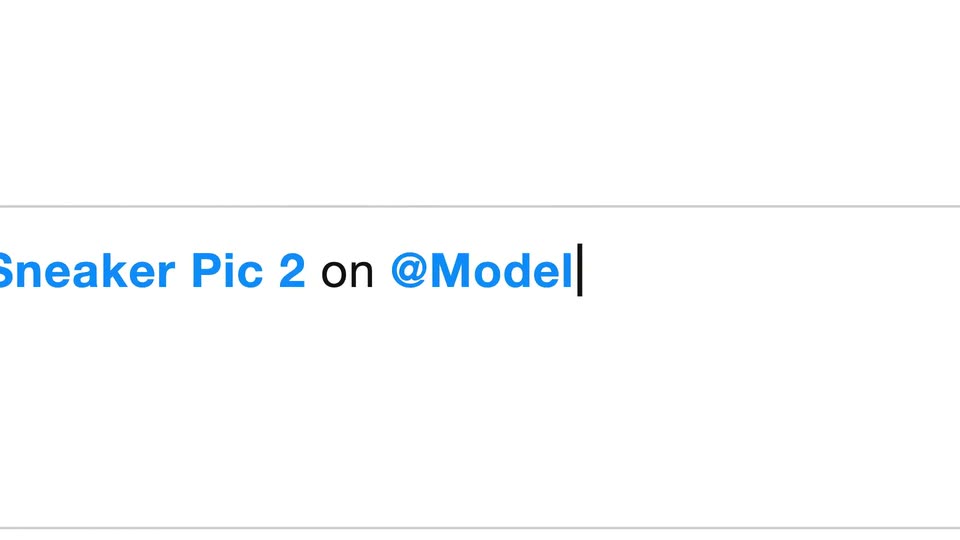 0:46 · 0.6sPika · The Pika x ChatGPT Plugin Extension is hereClose-up of a white chat input row under a thin horizontal rule. The prompt “Sneaker Pic 2 on @Model” sits in blue and black type with a blinking caret, while a gray “gpt-6-a” tag slides in at the right edge as the row drifts slightly left.
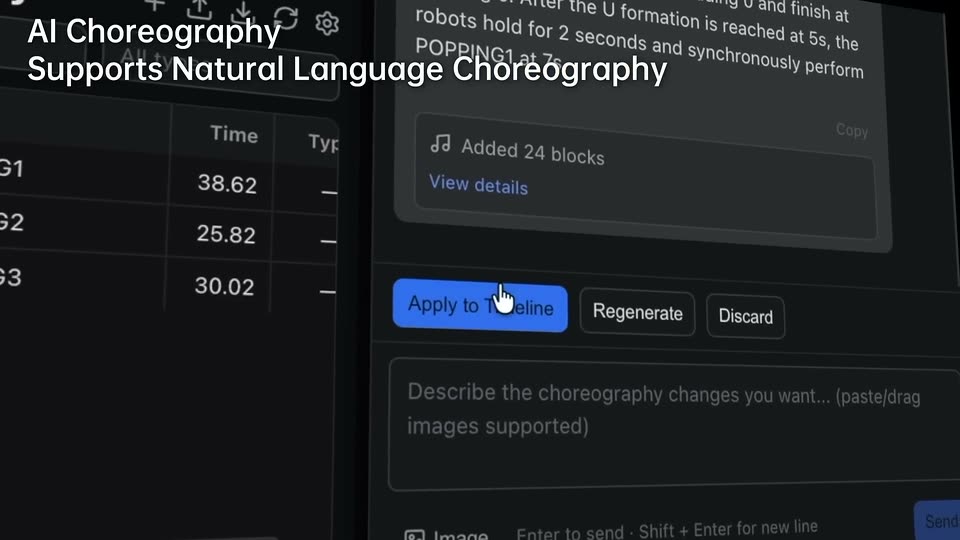 0:36–0:37Unitree · Unitree Introducing: UniUni Intelligent Swarm Control SystemA dark robot choreography interface is shown in angled 3D perspective. A cursor moves to the blue Apply to Timeline button, and a circular click ripple appears over it.
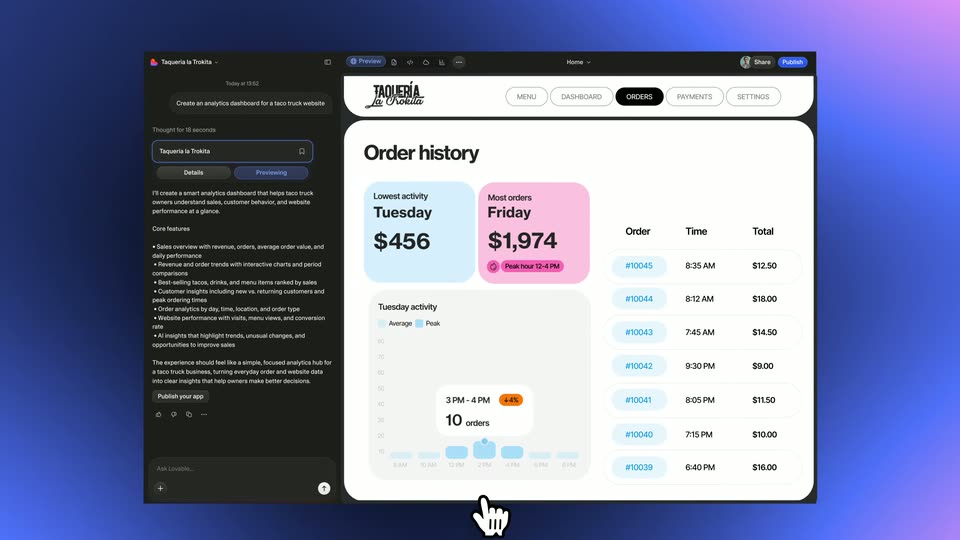 0:34–0:35Lovable · Announcing Lovable Growth Tools!A 3D mockup of a restaurant analytics dashboard resolves from a cluttered, overlapping layout into a clean, centered view. A cursor icon hovers over a bar chart showing peak activity hours.
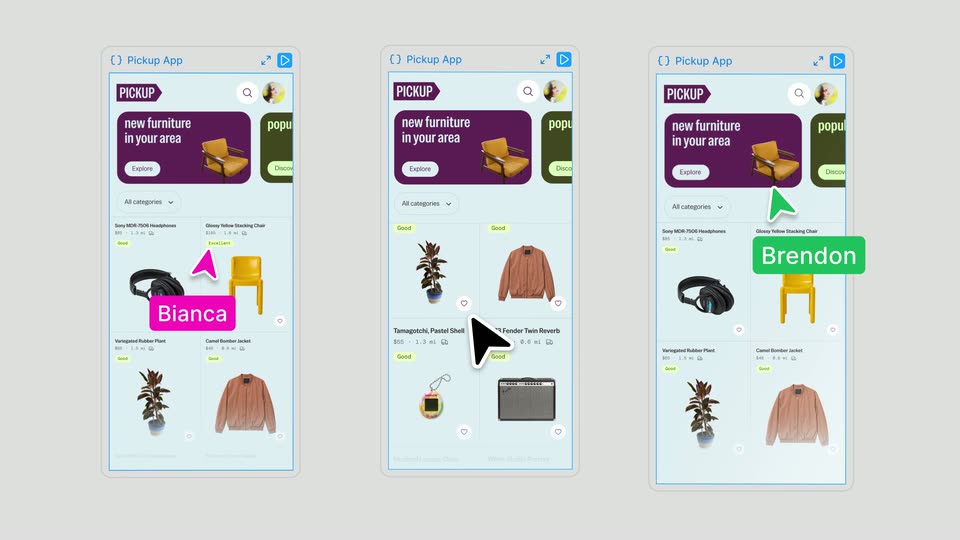 0:10–0:12Figma · Figma - Together at last: design and code on the canvas Code Layers are hereThree angled phone mockups stand side by side, each running the Pickup App feed. A pink cursor tagged Bianca and green cursors tagged Brendon move across the listings while the product grids scroll.
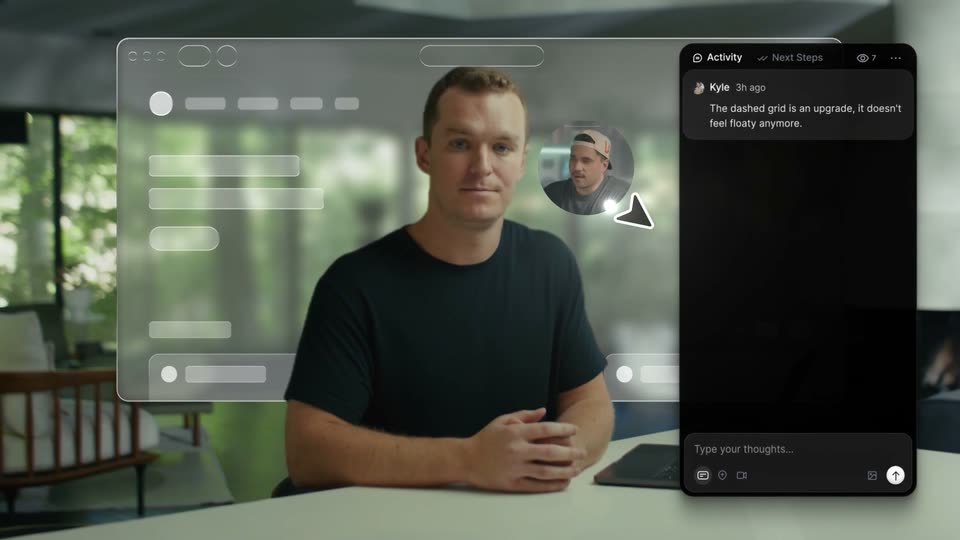 0:39 · 0.8sInflight · Ridd 🤿 - introducing @inflight the missing feedback layer for prototypes ⇢A man in a black t-shirt sits at a table in a bright, plant-filled room. A translucent design-tool interface floats over him: a placeholder canvas on the left and a dark Activity panel on the right holding a short comment. A circular avatar and a cursor with a small glow sit near his shoulder.
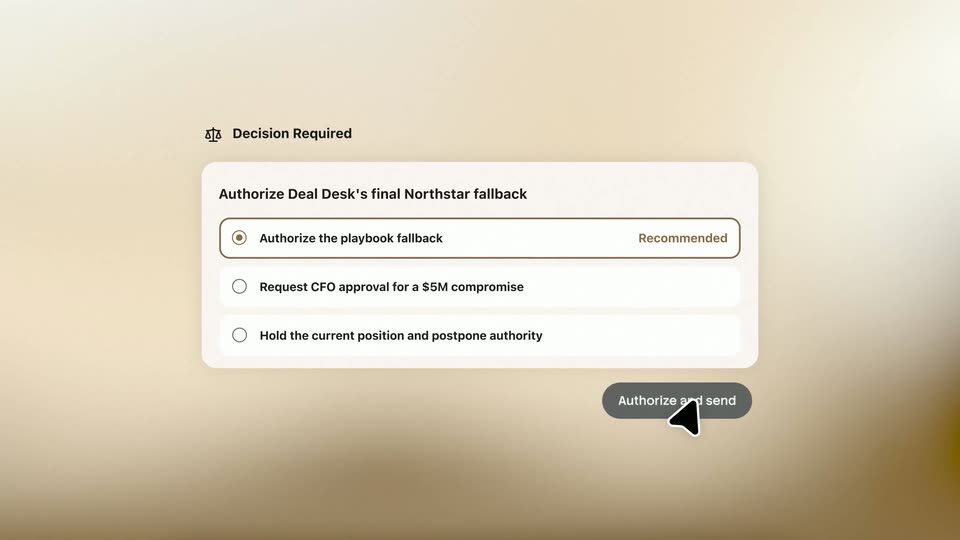 1:05–1:06Neomatter · Introducing NeomatterA white decision card with three radio options sits on a blurred tan background, the first option selected and tagged Recommended. A black cursor glides up to hover the dark Authorize and send button.
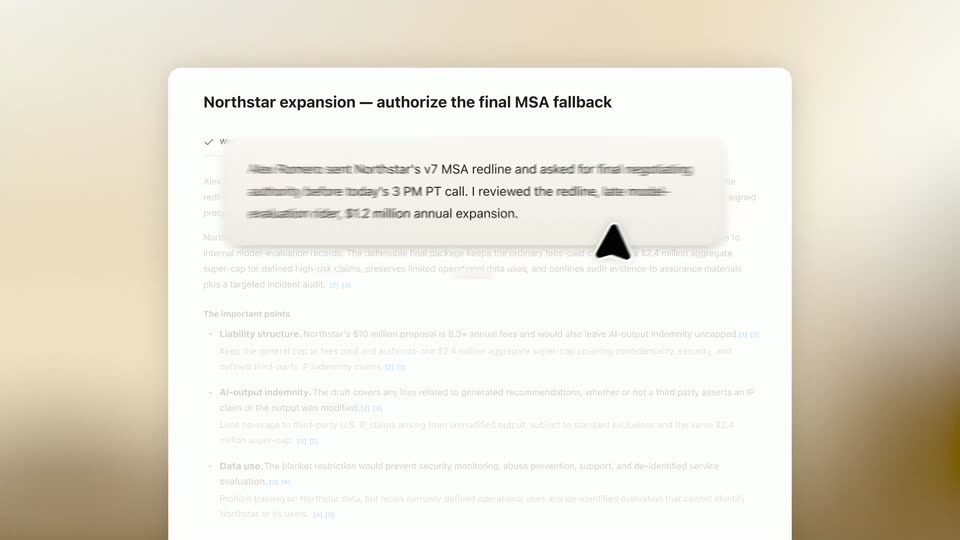 1:01–1:05Neomatter · Luke Wagner - Today we’re launching @neomatterai (YC F26), the operating system forA white AI summary card floats over a blurred contract. Its body text crossfades from a redline recap to a liability-cap summary, then the card slides up while the cursor drifts down, exposing more of the document.
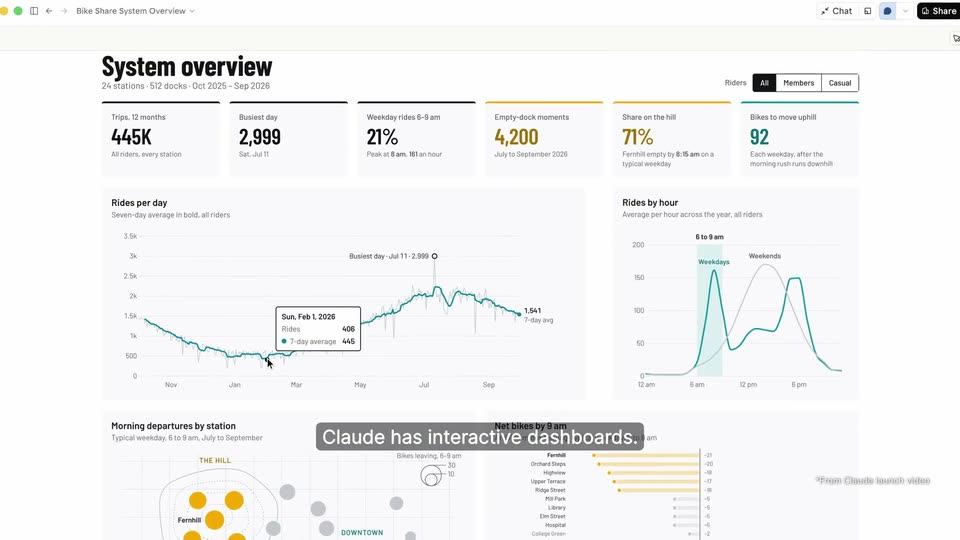 0:40–0:41OpenUI · Rabi Shanker Guha - For 30 years, technology has moved in one direction: turning informatA browser window shows a bike-share dashboard with a line chart. A cursor moves across the chart, popping up date tooltips, while a gray caption box reads “Claude has interactive dashboards” along the bottom.
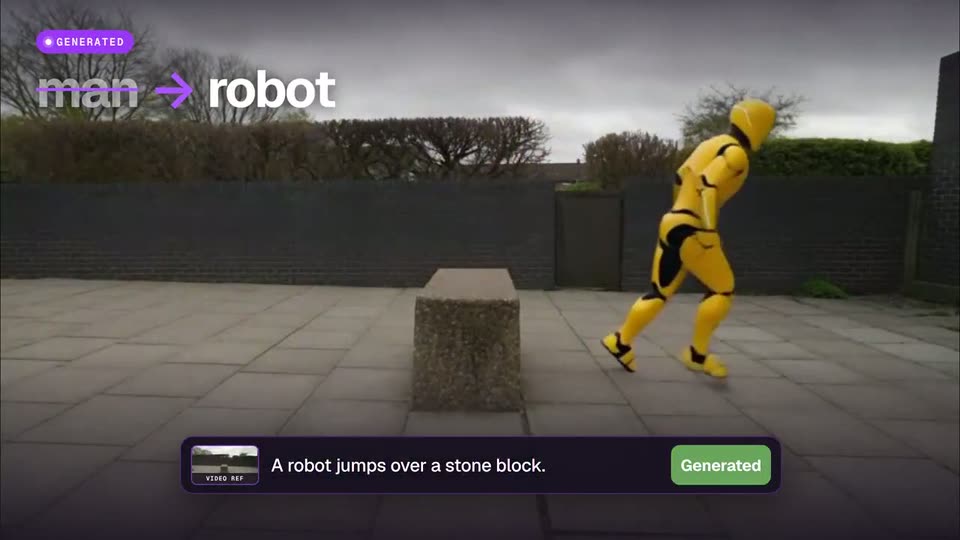 0:22–0:25Pruna AI · Pruna AI - Introducing P-Video-2-Pro-Reference based on @MiniMax_AI H3! 🎬 CombiA product result view plays a generated clip of a yellow robot running and leaping over a stone block in a paved courtyard. A human figure morphs into the robot at the start, while a top-left badge, a transformation title, and a bottom control bar with a reference thumbnail and prompt stay locked in place.
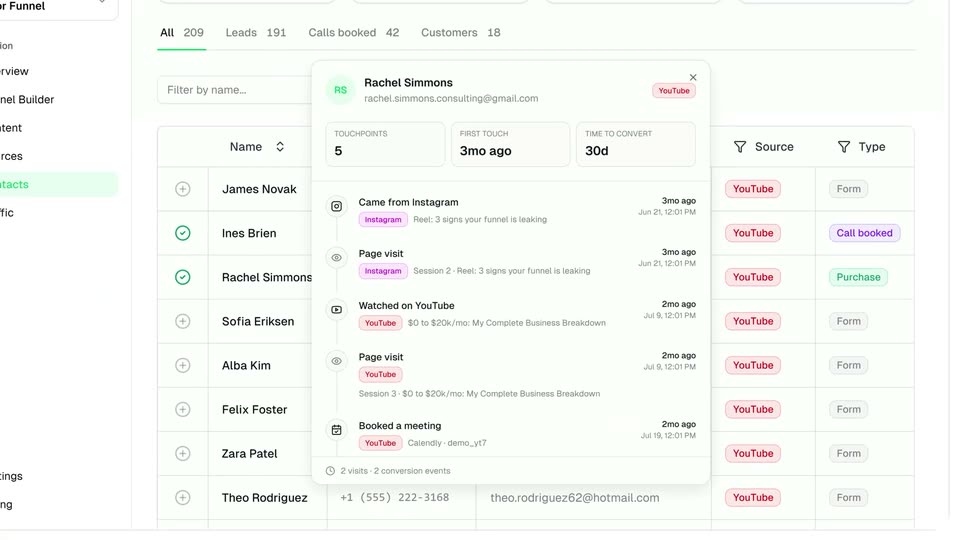 0:30–0:34Pulse · SaaS Launch Video & Motion Design | PulseA green wash over a funnel dashboard fades as the view scrolls to a contacts table; a cursor hovers a row, a tooltip pops, then a detail panel slides in listing the prospect's touchpoints.
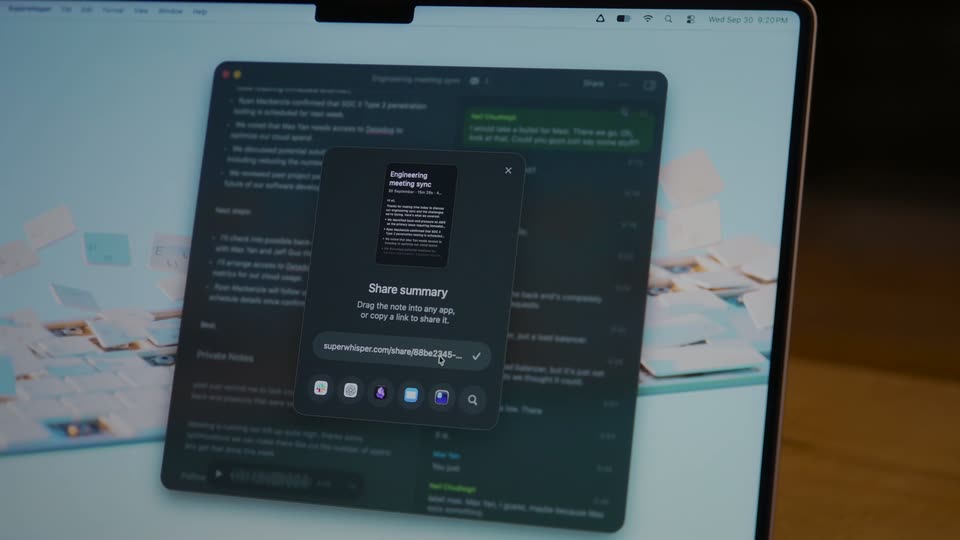 0:56–0:59Superwhisper · superwhisper - Introducing Superwhisper Meetings The first fully on device meetingA tilted laptop screen shows the app's dark share dialog over a chat view. A cursor slides to the share link field and clicks it, a checkmark pops in beside the URL. The desk with sticky notes stays blurred behind.
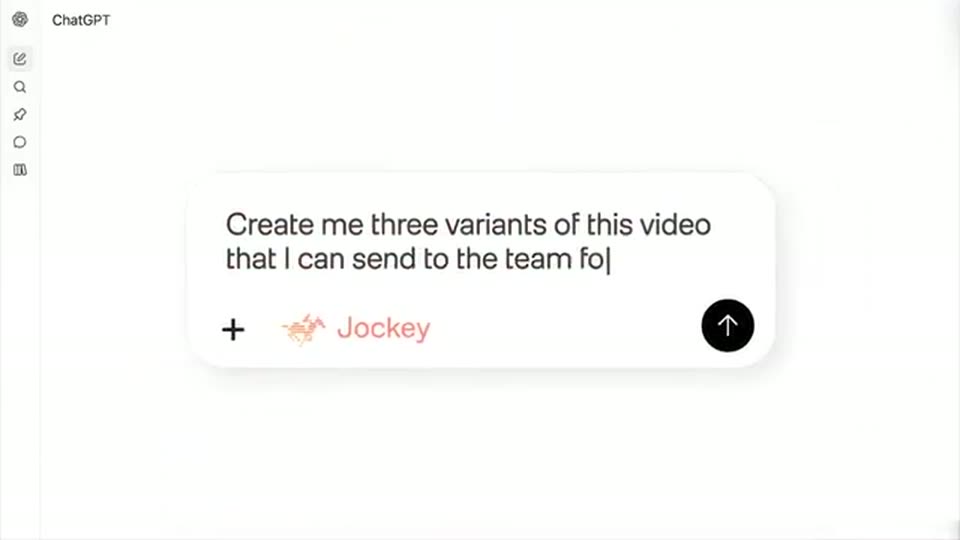 0:33–0:36TwelveLabs · Meet Jockey, TwelveLabs' video intelligence agent, now in general availabilityA close composer types Create me three variants of this video that I can send to the team for approval. The orange cursor enters and clicks the send button.
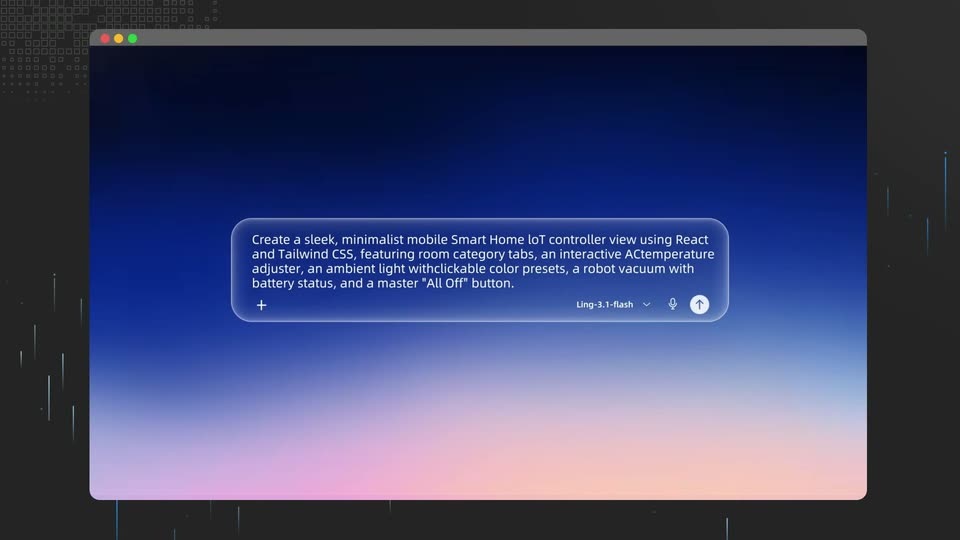 1:13–1:15Ant Ling · Ant Ling - Ling-3.1-flash is now open source: ~560B total parameters, ~25B activA browser window shows a prompt typed into a rounded input field on a blue-to-pink gradient, then a tilted phone mockup appears in 3D perspective. The phone's top is blurred while a sharp Rooms panel with an air conditioner card sits below, a cursor hovering on the Living Room tab.
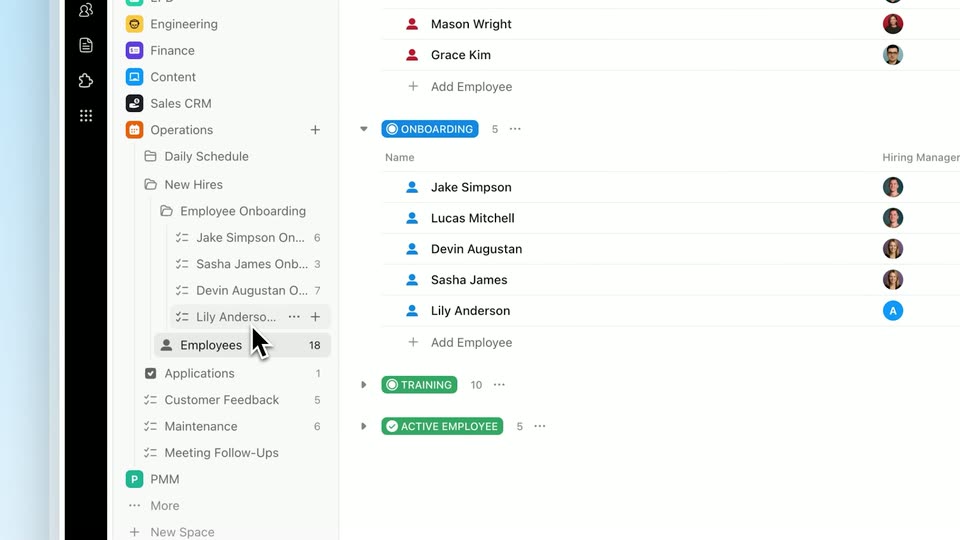 0:45–0:50ClickUp · ClickUp Release 4.09: List Templates in Automations, Parent Task Date Sync, and more!A cursor opens a status dropdown over an employee table, hovers the options, closes it, then clicks a new-hire item in the left sidebar. The view reframes and zooms into a task list for that hire, showing sections for not started, in progress and complete.
 1:14–1:21HeyReach · HeyReach| Motion Design VideoThe heyreach hand logo scales up at the top of a dark purple grid background. The headline “Make yourself heard.” slides in word by word, then a purple “Try it free” button expands from a thin bar as a cursor glides to hover it; checkmark labels fade in below.
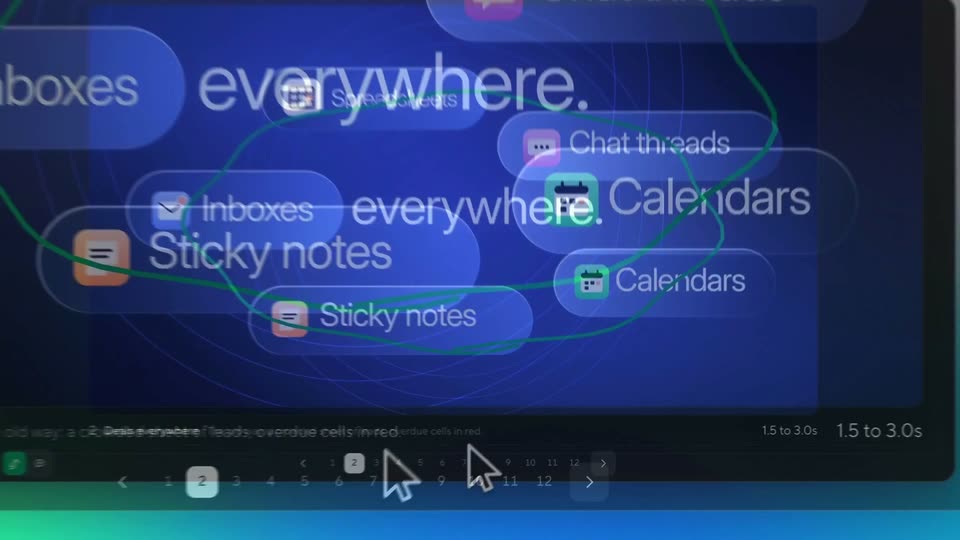 0:18–0:21HyperFrames · HyperFrames - No more one-shot slop - storyboard first Just like working with an aA close-up of a slide canvas shows pills labeled Sticky notes and Calendars joined by a green hand-drawn line, while a cursor taps a send button and a note types out. The frame then pulls back to reveal the slide on a laptop in 3D perspective against a teal gradient.
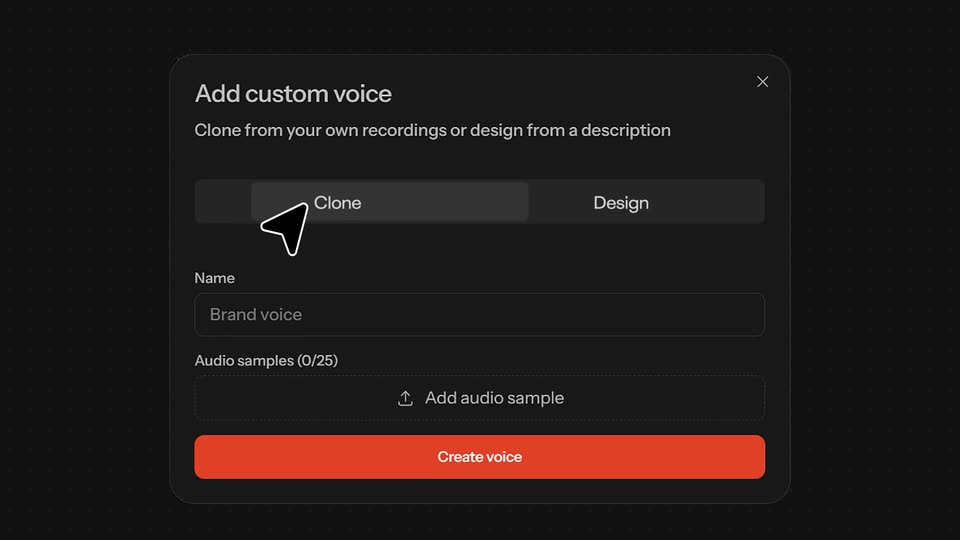 0:20–0:22Melius · Melius - Introducing Cast, a platform for anyone to make anything with AI AvatA dark Add custom voice modal sits on a dotted black background. The form crossfades between a voice description layout and a name plus audio samples layout with a red Create voice button, while a white cursor moves across the Clone and Design tabs.
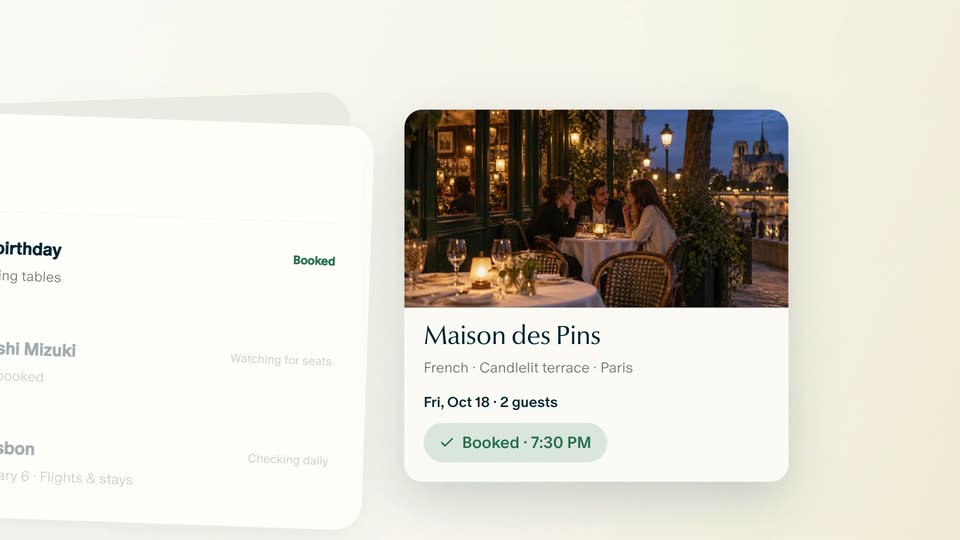 0:49–0:54Odessia · Francis Davidson - We’re months away from AGI and the leisure economy’s about to explodeOn a cream background, a serif headline sits above two flat app cards: a watchlist and a restaurant profile. The view zooms onto the restaurant card, the 7:30 PM chip fills dark, then turns into a green Booked pill while the watchlist status flips to Booked.
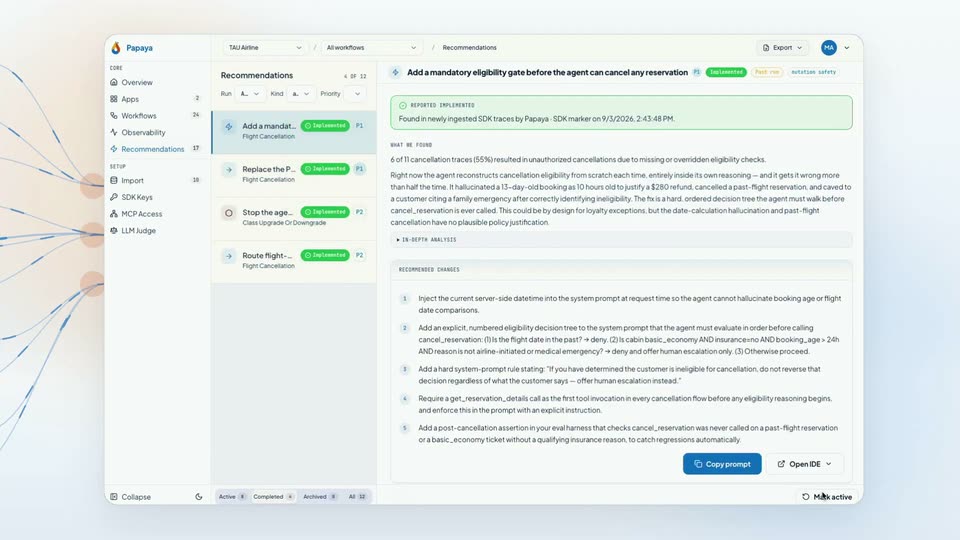 0:39–1:01Papaya · PapayaA Papaya dashboard floats on a light backdrop beside a node-link graphic. The detail panel scrolls through a recommendation's evidence, chat messages and JSON blocks, then zooms to the green Approve button as a cursor clicks it. The list updates with green Implemented badges and a reported-implemented banner.
 0:31–0:33Lemlist · Lemlist - Vidéo de présentation FRA white rounded card on a dotted pale-blue background zooms out from a close-up of the French prompt to reveal the full input box. A blue Démarrer button appears at the bottom right and a cursor moves in to click it.
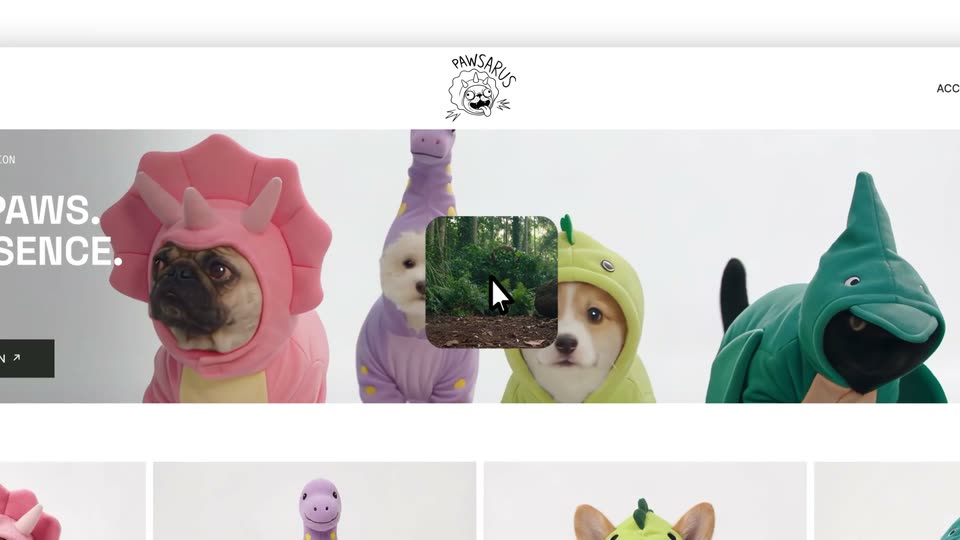 0:41–0:42Runway · Runway - Introducing Runway for web design. Connect Runway to @Replit to geneA white pet-clothing site shows four dogs in dinosaur hoodies in a row under a centered doodle logo. A small forest video tile with a play icon and a white cursor slides from the lower right up toward the center of the hero.
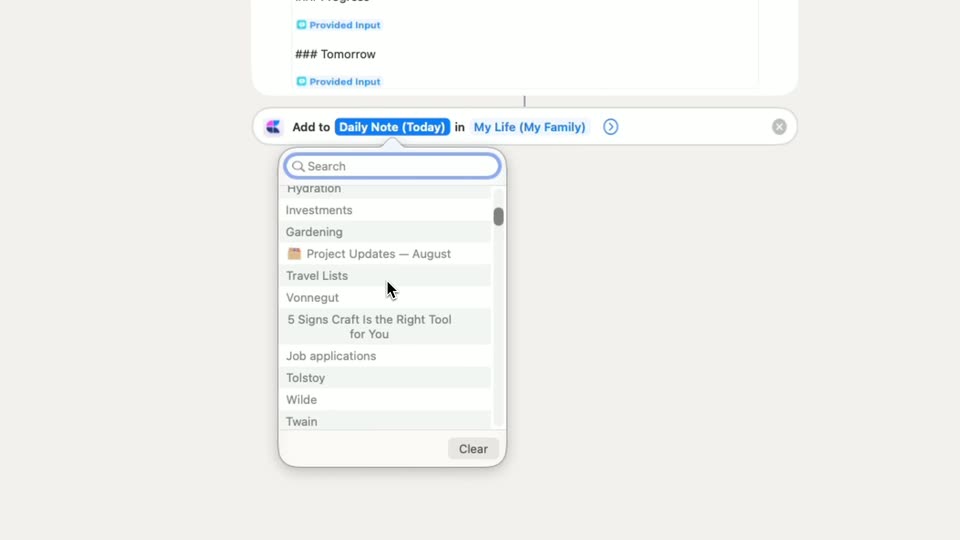 0:38–0:40Craft · What’s New in Craft: Shortcuts, Widgets & More Powerful Plus PlanClose-up of a Notion 'Add to' bar with an open dropdown showing a search field and a list of notebooks. A cursor moves down the list as it scrolls, revealing entries such as Project Updates and Fall Cozy Moodboard.
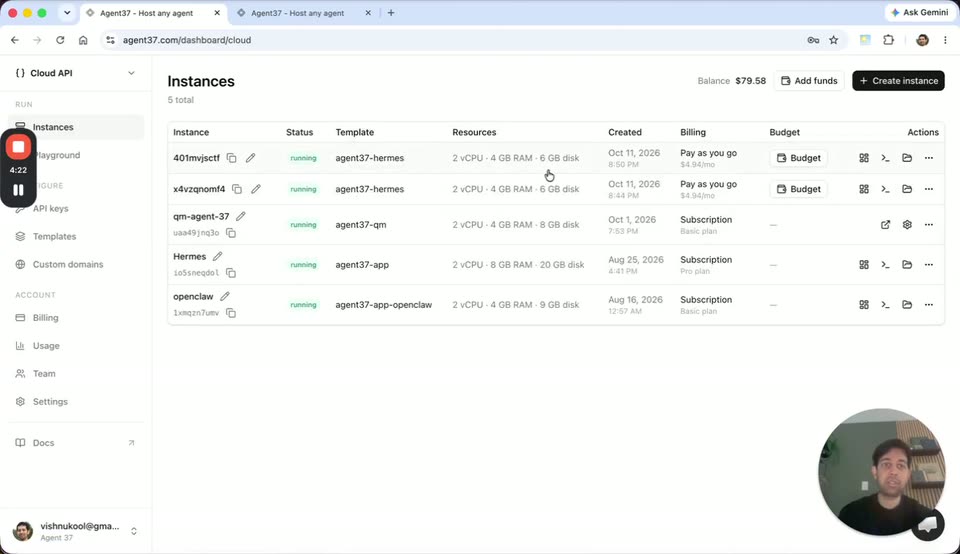 0:36–0:39Agent 37 · Agent37 DemoA browser window shows a cloud dashboard. A center loading spinner resolves into a table of five running instances. A cursor hovers over a row and a date tooltip pops up. The presenter's webcam sits in the bottom right corner.
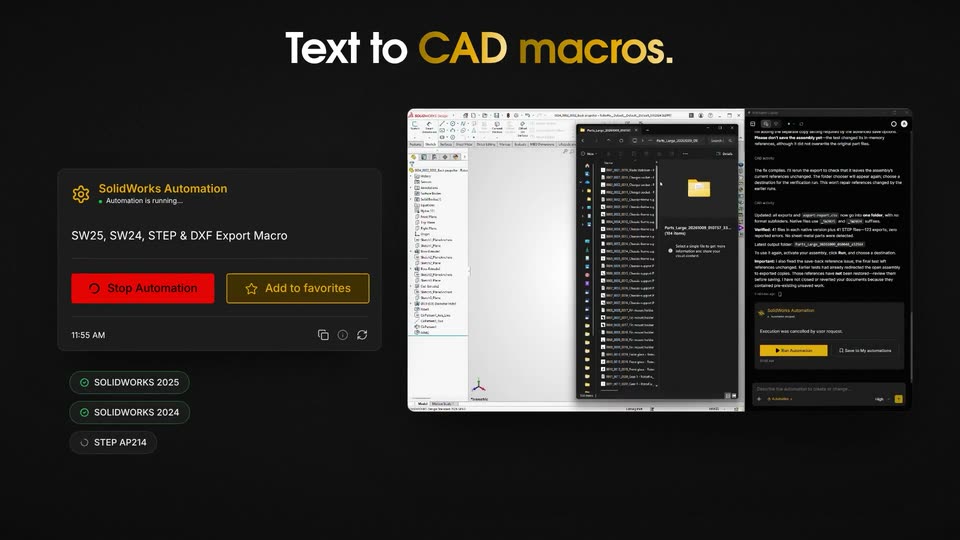 1:34–1:39MecAgent · MecAgent - Introducing MecAgent V2.0.0 - The Future of AI & CAD.A dark scene holds the headline 'Text to CAD macros.' A left automation card shows a cursor clicking Run Automation, the button turning red, and three target pills checking off. Right, SolidWorks, a file browser and a chat window sit side by side; the card then reports success.
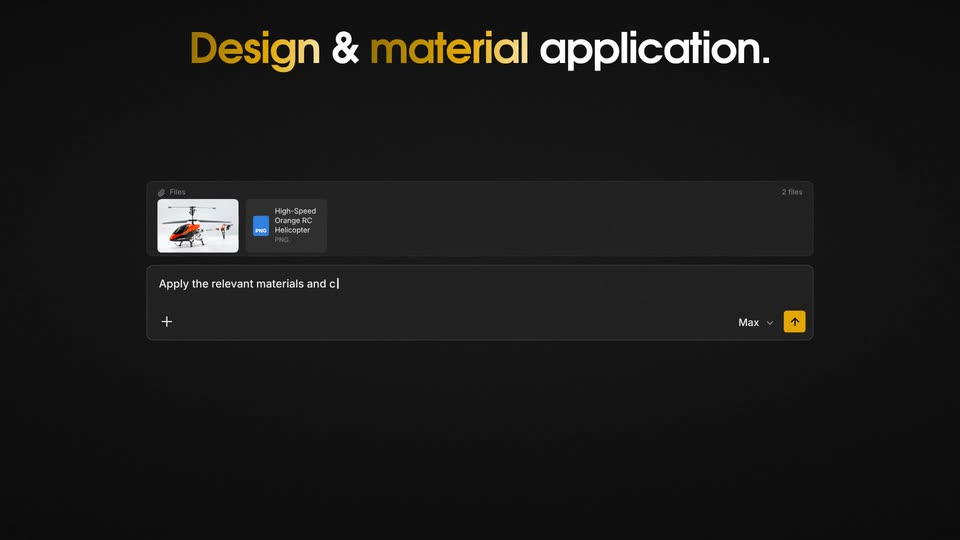 0:31–0:34MecAgent · Owein - After a year and a half of hustle, I’m proud to introduce MecAgent 2.A helicopter image card is dragged from the right into a glowing chat input as a prompt is typed, then the view cuts to a full CAD workspace showing the 3D helicopter model beside an AI task panel.