1:01
Explore
superwhisper - Introducing Superwhisper Meetings The first fully on device meeting
Superwhisper · Oct 2026 · 1:14 · AI-annotated
- Length
- 1:14
- Scenes
- 22 · 3.4 s avg
- Product on screen
- 0:00
- Features shown
- 4
- Voiceover
- Yes
- Views
- 2M on X
as of November 18, 2026
00:00:00 / 01:14:29
- Length
- 1:14
- Scenes
- 22 · 3.4 s avg
- Product on screen
- 0:00
- Features shown
- 4
- Voiceover
- Yes
- Views
- 2M on X
as of November 18, 2026
Superwhisper’s 1:14 launch film runs 22 scenes, about 3.4 s each. The product is on screen from the first frame and 4 features are revealed. There is no explicit call to action; a voiceover carries the film. Host-led launch cut at about 14 cuts per minute, alternating a static brick-wall presenter with shallow-focus B-roll of the laptop and 3D-tilted UI panels that rack from soft to sharp. The signature moves are the word-by-word headline builds, the perspective-tilted settings and summary windows, and the closing triangle logo that assembles then collapses on black.
Footage neededEstimated needs: 2 capture groups — your screens or recordings · 1 official logo — reused across the film · 13 filmed passages — shoot, supply or replace · 2 3D passages — build or supply
Is this your launch? to your site or press kit.
More like this


Similar soundtrack
Films whose music sounds like this one, voice left out
1:17
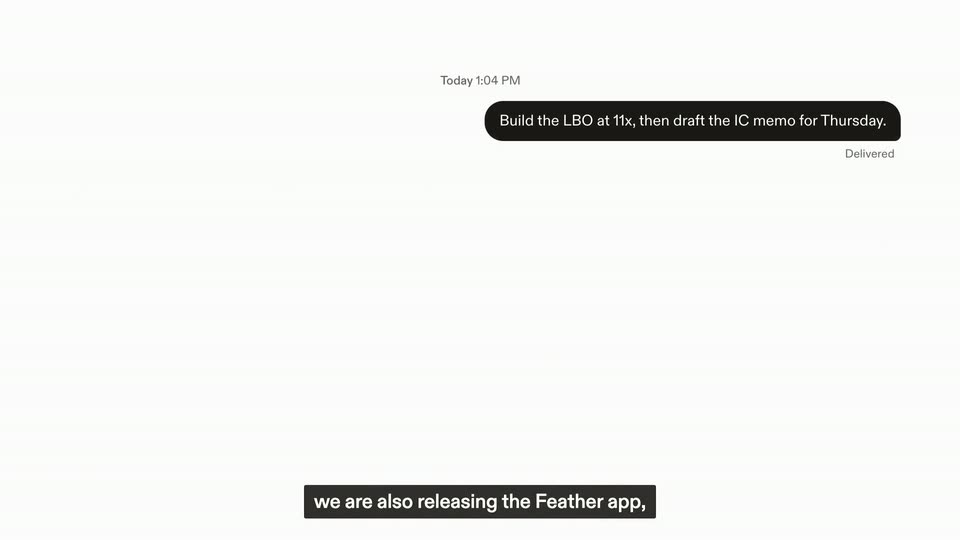

Daanish Khazi - We are releasing Ultramarine 1 Flash, a frontier-class model built fo
Paper Instruments · Corporate tech presentation with electronic background music
1:57
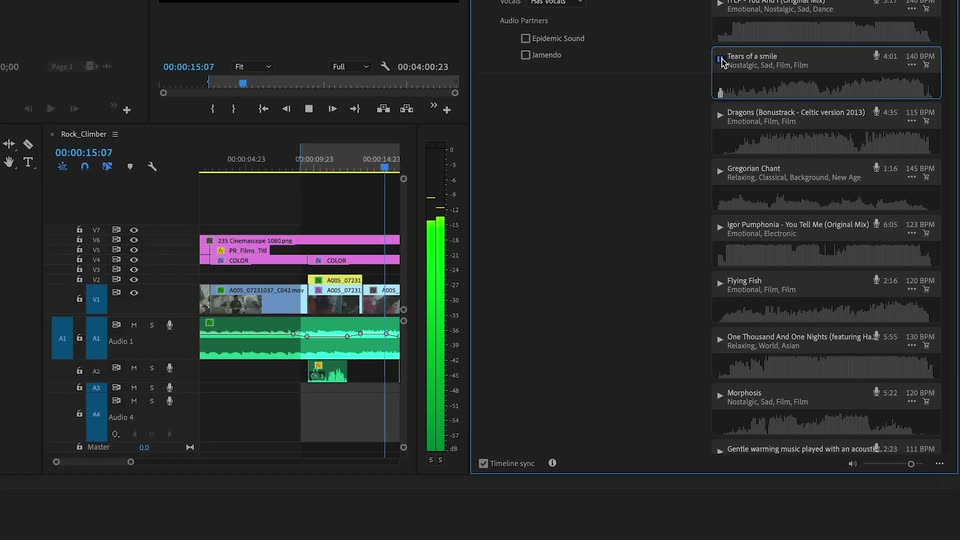
New in Premiere Pro - Introducing Adobe Stock Audio | Adobe Creative Cloud
Adobe · Upbeat electronic dance music
3:07
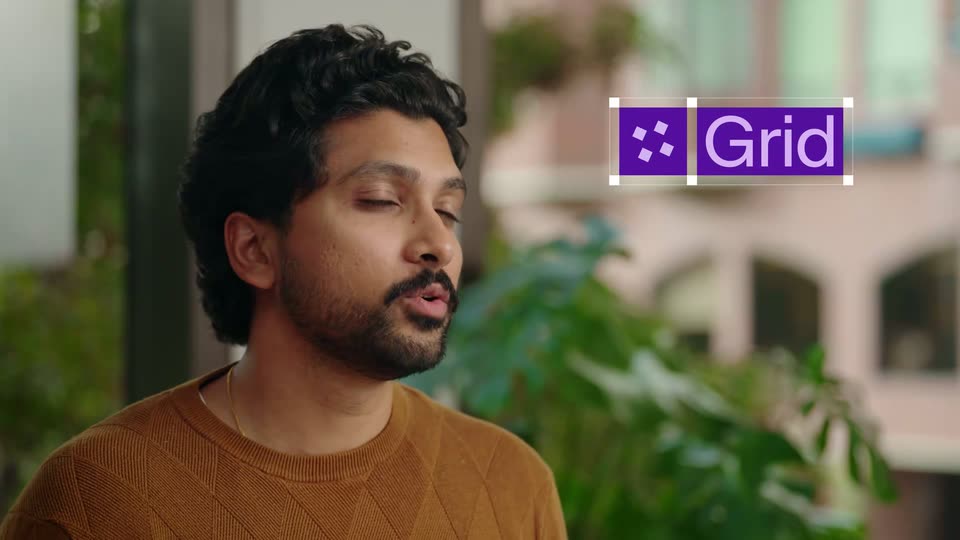

Baseten - Inference, training, routing, governance, and sandboxes are the build
Baseten · Upbeat electronic
superwhisper - Introducing Superwhisper Meetings The first fully on device meeting, scene by scene
· 22 scenes as text
01 · Product intro · 0:00–0:02
A young man in a gray cap and plaid shirt stands centered against a warm yellow brick wall, speaking directly to camera. He smiles and makes small hand gestures while a lavalier mic is clipped to his collar. The shot is a static medium close-up.
Camera: Push in
02 · Feature reveal · 0:02–0:06
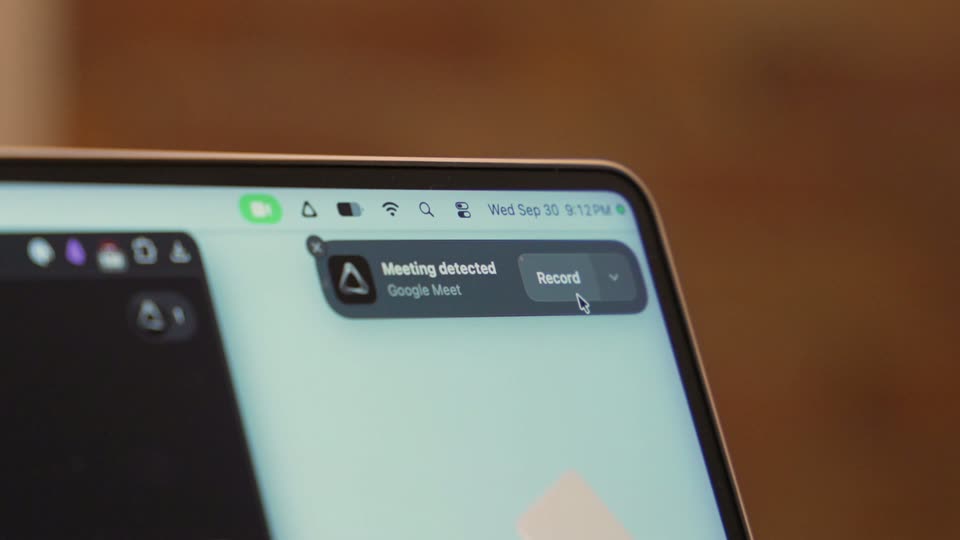
A laptop screen sits at an angle against a blurred wooden wall. A dark Google Meet window shows a participant on the left. A notification banner with a Record button appears at the top, and a cursor moves toward it.
Techniques: 3D mockup, Cursor demo
Camera: Push in
03 · Feature reveal · 0:06–0:10
Over-the-shoulder shot of a person at a laptop showing a four-tile video call beside a chat panel, against a warm brick wall. A white headline builds word by word on the left, then the platform name at the end swaps from ZOOM to Slack huddles.
On-screen text: “Start recording with one click across ZOOM”, “Start recording with one click across Slack huddles”
Techniques: Kinetic type
Camera: Pull out
04 · Feature reveal · 0:10–0:12
A young man in a gray cap and plaid shirt speaks to camera against a warm brick wall. He holds a centered medium close-up, then turns his head to the side as he keeps talking. Static framing, no added graphics.
Camera: Static
05 · Feature reveal · 0:12–0:15
Over-the-shoulder shot of a person typing on a laptop at a wooden table, brick wall behind. The screen holds a four-person video call next to a dark transcript panel. Focus racks from soft to sharp on the display.
Camera: Static
06 · Feature reveal · 0:15–0:16
A young man in a grey cap and dark plaid shirt stands before a yellow brick wall, a lavalier mic clipped to his collar. He faces the camera and speaks, his head shifting slightly as he talks.
Camera: Static
07 · Feature reveal · 0:16–0:25
Hands type on a laptop keyboard on a wooden desk. The screen shows a four-person video call on the left and a dark transcript panel on the right, an audio waveform pulsing over the grid. Locked-off medium shot, shallow depth of field, blurred brick wall behind.
Camera: Push in
08 · Feature reveal · 0:25–0:28
A man in a dark cap and plaid shirt faces the camera against a warm brick wall. The medium close-up holds steady as his head tilts and his mouth moves while he speaks, his expression shifting slightly between frames.
Camera: Static
09 · Feature reveal · 0:28–0:32
A dark Meeting Settings panel tilts in 3D perspective over a blurred list of meeting summaries. The image racks from soft to sharp on the panel, revealing Language, Voice and LLM fields, while a cursor rests at the top right corner.
Techniques: 3D mockup
Camera: Push in
10 · Feature reveal · 0:32–0:34
A man in a gray cap and dark plaid shirt over a tan tee stands centered before a yellow brick wall. He speaks to camera, then shifts his gaze slightly off frame.
Camera: Static
11 · Feature reveal · 0:34–0:37
A young man in a black sweatshirt talks at a desk, a gold laptop lid in the foreground right. He lifts a red pen while speaking. A white caption sits centered over him. Locked-off medium shot, shallow focus, warm hanging bulbs in the background.
On-screen text: “the first fully local meeting recorder”
Camera: Static
12 · Feature reveal · 0:37–0:40
Locked-off high-angle shot of a laptop on a wooden desk, hands typing on the keyboard. The screen shows a chat app on the left and a dark notes window on the right that scrolls through generated meeting sections. A static tagline reads the first fully local meeting recorder.
On-screen text: “the first fully local meeting recorder”
Camera: Static
13 · Feature reveal · 0:40–0:44
A person types on a laptop on a wooden desk, the screen showing a chat app with a meeting summary window overlaid. A cursor moves to the Share button and a Share summary dialog pops up in the center of the window.
Techniques: Cursor demo
Camera: Static
14 · Feature reveal · 0:44–0:49
A dark window titled Engineering meeting sync sits tilted in 3D perspective on a laptop screen over a light blue desk with scattered papers. It fills with a summary document on the left and a scrolling chat transcript on the right as a cursor moves across.
Techniques: 3D mockup, Cursor demo
Camera: Static
15 · Feature reveal · 0:49–0:52
A laptop screen, filmed at a tilted angle against a warm blurred background, shows a dark meeting-notes app. An open dropdown lists templates while a cursor moves down the list, highlighting Summary, Action items, then Email follow up.
Techniques: Cursor demo
Camera: Static
16 · Feature reveal · 0:52–0:54
A laptop on a wooden desk shows a messaging app, with a chat window on the right where a green AI summary panel fills the column. Blurred hands type on the keyboard in the foreground while the camera holds a locked-off shot of the screen.
Camera: Static
17 · Feature reveal · 0:54–0:56
On an angled laptop screen, a dark note card slides out of a Share summary dialog in a meeting-notes window and drops into a chat channel window on the left, landing as a small card with a green check.
Camera: Static
18 · Feature reveal · 0:56–0:59
A tilted laptop screen shows the app's dark share dialog over a chat view. A cursor slides to the share link field and clicks it, a checkmark pops in beside the URL. The desk with sticky notes stays blurred behind.
Techniques: 3D mockup, Cursor demo
Camera: Static
19 · Outro · 0:59–1:02
A young man in a gray cap and plaid shirt speaks to the camera against an orange brick wall, then pauses and smiles as the image fades to black.
Camera: Static
20 · Outro · 1:02–1:10
On a black background, the bold white wordmark superwhisper appears, then meetings types in letter by letter with a few green and blue letters before settling to white. The line shrinks and fades out, replaced by the bold white tagline available now, which holds.
On-screen text: “superwhisper meetings”, “available now”
Techniques: Kinetic type
Camera: Static
21 · Outro · 1:10–1:11
On a black field, a small white rounded-triangle outline sits centered; a second gray triangle fades in above and left of it to complete the two-mark logo, while the caption 'available now' holds below.
On-screen text: “available now”
Camera: Static
22 · Outro · 1:11–1:14
On black, a small logo of six rounded triangles, one white, collapses into a single gray triangle at center, then fades out to black.
Techniques: Morph
Camera: Static