0:25

Introducing Retool AI—powerful AI building blocks
Retool · Developer tools · Sep 2023
Papaya · Oct 2026 · 1:06 · AI-annotated
The video opens on a customer chat, links it to the Papaya dashboard, then walks a cursor through three features in order (observability dashboards, trace viewer, recommendations) before closing on the logo and URL. Its style is flat, clean UI mockups on a soft peach-to-blue gradient, with a recurring node-link graph, occasional 3D-tilted hero panels, and smooth cursor-driven reframes at a steady explanatory pace.
Retool · Developer tools · Sep 2023
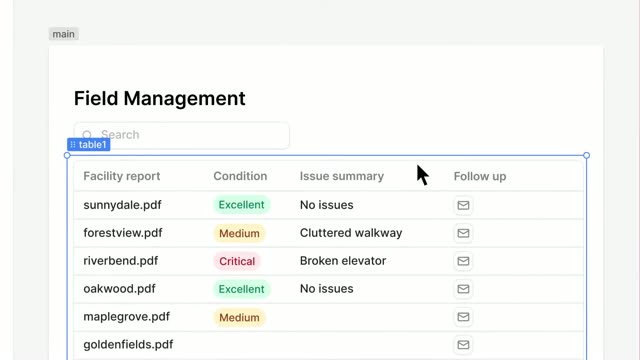
Airtable · Productivity · Oct 2026
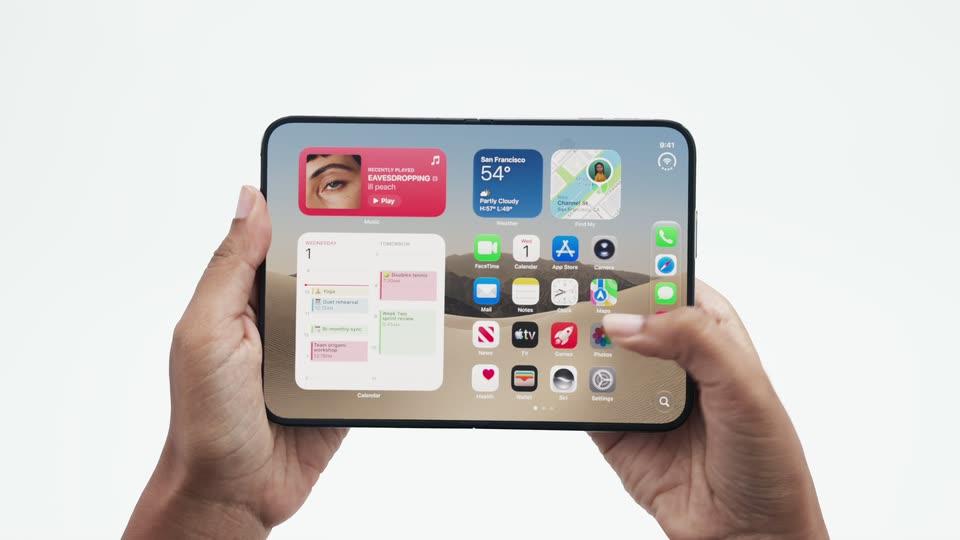
Apple · Hardware · Sep 2026
A white chat card sits on a soft peach-and-blue gradient. The AI agent's greeting and a blue user message fill the card, which then shrinks and slides to the top-left as a new gray bubble, “Where is my checked bag?”, fades in at the top-right.
Camera: Static
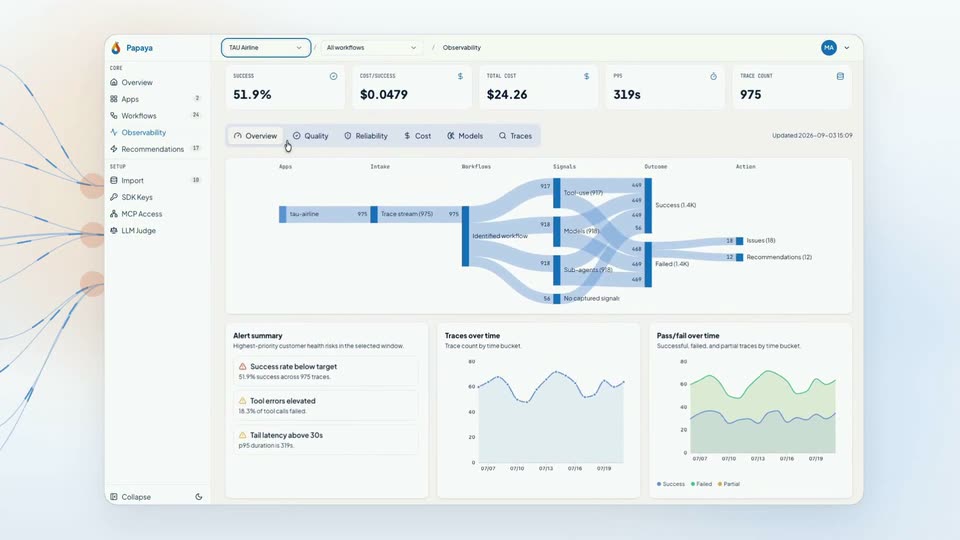
A chat card with an airline AI agent sits left as a column of customer question bubbles pops in down the center. Thin lines draw from each bubble to a Papaya observability dashboard sliding in from the right, then the frame reframes to reveal the full dashboard with charts.
Techniques: Parallax, UI zoom
Camera: Pan
A 3D-tilted Papaya dashboard panel floats above a pale background with a node graph. It scrolls down through metric cards and charts, then back up, as a cursor moves across the top tabs toward Traces.
Techniques: 3D mockup, Cursor demo
Camera: Pull out
A flat observability UI shows a trace inbox beside a detail panel. A cursor selects a failed trace, then clicks the Slowest filter, and the right panel fills with a chat timeline that scrolls to expose error lines.
Techniques: Cursor demo
Camera: Pull out
A flat, front-on view of the Papaya observability dashboard beside a line-art network graphic. The cursor moves from the trace timeline to the left sidebar and clicks Recommendations, and the main panel swaps to an empty page showing a loading state.
Techniques: Cursor demo
Camera: Static
A light-themed dashboard shows a recommendations list beside a detail panel. The view zooms onto the top filter bar, a cursor opens the All workflows dropdown, hovers over Flight Change Or Modification, and selects it, updating the list and panel.
Techniques: UI zoom, Cursor demo
Camera: Static
A Papaya dashboard fills the frame: left sidebar, a recommendations list, and a detail pane titled “Stop the agent from retrying failed tool calls.” A loading spinner at the bottom resolves into an “Evidence” line, and the pane scrolls up slightly.
Camera: Static
A Papaya dashboard floats on a light backdrop beside a node-link graphic. The detail panel scrolls through a recommendation's evidence, chat messages and JSON blocks, then zooms to the green Approve button as a cursor clicks it. The list updates with green Implemented badges and a reported-implemented banner.
Techniques: Cursor demo, UI zoom
Camera: Pull out
A multicolored pear logo scales up and settles at center on a soft cream-to-blue gradient, then the wordmark Papaya appears to its right in dark gray. The frame stays locked off.
On-screen text: “Papaya”
Camera: Static
The Papaya logo, a droplet mark in yellow, orange and blue, sits centered beside the bold black wordmark, with a thin line and the orange URL papaya.fyi below, on a soft gradient background fading from peach to pale blue. The frame is locked off and static.
On-screen text: “Papaya”, “papaya.fyi”
Camera: Static