Cursor demo
A visible cursor operates the interface.
15,114 scenes · page 146 of 252
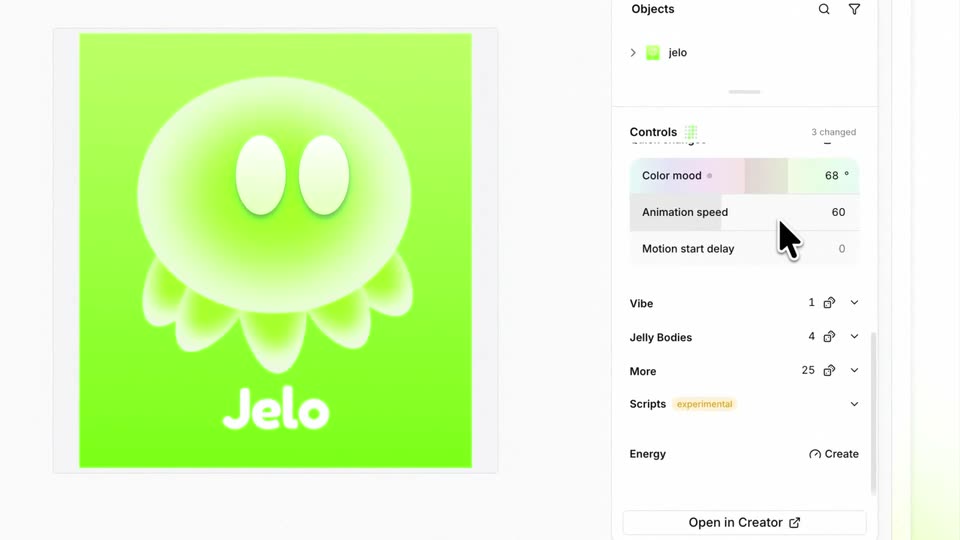 0:54–0:56LottieFiles · LottieFiles - Day 1 is in motion: Lottie AI is live. 🚀 Describe an animation. GetA design tool interface splits the screen: a green jelly character labeled Jelo bounces on the left canvas while a cursor drags the Color mood slider in the right-hand controls panel. As the slider moves, the canvas tint shifts from bright green to teal.
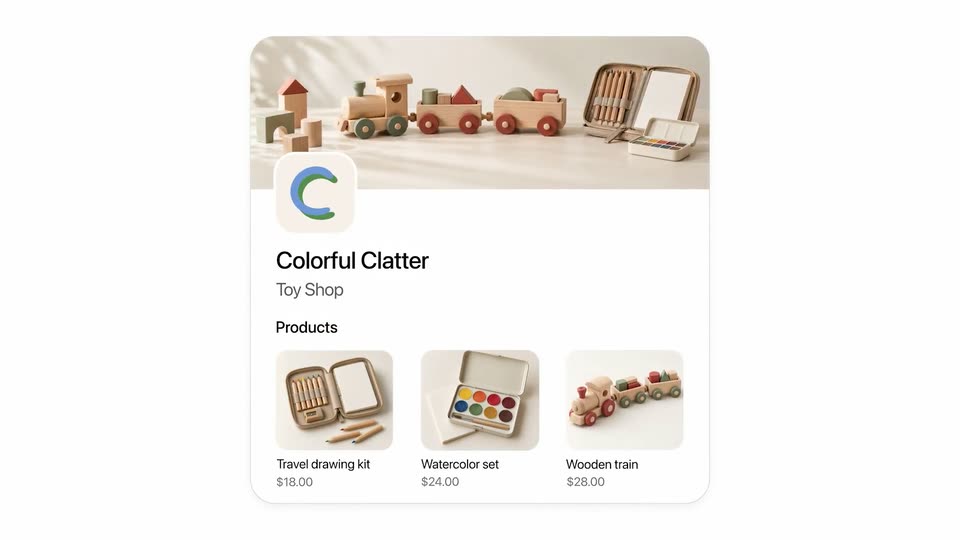 0:18–0:20OpenAI · Introducing Businesses in ChatGPT in betaA white product card on a pale gray field builds itself: a header photo of wooden toys, a gradient logo, the shop name, and three product thumbnails with prices populate left to right, a blue cursor hovering by the last one.
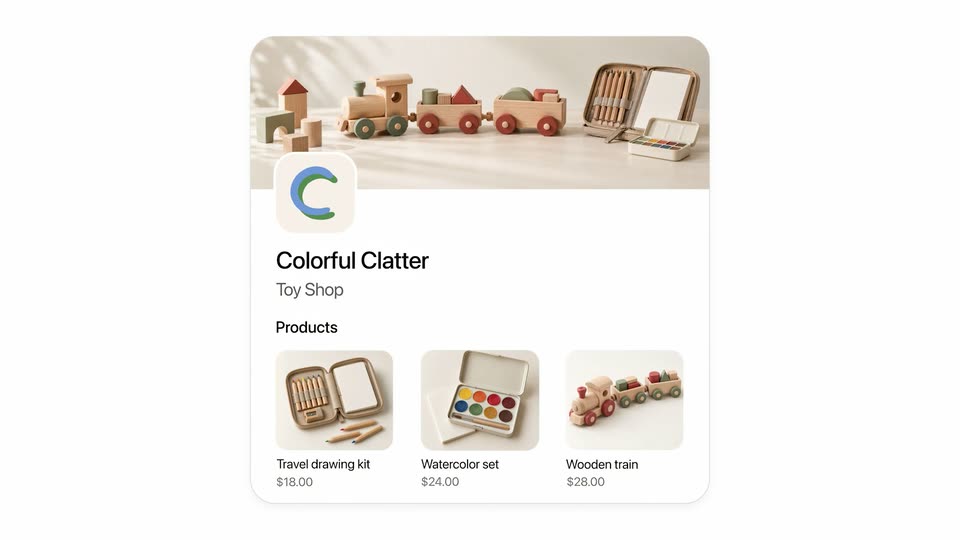 0:18–0:20OpenAI · OpenAI - Now in beta: Businesses in ChatGPT. Claim your business, manage yourA white store card for Colorful Clatter, a toy shop, shows a photo of wooden toys above three product thumbnails with prices. A blue cursor rests near the row as the wooden train thumbnail and its price fade in.
 0:30–0:31TagadaRx · TagadaRx: presentationA full-screen website view transitions from a Precision care page to a Better hair page: the old page slides left and the new one slides in with a headline and two cards, Hair Growth and Weight Loss. A cursor arrow moves right.
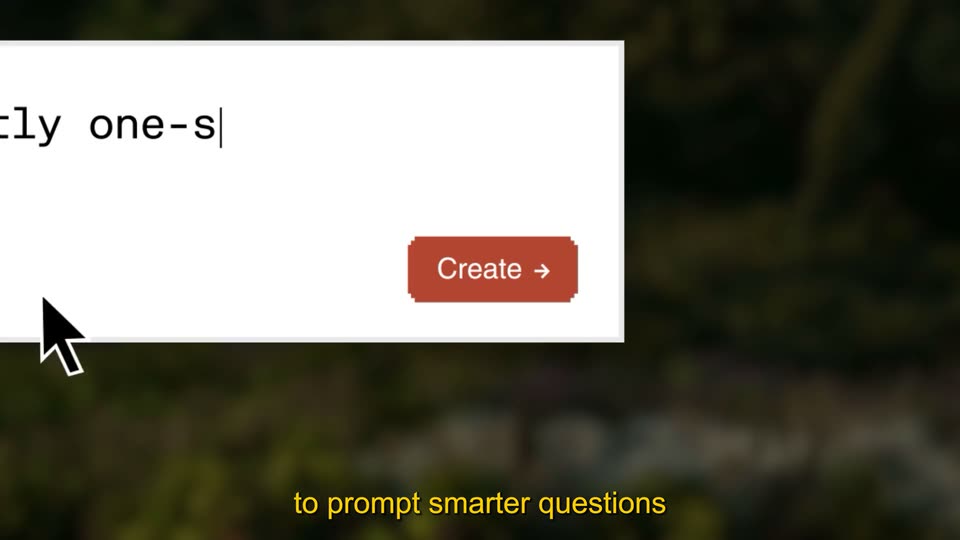 0:37 · 0.5sUserlens · Introducing Lumi, the Product Adoption Agent | UserlensA white Create a goal input panel floats over a blurred park shot of a man and child. A mouse cursor types a sentence into the field, and a yellow caption holds at the bottom.
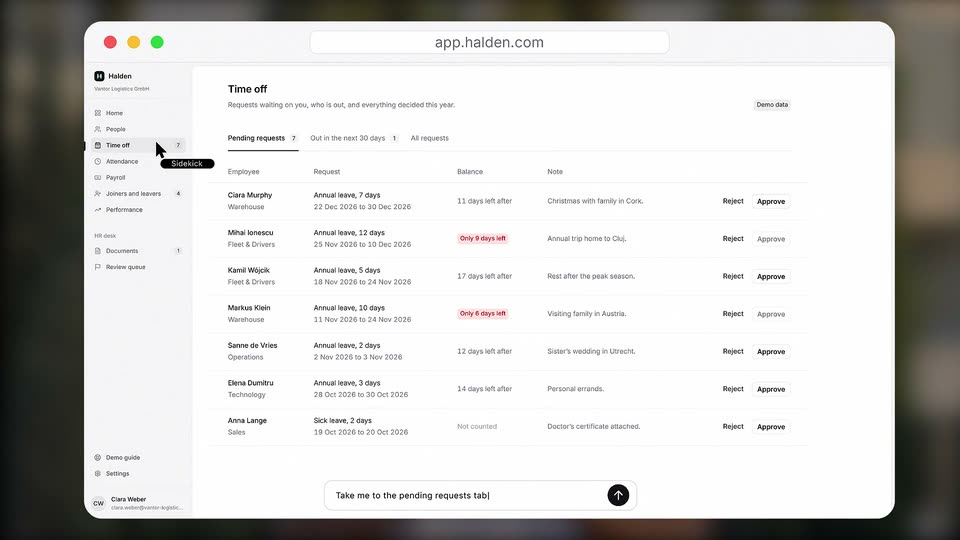 1:31–1:32Open · Mo Gharabat 🦇 - “Claude, but for your product” is here. If your product isn’t agentiA flat browser window showing a time-off request table sits on a blurred background. A cursor hovers the Time off sidebar item beside a black Sidekick callout, while a command bar at the bottom reads Take me to the pending requests tab with a blinking caret.
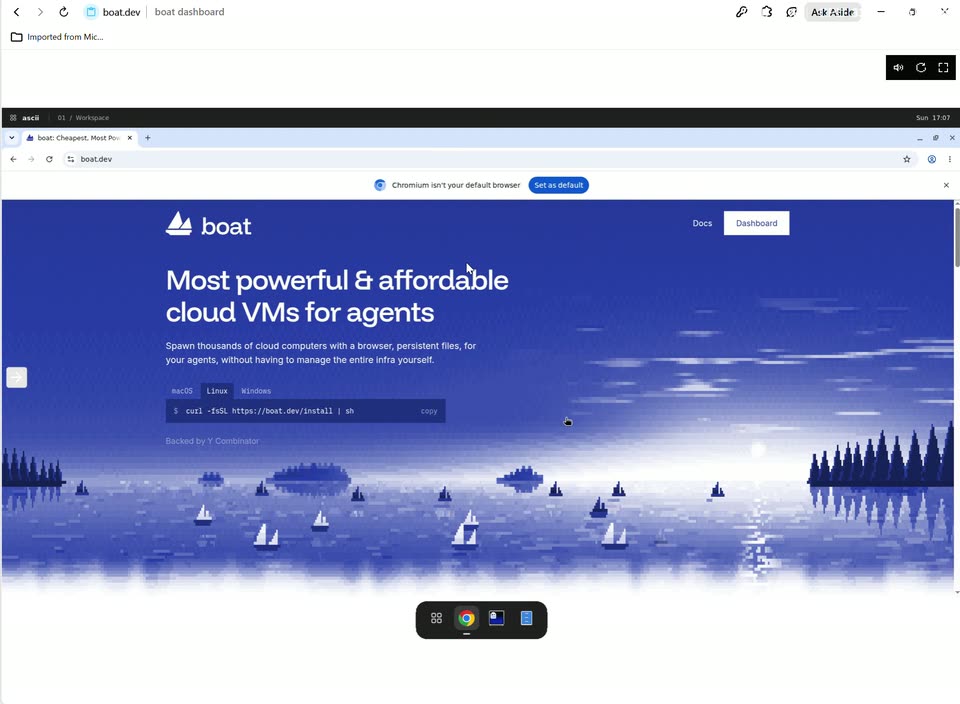 0:16–0:18Boat · boat - boat is the best sandbox providerA desktop screen recording shows a browser on the boat.dev site. The hero cross-fades from a white layout with a pricing chart into a blue scene of sailboats on water, settling on the headline. A cursor drifts across the page.
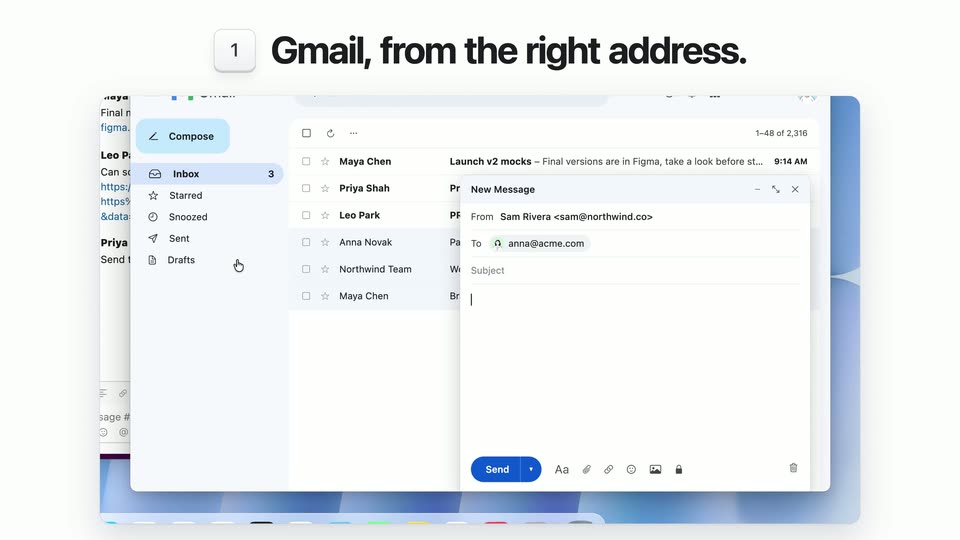 0:12–0:13LinkRouter · Ahmed Gagan - Introducing LinkRouter 🎉 Every link I clicked in Slack opened in theA tilted 3D desktop mockup displays Gmail's compose list and a New Message window with an open contact dropdown. The camera zooms toward the recipient field as a cursor lands on it, while the headline sits above.
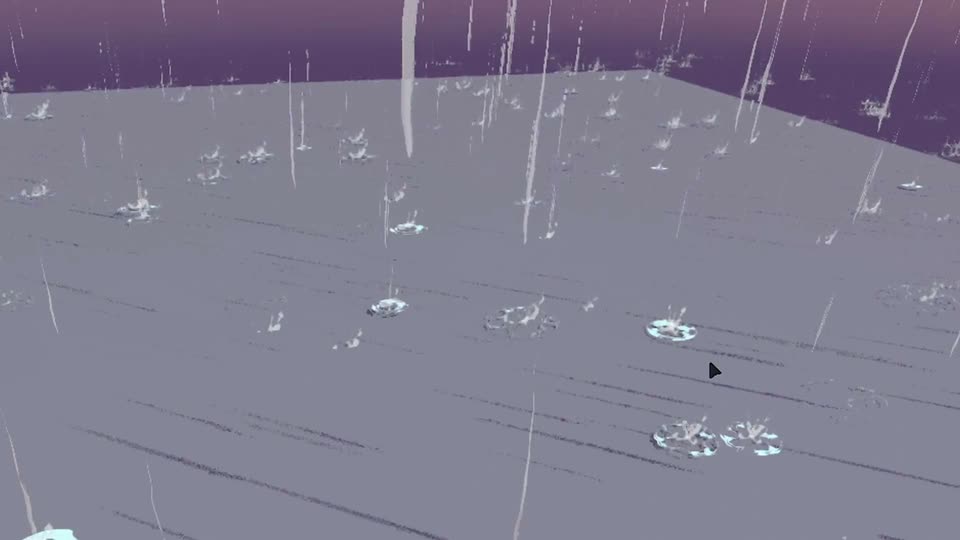 0:38–0:39Mix 3D Design · Mix 3D - I DIDN'T JUST MAKE ANOTHER BLENDER ADD-ON. I BUILT MY OWN BLENDER ENGA gray 3D surface recedes to a purple horizon as white rain streaks fall, splashing into concentric ripples. The view tilts down and a cursor drifts across as faint interface labels surface.
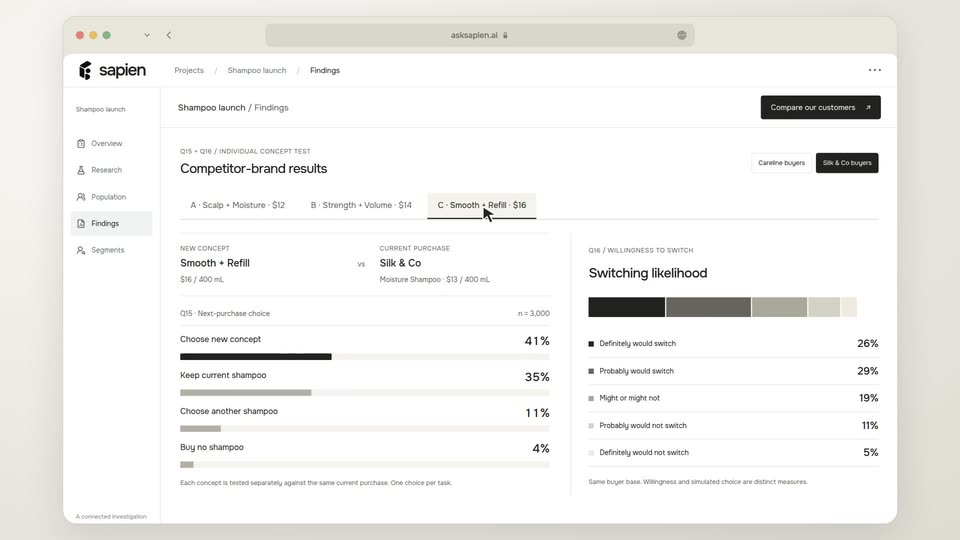 0:42–0:59Sapien · Sapien: research overlaysA flat browser mockup of the sapien findings page shows a competitor-brand bar chart beside a switching-likelihood stacked bar. A cursor clicks the concept tabs and the buyer toggle, and the percentages and bars update. The view crossfades to an existing-customer trade page at the end.
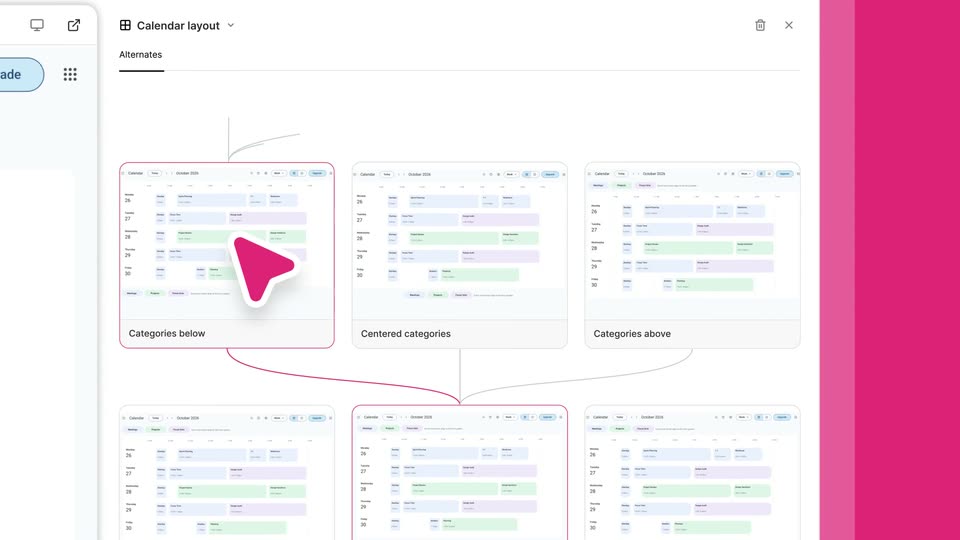 0:18–0:21Proto · Maayan Albert - I was shocked that 3/4s of designers work in coding agents rather thaA white panel titled Calendar layout shows calendar mockups in a grid beside a solid pink band. A pink cursor hops between cards; each selected card fills pink with a dashed outline as thin pink lines link it to the options below. The grid scrolls to the next row.
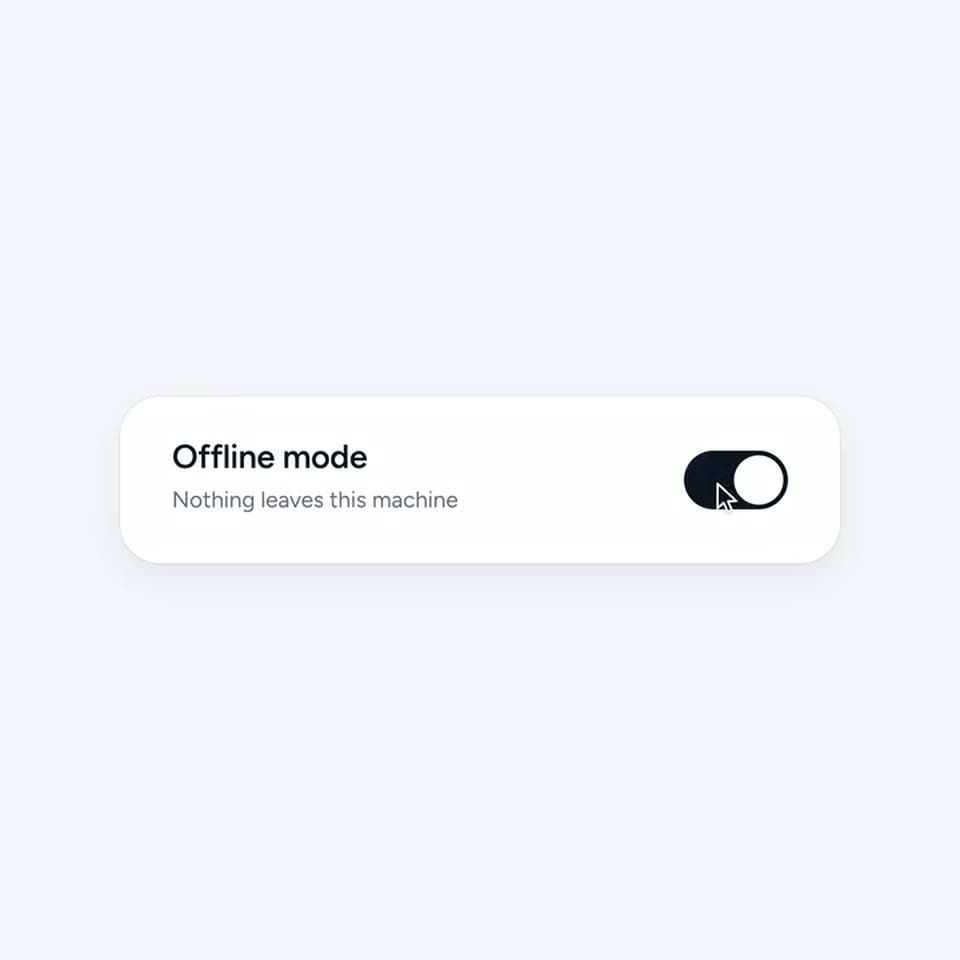 0:08–0:10Pulse Local · Pulse Local: budgeting that never leaves your machineA white rounded settings card labeled “Offline mode” with a gray subtitle sits centered on a pale gray field. A cursor clicks the toggle on the right, and the switch flips from light gray to black, the frame held static.
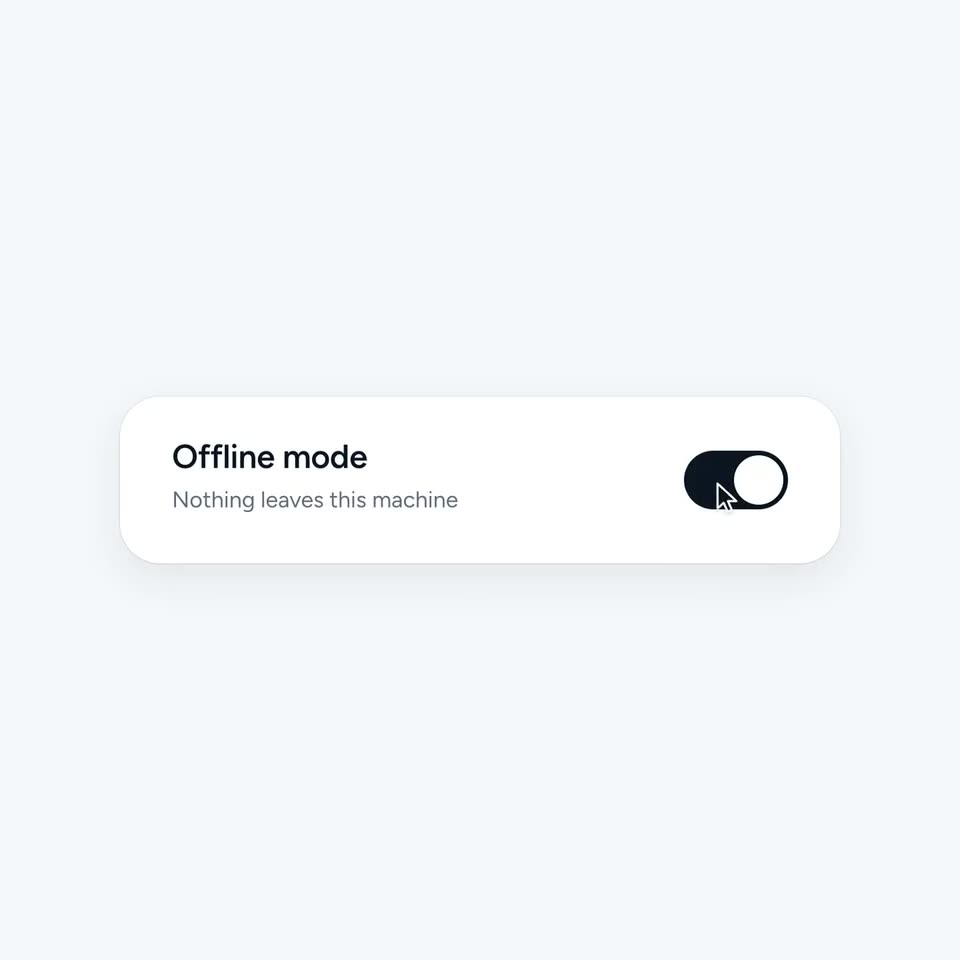 0:08–0:10Pulse Local · Pulse Local: reelA white rounded settings card sits centered on a pale gray field. A black cursor arrow taps the toggle on the right, flipping it from a light gray off state to a solid black on state. The heading and gray subtext remain still in a locked-off frame.
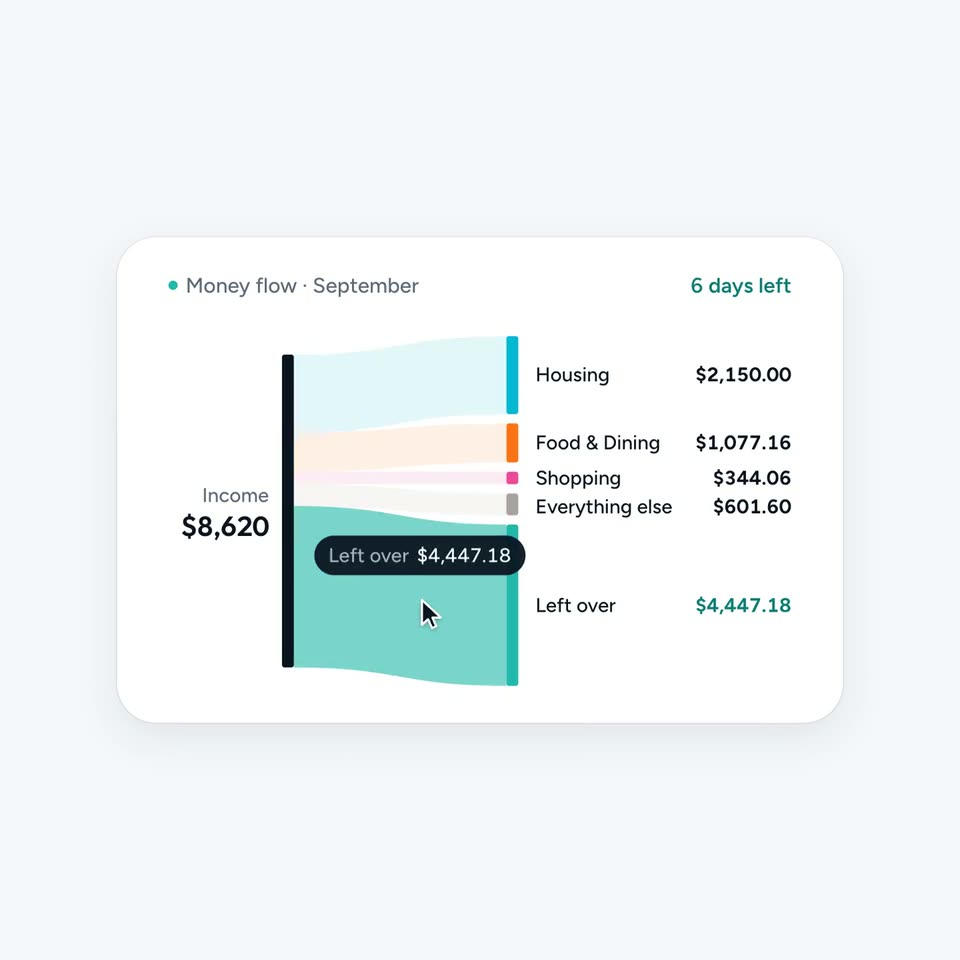 0:12–0:17Pulse Local · Pulse Local: reel connectedA white card on a light gray background shows a Sankey money-flow chart. Colored ribbons grow from a black income bar to a second bar as labels and amounts fade in on the right. A cursor hovers over ribbons in turn, and a dark pill tooltip shows each amount.
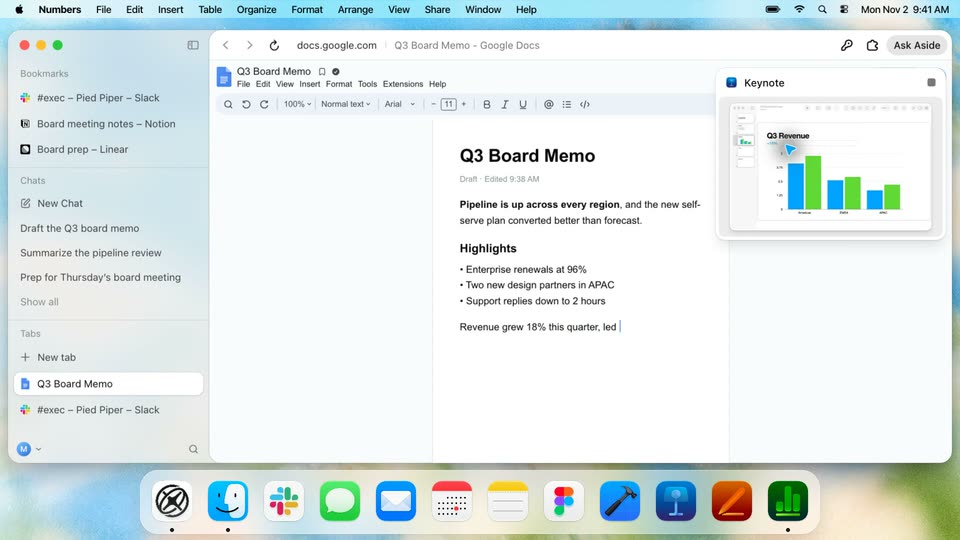 0:09–0:12Aside · Aside - Introducing Aside Computer Use. 80% of work happens on browser, thisA flat screen recording of a Mac desktop shows a Google Doc, Q3 Board Memo, being typed in real time inside a Numbers window. A cursor with a You badge moves to a Keynote preview on the right, where a Q3 Revenue bar chart appears and is dragged.
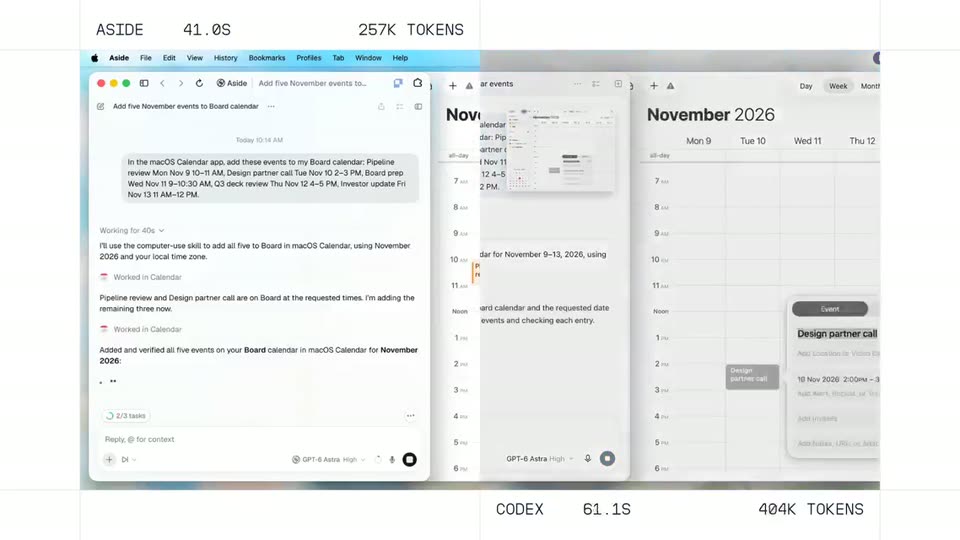 0:14–0:21Aside · Introducing Aside Computer Use. 80% of work happens on browser, this covers the rest. - 2.7x faster with 65% fewer tokens vs Codex* - Runs in the background across multiple apps (macOS) - Available… | AsideThree macOS windows sit side by side on a light desktop. The left Aside chat types out its steps while a blue cursor works in the middle window, and the right Calendar week view fills with colored event blocks. Top and bottom outline counters tick up the elapsed time and token totals for Aside and Codex.
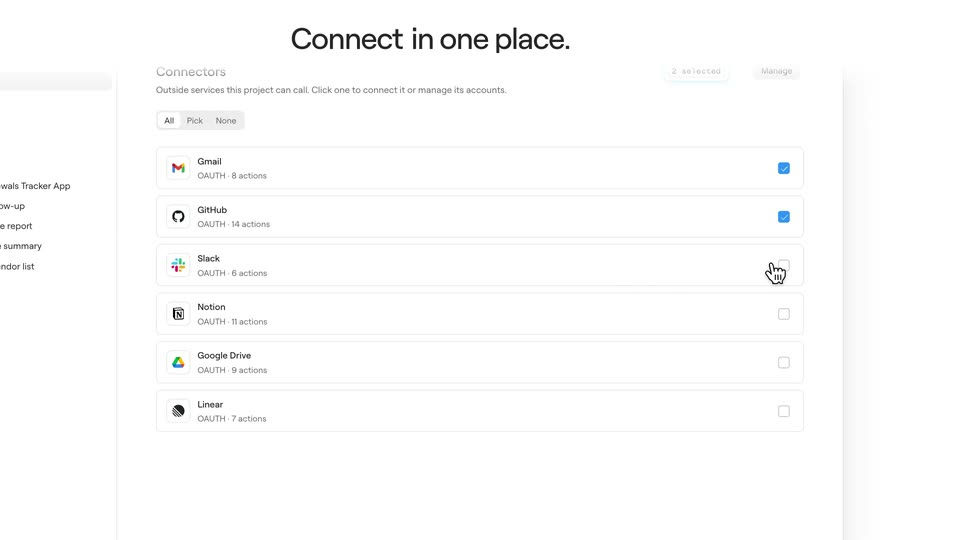 0:33–0:40Kortix · Marko Kraemer - Introducing the open-source @kortix CompanyOS: Your entire companyA white Connectors panel lists Gmail, GitHub, Slack, Notion, Google Drive and Linear rows with checkboxes. A hand cursor clicks the first three boxes, the selected count ticks up, a centered headline swaps phrases, and the view reframes onto the list.
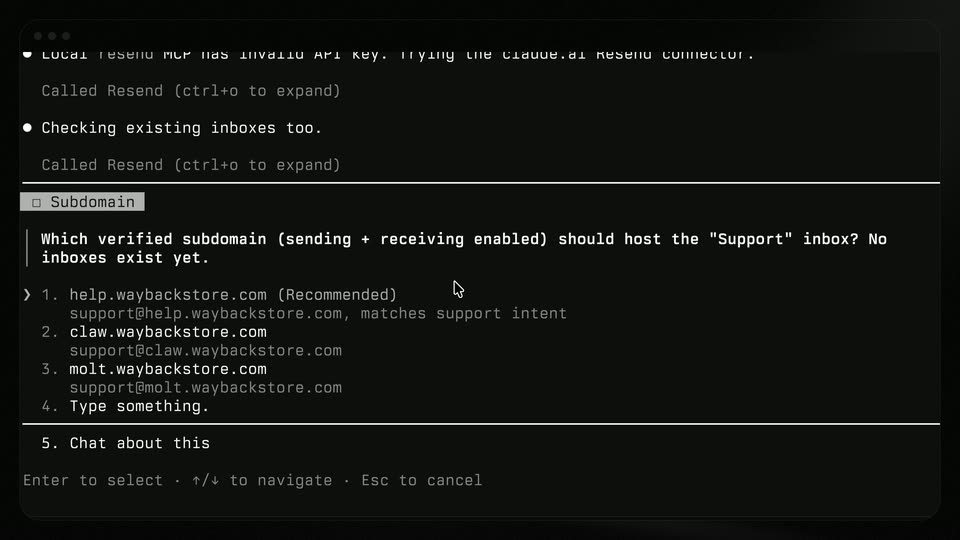 0:42–0:49Resend · Triage support with your agentsA dark terminal window fills the frame, showing a Claude Code log. A white mouse cursor drifts over a numbered subdomain list, then the list collapses into a one-line answer, new status lines type in, and a red Befuddling timer with a blinking block cursor appears.
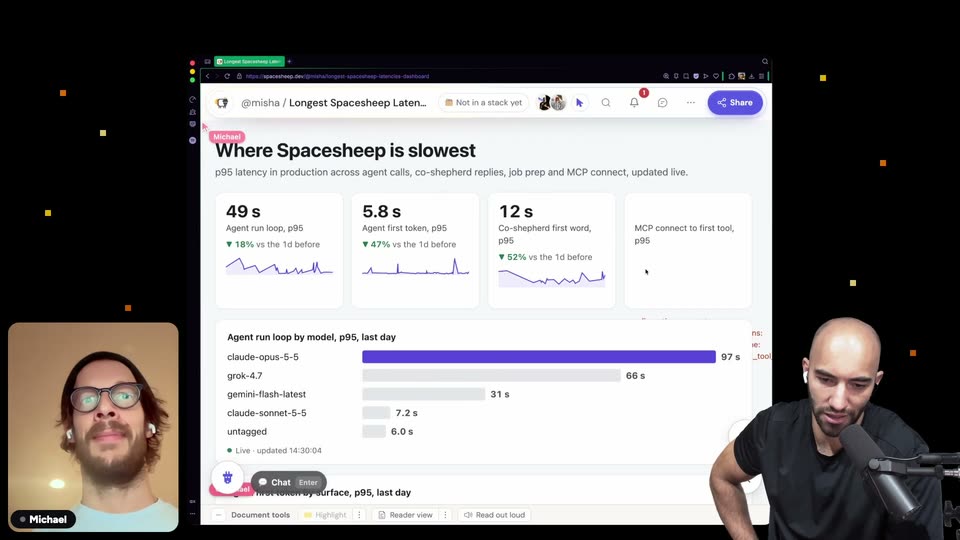 2:24–2:31Spacesheep · spacesheep - dashboard creation should be as fast as a comet here’s how spacesheeA shared dashboard titled 'Where Spacesheep is slowest' fills the center, flanked by a small video feed on the left and a bald presenter gesturing on the right. A pink cursor tagged 'Michael' drifts down the latency bar chart as the page scrolls.
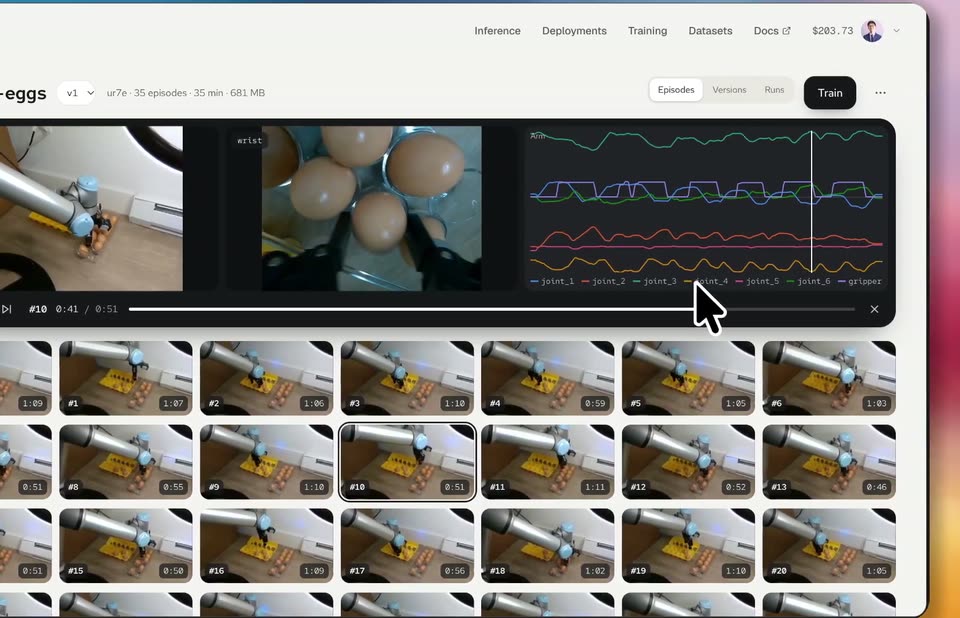 0:11–0:21Dreamscale Labs · Dreamscale Labs (YC F26) - Dreamscale Datasets is now live!A white robotics dashboard floats over a blue-to-orange gradient. A cursor scrubs the timeline of a robot-arm egg-picking video as the camera zooms into the player, then pulls back and the cursor clicks the Train button.
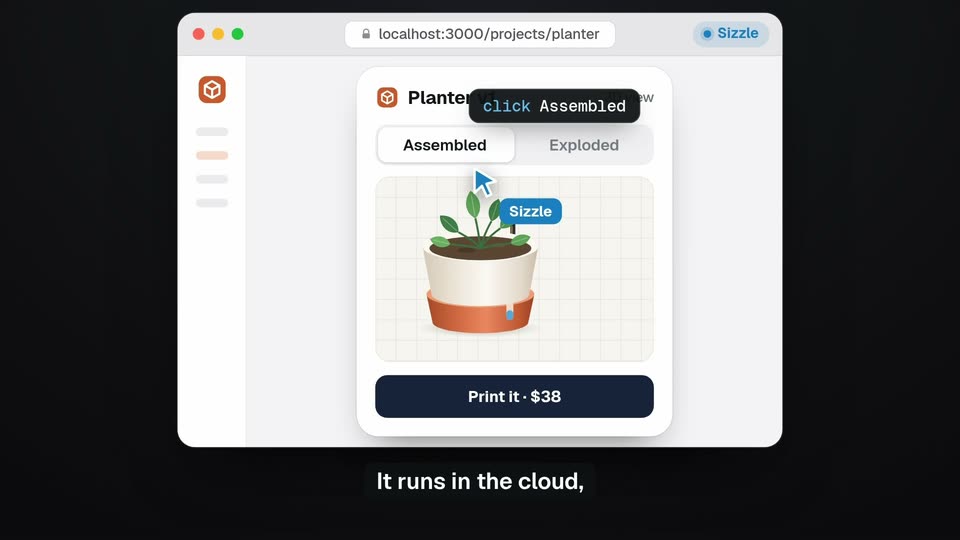 0:20–0:23Hyperagent · Hyperagent - We're launching Sizzle: the agent that creates demo videos for everytA flat browser window on a dark background shows a planter product page. A cursor carrying a Sizzle badge moves to the Assembled tab and clicks it, and the labeled exploded diagram switches to the stacked assembled pot. Small tooltips annotate the agent's actions.
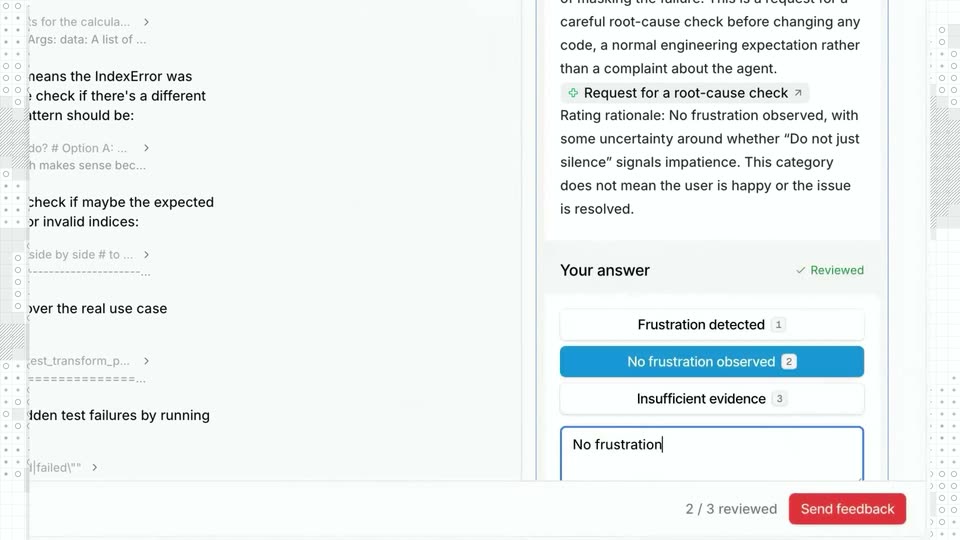 0:43–0:48Judgment Labs · Judgment Labs - Is your Jev-as-a-judge, LLM-as-a-judge, or agent-as-a-judge checkingA light interface shows a coding-agent conversation on the left and a review panel on the right. The view zooms into the panel as a cursor clicks the No frustration observed option, which turns blue with a green Reviewed check, then a comment is typed into the field.
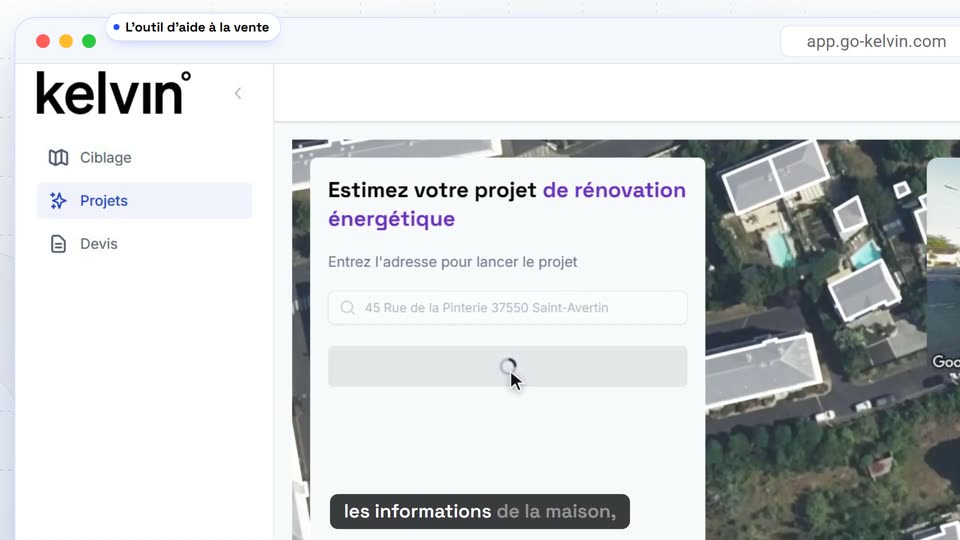 1:09–1:12Kelvin · Les 3 outils kelvin° : ciblage, simulateur, aide à la venteA flat browser mockup of the Kelvin app shows a card with an address field and a blue button. A cursor hovers the button as it darkens, and the satellite map behind the card fades in. A dark caption pill at the bottom builds its sentence word by word.
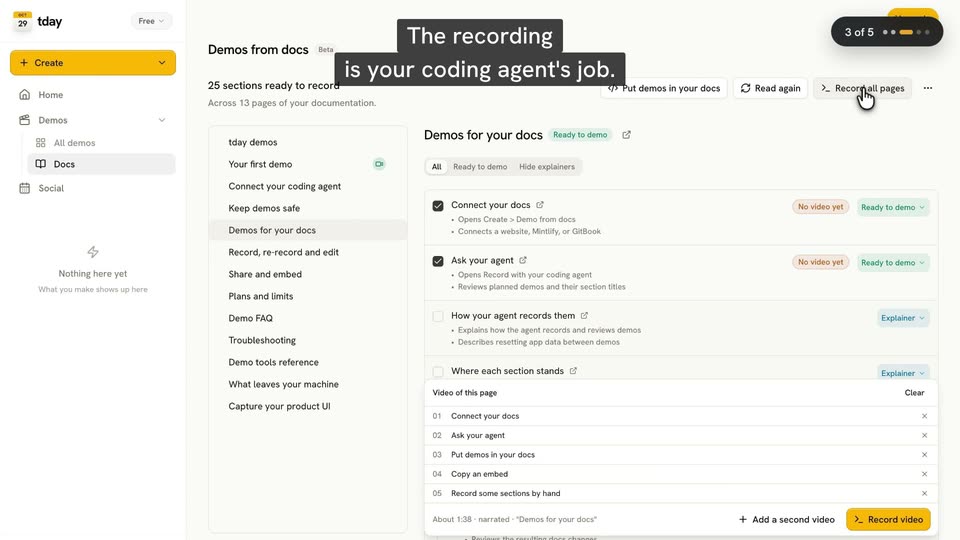 0:29–0:30tday.com · tday - product demos your coding agent recordsA light product dashboard fills the frame. A cursor moves to the Record all pages button at the top right and clicks it, opening a centered Record docs demos modal with a loading spinner. A dark caption bar with white text appears at the top.
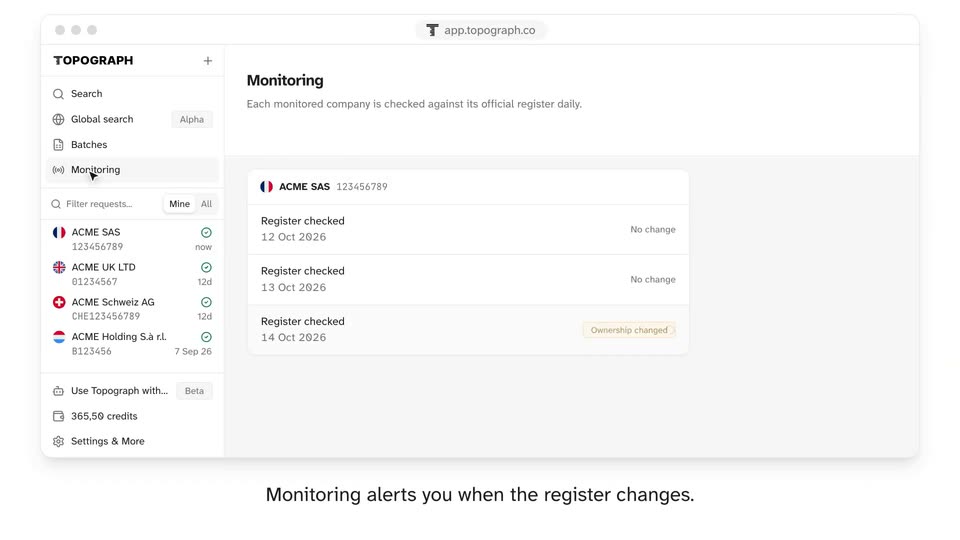 0:24–0:28Topograph · Topograph | The data layer for KYBA flat browser mockup of the Topograph app. The cursor clicks the Monitor button, a toast confirms, then the view switches to the Monitoring tab, where daily register-check rows stack up and an Ownership changed badge fades in above a new webhook line.
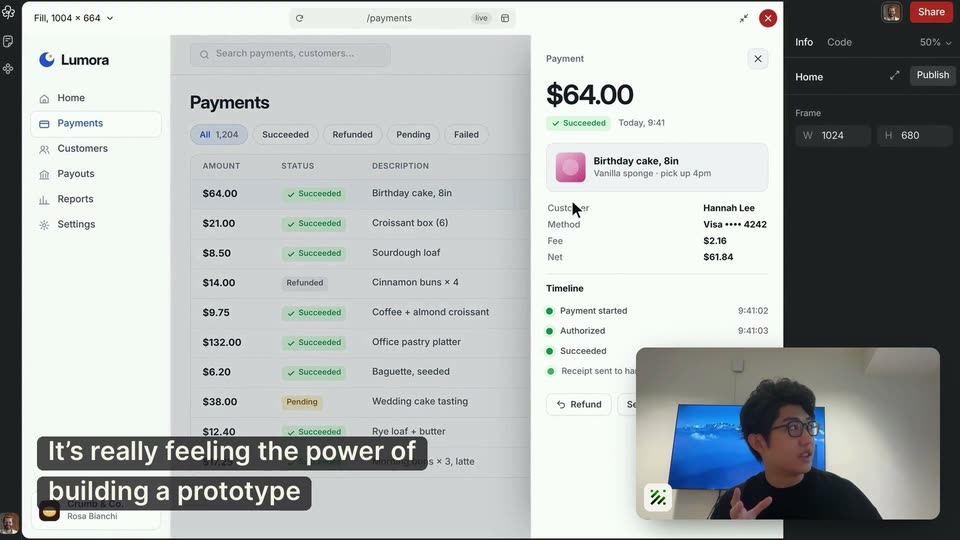 1:24–1:26Dessn · Gabriella - We built what you wished Figma could be. There's not a single designA screen recording of the Lumora payments dashboard fills the frame, a payment detail panel opens on the right, a small video-call window of the presenter sits in the bottom-right corner, a cursor opens the Share menu, and a caption sits at the bottom-left.
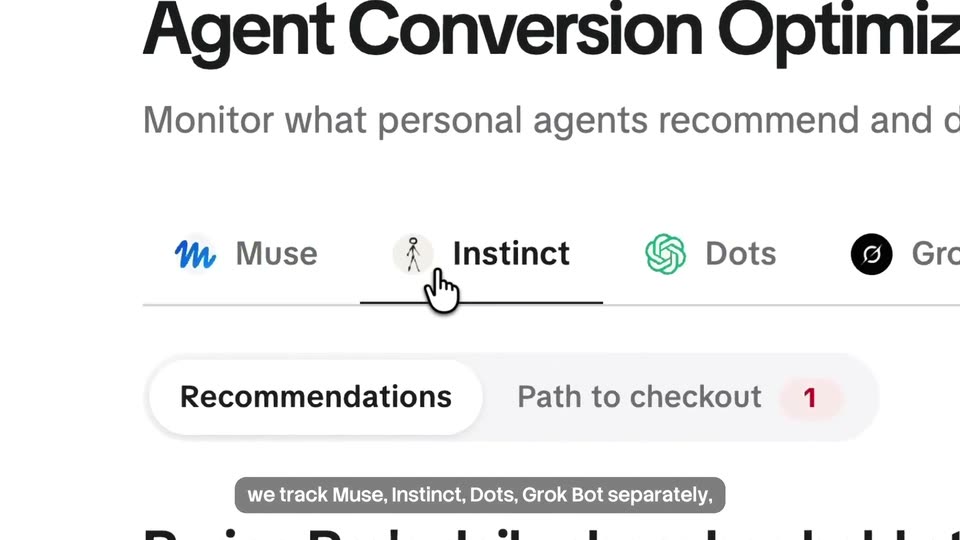 0:39–0:41Enrich Labs · Seijin Jung - Today, we're introducing Agent Conversion Optimization → Muse, InstiA light analytics dashboard with the heading “Agent Conversion Optimization” and agent tabs (Muse, Instinct, Dots, Grok Bot) zooms in. A cursor moves from the Muse row to the Instinct tab while a gray caption pill holds the tracking line at the bottom.
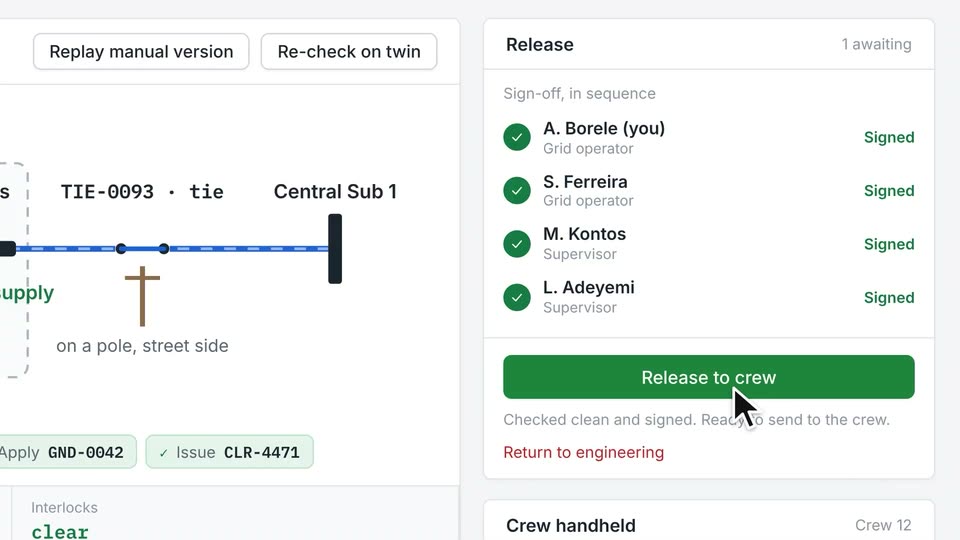 1:25–1:27Evardi · Evardi: Agents that engineer the grid edgeA two-panel control console UI sits static. A cursor glides to the green release button on the right and clicks it, the button label shifting to a step-one field note while a blue marker ring pops onto the tie diagram at left.
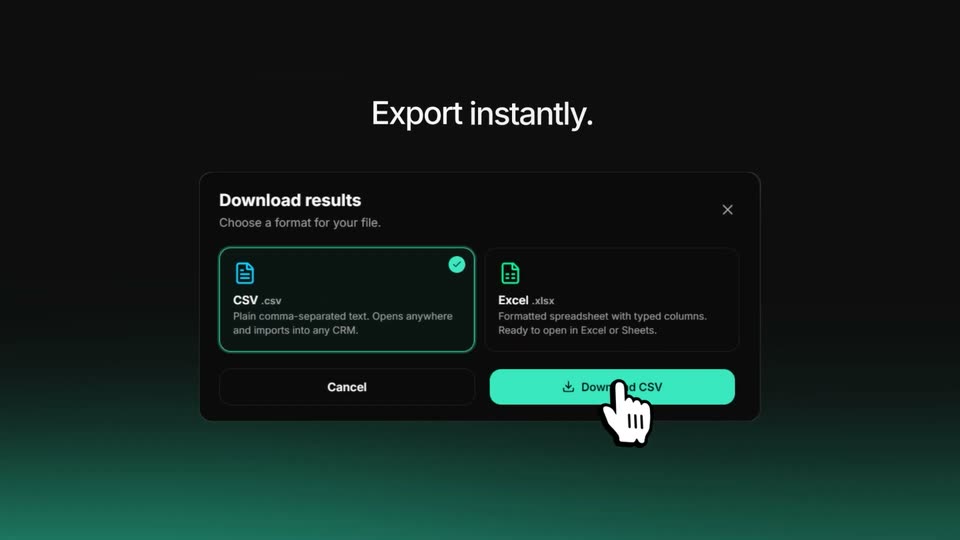 0:40–0:41LandAtlas · Launch Video for LandAtlasUnder the headline Export instantly., a dark Download results modal settles into frame, the CSV option highlighted with a check and a teal Download CSV button below. A white hand cursor rests on the button as the blurred entrance resolves to a crisp still.
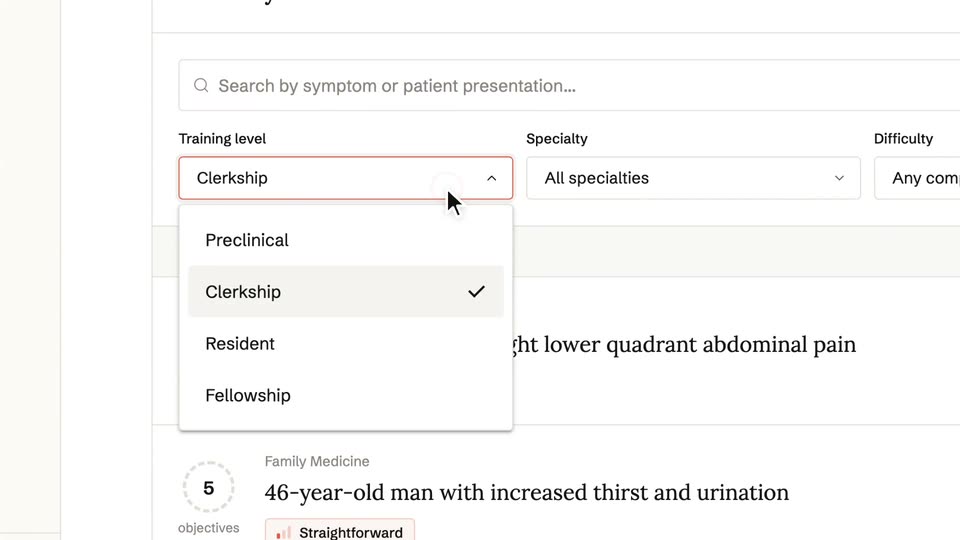 0:21–0:23OpenEvidence · OpenEvidence - Introducing Learn, a free, personalized medical education platform frA light product dashboard titled Preceptor fills the frame, then the view zooms into the case filter row as a cursor opens the Training level dropdown, revealing Preclinical, Clerkship, Resident and Fellowship.
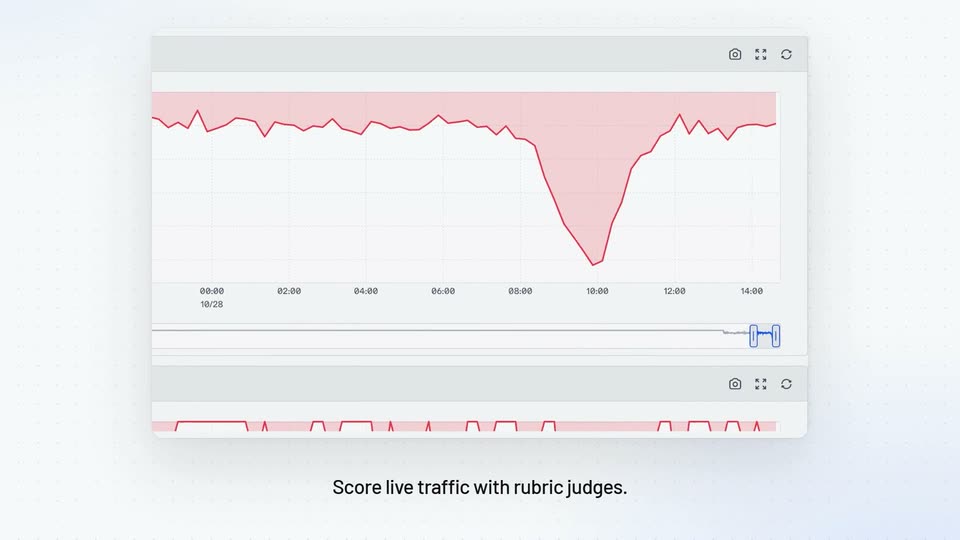 2:38–2:41Oumi · Manos Koukoumidis - We're using AI agents to automate everything. Except the engineeringA light analytics dashboard fills the frame, then the view zooms into the pink Refund Policy Compliance chart. A cursor drags the range brush along the bottom timeline, and the view zooms back out to the full dashboard. A caption sits centered below.
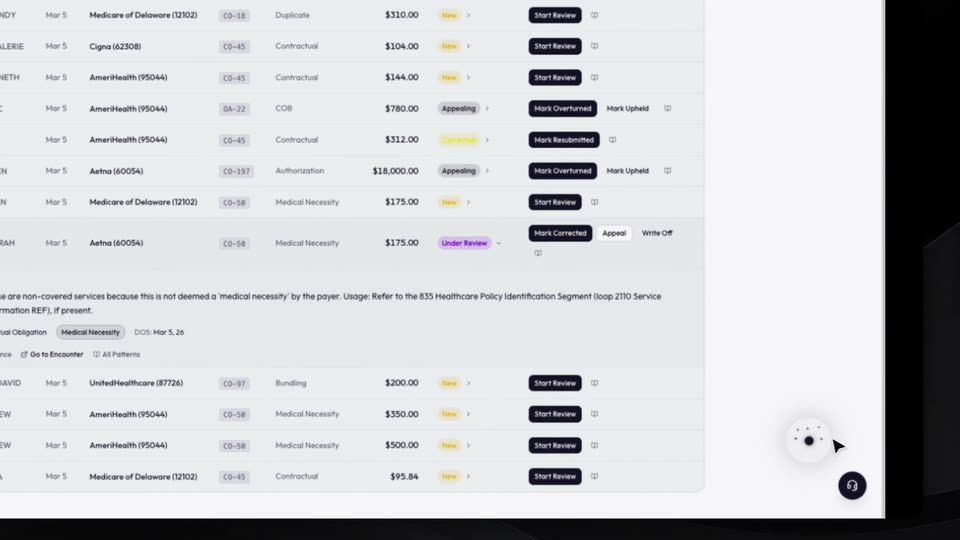 1:06 · 0.8sAltair Health · Altair Health: manifestoA close-up of a claims review table fills the frame, listing payers, denial codes, amounts, status tags and action buttons row by row. A mouse cursor rests at the lower right beside a small circular control, moving slightly.
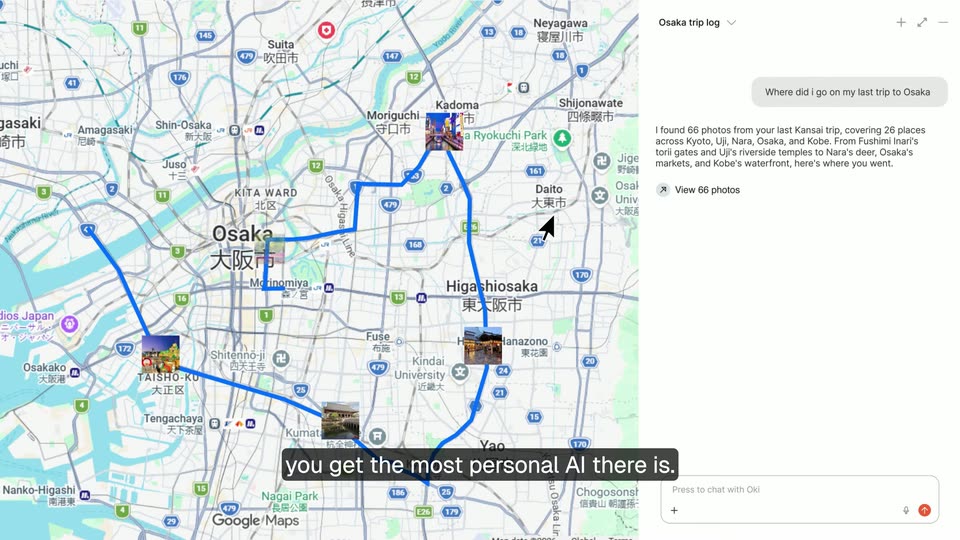 0:54–0:57Oki Home · Oki Home YC Launch VideoA white fade-in reveals a split screen: a Google Maps route through Osaka with photo pins on the left, and the Oki chat panel on the right answering a question about the last trip. A cursor moves to the panel's top-right icons. Subtitles run along the bottom.
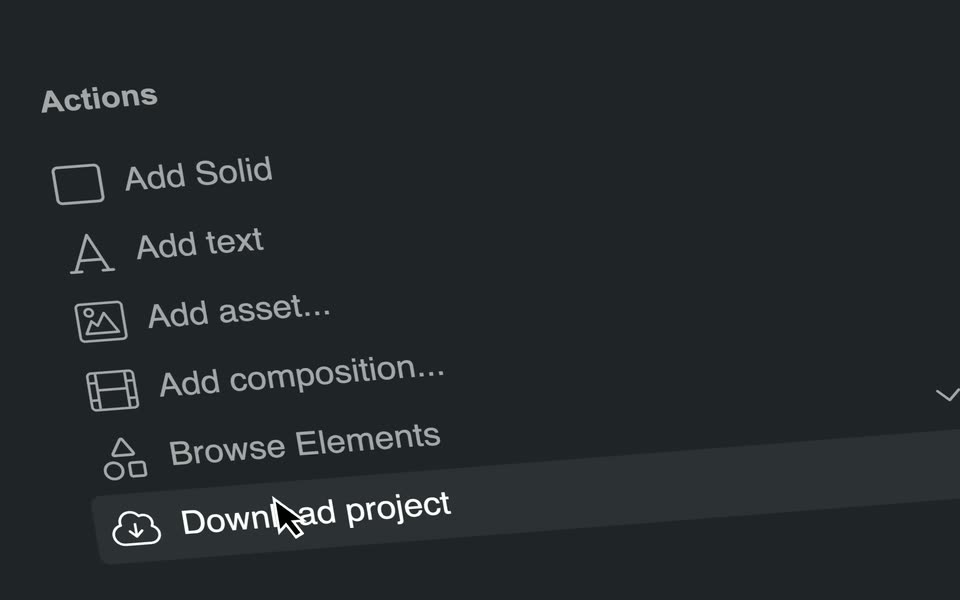 0:21–0:22Remotion · Remotion — edit agent-made videosA tilted dark menu lists actions with line icons. A white cursor moves down the list, highlighting Add text, then glides to the bottom row and highlights Download project.
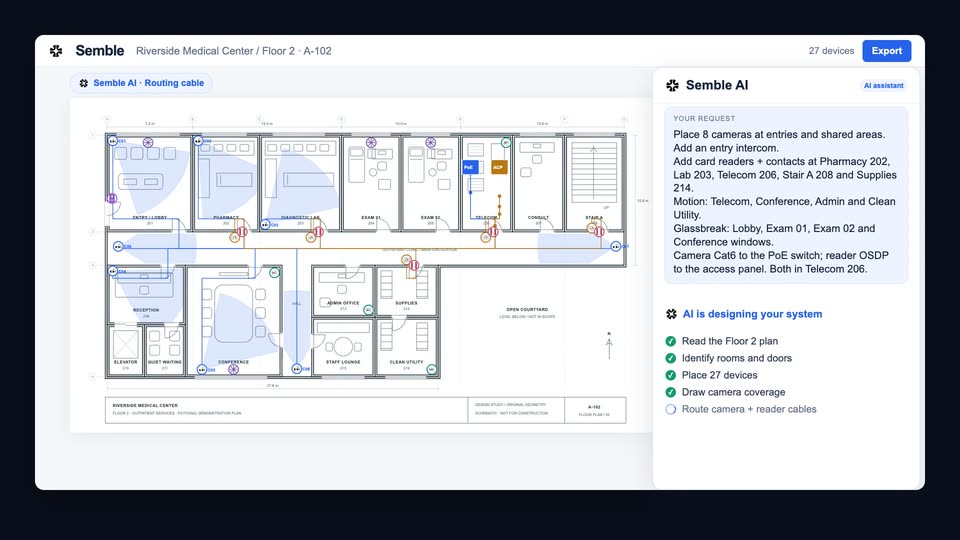 0:25–0:37Semble · Semble launch filmA headline card on dark navy zooms into the Semble interface, where a cursor types a device request and clicks send. The plan auto-populates: a scan line, device icons, coverage cones, and cable routes draw in, then the frame zooms out under a new headline.
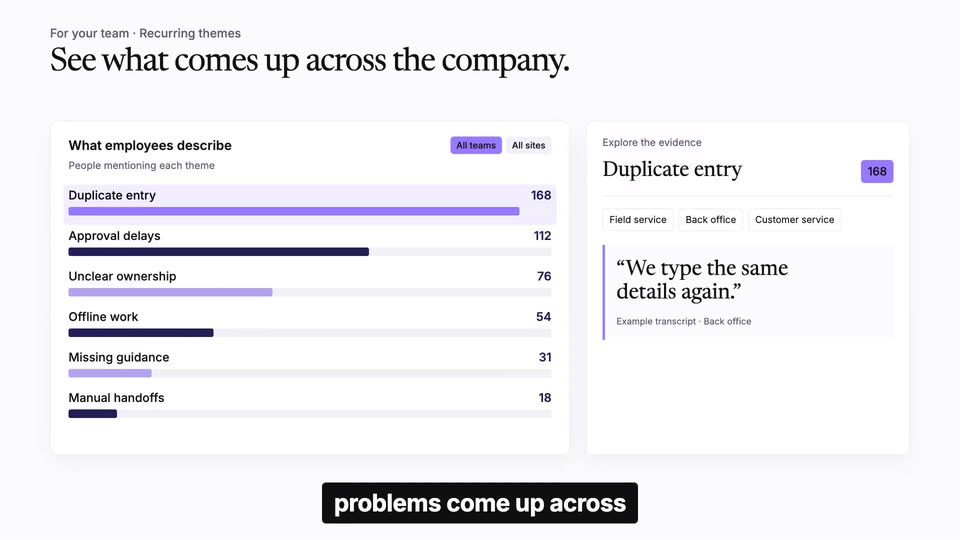 0:58–1:02Sona8 · Sona8 (F26) - Launch & DemoA flat dashboard screen: a horizontal bar chart of themes fills in row by row on the left while an evidence panel on the right assembles tabs, a quote and a link. A cursor hovers the top bar; a black caption pill appears at the bottom.
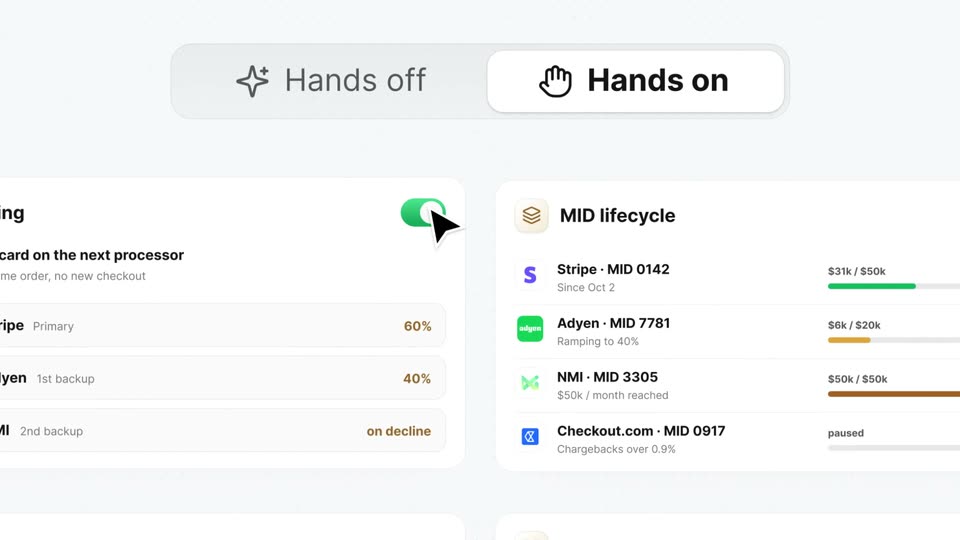 1:13–1:14Tagada Pay · Eden - Scaling Direct Response offers? We shipped Tagada V3 fully AI native.A black cursor clicks the toggle on a routing card, flipping it from grey to green with a ripple, while the Hands on tab stays active above a list of processor cards showing Stripe, Adyen, NMI and Checkout.com rows.
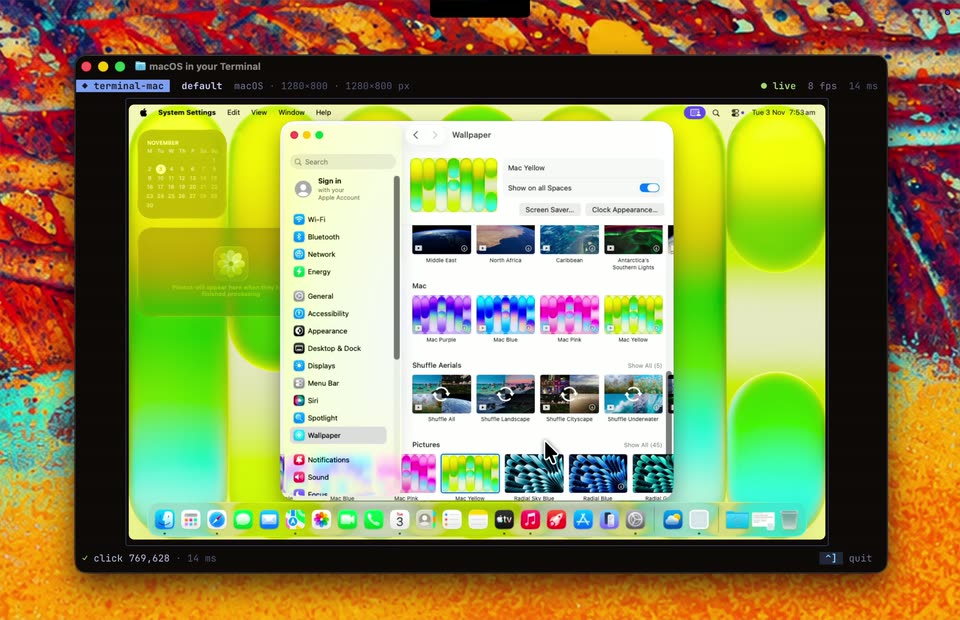 0:21–0:24terminal-mac · govi - Introducing terminal-mac. Entire MacOS that runs inside your existinA terminal window frames a macOS desktop with the Wallpaper settings pane open. A white cursor glides across the thumbnail grid and clicks, switching the preview from Mac Yellow to Radial Sky Blue. The frame stays locked-off and flat.
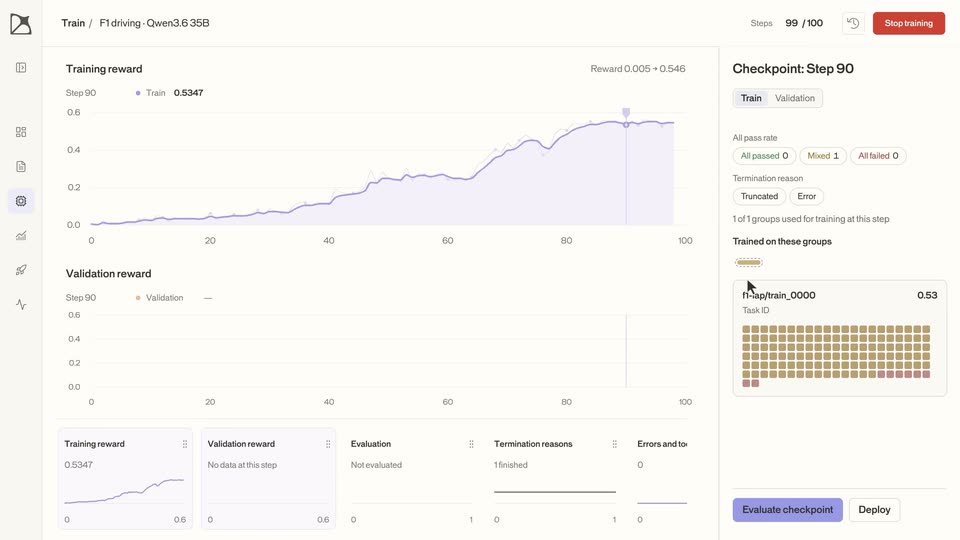 2:07–2:10Trajectory · Trajectory - Yesterday we launched the Trajectory platform to the world, the easieA training dashboard with reward charts sits left while a checkpoint panel fades in on the right. A cursor hovers over a group thumbnail and a result heatmap, then a detail sheet slides in from the right showing the task prompt and Python code for one run.
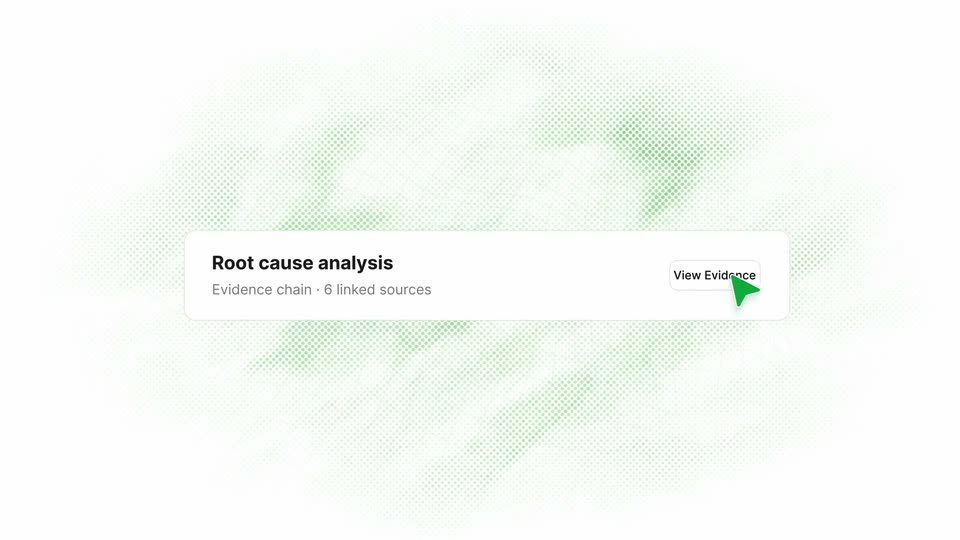 0:44–0:45Traversal AI · Introducing Traversal, the AI SRE for the enterpriseA white result card slides up from the bottom and settles centered over a pale green halftone dot background. It shows the title Root cause analysis, a subtitle line, and a View Evidence button, while a green cursor glides in from the lower right and hovers on the button.
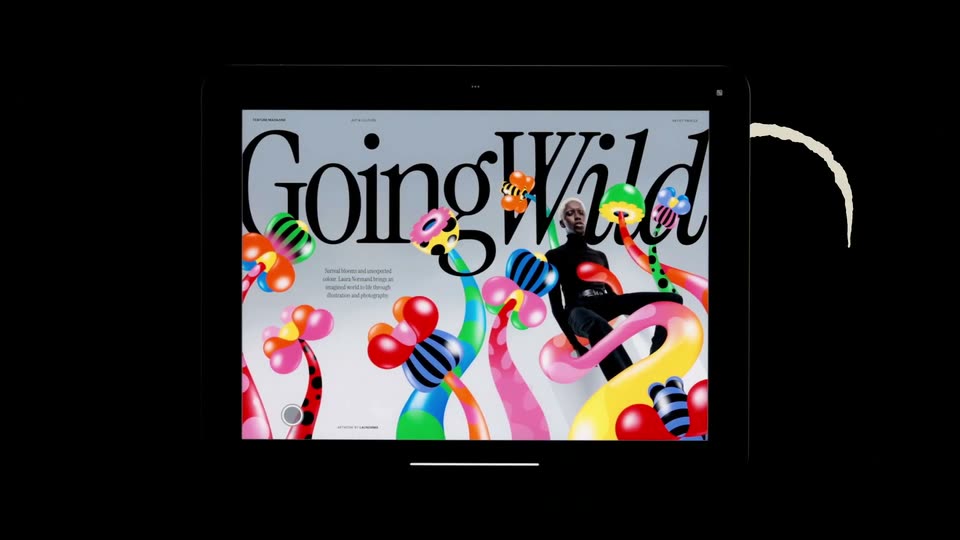 0:17–0:18Affinity · One app to craft it all, Affinity for iPad is officially live!A tablet on black shows a colorful magazine cover design inside an app. A hand with a stylus draws a white arc on the right side as the view zooms into the cover.
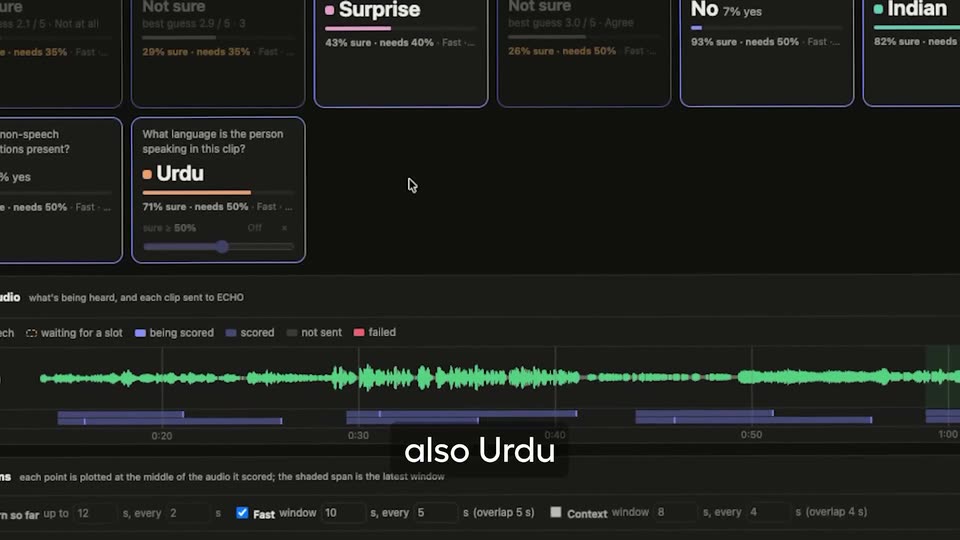 2:39–2:43Hume AI · Hume AI - Introducing the Hume Audio Decision API. Ask anything: How many speaA locked-off dark dashboard shows a grid of scoring cards above a green audio waveform timeline. A cursor hovers by the language card as its answer changes from Korean to Urdu with a confidence bar. White captions appear at the bottom center in sync with the voiceover.
 1:04–1:06OpusClip · OpusClip - OpusClip 4.0 is here. We used to find the best moments in your videoA dark editor panel with recipe buttons and demo project cards fades in over a grid. The view zooms onto the More button, a glowing white cursor clicks it, and a dropdown of saved recipes opens.
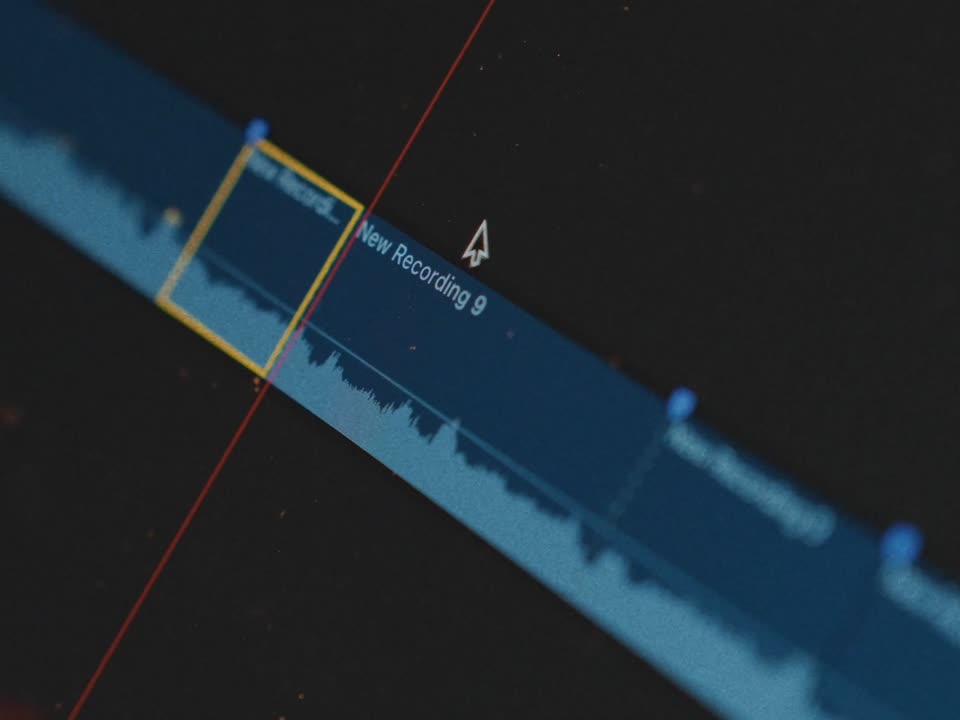 0:22–0:23Screen Studio · Screen Studio - Screen Studio 4.0 is live on Product Hunt. What should we build nexA tilted close-up of a dark audio timeline shows blue waveforms with a red playhead line. A white cursor moves across the track and a yellow box draws around a clip labeled New Recording 9.
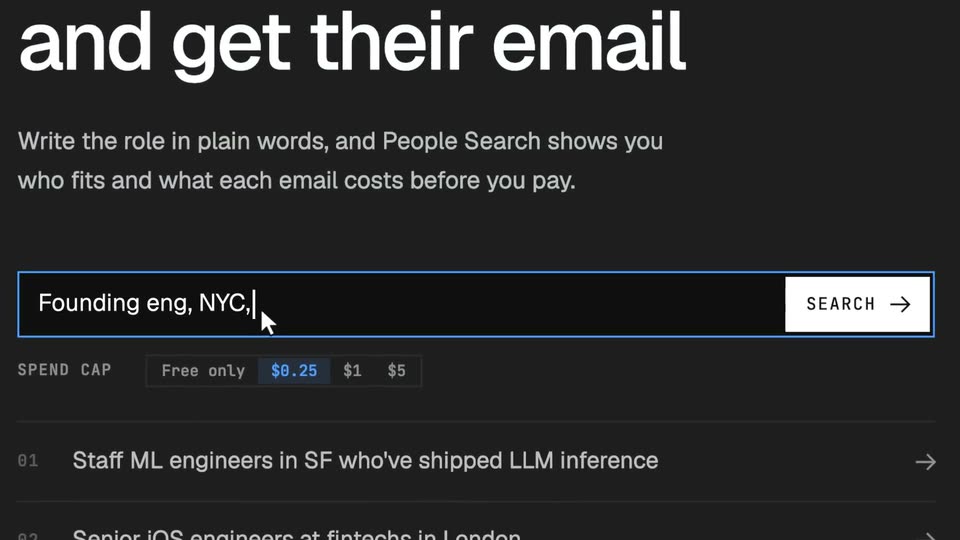 0:09–0:13Composio · Karan Vaidya - Hiring is no longer a problem, We built the best Recruiter agent ItA dark product panel with a white headline and a search box sits on a blurred multicolor background. A cursor types a query into the field as a numbered list of results fills in below, then the cursor clicks SEARCH and the panel slides off left to black.
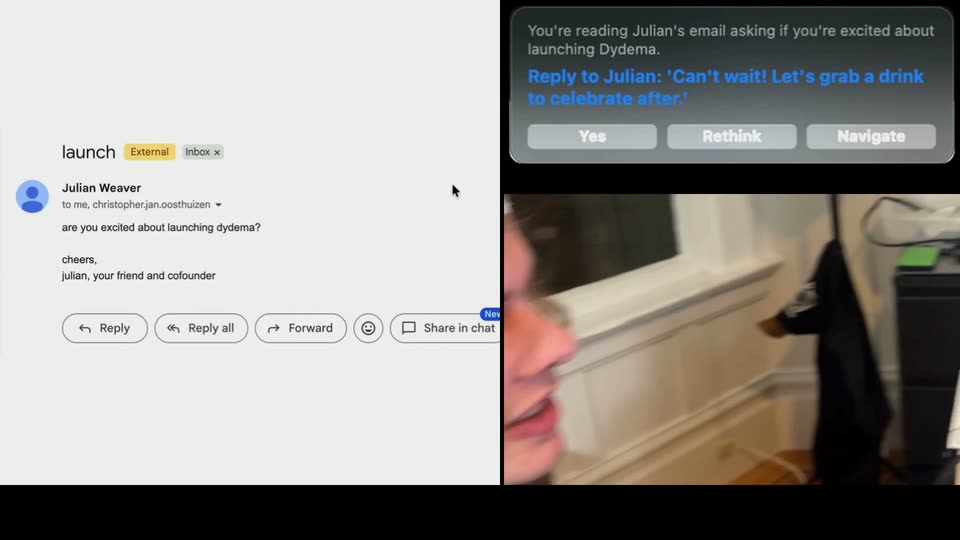 2:15–2:25Dydema · Dydema - We've launched!Split screen: an email from Julian Weaver on the left, a man in a white mesh cap talking on the right beneath a dark suggestion panel. The suggested reply swaps to a drink invitation, the Rethink button turns into Stop, and a reply box appears.
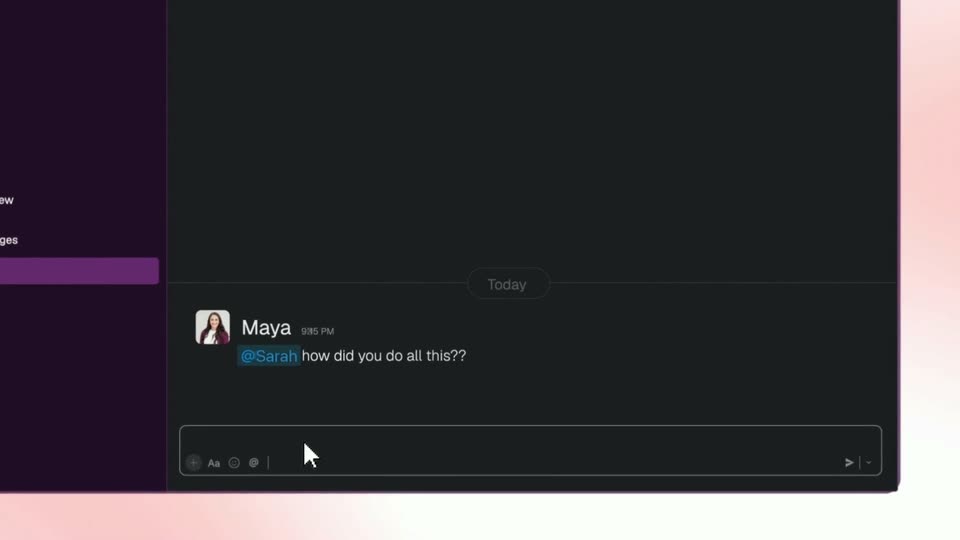 0:53–0:56Fastlane · Gaurav - We raised $3.5M to build Claude for Ads. Just enter your website, anA tilted chat window floats over a pink-to-purple gradient, then the view zooms into the thread. A Senna reply card slides in over the message, and the cursor moves to the input field to type a message.
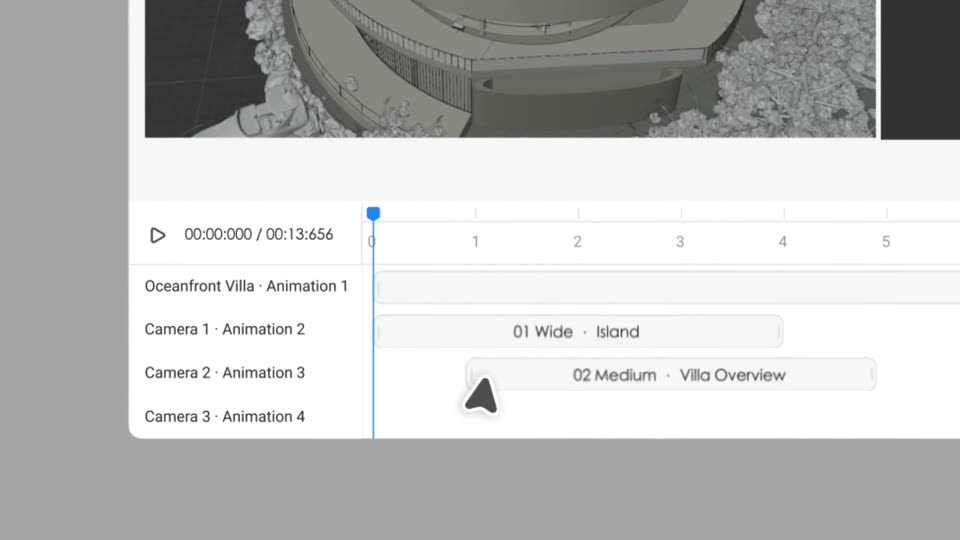 0:19–0:20Moonshot AI · Introducing 3D Make in KimiA close-up of a video editor interface. The top shows a grayscale 3D architectural model in a viewport. Below, a track list and two labeled clip blocks sit on a ruler. A black arrow cursor drags the left edge of the lower clip to the right.
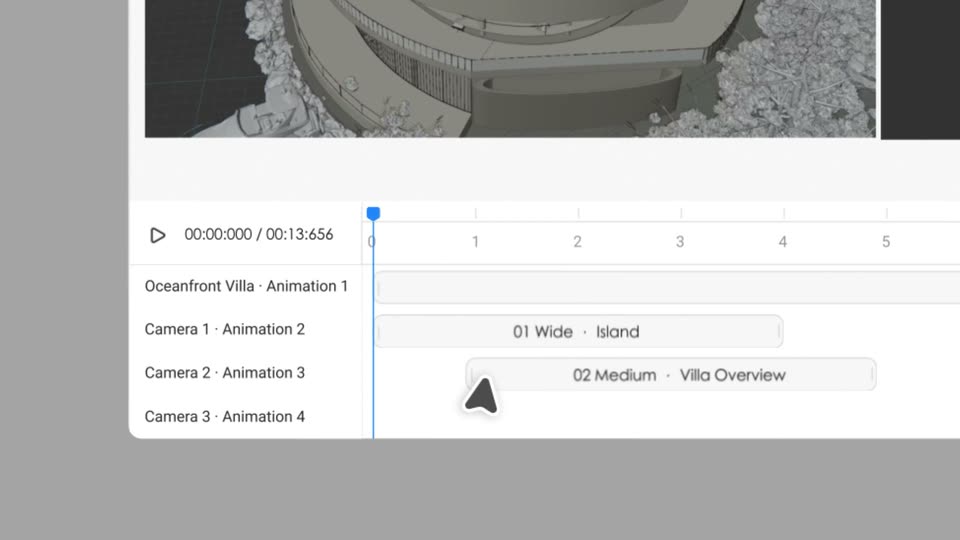 0:19–0:20Moonshot AI · Kimi.ai - Introducing 3D Make in Kimi. Kimi connects to tools like Blender andA gray 3D viewport of a villa model sits above a white timeline panel with four camera tracks. A black arrow cursor drifts slowly to the right across two clip blocks labeled with shot names.
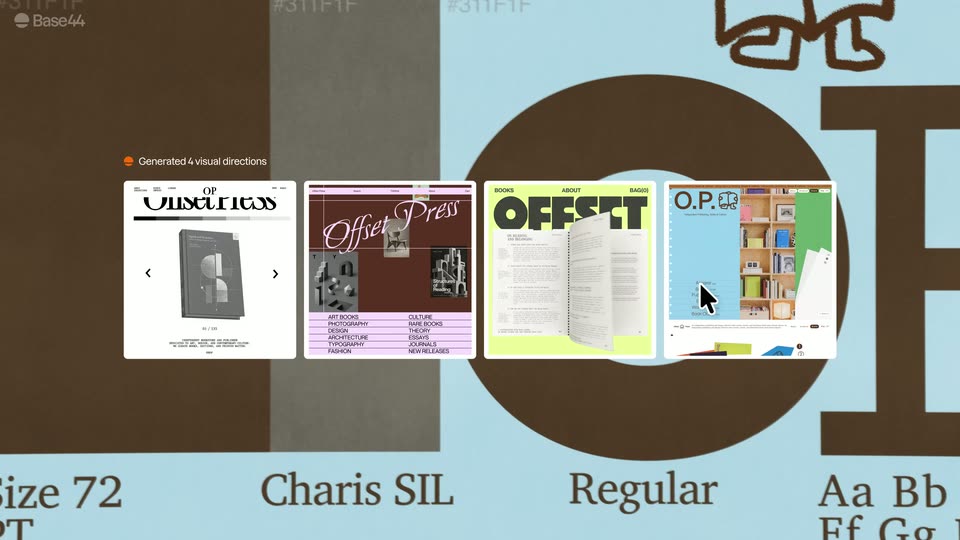 0:09–0:10Base44 · Beautiful from the first prompt | Base44Four preview cards for an Offset Press site sit in a row, each showing a different layout. The background theme shifts from lime to blue, the large type samples at the bottom swap fonts, and a cursor hovers across the right cards.
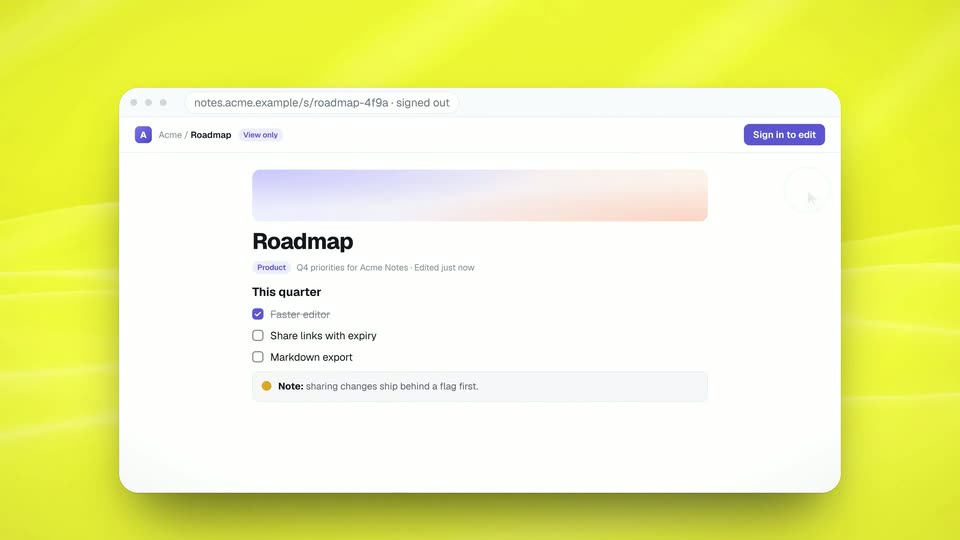 0:30–0:31Composal · Introducing Composal: A swarm of agents that tests your product like real usersA flat browser window on a yellow field shows the Acme notes app. A cursor flips the Share toggle, then the screen cuts to the public shared view: the Roadmap note in a red frame, a View only badge, and a Sign in to edit button under the cursor.
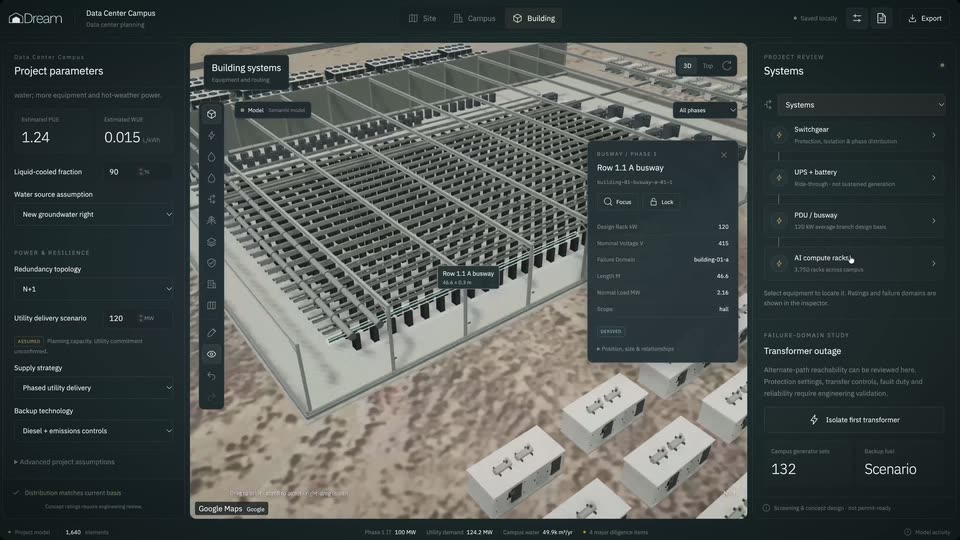 1:33–1:34Dream · Andy Elder - Today @arjunmathur_ and I are introducing Dream. We’re announcing $1A dark planning interface fills the screen with an isometric 3D building model on a satellite map at center. A white cursor moves down the right-hand systems list, and the inspector plus 3D highlight shift from row 1.1 to row 1.2 busway.
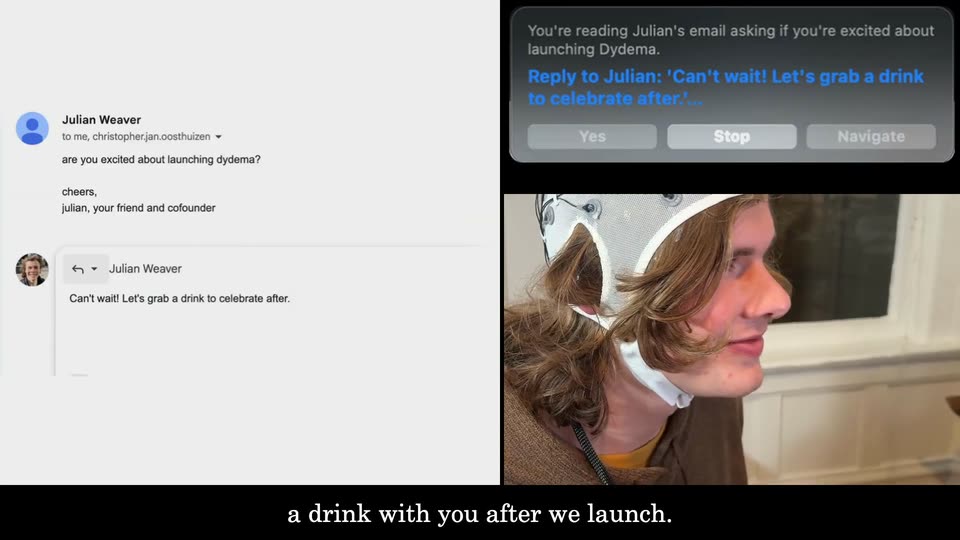 2:24–2:28Dydema · Dydema (YC F26) Launch DemoSplit screen: the left panel shows an email thread where a cursor clicks Reply and the reply sentence types itself; the right panel shows a person in a white neural headband talking, under a dark instruction card.
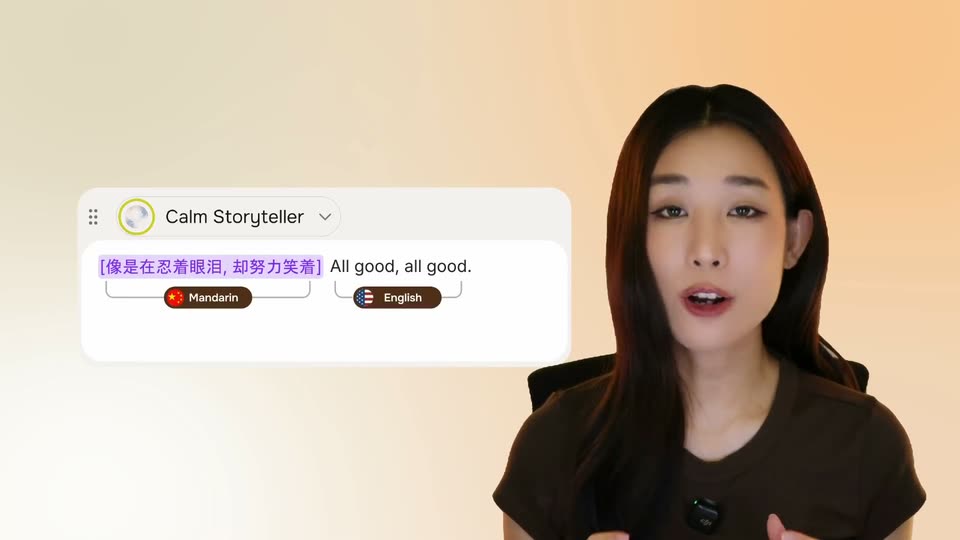 1:18–1:25Fish Audio · Fish Audio Drama 3 (Full Guide)A woman in a brown tee speaks at right against a warm cream wall. A white card labeled Calm Storyteller floats left; a cursor selects the line, the bracketed direction types in and cycles through English, Japanese, Spanish and Chinese, then Mandarin and English tags appear beneath each part.
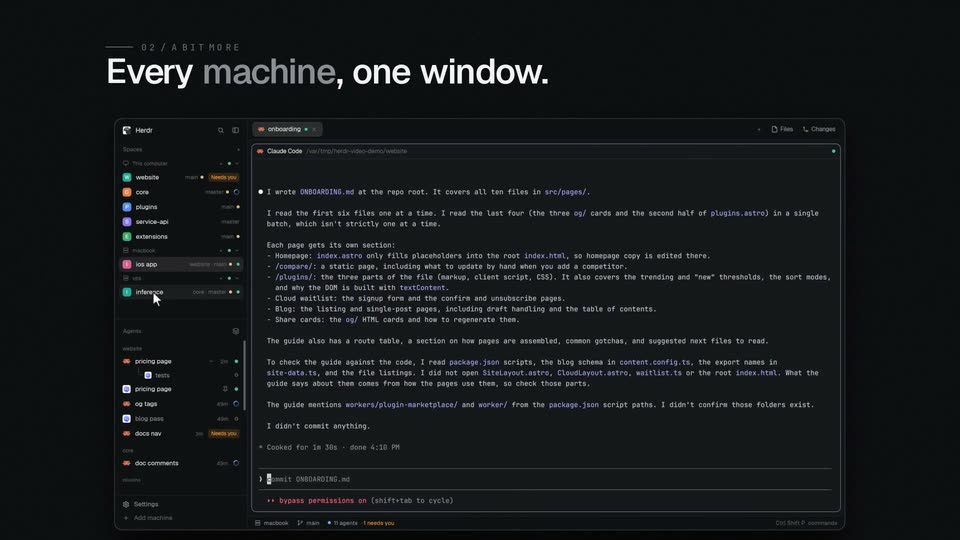 0:35–0:42herdr · herdr - *ehm ehm* BIG ANNOUNCEMENTS DAY 📣 two new things cooking in herdr laA dark app window sits under a static headline. A left sidebar lists agents while the right area swaps from a split view of two agent chats to single full-width panels showing reports and a green code diff. The cursor moves down the list, triggering each swap.
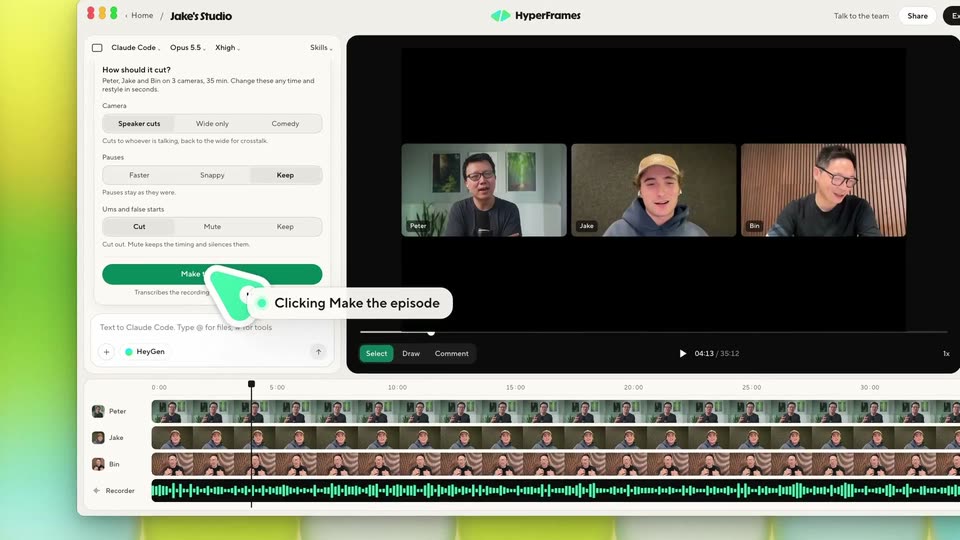 0:17–0:19HyperFrames · HyperFrames - the AI slop launch video killer is here Computer use is live in HypeA video editor window on a blurred green background. A teal cursor glides over the left chat panel and clicks a green button, while the center preview zooms from three speaker thumbnails to one speaker. White pill captions name each click.
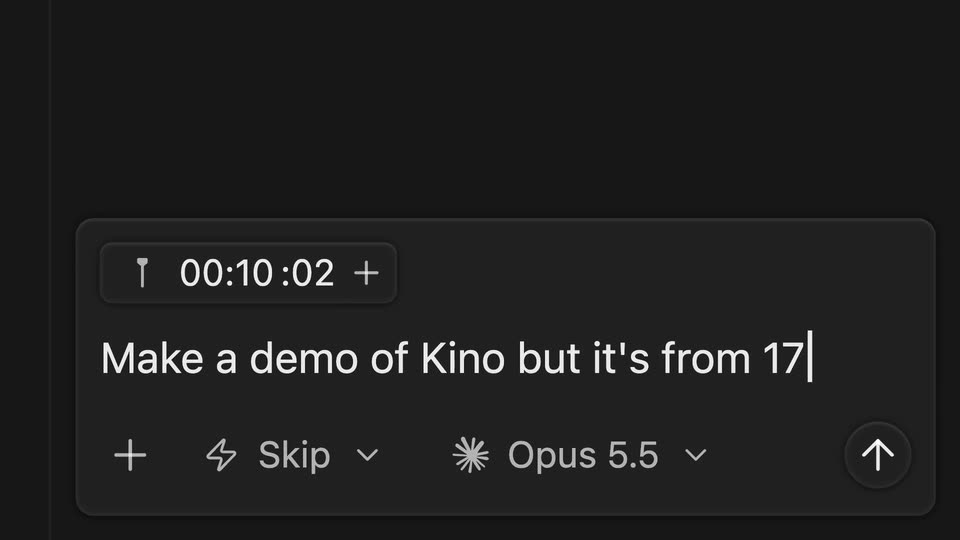 0:57–1:00Kino · Luke Igel - Introducing Kino: make videos end-to-end with Claude Code and Codex.A dark prompt card on a black background types out the line about a Kino demo behind a blinking caret while its timecode chip counts up. The card slides up, revealing a second card below with the line about assembling and editing.
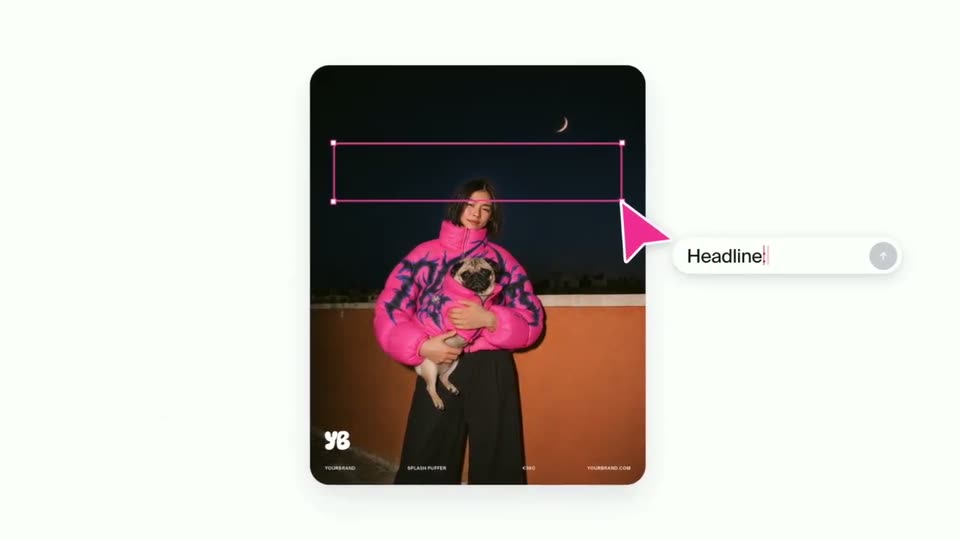 0:17–0:28Krea · Krea - introducing Ad Studio. - powered by our new Krea 3 expert model forA photo card of a woman in a puffer jacket is edited by prompt chips: jacket turns hot pink, sky goes night with a moon, a pug joins her arms, a white After dark headline lands. The card becomes a social post, switching from Facebook to YouTube Shorts.
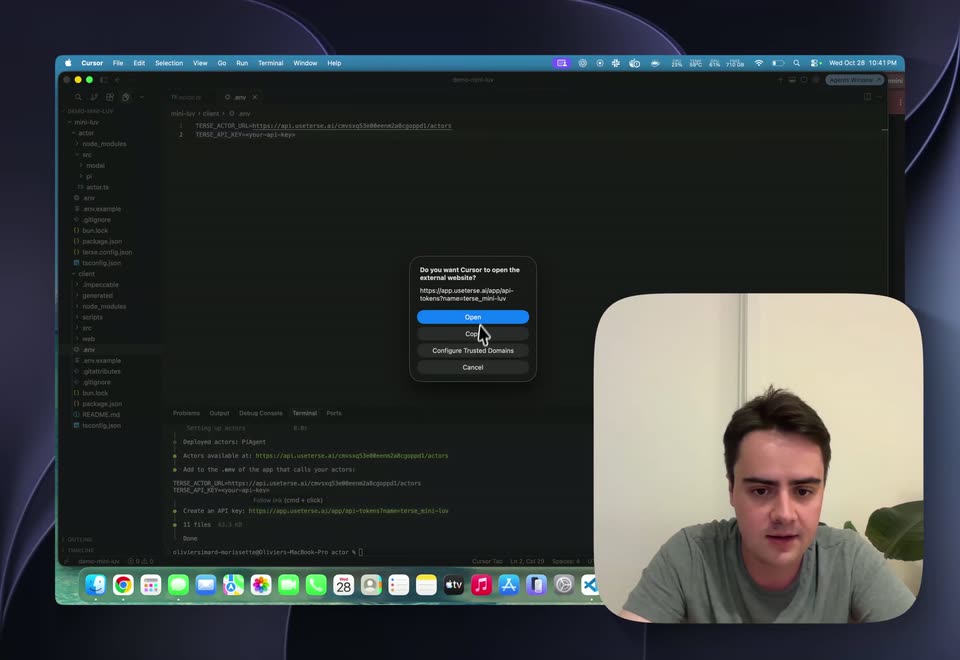 1:38–1:39Terse · Durable Actors Launch YC Demo VideoA dark code editor and terminal fill the screen, with a centered dialog box offering Open, Copy and Cancel. A cursor moves down to click a button. A rounded webcam inset at the bottom right shows a man in a gray shirt speaking.
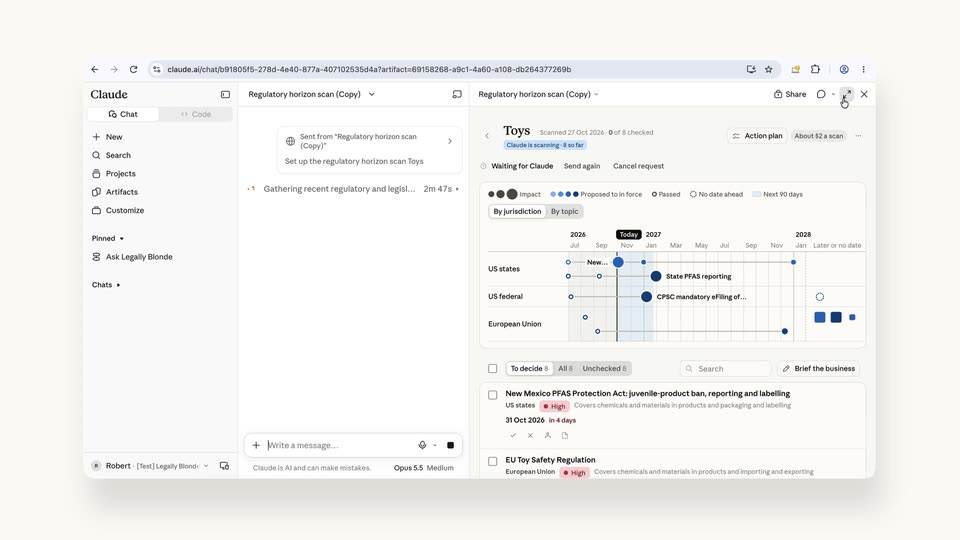 0:18–0:20Anthropic · Claude - New in Claude for Legal: a gallery of ready-made artifacts for contraA Claude chat window shows a regulatory scan artifact with a Gantt-style timeline and a checklist. A cursor moves to the top-right Chat button and clicks it; the narrow chat column collapses and the artifact panel widens to fill the full window.