1:09
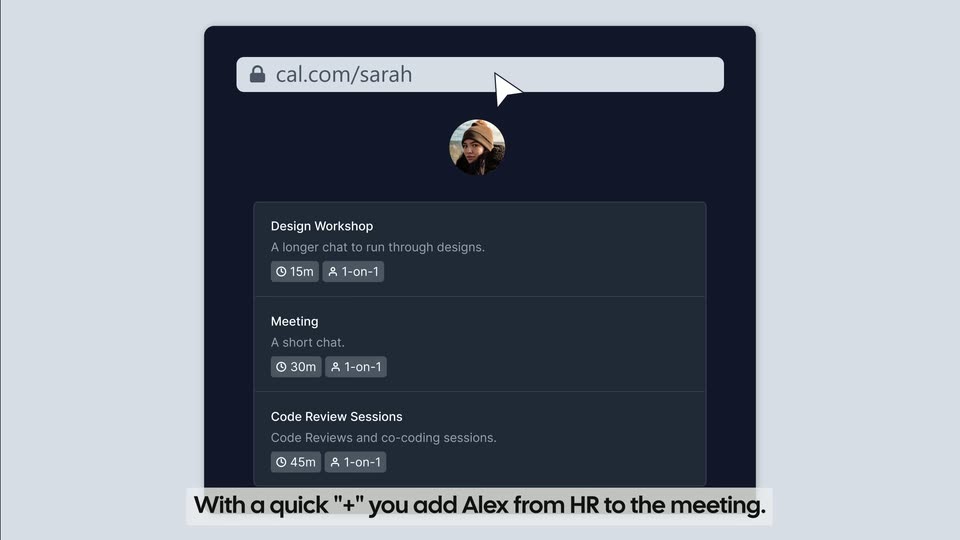

Cal.com introducing Dynamic Group Links
Cal.com · Productivity · Aug 2022
Aside · Nov 2026 · 0:34 · AI-annotated
Aside’s 0:34 launch film runs 13 scenes, about 2.6 s each. The product is on screen from the first frame and 1 feature is revealed. The call to action lands at 0:29 (86% in). The video alternates snap-in typographic claim cards with tight screen-recording demos, moving from a cross-app workflow to a speed benchmark and a closing email task. Its signature moves are the blue cursor dragging marquee boxes, motion-blur text snaps, and the pixel hourglass transition, all set on a pale gradient field.
Is this your launch? to your site or press kit.
Cal.com · Productivity · Aug 2022
Spline · Design · Oct 2026
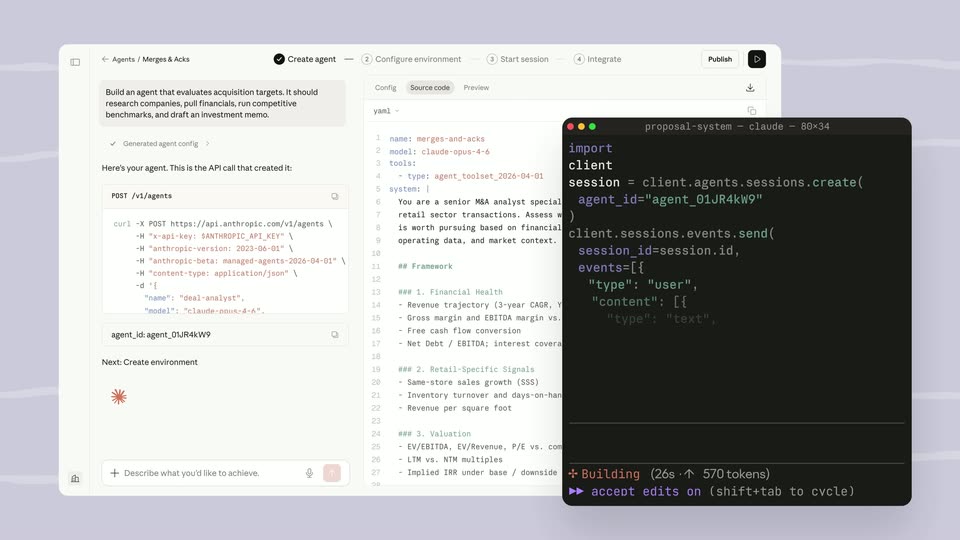
Anthropic · AI · Apr 2026
A row of app icons on a white rounded bar fades in from a washed-out state beside the word Use on a pale background. A blue cursor moves in and hovers under the first icon, which lifts onto a raised white tile.
On-screen text: “Use”
Techniques: Cursor demo
Camera: Static
A horizontal strip of rounded, colorful app icons drifts left across a pale gradient background while a blue arrow cursor glides beneath them. The black word Computer holds steady to the right of the row.
On-screen text: “Computer”
Techniques: Cursor demo
Camera: Pull out
A macOS desktop shows a document editor and a Numbers spreadsheet side by side. A cursor types Q3 and QoQ values into the table, then opens the Insert menu and selects a 2D column chart that renders below the table.
Techniques: Split screen, Cursor demo
Camera: Static
A macOS desktop shows a Google Docs memo resolving from a blur into crisp text beside a Keynote window. A bar chart fades into the slide, then a small region table window slides in over it as the cursor drags it into place.
Techniques: Cursor demo
Camera: Static
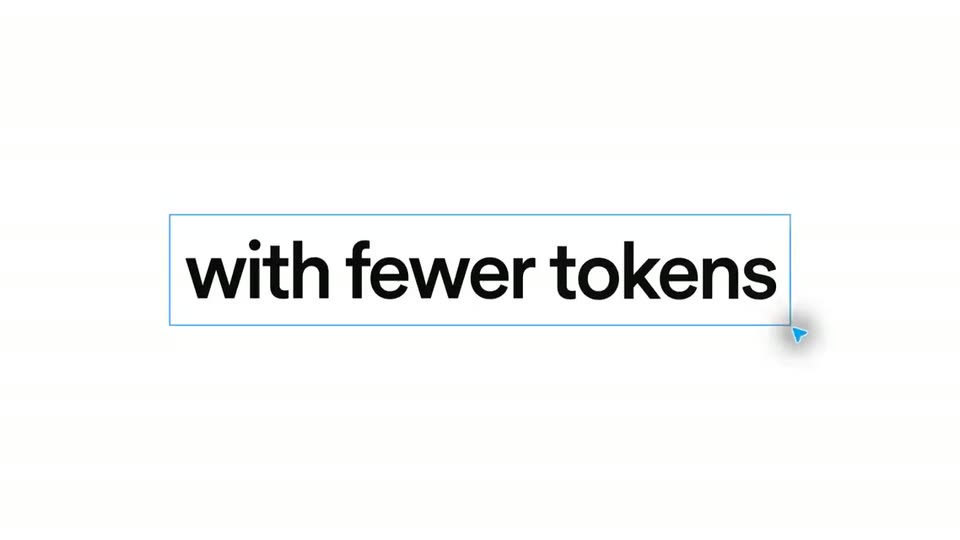
Centered on a pale background, bold black words snap in with a horizontal motion blur, “Faster” then “with fewer tokens”. A thin blue marquee rectangle is dragged around the second line with a cursor at its corner, and the text fades out.
On-screen text: “Faster”, “with fewer tokens”
Techniques: Kinetic type
Camera: Static
Three macOS windows sit side by side on a light desktop. The left Aside chat types out its steps while a blue cursor works in the middle window, and the right Calendar week view fills with colored event blocks. Top and bottom outline counters tick up the elapsed time and token totals for Aside and Codex.
On-screen text: “ASIDE 0.0S 0K TOKENS”, “CODEX 0K TOKENS”, “ASIDE 22.9S 0K TOKENS”, “CODEX 22.9S 0K TOKENS”, “ASIDE 25.4S 10K TOKENS”, “CODEX 25.4S 10K TOKENS”, “ASIDE 31.2S 20K TOKENS”, “CODEX 31.2S 20K TOKENS”, “ASIDE 41.0S 257K TOKENS”, “CODEX 41.0S 257K TOKENS”
Techniques: Cursor demo, Split screen
Camera: Static
On a white background, a faint blurred panel sits behind centered text that sharpens from a soft gray blur into dark navy type: '2.7x faster' over 'with 65% fewer tokens', the blue figures 2.7x and 65% snapping in last.
On-screen text: “2.7x faster”, “with 65% fewer tokens”
Techniques: Kinetic type
Camera: Static
Black headline text reads '2.7x faster' over 'with 65% fewer tokens', centered on a plain white background, the percentage fading in from gray. A pixelated black hourglass icon then appears in the center as the text fades out.
On-screen text: “2.7x faster”, “with 65% fewer tokens”
Camera: Static
A black pixel-art hourglass sits centered on a white field. Gray sand pixels shift down from the upper bulb through the neck into the lower bulb, while a soft blue glow fades in along the rounded frame edges.
Camera: Static
A pixel hourglass loads, then a screen recording shows an Outlook email being composed: the to field, subject, PDF attachment and body fill in as a cursor moves and clicks Send. The window whites out and a large text card begins to slide in from the edges.
Techniques: Cursor demo
Camera: Push in
A plain off-white background holds the centered black headline “Available today” while small blue mouse cursors drift across the letters. The frame stays locked-off for the whole shot.
On-screen text: “Available today”
Camera: Static
On a pale gradient background, the words Available and today sit at either side while a circular globe mark with a star assembles from blur at top center. It sharpens and settles in the middle as the URL aside.com fades in below it.
On-screen text: “Available today”, “aside.com”
Camera: Static
A dark circular logo with a four-point star mark sits centered on a plain white background, the mark rotating slowly inside the ring. The URL aside.com holds still below it, with a faint blue glow flickering around both at the start of the shot.
On-screen text: “aside.com”
Camera: Static