Cursor demo
A visible cursor operates the interface.
15,114 scenes · page 144 of 252
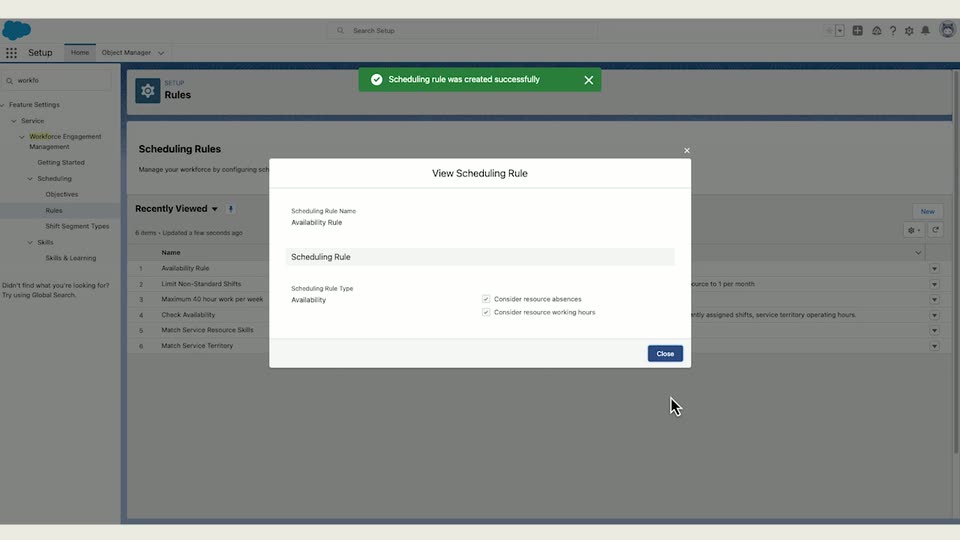 0:55–0:56Salesforce · Service Cloud - Salesforce Contact Center: Insights & SchedulingA dimmed setup screen shows a New Scheduling Rule dialog with a centered loading spinner, which switches to a View Scheduling Rule panel as a green success banner appears at the top, the cursor sitting near the Save button.
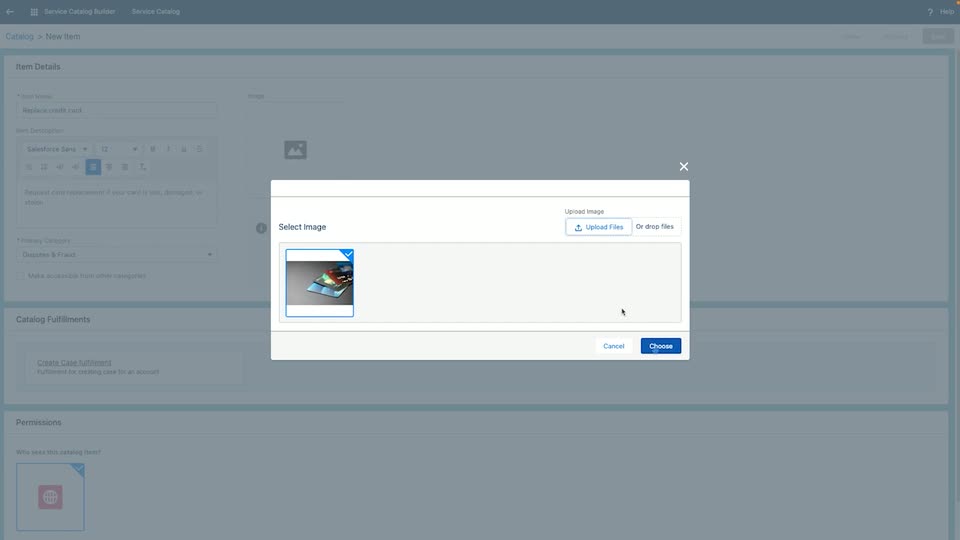 0:34 · 0.7sSalesforce · Service Cloud - Service CatalogOver the catalog item form, a Select Image dialog shows a credit card thumbnail loading in the file box, then the cursor clicks Choose and the dialog closes, revealing the image in the form's Image field.
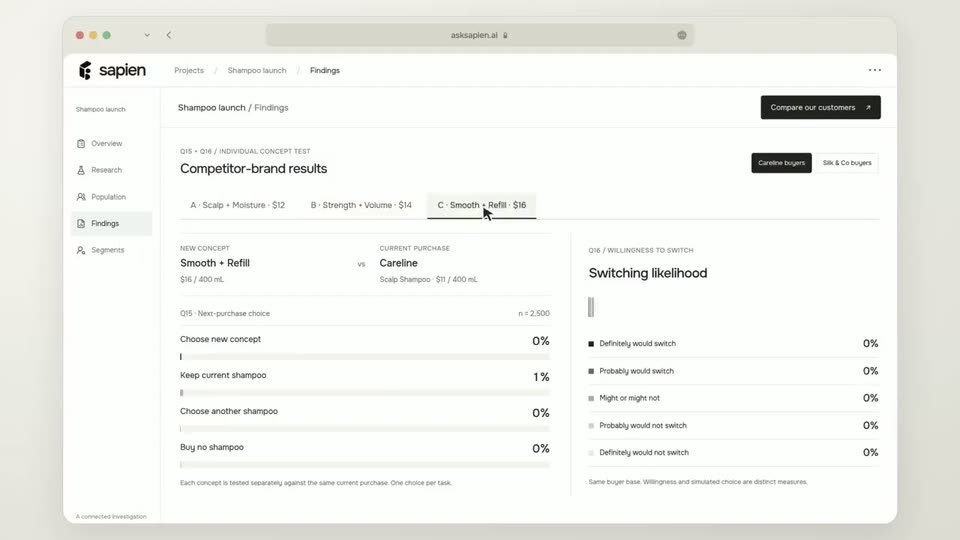 0:43–0:52Sapien · Introducing Sapien: simulated populations for predicting consumer behavior. Companies invest millions in products and campaigns based on what people say they want. But people’s intentions don’tA cursor clicks through three concept tabs and a buyer-segment toggle in a survey dashboard, each click swapping the bar charts and percentages in place. The view then crossfades into a new existing-customer-preference page.
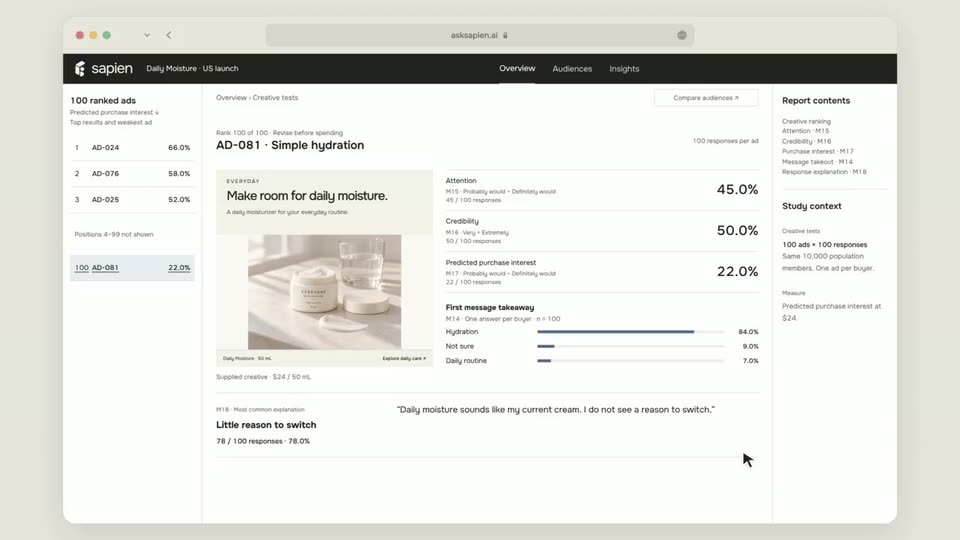 0:41–0:49Sapien · Introducing Sapien for marketing: predict what converts before you spend. Test messaging, creative, branding, landing pages, offers, and targeting against simulated populations of your exact ICPA flat browser window displays an ad research dashboard. A cursor clicks the bottom row of the ranked ads list, swapping the detail panel from AD-024 to AD-081, then glides up to the Compare audiences button.
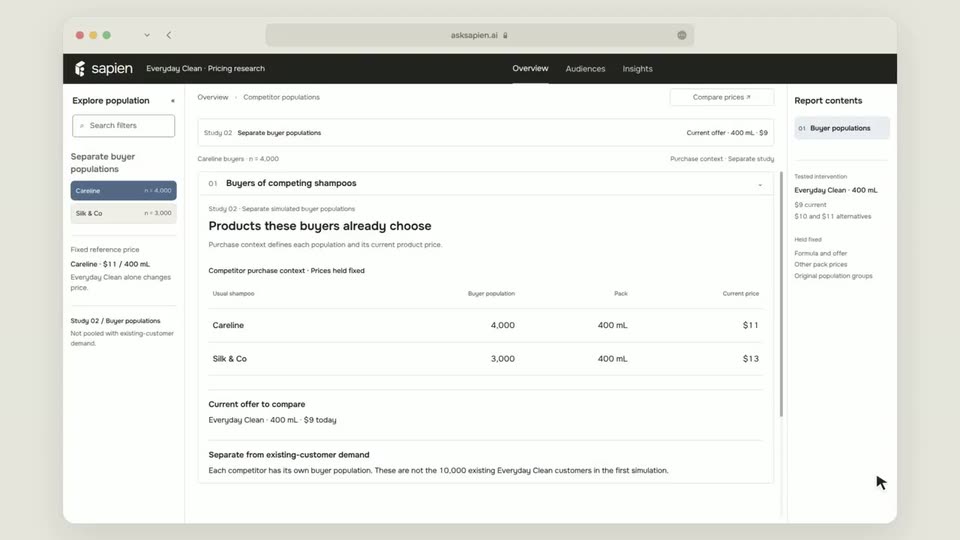 0:49–0:55Sapien · We’re launching Sapien for pricing and offer testing. See how demand changes at each price, which customers you’d keep, and which new buyers you could win. Before you change a single priceA browser window frames the sapien pricing interface, its main panel listing competing shampoos with buyer counts and current prices. A cursor hovers on the Compare prices button, drifts to the lower right, then returns to the button.
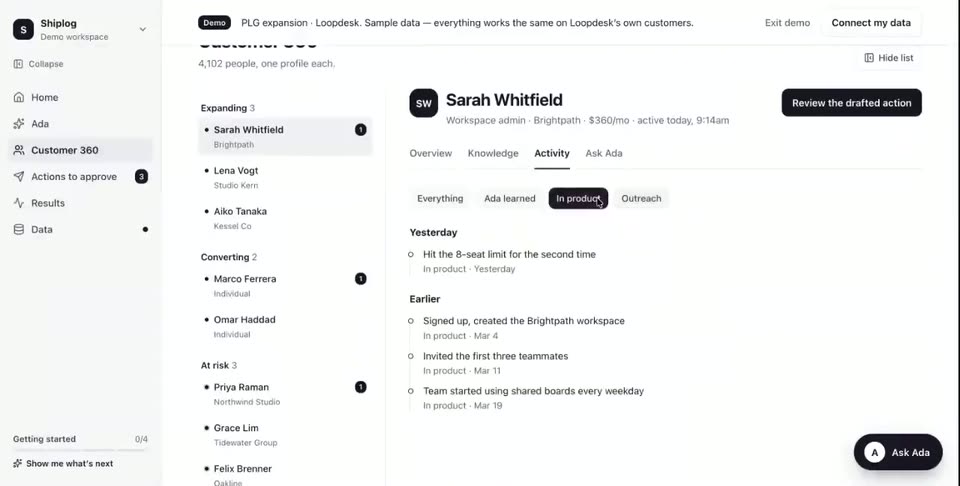 2:32–2:40Shiplog · #customersuccess #ai #saas #productledgrowth #revenuegrowth | Shiplog (F/AI F26)A Customer 360 screen shows a sidebar, a grouped list of customer names, and a right detail panel. A cursor clicks the Outreach and In product filter pills, then the Ask Ada tab, and the activity feed and summary update. The clip opens on a blurred transition.
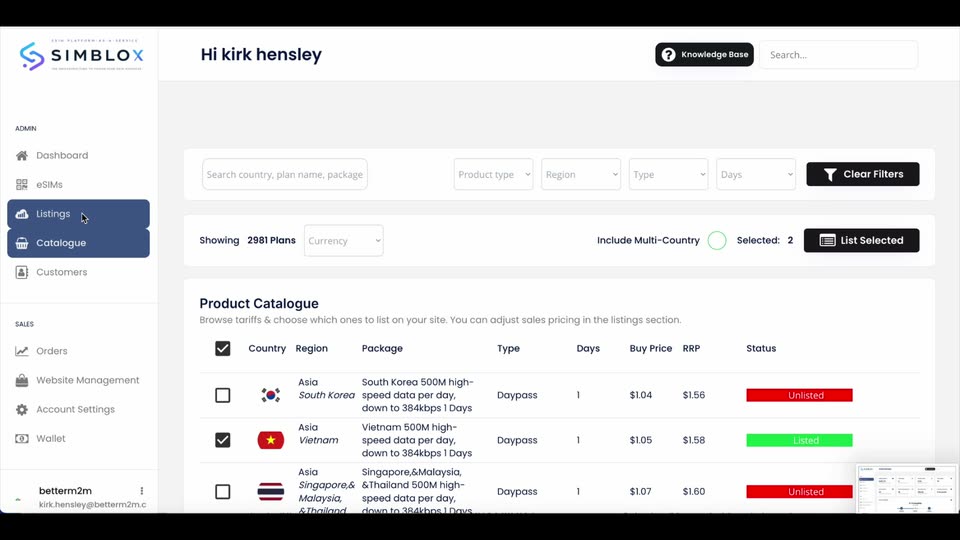 0:33–0:35SimBlox · SimBlox: minute demoA light admin dashboard for an eSIM platform shows a plan table with country flags, prices and red or green status badges. The sidebar highlight moves from Catalogue to Listings as a cursor hovers a row, where a blue plus icon and a purple One off Purchase button appear.
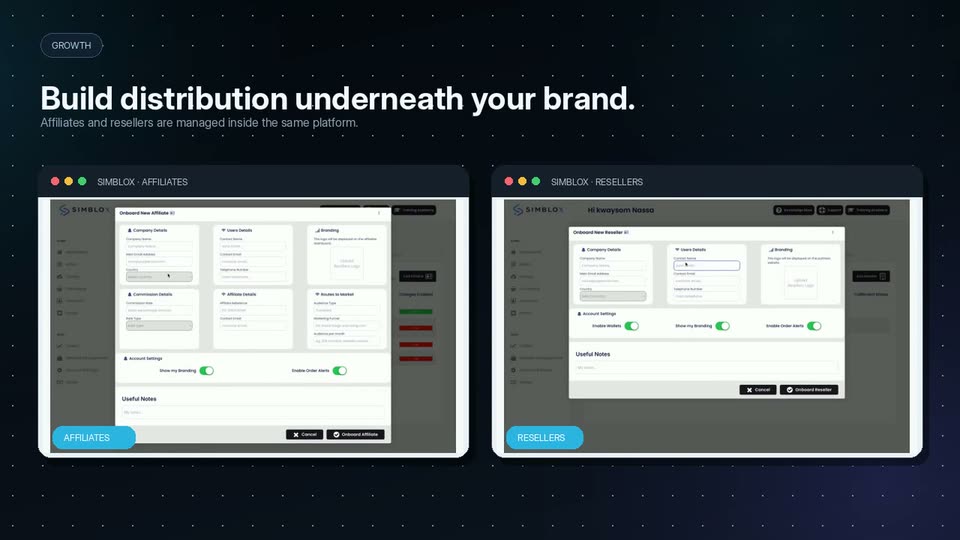 1:20–1:23SimBlox · SimBlox launch filmTwo dashboard windows, labeled Affiliates and Resellers, sit side by side on a dark dotted grid beneath a white headline. Each window swaps its data table for an onboarding form modal, the right one triggered by a cursor click.
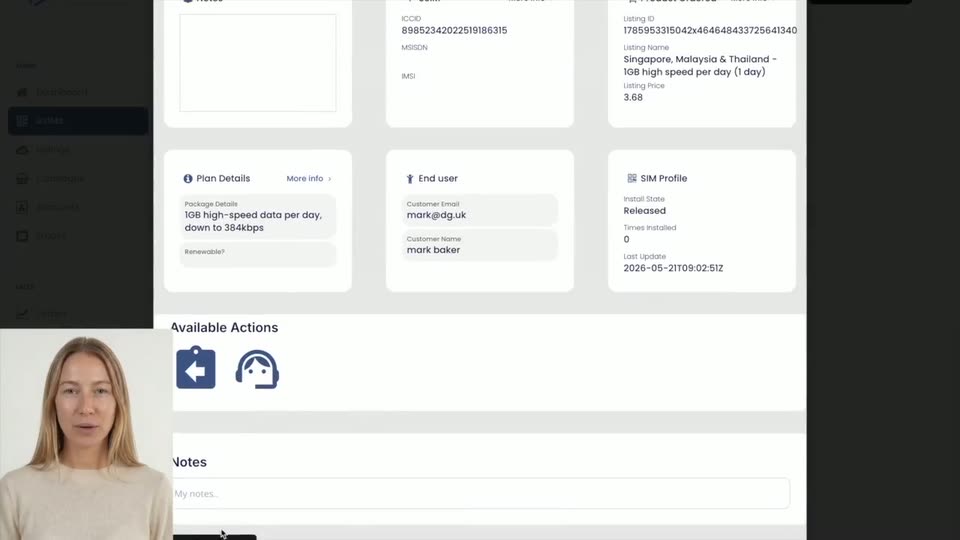 1:23–1:26SimBlox · SimBlox: apps demoA dashboard order page scrolls down past customer details, fulfillment steps, and action buttons, with a small video of a woman fixed in the lower-left corner. The page then dims as a notes field and a Cancel button appear at the top, the cursor resting on the button.
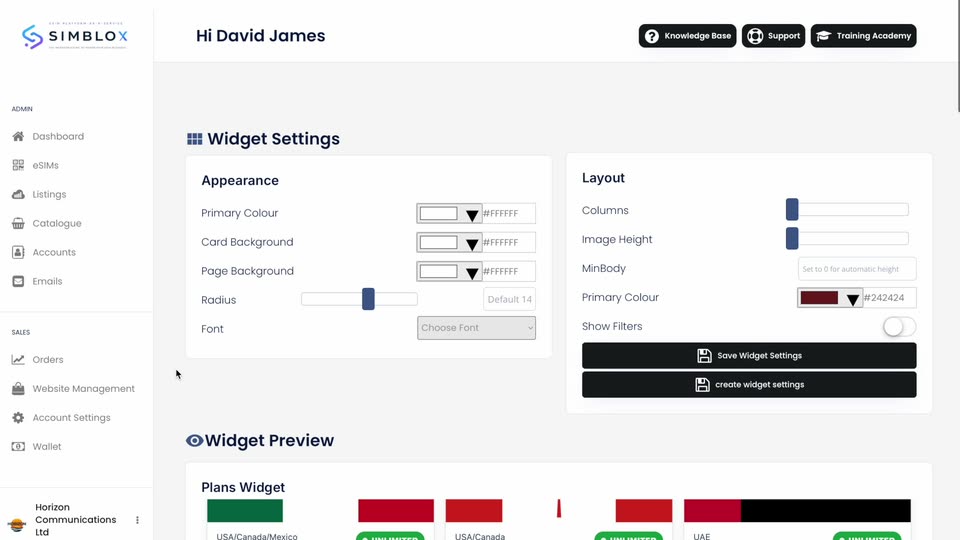 0:10–0:16SimBlox · SimBlox: web widgets demoA Symblox admin dashboard scrolls down past eSIM plan cards, destination cards, a recommended-plan card and an HTML snippet, then the cursor clicks Account Settings in the sidebar to open widget appearance and layout controls.
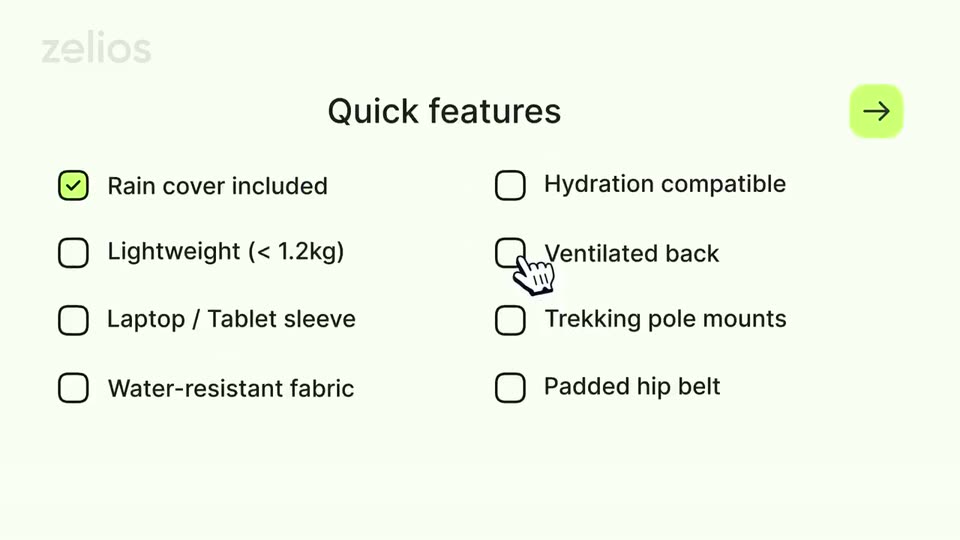 0:30–0:31SKUVE · Big thanks to the Zelios team for bringing Skuve to life in such a clear and engaging way! Skuve is all about making e-commerce product data smarter, simpler, and more actionable - and we love how… | SkuveA light cream UI screen titled Quick features lists eight checkboxes in two columns. A hand cursor taps the Ventilated back box, filling it green, while Rain cover included stays checked.
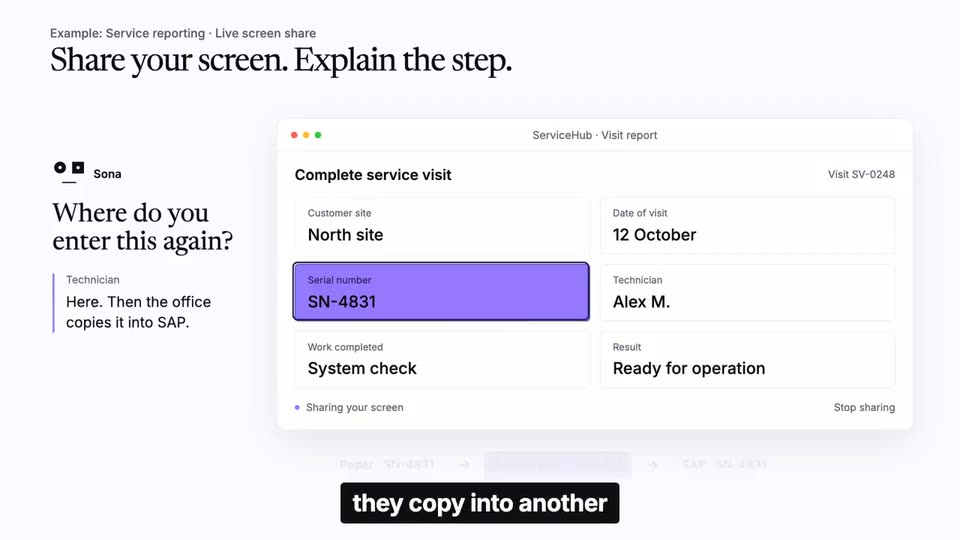 0:26–0:30Sona8 · Thought it was time to show more of the platform! 🚀 See how our AI interviews help companies improve workflows by capturing the process knowledge employees rarely write down. Employees explain… | Sona8 (YC F26)A flat browser mockup of a service report form occupies the right; a share dialog clears to reveal it, a cursor points at the purple-highlighted serial number field, and a left-side note plus a Paper-to-SAP flow row fade in while dark caption pills roll across the bottom.
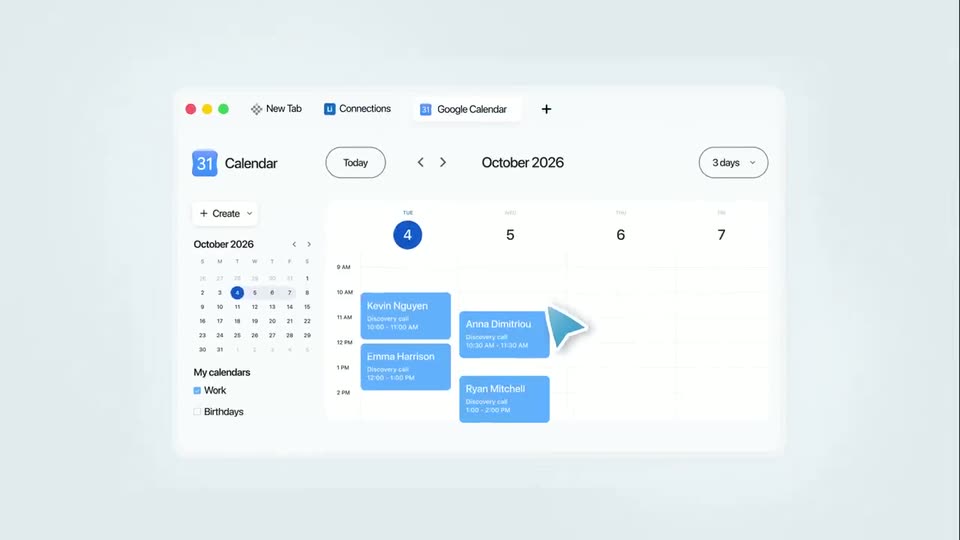 0:22–0:24Strawberry · Strawberry 1.0 is here. It marks a shift in how your team can work with AI. In Strawberry, you can create or hire virtual colleagues, called "Companions". Companions learn your preferences andA browser window shows a calendar app on a pale background. A profile card with a woman's photo and title clears, then blue event blocks fill the day grid in sequence as a cursor moves down the screen.
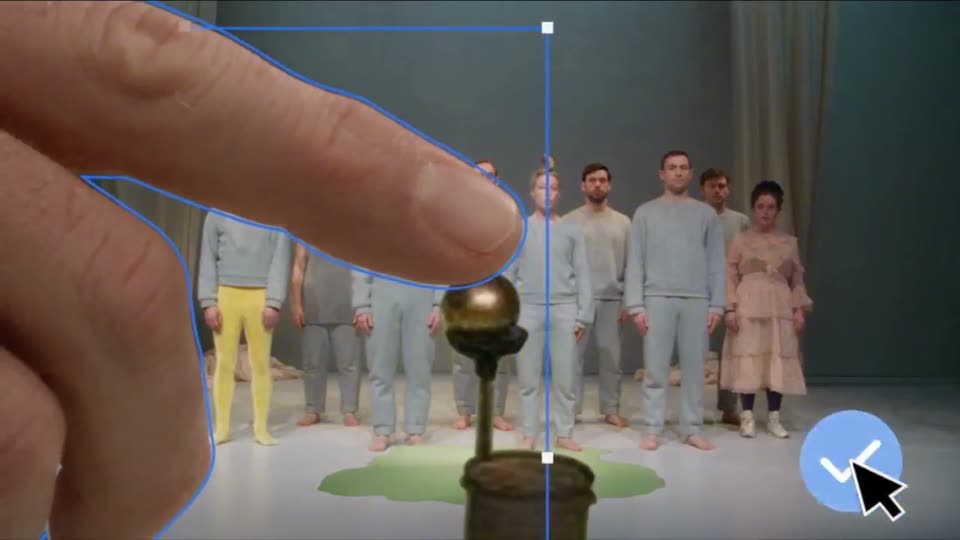 0:26–0:30Sunra · Meet Layerize ☀️ Turn a flat image into layers you can work with. Separate foreground elements into editable layers, then move, resize or replace them to refine your composition. Reposition a product… | Sunra.aiA row of performers in pale gray sweatsuits stands on a bare stage behind a brass sphere on a stand. A finger drags a blue selection box, shrinking it around the group, as a cursor clicks a blue check button at lower right.
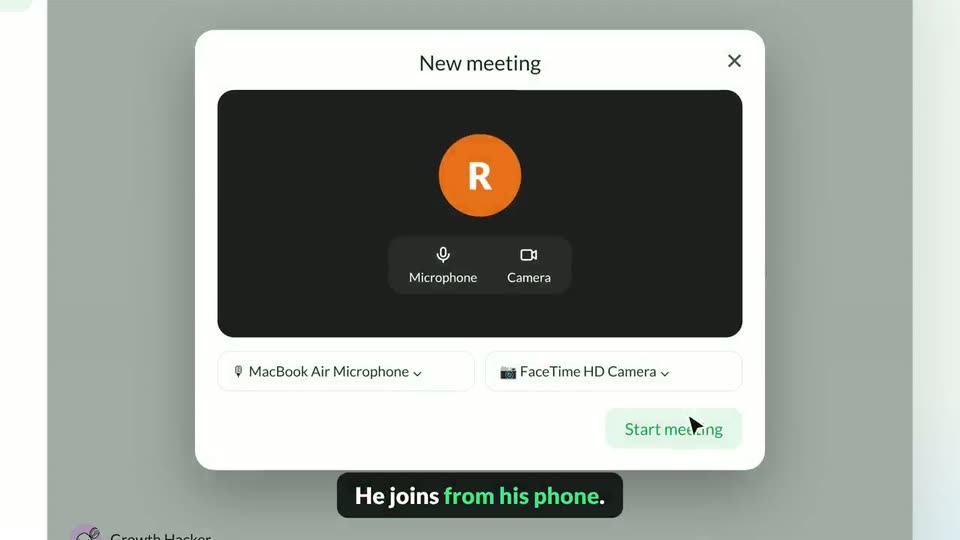 1:55–1:56Teamily AI · 150,000 small business owners and employees are already using Teamily AI. Today, we're opening it to everyone: your personal AI agent and an entire team of AI agents, ready to work for you and your… | Teamily AIA white modal window with an orange circular avatar is centered over a blurred background as a cursor moves to hover over a green button at the bottom right. A black caption sits at the bottom.
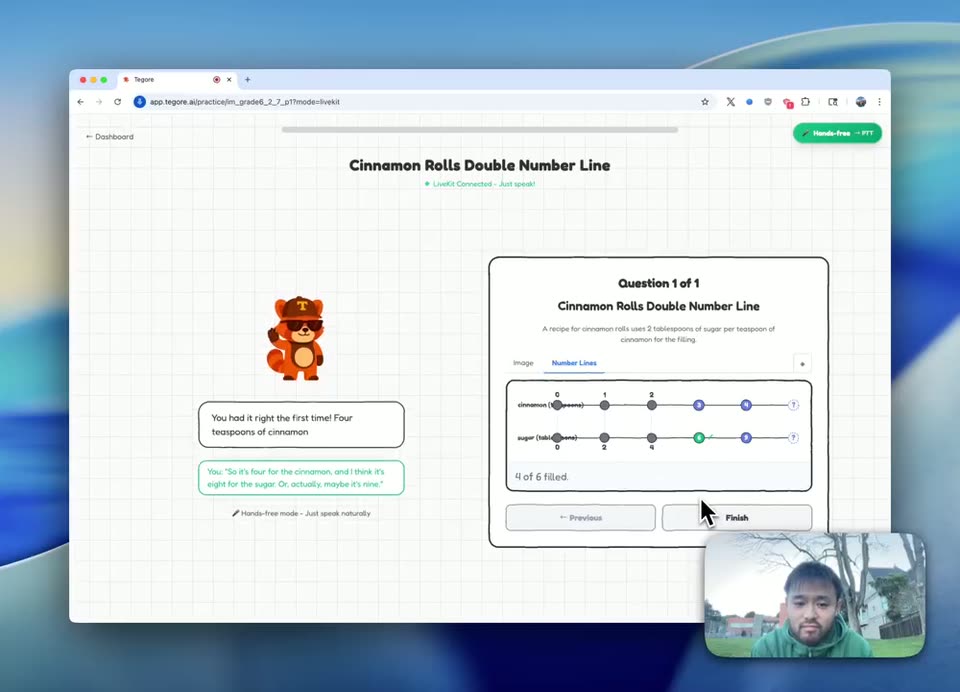 2:25–2:53Tegore · #learnwithtegore #aitutor #tegore | Tegore (YC X25)A browser window shows a hand-drawn math card with two number lines. A cursor taps a blank node and types a value, filling the dot blue. The frame zooms out to an orange bear avatar whose speech bubble types feedback, then zooms back in. A webcam sits in the corner.
 0:30–0:31Tilion · The internet is the most powerful thing we ever built together. It gave a kid in Lagos the same library as a professor at MIT. It let two people in a garage reach a billion customers. Every great… | Tilion (YC F26)A blurred white headline fades out as a green publish button with a dropdown caret crossfades into a blue one. The blue button scales down toward the center while a hand cursor rises to hover over it, with a BACK label at the left.
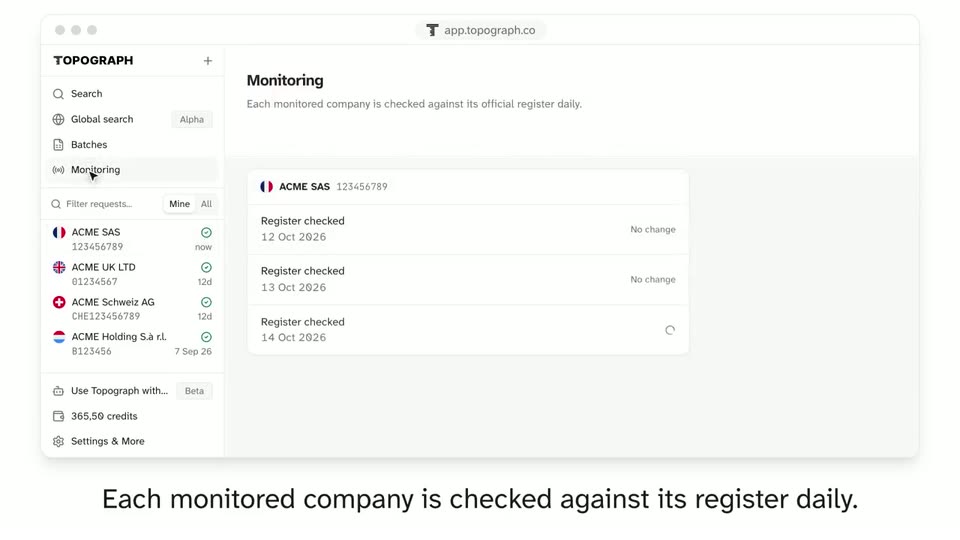 0:16–0:20Topograph · Company data for KYB checks sits in national registers, each with its own website, login and way of ordering documents. Topograph connects to these registers directly and brings them into one place.… | TopographA browser window shows the Topograph app on a company's Documents tab. The cursor clicks the Monitor button, a toast pops in, then the view switches to the Monitoring page where daily check rows appear one by one, ending with an ownership change and a webhook line.
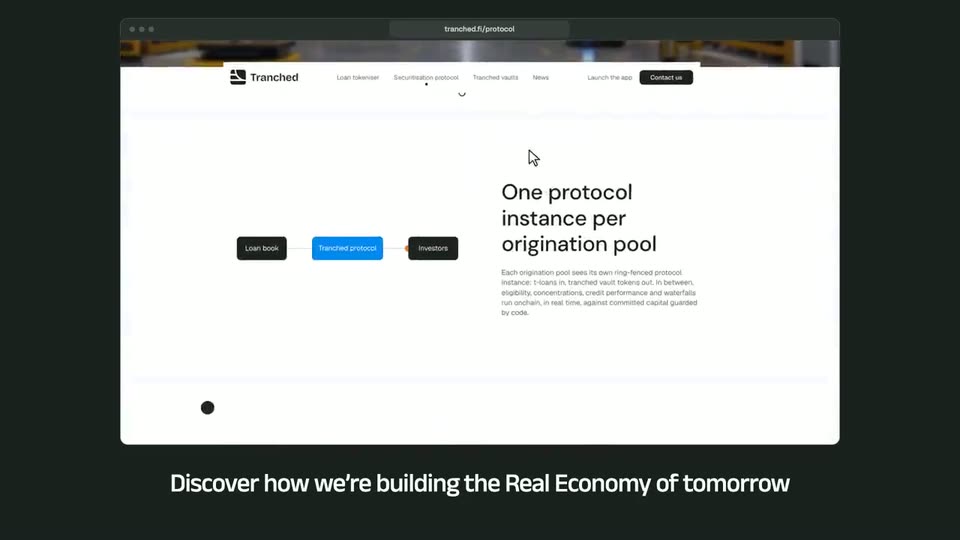 0:08–0:10Tranched · Introducing the new tranched.fi Our new tranched.fi website is live 🎉 We have reimagined credit, rebuilt it from blockchain primitives. A year after the first loans were tokenised on the… | TranchedA flat browser window on a dark backdrop shows the Tranched site. The page scrolls past a hero image to a protocol diagram and a numbered section, then cross-fades to a new vaults page with a warehouse hero. A white caption line sits beneath the window.
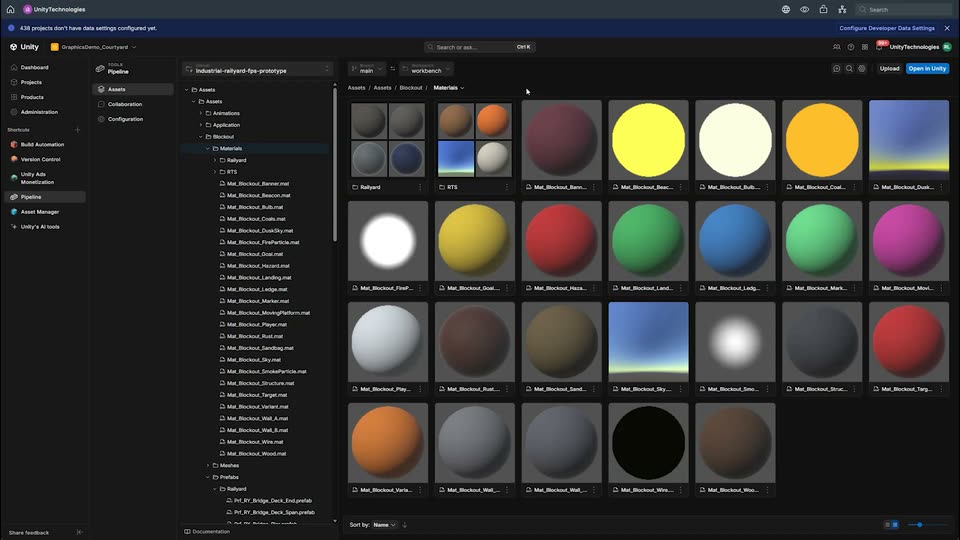 2:29–2:40Unity · Unity CLI 1.0 and Unity Pipeline APIsA static screen capture of a dark web interface shows a left navigation panel, a file tree, and a grid of colored sphere thumbnails. A cursor drifts across the screen, pausing over the search field and several thumbnails.
 0:39–0:41Base93 · Motion Graphic Explainer for Business Services Platform | Base93A white status card sits on a blurred purple field. Its round flag icon swaps from the United States to Singapore while the country name in the headline updates. Two Accountant pills with Indian flags stack at the left edge, and a cursor arrow hovers by the card.
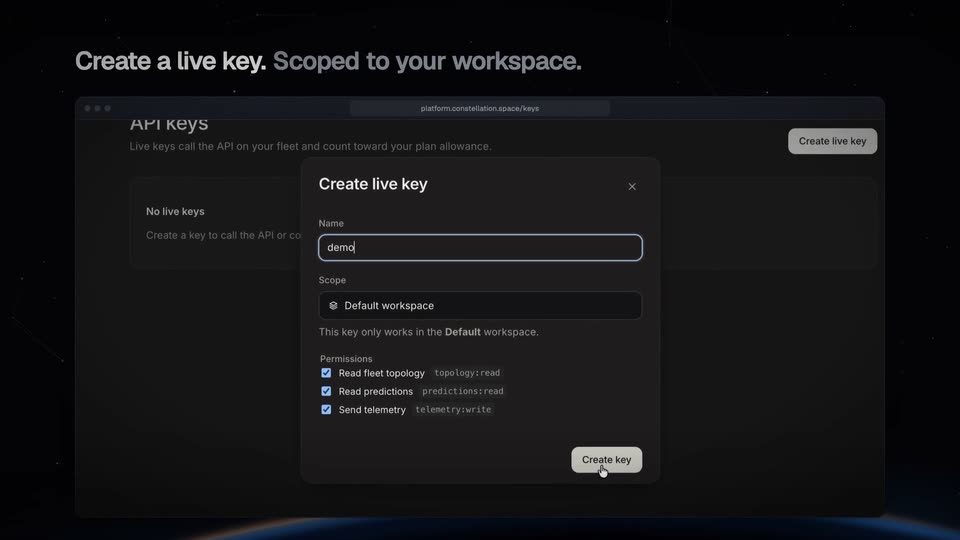 0:42–0:46Constellation Space · Space intelligence for all: Constellation SpaceUnder the headline, a dark API keys page shows a Create live key modal. The name field fills with demo, the cursor clicks Create key, and the modal switches to a Save your key view with the new key and a Copy button.
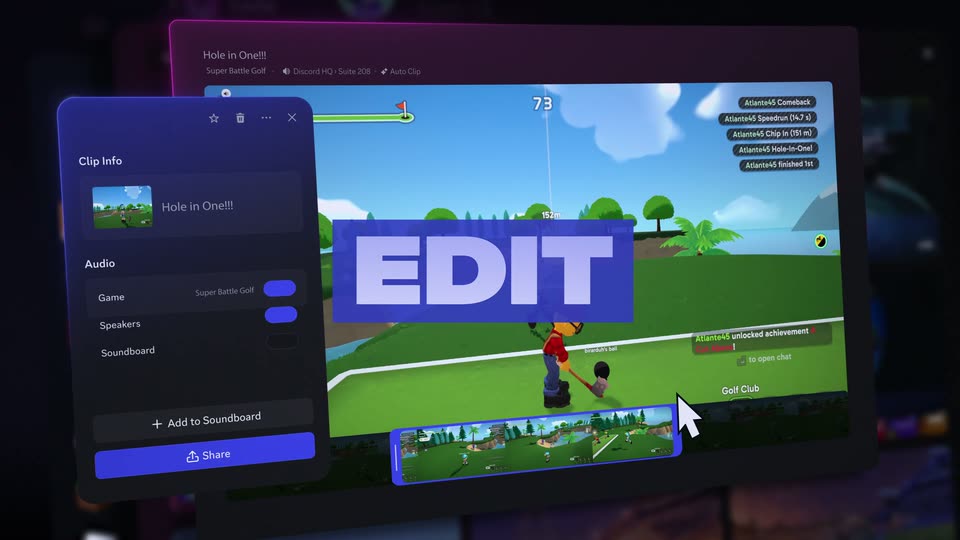 0:12–0:13Discord · Auto Clips | Available on DISCORD in Nitro Early AccessA 3D-angled clip editor screen floats in a dark space, its settings panel sliding left into view. A bold blue EDIT label scales across the game footage while a cursor moves along the bottom timeline.
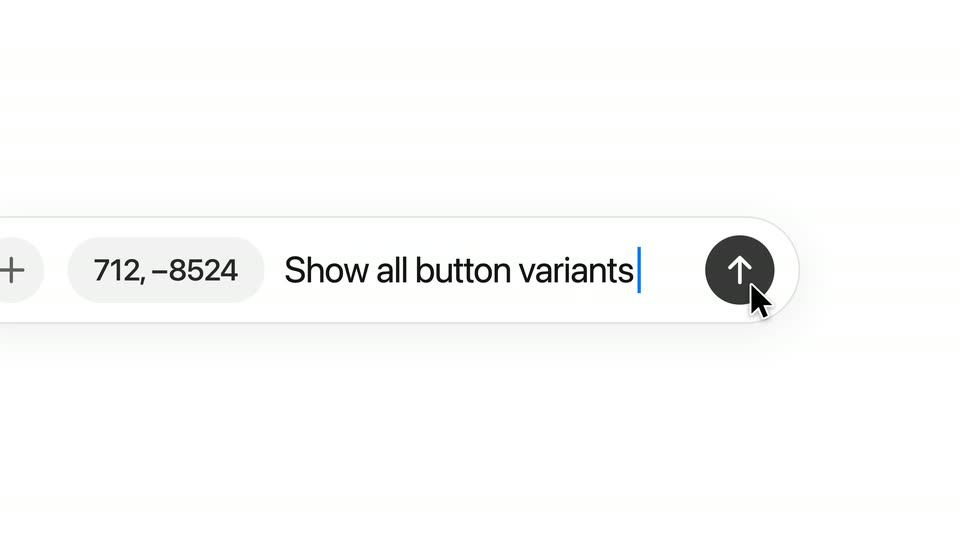 0:18–0:21Neueface · Ibelick - Introducing Neueface, a spatial environment to build with your agentsA white command bar sits centered on a plain background. A gray chip reads 712, -8524 while the query Show all button variants types out behind a blue caret. The black round button on the right swaps its microphone icon for an up arrow, then a mouse cursor hovers over it.
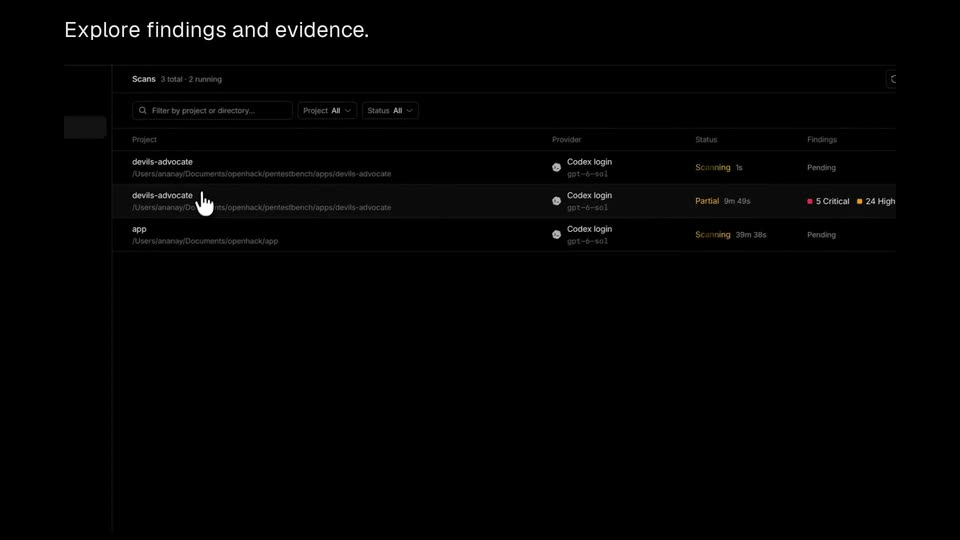 0:20–0:21OpenHack · Introducing OpenHack v2A white headline holds top left as a dark scans table pulls from blur into sharp focus, its rows and columns resolving into place. A hand cursor hovers over one of the project rows.
 0:26–0:31Perplexity · Build an SEO consultant with Perplexity teammatesA rounded Approve button sits on a blurred brown background as a cursor glides to it. The button morphs into a glowing red four-petal shape that drifts down. A white serif headline builds word by word, then a Monday report card with an off toggle slides in.
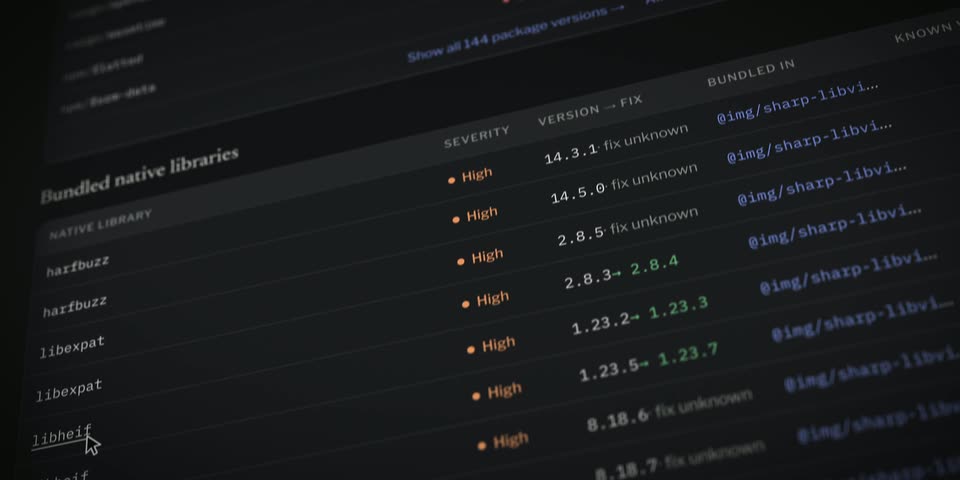 0:53–0:55ProjectDiscovery · ProjectDiscovery - Introducing SecurityContext 2.0 When a CVE drops, the hard part is kA dark dependency table, tilted in 3D perspective, scrolls upward as a white cursor glides down to hover over libheif, past rows with orange High dots and green version fixes.
 1:00–1:07Shire · Shire Latest DemoA dark alert card reading “Pineapple juice is out” fills the left panel. A cursor clicks “Open alerts”, and the card expands into a full inventory screen with a left sidebar and a two-column detail table.
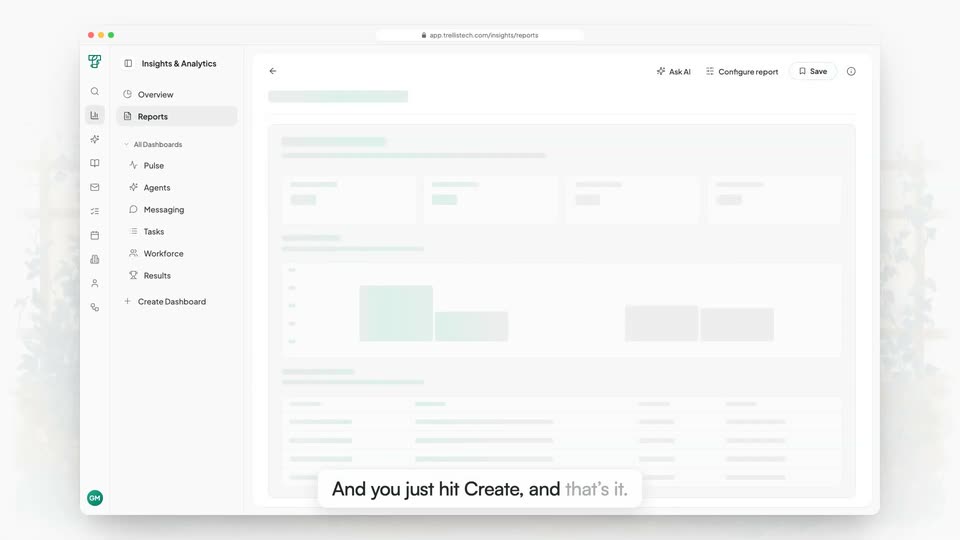 0:19–0:21Trellis · Introducing Trellis ReportsA browser window shows a report-creation form; a cursor clicks the green Create report button and the view switches to a report page with a gray skeleton loading layout. A white caption pill at the bottom reads the voiceover line.
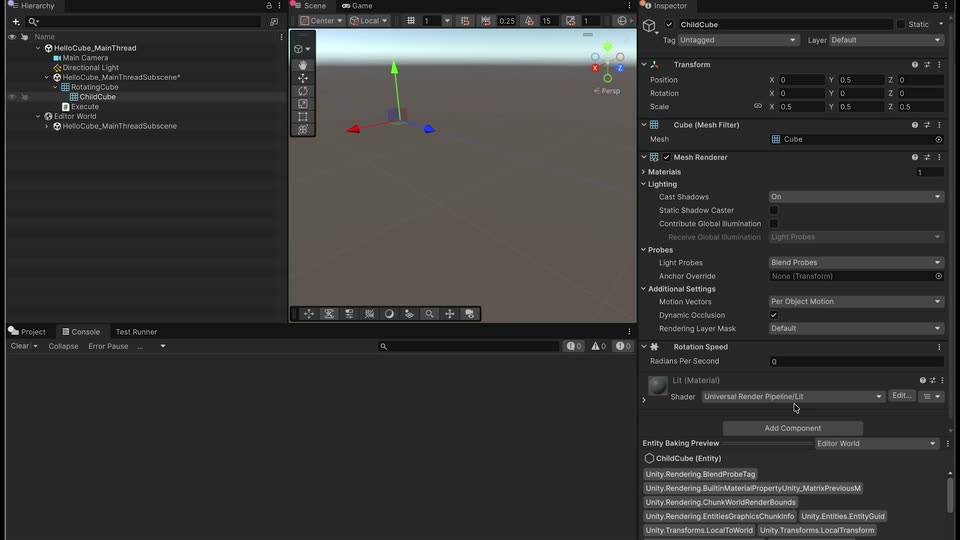 1:46–1:58Unity · Introducing ECS for AllThe Unity editor shows the cursor opening the Add Component menu, picking Data Components, and adding a Rotation Speed field set to 0.54 on a cube. It cuts to a 3D render of a dark car with a glowing orange rear light in a narrow canyon of tall buildings.
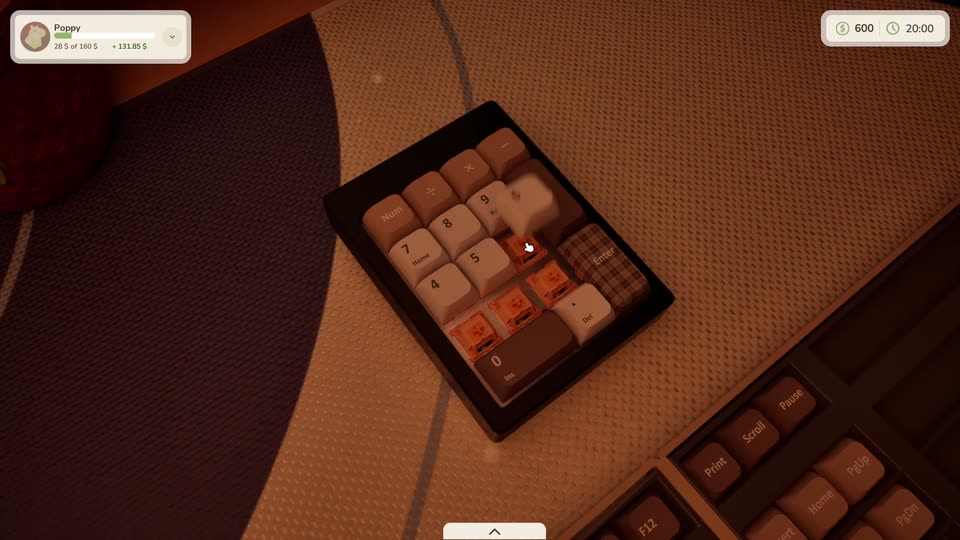 0:05 · 0.9sVojtěch Peták · KeyCapy - Official Reveal TrailerA 3D number-pad keypad sits on a textured desk under warm light. A white cursor glides across the keys from the 2 to the 5. HUD chips in the top corners show a player name and a dollar amount with a clock.
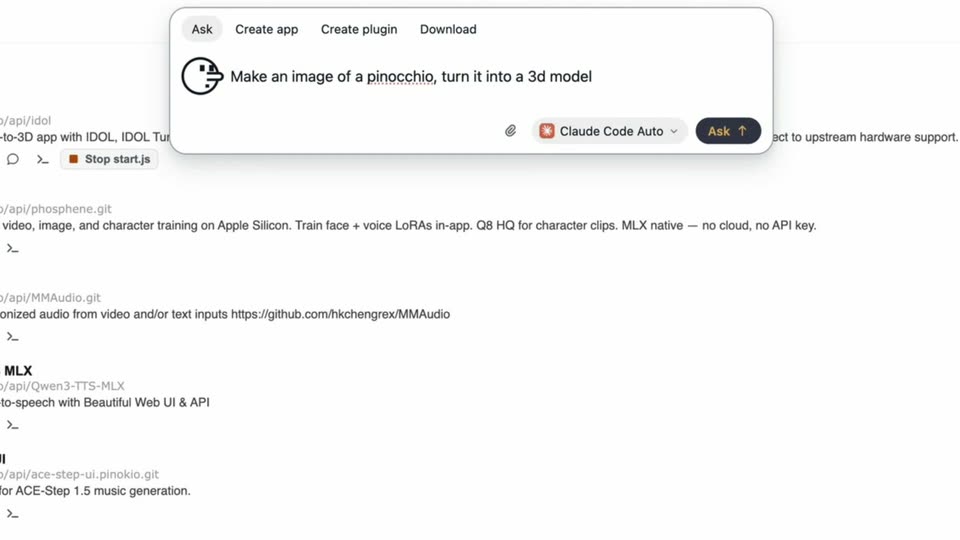 1:02–1:16Pinokio · cocktail peanut - Introducing Pinokio Agent Messenger What if you could chat with allPinokio app window with a sidebar and list of AI apps, captioned 'Pinokio home' lower left. The view zooms into the top Ask bar, which expands into a dialog; a prompt is typed letter by letter, then the dialog closes and a task card appears on the right.
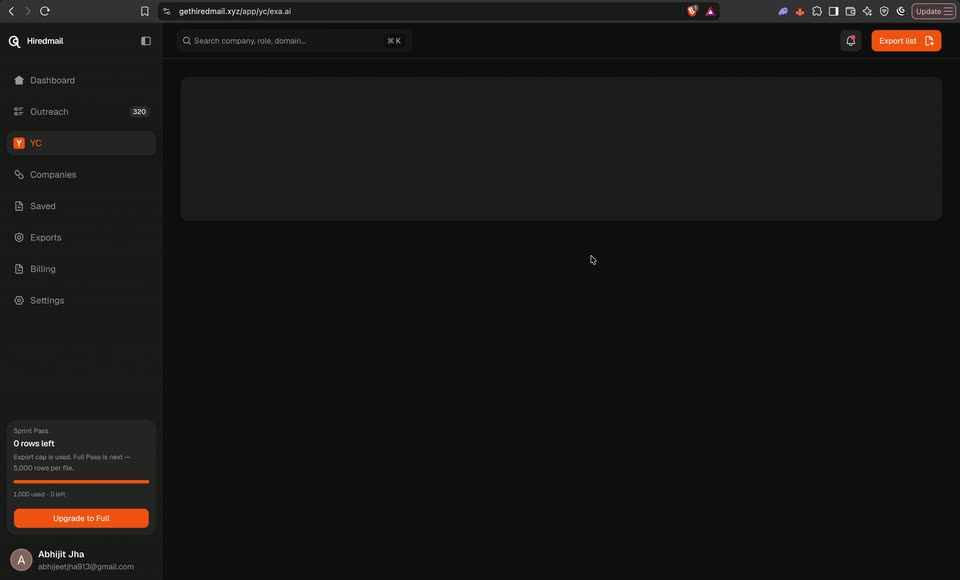 0:20–0:21Hiredmail · Abhijit - Introducing Hiredmail Hiring inboxes, verified and sorted. YC compaA dark Hiredmail dashboard screen with a left menu and an empty gray panel at top. A mouse cursor glides from the right edge toward the middle of the blank content area.
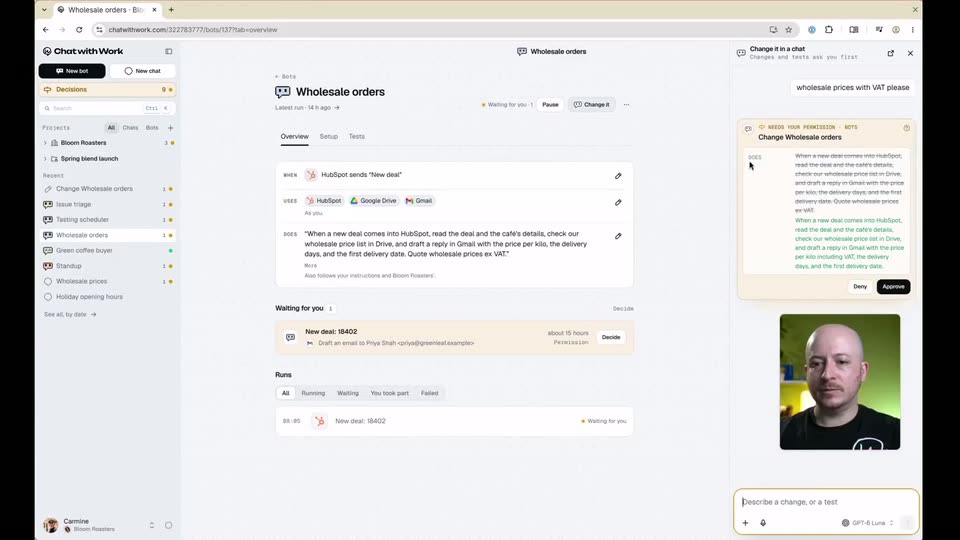 1:35–2:43Plenty · Carmine Paolino - On Monday I'm launching Chat with Work: AI bots that run on triggers,A locked-off screen recording of the Chat with Work bot builder shows the Wholesale orders flow, with a presenter's small video in the bottom right. The cursor opens a side chat, types a change request, and clicks approve, updating the flow text live.
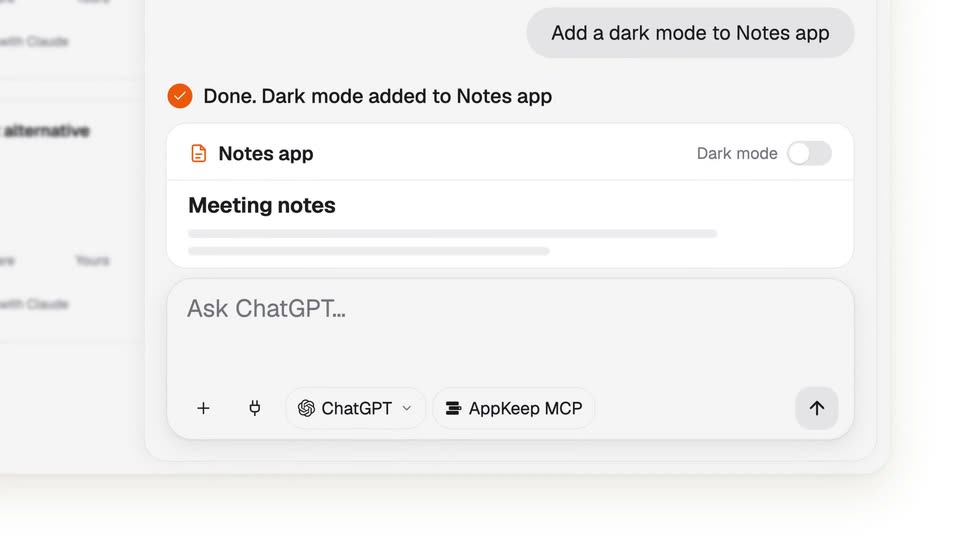 0:43–0:48Appkeep · NATE G - Today we are introducing Appkeep. We open-sourced NotionThe view zooms from a full apps dashboard onto a chat card. A cursor clicks send on the prompt Add a dark mode to Notes app. A check message appears, then a dark Notes card with an orange toggle slides in.
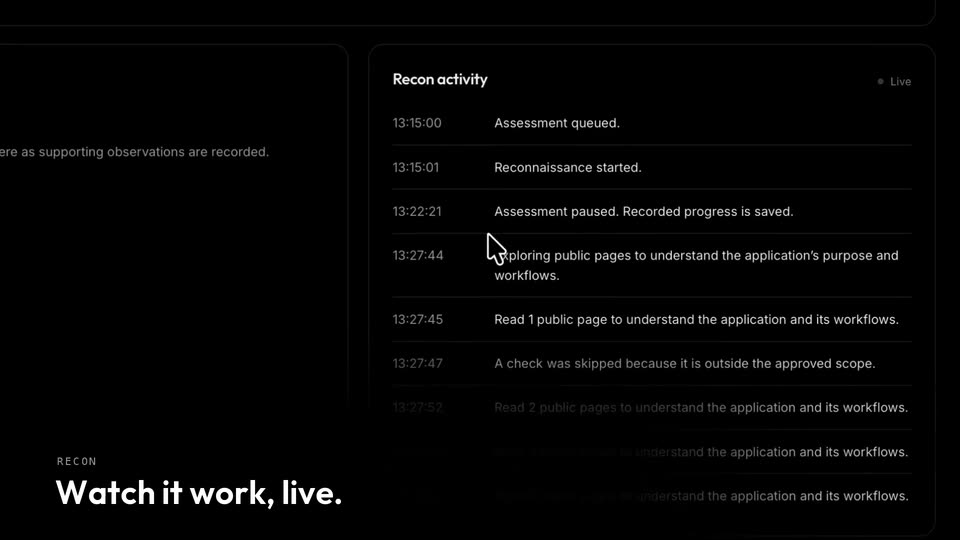 0:22–0:25Exploitforge · Ghost St Badmus - today we’re launching @StrikeHoundAI. software has never been easierA dark two-panel interface reframes onto the right-hand Recon activity log, where timestamped entries scroll in as a live feed. A cursor drifts across the rows while a headline sits at the bottom left.
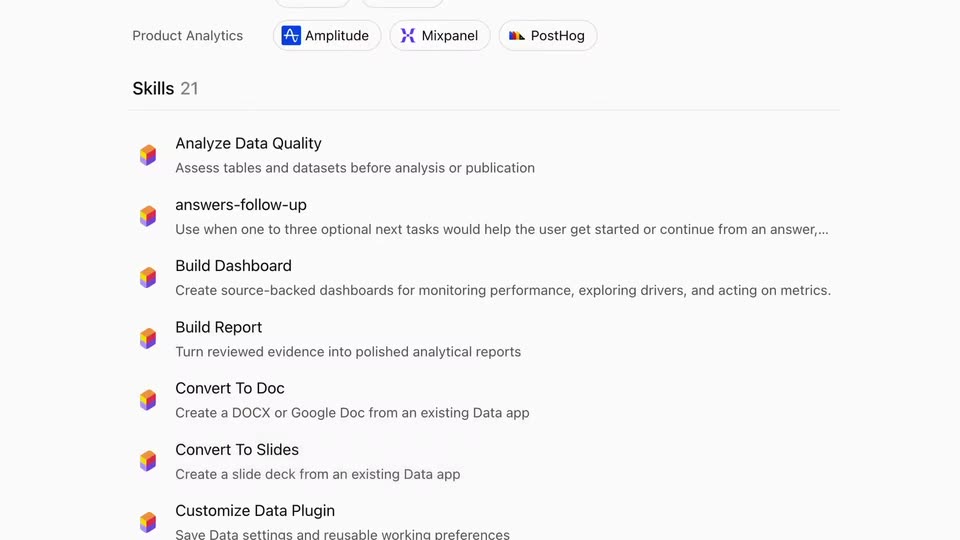 1:10–1:13OpenAI · Meet the Data Agent in ChatGPTA light product interface shows a Skills list with small cube icons and one-line descriptions. The list scrolls up slowly as a cursor hovers down the rows, each one lighting up with a gray highlight bar.
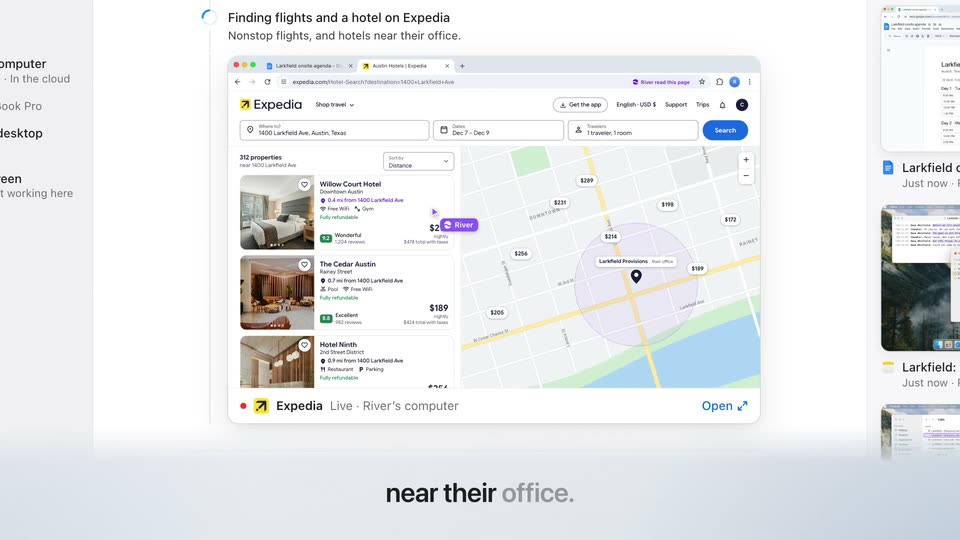 0:27–0:28Riverside · Chandler Supple - We gave AI its own desktop on your computer Today we're launching RiA front-facing Expedia hotel-search browser window sits center, flanked by a feature list on the left and a notification feed on the right. A cursor moves over the map while the bottom caption scales up in place.
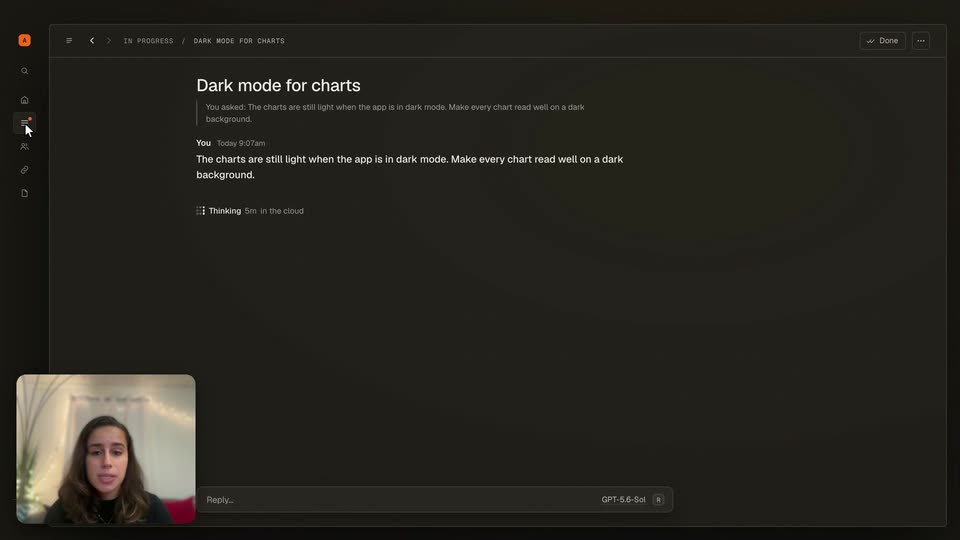 0:22–0:23Agentbox · Savannah - introducing multiplayer for coding agents. the place you code is nowA dark chat conversation view cross-dissolves into an inbox list of thread rows as the highlighted sidebar icon shifts. A small webcam feed of a woman stays in the bottom-left corner, and a cursor sits at the navigation rail.
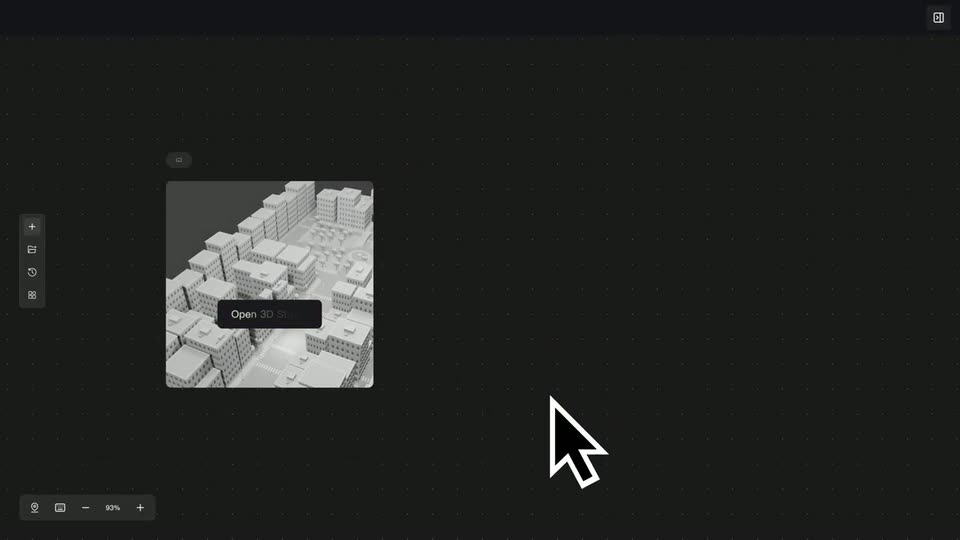 0:31–0:32Alibaba Cloud · Alibaba Cloud - 3D Studio is now live on WonderClip. Try it free for a limited timeThe export view returns to the dotted canvas. The city preview contracts into a small card with an Open 3D Studio button as the large pointer moves alongside it.
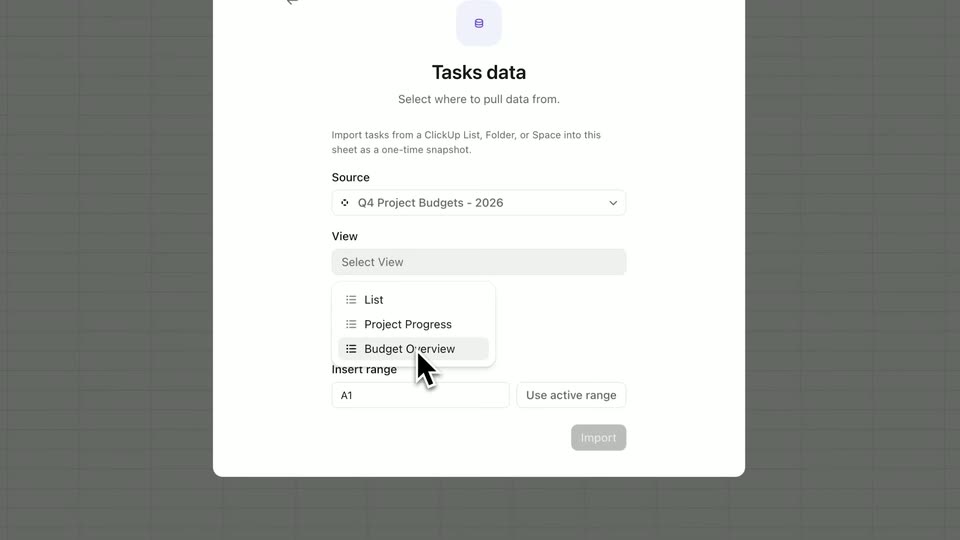 0:28–0:36ClickUp · ClickUp Release 4.10: Sheets, Work Schedules, Email Triggers, and more!A white Tasks data dialog floats over a dimmed spreadsheet grid. A cursor opens the Source dropdown, selects Q4 Project Budgets - 2026, then opens View and picks Budget Overview, which enables the black Import button.
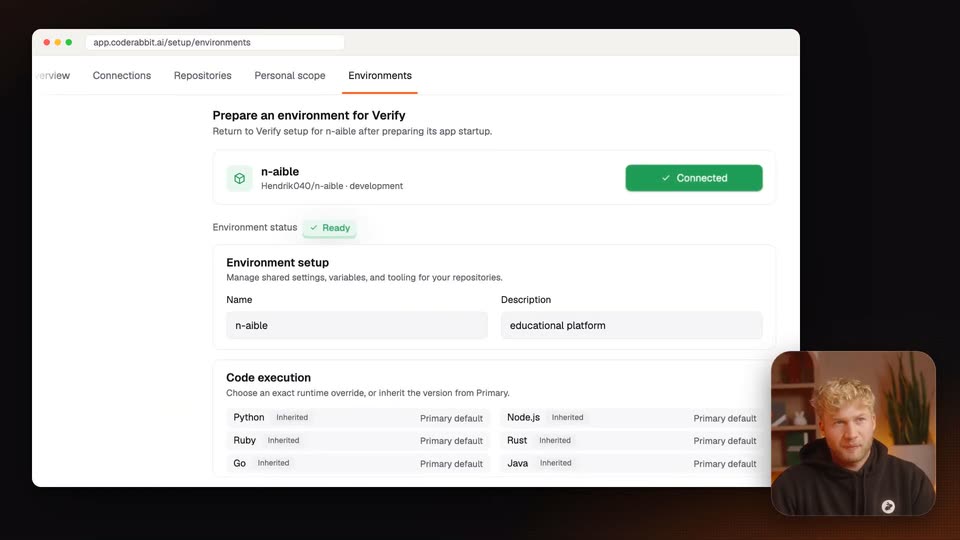 0:50–1:01CodeRabbit · CodeRabbit Verify: AI Testing for Your Running ApplicationA browser window shows the Coderabbit environments page with a presenter's face-cam inset in the corner. A cursor clicks Connect repository, turning the button green, then scrolls through setup, secrets, and repositories as it triggers Configure with agent.
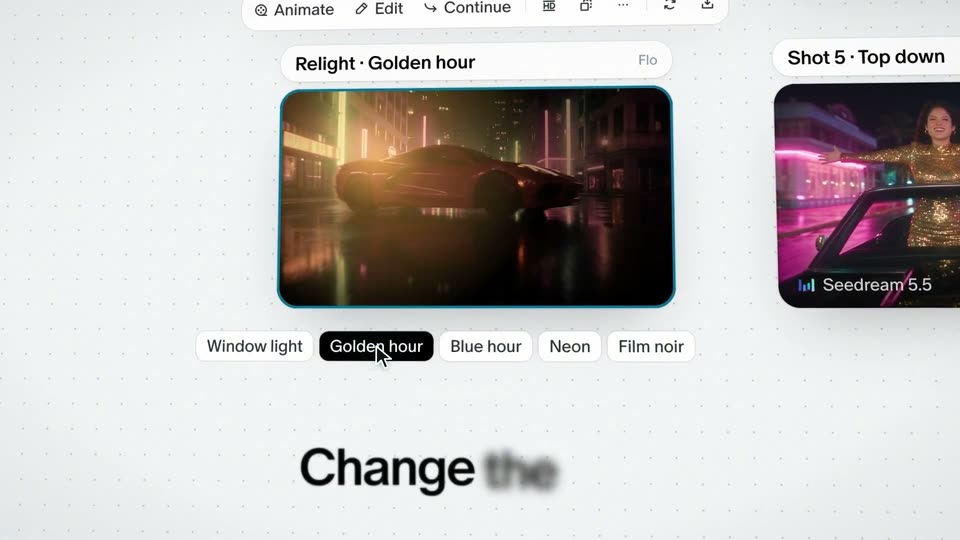 0:15–0:16Flowith · Flowith - introducing Flowith 3.0. the ultimate canvas for human-ai creation.A product screen on a dotted grid shows a Relight card with a car clip and a row of lighting pills; a cursor glides across the pills as the headline Change the light assembles word by word below.
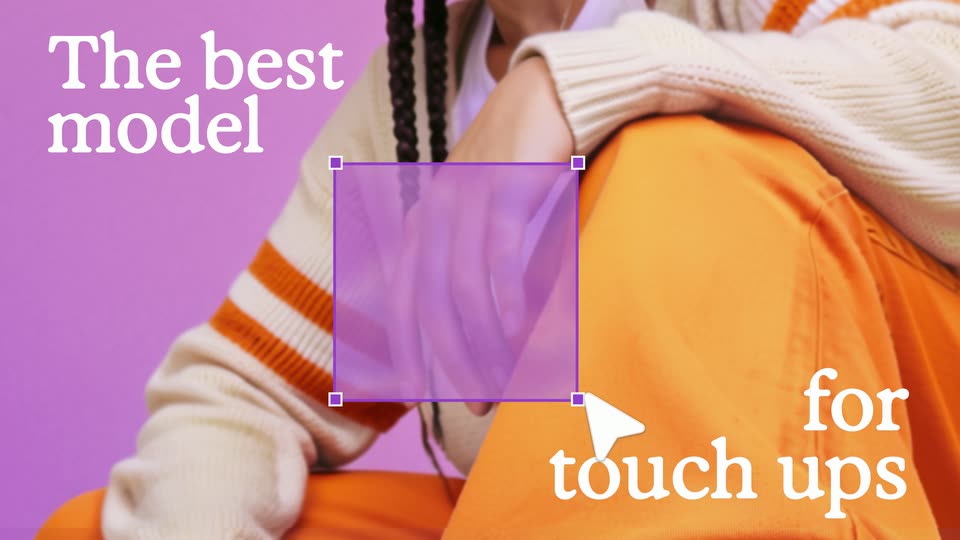 0:33–0:34Ideogram · Ideogram - Introducing Ideogram 4.6: the new frontier of precise editing, now inA person in orange trousers and a cream cardigan sits against a purple backdrop. A white cursor arrow drifts over the hand, then a purple selection box with corner handles frames it, staging a retouch demo. White serif headlines read 'The best model' and 'for touch ups' in the corners.
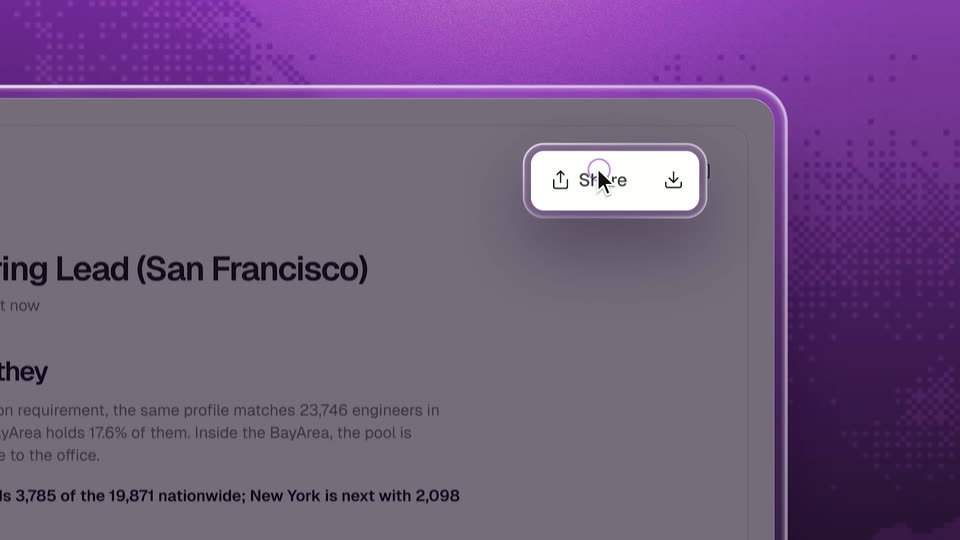 0:35–0:36Juicebox · Introducing Blends in your Juicebox AgentsA tilted interface card with a glowing purple edge floats over a dotted purple background. A cursor rises from below to rest on the Share button at the top right of the card.
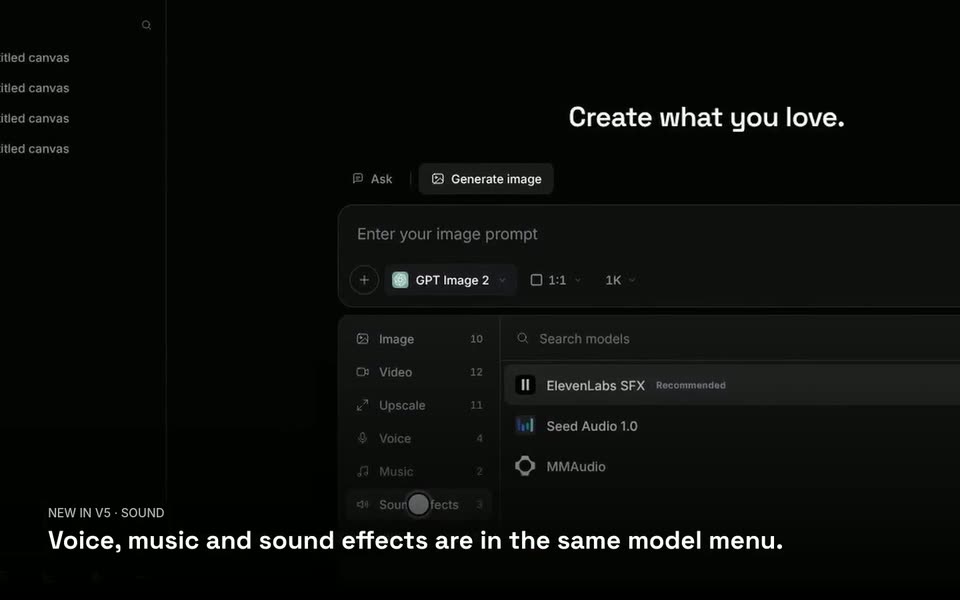 1:44–2:03LetzAI · Introducing LetzAI V5 | LetzAI BlogDark interface close-up with a prompt bar and an open model menu listing Image, Video, Voice, Music and Sound effects. A round cursor clicks through the three audio rows while the model list on the right swaps to match. The shot opens with a slow zoom in.
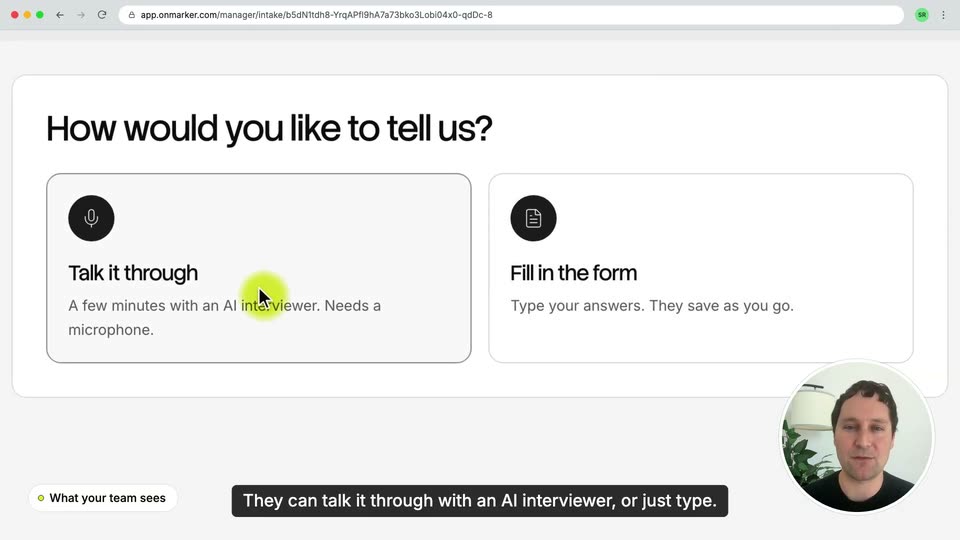 0:20–0:27Marker · Introducing Marker ManagerA product screen shows a 'How would you like to tell us?' prompt with two option cards. A glowing cursor hovers over each card while a talking head in a circle speaks at the corner and captions appear below. The view crossfades to a review screen.
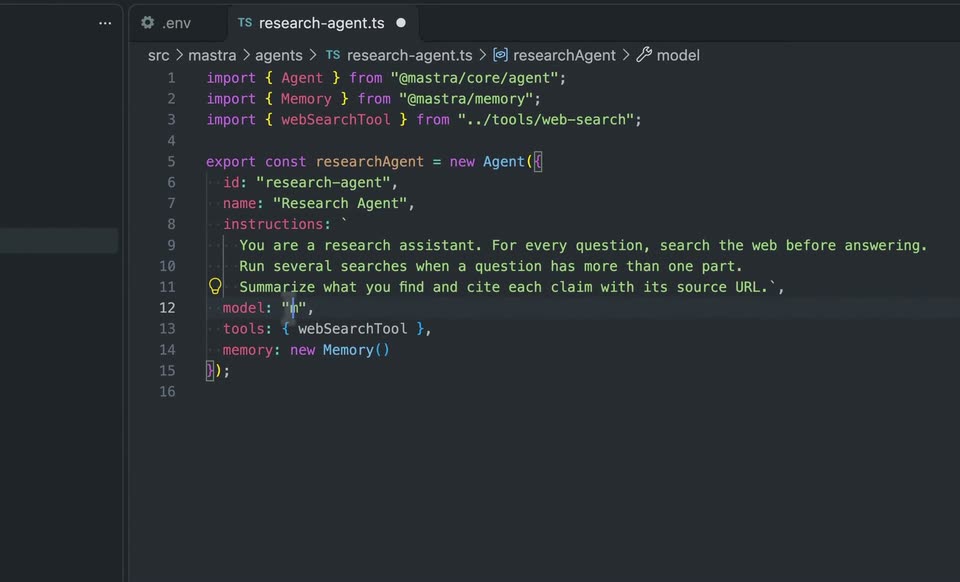 0:17–0:24Mastra · Sam Bhagwat - Today we're excited to launch something we've been cooking for a whilTwo overlapping dark editor windows collapse into one as an API key is typed into the .env file. The view zooms into a syntax-highlighted TypeScript file where a model string is typed on line twelve, then pulls back to a two-pane studio layout.
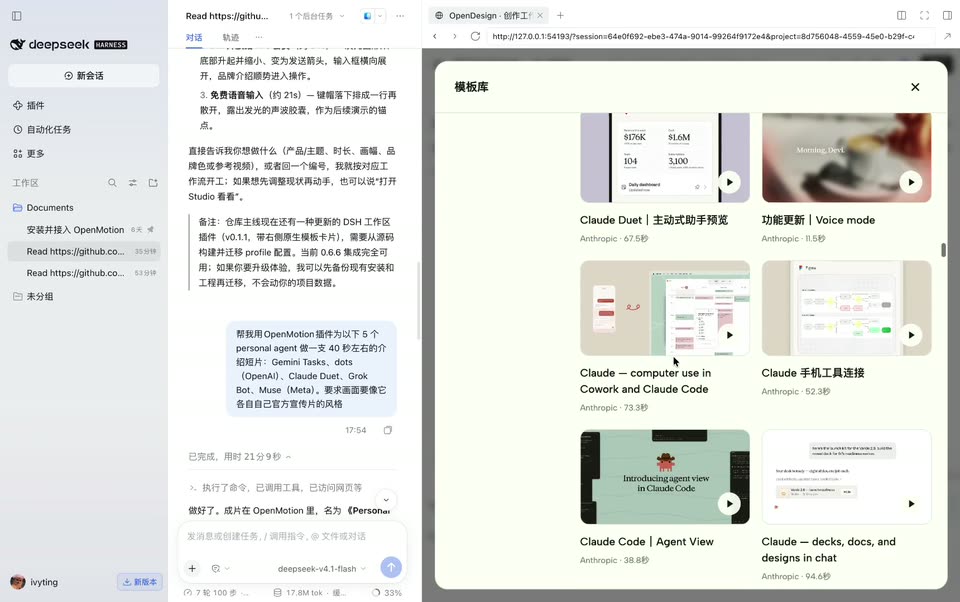 0:51–0:54OpenDesign · OpenDesign - DeepSeek Video AGI moment has come. OpenMotion, our open-source plug... #1A split screen shows a DeepSeek chat on the left and an OpenMotion template library on the right. The right grid of video cards scrolls upward while a cursor drifts across it; the left chat panel stays still.
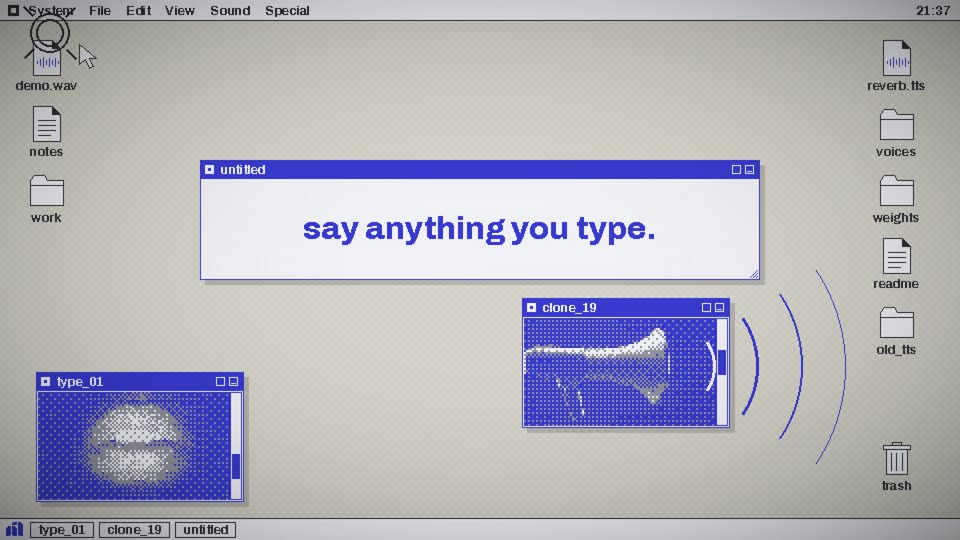 0:24–0:27Software Mansion · Software Mansion AI Labs - Introducing Reverb-TTS, a state-of-the-art voice-cloning text-to-speeA pixelated retro desktop with a top menu bar and side icons. A central window types a blue sentence word by word while a white arrow cursor drifts across it. Small windows holding waveforms and a dithered face slide in and out around the edges.
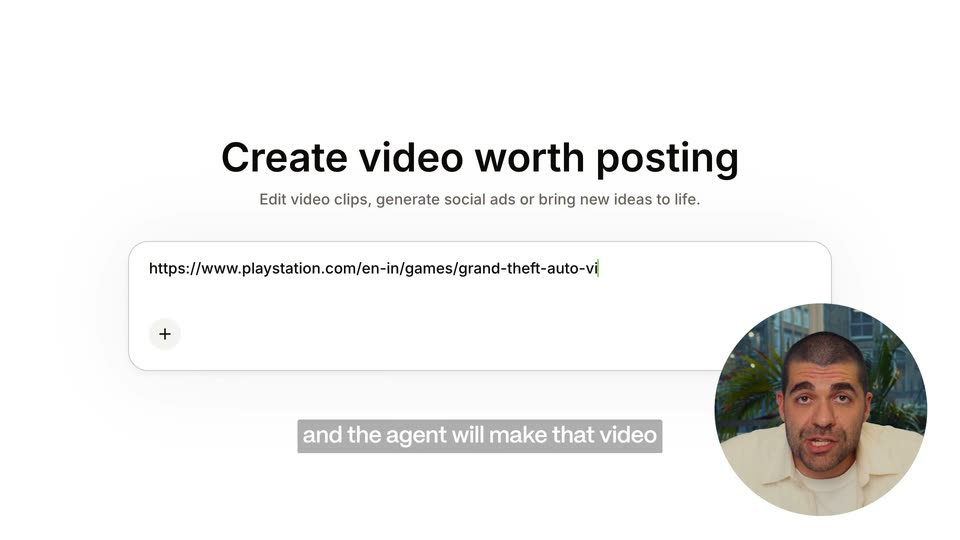 0:24–0:28Veed · Sabba Keynejad - Introducing the world’s first video editing agent that actually worksA context menu with Paste highlighted opens over the input field, then a URL fills the field as the speaker's circular video plays on the right. Gray caption bars appear at the bottom.
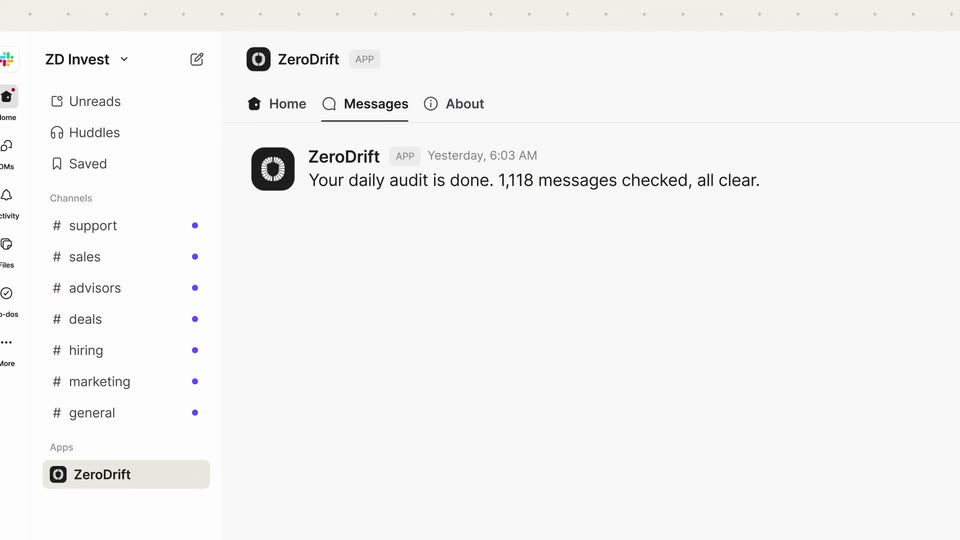 0:49–0:50ZeroDrift · Kumesh Aroomoogan - We’re launching @zerodrift_ai for @SlackHQ today ⚡️ Your team moveA Slack workspace view with the ZeroDrift app open on the Messages tab. A cursor taps the tab, then a second audit message card fades in below the first, its text resolving line by line.
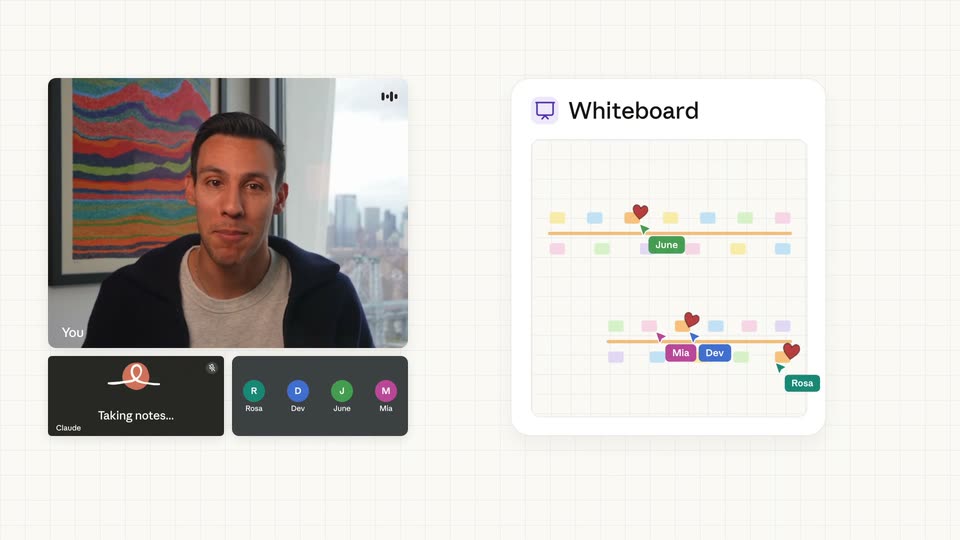 3:47–3:54Anthropic · Five brand new ways to use Claude at workA man talks in a video call tile on the left, above a dark Claude card where an orange line draws itself. On the right, a whiteboard panel shows rows of pastel squares; four named cursors glide across it and red hearts pop onto the squares.
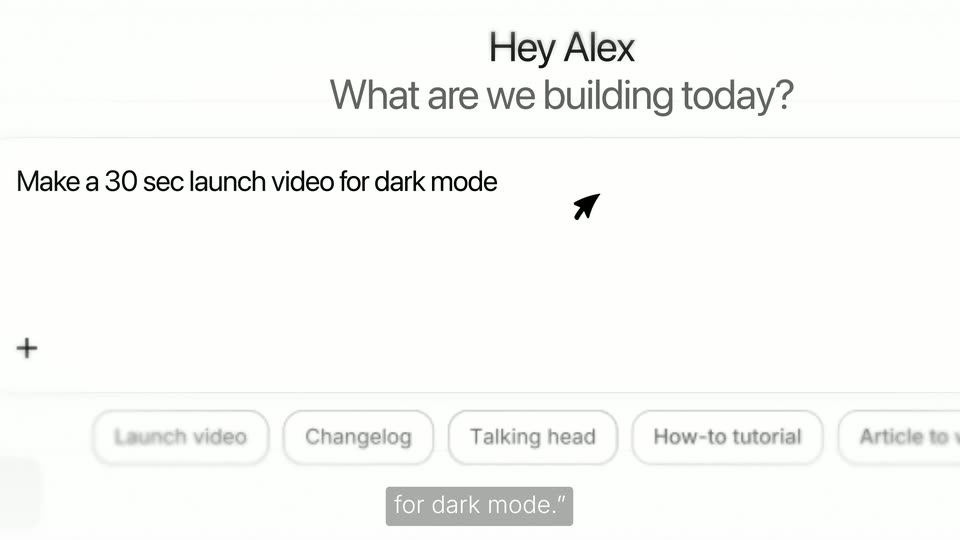 0:46–0:50Arcade · Caroline Clark - Frontier AI has solved math. Science. Coding. But it still hasn’t solA white prompt interface with pill buttons. The view zooms into the input field while the prompt is typed, '30 sec' in green, then pans right to a cursor over the black send button. A gray caption below quotes the prompt.
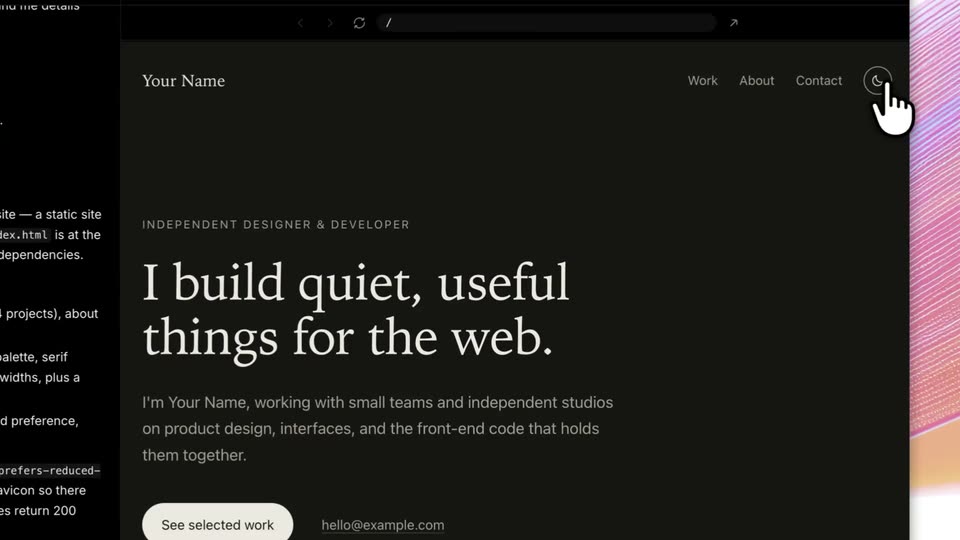 0:31–0:32Cencori · Bola Banjo - Introducing Tensor. The ADE for doing real work with AI. Live now oA dark portfolio website fills the frame, showing a serif headline and a top nav bar. A white hand cursor rests on the moon toggle, then slides to the top-right corner as the page dims.
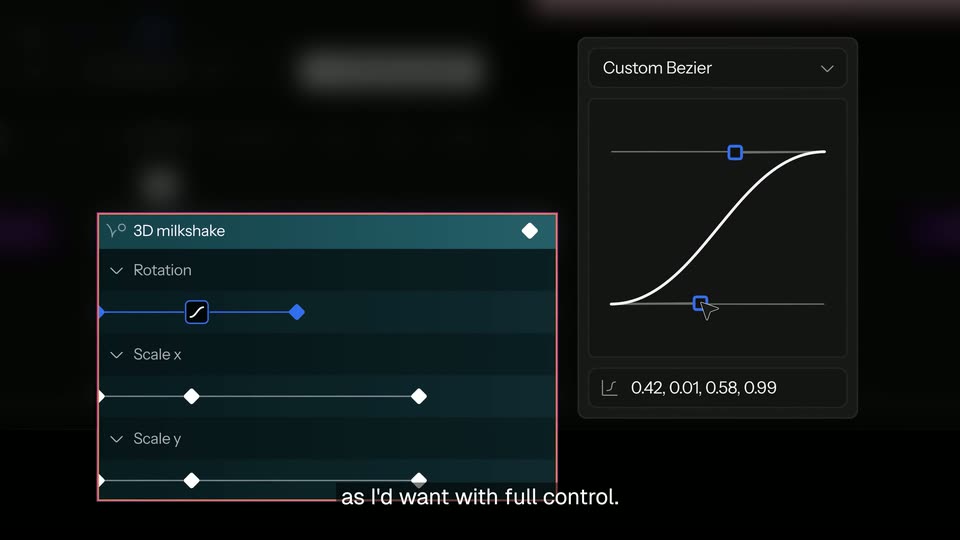 0:55–0:56Clueso · Akash Anand - Today, we're launching Clueso v2. AI has finally become good enoughA dark properties panel with rotation and scale sliders sits left, outlined in pink. On the right, an easing dropdown switches from Linear to Custom Bezier while a cursor drags a blue handle, bending the white curve into an S shape. A white caption reads at the bottom.
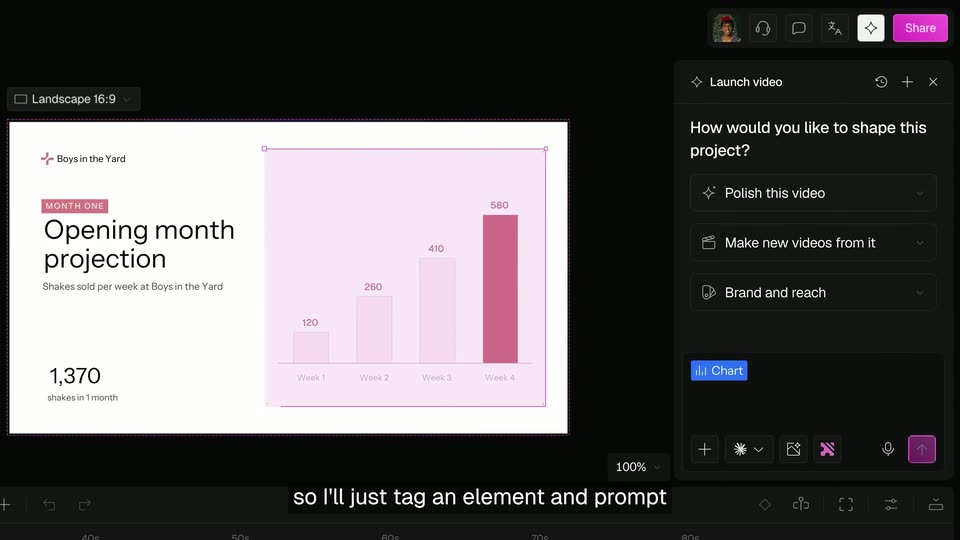 0:58–1:00Clueso · Announcing Clueso AI | World's First Collaborative AI Video EditorA dark video editor screen with a bar chart slide on the left and a chat panel on the right. The view zooms onto the chart, a dashed selection box snaps around it, and a blue Chart tag drops into the message field as a caret blinks.
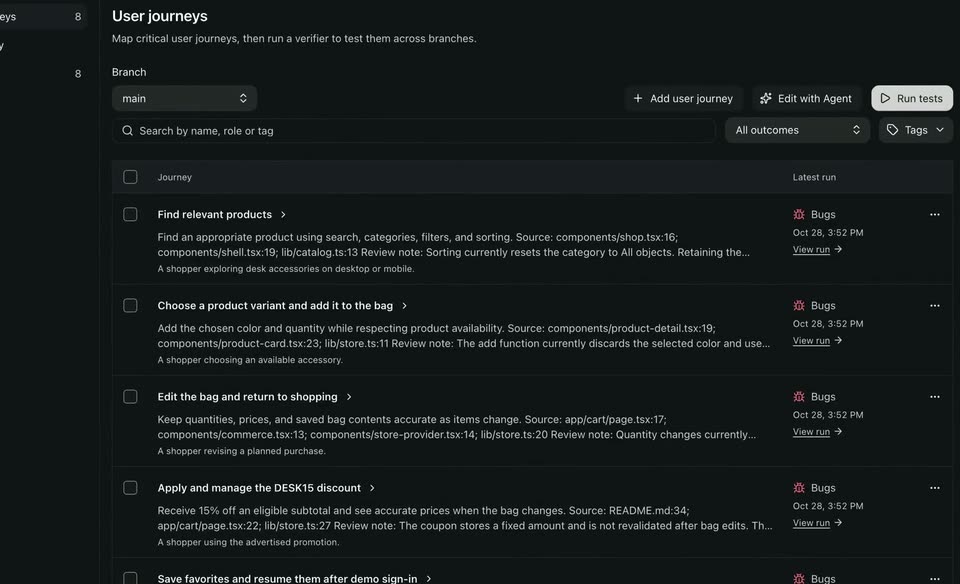 0:46–0:50CodeRabbit · CodeRabbit - Introducing CodeRabbit Verify Don't let your users be the first testA dark product window floats on a red textured backdrop, then the view zooms into the User journeys list until it fills the frame. A soft white cursor appears and hovers over the first row's description text.
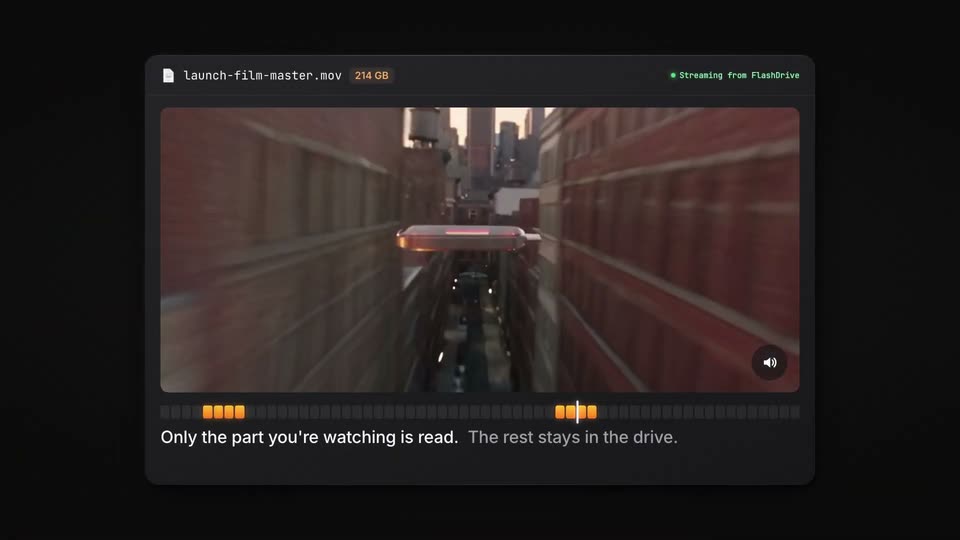 1:11–1:13Evokoa · FlashDrive (YC F26): A shared drive for your team and all your AI agentsA dark player window on black streams a 3D hover car flying through a hazy sunset city, orange segments marking the read portion of the timeline. A cursor hovers over the mute icon while a bold caption sits below the window and fades out.
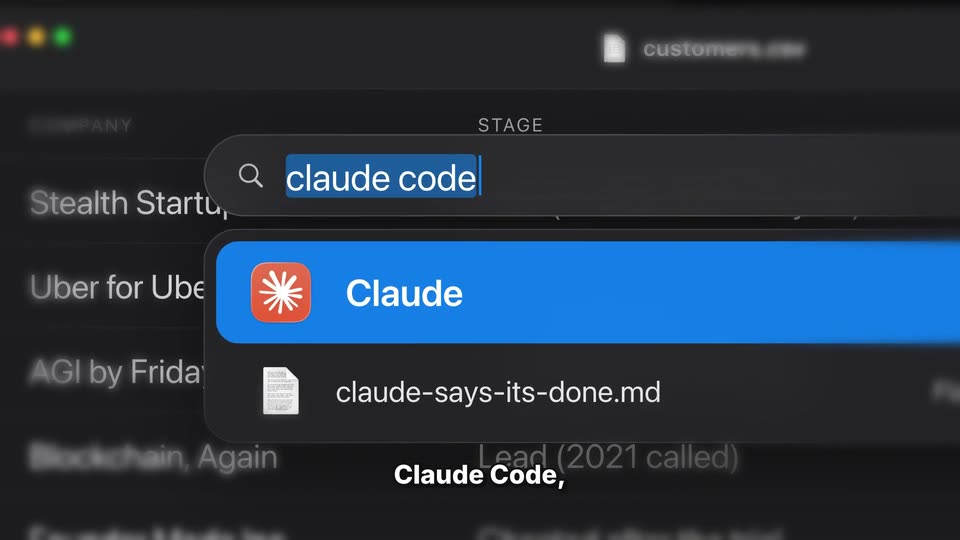 0:28–0:34FlashDrive · dale - Today we’re launching FlashDrive with @ycombinator 🚀 FlashDrive is aA dark customers.csv table on a Mac desktop gains new rows typed in with Claude, Codex and Cursor badges as caption phrases appear below. The view then zooms into a search field where claude code, codex and cursor are typed, each highlighting the matching app.