Cursor demo
A visible cursor operates the interface.
15,114 scenes · page 143 of 252
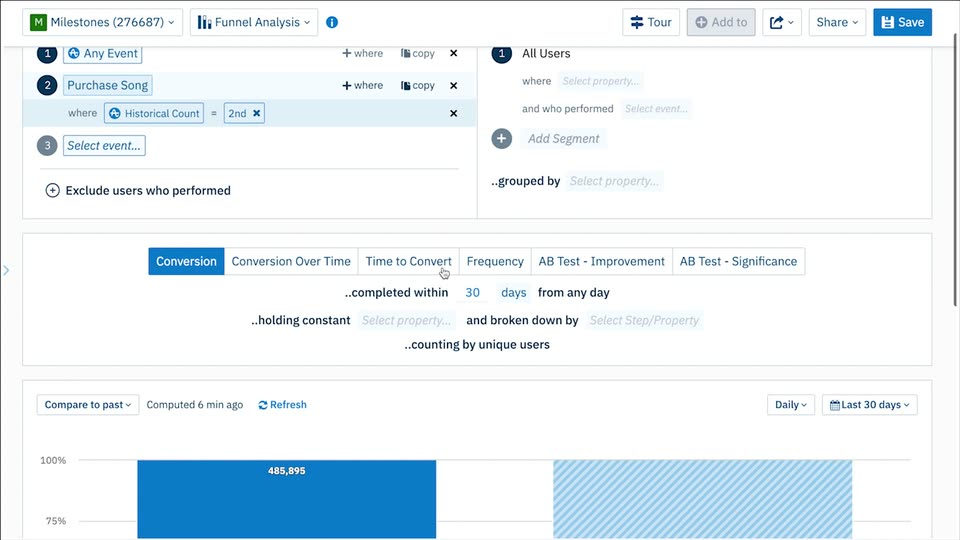 1:15–1:25Amplitude · Milestone AnalysisA cursor clicks the where button on the second funnel step, opens a property menu, and sets Historical Count to 2nd. The view scrolls down to a two-bar chart, and the cursor hovers the second bar to surface a percentage tooltip.
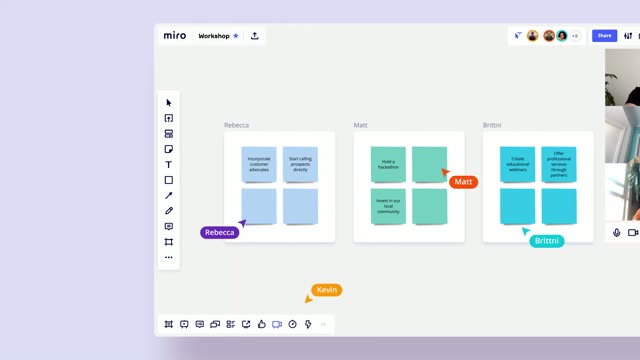 0:35–0:40Miro · Introducing Miro for meetings and workshopsA Miro workshop window pulls back from the toolbar to show three boards of sticky notes beside a video call strip; the notes swap from personal prompts to action items, then the view zooms in on a five-minute timer under Kevin's cursor.
 0:22–0:27Pitch · A first look at PitchA comment card on the left switches from a typed draft to a posted comment under the name Christian, then a second comment from Tee slides in below. A vertical icon menu stands beside it; a blue panel on the right holds the white headline Share feedback.
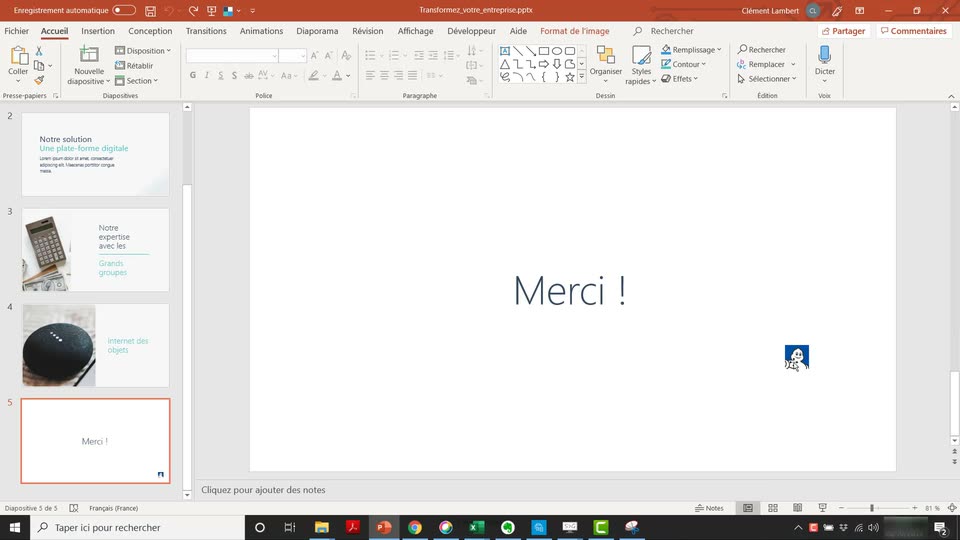 0:41–0:44Bricks.AI · Bricks.ai - Accélérez vos ventesA French PowerPoint window shows a white slide with the word Merci centered and a small blue mascot icon in the lower right. A mouse cursor hovers by the icon, which briefly pops with motion lines. The slide thumbnail panel runs down the left edge.
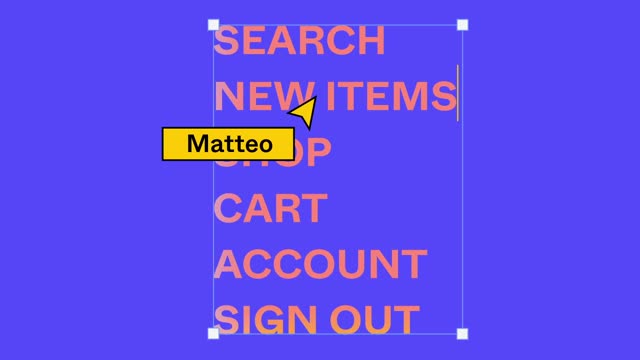 0:56–0:59Figma · What's Figma? [2019]A coral menu list (SEARCH, NEW, SHOP, CART, ACCOUNT, SIGN OUT) sits on a flat blue field as a yellow cursor hovers the lines and a light-blue selection box with corner handles snaps around the block. A yellow Matteo tag drifts in from the lower left, then the word NEW is extended to NEW ITEMS.
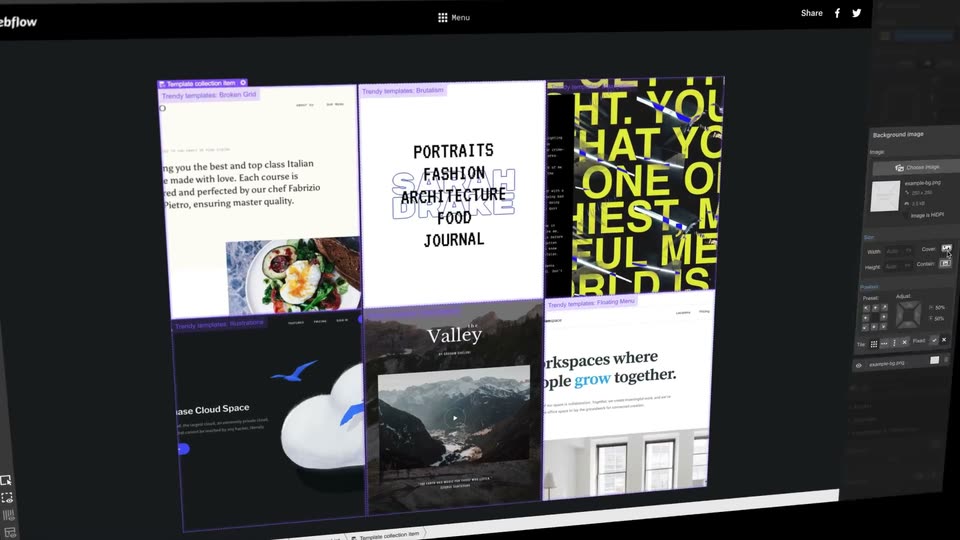 0:08–0:09Webflow · Meet the design tool from the future — WebflowA design tool canvas in 3D tilt shows a grid of website template thumbnails beside a properties panel. The view straightens as a cursor hovers over the top-left thumbnail, marking it selected.
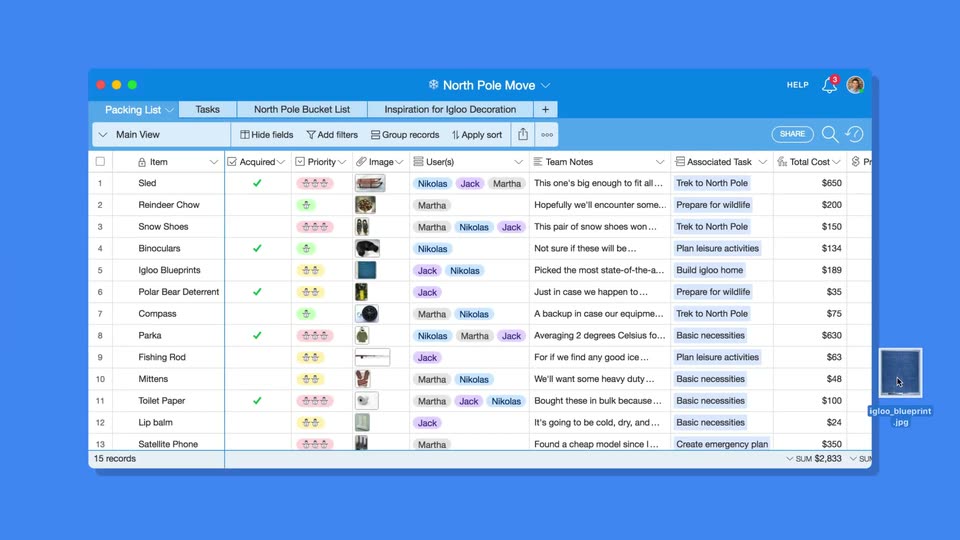 0:34–0:52Airtable · Meet AirtableA database window titled North Pole Move sits on a blue field. The view zooms into the left columns, pans across the table, then a cursor drags a file thumbnail from the right edge into the Image column, dropping it on the Igloo Blueprints row.
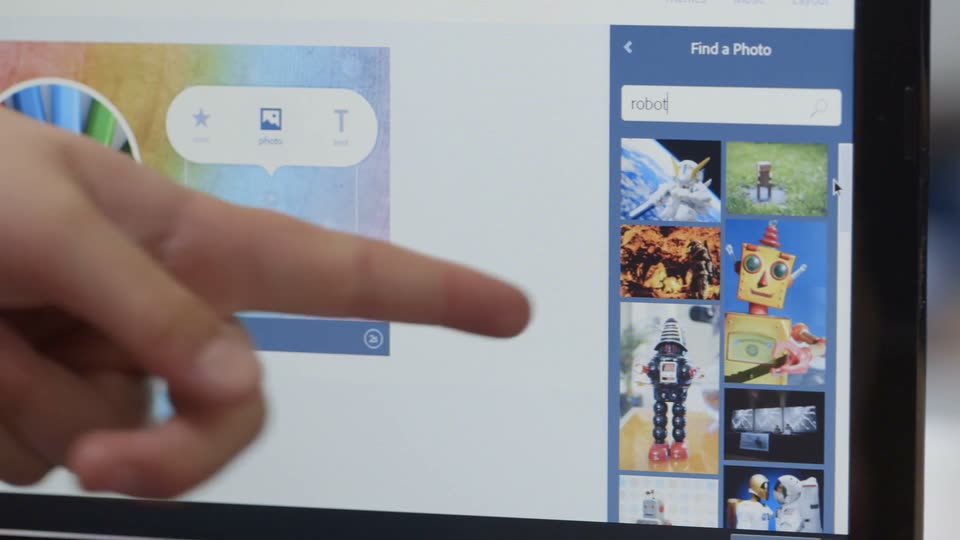 0:47–0:48Adobe · Meet Adobe Spark | AdobeA locked-off close-up of a tablet shows a slide with a photo placeholder and a Find a Photo panel searching robot with robot thumbnails. A finger enters and taps the screen as the thumbnail grid expands to two columns.
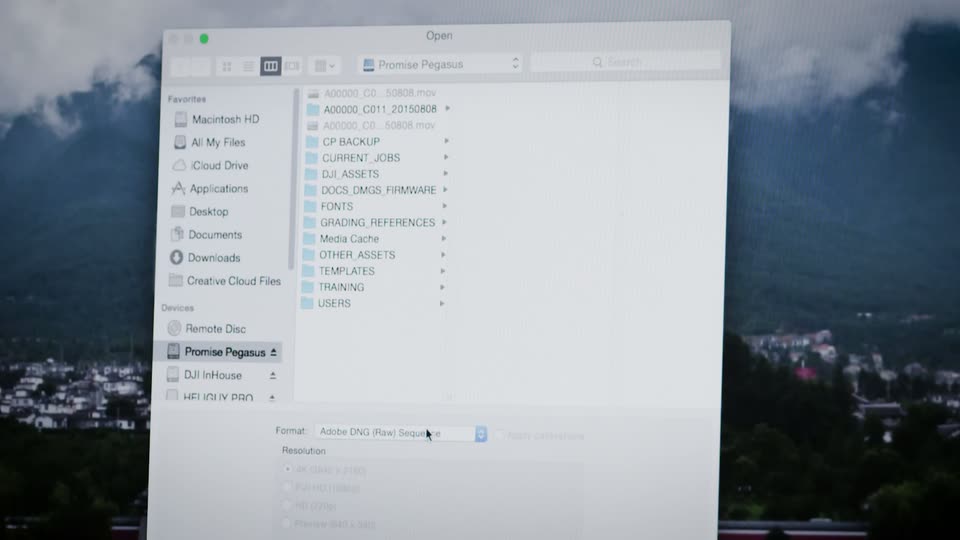 2:23 · 0.7sDJI · DJI - Introducing the DJI Zenmuse X5 SeriesA macOS Open dialog floats over a blurred coastal city backdrop. A cursor clicks the Format dropdown at the bottom of the window, opening a menu that lists sequence options such as Adobe DNG and Apple ProRes.
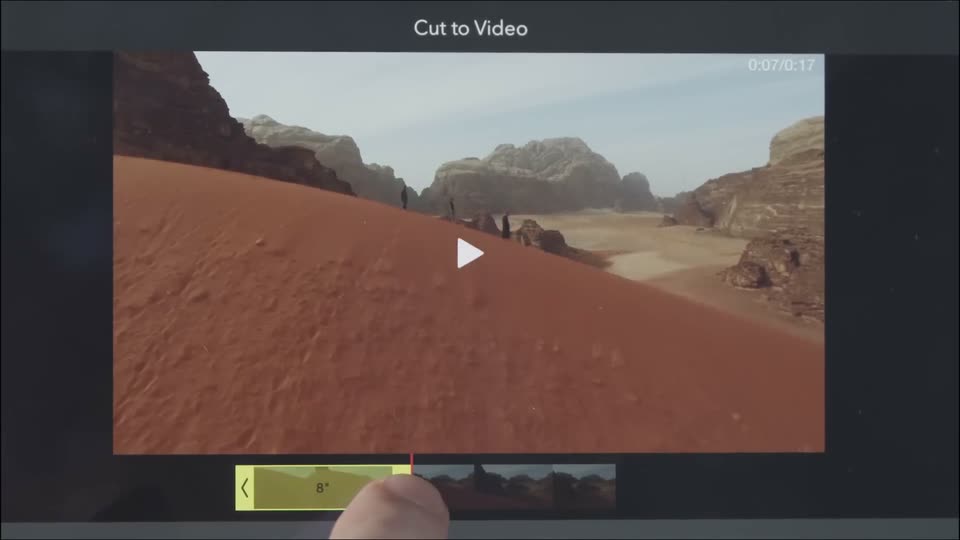 1:17–1:25DJI · Introducing the all-new DJI GO mobile appA desert clip plays in the Cut to Video preview window. A finger drags the timeline marker right, scrubbing the footage to a wider canyon shot. The view cuts to a tablet showing the Create Movie screen with a row of style templates.
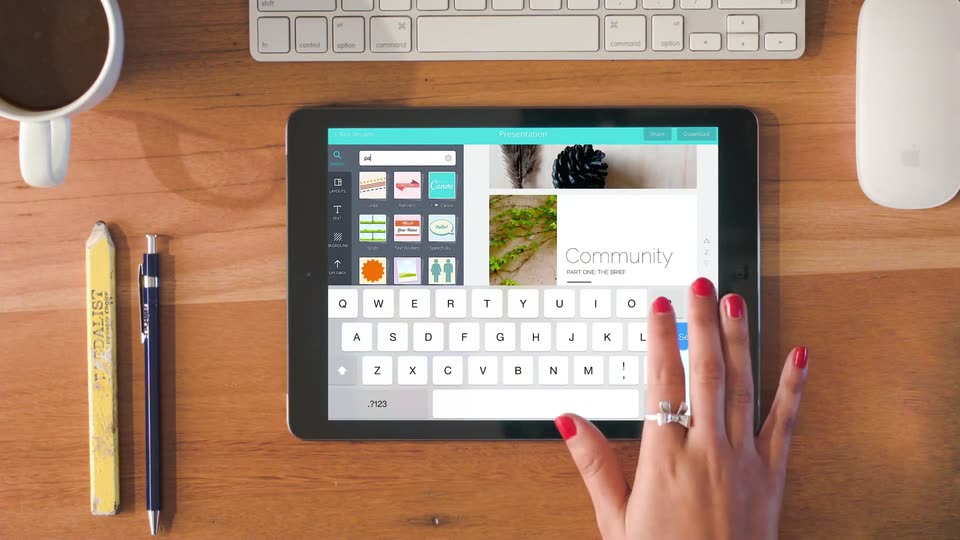 0:27–0:39Canva · Beautiful Design on the iPad — Introducing the Canva AppTop-down locked-off shot of a tablet on a wooden desk beside a keyboard, coffee cup, and pencil. A hand with red nails swipes through presentation slides, taps the search field, types “paper” on the on-screen keyboard, and drops a chosen photo into the Community slide.
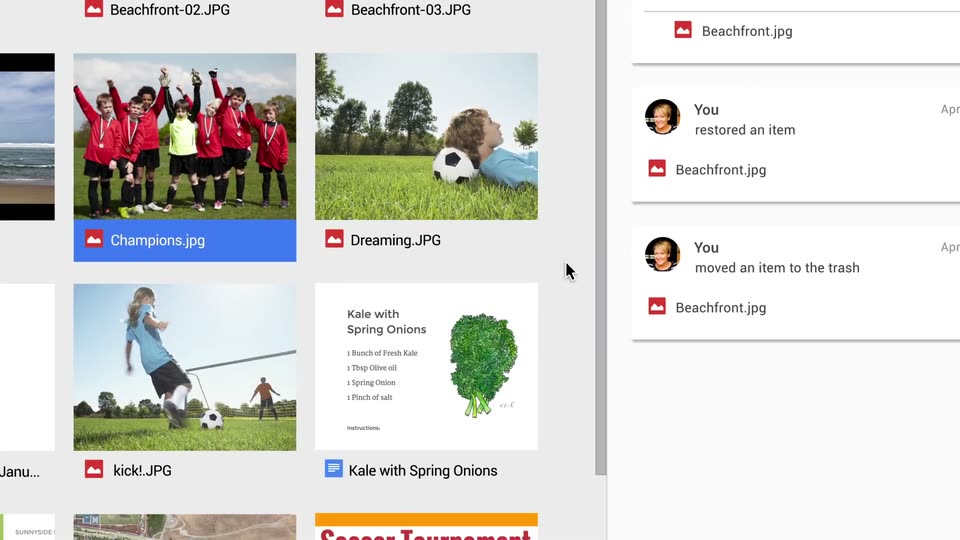 0:25–0:30Google · Meet the new Google DriveA Drive file grid sits beside a details panel that opens for an image. The cursor selects the Activity tab, the log scrolls, then double-clicks a recipe document, which opens in a new window.
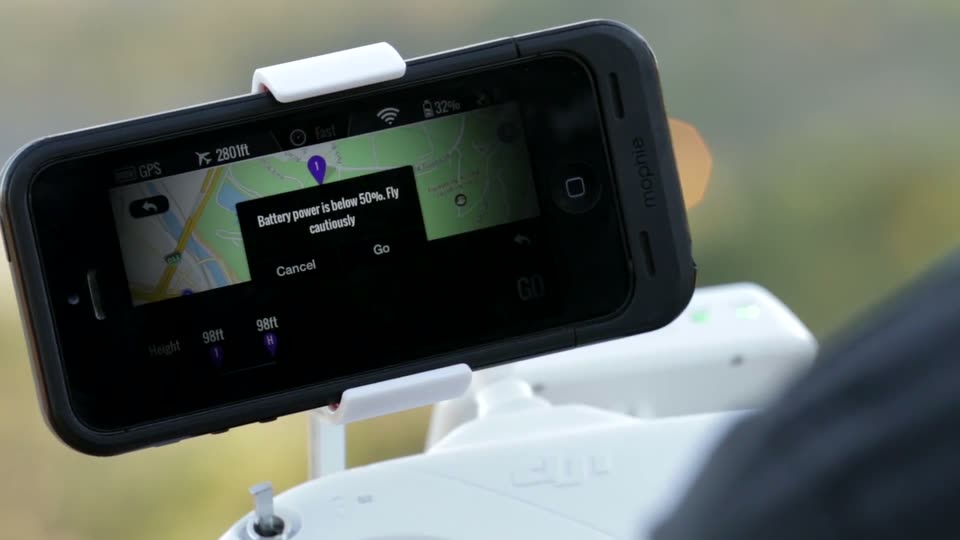 0:51–0:55DJI · DJI - Introducing Ground Station for the Phantom 2 Vision SeriesA phone in a black case clamped to a white drone controller shows a map app with a purple waypoint. A finger taps the GO button, a battery warning dialog appears over the dimmed map, and the finger taps Go.
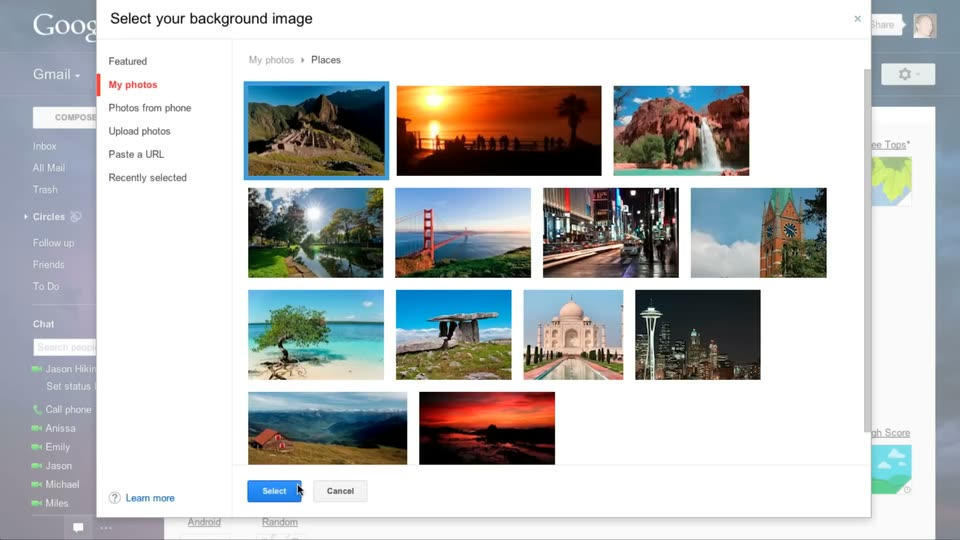 0:16–0:19Google · Introducing Custom Themes in GmailA Gmail dialog titled Select your background image shows a grid of landscape thumbnails. A cursor hovers the first photo, marking it with a blue border, then moves down and clicks the blue Select button.
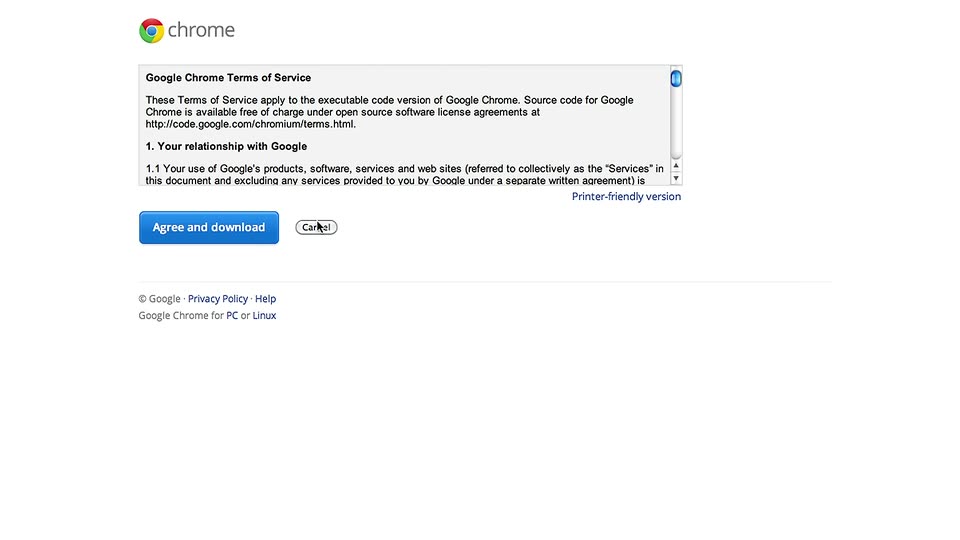 0:24–0:26Google · Introducing Voice Search for your computerA static screen capture of the Google Chrome Terms of Service page, with the logo top left and a blue Agree and download button below the text box. The mouse cursor slides in from the right and hovers over the button, which gains a darker focus outline.
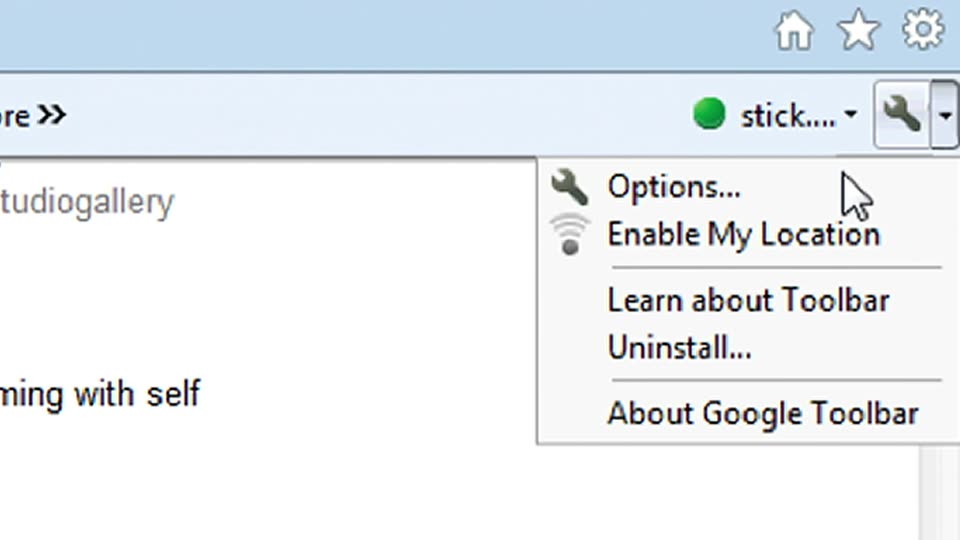 0:32–0:35Google · Introducing Google Toolbar 7Close-up of a browser toolbar. A white arrow cursor clicks the wrench dropdown, a menu of options drops down, and the cursor slides to highlight the top item, Options. The screen stays static while the cursor moves.
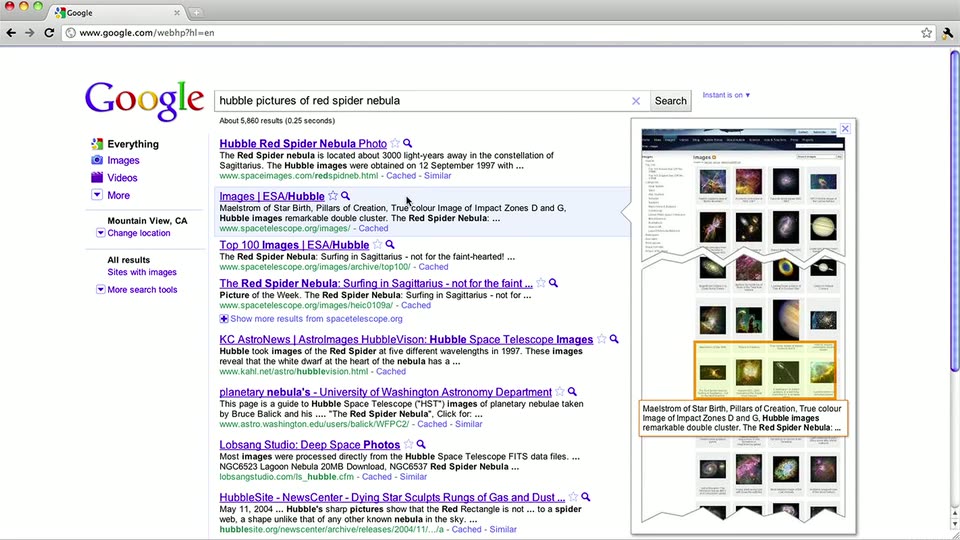 0:13–0:21Google · Introducing Instant PreviewsA Google search results page for the red spider nebula fills the screen. The cursor moves down the list, and a preview pane on the right crossfades from a purple article page with a text snippet into a grid of nebula thumbnails with its own caption.
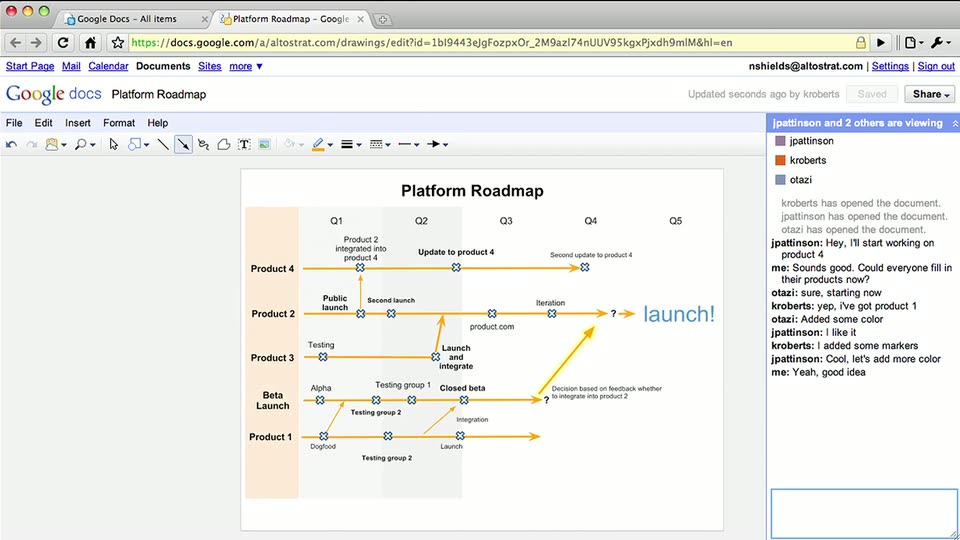 1:29–1:39Google · Introducing a new Google DocsA browser shows a Google Docs roadmap diagram that completes itself, the frame zooming out from a close crop of the timeline to the whole sheet as orange, gray and green quarter bands and a blue launch checkmark drop in. A side chat panel types out collaborator messages.
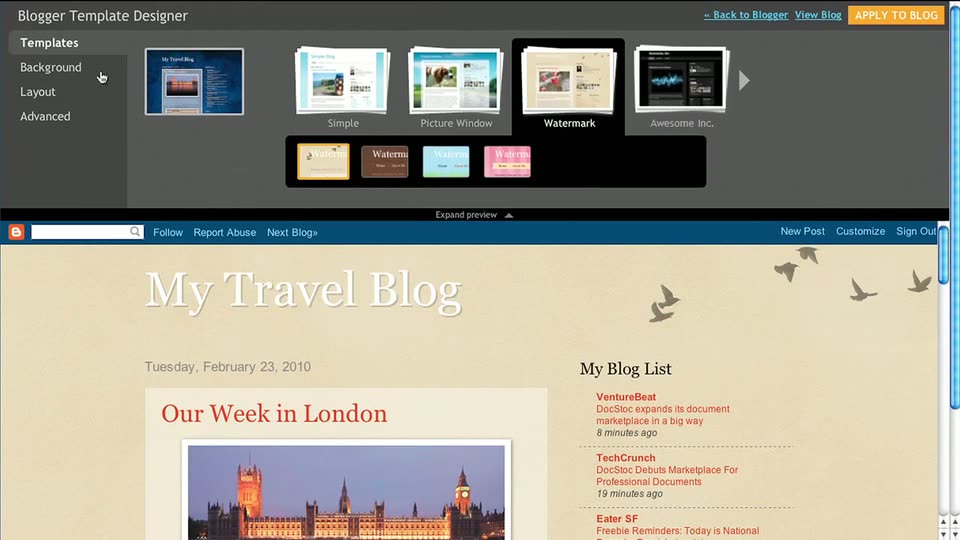 0:13–0:15Google · Introducing the Blogger Template DesignerThe Blogger Template Designer shows the Background panel with theme cards and suggested colors above a cream blog preview. The cursor clicks the Background tab as a white tooltip fades in on the right.
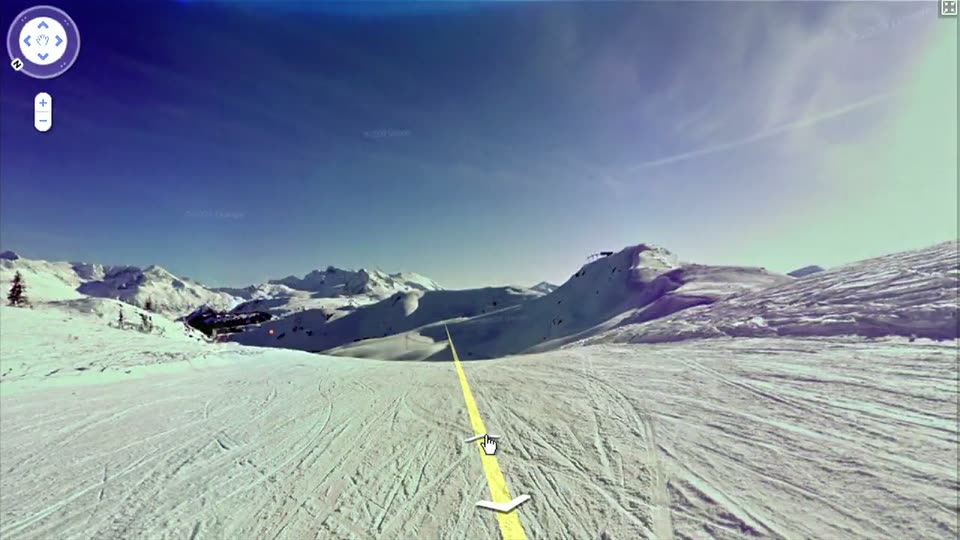 0:50–0:52Google · Introducing the Street View snowmobileA 3D snowy mountain slope under a blue sky. A snowmobile rider on the right fades out as the view advances. A yellow line with white chevron markers runs down the center of the snow. A white hand cursor hovers over the line; control icons sit top-left.
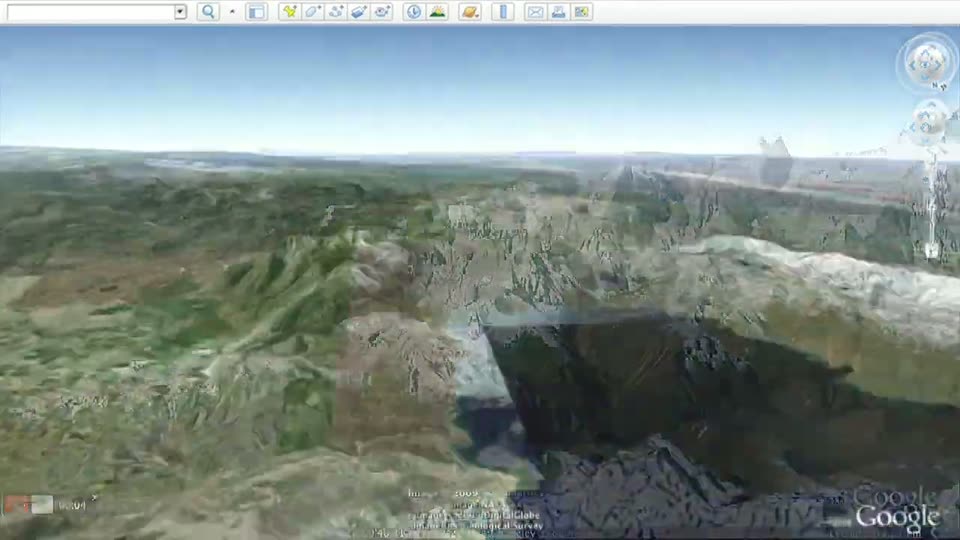 0:14–0:23Google · What's New in Google Earth 5.0A full-screen Google Earth view flies over a snow-capped mountain range in 3D, then swoops down into a valley to reveal an airport runway. A cursor moves from the top-right compass to the red record button at bottom-left.
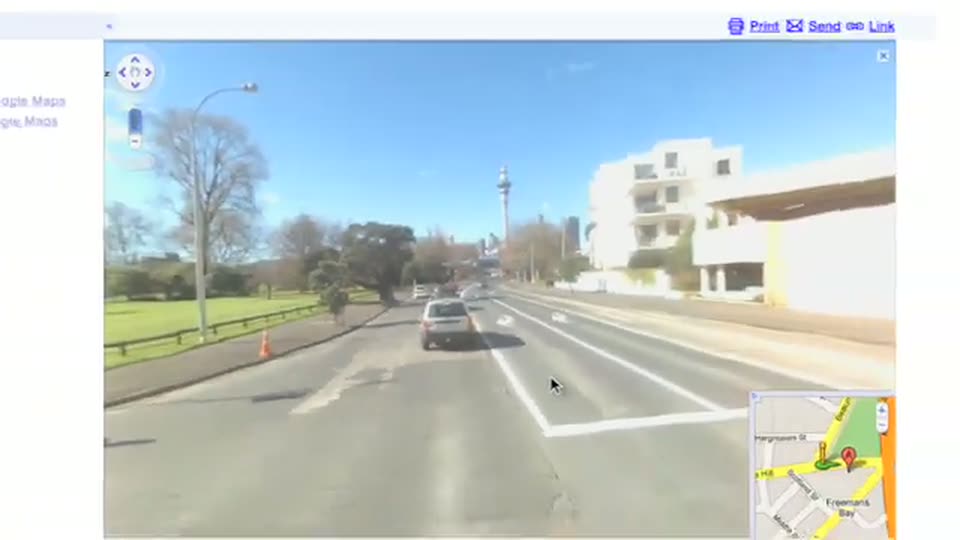 0:33–0:34Google · Street View now available in New ZealandA map with an address card and a Street View thumbnail; a hand cursor hovers the thumbnail, which then expands to fill the frame, dissolving the map into a full street-level view with a car on the road and a mini-map in the corner.
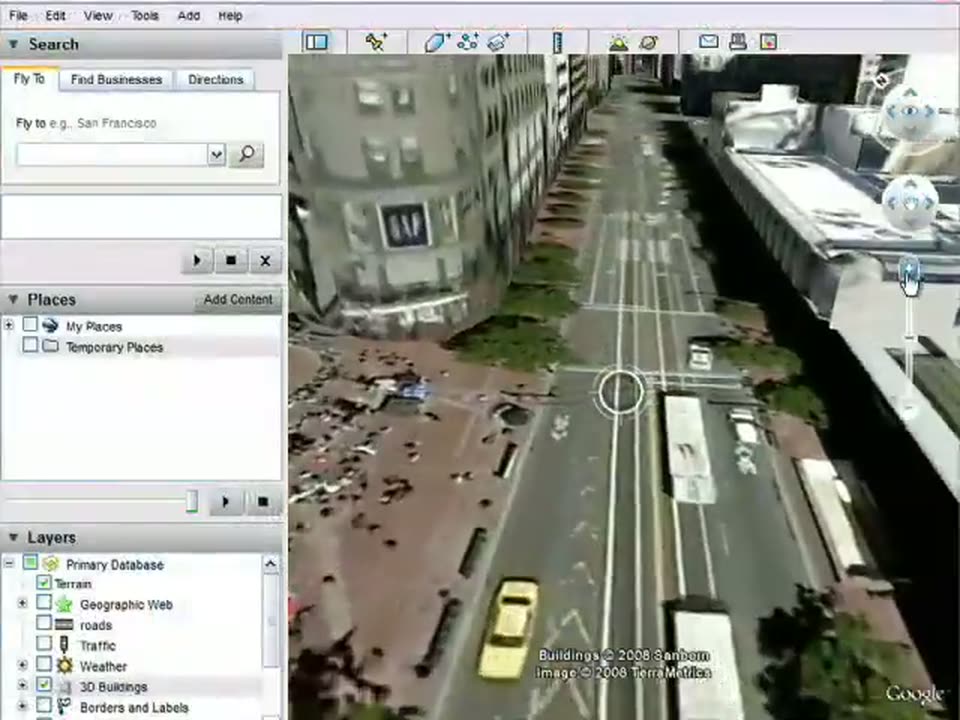 0:05–0:09Google · New features in Google Earth 4.3A full-screen Google Earth view shows a 3D San Francisco cityscape. A cursor drags the right-side zoom slider while the camera swoops from high altitude to street level, then rushes into a building facade with motion blur.
 0:27–0:28Google · Google Maps Street View - launch videoA flat map of Fort Point holds a white hand cursor on an orange avatar, then the view tilts into a 3D street-level perspective of the Golden Gate Bridge as the map window shrinks to the corner and a cursor arrow moves through the scene.
 0:30–0:31Akon Labs · #ai #governance #coding | Akon Labs (YC S26)A dimmed GitNexus dashboard holds a glowing Evidence panel with Before and After code bars while the serif headline reads EVIDENCE BEFORE CONFIDENCE. The view then pulls back to three panels linked by a node graph labeled PR Ready, Merge, Cause and Symptom, and the headline swaps to CAUSE OR SYMPTOM as a cursor rests at the lower right.
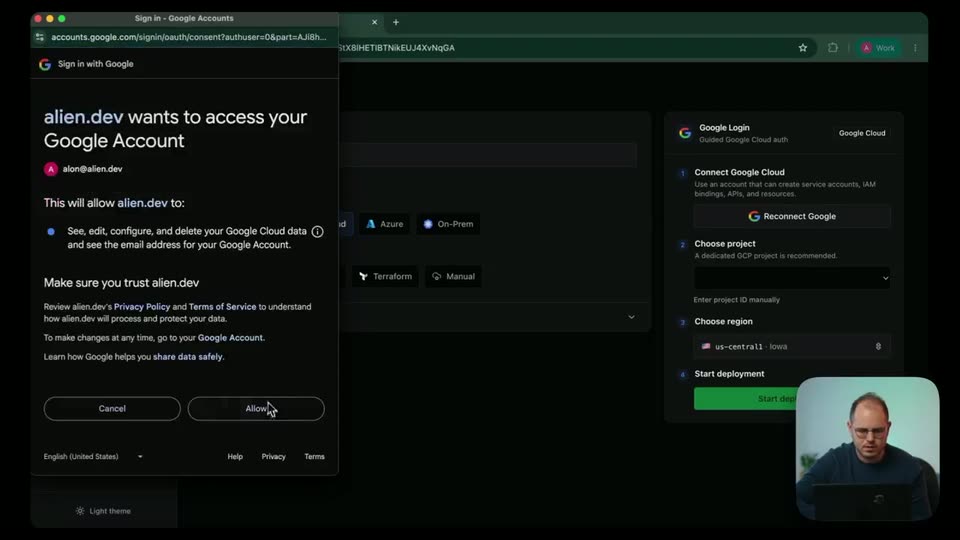 2:15–2:17Alien · We're launching the Alien platform today, backed by a $5M seed from Basis Set, Jibe Ventures, and angels from OpenAI, Google, and Databricks. We've built it so that when your next $300K enterpriseA dark web app displays a Google sign-in dialog. A cursor selects an account, the window switches to a permission prompt, and the cursor moves to the Allow button. A small webcam feed of a man sits in the bottom right corner.
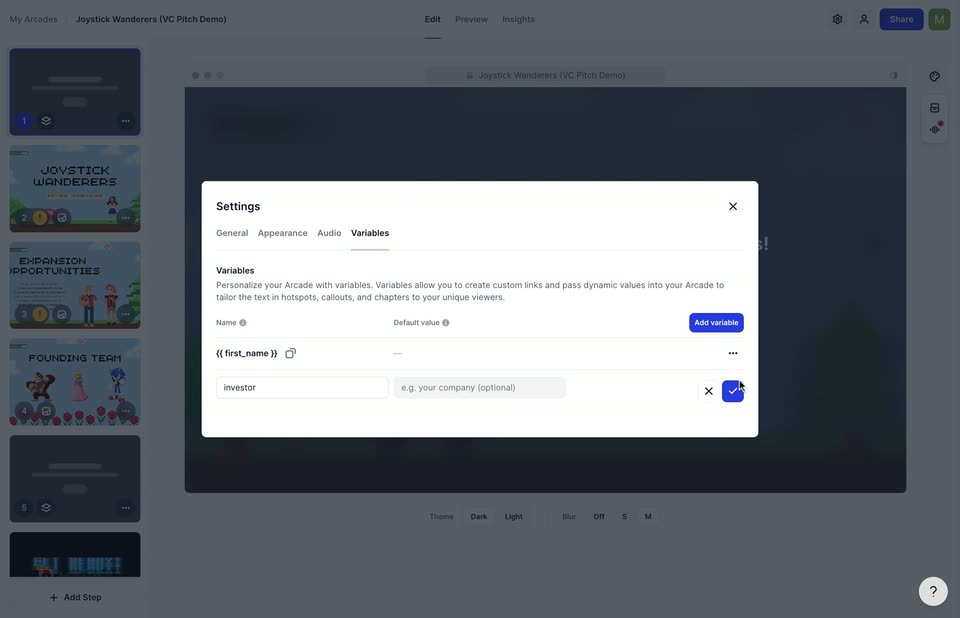 0:36–0:45Arcade · Arcade Adventure 👾A Settings dialog with the Variables tab open sits over a dimmed editor. A cursor clicks the ellipsis on a variable row, an inline name field expands, the cursor types investor and confirms it, adding a second variable row. The cursor then drifts to the close icon.
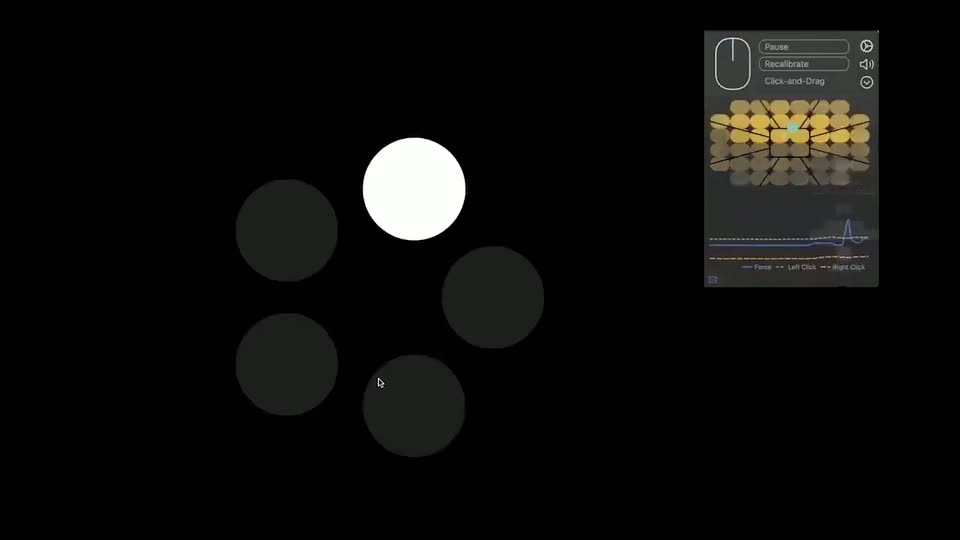 1:34–1:36Augmental · MouthPad is a touchpad you drive with your tongue. Now available across the US. Over 100 people already use it, some for up to 16 hours/day. It works for gaming, for CAD, for Figma, and we're inA black screen shows five circles in a cross, one bright white, while a white cursor drifts near the bottom circle. A small control panel in the top right holds a mouse icon, buttons, and a yellow hex grid with radiating lines.
 0:22–0:24BitBoard · Launch BitBoard for AI Data Analysis CollaborationA white report card sits on a dark olive field, its brown Share button at the top-right corner. A cursor glides in and hovers over the button while the card drifts slightly left, keeping the button in frame.
 2:15–2:16Docket · #ai #qa #e2etest #yc #airbnb #productmanagement #developerexperience | Docket (YC P25)A browser window shows a black video player with a hand cursor on the Record button; the frame then zooms into the player as the heading Your listings sits at the top, with a small webcam feed of a man in the lower right corner.
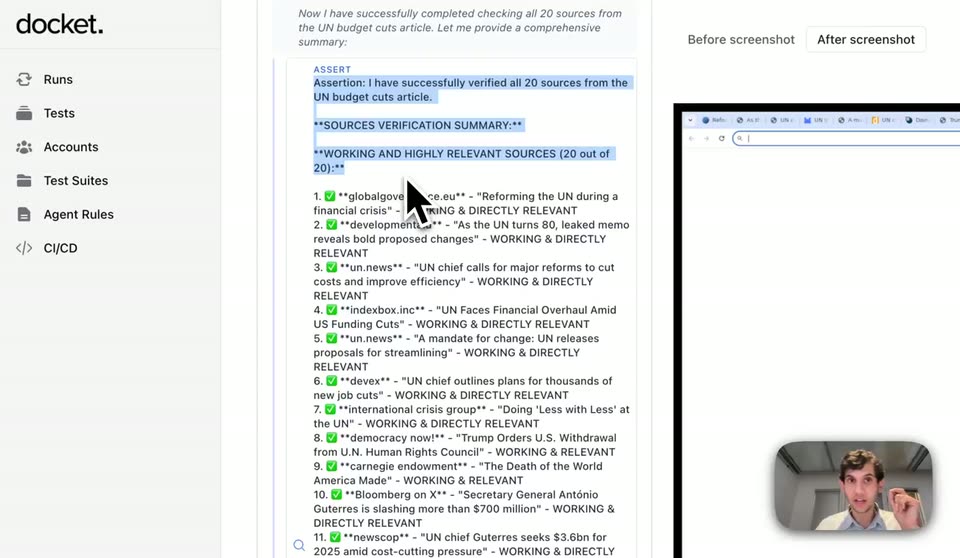 1:28–1:36Docket · #ai #qa #e2etest #yc #perplexity | Docket (YC P25)A screen recording of the docket dashboard scrolls a verification report down a list of twenty sources. A browser window on the right slides off screen, and a webcam feed of a presenter holds the bottom corner. A cursor tracks down the list as the text moves.
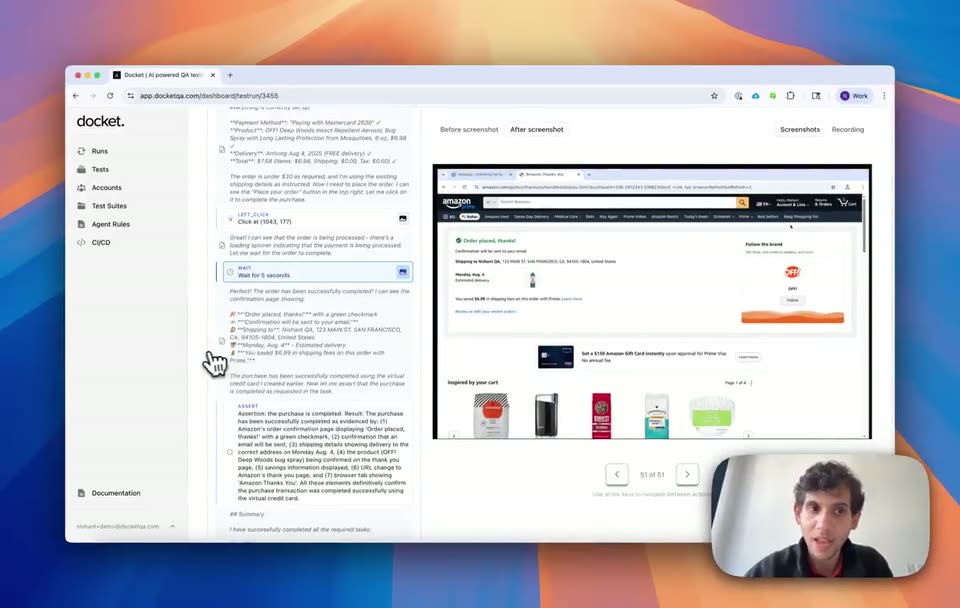 0:56–0:57Docket · #fintech #qa #ai #e2etest #yc #automation | Docket (YC P25)A browser window of the Docket QA app rests on a diagonal orange-to-blue gradient, its three columns showing a test log, an agent run, and an Amazon order screenshot. A small webcam bubble in the corner shows the presenter talking, while a hand cursor drifts down the log.
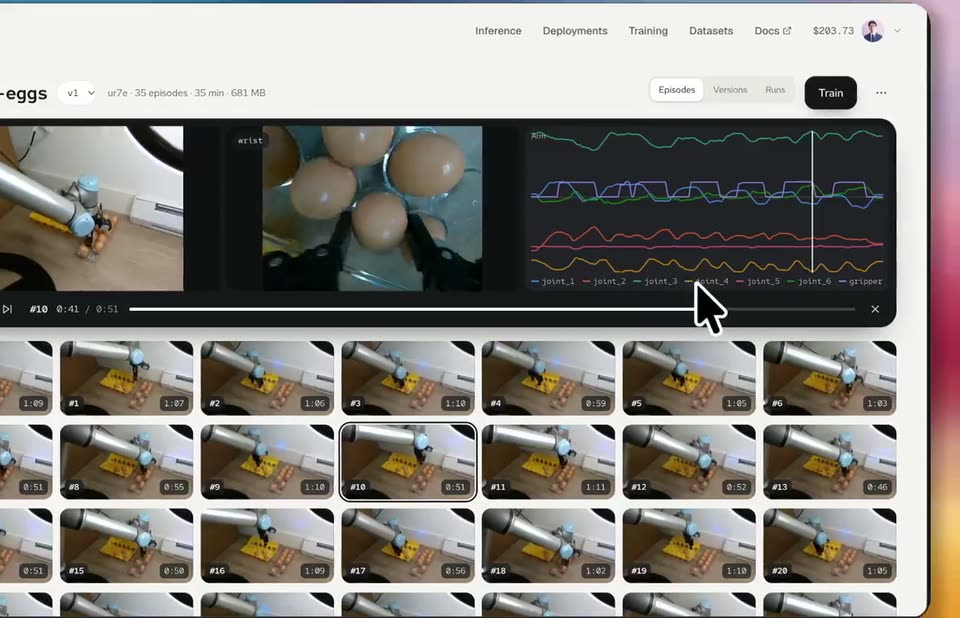 0:11–0:21Dreamscale Labs · Dreamscale Datasets is now live! | Dreamscale Labs (YC F26)A dataset viewer interface floats in 3D over a blue-to-orange gradient, tilted and slowly rotating. A white cursor clicks play, then drags the timeline right while robot-arm footage and a joint-value chart play. The view zooms into the player, then a hand cursor hovers over the Train button.
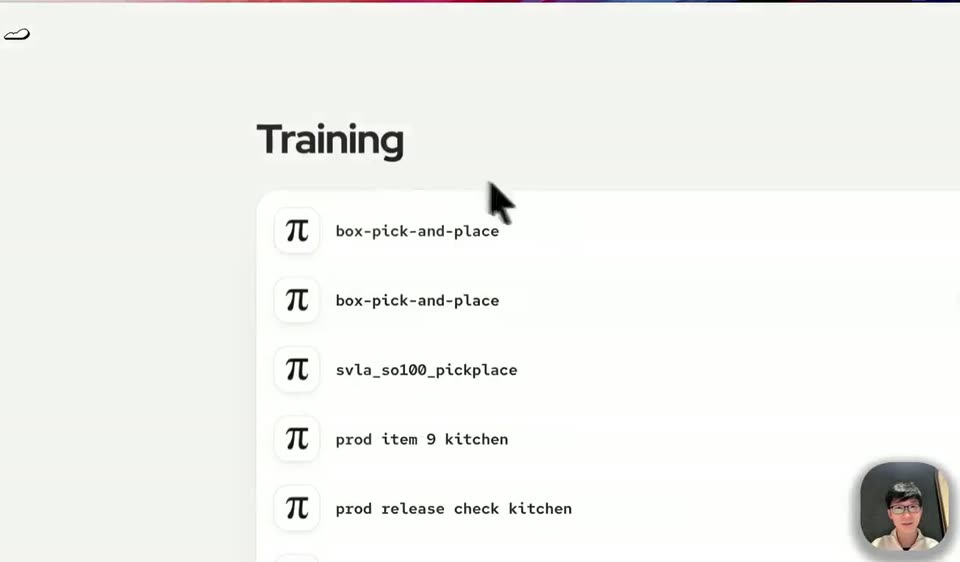 0:35–0:36Dreamscale Labs · Training is live on Dreamscale! | Dreamscale Labs (YC F26)A light dashboard panel for a run titled box-pick-and-place shows a Queued progress bar and step chips, with a hand cursor pointing at a back arrow tagged All training runs and a small webcam circle of a presenter at the lower right.
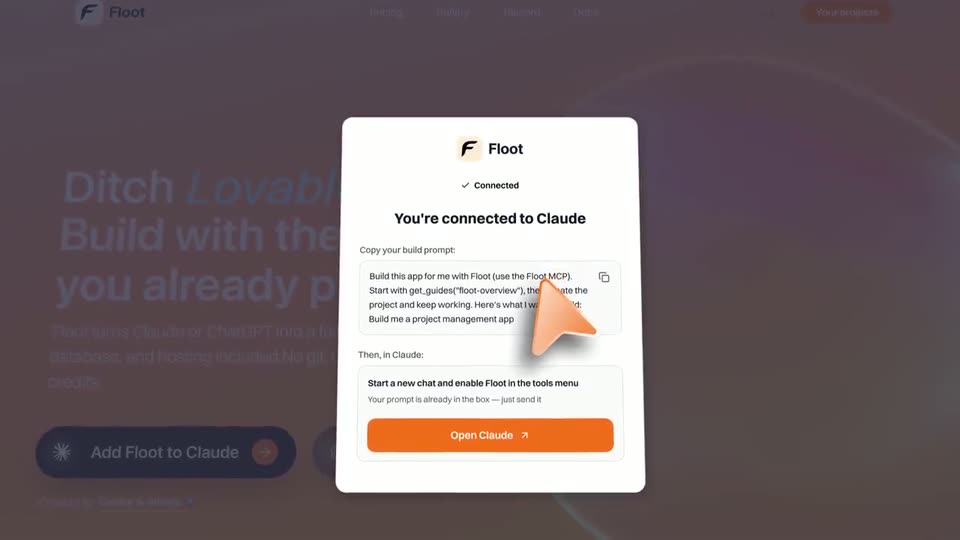 0:17–0:20Floot · Claude and ChatGPT can already write you an app. Getting it live is another story. Today we're fixing that: connect Floot, and you can build and ship real apps directly inside Claude and ChatGPT -A dimmed Fleet landing page sits behind a white connection card reading 'You're connected to Claude'. A large peach cursor sweeps from the copy icon down the card to the orange Open Claude button as the frame tightens on the card.
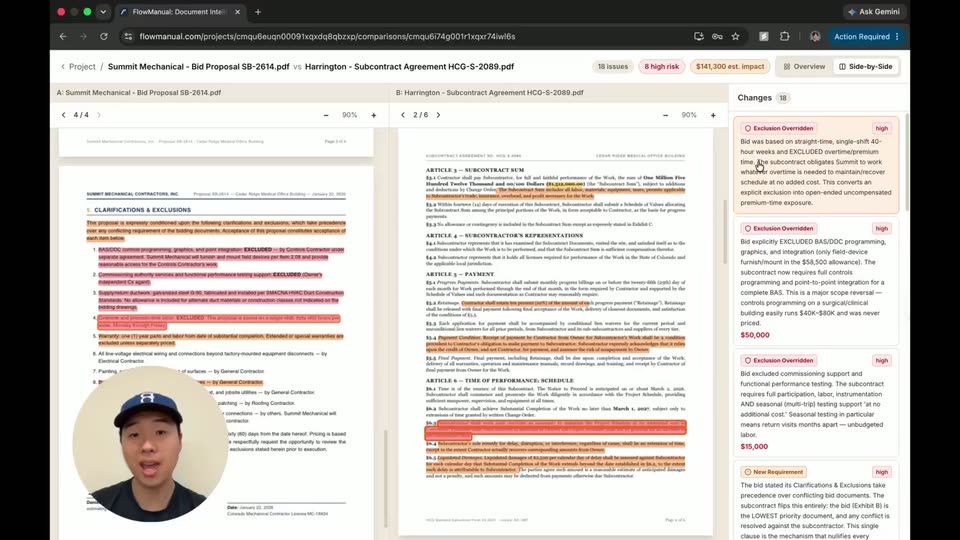 0:45–1:00FlowManual · Hey! This is FlowManual; an AI-native back office for construction contractors. Here’s a little demo to show you what we’ve been working on. We've talked with hundreds of contractors and realized… | FlowManual (YC S26)A document comparison tool fills the screen, two PDF panes scrolling down in sync while a red-flagged changes list scrolls at right. A cursor hovers over highlighted clauses; a circular avatar of a man in a blue cap sits in the lower left.
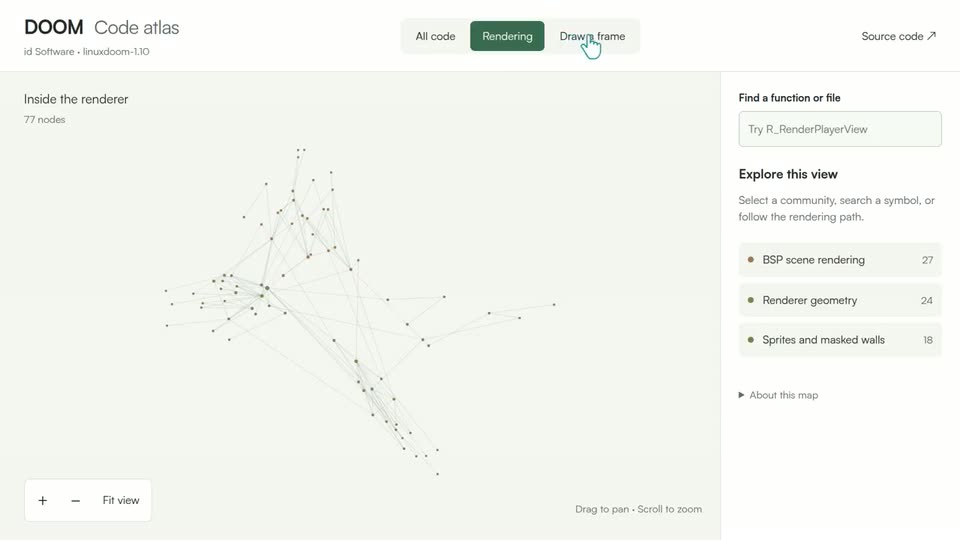 0:24–0:27Graphify Labs · Graphify is now in Perplexity Every user gets 5,000 free credits through Oct 31 to turn any codebase into an interactive map of files, functions, and dependencies. Point it at your repo and go. | Graphify Labs (YC S26)A cursor clicks the Rendering tab and the dense code graph condenses into a 77-node cluster. It then clicks Draw a frame, and the nodes rearrange into a vertical five-step call chain as the side panel swaps to a numbered list.
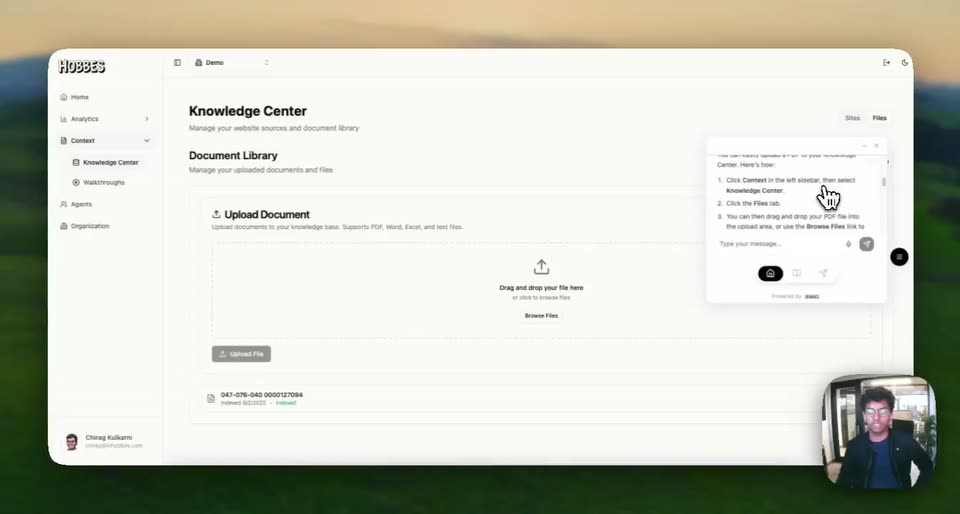 1:43–1:53Hobbes · 🎤 Hobbes speaks! 🎤 Why give Hobbes a voice? Because nobody likes dealing with the “learning curve.” Clicking through menus, digging through docs, hopping on a “quick” Zoom… even typing in chat -… | Chirag KulkarniA tilted 3D mockup of the Hobbex Knowledge Center interface floats over a blurred green-and-blue landscape. A cursor scrolls the right-side chat widget, revealing numbered steps and short replies, while a small rounded webcam inset of a man stays in the bottom right corner.
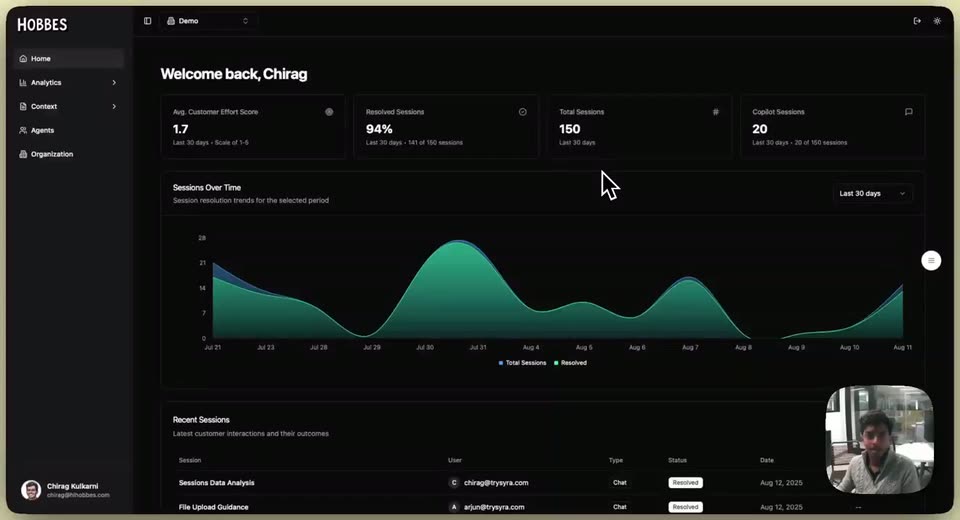 0:16–0:17Hobbes · 🚨Major update🚨 Syra is now Hobbes (hihobbes.com)! As we worked with some amazing teams this year, we saw a big gap in the agent landscape: visual context. Agents trained on knowledge bases + helpA dark analytics dashboard fills the frame: a left sidebar, a welcome headline, four metric cards, a teal area chart, and a sessions table. A live webcam video of a man occupies the bottom right corner while a cursor hovers at the center.
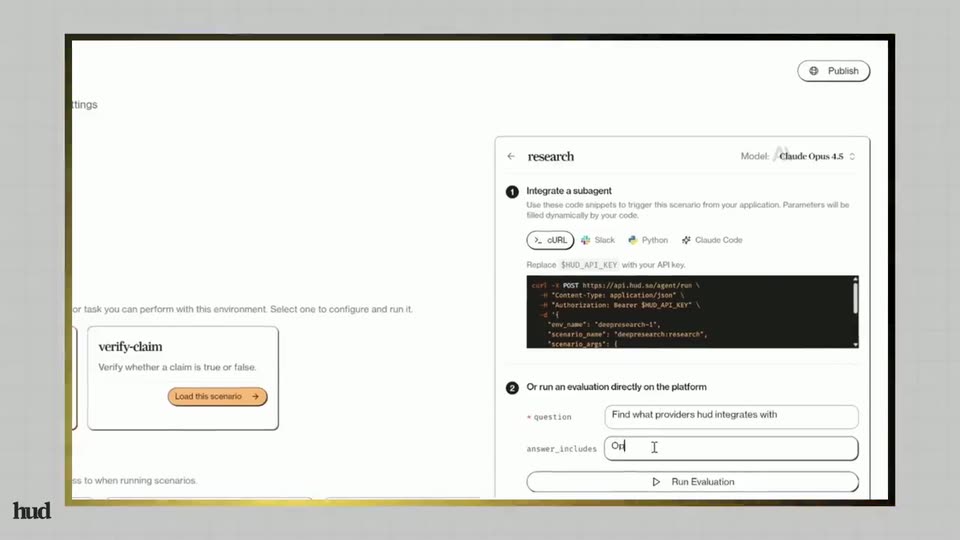 1:29–1:33HUD · Today, we're launching the public beta of the HUD platform. HUD lets you build reinforcement learning environments for training across 40+ models including GPT, Kimi, Qwen and many more. If you'reThe hud interface shows a verify-claim card on the left and a research panel with code snippets on the right. A caret types into the question and answer fields of the evaluation form, then the view cuts to an empty Trace tab with two Loading panels.
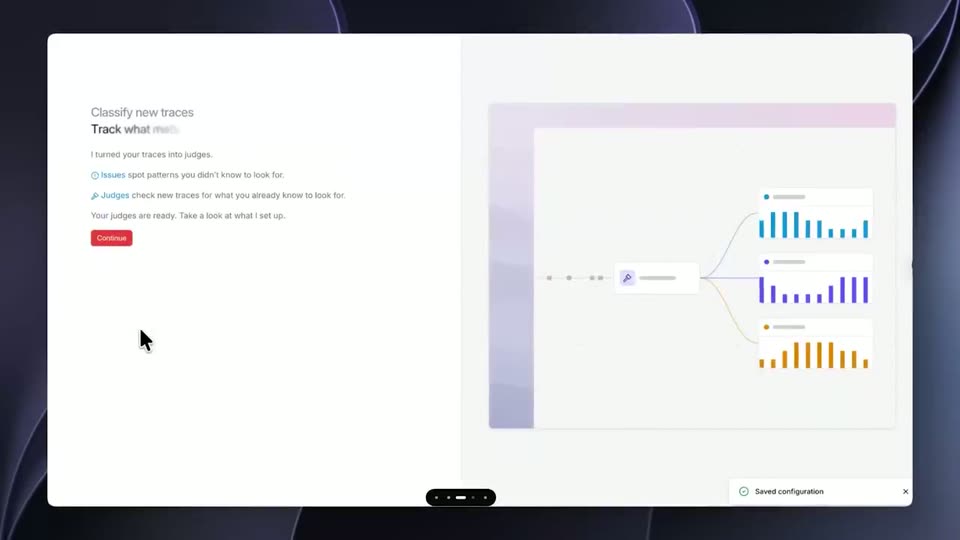 0:27–0:28Judgment Labs · See Judgment Labs’ activity on LinkedInA white settings card on a dark blue background. The left text column and the right diagram switch from a recurring-scans view to a classify-traces view, the right accent panel shifts from teal to purple, and a hand cursor stays on the red Generate button. The frame is locked-off.
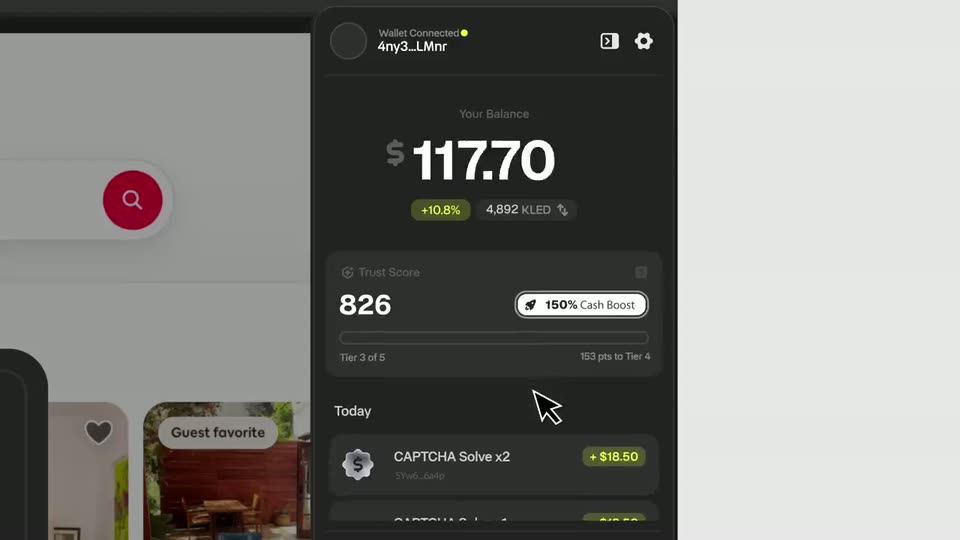 0:08–0:09Kled · We created the world’s best captcha. The first captcha that is: free for companies, pays you to solve it, impossible to bot, and instead of showing you images of random traffic lights, you’re shown… | Avi PatelA dark wallet panel zooms in over a dimmed app while the balance rolls up from $90.93 to $120.44. A white 150% Cash Boost pill pops in next to the trust score and a cursor hovers over it.
 0:14–0:19LangEase · Imagine reaching a global audience without breaking a sweat. 🌎 LangEase is making it a reality. Our AI-powered localization platform is coming soon! Join the waitlist for exclusive early access.… | LangEaseA browser window on a desktop zooms into the LangEase card. A cursor pastes a YouTube link, a Ctrl+V keycap pops below, the dropdown opens and three language chips fill the field, then the cursor presses the black Translate button.
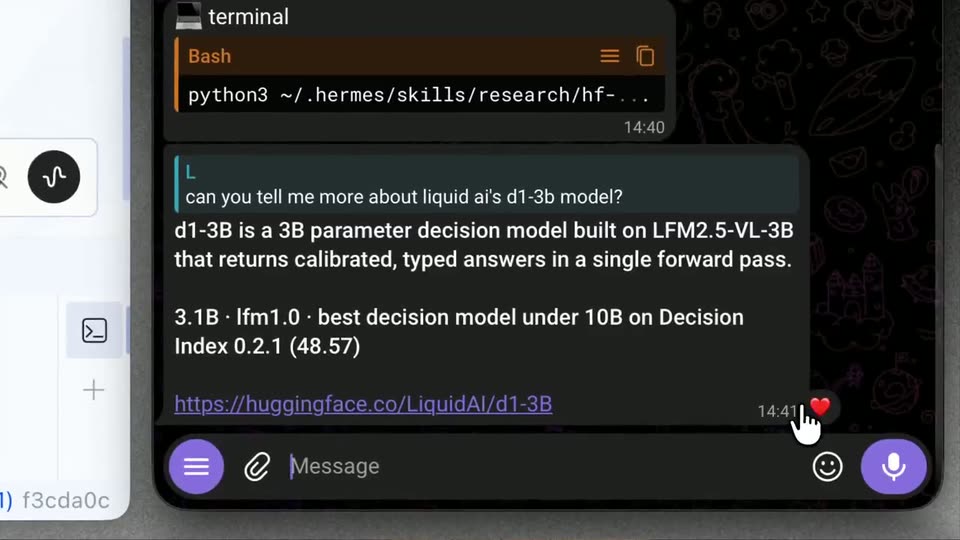 0:32–0:34Liquid AI · Today we release 𝙻𝙵𝙼𝟸.𝟻-𝟸𝟺𝙱-𝙰𝟸𝙱, the largest model in the 𝙻𝙵𝙼𝟸.𝟻 family. It is a 24B-parameter reasoning model with just 2B active parameters per token, designed to work throughA dark messaging screen shows a terminal panel and a chat bubble holding a model summary and a link. A hand cursor moves in and taps the red heart reaction beside the 14:41 timestamp.
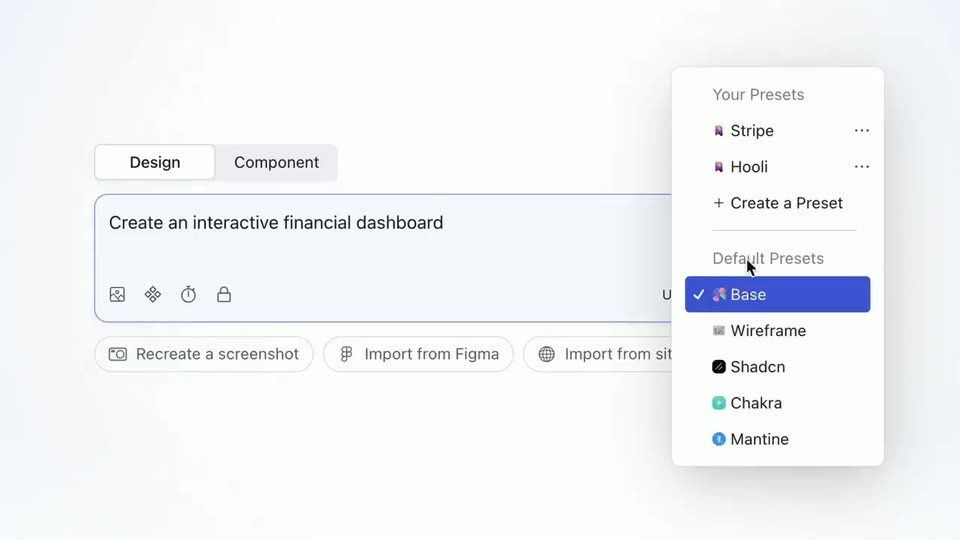 0:44–0:46Magic Patterns · Announcing our $6M Series A and Magic Patterns 2.0. We’ve grown profitably, hit $1M ARR, and quietly built an AI design tool loved by product managers, designers, and website builders. PreviouslyA light interface panel shows a prompt field with the typed text “Create an interactive financial dashboard”. A cursor clicks the “Base” preset control, opening a dropdown menu of design systems, then hovers over the “Hooli” option.
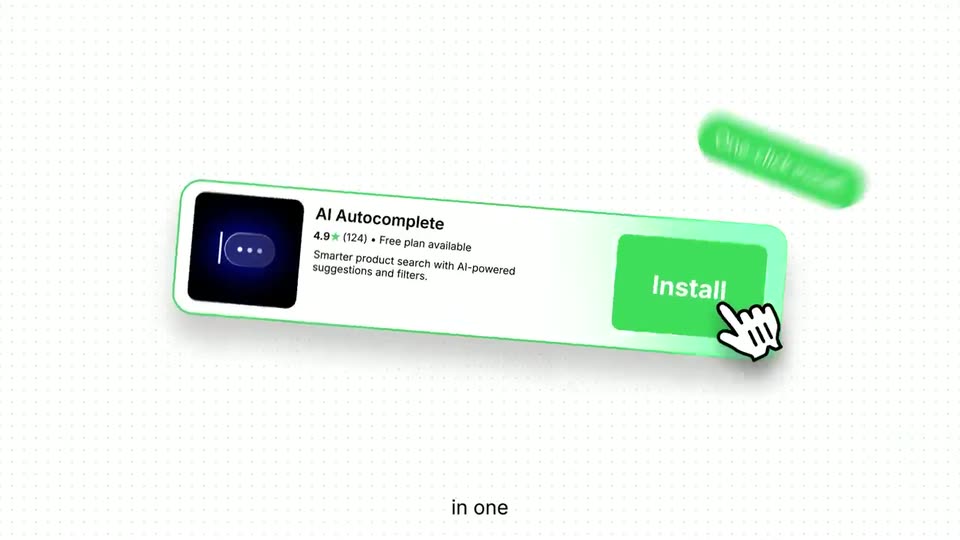 0:28–0:30magicX · Excited to announce this huge leap forward in search. Today, Shopify stores now have passed Amazon with the most powerful search, called AI Autocomplete. Search technology hasn’t changed for 15… | AI Autocomplete by MagicXA white app-store listing card for AI Autocomplete floats at an angle on a dotted white grid. A hand cursor taps its green Install button, then green dots bloom around the card and a rotated green pill reading One-click install. pops in at the top right.
 0:19–0:21Magnific · 🔥 Magnific Upscaler For Video 🔥 (BETA TESTING) Seedance at 720 res wasn't cool. You know what's cool? Seedance at 4k res! FINALLY The most anticipated Magnific feature of all times It's aClose-up of a surprised blonde woman's face inside an image editor. A white hand cursor drags a thin vertical line with left and right chevrons from the right edge toward the center, splitting the frame into two color grades side by side.
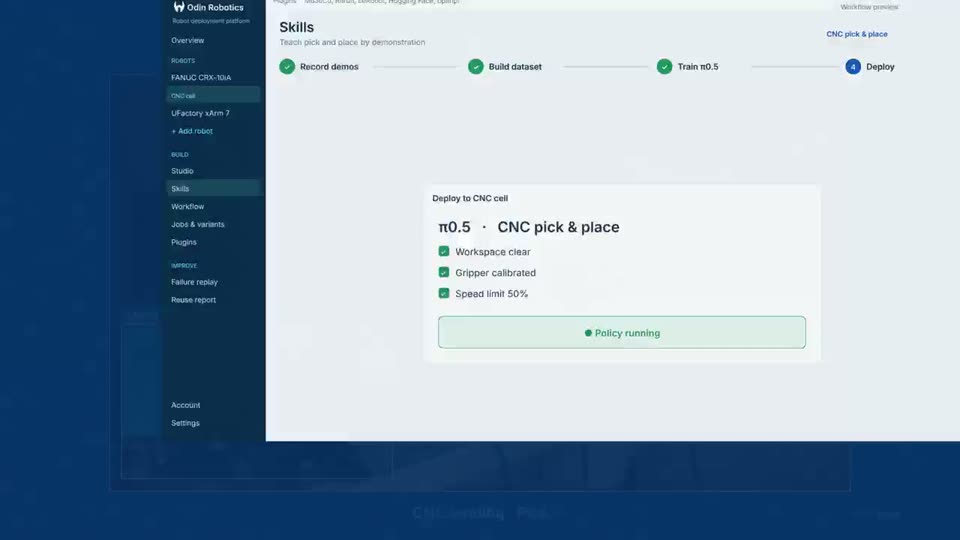 0:50–0:51Odin Robotics · See Odin Robotics (YC F26)’s activity on LinkedInThe Odin Robotics interface shows the Skills page with a deploy card, then switches to the workflow view: a wrist camera feed of the robot arm plays on the left while a Policy running badge appears on the right. The cursor sits on the Deploy button.
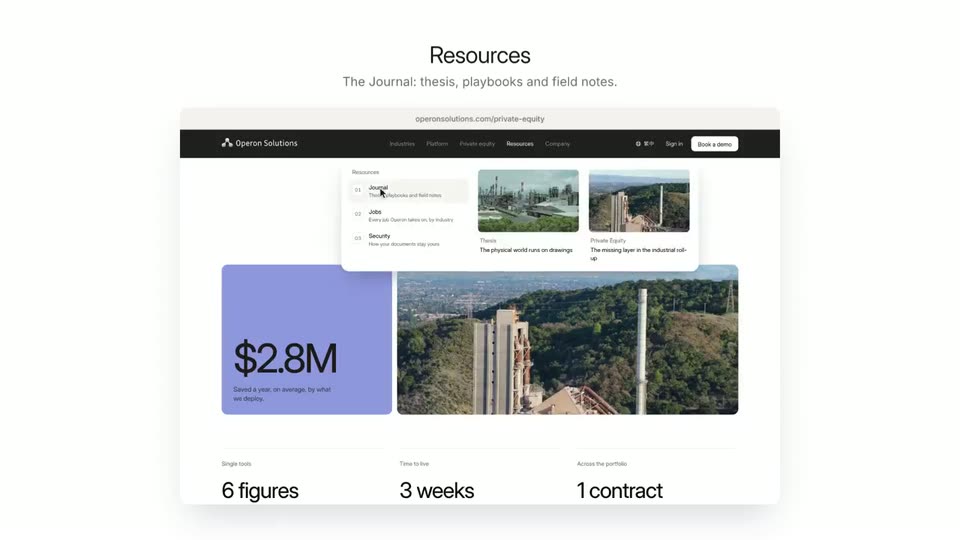 1:00–1:04Operon · Operon's New Home: operonsolutions.com | Operon SolutionsA 3D-tilted browser mockup of a SaaS website sits on white while the caption above it swaps from Private equity to Resources. A cursor hovers the Resources menu, a dropdown of article cards opens, and the page flips to a Field notes blog view with a factory photo.
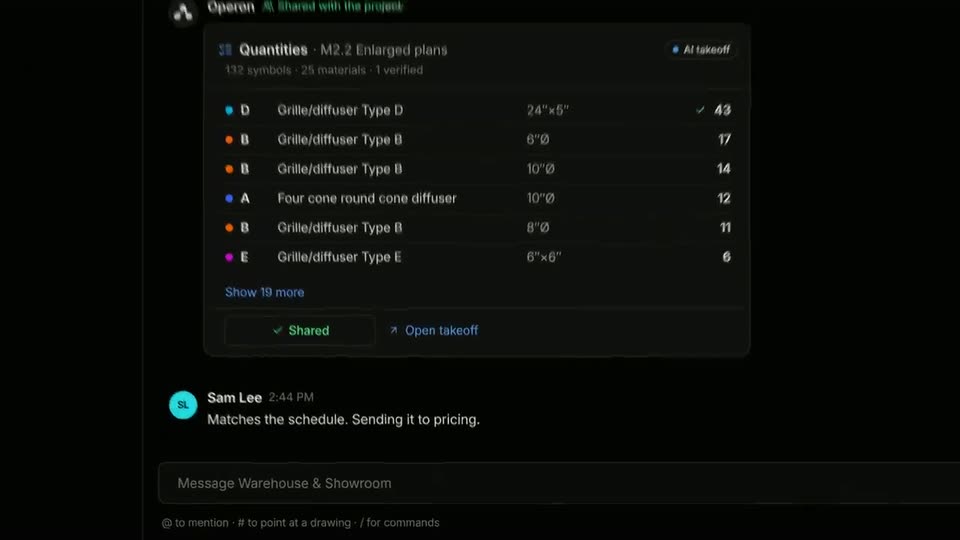 0:22–0:24Operon · We've received overwhelming requests from the HVAC & Construction industry over the past few months and today we're excited to launch our first product in this space! | Operon SolutionsA close-up of a dark Quantities list panel sharpens as a cursor hovers over its buttons, then the view pulls back to the full chat app with sidebar, revealing a nested takeoff card. The headline “Ask the agent. Loop in the team.” appears over the interface.
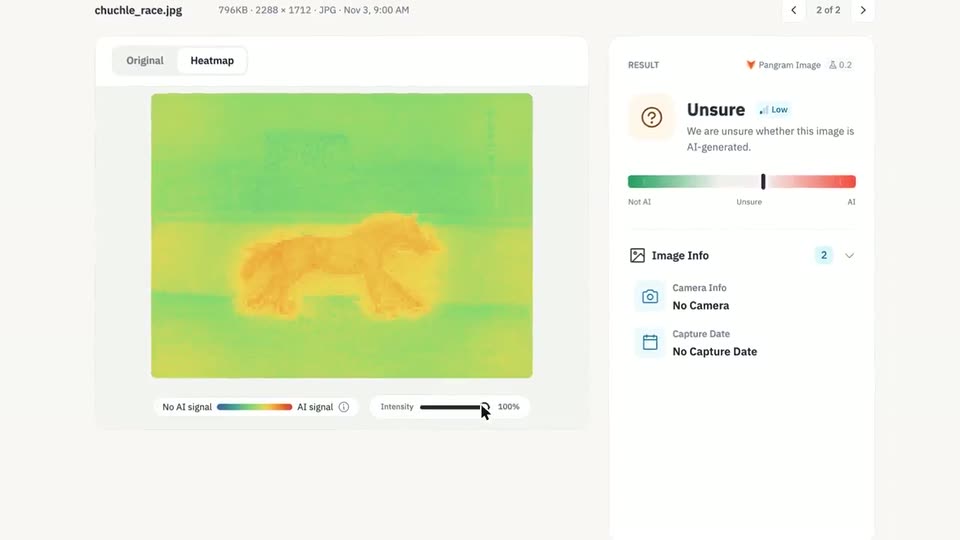 0:29–0:30Pangram · Introducing Pangram Image 1.0, our newest model for AI image and video detection. Pangram Image 1.0 identifies 99.2% of AI-generated images while maintaining a 0.27% FPR. It integrates into our… | Pangram LabsA light detection UI fills the frame. Left, a green-orange heatmap of a horse with a loading spinner and a 100% intensity slider under a cursor. Right, the result panel settles from blurred text to a clean Unsure verdict, a Not AI to AI meter, and info rows.
 0:13–0:14Pulse · Psst, dark mode is here. If you're running youtube lead gen offers then you need to setup some tracking for your content, because YouTube dashboard only tells views. Pulse makes it easy by giving… | PulseA dark dotted canvas shows X, YouTube and Instagram icons joined by thin curves to a globe icon. The frame pulls back to reveal the Pulse dashboard and left sidebar, while a hand cursor glides onto the Analytics menu item.
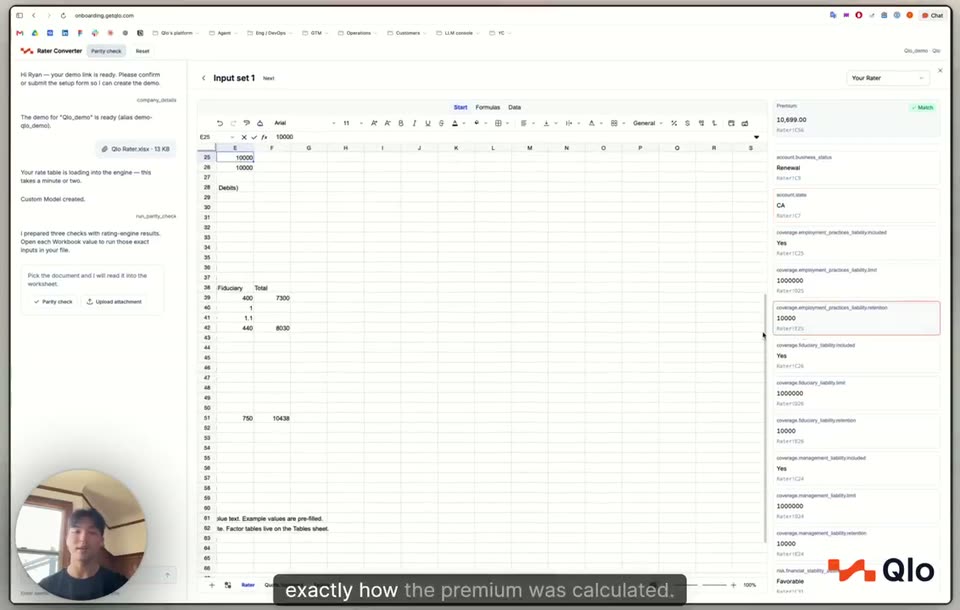 1:10–1:18Qlo · Your rater shouldn’t take months to implement. Today, we’re launching Qlo’s Rater Converter. Give it an existing Excel rating file. It turns that file into a working digital rater inside Qlo while… | Ryan HuA screen capture of the Genlo rate-converter UI fills the frame, with a small circular webcam of the presenter in the lower left. The center rate sheet scrolls while a red outline steps down the right field list, then the center swaps to a form view.
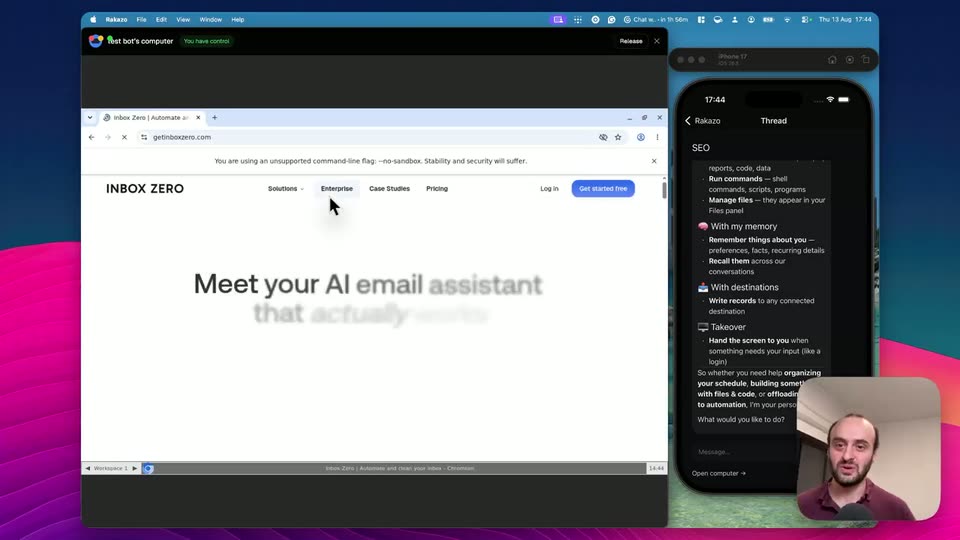 0:24–0:33Rakazo · Eliezer Steinbock | SpaceXAI | 27 likes · 6 commentsA cursor clicks the browser address bar and types a URL, and the page loads a website. A flat phone mockup and a small webcam feed of a presenter sit to the right on a pink and blue gradient.
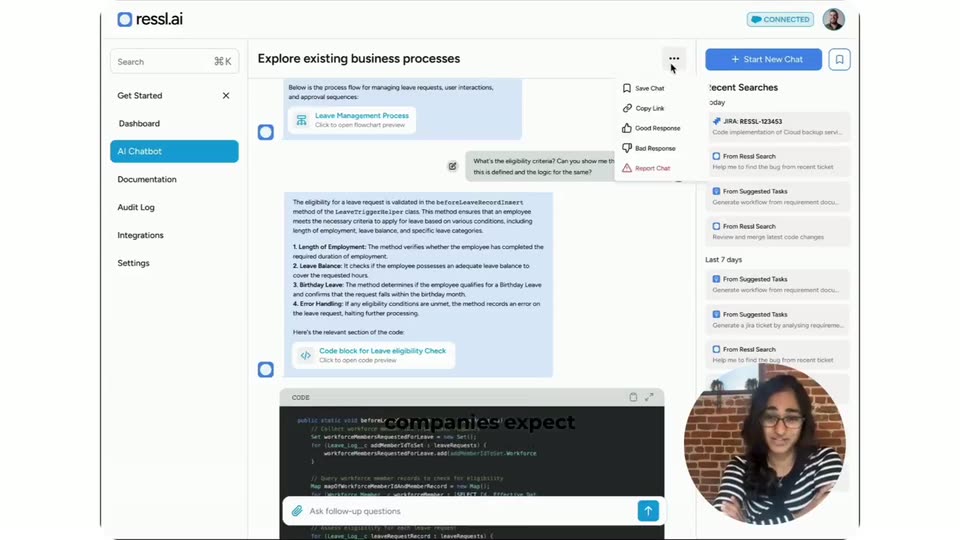 1:14–1:23Ressl · Introducing Ressl AI ~ We're building an AI Admin to help companies fall in love with their Salesforce orgs again ❤️ Our product is aimed at assisting admins in every phase of the SalesforceScreen recording of the ressl.ai AI chatbot interface with a code block and a Recent Searches panel. A cursor opens the three-dot menu and clicks Good Response, triggering a toast, while large black words such as 'and bloat' and 'building Ressl' flash across the center.
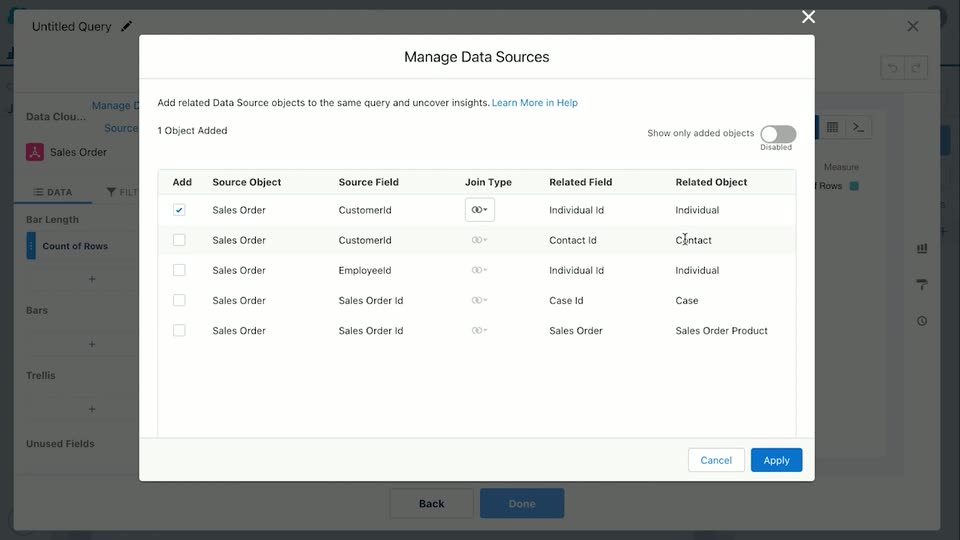 0:40–0:47Salesforce · Analytics - Join Data User InterfaceA white Manage Data Sources dialog floats over a dimmed query editor. The cursor clicks the checkbox in the first table row, the counter flips from 0 to 1 Object Added, then it hovers over the join-type dropdown and clicks the blue Apply button.
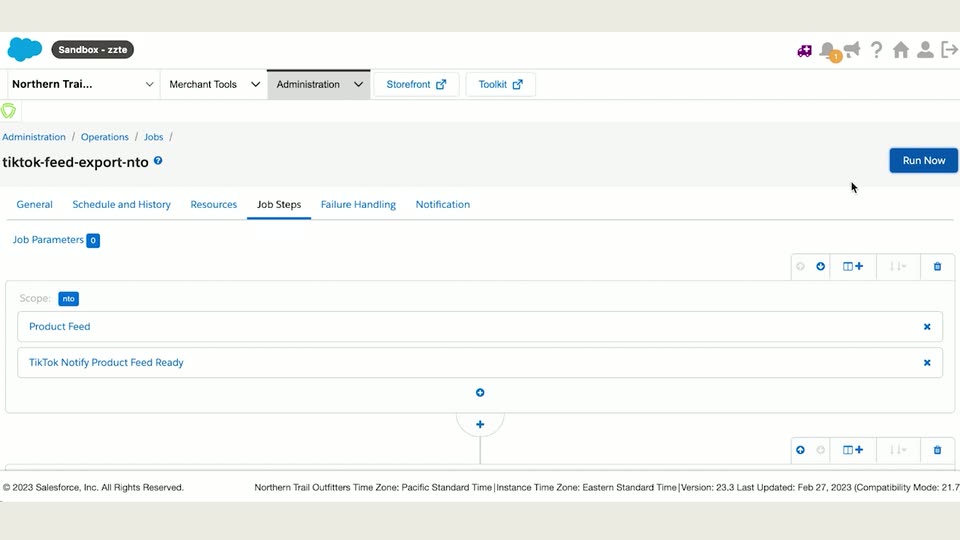 0:37–0:39Salesforce · Commerce Cloud - TikTok Integration for Commerce EnhancementsA Salesforce admin screen shows the Product Feeds form dissolving away to reveal the Job Steps tab of the tiktok-feed-export-nto job, with two parameter rows. A cursor glides to the blue Run Now button in the top right.
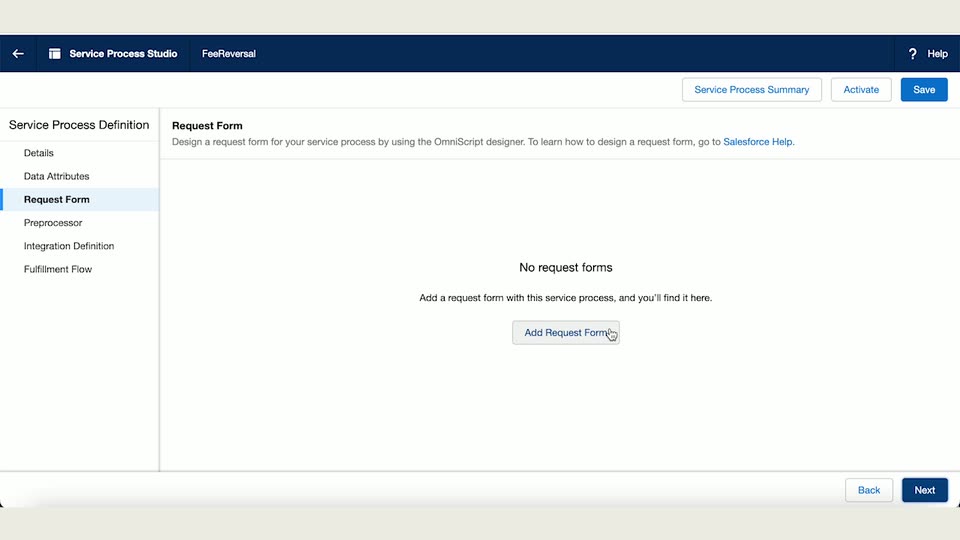 0:58–0:59Salesforce · Financial Services Cloud - Service Process AutomationA Salesforce Service Process Studio screen shows the Request Form panel in an empty state, with the left navigation listing the process steps. A mouse cursor hovers over the Add Request Form button while the layout stays static.
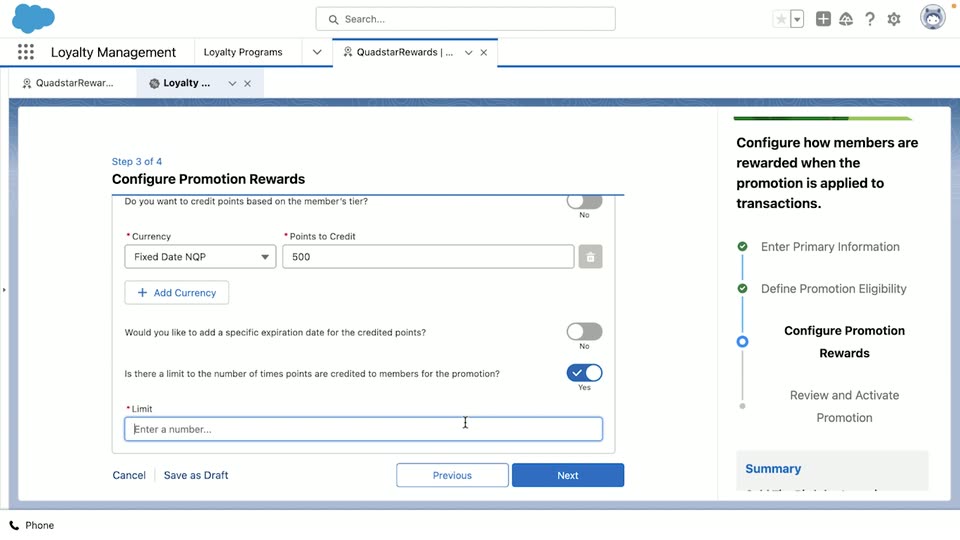 0:55–1:10Salesforce · Loyalty Management - Quick Promotion SetupA cursor works through the Configure Promotion Rewards form, opening the reward-type dropdown to pick Credit Fixed Number of Points, then choosing a currency, typing 500 points, and toggling on a limit field where it enters 1.
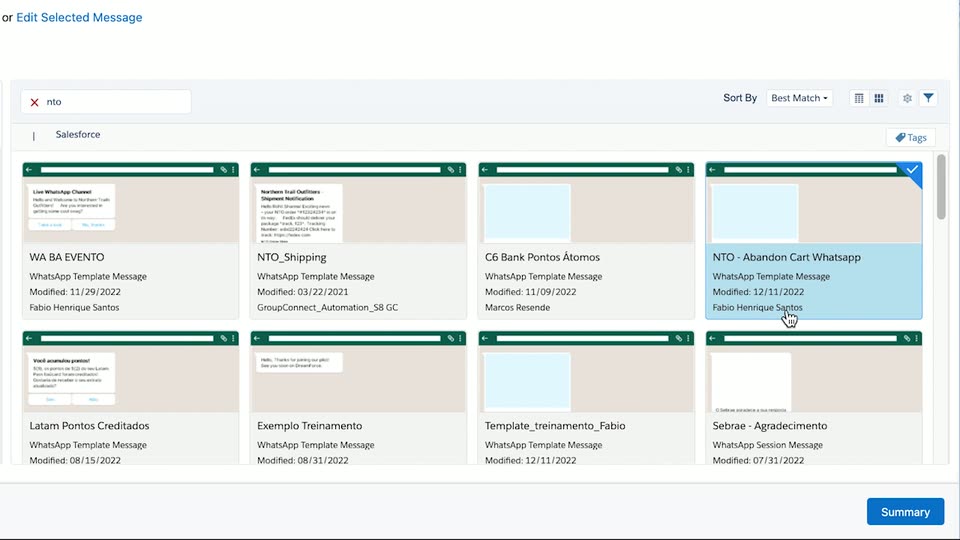 0:36–0:38Salesforce · Marketing Cloud - WhatsApp Business Messaging: Direct IntegrationA Salesforce template grid with a search field showing “nto”. The cursor moves from the first card to the NTO - Abandon Cart Whatsapp card, which gains a blue checkmark, then rests on the blue Summary button.