Cursor demo
A visible cursor operates the interface.
15,118 scenes · page 141 of 252
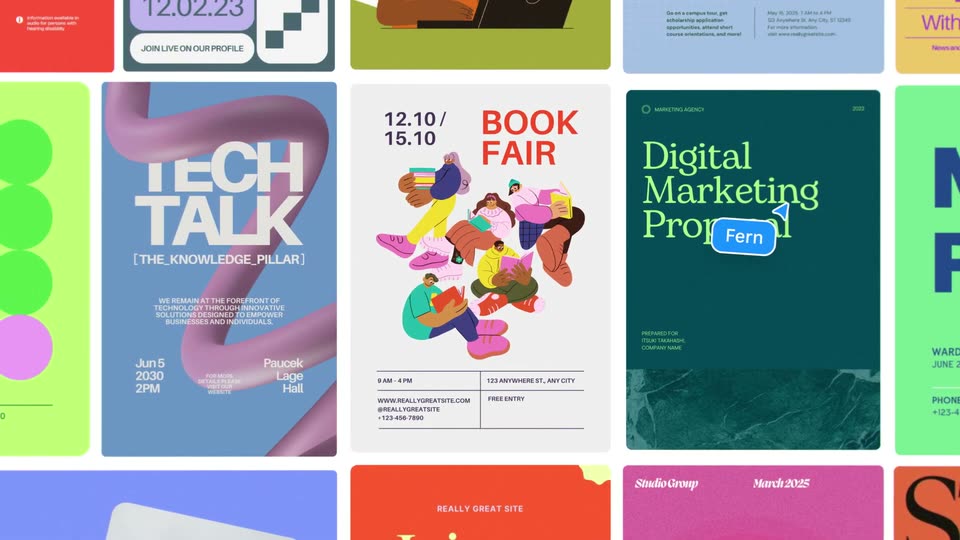 0:56–0:57Canva · Introducing Canva’s Brand RefreshA grid of colorful event-poster templates pans across the frame in vertical columns. A blue collaborator cursor tagged Fern drifts from card to card, hovering over the Book Fair and Digital Marketing Proposal designs as the layout scrolls.
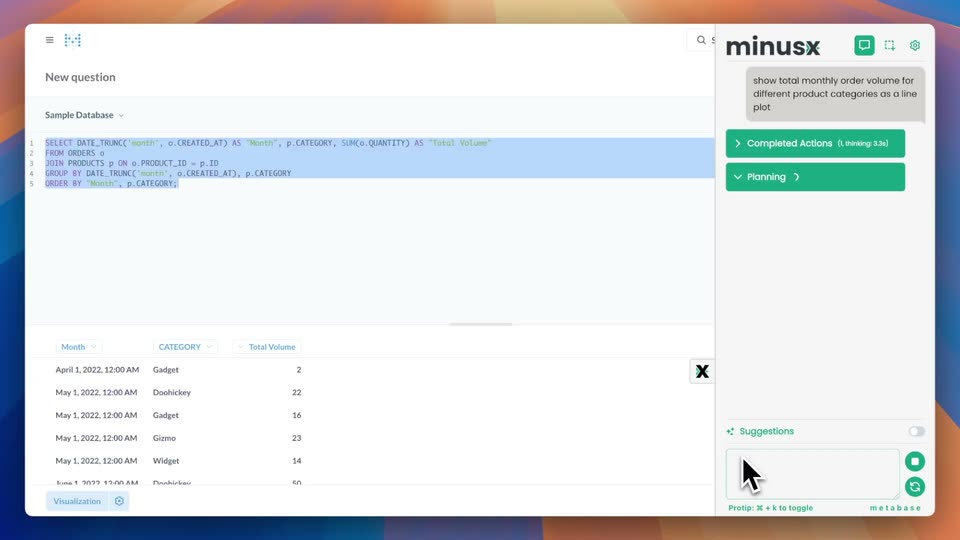 0:21–0:24MinusX · MinusX: AI Data Scientist for Jupyter and MetabaseStatic two-panel screen recording over a colorful gradient. A cursor clicks a suggested query in the minusx chat panel, which moves into a chat bubble; a green planning pill and completed-action pills stack up while SQL code and a multi-line chart fill the Metabase editor on the left.
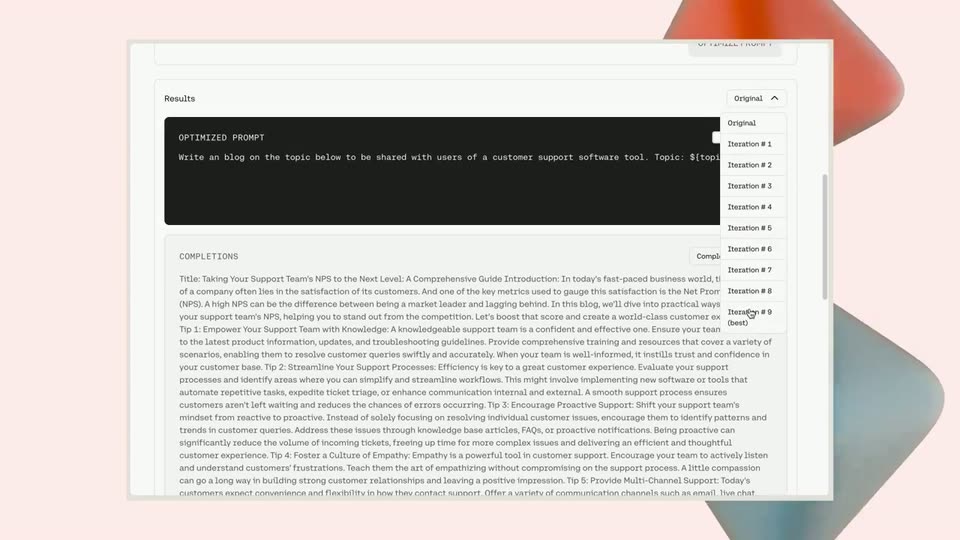 0:56–1:07Cohere · Cohere - We are excited to be introducing Prompt Tuner in beta today. It is aA light Results panel sits on a soft pink gradient. A cursor clicks the Iteration dropdown, a list of nine iterations opens, the cursor picks Iteration # 1 and the prompt and completion text swap, then it reopens the menu and returns to Iteration # 9 (best).
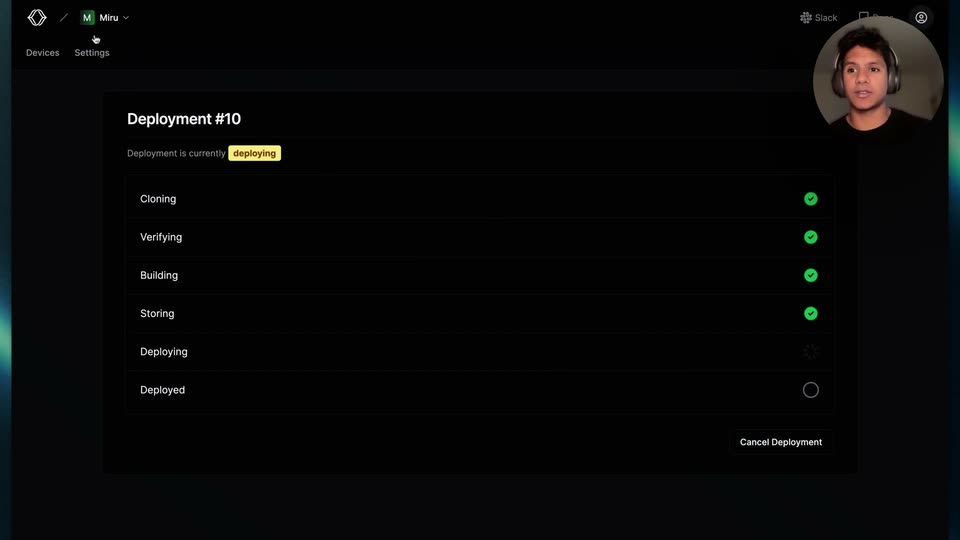 1:50–1:57Miru · Miru Demo YC LaunchA dark deployment dashboard lists six steps, the first four stamped with green checkmarks while the Deploying row shows a spinner. A mouse cursor drifts across the list, and a circular webcam feed of a presenter wearing headphones sits in the top right corner.
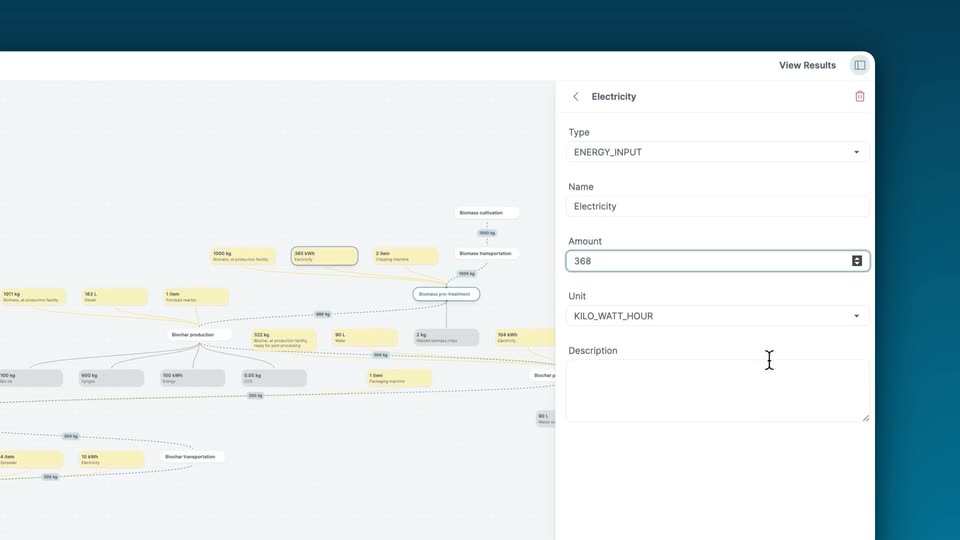 0:08–0:13Offstream · Offstream: Streamlined carbon compliance for project developersA white Electricity form panel slides in over a pale process-flow diagram. A cursor clicks the up-arrow to raise the Amount from 365 to 368, then types 'renewable energy' into the Description field, and the panel slides out to the right.
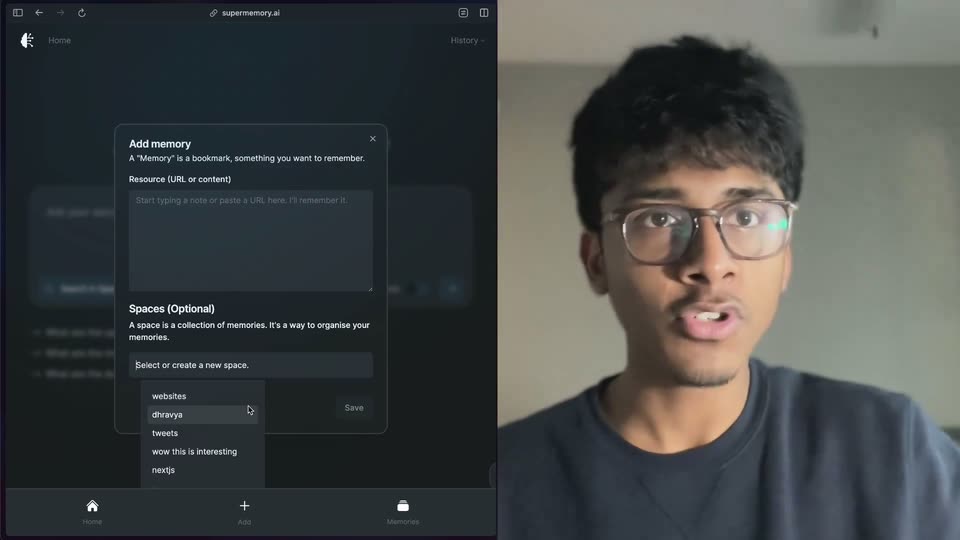 0:34–0:39Supermemory · Dhravya Shah - Introducing supermemory (again). an ai second brain for all your saSplit screen: left shows a dark web interface with an Add memory dialog and an open dropdown of space names; the cursor slides down and highlights dhruvya. Right shows a man with glasses speaking to the camera.
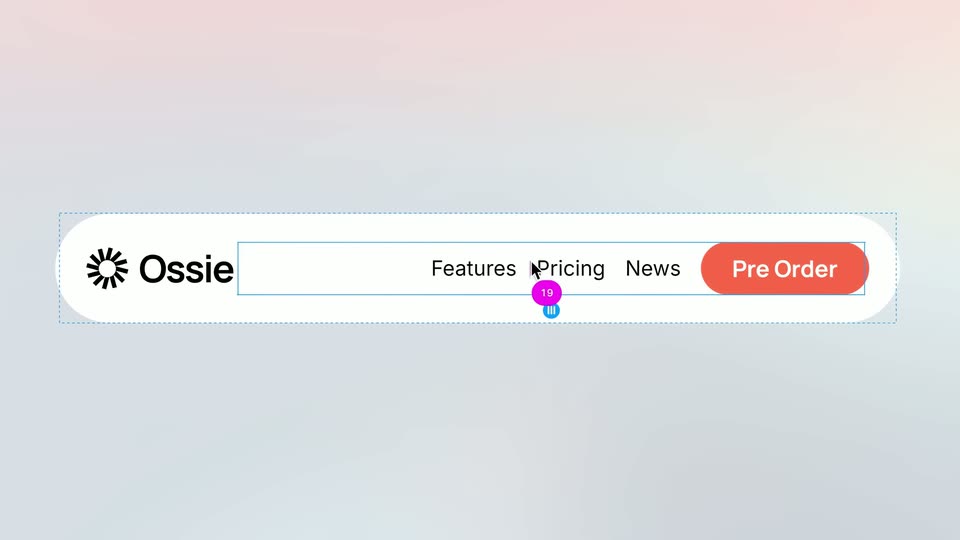 0:18–0:20Framer · Framer Design: Design on an intuitive CanvasA white pill-shaped navigation bar with the Ossie logo, a search field, menu links and an orange Pre-Order button sits on a soft pink-to-blue gradient. The search field widens and the links spread apart while a small blue badge counts down to zero, all inside dashed selection outlines.
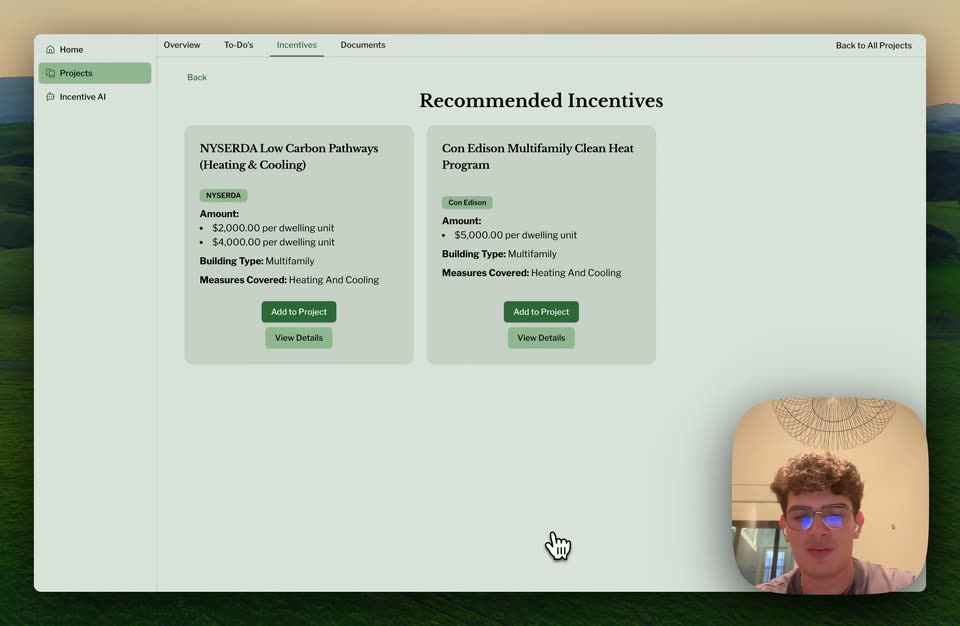 0:29–0:41RetroFix · RetroFix Product DemoA light-green app window shows 'Recommended Incentives' with a spinner, then two incentive cards appear. The view zooms onto the Con Edison card as a hand cursor clicks 'Add to Project', and a small webcam feed of a man in glasses sits in the bottom-right corner.
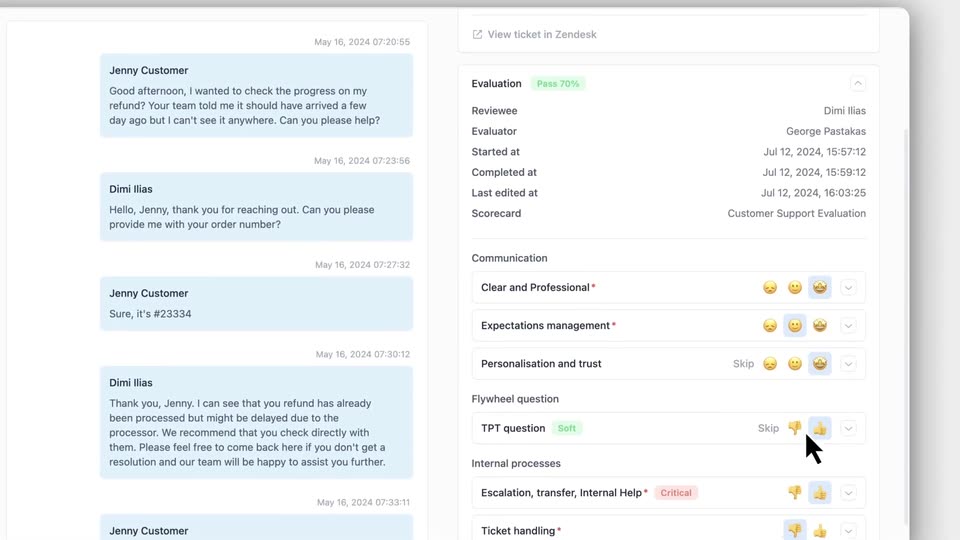 0:21–0:22Intryc · Intryc YC Launch videoA split view shows a customer chat thread on the left and an evaluation scorecard on the right. Both panels scroll slowly while a hand cursor moves down the rating rows, hovering over the emoji face scales.
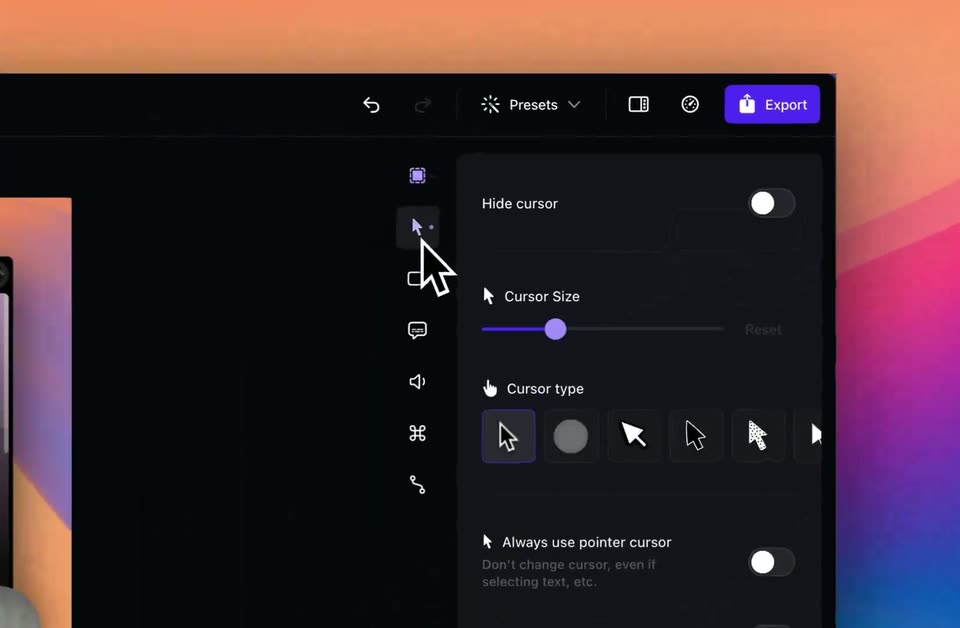 0:11–0:12Screen Studio · Screen Studio - There is a major new update coming soon to Screen Studio! The updateA dark app interface is shown with a slight zoom; a white arrow cursor slides down the left icon rail and clicks the cursor icon, swapping the right panel from a Background wallpaper list to cursor settings with a size slider and style buttons.
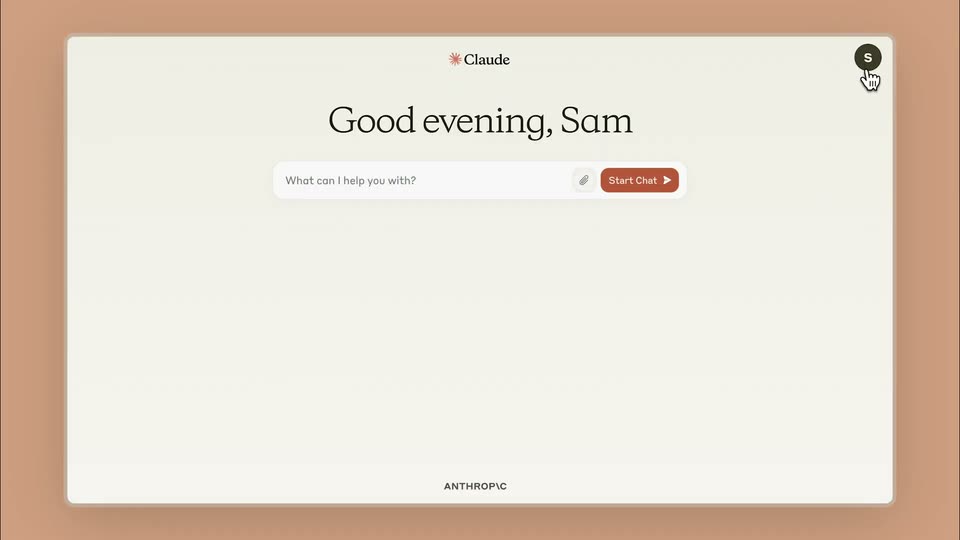 1:14–1:16Anthropic · Claude 3.5 Sonnet for sparking creativityA cream Claude web interface shows a greeting and a chat input bar. A cursor moves up and clicks the user avatar in the top right, opening an account dropdown menu as the view zooms in on the menu.
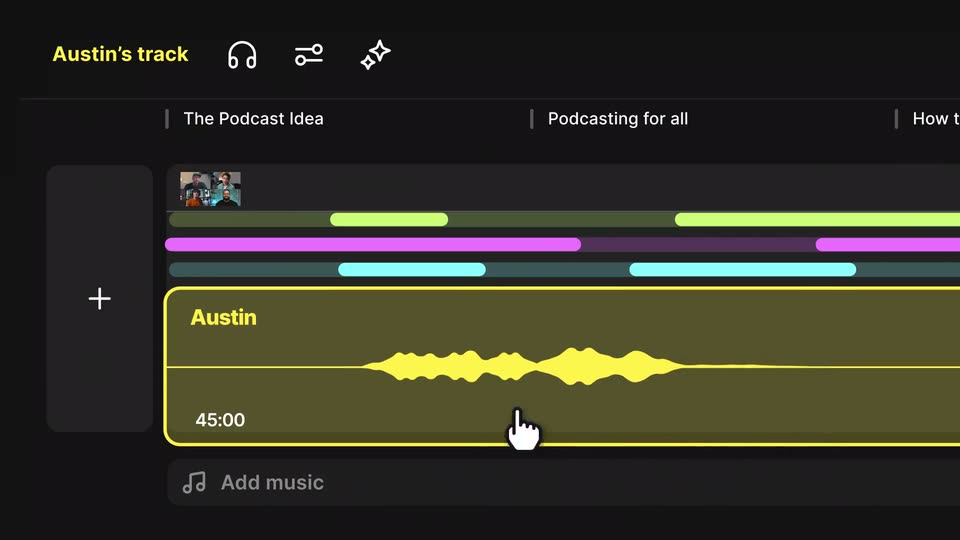 0:27–0:28Riverside · Riverside - Introducing the new Conversation Studio. With full HD live streamingA dark podcast editor timeline shows colored audio tracks and a highlighted yellow Austin track with a waveform. A hand cursor drags leftward across the waveform while a second cursor hovers over the Add music button.
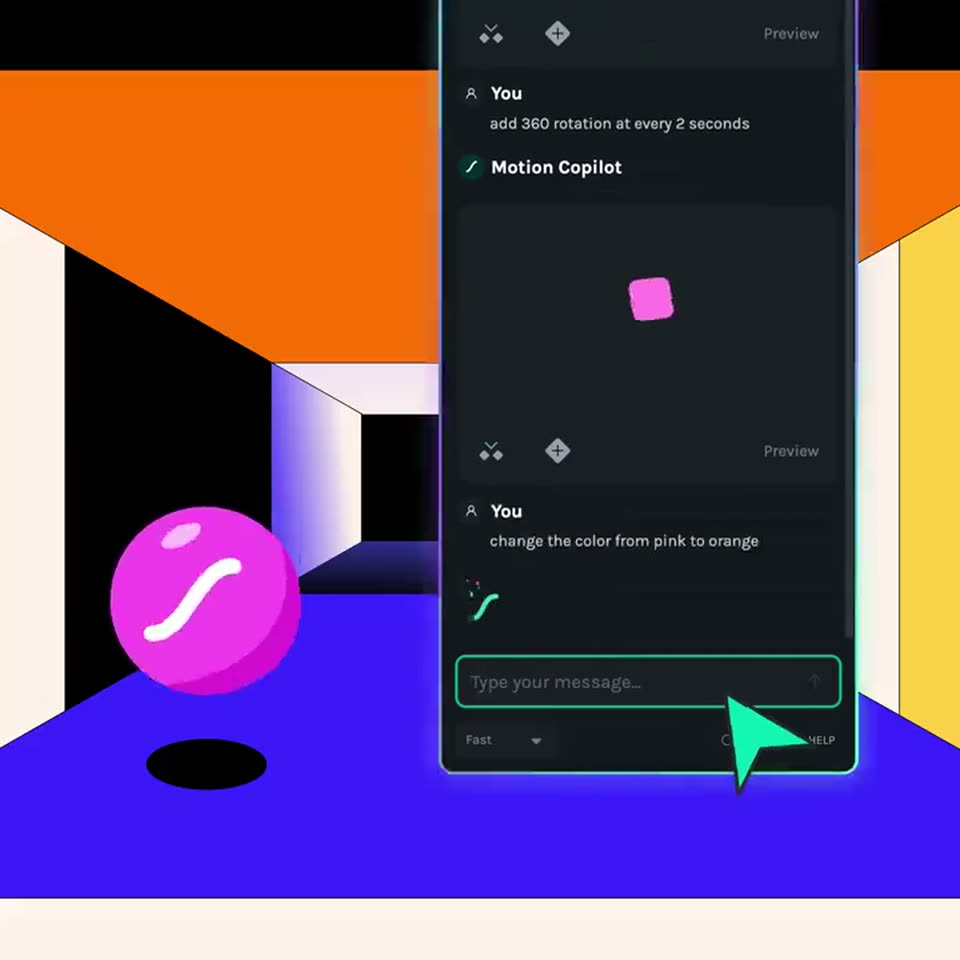 0:36–0:48LottieFiles · LottieFiles - 🚀 Introducing Motion Copilot! - Describe your animation in any languLeft of frame, a pink ball bounces on a blue floor in a colorful 3D room; right, a dark Motion Copilot chat panel. A teal cursor clicks previews and types prompts, and the ball spins and turns orange as the panel slides out.
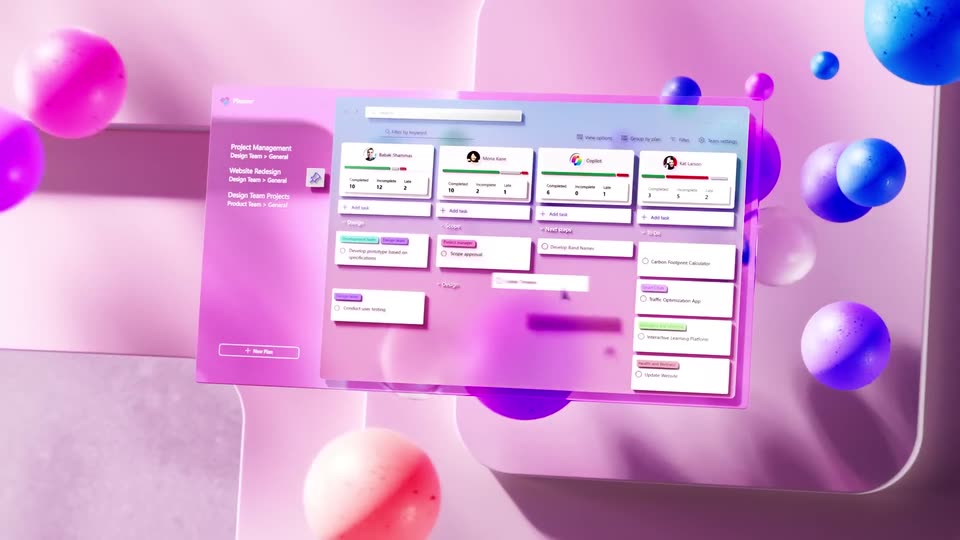 0:26–0:28Microsoft · The new Microsoft Planner is here! Streamline the planning, management, and execution of workA pink-tinted project management board floats in 3D perspective, tilted at an angle, as glossy spheres in pink, blue and orange drift through the scene. A blue cursor glides across the kanban columns while the camera holds a locked-off frame.
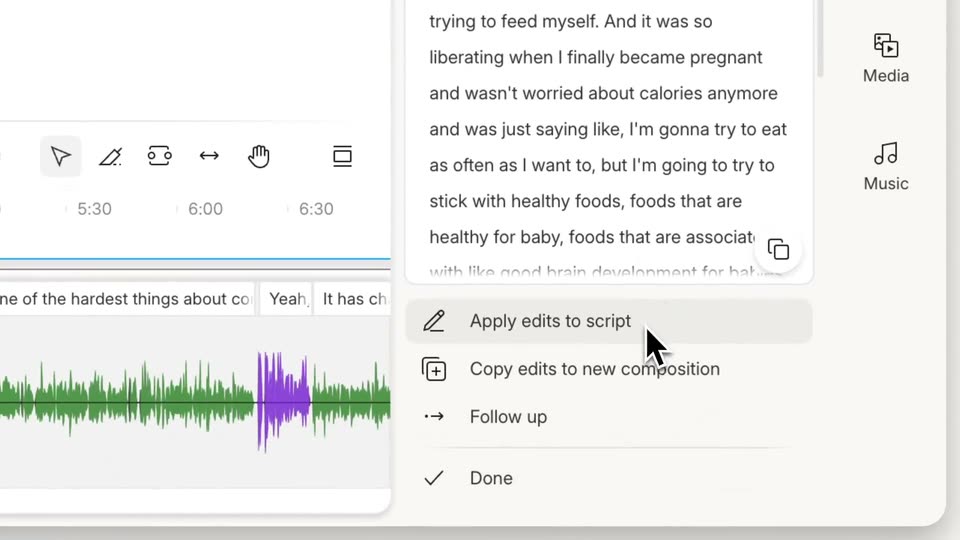 1:53–2:00Descript · Descript - Today, we're launching Descript's new AI assistant editor, Underlord.Left of the app panel, a small video shows a woman with headphones. A cursor clicks Submit in the Edit for clarity panel, a transcript fills with redacted strikethrough lines, then the view reframes onto a waveform as the cursor clicks Done.
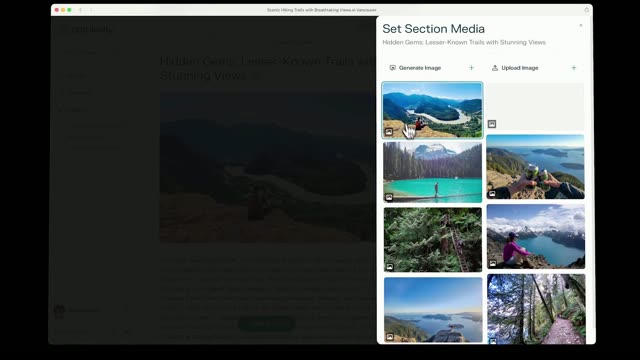 0:24–0:26Perplexity · Introducing Perplexity PagesA Perplexity document shows a hiking article on the left while a Set Section Media panel opens on the right with a grid of trail photos. A cursor hand moves down the grid, and the article's hero image updates to match the selection.
 0:35–0:36Granola · Meet Granola – the AI notepad for people with back-to-back meetingsA white notes window on light gray shows the headline 'Just write the notes that matter to you' in gray, first line sliding in, above 'Granola adds the stuff you missed' with a caret. The teal Enhance button and cursor fade out, leaving the 'Enhancing notes' loading state with a spinner and gray bars.
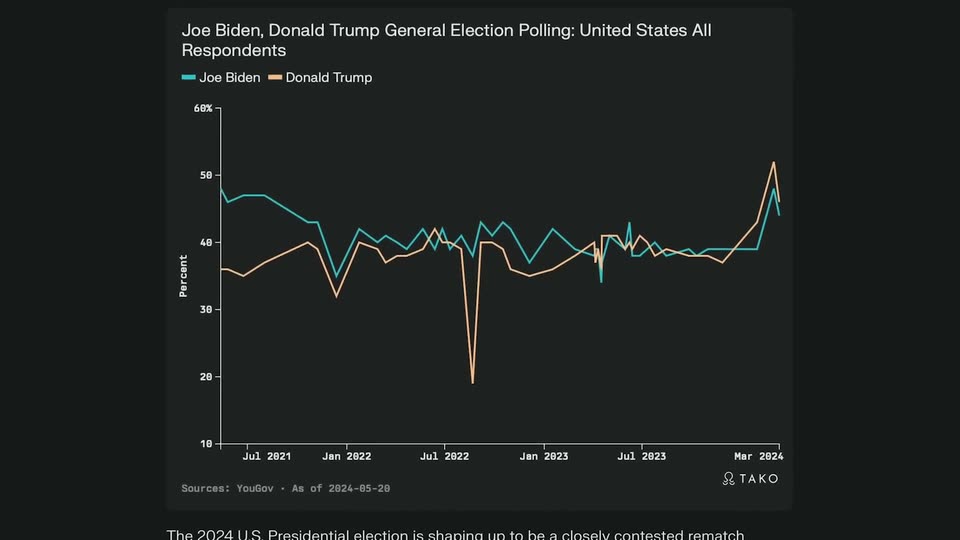 0:21–0:22Perplexity · Introducing Interactive Knowledge CardsA dark polling chart with teal and tan lines crossfades into a rising public-debt line chart, then a cursor hovers over the line and a tooltip reads a dollar value.
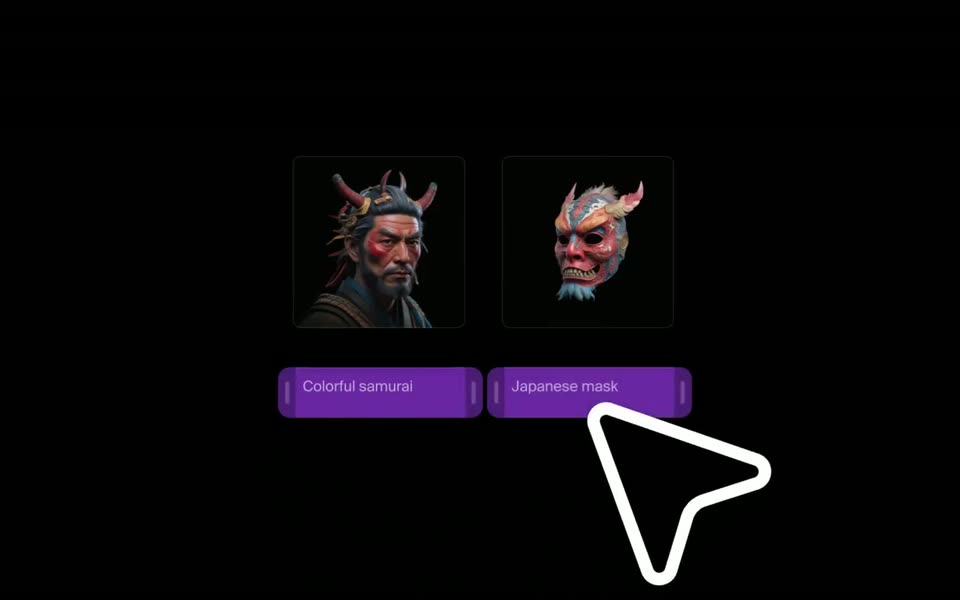 0:15–0:23Krea · Krea - Krea Video is here! this is how it works 👇 - (sound on)Two portraits, a horned samurai and a red oni mask, sit in rounded tiles on black. A large outline cursor moves in, “Add Text Prompts” fades in, then purple pills type “Colorful samurai” and “Japanese mask” below each image. A Generate Video button appears and the cursor shrinks onto it.
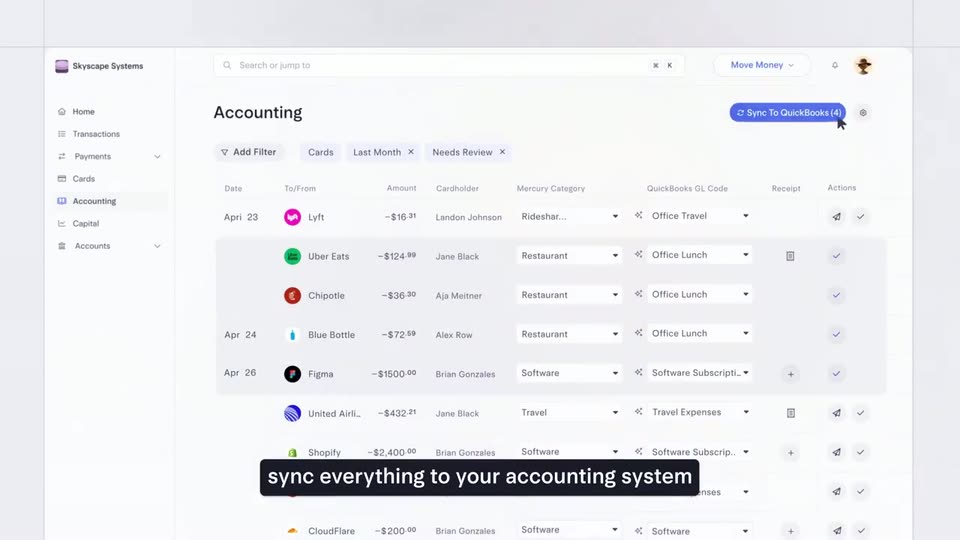 0:57–1:00Mercury · Mercury - The next evolution of Mercury is here. Introducing new software thatA cursor clicks the blue Sync To QuickBooks button on an accounting dashboard. The transaction list scrolls down and a green check toast confirms the sync. A black caption bar holds the line at the bottom.
 0:10–0:11The Browser Company · The Browser Company - Arc on Windows is finally here. No more waitlists, no more betas. DA tight locked-off close-up of a pixelated interface button reading Start, with a white pixel cursor arrow resting on its left edge. The dotted-border button sits on a light gray panel above a flat purple field, and the label shifts a few pixels within the frame.
 0:09–0:10The Browser Company · Arc on Windows. Download now.A pixelated gray toolbar with three icon buttons sits against a shifting blue-to-purple background. A white pixel cursor glides left to right across the buttons, pausing over each.
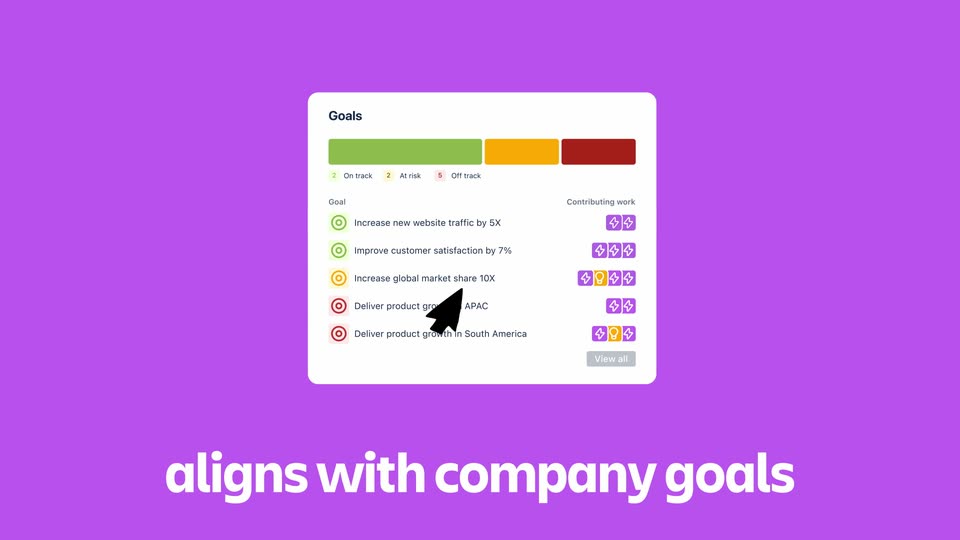 0:55–0:58Atlassian · Welcome to the next era of Jira - Inside AtlassianA purple project dashboard zooms into the Goals panel, dimming the rest of the screen. A yellow cursor points at the first goal row, which lights up with a white bar and a small black burst, while the caption aligns with company goals appears at the bottom.
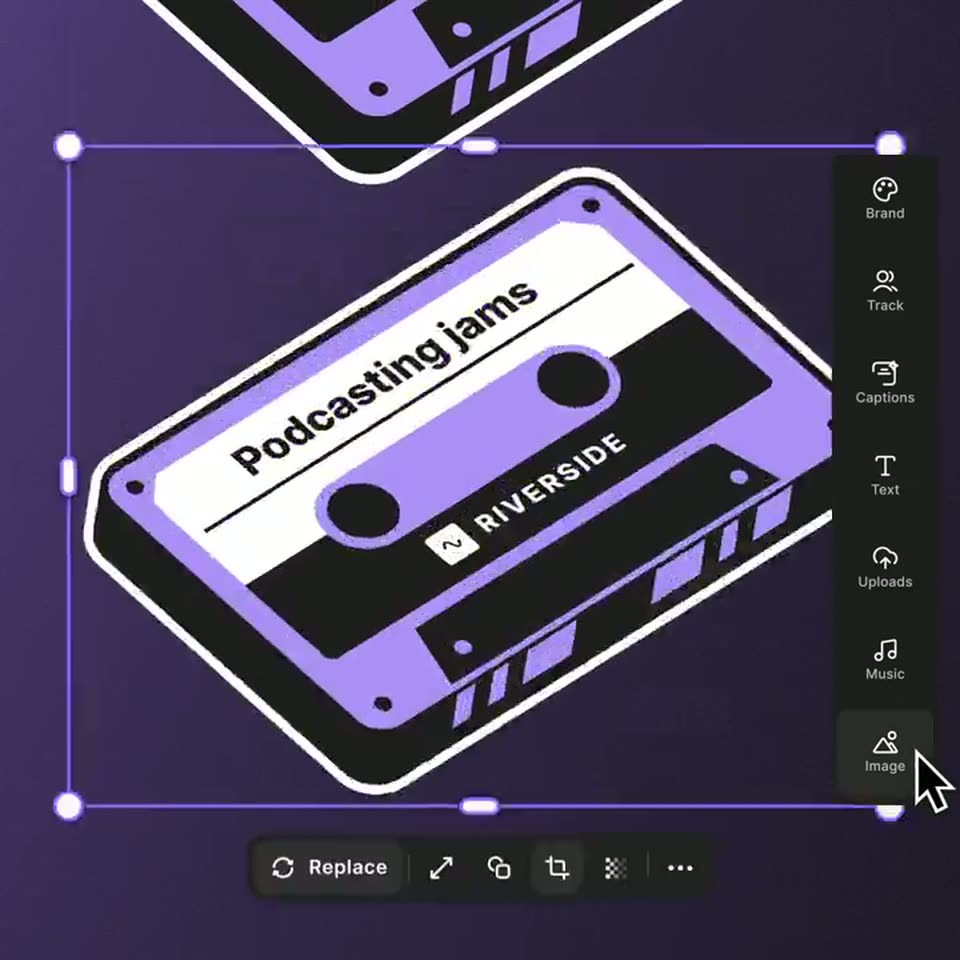 0:11–0:12Riverside · Riverside - NEW: Audiograms are now available on Riverside Turn your audio-onlyA dark purple editor canvas shows a white “Add images” chip while the cursor hovers the Image tool in the right sidebar. A purple cassette illustration with “Podcasting jams” and the Riverside logo scales in inside a selection box with handles.
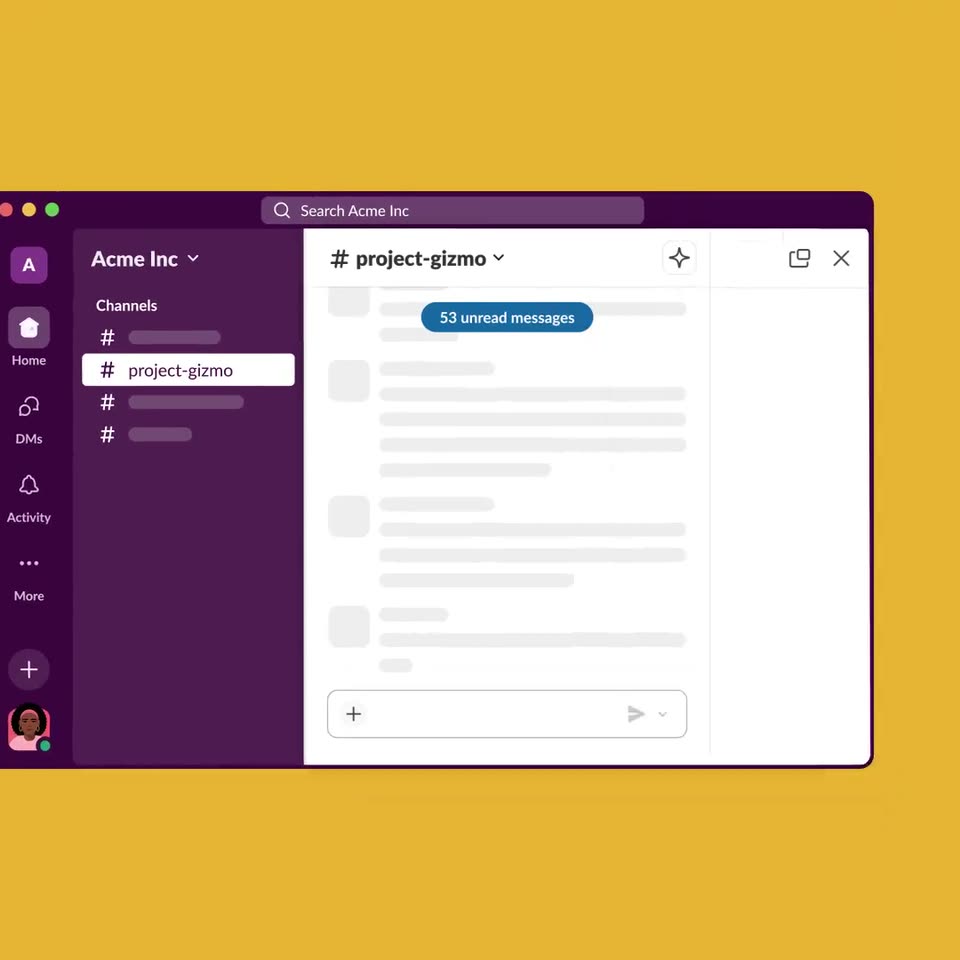 0:17–0:23Slack · Slack - Time is valuable. Slack AI gives you more of it. 🙌✨ And starting todClose-up on a chat app toolbar over a yellow background. A hand cursor clicks the sparkle icon, opens a menu, and picks 'Unreads'. The frame zooms out to the full window, then an AI side panel slides in with a loading spinner.
 0:09–0:11The Browser Company · Introducing Live Folders in Arc | Your sidebar is aliveA GitHub-style interface floats in 3D perspective, its panels angled and receding. The frame opens tight on a green Submit review button with a cursor, then pulls back to reveal the repository sidebar, a pull request list, and a code editor with chevron markers.
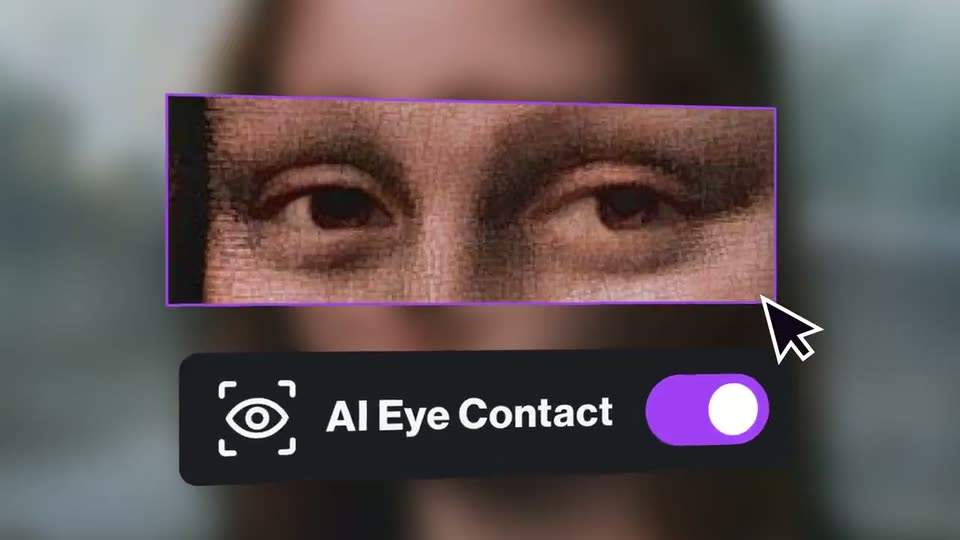 0:06–0:07Captions · Mirage - Introducing Captions for web. Video editing made simple, thanks toA purple-bordered crop of a woman's eyes sits over a blurred portrait, with a dark pill labeled AI Eye Contact and a toggle below. A white cursor hovers as the toggle flips on, then the overlay clears to reveal the full sharp face.
 0:32–0:34Frame.io · Frame.io - It's here. The all-new Version 4. Now in beta.A dark details panel fills the frame on a rating row. A circular cursor slides to the fifth star, which fills yellow, then the camera zooms out to a grid of media cards showing thumbnails, filenames and metadata.
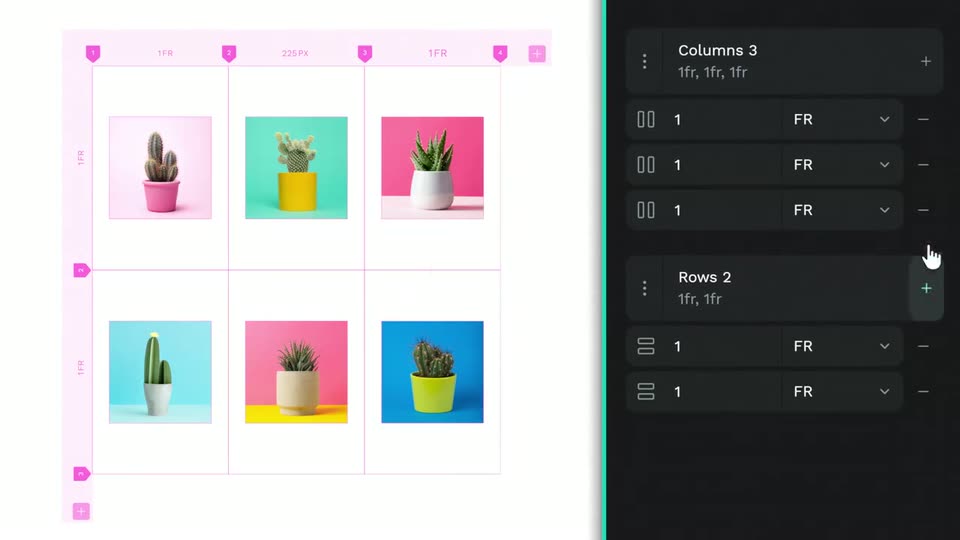 0:25 · 0.8sPenpot · Penpot - 💥 Penpot 2.0 is now available! Explore & enjoy the unique featurA grid editor fills the frame: on the left, six cactus photos sit in a pink 3x2 grid with measurement labels, on the right a dark panel lists Columns and Rows controls. A hand cursor hovers over the plus buttons, moving from the top row to the bottom.
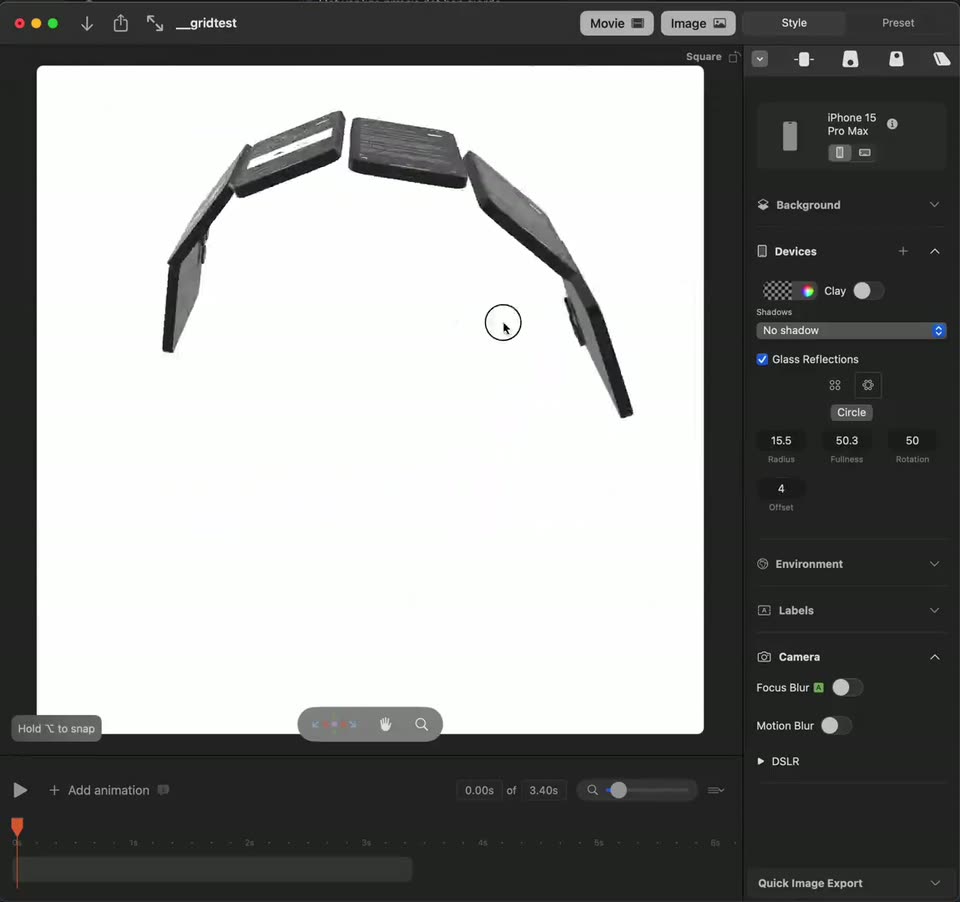 0:10–0:18Rotato · Morten from Rotato - Circles, half circles and grids rolling out to beta users soon:A dark design app fills the frame, its white canvas holding a row of black iPhone mockups tilted in 3D. A cursor works the right-hand sliders, then drags the phones to rotate and spread them through the depth, settling into a diagonal column.
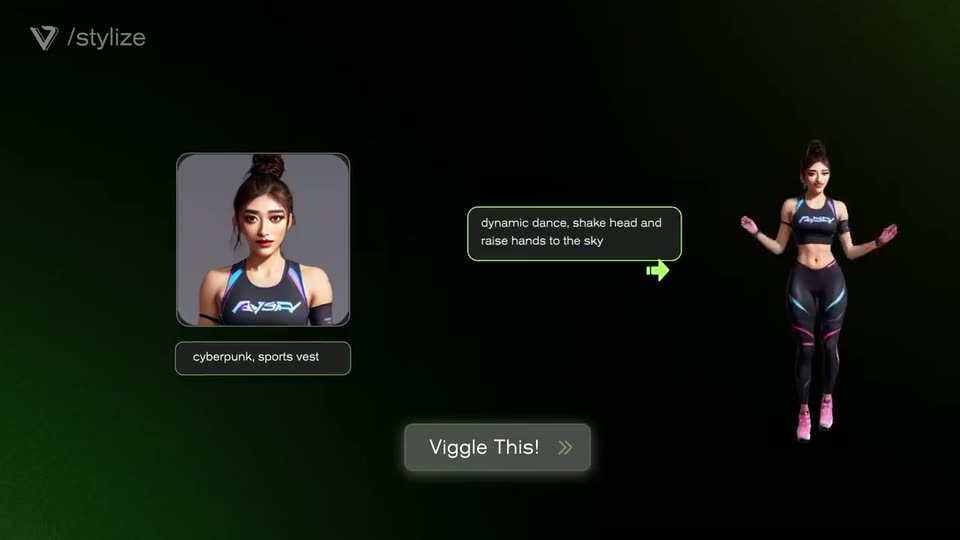 0:44–0:52Viggle · ViggleAI - VIGGLE'S NEW MODEL IS HERE! Controllable video generation is our mA dark stylize interface with character and motion panels. A cursor drops a portrait into the character slot, a prompt types in and the image restyles into a cyberpunk outfit, then a plus sign and arrow link to a full-body 3D character dancing on the right.
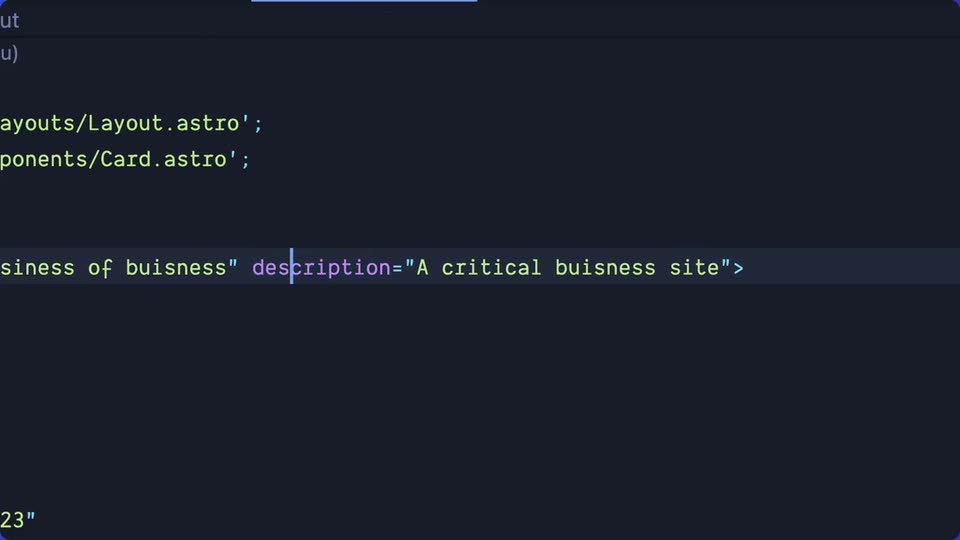 0:19–0:20Netlify · Netlify - Problems debugging your build? AI can take a look. Learn more here:A dark code editor fills the frame in close-up. An I-beam cursor rests at a highlighted attribute on a line of syntax-colored code. The line then shifts into overlapping ghost characters, as if typed at high speed.
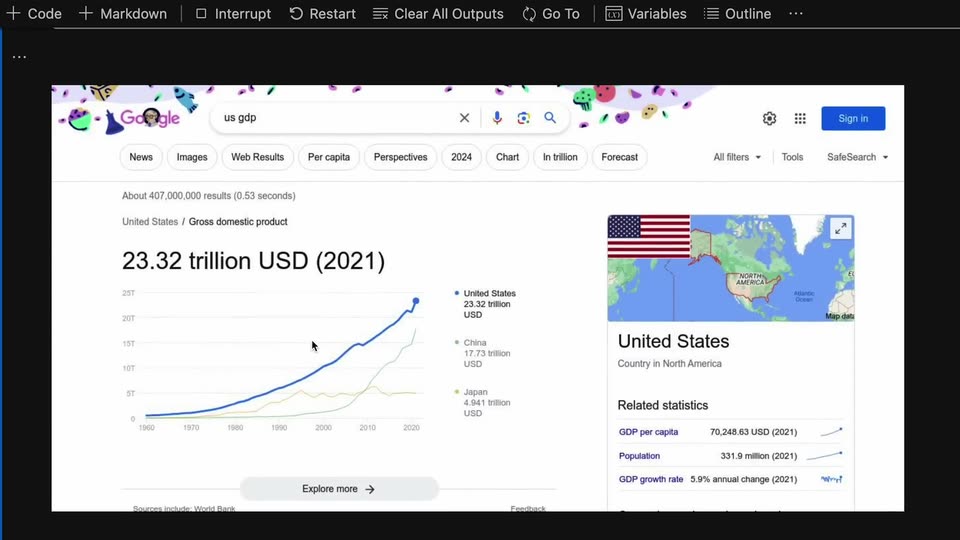 0:45–0:47Anthropic · Claude 3 Opus as an economic analystA screen recording of a code tool's embedded browser shows a Google search for us gdp with an upward-trending line chart and a US map panel. The page settles from a doubled overlay into a clean view while a cursor moves across the chart.
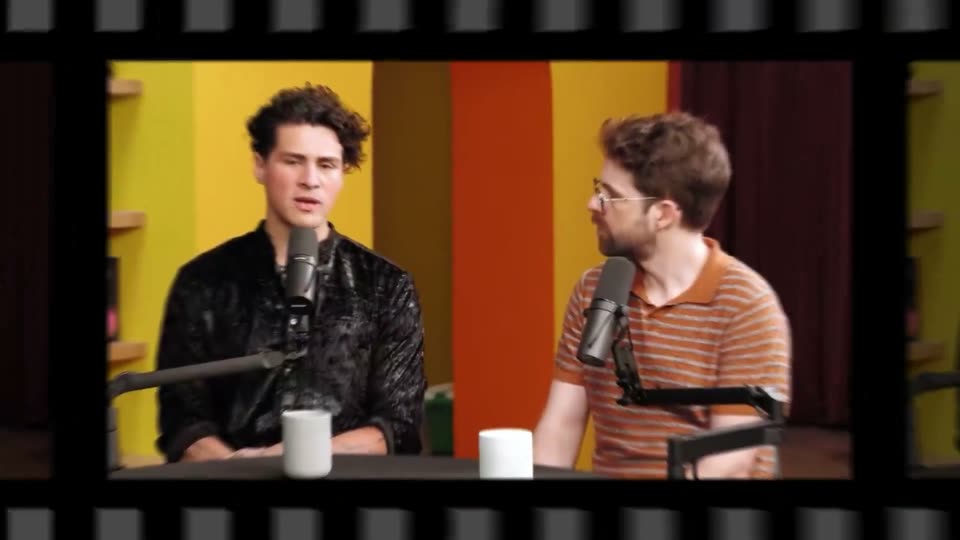 0:11–0:13OpusClip · OpusClip - Introducing OpusClip 3.0. The smartest AI video clipping tool just goA dark dropdown menu of clip genres, cursor resting on it, collapses, and the scene cuts to two men at a table with microphones against a striped yellow wall, then a fast horizontal-blur punch-in tightens the frame.
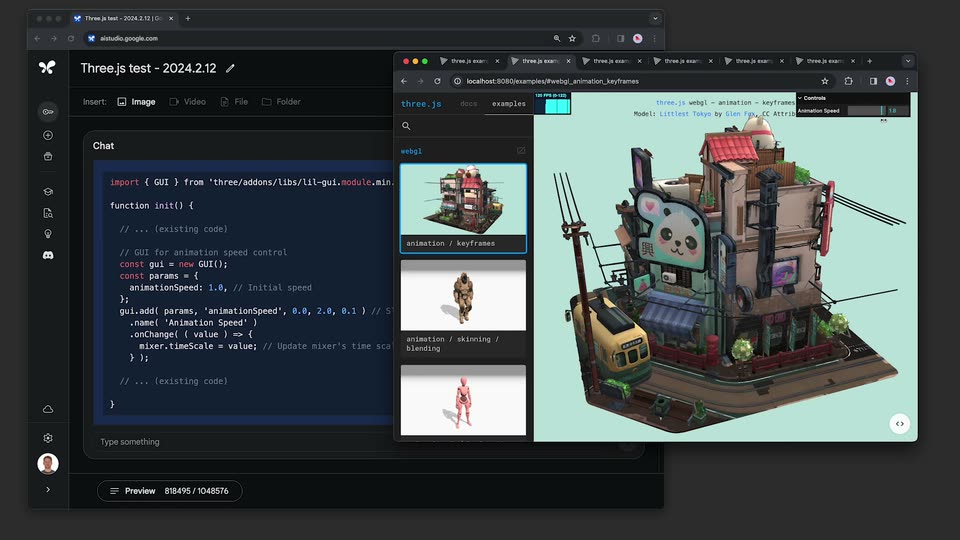 1:16–1:25Google · Problem solving across 100,633 lines of code | Gemini 1.5 Pro DemoA dark code editor sits left of a browser running a three.js Tokyo street diorama, a yellow tram looping the block. A cursor drags an Animation Speed slider top right; the tram speeds up, slows, and stops to match.
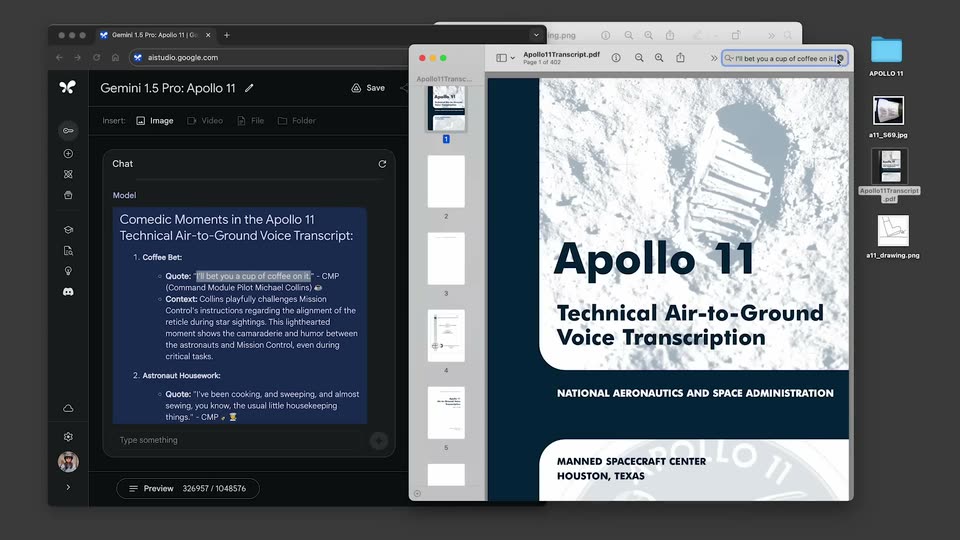 0:48–0:49Google · Reasoning across a 402-page transcript | Gemini 1.5 Pro DemoA macOS desktop shows two windows side by side: a Gemini chat panel on the left and a PDF cover page on the right. The mouse types a quote into the PDF viewer's search field.
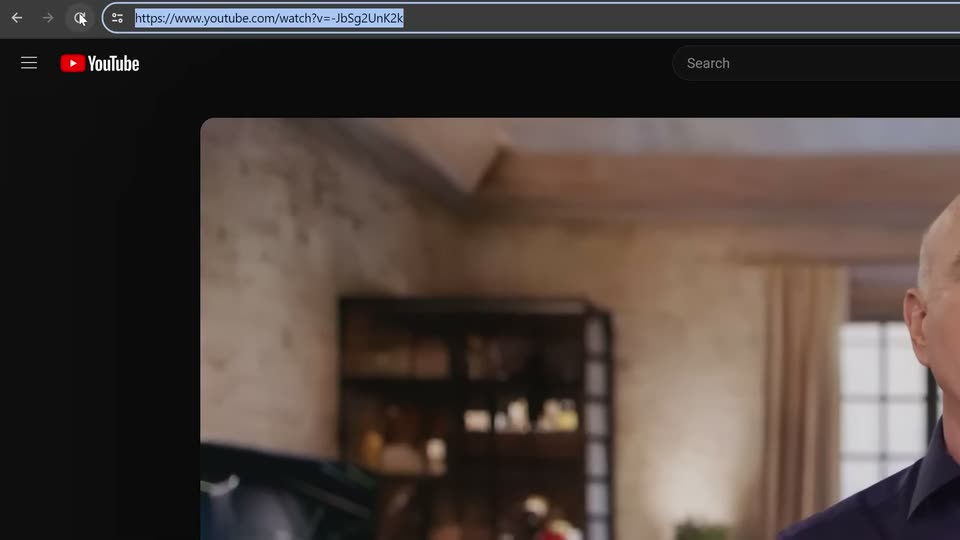 0:28–0:31NVIDIA · Create A Personalized AI Chatbot with Chat With RTXA screen capture of a YouTube watch page; the cursor selects the address bar, then the frame zooms into the embedded video of a man in a dark shirt, pushing the player controls and header out of view. A caption reads 'Search for answers within selected YouTube videos.'
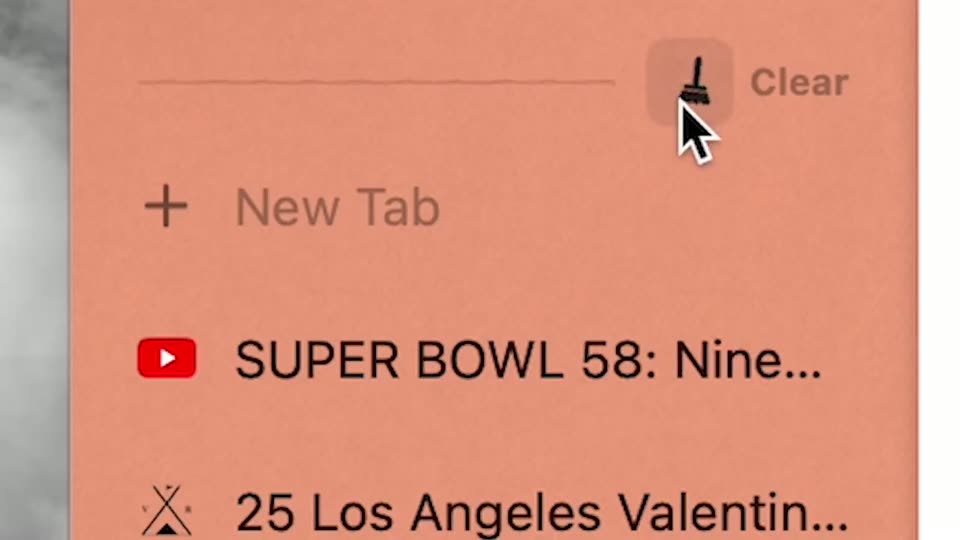 0:09–0:10The Browser Company · The Browser Company - A browser that tidies for you? Tidy Tabs, now in Arc!A salmon tab list holds a locked-off frame while a cursor glides to the Clear button and clicks it; the topmost tab dissolves into a wavy line. The New Tab row and two saved links stay still beneath.
 0:10–0:12Loom · Loom - 🚨 Sales & customer-facing teams — unlock more revenue with Loom!A purple starburst at the center of a lavender field shrinks into a small spinner above the text. A dark toolbar with a red stop button sits at the left edge; a hand cursor taps it, the two-line headline appears, then the cursor glides onto the words.
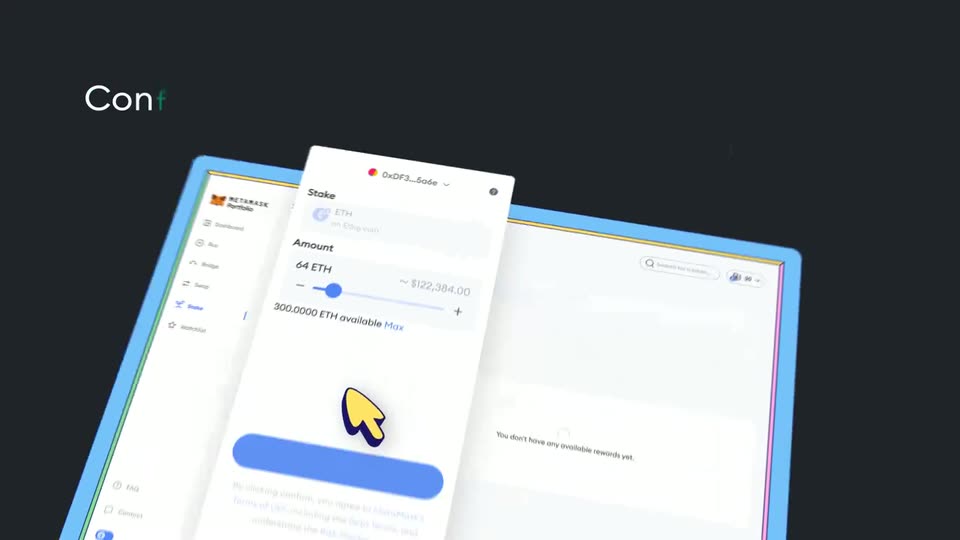 0:39–0:49MetaMask · MetaMask 🦊 - Introducing Validator Staking on MetaMask Portfolio.🦊 With a 32 ETHA 3D-tilted Metamask window floats on a dark background while a yellow cartoon cursor drags the staking slider to 64 ETH, then clicks the highlighted Confirm button. The view rotates and a transaction-in-progress spinner appears.
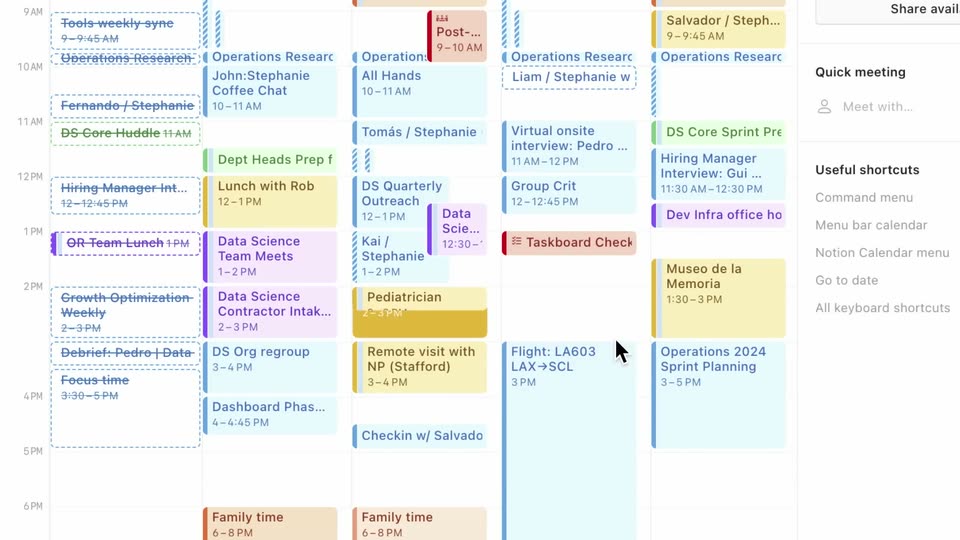 0:32–0:34Notion · Meet Notion CalendarA week calendar grid fills the frame with multicolored event blocks. A centered dialog offers busy-blocking options; a cursor clicks the blue 'Show as busy' button and the dialog closes, leaving the full schedule visible.
 0:23 · 0.6sBerachain · Berachain Foundation 🐻⛓ - Berachain’s Public Testnet "Artio" is now live. The March of the BerA dark data table sits in 3D perspective, rows of seed names and timers receding to the right with soft depth-of-field blur. A white hand cursor glides left to right across the top row while the list scrolls up a few pixels.
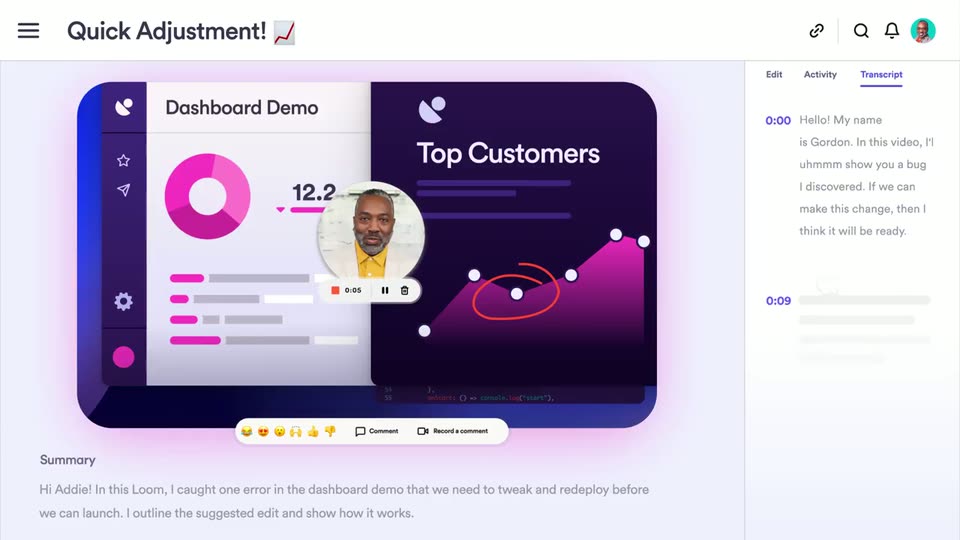 0:26–0:28Loom · Loom - It’s a new year — and it’s easier than ever to embrace new ways of woThe Loom interface opens on a tilted dashboard mockup beside a transcript panel, a hand cursor tapping the Transcript tab. The view then pans and zooms right, framing the transcript where the filler word umhhm is boxed in purple.
 0:15–0:18OpenSea · OpenSea - NFTs just got a whole lot easier. Introducing the new OpenSea onboaA login card sits centered on a light gray field as a gray headline fades in and out over it. An email is typed into the field and a 3D blue cursor clicks the arrow button, then the frame zooms into the card.
 0:18–0:21Leonardo AI · Leonardo.Ai - Realtime Gen is now LIVE for all users ⏱️ Type and watch your promptOver a blurred dark interface, a cursor opens the Creative Upscale dropdown in the top right, then a Personal Feed tooltip appears while the centered white headline Refine And Download fades out.
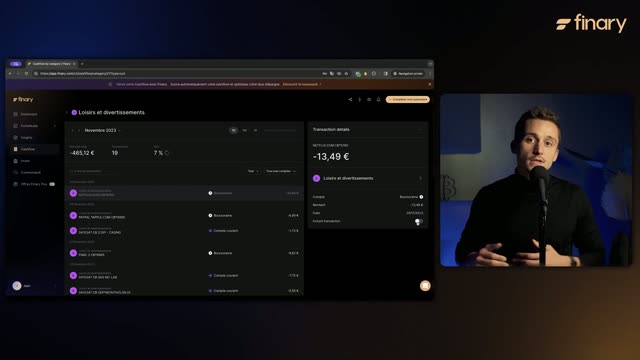 2:10–2:16Finary · Gérez votre budget efficacement et simplement avec Finary !Left: a dark Finary Cashflow page lists leisure transactions, with a details panel showing a -13,49 € Netflix charge. Right: a man in a black turtleneck speaks into a microphone. The cursor toggles the inclusion switch, dimming the row and updating the total, then the speaker video expands.
 0:19–0:20Microsoft · Introducing AI in Windows 11A stack of illustrated app cards lies in 3D perspective on a purple grid. A cursor clicks the download button, then the top card tilts up and away as the headline Download apps without worry fades in at center.
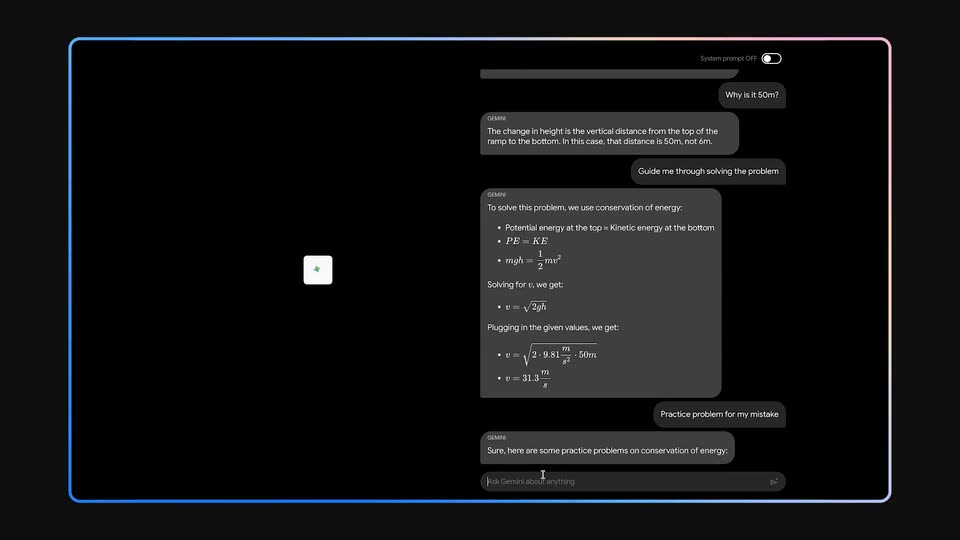 1:12–1:49Google · Math & physics with AI | GeminiA dark chat window with a glowing gradient border fills with stacked messages on the right as a white Conservation of Energy card appears on the left. A cursor types a practice request, the card swaps to a multiple-choice question, and the correct answer is clicked.
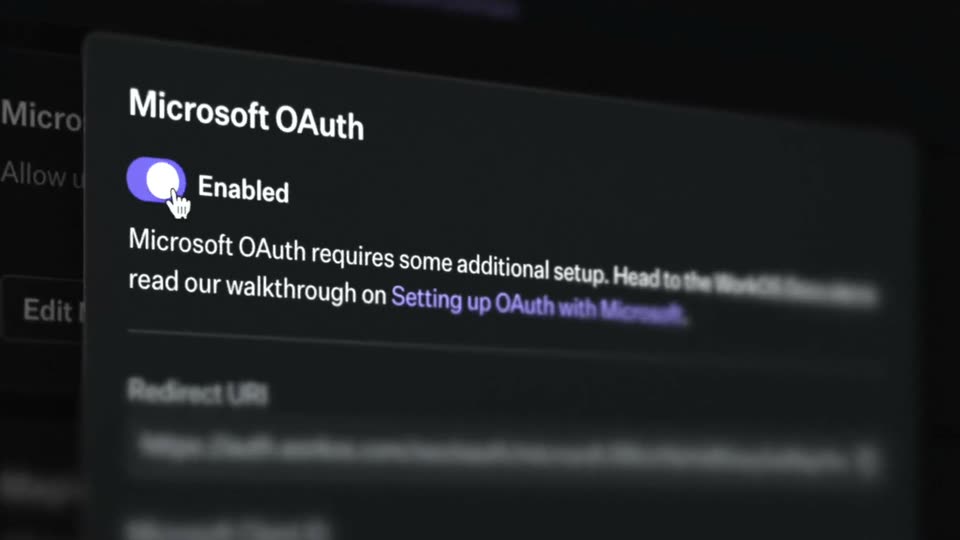 0:15–0:16AuthKit · WorkOS - Introducing @AuthKit — an open source auth UI built on @radix_ui.A dark settings panel sits in close-up with shallow depth of field. The title and body copy swap from Google OAuth to Microsoft OAuth while a hand cursor rests on the enabled toggle.
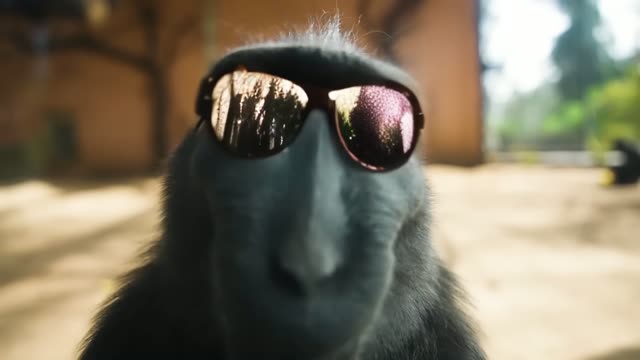 0:46–0:49Pika · Introducing Pika 1.0, An Idea-to-Video PlatformClose-up of a proboscis monkey in a zoo enclosure. A prompt field fills with 'cool sunglasses' above a Generate button; a cursor drags a selection box across the monkey's face, then the box vanishes and the monkey wears gold-rimmed sunglasses.
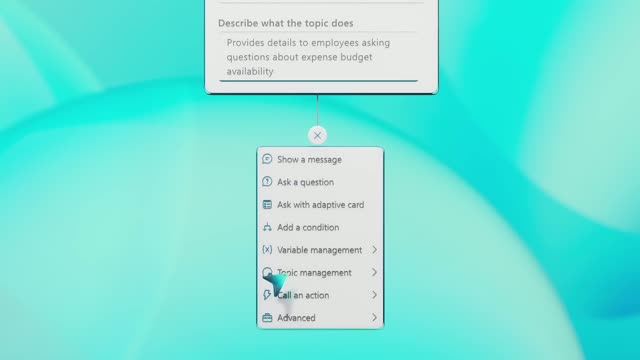 0:24–0:27Microsoft · Introducing Microsoft Copilot Studio | Your Copilot, Your WayFloating 3D cards of a chatbot builder tilt over a soft cyan gradient. The view scrolls down the Trigger card as a cursor moves to a dropdown list of actions.
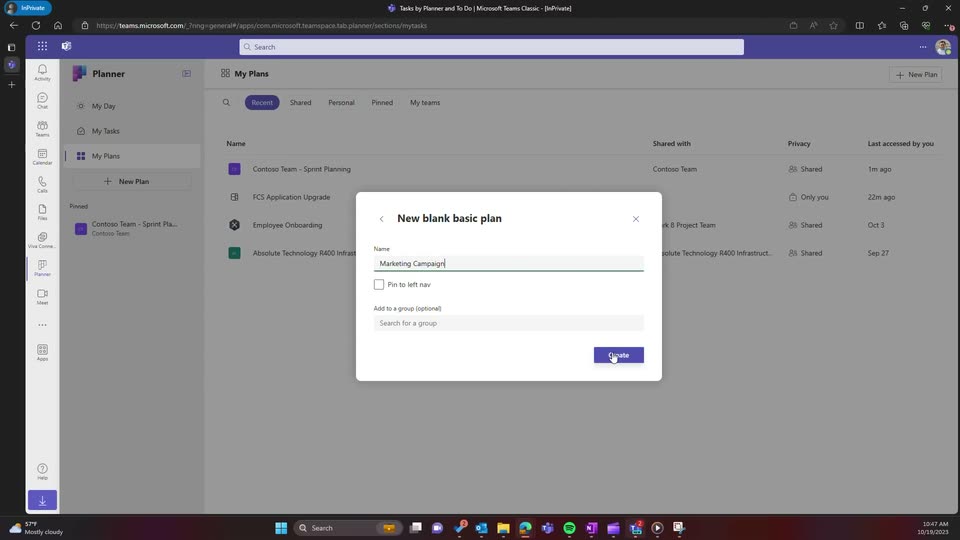 0:54–0:59Microsoft · Meet the new Microsoft PlannerA Planner 'Create new' dialog fills the screen; the cursor selects the Basic option, types 'Marketing Campaign' into the Name field, then clicks Create. The dialog collapses into a loading spinner reading 'Creating your plan...' over the dimmed plan list.
 0:27–0:29Microsoft · The new Microsoft Planner: Manage all your tasks and plans in one simple, familiar experienceA Microsoft Planner window floats in 3D perspective over a soft purple gradient. The My Plans panel slides in from the right as the view reframes onto its tabbed list, with a cursor hovering at the left edge.
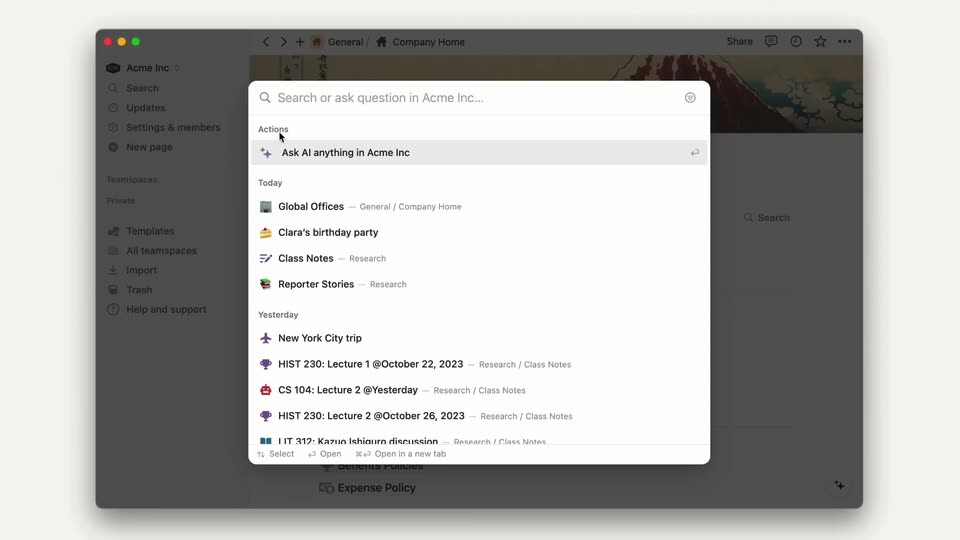 0:15–0:16Notion · Introducing Q&A: Get AI-powered answers to your questions in NotionA dimmed workspace sits behind a centered search modal that lists Actions and recent pages. The cursor travels from the left sidebar to the 'Ask AI anything in Acme Inc' row, highlighting it. A caret blinks in the empty search field.
 0:36–0:39Pitch · Introducing Pitch 2.0A purple Start editing button sits on a pale lavender background. A black cursor glides up to hover on it, then the frame cuts to a white icon toolbar (Text, Media, Shape, Sticker, Chart, Table, Embed) above a solid blue panel.
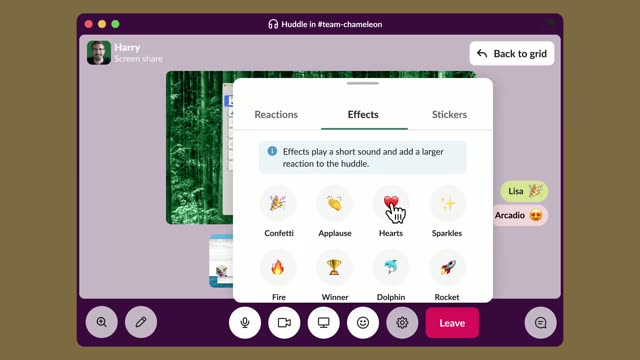 0:44–0:55Slack · Introducing new coworking capabilities in Slack huddlesA Huddie call window on an olive field shares a design app over a forest photo. A pink circle is drawn around a cube illustration, reaction chips pop in at the right, then the cursor opens the Effects panel, picks Hearts, and red hearts drift across the share.
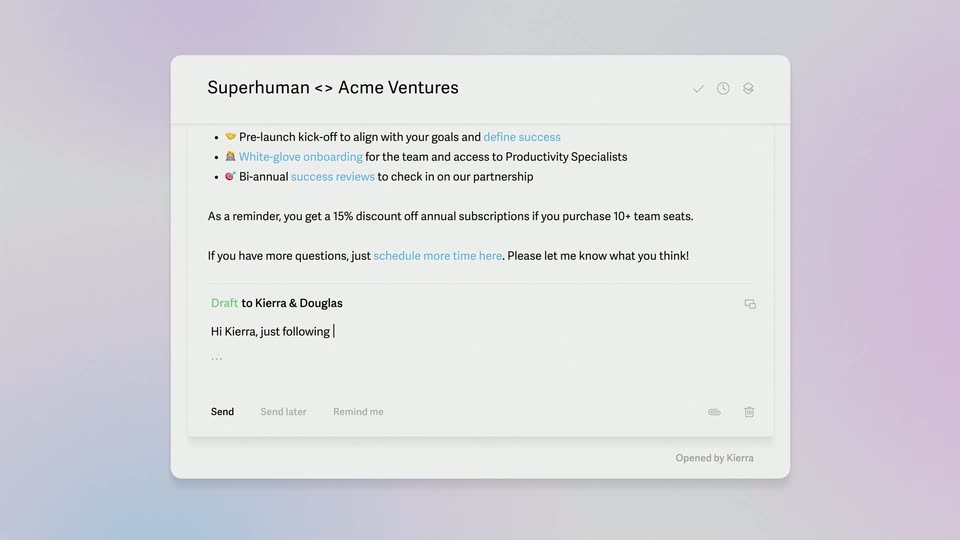 0:26–0:34Superhuman · Superhuman for Teams 🤝A flat email client card on a soft lavender gradient. The view zooms into the 'Opened by Kierra' label, where a cursor clicks to reveal a dark tooltip listing three open times. The view pulls back as a draft reply types itself out below the message.
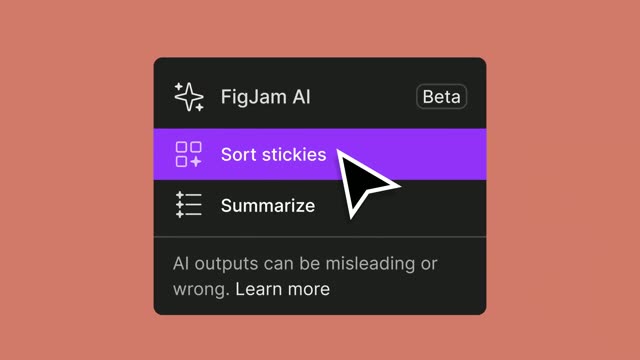 0:19–0:22Figma · Introducing FigJam AIA dark FigJam AI button with a Beta badge sits on a flat terracotta background. A cursor clicks it, and the button expands into a dropdown menu; the Sort stickies row highlights in purple under the hovering cursor.
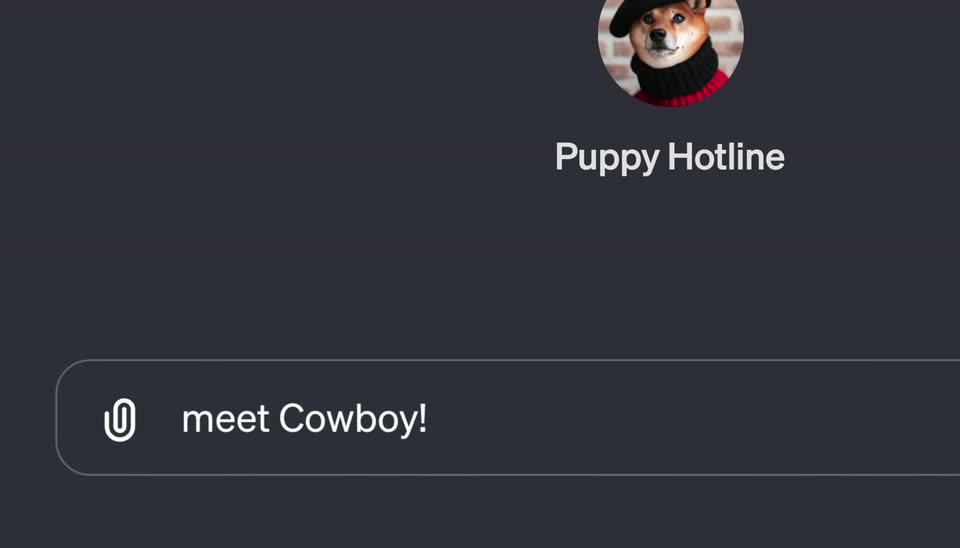 0:05–0:10OpenAI · Introducing GPTs in ChatGPTDark chat screen with a dog avatar and the name Puppy Hotline above an empty message bar. The view zooms in as meet Cowboy! is typed, then a photo of a dachshund on grass loads into the attachment thumbnail.
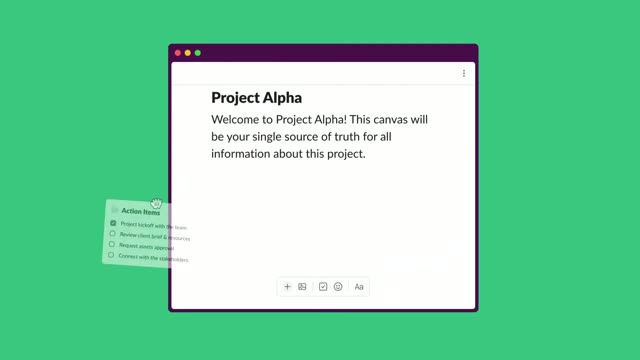 0:25–0:26Slack · Introducing canvas | A new surface to share and organize knowledge | SlackA white canvas card titled Project Alpha sits centered on a green background, the dimmed channel view behind it fading out. A cursor hand glides to the left edge as a small Action Items checklist card fades in beside it.