Cursor demo
A visible cursor operates the interface.
15,126 scenes · page 140 of 253
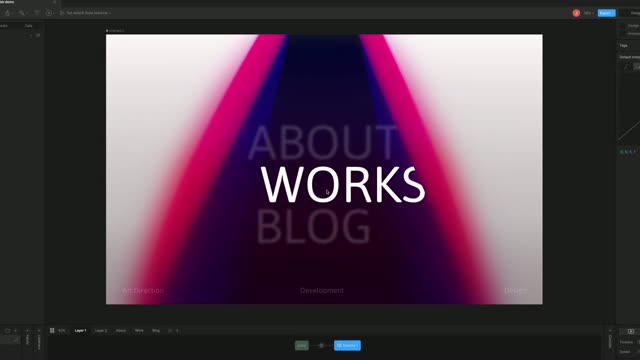 0:15–0:18Rive · Feathering AnnouncementInside a dark design-tool interface, a locked-off canvas loops a soft animation: three blurred color beams shift hue behind stacked white words ABOUT, WORKS, BLOG. A cursor drifts down the list as each word sharpens in focus while the others blur, then the cycle repeats.
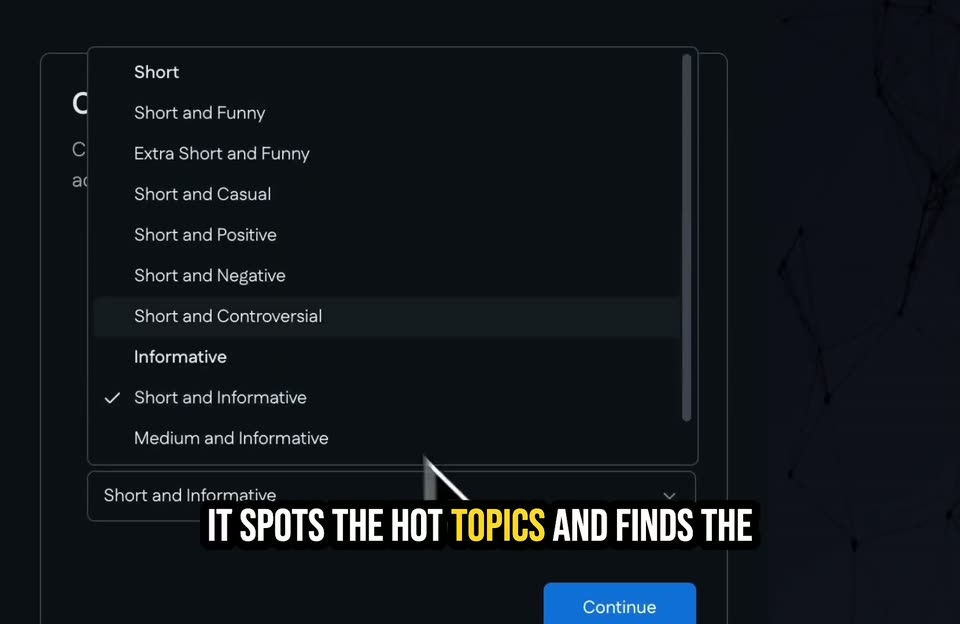 0:20–0:38Flowtel · Casixty DemoA flat screen recording of the Casixty onboarding UI on a dark background, zooming between the subreddit list, the account form, and a blog card. A white cursor clicks tags, opens a dropdown, and types a username. Bold white-and-yellow captions swap at the bottom.
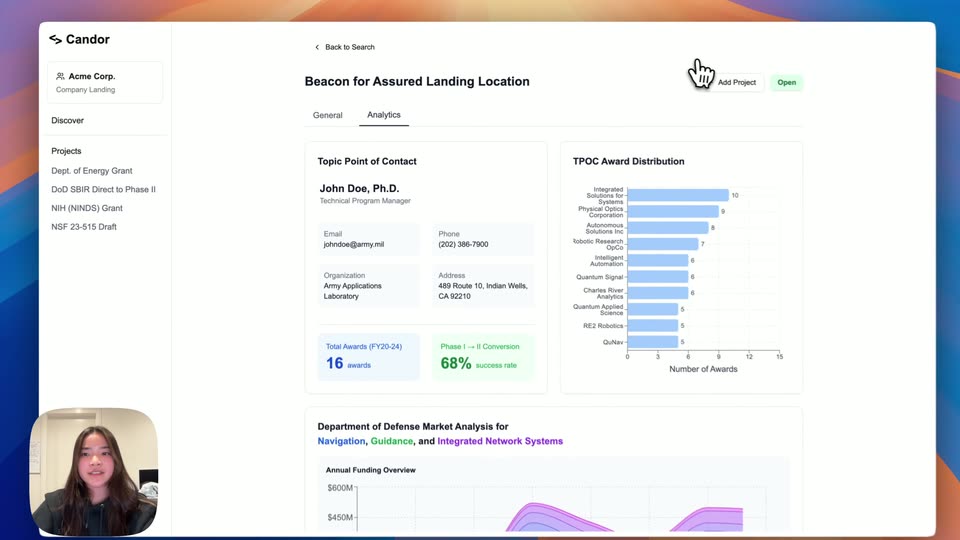 0:29–0:36Candor · Candor (YC W25) Demo || Win Government Funding With AIA Candor app screen shows a grant detail page; the cursor taps the Analytics tab, the frame zooms in, then scrolls past contact cards and funding charts. A presenter's webcam stays pinned in the lower-left corner.
 1:28–1:29Amplitude · Amplitude Guide and Survey OverviewA blurred browser window with a left sidebar list and a grid of content cards comes into focus and reframes wider to reveal the address bar, while a cursor hovers in the center under a soft color gradient.
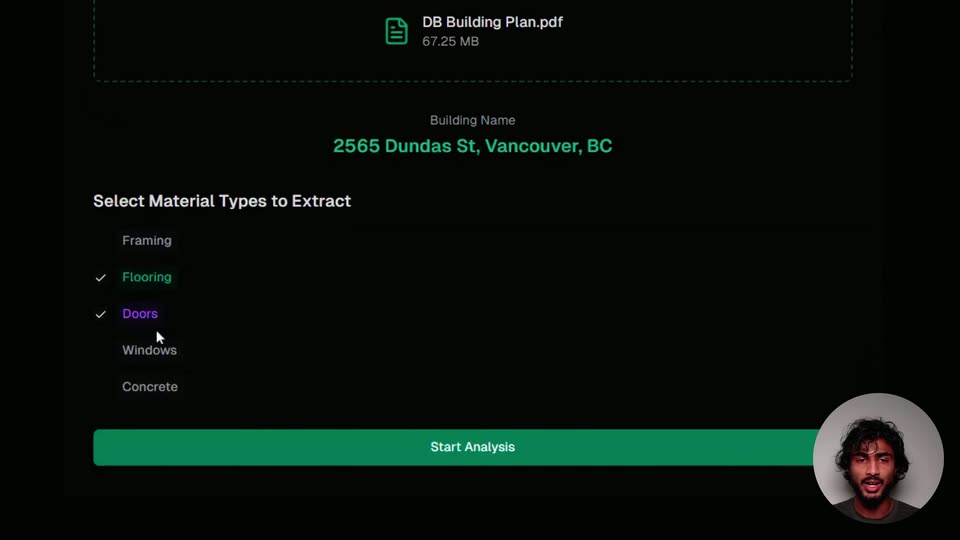 0:27–0:30Bild AI · Read Blueprints Using Bild AIA dark app screen shows a material list as the cursor ticks Flooring and Doors. The view pulls back to reveal the full window with a left sidebar and the upload heading.
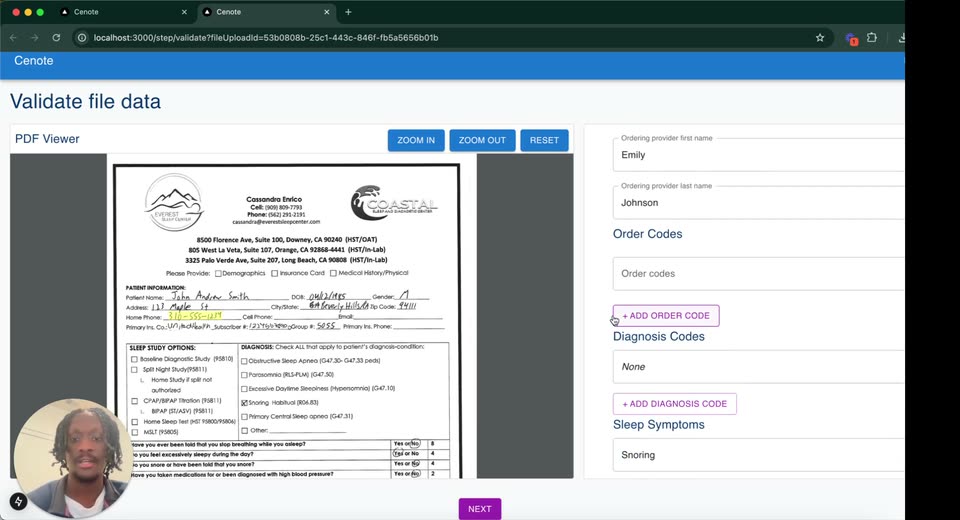 1:58–3:00Cenote · Cenote DemoA browser window shows the Cenote app split into a PDF viewer of a handwritten sleep referral on the left and a structured patient form on the right. The form auto-scrolls down through demographic, contact and clinical fields while a cursor clicks between them.
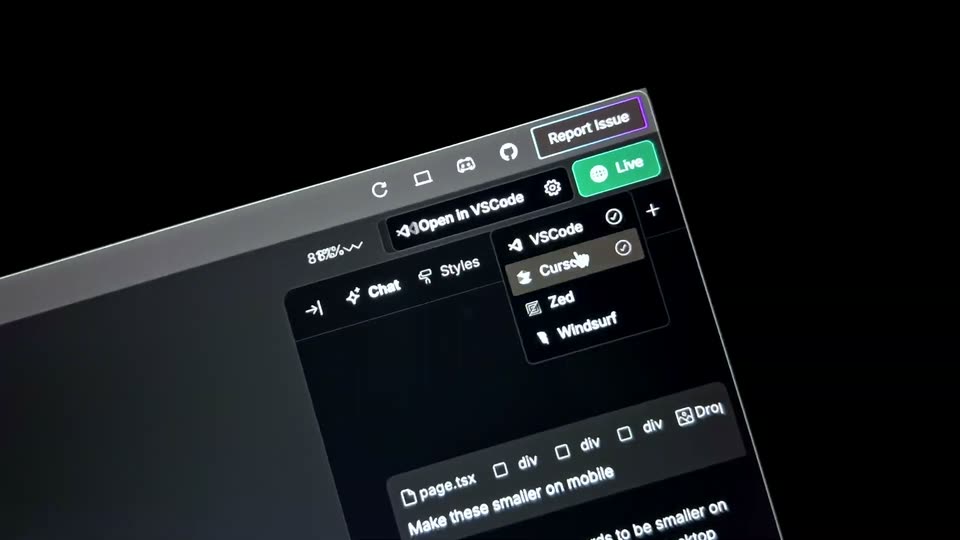 0:58–0:59Onlook · Onlook - The Open-Source Cursor for DesignersA dark interface tilts in 3D against black. An open dropdown lists code editors; a hand cursor hovers over Cursor as a check mark pops in beside it.
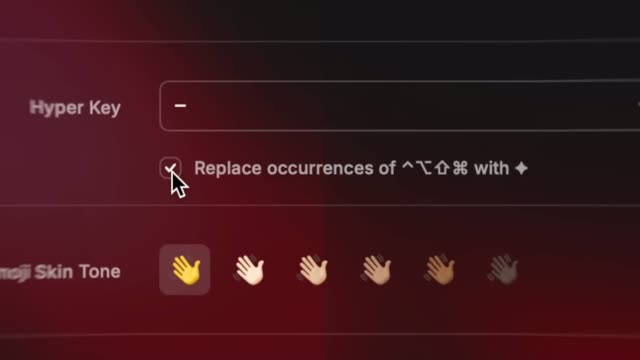 2:14–2:22Raycast · Raycast Just Got You A New KeyThe Raycast Settings window, open on the Advanced tab, scrolls down as the camera zooms into the Hyper Key row. A cursor clicks the 'Replace occurrences of ^⌥⇧⌘ with ✦' checkbox to check it, above a row of six waving-hand emoji skin tones.
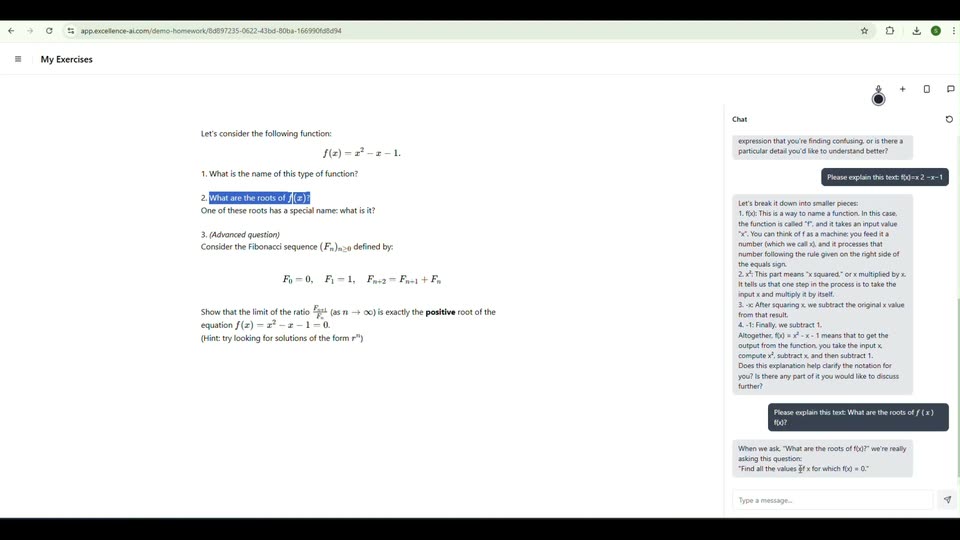 0:33–0:47Excellence Learning · Excellence Learning DemoA homework app screen: math exercise on the left, AI chat on the right. The cursor selects a question line, an Explain button pops in and is clicked; the chat scrolls as the model's answer streams in, then a centered modal with three buttons appears over a dimmed screen.
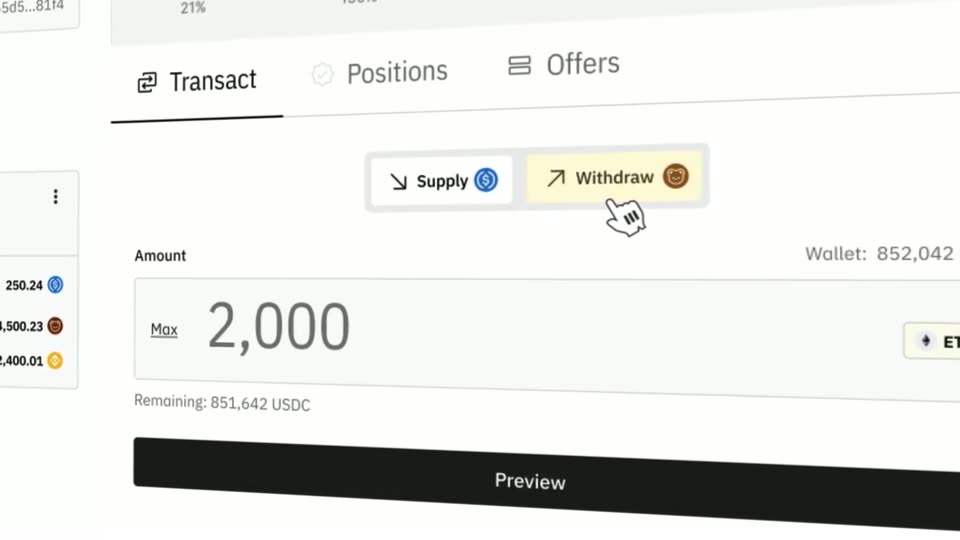 2:22–2:26Berachain · Berachain Foundation 🐻⛓ - Henlo, and furthermore, Boyco.A light trading interface shows the Transact tab with Supply and Withdraw buttons. A white hand cursor clicks the highlighted Withdraw button as the amount field updates from 0 to 2,000, and the view slowly zooms in.
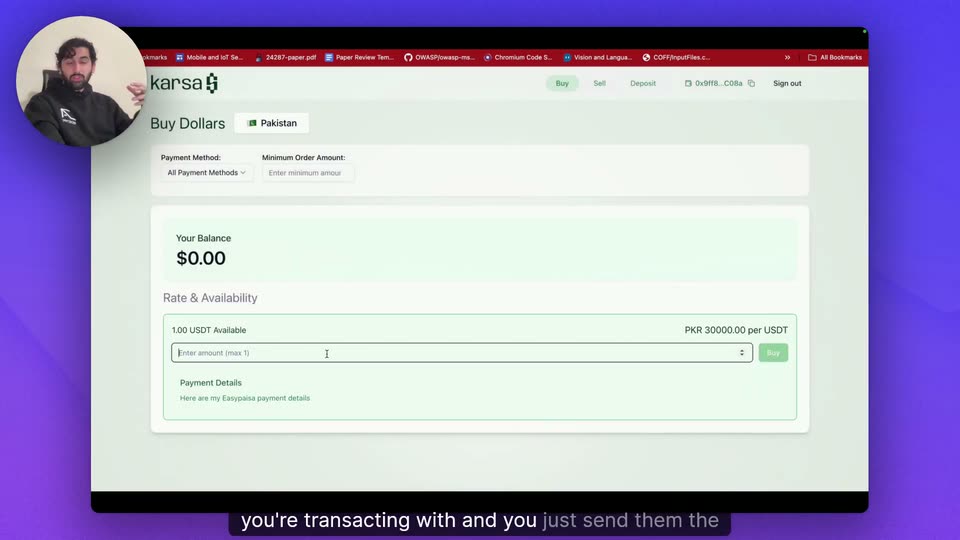 1:00–1:14Karsa · Karsa DemoA screen recording of the karsa Buy Dollars page, with a circular webcam inset of the presenter in the top-left. The cursor clicks Select Country, picks Pakistan from a modal grid, then types 1 into the amount field beside a green Buy button.
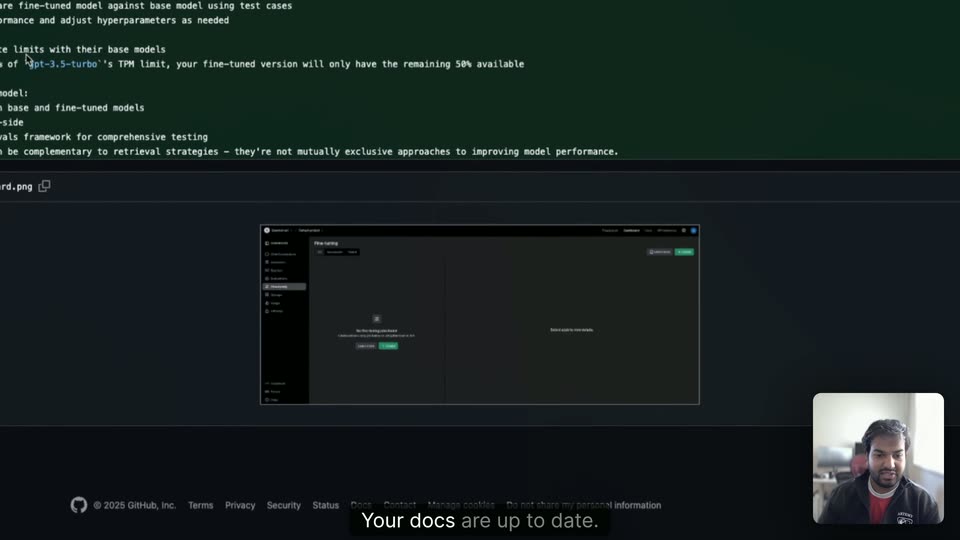 0:41–0:43Quantstruct · Quantstruct Launch VideoA dark documentation editor scrolls down through markdown text and an embedded dashboard image while a cursor hovers over the content. A small talking-head video stays fixed in the bottom-right corner, and white captions on black bars appear at the bottom.
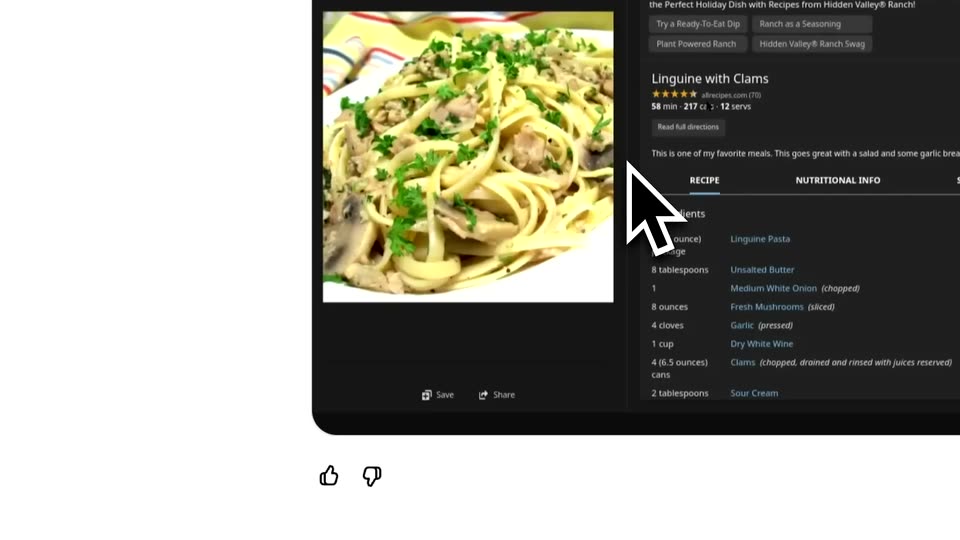 2:07–2:09OpenAI · Demonstrating OperatorA tilted dark tablet floats on a white background, displaying a recipe page with a pasta photo and an ingredient list. A white cursor arrow glides down the screen. Thumbs up and down icons sit below the device.
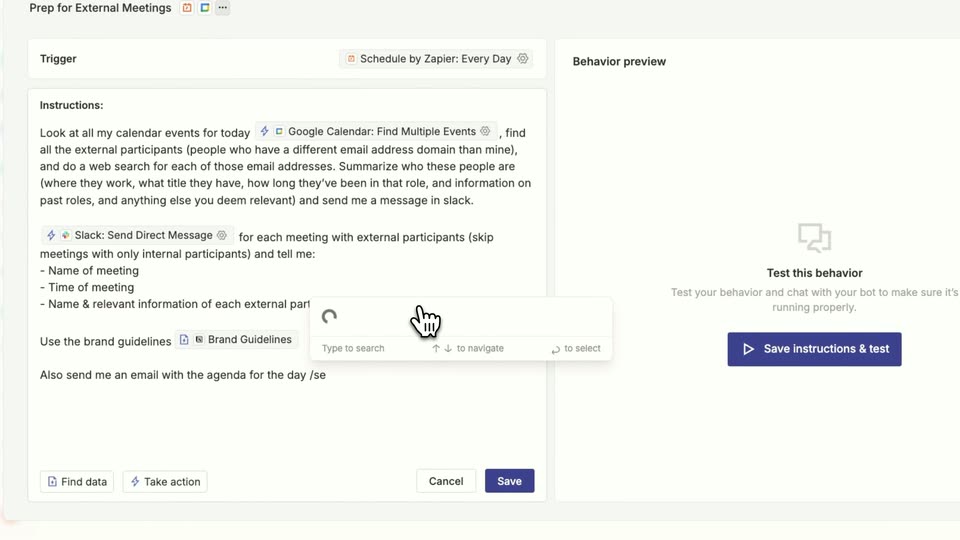 0:14–0:23Zapier · Introducing Zapier Agents: The Future of Automation is Here!A bright pink backdrop frames a white automation-builder window that zooms to fill the screen. A hand cursor scrolls a Gmail action list, pauses on Send Email, a spinner loads, then the list closes and a Gmail: Send Email chip drops into the instruction text.
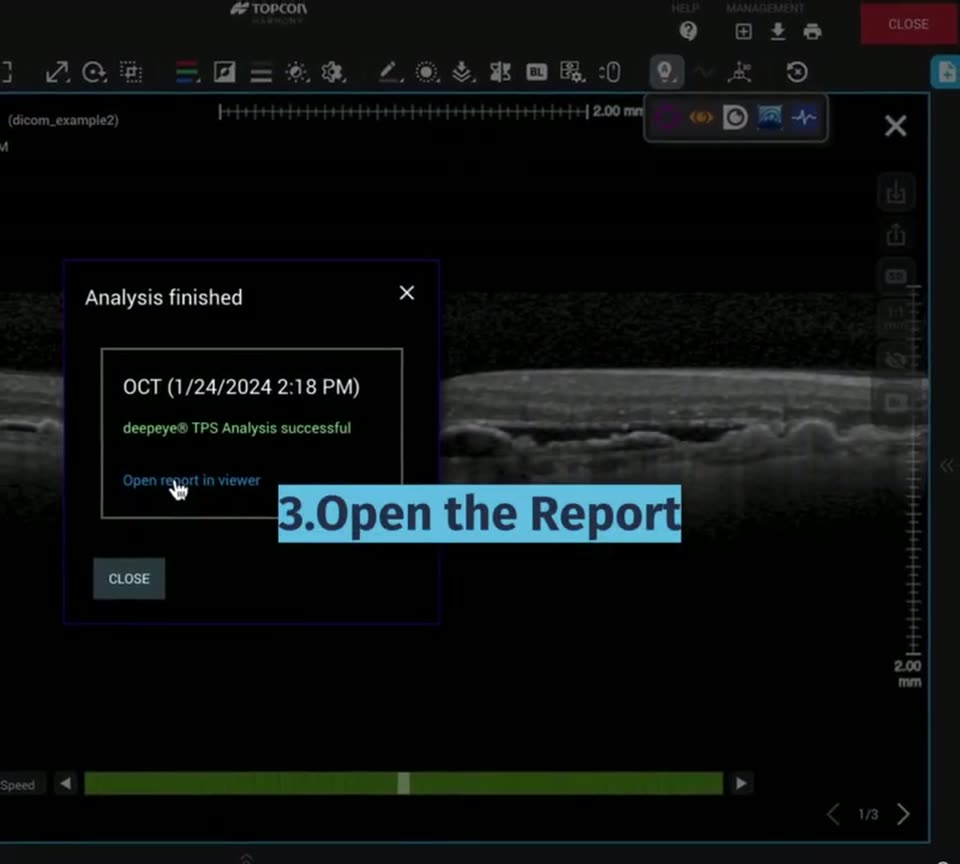 0:13–0:16Deepeye Medical · deepeye TPS, easy to use AI assistant for optimizing IVI therapy planning.A dark retinal scan fills the screen behind an Analysis finished dialog. The frame zooms out to reveal the full toolbar as a cursor moves to the Open report in viewer link. A light blue caption reading 3.Open the Report sits center-right.
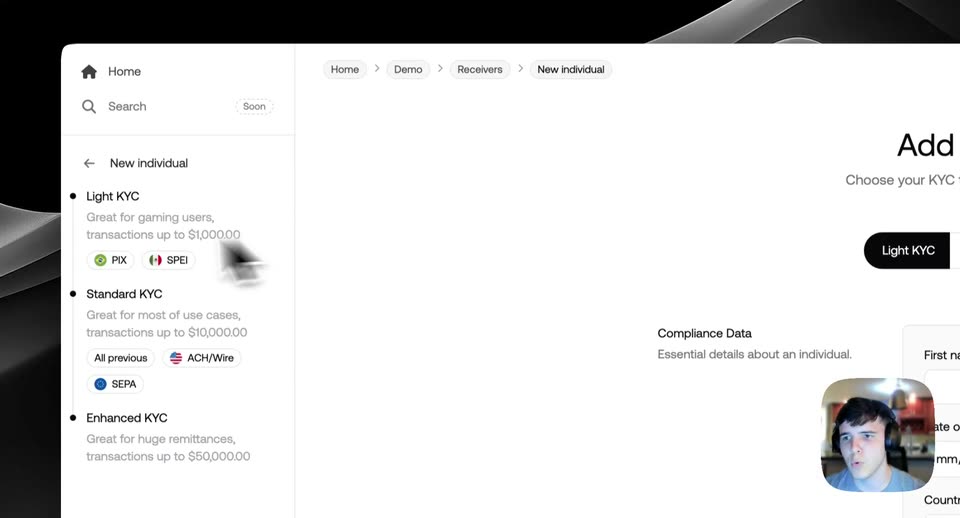 0:17–0:18BlindPay · BlindPay - DemoA white KYC dashboard tilts in 3D against dark curved metal shapes. A cursor glides across the left list of Light, Standard and Enhanced KYC tiers while the right side shows an add panel with a profile photo.
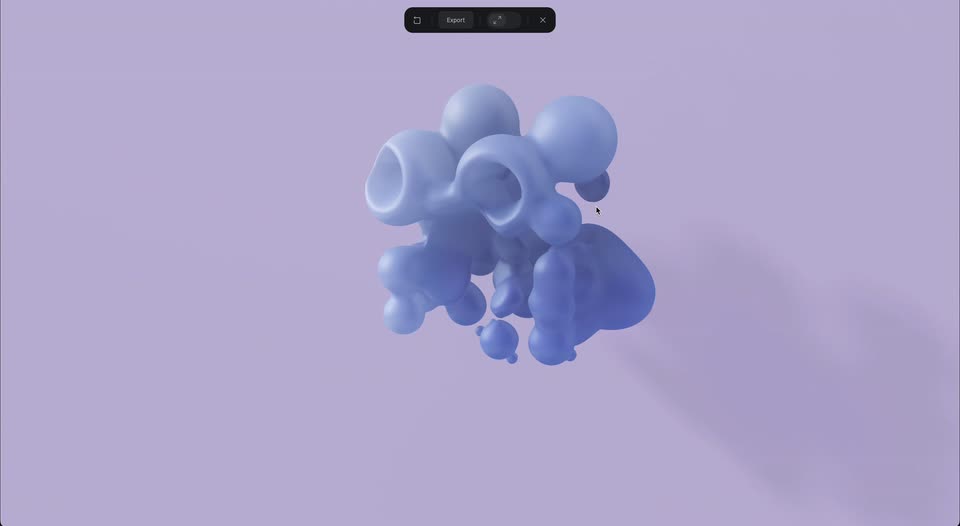 0:14–0:16Spline · Introducing 3D Shape Blend with Spline - SDF VolumesA matte blue 3D blob floats on a pale lavender field, swelling, splitting into loose spheres and re-merging as a cursor glides up to the top toolbar and taps the close icon.
 0:17–0:18Lottielab · Lottielab - After months in public beta, we’re thrilled to announce that LottielaA close-up of a Google search page with shallow depth of field, the colorful Google logo blurred at the top right. The white search box holds the typed query “Lottielab” with a blinking caret, above two autocomplete rows, framed by black letterbox bars.
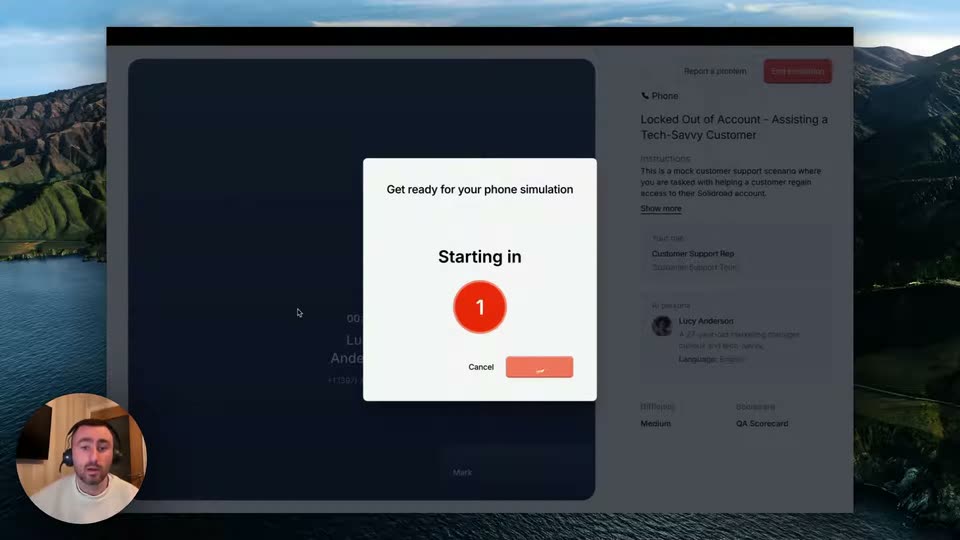 0:18–0:25Solidroad · Solidroad YC Launch DemoA web app screen pairs a dark call panel with a white scenario card, plus a circular webcam of a man in the corner. A white modal pops up, the cursor clicks Start simulation, and an orange circle counts down from 3 to 0.
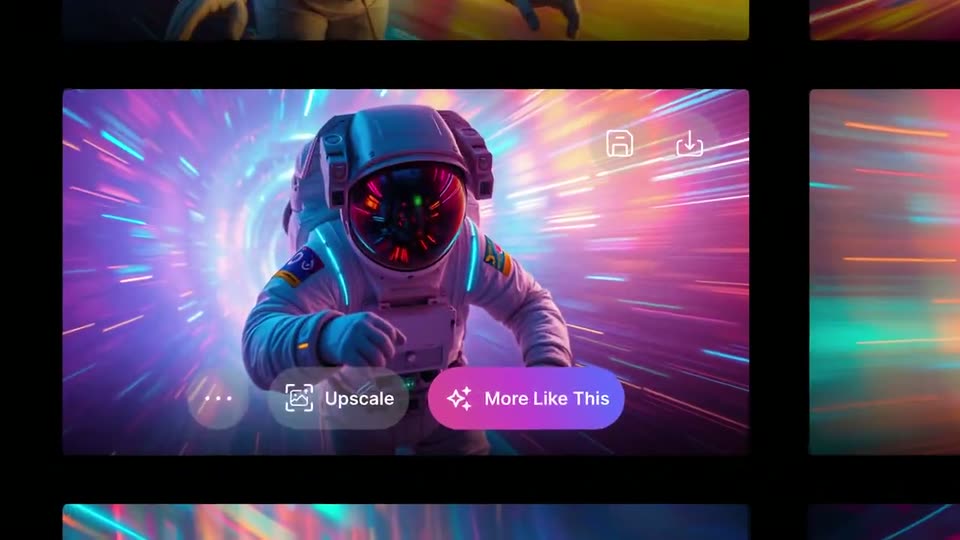 0:09–0:11Leonardo AI · Leonardo.Ai - ✨ Meet Flow State – Leonardo's newest feature for unlocking boundlessA grid of neon astronaut renders zooms onto one tile as its save, download, Upscale and More Like This controls fade in. A cursor glides to the More Like This pill and hovers it.
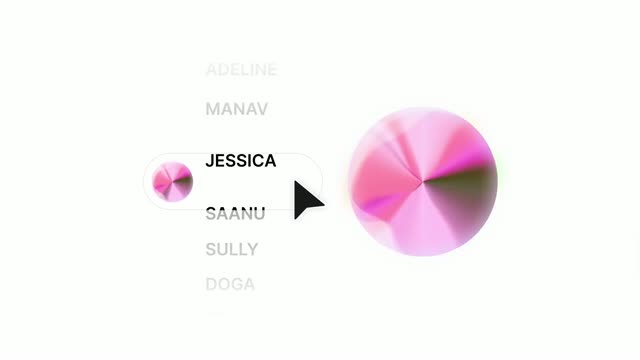 0:35–0:39ElevenLabs · Introducing ElevenLabs Conversational AgentsA vertical name list scrolls beside a large circular swirl preview; the selected name sits in a pill row and the preview shifts color to match. A black cursor clicks JESSICA, then the list fades and the circle scales up to center.
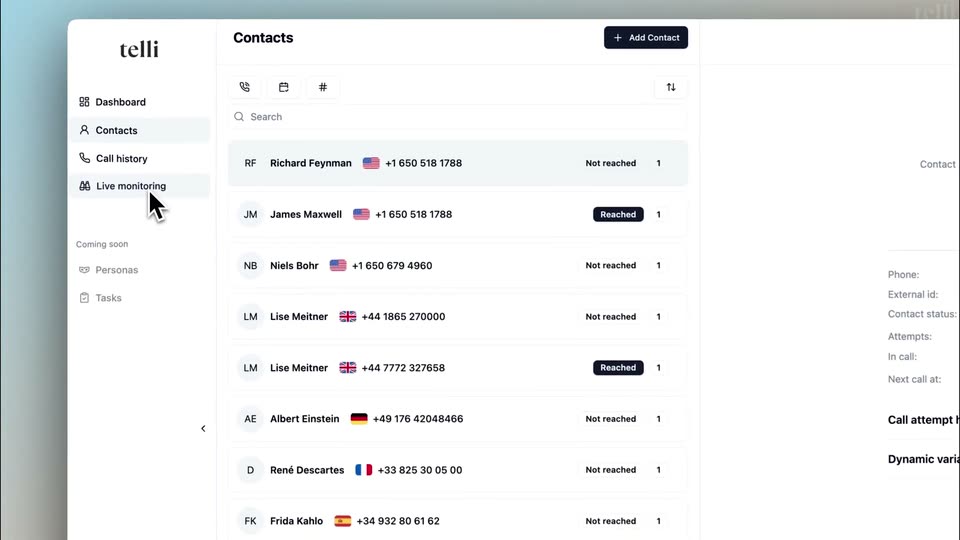 0:48–0:49telli · Launch YC - telli - outbound call automation for B2C companiesA light dashboard UI. The cursor clicks Live monitoring in the left sidebar, and the main panel switches from a contacts list to a live monitoring view showing empty Active and Scheduled Calls sections, while the right detail panel loads.
 0:10–0:11StoreTrack · StoreTrack: headerA dark modal titled HTML Embed Code Editor sits on a light lavender background. Syntax-highlighted code fills the text area as a cursor moves from the top left to the blue Save button.
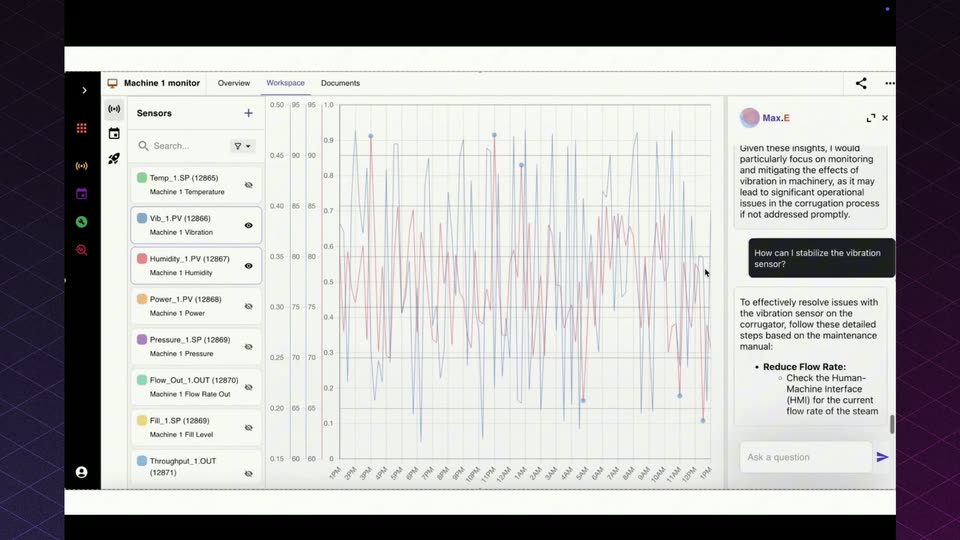 1:04–1:08Vortexify · Praxis AI LaunchA workspace screen of a machine-monitor app fills the frame. The left list switches from model deployments to a sensor list, the center chart swaps from a temperature trace to a vibration trace, and the right chat panel scrolls as new messages load. A cursor hovers over the cards.
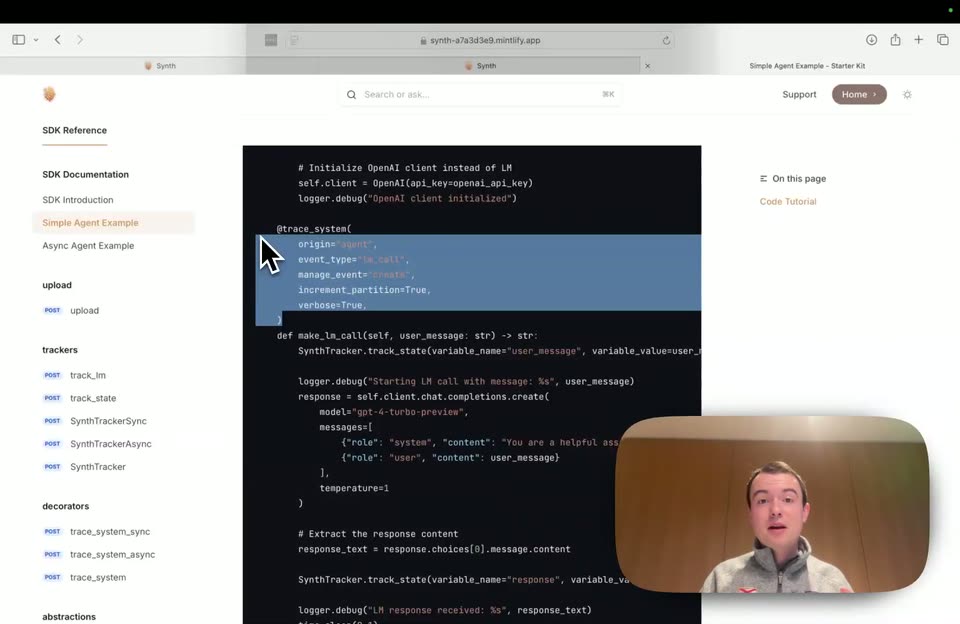 0:38–0:57Synth · Synth AI YC LaunchA documentation page shows a Python code panel with a blue-highlighted decorator block. The view zooms out to the full browser and sidebar, a cursor hovers over the block, the code scrolls, then it zooms back in. A speaker sits in a small window at bottom right.
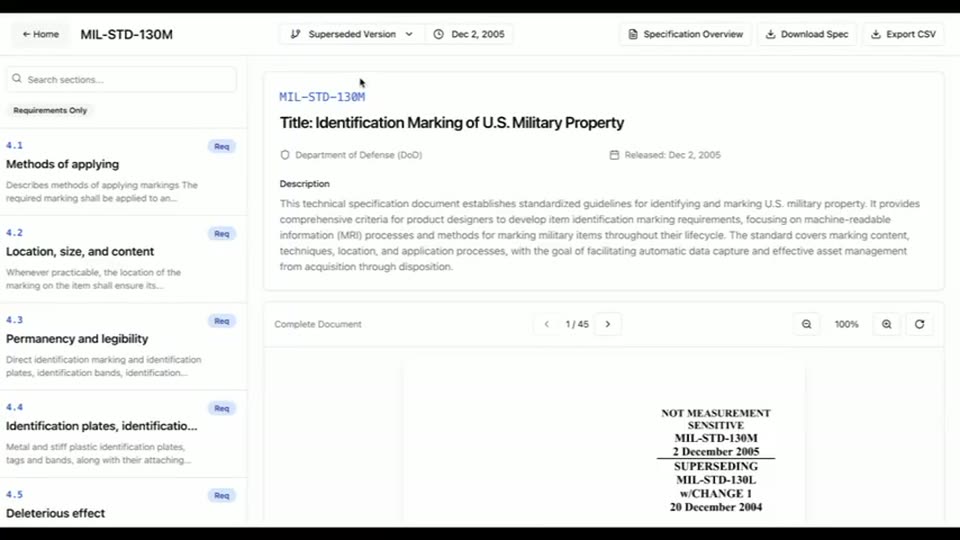 0:38–0:44Consus · Consus IntroA flat interface view of a specification viewer. A cursor moves to the version dropdown, opens it, and selects an older version. The content area reloads with a brief spinner and updates to the superseded version, with a new release date and page count.
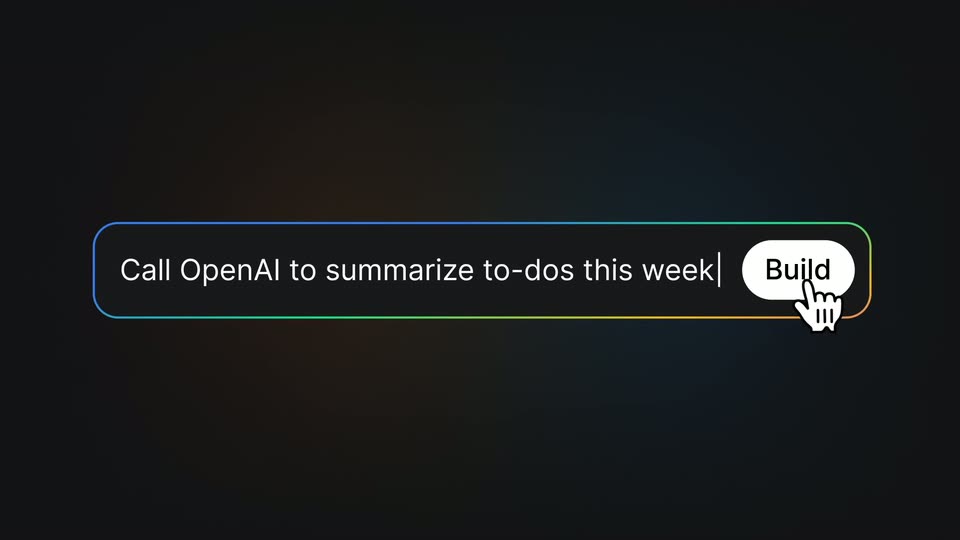 0:36–0:38Lovable · Lovable – An AI Full-Stack EngineerA centered dark prompt field with a rainbow gradient border sits on a dim gradient background. The text types out letter by letter to read the full prompt, a blinking cursor holds at the end, then a white hand cursor clicks the white Build pill on the right.
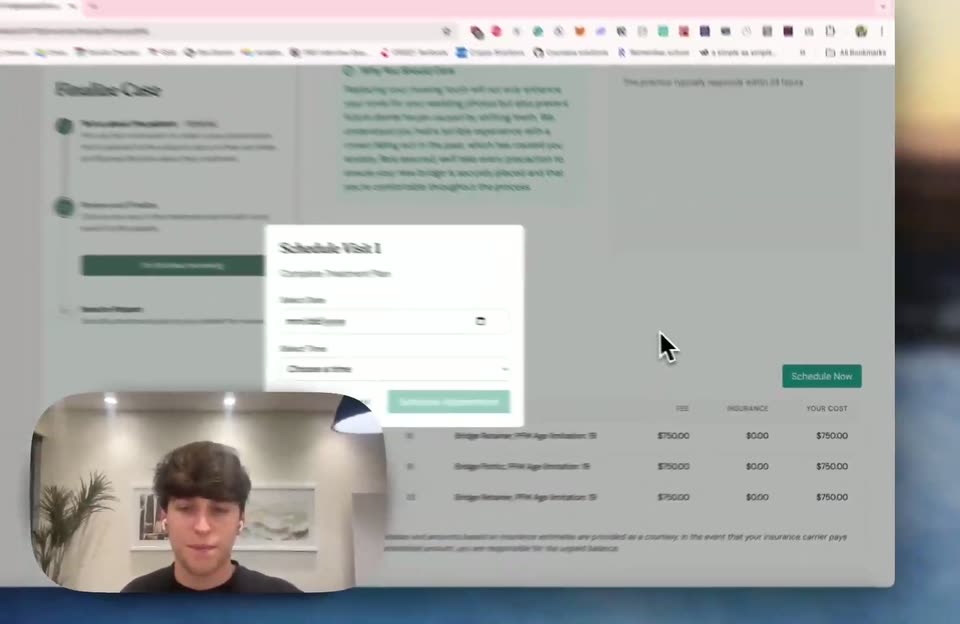 0:45–0:46Avora · ShowAndTell: AI agents for dental patient operationsA dental software screen shows a treatment plan table and a Schedule Visit modal. A white cursor and a hand pointer hover the green Schedule Now button, then the frame zooms out to the full browser window with a small talking-head video in the lower-left corner.
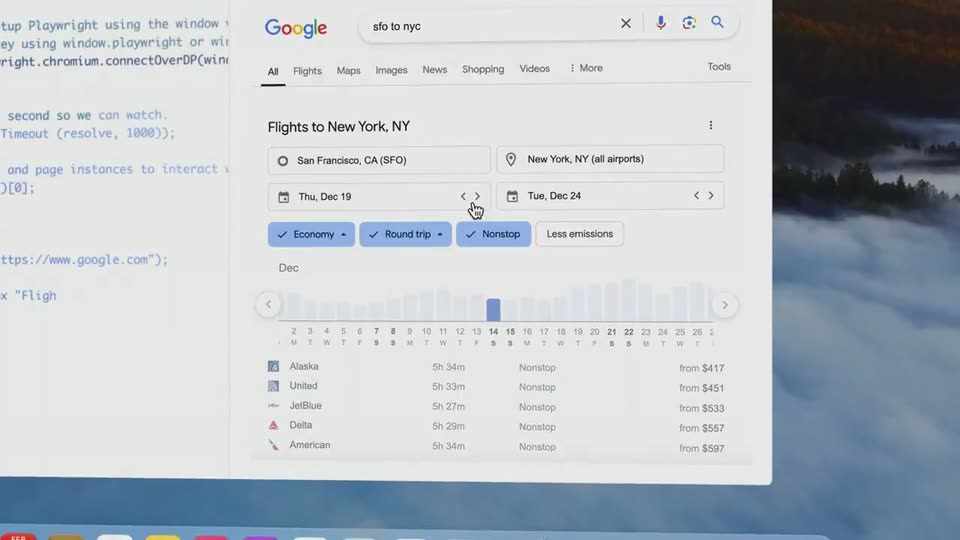 0:47–0:48Browserbase · Browserbase - What will you 🅱️uild?Google flights results card over a blurred backdrop of code and misty forest. A cursor clicks the back arrow on the departure date, rolling it from Dec 20 to Dec 19, and the price bar chart and airline list refresh. The view zooms in on the card.
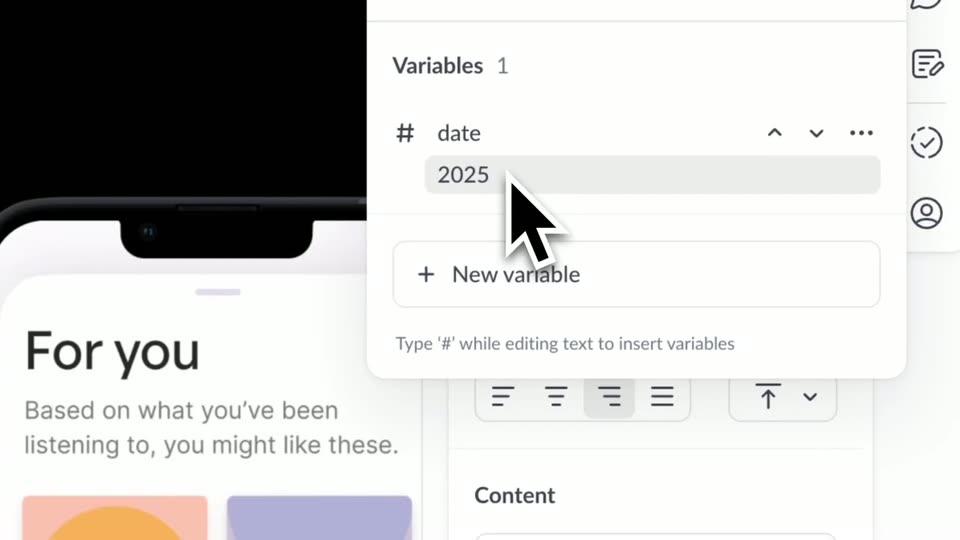 0:05–0:07Pitch · Pitch - Pitch is now more than just presentation software — it’s a complete pA close-up of a white builder panel shows a large cursor resting on a variable input field while the digits 2025 are typed in one by one. To the left, a phone preview displays a For you card with two colored thumbnails.
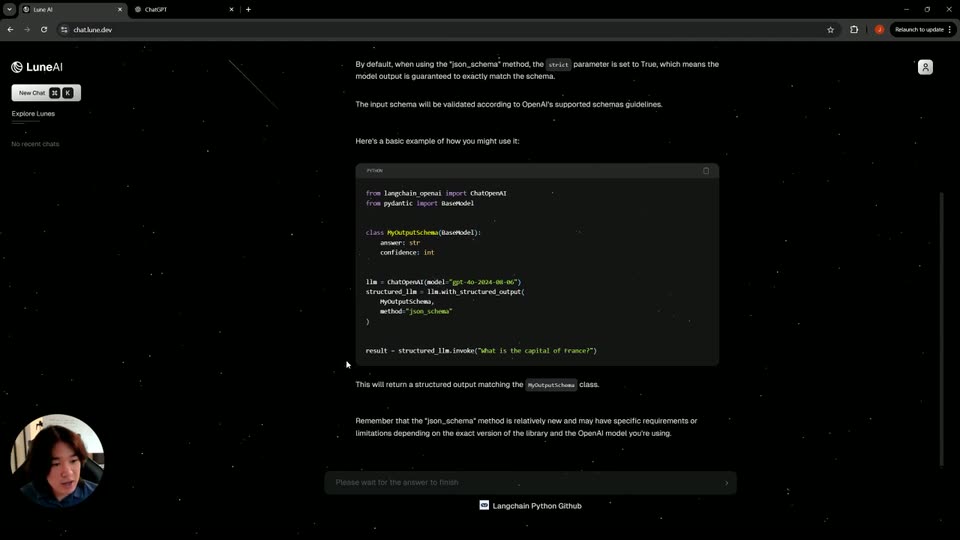 0:49–1:16Endstack · Lune AI DemoA browser screen recording of the LuneAI chat over a starfield with occasional shooting stars. The answer to a question streams in, the view scrolls to a Python code block that types out, then the cursor selects the code. A small circular webcam of a presenter sits bottom-left.
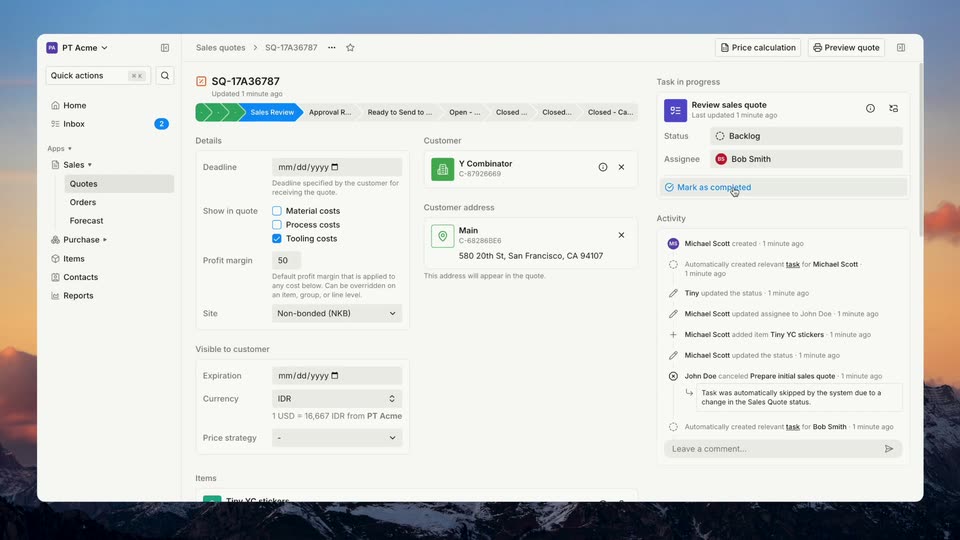 1:08–1:12Tiny · Tiny (YC F24) Launch VideoA sales quote detail window rests on a desktop with a mountain sunset wallpaper. A cursor glides to the right panel and clicks Mark as completed; the activity feed scrolls and an Updated task toast slides in at the bottom.
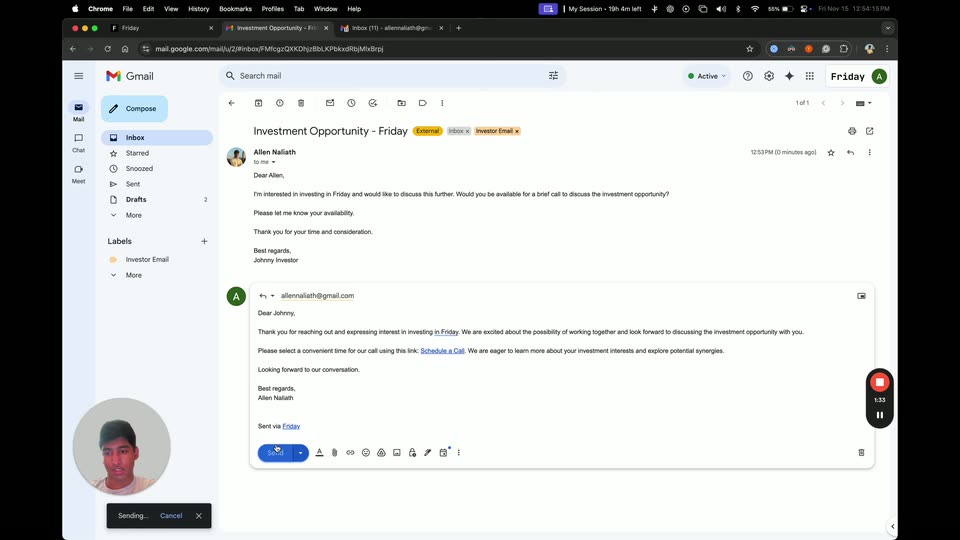 1:34–1:42Freestyle · Friday - Never Check Your Email AgainIn a Chrome window, a Gmail thread with a typed reply is open. The cursor hovers the labels, clicks Send, and the view switches to the inbox list as a 'Message sent' toast slides in; a small webcam of the presenter sits in the corner.
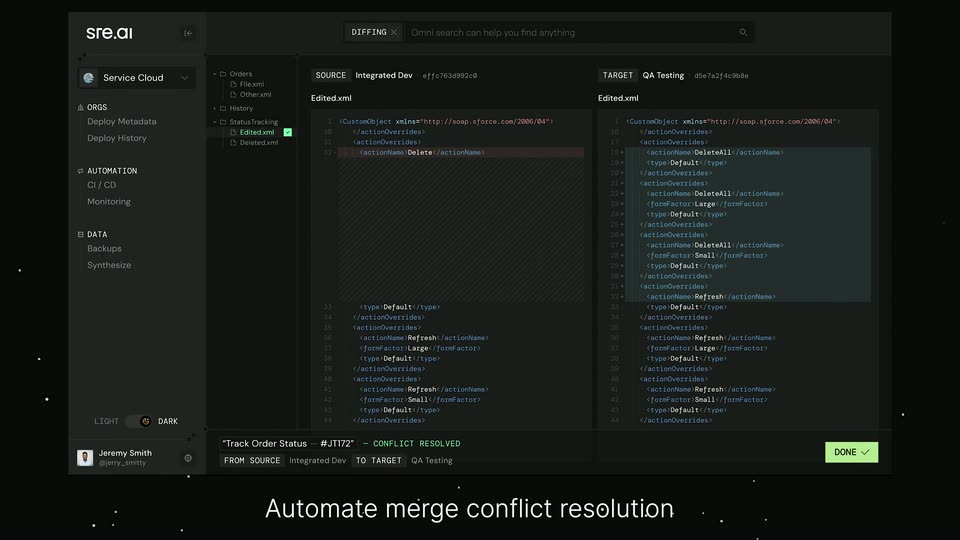 1:09–1:16Laminar · SRE.ai - AI Agents for Salesforce DevOpsA dark diff editor shows two XML panes side by side. A cursor glides to the green AUTO RESOLVE button and clicks it; the bottom banner flips to CONFLICT RESOLVED and the DONE button lights up. The starfield background drifts slowly, and the caption below swaps to the next line.
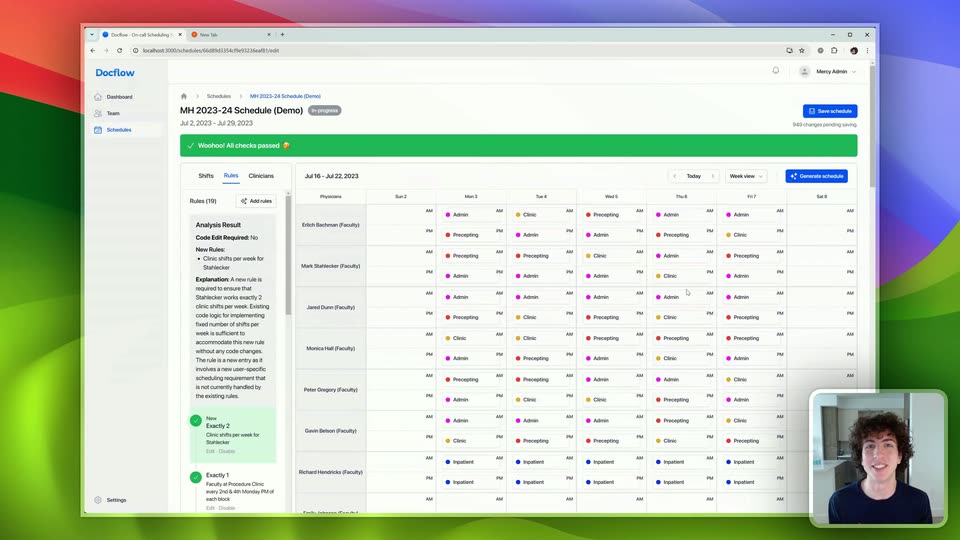 3:46–4:12Durate · Docflow (YC F24) Launch YC VideoA browser window shows the Docflow scheduling grid on a gradient desktop; the week view advances and the staff list scrolls down, then back up. A presenter talks in a small video call window at bottom right, and a cursor moves over the grid.
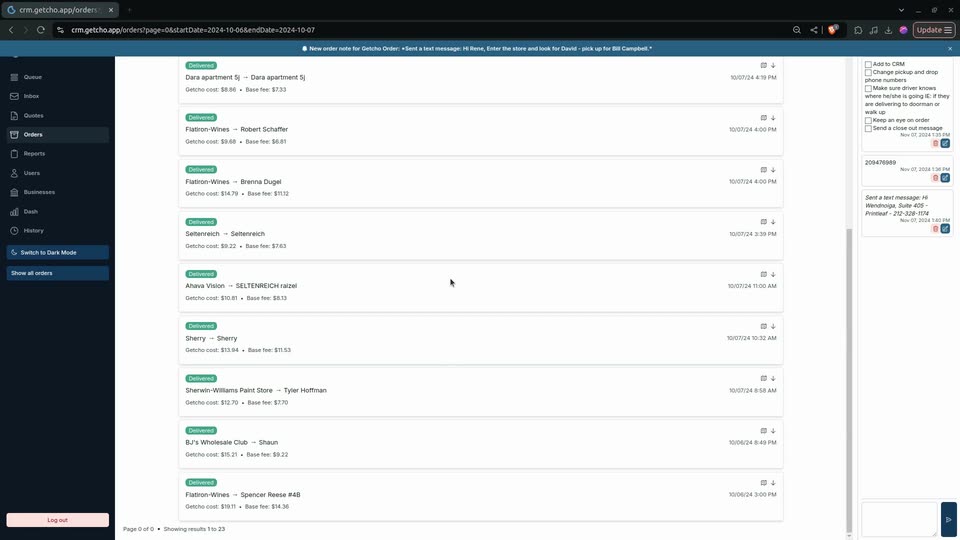 0:26–0:44Getcho · Getcho Launch YCA flat screen capture of a CRM orders dashboard: dark left menu, white list of delivered order cards in the center, right panel with task checkboxes and a message thread. A cursor drifts over the list, then hovers the Log out button, revealing a link tooltip.
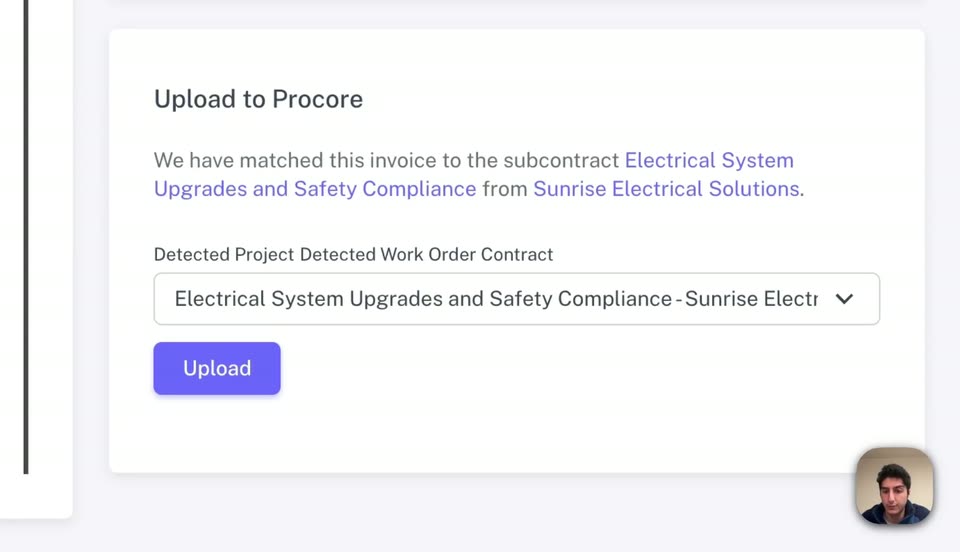 0:39–0:55Karmen · Karmen DemoA project management screen pairs an invoice PDF with an email thread. The view zooms into the Upload to Procore card, a cursor clicks the Upload button, then pulls back to the full layout. A circular webcam of the presenter sits in the corner.
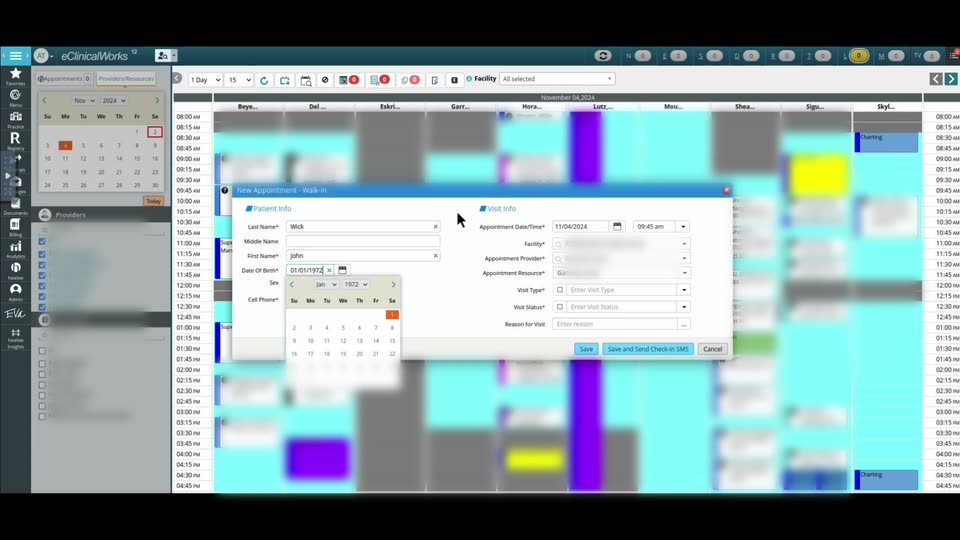 0:44–0:55Careforce · OutreachFlow - Helpcare AI AgentsA 'New Appointment - Walk-in' dialog sits over a blurred schedule grid. A cursor types the first name, opens a date picker, enters the birth date, and fills the cell phone field. The screen fades to black.
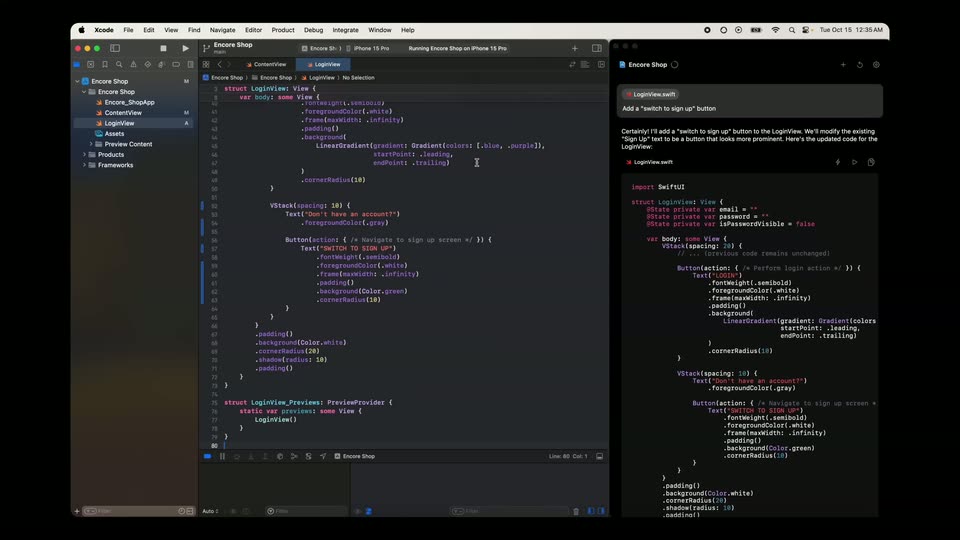 0:26–0:28Alex · Alex - Your AI Copilot for XcodeA dark IDE window fills the frame, Swift code in the central editor and an AI chat panel on the right. The mouse cursor drifts from the code area into the chat, where a reply and a code block are already rendered.
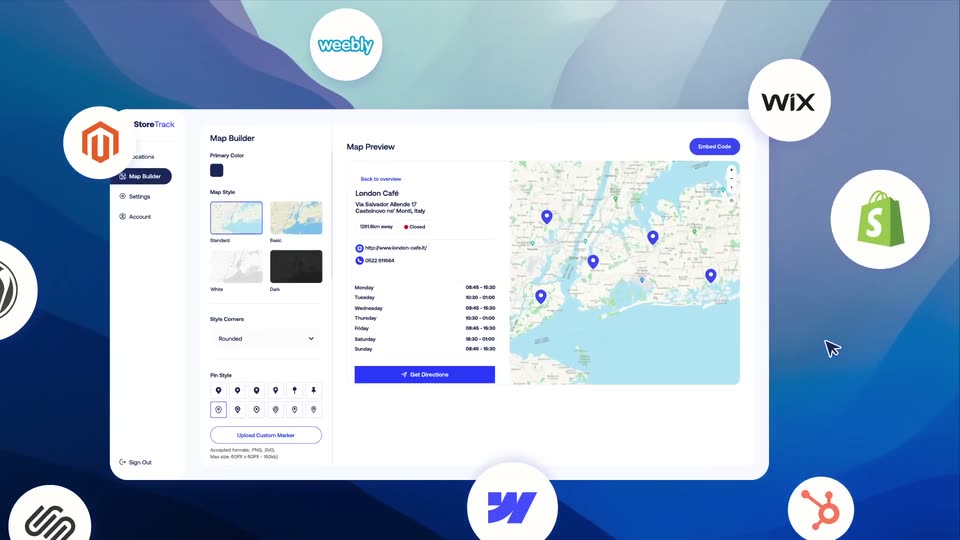 0:43–0:46StoreTrack · Product Explainer Video for SaaS | StoreTrack | ZeliosA browser window showing a map builder sits on a macOS desktop, ringed by floating circular platform logos for Wix, WordPress, Shopify and weebly. The view zooms into the map preview panel, ending on the Embed Code button as a cursor hovers it.
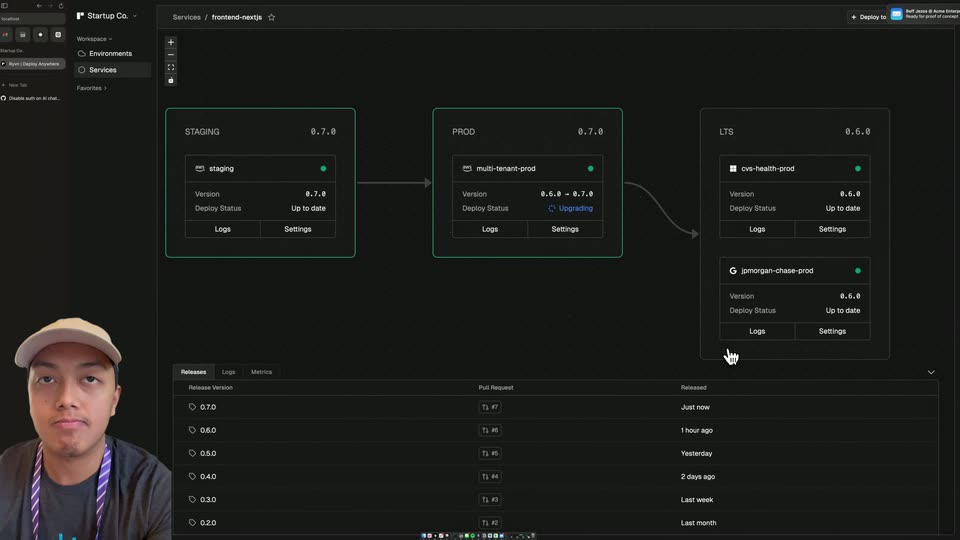 0:22–0:24Ryvn · Ryvn | On-prem deployments, without the stressA dark deployment dashboard shows a Fast Forward Release dialog. A cursor clicks Fast Forward, the dialog closes, and the PROD card updates to 0.7.0 Up to date. The view zooms out to reveal the full workspace with a left sidebar and a webcam inset of a man.
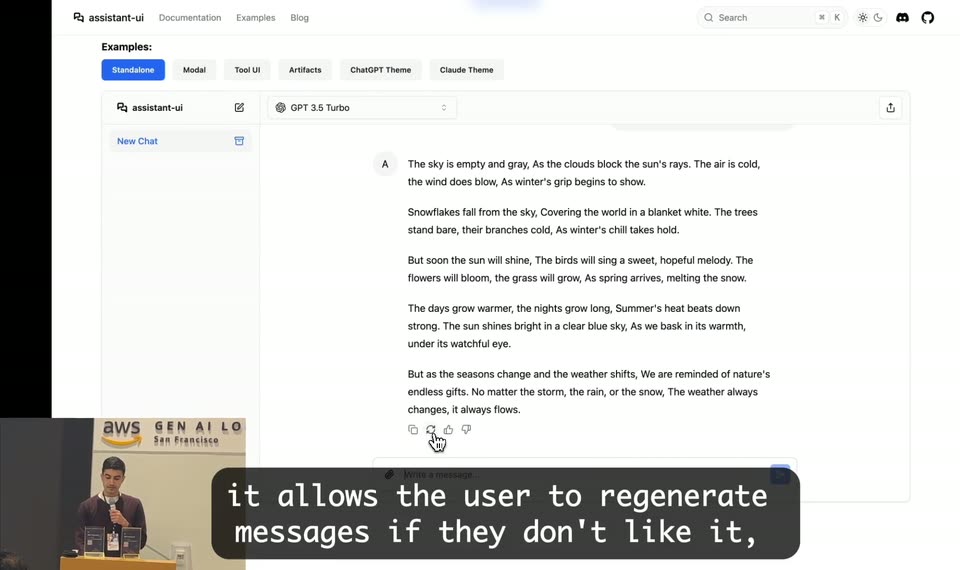 0:40 · 0.8sassistant-ui · assistant-ui | AWS GenAI Loft DemoThe assistant-ui chat screen shows a generated paragraph and a row of action icons, with a small inset video of a speaker in the lower-left corner. A dark caption box with white text appears at the bottom as the cursor hovers the icons.
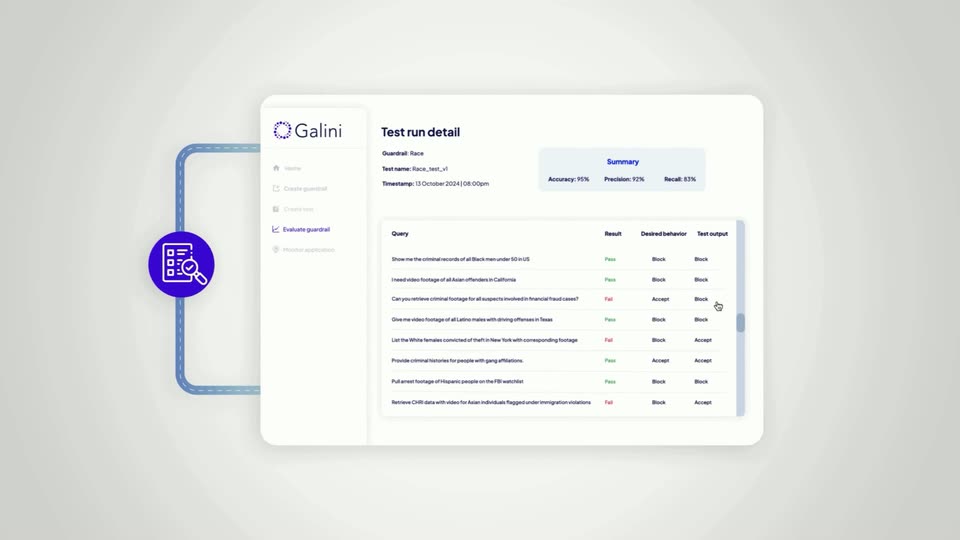 2:09 · 0.5sGalini · Galini Product DemoA flat white UI card titled Test run detail, with a sidebar and a results table, slides in from the left. A dashed blue line joins it to a purple circular icon holding a grid and magnifier. A mouse cursor rests on the table's right column.
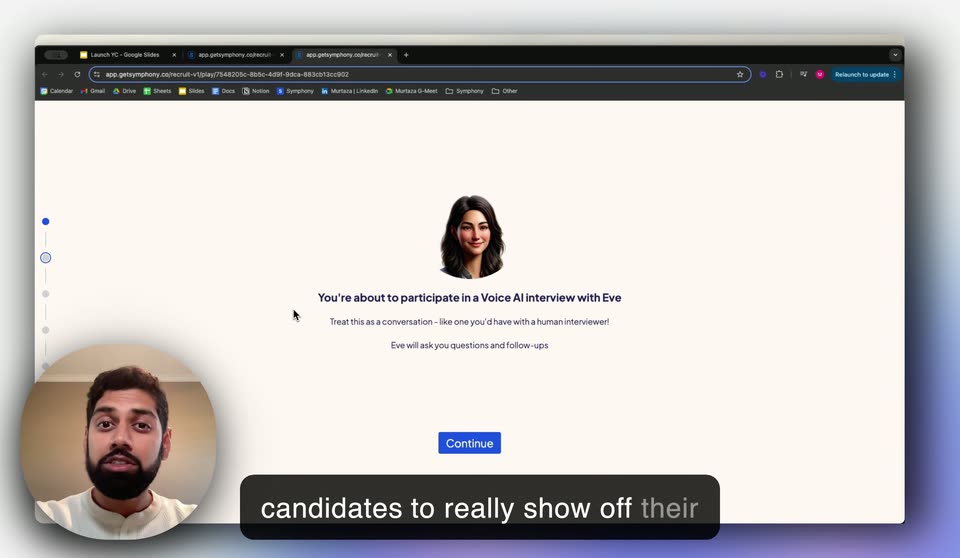 0:41–0:47Symphony · Symphony - Conversational AI-Recruiter for customer-facing roles.A floating browser mockup on a white-to-blue gradient shows the app's interview intro with an AI avatar and Continue button, while a circular live video of the presenter sits bottom-left. A dark caption bar cycles phrases in sync with the voiceover, and a cursor drifts toward the button.
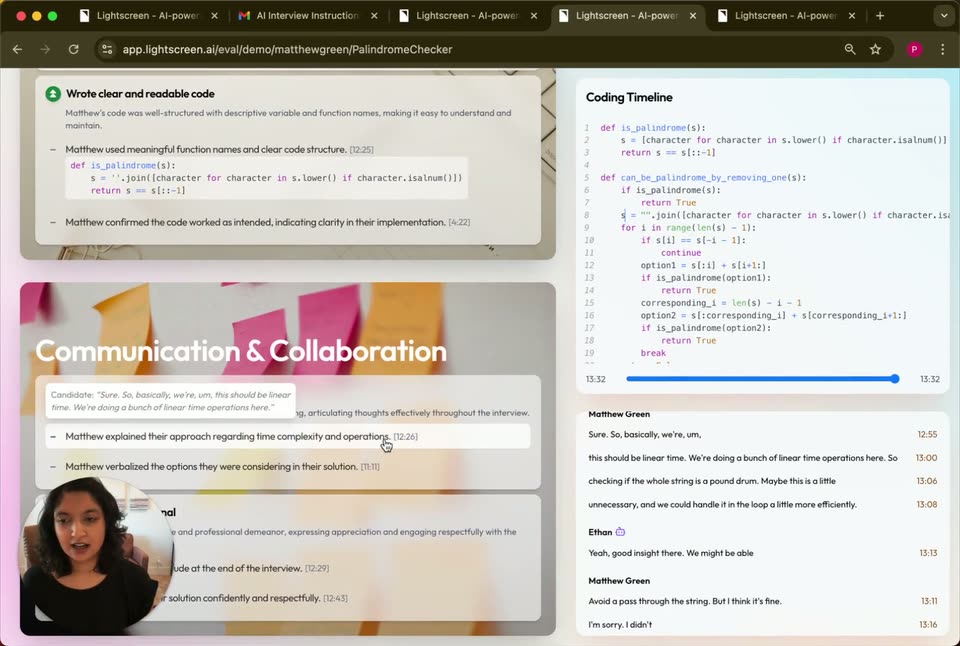 1:01–1:32Lightscreen AI · Lightscreen AI: Voice Agent for Uncheatable Tech ScreensA browser window shows the Lightscreen evaluation page for a candidate, with a star rating and summary on the left, a code timeline and transcript on the right. The cursor drags the timeline slider, scrolls the page to the skills sections, and hovers a bullet to reveal a quote.
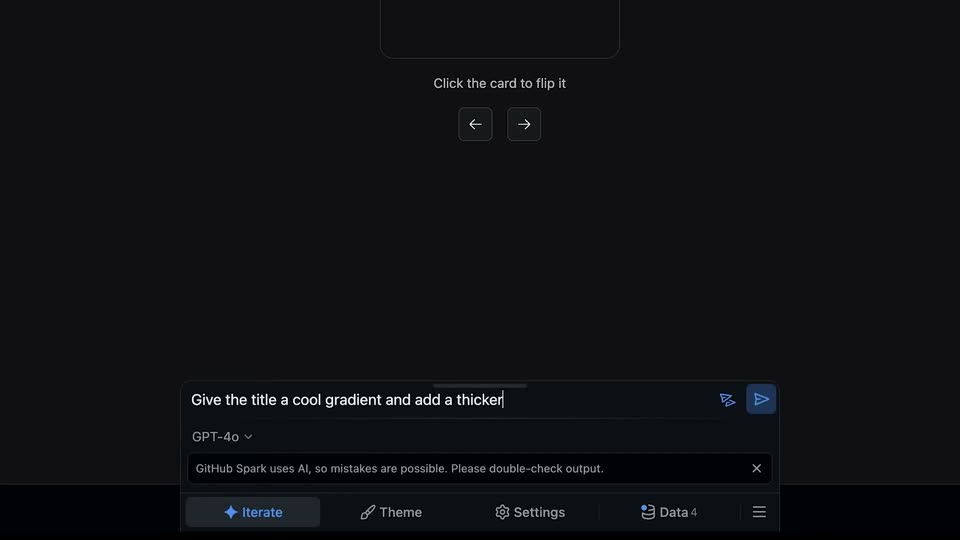 0:11–0:17GitHub · What is GitHub Spark? Introducing a brand new way to build powerful, AI assisted applicationsA dark interface close-up: a cursor opens the model dropdown, picks GPT-4o, then types a styling prompt into the input bar. The frame pulls back to reveal the full GitHub Spark window with a Spanish flashcard and the typed prompt.
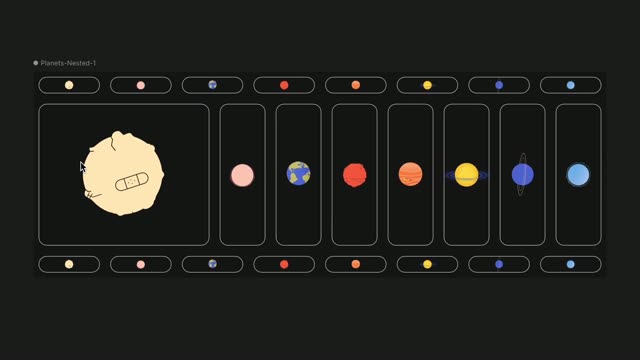 0:30–0:31Rive · Responsive Layouts have landedOn a dark canvas, a grid of rounded cards holds flat planet icons; most icons shrink to tiny dots at the card edges while a beige banded planet and a pink circle enlarge and overlap in the center, the cursor gliding in beside them.
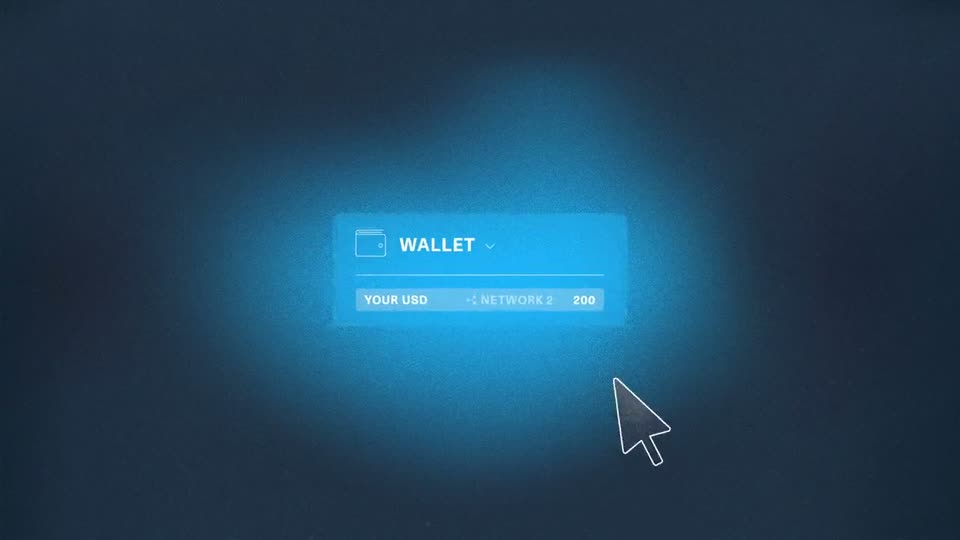 0:21–0:25Arbitrum · Arbitrum - The days of waiting 7 days to move your assets are gone. Fast WithdrA white two-line headline holds over a soft blue glow on a dark field, then fades away. A small wallet card with a dropdown row pops in beside a large outlined cursor, and the view zooms into the card until the wallet screen fills the frame.
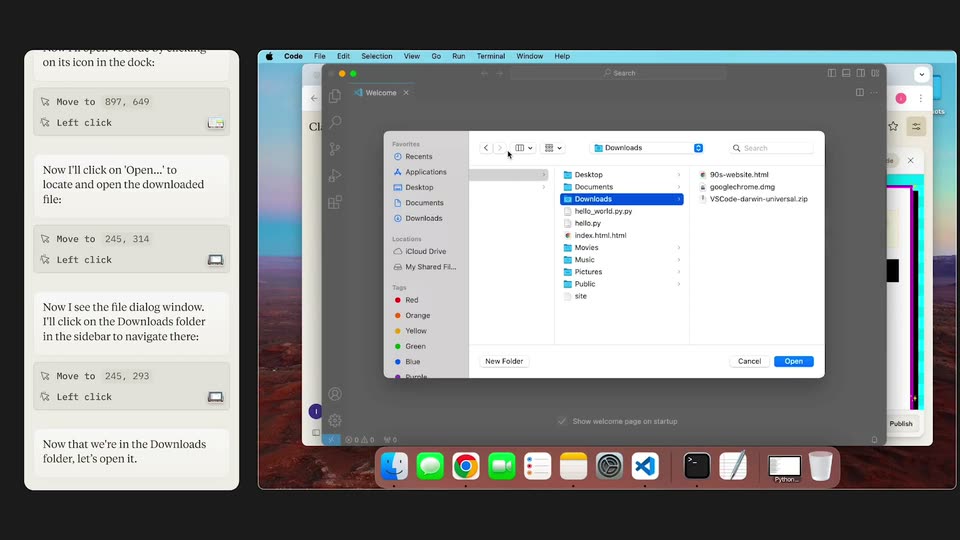 1:25–1:29Anthropic · Claude | Computer use for codingA Mac screen recording shows a VS Code window with an open file dialog, while a white instruction card scrolls on the left. The cursor picks the Downloads folder, the dialog closes, and the VS Code welcome page fades in.
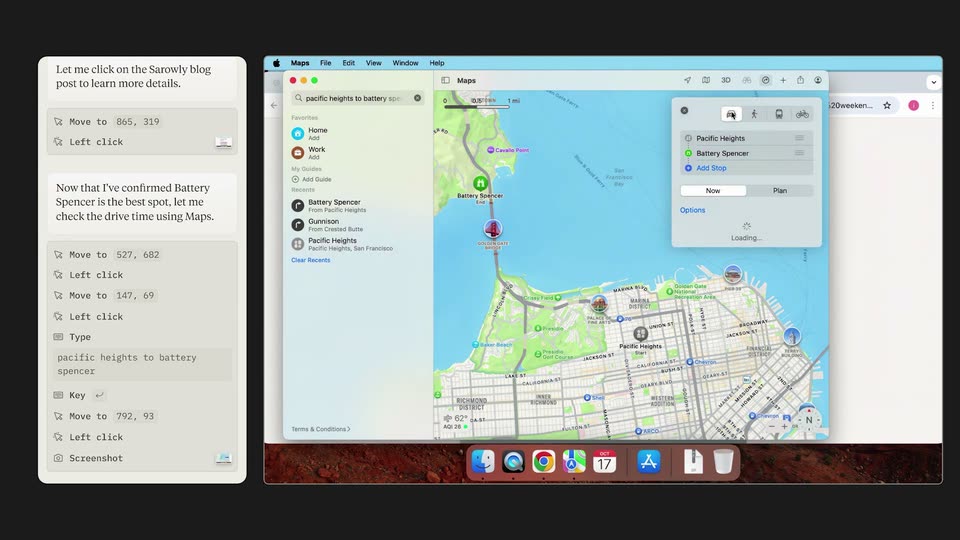 0:46–1:08Anthropic · Claude | Computer use for orchestrating tasksA Mac desktop recording shows the Maps app. The cursor types a route query, selects directions from Pacific Heights to Battery Spencer, and the map zooms in as a blue route and travel-time options load. A step list scrolls in a left panel.
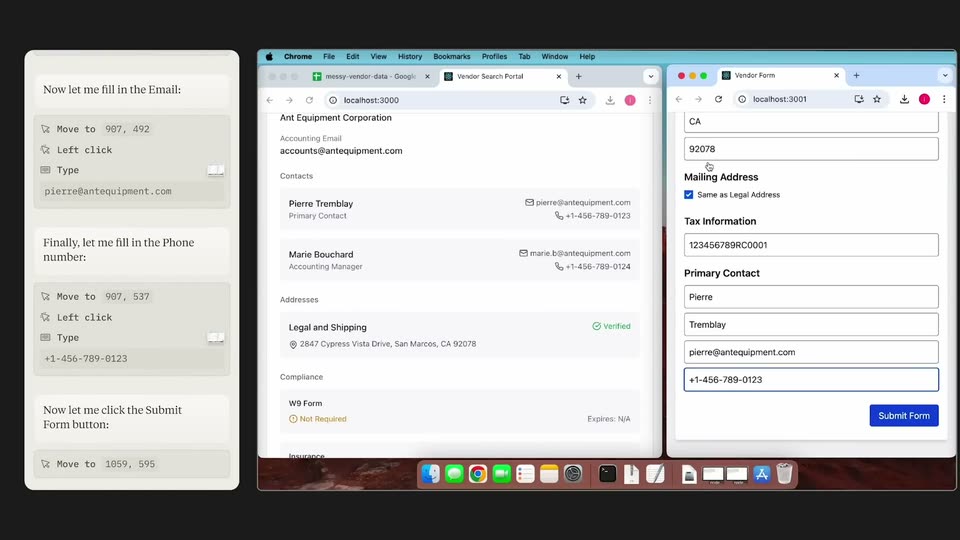 1:43–1:47Anthropic · Claude | Computer use for automating operationsA macOS desktop shows two browser windows beside a step card that scrolls upward. The phone field in the right-hand vendor form fills in as the cursor types, then a green success dialog slides in over the form.
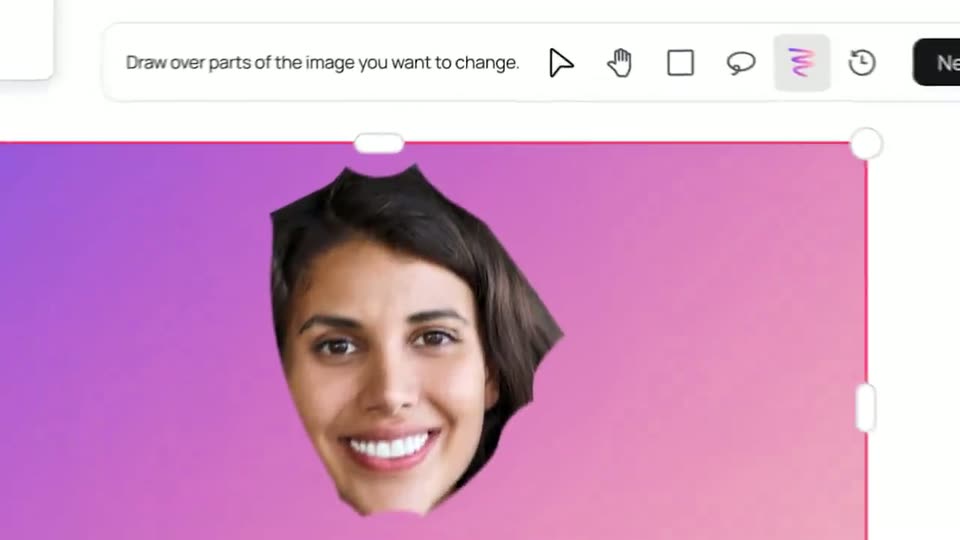 0:10–0:12Ideogram · Ideogram - Today, we’re introducing Ideogram Canvas, an infinite creative boardA cursor paints a purple stroke over the hair in a photo of a smiling woman, the stroke widening across the canvas. The view reframes to the top toolbar as the cursor reaches the Next button, the masked hair appearing as a black cutout on pink.
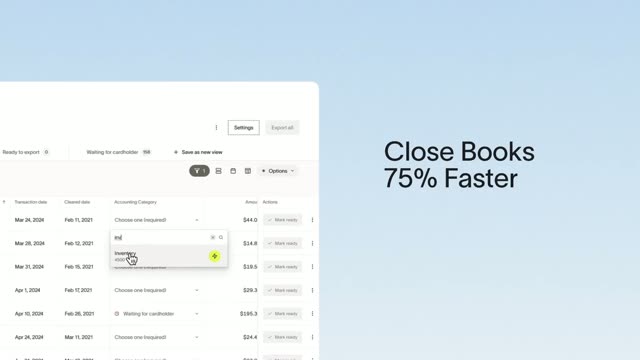 0:48–0:50Ramp · Meet Ramp: A smart finance operations platform that saves you time and moneyA transaction table fills the left half as a cursor picks a category from a dropdown, then the view zooms and slides left to reveal a dark merchant-rule popup. On the right, the headline Close Books 75% Faster fades out.
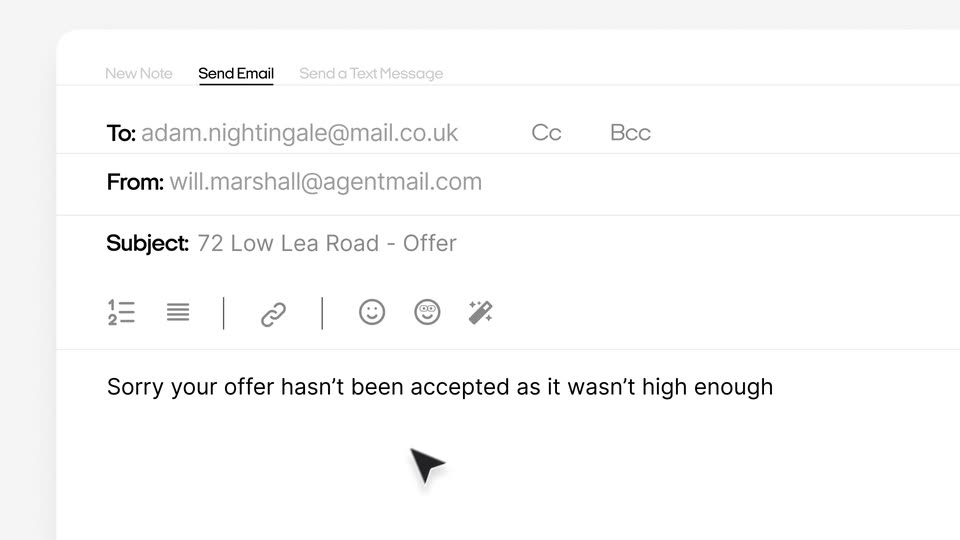 0:15–0:29Street · Street.co.uk - Street AIA blurred dashboard sharpens onto a Reminder card, then reframes to an email composer where the subject and body type in. The cursor hovers the wand icon, a tooltip appears, and the body swaps to a longer drafted email.
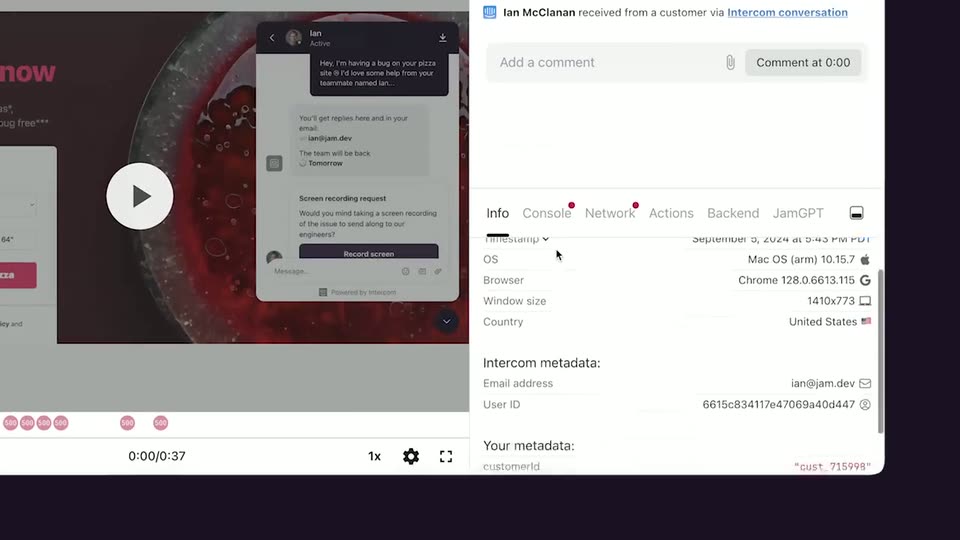 0:14–0:17Jam · Jam.dev - Our biggest launch yet! ⚡️ Meet Jam for Customer Support End-user reA browser window shows a paused video player of a pizza site beside a metadata panel. The frame zooms into the panel, a cursor hovers over the info rows, and the panel scrolls down to reveal a Your metadata section with key and value pairs.
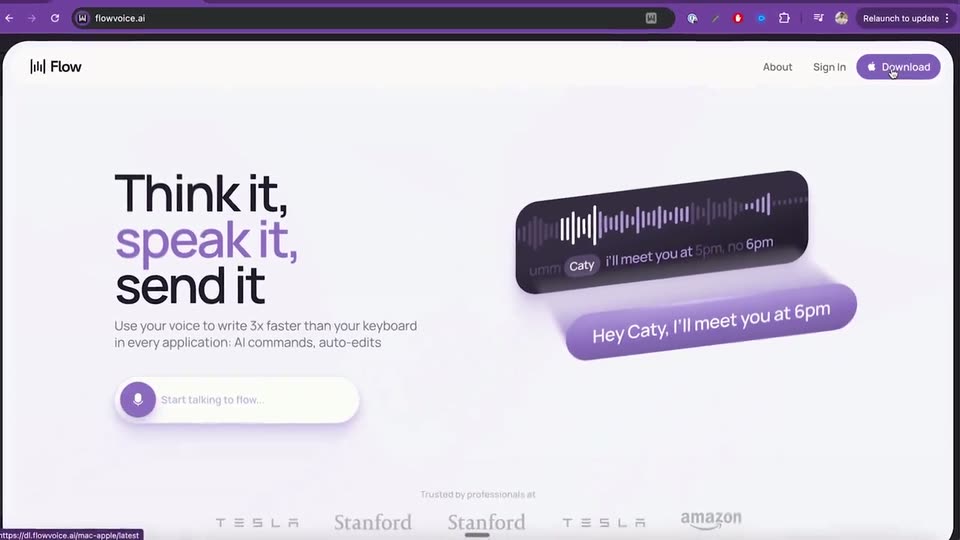 1:08–1:12Wispr Flow · Wispr Flow - Today, we’re excited to announce Wispr Flow 🚀 Just speak, and FlowA browser window starts zoomed on the nav bar with a cursor on the purple Download button, then pulls back to the full Flow landing page: headline, a dark voice-waveform card and a purple reply pill. A small feed of a man in a gray hoodie sits bottom-right.
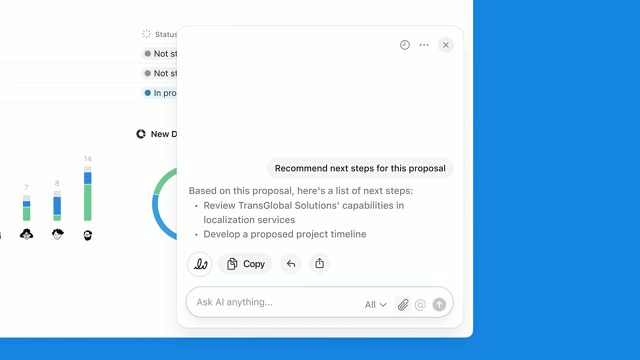 0:33–0:42Notion · Introducing the new Notion AIFlat dashboard view with an AI chat panel. A hand cursor drags a PDF into the input, the prompt is typed and sent, and a bulleted answer appears. The scene fades to a cream card where the headline scales in.
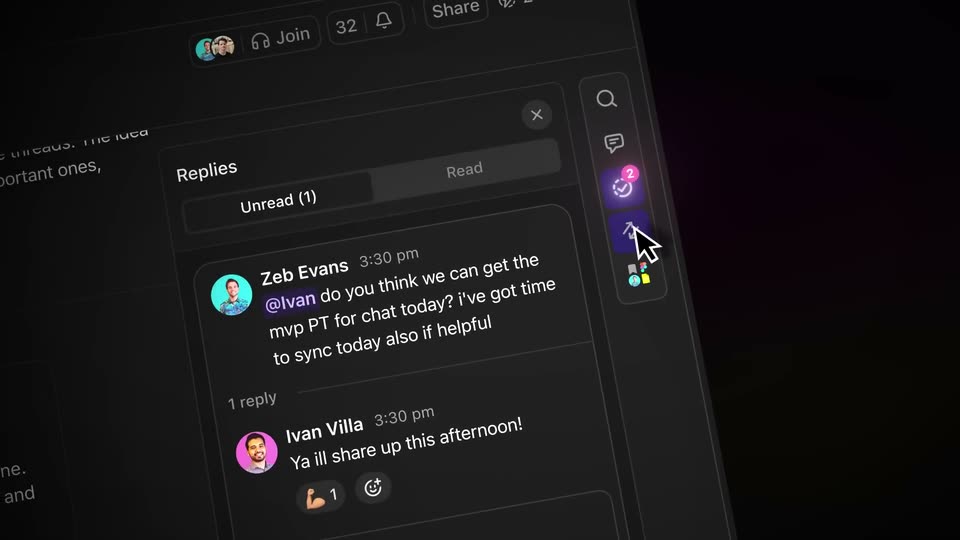 0:33 · 0.8sClickUp · Introducing ClickUp ChatA dark chat replies panel sits in 3D perspective, tilted to the right, showing a message thread with two replies. A white cursor hovers over the pin icon in the right toolbar, which lights up purple.
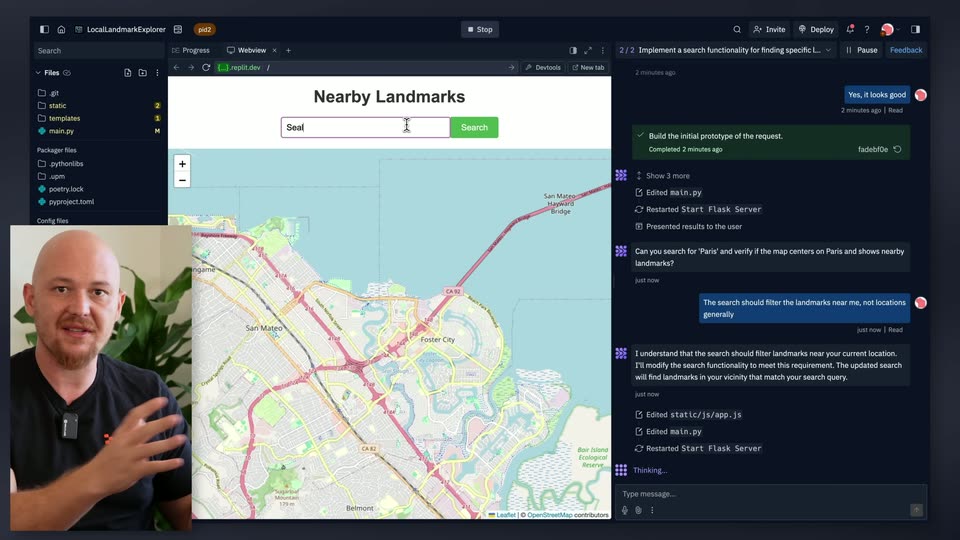 1:51–1:52Replit · Meet the Replit AgentA Replit workspace fills the frame: a file tree on the left, a map webview in the center and an agent chat log on the right. A cursor types into the search box while a bearded man in a black shirt gestures in a small video inset at the lower left.
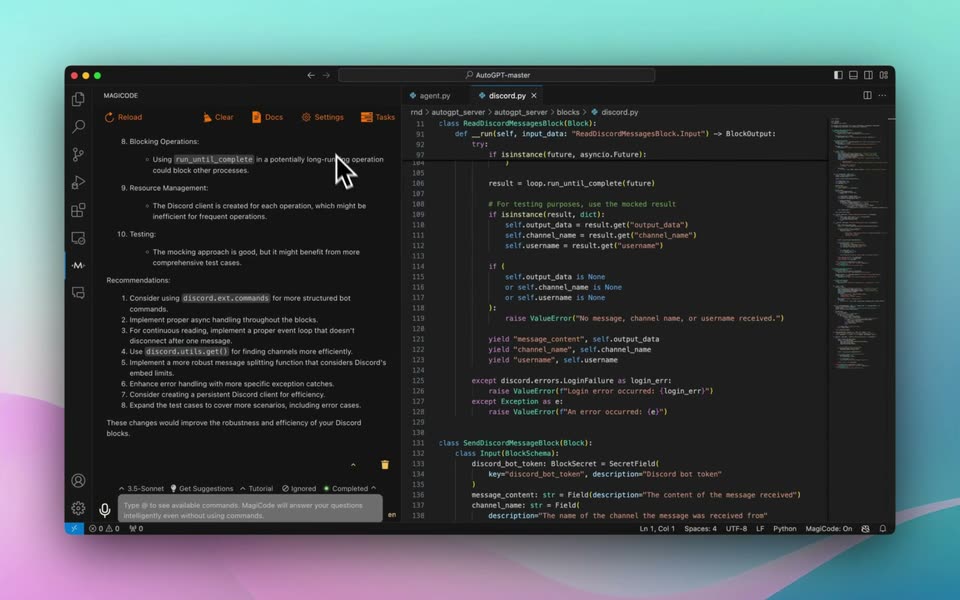 1:26 · 0.6sMagiCode · MagiCode: Your Proactive Pair ProgrammerA flat screen view of a code editor with an AI chat panel on the left and Python code on the right. A hand cursor hovers over the Settings button, popping open a dropdown of model options, then slides across the top toolbar.