Cursor demo
A visible cursor operates the interface.
15,126 scenes · page 138 of 253
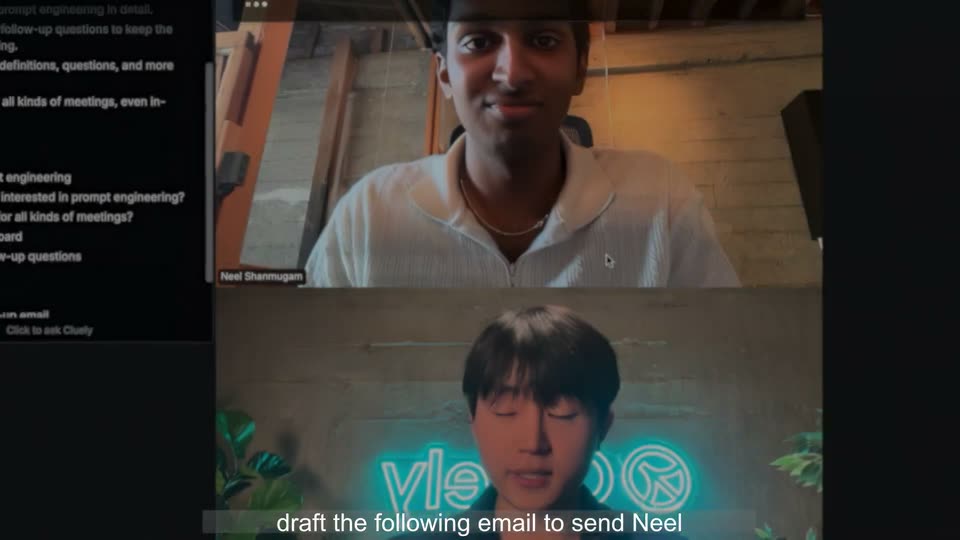 1:16–1:17Cluely · Roy - introducing @cluely. today is the start of a world where you never hA two-person video call fills the frame, the top tile showing a man in a white polo and the bottom a young person before a neon sign. A dark left sidebar with Actions and Follow-Ups slides in over the call, a cursor hovers in the top tile, and a prompt line sits at the bottom.
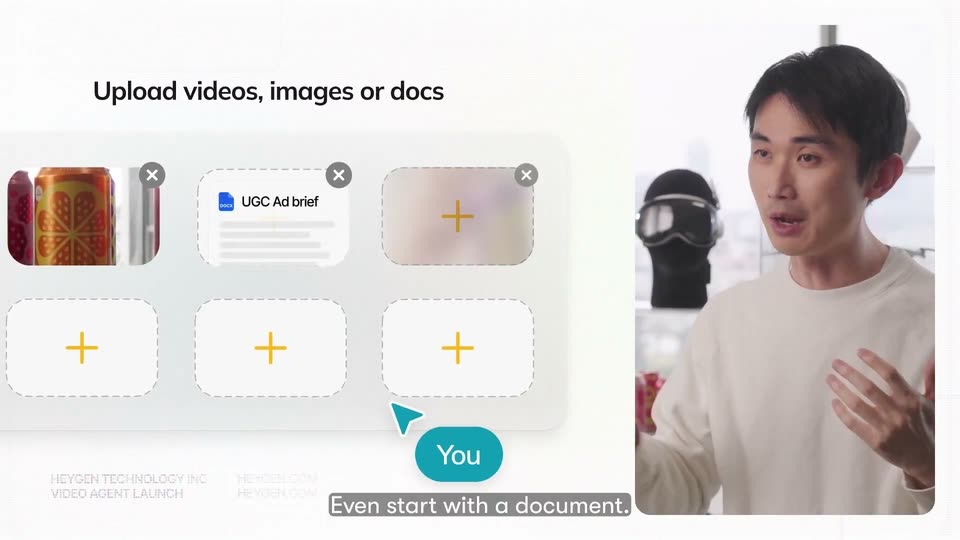 1:13–1:16HeyGen · Joshua Xu - Today we’re introducing you to the future of video. The world’s firsSplit screen: a white upload grid with a heading fills with drink images and a brief document on the left while a man in a cream sweater gestures on the right. A cursor and a blue You badge pop in below the grid as captions change at the bottom.
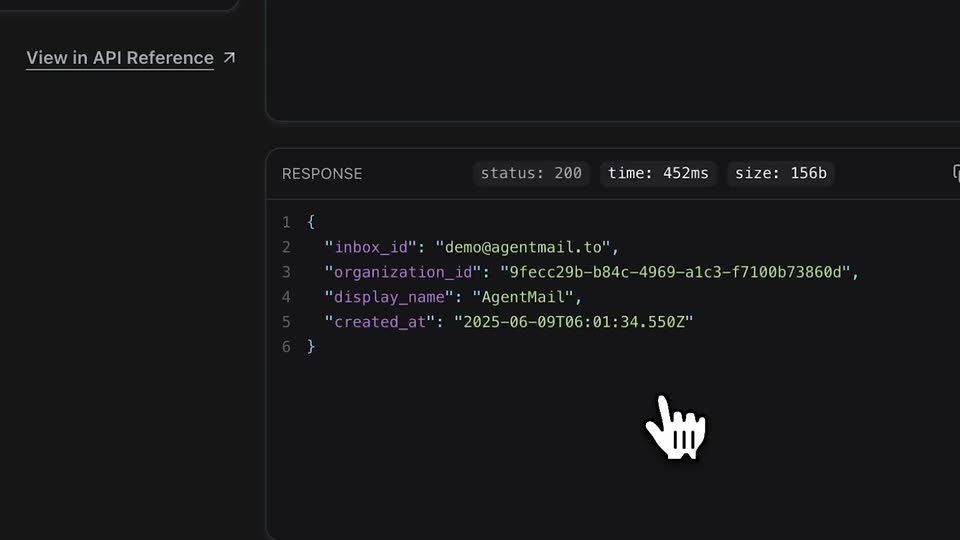 0:28–0:31AgentMail · AgentMail Integration DemoA dark API console opens blurred on a Send Request button as a hand cursor taps it. The response JSON snaps into focus, then the camera zooms out to reveal the full interface: sidebar, request code and response panels.
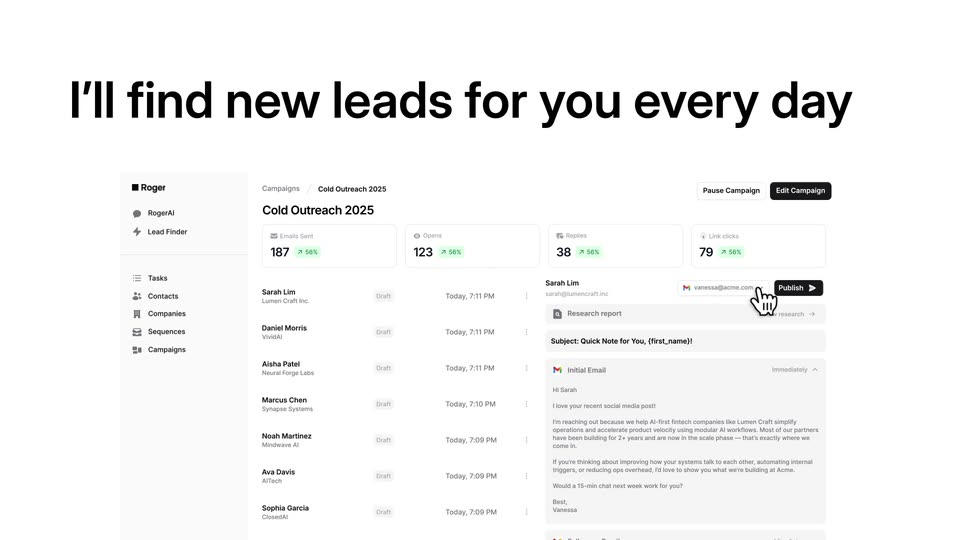 0:23–0:25Augment Inc. · HireRoger - Your AI SidekickA bold headline reads across the top as its trailing words fade from gray to black. Below, a flat dashboard mockup tilts into 3D perspective and shrinks to center, while a cursor glides from the metrics row to the Publish button.
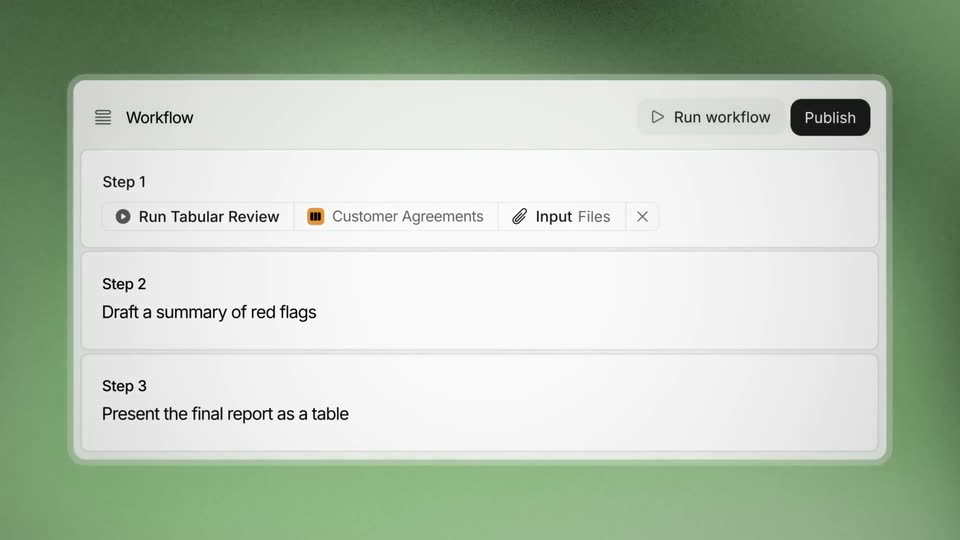 0:12–0:15Legora · Legora Workflows - The orchestration layer for legal workA white workflow card scales up over a blurred green background. A cursor clicks Add step, and Step 2 and Step 3 rows appear. The card then slides left into a split screen with live-action drumming on the right.
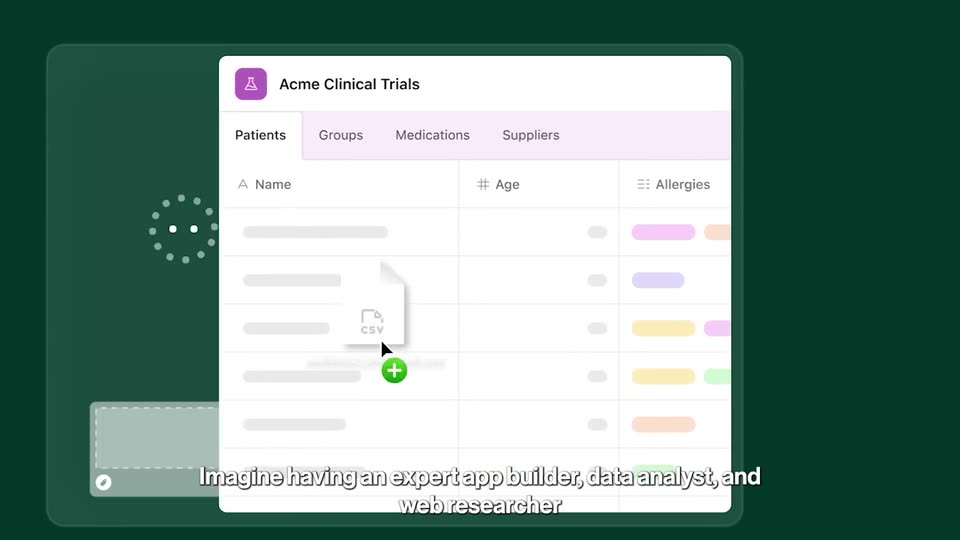 0:30–0:31Airtable · Introducing a new generation of Airtable - built for the AI eraA flat white data table titled Acme Clinical Trials fills the frame over a dark green background, its rows shown as colored placeholder bars. A CSV file icon labeled audience_feedback.csv drags from the top right corner into a dashed drop zone at the bottom left.
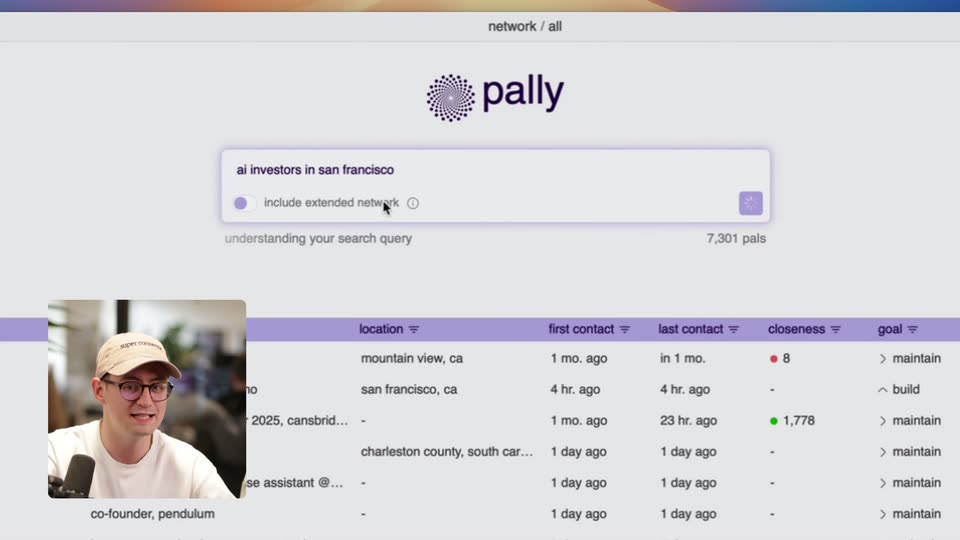 1:40–2:04Pally · Pally Launch VideoThe pally network screen sits over a gradient backdrop with a small talking-head video in the lower left. The view zooms into the search bar, a cursor types a query, flips the extended-network toggle, and status lines cycle before the contact list refreshes.
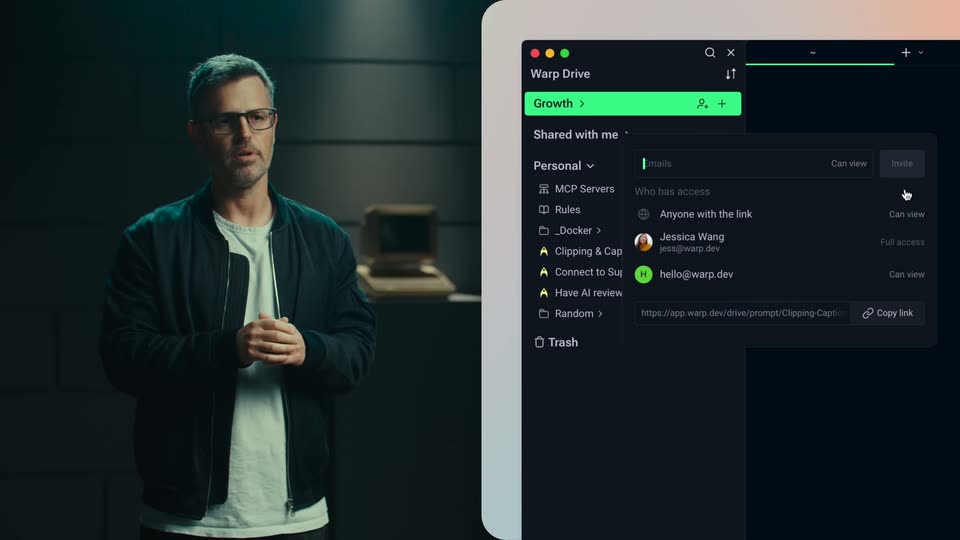 2:00–2:03Warp · Introducing Warp 2.0: The Agentic Development EnvironmentA presenter in a black bomber jacket stands in a dim room beside a retro computer, hands clasped, while a Warp Drive window on the right shows a sharing dialog with access entries and a copy-link field; a cursor hovers over the Invite button.
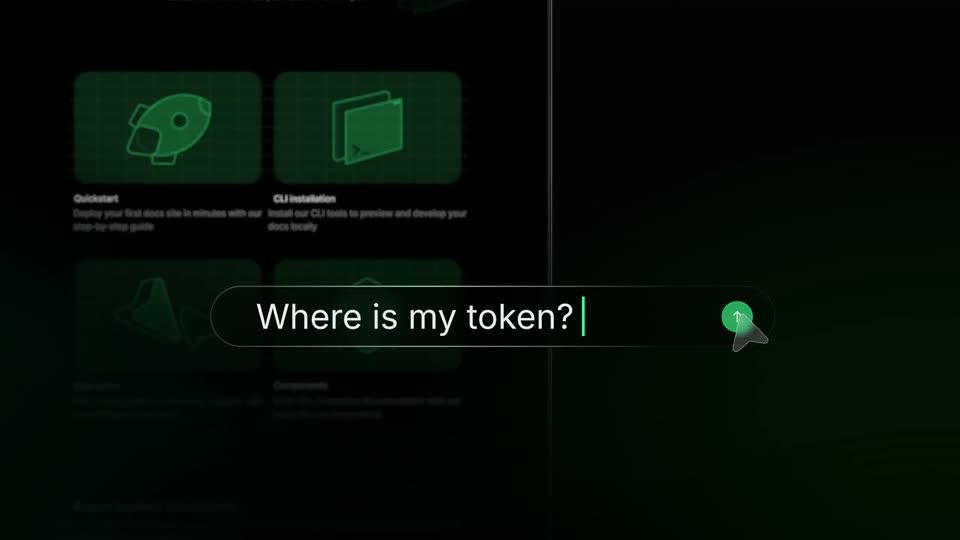 0:13–0:14Mintlify · Mintlify - The future of documentation is AI native and personalized. Answers gA dark docs page with green Quickstart and CLI cards dims behind a search pill holding “Where is my token?” and a green arrow button; a cursor hovers the button, then the pill shrinks right and an answer card slides in with the API key header line.
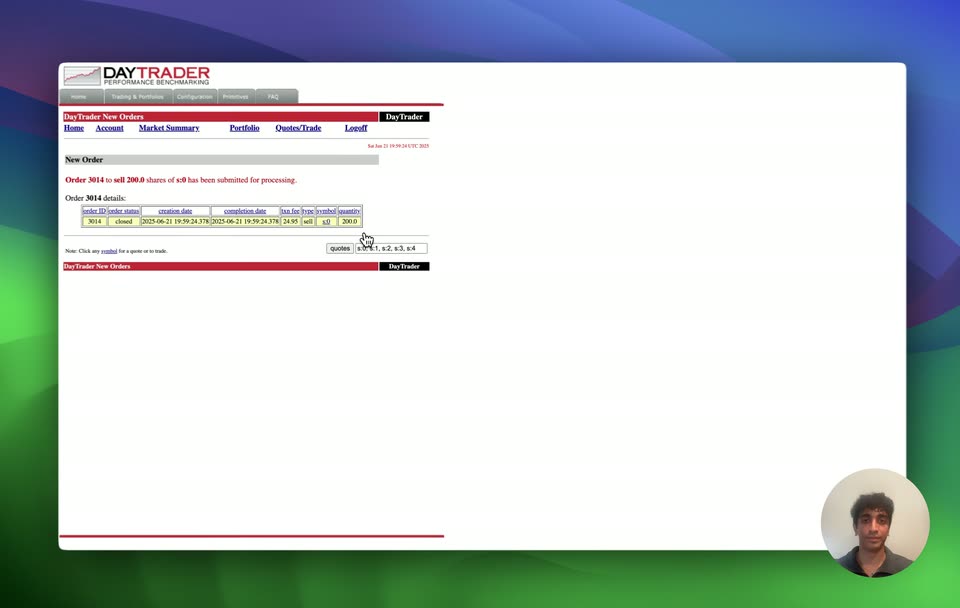 0:45–0:51Axal · Extract Functional Requirements from Legacy CodeA browser window shows the DayTrader app. A cursor selects the Portfolio tab, hovers a sell link in the holdings table, and zooms into the row, then jumps to the Market Summary tab and a new-order page. A circular webcam of a presenter sits bottom right.
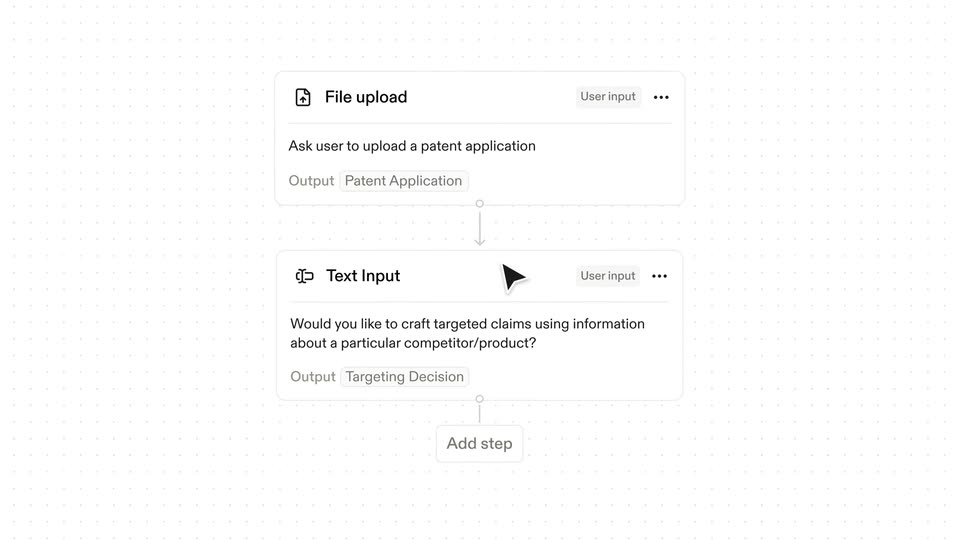 0:10–0:12Harvey · Workflow BuilderA flat white workflow builder shows a File upload card on a dotted grid. A cursor clicks the Add step button, a Text input card fades in below it, the stack reflows upward, and the cursor drops to the new Add step button.
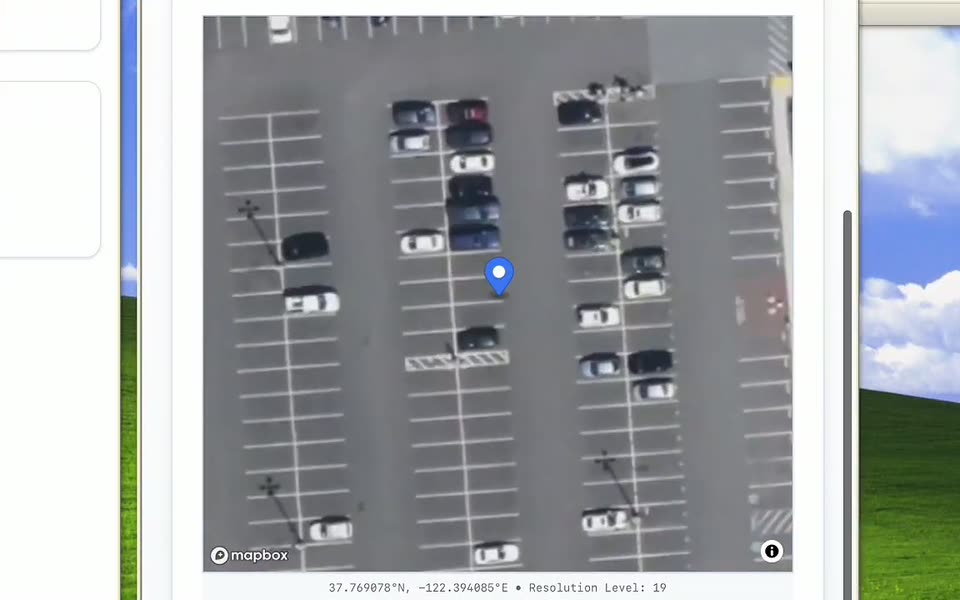 0:13–0:15Sharpe · Introducing Solar by LumenaryA map on a tablet mockup zooms from city blocks to a parking lot, two hand cursors and a blue pin held steady, set in a 3D scene of green hills and a cloudy sky.
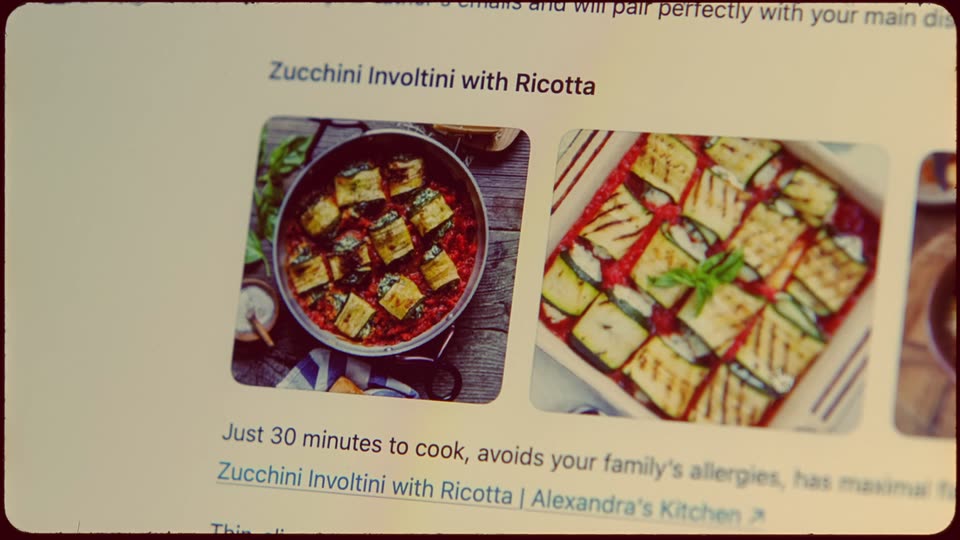 0:50–0:56The Browser Company · Dia Browser | Never Explain Yourself AgainA close-up of a screen shows an AI email listing appetizer ideas for a Tuscan Garden Party. The view scrolls down to a recipe card with two zucchini photos as a cursor hovers over the first image.
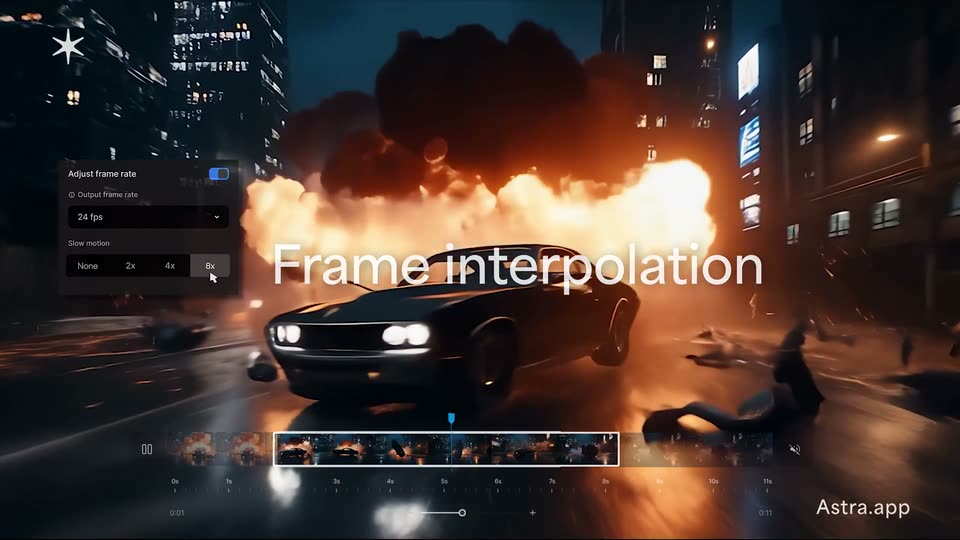 0:50–0:56Topaz Labs · Topaz Labs - 🚀BIG NEWS! We’re launching Astra: the first-ever creative upscaler foA video editor screen shows a slow-motion clip of a black car driving through a street explosion, with a frame-rate panel on the left and a timeline at the bottom. The playhead glides across the thumbnails while the interface fades out at the end.
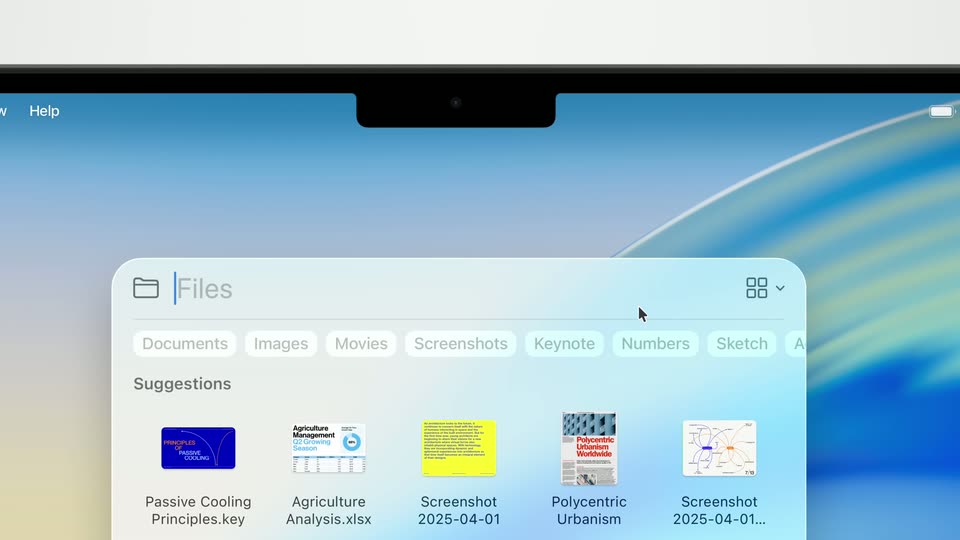 4:07 · 0.8sApple · iOS 26: Introducing Liquid GlassA locked-off close-up of a laptop screen running the macOS Files app. The search field and its row of circular icons collapse into a header with a folder icon and grid toggle, a cursor drifting up, above a Suggestions row of file thumbnails.
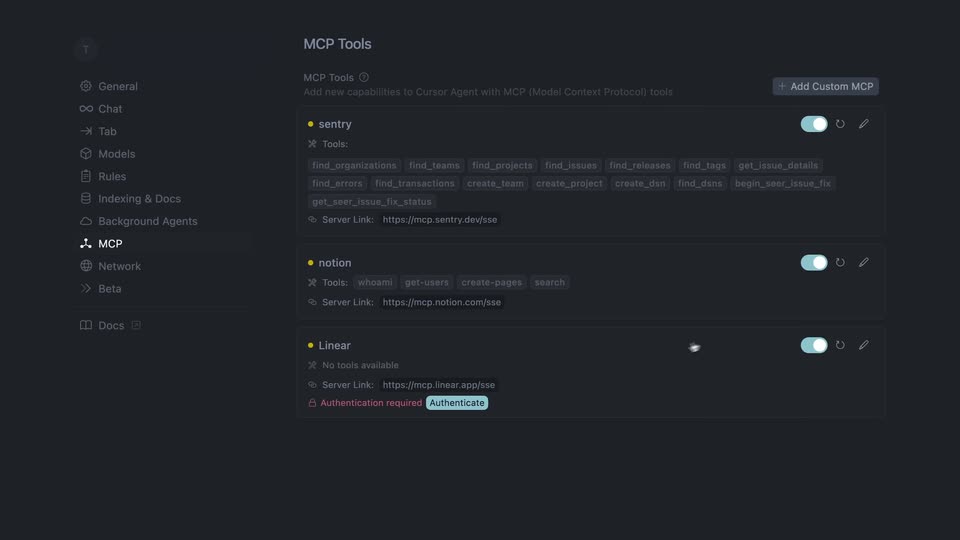 0:55–0:59Cursor · Meet Cursor 1.0A dark settings panel titled MCP Tools shows an install form for a Linear server. The form closes and Linear appears in the server list with an Authenticate button. A cursor clicks it, cutting to a light consent card where Cursor requests access to Linear.
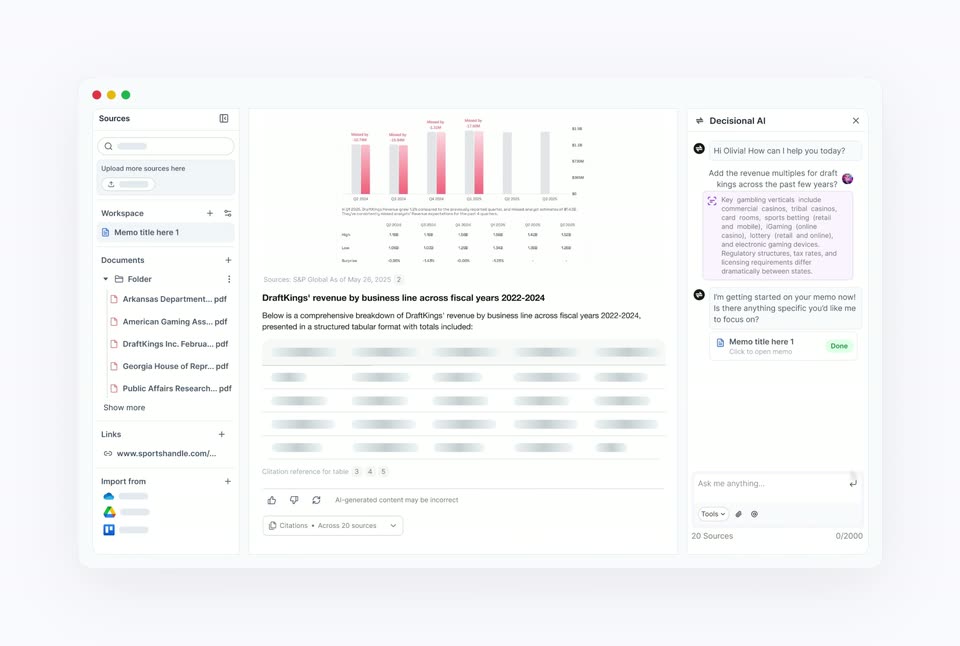 0:20–0:36Decisional AI · Decisional Knowledge Engine TeaserA desktop app window sits centered on a light gray field, split into a sources list, a document editor and an AI chat panel. A cursor highlights a sentence, opens an Ask AI toolbar, then a suggested prompt fills the chat and the AI replies with a revenue table that scrolls into the document.
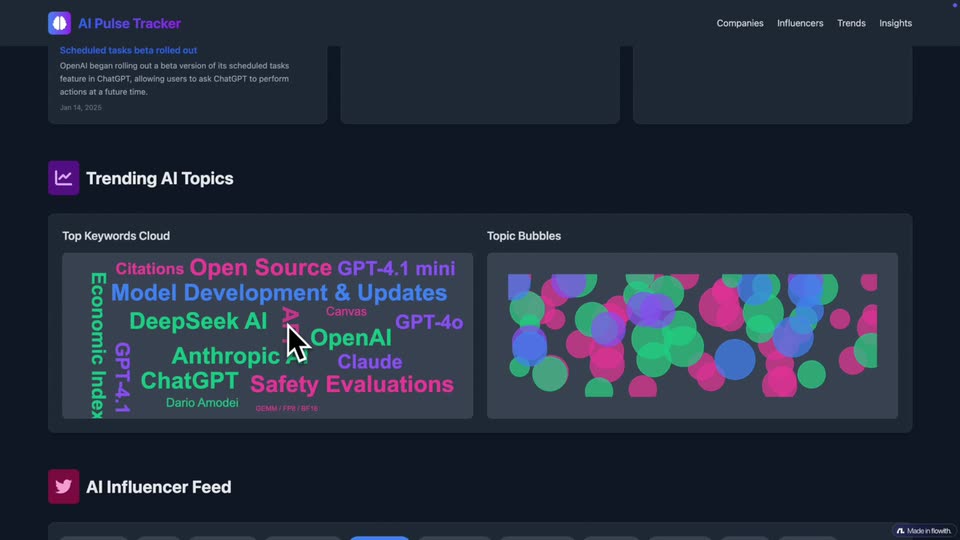 0:26–0:27Flowith · Flowith - flowith neo is now open to everyone. no more codes hunting. gen anytA dark AI Pulse Tracker dashboard fills the frame. A white cursor drifts over a multicolored keyword cloud listing terms like OpenAI and ChatGPT, while a panel of overlapping pink, green and blue bubbles sits to the right. The view stays static.
 1:25–1:28Leeroo · Leeroo Continuous Learning AgentsA staggered headline, Async over deep-training over jobs., holds still on a cream background, then the frame cuts to a flat Training Jobs list in the Leeroo Platform UI, a cursor resting on a row, with a centered caption below the card.
 0:25–0:32Melder · Melder - AI for ExcelA spreadsheet with a green header row and LinkedIn URLs in column G. The cursor clicks the Scraped Profile cell and types =M.WEB_PAGE(G2); scraped profile text fills each row as the view pans right and down to reveal a bulleted Job History column.
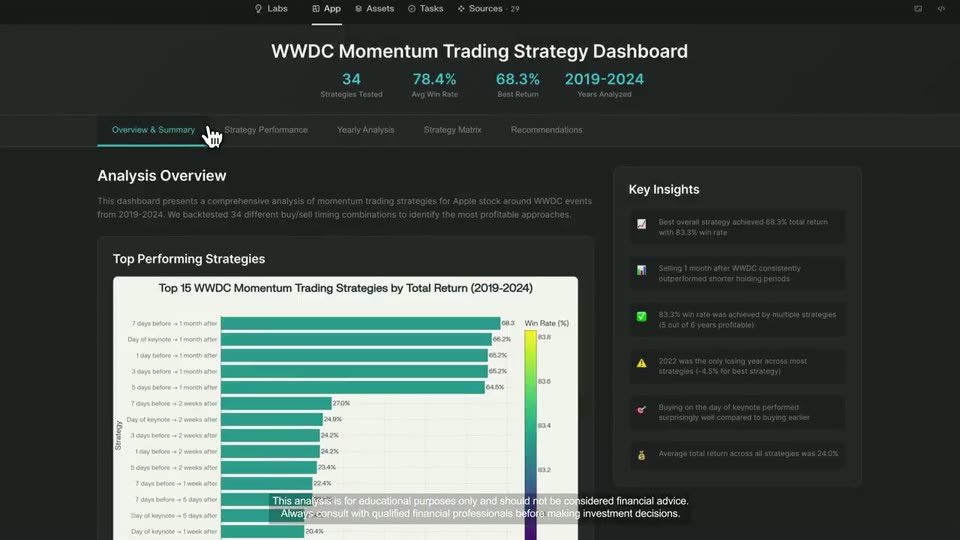 0:11 · 0.6sPerplexity · Perplexity - Today we're launching Perplexity Labs. Labs is for your more complexA dark trading dashboard fills the screen. A cursor moves from the Overview tab to the Strategy Performance tab, and the main panel swaps from a horizontal bar chart to a ranked table of strategies while the Key Insights panel stays fixed.
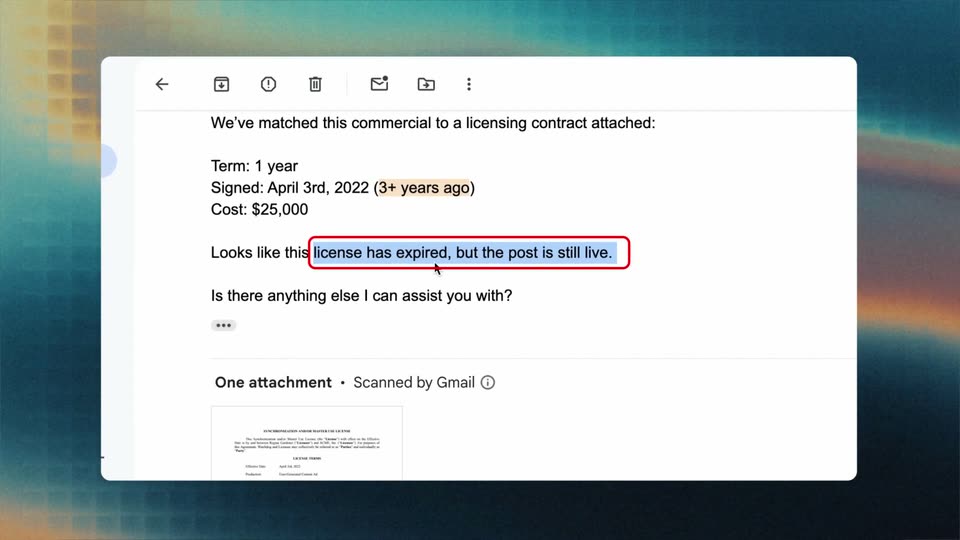 0:58–1:04Third Chair · Third Chair Product DemoA Gmail email in a browser window on a blurred desktop; the view zooms into the body, highlights and red-boxes 'license has expired, but the post is still live', then scrolls up to the sender and down to a trowel image and a $10,000 to $50,000 estimate.
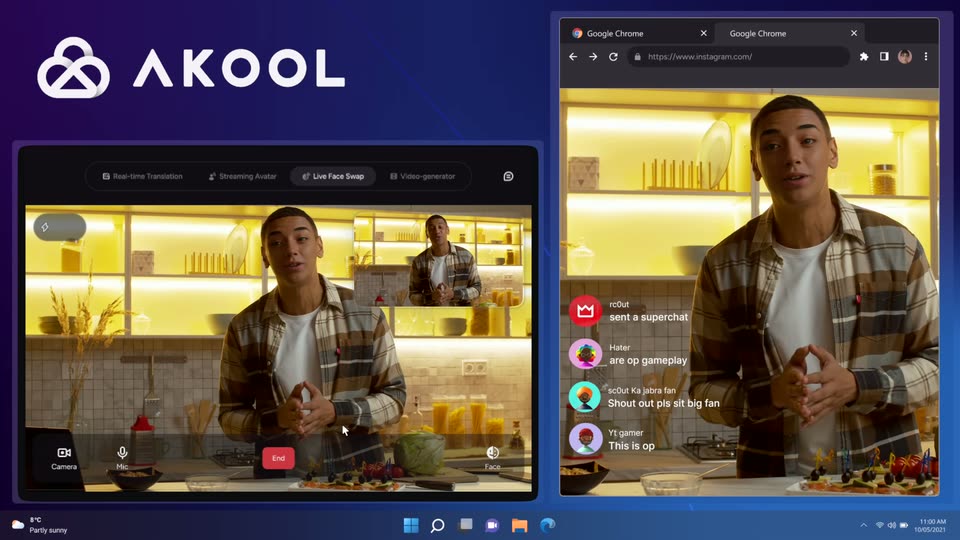 2:17–2:25Akool Inc · Introducing Akool Live Camera: Real-Time AI Video CreationTwo windows sit side by side on a desktop: the Akool streaming tool on the left, a Chrome browser with the same kitchen stream and live chat on the right. A cursor opens a Target face panel, picks a face, and the man's face in both windows swaps to it.
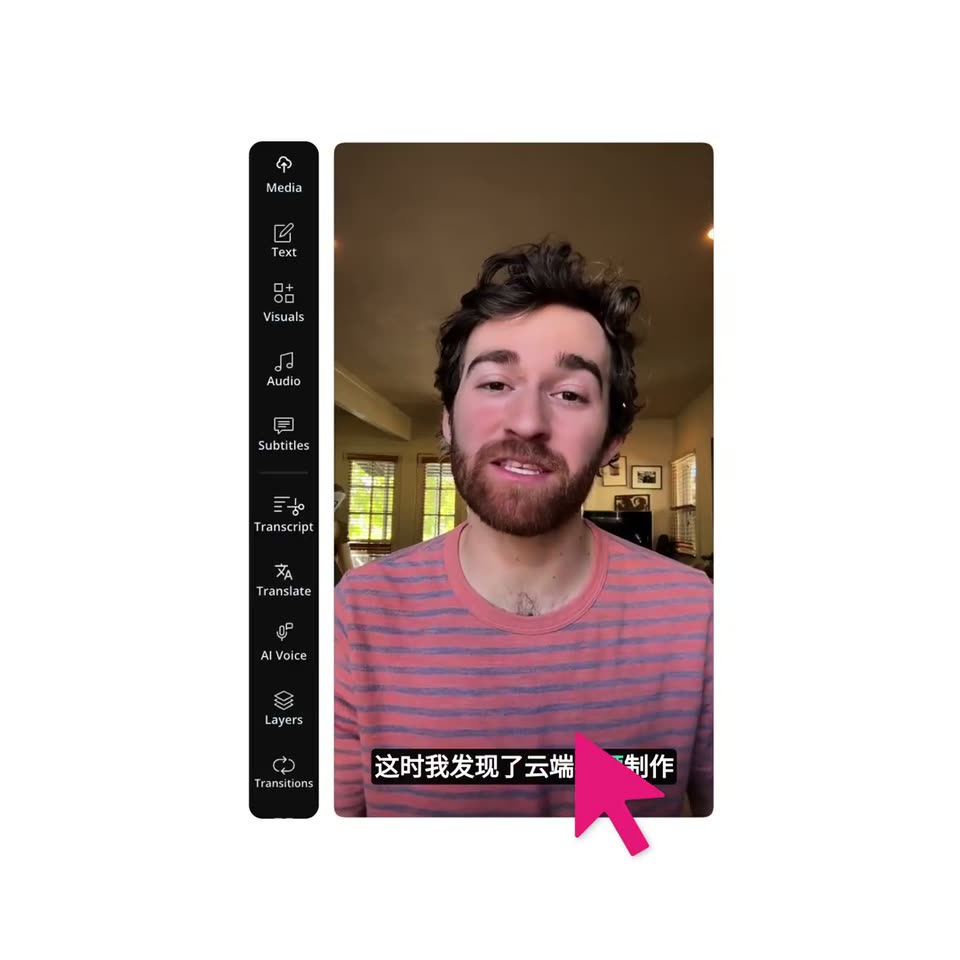 0:09–0:14Kapwing · Kapwing - Reaching a global audience just got easier 🌍 Kapwing’s AI Dubbing toA video editor interface shows a man in a striped shirt in the preview, with a black tool sidebar on the left. A pink cursor arrow points at the subtitles at the bottom, which update as he speaks. The view scrolls up to reveal a Translate label.
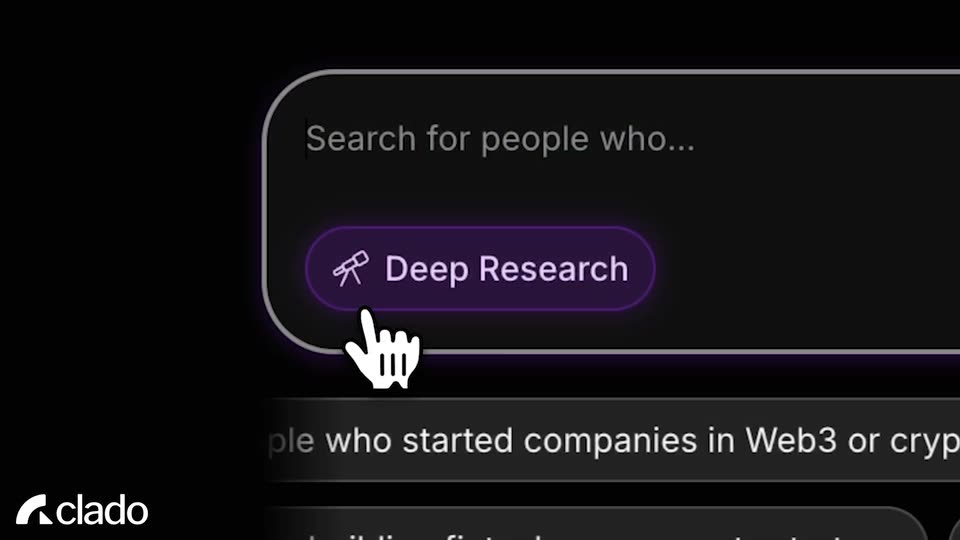 0:26–0:28Freesolo · Introducing Clado (YC X25): Deep Research for PeopleClose-up of a search interface. An arrow cursor slides up to the Deep Research row and clicks it; the row morphs into a glowing purple pill button while the surrounding interface darkens and dims.
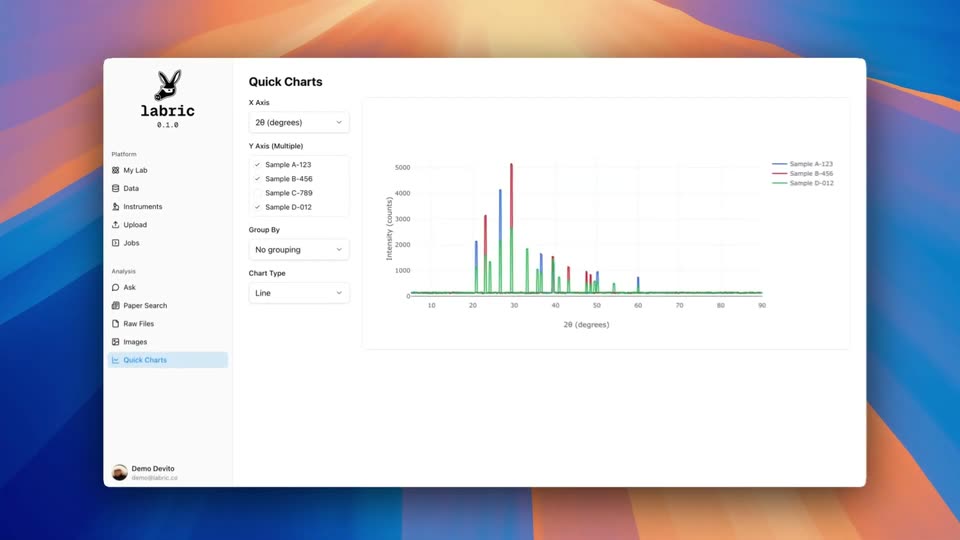 0:38–0:44Labric · Labric (YC X25) Launch VideoA labric interface card rests on a multicolor gradient. The view zooms into the Quick Charts panel as a cursor ticks three sample checkboxes, then pulls back to reveal the line chart filling with blue, red and green peaks.
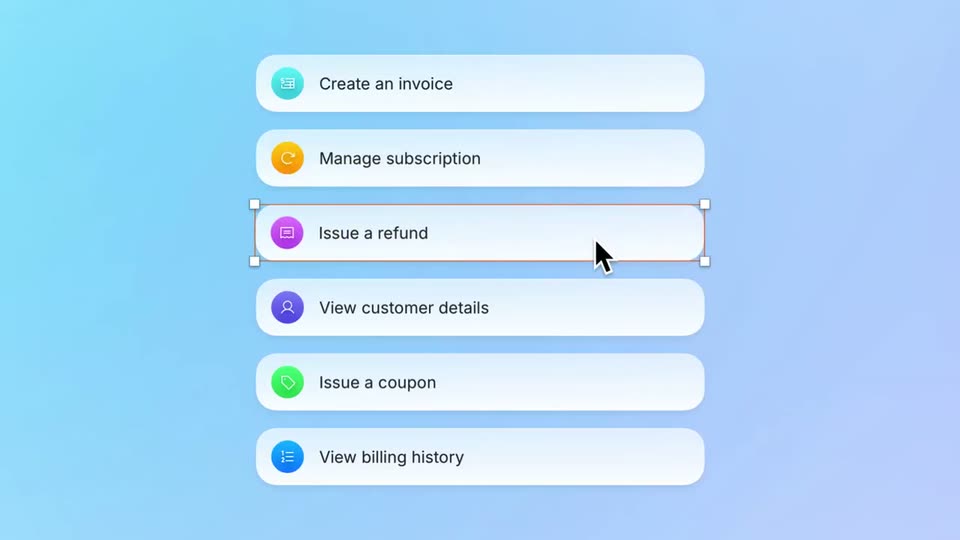 0:08–0:09Sketch · Sketch - Remember when we said auto layout was coming to Sketch? It’s here. ItOn a light blue gradient, a column of white rounded action buttons reorders as a cursor drags the 'Issue a refund' row down one position. Its orange selection box and corner handles follow it while the rows above slide up to fill the gap.
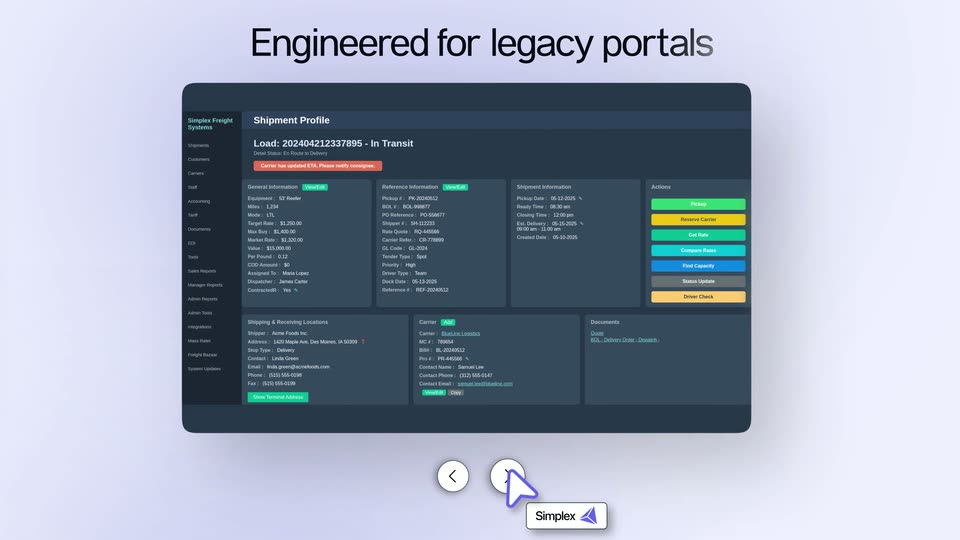 0:14–0:15Simplex · Simplex Launch VideoA tilted 3D view of a logistics interface sits under the headline. A dark Shipment Profile panel slides in from the right to center as the invoice screen slides out left, with a cursor resting on the next arrow.
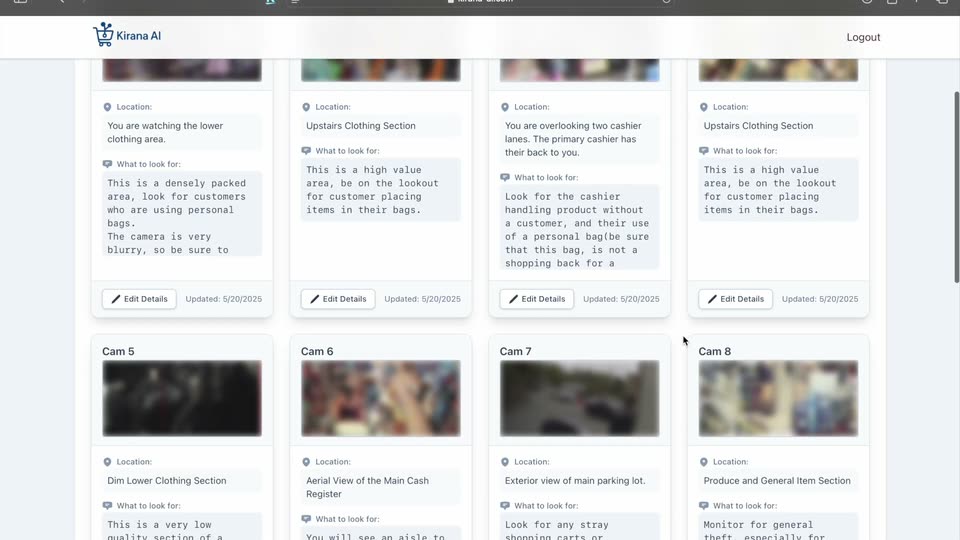 0:34–0:42Kirana AI · Kirana AI, Full-Stack AI Store ManagerA light web dashboard titled Camera AI Prompts shows a grid of camera cards, each with a blurred thumbnail, location line and prompt text. A cursor clicks the Camera Context tab, then the page scrolls down to reveal a second row of cards.
 0:26–0:28stratify · Stratify Demo VideoA white pill-shaped button labeled Launch scales up from a glowing point in the center of a dark blue gradient. A blue cursor arrow slides in from below and hovers at the button's lower edge.
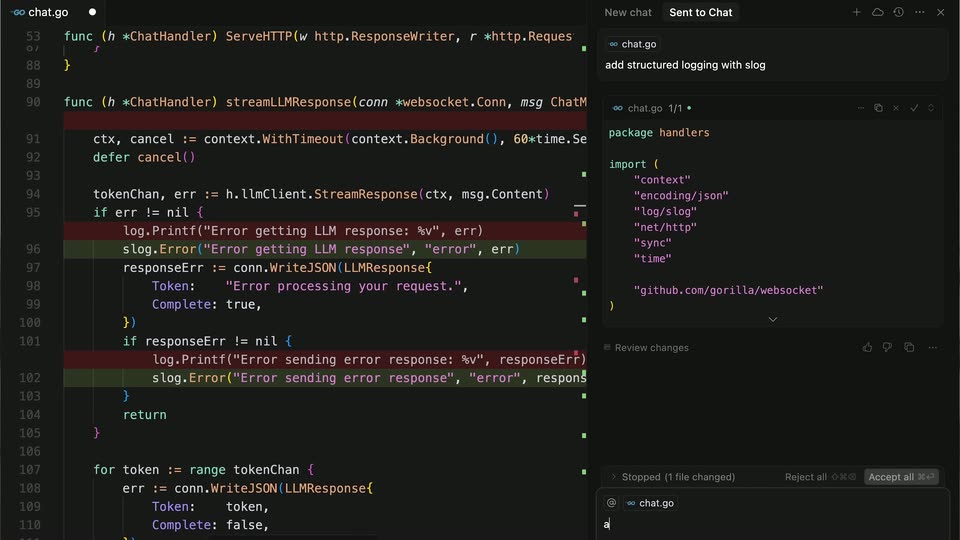 0:58–1:03Cursor · Cursor's largest update yetA dark code editor shows Go source with red and green diff lines, and an inline chat box at the bottom holds the prompt to add structured logging. A chat panel opens on the right listing the file diff, then 'add' is typed into its input field.
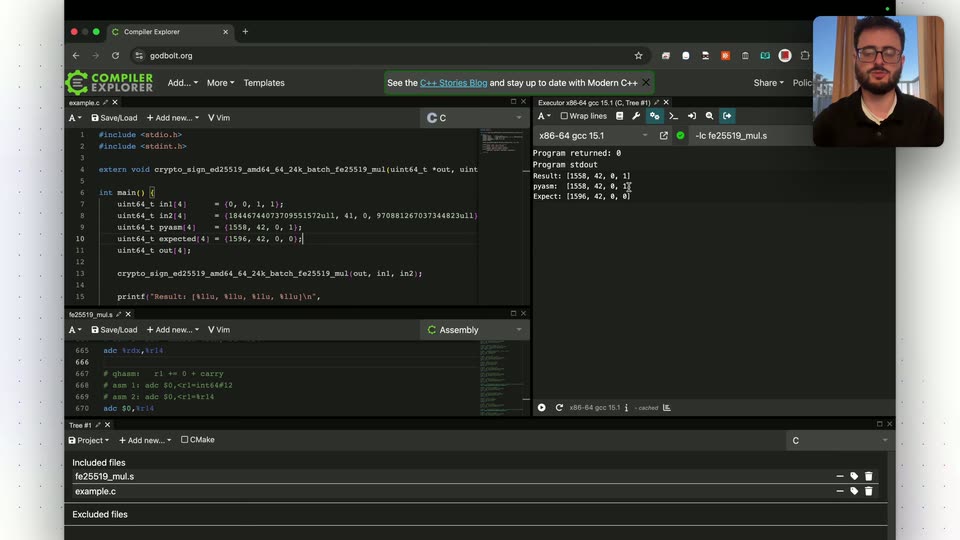 1:27–1:46Theorem · Uncovering Zero-Day VulnerabilitiesA screen capture of the Compiler Explorer web app fills the frame, with a small webcam feed of a bearded man in the top-right corner. The cursor selects four lines in the C editor; the values change and the right-hand output panel refreshes, showing Result and Expect rows that disagree.
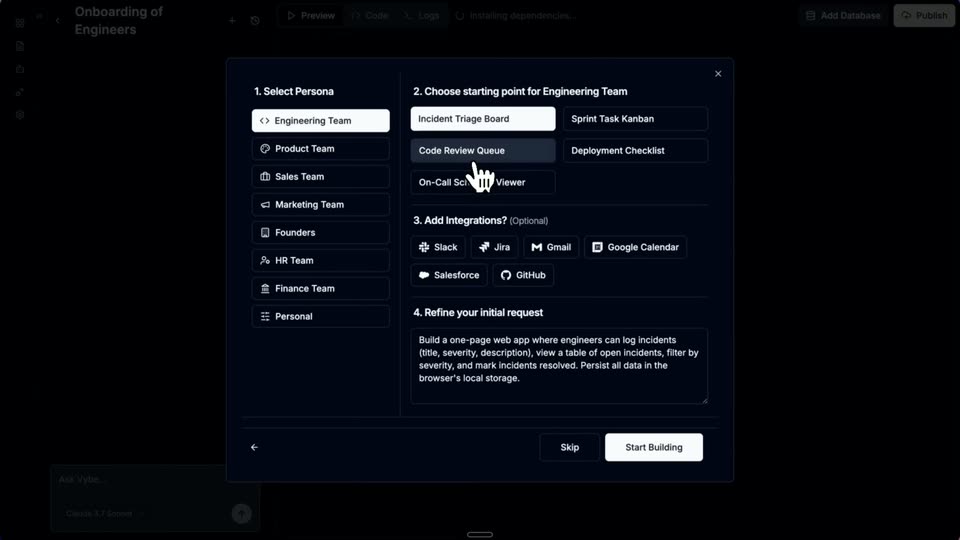 0:44–0:47Vybe · Vybe Demo - Build internal apps 10X fasterA dark onboarding modal fades in over the app builder. A cursor selects Engineering Team, Incident Triage Board, and Jira; the right column populates with starting points, integration chips, and a request text that appends the integration choice.
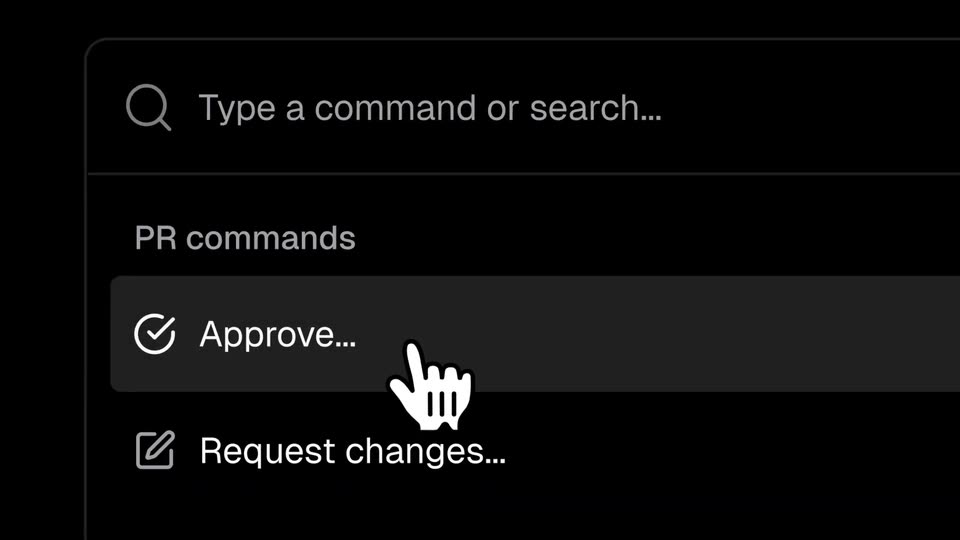 0:55–0:57cubic · Introducing cubic.devA dark command palette over a code review screen zooms in and expands to list more PR commands. A white hand cursor hovers over the Merge row, then the screen fades to black, leaving a small gray arc logo centered.
 0:12–0:13Descript · Descript - Vibe editing is here. Any job, any video. Underlord’s got it.A black arrow cursor with a white outline drifts down and right across a white rounded card, closing in on a purple circular button with a white up arrow, and stops at its lower edge. The frame stays locked off throughout.
 0:31–0:32Google · Introducing Flow | Google’s New AI Filmmaking ToolA dark rounded prompt bar with typed text and a send arrow sits in 3D perspective over a blurred blue background. The bar slides away, the circular arrow button scales up to center, and a white hand cursor clicks it.
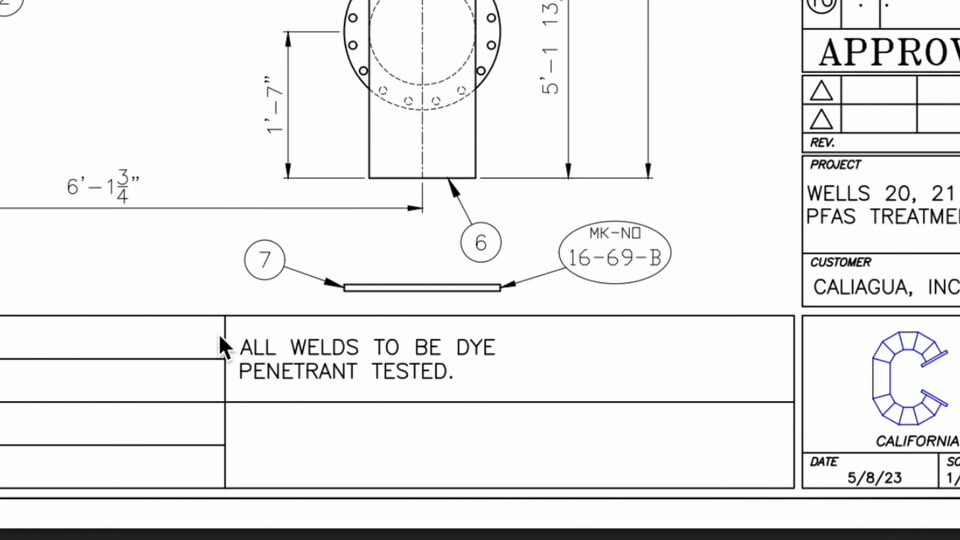 2:24 · 0.5sJeevy Fabrication · Introducing Jeevy FabricationA CAD blueprint fills the frame, title block at right. A yellow highlight box overlays a note reading 'ALL WELDS TO BE DYE PENETRANT TESTED.' The box clears, leaving the note in the table as a cursor arrow drifts down.
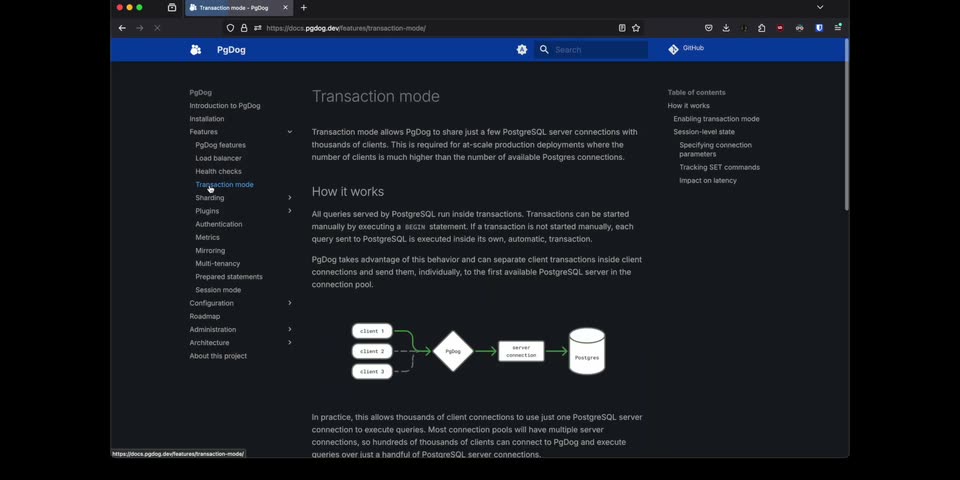 0:23–0:28PgDog · PgDog LaunchA browser window displays the PgDog documentation site. A cursor moves down the left sidebar, loading each page in turn: features, load balancer, health checks, transaction mode, sharding. Each page pairs body text with a small diagram of labeled nodes and arrows.
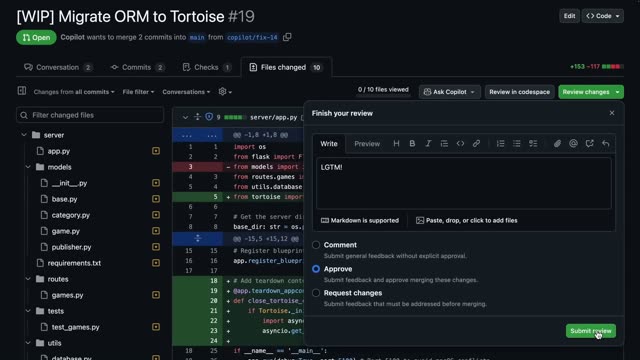 0:36–0:41GitHub · Introducing the GitHub Copilot coding agentA dark GitHub pull request screen shows a review dialog. A cursor clicks the Approve radio and types LGTM in the comment box. The view cuts to the status panel with green checkmarks as the cursor hovers the green Merge pull request button.
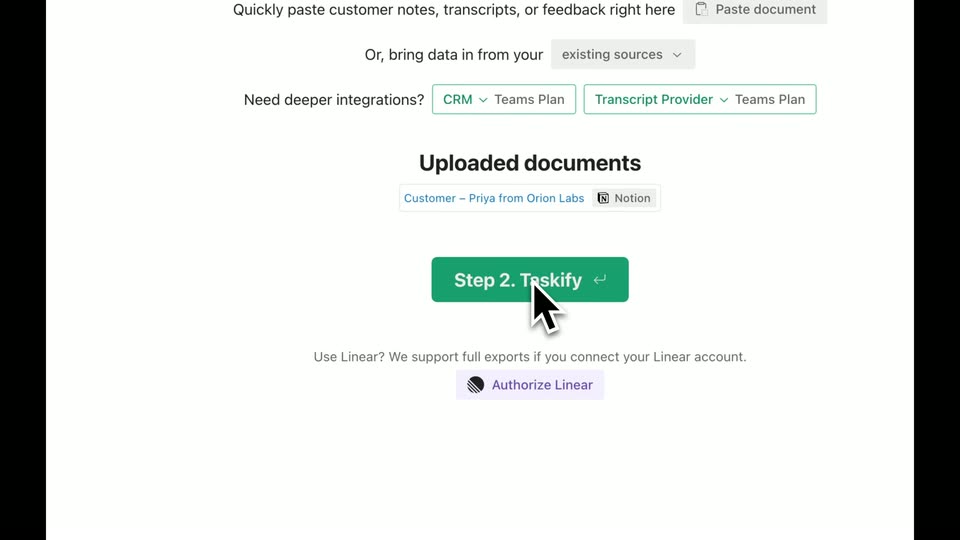 0:29–0:31Kestral · Kestral - Your AI Work Prioritizer -- Launch YCA white product page shows a green Step 2. Taskify button and integration links. A cursor slides up from the bottom right and clicks the button, and the view cuts to a chat layout with a message bar and a customer panel on the right.
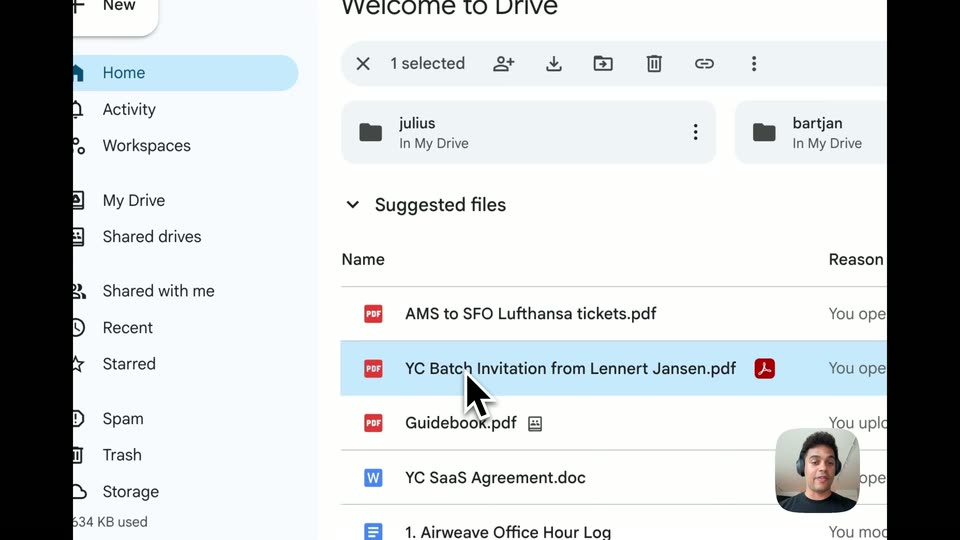 0:21–0:24Airweave · Airweave AI // Launch YC DemoA Google Drive file list fills the screen with a small webcam overlay in the lower right. A cursor glides down from the highlighted first row and clicks the second PDF, which turns blue as a tooltip flashes. The interface framing stays static.
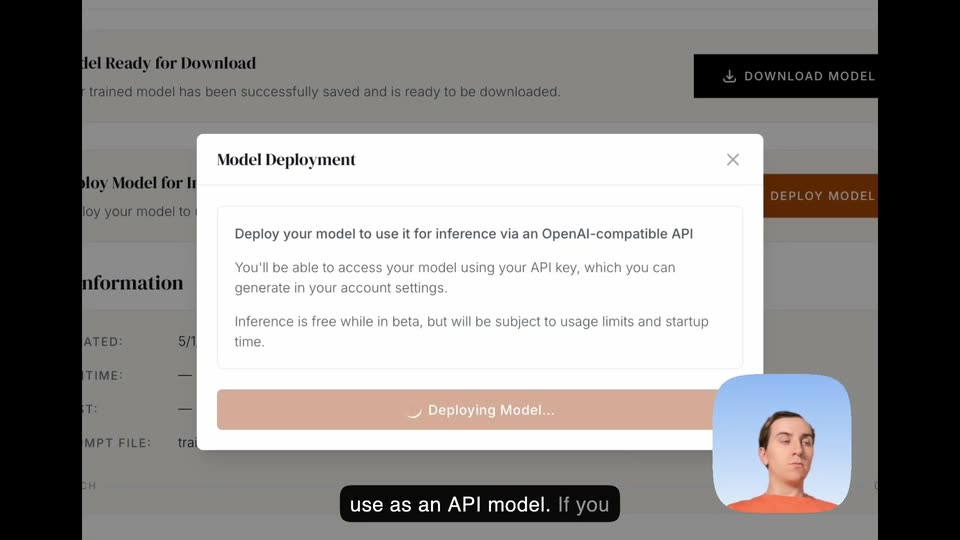 0:59–1:04RunRL · RunRLA web UI screen shows a Model Deployment modal over a dimmed page; a cursor clicks the orange button, which turns to a loading state, then the view zooms out. A man in an orange shirt sits in a small box at bottom right, white subtitles below.
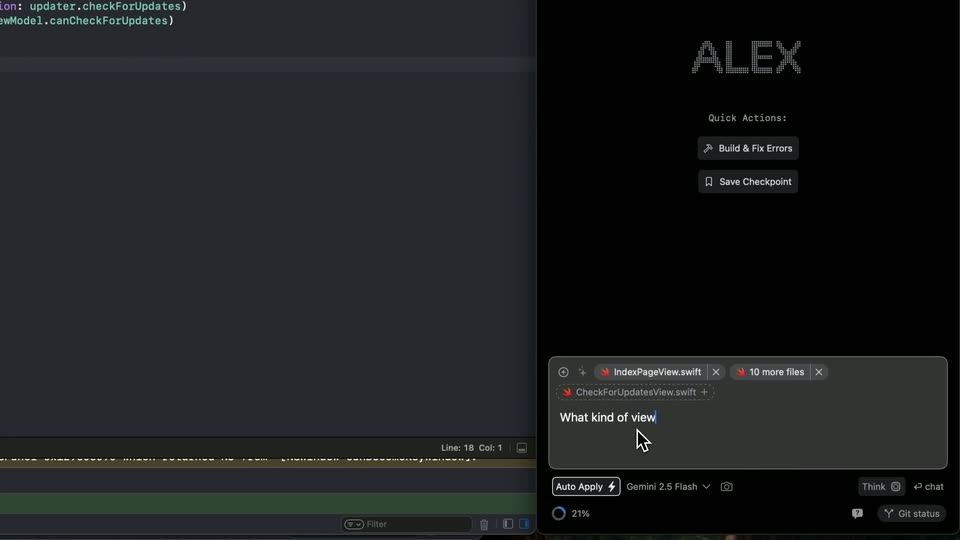 0:44–0:45Alex · Alex - Xcode AI Coding AssistantA dark code editor fills the left half with Swift code and a green diff line. The right panel shows the ALEX logo, two quick-action buttons, and a chat box where a white cursor sits as the prompt types out letter by letter.
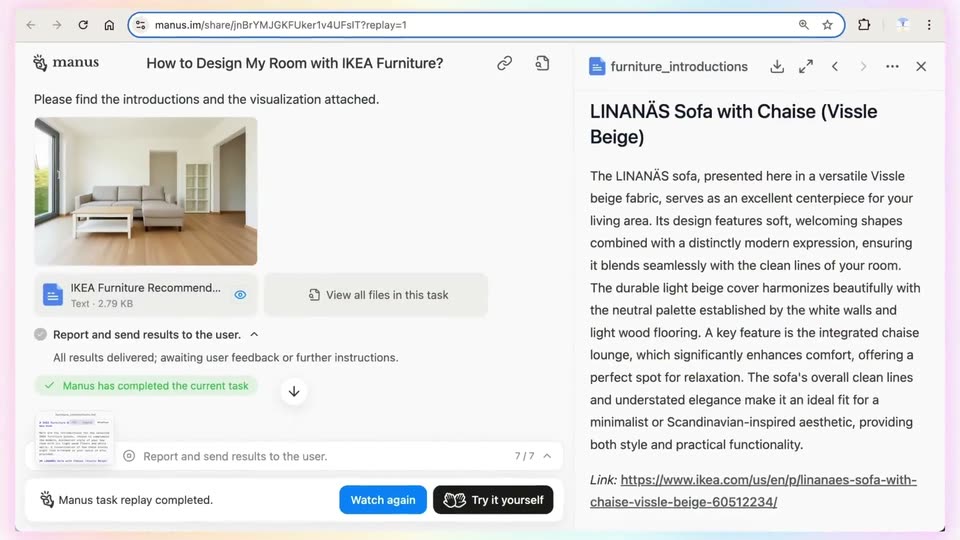 0:24–0:25Manus · Manus - Introducing Manus image generation. Manus doesn’t just generate imagA Chrome browser window displays the Manus app in two panels: a task chat on the left with a room photo and a green completed-task badge, and a furniture document on the right. A hand cursor hovers near the close icon at the top right.
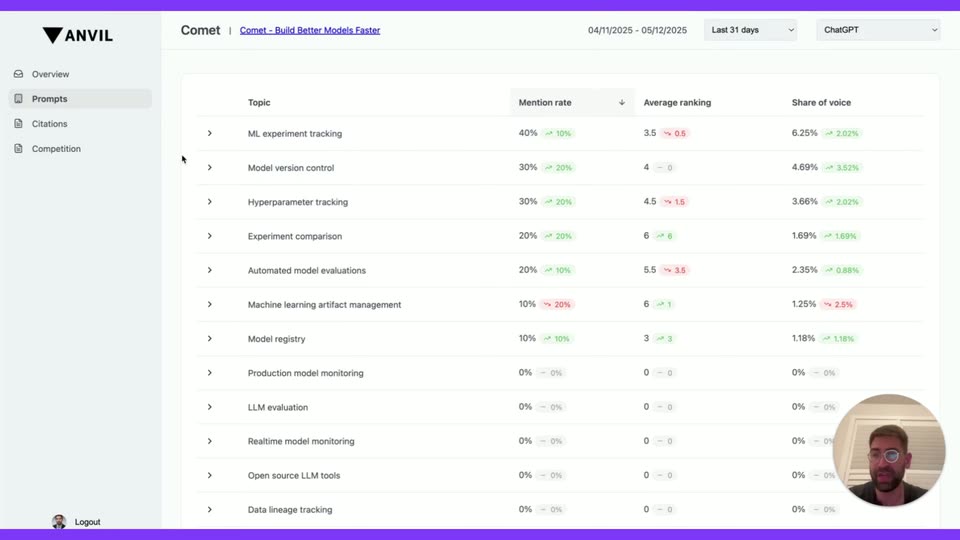 0:40–0:43Acolite · Anvil (YC X25) - Launch VideoA data table listing topic metrics fills the screen. A cursor moves from the table to the left sidebar, hovering over the Prompts and Citations menu items. A circular webcam feed of a man remains in the bottom right corner.
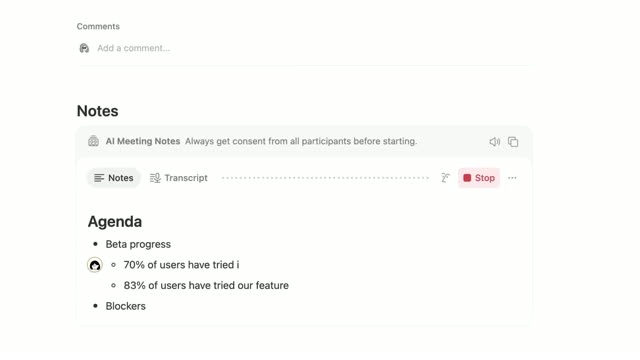 0:36–0:44Notion · Introducing AI Meeting NotesA light Notion page shows a Comments field above a Notes card. A cursor clicks the Notes tab, swapping the transcript paragraph for an Agenda list. Bullets type themselves with usage stats, then the card fades into a Generating title state.
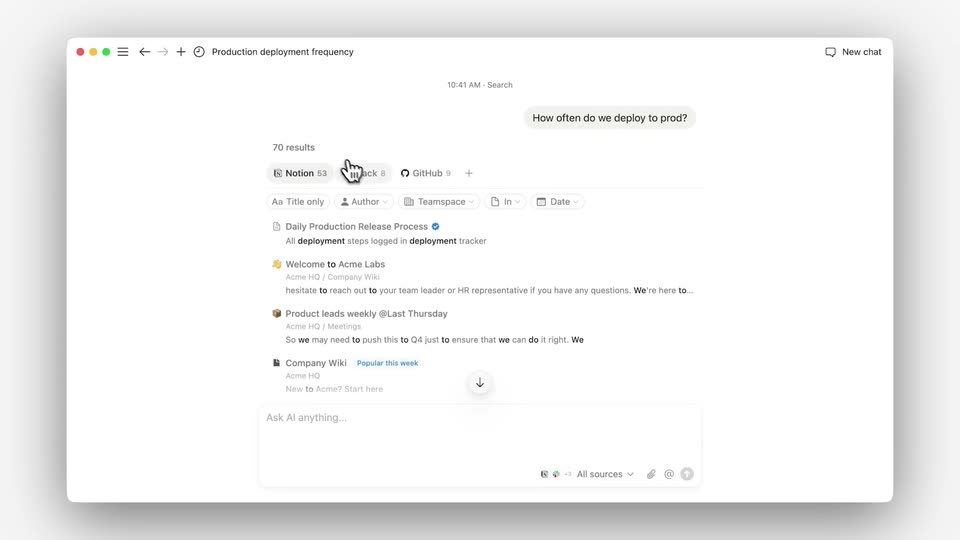 0:28–0:38Notion · Introducing Enterprise SearchA chat window types a bulleted answer to a deploy question, then zooms into the text as a source card slides in from the left. The cursor clicks the Notion, Slack and GitHub tabs, swapping the results list beneath.
 0:31–0:32Notion · Meet the all-in-one Notion AI for workA flat white product home screen shows a greeting and a command bar with the words Dashboard launch typed in. A cursor glides from the center of the bar to the right edge and presses the send button, which turns blue, while four recent cards sit below.
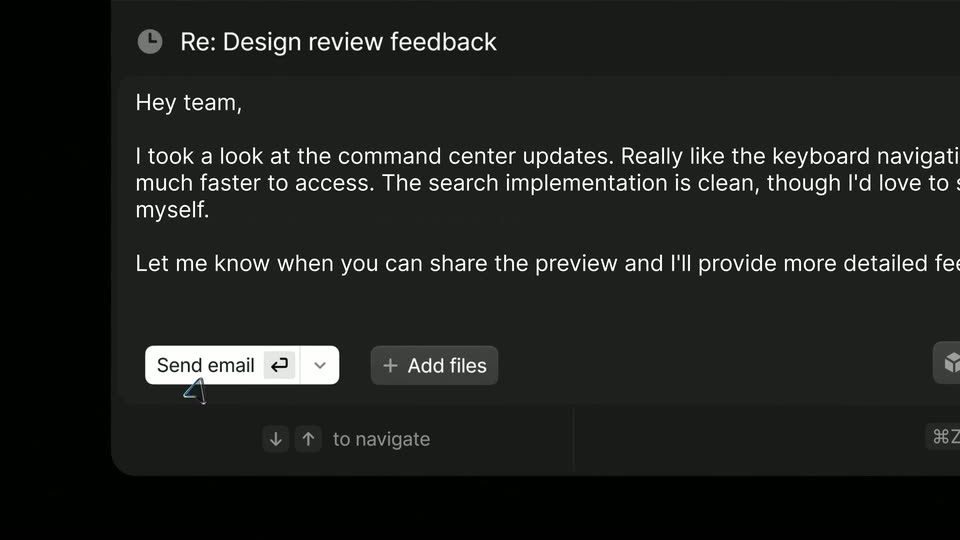 0:52–0:56Orchid · Zero - The AI-native email that manages your inboxA dark email compose window fades in on a black background while the body text types itself out line by line. The camera then pushes in on the lower half of the card as a cursor glides in toward the Send email button.
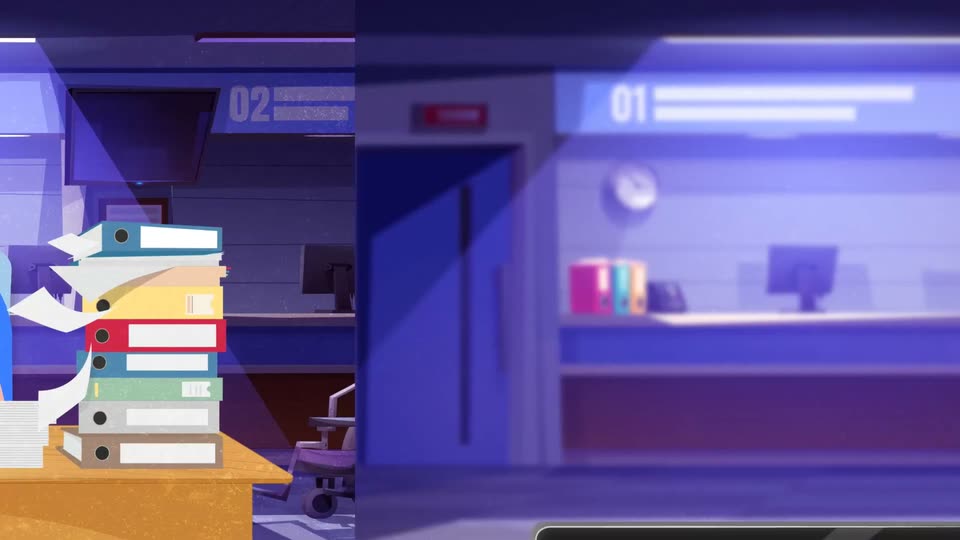 0:52–0:53Adentris · Adentris – AI Compliance Copilot for Healthcare Providers | Prevent Claim DenialsA flat office illustration of a robot and a woman at a desk slides left, revealing a 3D room where a WorkDone window floats. A blue cursor moves down and clicks the Resolve button.
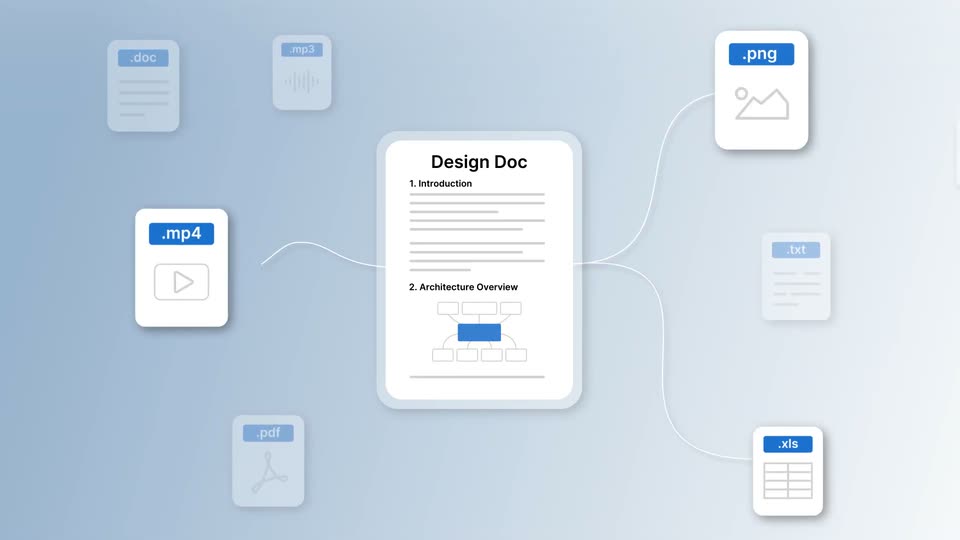 0:54–1:01Auctor · Auctor AI (YC X25) Launch VideoA white Design Doc card sits centered on a pale blue field, ringed by floating file icons joined by white lines. The document builds up with a diagram and yellow lines, ending in an Approve Changes prompt with check and cross buttons. The camera zooms in as a cursor appears.
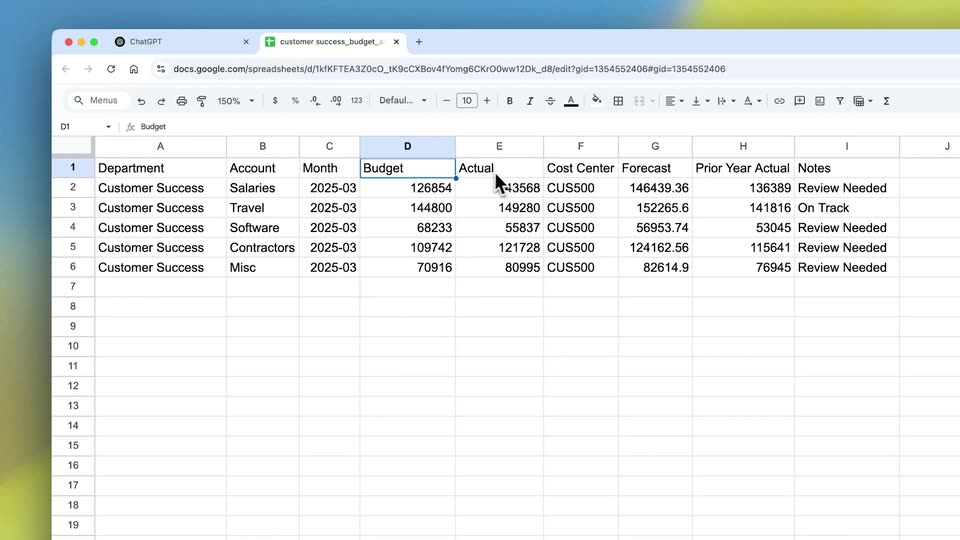 0:32–0:42OpenAI · Automate complex workflows with OpenAI o3A browser window displays a Google Sheets budget table with columns for Budget, Actual, Cost Center, and Forecast. A cursor drifts down from the tab bar and clicks the Budget and Actual column headers, highlighting each in turn.
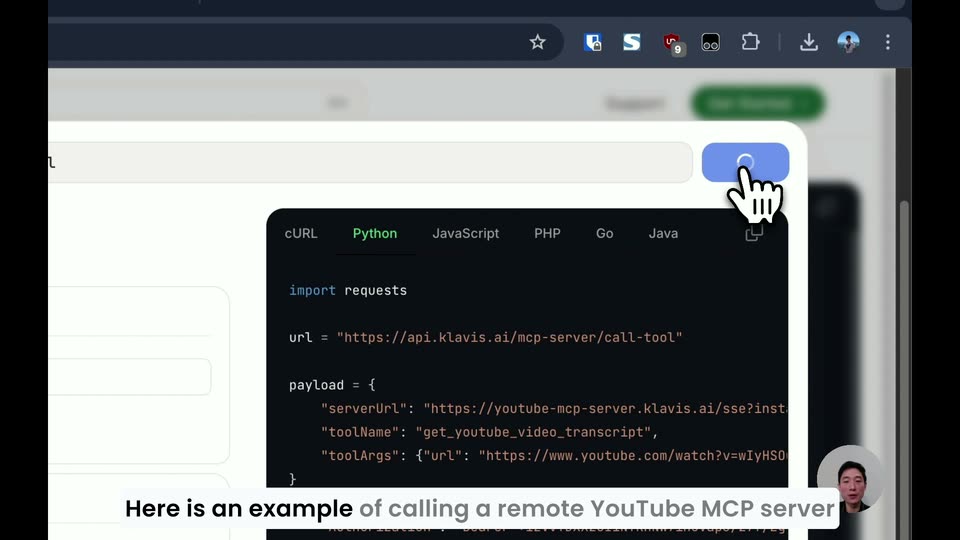 0:44–0:59Klavis AI · Klavis AI: Open Source MCP integrations for AI ApplicationsA screen capture of the Klavis API docs page shows the Call Tool form beside a Python code panel. The view zooms onto the Send button, the cursor clicks it, and the panel switches to a 200 JSON response. A presenter's face sits in a circular inset at bottom right, with caption bars along the bottom.
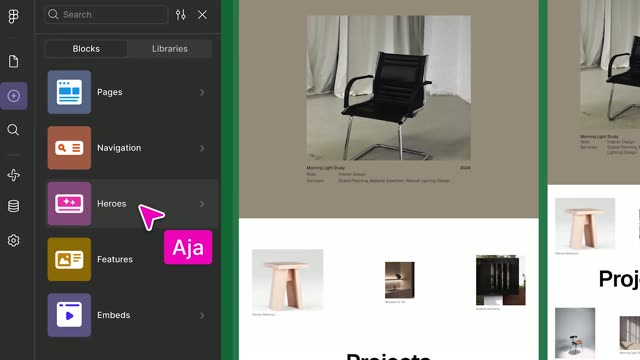 0:13–0:14Figma · All the launches at Config 2025 | FigmaA dark sidebar lists Pages, Navigation, Heroes, Features, Embeds. A cursor drags the Heroes block, and a blue-outlined hero text panel slides in beside a portfolio site preview of a black chair, while a pink Aja tag follows the pointer.
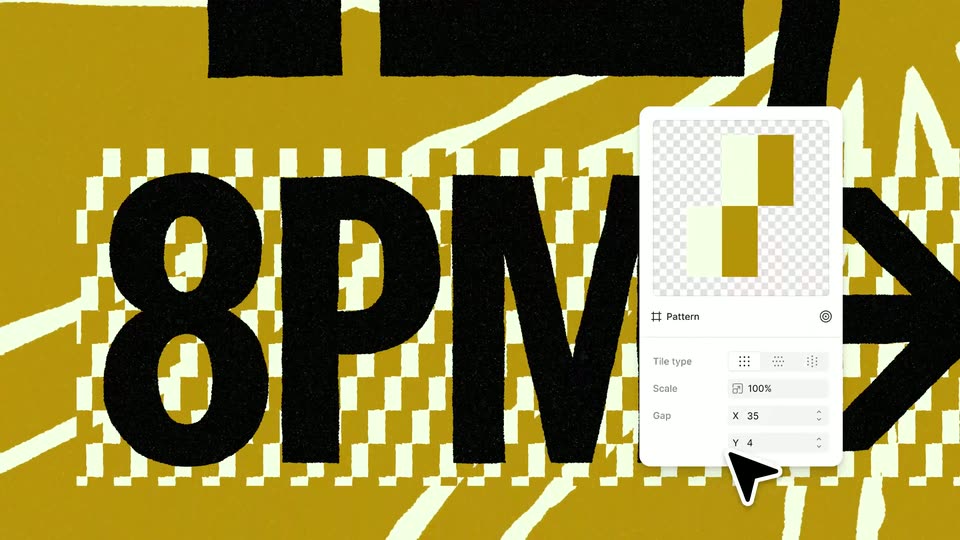 0:27 · 0.7sFigma · Figma - Introducing Figma Draw New fills, effects, brushes, and more, now inA mustard-yellow poster fills the frame with oversized black type reading 12/31 and 8PM → LATE over a white scribble texture. A white Pattern settings panel with a checkerboard preview pops in on the right, a black cursor resting at its lower edge.
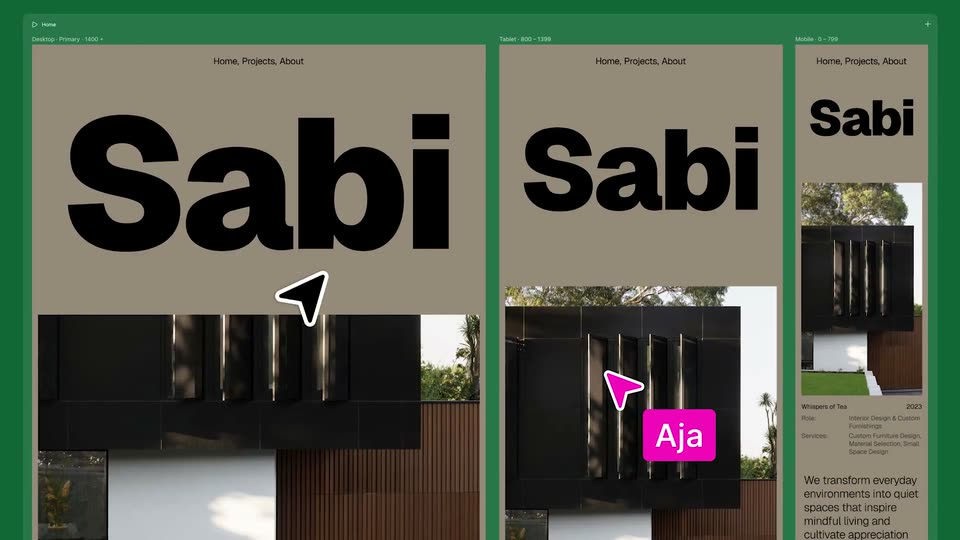 0:15–0:17Figma · Figma - Introducing Figma Sites Take your designs straight to the web. WithA design tool interface displays three responsive web page mockups side by side. A cursor moves across the screens, and a pink button pops up on the middle view.
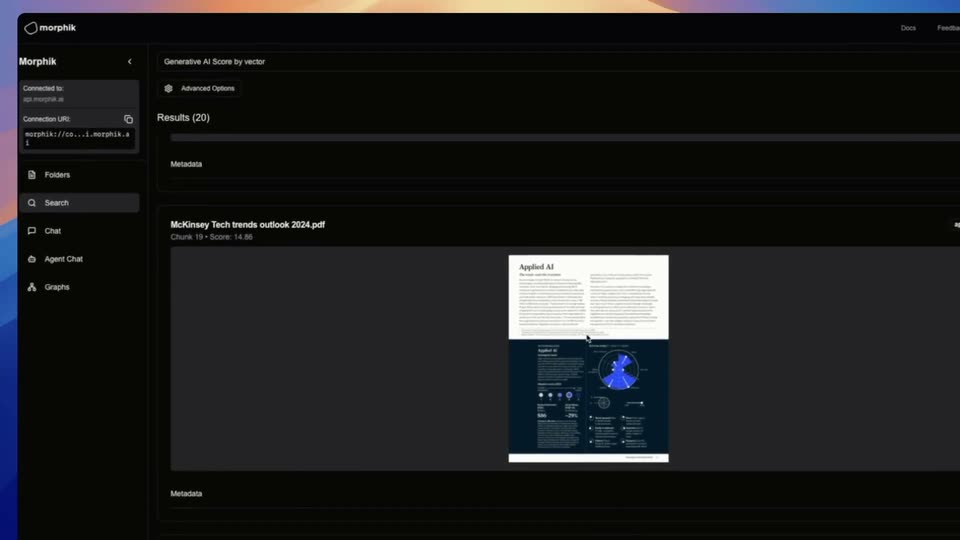 0:44–0:45Morphik · Morphik Launch DemoA dark search interface lists PDF results on the left while a document preview on the right scrolls through pages of charts. The view pulls back to reveal the full window and left navigation sidebar.
 0:24 · 0.5sKenley · Introducing Kenley WorkStreamsA product workspace fades in from white, settling on a Calls tab with a four-person video call thumbnail and a cursor hovering over it. A left sidebar of icons and a row of task chips frame the view.
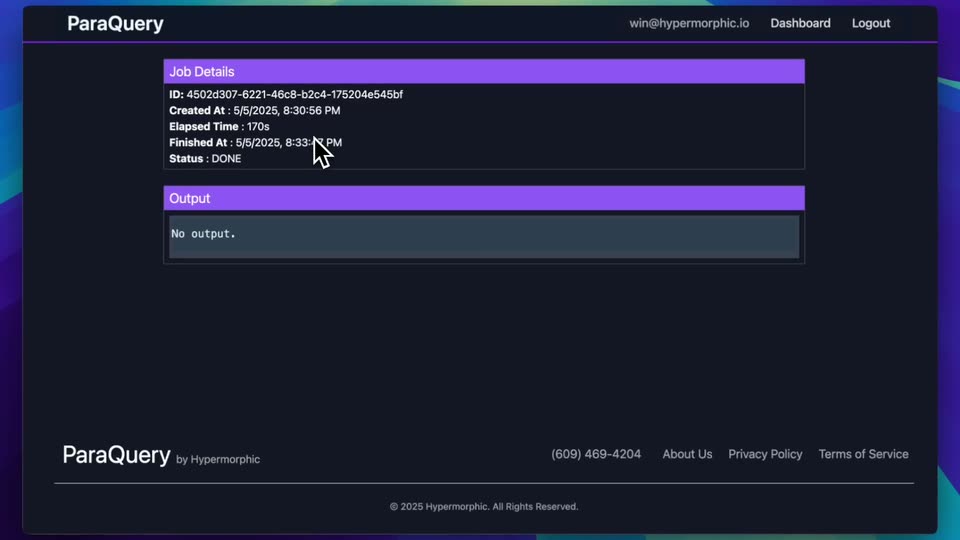 0:58–1:16ParaQuery · Launch YC: ParaQuery - cloud data processing for the GPU eraA dark ParaQuery dashboard shows a Job Details card with purple headers and Status DONE, above an Output card reading No output. A white cursor drifts from the lower right up to the details, then hovers over the Finished At line.
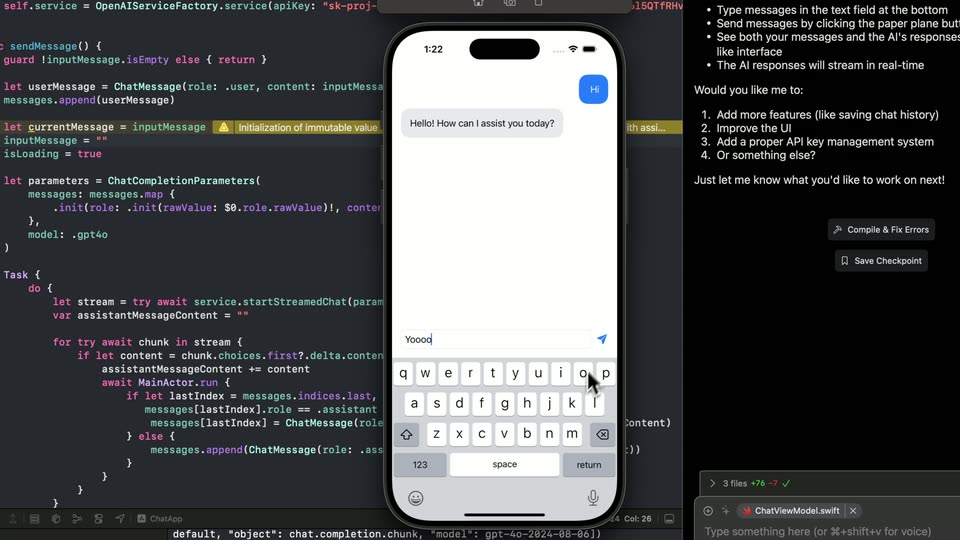 0:58–1:06Alex · Alex - Xcode AI Coding AssistantA front-facing phone mockup sits centered over a dark code editor. A cursor taps an on-screen keyboard to type a message, sends it, and the chat app replies. The view then pulls back to reveal the full desktop workspace.