Cursor demo
A visible cursor operates the interface.
15,126 scenes · page 137 of 253
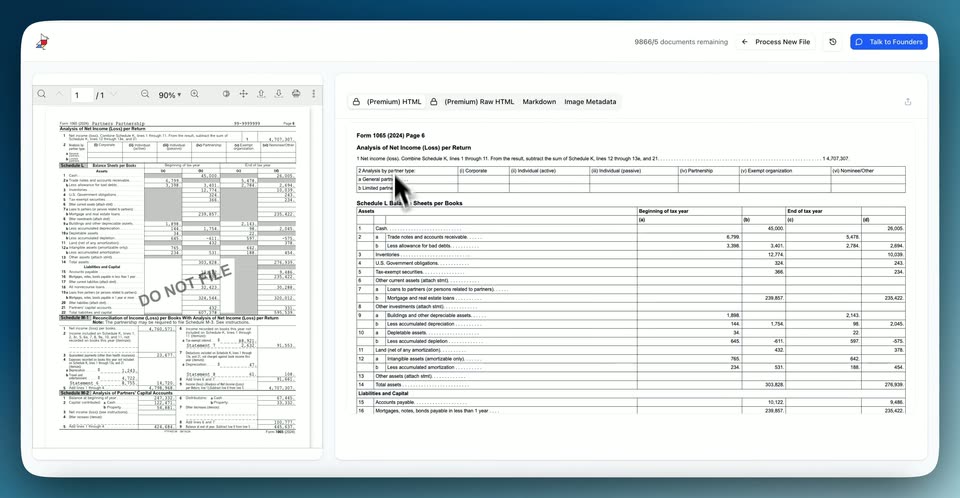 0:12–0:16Cardinal · cardinal demoThe app interface shows a tax form PDF on the left with a DO NOT FILE watermark and the converted output on the right. A cursor glides down and clicks the HTML tab, swapping the right panel from a markdown list to a table view.
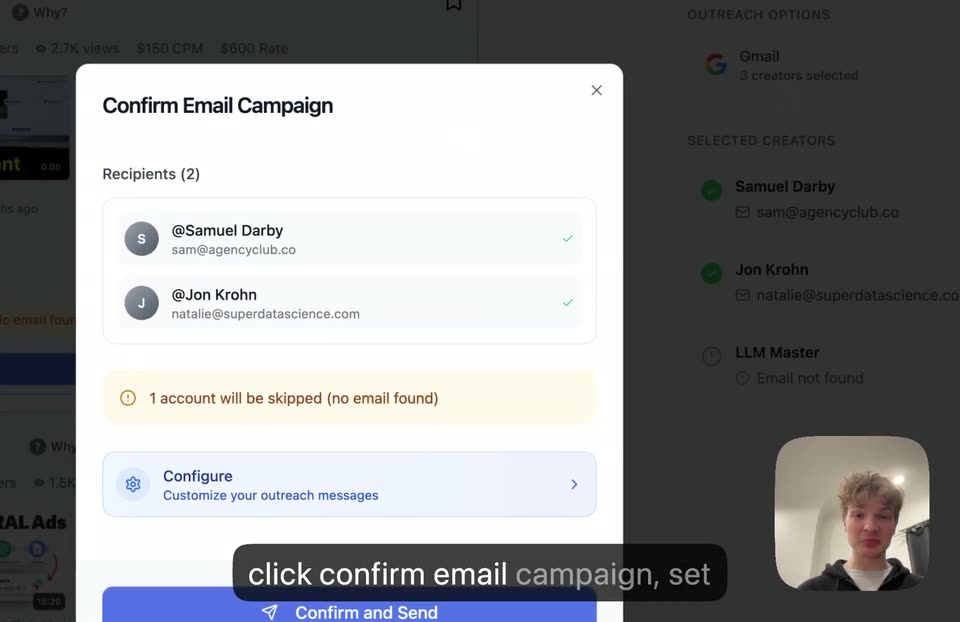 0:56–0:58Stormy · Stormy AI launch videoA product screen shows a Confirm Email Campaign modal listing two recipients over a dimmed dashboard, with a small face-cam of a speaker in the corner and a dark caption bar at the bottom. A cursor moves from the top-right menu down to the Configure row.
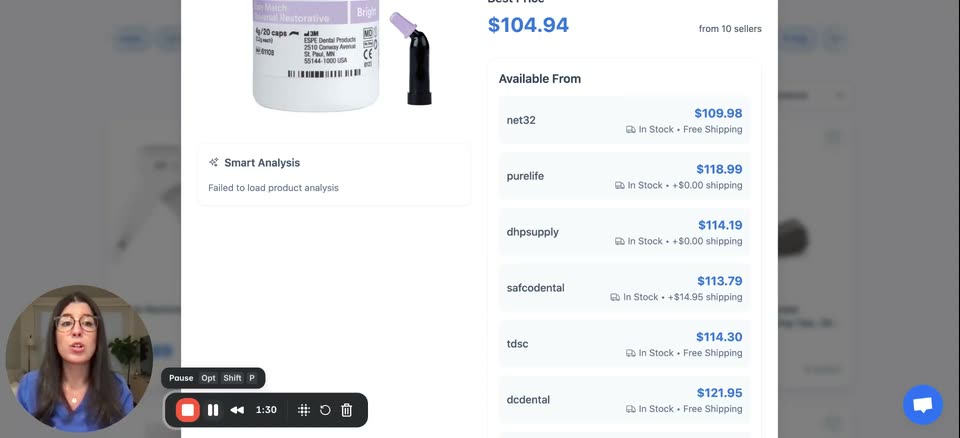 0:59–1:40Alara · Alara Dental - Transforming Dental Supply PurchasingA screen recording of a procurement interface shows a dental product card beside a vendor price list. A presenter's webcam sits in the lower-left corner. The cursor scrolls the list, then expands the top vendor row to reveal an orange Add to Cart button before collapsing it.
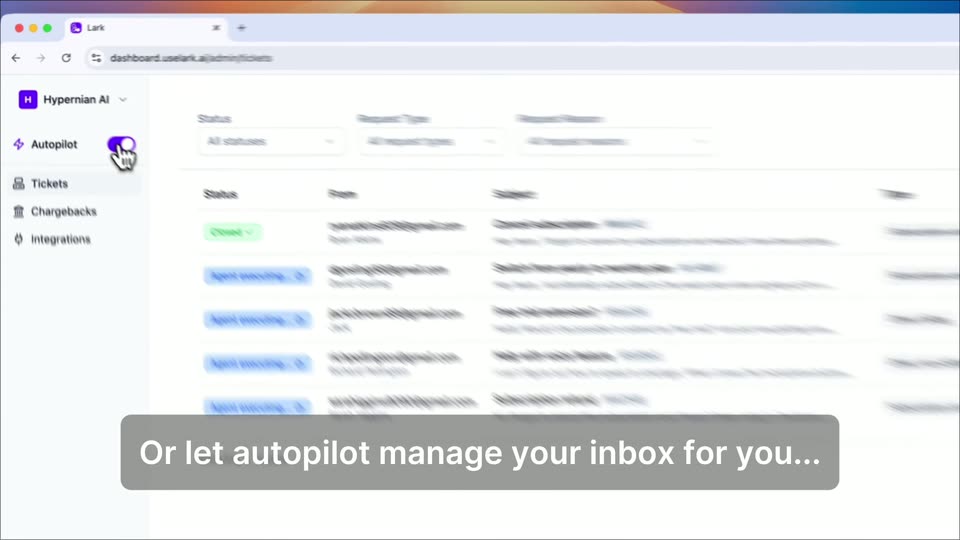 0:28–0:34Lark · Lark: AI Agents for BillingA browser window shows a ticket dashboard. A cursor clicks the Autopilot toggle as the view zooms in, and the row statuses flip from pending to Agent executing, then Closed. A gray caption bar sits at the bottom.
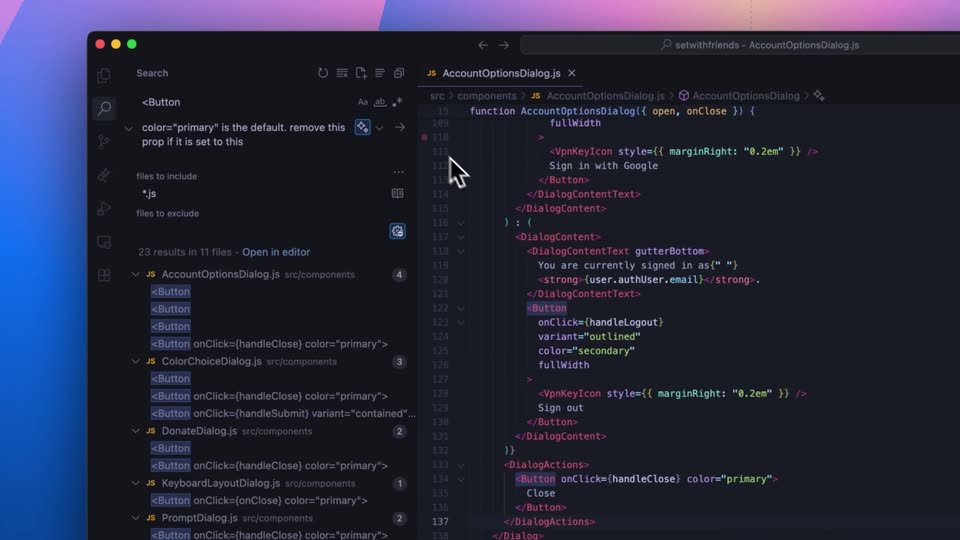 0:57–0:58Windsurf · Windsurf Wave 12: Devin features in Windsurf!A code editor window sits tilted in 3D perspective on a blue-to-purple gradient. The frame pushes in toward the open JavaScript file, and a pointer cursor hovers over the syntax-highlighted code.
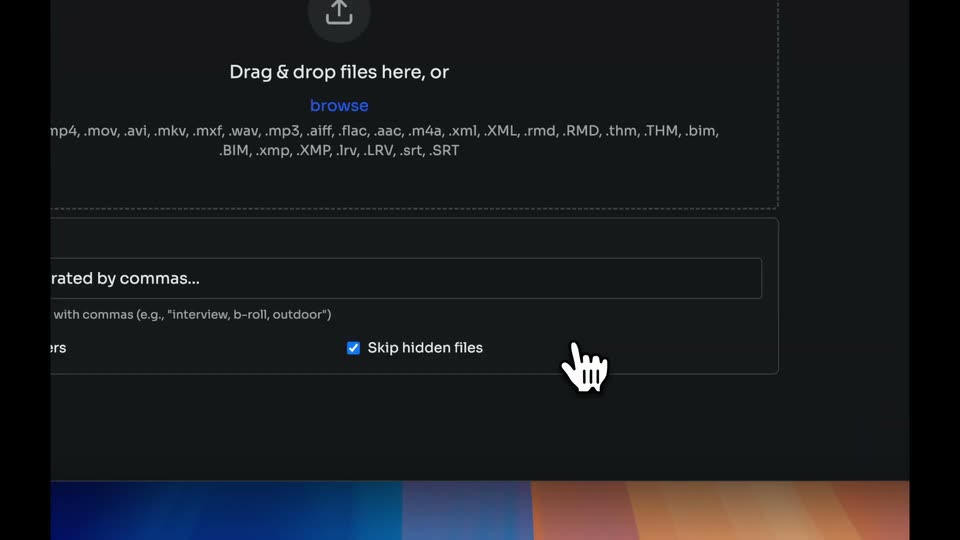 0:09–0:17cocreate · Cocreate demo videoA dark Project Setup form fills the frame as a cursor moves down the fields and a hand taps the blue Create Project button. The view then pulls back to reveal the full cocreate window on a colorful desktop.
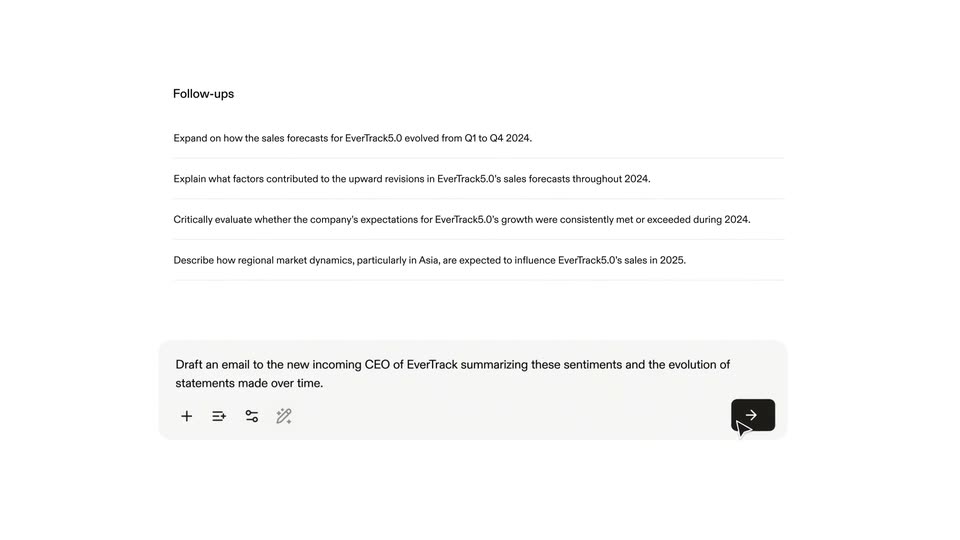 0:37–0:41Harvey · iManage IntegrationA follow-ups list of four questions sits above an input field where a prompt types itself out. The cursor slides to the send button, then the view cuts to a working state with a Reviewing earnings call transcripts card and a Version 1 box.
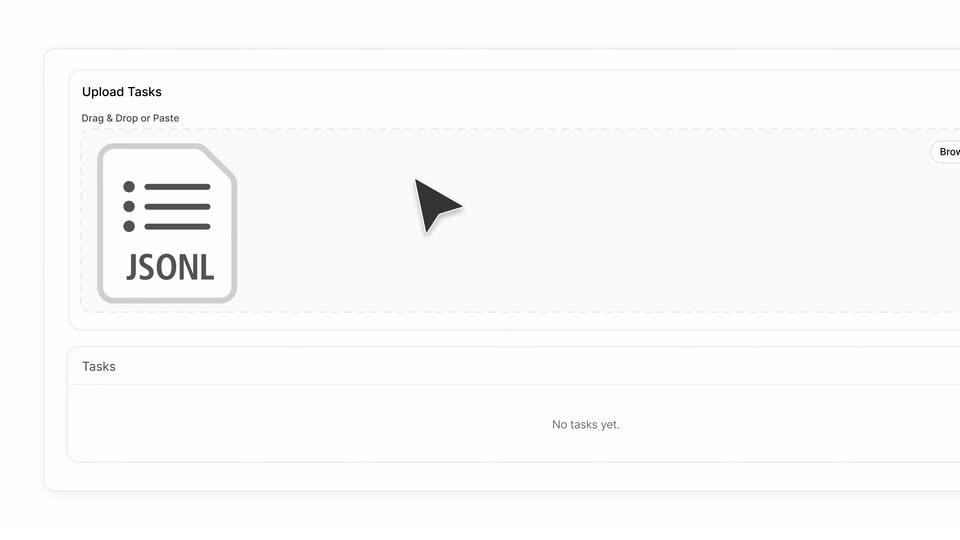 0:29–0:32MangoDesk · MangoDesk DemoA cursor drags a JSONL file card into the dashed drop zone of the Upload Tasks panel, then the frame zooms in on the Browse and Upload buttons as the cursor rests on the teal Upload button.
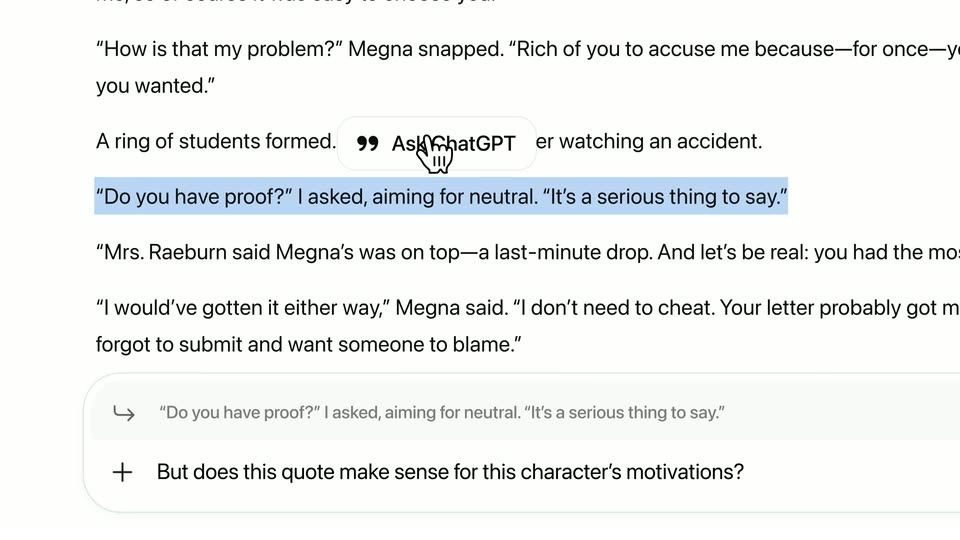 1:14–1:15OpenAI · Introducing GPT-5A story document with one line highlighted in blue; an Ask ChatGPT pill button floats over the text with a cursor hovering on it. The page fades to white and the words Make it appear centered.
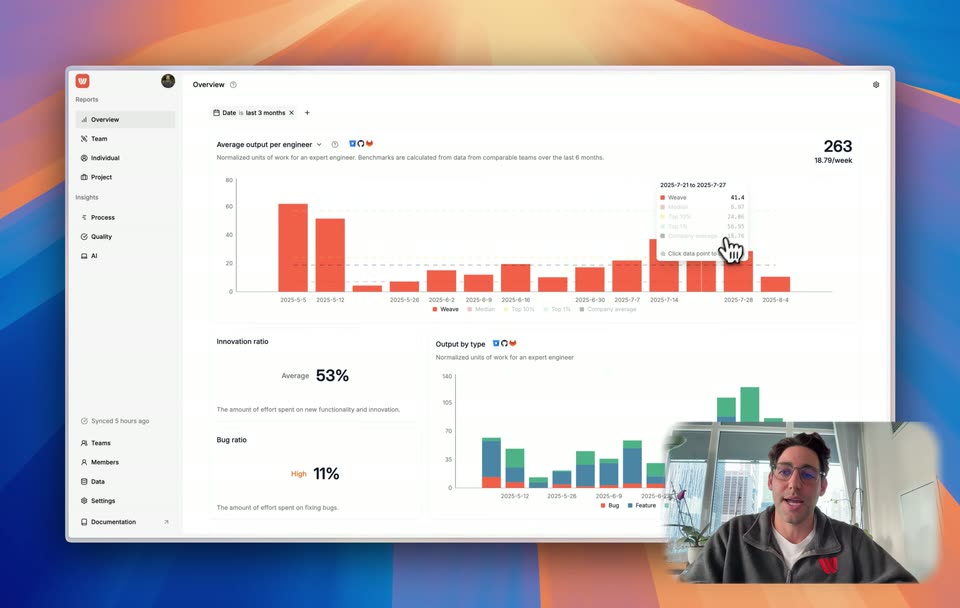 0:30–0:34Weave · Product Hunt Launch VideoA Weave dashboard sits over a colorful gradient with a presenter in the lower right. An Output in Weave modal fades away, then a cursor hovers a bar chart and a tooltip appears.
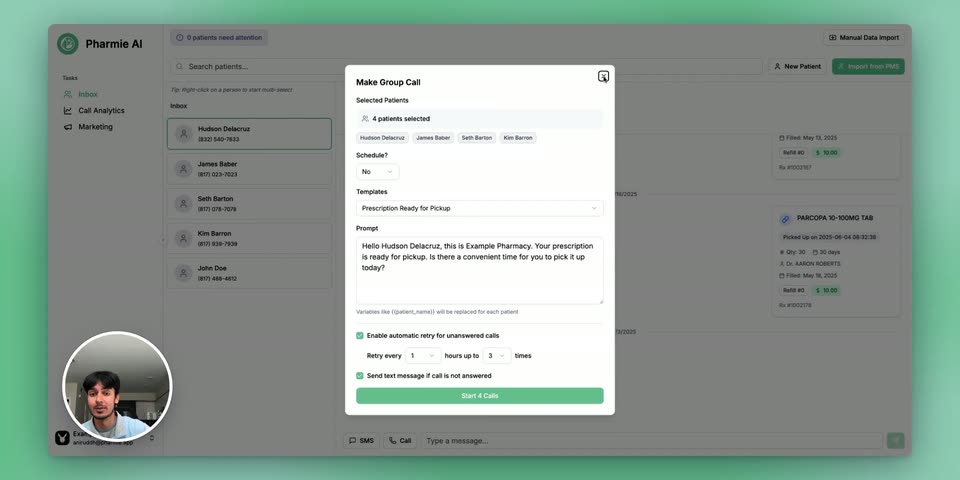 1:32–1:38Playgent · Pharmie AI (YC S25) Launch VideoA screen capture of the Pharmie AI dashboard shows a 'Make Group Call' dialog over a patient list, with a small circular webcam feed of the presenter at lower left. A cursor selects a template, the prompt fills in, two checkboxes tick, then the cursor moves to the close icon.
 0:52–0:53Cohere · Cohere - Our secure agentic AI platform, North, is now widely available.A dark green agent card with a green H tile and the title Recruiting Agent sits centered; a green cursor hovers it, then the card slides up to reveal a chat bubble and a Tools bar, the cursor moving to a green enter button.
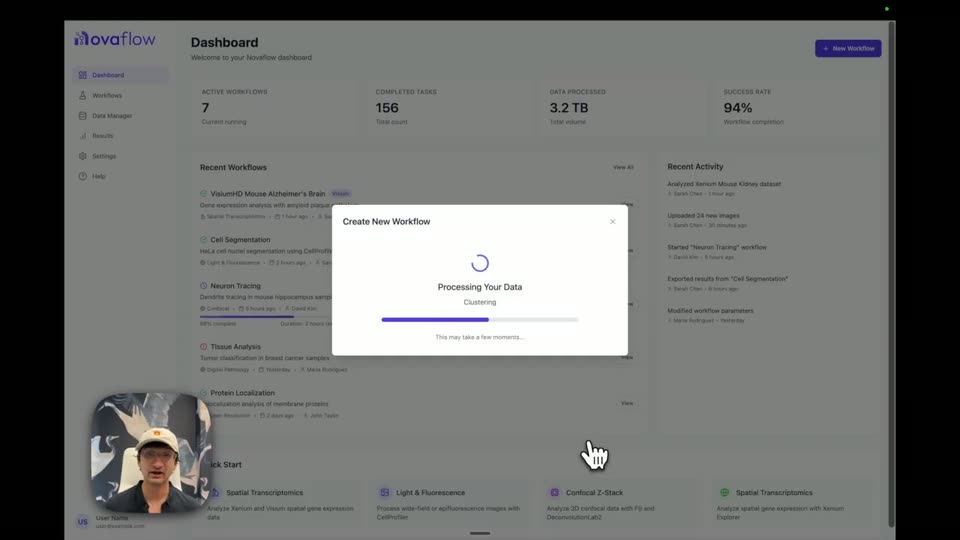 0:59–1:12Novaflow · Novaflow Launch VideoA file picker dialog sits over a blurred dashboard; a hand cursor selects a data file and clicks Open. A centered modal then shows a spinner and a filling progress bar while its status text steps from Initializing to Finalizing, and the background dims.
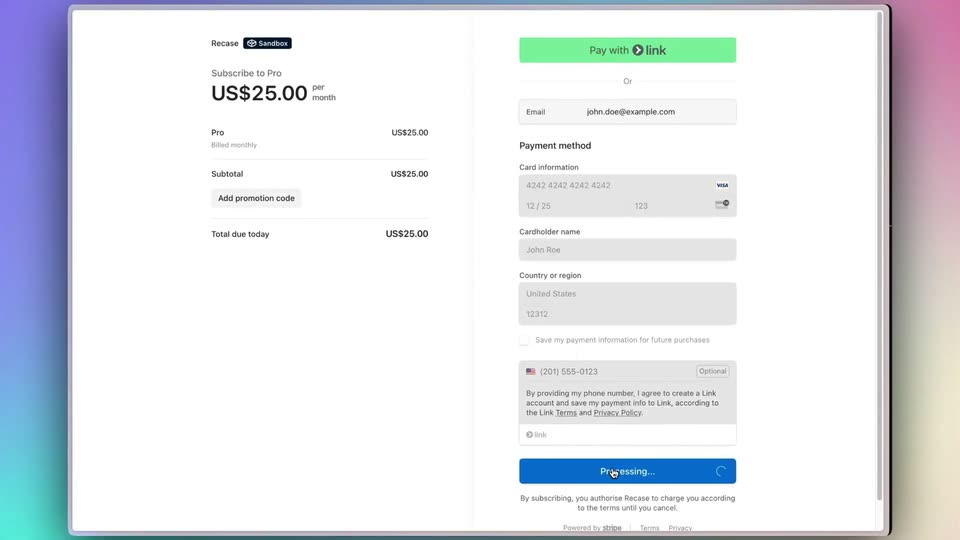 1:47–1:50Autumn · Autumn: Stripe for AI StartupsA split checkout screen in a browser frame on a purple-cyan gradient. Left column lists the Pro plan at US$25.00 per month; right shows a payment form with a green Pay with link button. A cursor clicks the blue Subscribe button, which flips to a Processing state with a spinner.
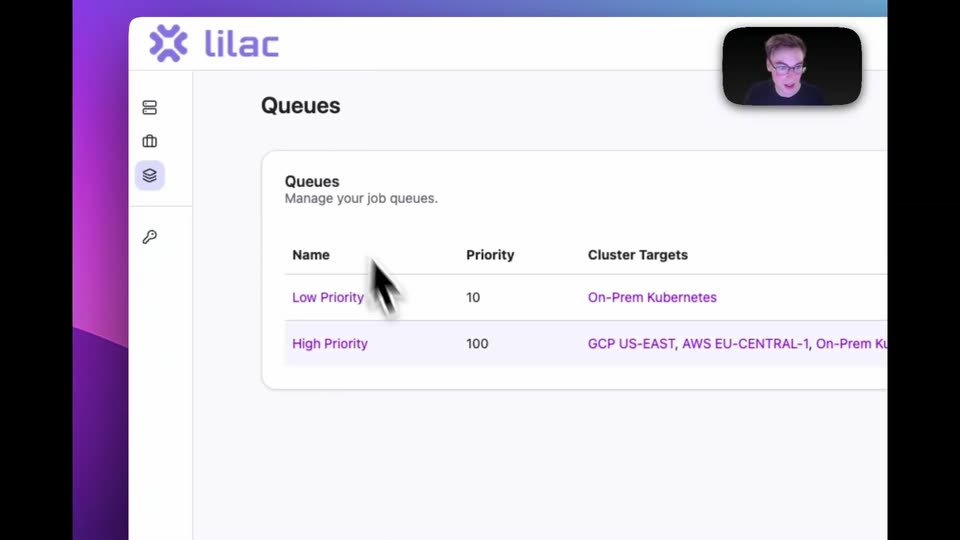 0:58–1:00Lilac · Lilac Launch -- Ensuring GPU Availability!A lilac dashboard fills the frame over a purple gradient. A hand cursor taps Queues in the sidebar, then hovers the High Priority row as the sidebar collapses to icons. A small face-cam inset sits in the top-right corner.
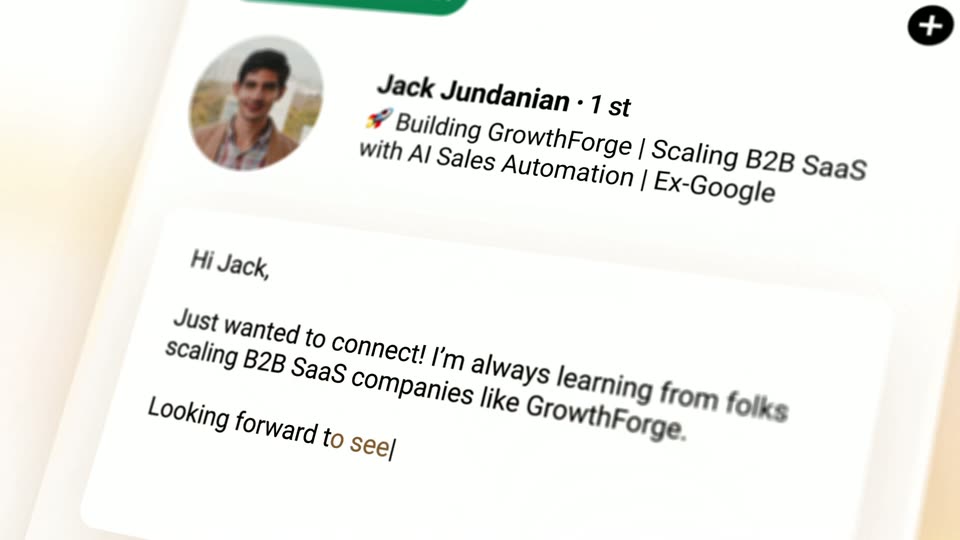 0:20–0:24Lindy · Lindy - Lindy 3.0 is live. You can now create agents with a simple prompt anA white LinkedIn message card floats tilted in 3D space as the note to Jack Jundanian types itself out, an orange Lindy Agent pill with a cursor hovering at its corner. The camera pushes in on the card, then blurs into a giant tan Step caption.
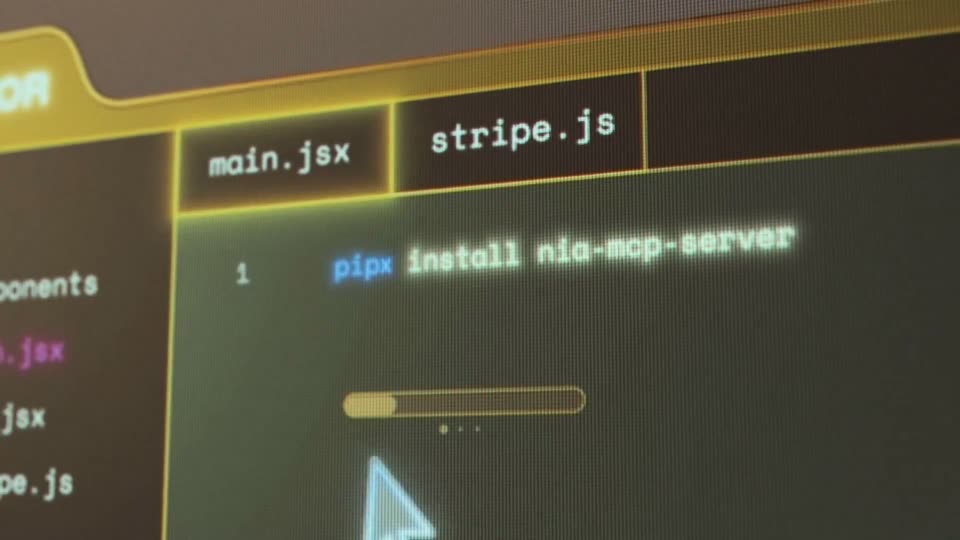 1:20–1:22Nia · arlan rakh - introducing nia. ship reliable code 10x fasterA tilted code editor with a glowing yellow frame shows two file tabs. A line of code types out, then a thin progress bar fills beneath it while a white cursor arrow points at it. The angled view holds throughout.
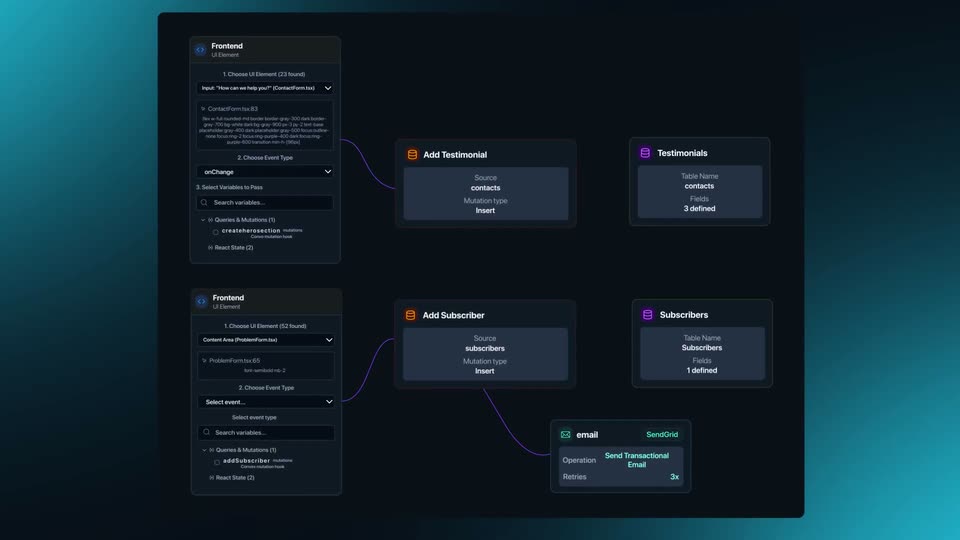 0:54–1:02VibeFlow · YC Launch Video: VibeFlowA cursor glides over a node palette panel on the right of a dark workflow editor, then the panel closes to reveal a node graph of Add Testimonial and Add Subscriber blocks, and the camera pushes in slowly on the graph.
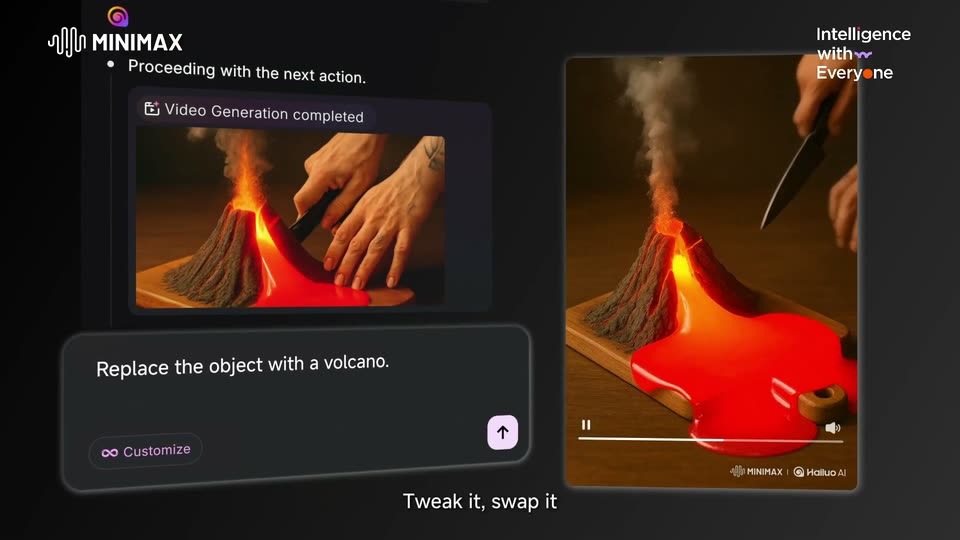 0:15–0:18Hailuo · MiniMax Design (H3) - 🚀 Hailuo Agent Templates just leveled up 🎬 Editable Storyboards are hA dark chat interface on the left updates as a cursor taps the send button; the prompt rewrites from volcano to snow mountain while the video player on the right switches from a lava volcano to a gray mountain model being carved.
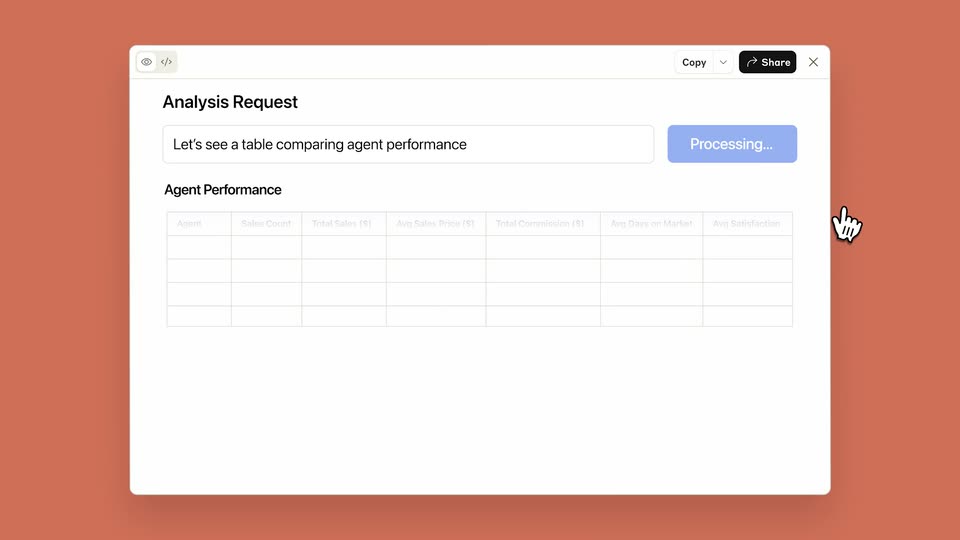 0:16–0:31Anthropic · Anthropic - Claude artifacts are now even better. Upload PDFs, images, code fileA white analysis-request card on a terracotta background. A hand cursor types a query, a blue line chart draws across monthly axes, a second query swaps it for a filling data table, then a third query is typed as the cursor heads to the Run Analysis button.
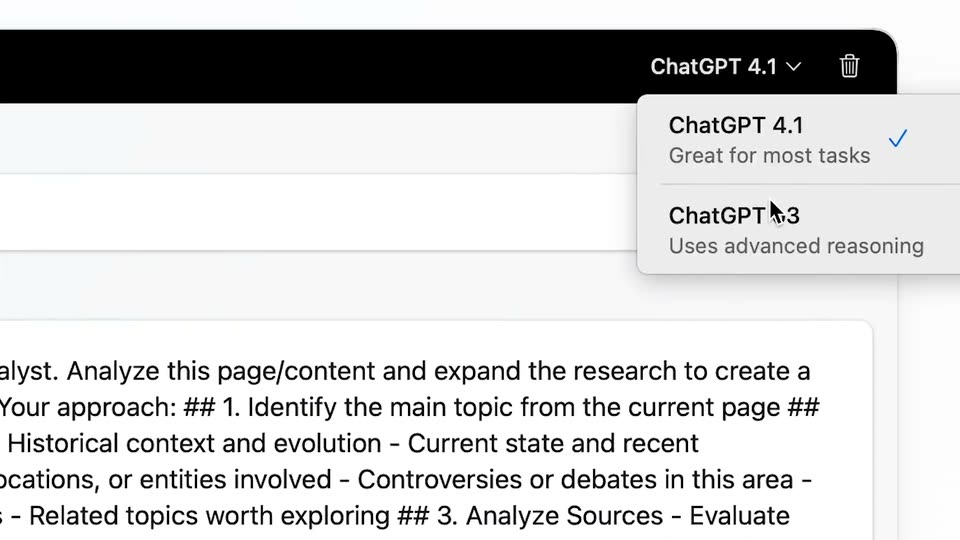 0:30–0:32The Browser Company · Dia - Sometimes you need a bit more… power. Reasoning models, now availablA dark scene with a bright central glow cuts to a product screen showing the deep-research prompt. The frame pans right to the model selector, where a cursor opens the dropdown and selects ChatGPT o3.
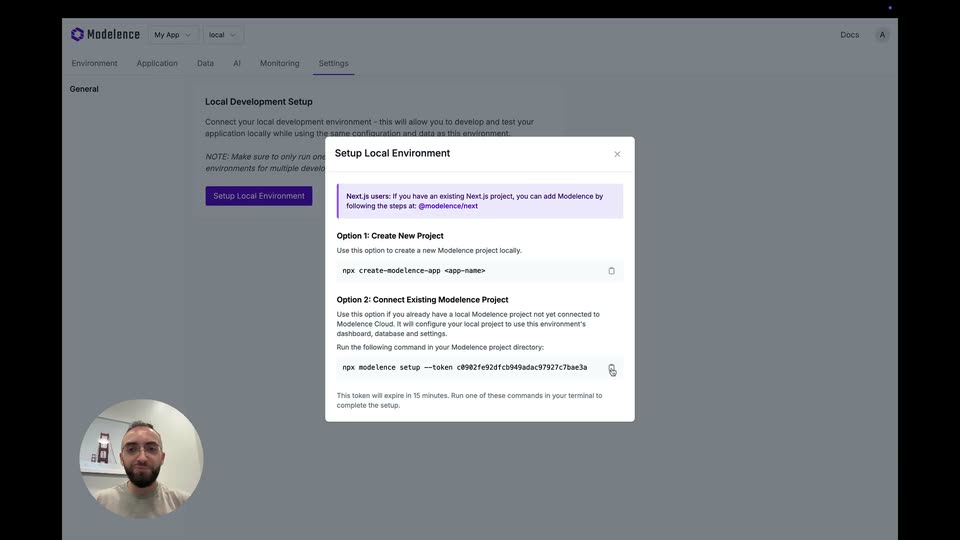 0:31–0:34Modelence · Modelence - Launch DemoA cursor glides from the Setup Local Environment button to the copy icon beside the second terminal command and clicks it, popping a Command copied to clipboard toast in the top right corner. A circular webcam feed of a bearded presenter holds in the lower left.
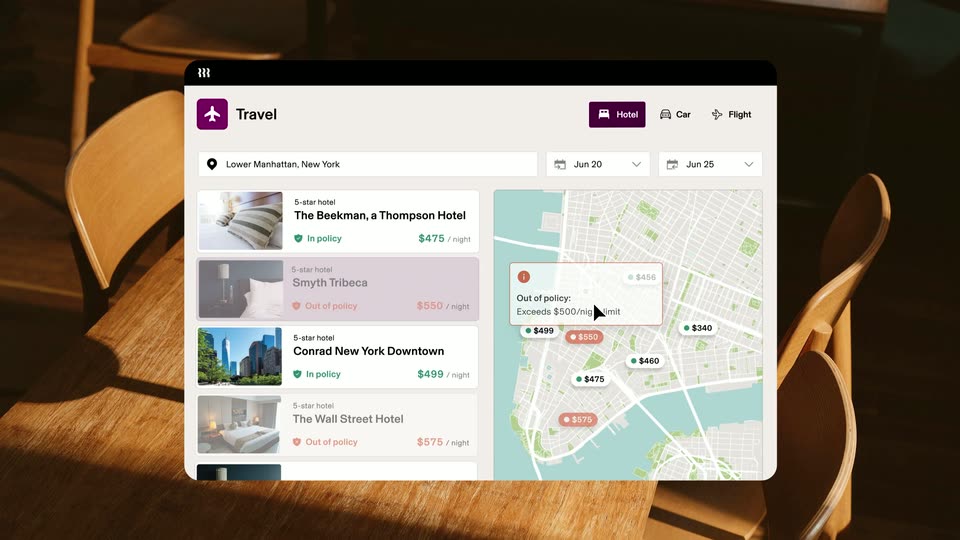 0:48–0:57Rippling · Rippling - It’s time to say goodbye to the days of out-of-policy travel spendingA flat travel-booking panel floats over a sunlit cafe table. Map price pins pop in, a cursor clicks the $550 pin, the matching row highlights purple and a tooltip flags it out of policy, then the panel clears to its header.
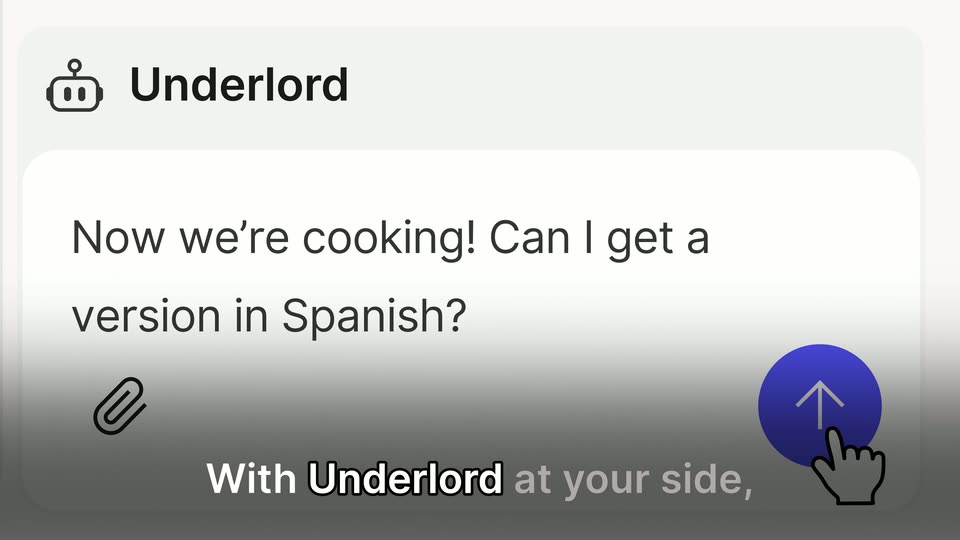 0:47–0:48Descript · Descript - Never edit alone again. Underlord is now available in beta. UnderlorA flat chat interface fills the frame, showing a typed message with paperclip, hand and send icons. A hand cursor taps the blue send button and the header label switches to purple Thinking. A caption rests along the bottom edge.
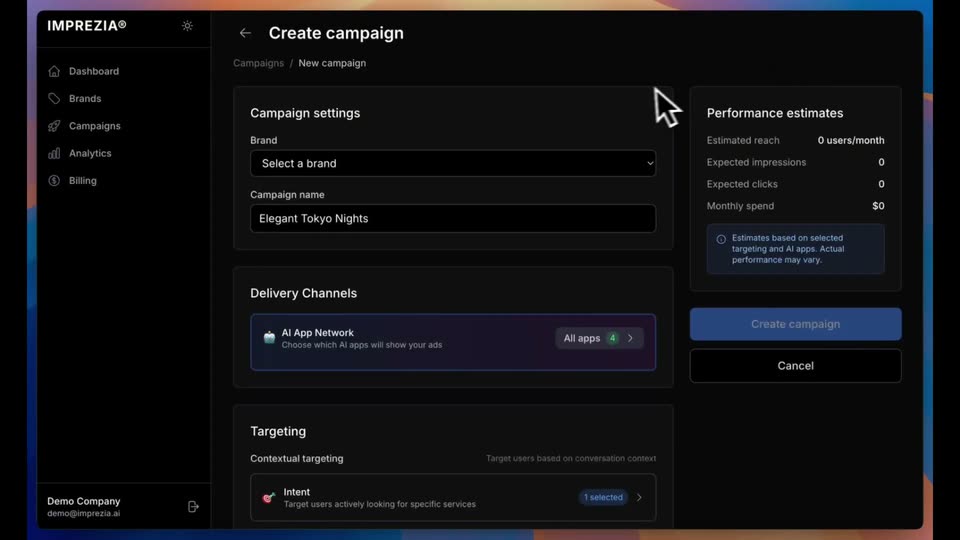 0:44–0:45Imprezia · Imprezia Launch VideoA dark campaign builder screen fills the frame, with a left nav, a central form showing brand and name fields, and a right estimates panel. A cursor drifts across the layout, pausing near the settings and estimates cards.
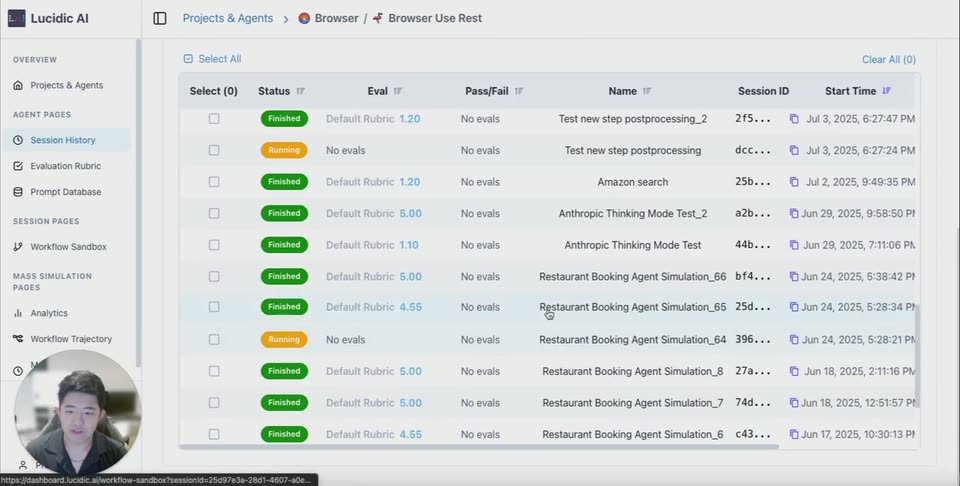 0:30–0:32Lucidic AI · Lucidic HN DemoA light dashboard table of session rows, with green and orange status badges and eval scores, scrolls upward as a cursor hovers over entries, revealing older rows from July and June 2025.
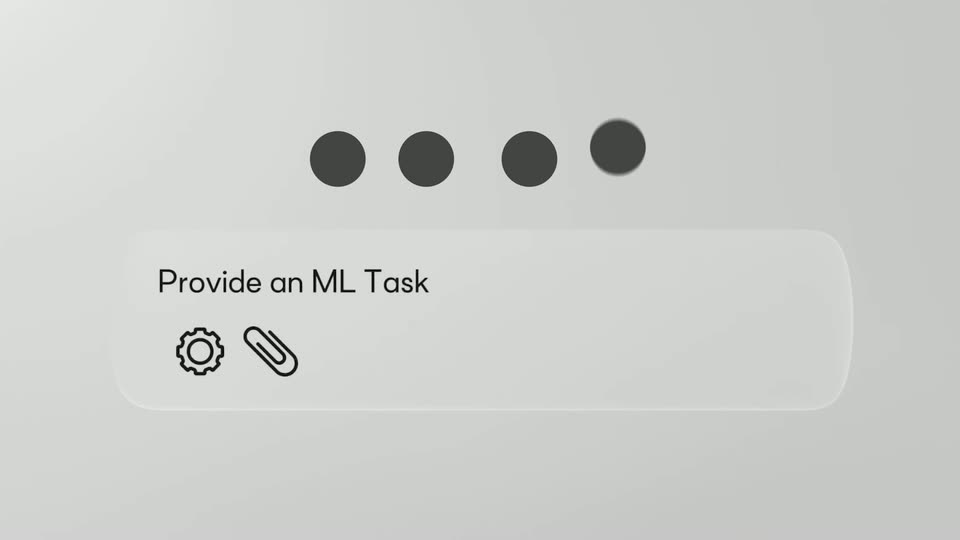 2:56–3:05Neo AI · Neo AI - Introducing NEO: The first Agentic Machine Learning Engineer. It worA light input field labeled Provide an ML Task with gear and paperclip icons sits on a soft gradient. A cursor clicks the paperclip as blurred file icons fly in. The field dissolves into four dark dots that multiply into a connected node graph.
 0:40–0:44Risely AI · Introducing Risely: AI agents that automate administrative tasks for universitiesAn email draft with an urgent subject line scrolls down to its signature, then the frame tightens on the footer as a hand cursor clicks the indigo Send Email button while the background table dims.
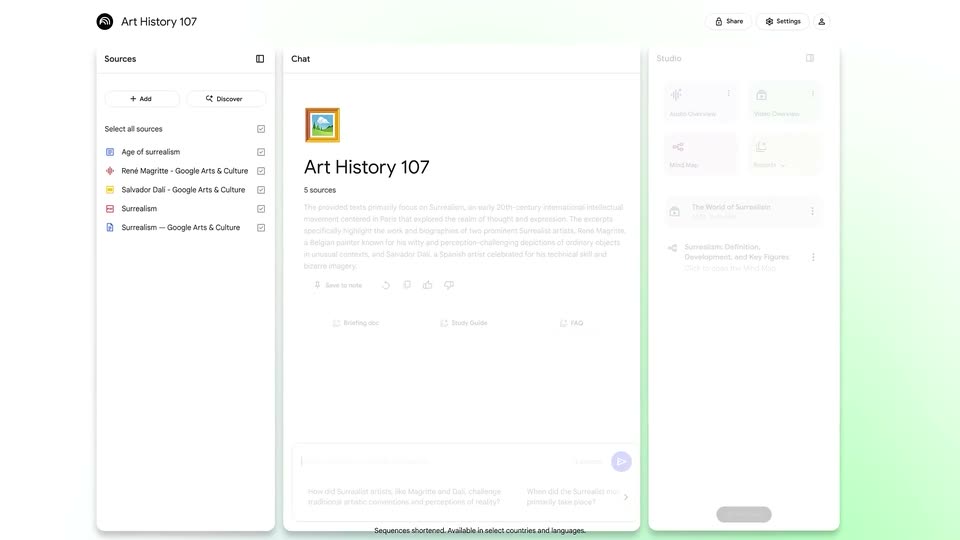 0:08–0:09Google · Introducing NotebookLM Video OverviewsA three-panel app view, Sources, Chat and Studio, holds a cursor over the Studio cards. The frame pulls back to reveal the whole window on a white canvas with a soft green glow at the right edge. A disclaimer caption sits at the bottom.
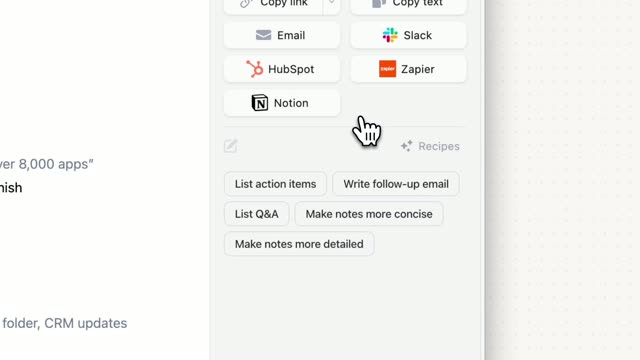 1:08–1:15Granola · Introducing Granola + Zapier | Your meeting notes, now connected with over 8,000 appsA wide app view zooms into a share menu as a cursor hovers the Zapier button, a Send tasks to Linear recipe pops up, then the cursor clicks it. The frame pulls back to a confirmation toast at the bottom.
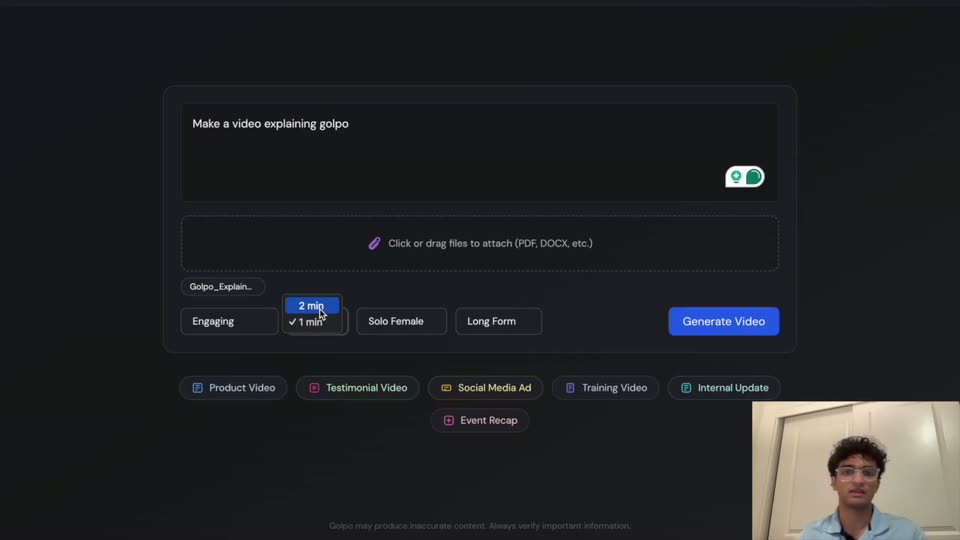 0:47–0:52Golpo · Y Combinator - Golpo (@GolpoAI) is the most powerful AI video generator for explaineA dark video-generation interface fills the frame. A cursor types a prompt, opens the duration dropdown to pick 2 min, then clicks Generate Video, swapping the option row for a progress bar. A small webcam feed of a presenter sits in the bottom-right corner.
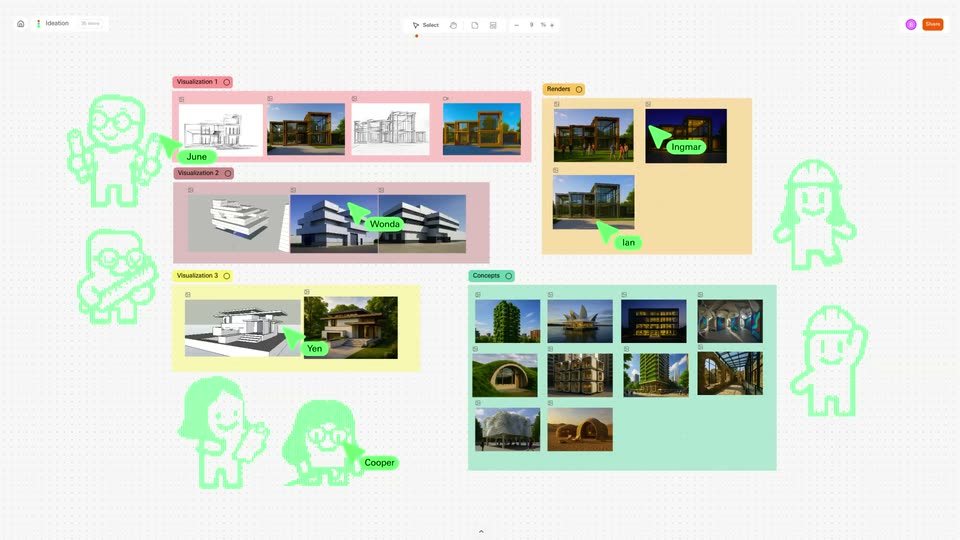 0:59–1:05Stewdio · 🍲 Stewdio: Creative Intelligence Meets Infinite CanvasA whiteboard canvas shows colored frames of building renders and sketches while five green named cursors glide over the images. A green starburst pops up at center with the word ARCHITECTURE, then the canvas pans right into empty dotted space.
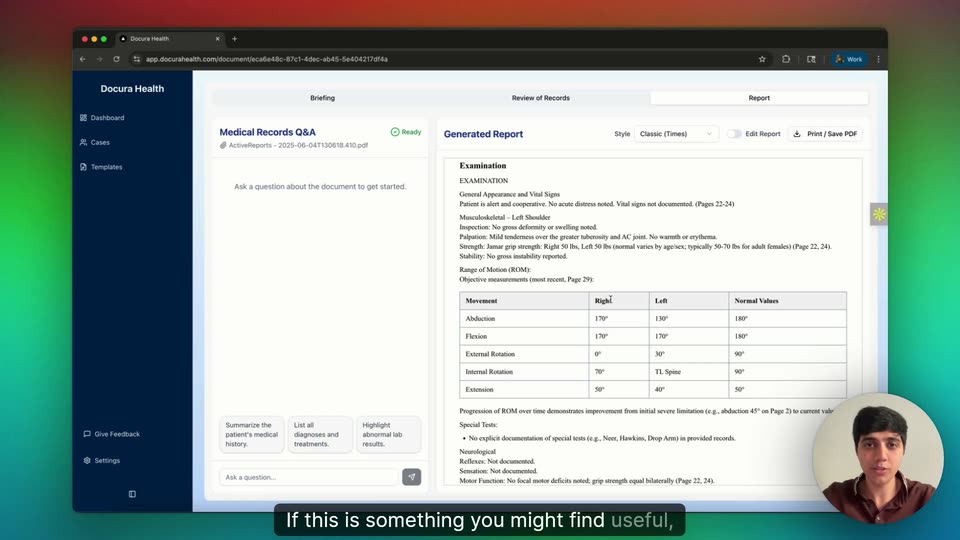 0:59–1:20Docura Health · Docura Health DemoA browser window with the Docura Health app fills the frame over a shifting gradient. The generated medical report scrolls down through its sections, ending on a table of movement values. A circular webcam of the presenter sits bottom right; subtitle lines swap in on a dark bar below.
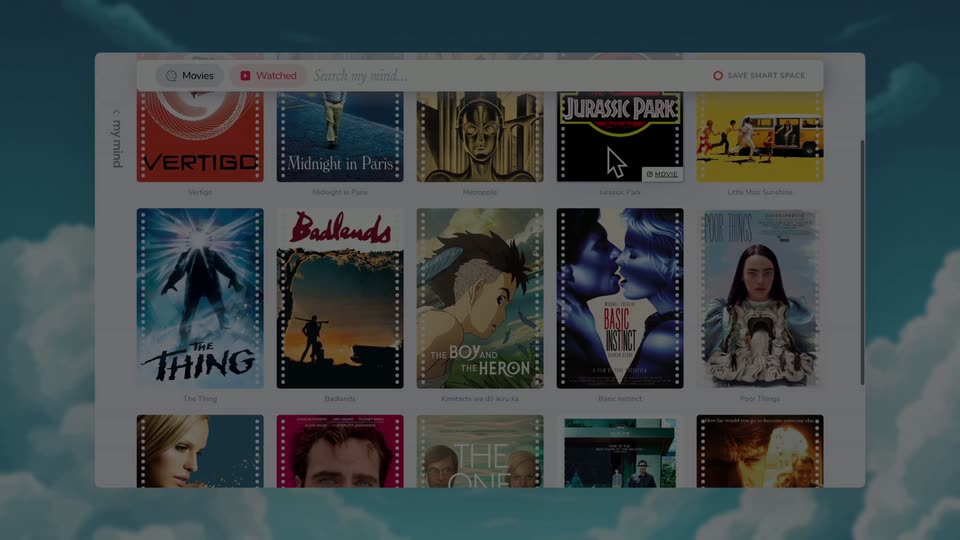 0:09 · 0.5smymind · mymind - You asked for it, we shipped it 🧡 We hope you enjoy this new feature!A dimmed app window centered over a cloudy sky crossfades from a movie poster grid to a search bar above a grid of note cards, while a cursor drifts into the search field.
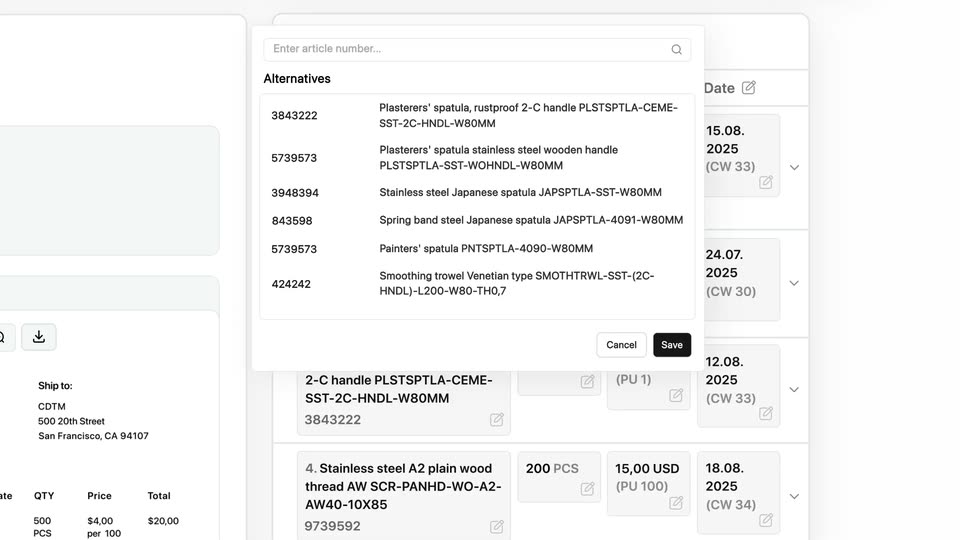 0:58–1:04Comena · Comena Launch Demo - Automated PO ProcessingA white modal listing alternative part codes and descriptions floats over a dimmed line-item table while the view slowly pushes in. The modal closes and a cursor slides in to rest on a table row.
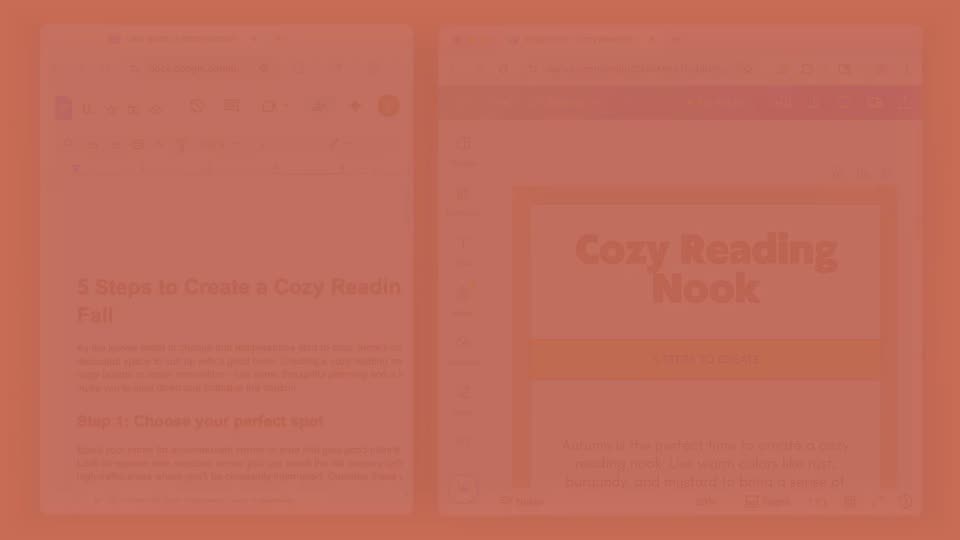 0:42–0:43Anthropic · Anthropic - Turn written content into professional designs with Claude + @canvaTwo browser windows, a Google Doc and a Canva infographic, sit side by side on a coral background. They dim as a Connectors dialog fades in at the center, listing integrations like Canva and Google Calendar, while a hand cursor rests at the right edge.
 0:11 · 0.4sFigma · Figma - Prompt it. Then push it to make it better. Figma Make, now availableA rounded button with a palm-leaf pattern and a cream script label sits on white, a white cursor arrow taps its lower edge. The button hard-cuts to a yellow pill with a purple border and italic purple text flanked by a yellow starburst and a purple four-point star.
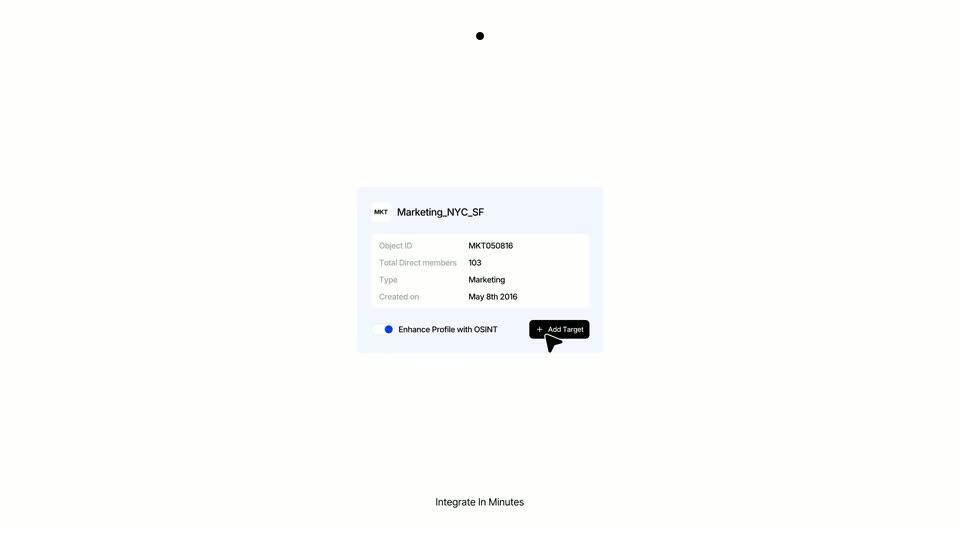 0:23–0:26GhostEye · Introducing: GhostEyeA flat product card sits centered on a white field, listing a marketing group's details. A cursor clicks the toggle to turn it blue, then moves to the Add Target button. The caption holds at the bottom.
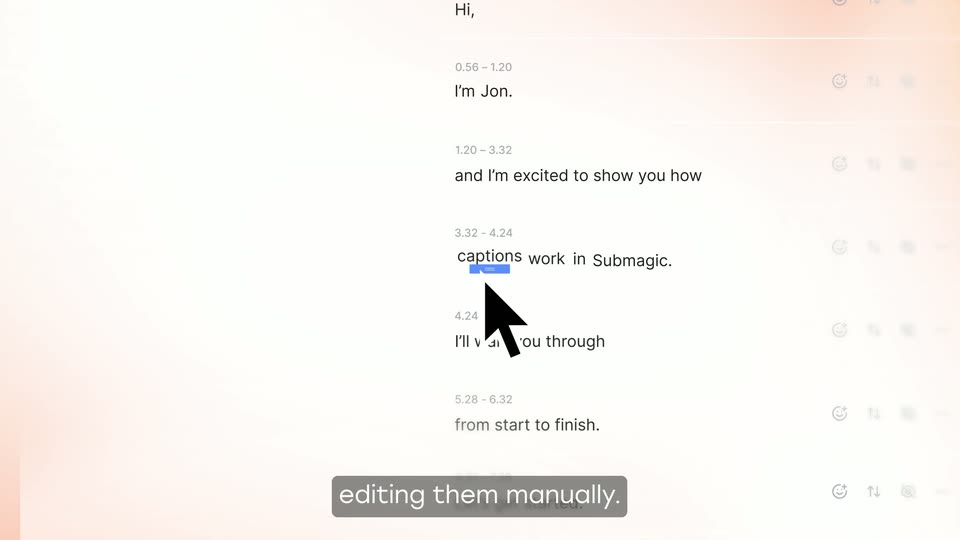 0:26–0:27Submagic · Submagic - Today, we’re launching the world’s first short-form video editing APIA flat caption list with timestamps scrolls up. A white sound menu opens on the right and a black cursor hovers over an option. A gray pill caption sits at the bottom.
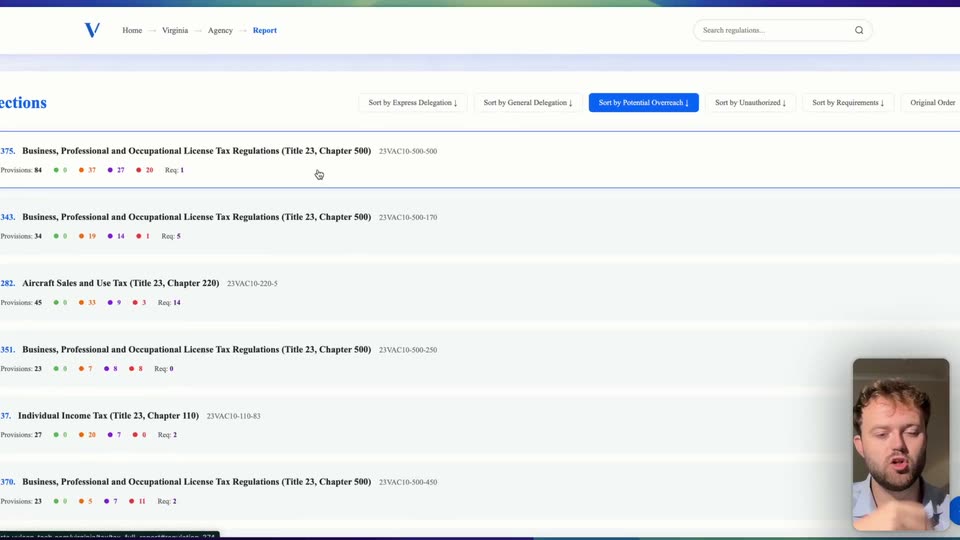 0:33–0:34Vulcan Technologies · Virginia Required Our Product by LawA web interface lists regulation sections with colored status dots and provision counts. A cursor hovers over the top row as the list scrolls to a numbered view, while a small presenter video sits in the bottom right corner.
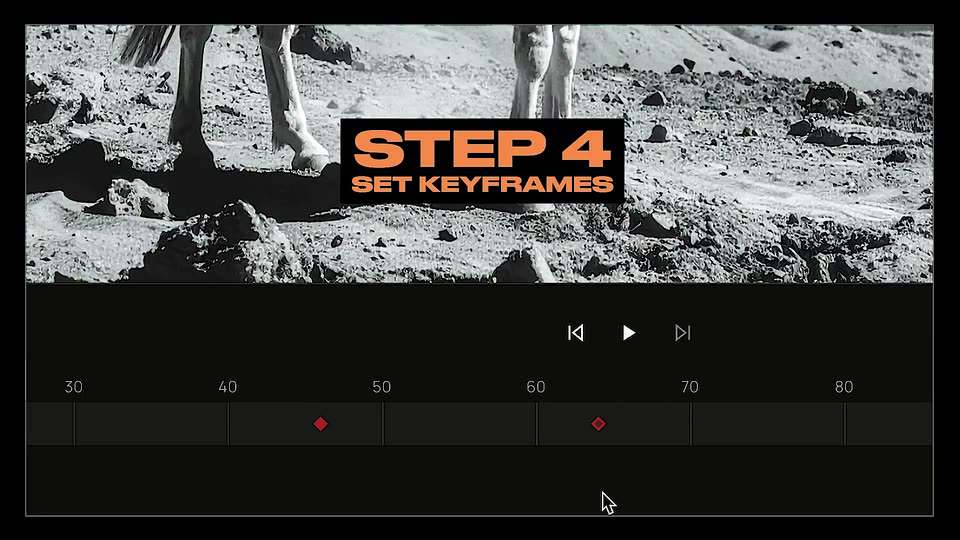 0:11–0:14Marey · Moonvalley - Most AI video tools rely on text prompts or preset motions to defineA black-and-white clip of a horse's hooves on rocky ground fills the top preview window. A cursor taps the orange play button, then drags red keyframe diamonds along the dark timeline, spawning Ease in/out dropdowns. An orange STEP 4 / SET KEYFRAMES label holds center.
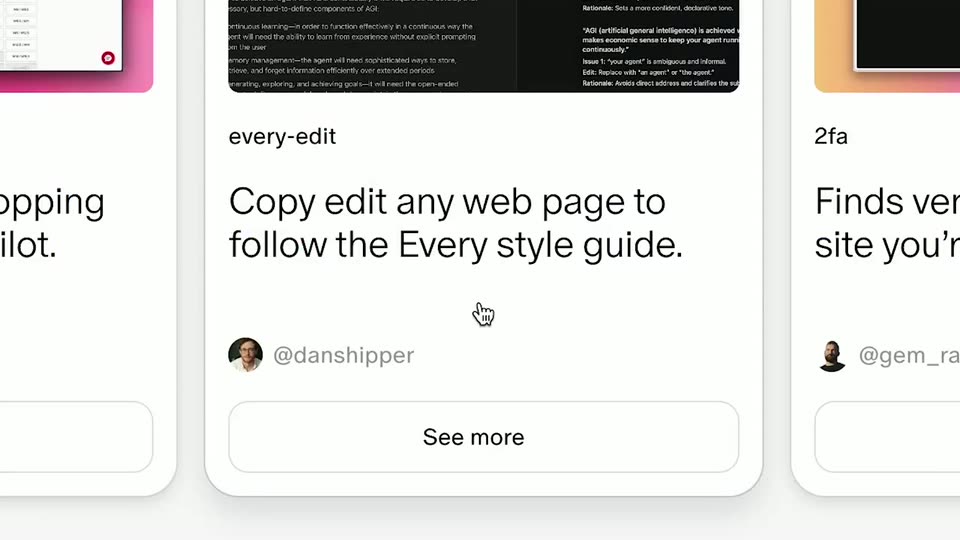 0:21–0:22The Browser Company · Dia - Need inspiration? There’s a /skill for that. 🖼️ Dia Skills Gallery vThree rounded post cards sit side by side; the center card holds a dark document screenshot, the line “Copy edit any web page to follow the Every style guide.”, and a “See more” button. A hand cursor glides down from the text toward the button.
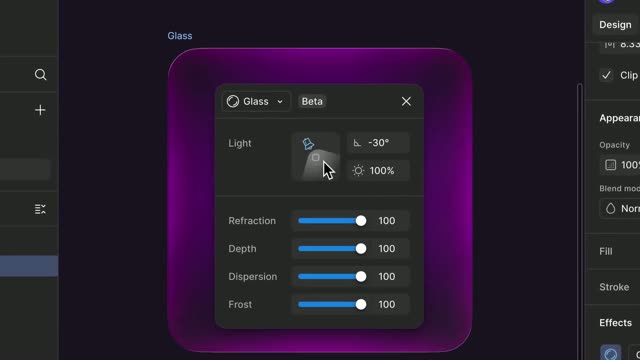 0:15–0:18Figma · Introducing Figma’s new glass effectA dark design tool canvas shows a purple glass card with its Glass settings panel open. A cursor drags the light direction pad, swinging the beam across the card, as the view zooms in on the Refraction, Depth, Dispersion and Frost sliders.
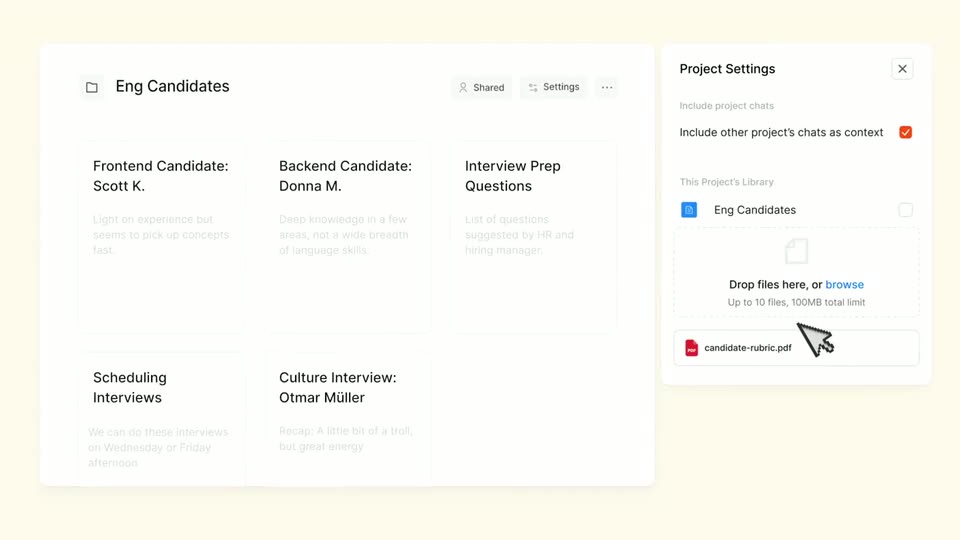 0:34–0:37Mistral AI · Mistral AI - Introducing powerful new features in Le Chat, making it more capableA candidate board and a Project Settings panel sit side by side. A cursor drags a document into the library drop zone, where it lands as a PDF card. The scene closes on a red, yellow and white striped wipe.
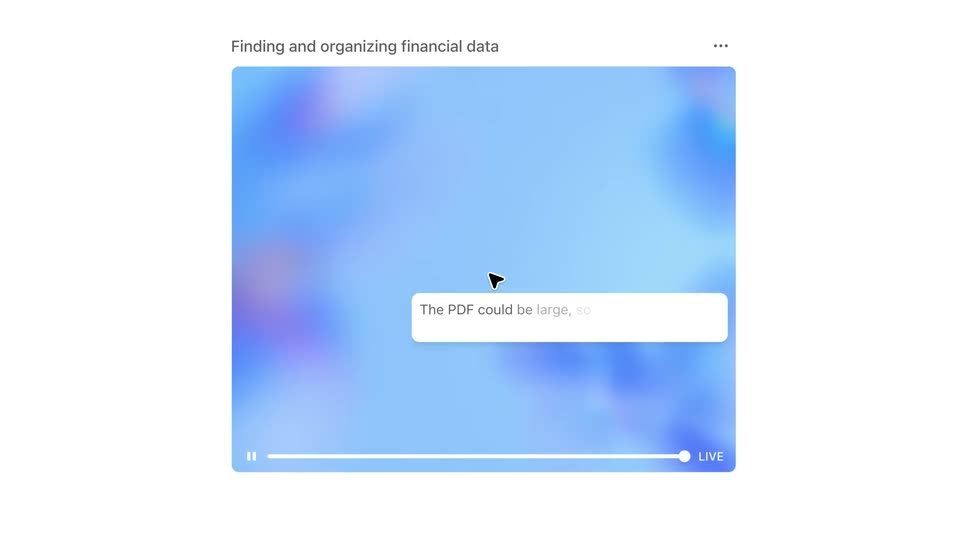 1:06–1:08OpenAI · Introducing ChatGPT agentA blue player card holds a browser window listing search results; a cursor hovers over the list while a white caption bubble types out a sentence. The results list then crossfades into a PDF cover page inside the same window frame.
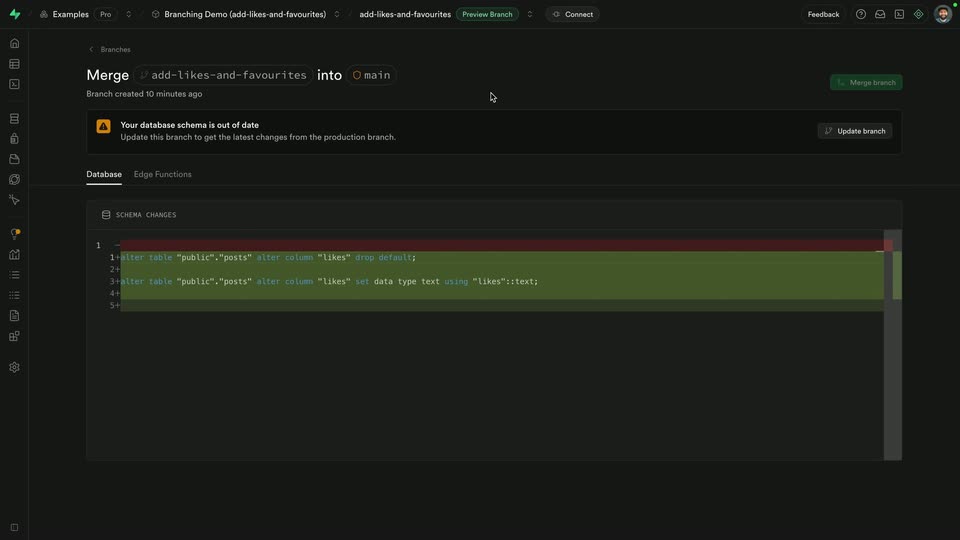 0:43–0:54Supabase · Branching just got a whole lot easier!A dark branch dropdown opens and the cursor picks Review changes, cutting to a merge page that zooms onto red and green SQL diff lines. A confirm dialog pops, then a second branch shows an out-of-date warning as the cursor clicks Update branch.
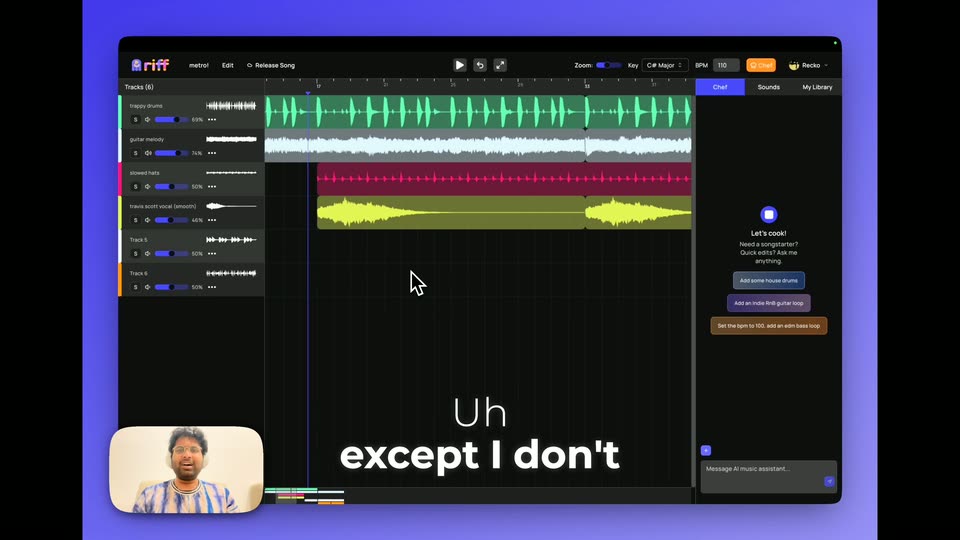 1:09–1:19Physical Turing · Welcome to RiffA blurred color streak resolves into a dark DAW interface playing a multitrack song; a blue playhead sweeps the timeline and a hand cursor hovers the drum track. A facecam sits bottom-left as white caption phrases roll in line by line below.
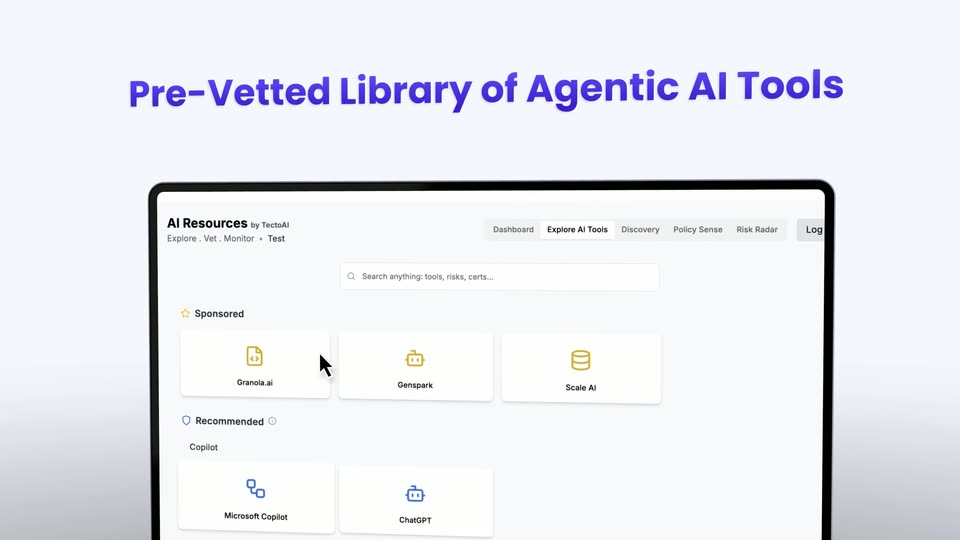 0:38–0:44TectoAI · Introducing Tecto - Governance Platform for AI EmployeesA tilted 3D laptop shows the AI Resources dashboard under a purple headline that slides in. A cursor hovers over tool cards, expanding them to reveal compliance and trust scores, then the view zooms into the grid and back as the cursor types in the search bar.
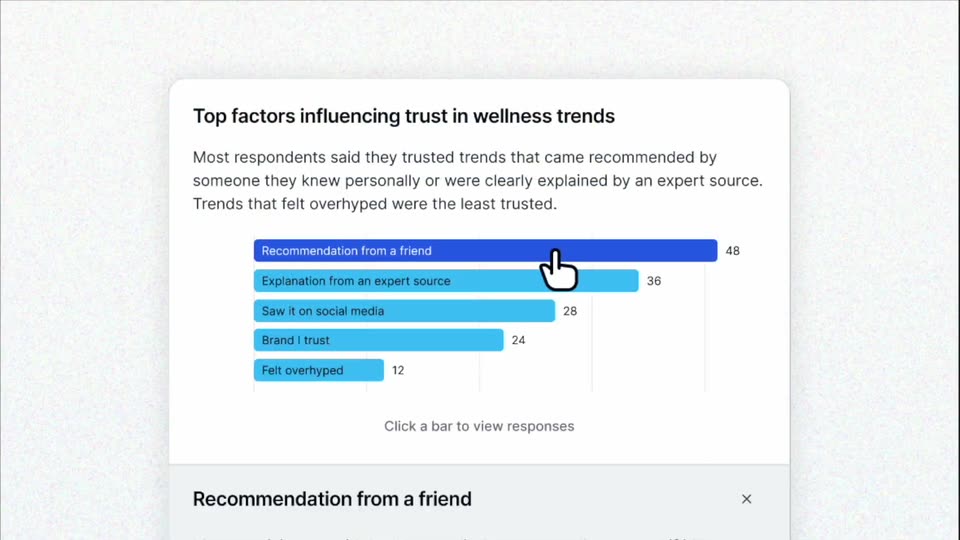 0:54–0:56Motives · Motives AIA white report card shows a horizontal bar chart on wellness trust. A hand cursor hovers over the top bar, Recommendation from a friend, then the card scrolls down to reveal a follow-up answer panel with the same label and an X close button.
 1:38–1:39Pangolin · Pangolin - Secure gateway to your private networksA dark Safari window in private mode fills the frame, the address bar focused with an autocomplete dropdown and a cursor at center. A small presenter video sits in the top right corner. A white caption on a black bar reads the subtitle at the bottom.
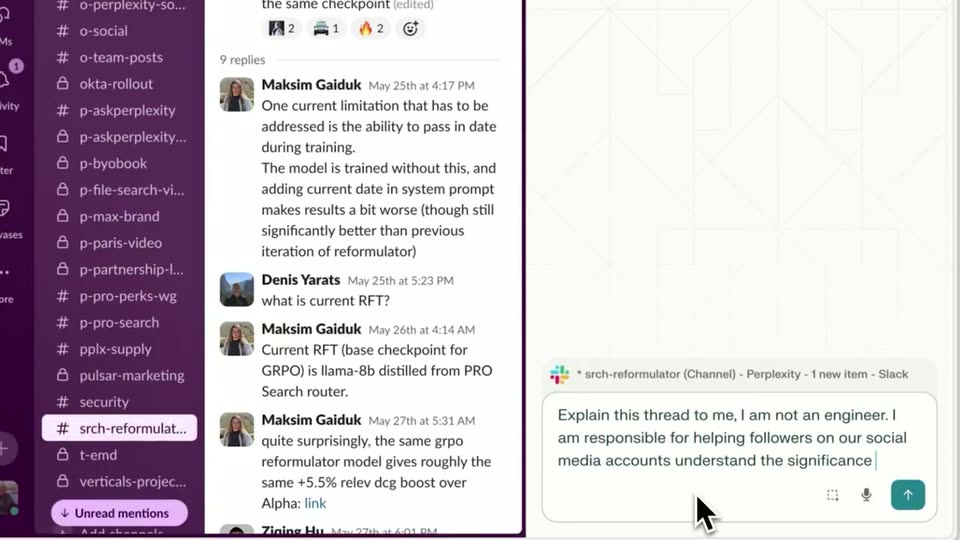 0:26–0:35Perplexity · Perplexity - Comet is here. A web browser built for today’s internet.A blurred serif headline “Understand more” sits left of an out-of-focus Slack window, then both sharpen as the headline vanishes. The view reframes onto the Assistant panel where a cursor types a prompt and an answer scrolls in.
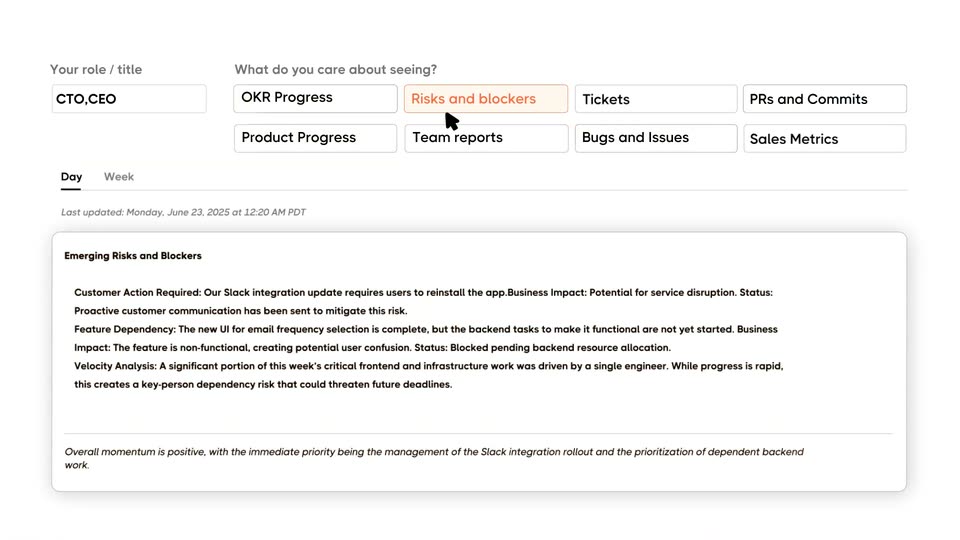 0:47–0:48Oki Home · Oki AI - Personalized Updates on Company ProgressA light dashboard shows a grid of filter pills above a report card. A cursor slides from the orange Risks and blockers pill to Product Progress, and the card text cross-fades to updated content.
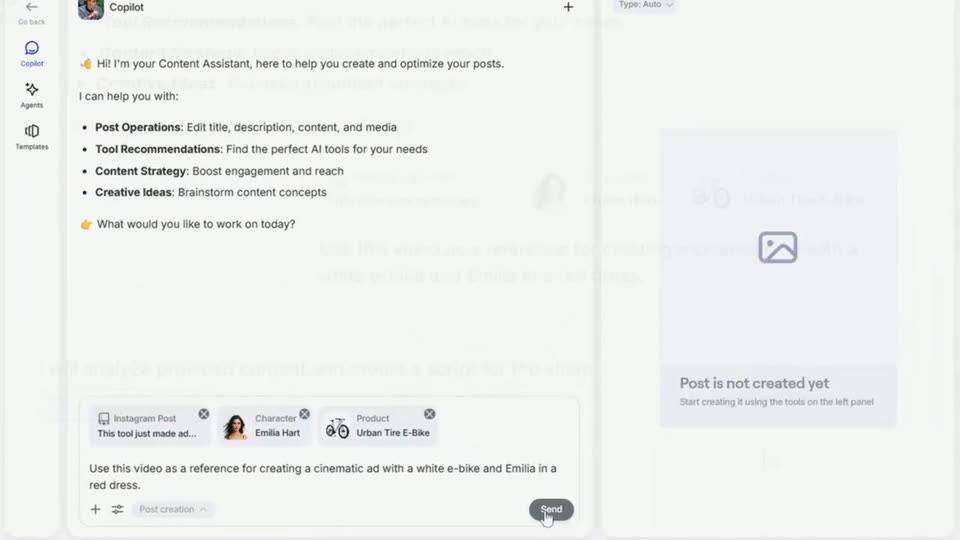 0:06–0:09Scade · scade.xyz - Meet Scade. The first full-cycle marketing system Forget the 30-persA white AI assistant interface zooms out from a close-up of the message box, where a cursor clicks Send after a prompt is typed. The view then reframes onto a generated storyboard table listing shots for a white e-bike ad.
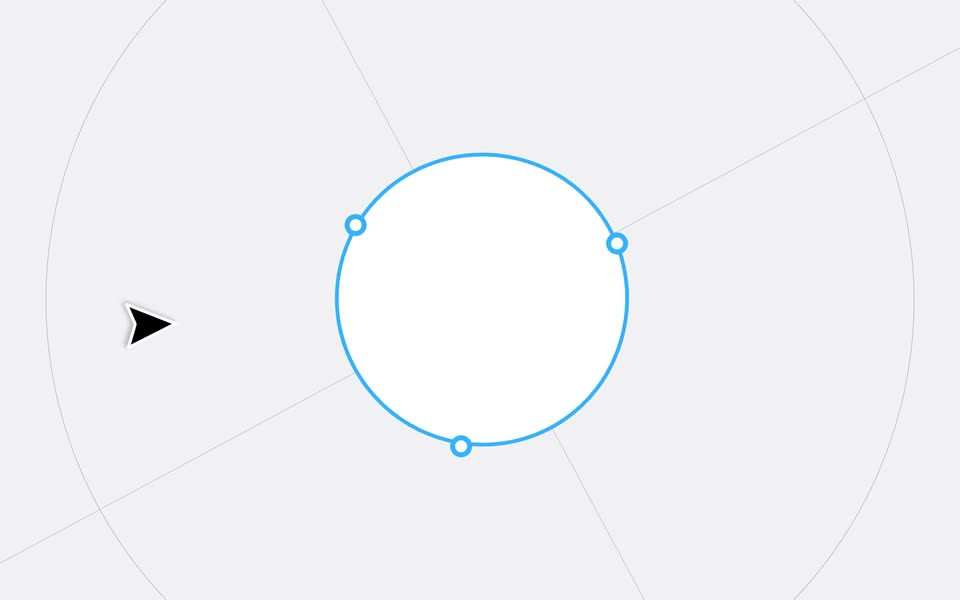 0:03–0:04Jitter · Jitter - New this week: Pen tool & morphing 🖊️ You can now draw your ownOn a light gray canvas with faint radial guides, a blue vector shape with four anchor points morphs from an irregular quadrilateral into a circle, then scales slightly while a black arrow cursor hovers at its left edge.
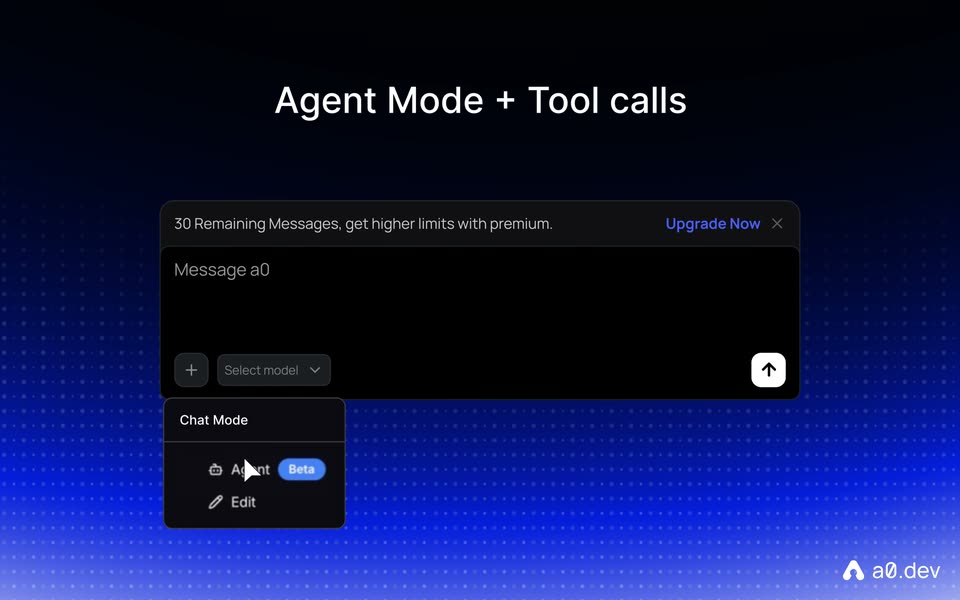 0:34–0:36a0.dev · a0.dev - Phase 1 (WAGMA)A dark chat input panel sits on a blue dotted gradient. A white cursor clicks the model dropdown, then moves down and selects the Agent row, which fills its radio button. The white headline holds above.
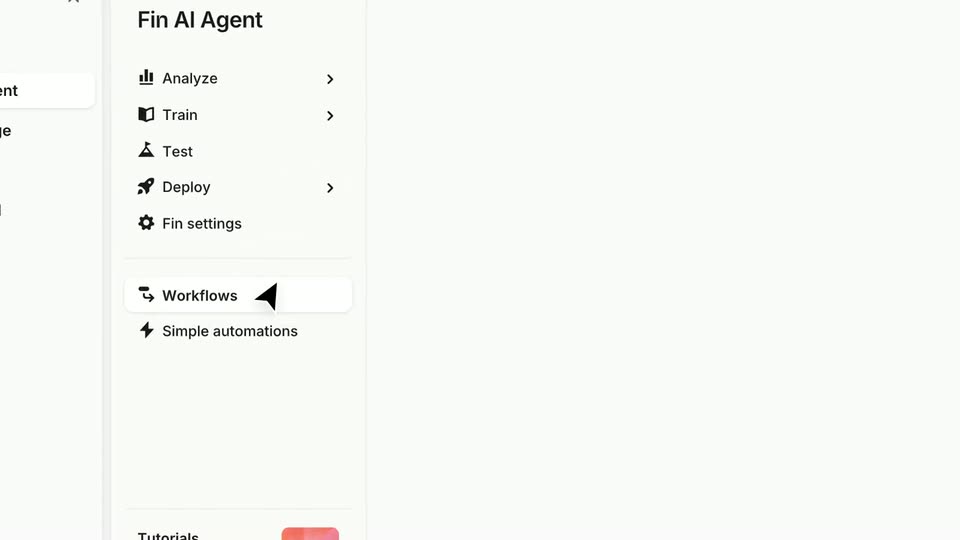 0:19–0:23Jam · Jam.dev - Just launched! @Fin_ai + Jam Now @Intercom's AI agent can get bug reA light app panel with a left menu sits on a lavender field. A cursor clicks the Fin AI Agent item, the frame zooms into its sub-list of options, then rests on the Workflows row as it highlights.
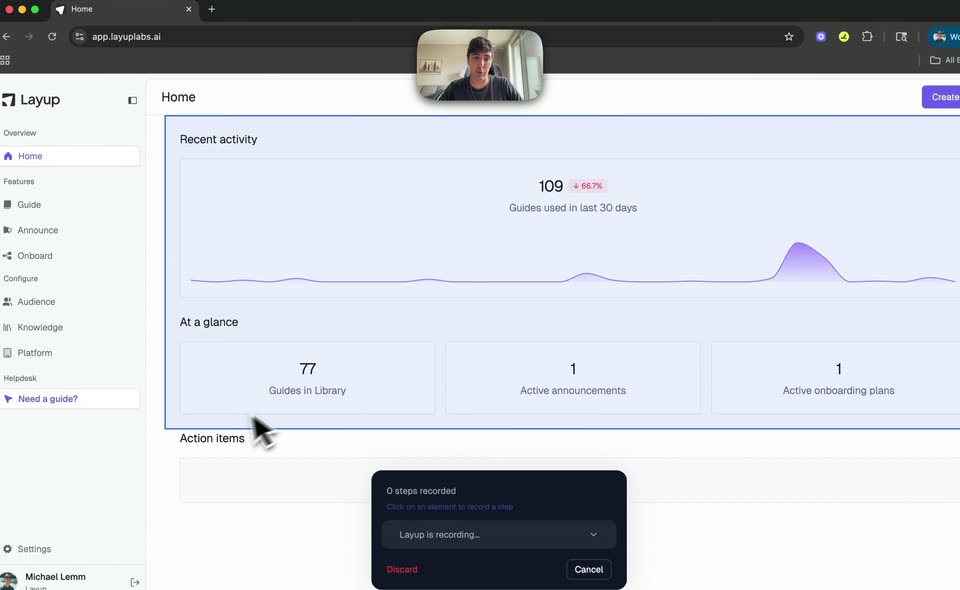 0:22 · 0.4sAndco · Layup 2.0 July LaunchThe Layup dashboard shows a Recent activity chart and stat cards. A cursor hovers over the At a glance row as a dark recording popup with a dropdown and Cancel button sits at the bottom. A webcam feed of a man in a cap is pinned top center.
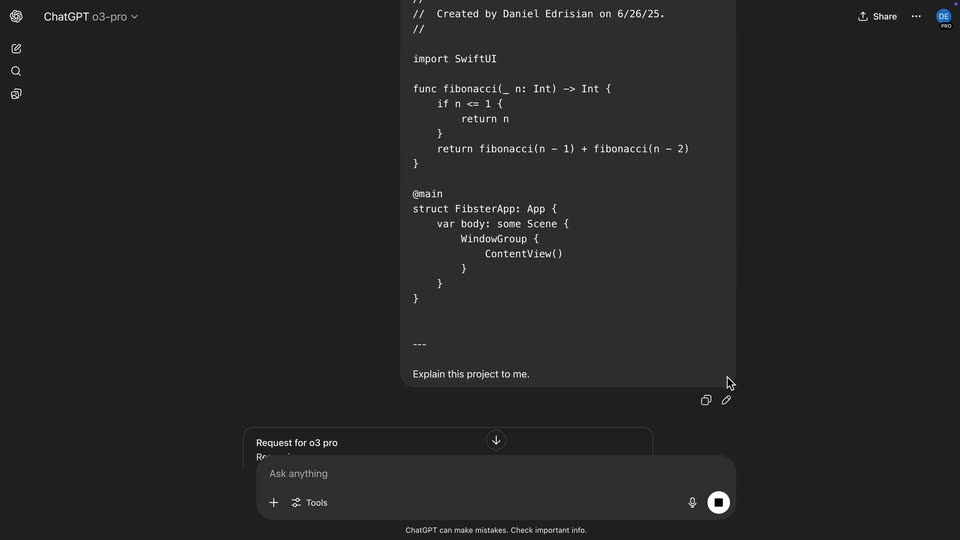 1:18–1:25Alex · Alex - Xcode AI Coding AssistantA dark ChatGPT window: a Swift code snippet is pasted into the input field, which expands, then the cursor types a short prompt and clicks the send button. The view scrolls up and a reasoning card appears above the relocated input box.
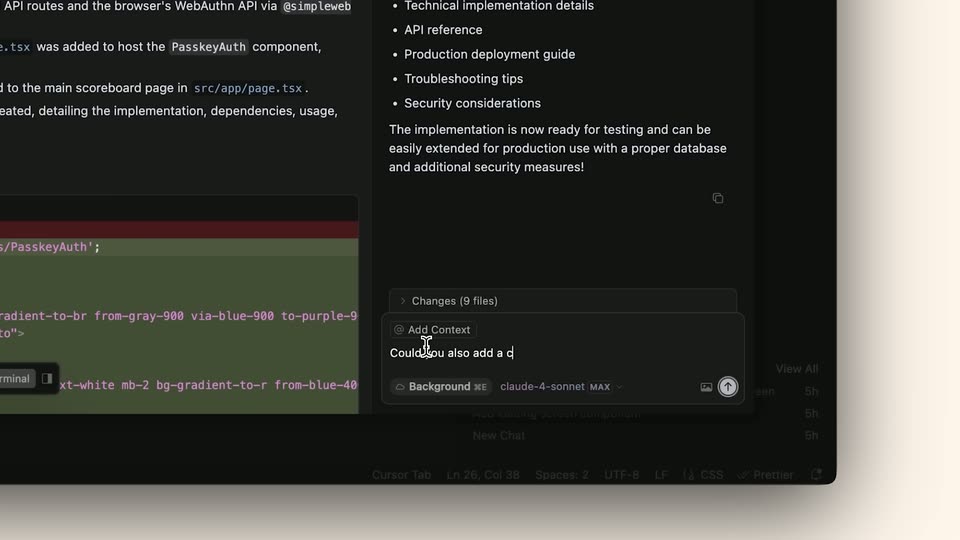 0:28–0:30Cursor · Cursor on Web and MobileA tilted 3D view of a dark code editor with a chat panel; a cursor sits in the input field and types a follow-up instruction about adding a captcha.
 0:35 · 0.2sSennu AI · Sennu AI - AI Salesforce QA DemoA mostly blank white screen holds two small mouse cursors near the center. A circular webcam inset in the top right shows a man in a light polo shirt against an unfinished room. The frame stays static for the brief clip.