Cursor demo
A visible cursor operates the interface.
15,127 scenes · page 135 of 253
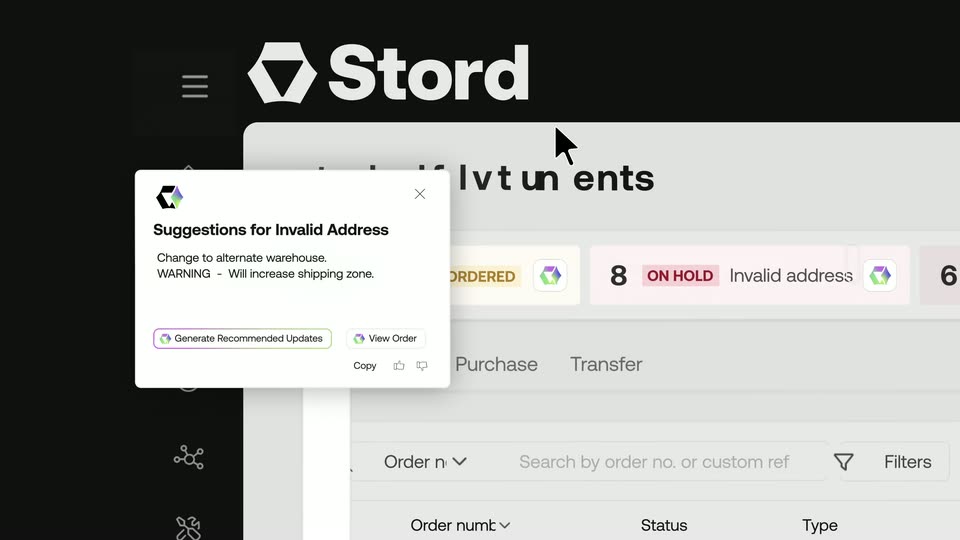 0:10–0:12Stord · Smart Commerce - Meet Stord AIA white modal titled Suggestions for Invalid Address floats over a dimmed Stord dashboard. A cursor glides to the close icon and the modal slides left, uncovering the order list with an ON HOLD badge.
 0:51–0:55Google · Google AI - Last August, we previewed Genie 3: a general-purpose world model thatA close-up of a dark input panel shows a prompt typing out under the MODIFY THE SKETCH label, then the frame pans right to settle on the Modify and Create world buttons as a cursor hovers over the latter.
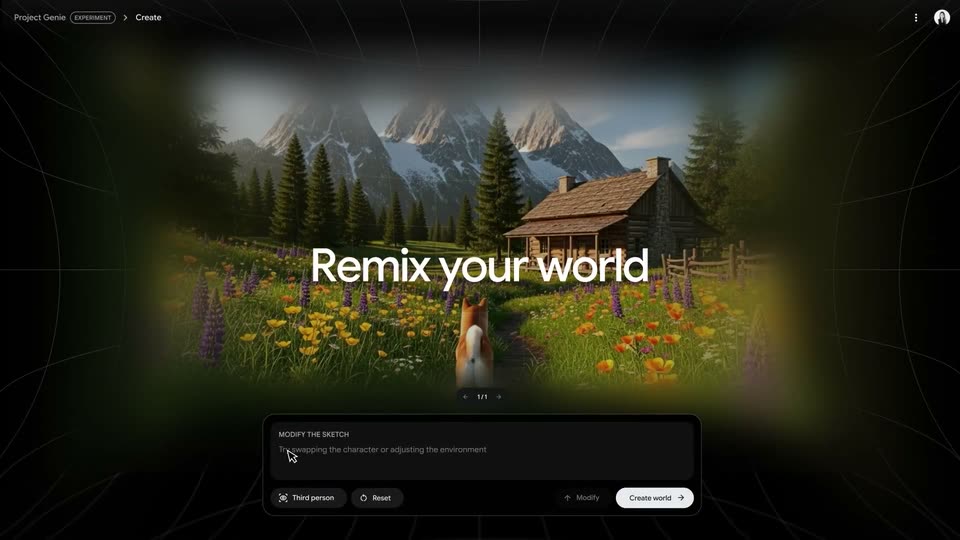 0:33–0:35Project Genie · Google DeepMind - Step inside Project Genie: our experimental research prototype that lA product screen shows a 3D mountain valley with a cabin and a dog, framed by a dark vignette and a bottom control panel. The headline Remix your world fades in over the scene, a cursor hovers the Third person button, then the view zooms in with motion blur.
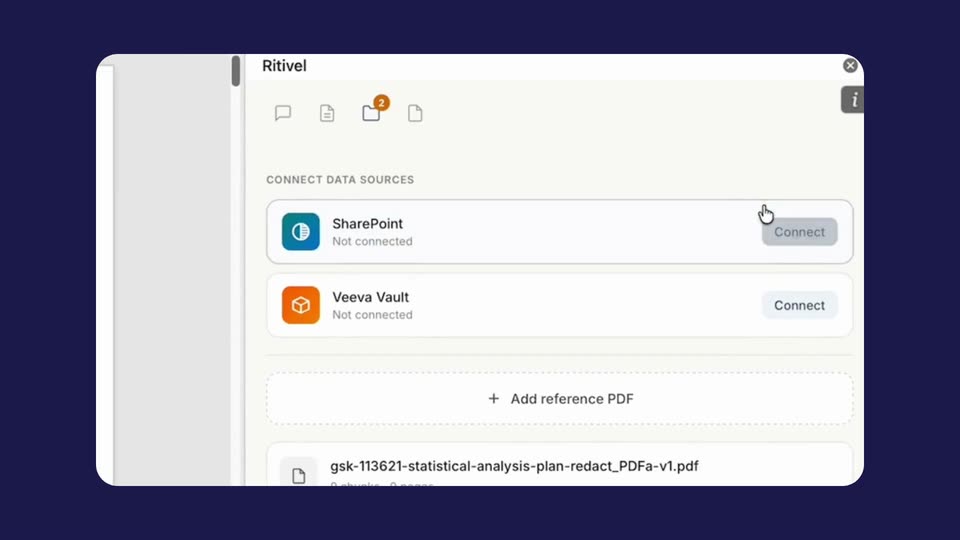 0:32–0:36TensorTest · ritivel drafts regulatory documents in minutes!A light Ritivel panel settles into frame on a navy field. A cursor clicks Connect on the SharePoint row, the row shows Fetching documents with a spinner, then the panel switches to a list of indexed PDFs with SP and VEEVA badges and a success toast.
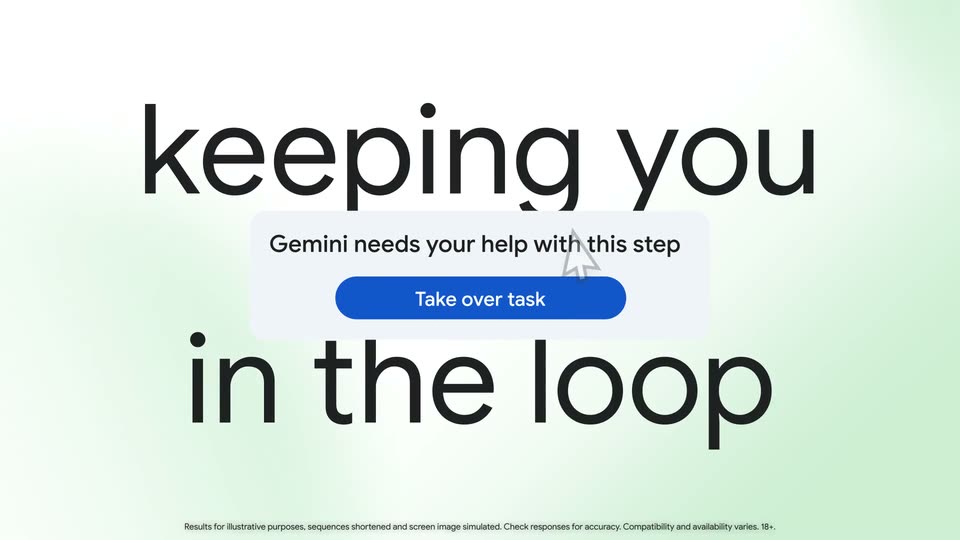 1:01–1:05Google · Google - We’re introducing major updates to Gemini in @GoogleChrome for MacOS,A light green gradient holds the lowercase headline keeping you in the loop, sliding up and darkening from gray to black. A rounded card with a blue button and a cursor scales in between the lines, then fades as the text blurs.
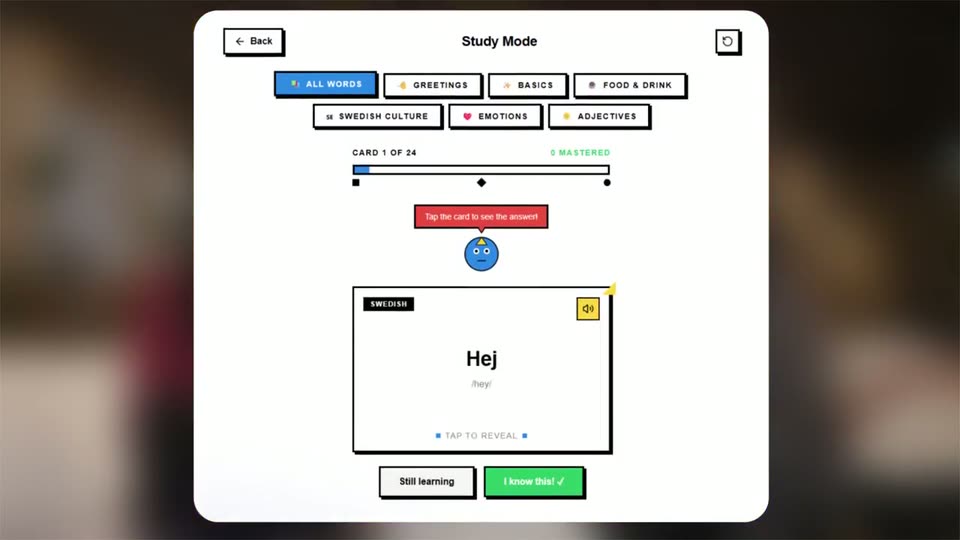 0:50–0:53Lovable · Lovable - Introducing a smarter Lovable that is 71% better at solving complex tA flat study-mode flashcard screen sits centered on a blurred orange-and-purple gradient. A pink cursor hovers over the “Hej” card near the start, then the layout holds still while the card and answer buttons stay in frame.
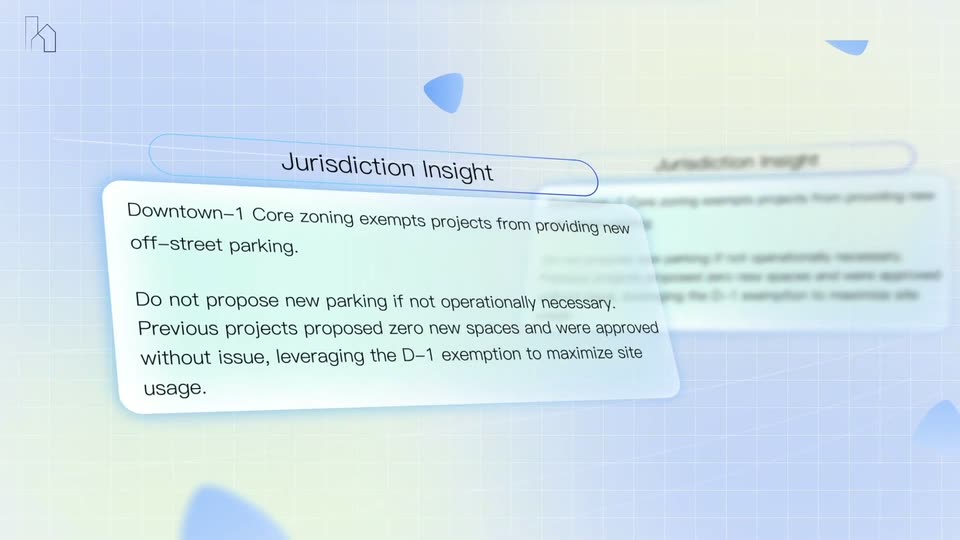 1:05–1:13AutoSitu · AutoSitu (YC W26) Launch VideoOn a pastel grid with drifting blue shapes, two open arcs close into pill outlines as 3D cursors tap them. A Jurisdiction Insight card tilts into view, its text typing in line by line, while a blurred duplicate drifts behind and the camera pushes in.
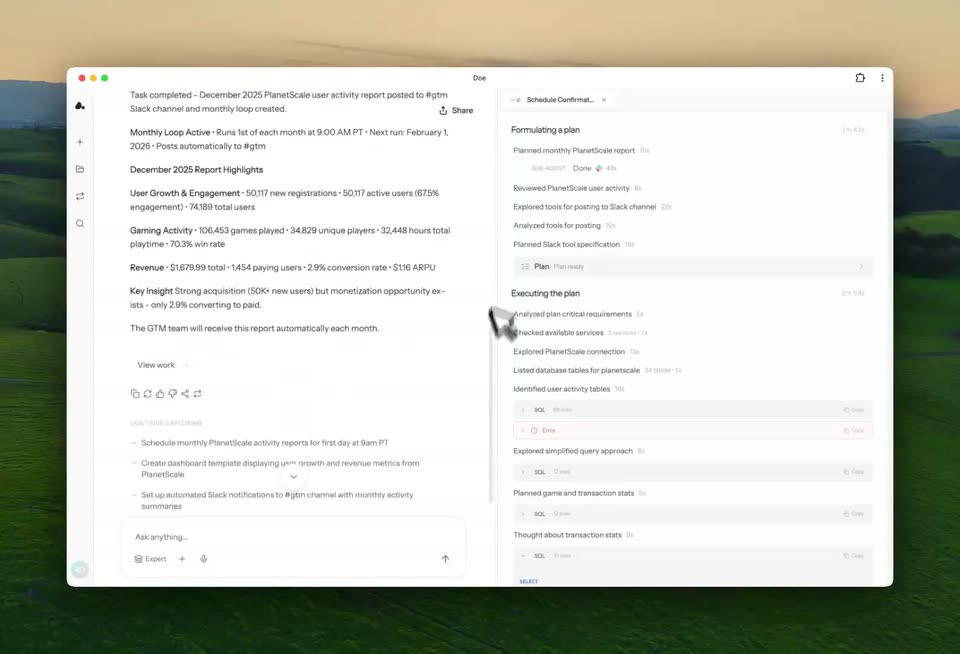 0:24 · 0.7sDoe · doe - Announcing loops, they're the foundation for agents that monitor, decA product window sits on a green-hill desktop. The left chat panel scrolls up as new task lines appear at the bottom, while a cursor arrow drifts near the divider; the right task-list panel stays fixed.
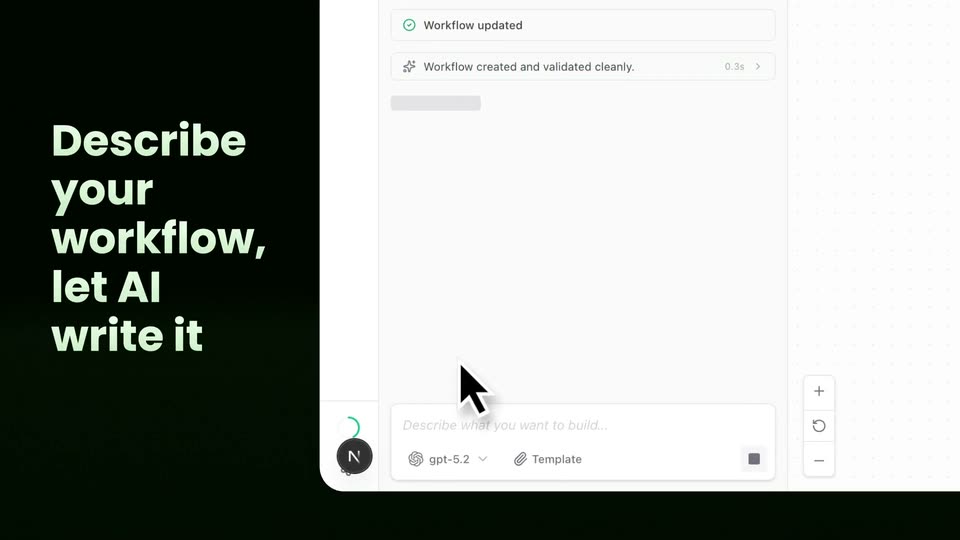 0:36–0:37EigenPal · Introducing EigenPalA black left panel holds the headline while the right side shows the app canvas. A status banner updates to a validated message and a cursor glides from the input field to the right edge of the dotted grid.
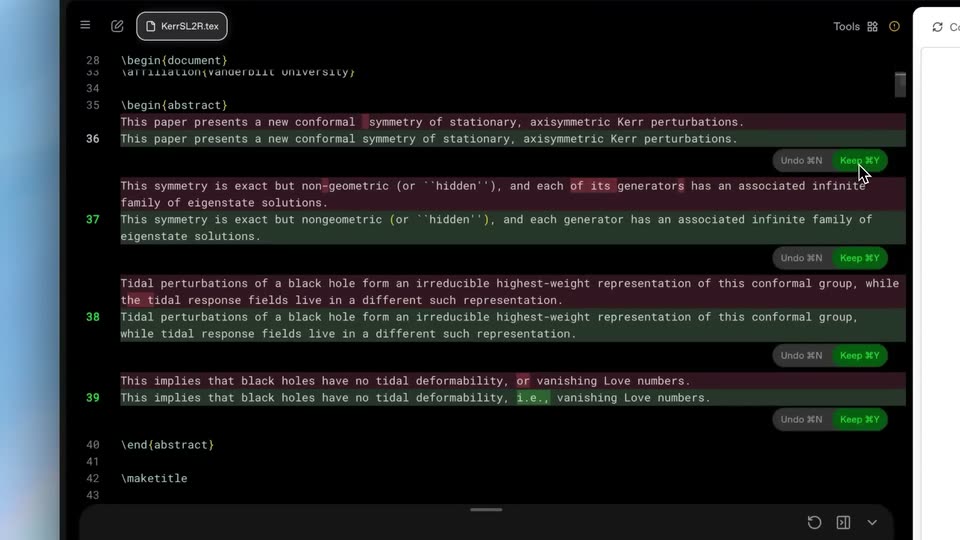 0:22–0:23OpenAI · Introducing Prism, a free workspace for scientists to write and collaborate on researchA dark code editor displays a LaTeX document with red deleted and green added lines, each paired with Undo and Keep buttons. A mouse cursor drifts upward to rest on a green Keep button.
 0:24–0:29Twin · Hugo Mercier - 𝗜𝗻𝘁𝗿𝗼𝗱𝘂𝗰𝗶𝗻𝗴 𝗧𝘄𝗶𝗻 — 𝘁𝗵𝗲 𝗔𝗜 𝗰𝗼𝗺𝗽𝗮𝗻𝘆 𝗯𝘂𝗶𝗹𝗱𝗲𝗿. No setup. Secure. InfiniteA pixelated hand cursor clicks a gray Launch agent button on a cream background; the button turns blue and reads Starting..., then the view cuts to a typed status line with two webhook cards sliding in beneath it.
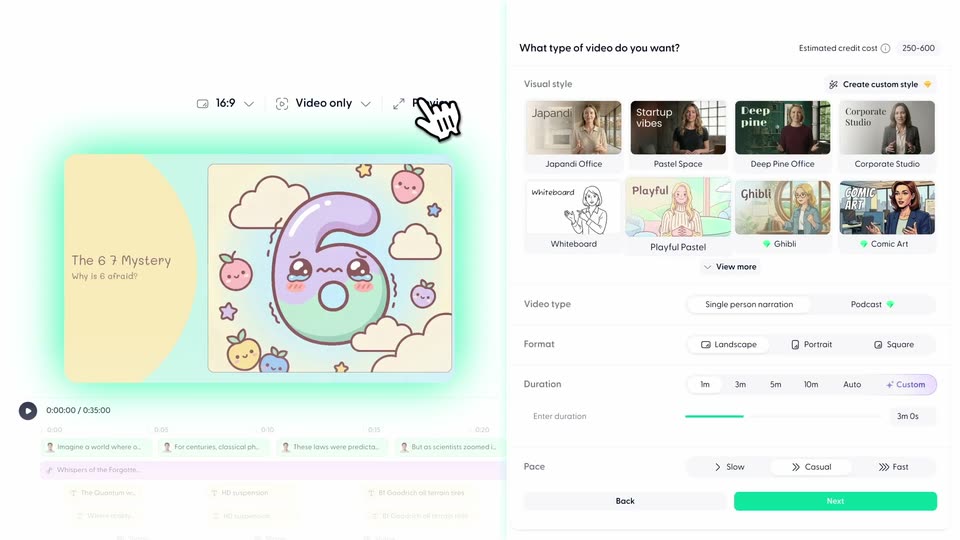 0:44–0:47Wondercraft · Dimi Nikolaou - Today AI Video stops being slop. Introducing Wondercraft Video, an AA product interface fills the frame in two panels. Left shows a video preview with a cartoon number-six illustration and a script timeline; right lists visual-style thumbnails and settings. A hand cursor taps the Playful Pastel thumbnail, then moves up and clicks the Preview button.
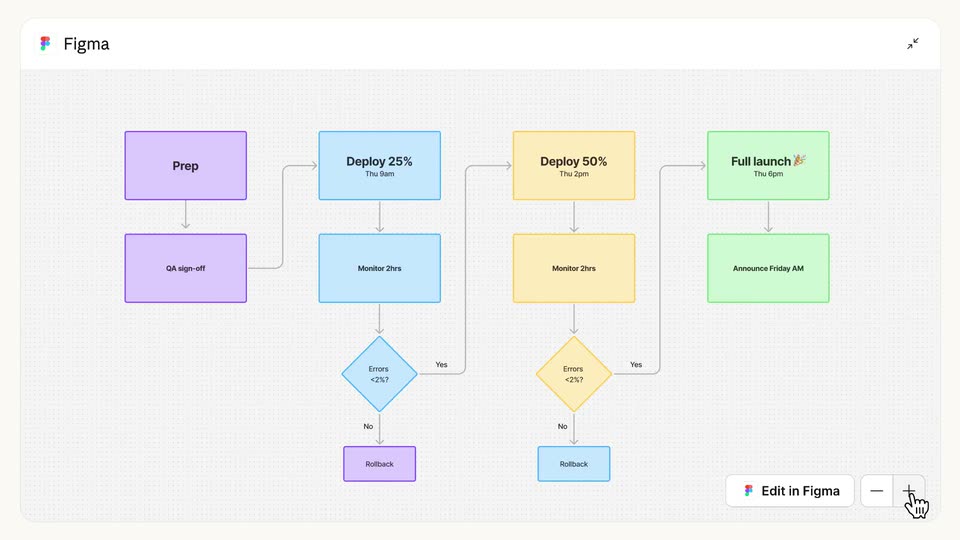 0:11–0:12Anthropic · Claude - Your work tools are now interactive in Claude. Draft Slack messages,A Figma canvas displays a deployment flowchart of purple, blue, yellow and green boxes linked by arrows. A cursor sits at the lower right by the zoom controls, then shifts to a hand icon. The diagram stays static.
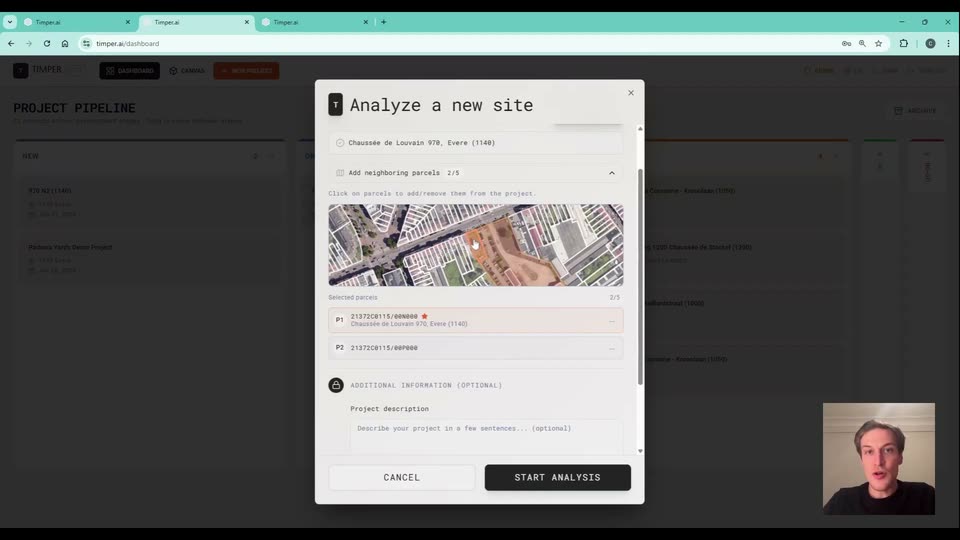 0:11–0:30Timper · Timper.ai - Demo Jan 2026Over a dimmed project pipeline board, a cursor works the central 'Analyze a new site' modal, typing a Brussels address, clicking a parcel on the map, and entering a project description, with a presenter's webcam inset in the bottom right.
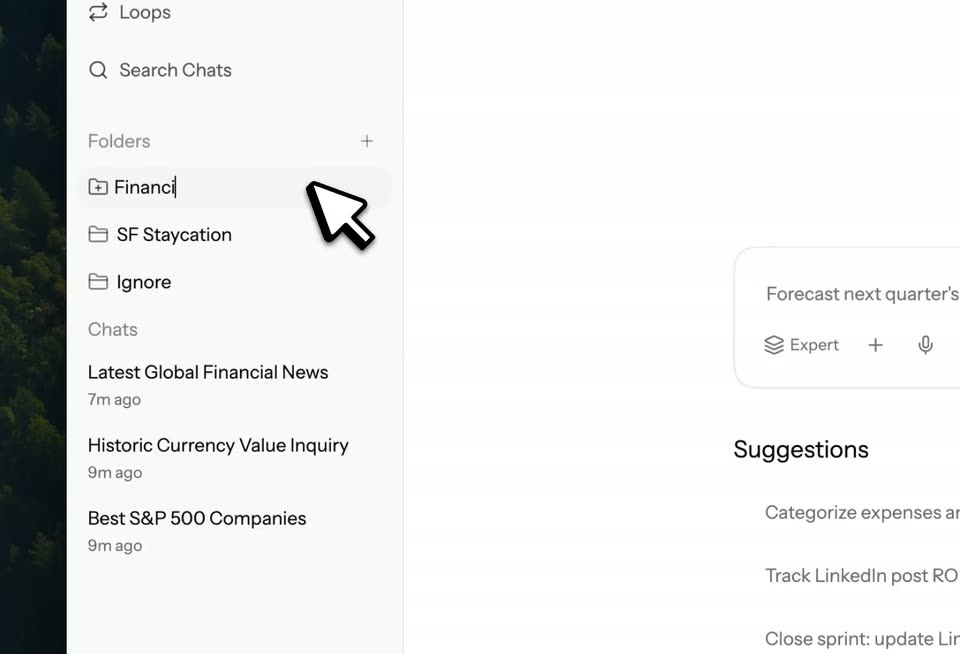 0:03–0:04Doe · doe - We're announcing folders for chat sessions and files!A close-up of a chat app sidebar where a large cursor types into a new folder field, spelling out Financial Rep. To the right, a message box and a Suggestions list stay static.
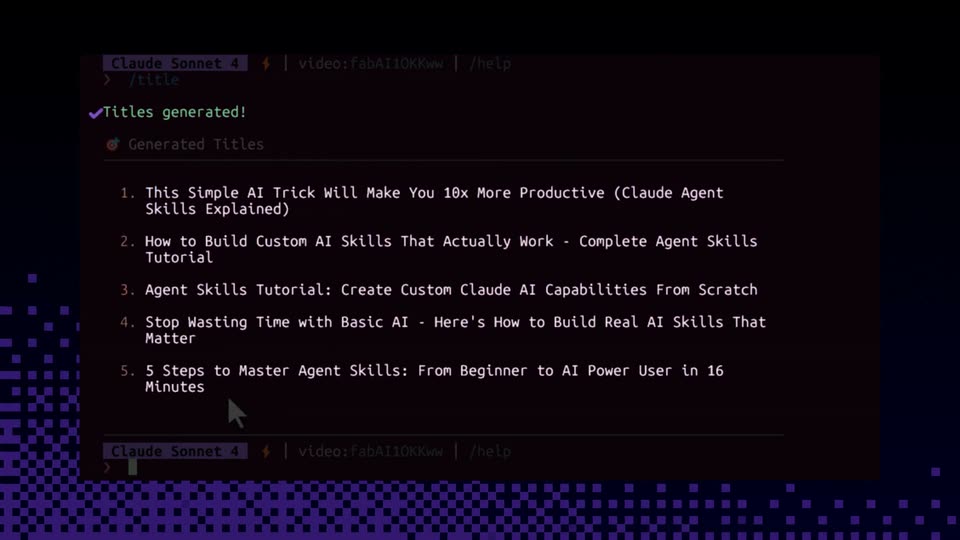 0:24–0:28GitHub · GitHub - The GitHub Copilot SDK is here 🙌 You can take the same Copilot agentA dark terminal window shows a /title command being typed, then a numbered list of generated video titles fills the screen. The window fades and blurs out, and the words Or control you appear one by one on black above a purple dot grid.
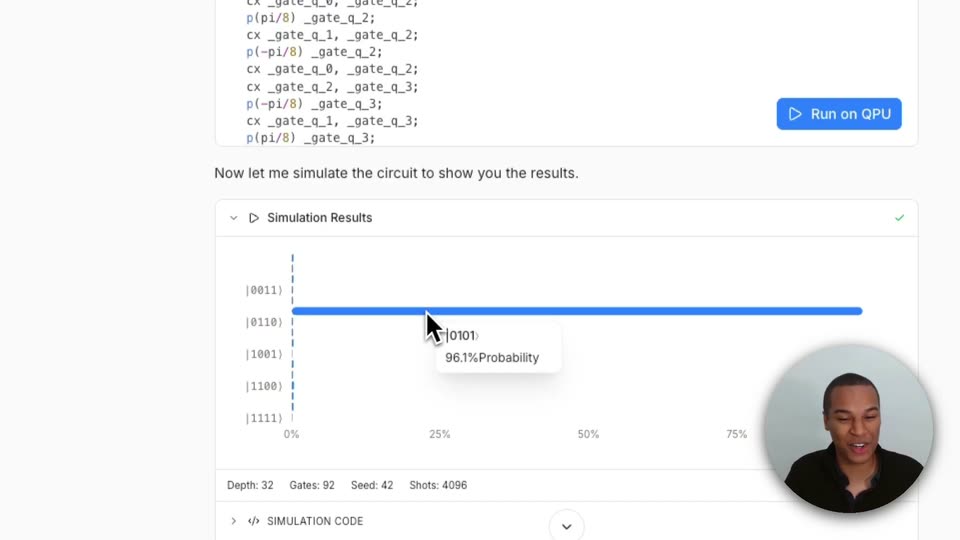 2:28–2:33Conductor Quantum · Coda | Natural language quantum computingOn a white interface, a cursor clicks a Simulation Results row, expanding a bar chart where a blue bar grows and a tooltip reads 0101. The cursor then clicks a blue button, opening a Run on Quantum Hardware dialog. A circular presenter video sits bottom right.
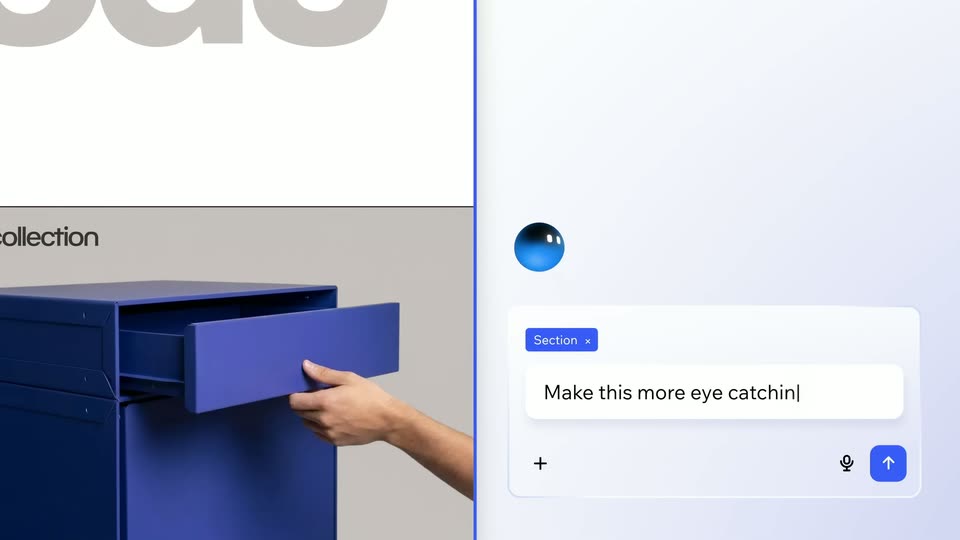 0:18–0:22Wix Harmony · Wix Harmony: The new way to createA split screen pairs a filmed hand holding a pulled-out blue drawer on the left with a chat input panel on the right. A cursor types the prompt into the field, then moves to and clicks the blue send button.
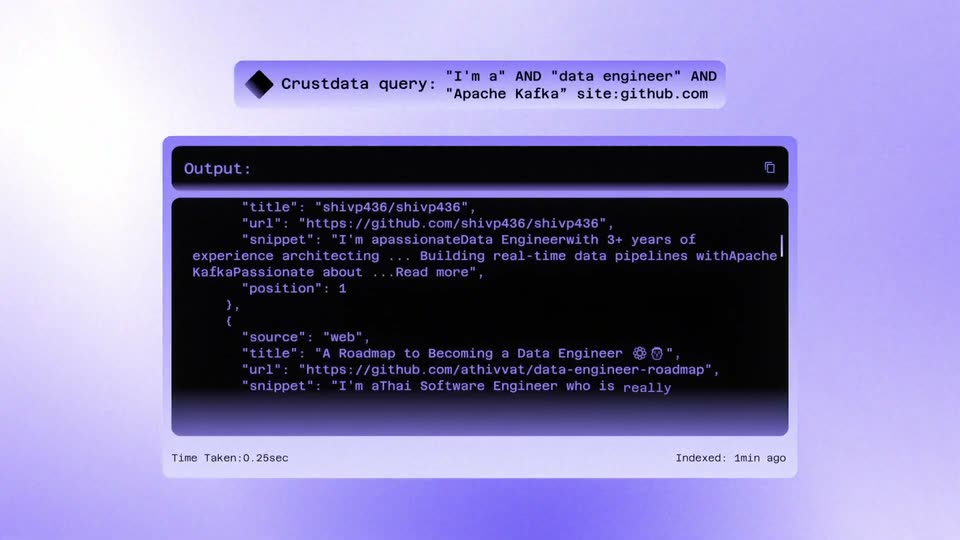 0:13–0:17Crustdata · Crustdata: Web Search APIA purple gradient holds a query pill and a white card reading Find data engineers with Kafka experience, with a send button and a cursor. The card gives way to a dark output window whose JSON results scroll up, then the UI fades to the plain background.
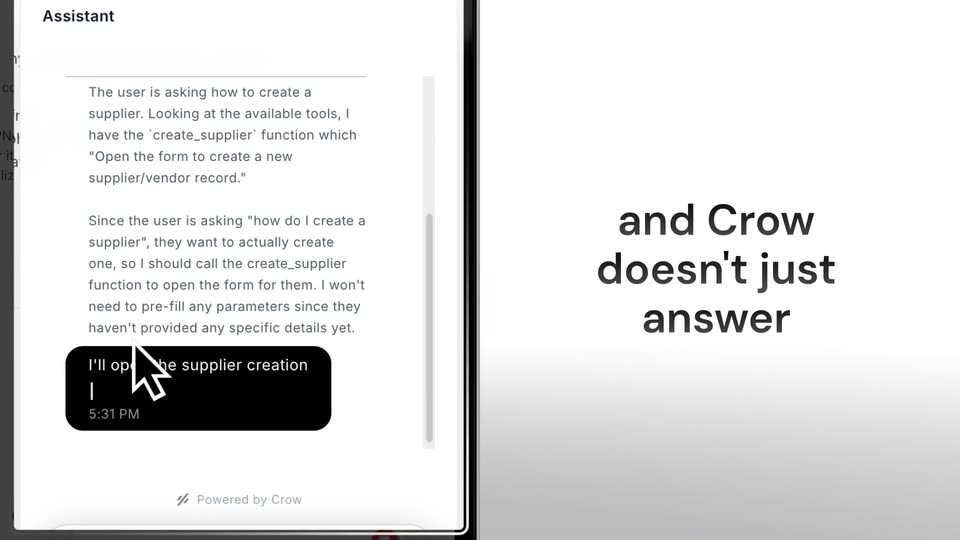 0:17–0:21Turnstone · Crow Launch VideoA tilted phone mockup plays an assistant chat: a cursor glides down the thread as status chips and reasoning text type in, ending in a black reply bubble, while a large gray headline fades in on the right.
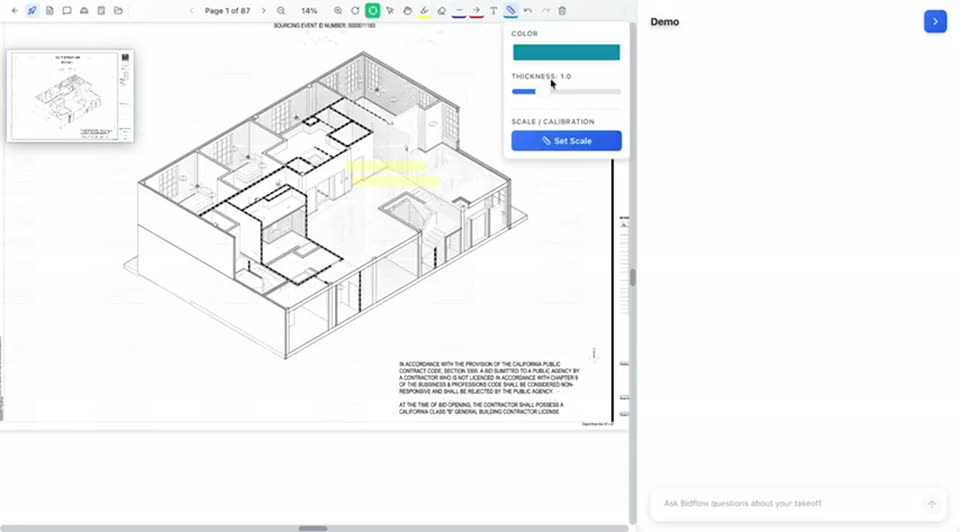 0:20–0:26Bidflow · Bidflow DemoA property panel over an isometric floor plan shows a color swatch shifting from yellow to teal, a thickness slider and a Set Scale button, while a cursor hovers the button. The view then zooms into the line drawing.
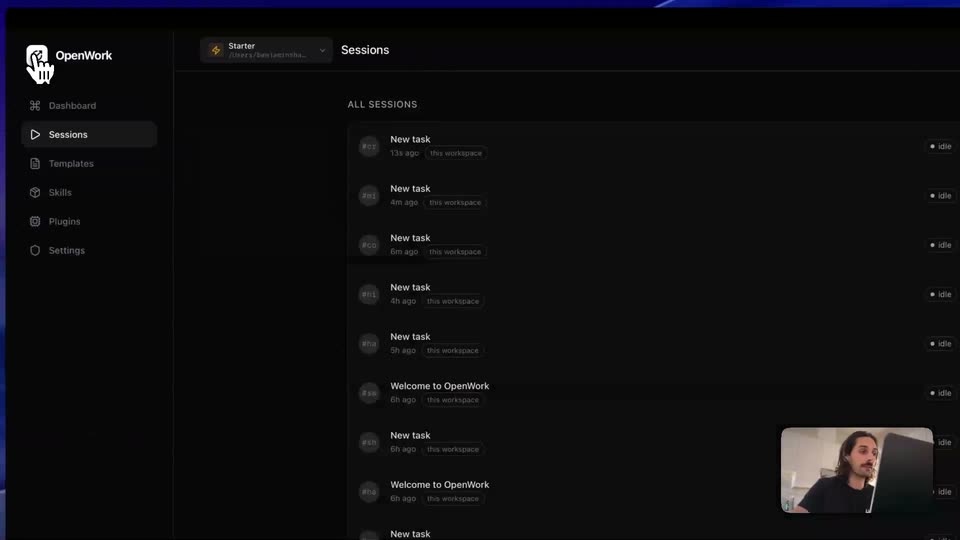 0:56 · 0.4sOpenWork · OpenWork: The open-source alternative to Claude CoworkA dark task-chat interface fills the screen. A hand cursor glides down the left sidebar from the back arrow to the workspace row, while a small live video of a man at a laptop holds the bottom right corner. The New task entry slides in the sidebar list.
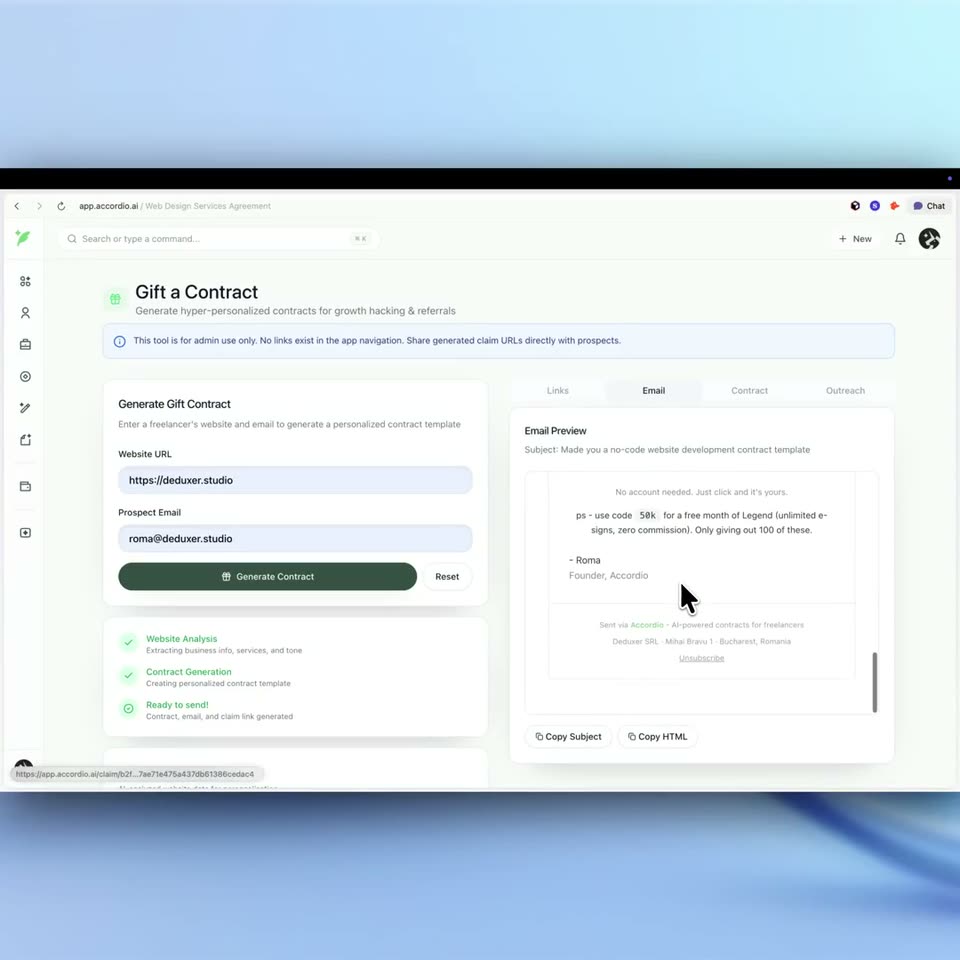 0:33–0:39Accordio · Accordio AI - Vibe coded a gift contract tool yesterday. Took 2 hours. Add someoneA browser window in 3D perspective shows a Gift a Contract tool. A cursor scrolls the email preview past a green Grab the Contract button, then the page blurs and swaps to a new email view with a leaf logo.
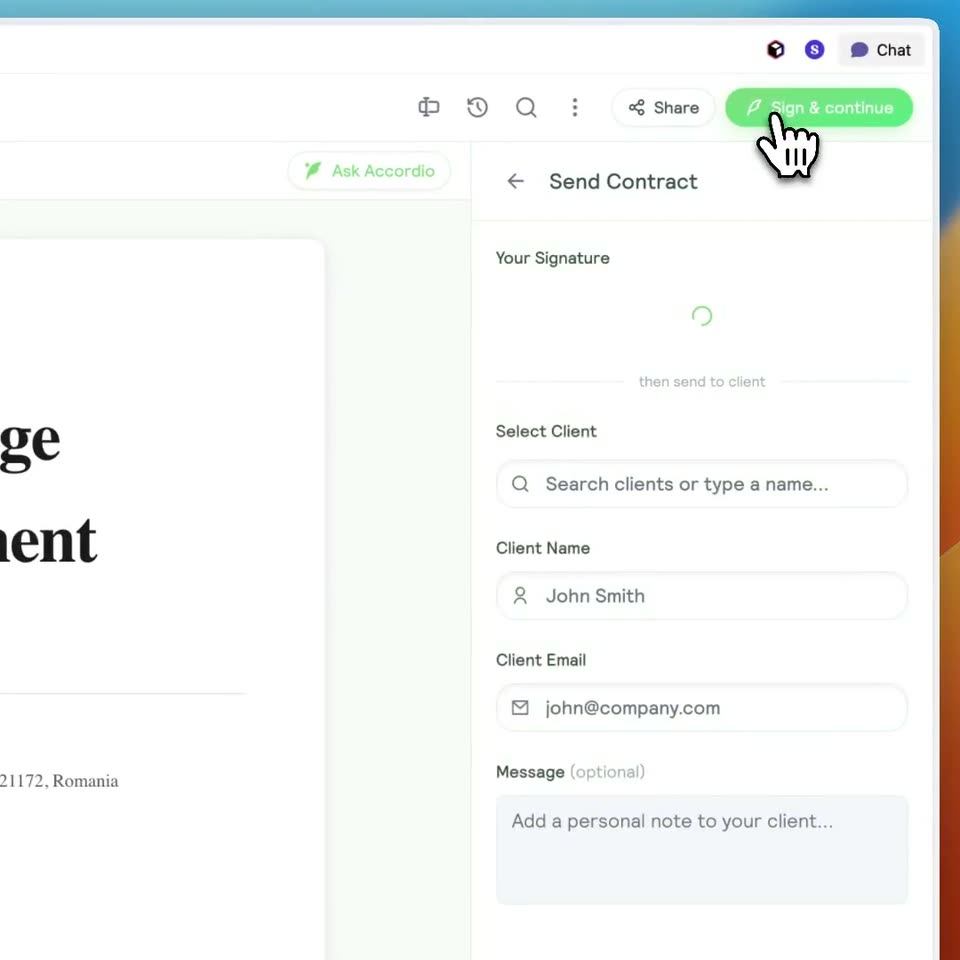 0:41–0:43Accordio · Accordio AI - Founders spend way too much time on contracts. In 2026, you describA contract document sits on the left while a Send Contract panel fills the right, its fields pre-filled with a client name and email. A hand cursor hovers over the green Sign & continue button as the frame settles from a soft crossfade.
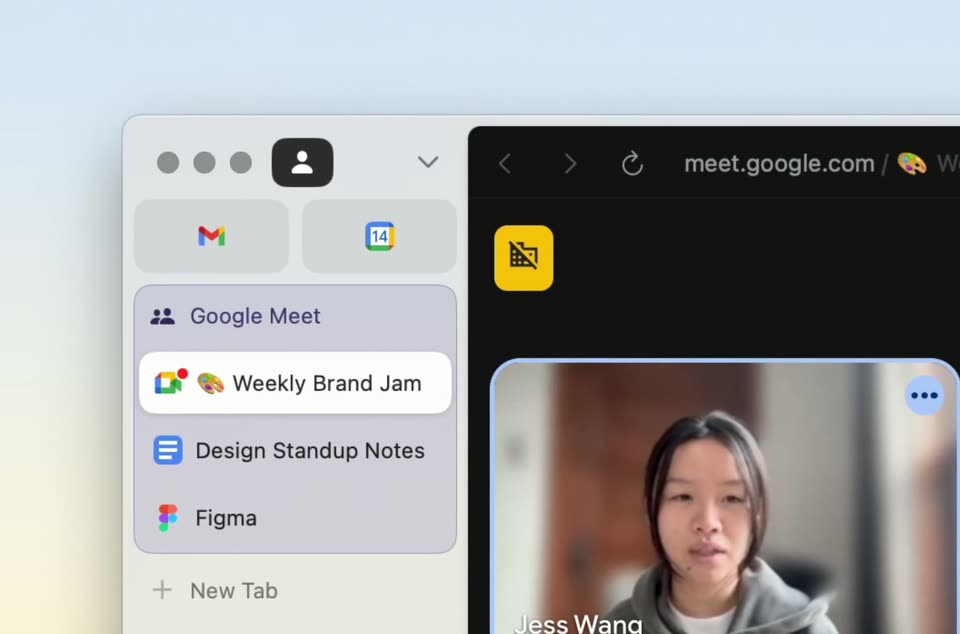 0:05–0:19The Browser Company · Dia - Never late, always prepared. Meeting Tab Groups, now in Dia.A browser sidebar and a Google Meet window sit tilted in 3D over a soft pastel gradient. Tabs type into the sidebar list one by one as a woman's video tile fades in labeled Jess Wang, then a cursor hovers the rows to reveal close buttons.
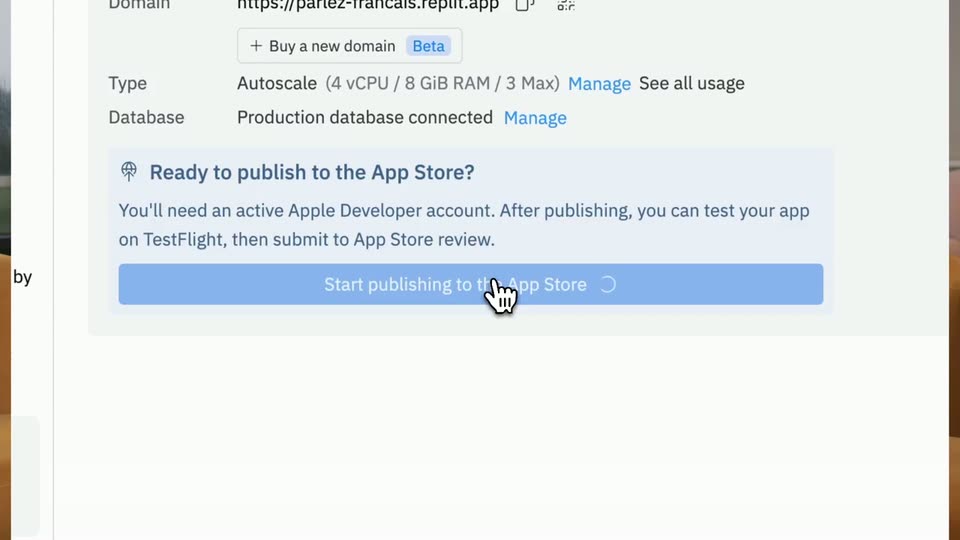 2:39–2:43Replit · Replit ⠕ - AI builds web apps well. Mobile apps have been harder. Now, the iA wide dashboard view of a web app zooms into the publishing panel, where a hand cursor hovers over a blue App Store button, then the frame blurs out.
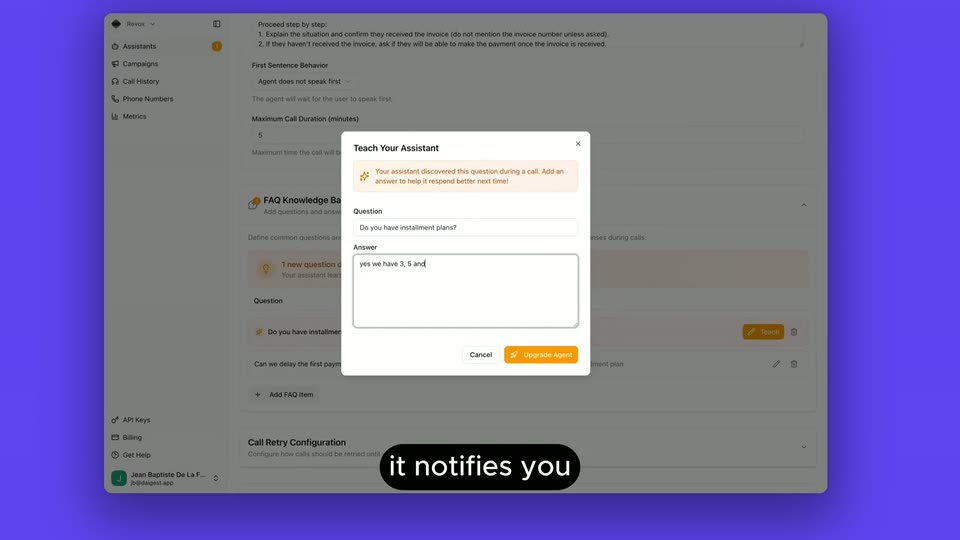 0:59–1:04Revox · Revox - We raised $3M to build Revox: Stripe for AI phone calls. We’re buildA flat product dashboard sits on a purple field with a centered Teach Your Assistant modal. The question and answer fields fill in with typed text as a cursor blinks, while a black caption bar at the bottom swaps three phrases in sequence.
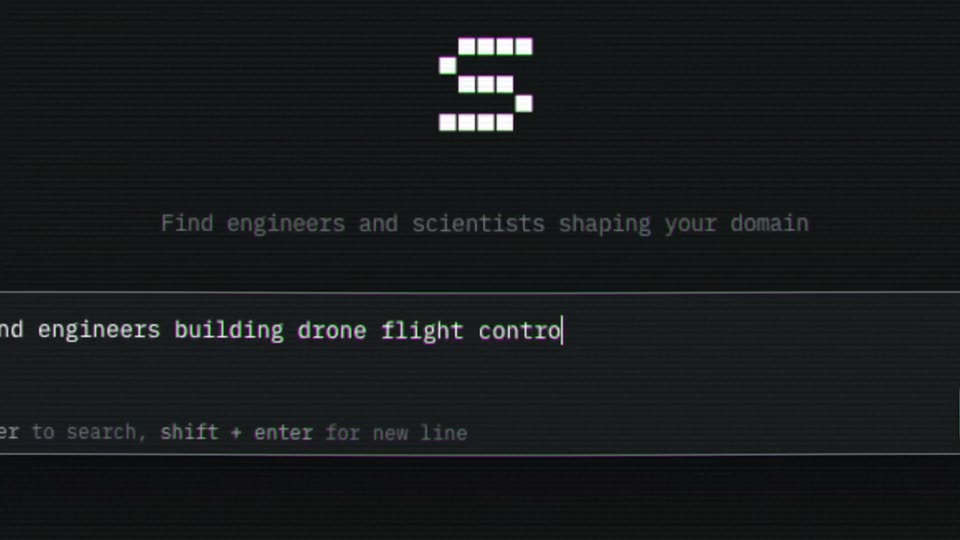 0:17–0:19Skillsync · Y Combinator - Skillsync helps companies find elite (but overlooked!) engineers on GA dark product page shows a pixelated S logo and a Y Combinator badge above a search field. A pixelated cursor hovers near the tagline as the field types a query about drone flight control, while the frame steadily zooms in on the interface.
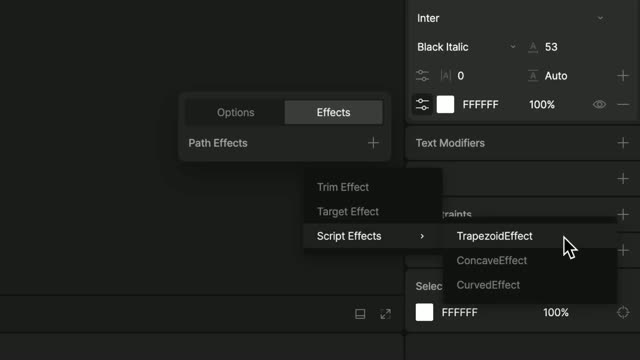 0:26–0:29Rive · Scripting is Live in Rive ✨A dark editor interface is screen-recorded as the cursor clicks Effects, then Script Effects, opening a submenu of text effects. The view zooms into the menu, then cuts back to the canvas where the word 'text' warps into a slanted trapezoid shape.
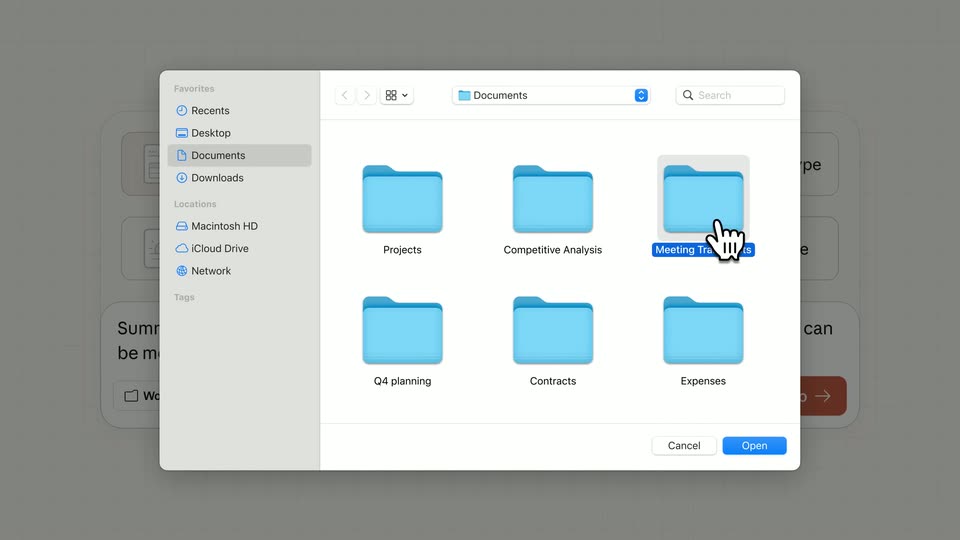 0:15–0:16Anthropic · Introducing Cowork: Claude Code for the rest of your workA macOS file-picker dialog floats over a dimmed app window, a hand cursor resting on the highlighted Meeting Topics folder. The dialog lifts away and the card grid with the meeting prompt snaps into focus.
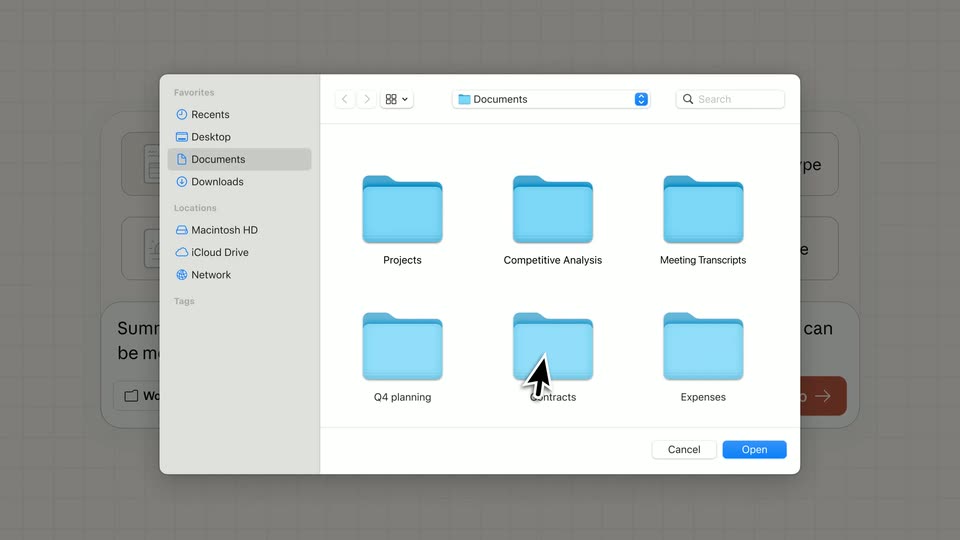 0:14–0:15Anthropic · Claude - Introducing Cowork: Claude Code for the rest of your work. Cowork leA macOS file dialog is centered over a dimmed document screen, showing six blue folders in a grid. A cursor and a hand pointer travel from the bottom row up to the Meeting Transcripts folder. Cancel and Open buttons sit at the bottom right.
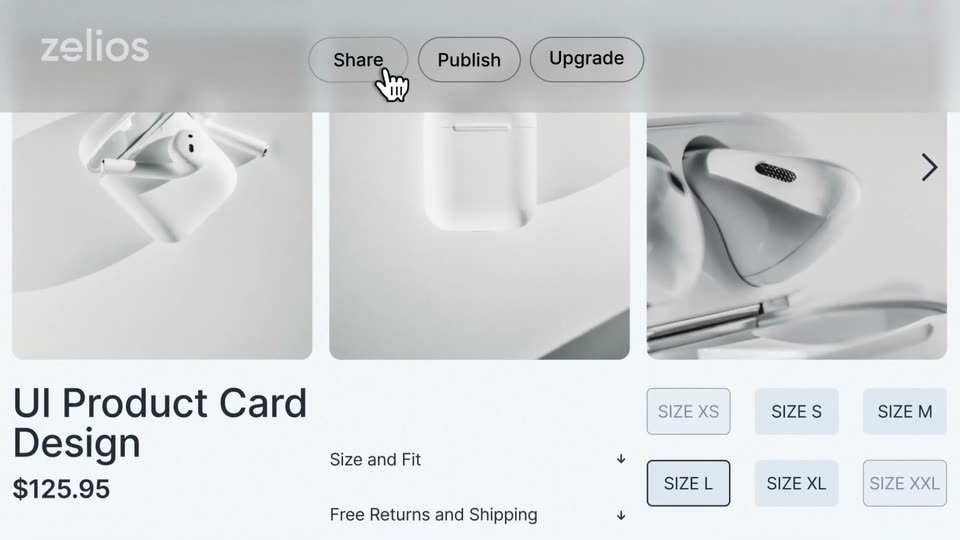 0:39–0:41Lovio · Best AI Product Video for SaaS | LovioA close-up of a light product-card UI shows three white earbud images, a price and size buttons; a cursor taps the Share pill, which turns blue. The view then pulls back so the whole card floats over a blurred outdoor background.
 0:26–0:27Teamble · Teamble launch filmA centered gradient pill button on a dark purple field reads “Help me craft feedback” in black sans-serif. A purple hand cursor overlaps its lower right edge, and the button subtly scales with a soft glow.
 0:31–0:32monday sidekick · monday sidekick: AI that actually worksA white interface close-up shows a Generate report button on a thin divider line, its fill shifting from cream to teal. A black cursor hovers beneath it and drifts right. The monday.com star logo and a cut-off monday sidebar label sit to the right.
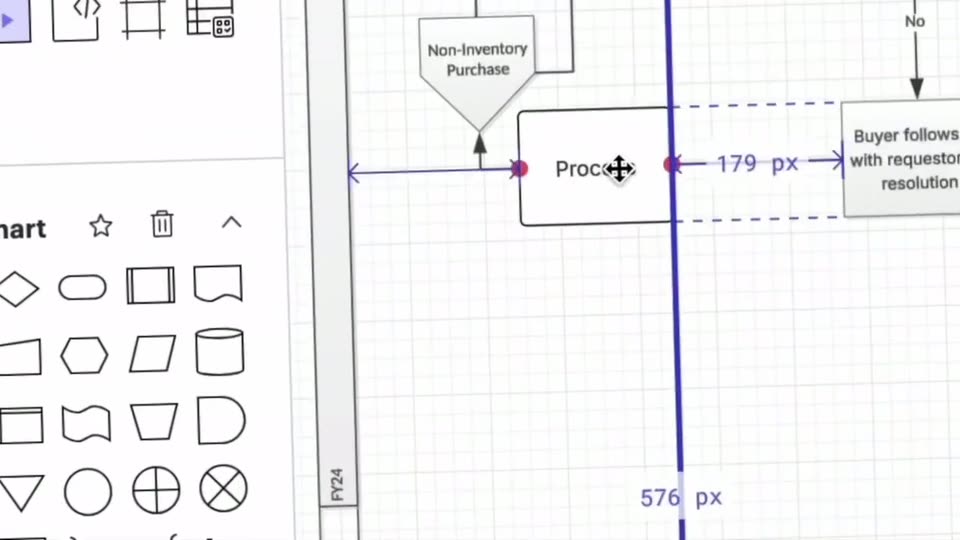 0:18–0:19Oxus · Oxus: Modern intelligence for better auditsA flowchart editor canvas on a light grid. A crosshair cursor grabs a corner handle of a Process box and drags it, resizing the shape while blue pixel-dimension labels update, and the view reframes onto the box.
 0:24–0:25Qwen · Qwen - 🎨 Qwen-Image-Layered is LIVE — native image decomposition, fully openA 3D wireframe panel with a cursor blurs out of focus as a two-line headline scales in over a dark blue gradient. The top line glows in a purple-to-cyan gradient while the bottom line stays dark blue.
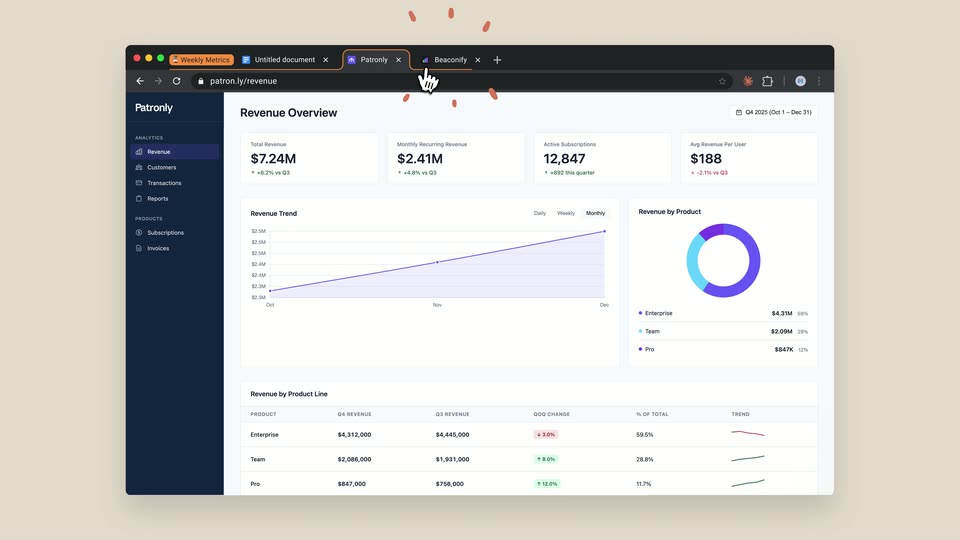 0:15–0:18Anthropic · Let Claude handle work in your browserA flat browser window mockup on a beige background shows a Revenue Overview dashboard with metric cards, a line chart, a donut chart and a table. A hand cursor hovers the Patronly tab, then a Beaconly tab pops in with a small orange burst as the cursor moves to it.
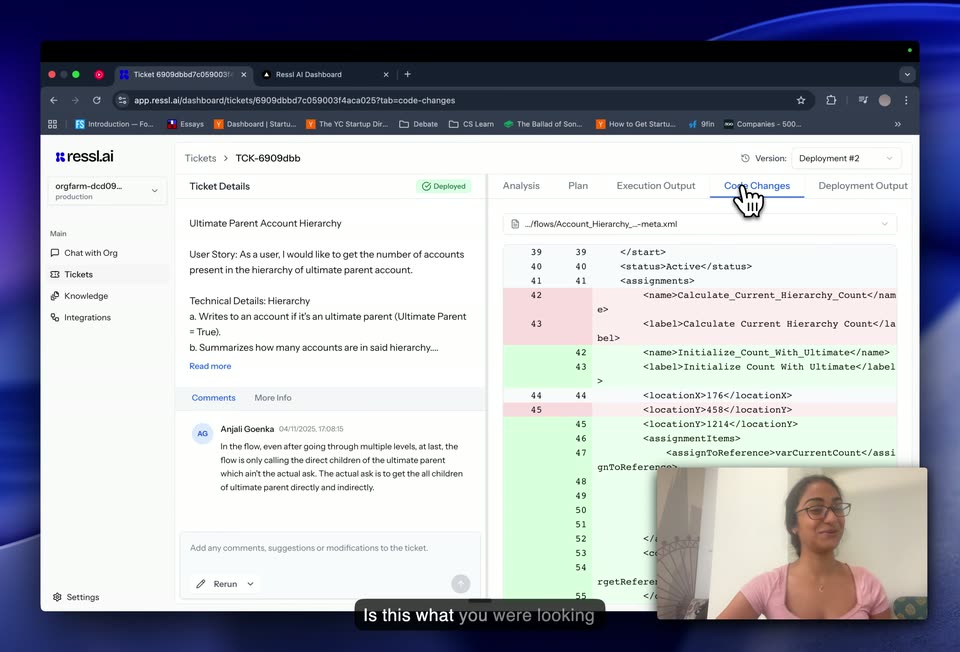 0:43–1:29Ressl · Ressl AI x Launch BookfaceA browser window shows the ressLai ticket dashboard on a dark blue backdrop. A hand cursor clicks through the Analysis, Plan, Execution, Code and Deployment tabs, swapping the right panel content, while a woman gestures in a small video-call box at the bottom right.
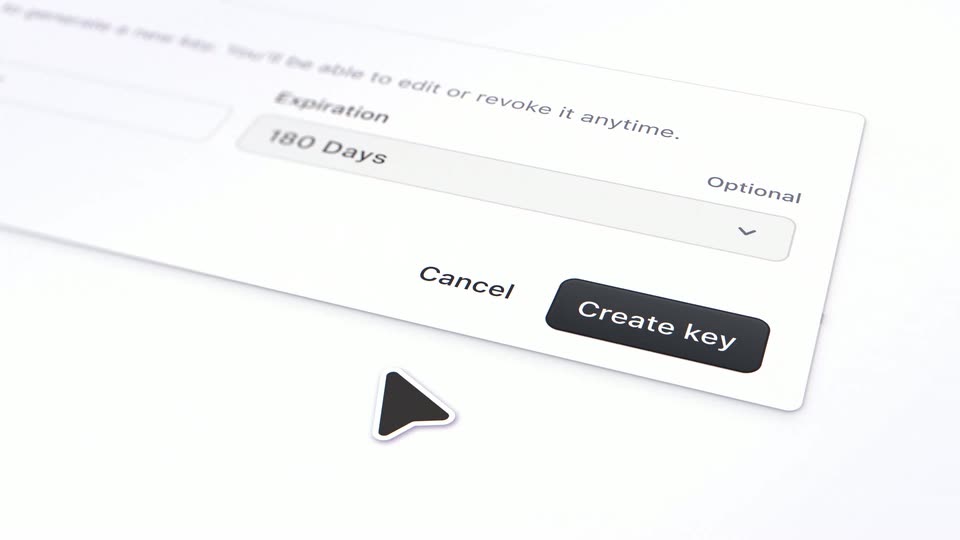 0:32–0:41Clerk · Clerk - Introducing API Keys Public Beta Secure your routes with Clerk's manA tilted 3D panel of an Add new API key form sits on a white background with shallow depth of field. A black cursor types a key name, opens the Expiration dropdown, scrolls to 180 Days, then hovers the Create key button.
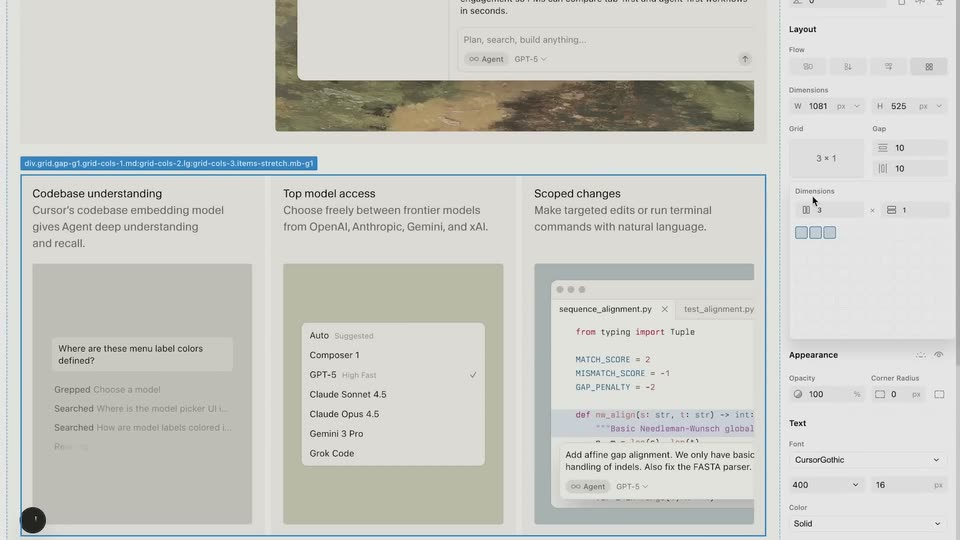 1:07–1:10Cursor · A new visual editor: design directly in your codebaseA design-tool screen shows a three-card feature layout on the left with a model-picker dropdown open, while the right properties panel scrolls from margin to layout controls. A cursor slides down and clicks the grid icon, highlighting the selected section with a blue outline.
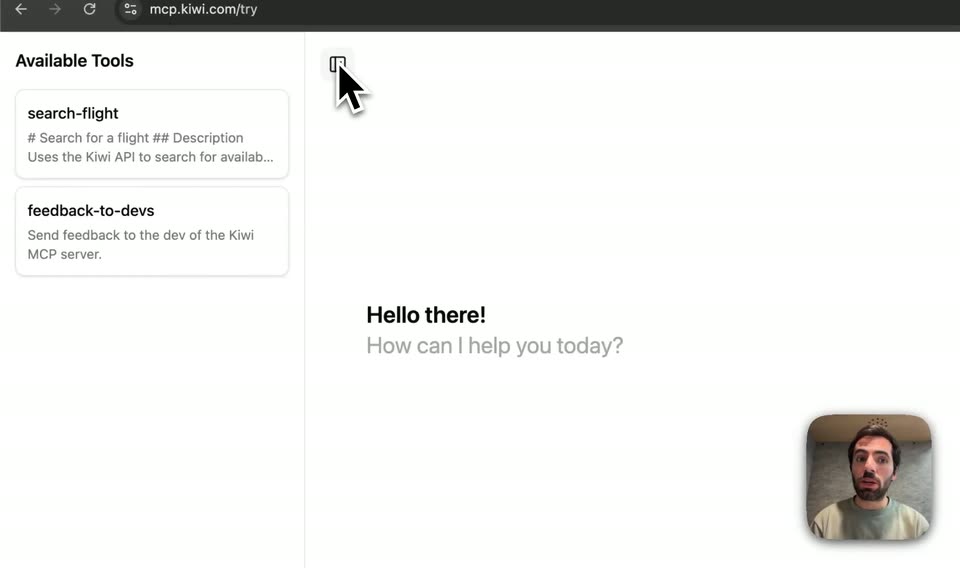 0:35–0:38Alpic · Alpic launch week 2: PlaygroundA browser window shows the Kiwi MCP playground. A left sidebar with two tool cards slides out, revealing a centered greeting and a message input bar at the bottom. A small live-action clip of a presenter stays pinned in the bottom-right corner while a cursor moves across the page.
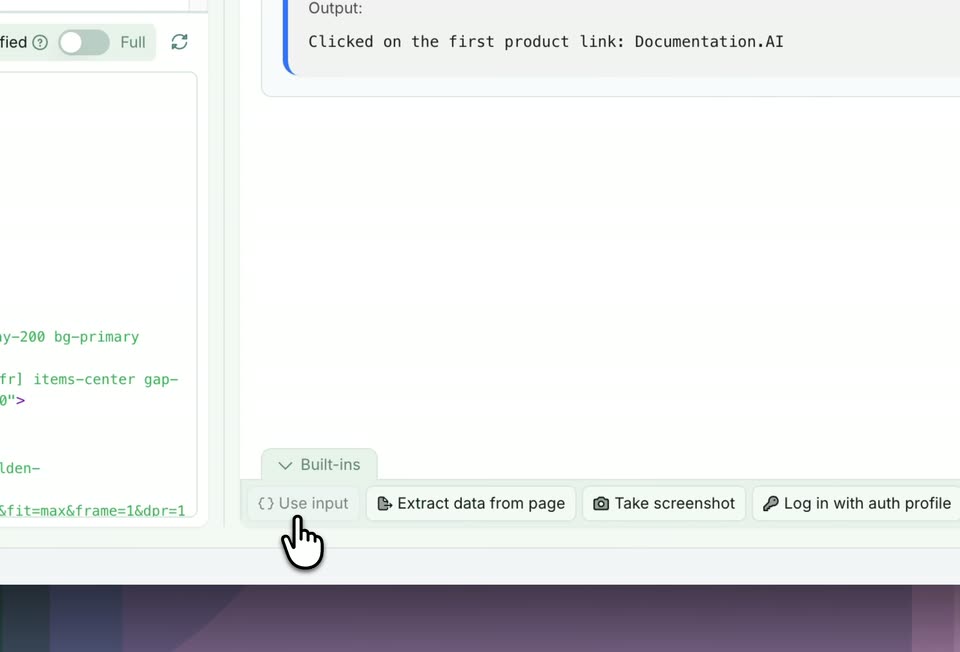 1:17–1:25Kilvin · BrowserBook YC DemoA flat interface window on a purple background shows a browser pane and a code panel. The view zooms to the bottom of the code panel, where a hand cursor taps the Built-ins button, expanding a row of action buttons, then an arrow cursor slides across them.
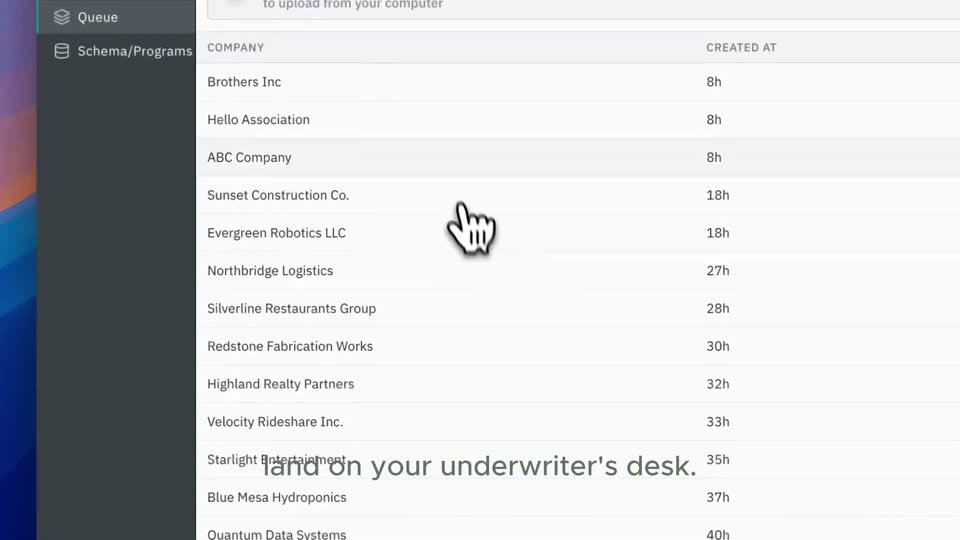 0:43–0:45Adaptional · Adaptional IntroA white table of company names and timestamps scrolls upward inside a product interface while a hand cursor hovers in the center. A black caption sits at the bottom and a colorful gradient peeks from the left edge.
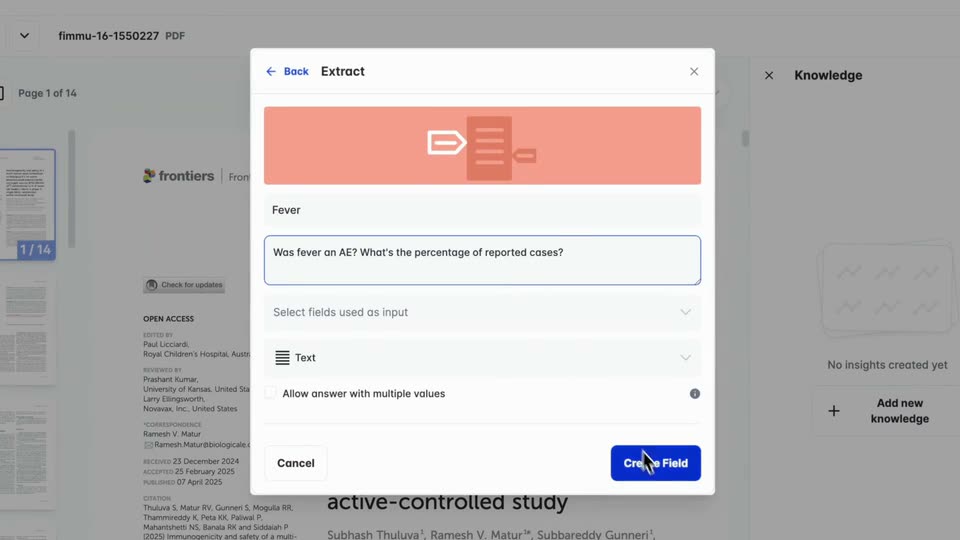 0:16–0:19Biolevate · Biolevate launch filmA white Extract modal overlays a dimmed PDF page and knowledge panel. A cursor clicks the field name box, types Fever, then fills the guideline box with a question about fever as an adverse event, and finally hovers the blue Create Field button.
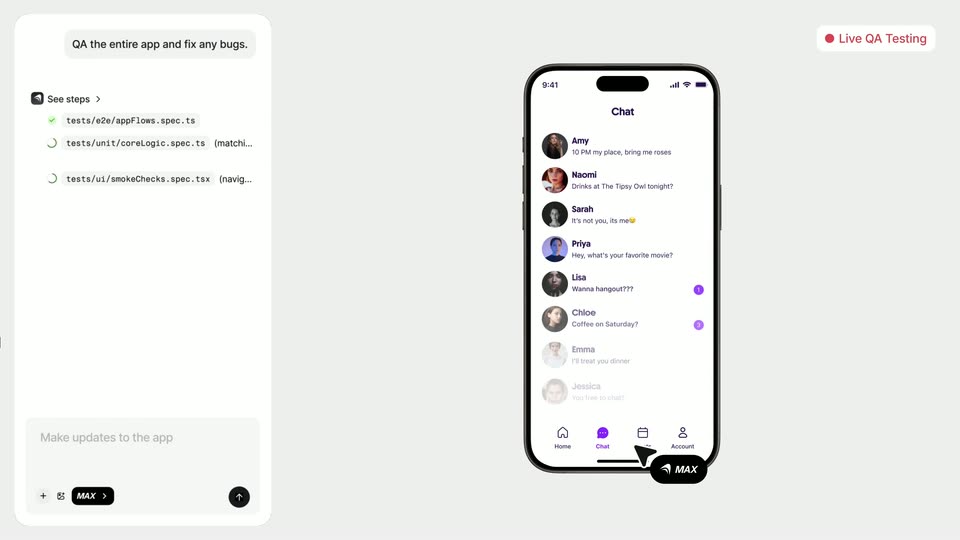 0:54–0:55Anything · Anything - Introducing Anything Max: Vibe Coding that's leaps above Lovable andSide by side, a left QA panel lists test files while a phone mockup quickly fills its chat list; a cursor taps the Chat tab. A bottom caption reads test all the buttons.
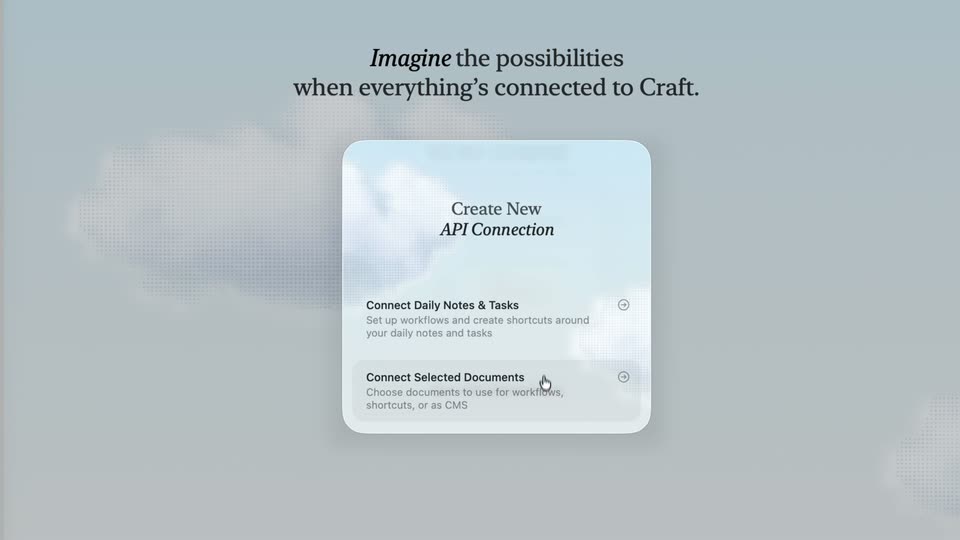 0:47–0:51Craft · Introducing the new Craft Assistant, MCP & API and more!A pale settings page shows MCP and API connection cards beneath a serif headline. A hand cursor clicks the API card, a 'Create New API Connection' modal fades in over the dimmed page, then everything crossfades back to the list.
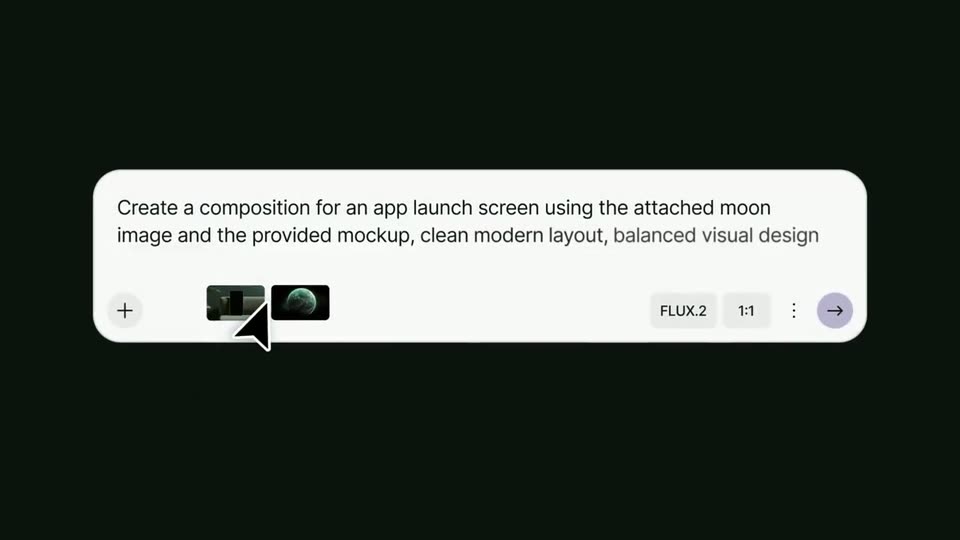 0:42–0:43Black Forest Labs · Black Forest Labs - FLUX.2 is here - our most capable image generation & editing modeA light prompt box with a typed prompt and two image thumbnails slides across a dark field while a cursor hovers over the moon thumbnail. The box then gives way to a front-facing phone mockup on a textured dark surface, its screen showing the generated moon image above placeholder bars.
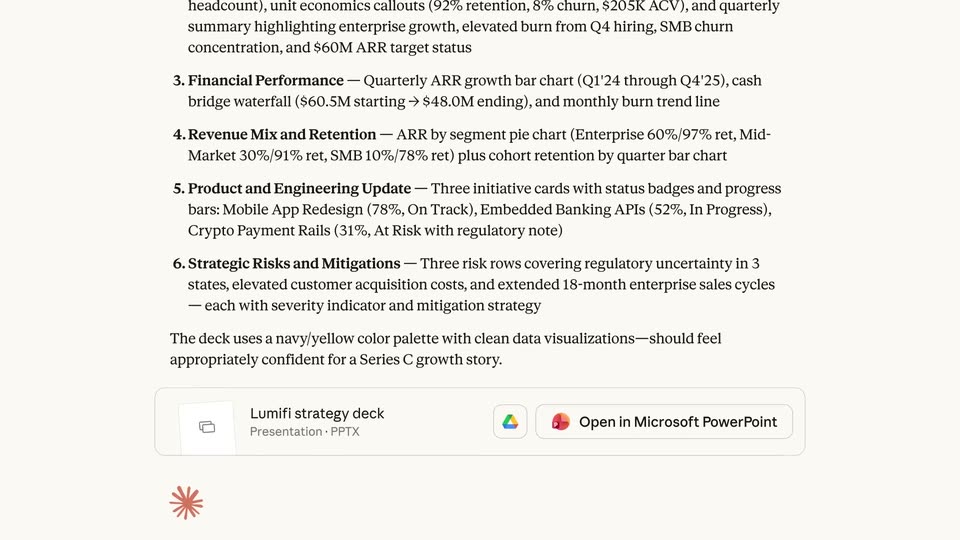 0:21–0:28Anthropic · Claude works with you on slides, spreadsheets, and contract redlinesA chat interface fills in: a user bubble sits at the top, the AI reply streams out with step counters climbing, and the view scrolls up to a file card. A cursor hovers the Open in Microsoft PowerPoint button before the frame fades to white.
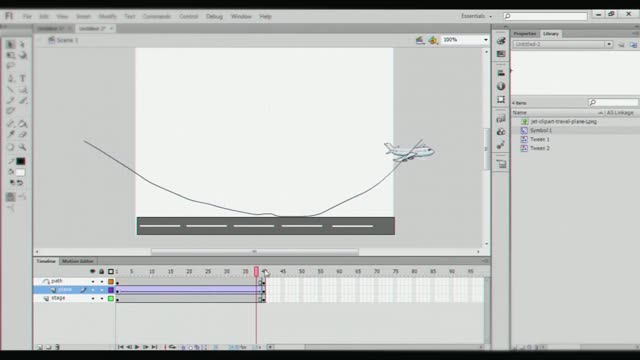 0:19–0:21Raycast · A New Start | Raycast for WindowsA Flash editor window shows a curved black path above a gray runway strip. A small white plane illustration lifts off along the path as the cursor scrubs the timeline. The view then zooms into the plane until it fills the frame.
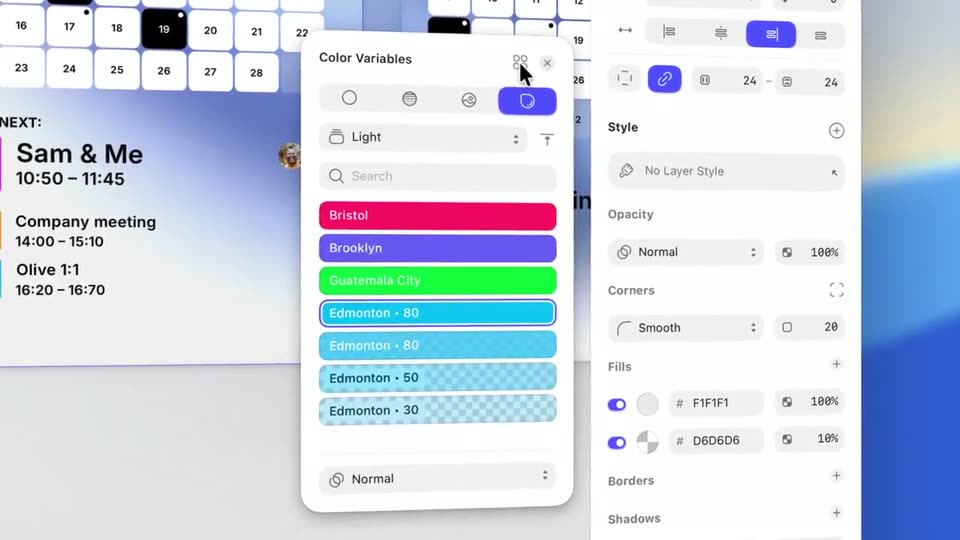 0:23–0:26Sketch · Sketch - We’ve got a biiiig update for you. A complete redesign of Sketch. MayA cursor slides to the layout toggle in the Color Variables panel and clicks it, turning the grid of color swatches into a vertical list of named variables. A properties panel and a calendar with events sit in the background.
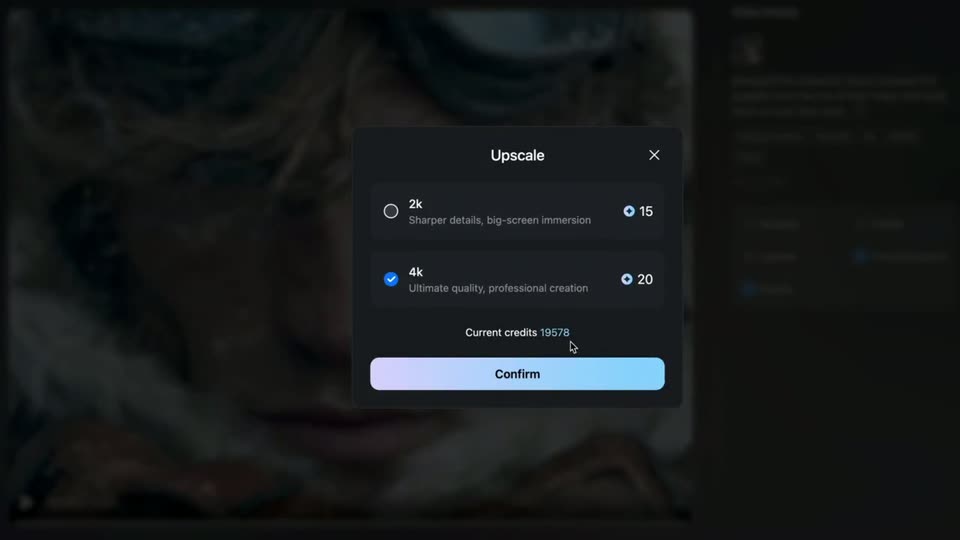 0:30–0:31Vidu · Vidu AI - 10-Image video creation with seamless creative transitions Upscale noA dark Upscale dialog floats over a blurred fantasy portrait. A cursor taps the 4k row, the radio fills with a blue check, and the disabled Confirm button lights up with a blue-to-purple gradient.
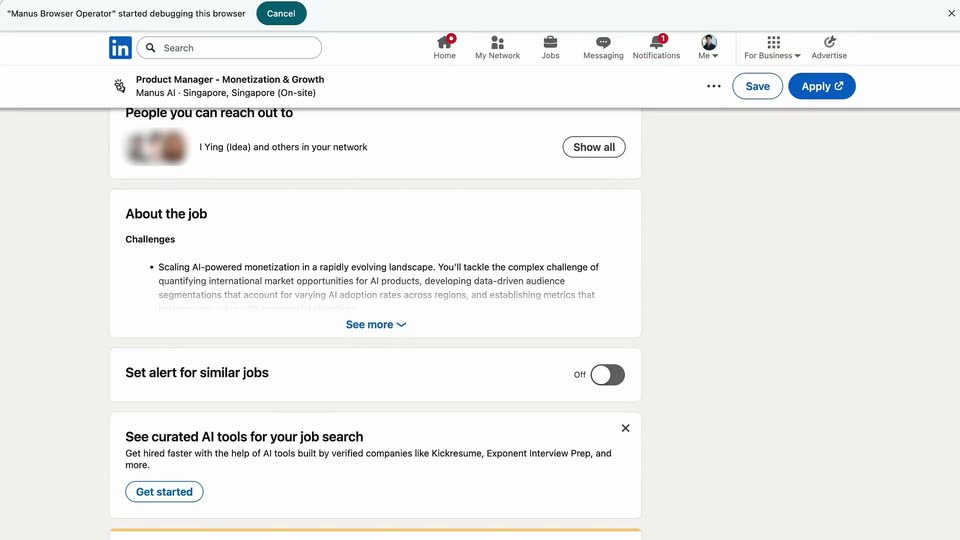 0:22–0:25Manus · Manus - Today we're launching Manus Browser Operator. Any browser can now beA LinkedIn job posting fills a browser window, topped by a debug banner noting that Manus Browser Operator started debugging. The page scrolls vertically while a cursor hovers near the job header, then rests at the top as the content settles.
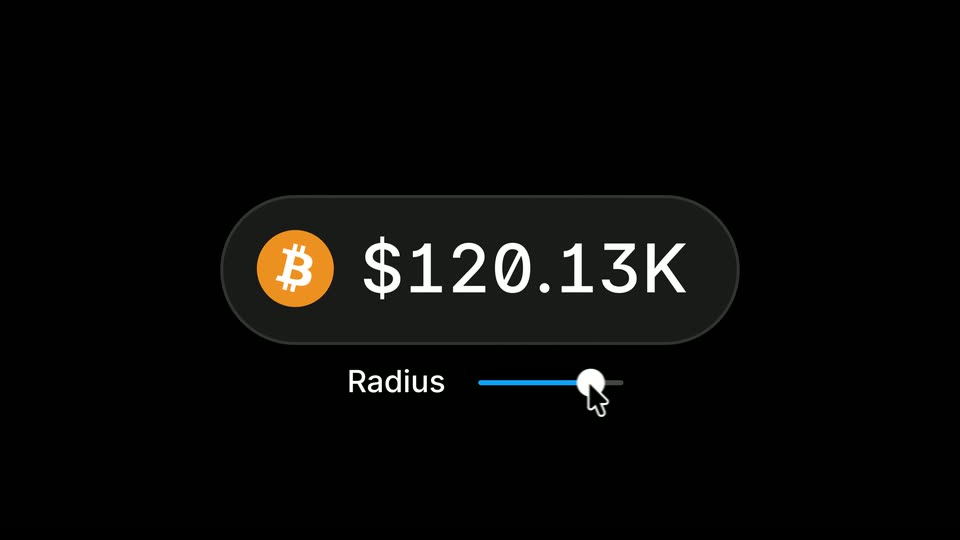 0:45–0:48Framer · Framer: Stop Waiting. Start Shipping.A dark card with a Bitcoin coin and $120.13K sits centered on black, resolving from a brief pixel glitch. A cursor drags the Radius slider right, and the card's corners continuously round into a pill.
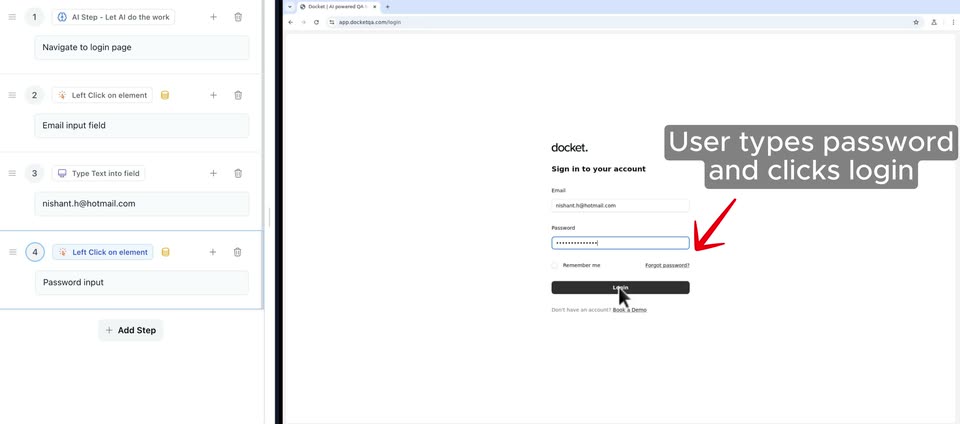 0:12–0:13Docket · Docket: recorded steps demoA numbered step list on the left and a browser login page on the right share the frame. A cursor presses the black Login button, which reads Loading, while a gray caption box with a red arrow points to it; a fifth step slides into the list.
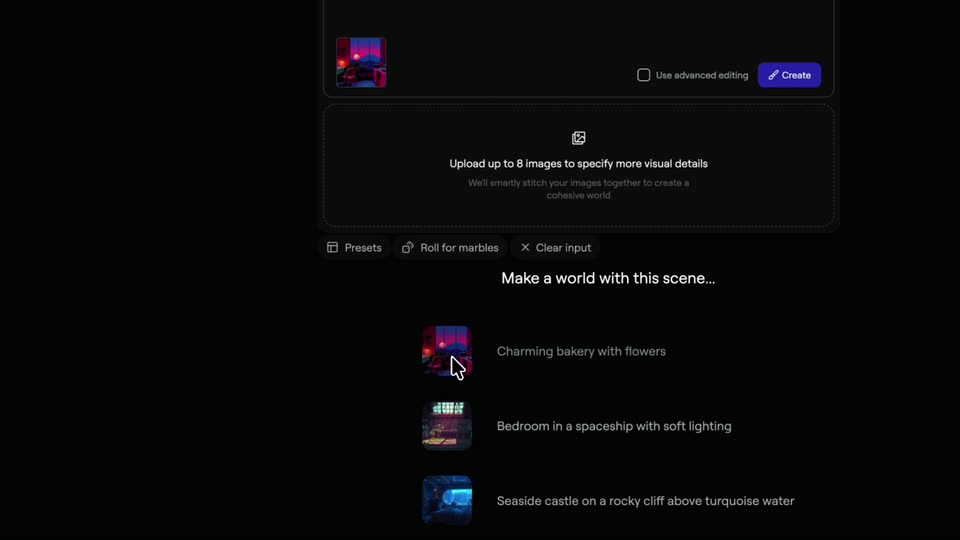 0:32–0:36World Labs · Welcome to Marble!A dark world-builder interface shows a preview thumbnail that cycles through scenes while the cursor slides down from the Roll for marbles button to hover the first preset, Charming bakery with flowers, in a three-item list.
 1:49–1:51Miniswap · Introducing Miniswap — The Marketplace For Tabletop GamesA locked-off view of the Miniswap add-item page shows a bordered drop zone with an image icon and a browse prompt. A cursor drifts down from the heading into the drop zone, ending over the prompt text as the voiceover describes auto-filled listings.
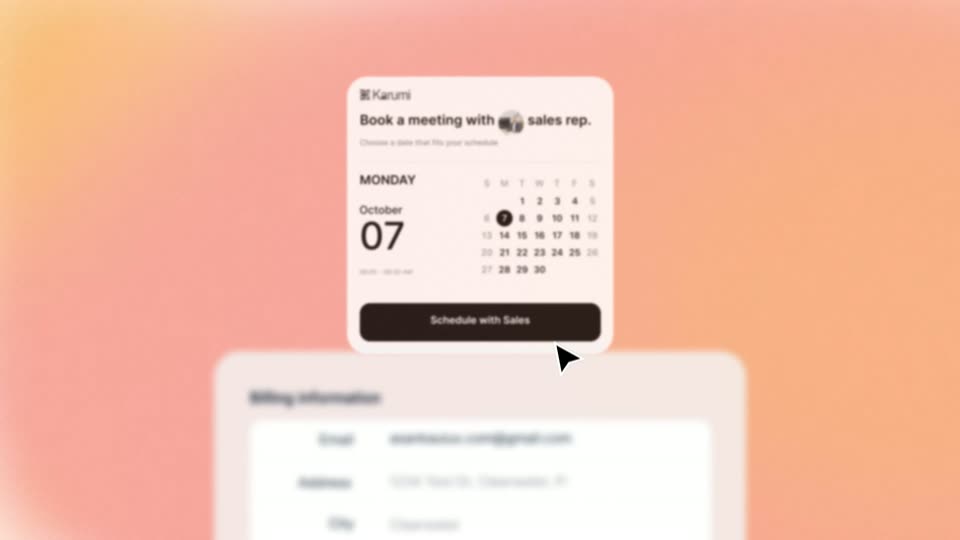 0:43–0:44Karumi · Launch Karumi, your AI demo agentA flat white booking card, titled Book a meeting with sales rep, sits centered over a blurred coral-to-yellow gradient, a black cursor resting on its Schedule with Sales button. A billing form hovers blurred behind it. The card pulls into sharp focus at the midpoint, then softens again.
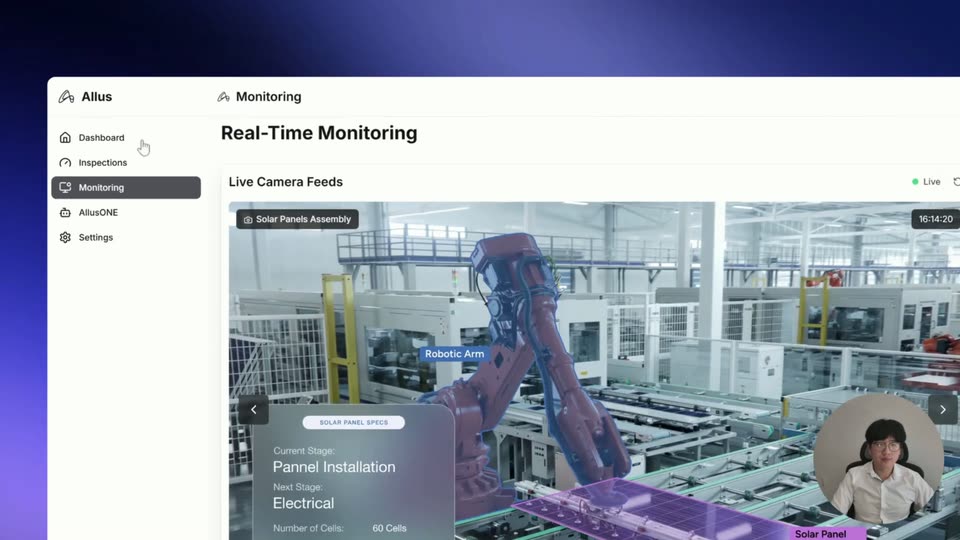 1:51–1:52Allus AI · Allus AI: Transforming Manufacturing with Next-Gen Vision Foundation ModelA product dashboard card floats on a dark blue gradient. The camera pushes in on the Real-Time Monitoring view, and a cursor hovers the left sidebar, moving the highlight from Monitoring to Dashboard. A circular presenter webcam sits in the bottom-right corner.
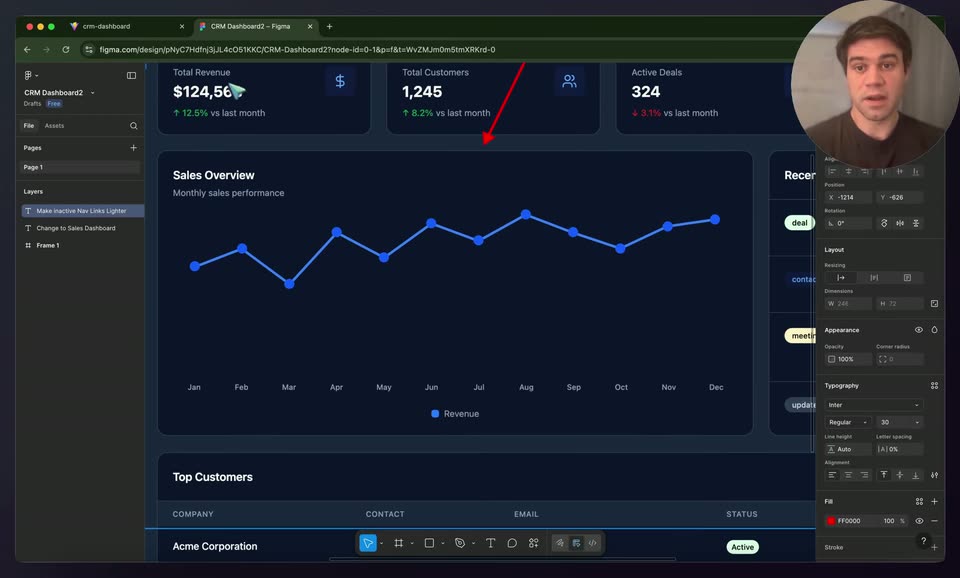 0:32–0:37Coasts · JSX Tool DemoA Figma canvas displays a dark CRM dashboard with a blue line chart and stat cards; a red arrow points at the chart and a cursor glides over it. A circular webcam of the presenter sits top right, and the left panel hides to widen the chart.
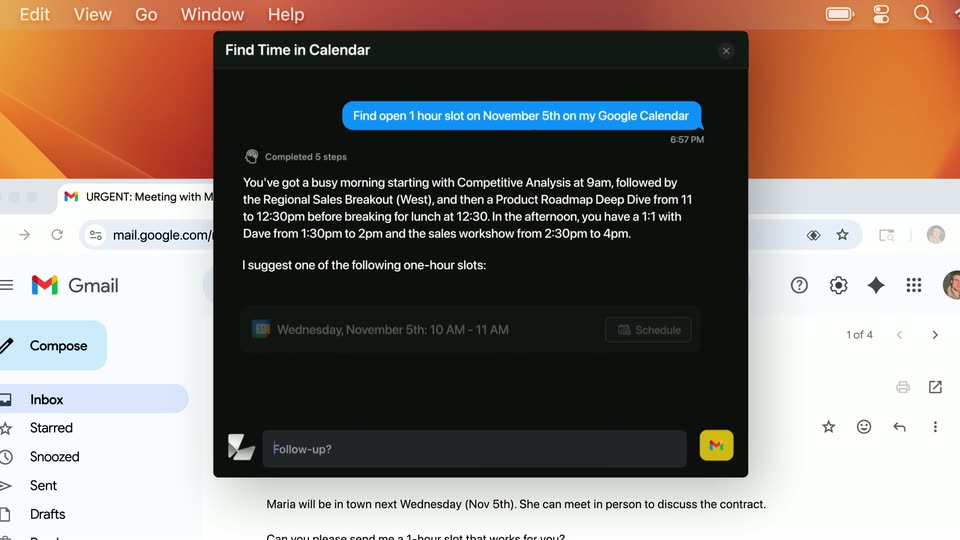 0:41–0:45Logical · Logical | The Proactive Desktop CopilotA dark chat modal titled Find Time in Calendar sits over a Gmail window. A reply types out line by line, then two meeting-slot cards with Schedule buttons fade in as a cursor moves to the first button.