
1:50
Explore
GitHub - The GitHub Copilot SDK is here 🙌 You can take the same Copilot agent
GitHub Copilot SDK · Jan 2026 · 0:46 · Full motion · AI-annotated
- Length
- 0:46
- Scenes
- 21 · 2.2 s avg
- Product on screen
- 0:00
- Features shown
- 7
- Call to action
- 0:42 · 93%
- Voiceover
- No
- Views
- 300K on X
as of November 15, 2026
00:00:00 / 00:46:02
- Length
- 0:46
- Scenes
- 21 · 2.2 s avg
- Product on screen
- 0:00
- Features shown
- 7
- Call to action
- 0:42 · 93%
- Voiceover
- No
- Views
- 300K on X
as of November 15, 2026
GitHub Copilot SDK’s 0:46 launch film runs 21 scenes, about 2.2 s each. The product is on screen from the first frame and 7 features are revealed. The call to action lands at 0:42 (93% in). Near-black navy field with a pulsing purple pixel grid along the bottom, white sans-serif headlines that type in word by word, and dark UI mockups (code editor, terminal, app windows) that rise, zoom and blur between beats. The video is a rapid montage of short feature cards at roughly 4 cuts per minute, each pairing a typed headline with a self-typing interface demo, closed by a 3D robot head and a locked logo card with a pill-outlined URL.
No filming indicatedEstimated needs: 5 capture groups — your screens or recordings · 1 official logo — reused across the film · 1 graphic passage — draw or supply · 4 3D passages — build or supply
Is this your launch? to your site or press kit.
More like this
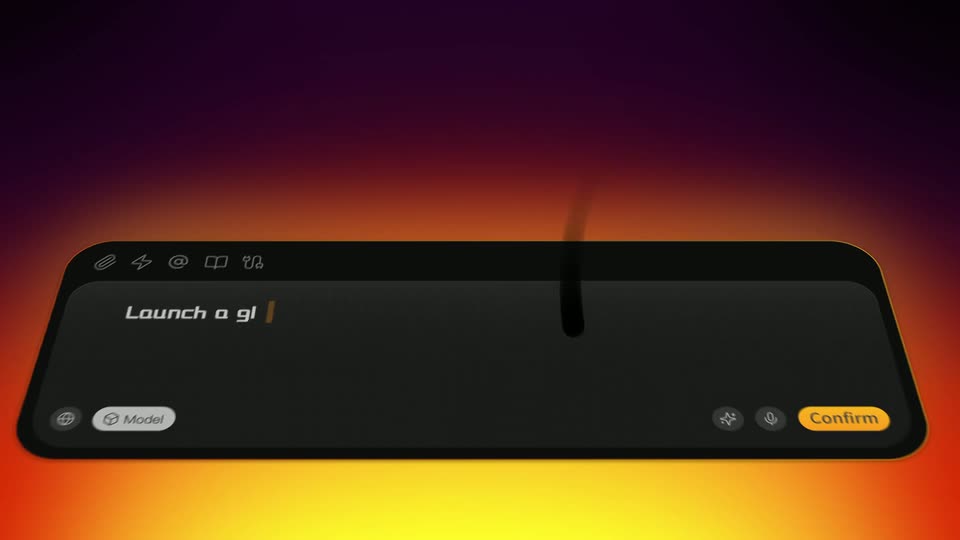
1:53

Mistral AI - Introducing powerful new features in Le Chat, making it more capable
Mistral AI · AI · Jul 2025
1:09
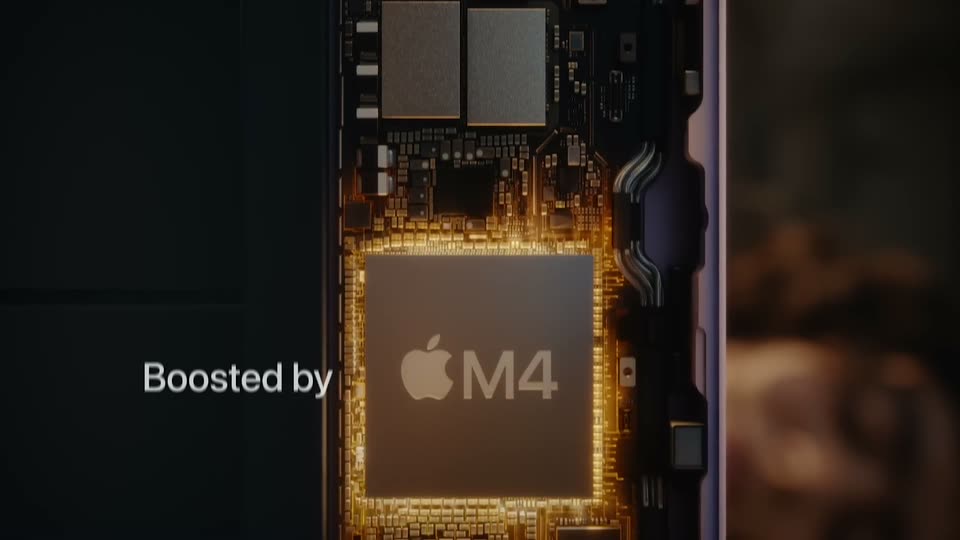

Introducing iPad Air with M4
Apple · Hardware · Mar 2026
GitHub - The GitHub Copilot SDK is here 🙌 You can take the same Copilot agent, scene by scene
· 21 scenes as text
01 · Product intro · 0:00–0:01
A dark gradient background holds a single line of white text centered in the frame. The text fades in and holds static, with no camera movement or additional elements.
On-screen text: “The GitHub Copilot SDK is here.”
Camera: Static
02 · Product intro · 0:01–0:04
On a near-black gradient, the line “The GitHub Copilot SDK is here.” fades in center-left, brightens with a soft glow, then fades out as the GitHub Copilot SDK logo lockup fades in at center.
On-screen text: “The GitHub Copilot SDK is here.”, “GitHub Copilot SDK”
Techniques: Kinetic type
Camera: Static
03 · Feature reveal · 0:04–0:06
White text builds word by word into “Add an agent to anything.” on a dark navy background. The line swaps to “With just a few lines of code.” as a tilted code editor mockup rises into frame, its code typing itself.
On-screen text: “Add an agent to anything.”, “With just a few lines of code.”
Techniques: Kinetic type, 3D mockup
Camera: Static
04 · Feature reveal · 0:06–0:08
A white headline sits above a dark code editor window. TypeScript code types in line by line, building an import, a client, a session call and a prompt string.
On-screen text: “With just a few lines of code.”
Techniques: Masking
Camera: Pan
05 · Feature reveal · 0:08–0:11
A gray line types in over a pulsing purple dot grid, then fades out. A bold white headline 'Choose your model.' appears above a dark terminal window, where a caret types the /model command.
On-screen text: “Use your Copilot subscription.”, “Choose your model.”
Techniques: Kinetic type, Particles, Cursor demo
Camera: Push in
06 · Feature reveal · 0:11–0:12
A white headline sits above a dark terminal window on a black background with a purple dotted field. The terminal text crossfades from a version banner into a numbered model list, the cursor resting on the highlighted Haiku entry.
On-screen text: “Choose your model.”
Techniques: Kinetic type
Camera: Static
07 · Feature reveal · 0:12–0:16
A dark terminal window listing AI models fades out, revealing the white headline “And build anything.” centered over an animated purple pixel wave. Then a Log Analyzer app window appears beneath the heading “A log analyzer to.”
On-screen text: “And build anything.”, “A log analyzer to”
Techniques: Kinetic type, Particles
Camera: Static
08 · Feature reveal · 0:16–0:19
A dark Log Analyzer interface sits under a white headline. A cursor ticks a checkbox and the panel zooms in, pushing the headline off screen as an upload progress bar fills to 5%.
On-screen text: “A log analyzer to find issues faster.”
Techniques: Cursor demo, UI zoom
Camera: Push in
09 · Feature reveal · 0:19–0:20
A dark Log Analyzer app window fills the frame, header and Copilot badge at top. A spinner rotates above a status line that changes from Uploading to Aggregating while the blue progress bar fills from 35% to 95%. Purple pixel dots line the bottom edge.
Camera: Static
10 · Feature reveal · 0:20–0:21
A dark analytics dashboard slides up into frame over a purple pixel-grid backdrop. The header bar and a row of four stat cards settle into place as the panel eases to its final position.
Camera: Push in
11 · Feature reveal · 0:21–0:22
A blurred analytics dashboard in the background pulls into focus, revealing a centered magenta terminal window with pixelated orange VIDEO PROMO text. A white headline flashes above the window and a cursor blinks inside before both fade out.
On-screen text: “A CLI to suggest Y”
Camera: Push in
12 · Feature reveal · 0:22–0:24
A purple terminal window sits below a white headline. A large pixelated 'VIDEO PROMO' text scales and vanishes, revealing a list of AI models. The interface then updates to show a command menu as a mouse cursor moves.
On-screen text: “A CLI to suggest YouTube titles.”, “VIDEO PROMO”
Techniques: Kinetic type, Cursor demo
Camera: Push in
13 · Feature reveal · 0:24–0:28
A dark terminal window shows a /title command being typed, then a numbered list of generated video titles fills the screen. The window fades and blurs out, and the words Or control you appear one by one on black above a purple dot grid.
On-screen text: “Or control you”
Techniques: Cursor demo, Kinetic type
Camera: Push in
14 · Feature reveal · 0:28–0:31
A white headline appears letter by letter over a dark purple dot-grid backdrop, above a Desktop Commander chat window. The window lists open apps, types a command into the prompt, then shows an assistant summary and an executing progress bar.
On-screen text: “Or control your desktop.”
Techniques: Kinetic type, Cursor demo
Camera: Static
15 · Feature reveal · 0:31–0:34
A dark stage with a purple pixel grid holds a white headline and five white feature pills that settle into a vertical stack on the left, beside a flat Desktop Commander chat window on the right. The whole layout then fades to black.
On-screen text: “It's the full power of GitHub Copilot.”, “Full MCP support”, “Agent Skills”, “Custom agents”, “Compaction”, “Subagents”
Techniques: Kinetic type
Camera: Static
16 · Feature reveal · 0:34–0:34
A white headline types out character by character over a black field with a purple dot wave at the base, then a 3D mockup of two angled app windows fades in below the text.
On-screen text: “In any application.”
Techniques: Kinetic type, 3D mockup
Camera: Static
17 · Feature reveal · 0:34–0:38
A white headline sits over a purple dot grid above a grid of application windows (code editor, terminal, file explorer) tilted in 3D space. The camera pushes in until the windows fill the frame flat, then the image blurs out.
On-screen text: “In any application.”
Techniques: 3D mockup, Parallax
Camera: Push in
18 · Other · 0:38–0:41
A dark frame holds a purple dotted grid glowing along the bottom. In the center, white text types out letter by letter with a blinking cursor, forming the line “Let’s build <3”. The dot field dims as the line completes.
On-screen text: “Let’s build <3”
Techniques: Kinetic type
Camera: Static
19 · Other · 0:41–0:42
On a black field, a purple 3D robot head with cyan eyes drops into the center leaving a green motion trail, while a blurred 3D device blurs past the top left. Centered white text reads 'Let's build <3' with a blinking caret, scaling into place.
On-screen text: “Let's build <3”
Techniques: Kinetic type, 3D mockup
Camera: Static
20 · CTA · 0:42–0:43
A small robot-face logo sits centered on a black field, shifting from flat white to a glowing purple, while a static caption and a pill-outlined URL hold position beneath it.
On-screen text: “Technical preview”, “gh.io/copilotsdk”
Camera: Static
21 · Outro · 0:43–0:46
A black frame holds the white GitHub Octocat mark beside the bold title GitHub Copilot SDK, with the line Technical preview and a pill-outlined URL gh.io/copilotsdk centered below. The composition is locked-off and remains still for the full clip.
On-screen text: “GitHub Copilot SDK”, “Technical preview”, “gh.io/copilotsdk”
Camera: Static