1:12

Akon Labs (YC S26) - Launch Video
Akon Labs · B2B · Aug 2026
Twin · Jan 2026 · 0:56 · Full motion · AI-annotated
Twin’s 0:56 launch film runs 26 scenes, about 2.2 s each. The product is on screen from the first frame and 3 features are revealed, with social proof. The call to action lands at 0:52 (92% in). The video alternates locked-off cream title cards, where words fade from light gray to black, with flat UI mockups that type out chat lines and slide in status pills. Pacing is steady at about five cuts per minute, driven by a pixel hand cursor and a small blue agent icon that recur through the demos.
Is this your launch? to your site or press kit.
Akon Labs · B2B · Aug 2026
Motionfly · Nov 2026
On a plain off-white background, dark gray text reads “Introducing” centered. The word “Twin” fades in beside it in light gray, then darkens. The line is replaced by “The AI company builder”. The frame stays locked off throughout.
On-screen text: “Introducing Twin”, “The AI company builder”
Techniques: Kinetic type
Camera: Static
On a cream background, the headline “The AI company builder” sits centered in black sans. The word “builder” fades from light gray to black over the shot, the only motion in the locked-off frame.
On-screen text: “The AI company builder”
Camera: Static
A three-line stat headline sits centered on a cream background, the lower two lines fading from light gray to charcoal. The frame cuts to the same headline over a dense wall of small gray body text, then the headline fades out.
On-screen text: “Over the last 2 months of beta, our users deployed 100,000 autonomous agents”
Techniques: Kinetic type
Camera: Static
A locked-off wall of review text on white. Yellow highlight bars sweep in from the left over six phrases, which stay bold black while the surrounding text fades to light gray.
On-screen text: “this is amazing.”, “ly agentic AI.”, “feels like using Lovable”, “Twin has already delivered.”, “The system understands.”, “Twin is genuinely impressive.”
Techniques: Masking
Camera: Static
Yellow-highlighted testimonial phrases and faint gray text fragments fill the frame, then fade away to clear the space. The headline builds word by word, each word shifting from light gray to black.
On-screen text: “this is amazing.”, “agentic AI.”, “feels like using Lovable”, “Twin has already delivered.”, “The system understands”, “Twin is genuinely impressive.”, “Here is what they built”
Techniques: Kinetic type
Camera: Static
A centered black headline on a cream field holds for the first second, then the frame swaps to a staggered column of gray role labels spread across the same plain background.
On-screen text: “Here is what they built”, “Virtual Assistant”, “Order Processing”, “Content Creator”, “Marketing Manager”, “Bookkeeping Service”
Camera: Static
A vertical list of dark gray service names slides down a cream background as a pixelated hand cursor tracks the centered item. The list collapses into a white input field holding AI receptionist in blue, with a round send button at the right.
Techniques: Kinetic type, Cursor demo, Morph
Camera: Pan
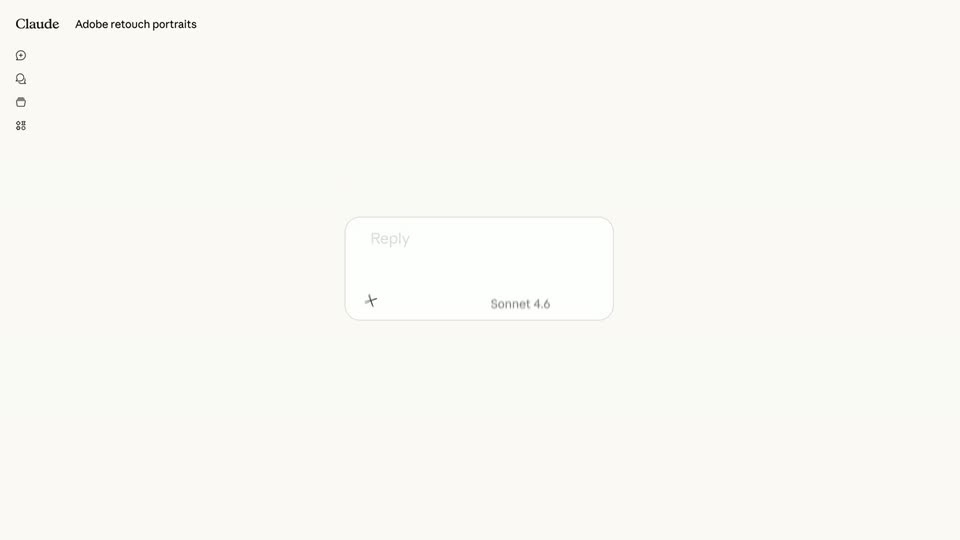
A white rounded chat input card on a cream background types out a request for an AI phone receptionist word by word. A pixel hand cursor clicks the black send button, and the card shrinks into a sent message bubble.
Techniques: Kinetic type, Cursor demo
Camera: Static
A light chat screen shows a request bubble, then a bot avatar replies with a question that types out and a row of pill options. A hand cursor taps Google Sheets, the thread scrolls to a follow-up question, and a No setup, headline cuts in.
On-screen text: “No setup,”
Techniques: Cursor demo
Camera: Pan
Centered sans-serif text on a cream field. The line No setup, no prompting, builds up as gray words darken to black, start right away joins below, then both give way to the single phrase Launch agent.
On-screen text: “No setup, no prompting,”, “start right away”, “Launch agent”
Techniques: Kinetic type
Camera: Static
A pixelated hand cursor clicks a gray Launch agent button on a cream background; the button turns blue and reads Starting..., then the view cuts to a typed status line with two webhook cards sliding in beneath it.
Techniques: Cursor demo, Kinetic type
Camera: Static
A light cream interface shows a vertical event timeline for an AI hotel receptionist. Two blue nodes connect gray text lines and white pill bubbles with green and blue icons, listing a registered webhook, an incoming call, and a room availability check. The list eases into place.
Camera: Static
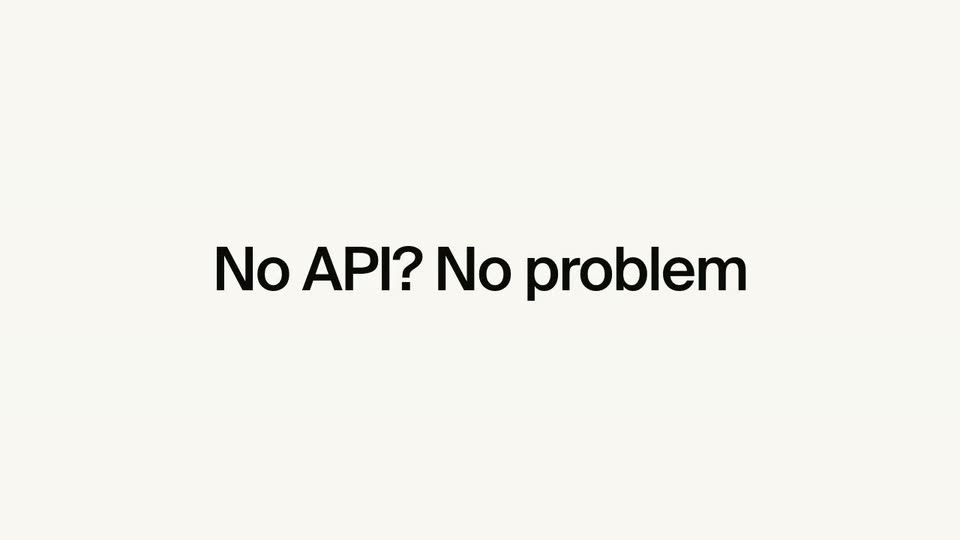
A plain off-white background shows the centered line “No API? No problem” in dark gray sans-serif, which appears and holds still. A small light-blue icon slides in to the left of the text near the end.
On-screen text: “No API? No problem”
Camera: Static
A gray sentence types out on a plain off-white background beside a small node logo, then a status pill slides in below. The line fades and a 3D browser window showing the Booking.com homepage rises into view in perspective.
On-screen text: “I'll test the reservation flow on Booking.com to verify room availability in Saint-Rémy-de-Provence.”, “Opening browser Navigating to Booking.com”
Techniques: Kinetic type, 3D mockup
Camera: Static
A flat browser window displays the Booking.com homepage, its blue winter-deals banner and airplane illustration. Above it, a status pill reads 'Opening browser'. A blue caption pill with a pointer icon fades in reading 'Testing reservation flow.' then swaps to 'Testing Saint-Rémy-de-Provence.' as the search field fills in.
On-screen text: “I'll test the reservation flow on Booking.com to verify room availability in Saint-Rémy-de-Provence.”, “Opening browser Navigating to Booking.com”, “Testing reservation flow.”, “Testing Saint-Rémy-de-Provence.”
Camera: Static
On a cream background, the line “If something breaks, it fixes it” sits centered, “If” in bold black and the rest in gray. The gray words darken to black, then a small blue node icon and a thin vertical caret fade in at the left edge.
On-screen text: “If something breaks,”, “it fixes it”
Camera: Static
A cream chat interface, locked off. An agent line types 'Syncing your CRM contacts to the mailing list.'; two status pills drop in, one with a red error X. A second line types a batching and backoff reply, and the list scrolls up as each line lands.
Techniques: Kinetic type
Camera: Static
A plain off-white background holds a single sentence that builds word by word. The first words land in solid black while the trailing words fade in light gray, settling left of center on a locked-off frame.
On-screen text: “Once it knows enough, it”
Techniques: Kinetic type
Camera: Static
Centered black text on a white background reads the full sentence, then blurs out as a thin gray rounded pill slides in carrying the words Run mode.
On-screen text: “Once it knows enough, it switches to”, “Run mode”
Techniques: Kinetic type
Camera: Static
On a white background, a rounded toggle switch starts gray with the knob on the left and the label Run mode in faint gray. It flips to blue, the knob slides right, and the label turns solid white.
Camera: Static
On a plain white background, a line of gray sans-serif text fades and slides into focus at center. The phrase resolves from a soft blur to a sharp read, holding on a locked-off frame.
On-screen text: “Run mode”, “it's 1x cheaper”
Techniques: Kinetic type
Camera: Static
A white card holds the line 'it's 8x cheaper' in black sans-serif, centered. The multiplier crossfades to '10x' mid-scene, then the frame clears to white.
On-screen text: “it's 8x cheaper”, “it's 10x cheaper”
Camera: Static
A grid of white task cards with blue checkmarks scrolls slowly upward on a pale background. A centered headline fades in from gray to black and holds still over the moving cards.
On-screen text: “And it runs fully autonomously.”
Camera: Static
Centered text on a plain cream background. The word “now” starts in light gray and darkens to black, matching “Available,” while the frame stays locked.
On-screen text: “Available now”
Camera: Static
A plain cream frame holds centered dark text reading “Available now”, which then cuts to a gray “twin.so” URL. Both are locked off with no camera move or in-frame motion.
On-screen text: “Available now”, “twin.so”
Camera: Static
A plain off-white background holds the centered black word “twin.so” in a simple sans-serif typeface. The text remains static in the middle of the frame for the full duration.
On-screen text: “twin.so”
Camera: Static