Cursor demo
A visible cursor operates the interface.
15,127 scenes · page 136 of 253
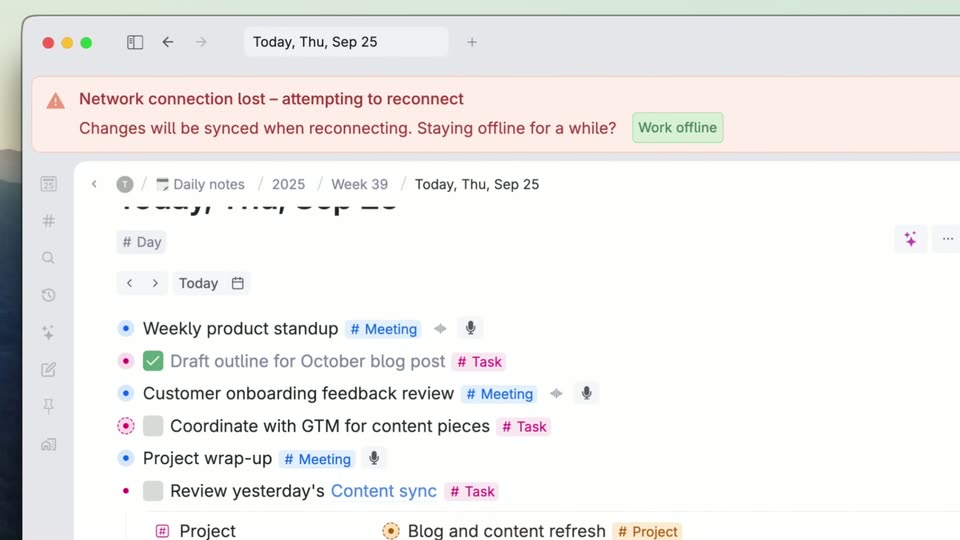 0:38–0:42Tana · Tana Outliner Offline Is HereA note-app window shows a red offline banner above a daily task list; the view zooms in on the list and a cursor slides in at the lower right.
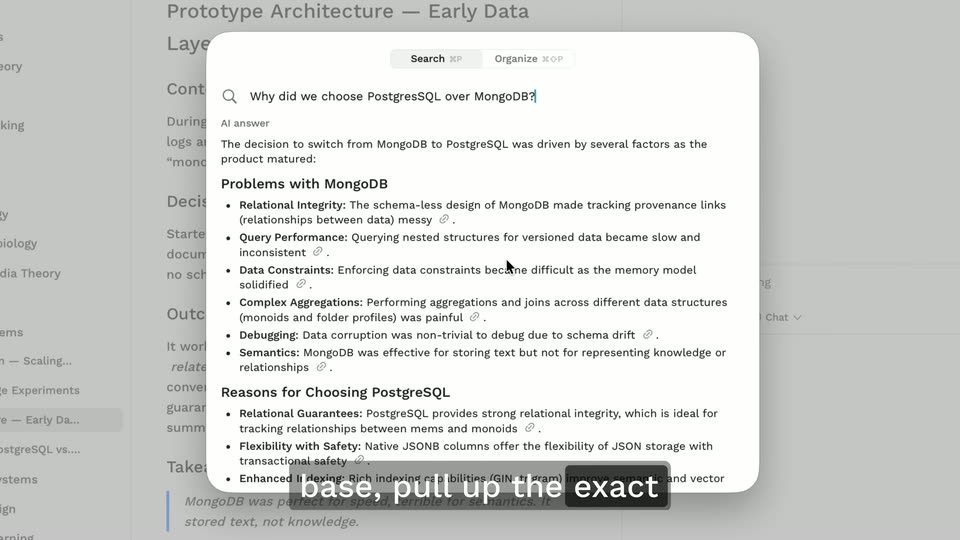 0:35–0:40Nessie · Nessie - AI knowledge base for your mindA search dialog opens over a blurred note app, and the view zooms in as a typed query returns an AI answer that expands on click. A large white headline scales in, then word-by-word captions roll along the bottom.
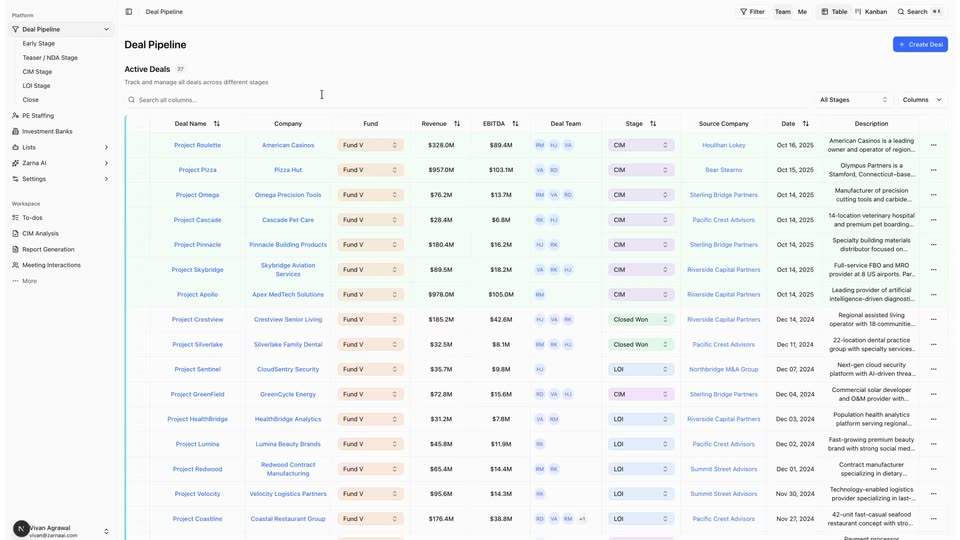 0:27–0:36Zarna · Demo Video - ZarnaThe Deal Pipeline table of a CRM fills the frame; the cursor hovers across rows, then seven new deals drop in at the top as the list count rises to 37 and the sidebar narrows. The cursor settles on the Omega Precision Tools row.
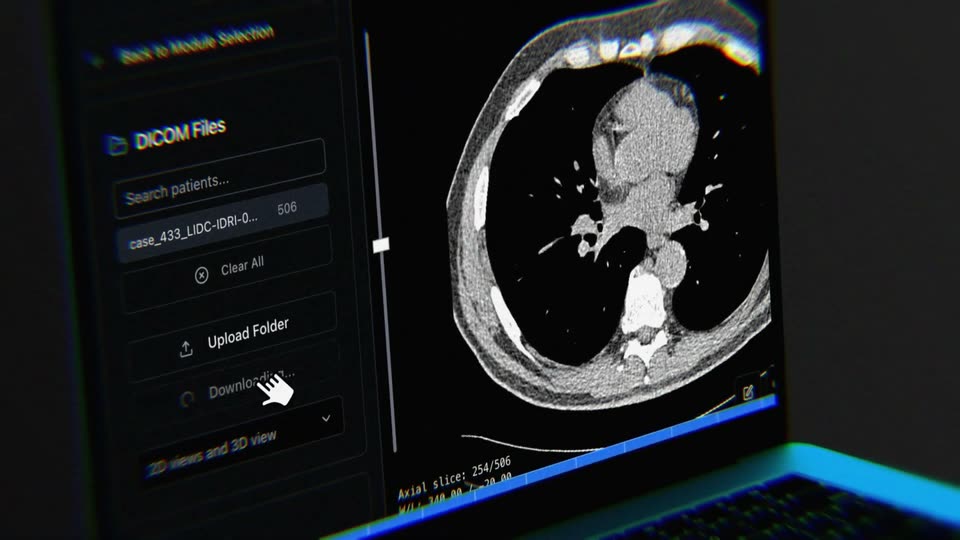 0:51–0:52Nucleo · Nucleo - Automated cancer diagnosticsA tilted monitor in 3D perspective shows a medical imaging app: a left panel lists DICOM files and a download button under a cursor, while a grayscale axial chest CT scan fills the right side.
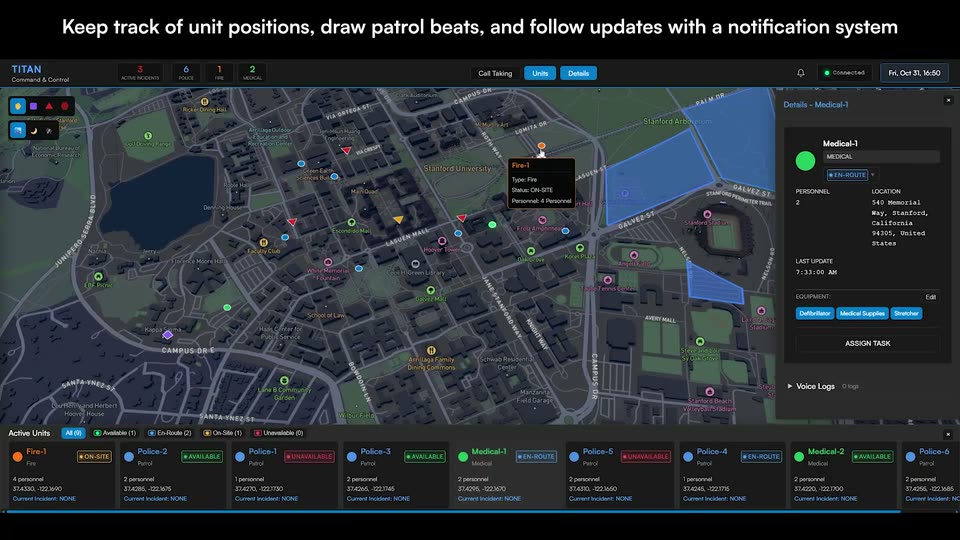 1:08–1:11Lakonia · Introducing: LakoniaA dark command and control dashboard displays a city map with colored unit markers moving across the grid. A white cursor hovers over a marker near the top, while a details panel on the right and a unit list at the bottom remain static. A headline sits above the interface.
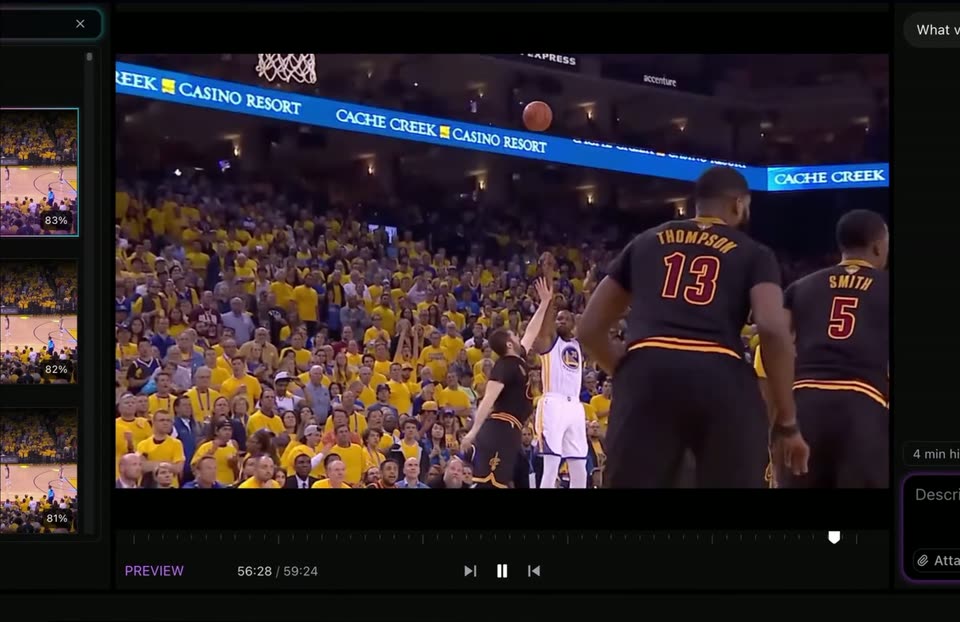 0:31–0:41Narrative · Narrative: Cursor for Professional Video EditorsThe cursor moves to the search bar and types a query, filling the media panel with a grid of matched clips. The frame then zooms into the preview window as a basketball shot flies through the hoop.
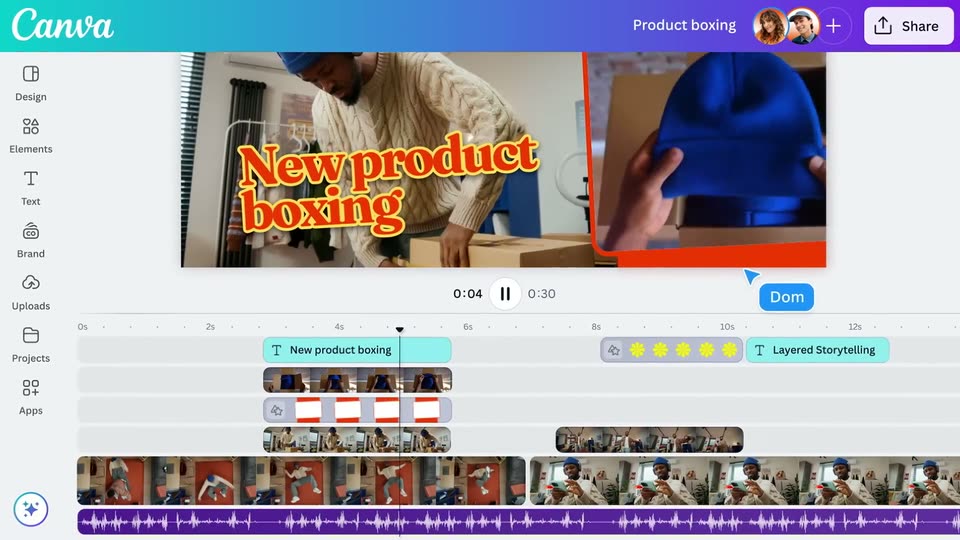 2:47–2:49Canva · Introducing Canva Video 2.0The Canva editor fills the frame: a preview shows a man taping a box under “New product boxing” text, beside a clip of hands holding a blue folded item. A cursor labeled Dom moves below that clip and blue sparkles pop in as the view reframes wider.
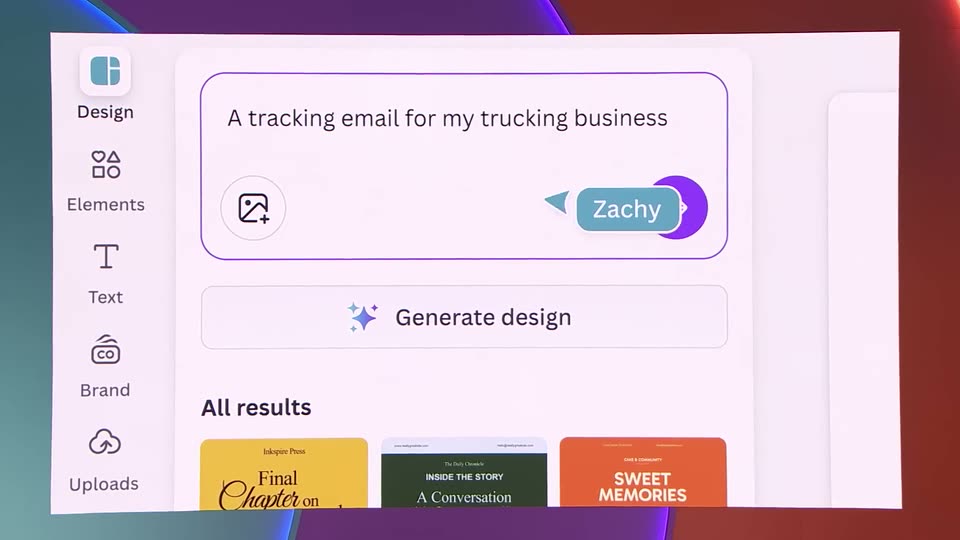 2:40–2:43Canva · Introducing Email Design in CanvaClose-up of a design tool interface over a teal-to-orange gradient. The prompt 'A tracking email for my trucking business' types itself into the input field while a blue cursor with a 'Zachy' name tag slides from the field to the Generate design button.
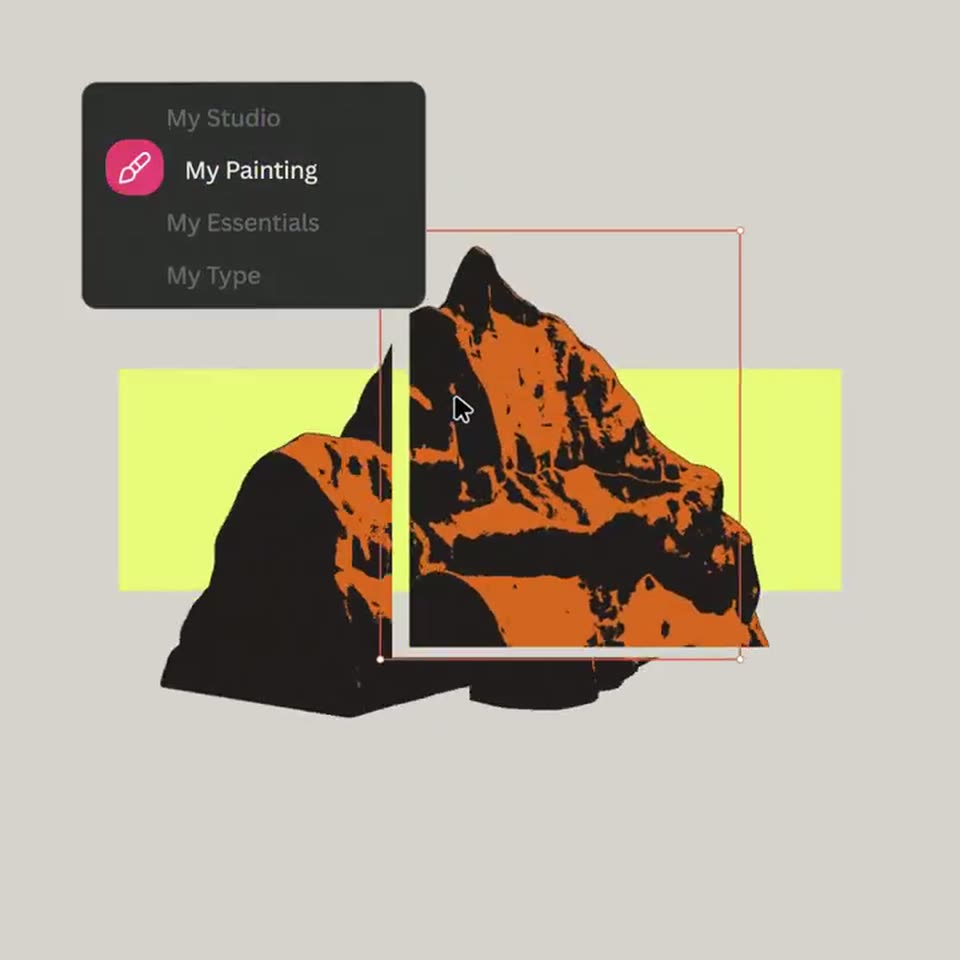 0:15–0:16Affinity · Affinity - The all new Affinity is here! Design, edit photos and layout your worA dark dropdown menu lists studio items at the top left while a black and orange shape morphs from a tall peak into a wide form on a gray canvas. Two pink selection boxes with corner handles and a white cursor track the shape over a yellow bar.
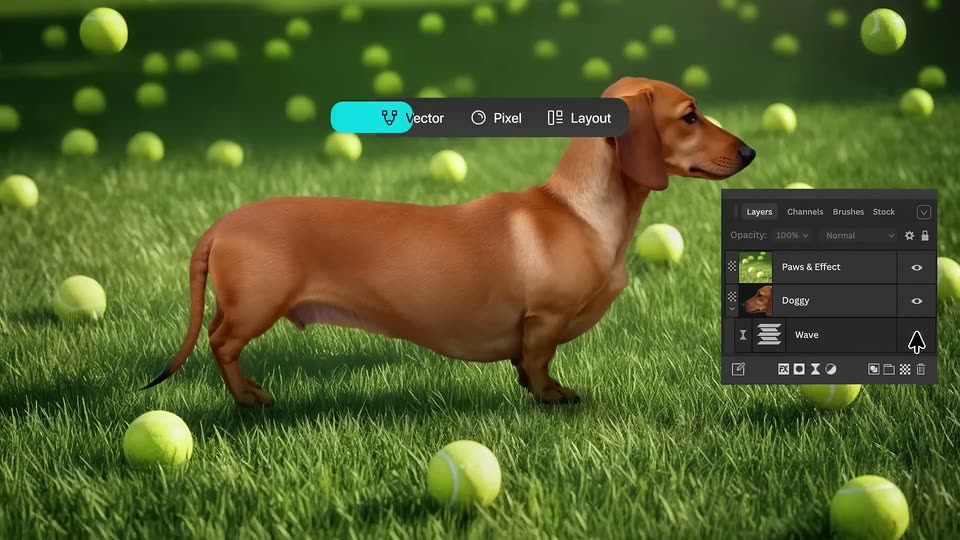 0:32–0:33Affinity · Creative FreedomA 3D dachshund stands in profile on grass dotted with tennis balls. A dark layers panel and a small toolbar reading Vector, Pixel, Layout float over the scene; the toolbar slides away and a cursor moves down the panel.
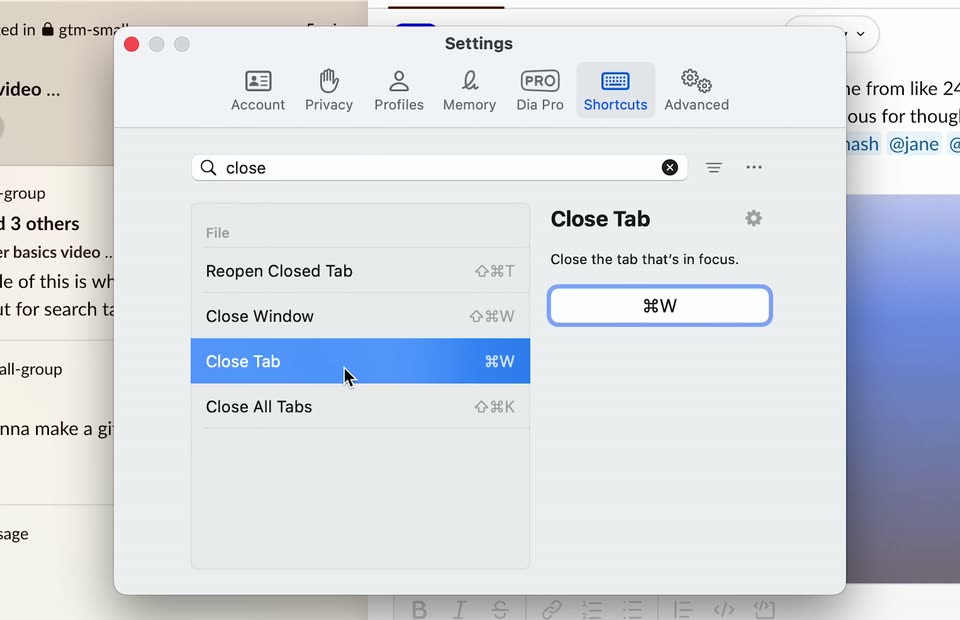 0:35–0:37The Browser Company · Dia - 3️⃣ new features live in Dia today: - Focus Mode - Custom keyboard sA blurred desktop sits behind a browser Settings window that scales up into frame. The Shortcuts tab is active, the search field reads close, and a cursor rests on the highlighted Close Tab row while the right panel shows its command W shortcut.
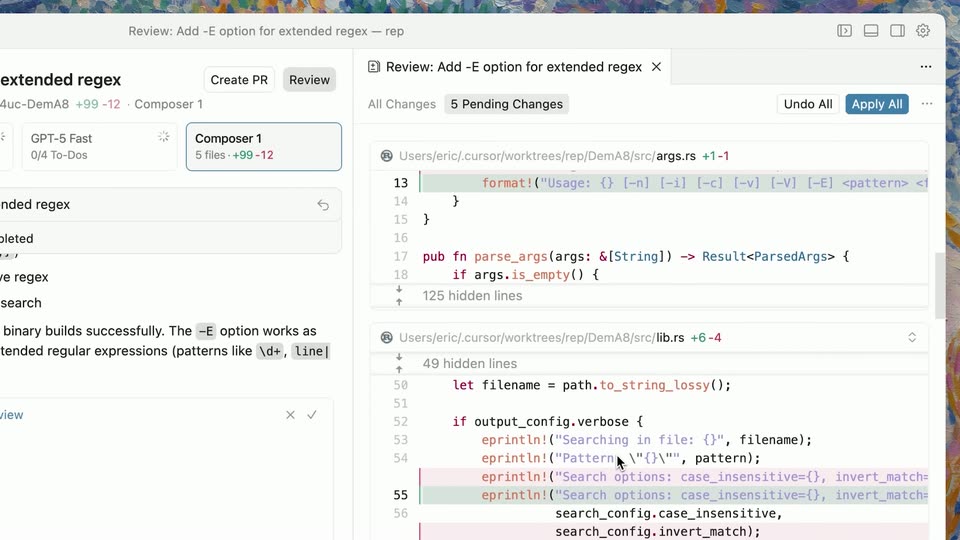 0:35–0:42Cursor · Introducing Cursor 2.0A code review UI in a light IDE. The frame pulls back from the summary and file list to reveal the whole window, then pushes into the diff pane, following a cursor as it moves across the edited Rust files.
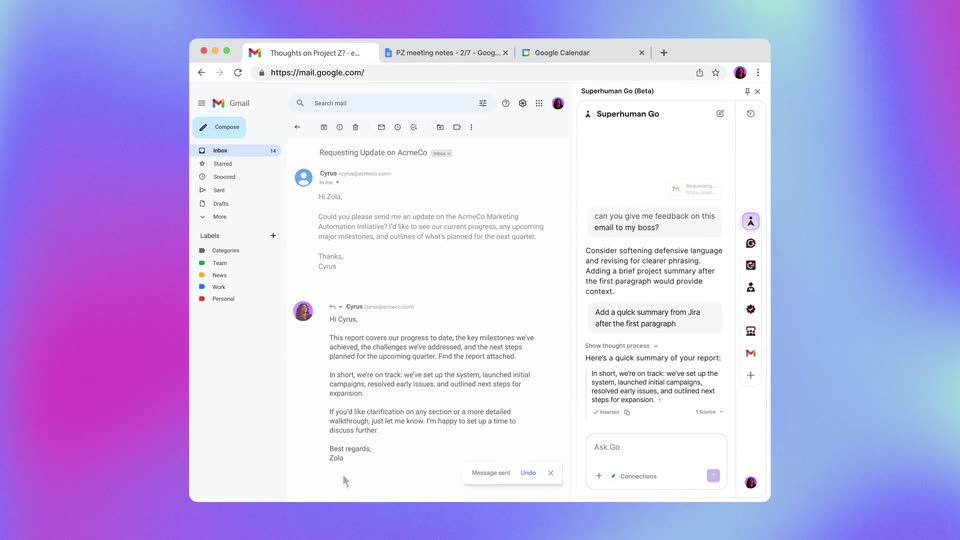 0:28–0:29Superhuman · Superhuman - We built Superhuman Go for you. Go is the proactive AI assistant thatA browser window shows a Gmail thread with a reply draft and an AI assistant panel on the right, set on a purple gradient. A cursor moves to the blue Send button and clicks it, swapping the button for a Message sent confirmation with an Undo link.
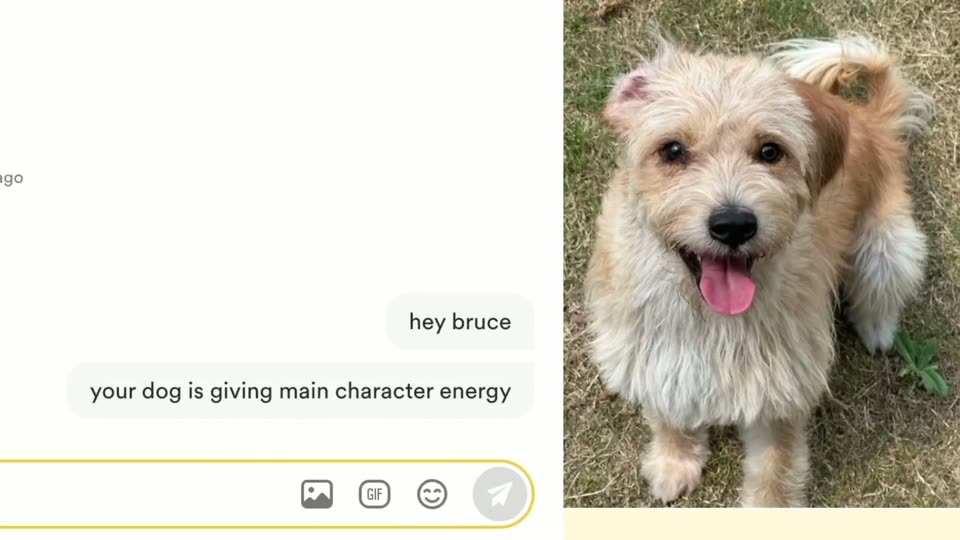 0:28–0:34Flowith · Derek Nee - introducing the OpenAI Atlas killer. might be the last browser you'llA chat interface with a match's profile and dog photo on the right. A cursor types a reply in the input bar and clicks send, then the frame zooms in on the two sent message bubbles next to the dog photo.
 0:08–0:10Topaz Labs · Topaz Labs - @Adobe + Topaz Labs 🤝🙌 Just announced—you can now access select TopazA person in a pink fur coat holds a yellow bird against blue sky as a dark dropdown on the left lists partner models, cursor on the Gemini row. The panel closes, then a dark canvas shows a small orange-cat photo sliding in under the cursor.
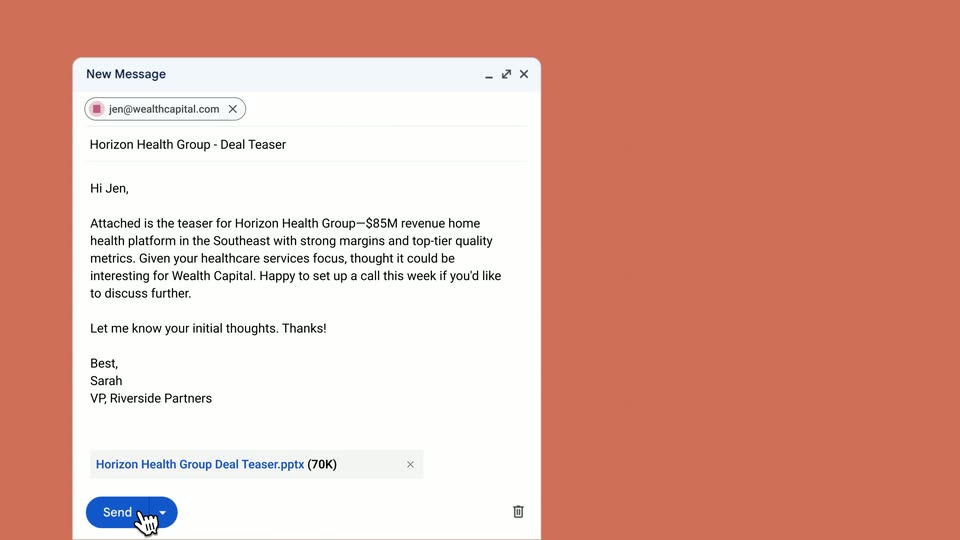 0:37–0:39Anthropic · Anthropic - We’re expanding Claude for Financial Services, with an Excel add-in,Two overlapping email compose windows slide off to the left, a cursor hovering on the Send button, until a hand-drawn white envelope with a dark X flap pops into the center of the terracotta background.
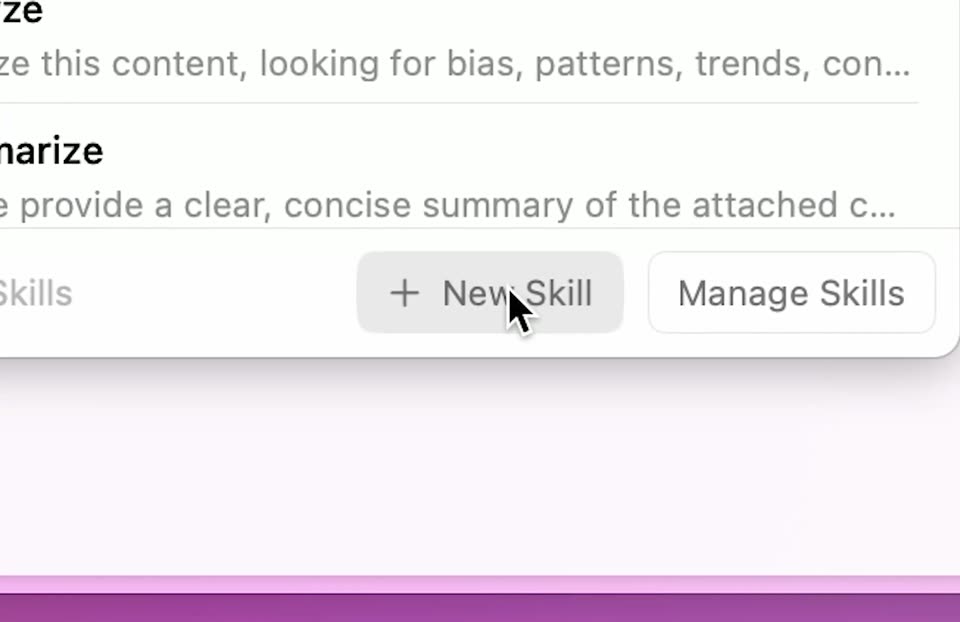 0:10 · 0.4sThe Browser Company · Dia - Complex Skills, simple words. Create expert-level prompts with the rA tight crop of a skills panel shows two truncated list rows above a footer row. A black arrow cursor rests on the New Skill button, which fills with a gray pressed state, while the Manage Skills button beside it stays white.
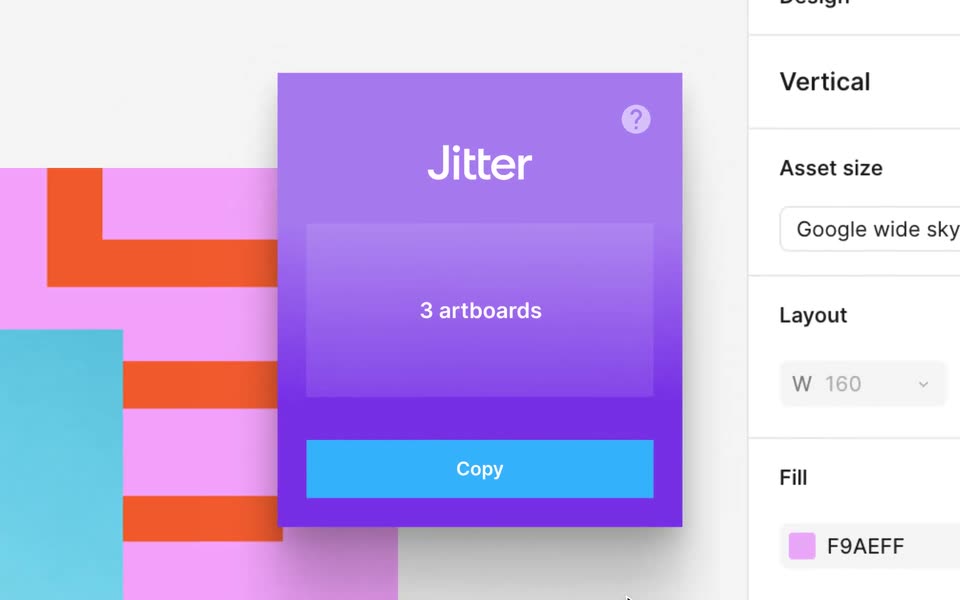 0:04 · 0.7sJitter · Jitter - New this week: Jitter plugin for Figma Buzz 🎉 Drive engagement by adA purple card titled Jitter, with a 3 artboards label and a blue Copy button, fades in at the center of a design canvas. A pink layout with orange bars slides left behind it. A properties panel holds the right edge, and a cursor appears below the card.
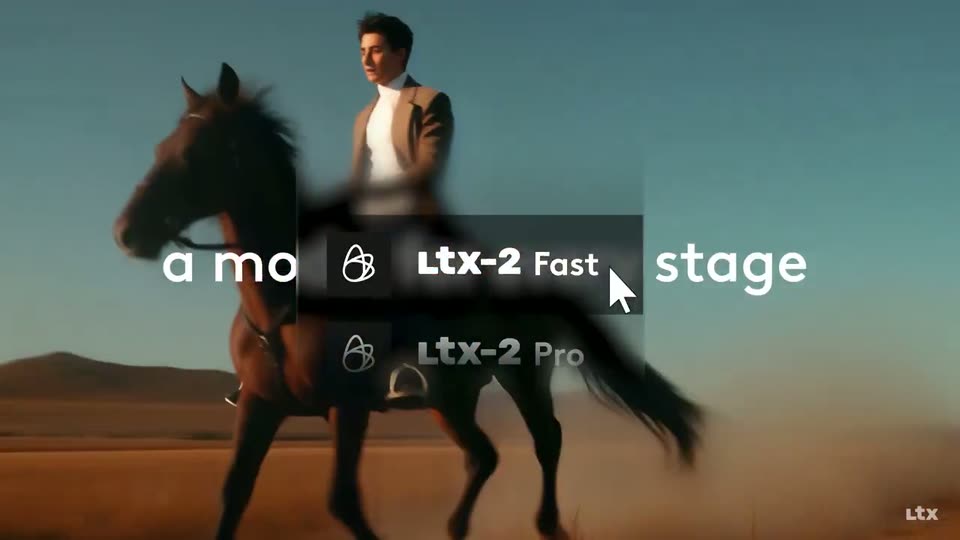 0:29 · 0.8sLTX · LTX.io - Today we’re launching LTX-2 in LTX (we're more than a studio). LTX-2A man in a tan suit rides a brown horse across a desert under a blue sky. A dark model-selector chip with an atom mark and a white cursor arrow hovers over the white headline, then the shot cuts to a tiled grid of short video clips.
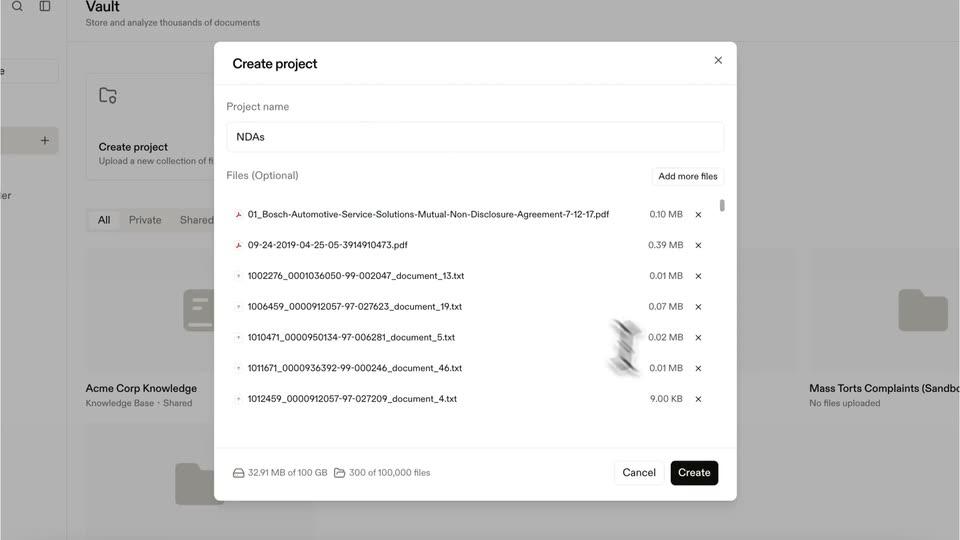 0:25–0:27Harvey · Microsoft IntegrationsA dimmed Vault interface centers a Create project modal. A large white cursor types NDAs into the project name field, then moves down and presses the Create button.
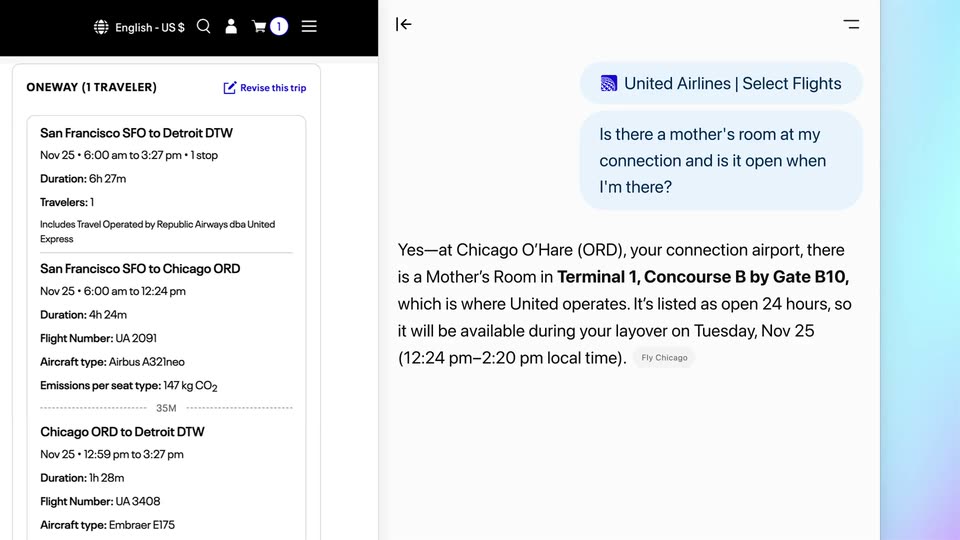 0:34–0:41OpenAI · OpenAI - Meet our new browser—ChatGPT Atlas. Available today on macOS:A two-panel product interface shows a flight booking summary on the left and an assistant chat on the right. A typed question is sent with a hand cursor, then the view reframes to the full itinerary as the assistant's answer streams in.
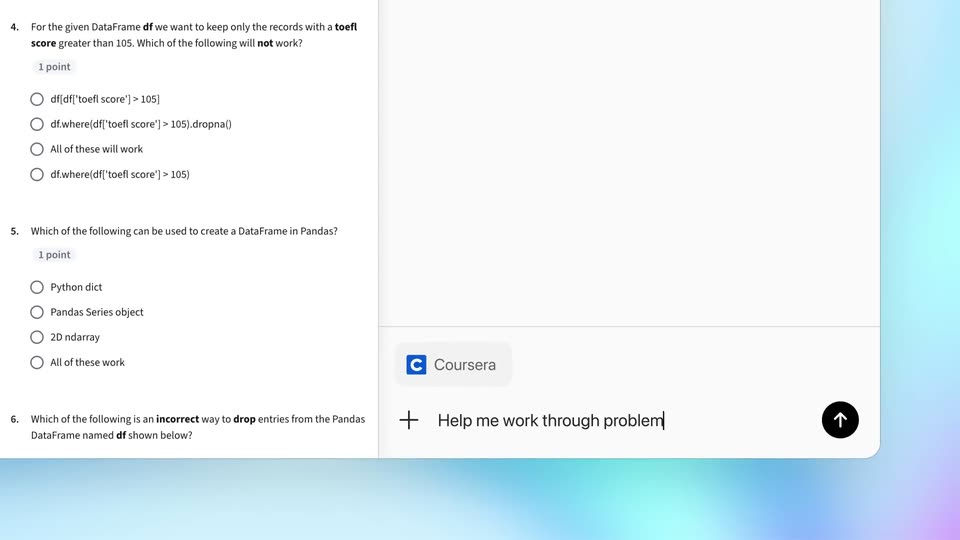 0:31–0:33OpenAI · Introducing ChatGPT AtlasA flat product UI on a blue-pink gradient shows a Pandas quiz on the left and a chat box on the right. A cursor hovers over answer options while a caret types 'Help me work through problem number 4' into the input field.
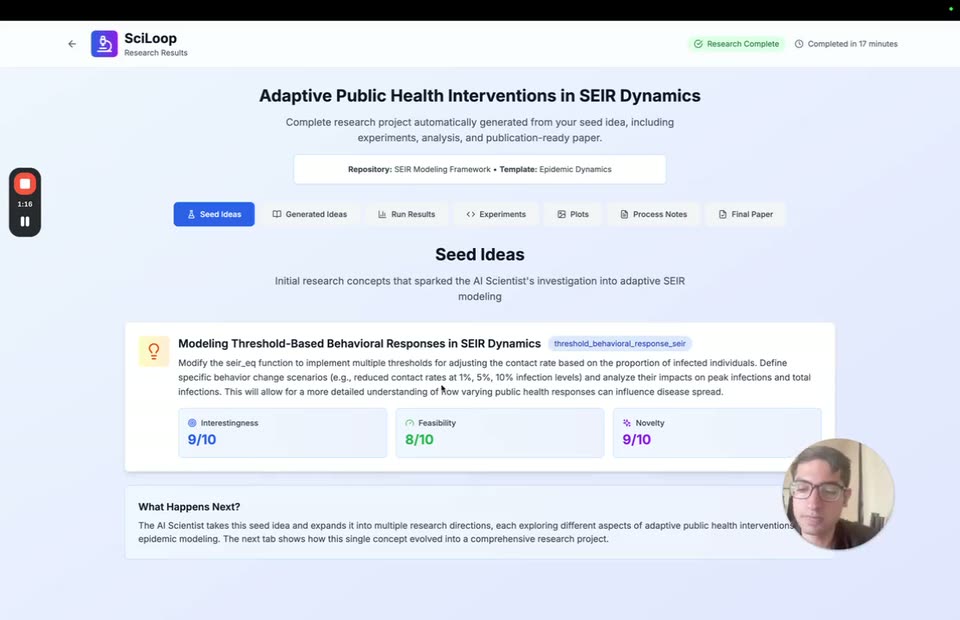 1:05–1:25Sciloop · Sciloop - End to End Scientific DiscoveryA screen recording of the SciLoop Research Results page shows the Seed Ideas tab with a scored idea card, a circular webcam feed of a presenter in the corner. The cursor clicks the Process Notes tab, switching the view to the AI Process Documentation timeline.
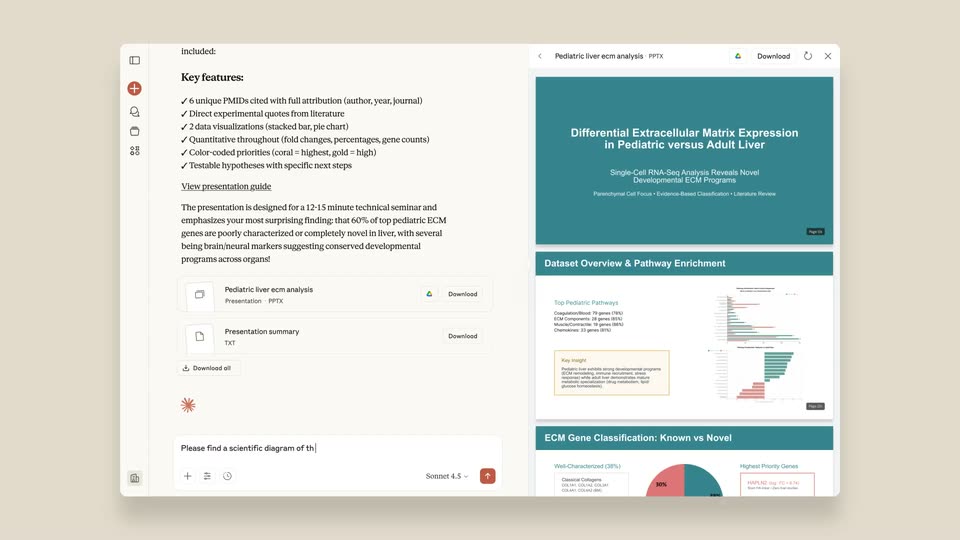 1:02–1:04Anthropic · Anthropic - We’re building tools to support research in the life sciences, from eA product interface splits into a chat panel on the left and a presentation preview on the right. In the bottom input box, a prompt is typed out asking for a scientific diagram of the hepatic lobule, while the right pane shows a title slide, a volcano plot, and a donut chart.
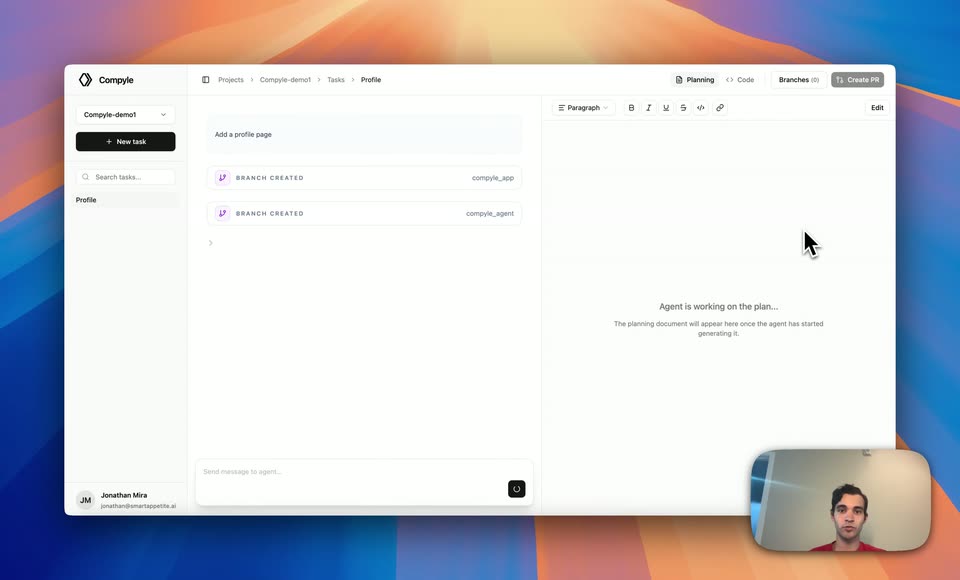 0:42–0:52Compyle · Compyle | Demo VideoClose-up of a task form zooms out to the full Compyle window on a gradient, a presenter's webcam in a rounded corner at bottom right. The right panel flips to 'Agent is working on the plan...' while two branch rows slide in; the window then blurs and shrinks.
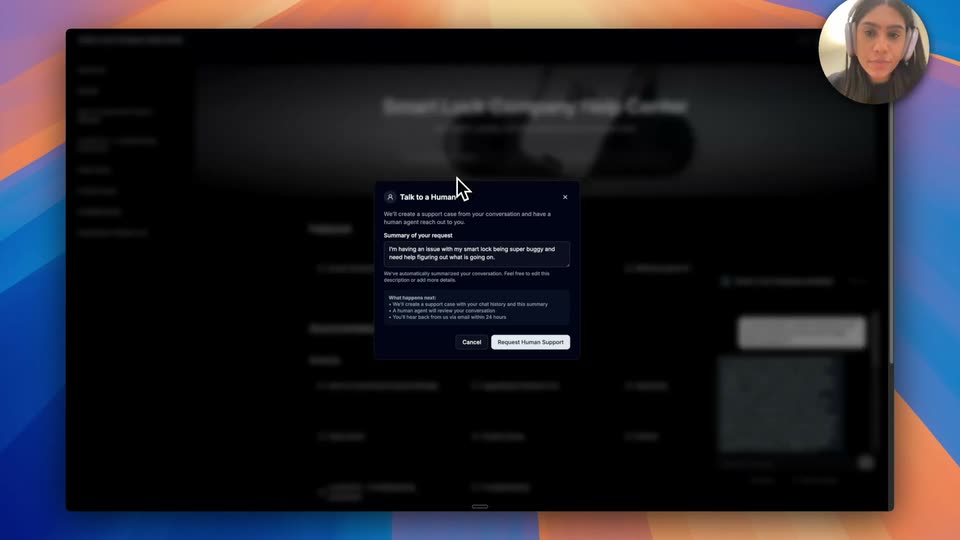 1:24–1:42Layers · Telemetron DemoA close-up of a dark support dialog zooms out to frame the whole help-center window as a cursor rests on the Request Human Support button. A circular webcam of the presenter stays pinned top-right against a colorful gradient backdrop.
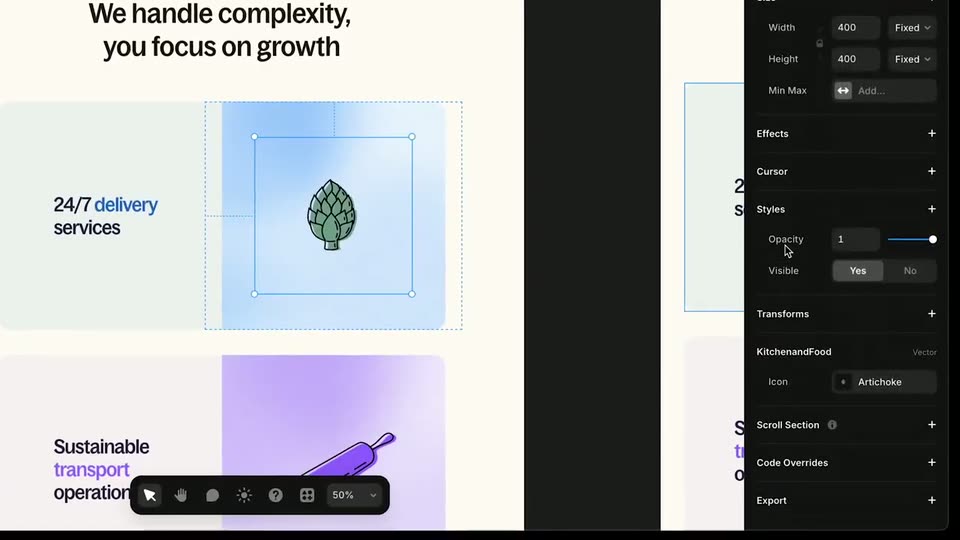 0:20–0:21Framer · Framer - 🖌️ Vectors are now available on the Framer Marketplace. Easily add reThe Framer editor fills the frame. A canvas on the left holds a selected artichoke icon beside a 24/7 delivery services card, while the dark properties panel on the right scrolls downward. A mouse pointer tracks the panel as it moves.
 0:33 · 0.8sCapCut · CapCut - Your all-in-one e-comm toolkit is here. Meet the new CapCut Desktop!A white poster canvas pans right past a lipstick and a purple Black Friday jar, then reframes onto a teal circular up-arrow button as a gradient cursor moves in and clicks it.
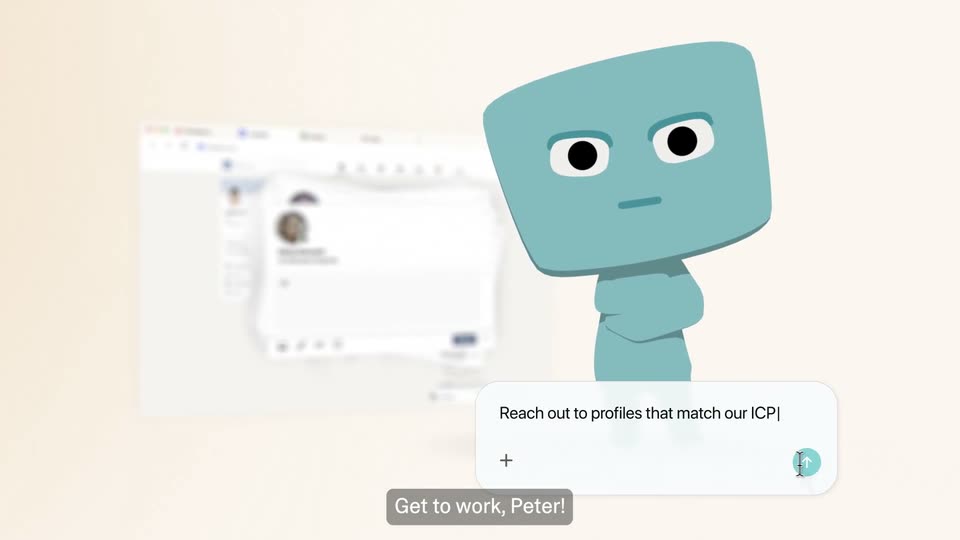 0:19–0:24Strawberry · Charles Maddock - We've raised $6M from General Catalyst, EQT Ventures, and founders ofA teal 3D robot with a square head stands at right before a blurred browser window. A prompt bar types a message, then a mouse cursor clicks the send button as the robot shrinks away. Gray captions read “Prospect Peter.” and “Get to work, Peter!.”
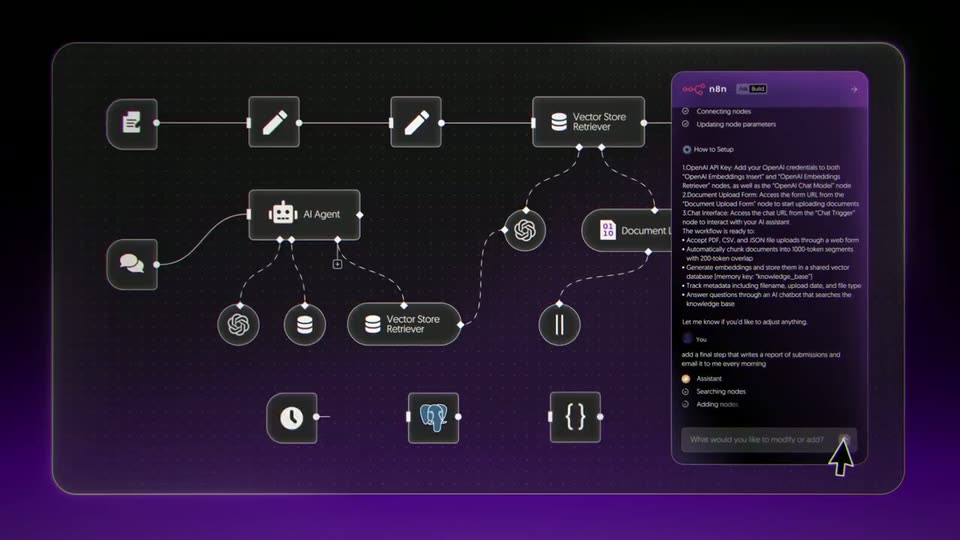 0:37–0:44n8n · n8n.io - 🚀 Introducing AI Workflow Builder (Beta) - Turn prompts into living wThe camera pulls back from scattered workflow nodes to reveal the full n8n canvas as dashed connections draw between them. A cursor types a new request in the chat panel on the right, and fresh nodes pop onto the bottom row of the graph.
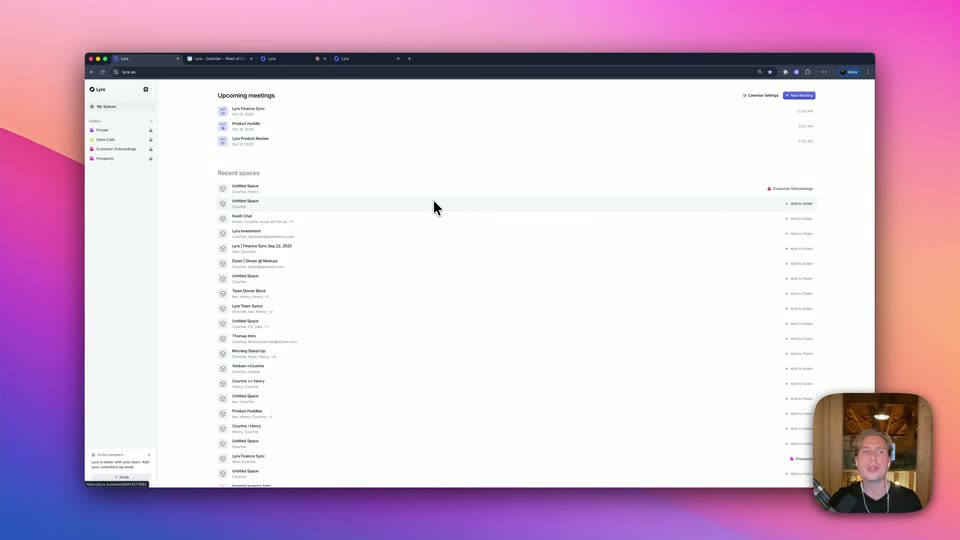 0:06–0:07IRBC · Lyra, The Final Meeting Platform.A browser window displays the Lyncr homepage, listing upcoming meetings and a long recent spaces list. A cursor hovers over the recent spaces rows while a small rounded video of the presenter plays in the bottom right corner against a pink-to-purple gradient.
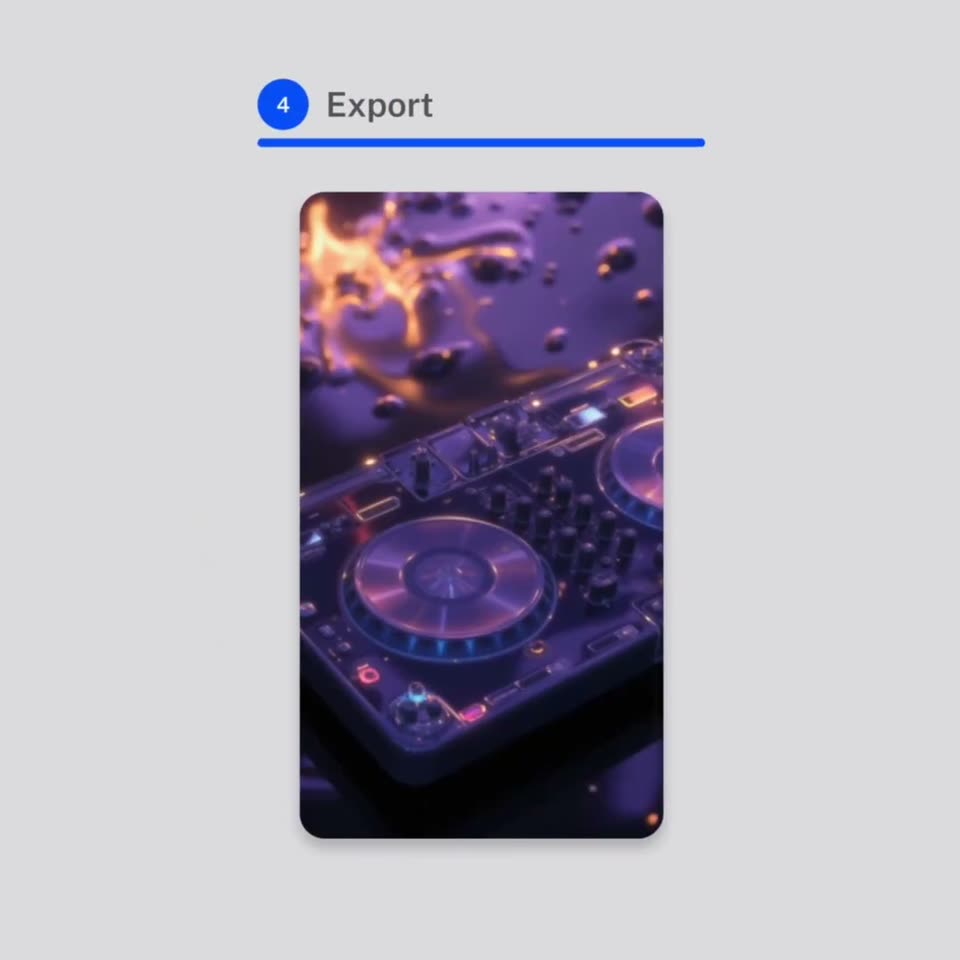 0:21–0:22Kaiber · Kaiber - Most AI tools just generate. But Superstudio helps you create. MakeA grid of vertical video thumbnails collapses into one selected purple DJ-deck clip while the top step marker advances from 3 to 4. A cursor sits at the bottom, then a control panel with Speed, Transitions and Aspect Ratio tabs slides up.
 0:57–0:58Meridian · Alex Dees - Introducing Meridian. 50% of searches are now powered by AI (Think CA dark chat screen shows a white interlocking knot logo above the heading “What can I help with” and an “Ask anything” input bar with a mic and up-arrow. The interface slides upward as the top dashboard panel scrolls out, and a cursor hovers over the input. A bottom subtitle reads “Here Meridian found that”.
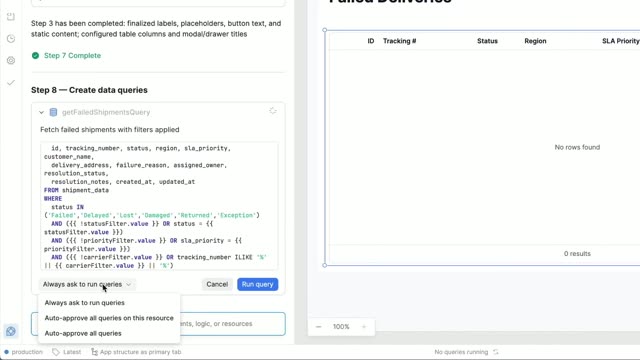 1:01–1:05Retool · Introducing Enterprise AppGen: AI-Assisted Development from RetoolSplit view of the Retool builder: a SQL query card on the left, an empty Failed Deliveries table on the right. A cursor clicks the run-queries dropdown to open its options, then the frame reframes to the full Shipment Triage Dashboard with a properties panel.
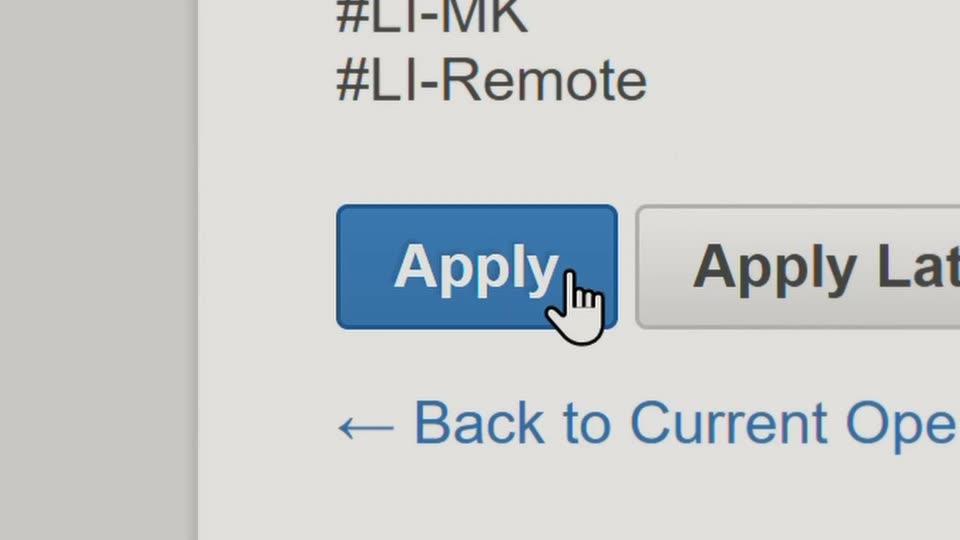 0:12–0:13Sorce · Y Combinator - Sorce (@sorcejobs) is building Tinder for Jobs. When you swipe rightA locked-off close-up of a settings panel shows a blue Apply button beside a gray Apply Later button, with hashtag labels above. An arrow cursor hovers at the top right while a hand cursor slides onto the blue button and presses it.
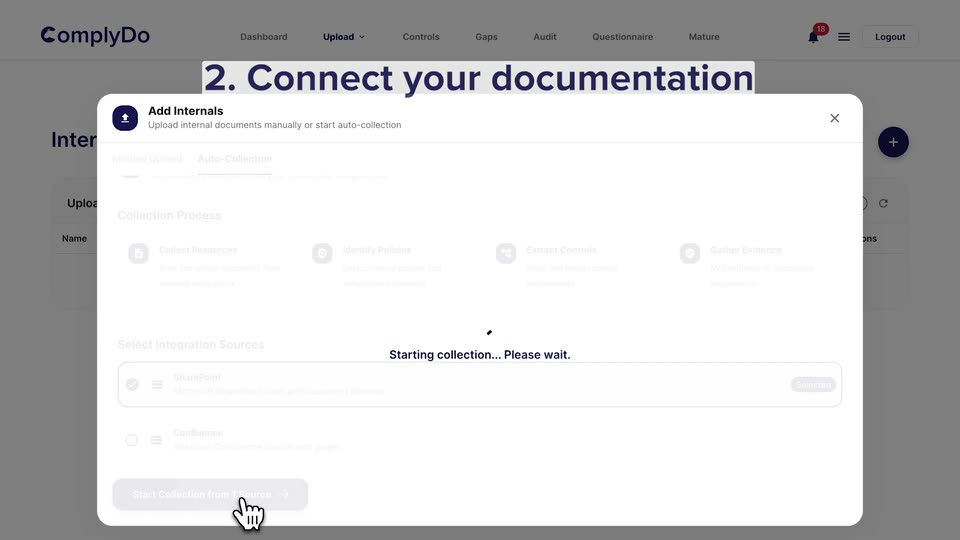 0:22–0:24ComplyDo · Compliance is CHAOS. ComplyDo (YC F25) - The most flexible enterprise compliance engine.A ComplyDo dashboard is dimmed behind an 'Add Internals' modal, beneath the headline '2. Connect your documentation'. A hand cursor glides down and clicks the 'Start Collection from 1 Source' button, and the panel swaps to a spinner reading 'Starting collection... Please wait.'
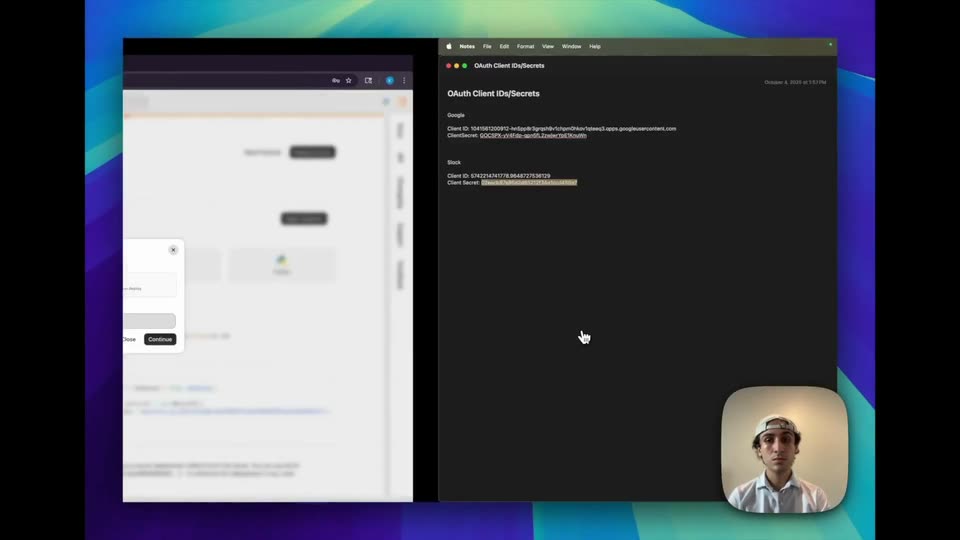 0:32–0:33Metorial · Introducing Metorial - YC F25Two browser windows sit side by side on a colorful desktop. A cursor clicks through the left window, which opens a deployment dialog, while the right window shows an API docs page. A small webcam feed of a man in a cap stays pinned to the bottom right corner.
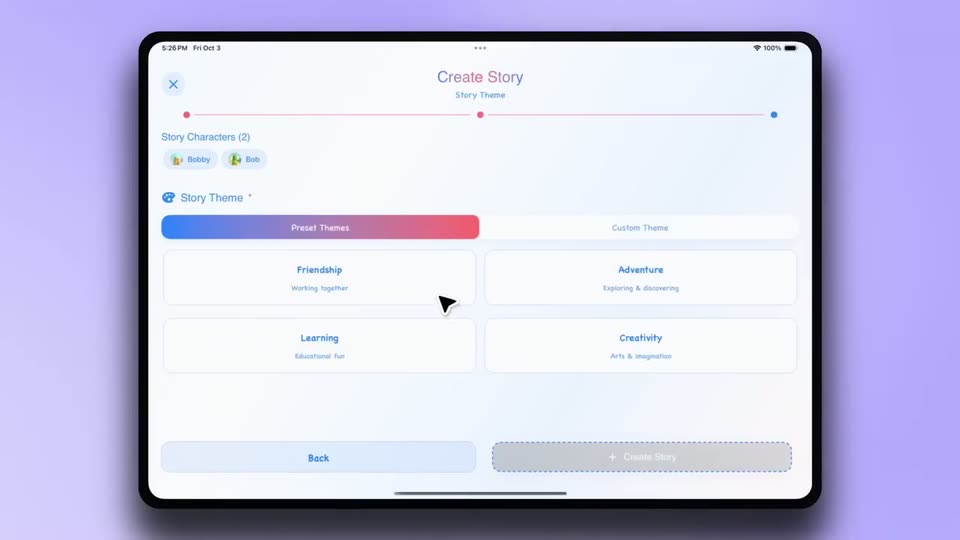 0:23–0:29Pixley AI · Introducing Pixley AIA tablet mockup floats on a lavender background, angled in 3D. Its screen shows a story-creation form: a cursor taps the Magical Adventure card, activating the Continue button, then the view switches to a theme picker where the cursor taps Create Story, which dims with a spinner.
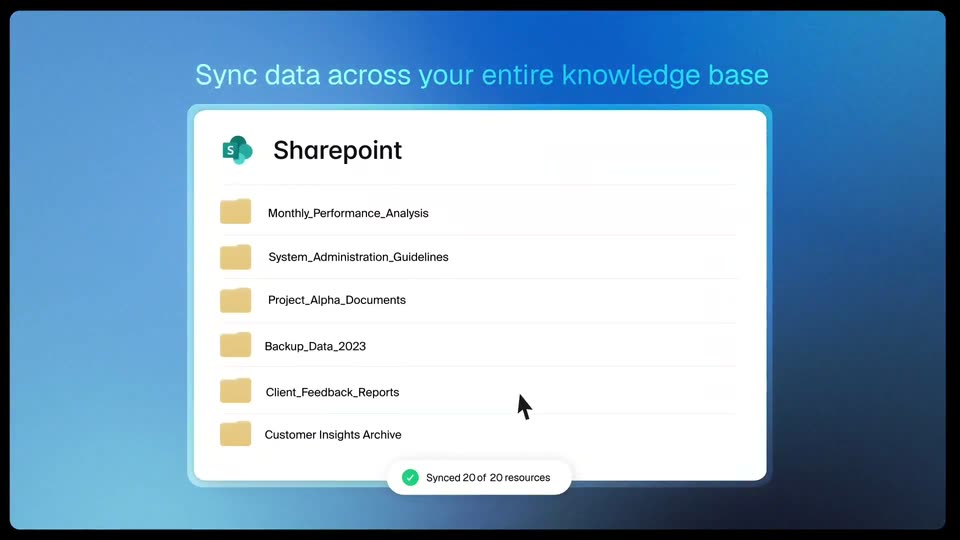 0:29–0:30Nexus · Nexus - Enabling business teams to build agent without codingA cyan headline sits above a white Sharepoint card on a blue gradient, listing six yellow folder rows. A black cursor drifts up the list as a green badge at the bottom confirms the sync.
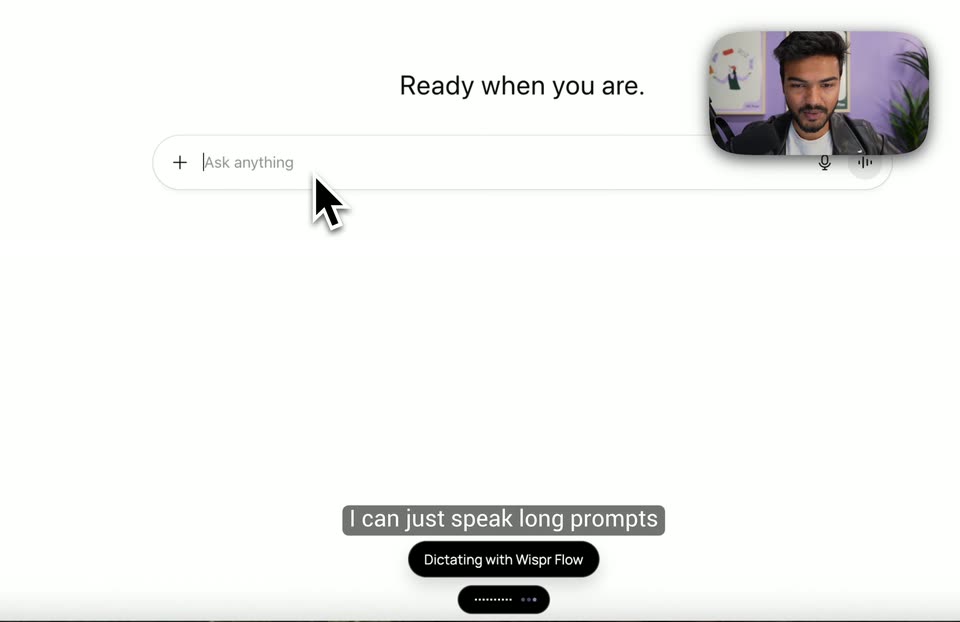 0:12–0:16Wispr Flow · Intro to Wispr Flow: voice-to-text AI that turns speech into clear, polished writing in every app.A bright product screen shows an “Ask anything” input bar with a black cursor hovering over it, while a small webcam clip of a man plays in the top-right corner. A pill caption reads “Dictating with Wispr Flow,” and the dictated sentence types itself into the field.
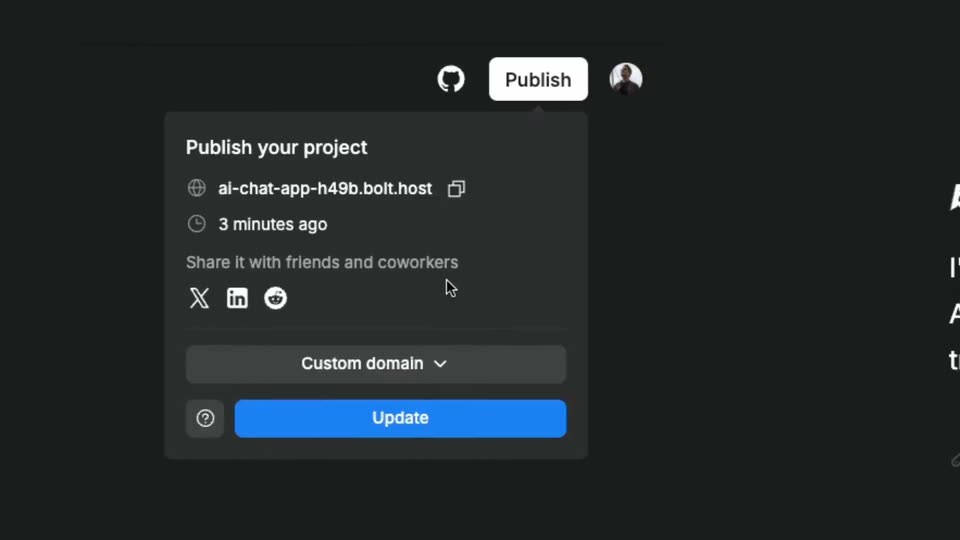 1:53–1:54Bolt · bolt.new - Today vibe coding goes pro. Introducing Bolt v2: → World's best ageA headline fades out as a dark 'Publish your project' panel slides into view, displaying a URL and a blue Update button, while a cursor moves across the interface.
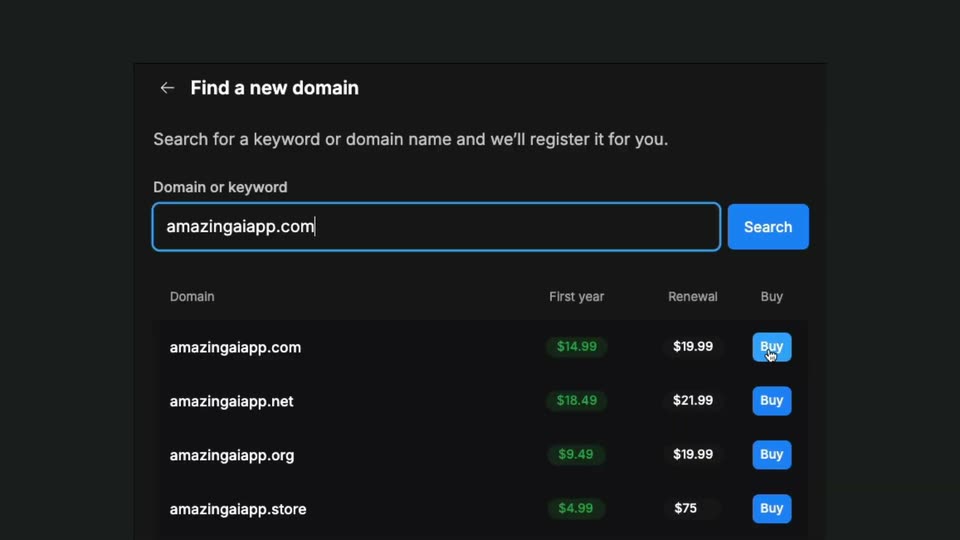 1:55–1:57StackBlitz · Bolt.new V2 Is Here: The Future of BuildingA dark domain search panel shows a filled input field above a table of domain options with prices and blue Buy buttons. A cursor glides to the first Buy button.
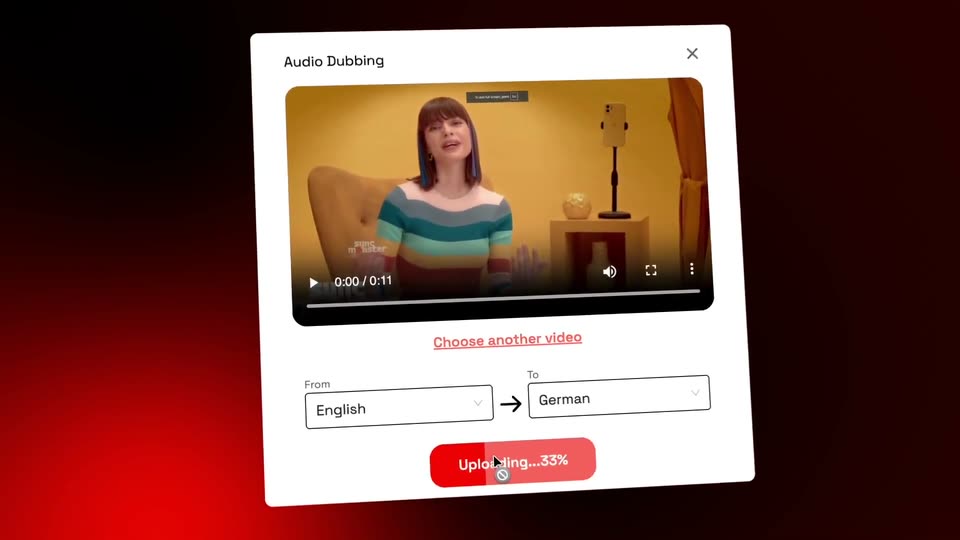 0:37–0:40SyncMonster.AI · AI Lip Sync, Dubbing & Video Translation Demo | SyncMonsterA white Audio Dubbing card floats in 3D perspective on a dark red gradient, tilted and slowly rotating. Inside, a video of a seated woman plays above language dropdowns, while a cursor taps the red button, which cycles to an uploading percentage.
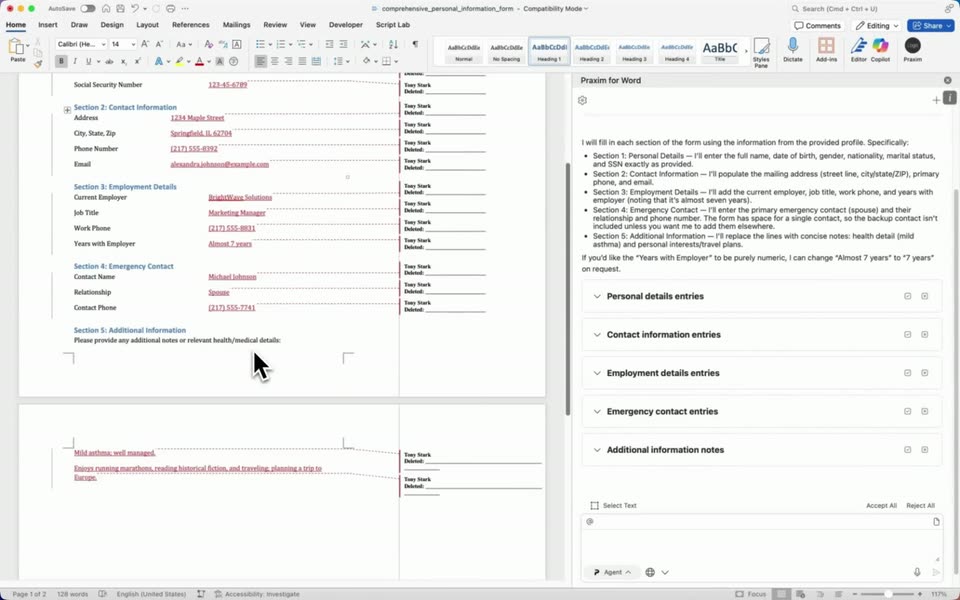 0:28–0:34Praxim · Praxim for Word DemoA Word form sits beside the Praxim AI panel. A cursor clicks Done in a file dialog, the panel shows a spinner then a step checklist, the form fills with red tracked-change values, and a comparison view appears before the cursor rests on Accept All.
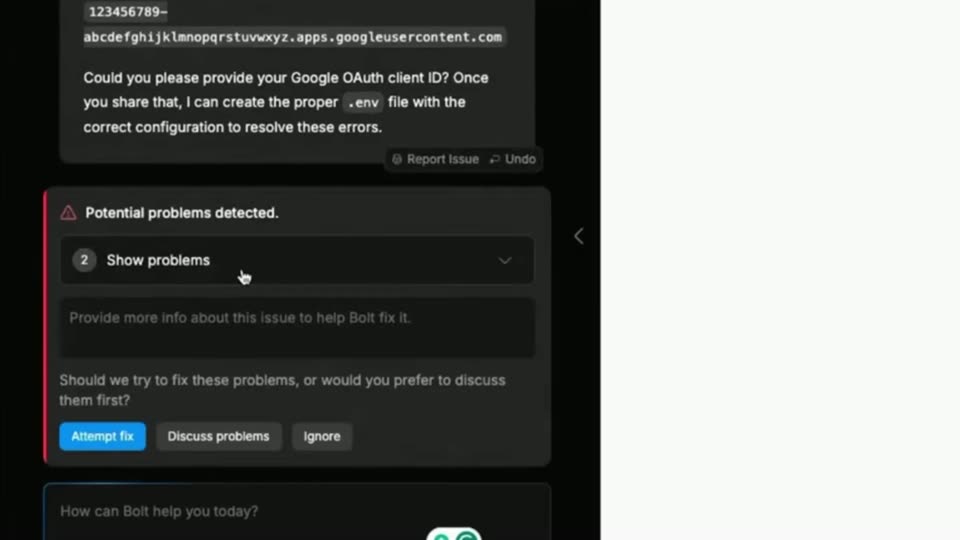 0:16 · 0.8sAnything · Introducing Anything MaxA dark AI chat panel scrolls up a few lines. A white cursor hovers over the Show problems row inside a Potential problems detected card, above three buttons: Attempt fix, Discuss problems, Ignore.
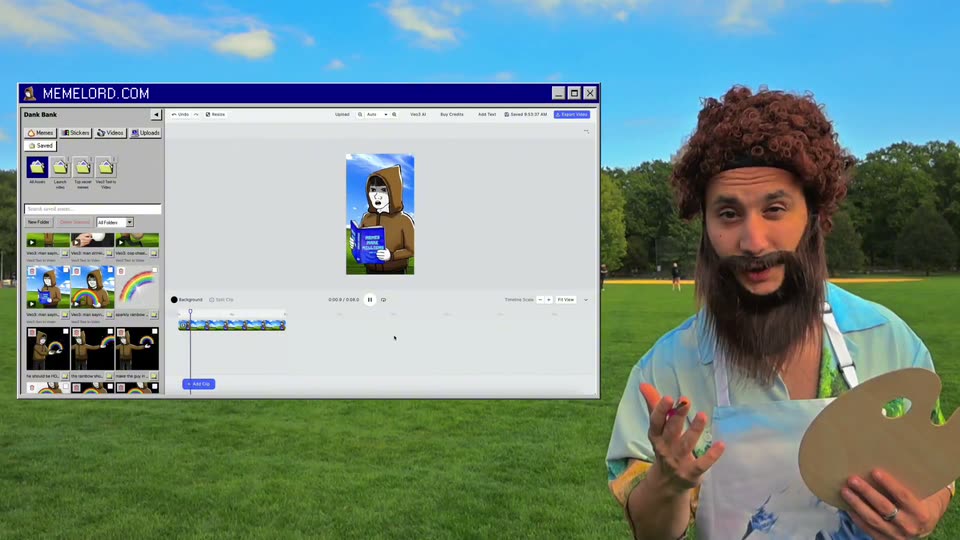 1:21–1:24Memelord · Jason Levin - ANNOUNCEMENT: I raised $3 million to make memes. Yes, seriously. MA bearded man in a curly wig and painter's apron holds a palette and gestures beside a retro MEMELORD.COM editor window, which cuts from a meme preview to a sticker panel.
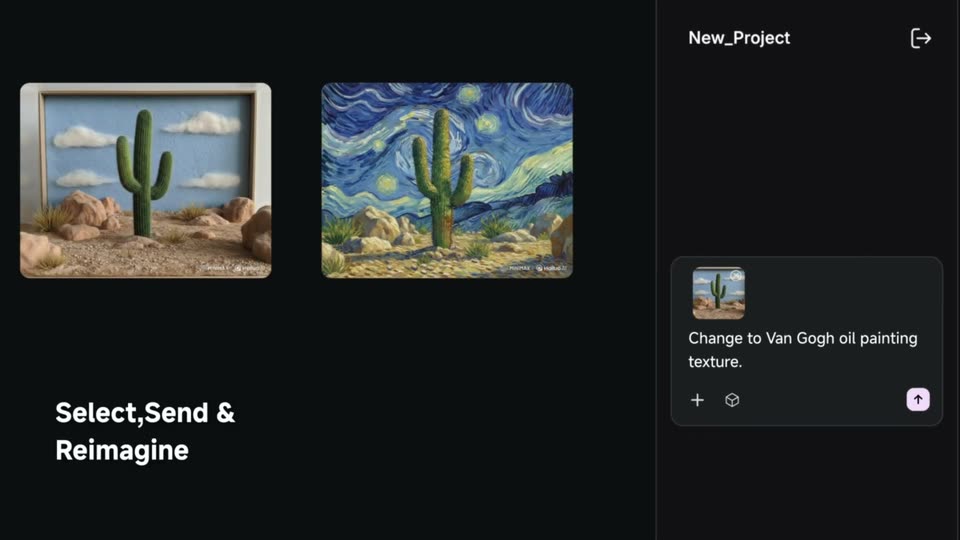 0:20–0:23Hailuo · MiniMax Design (H3) - Introducing Hailuo AI Agent: Your next-gen creative flow — FREE for oA dark app screen pairs a framed cactus photo on the left with a chat panel on the right. A cursor clicks Add to chat, the photo gains a Van Gogh oil-painting twin beside it, and a neon variant drops in below as the caption switches to Edit freely.
 1:11–1:17Mesmer · Mesmer: The AI Operating System for Engineering • Vision VideoOn a dark maroon background, a red logo mark scales up in the center, then the wordmark Mesmer appears beside it. A rounded URL field types out the address character by character, and a white cursor moves in to hover at its right edge.
 0:59–1:06Google · Behind the Browser: AI Edition HighlightsA browser window shows the Nectar mattress page with an AI chat panel on the right. The panel scrolls down through warranty text as the cursor follows, then the view zooms onto the Ask a follow up field before cutting to a woman seated on a blue couch.
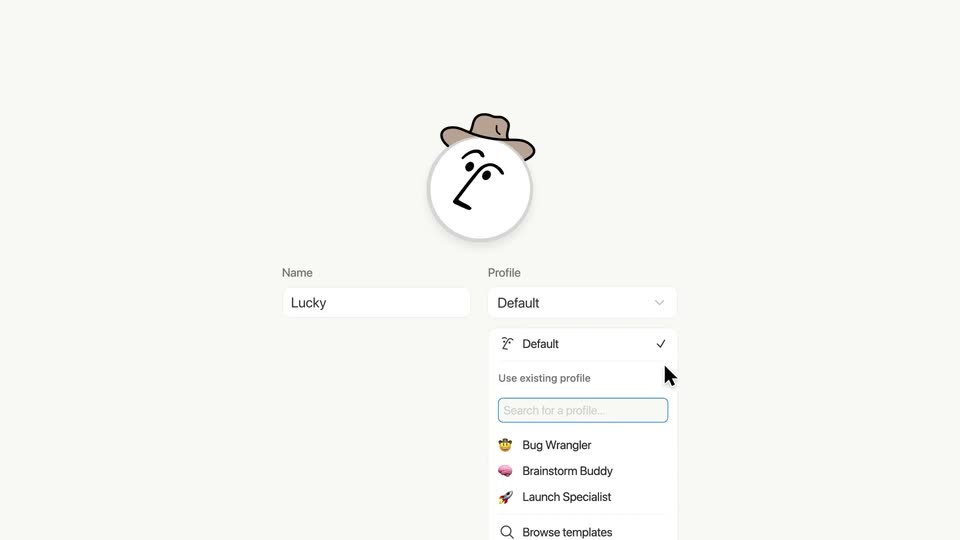 0:13–0:19Notion · Introducing Notion 3.0: AgentsA sketched avatar with a cowboy hat sits above a Name field and a Profile dropdown. A cursor clicks the field, types Lucky, opens the Profile menu and selects Bug Wrangler. The form fades out and a speech bubble reads Howdy, Partner!
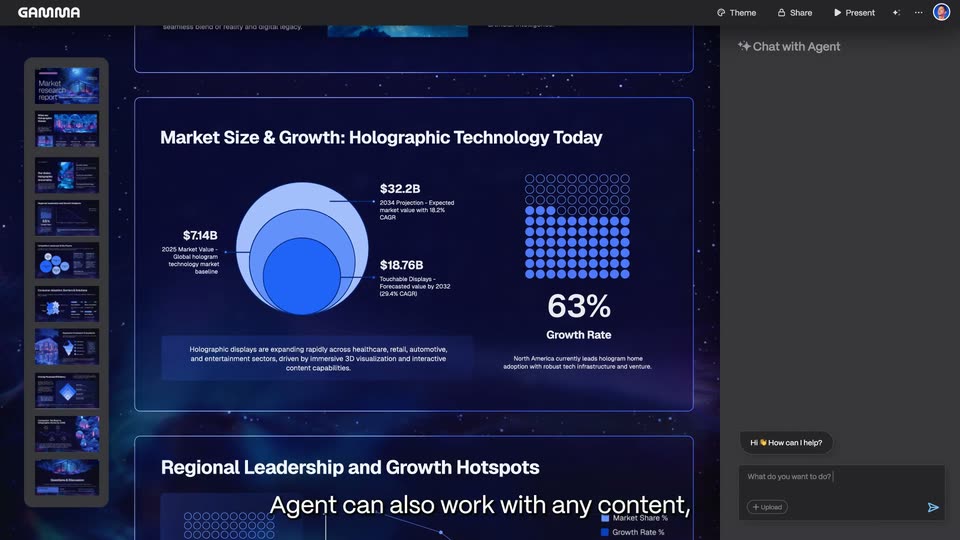 1:03–1:05Gamma · Gamma - Gamma 3.0 is here, so we put our CEO in a spaceship. And it got millA dark space-themed Gamma editor fills the screen, with a slide of charts and a chat panel on the right. The canvas zooms out to reveal the full slide while a caption sits at the bottom and a cursor hovers at the left edge.
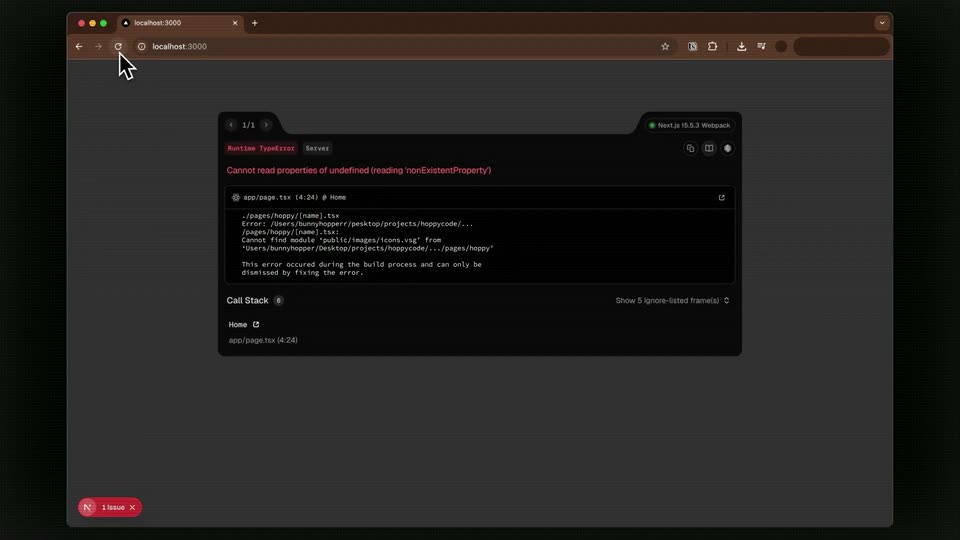 0:12–0:13CodeRabbit · CodeRabbit - Introducing CodeRabbit CLI! 🎉 CodeRabbit's smart CLI reviews act asA dark browser window displays a runtime error card with red text and a code block. A white cursor rests on the reload icon in the toolbar; the tab title switches to 'Untitled - Mock App' and the frame stays locked off.
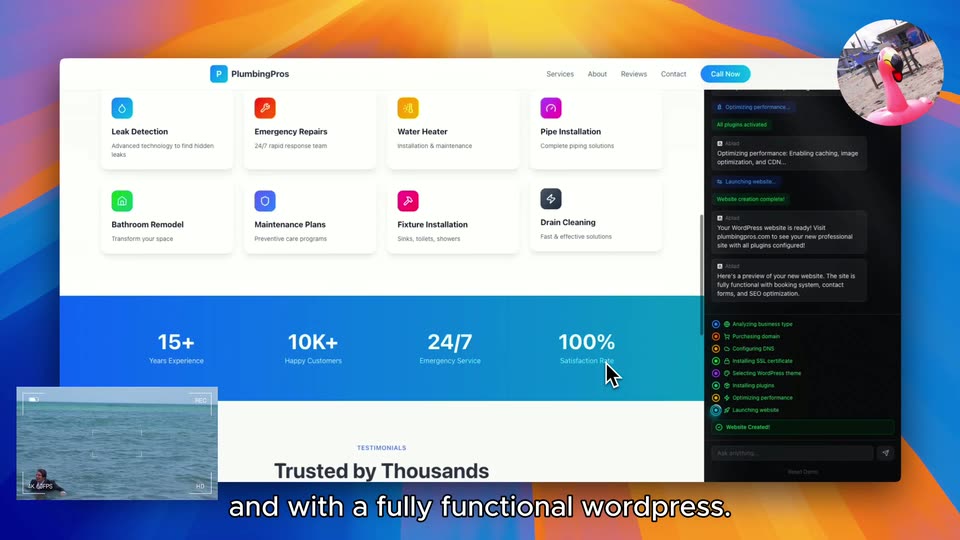 0:25–0:27Ablad · Claudio C - I’m building the first Cursor for WordPress in the world. See how AbA tilted 3D mockup of a blue plumbing website scrolls down from a hero section to a testimonials block, while a dark AI chat panel on the right logs completed tasks and a blue cursor hovers over the page. A colorful gradient fills the background behind the mockup.
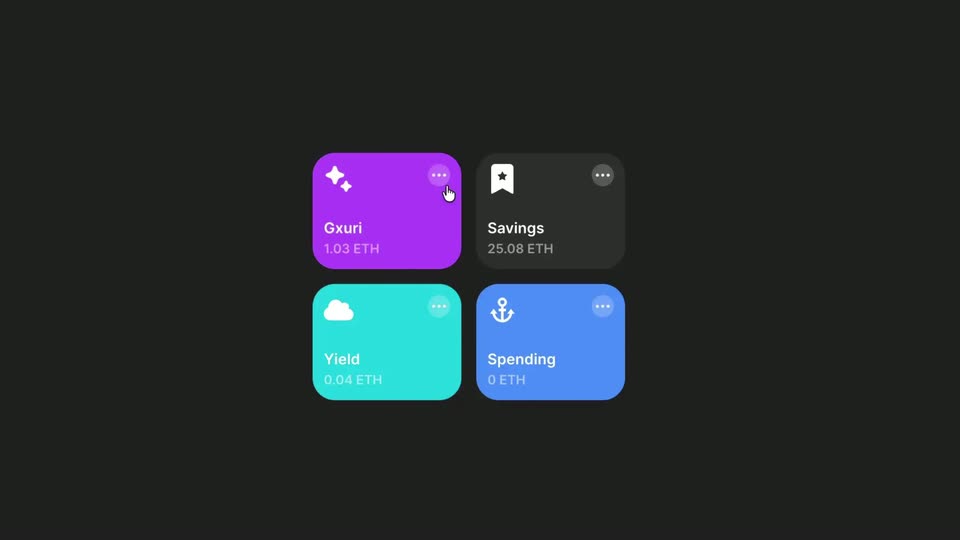 0:16 · 0.3sSkiper UI · Guri - Skiper-ui V2 is here! 👀 for the last few months I've been stackingA dark swap panel showing Ethereum to Aave with a zero amount cuts to a 2x2 grid of balance cards in purple, dark, teal and blue. A cursor hovers the menu dots on the purple Gxuri card.
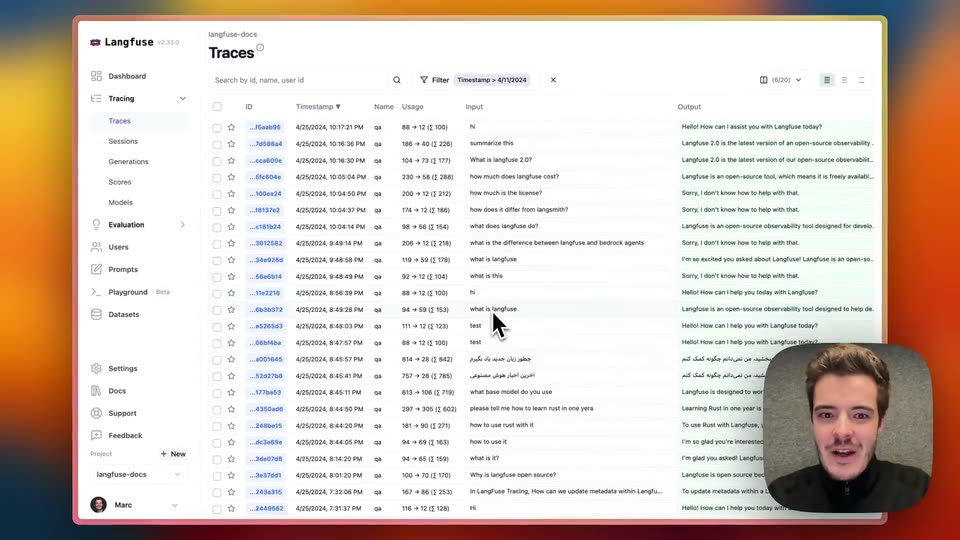 0:57–0:58Langfuse · Introducing Langfuse 2.0The Langfuse Traces dashboard sits in a tilted 3D frame with a yellow border. A cursor glides down the table of trace rows while a circular webcam of a smiling man floats in the lower right corner.
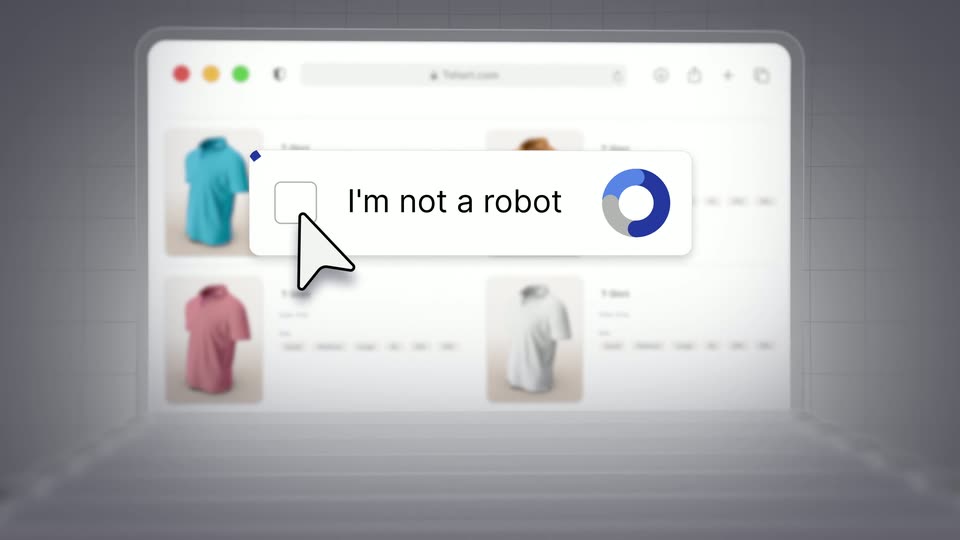 0:56–0:57Notte · Notte - Reliable Web Agent WorkflowsA browser window mockup in 3D perspective sits on a grid floor above a row of blurred window cards. A large cursor clicks the checkbox of a CAPTCHA dialog, a blue checkmark pops in, and the camera pushes in toward the dialog.
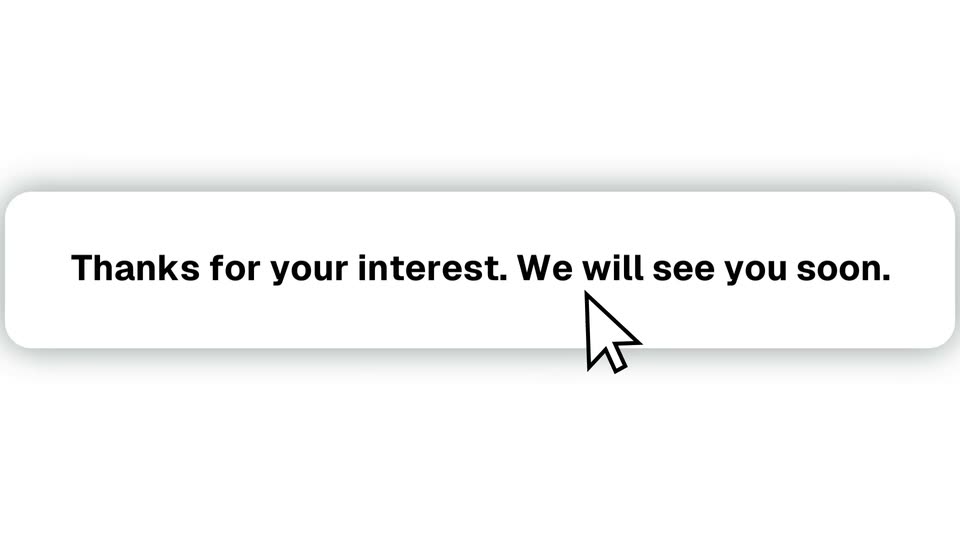 0:09–0:10SupersonikAI · Dani Carmona - The wait is over. Today we’re launching @SupersonikAI, the first AI tA white rounded toast card with bold black text, “Thanks for your interest. We will see you soon.”, sits centered on a light background. An outlined cursor arrow glides upward to rest on the card's bottom edge as the frame slowly zooms in on it.
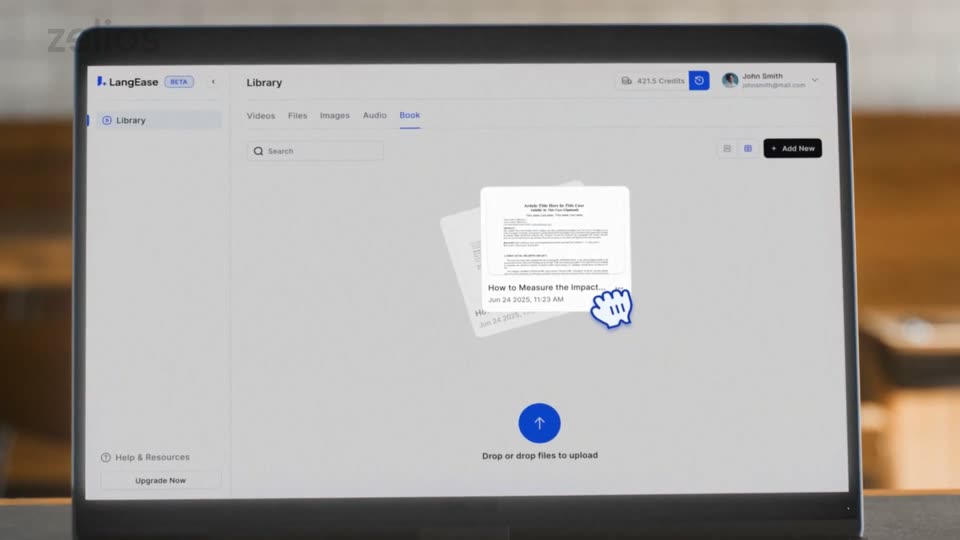 0:35–0:36LangEase · BEST SaaS Brand Video Example | LangEaseA laptop in 3D perspective shows the LangEase Library interface on the Book tab against a warm blurred room. A document card titled How to Measure the Impact sits center as a blue cartoon hand taps it, while the camera slowly pushes in.
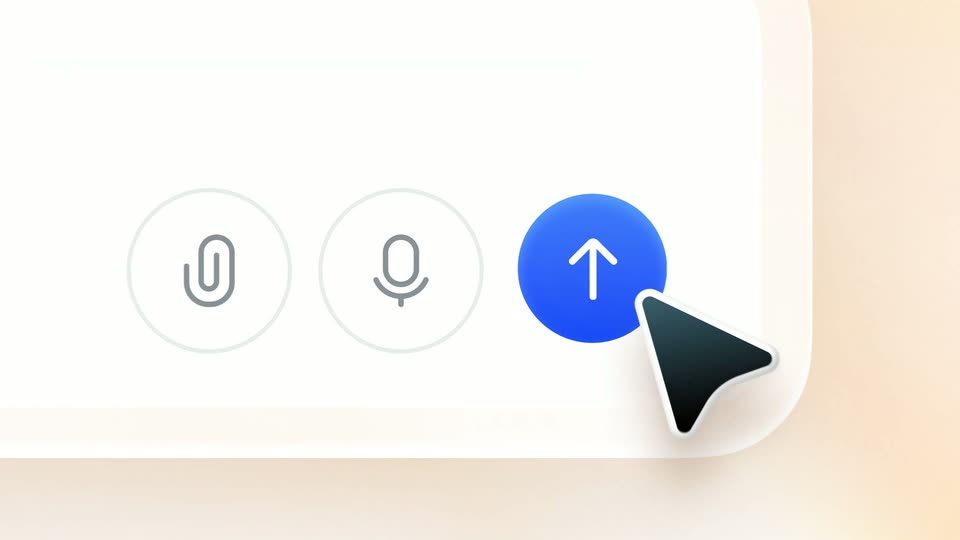 0:16–0:17Lindy · Lindy - We started Lindy Build to make building apps effortless. Side effect:A close-up of a white input bar on a cream background shows a paperclip and mic icon beside a blue send button. A black cursor arrow glides in from the right and rests on the button, which scales up on hover.
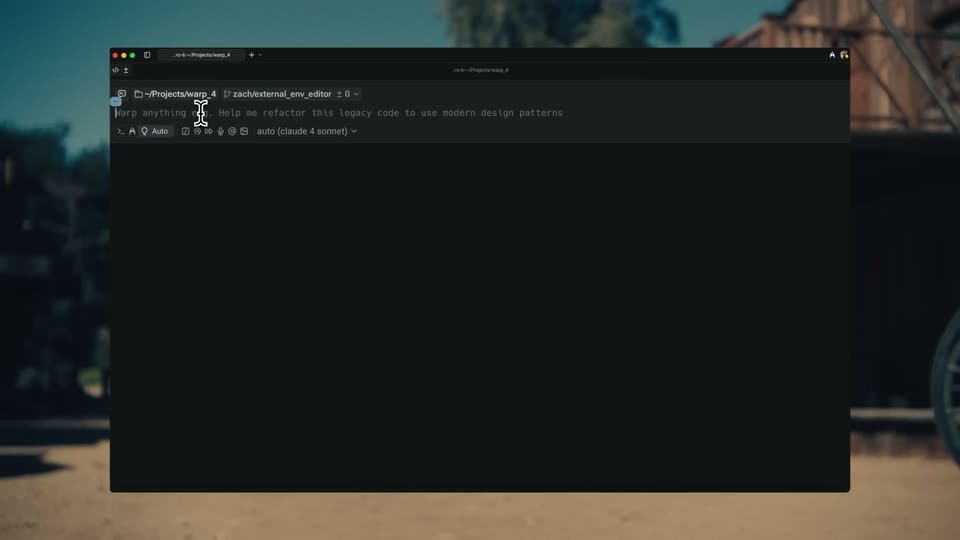 0:45–0:47Warp · Introducing Warp Code | The fastest way from prompt to productionA dark terminal window floats over a blurred outdoor backdrop. It opens on a markdown file with code and preview panes, then reframes to the prompt line where a caret types a short command above a model selector.