0:59
Explore
Dia - 3️⃣ new features live in Dia today: - Focus Mode - Custom keyboard s
Dia · Oct 2025 · 0:48 · AI-annotated
- Length
- 0:48
- Scenes
- 23 · 2.1 s avg
- Product on screen
- 0:04
- Features shown
- 3
- Voiceover
- No
00:00:00 / 00:48:11
Dia’s 0:48 launch film runs 23 scenes, about 2.1 s each. The product shows up at 0:04 and 3 features are revealed. There is no explicit call to action. A three-beat browser tour built on a black card system: each numbered feature opens on a flat monospace title card, then cuts to a locked-off screen capture with a single cursor move and a floating keycap chip. Pacing is steady and clinical, with the only motion coming from UI state changes, 3D window tilts and the dock press, so the rhythm reads as a list of small, precise wins rather than a narrative arc.
No filming indicatedEstimated needs: 5 capture groups — your screens or recordings · 1 official logo — reused across the film · 2 3D passages — build or supply
Is this your launch? to your site or press kit.
More like this


Dia - 3️⃣ new features live in Dia today: - Focus Mode - Custom keyboard s, scene by scene
· 23 scenes as text
01 · Hook · 0:00–0:04
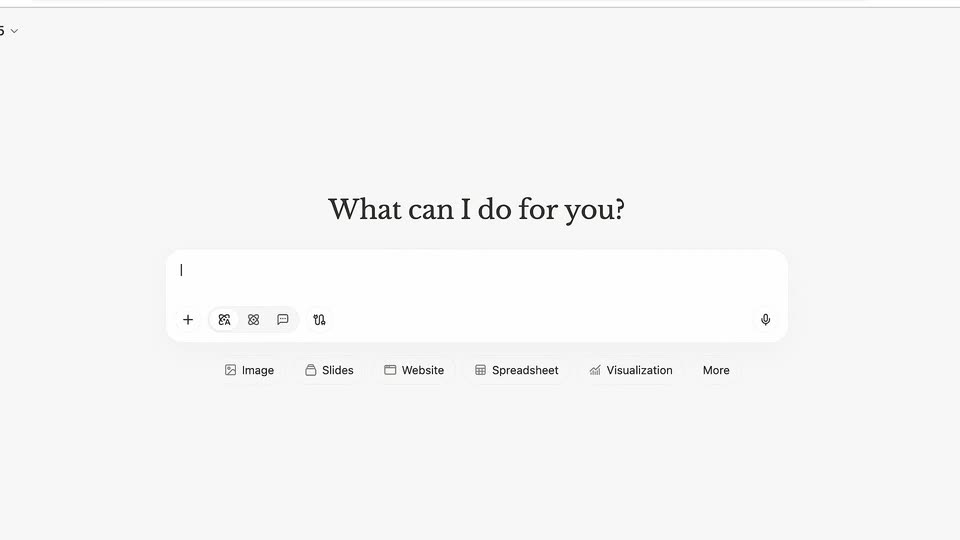
A rounded search bar sits on a plain light background. A query is typed into the field, and the suggestion list below re-filters live as the text changes from “3 small things” to “to help solve your tab problems”.
Techniques: Kinetic type
Camera: Push in
02 · Product intro · 0:04–0:07
Close-up of the macOS dock on a soft purple gradient. The cursor hovers the Spotify icon, its tooltip appears, then slides left to the white Dia icon, which presses down and shows a loading bar in its tooltip. The frame stays locked.
Techniques: Cursor demo
Camera: Static
03 · Feature reveal · 0:07–0:09
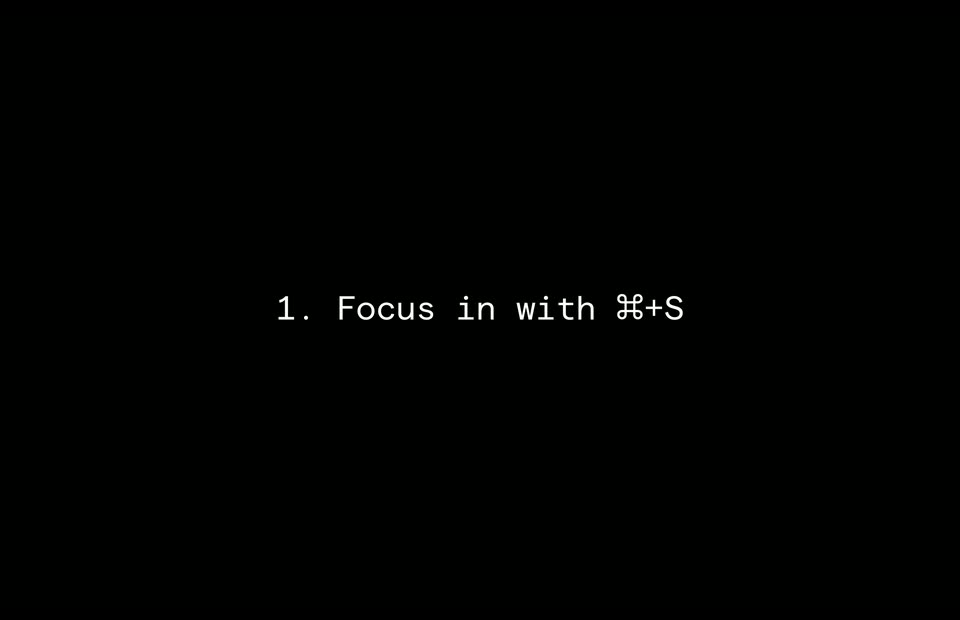
A plain black frame holds one centered line of white monospace text that names the focus-in keyboard shortcut. The line stays locked and static for the whole shot, with no camera move or animation.
On-screen text: “1. Focus in with ⌘+S”
Camera: Static
04 · Feature reveal · 0:09–0:11
A macOS desktop shows the celtx script app open in a browser. The window scales down and shifts up, and a command-S shortcut chip fades in at the bottom center beneath it, while a static caption names the shortcut.
On-screen text: “1. Focus in with H+S”
Camera: Push in
05 · Feature reveal · 0:11–0:12
A flat window of a script editor sits centered on a blue desktop, showing a screenplay page, a left menu and an open toolbox. Two keycaps, Command and S, rest below the window to mark the save shortcut.
On-screen text: “⌘ S”
Camera: Static
06 · Feature reveal · 0:12–0:14
A dark screenplay editor types a scene in real time, the caret advancing through the body text as the word count and writing timer tick up at the bottom, the frame slowly pushing in on the page.
Techniques: Kinetic type, UI zoom
Camera: Push in
07 · Feature reveal · 0:14–0:16
A macOS desktop shows a Safari window playing a YouTube NFL game, with a dock along the bottom. A left sidebar listing items fades from semi-transparent to solid white across the clip while the on-field action continues.
Camera: Static
08 · Feature reveal · 0:16–0:17
On a macOS desktop, a browser window opens on a Google results page for 'daniel jones stats', showing a stats table and an overview panel. A left sidebar of tab links slides away to reveal the full page, while a cursor hovers over the table.
Camera: Static
09 · Feature reveal · 0:17–0:19
A single line of white monospace text reads “2. Keep meetings in view with GMeet PiP”, centered on a flat black field and held static for the full duration.
On-screen text: “2. Keep meetings in view with GMeet PiP”
Camera: Static
10 · Feature reveal · 0:19–0:22
A Mac browser holds a Notion document that scrolls up once, while a floating video call window with a man stays pinned at the right edge. A cursor drifts from the page onto the window's Back to Tab control.
On-screen text: “2. Keep meetings in view with GMeet PiP”
Techniques: Cursor demo
Camera: Static
11 · Feature reveal · 0:22–0:23
A browser window rests on a neutral surface, left pane listing tabs, right pane showing a Google Meet call: a teal field with a 'J' avatar, a small video tile of a man bottom right, and a control bar below. The frame is locked-off with a soft shadow.
Camera: Static
12 · Feature reveal · 0:23–0:24
A static screen capture of a Google Meet call. A man in a green hoodie and glasses talks in the main video, a small self-view of a second participant sits lower right, a list panel runs down the left, and a toolbar with a red end-call button spans the bottom.
Camera: Static
13 · Feature reveal · 0:24–0:26
A centered white monospaced line reads on a plain black background. The frame stays locked off, with the text held static and no additional motion or staging.
On-screen text: “3. Go fast with custom shortcuts”
Camera: Static
14 · Feature reveal · 0:26–0:31
A browser settings window fills the frame as the cursor clicks the search field, types 'search', selects 'Search Tabs' and assigns the shortcut ⇧⌘A; a static caption '3. Go fast with custom shortcuts' stays fixed.
On-screen text: “3. Go fast with custom shortcuts”
Techniques: Cursor demo
Camera: Static
15 · Feature reveal · 0:31–0:35
A browser window sits on a blue desktop as a tab search dropdown opens, listing open and recently closed tabs. The query mayor is typed, the list filters and a tab highlights, then the menu closes while command and A keycaps flash top right.
On-screen text: “⌘ A”
Techniques: UI zoom
Camera: Push in
16 · Feature reveal · 0:35–0:37
A blurred desktop sits behind a browser Settings window that scales up into frame. The Shortcuts tab is active, the search field reads close, and a cursor rests on the highlighted Close Tab row while the right panel shows its command W shortcut.
Techniques: UI zoom, Cursor demo
Camera: Static
17 · Feature reveal · 0:37–0:39
A browser window on the left over a blue gradient shows a chat panel. The purple query bubble and answer swap from an album review with two black-and-white photos to a car-shop reply with a black Mercedes photo, a small cursor resting in the white space.
Camera: Static
18 · Feature reveal · 0:39–0:39
A browser window tilts in 3D perspective over a blue gradient, showing its tabs and a New York Times page. 3D keycaps for an up arrow and C float at the top right while a Chat with this site tooltip appears by the chat icon.
Techniques: 3D mockup
Camera: Static
19 · Feature reveal · 0:39–0:41
A browser window on a blue gradient shows a New York Times article, then switches to a chat panel listing Midtown Japanese restaurants under a purple query pill. A cursor rests in the page; two rounded buttons, an up chevron and a C, float top right.
Camera: Static
20 · Feature reveal · 0:41–0:41
A browser window with a Slack channel thread sits on a blue gradient background, a message about a browser basics video and an attached file preview visible, with a static arrow cursor in the middle of the window and two floating control buttons in the top right corner.
Camera: Static
21 · Other · 0:41–0:45
A black screen holds a centered line of white monospaced text reading “The small things”. After a beat the line is replaced by a second centered line, “make a big difference.” Both lines sit still on the locked-off frame.
On-screen text: “The small things”, “make a big difference.”
Camera: Static
22 · Outro · 0:45–0:47
A white wordmark, a rounded dome icon beside the serif word Dia, holds centered on a black background, easing to a slightly smaller scale.
On-screen text: “Dia”
Camera: Static
23 · Outro · 0:47–0:48
A solid black screen holds for the full duration of the clip. No text, logo, or moving elements appear; the frame stays uniformly dark from start to end.
Camera: Static