Cursor demo
A visible cursor operates the interface.
15,127 scenes · page 134 of 253
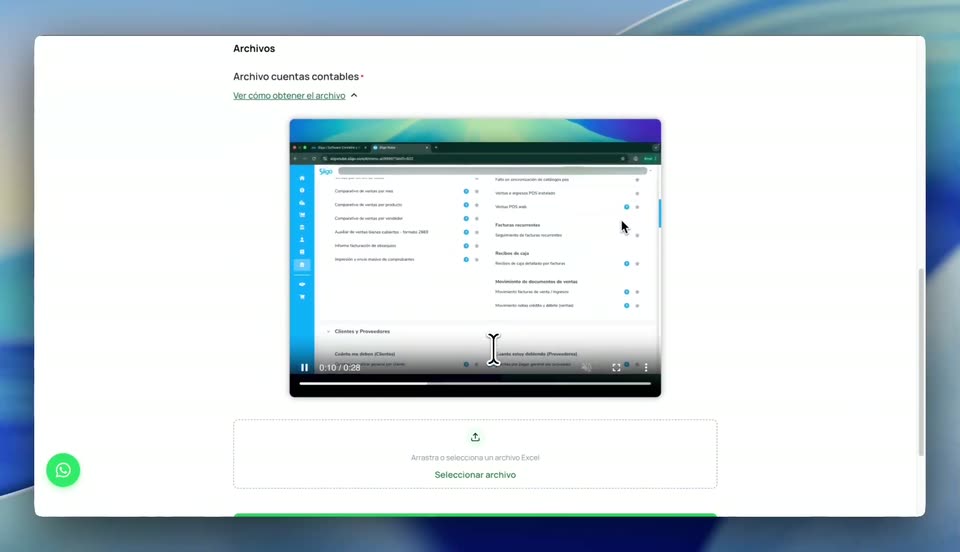 0:21–0:35Cifrato · Demo CifratoA white registration form on a blurred blue background scrolls down as a hand cursor types the Siigo username and API key into the fields. Embedded tutorial videos play inside the form, then a spreadsheet file is attached and a green loading spinner fills the center.
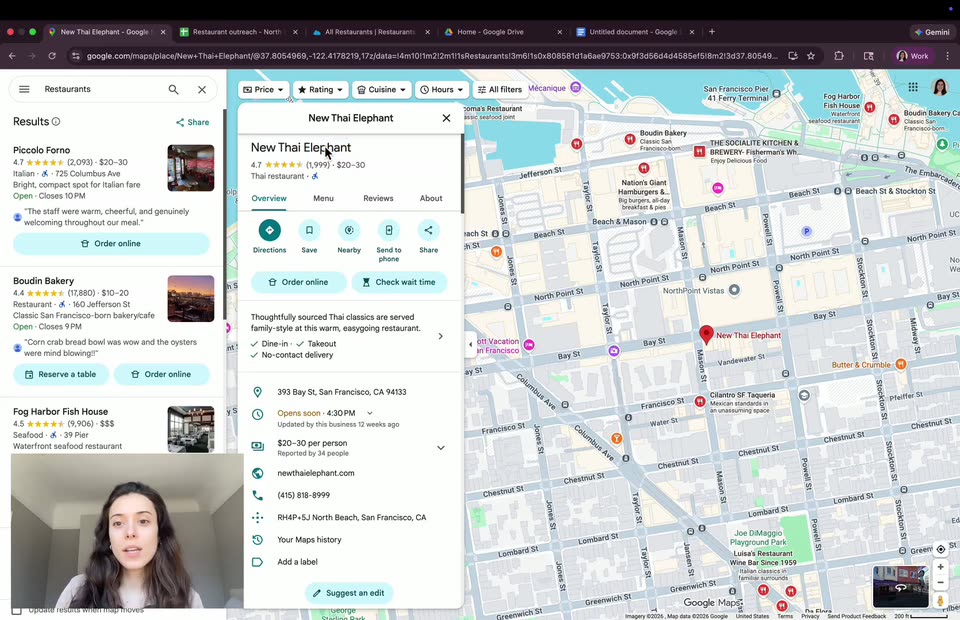 0:16–0:18Cofia · Introducing CofiaA screen recording of Google Maps shows a restaurant list and a place detail panel beside a map. A small webcam video of a woman sits in the bottom left corner. A black caption box at the bottom swaps its text as the cursor moves over the place name.
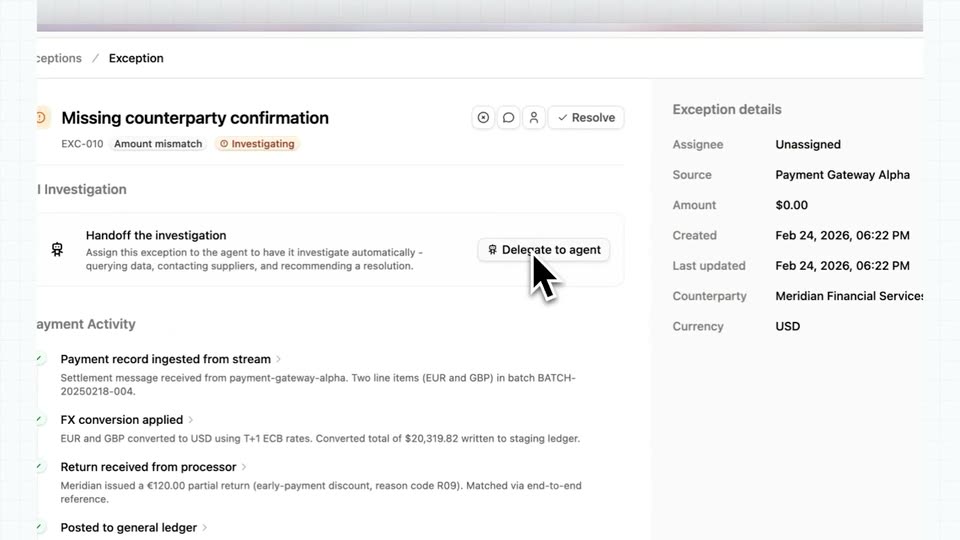 0:57–1:00End Close · Y Combinator - End Close builds automatic reconciliation for payments companies, repA full exception detail screen appears in a soft-shadowed window. The view zooms into the AI Investigation row, and a cursor moves to the Delegate to agent button and clicks it.
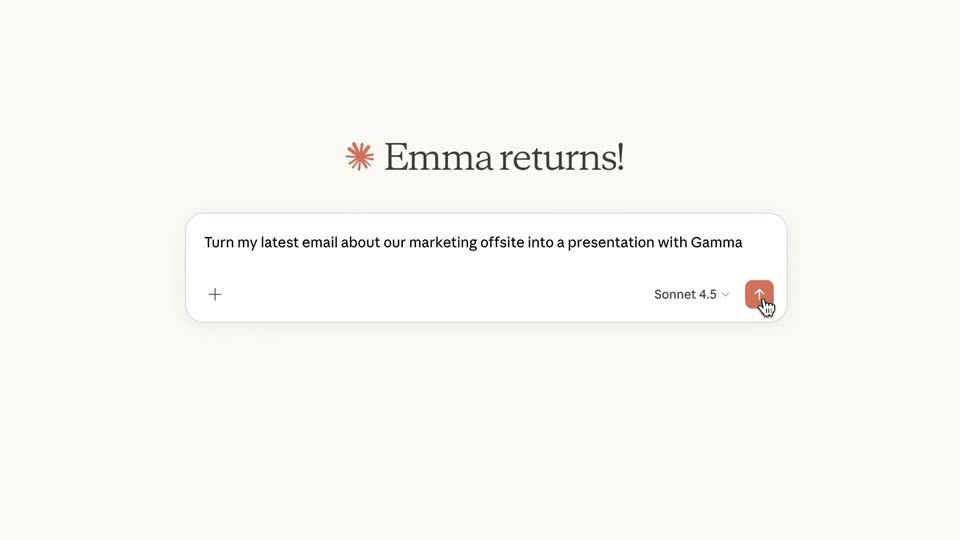 0:26–0:29Gamma · Gamma - Gamma is now on @claudeai! You can generate a presentation with GammOn a cream dotted background, a serif headline sits above a white prompt card. The prompt types out, then a hand cursor clicks the red send button, which turns into a loading spinner.
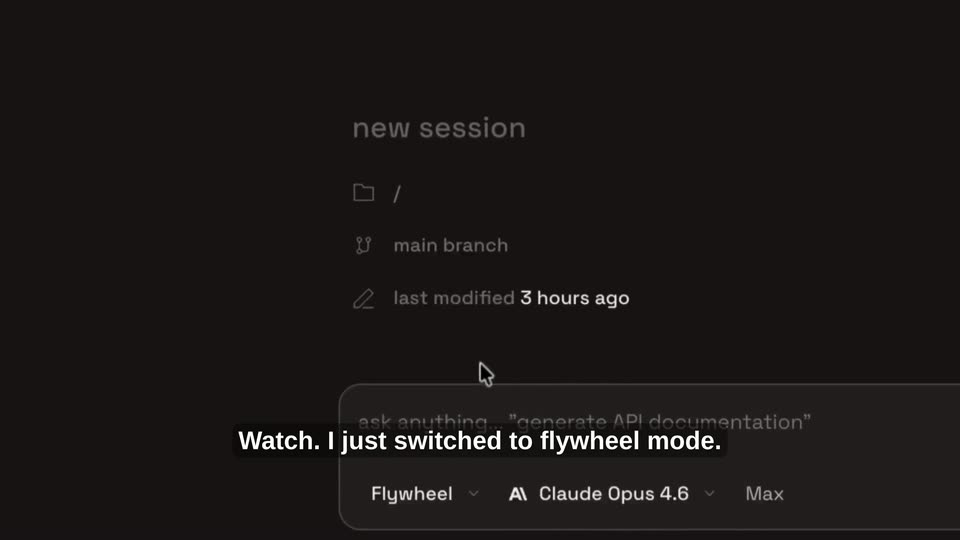 1:21–1:22SynScience · Y Combinator - .@SynScience is building AI co-scientists for end-to-end scientific rOn a dark new-session screen, an open dropdown lists modes from Code to Research. A cursor rests on Flywheel, the menu closes, and the bottom mode pill flips from Write to Flywheel as a prompt fills in. A caption line sits centered at the bottom.
 0:10–0:11Anthropic · Claude - New in Cowork: scheduled tasks. Claude can now complete recurring taA white schedule dialog collapses and slides right into a smaller confirmation card. A cursor taps the Schedule button, the top serif headline fades out, and a red starburst pops in at the card's lower corner.
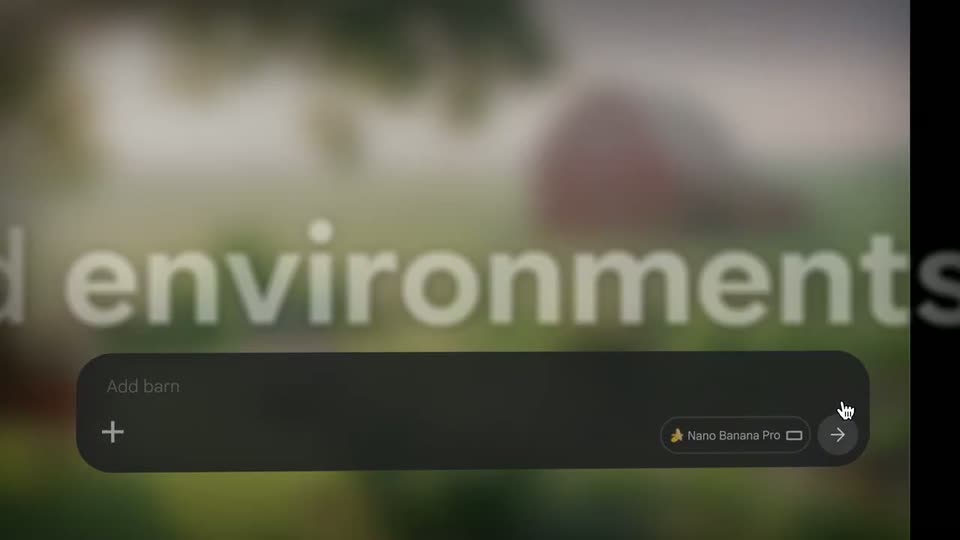 0:20–0:21Google · Google Flow - Today we're expanding Flow into a full AI creative studio. We’ve redeA dark rounded prompt bar reading Add barn with a Nano Banana Pro chip slides down over a blurred green field as the large white headline Build environments. appears above it. A cursor hovers on the circular send arrow.
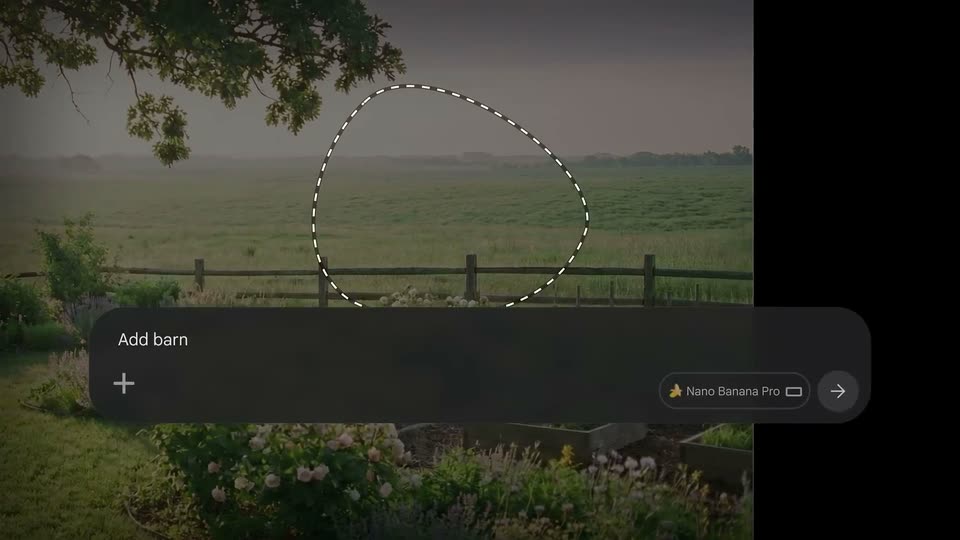 0:18–0:20Google · Introducing the New Flow, Your AI Creative StudioA garden photo with a dashed oval drawn in the sky. The prompt bar placeholder is replaced as “Add barn” is typed, then the view zooms in and darkens while a cursor moves to the send button.
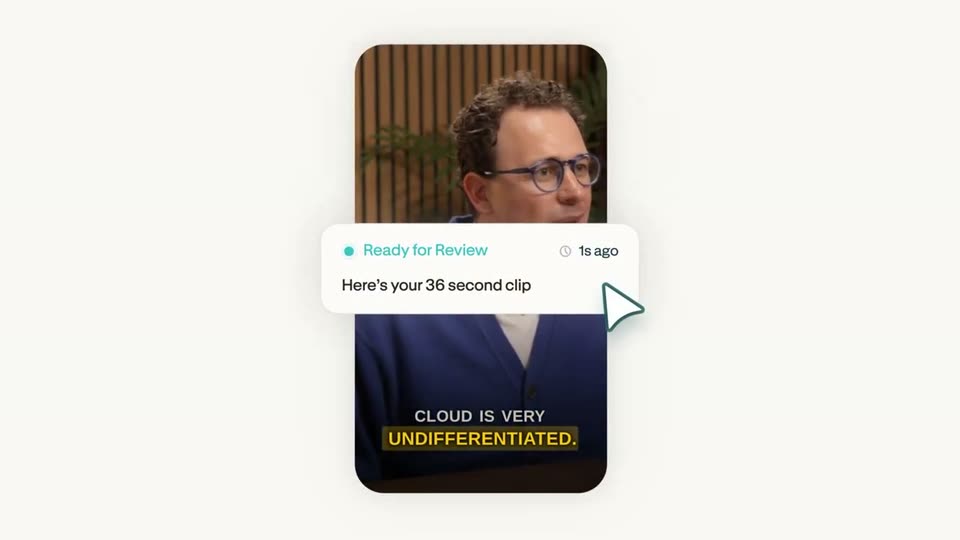 0:50–0:55Perplexity · Perplexity - Introducing Perplexity Computer. Computer unifies every current AI cA vertical phone mockup centered on a light gray background plays a talking-head clip, its white captions highlighting key words in yellow. A white 'Ready for Review' card slides up over the video, a green-outlined cursor appears at its edge, then the phone blurs out of focus.
 0:09–0:14Pulse · Pulse App - Psst, dark mode is here. If you're running youtube lead gen offers,On a dark dot grid, X, YouTube and Instagram icons sit left of a globe icon, joined by curved lines. A translucent integration list fades out, the cursor clicks Instagram, a line draws to the globe and the cursor clicks it. The frame blurs and slides down.
 0:23–0:30QuiverAI · Joan Rodriguez - Introducing @QuiverAI, a new AI lab and product company focused on frOn black, the white QuiverAI lockup sits in a blue selection box with corner handles and dashed guides, a cursor arrow at its corner. The wordmark is removed and the box shrinks to the icon. The box and guides fade, leaving the mark centered above the monospace URL quiver.ai.
 0:34–0:35Whop · Steven Schwartz 🦅 - We are excited to announce that @tether, the largest stablecoin compaA pale gray chat interface shows the Claude asterisk mark and the serif greeting “Hello, night owl” above an input box where a prompt is typed out. A cursor hovers on the pink send button, with a row of suggestion chips below the box.
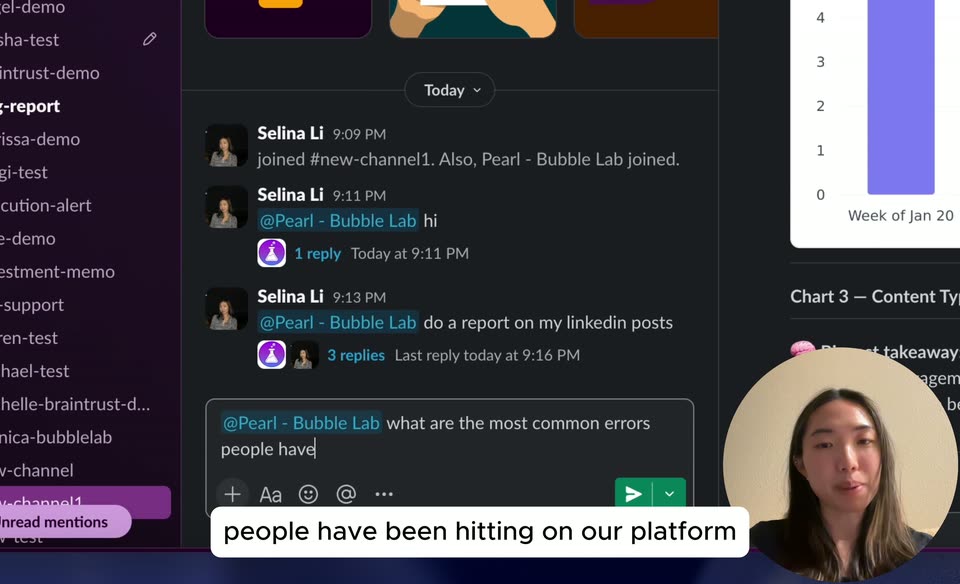 1:16–1:25Bubble Lab · Pearl in Slack (Bubble Lab) demo!A dark Slack channel fills the frame with a circular webcam of a presenter in the corner. The view zooms into the message thread as a cursor types a question to the Pearl bot in the input box. The sent message then appears in the channel.
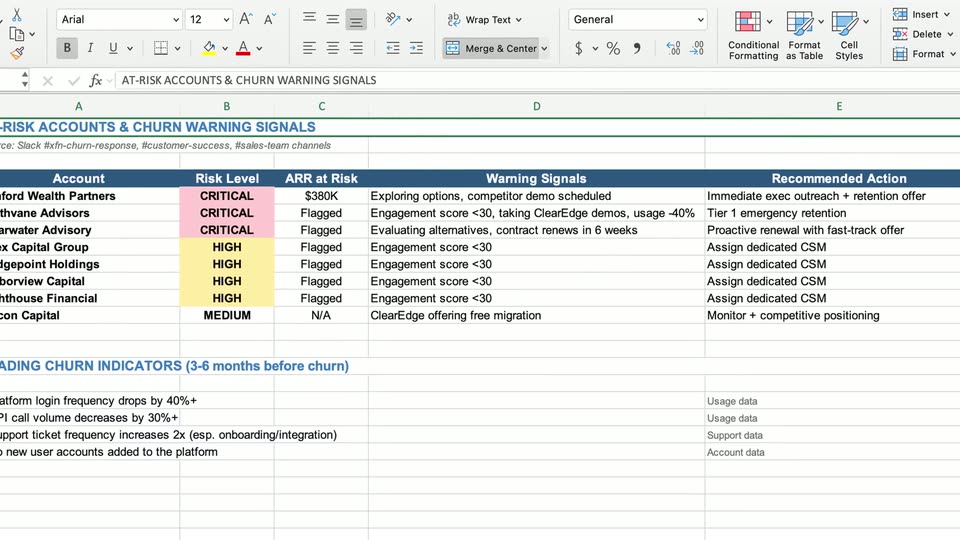 0:38–0:42Anthropic · Claude - Introducing Cowork and plugin updates that help enterprises customizeA full spreadsheet window shows a dead-loss table; the cursor clicks the At-Risk Accounts tab at the bottom, then the view zooms into the churn warning sheet and pans right to reveal the action and source columns.
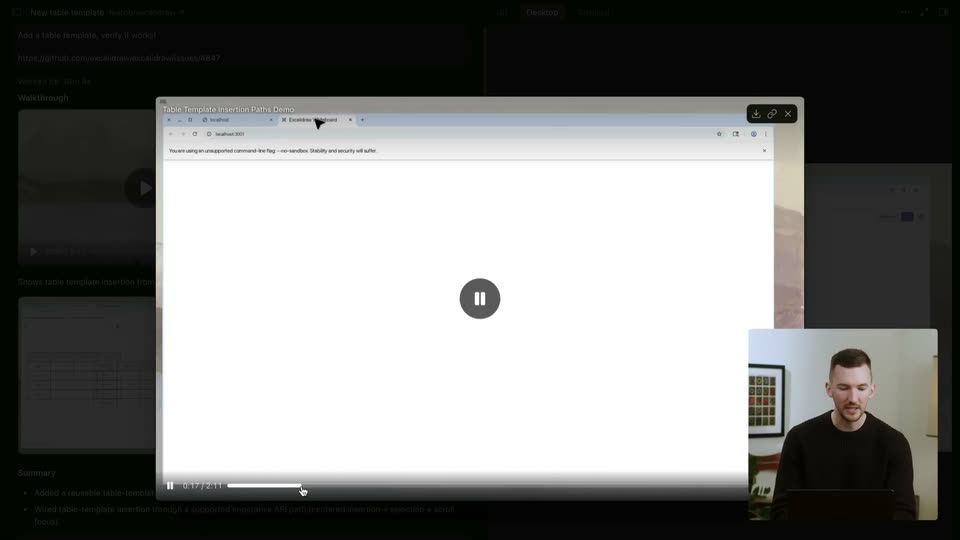 1:01–1:03Cursor · A computer for every agentA screen recording of a browser opens on a Google search page where a cursor selects a local address, then the view switches to a demo page with a small form. A man in a black sweater watches a laptop in a corner webcam.
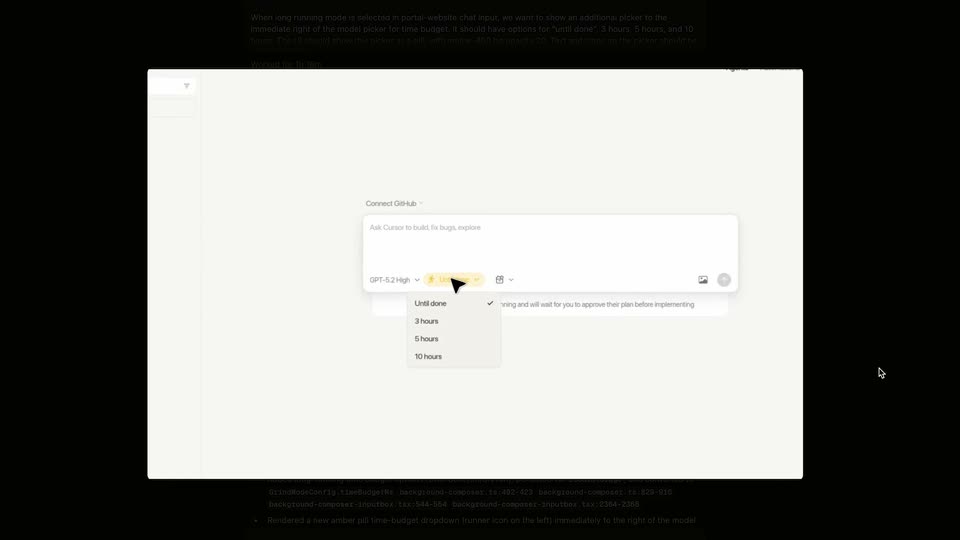 0:24–0:40Cursor · Cursor now shows you demos, not diffsA screen recording of the Cursor chat input. A cursor flips the Long-running toggle on, an amber time-budget pill appears, the frame zooms in and out, then the cursor opens the pill's dropdown and picks 5 hours.
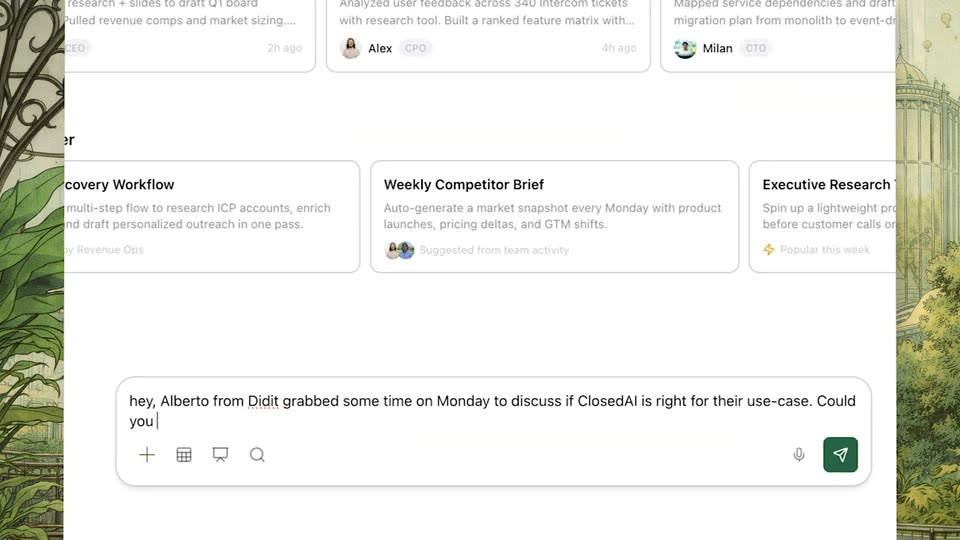 1:42–1:49/dev/fast · Introducing Carson, an adaptive assistant with serious securityA dark diagonal band wipes away to reveal a dashboard UI, then the cursor clicks the prompt field as the camera zooms in while a task message is typed letter by letter and sent.
 1:03–1:05Notion · Meet Custom Agents: Your 24/7 AI TeamA black cursor glides from the lower right to a white New Agent button on a navy field. The button depresses to gray, then swaps for a white hexagon outline holding a 3D box and the letter N.
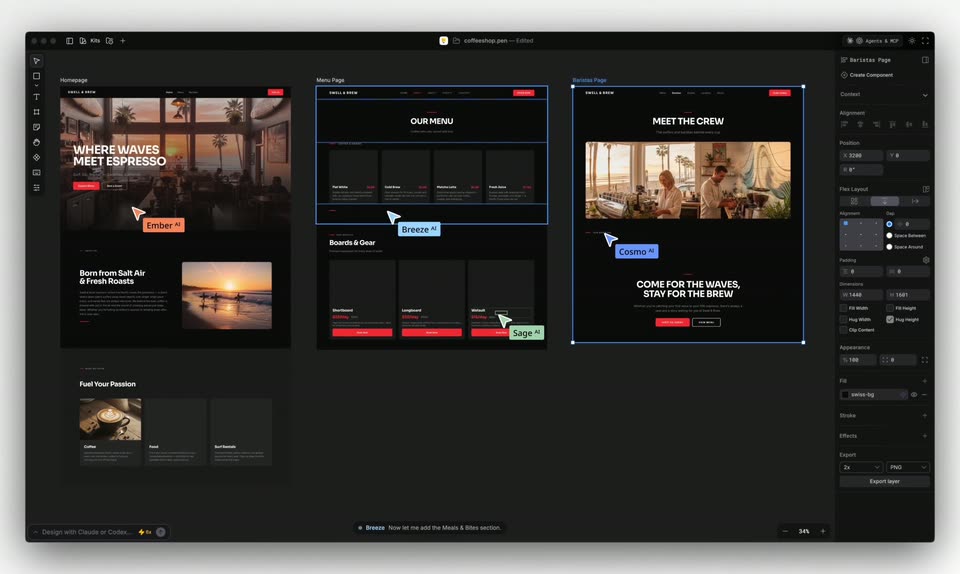 0:12–0:16Pencil · Tom Krcha - Pencil just crossed 100,000 users! Today we are introducing SWARM modA dark design canvas holds three web page mockups side by side. Colored agent labels named Ember, Breeze, Sage, Cosmo and Hex drift across the frames, while a chat bar at the bottom fills with short messages and selection outlines snap onto the pages.
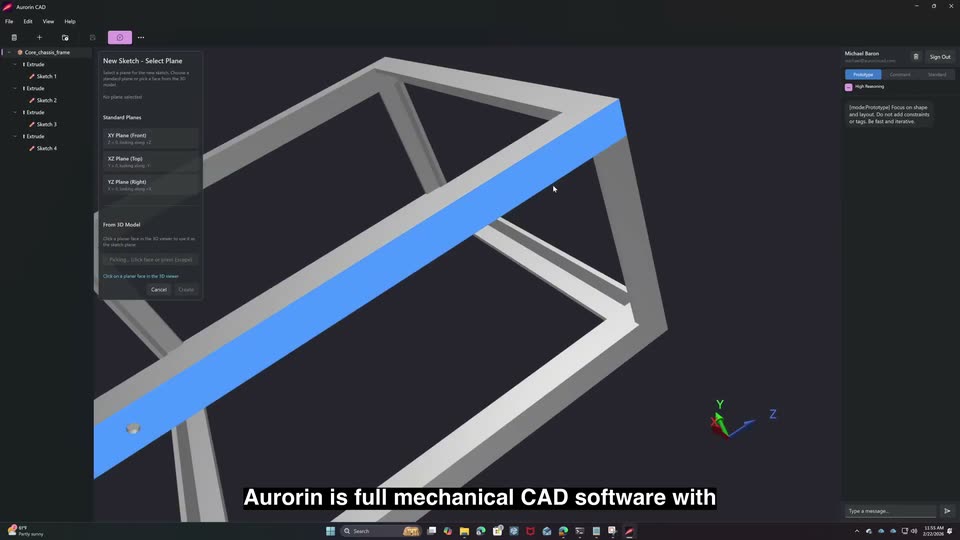 0:32–0:34Y Combinator · Y Combinator - Aurorin is building new professional CAD Software from the ground upScreen capture of the Aurorin CAD interface: a gray 3D frame model sits in the viewport with a sketch plane panel open on the left. A cursor moves to a beam and selects it, turning it blue. A white caption line runs along the bottom.
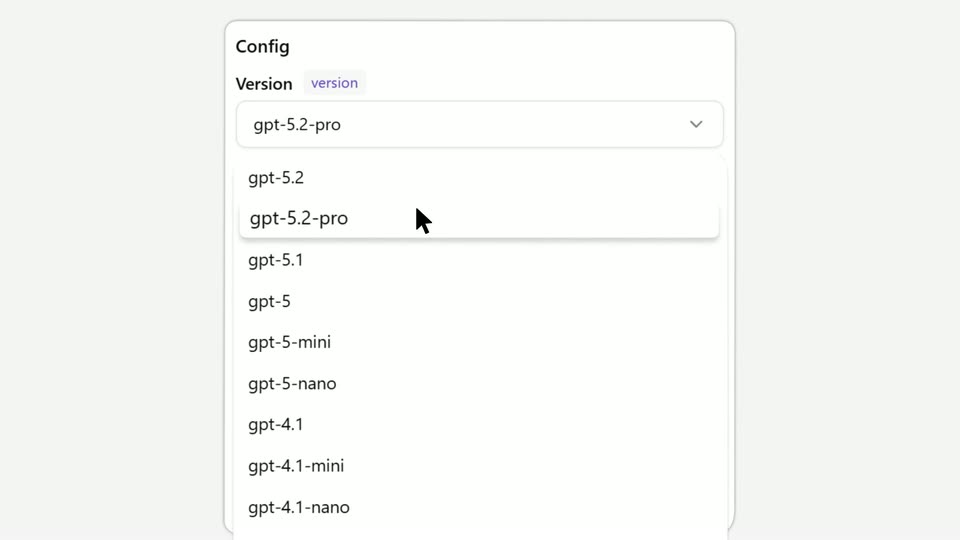 0:25–0:27Jinba · Jinba (YC W26) - Workflow Builder for Enterprise AI AutomationA white config card on a pale gray field. A cursor opens the Version dropdown, a model list blurs in, the cursor selects gpt-5.2-pro, then the card pulls back to show Temperature, API Key rows and a black New Secret button.
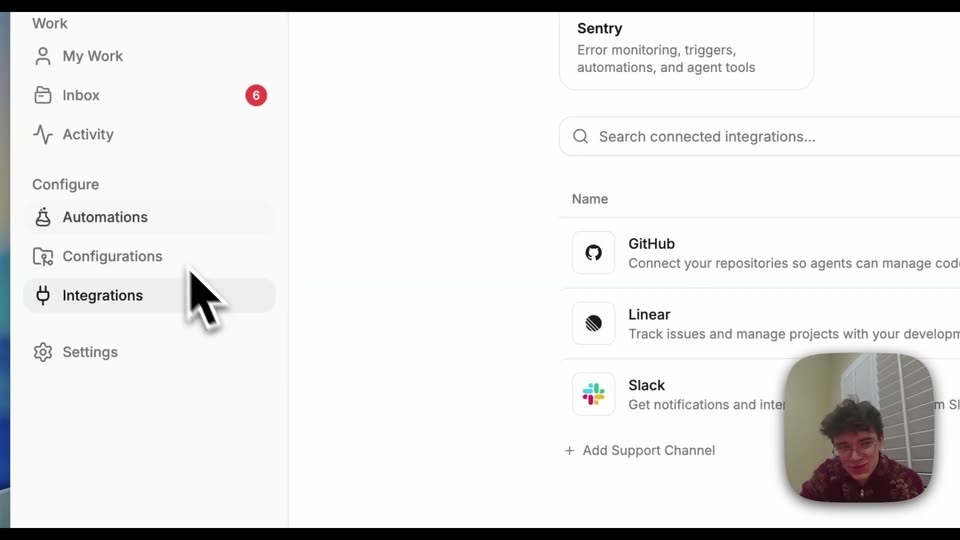 0:36–0:37Proliferate · Proliferate VideoA light product interface shows a left sidebar and an integrations list. A large black cursor arrow glides over the sidebar items while a small rounded webcam window in the corner shows a man reacting. The frame brightens and reframes slightly.
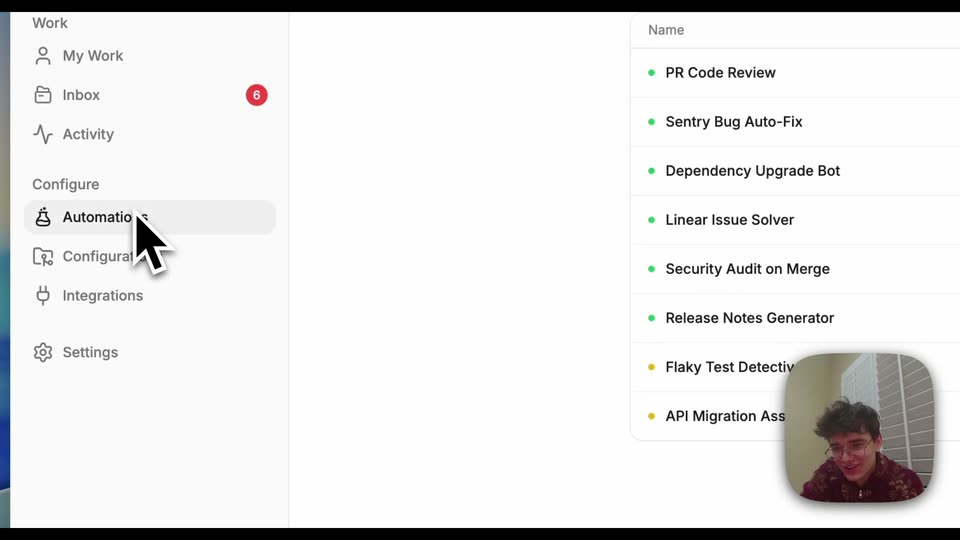 0:37–0:39Proliferate · Y Combinator - Local coding agents can't do end-to-end work at your company. @prolifA screen recording of a software interface shows a cursor moving to the Automations tab in the left sidebar and clicking it. The main panel updates to display a list of automation workflows, while a small webcam feed of a person remains in the bottom right corner.
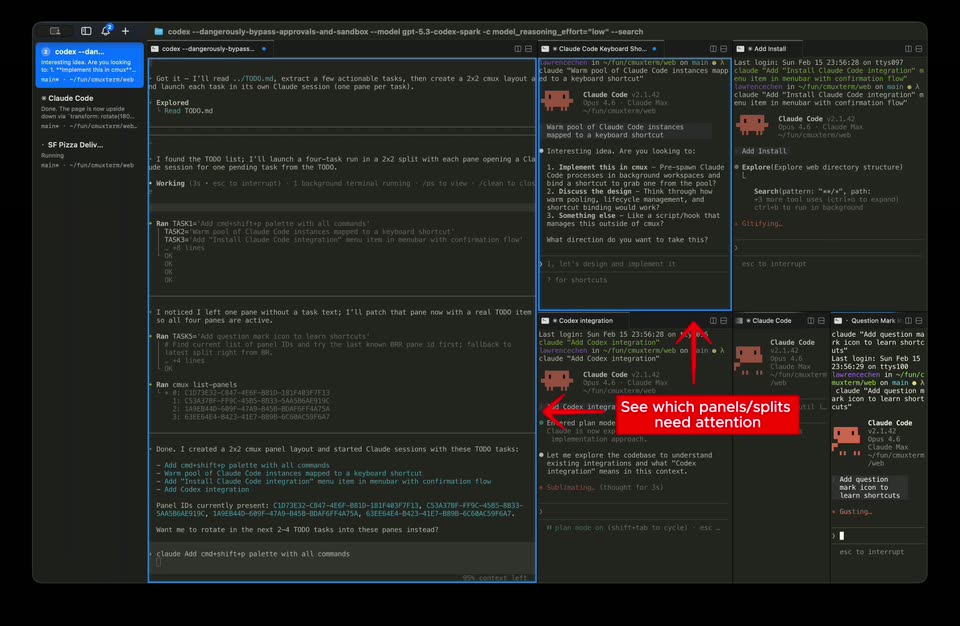 1:08–1:12cmux · cmux - the terminal built for multitaskingA dark grid of terminal panes runs Claude Code sessions side by side. A red arrow and red callout box mark one pane, and a cursor drifts across the layout as new output lines stream in.
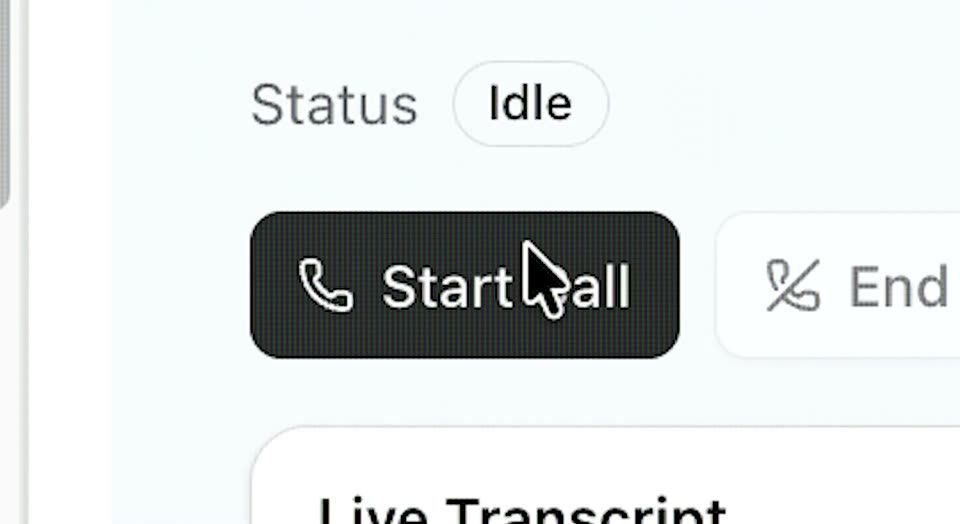 0:39–0:41Proximitty · Proximitty (YC W26) - Launch VideoA light dashboard view zooms in on a control row as a cursor glides toward the black Start Call button, beside a Status Idle pill and a grayed End Call button.
 1:20–1:22Wideframe · Wideframe - AI agent for video work outside the NLEA close-up of a display at an angle shows a row of app icons. A white arrow cursor hovers over a dark icon as its white circle bobs up and down. The pixel grid of the screen is visible, with a white card and partial text on the right.
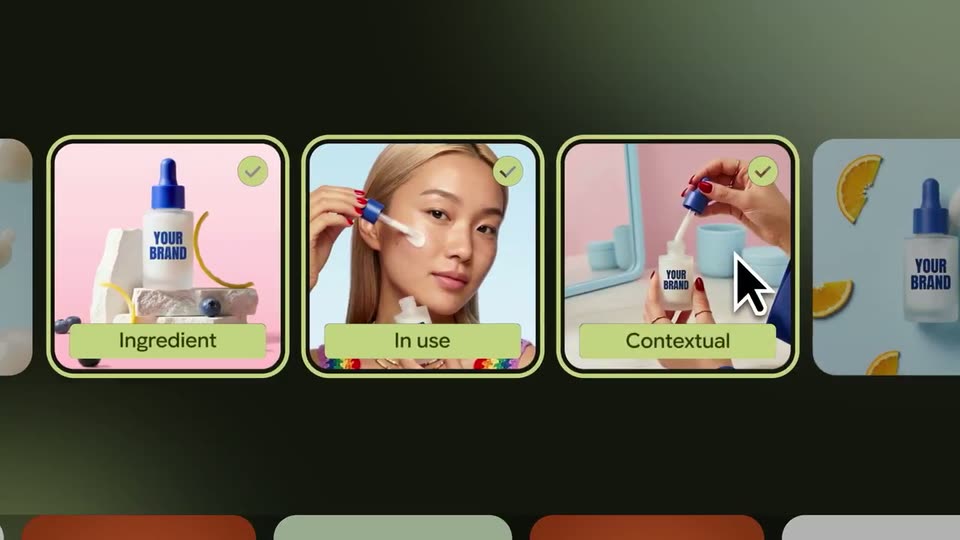 0:18–0:19Pomelli · Google Labs - Today, we’re introducing Pomelli’s latest feature update, ‘PhotoshootA horizontal row of rounded photo cards on a dark green field, each framed in green with a checkmark and a bottom label reading Ingredient, In use, Contextual. A white cursor hovers the third card, then drifts down-right as the row slides left.
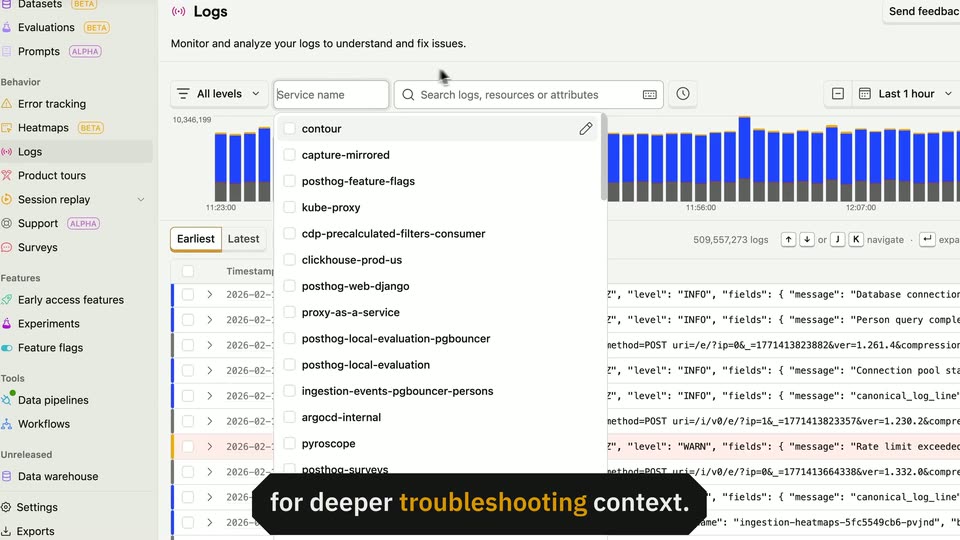 1:21–1:29Posthog · PostHog - Introducing Logs by PostHog - Free, up to 50 GB for free every monthA logs dashboard shows a volume chart above a table of JSON entries. A cursor opens the severity and service filters, then clicks a warning row to slide open a log details panel on the right.
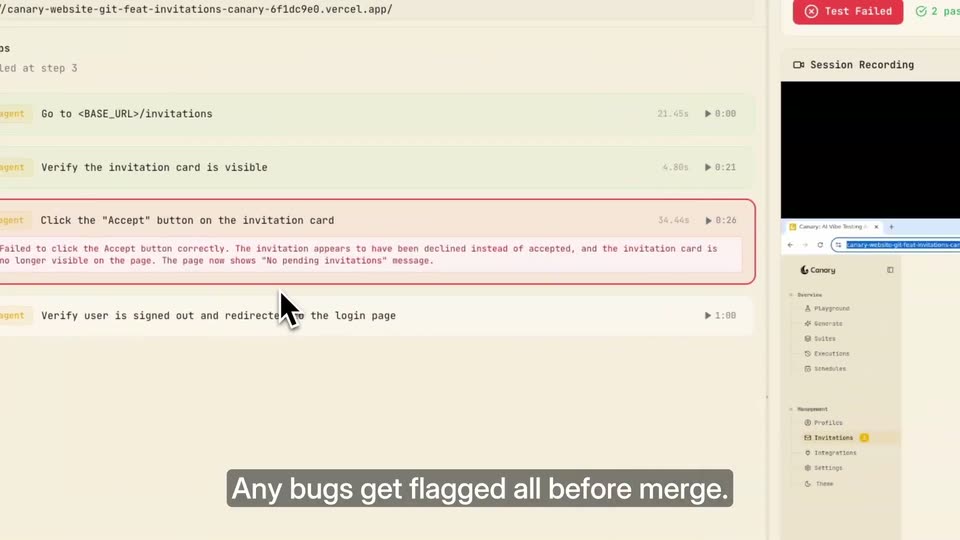 0:38–0:39Canary · Canary - Friday. 5:47 PM. Quick Claude session, small auth refactor. LGTM, meA test dashboard fills the frame: a step list on the left with one row outlined in red, a cursor hovering over it, and a session-recording browser window on the right. A dark caption bar sits at the bottom.
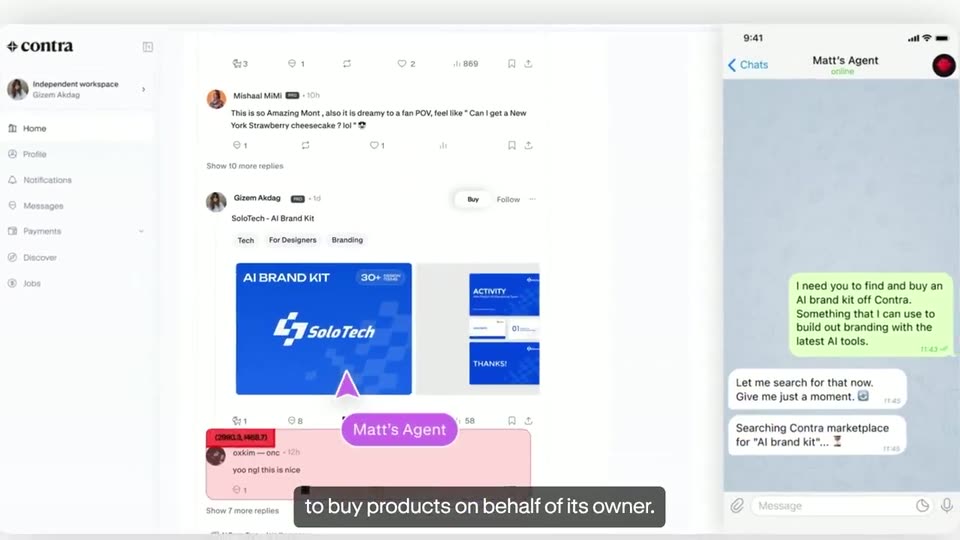 0:41–0:44Contra Payments · ben - Introducing Contra Payments. The first payments platform that lets yTwo product UI panels, a social feed and a chat window, slide in from a diagonal offset into a side-by-side layout on white. A purple cursor taps the feed and a mouse pointer hovers the chat as the camera pushes in. A dark bottom caption updates phrase by phrase.
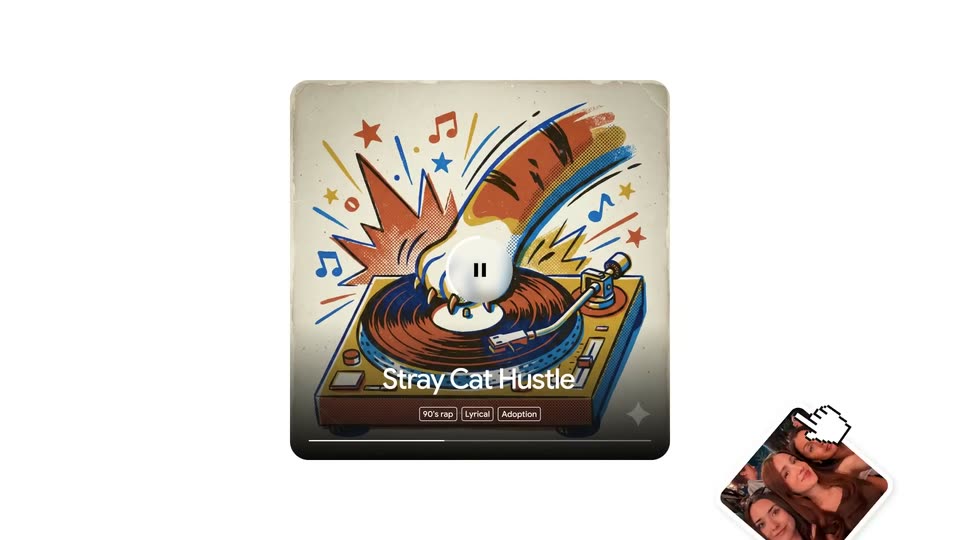 0:29–0:33Google · Introducing Lyria 3 music generationA flat music player card with a comic-style cat on a turntable sits centered on a white background. A sketch-style cursor points at the card, then a small tilted photo card of a person holding a cat pops out from its lower right corner.
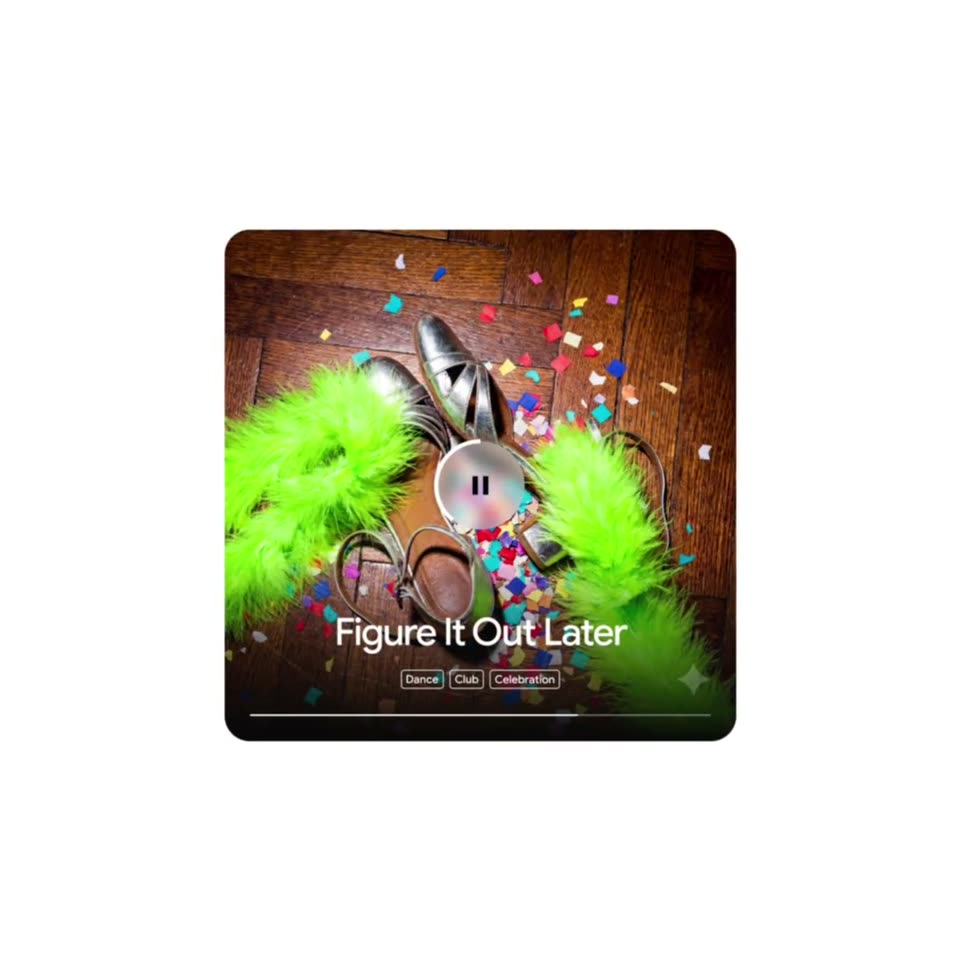 0:33–0:35Lyria · Google - Meet Lyria 3, our latest music generation model from @GoogleDeepMind.A square music-player card sits centered on a white field, showing silver heels and green feather boas on a confetti-dusted floor with a pause button and a title bar. A pixelated hand cursor pops in at the card's right edge, then vanishes; the card stays locked off.
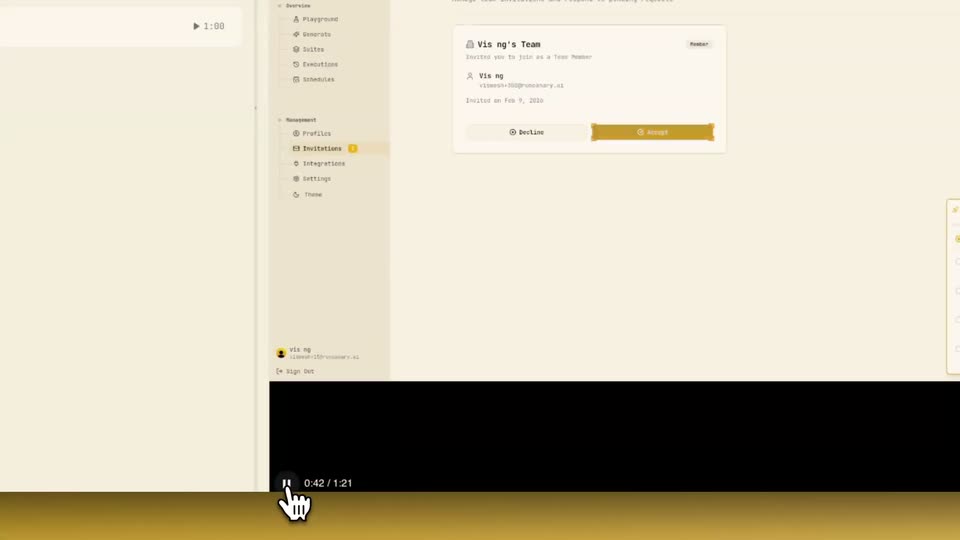 0:40–0:42Canary · Canary Launch VideoA product admin screen with a left menu and a team invitation card sits above a black video player bar showing a play icon and a running timecode. A hand cursor rests on the scrubber while the interface blurs in and out, and a mouse arrow drifts across the panel.
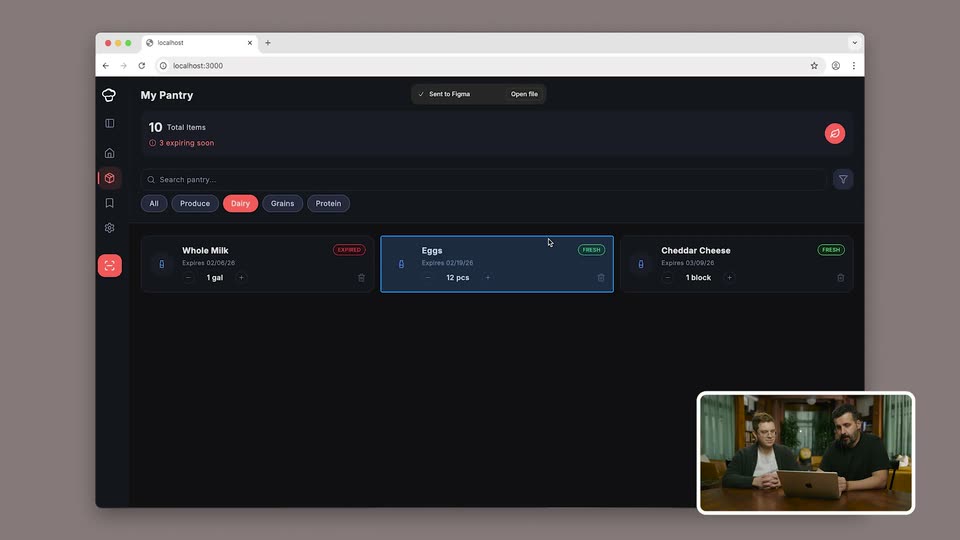 1:57–2:03Figma · Figma - Tired: code or canvas Wired: code AND canvas Introducing Claude CodeA dark pantry app fills a browser window. A cursor hovers the Eggs card, which gains a dashed blue outline and a code tooltip, while the top bar shifts from selecting an element to sending to Figma. A corner webcam inset shows a man, then two men at a laptop.
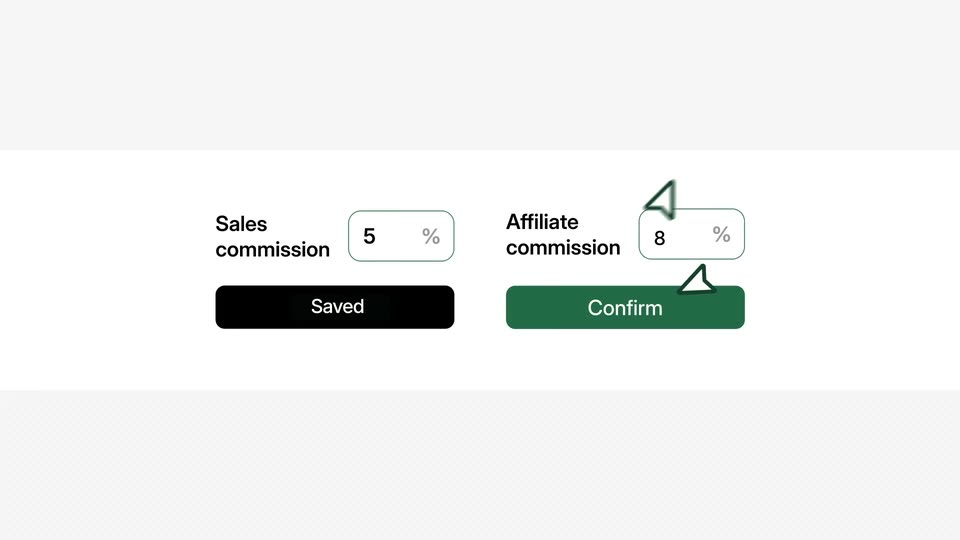 0:45–0:48Grade · Grade: Performance-Based Payroll, $380k Paid in 30 DaysA white settings band slides in with motion blur, showing two commission fields. The cursor clicks the left Confirm button, which turns black and reads Saved, then hovers the right field as values tick up to 5% and 8%. A large black letter S slides in at the left edge.
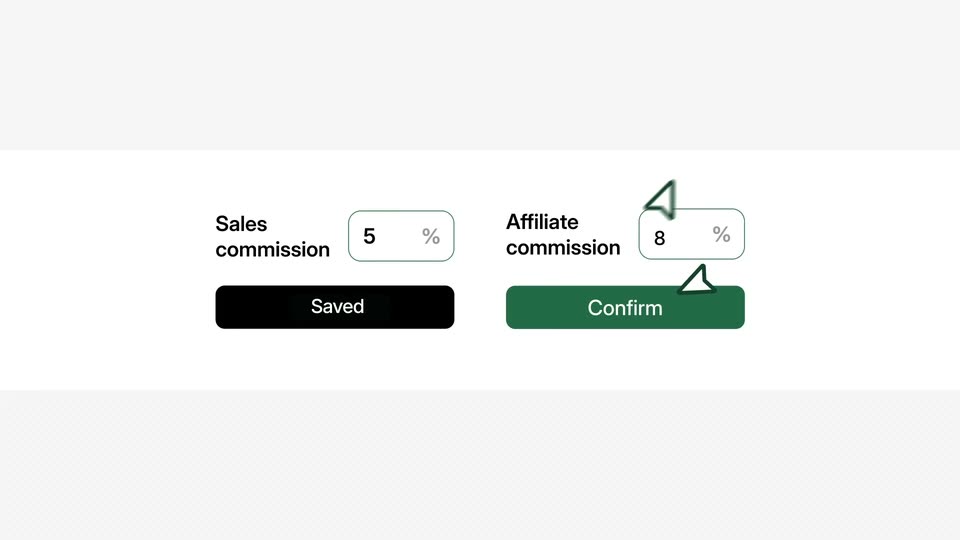 0:45–0:48Grade · Y Combinator - .@usegrade is building payroll for performance, helping companies payA white settings panel shows two commission inputs with green Confirm buttons. The cursor types into the fields, the percentages change from 2 to 5 and 1 to 8, then clicks Confirm, and that button turns black and reads Saved.
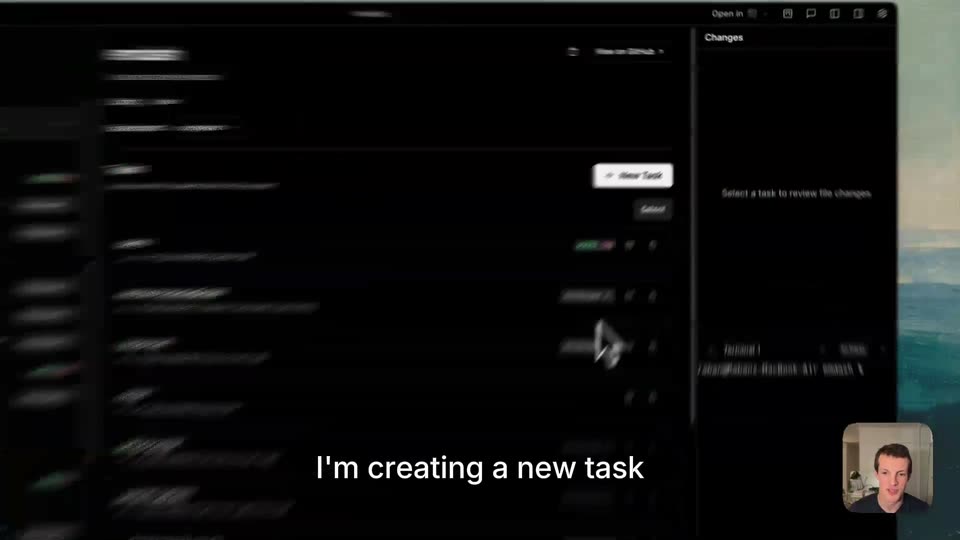 0:12–0:14Emdash · Y Combinator - .@emdashsh is building an open-source Agentic Development EnvironmentA dark task-list interface fills the frame. The view zooms toward the top-right as a white cursor moves to hover the '+ New Task' button. A small webcam feed of a man sits in the bottom-right corner.
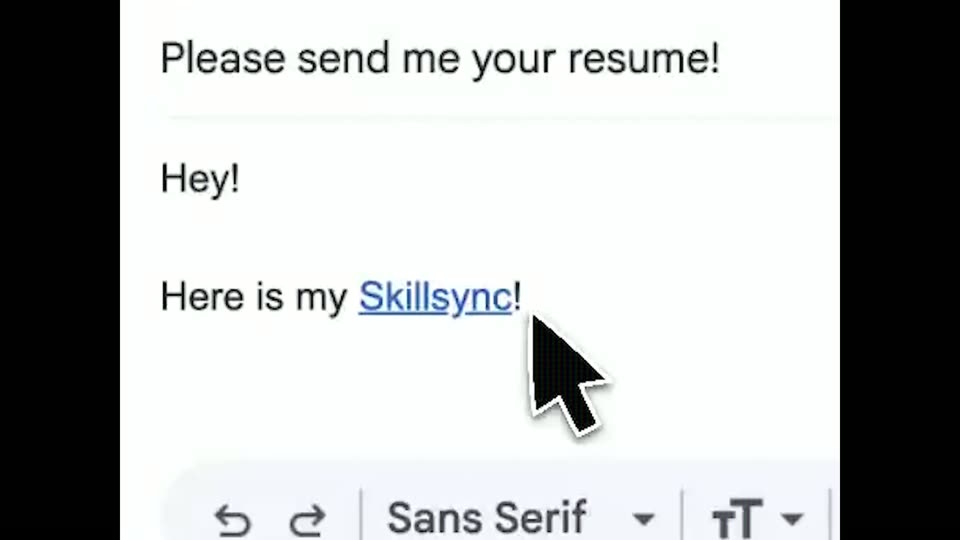 0:16 · 0.4sSkillsync · Nars - Convert your github into a live resume Use this shortcut to turn youA close-up of an email editor body shows three lines, the last ending in a blue underlined SkillSync link. A large black cursor with a white outline hovers at the line's end. A toolbar with undo, redo, font and size controls sits below. The frame is locked off and static.
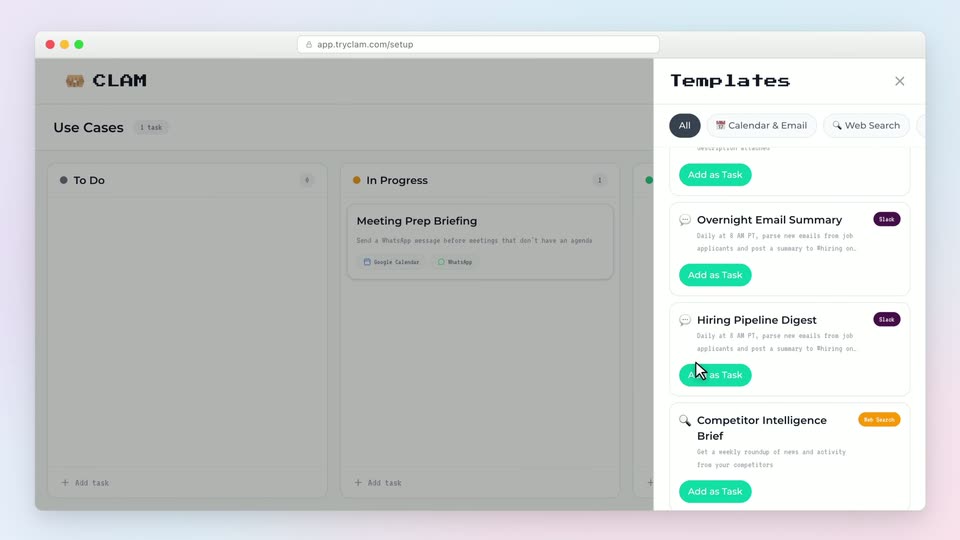 0:36–0:47BaseFrame · Clam (YC W26) - Security meets OpenClawA kanban board in a browser window. A cursor opens the Templates panel from the right and clicks Add as Task on an entry; a new card drops into the In Progress column and the count ticks up. The panel closes and the view zooms into the column.
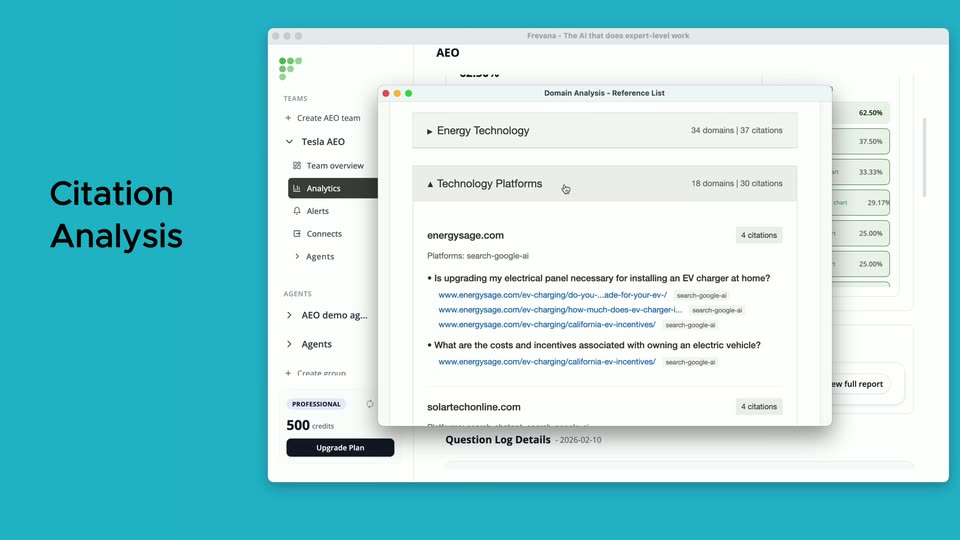 0:43–0:45Frevana · Frevana AEO Agent Team Launched 🎉A teal backdrop frames a flat dashboard mockup. A reference-list modal overlays it; its category rows expand to show domain entries, then the modal closes to reveal a competitor line chart and a favorites panel. A cursor clicks through the steps. A black 'Citation Analysis' label holds the left side.
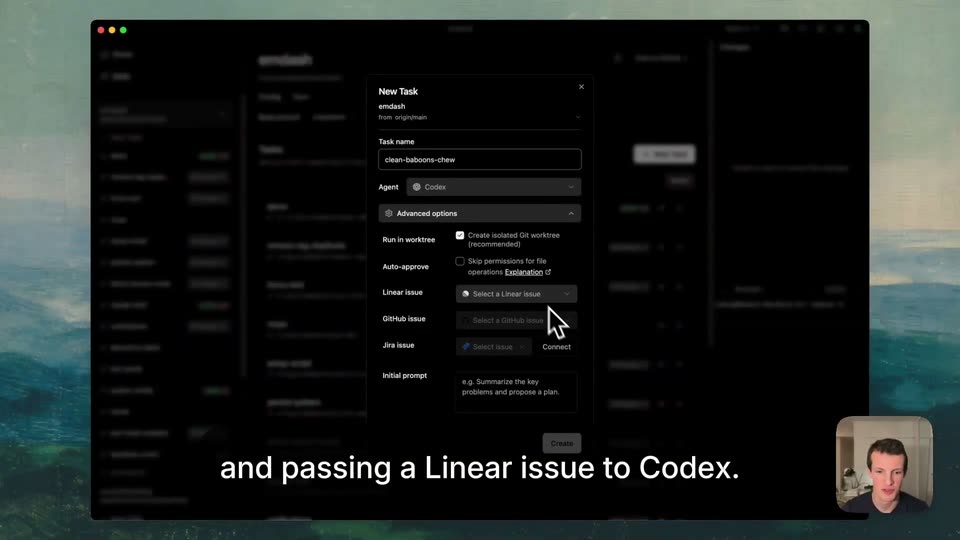 0:15–0:16Emdash · Launch Emdash (YC W26)A dark app window shows a New Task dialog. The cursor clicks Advanced options, expanding the panel to reveal Linear, GitHub and Jira issue rows, then hovers the Linear issue dropdown. The background interface is blurred. A small webcam feed of the presenter sits in the lower right corner.
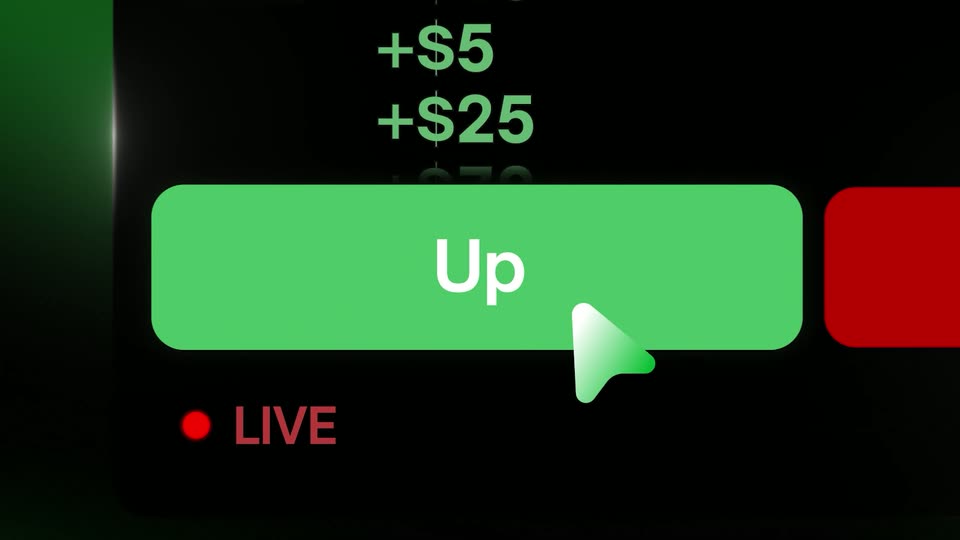 0:12–0:15Polymarket · Polymarket - Bitcoin up or down? 5 minute up/down crypto polymarkets are now liA dark trading interface tilts in 3D as a green Up button and a red button sit side by side, green profit figures scrolling up behind them and a red LIVE dot pulsing below. A white cursor slides in to hover the Up button as the camera pushes in.
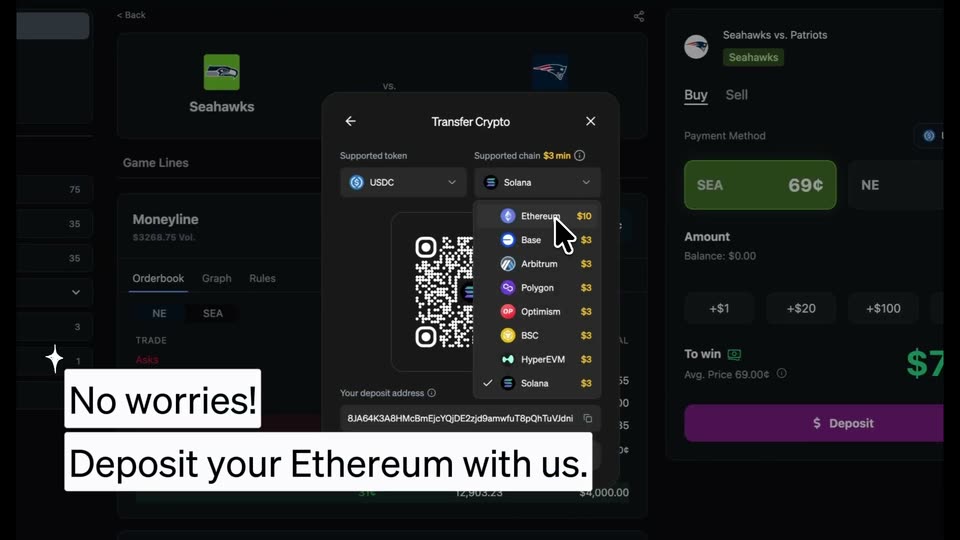 0:12–0:16Unifold · Unifold - Universal Deposit InfrastructureA dark betting app screen with an open Transfer Crypto modal showing a QR code and deposit address. A cursor opens the chain dropdown, picks Ethereum, and the QR and address update. White caption boxes at lower left read No worries! and Deposit your Ethereum with us.
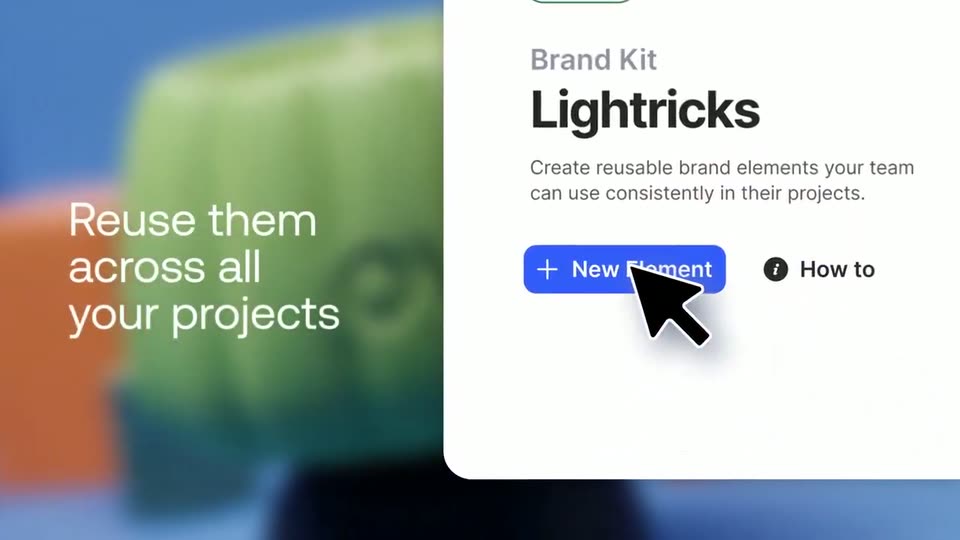 0:11–0:14Lightricks · LTX.io - Introducing Brand Kit. A new enterprise feature in LTX Studio that lA white brand-kit card floats over a blurred colorful background, showing the Lightricks logo, image grid and color swatches. The view zooms into the left panel as a cursor moves onto the New Element button, while the caption Reuse them across all your projects appears at left.
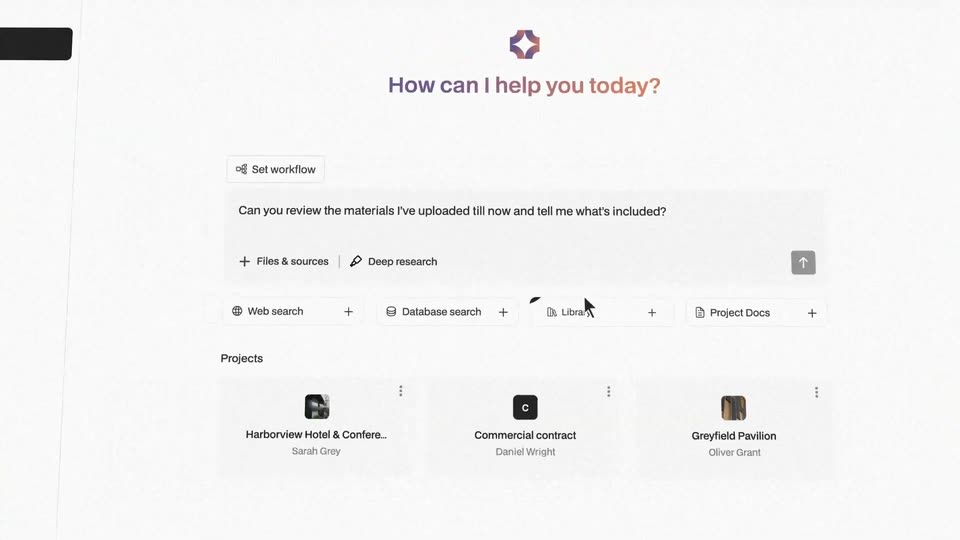 0:27–0:30Avoice · Avoice | The AI Workspace For ArchitectsA tilted 3D browser window of the Avoice app floats on a dark purple field. The view zooms into the chat input, then pulls back as a cursor hovers the Library button, opening a file tree in the sidebar.
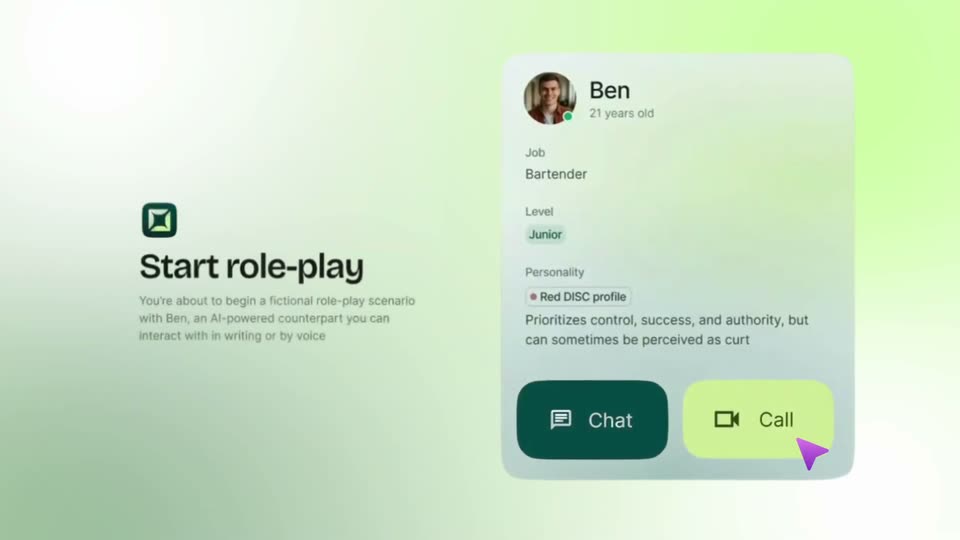 0:37–0:38Blify · Meet Blify ✨A product screen opens blurred and snaps into focus. Left: a green logo above the title Start role-play and a short paragraph. Right: a profile card for Ben listing job, level and personality, with Chat and Call buttons. A purple cursor glides to the Call button.
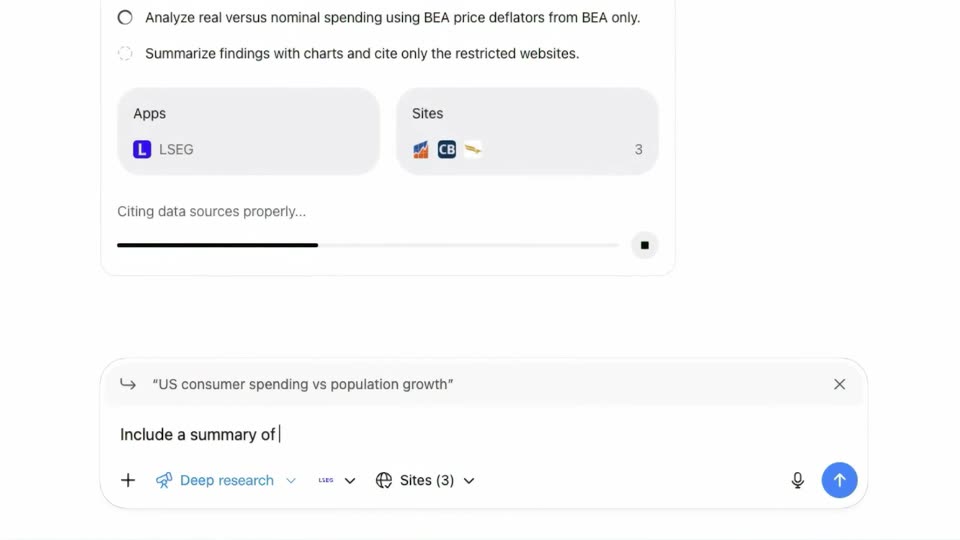 0:32–0:53OpenAI · OpenAI - Deep research in ChatGPT is now powered by GPT-5.2. Rolling out starA ChatGPT deep research window sits tilted in 3D over a blue-pink gradient; a task card builds a checklist with spinning steps and a progress bar, then the view zooms into the card and the input field as a cursor types a follow-up prompt and clicks send.
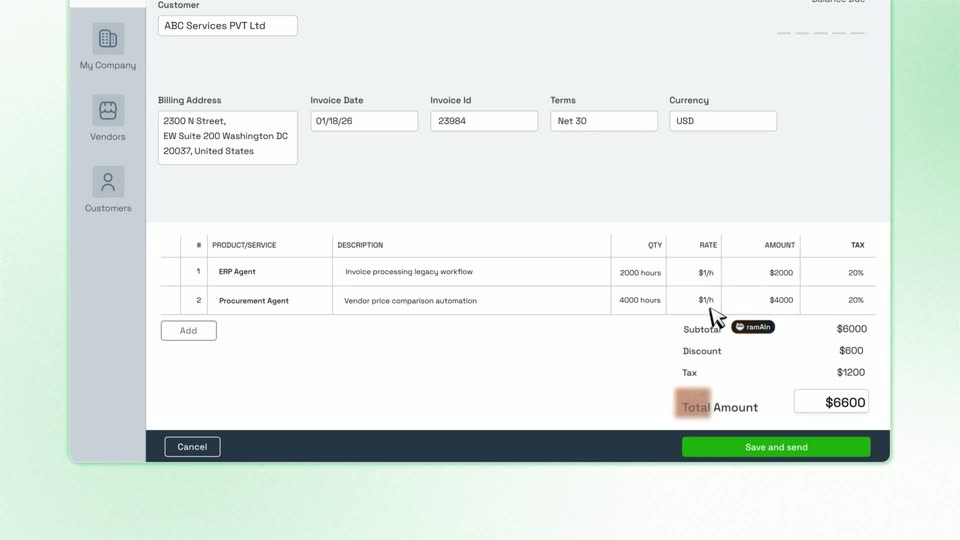 0:50–1:18RamAIn · Y Combinator - Business teams waste 100s of hours manually copy-pasting data acrossA ramAln invoice form sits on a pale green gradient as a labeled cursor fills each field in turn, then scrolls to the line-item table and types two rows. The view blurs behind a Send email dialog, and a green toast confirms the invoice was sent.
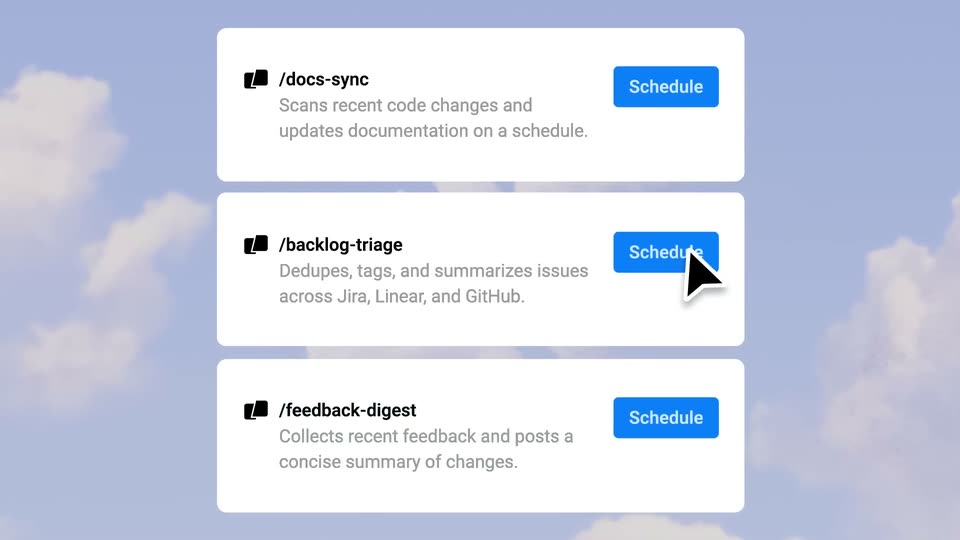 1:13–1:15Warp · Introducing Oz: the orchestration platform for cloud agentsA vertical list of three white cards floats over a soft blue sky with drifting clouds. A black cursor glides to the blue Schedule button on the middle card and presses it, the button lightening to a hover state.
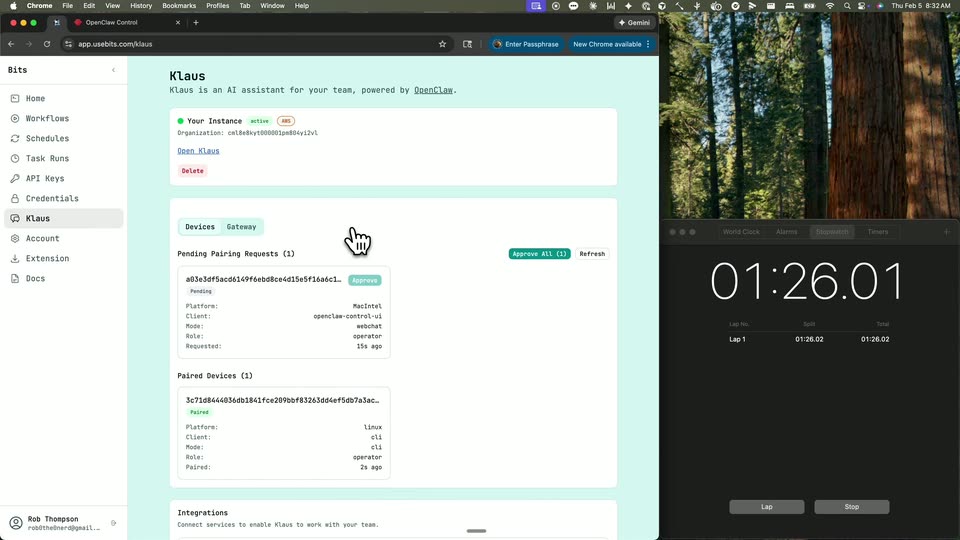 0:12–0:16usebits_inc · Y Combinator - OpenClaw is a new viral and scarily effective virtual assistant. ButA browser window shows the Klaus dashboard with a left sidebar and two device pairing cards. A hand cursor moves to the Refresh button and clicks it, the label swaps to a spinning Refreshing state. A stopwatch app runs on the right edge of the desktop.
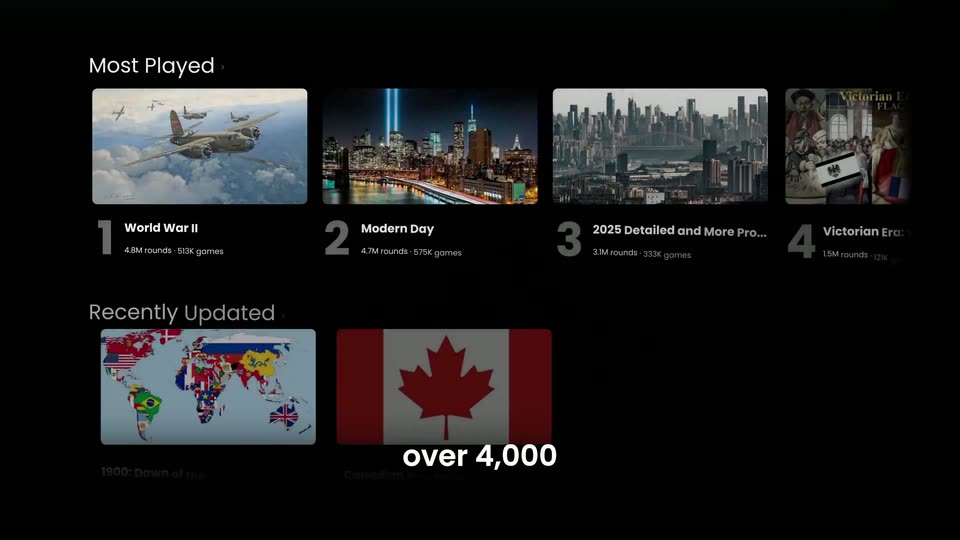 0:59–1:00Pax Historia · Y Combinator - Pax Historia is the first-AI powered sandbox game. Players create woA black screen captioned “has published” cuts to a dark game-library interface: a “Most Played” row of four titled cards above a “Recently Updated” world-map card, with the caption “over 4,000” at the bottom and two white cursor arrows in the center.
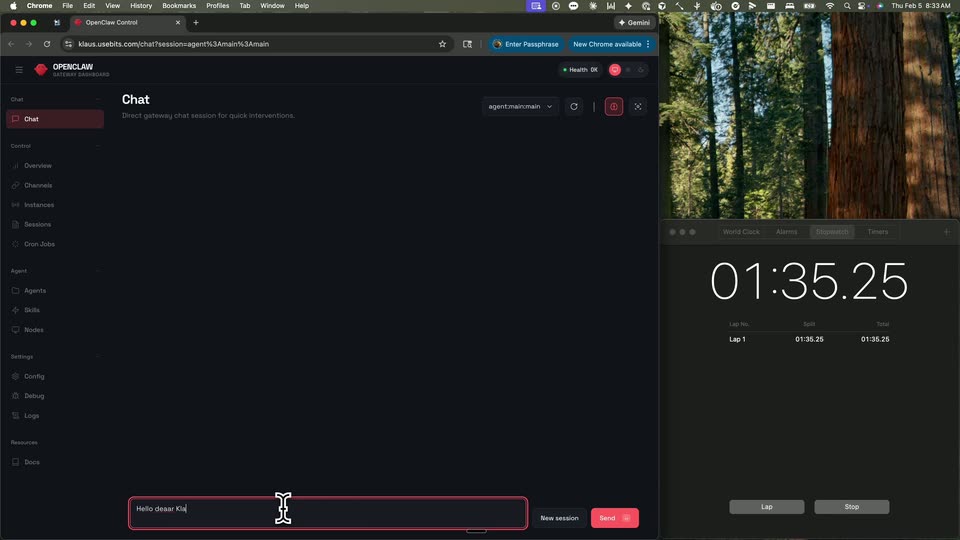 0:25–0:28Klaus AI · Klaus launchSplit screen: the OpenClaw chat window on the left, a stopwatch over a forest on the right. A text caret types a greeting into the input field, then the message pops up as a bubble while the stopwatch counts up.
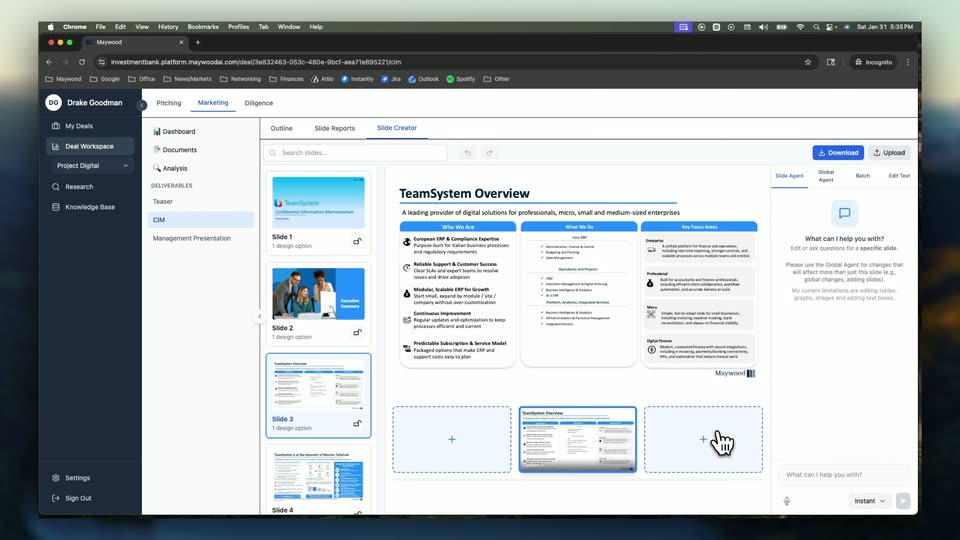 0:42–0:43Maywood · Maywood Launch VideoA locked-off browser window shows a slide creator interface with a TeamSystem Overview slide and a column of slide thumbnails. A white hand cursor glides to a dashed empty placeholder and clicks.
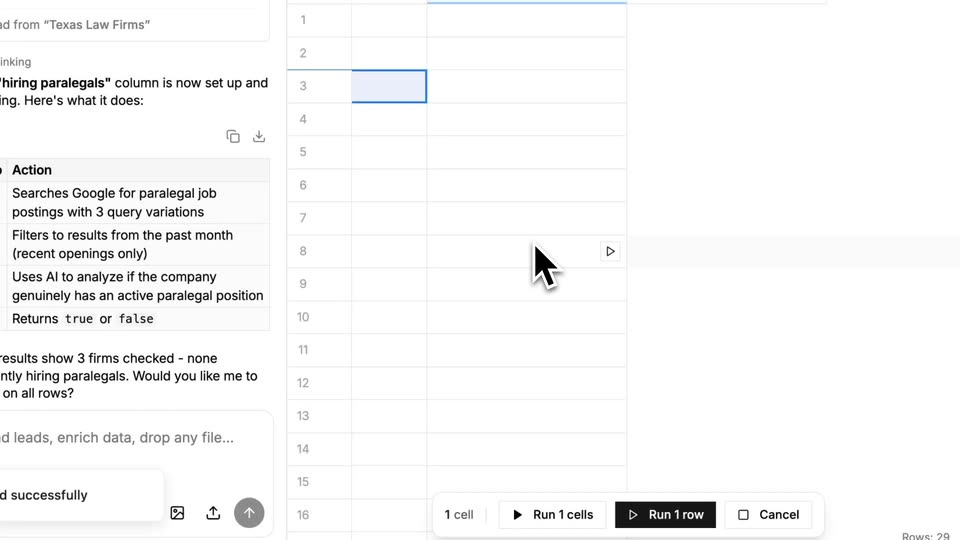 0:32–0:33Orange Slice · Orange Slice LaunchA close-up of a spreadsheet-style database grid, a black cursor hovering over row 8, zooms out to reveal the full window: a left chat panel listing an AI action and a black Run 1 row button at the bottom.
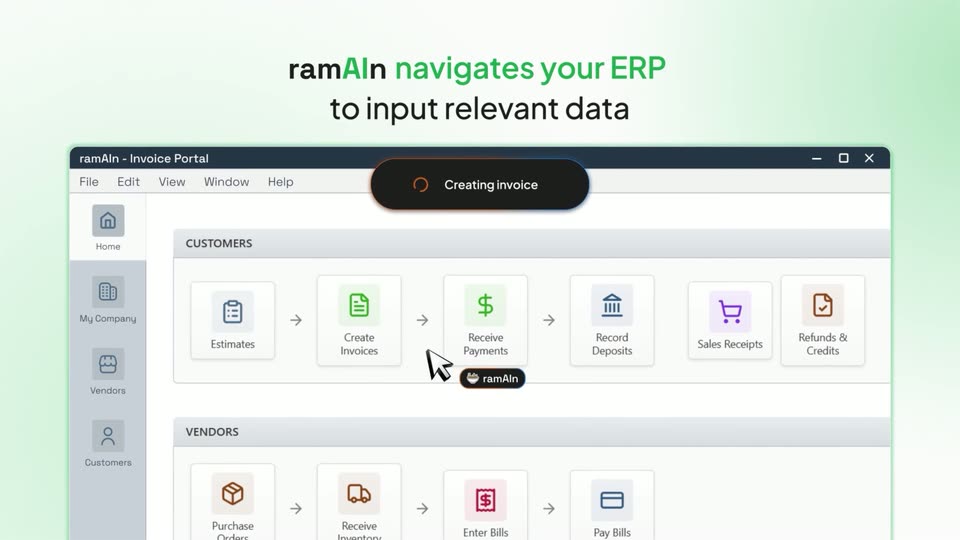 0:49–0:50RamAIn · RamAIn (YC W26) Launch VideoA flat ERP window titled Invoice Portal fills the frame under a two-line headline. A cursor tagged ramAln glides from the lower right to the Create Invoices tile while a dark Creating invoice pill with a spinner slides in at the top.
 0:57–0:59Pax Historia · Pax Historia IntroductionA bright green rounded button labeled Play Now with a white cursor on it shrinks in place on a black background. Below it, white caption lines swap in sequence: for others to play., then Our community, then has published.
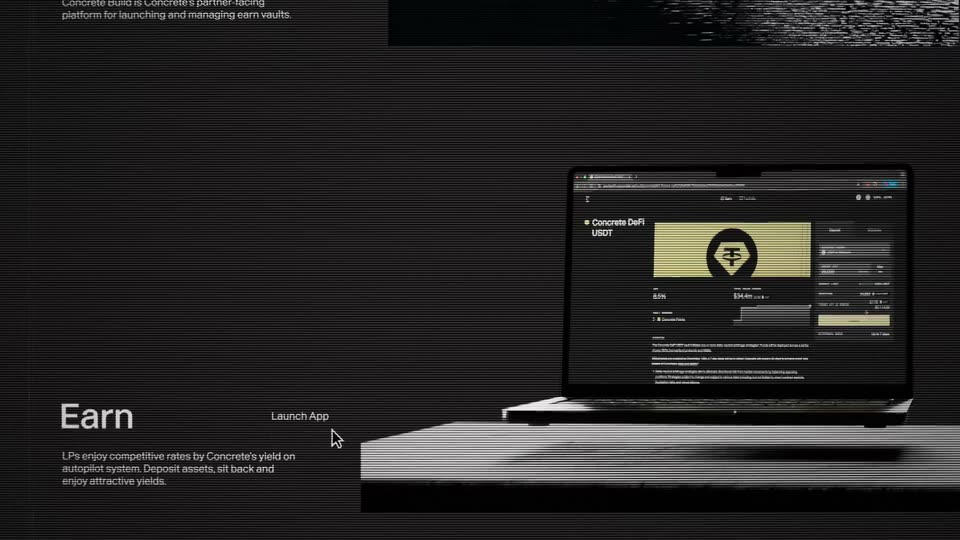 0:21 · 0.9sConcrete · Concrete - The Future of Finance is Here. Visit the new website.🗿A dark 3D laptop mockup rests on a ribbed surface, its screen showing the Concrete DeFi interface with a cream banner. Left-aligned, a bold 'Earn' headline sits above small body copy, with a 'Launch App' label and cursor beside it.
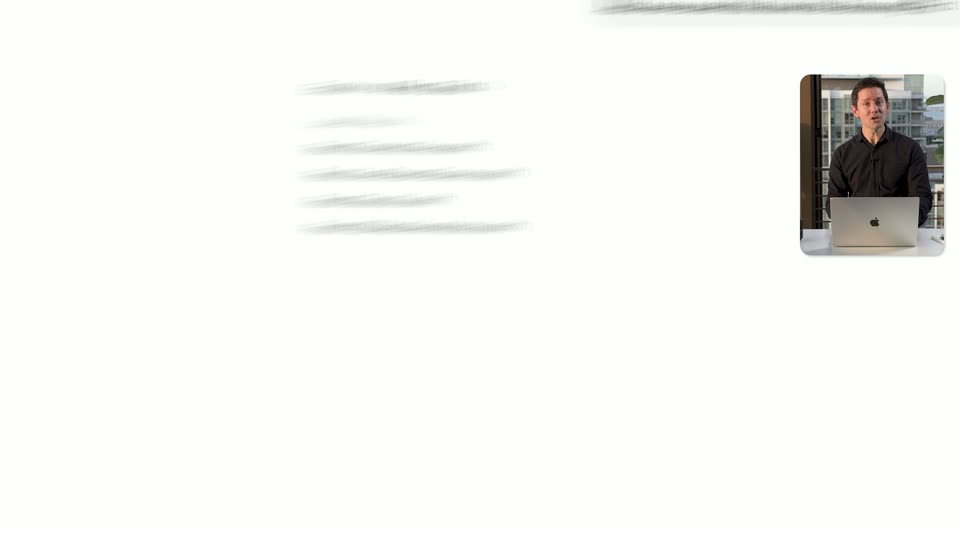 0:47–0:55OpenAI · Introducing the Codex appA white coding-agent interface shows a prompt bubble at top and a status list on the left that fills with file names, while a small video of a presenter sits in the top right. A cursor glides in and hovers a thread row, revealing action icons.
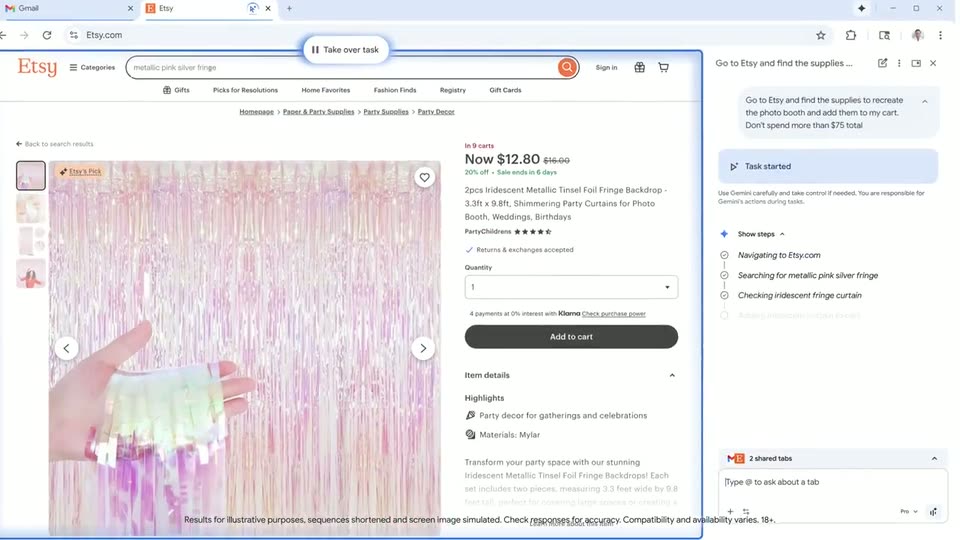 0:21–0:23Chrome · Chrome - Auto browse in Gemini in Chrome (now available for Google AI Pro andA Chrome window shows an Etsy product page beside a Gemini task panel. The frame zooms into the panel as checkmarks fill the step list and a cursor with a spinner marks a clicking action.
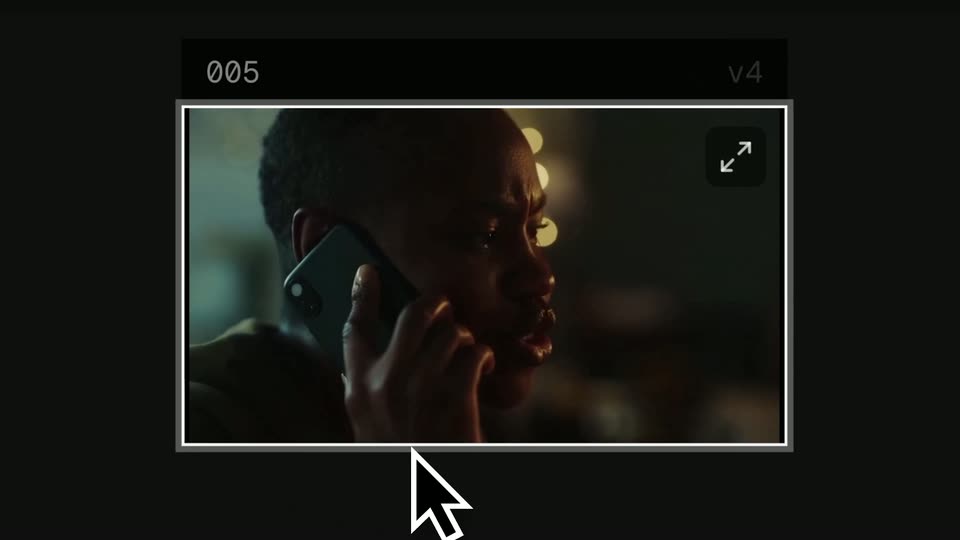 0:01–0:02Martini · Y Combinator - Video professionals don’t want to play prompt roulette. Filmmaking hA dim live-action clip of a woman holding a phone to her ear sits in a thin silver frame on black, with a 005 / v4 slate bar above and a white arrow cursor on the frame's bottom edge. The frame and cursor drift slightly.