0:50

Dani Carmona - The wait is over. Today we’re launching @SupersonikAI, the first AI t
SupersonikAI · Sep 2025
BaseFrame’s 1:10 launch film runs 14 scenes, about 5.0 s each. The product shows up at 0:05 and 1 feature is revealed. The call to action lands at 1:07 (96% in), over a voiceover. The video pairs flat color title cards with a pixel-art hamster mascot against clean browser-UI mockups laid on a faint isometric grid, shifting from a red alarm to a green resolution. It moves at a brisk cut rate, using typing headlines, scan-line sweeps, and card crossfades as its signature moves.
Is this your launch? to your site or press kit.
Films whose music sounds like this one, voice left out
Kotoba · Electronic Hip-Hop
Praxis Robotics · Electronic, Hip-Hop
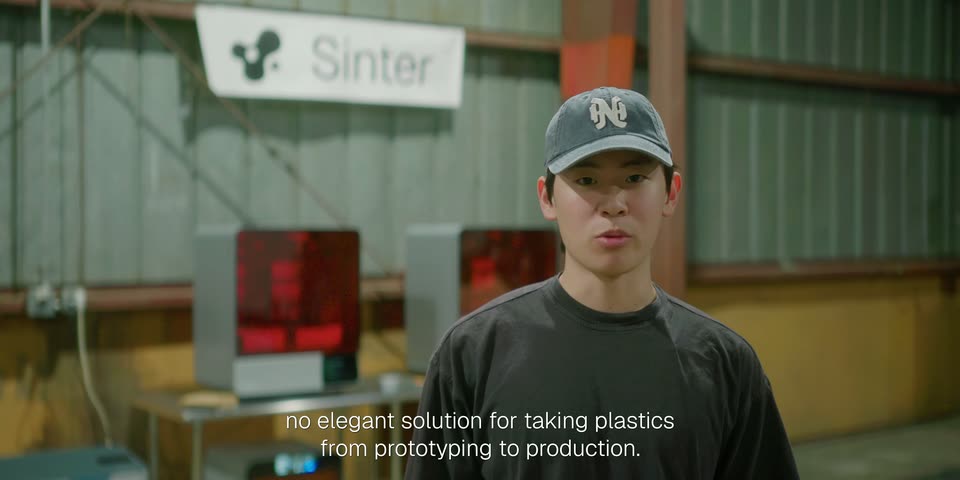
Sinter · Modern Electronic
A flat red field holds a single centered white line that types itself out letter by letter, building the full phrase, then holds still. The frame stays locked off with no camera move.
On-screen text: “An Al with OpenClaw”
Techniques: Kinetic type
Camera: Static
A white headline types out word by word on a flat red background, with a small subline below, while a pixel creature holding an API key tag shifts color above. Faint data fragments fade in at the edges, then the creature morphs into a cardboard box.
On-screen text: “An AI with OpenClaw”, “just leaked your data”, “...and you didn't even notice.”, “4142 **** **** 0042”, “SSH: ****@***-0709”, “DOB: 03/15/1992”, “Balance: $48,291.00”, “[email protected]”, “password1234”
Techniques: Kinetic type, Morph
Camera: Static
A flat red background holds a centered pixel-art face behind a bold white two-line headline. Faint monospace data labels (SSN, DOB, balance, password) sit at the edges. At 0.5s the pixel face tilts and a thin red circle draws around it.
On-screen text: “An AI with OpenClaw”, “just leaked your data”, “...and you didn't even notice.”, “SSN: ***-**-6789”, “DOB: 03/15/1992”, “Balance: $48,201.00”, “password123!”, “[email protected]”
Camera: Static
A small tan pixel-art creature with two black dot eyes and a white square mouth sits centered on a flat red field. The frame stays locked as the dark red caption “Threat Resolved with Clam” appears beneath it.
On-screen text: “An AI with OpenClaw”, “just leaked your data”, “...and you didn't even notice.”, “Threat Resolved with Clam”
Camera: Static
A tan pixel-art face with dark sunglasses sits centered on a flat green field. The white headline holds still below it; a smaller line fades in under the headline, then the whole frame fades to black.
On-screen text: “Threat Resolved with Clam”, “Let me show you how you can run OpenClaw securely through Clam”
Camera: Static
A browser window of the Clam chat, with an integrations list on the right, fades in over a pastel gradient. Messages appear one by one, the user types a reply, then a cursor clicks the Google Calendar Connect button and a sign-in modal pops up.
Techniques: Cursor demo
Camera: Static
A browser window shows the CLAM setup screen with a chat and an integrations list. A cursor clicks the WhatsApp Connect button, opening a modal that steps through a QR code and a phone number confirmation, ending in a green Connected check, then closes to reveal WhatsApp marked connected.
Techniques: Cursor demo
Camera: Static
A browser mockup of the Clam setup page: the chat scrolls as new messages and a green Done bubble appear, a Meeting Prep Briefing card pops in, then the panel switches to a Use Cases board with To Do, In Progress and Done columns.
Techniques: Cursor demo, Morph
Camera: Static
A kanban board in a browser window. A cursor opens the Templates panel from the right and clicks Add as Task on an entry; a new card drops into the In Progress column and the count ticks up. The panel closes and the view zooms into the column.
On-screen text: “app.tryclam.com/setup”
Techniques: Cursor demo, UI zoom
Camera: Push in
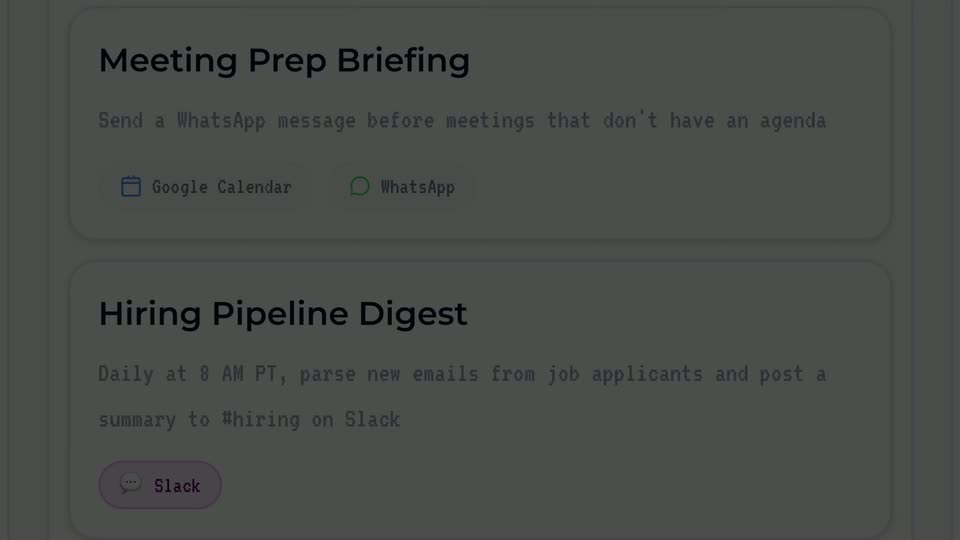
A list of automation task cards, “Meeting Prep Briefing” and “Hiring Pipeline Digest,” snaps from blur into sharp focus as the frame pulls back slightly to reveal the “In Progress” column header.
Camera: Static
A white window titled Clam Machine holds a small pixel-art brown creature, centered on a faint perspective grid. A second card, Hiring Pipeline Digest, fades in across the top while a search query types out beneath its header.
Camera: Static
A 'Clam Machine' card with a pixel cat crossfades into a 'Security Layer' checklist; a red scan line sweeps down as the checks turn green and 'All Checks Passed' appears. The 'Hiring Pipeline Digest' card stays fixed while the frame widens to reveal an 'Email Integration' inbox list.
Techniques: Light sweep
Camera: Static
A prompt card and email list sit on a faint grid. List rows stack center, the confidential one outlined red. A Security Layer panel slides in left as a red scan line sweeps the rows green with checks, then they scatter off and a Sensitive Data Filtered badge appears.
Techniques: Light sweep
Camera: Static
A pixel-art hamster face in tan and brown sits centered on a flat green field, with the white URL tryclam.com held still beneath it. The frame is locked off and static for the full clip.
On-screen text: “tryclam.com”
Camera: Static