3:25

DJI – Introducing the Inspire 1
DJI · Hardware · Nov 2014
Pomelli’s 0:41 launch film runs 22 scenes, about 1.9 s each. The product is on screen from the first frame and 1 feature is revealed. The call to action lands at 0:36 (88% in). The video opens on the brand lockup, names the Photoshoot feature, then walks the UI step by step with a guiding cursor before revealing the generated images and their marketing use. Its signature moves are shallow focus pulls on the logo, glowing italic serif headlines that bloom word by word, and 3D tilted cards and phone mockups drifting over a dark olive field.
Is this your launch? to your site or press kit.
DJI · Hardware · Nov 2014
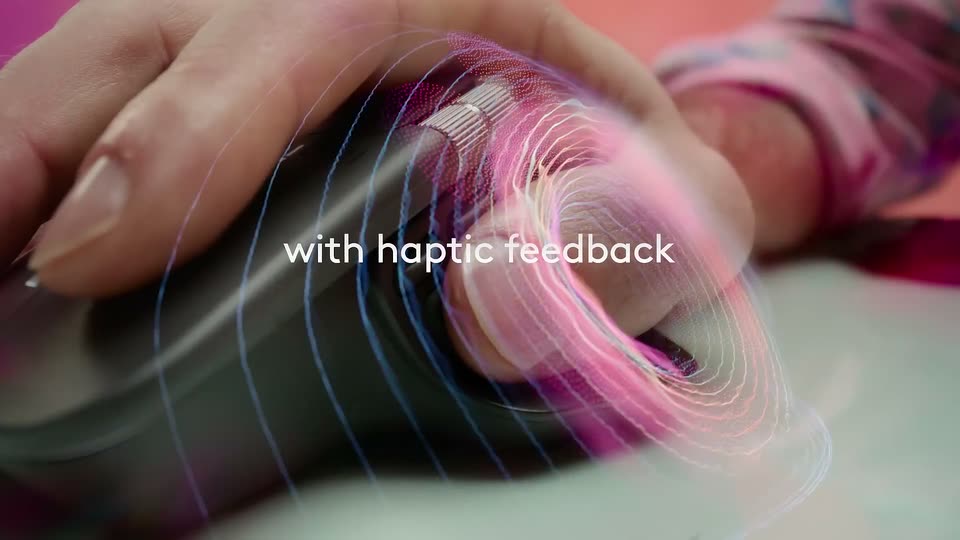
Logitech · Sep 2025
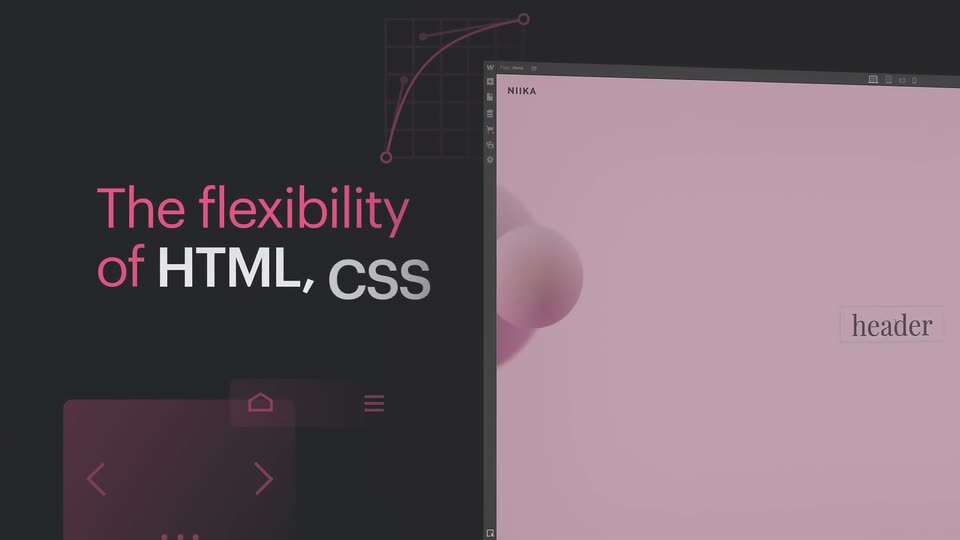
Webflow · Design · Oct 2018
A dark app screen sits blurred in the background while the green word Pomelli sharpens into focus at center. A thin rounded outline then forms to its right, revealing the word EXPERIMENT inside.
On-screen text: “Pomelli”, “EXPERIMENT”
Techniques: Kinetic type
Camera: Pull out
A dark interface with shallow depth of field keeps the yellow Pomelli wordmark and an EXPERIMENT pill in focus while color dots and a prompt field blur behind. The camera drifts right, sliding the label off to the left and centering the yellow flower logo as it scales up.
On-screen text: “Pomelli”, “EXPERIMENT”
Techniques: 3D mockup, Parallax
Camera: Pull out
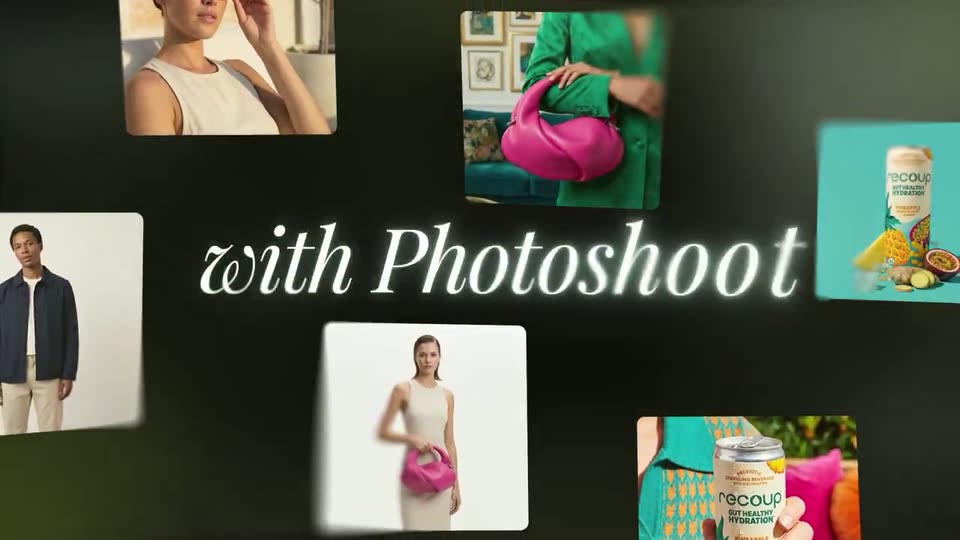
A drifting collage of blurred fashion and product photos floats on a dark background while a large white italic headline settles in the center, “Create new product shots,” then swaps to “with Photoshoot.”
On-screen text: “Create new product shots”, “with Photoshoot”
Techniques: Kinetic type, Parallax
Camera: Pull out
Blurred photo thumbnails drift on a dark field as large white italic text 'with Photoshoot' scales down into a smaller 'Photoshoot' title under a camera icon. A gray caption line fades in, then two empty rounded cards with thin gold outlines draw themselves below.
On-screen text: “with Photoshoot”, “Photoshoot”, “Choose a guided template for professional product shots or use the blank canvas to capture anything you can imagine.”
Techniques: Kinetic type
Camera: Pull out
A dark UI screen fades in showing a Photoshoot heading and two cards, Create a Product Photoshoot and Generate or Edit an Image. A cursor hovers the left card, adding an olive border, while its thumbnails swap to a single large bottle preview and back. The screen fades to black.
Techniques: Cursor demo
Camera: Static
A dark interface with two empty panels zooms onto the left card as a hand-held cream jar photo fills it, then reframes to the right card where four shot template thumbnails appear. A white cursor taps the edit icons.
Techniques: UI zoom, Cursor demo
Camera: Push in
A row of dark rounded cards scrolls left across a dark olive backdrop. Each card holds a 2x2 grid of product photos under a small white title. The cards glide past one another with slight motion blur as the camera holds still.
On-screen text: “Shot Image”, “Shot Templates”, “Photoshoot”
Camera: Static
A dark product screen lists shot thumbnails in rows. The view zooms into the top 'Beauty' row, and a cursor slides right across the cards, hovering each to reveal its green label.
Techniques: UI zoom, Cursor demo
Camera: Push in
A horizontal row of rounded photo cards on a dark green field, each framed in green with a checkmark and a bottom label reading Ingredient, In use, Contextual. A white cursor hovers the third card, then drifts down-right as the row slides left.
Techniques: Cursor demo
Camera: Static
Two dark UI cards fade in on a near-black background. The left card, “Product Image”, shows a hand holding a face cream jar; the right, “Shot Templates”, holds a 2x2 grid of labeled thumbnails. Thin red, green and yellow squiggly outlines drift slowly around the cards.
Camera: Pull out
A pale green pill button labeled Create Photoshoot is centered on a dark gradient field with floating outline shapes. A white cursor slides to its right edge as the button scales down and the shapes drift outward, creating a slow depth pull-back.
Techniques: Cursor demo, Parallax
Camera: Static
On a dark olive gradient, the white italic serif line “Ready to use images” builds up word by word, each word blooming with a soft glow that settles into a steady shine.
On-screen text: “Ready to use images”
Techniques: Kinetic type
Camera: Static
White italic serif headline “Ready to use images” scales at center over a dark green glow, then clears to reveal two white Face Cream product cards angled in 3D perspective, with a blurred face photo floating above.
On-screen text: “Ready to use images”
Techniques: Kinetic type, 3D mockup
Camera: Static
Four vertical video cards slide in from the left into a row on a dark olive gradient, each showing a face cream jar or a person using it. The row holds, then shrinks and drifts right as a thin light line draws along the bottom.
On-screen text: “Sequences shortened. Results for illustrative purposes.”
Techniques: Split screen
Camera: Pull out
On a black background with a soft green glow, a dark pill button with a thin luminous edge flares to bright white. A black cursor arrow appears at its right edge and hovers, then the button fades back to dark.
Techniques: Light sweep, Cursor demo
Camera: Static
A single line of white italic serif text sits centered on a dark green-black gradient. The words scale up and sharpen from a soft, doubled blur into a crisp line, a faint glow blooming behind the letters as the frame stays locked off.
On-screen text: “to elevate your marketing”
Techniques: Kinetic type
Camera: Static
A white italic serif line scales in on a dark green-tinted background, then blurs out as a tilted smartphone mockup fades in on the right, showing a Face Cream product page.
On-screen text: “to elevate your marketing”
Techniques: Kinetic type, 3D mockup
Camera: Static
A smartphone mockup floats in 3D against a dark, softly lit background, slowly tilting and rotating as it displays a white product page featuring a face cream jar with a peach lid. The device stays centered while its angle shifts, giving a sense of depth.
Techniques: 3D mockup
Camera: Static
Four smartphone mockups fly in and line up in a row in 3D perspective on a dark background, each screen showing a face cream touchpoint: a product card, a social post, an email, and a shop page. Faint neon line shapes drift behind as the row rotates slightly.
Techniques: 3D mockup, Parallax
Camera: Push in
A 3D phone showing a product page cuts to the Pomelli logo lockup on a dark background. The EXPERIMENT pill and the URL scale in beside the static green wordmark.
On-screen text: “Pomelli”, “EXPERIMENT”, “LABS.GOOGLE/POMELLI”
Techniques: 3D mockup, Kinetic type
Camera: Static
A dark card holds the olive-green Pomelli wordmark beside a white pill outline reading EXPERIMENT, with the URL LABS.GOOGLE/POMELLI centered below. The pill and URL scale up slightly while the wordmark stays still on a locked-off frame.
On-screen text: “Pomelli”, “EXPERIMENT”, “LABS.GOOGLE/POMELLI”
Techniques: Kinetic type
Camera: Static
The Google Labs wordmark and flask icon hold centered in pale yellow on a near-black field, completely still. A small gray disclaimer line sits at the bottom edge. The locked-off frame reads as a quiet sign-off.
On-screen text: “Launching in select countries. 18+”
Camera: Static