
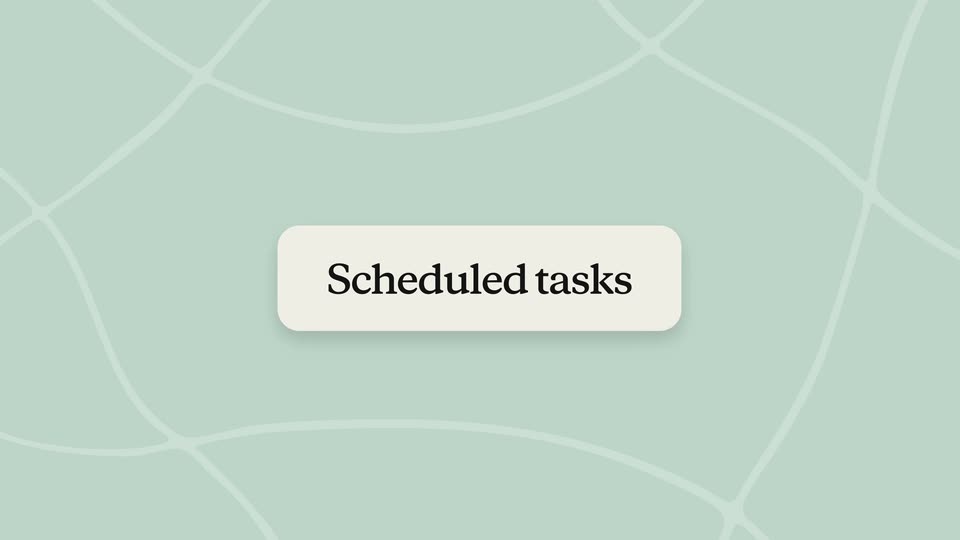
0:48
Explore
00:00:00 / 00:25:04
- Length
- 0:25
- Scenes
- 10 · 2.5 s avg
- Product on screen
- 0:00
- Features shown
- 2
- Voiceover
- No
- Views
- 8.3M on X
as of November 15, 2026
Claude’s 0:25 launch film runs 10 scenes, about 2.5 s each. The product is on screen from the first frame and 2 features are revealed. There is no explicit call to action. A single feature launch played as a quiet typewriter narrative: serif headlines type in over flat cream fields while UI cards scale, split, and scroll to walk through the scheduled tasks flow, closed by the rotating Claude starburst. Pacing is slow and deliberate near 93 bpm with sparse cuts, and the terracotta starburst is the only recurring brand accent against the sage and cream palette.
No filming indicatedEstimated needs: 2 capture groups — your screens or recordings · 1 official logo — reused across the film
Is this your launch? to your site or press kit.
More like this


0:55
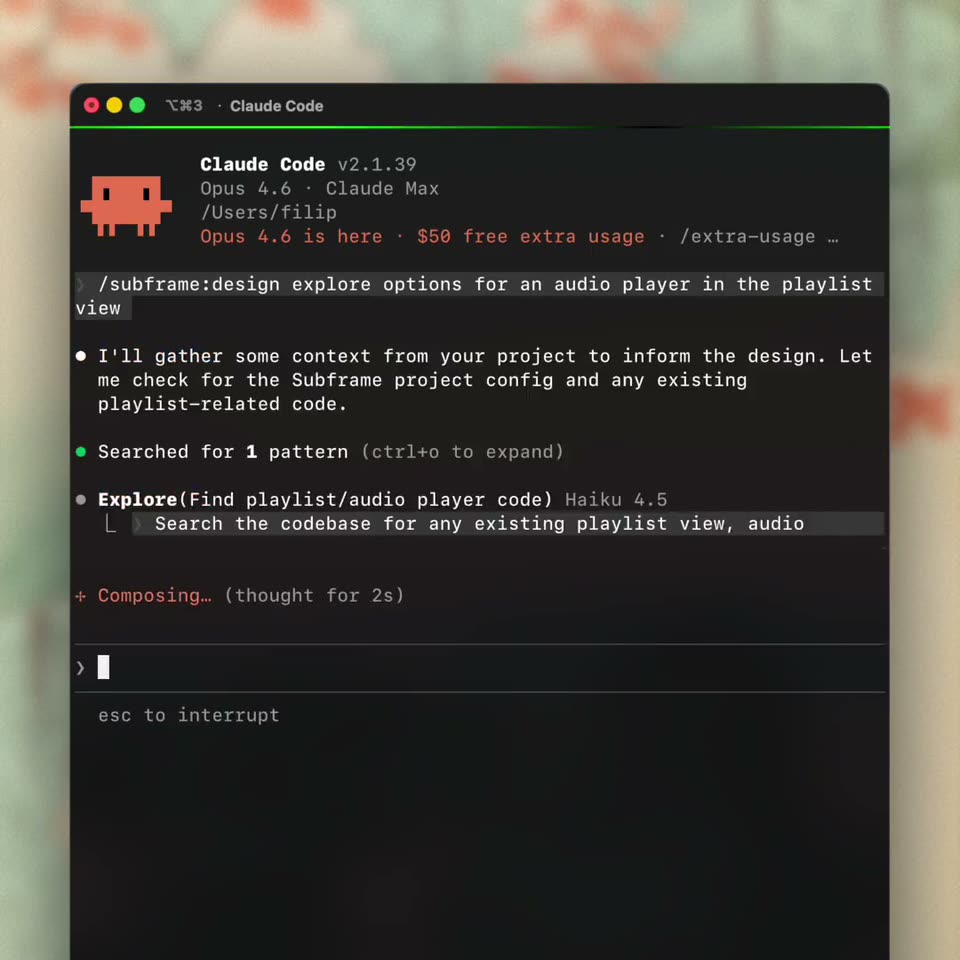
Irvin Zhan - Today we’re launching Design Canvas for AI agents. AI can build a fe
Design Canvas · Feb 2026
0:45
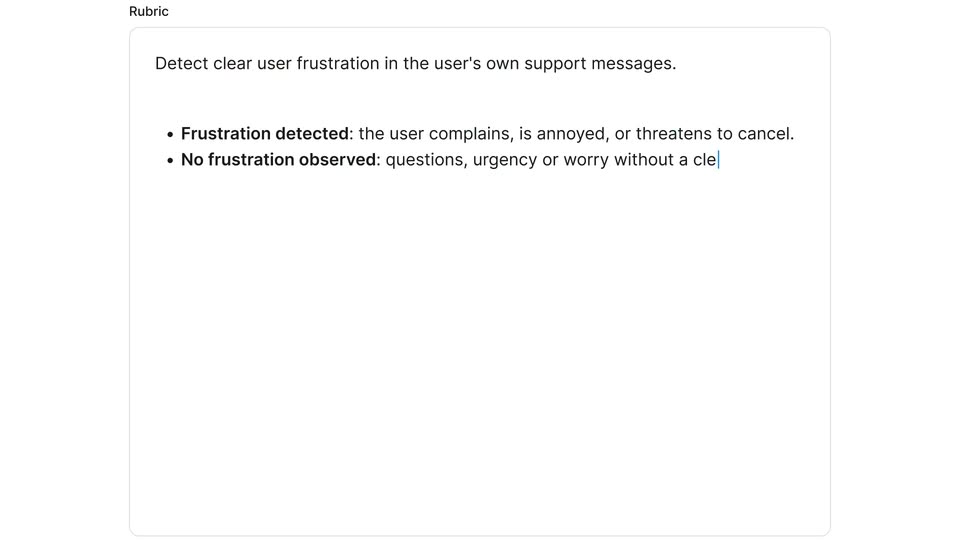
Judgment Labs - Introducing Judgment Actions Your judges can now take action automat
Judgment Labs · Nov 2026
Claude - New in Cowork: scheduled tasks. Claude can now complete recurring ta, scene by scene
· 10 scenes as text
01 · Feature reveal · 0:00–0:00
A cream rounded card with dark serif text scales into the center of a pale green grid background.
On-screen text: “Scheduled tasks”
Techniques: Kinetic type
Camera: Static
02 · Feature reveal · 0:00–0:03
A white checklist card on a pale green background shows a serif 'Scheduled tasks' pill; the list then zooms in as the cursor moves down, and a new row, 'Summarize Cowork updates in Slack for shipped features,' slides in.
Techniques: Cursor demo, UI zoom
Camera: Push in
03 · Problem · 0:03–0:05
A black mouse pointer rests at the lower left as a dark gray serif line types in letter by letter, then the pointer glides right to sit at the line's end on a cream background.
On-screen text: “When your tasks pile up...”
Techniques: Kinetic type
Camera: Static
04 · Feature reveal · 0:05–0:08
A white prompt card on a cream background. A serif headline slides in at the top, then a hand cursor hovers the rust Let's go button while the prompt types out letter by letter and the folder chip changes to Weekly-tasks.
On-screen text: “When your tasks pile up...”
Techniques: Kinetic type, Cursor demo
Camera: Static
05 · Feature reveal · 0:08–0:10
A white prompt card with a terracotta button sits over a serif headline that types out. The card fades, the headline completes at the top, and a Schedule task card appears below; a hand cursor taps its black Schedule button.
On-screen text: “Giving you back some time.”
Techniques: Kinetic type, Cursor demo
Camera: Static
06 · Feature reveal · 0:10–0:11
A white schedule dialog collapses and slides right into a smaller confirmation card. A cursor taps the Schedule button, the top serif headline fades out, and a red starburst pops in at the card's lower corner.
On-screen text: “Giving you back some time.”
Techniques: Cursor demo, Morph
Camera: Static
07 · Feature reveal · 0:11–0:13
A 2x3 grid of white feature cards on a cream background splits vertically, the top row sliding up and the bottom row sliding down to open a gap. A black serif headline, Claude sorts them for you, appears centered in the opening space as the cards drift off frame.
On-screen text: “Claude sorts them for you”
Camera: Push in
08 · Feature reveal · 0:13–0:16
A cream interface shows a list of scheduled tasks that fades in and scrolls upward. Clock icons beside each row turn into spinning loaders while the serif headline 'Claude sorts them for you' fades out at the start.
On-screen text: “Claude sorts them for you”
Techniques: Morph
Camera: Pan
09 · Feature reveal · 0:16–0:20
A light task list scrolls upward while zooming in. Rows of task titles with blue circular icons and gray timestamps slide past, the view shifting from scheduled items to a Ready to review set.
Techniques: UI zoom
Camera: Push in
10 · Outro · 0:20–0:25
A terracotta starburst mark and the black serif wordmark Claude sit centered on a cream field. The mark rotates slowly while the wordmark stays fixed, then the whole frame fades to dark gray.
On-screen text: “Claude”
Camera: Static