0:24
Explore
Google - Meet Lyria 3, our latest music generation model from @GoogleDeepMind.
Lyria · Feb 2026 · 1:03 · Full motion · AI-annotated
- Length
- 1:03
- Scenes
- 23 · 2.8 s avg
- Product on screen
- 0:00
- Features shown
- 3
- Call to action
- 1:00 · 94%
- Voiceover
- Yes
- Views
- 1.3M on X
as of November 15, 2026
00:00:00 / 01:03:28
- Length
- 1:03
- Scenes
- 23 · 2.8 s avg
- Product on screen
- 0:00
- Features shown
- 3
- Call to action
- 1:00 · 94%
- Voiceover
- Yes
- Views
- 1.3M on X
as of November 15, 2026
Lyria’s 1:03 launch film runs 23 scenes, about 2.8 s each. The product is on screen from the first frame and 3 features are revealed. The call to action lands at 1:00 (94% in), over a voiceover. The video alternates locked-off two-line title cards with UI demos on a plain white field, each feature announced by a headline whose second line is set in blue. Demos are built from typing prompt fields, a pixel cursor dragging photos, and 3D carousels of square track cards with a central pause button, keeping the motion minimal and the pacing steady at about 122 bpm.
No filming indicatedEstimated needs: 3 capture groups — your screens or recordings · 1 official logo — reused across the film · 3 3D passages — build or supply
Is this your launch? to your site or press kit.
More like this
0:31
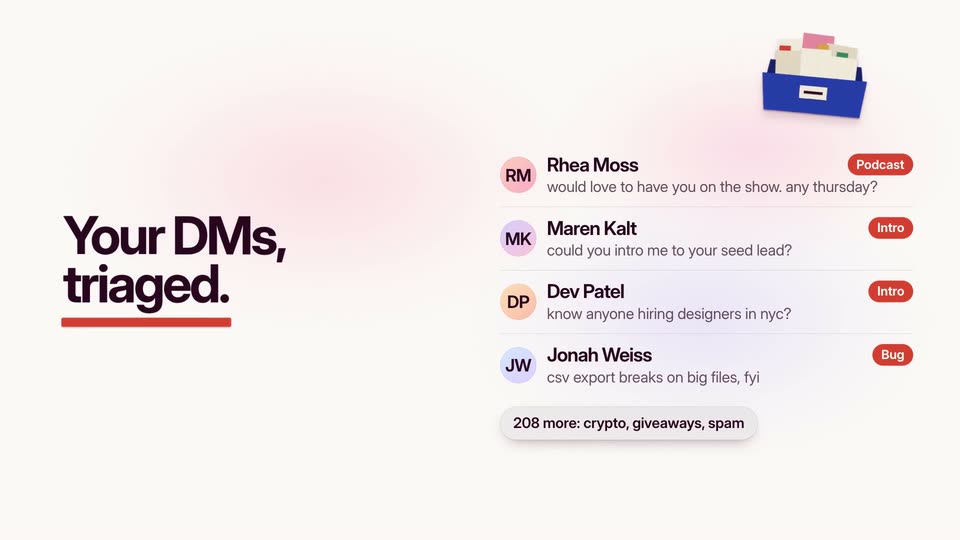

Pally - Manage your X DMs from iMessage! Pally now lets you: - Connect your
Pally · B2B · Oct 2026
0:42

this niche learning app is better than chatgpt
Wondering · Consumer · Nov 2026
Google - Meet Lyria 3, our latest music generation model from @GoogleDeepMind., scene by scene
· 23 scenes as text
01 · Product intro · 0:00–0:00
A plain off-white background holds the word Introducing in dark gray, then Lyria 3 fades in below it in light blue.
On-screen text: “Introducing”, “Lyria 3”
Techniques: Kinetic type
Camera: Static
02 · Product intro · 0:00–0:01
On a plain off-white background, the black word Introducing sits centered above Lyria 3 in blue, which fades from a soft, light state to solid color. The frame stays locked and still throughout the short clip.
On-screen text: “Introducing”, “Lyria 3”
Camera: Static
03 · Product intro · 0:01–0:02
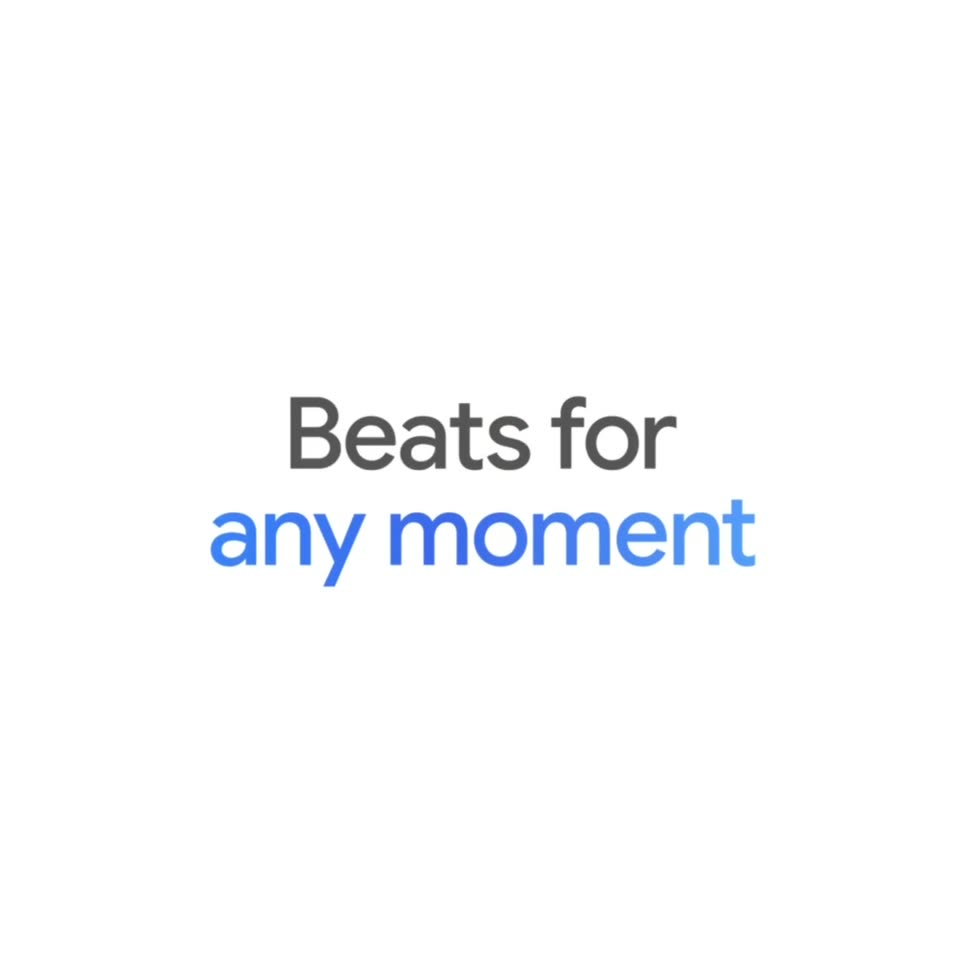
On a plain white background, the gray word Introducing sits above the blue Lyria 3. The pair then gives way to Beats for in dark gray over any moment in light blue. The frame stays locked off and the type remains still.
On-screen text: “Introducing”, “Lyria 3”, “Beats for”, “any moment”
Camera: Static
04 · Feature reveal · 0:02–0:03
A plain white frame holds centered two-line text, black 'Beats for' above a larger blue 'any moment'. The block eases in from a soft blur and holds still for the rest of the shot.
On-screen text: “Beats for”, “any moment”
Camera: Static
05 · Feature reveal · 0:03–0:06
A rounded prompt field on a white background holds a blue Music chip and a circular send button. The field grows taller as the prompt text types out and wraps onto a second line.
Techniques: Kinetic type
Camera: Static
06 · Feature reveal · 0:06–0:07
A chat input box holding the prompt about a fun track and a Music tag slides left off frame, revealing a video thumbnail of a hand resting on a radio clock on the right.
Camera: Static
07 · Feature reveal · 0:07–0:11
A pink card with a silver “Nina” pendant, pause button and “Happy Birthday Nina” caption scales up to the center of a 3D carousel on white, flanked by angled cards of an alarm clock and a cluttered counter. The layout settles, the center card gently pulsing.
Techniques: 3D mockup
Camera: Pan
08 · Feature reveal · 0:11–0:12
A 3D album-cover carousel rotates on a white background. The magenta cover bearing a 'Nina' necklace and 'Happy Birthday Nina' turns left as the dirty-dishes panel with a pause icon and 'Ryan Do the Dishes' title settles center, while a phone panel slides in from the right edge.
Techniques: 3D mockup
Camera: Pan
09 · Feature reveal · 0:12–0:19
Square track cards rotate in a 3D carousel on a white background, side cards angled in perspective. The flat center card shows a player view with pause button, title, and genre tags. The stack steps from the dishes track to the flip-phone track, then fades to white.
Techniques: 3D mockup
Camera: Pull out
10 · Feature reveal · 0:19–0:20
On a plain white background, the gray line 'A soundtrack for' fades in at center, then the pale blue line 'your camera' fades in directly below it.
On-screen text: “A soundtrack for”, “your camera”
Techniques: Kinetic type
Camera: Static
11 · Feature reveal · 0:20–0:21
A white card holds a centered two-line headline. The top line reads in black, the bottom in blue, and the blue line eases from a soft faded tone to full color while the frame stays locked.
On-screen text: “A soundtrack for”, “your camera roll”
Camera: Static
12 · Feature reveal · 0:21–0:24
A pixel hand cursor drags a tilted photo of a man in a cowboy hat into a white composer card; the photo snaps upright into the left slot while the cursor lifts away, and a line of text begins typing beneath it.
Techniques: Cursor demo
Camera: Static
13 · Feature reveal · 0:24–0:26
A white rounded input card sits on a plain light background. A square photo of a man in a cowboy hat and sunglasses anchors the top left. The prompt line slides in below it, with a blue Music chip and a circular arrow send button at the bottom.
Camera: Static
14 · Feature reveal · 0:26–0:26
A prompt card with a cowboy profile photo and a text field slides left off frame as a red western track card, showing a lasso illustration and a pause button, slides in from the right and settles center.
Camera: Static
15 · Feature reveal · 0:26–0:29
A square music card with a red sunset illustration and a pause button eases in on a white background. A pixel cursor grabs a small tilted cat photo at the card's lower right and drags it off the right edge, where it fades out.
Techniques: Cursor demo
Camera: Pull out
16 · Feature reveal · 0:29–0:33
A square music card with a comic turntable illustration and a white pause button slides to center on a light background. A pixel hand cursor taps a small photo thumbnail that pops in at the bottom right, then the artwork and title swap to a new track.
On-screen text: “Stray Cat Hustle”, “Rodeo Crush”, “Figure It Out Later”
Techniques: Cursor demo
Camera: Static
17 · Feature reveal · 0:33–0:35
A square music-player card sits centered on a white field, showing silver heels and green feather boas on a confetti-dusted floor with a pause button and a title bar. A pixelated hand cursor pops in at the card's right edge, then vanishes; the card stays locked off.
Techniques: Cursor demo
Camera: Static
18 · Feature reveal · 0:35–0:37
A plain white card holds a two-line headline that fades in from transparent: dark gray 'Pick a track to remix' above blue 'with Templates'. Locked-off frame, slow fade over the first second, then the text holds.
On-screen text: “Pick a track to remix”, “with Templates”
Techniques: Kinetic type
Camera: Static
19 · Feature reveal · 0:37–0:40
A pale rounded input field holds a blue music chip and a plus icon, with a circular send button at its right edge. The prompt text types out line by line, and the field grows taller to fit the second line.
On-screen text: “I need a song that says”, ““Congratulations””
Techniques: Kinetic type
Camera: Static
20 · Feature reveal · 0:40–0:42
A grid of rounded playlist cards on a light background scrolls so new cards enter from the bottom; a dark card with a white swirl reaches the center as small text slides in at its left edge.
Camera: Pan
21 · Feature reveal · 0:42–1:00
A grid of rounded genre tiles on a white background scrolls vertically. The center tile shows a pause icon with a thin white ring tracing around it. The list moves down so Afropop, Emo and Folk ballad reach the center, then scrolls back up to Bad music.
Camera: Pan
22 · CTA · 1:00–1:00
A white sign-off card fades in from near-invisible to full strength. A two-line black headline sits at the top, the multicolor Gemini sparkle holds the center, and a URL with a small disclaimer line rests at the bottom.
On-screen text: “Create music in”, “the Gemini app”, “gemini.google.com/music”, “Limits apply. Compatibility varies. 18+”
Camera: Static
23 · CTA · 1:00–1:03
A locked-off end card on a plain white background. A two-line black headline reads “Create music in the Gemini app” at the top, a small multicolored four-point star sits in the center, and a URL with a tiny disclaimer line sit at the bottom. Nothing moves.
On-screen text: “Create music in”, “the Gemini app”, “gemini.google.com/music”, “Limits apply. Compatibility varies. 18+”
Camera: Static