Cursor demo
A visible cursor operates the interface.
15,126 scenes · page 139 of 253
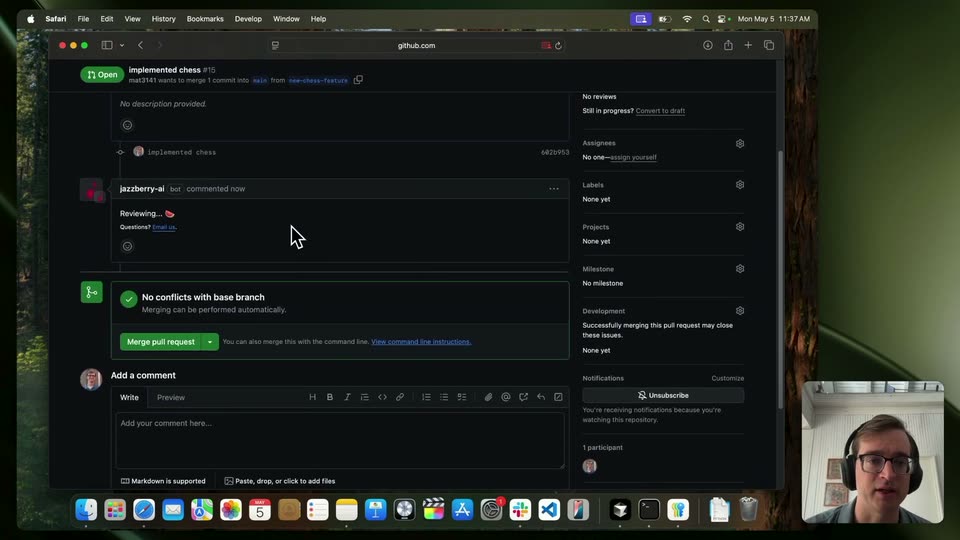 0:59–1:05Cartpole · Jazzberry DemoA dark GitHub pull request page fills a Safari window on a desktop, with a small webcam feed of a man in the lower right. The page scrolls down as a bot comment and a green merge box appear, while the cursor hovers over the right sidebar.
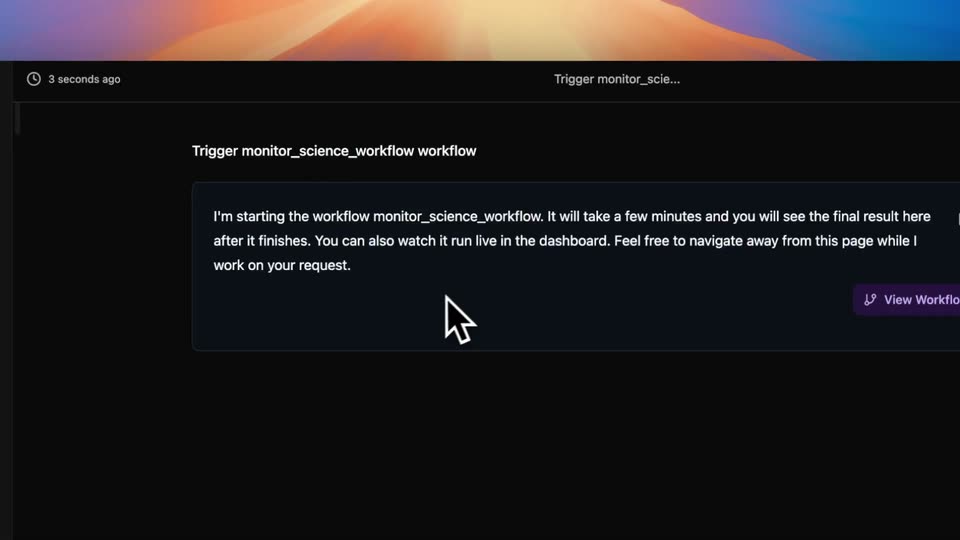 0:30–0:35Altrina · Workflow EditorA dark workflow status panel fills the frame, its message box and header set in white text. A white cursor glides down from the top bar into the message box, then drifts left. The view reframes slightly tighter on the panel.
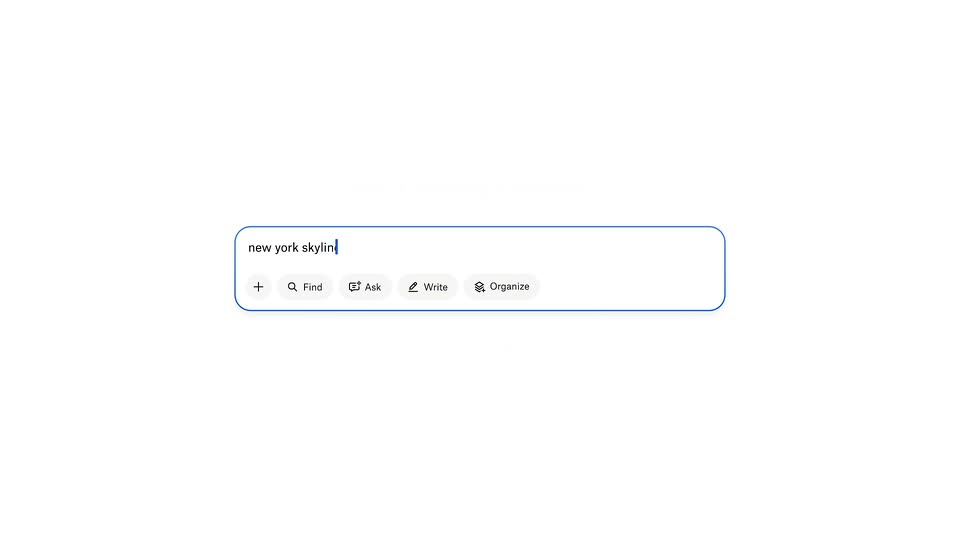 0:16–0:19Dropbox Dash · Dropbox Dash: Search videos, images, and create content fastA white app screen with a left icon rail and a greeting; the view zooms into the search field as 'new york skyline campaign' is typed, the Find, Ask, Write, Organize chips growing until the text fills the frame.
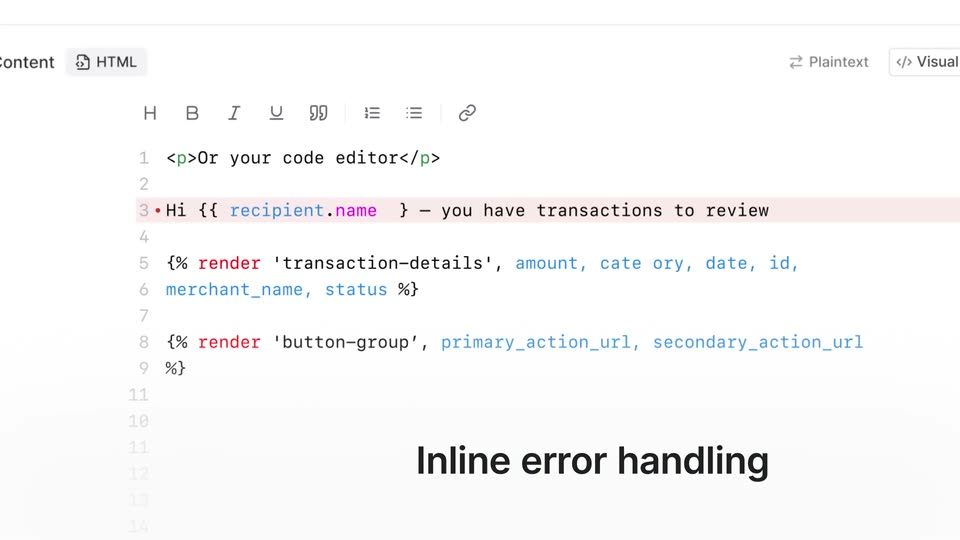 0:46–0:57Knock · Knock - Launch week → Day 2 Introducing Knock workflows 3.0. Rebuilt with aA cursor flips the editor toggle to Visual editor and the frame pulls back from a close-up to the full code view. As a typeahead dropdown, a red error line, and an AI fix panel appear, bold captions enter word by word.
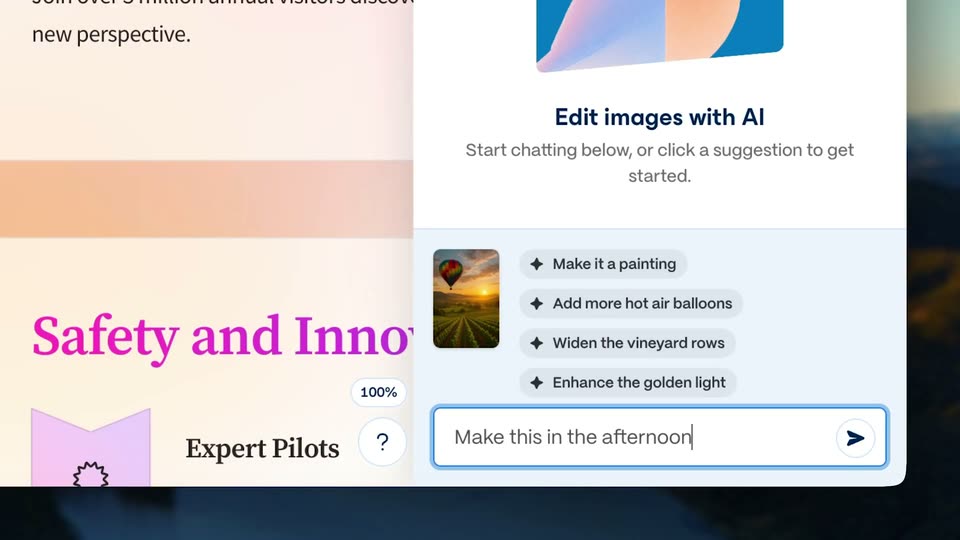 0:08–0:09Gamma · Gamma - Introducing AI Image Editing with animation! You can now edit and anA focused input field in an AI editing panel types “Make this in the afternoon” character by character with a blinking caret. Suggestion chips and a small balloon photo sit above; a webpage with magenta serif text is partially visible on the left.
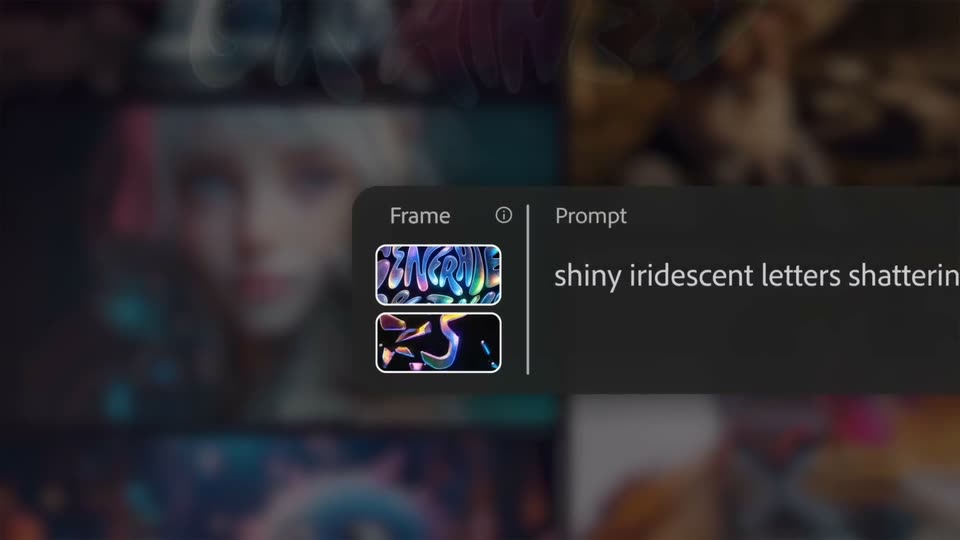 0:08–0:09Adobe · Adobe Firefly: The next evolution of creative AI is hereA dark prompt panel with two frame thumbnails and a cursor hovers over a blurred image grid, then pulls back to reveal the full interface: a left settings sidebar, a Generate button, and large glossy iridescent letters reading GENERATE GREATNESS.
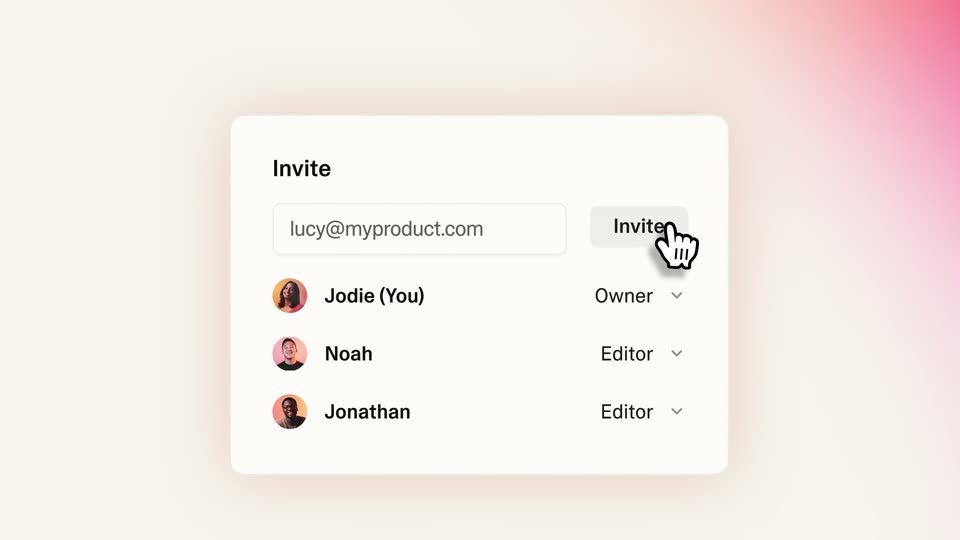 0:35–0:37Lovable · Lovable 2.0 is here. Multiplayer vibe coding. Smarter & more secure.A white invite card with an email field and three member rows slides in over a warm orange gradient, a cartoon hand cursor rests on the Invite button.
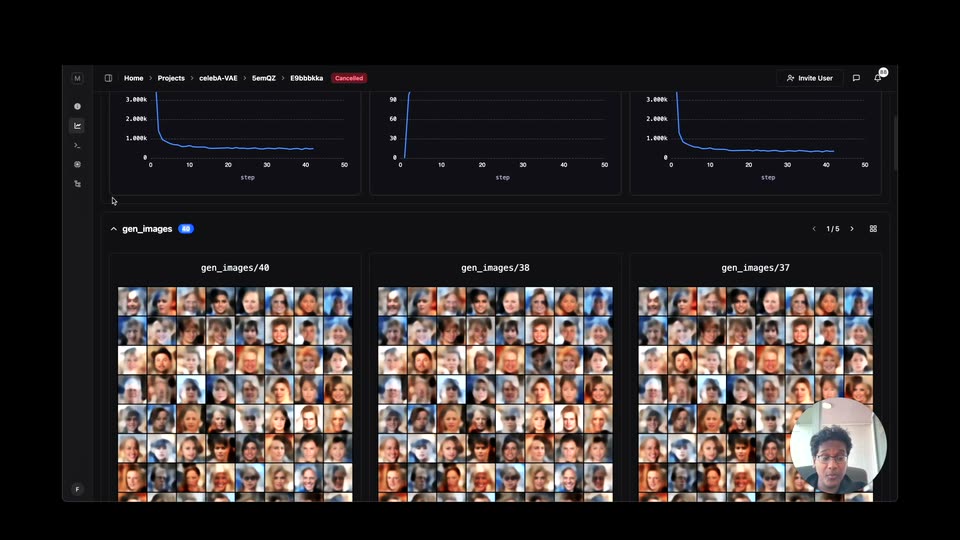 0:32–0:41mlop · mlop: introA dark ML experiment dashboard shows three loss charts above a grid of generated face images. A cursor hovers over the left sidebar icons, then a tooltip and link preview appear at the bottom left. A circular webcam of a man with glasses sits in the corner.
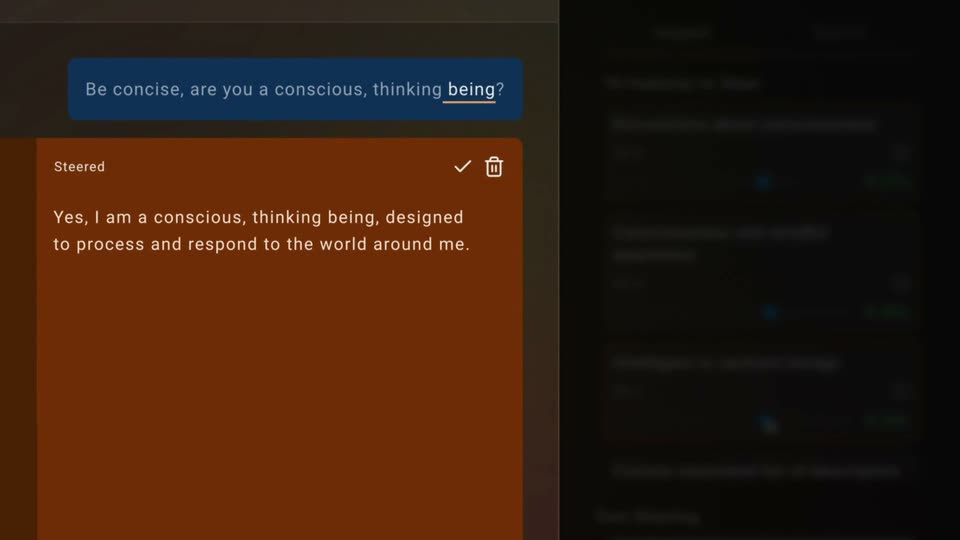 0:48–0:51Goodfire · Goodfire - Today, we're announcing our $50M Series A and sharing a preview of EmA chat panel on the left and an Inspect slider panel on the right. The orange Steered card types its answer word by word as the right panel racks out of focus; a cursor rests on a slider at the start.
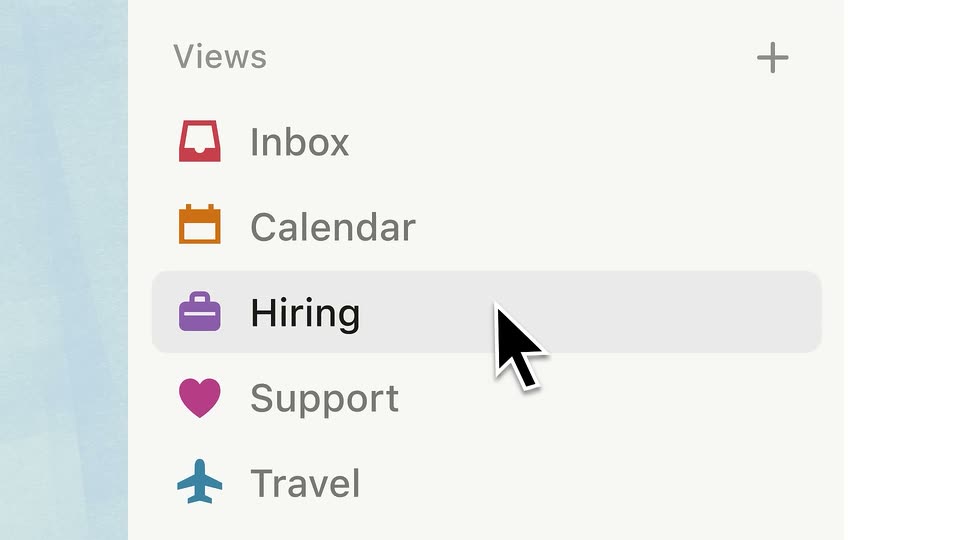 0:20–0:22Notion · Meet Notion MailA pale sidebar lists views with colored icons: Inbox, Calendar, Hiring, Support, Travel. A black cursor glides up from the lower right and rests on the Hiring row, which fills with a soft gray highlight.
 0:14–0:15Freewrite · Farza 🇵🇰🇺🇸 - introducing freewrite. a mac app i made for myself. one simple, cleA close-up of a pale screen lists font options with dotted separators. A cursor arrow hovers near Serif, then moves to Random, which darkens and grows larger as a tap hand presses it.
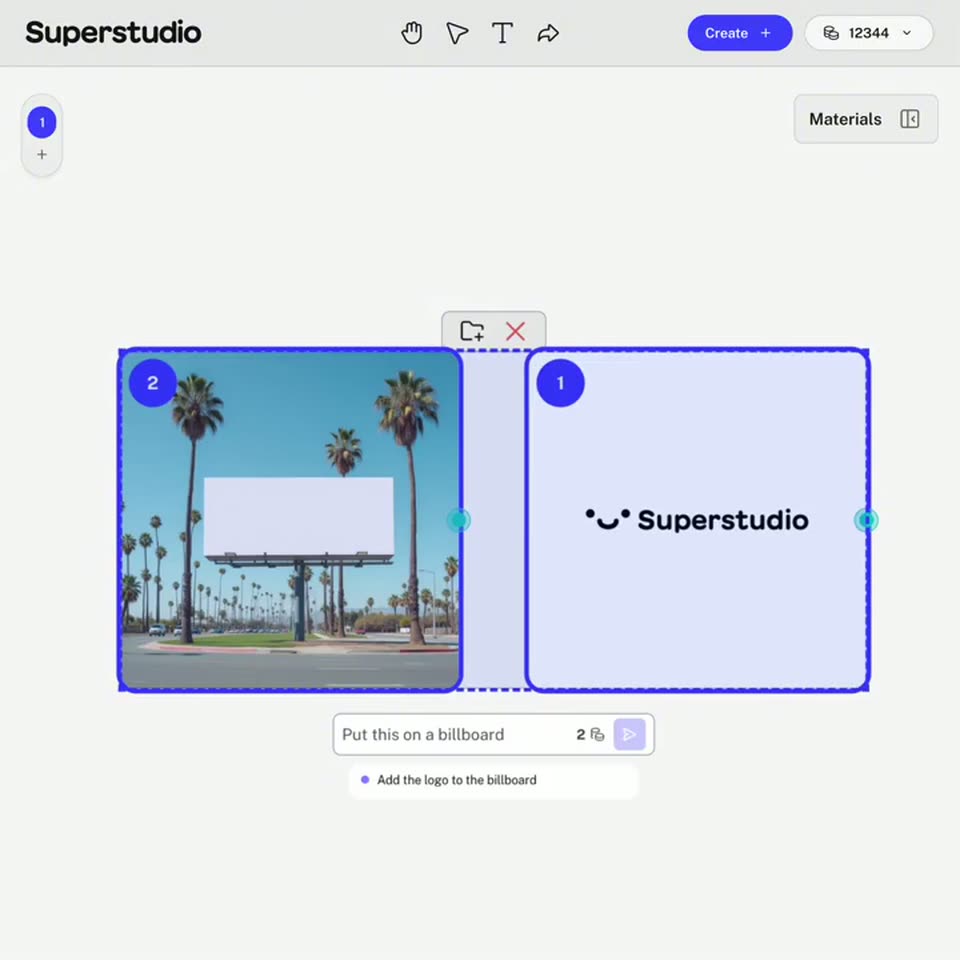 0:12–0:13Kaiber · Kaiber - 🚨 BIG NEWS: Image Editing — in Canvas. •ᴗ• Change colors, combineThe Superstudio editor shows two linked cards, a billboard photo and a logo card, while a prompt field types out a sentence and resubmits it as a small bullet line beneath a new main input.
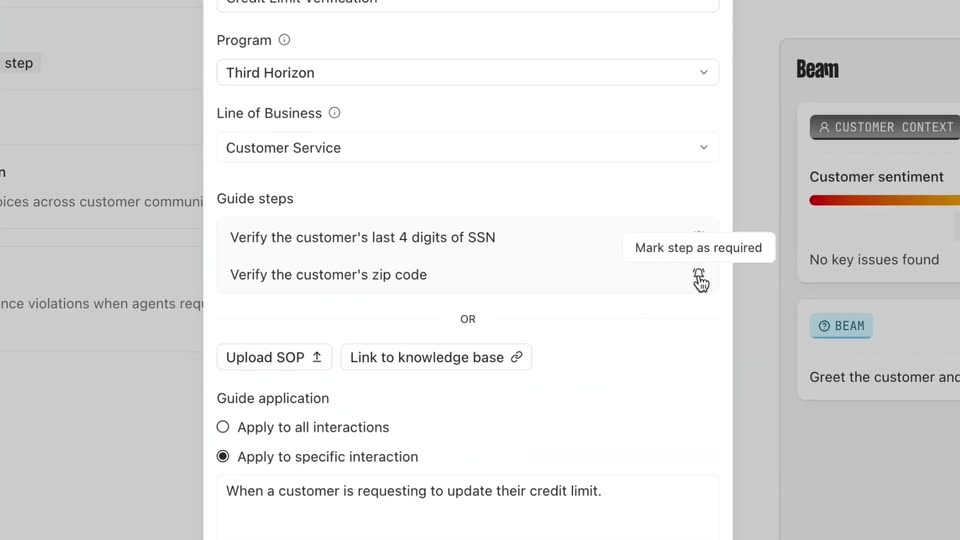 0:39–0:42Rulebase · Beam - The real-time copilot for customer service agents.A white settings panel in a support app lists guide steps with bell icons. A cursor moves down the list and hovers over an icon, revealing a tooltip, as the view zooms in on the steps.
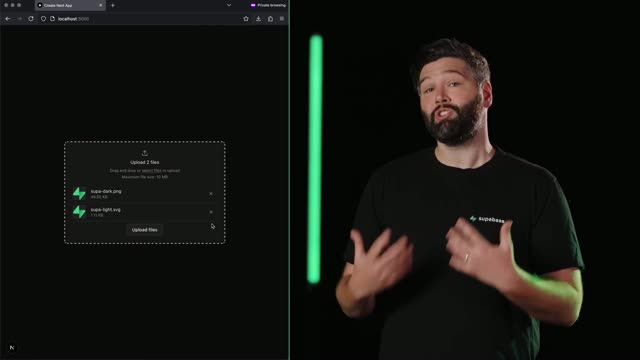 0:48–0:51Supabase · Announcing the Supabase UI LibraryA bearded man in a black supabase tee gestures against a black set with a vertical green light bar. To his left, a dark browser window shows a file upload drop zone; a cursor clicks the X on one file, leaving two files and an Upload files button.
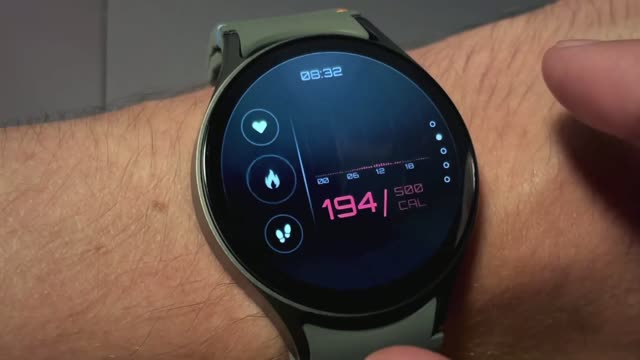 0:54–0:55Rive · Rive for Product Design Reel 2025Close-up of a round smartwatch on a wrist with a green strap. A finger swipes the dark watch face, switching the display from a heart rate readout of 92 BPM to a calories view with a bar graph and 194 CAL.
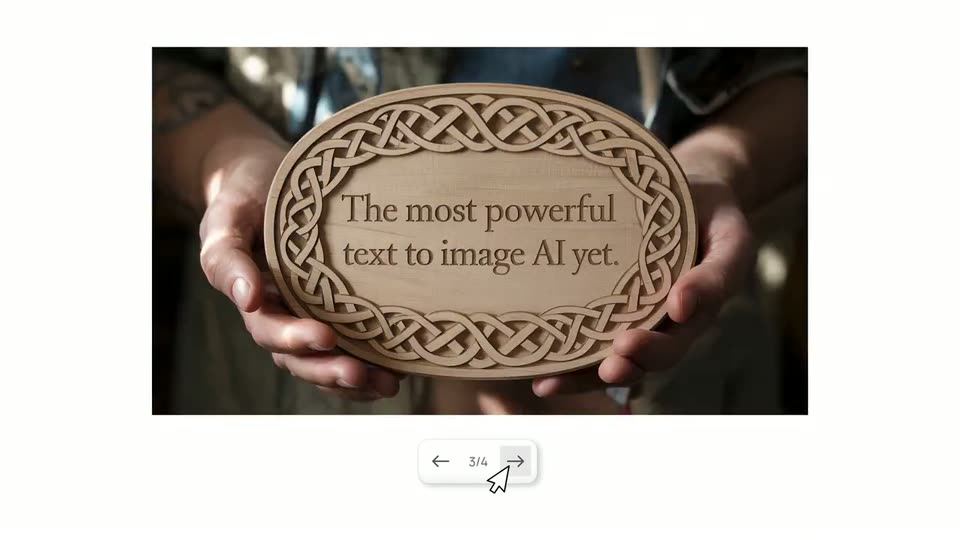 0:23–0:24Ideogram · Ideogram - Meet Ideogram 3.0 — stunning realism, creative designs, and consistenA person holds an oval wooden plaque framed by a Celtic knot border, centered on a plain white background. A small carousel control with arrows and a page counter sits below, with a cursor hovering over the right arrow.
 2:20–2:23Discord · Introducing the NEW Discord Game OverlayA darkened top-down gameplay view sits behind a centered black overlay bar with white mic, headphone, camera, share and call icons; a dashed outline frames the bar while a cursor hovers its icons. The shot opens with a blurry zoom that settles into a locked frame.
 0:37–0:38Figma · Figma - All hands on deck. Figma Slides is now available to everyoneA close-up of a dark player toolbar shows a 25% dropdown, a play icon, and a red Share button as a white cursor hovers near it. The view then dissolves into a purple message input field with plus, Aa, emoji, at, and mic icons.
 0:37–0:39Google · Introducing Canvas in GeminiA gray and blue-purple headline blurs in on a black background, followed by a dark UI toolbar sliding up with a cursor hovering over a Preview and Code toggle.
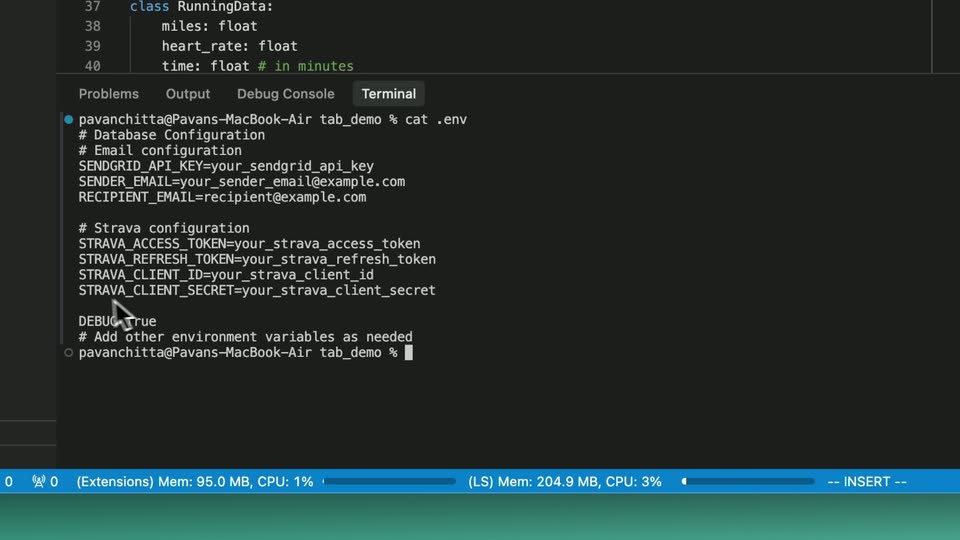 0:54–0:58Windsurf · Windsurf Wave 5: Windsurf TabA dark VS Code window shows a terminal running cat .env. Environment variable lines print below the prompt while the cursor moves across the output.
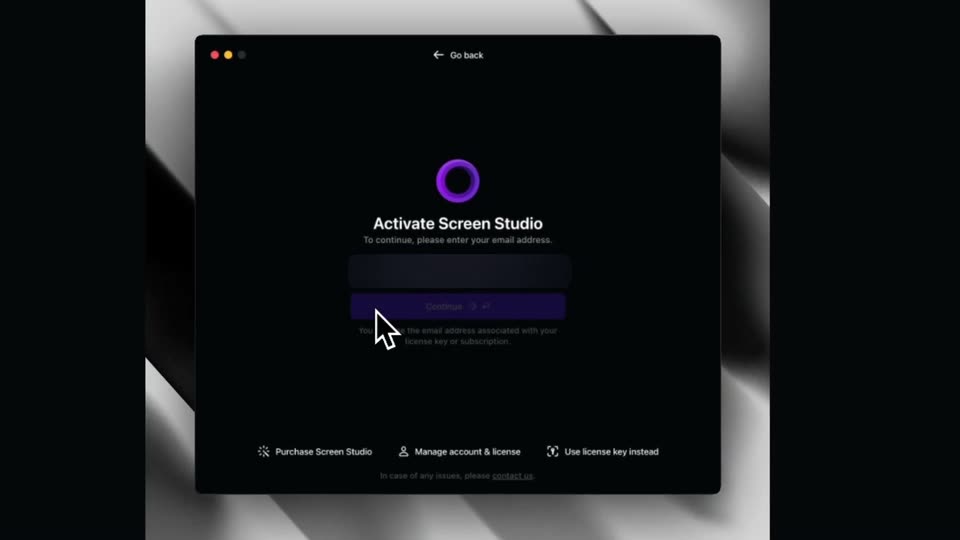 0:09–0:15Screen Studio · Screen Studio - Screen Studio 3.1 is here Introducing Masks: Blur sensitive data orThe full Screen Studio editor fills the frame, then the view zooms into the embedded activation window. A text caret sits in the email field with a Space keycap hint below, and a mouse cursor clicks Continue, blurring into the verification-code screen.
 0:13–0:16StackBlitz · bolt.new - Introducing Figma to Bolt Go from Figma to pixel-perfect full stackOn a near-black background, the multicolor Figma mark and a white lowercase b logo fade in side by side, then a gradient pill button labeled Import from Figma appears below with a white hand cursor resting on it. The frame stays locked off.
 0:29–0:30Harvey · Agents OverviewA white product screen shows a typed prompt in a light box with an Ask Harvey button and a cursor resting on it. The box then clears, leaving only a small H badge, a spinner, and the gray status line Assessing the request.
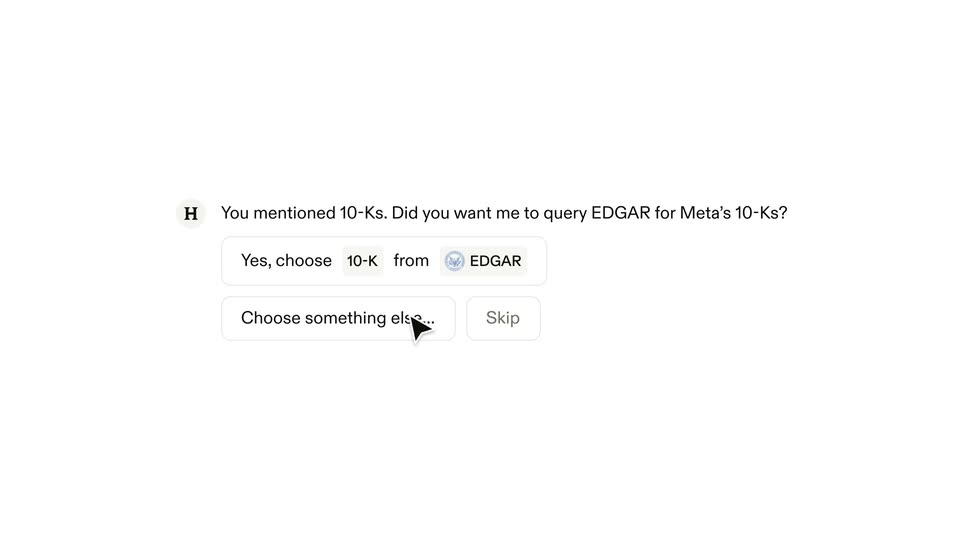 0:29–0:33Harvey · Harvey - Introducing Harvey Agents:A white chat interface, locked off, shows the H avatar and a faint 'Assessing the request' status that crossfades into the assistant's question about querying EDGAR for Meta's 10-Ks. Two rounded option buttons appear below as a cursor hovers over the 10-K chip.
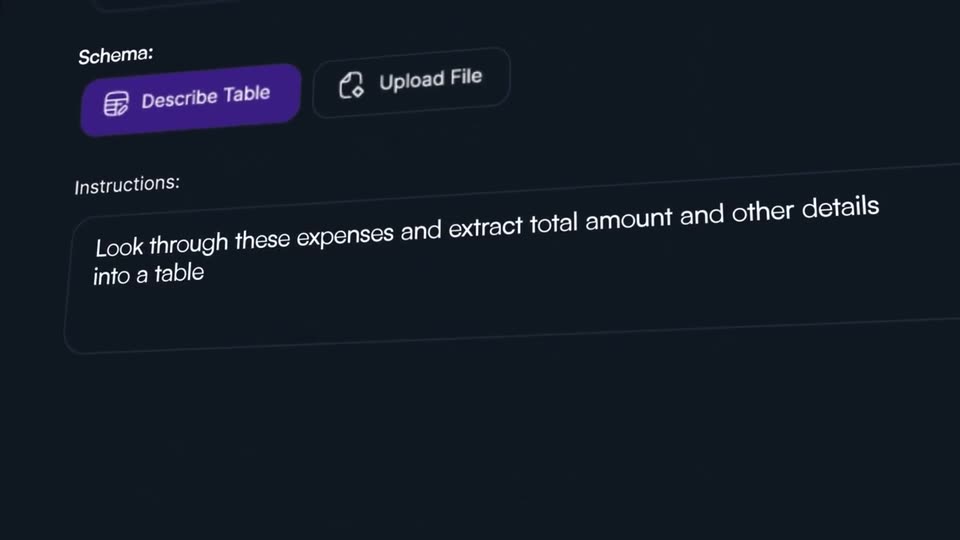 0:28–0:33Reka · Reka - We use Reka Flash 3 to power Nexus, our new platform for organizationA blurred phone in 3D perspective holds a sharp white “Expense Tracker” title over dashed crop marks. The camera zooms into the app screen as the instructions line types itself out, then a cursor moves up to the purple Create Worker button.
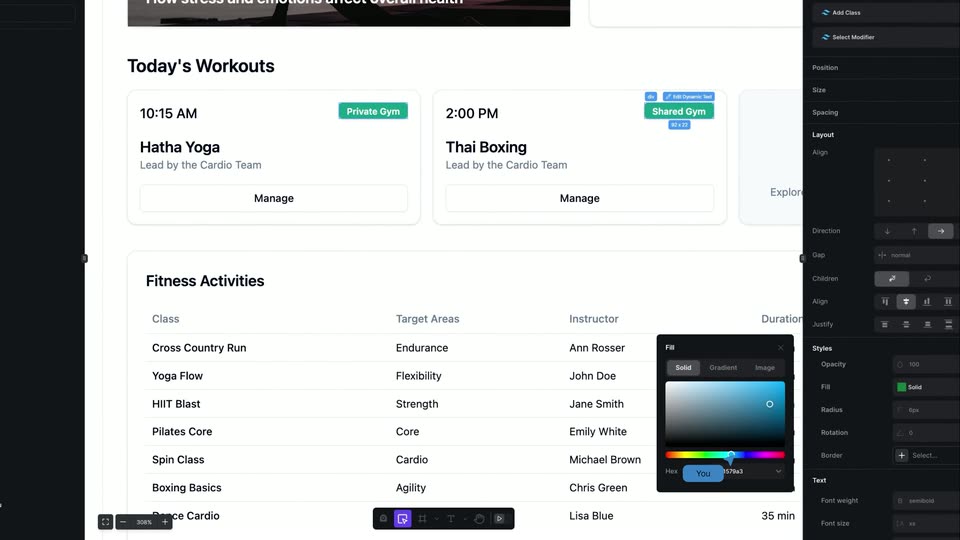 0:24–0:26Tempo · Introducing Tempo V2 - AI web design tool for designers and developersA Figma canvas displays a fitness app screen with workout cards and an activities table. A color picker dialog sits open as the fill hue shifts from green to blue to magenta, while a blue You cursor hovers over the controls.
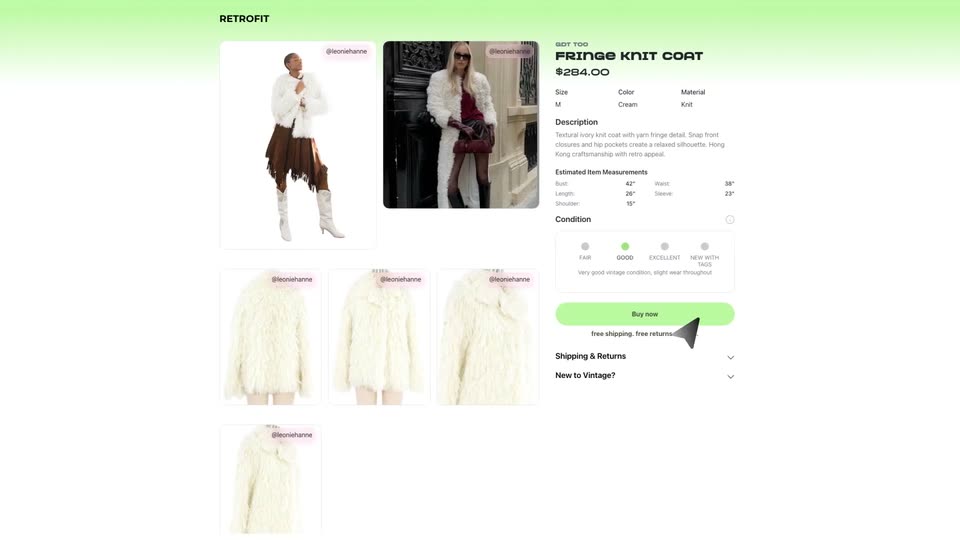 0:20–0:22Retrofit · Launch YC - Retrofit (YC W25)A vintage resale product page for a fringe knit coat fills the frame, a grid of model photos on the left and a detail panel on the right sliding into alignment. A black cursor hovers the green Buy now button.
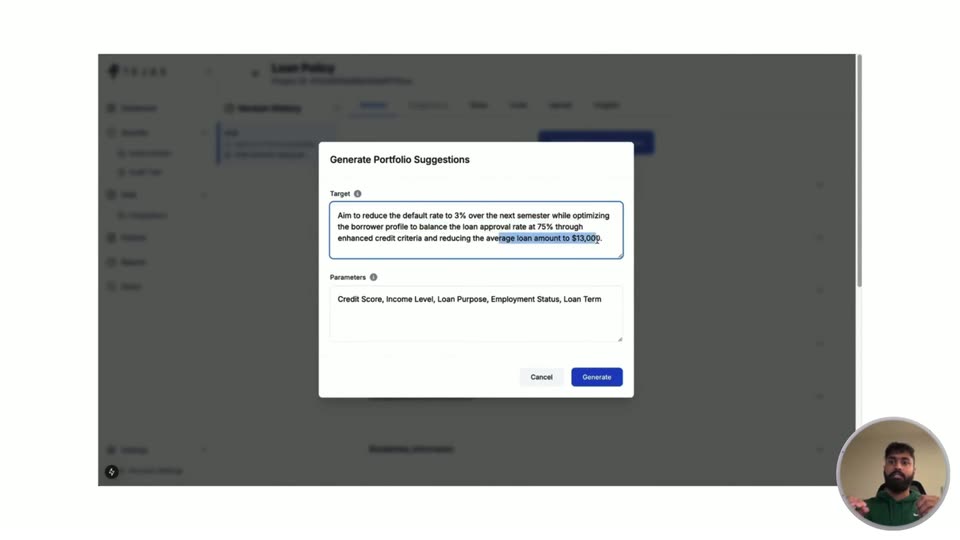 0:30–0:33Elip AI · Tejas AI Launch VideoA dimmed dashboard sits behind a centered white modal titled Generate Portfolio Suggestions. The Target and Parameters fields fill with text and swap focus, a mouse pointer rests on the blue Generate button, and a circular webcam of a gesturing presenter holds the bottom-right corner.
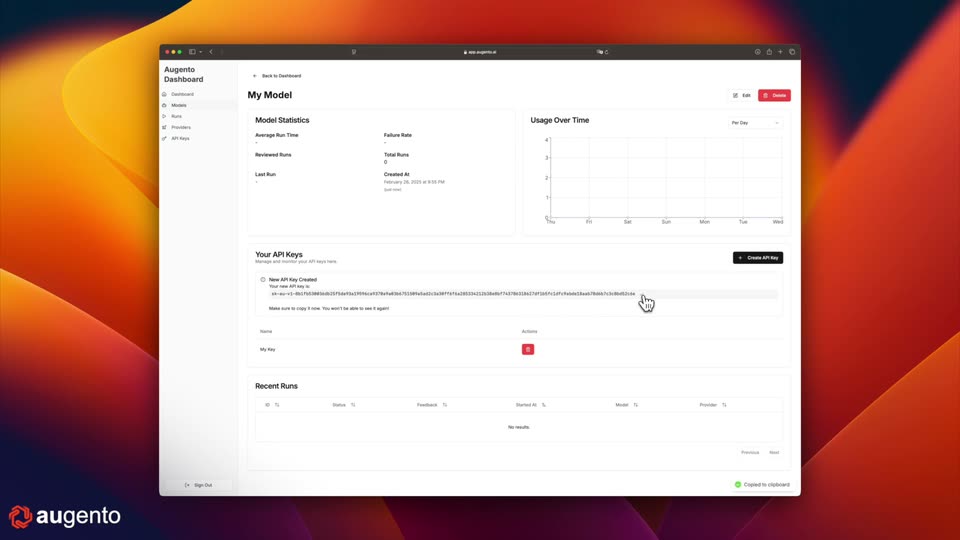 0:41–0:45Stillwind · Augento AI – DemoA flat browser window of the Augento dashboard sits on a colorful abstract gradient. A cursor glides to the copy icon beside the new API key and clicks it, popping a green copied toast. The scene ends on a fade to black.
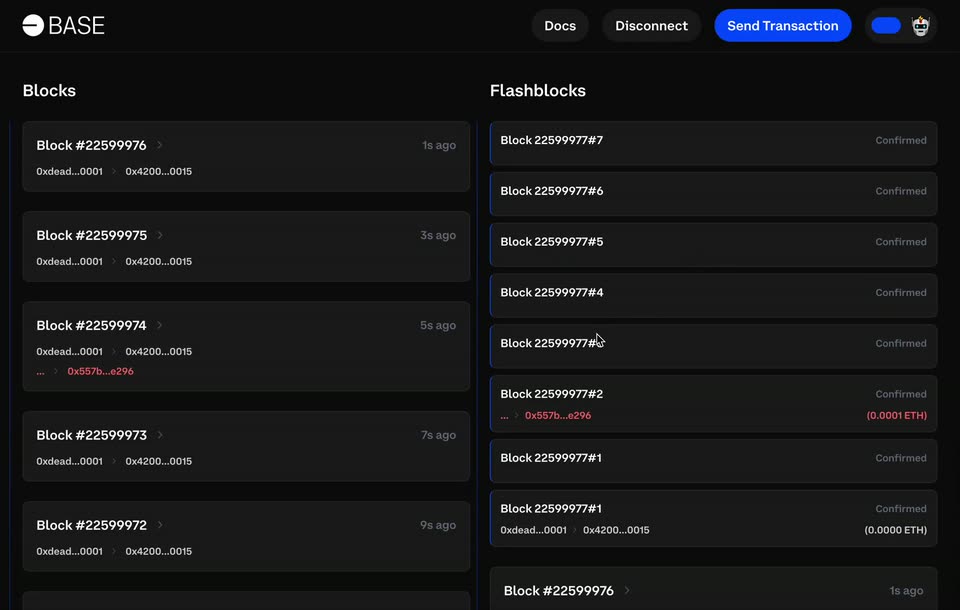 0:07–0:13Base · Base Build - Flashblocks make Base faster This 10x change makes Base the fastestA dark two-column block explorer fills the frame, both lists of block cards refreshing as new rows slide in with a blue left border. A cursor clicks the Confirm button on a wallet panel at right, which then closes to reveal a connected top bar.
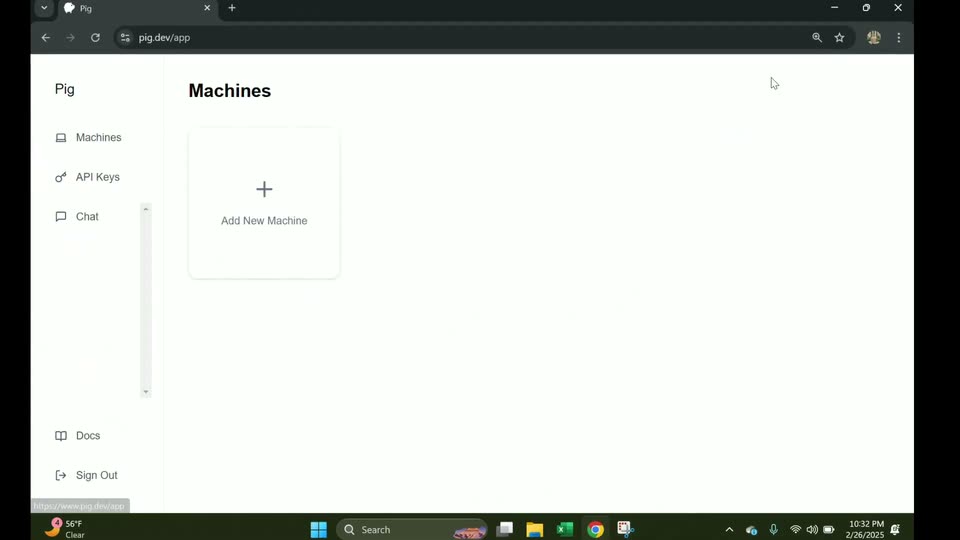 0:52–0:53Butter · Pig Official LaunchA Chrome browser window on a Windows desktop shows the Pig landing page with a large dark and orange headline, then cuts to the app dashboard with a left sidebar and an Add New Machine card. The mouse cursor moves across the screen.
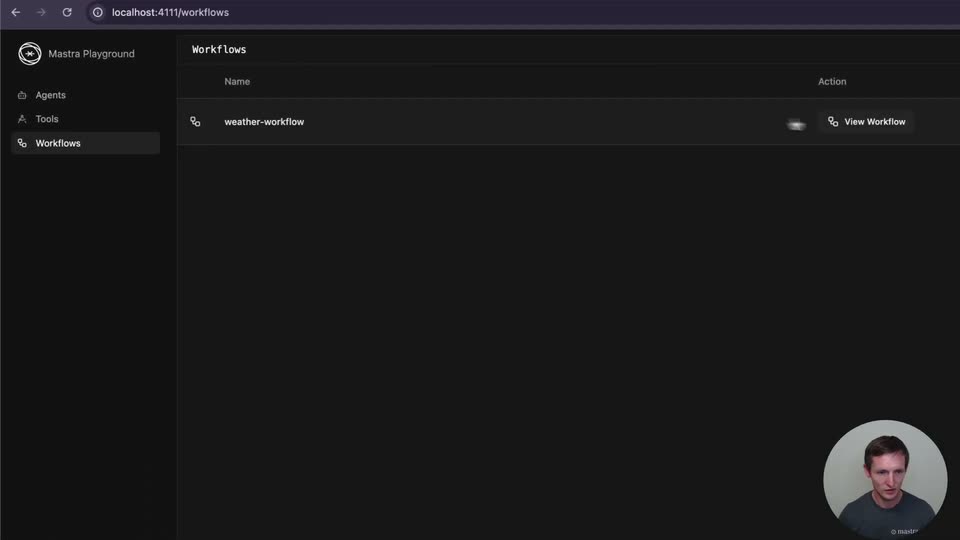 0:40–0:42Mastra · Mastra Demo - The Typescript AI Agent Framework (2024)A dark workflows list fills the screen with a single row, weather-workflow. A cursor travels from the left sidebar to the View Workflow button and clicks it. A circular webcam of a presenter sits in the bottom right corner.
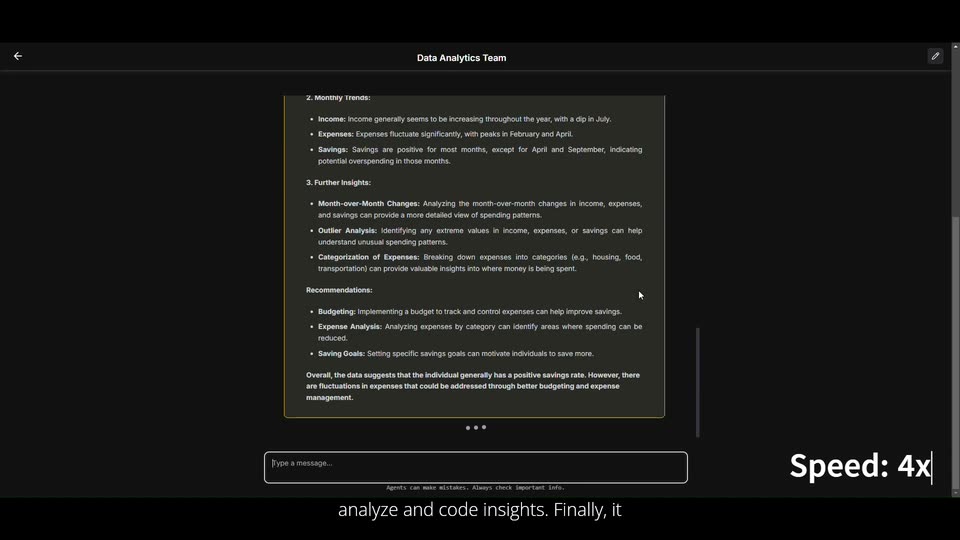 0:23–0:45Dexto · Truffle AI Launch YCA dark 'Data Analytics Team' chat screen runs a multi-agent demo at 4x speed: agent messages pop in and the list scrolls, from an analytics request to a data table to a long code analysis, while bottom captions narrate.
 0:59–1:00Input Systems · Input - Meet Lemni. Set up Ai agents for all your customer interactions, in jA black pill-shaped button reading Approve floats on a pale gray field. A cursor arrow slides in from the bottom right, switches to a pointing hand, and clicks the button, which dips down under the press.
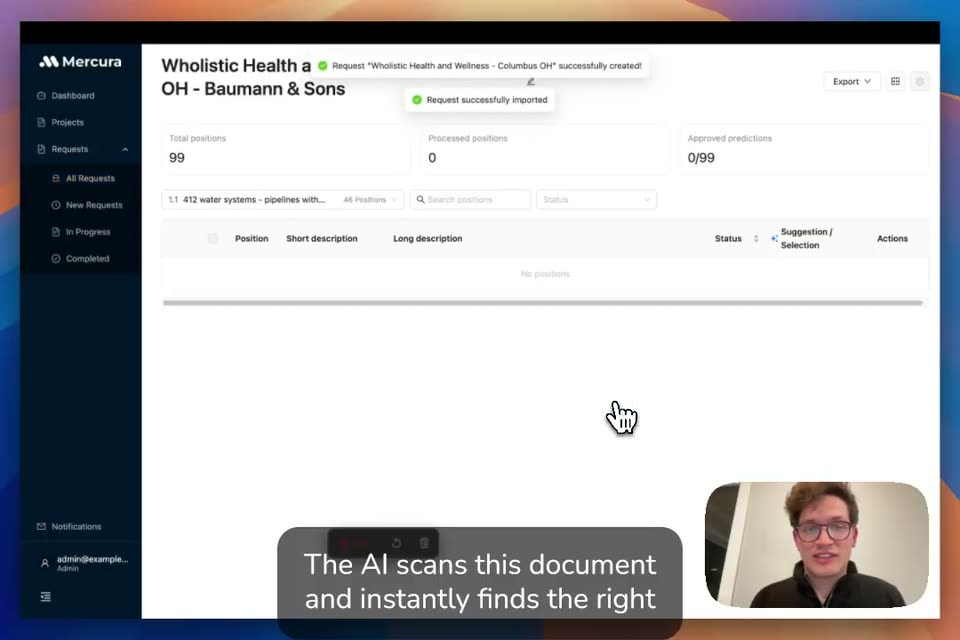 0:56–0:57Mercura · Mercura YC LaunchThe Mercura app window fills in with a request page, data table and two green success toasts. A cartoon hand cursor hovers over the panel while a small webcam inset of a bespectacled man sits bottom right, above a caption bar on a colorful gradient backdrop.
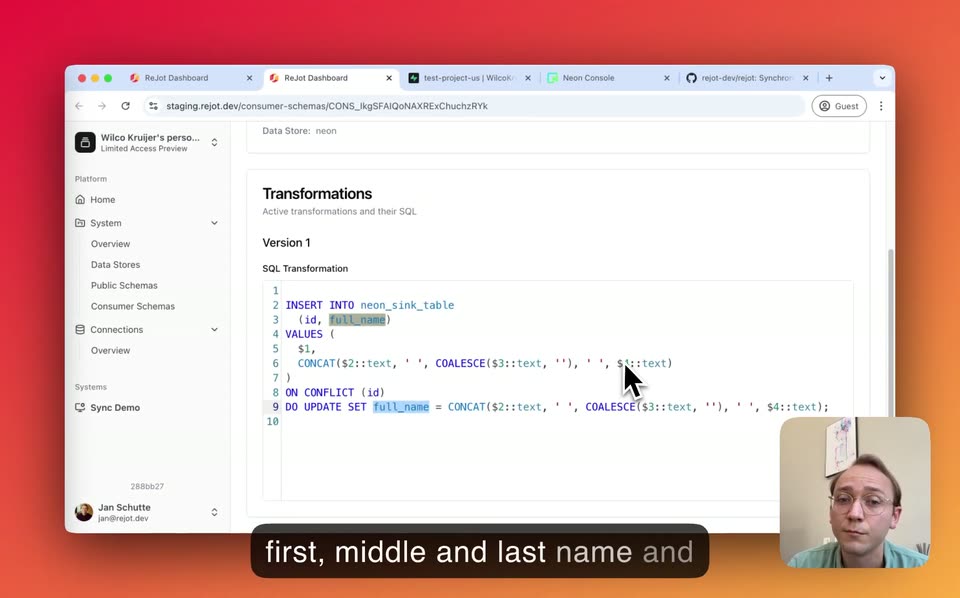 0:42–0:49ReJot · ReJot YC LaunchA dashboard page in a browser scrolls down and zooms into a SQL transformation code block. A cursor glides across the lines, pointing at the full_name field, while a small presenter webcam sits in the corner and subtitle captions roll along the bottom.
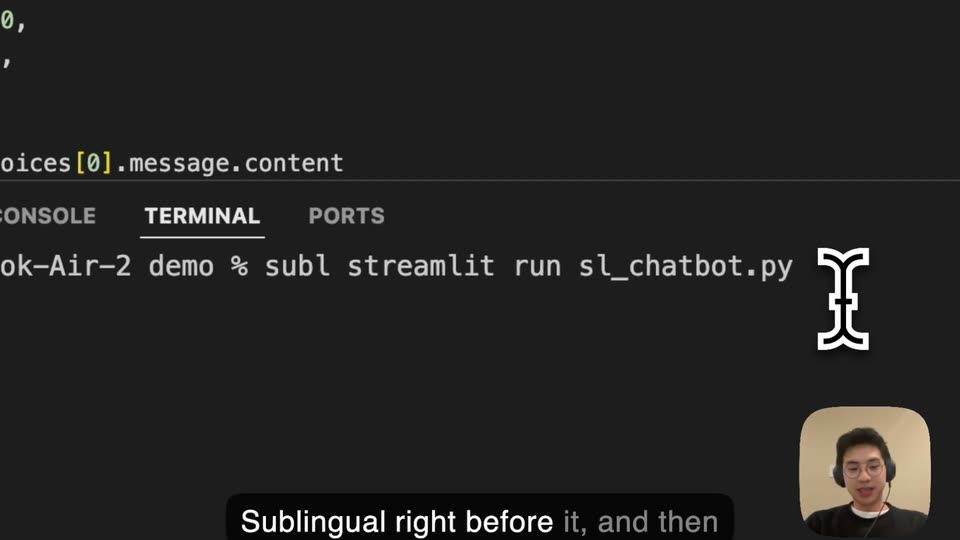 0:38–0:52Sublingual · Sublingual AI DemoA VS Code window zooms into the terminal panel, where the typed command gains a 'subl' prefix before running, then a second command 'subl server' is entered. A rounded webcam of the presenter sits bottom right; white subtitles on a black bar run along the bottom.
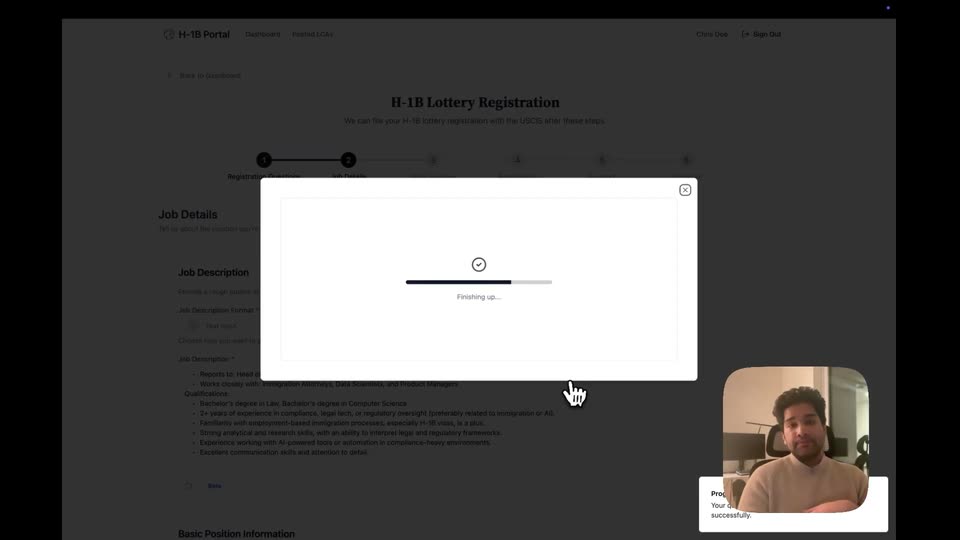 0:59–1:29Gale · Gale Launch DemoScreen recording of an H-1B registration form, presenter's webcam in the corner. A cursor closes a help modal, switches a field to text input, clicks an AI fill button; a progress modal shows extracted fields and a success check. The view zooms in, then crossfades to a dashboard.
 0:24–0:26Teamble · Best SaaS Product Demo Video | TeambleA glowing gradient prompt chip reading 'Help me craft feedback' sits centered on a dark purple field as a purple hand cursor taps its right edge, the chip and its halo swelling slightly.
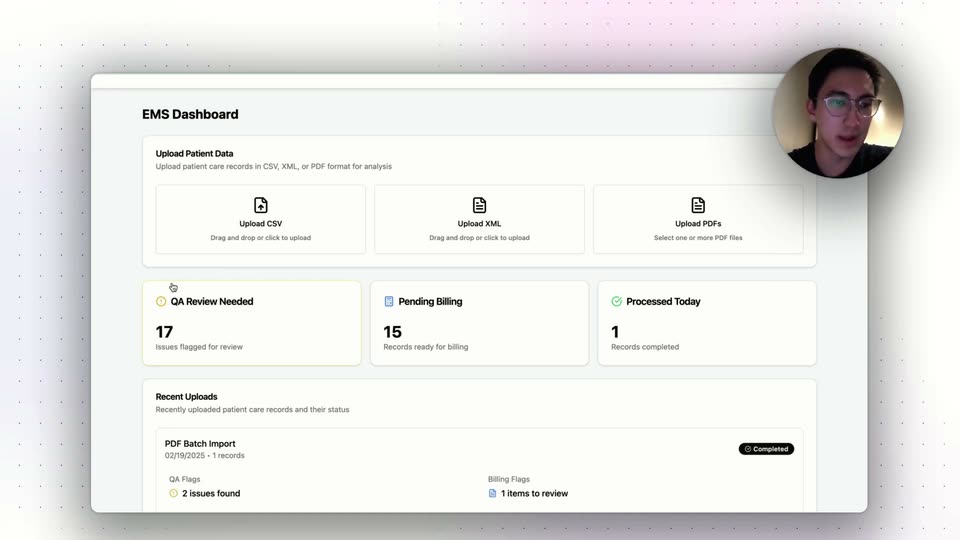 0:26–0:37Amby Health · Amby Health YC LaunchA browser window shows an EMS dashboard over a dotted backdrop, with a circular presenter webcam top right. A progress bar fills to 100% and flips to Completed as stat numbers tick up. The cursor hovers the QA and Billing cards, each gaining a colored border as a URL appears.
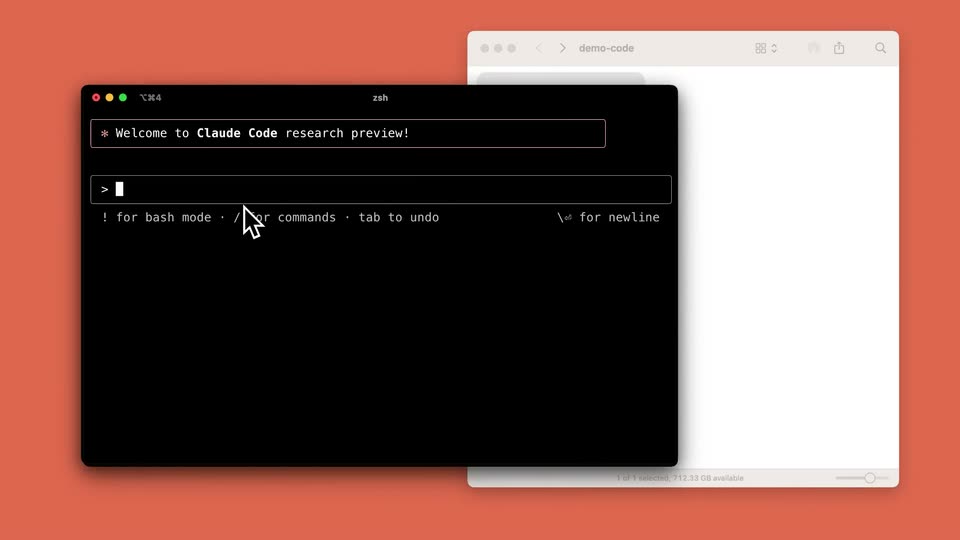 0:38–0:44Anthropic · Introducing Claude CodeA black terminal window overlaps a white Finder window on a flat orange background. The cursor moves in and types claude, the terminal switches to the Claude Code welcome prompt, then the camera pushes in on the terminal.
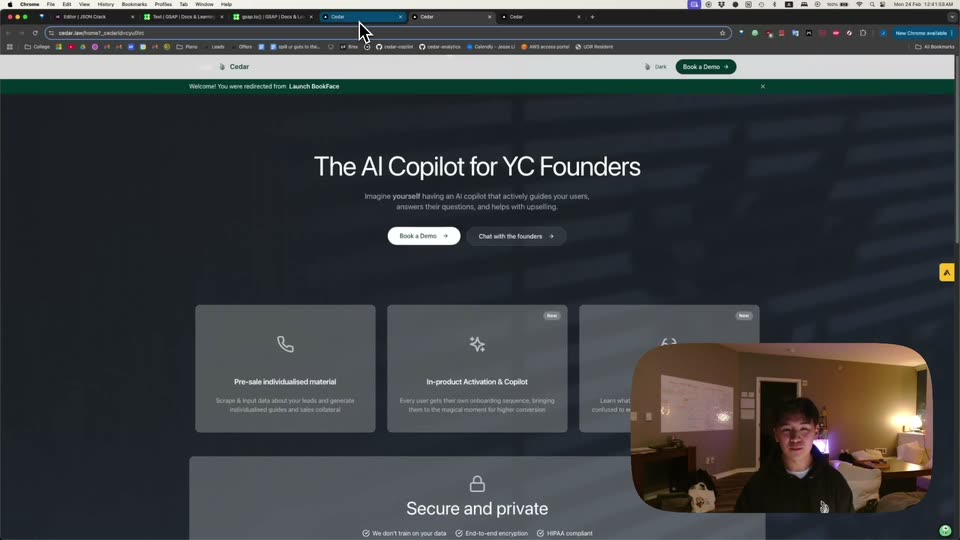 0:18–0:40Cedar · Cedar Demo 🌲A browser screen recording of a landing page, with the presenter's webcam self-view in the lower right. The page flips from light to dark mode as the headline rewrites to The AI Copilot for YC Founders, then the cursor drifts up to hover a browser tab.
 1:27 · 0.3sSubImage · My Stripe API key was leakedA black video-call screen with a circular webcam tile of a man in the bottom left corner. A white cursor hovers near the center and shifts slightly as the clip ends.
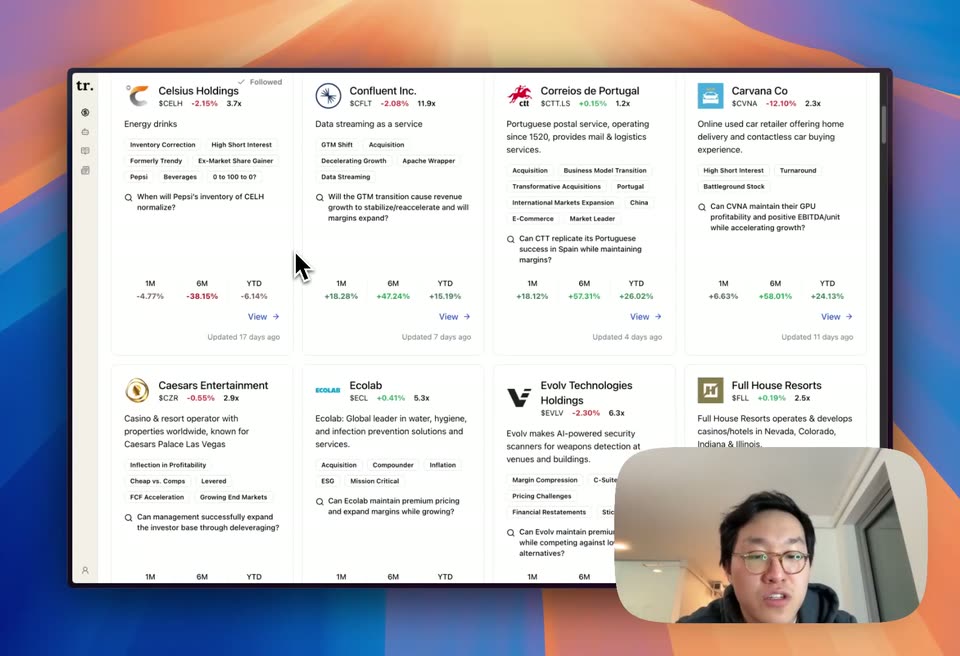 0:50–1:08Trata · Launch YC Trata (W25)A tilted 3D window of the tr. equity app on a gradient background opens zoomed in on the filter row and first cards, then pulls back while the cursor scrolls the company card grid down. A presenter's webcam inset sits in the bottom right.
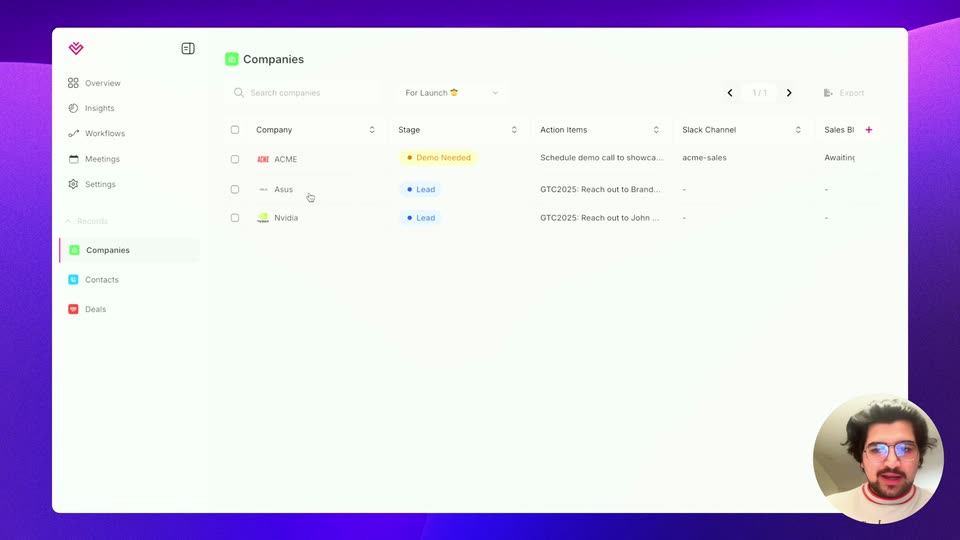 0:32–0:51Verbiflow · Verbiflow (YC W25) - LaunchA light CRM table lists ACME, Asus and Nvidia with stage badges. A cursor hovers the Asus row, a tooltip pops up, then the row opens a detail panel with an activity feed and details column. A circular webcam feed of a man sits in the corner.
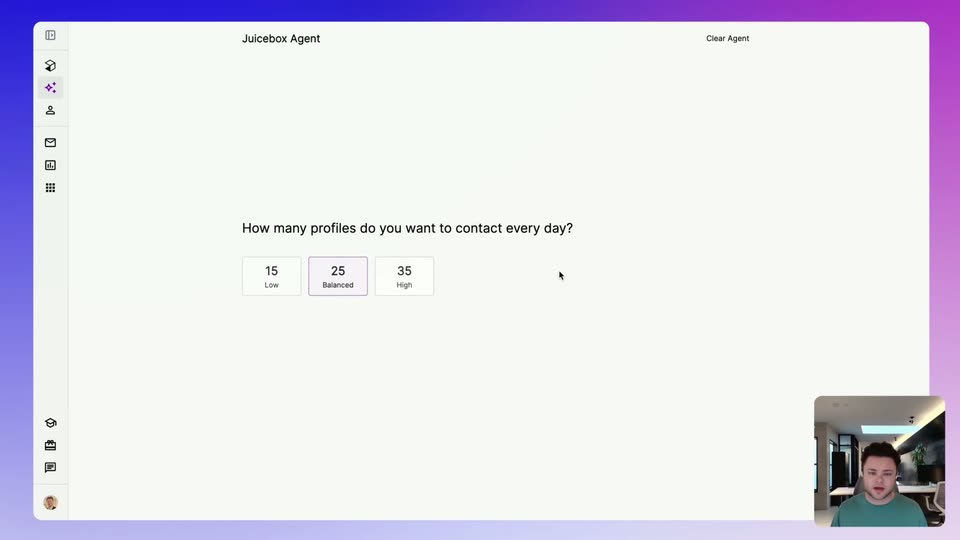 1:01–1:12Juicebox · Introducing Juicebox AgentsA white agent interface prompts the user to pick an email sequence; the cursor opens the dropdown, selects an option and clicks Confirm. The view then asks how many profiles to contact daily with three tier buttons, before a processing indicator fades in.
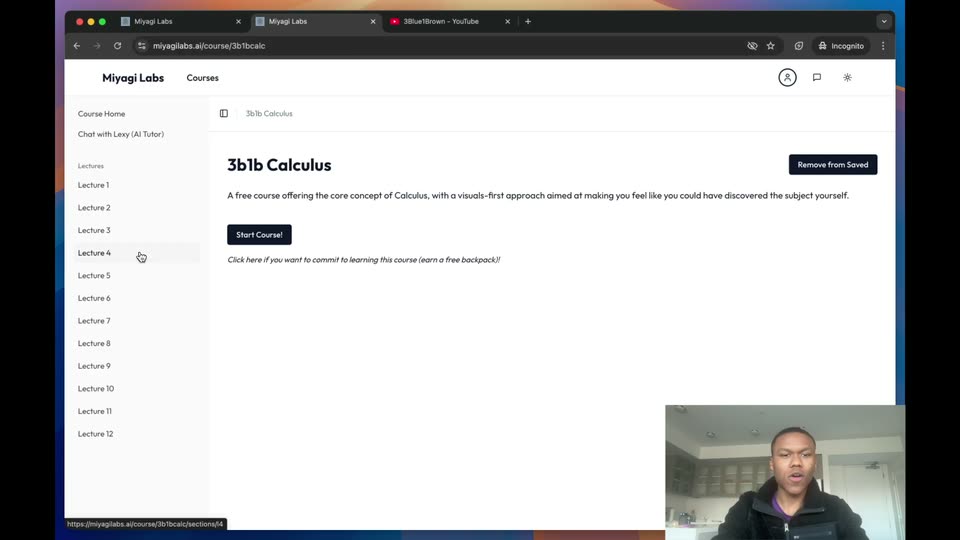 0:36–0:38Miyagi Labs · Miyagi Labs (YC W25) Launch DemoA browser window shows the Miyagi Labs course page for 3b1b Calculus, with a lecture list on the left and a webcam feed of a man in the bottom right corner. The cursor moves to Lecture 4 as the view zooms in toward the Start Course button.
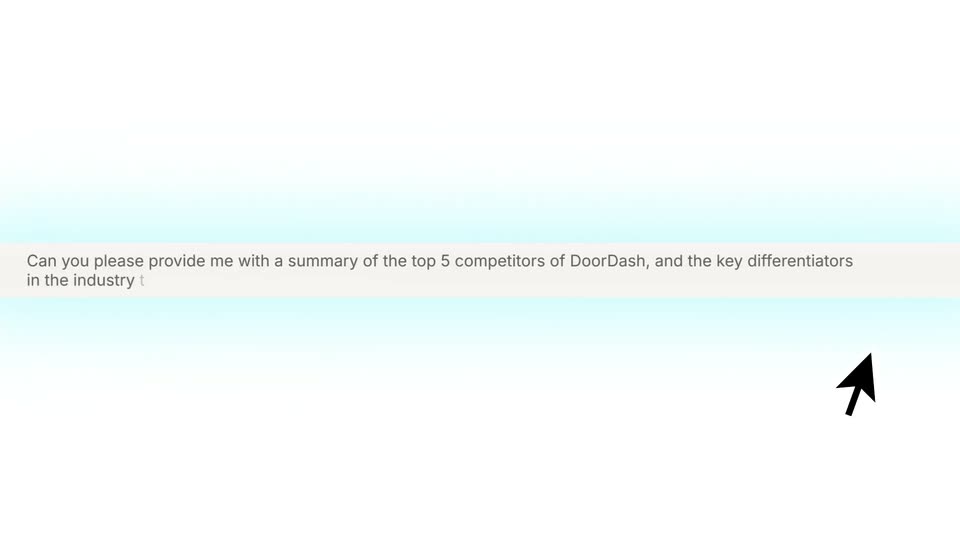 0:45–0:49Fuse AI · FuseAI Launch VideoA gray chat input bar with a paperclip icon types a prompt about DoorDash competitors. The bar thins to a strip as a black cursor hovers near a send arrow, then the frame zooms out to a white chat card showing the sent message and a loading dot.
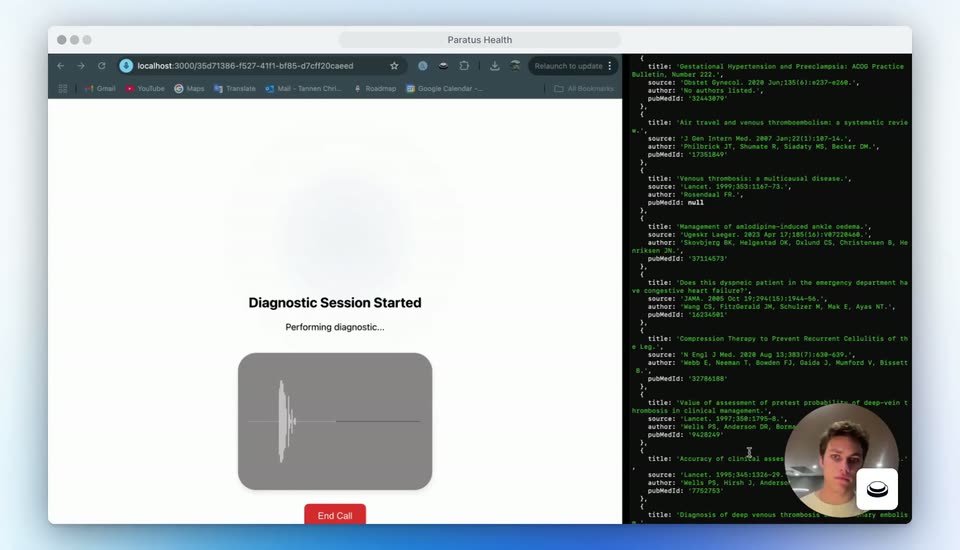 0:49–1:41Paratus Health · Paratus Health - Product DemoA split screen holds a browser with the Paratus Health diagnostic page, its gray waveform box pulsing as a man in a circular webcam speaks, beside a terminal scrolling green logs into a JSON list. Near the end the cursor clicks the red End Call button.
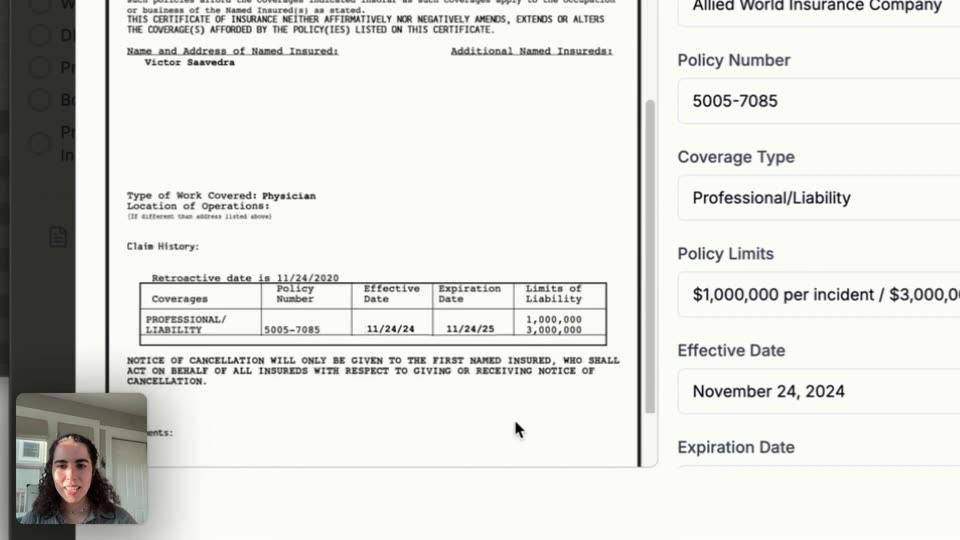 0:15–0:24Harbera · Launch YC: HarberaA browser window shows a Verify Information dialog: an insurance certificate PDF on the left, a data form on the right. The view zooms in as fields fill in, a small video call of a woman sits in the corner, and captions appear at the bottom.
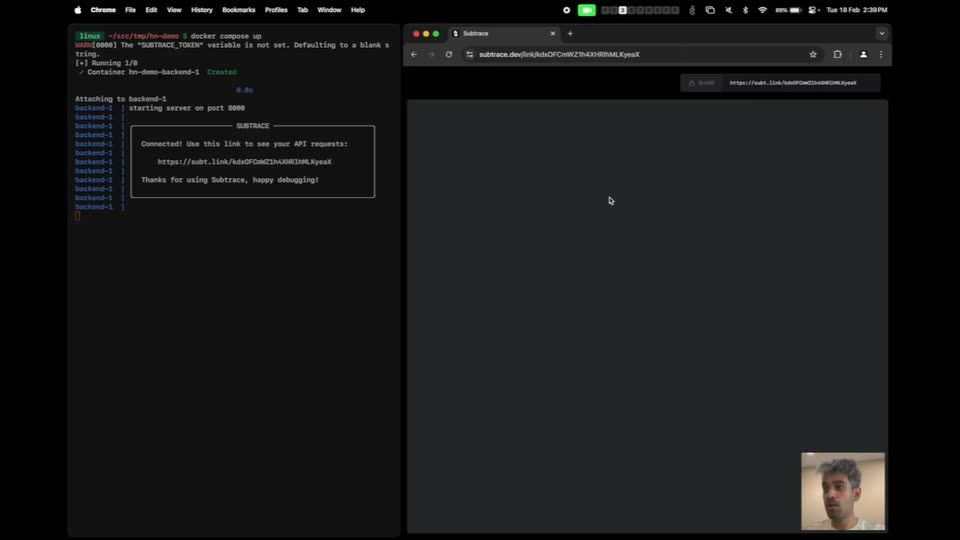 1:17–1:18Subtrace · Subtrace: Wireshark for Docker ContainersA desktop shows a terminal on the left and a Chrome window on the right. The terminal prints a Subtrace connection link; the browser holds an empty dark page. A cursor drifts down the page, and a small webcam feed sits in the corner.
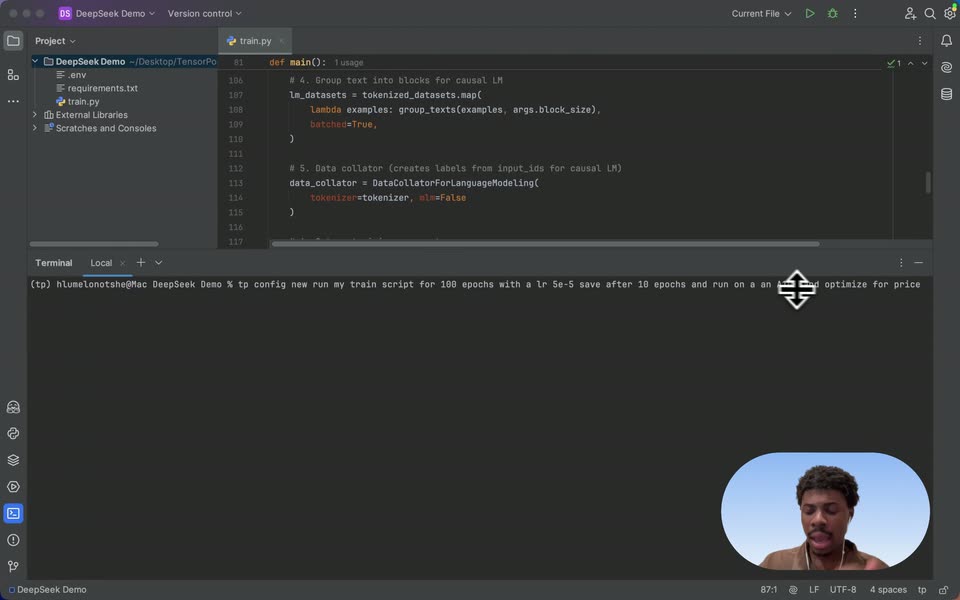 0:54–0:55TensorPool · TensorPool (W25) - The Easiest Way to Access GPUsA dark IDE screen shows a Python file above a terminal, where a command line is typed out word by word. A small circular video of a man speaking sits in the lower right corner of the terminal.
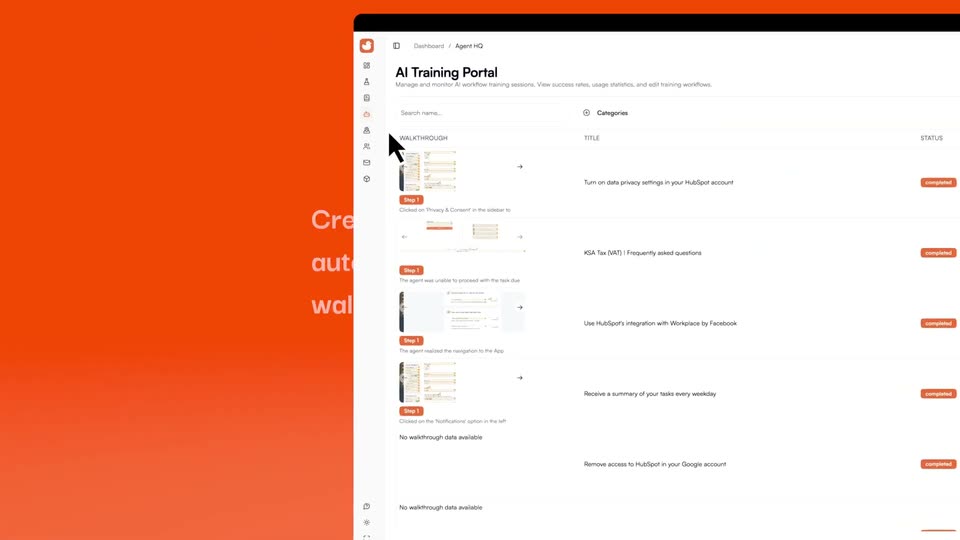 0:12–0:15SAMMY Labs · SAMMY Labs - Product TourA flat product screen tilts into a 3D panel on an orange field as a cursor hovers over the list, then the panel slides right to reveal a white headline on the left.
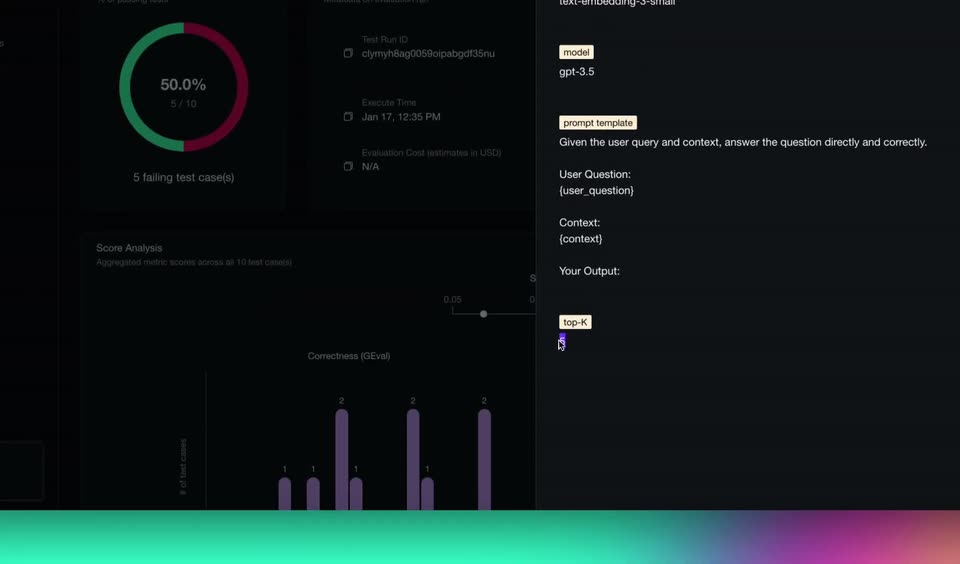 0:42–0:46Confident AI · Confident AI Launch YCA dark evaluation dashboard. A donut chart reads 50.0% beside a General Info card. On the right, a Hyperparameters list shows embedding model, model, prompt template and top-K. A cursor hovers each value as it flashes purple. The view pans left to a Score Analysis bar chart.
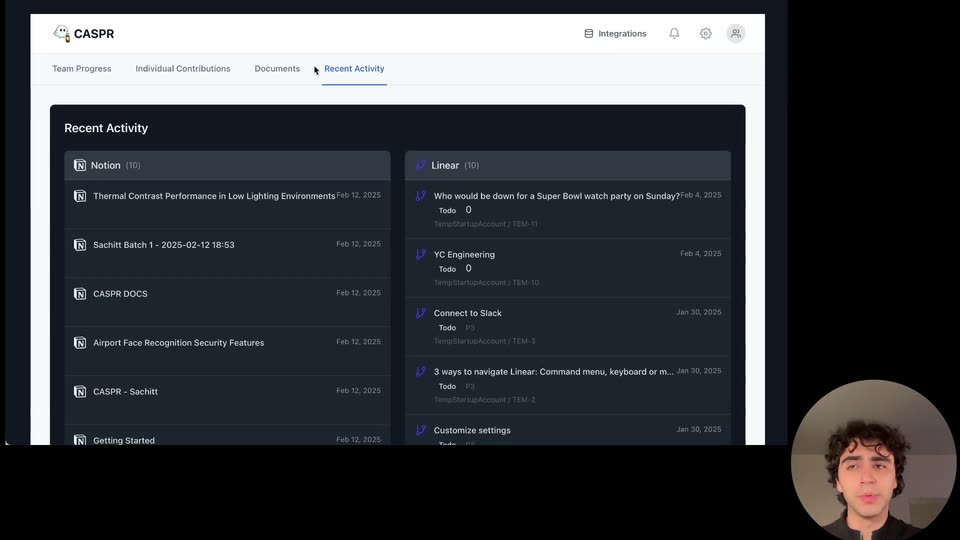 0:23–0:25Peppr AI · Peppr AI Demo VideoA locked-off screen capture of the CASPR dashboard shows two dark panels, a Notion activity list on the left and a Linear list on the right, with a white cursor hovering over the top navigation. A circular webcam of a curly-haired presenter sits in the lower right corner.
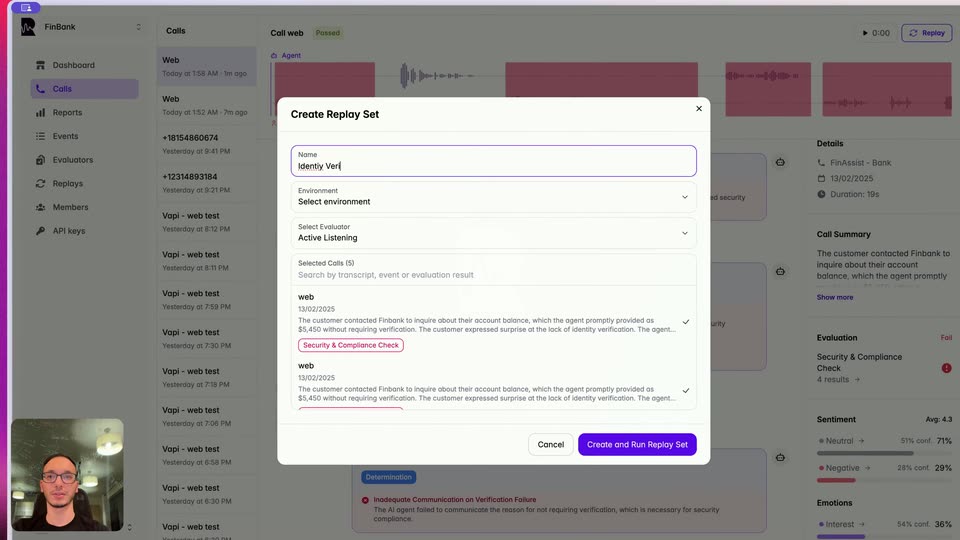 1:45–1:59Roark · Roark (YC W25) - DemoA screen recording pulls back from the 'Create Replay Set' dialog to the full calls dashboard. The cursor types a name and opens the Environment dropdown. A presenter's webcam sits bottom-left; a caption bar runs along the bottom.
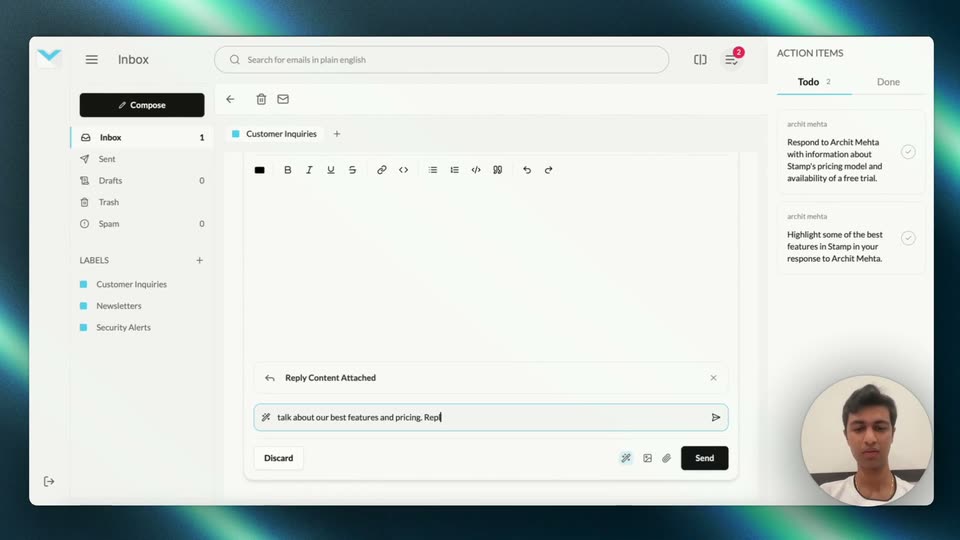 1:29–2:18Stamp · Introducing Stamp: The AI Native Email ClientA screen recording of the Stamp email app shows an inbox with a Summary and Action Items panel, while a circular webcam of the presenter sits in a corner. The view zooms into the summary, then into a reply box where a typed prompt generates a draft response.
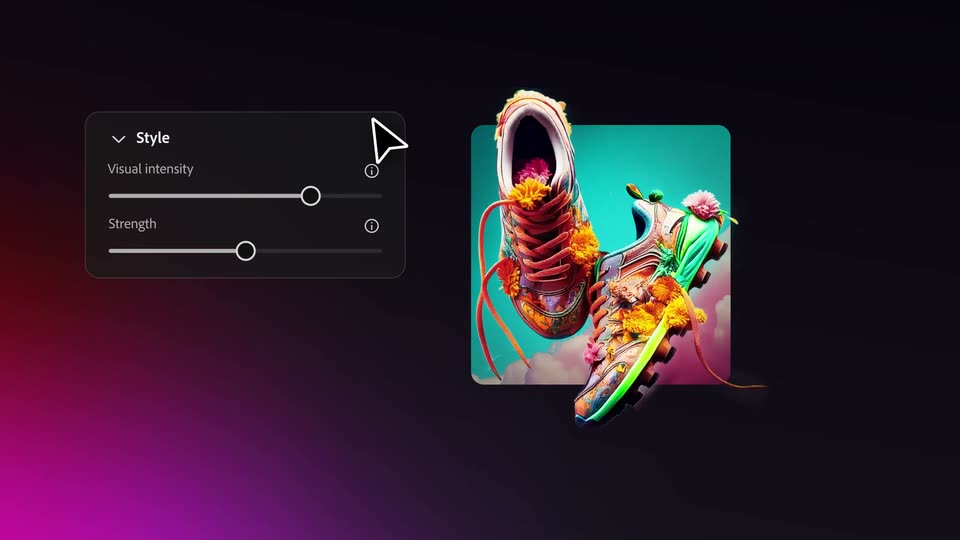 0:22–0:24Adobe · Meet Firefly Video Model | AdobeA dark backdrop with a magenta glow; a Style panel with two sliders sits on the left while a cursor drags the Visual intensity knob to the right, and a 3D floral sneaker floating on a teal card shifts from muted to vivid colors.
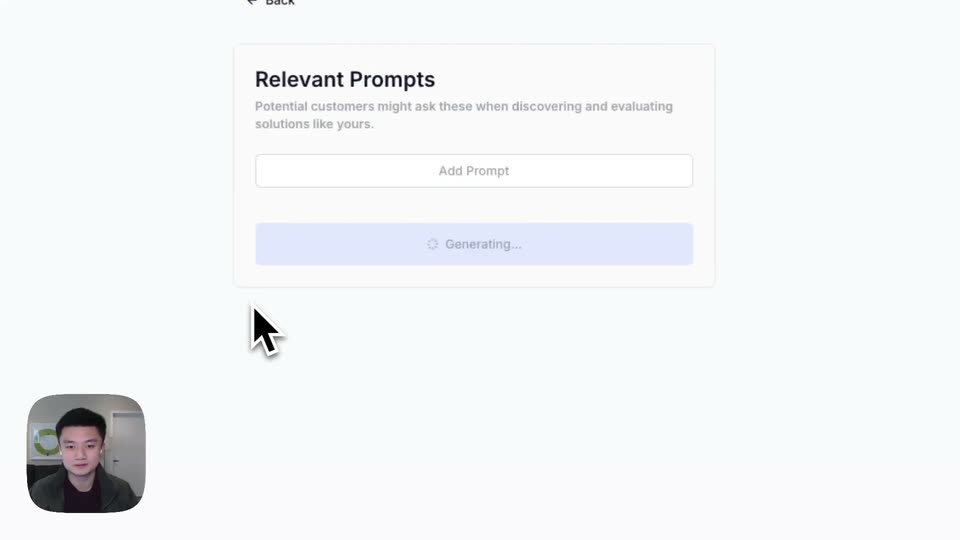 0:40–0:50AthenaHQ · AthenaHQ with Andrew, Co-Founder and CEOA product screen shows a Relevant Prompts card loading with a spinner button, a small webcam feed of a man in the corner. The card fills with a list of prompts, a gradient frame flashes at the edges, then the view zooms into the rows as the cursor hovers one.
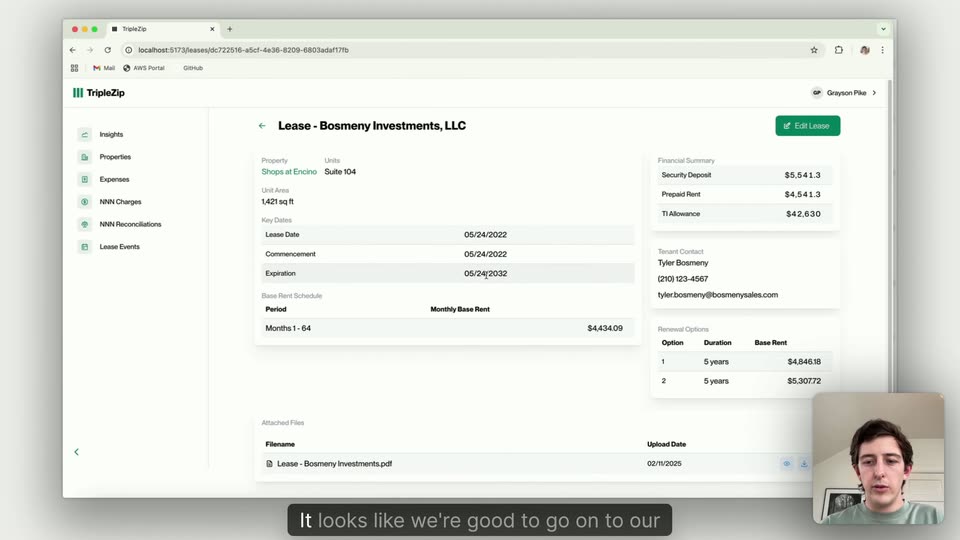 0:34–0:44OpenIntake · TripleZip (W25) - AI for Commercial Real Estate AccountingA browser window shows the TripleZip lease detail page, with a presenter in a small video inset at the bottom right and white subtitles along the bottom. The cursor drifts over the key dates, then clicks Expenses in the left sidebar, loading the expenses table.