
1:24
Explore
00:00:00 / 00:44:08
- Length
- 0:44
- Scenes
- 6 · 7.4 s avg
- Product on screen
- 0:00
- Features shown
- 1
- Voiceover
- Yes
- Views
- 569 on YouTube
as of November 24, 2026
Consus’s 0:44 launch film runs 6 scenes, about 7.4 s each. The product is on screen from the first frame and 1 feature is revealed. There is no explicit call to action; a voiceover carries the film. The video alternates a centered talking-head presenter with flat UI walkthroughs, moving from a homepage search into a single specification's viewer and ending on a version toggle. Pacing is steady at about five cuts per minute, with the cursor as the only on-screen actor and a purple accent marking every interactive element.
Footage neededEstimated needs: 2 capture groups — your screens or recordings · 2 filmed passages — shoot, supply or replace
Is this your launch? to your site or press kit.
More like this


Consus Intro, scene by scene
· 6 scenes as text
01 · Product intro · 0:00–0:11
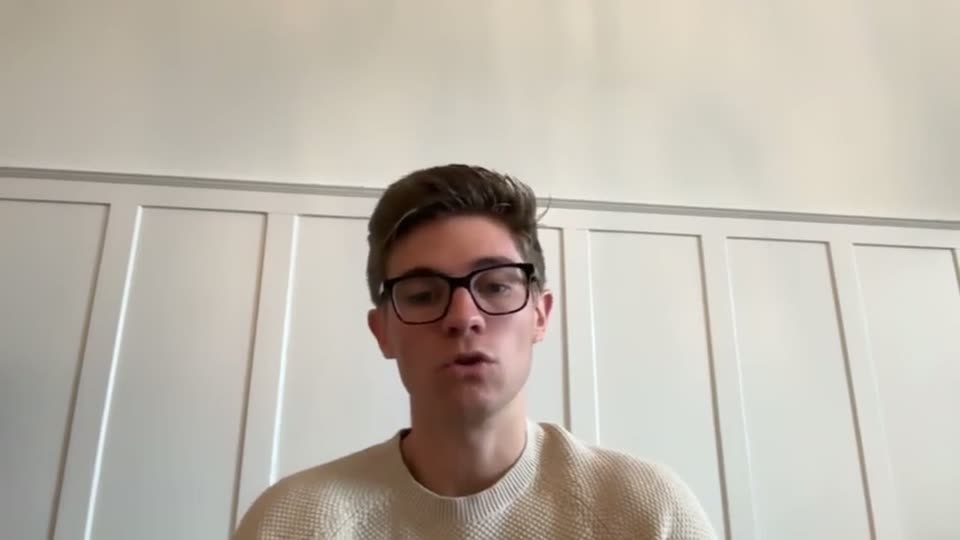
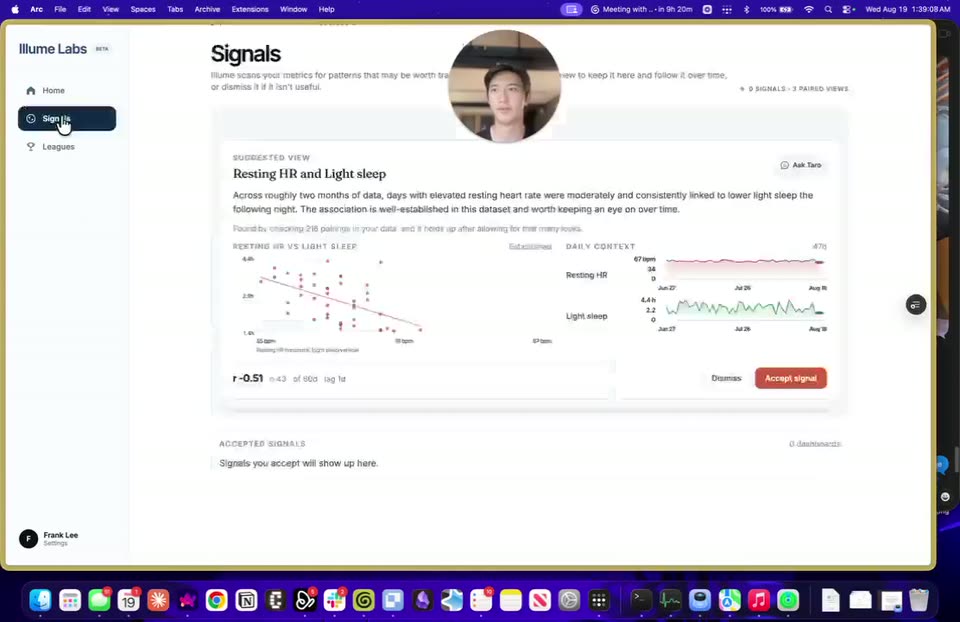
A man with glasses and a cream sweater speaks to camera in a centered medium close-up against a white paneled wall. At the end, the Consus website interface fades in as a translucent layer over him.
Camera: Static
02 · Demo · 0:11–0:16
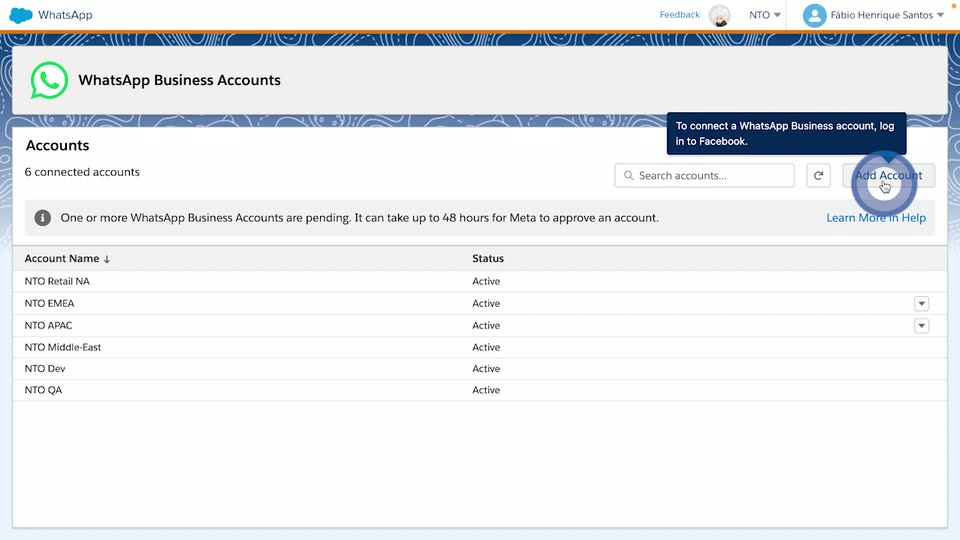
A light gray product page shows a headline and a search bar above a row of specification cards. A cursor glides from a card to the search field, which lights up with a purple focus ring, then the ring fades as the cursor drifts right.
Techniques: Cursor demo
Camera: Static
03 · Demo · 0:16–0:28
A document viewer for NASA-STD-5001 holds still: section list on the left, metadata card and PDF pane on the right. A cursor drifts over the page as the PDF scrolls down to the cover title and back, then the sidebar scrolls to more sections.
Techniques: Cursor demo
Camera: Static
04 · Demo · 0:28–0:36
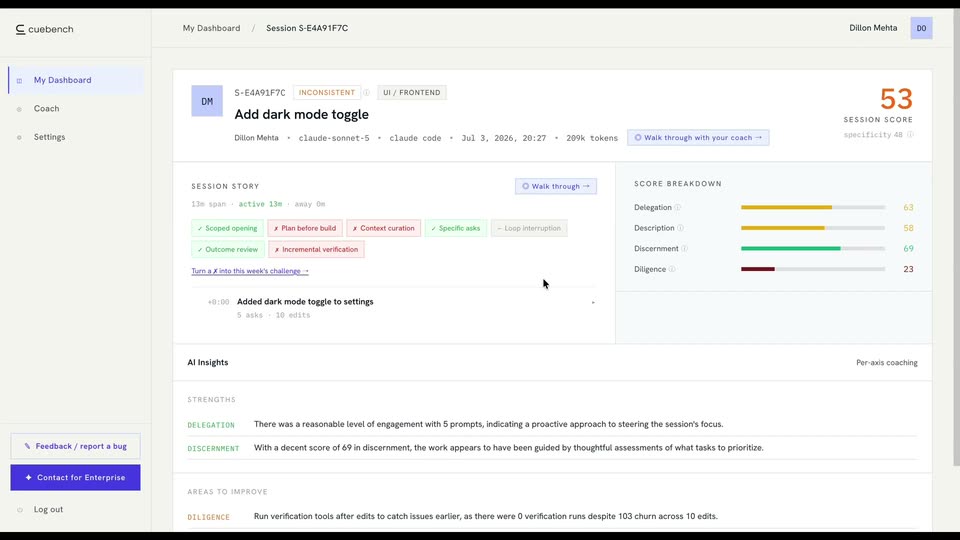
A document review interface: a left sidebar lists standard sections, the main panel shows a section summary and PDF page preview. A cursor toggles Requirements Only, the list swaps to entries with Req badges, then a click on 4.1.2.2 updates the panel and preview to Page 11.
Techniques: Cursor demo
Camera: Static
05 · Feature reveal · 0:36–0:38
A young man with black-framed glasses and a cream sweater sits centered in a medium close-up, speaking to the camera against a white paneled wall. He blinks and moves his mouth as he talks, the framing held steady with no cuts or motion.
Camera: Static
06 · Feature reveal · 0:38–0:44
A flat interface view of a specification viewer. A cursor moves to the version dropdown, opens it, and selects an older version. The content area reloads with a brief spinner and updates to the superseded version, with a new release date and page count.
Techniques: Cursor demo
Camera: Static