Cursor demo
A visible cursor operates the interface.
15,118 scenes · page 142 of 252
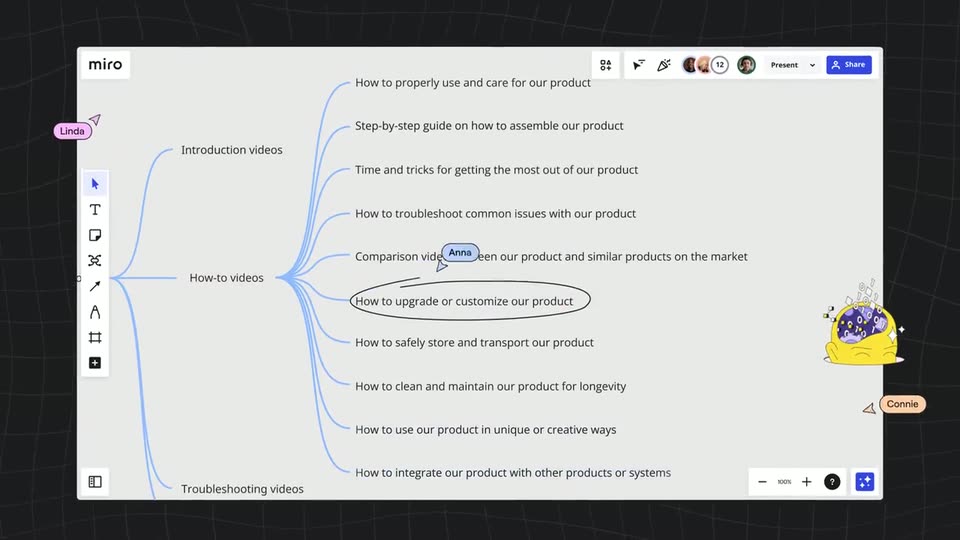 0:10–0:11Miro · Miro - Meet your AI partner for innovation, launching November 1. What wilA Miro whiteboard displays a mind map of how-to video topics. Named collaborator cursors drift across the canvas and a yellow rocket avatar enters from the right, circling an item already outlined in blue.
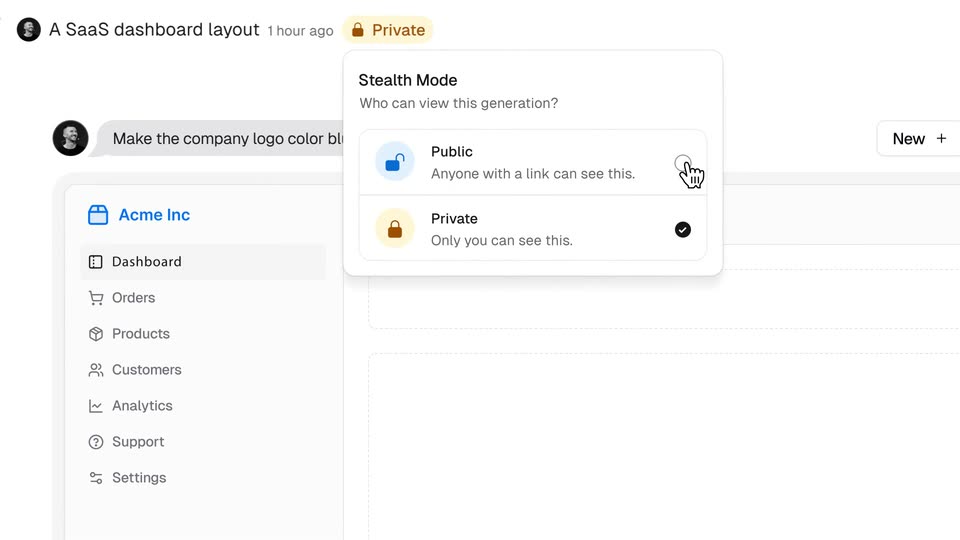 0:30–0:36Vercel · Introducing v0: Generative UIA tilted 3D code panel rotates away, flattening the SaaS dashboard, then the view zooms into the top bar as a cursor opens the Stealth Mode dropdown and moves the check from Private to Public, before zooming back out.
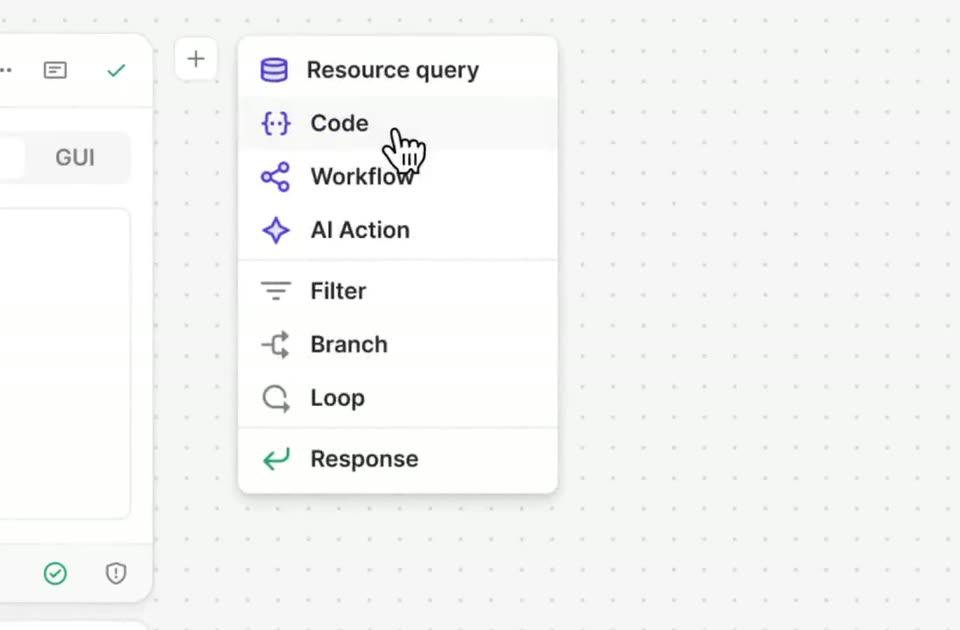 0:10–0:11Retool · Retool - Say hello to the fusion of visual programming, code, and AI. RetoolA white dropdown menu of node types sits on a light dotted canvas, the Code row shaded gray under a hand cursor. A partial side panel with a GUI tab peeks in at the left edge.
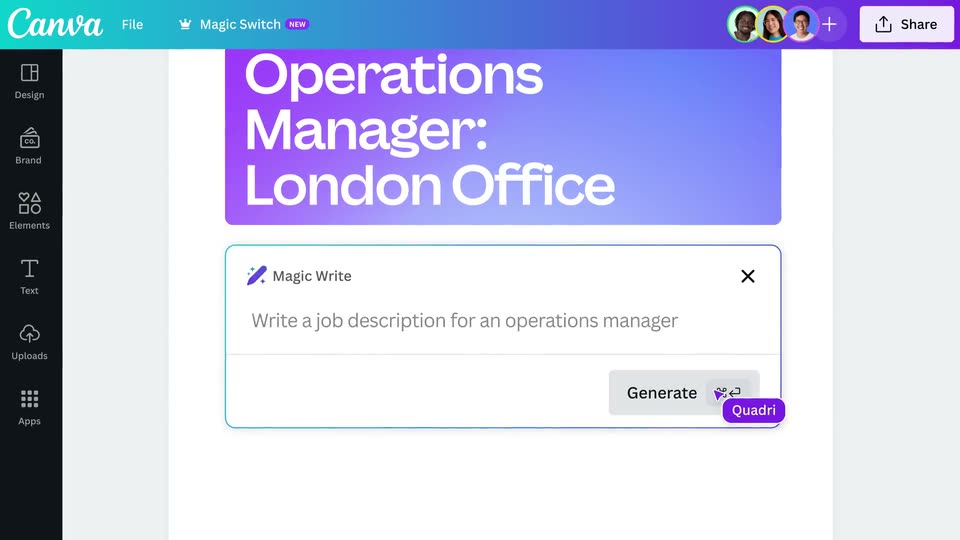 0:46–0:51Canva · Canva - Meet Magic Studio. Supercharge your workflow with all the power of AIA Canva canvas shows a purple-to-blue banner reading Operations Manager: London Office. A cursor labeled Quadri types a prompt into the Magic Write box, clicks Generate, and a paragraph of job-description text fills the page as purple sparkles scatter.
 0:39–0:41Canva · Meet Magic Studio | Let the power of AI supercharge your workA white Translate panel lists languages that scroll from Arabic to Japanese, then a purple cursor tagged Quadri moves down to the Translate button. To the right, a blue 3D globe sits under the word Global.
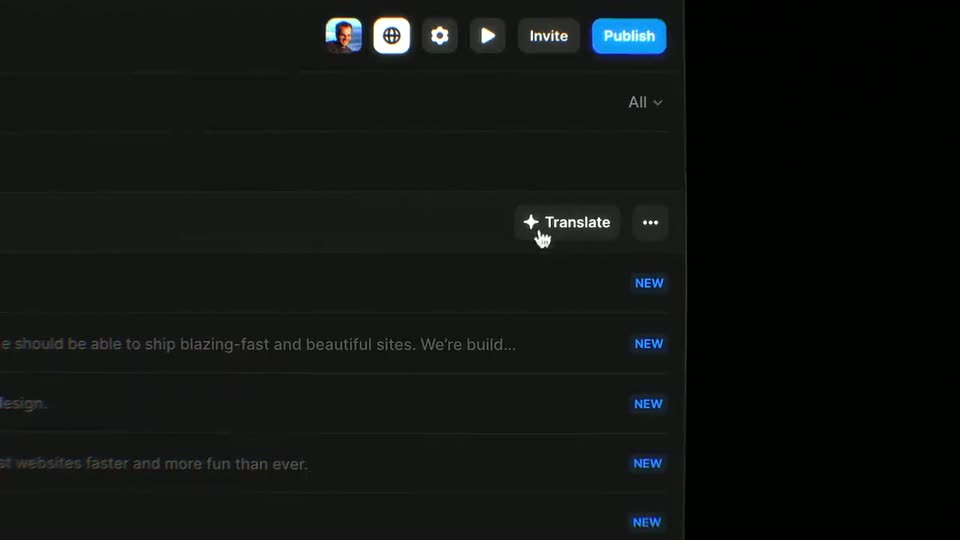 0:14–0:15Framer · Framer - 🌎 Hola, Bonjour, こんにちは! Introducing AI-powered Localization for yourA dark project list fills the frame, rows carrying short text snippets and blue NEW badges beneath a top bar with avatars and a blue Publish button. A hand cursor glides in from below and hovers a Translate button marked with a sparkle icon.
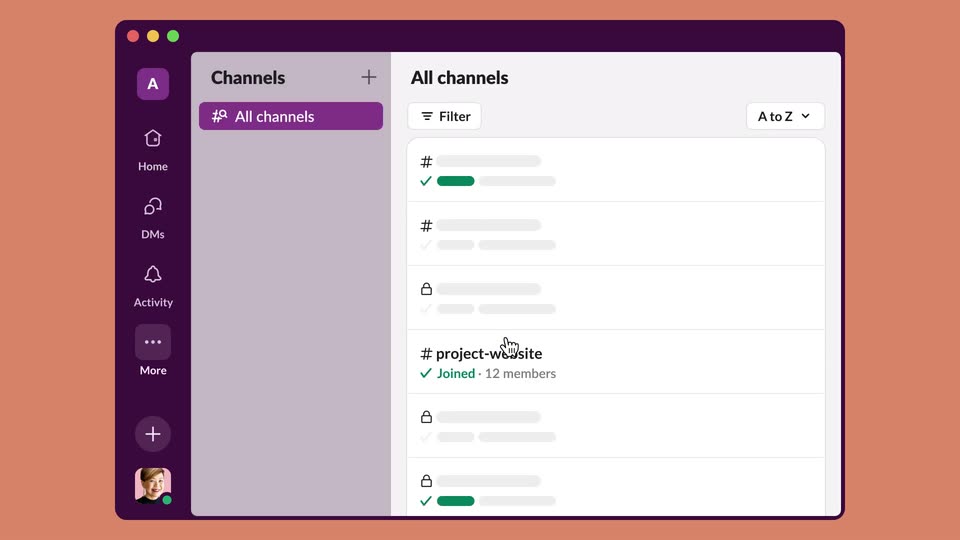 0:28–0:29Slack · Conversations in SlackA flat channel-list window on a peach background shows gray skeleton rows, with one row fully rendered as '# project-website'. A white cursor glides diagonally down-left across the list, ending near the green 'Joined' label.
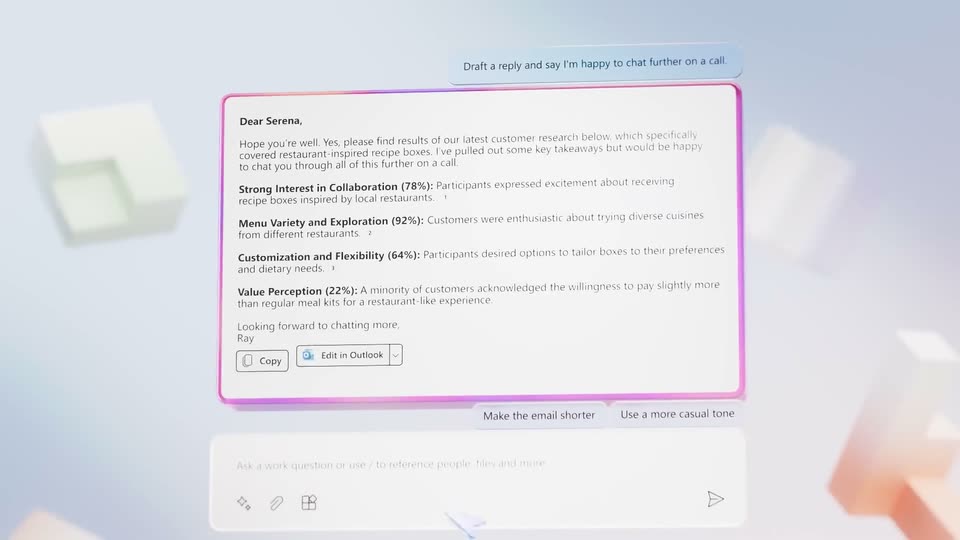 0:30–0:32Microsoft · Introducing Microsoft 365 ChatA white email card with a pink border fills with typed text as a blue cursor moves around it. A gray instruction pill floats above, and a second input bar with placeholder text slides in below.
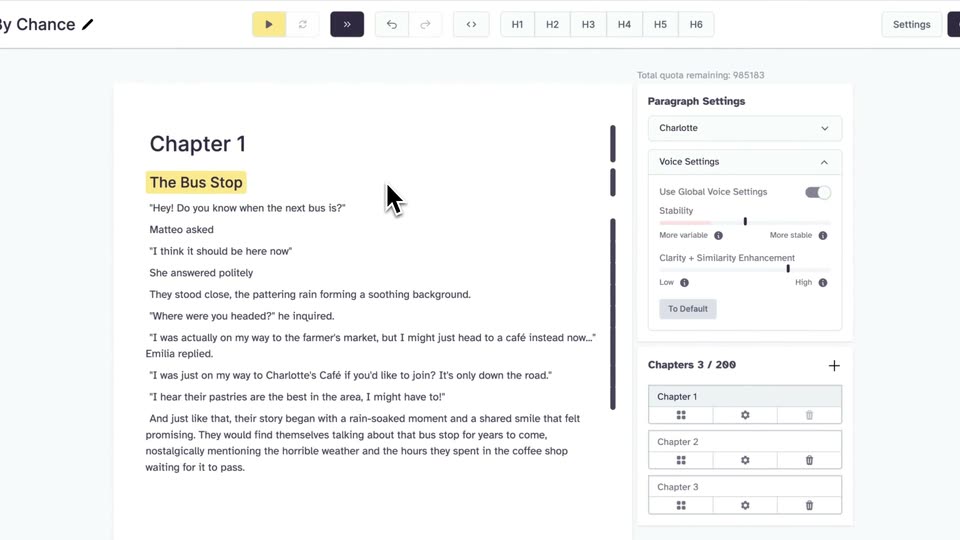 0:24–0:39ElevenLabs · Introducing: ProjectsA writing app screen shows a chapter draft on the left and a Paragraph Settings panel on the right, under a scaling Speaker Assignment title. A cursor opens the voice dropdown, picks Antoni, then presses play; the quota counter ticks down as the chapter is read aloud.
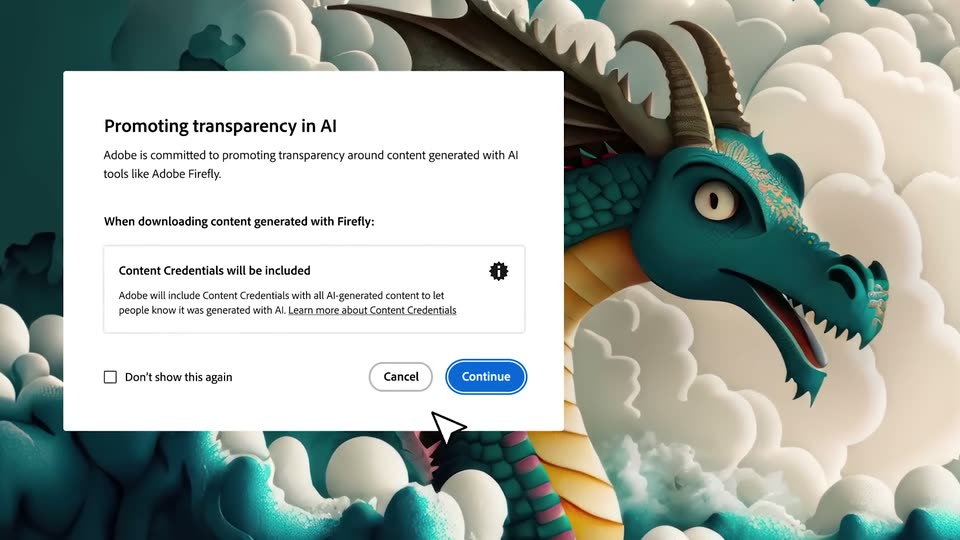 0:07–0:08Adobe · Adobe Firefly: Out of Beta & Ready For Your Imagination | AdobeA white dialog box titled Promoting transparency in AI overlays a 3D teal dragon among white clouds. A cursor glides up from the bottom and hovers over the blue Continue button.
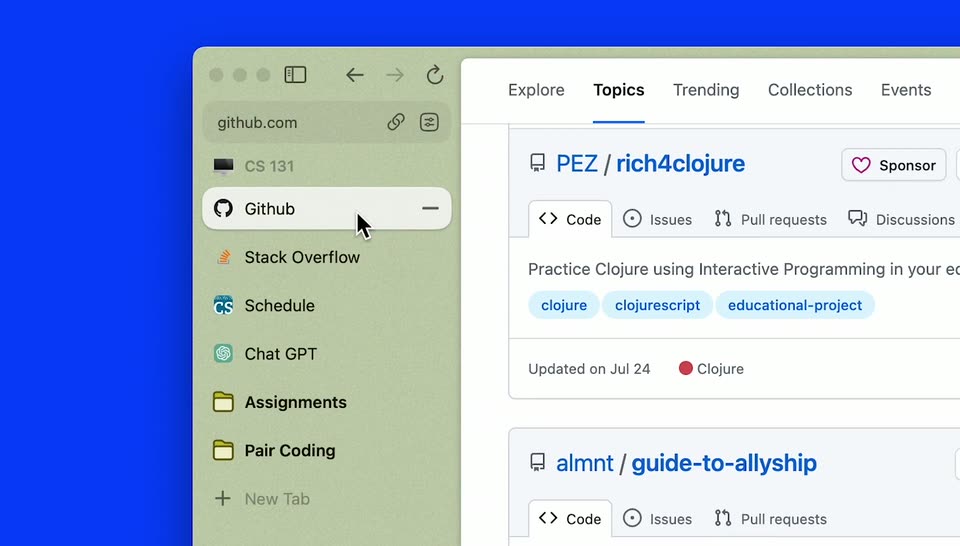 0:14–0:16The Browser Company · Arc for Students | Everything in its right placeA teal browser sidebar cycles through three grouped tab sets, Korean 100, CS 101, Micro Econ 102, as the page on the right switches from a Duolingo keyboard to a GitHub repo list to an Investopedia article. A cursor hovers the active tab.
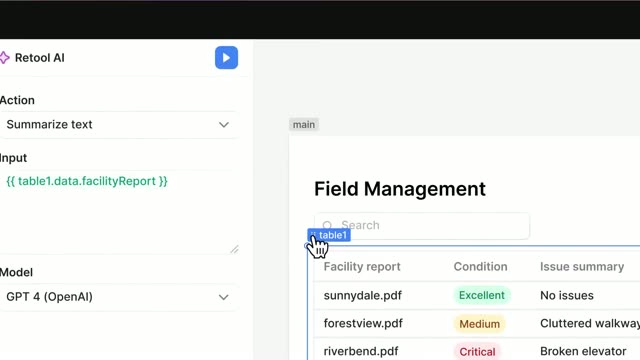 0:05–0:06Retool · Introducing Retool AI—powerful AI building blocksA Retool builder shows a Field Management table of PDF rows and condition badges. A hand cursor clicks an envelope, raising a dark 'Email sent to field manager' tooltip. The view pulls back to reveal the AI panel on the left, then returns to the table.
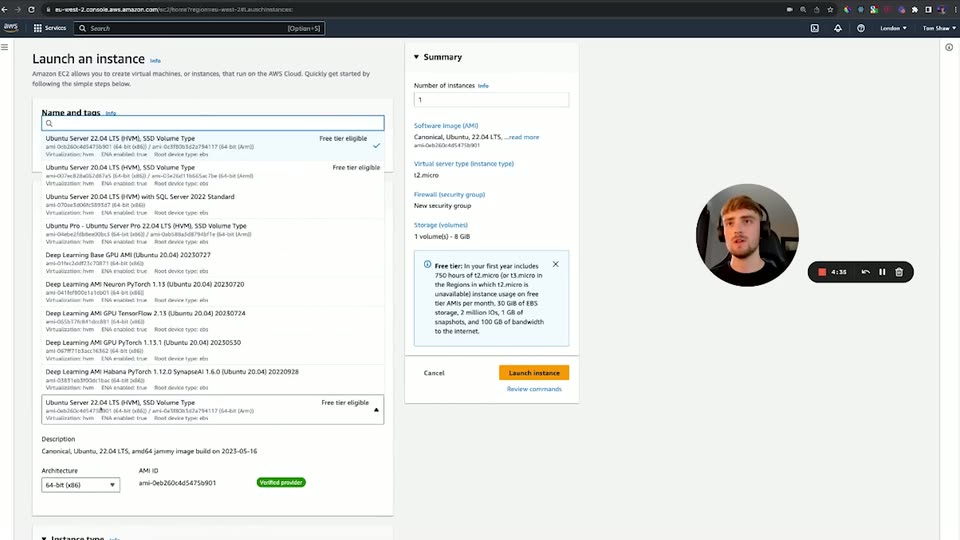 0:28–0:29Loom · Loom | Sync Faster, Meet LessA screen recording of an AWS console displays a cursor typing 'U' into an AMI search bar, filtering a list of Ubuntu server options. A circular webcam of a man with headphones and a media player control bar are overlaid in the bottom right corner.
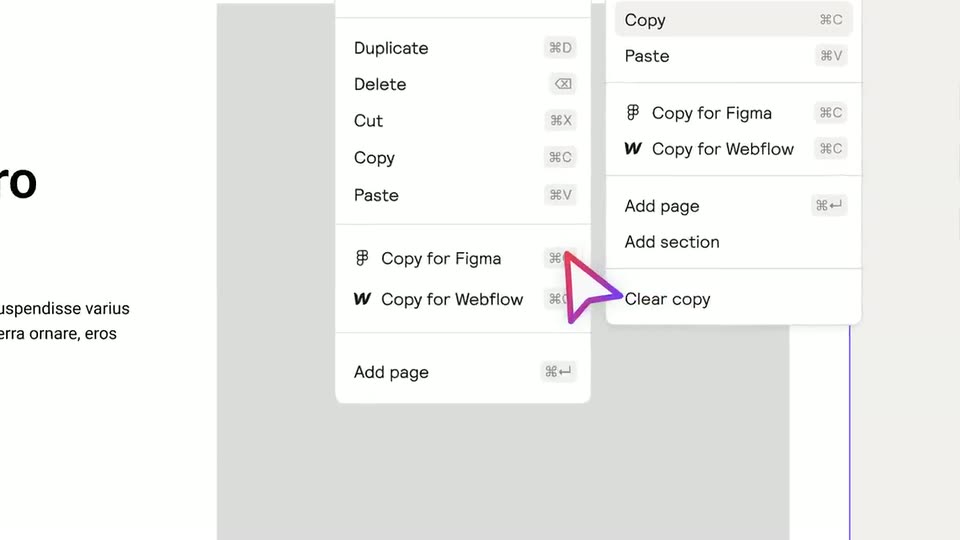 0:36–0:40Relume · Relume - The fastest way to design & build a website with the help of AI ✨A Wix editor holds the left while a large black headline sits on the right; a gradient cursor opens a context menu and the view zooms onto the copy rows, then a black copy icon centers on the gray field.
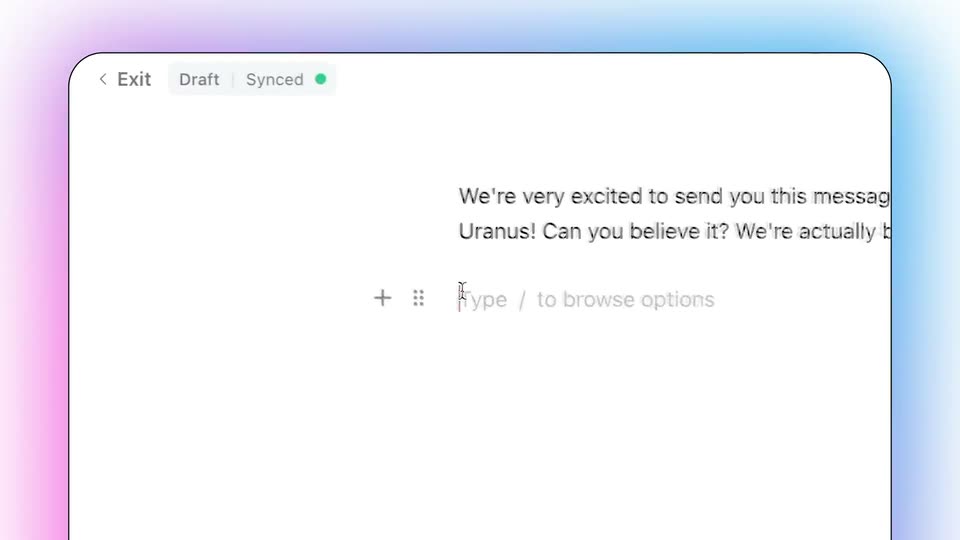 0:21–0:28beehiiv · beehiiv 🐝 - Introducing beehiiv AI ✨ Coming live from UranusA white editor card floats on a blue-to-pink gradient. A cursor clicks Simplify in a dark toolbar, and the pink-highlighted paragraph rewrites itself shorter. The view zooms onto an empty line, where a slash menu opens and the cursor hovers over AI Image. Blue caption bubbles track the voiceover.
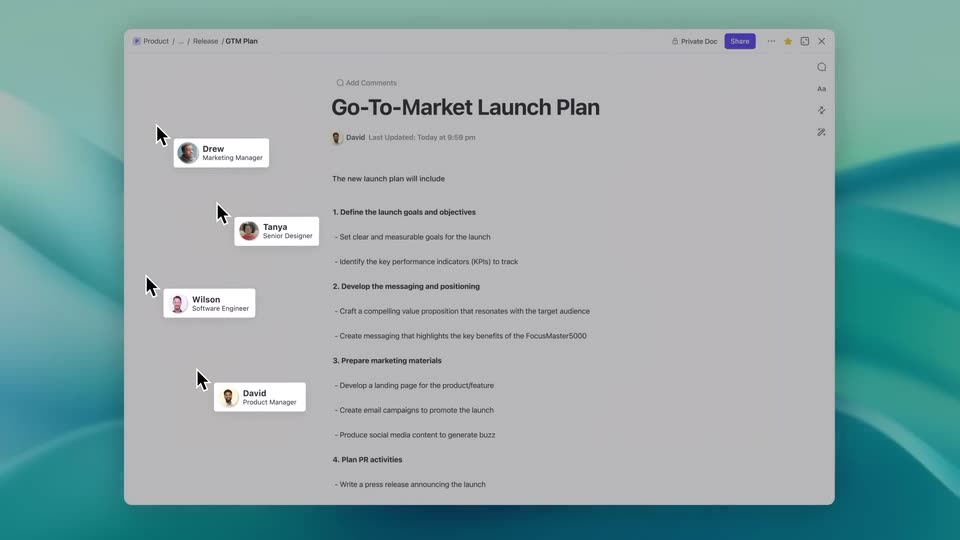 0:25 · 0.5sClickUp · Introducing ClickUp AIA document editor titled Go-To-Market Launch Plan fills the frame over a soft blue gradient. Four collaborator cards with avatars and roles sit in the left margin, each beside a black cursor that drifts a few pixels down and right.
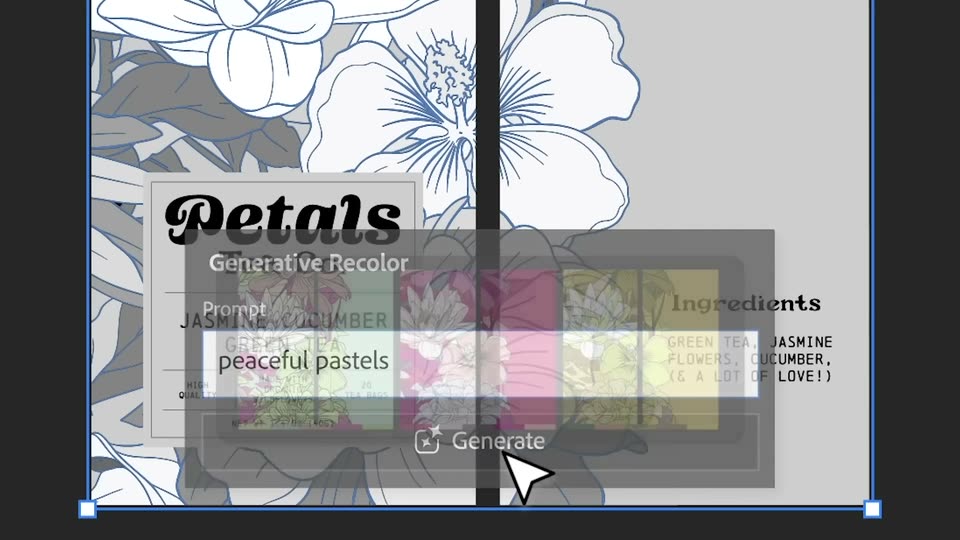 0:08–0:12Adobe · Adobe Illustrator x Adobe Firefly: Announcing Generative Recolor | AdobeA dark Generative Recolor dialog overlays a floral poster layout. The cursor types “peaceful pastels” into the prompt field, clicks Generate, and the dialog collapses into a row of four recolored palette swatches of the same flowers.
 1:09–1:14Netlify · Netlify - We’re proud to announce the launch of Netlify Connect! Give your webA dark navy field holds a centered white title and a teal pill button. The title slides in with a brief color-split offset, then a white cursor glides to the button and hovers, scaling it up slightly, before leaving the frame.
 0:19–0:20Penpot · Penpot - Flex Layout, best of both worlds Flex Layout is Penpot’s ground-breaA locked-off dark panel shows a Board header, a green Info button and a dark Code button with a cursor resting on it, and the heading Size and position under a divider line. A large tagline scales in over the frame.
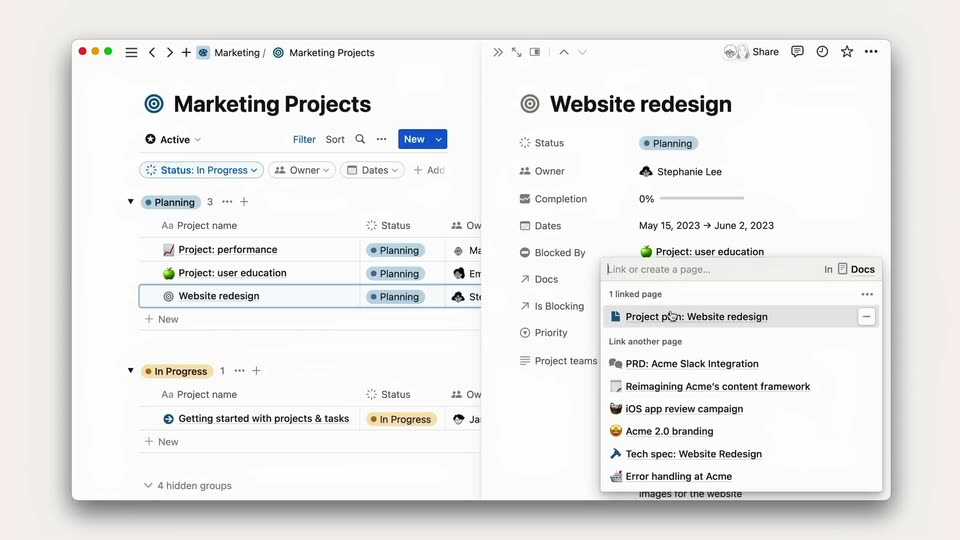 0:46–0:48Notion · Welcome to Notion ProjectsA flat browser window shows a two-panel project dashboard. On the right, a cursor moves to the Docs field and clicks it, opening a dropdown titled Link or create a page with a list of page options that slide into place.
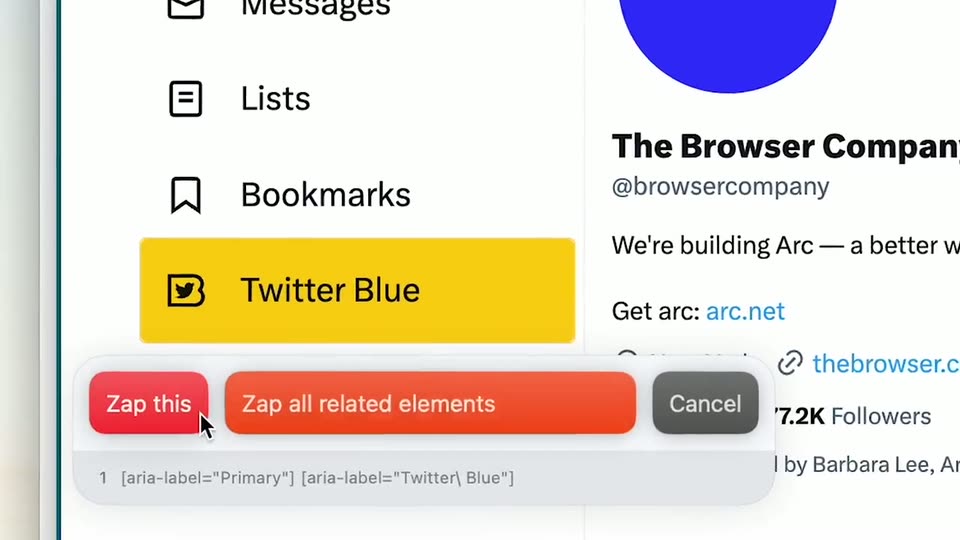 0:14–0:16The Browser Company · The Browser Company - What if the internet... was actually 𝑦𝑜𝑢𝑟 internet? 🎨 Introducing BA Twitter profile page for The Browser Company fills the frame. A cursor glides down the left menu, highlighting Lists then Twitter Blue in yellow, and a floating bar with red Zap buttons slides in at the bottom before the view zooms onto it.
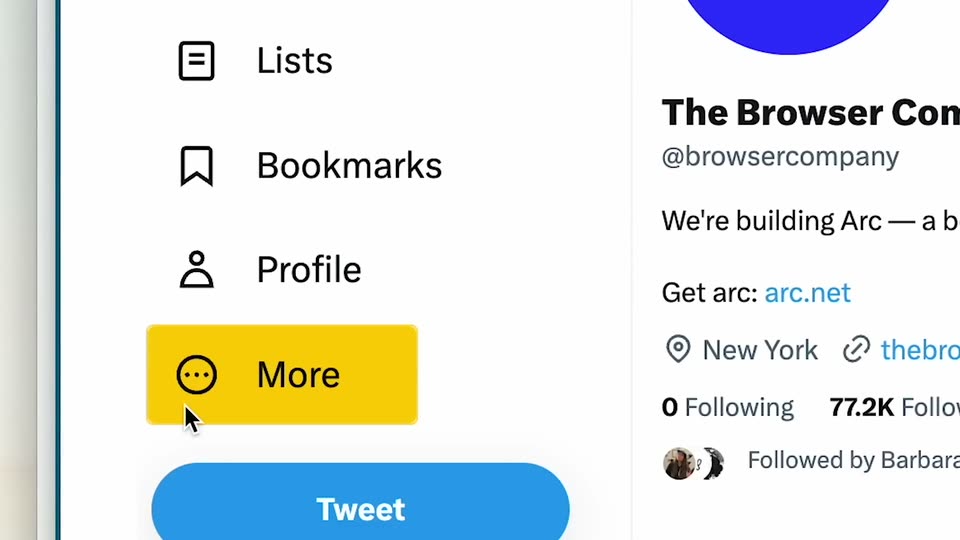 0:16–0:17The Browser Company · Boosts by Arc | Meet Your New InternetA close-up of a Twitter profile page. A white cursor hovers over the yellow More button in the left sidebar, which lists Lists, Bookmarks and Profile above a blue Tweet button. The right panel shows the Browser Company profile with handle and follower count.
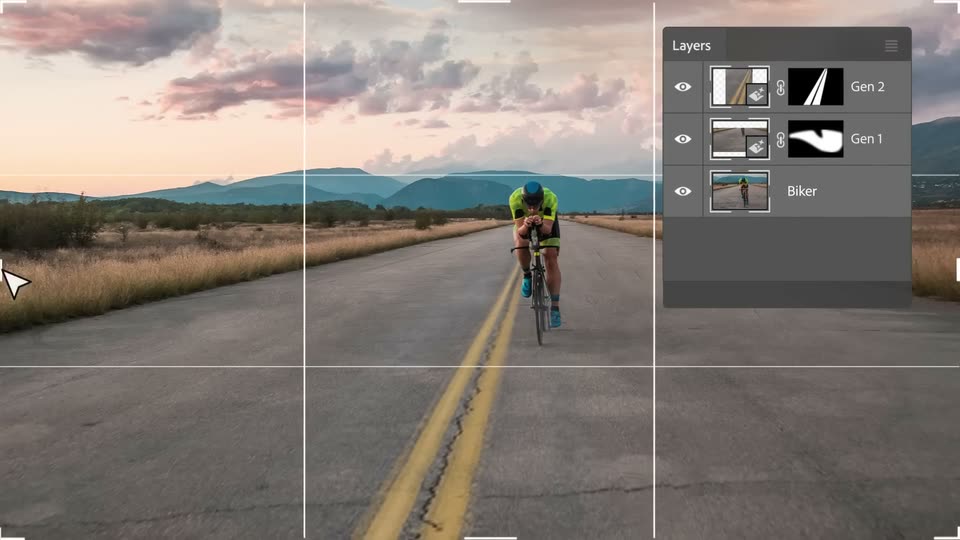 0:11–0:14Adobe · Adobe Photoshop (beta) x Adobe Firefly: Announcing Generative Fill | AdobeA photo editor interface shows a cyclist on a desert road. A cursor clicks the Generate button beside the prompt reading yellow road lines, then the frame reframes to a cropped, gridded view where the road center line is now a solid yellow double line.
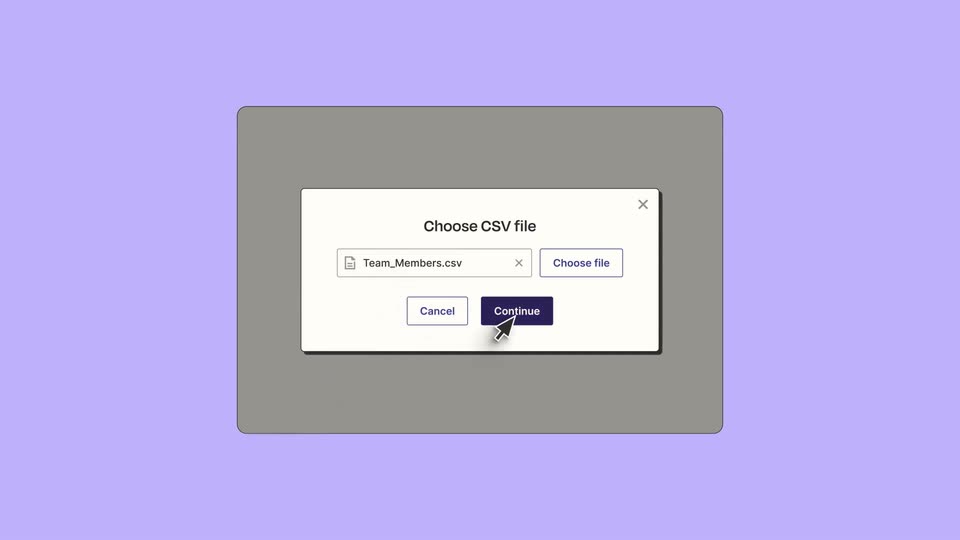 0:23–0:31Zapier · Introducing Zapier TablesA zapier Tables window fades in on a lavender field. A cursor moves to Import CSV, opens a file dialog, drops Team_Members.csv, clicks Continue, and a progress bar fills beneath the words Importing your records.
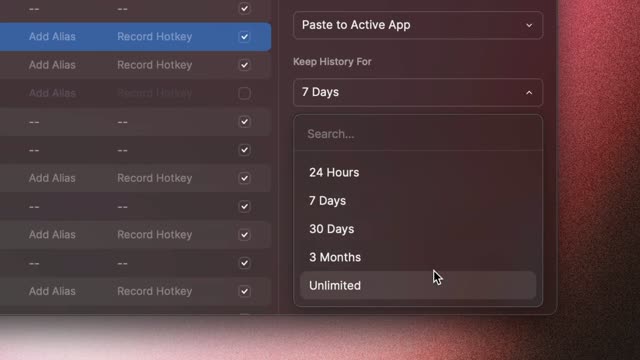 0:20–0:22Raycast · Introducing Raycast ProA dark settings panel fills the frame as a cursor clicks the Keep History For dropdown, opening a list where Unlimited is highlighted. The panel fades out to a plain dark background where the word Developer sits centered in white.
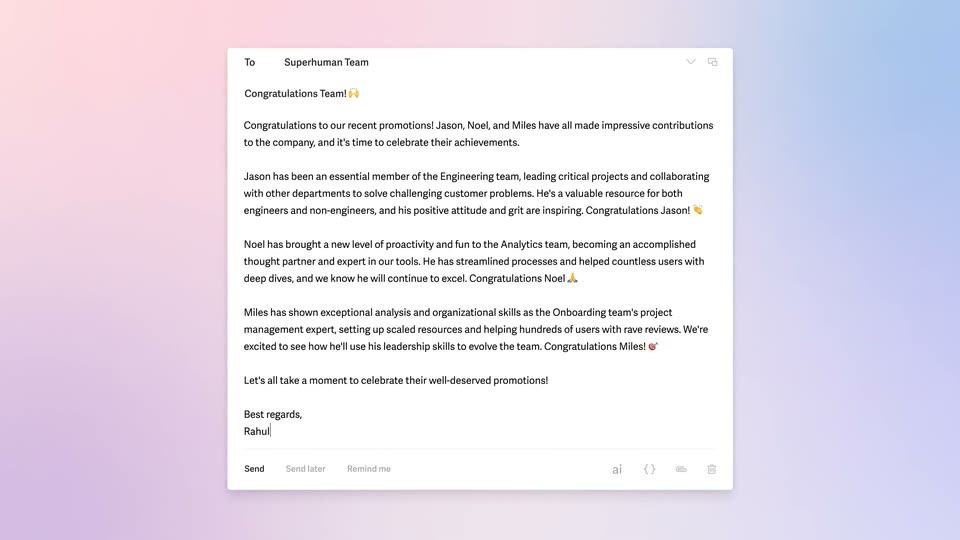 0:33–0:39Superhuman · Superhuman AIFlat email composer on a pink-to-blue gradient. A small menu (Accept, Retry, Edit, Shorten, Lengthen) pops up over highlighted text as the cursor hovers, then the body rewrites itself into a full congratulations message signed Rahul.
 0:11 · 0.6sVercel · Vercel - Introducing Visual Editing for Headless ◆ Designed with our launch pA dark rounded toolbar with a glowing cyan outline holds five white line icons. A coral cursor arrow points at the central cyan edit button while a vertical cyan line drops down from the top edge into the bar.
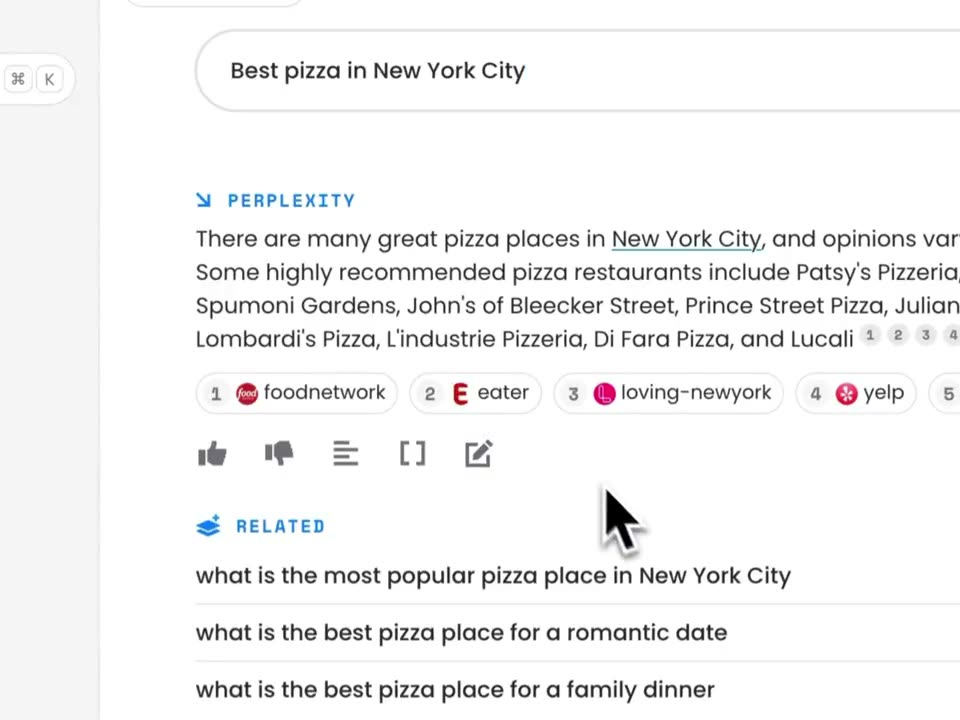 0:34–0:37Perplexity · Perplexity - We are excited to launch the next version of Introducing login, threaA blurred close-up of a chat answer sharpens and zooms out to reveal the full interface, with a search box, source chips and a related-questions list. A cursor hovers the edit icon, then drifts down the panel.
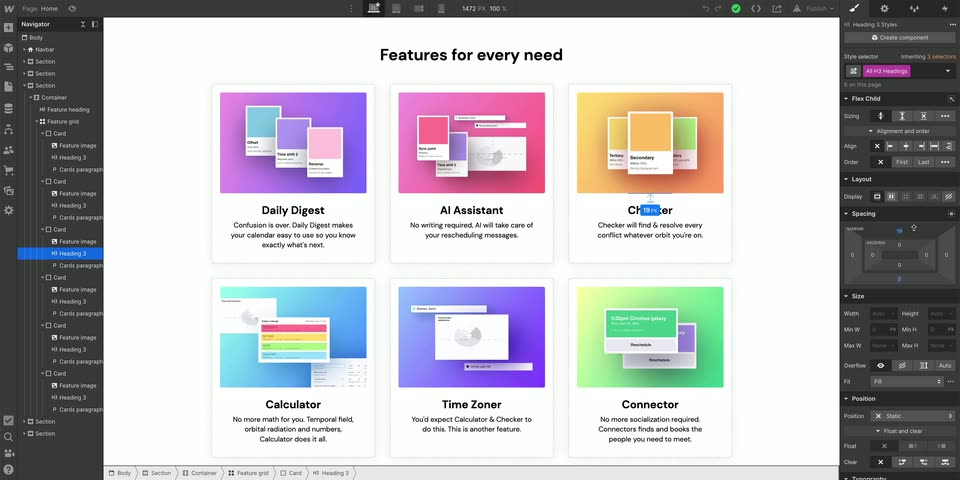 0:35–0:38Webflow · Introducing WebflowA screen recording of a design editor displays a six-card feature grid; a cursor selects the Checker card while the right panel toggles between spacing and animation controls. The canvas then reframes to a calendar view with a purple waitlist button.
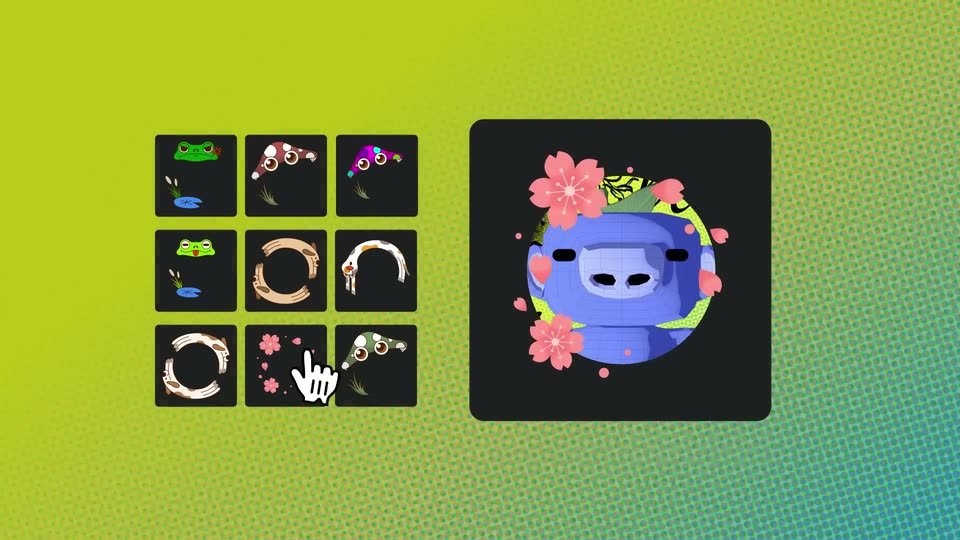 0:41–0:42Discord · Announcing 4 new Nitro PerksA 3x3 grid of illustration tiles sits left while a circular preview of a blue 3D monkey head scales down into a dark card on the right; the background shifts from gray to olive halftone and pink petals drift around the avatar as a hand cursor hovers a tile.
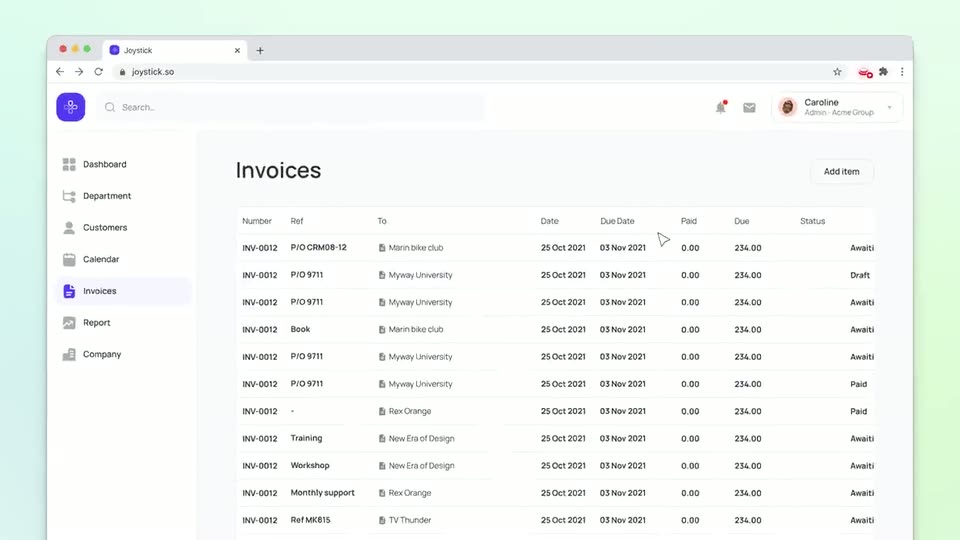 0:25–0:27Arcade · Arcade - Introducing Arcade Growth:A close-up of a sidebar menu and a revenue chart zooms out to reveal a full browser window. The cursor clicks the Invoices item, switching the main panel to an invoices table, then moves toward an Add item button.
 0:14–0:15Spline · Introducing Spline AI - Design in 3D using AIA dark 3D grid workspace with a flat prompt bar at the top. The bar shows the prompt “make a golden star” above an “Ask AI” chip. The chip vanishes, the bar reads “The cake is might be a lie”, and two white cursors appear in the grid.
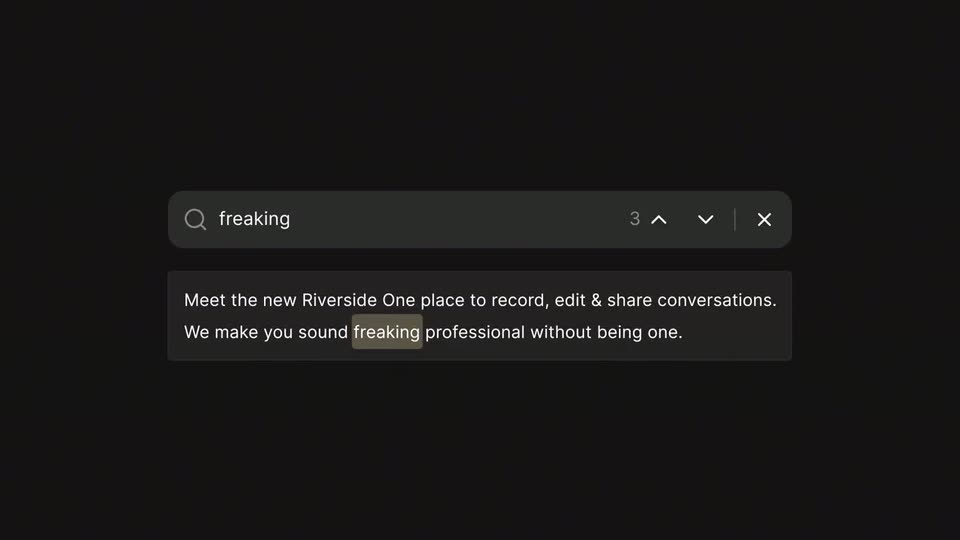 0:42–0:45Riverside · Riverside - Meet the new Riverside. The one place to record, edit, and share yourA dark UI screen shows a search bar above a two-line transcript. The word “freaking” is typed into the search and highlighted in the text, then the transcript slides up to reveal a purple waveform with yellow trim handles and timecodes, while the cursor hovers over the track.
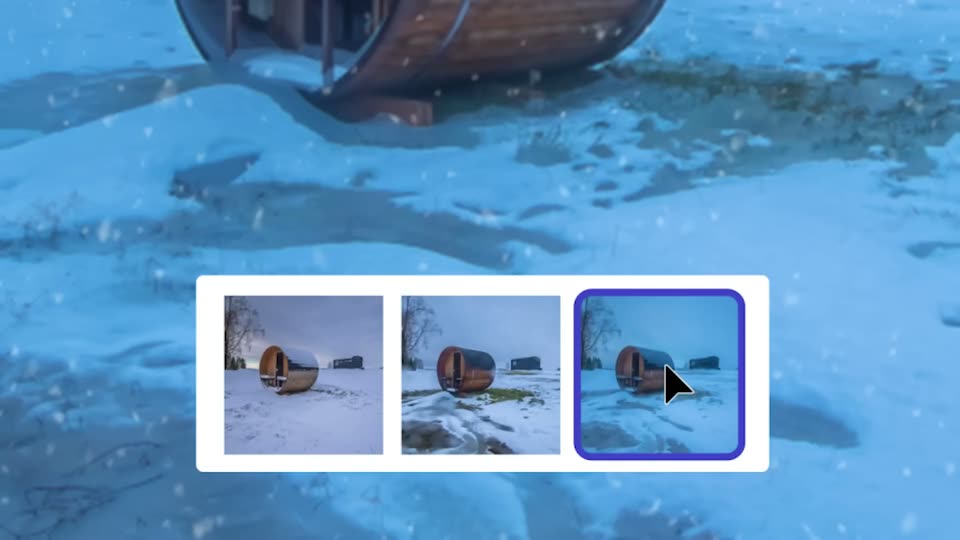 0:05–0:06Adobe · Adobe Firefly: Family of New Creative Generative AI Models | AdobeA white rounded card displays three thumbnails of a wooden cabin in snow; the right thumbnail carries a purple border and a black cursor arrow. Behind it, a blurred live-action shot of the same cabin sits in falling snow.
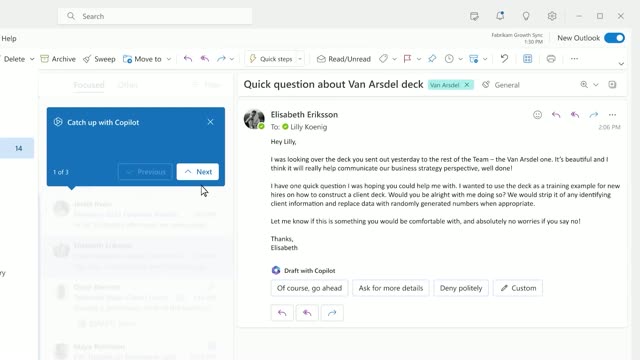 1:04–1:06Microsoft · The Microsoft 365 Copilot AI Event in Less than 3 MinutesOutlook inbox with an open email; a blue Copilot card on the left switches from a bullet summary with a Start catch up button to a 1 of 3 pager with Previous and Next. A BBC News quote builds in over the screen as lines slide and scale.
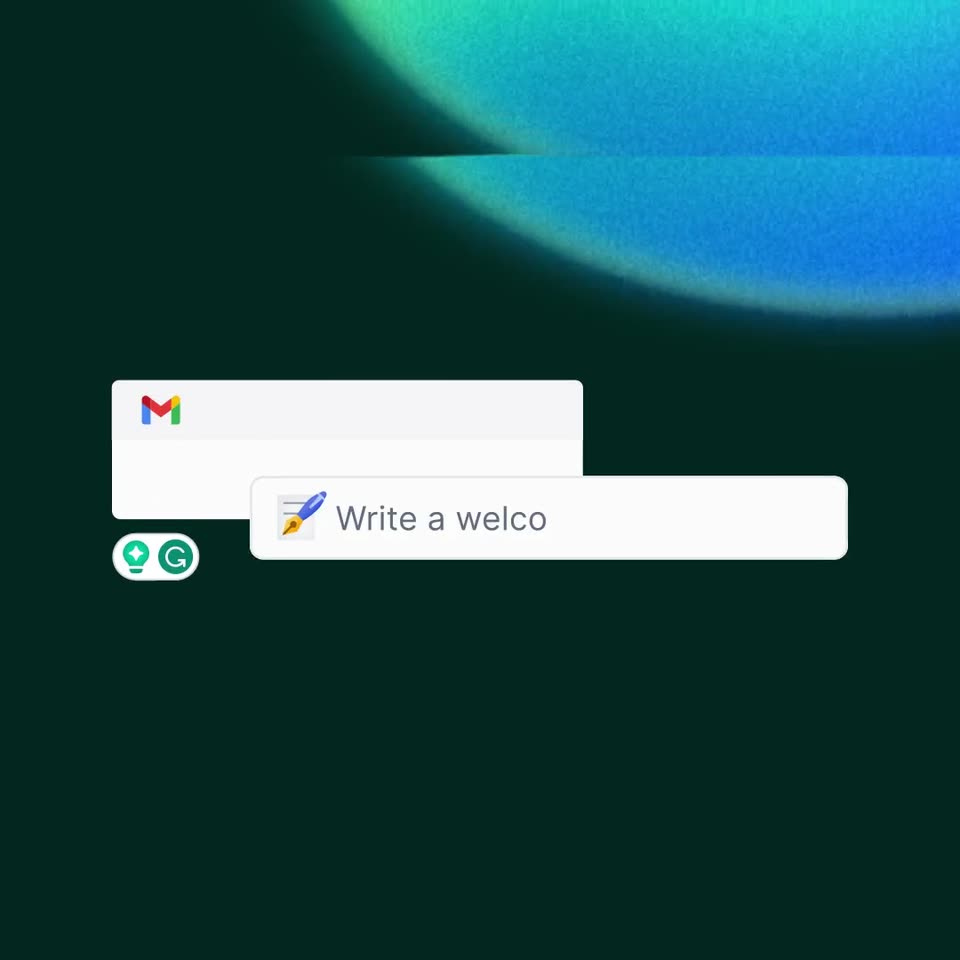 0:15–0:17Grammarly · Superhuman - Introducing GrammarlyGO—a new generation in writing. Speed up your wA white Gmail card with a blinking caret sits on a dark teal field under a blue glow. A black cursor hovers the icon pill, then a prompt bar with a pen icon slides in and types out a welcome-email request.
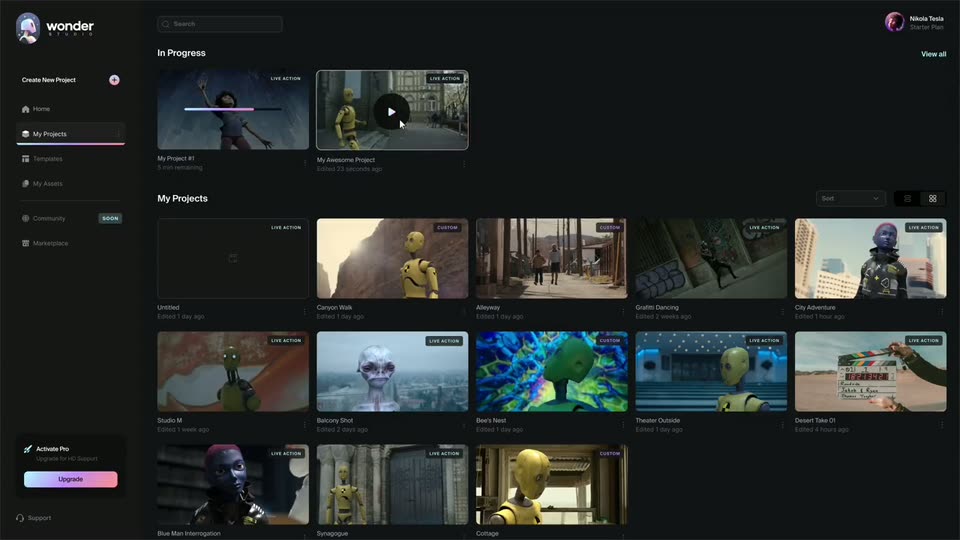 0:23–0:25Wonder Studio · Autodesk Flow Studio - We are proud to introduce Wonder Studio. An AI tool that automaticalA dark dashboard shows a left navigation sidebar and a grid of video project thumbnails labeled Live Action or Custom. A cursor glides from a thumbnail in the grid up to the second card in the In Progress row and rests on its circular play button.
 0:24–0:31Notion · Notion AI is here, for everyoneA document editor shows a paragraph beside a comment card reading “Could be stronger.” The view zooms onto the text, which is highlighted, then a cursor opens the Ask AI menu and picks Change tone, Confident, raising an “AI is writing” banner.
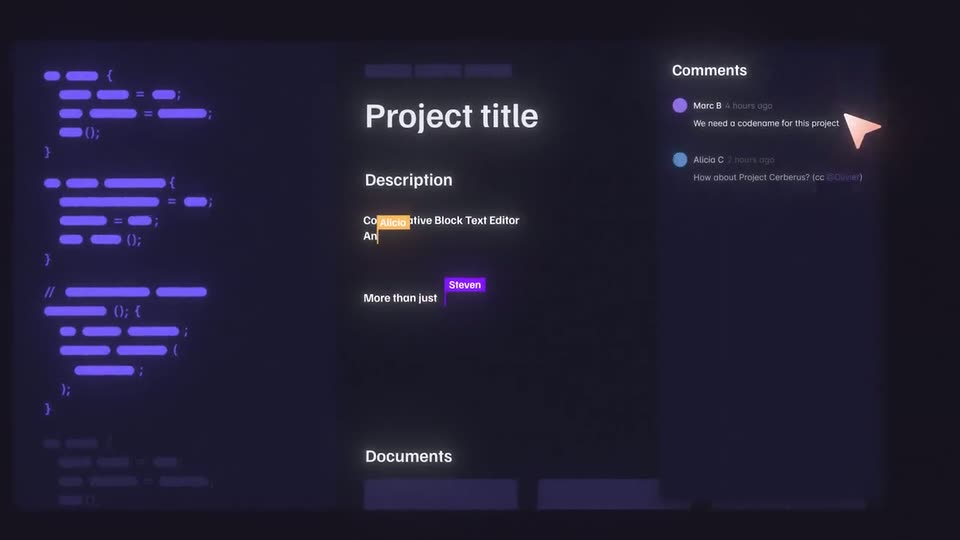 0:54–1:04Liveblocks · Liveblocks - #LiveblocksLaunchWeek – Day 1 Introducing Liveblocks 1.0: the compleA dark project dashboard pans right as a cursor clicks the feature cards on the left rail, then fades them out. The view lands on a live document where text types in and a comments panel slides in from the right, the frame zooming in.
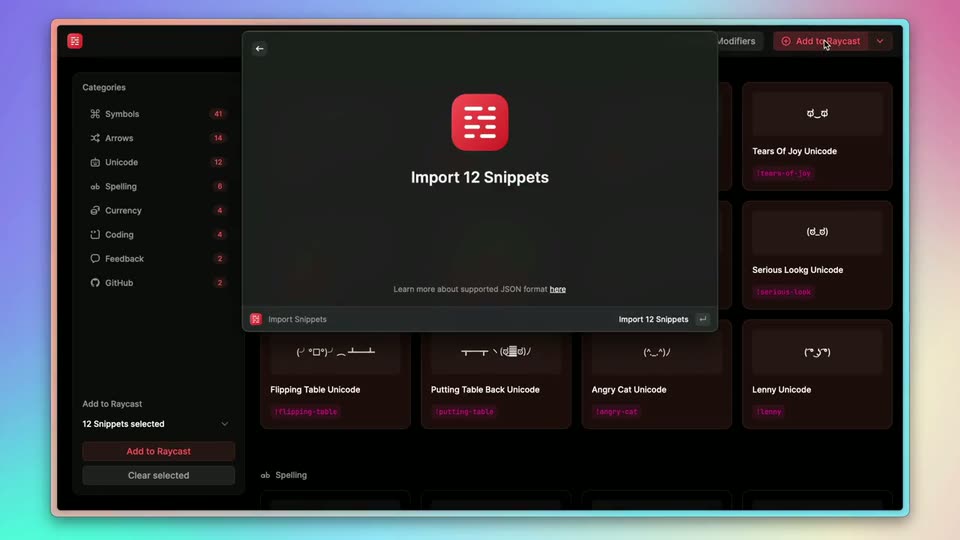 0:25–0:26Raycast · Raycast - 🕵️♂️ Announcing Snippet Explorer — our first open source project! AA dark app window shows a left category list and a right grid of snippet cards. A centered modal displays a red icon and the line Import 12 Snippets, with a footer button. A cursor rests over the Add to Raycast button at the top right.
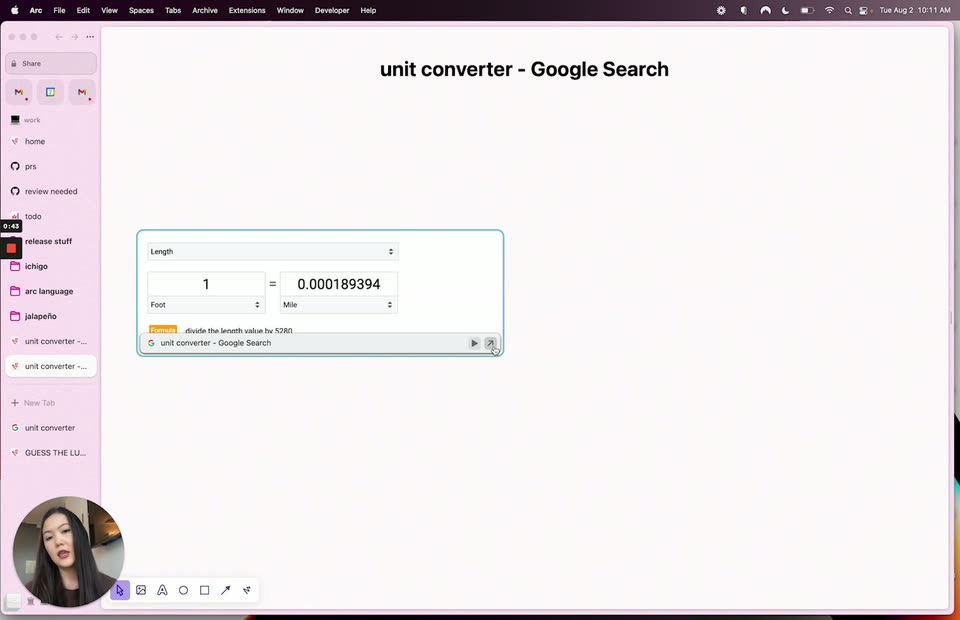 0:41–0:44The Browser Company · Arc Browser | Introducing Live Captures on Easel with RoseyA screen recording of the Arc browser shows a Google search result for a unit converter. A blue outline draws around the conversion widget as a new link row slides in at its base, while a cursor moves to hover over the play button.
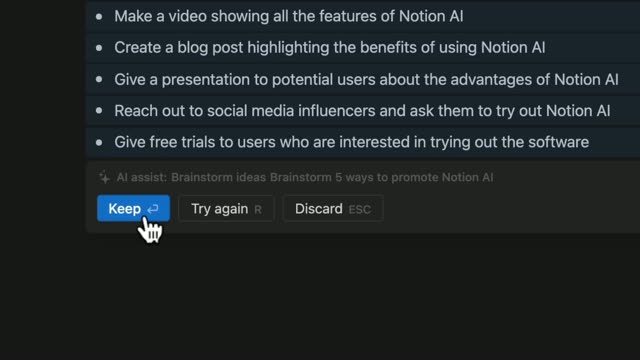 0:37–0:38Notion · Introducing Notion AIA dark bulleted list of five Notion AI promotion ideas sits above an AI assistant bar with three buttons. A pixel hand cursor glides in from the left and presses the blue Keep button, which brightens on the click.
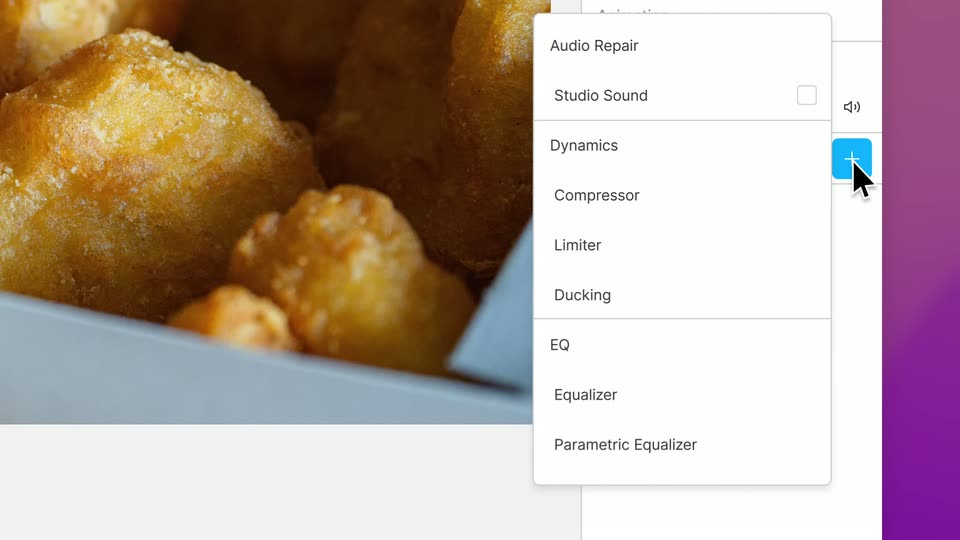 0:24–0:25Descript · The new Descript – made for podcastersA close-up of golden fried nuggets in a white tray fills the left half beside a white settings panel listing Animation, Volume and Audio effects. A black cursor moves to the plus button next to Audio effects as a dropdown of effect options expands below.
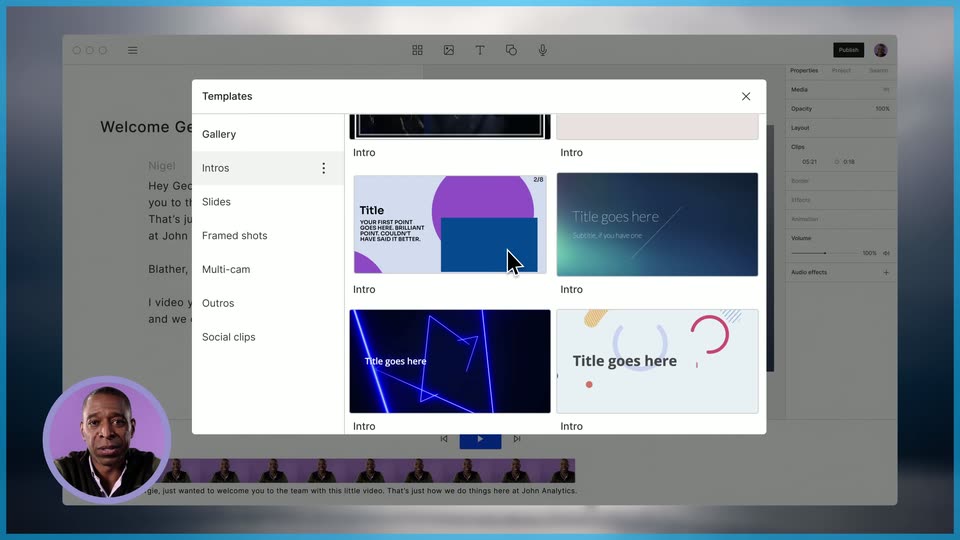 0:33–0:34Descript · The new Descript – made for professionalsA web video editor screen shows an open Templates panel over the project. A grid of intro thumbnails scrolls while the cursor hovers a dark blue template. A circular webcam of the presenter stays in the lower left corner.
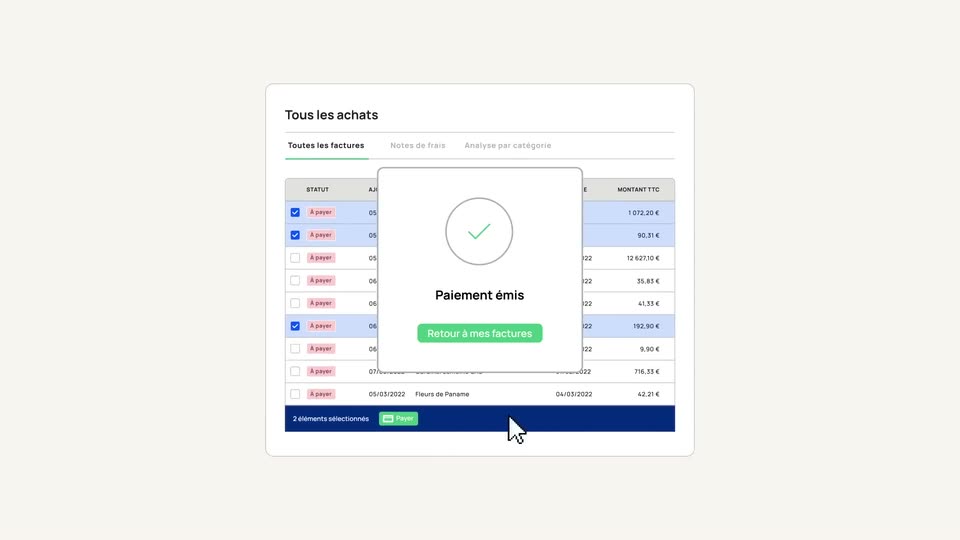 0:50–0:51Pennylane · Présentation - PennylaneA confirmation modal with a checkmark and a green button fades in over an invoice table, a cursor resting at the bottom bar. The interface then cuts to a cream field where a teal headline and a green curved arrow slide in from the right.
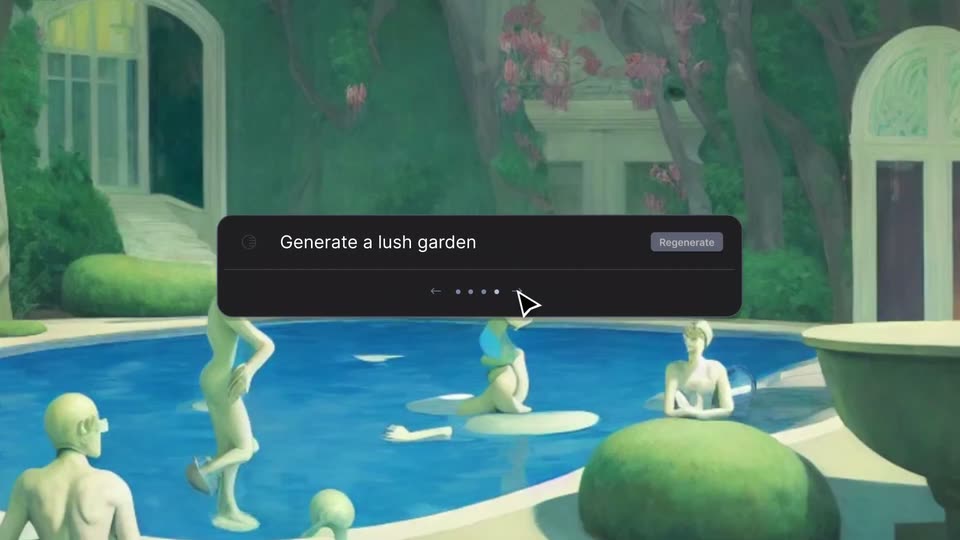 0:25–0:26Runway · Text to Video: Early Access Waitlist | RunwayA 3D rendered garden with pale statues in a blue pool sits behind a floating dark prompt bar. The bar holds the prompt line and a Regenerate button that pulses with a scale, while a white cursor hovers over the pagination dots.
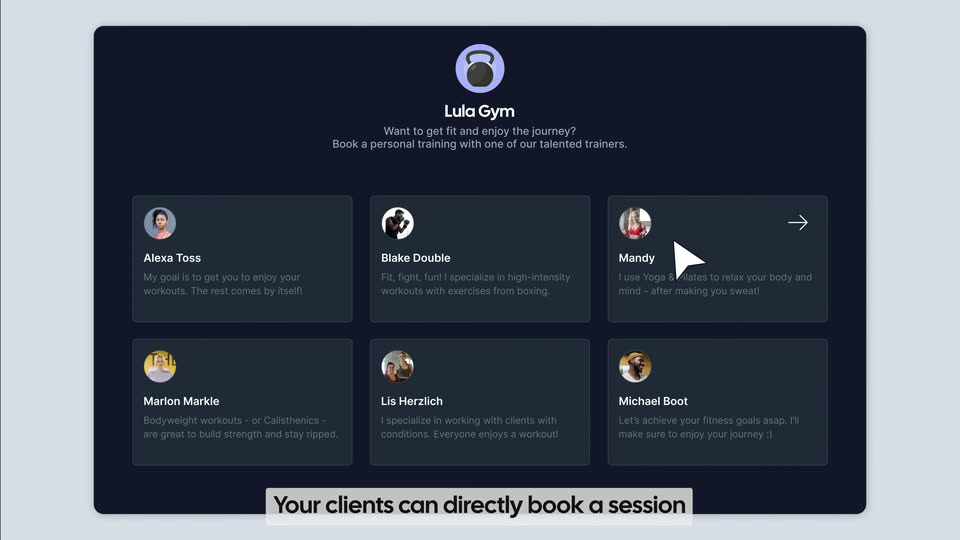 0:43 · 0.8sCal.com · Cal.com introducing TeamsA dark gym-booking interface mockup settles into focus on a light gray field, showing a six-card trainer grid under the Lula Gym logo. A white cursor moves onto the Mandy card, revealing a right arrow, while a caption bar sits at the bottom.
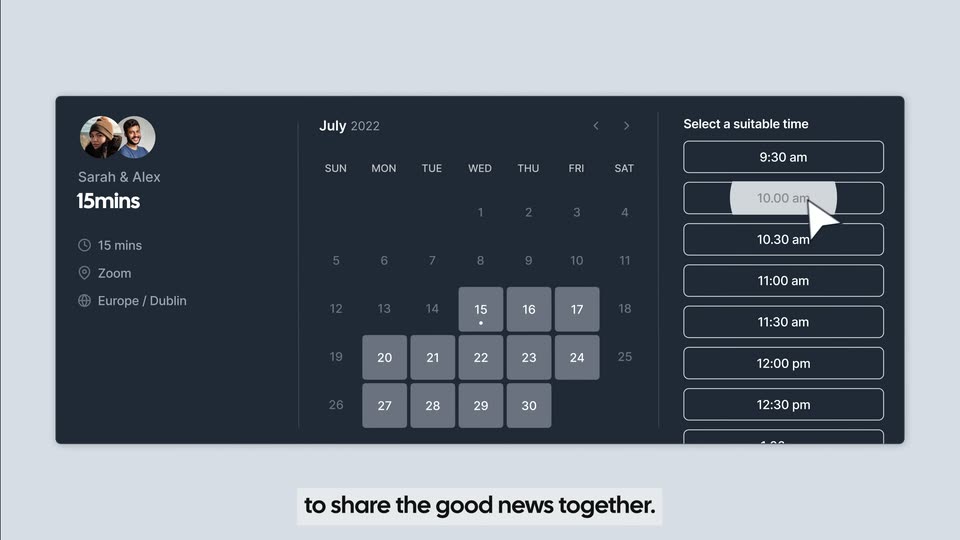 0:38–0:43Cal.com · Cal.com introducing Dynamic Group LinksA dark booking panel on a light gray field shows a contact summary and a July calendar. A cursor selects a date, a time-slot column slides in from the right, and the cursor hovers a slot that highlights. A caption line changes beneath the panel.
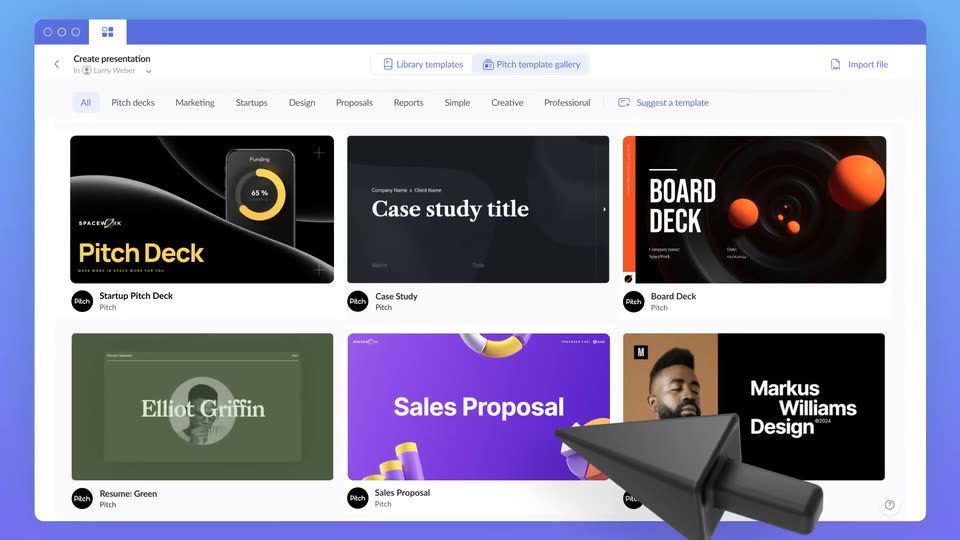 0:15–0:18Pitch · Introduction to Pitch | Create beautiful presentations with your teamA white presentation app window opens on a blue background, revealing a grid of template cards. The view zooms toward the top-left dark Startup Pitch Deck card, and a large black cursor arrow moves into the lower area.
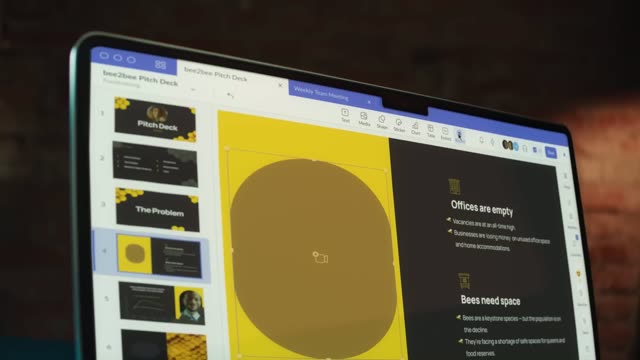 0:33–0:34Pitch · Introducing recordings | Turn presentations into expressive video narrativesA laptop in angled 3D perspective shows a slide editor with a yellow slide. A large circle on the slide darkens as a cursor hovers over the Insert tool.
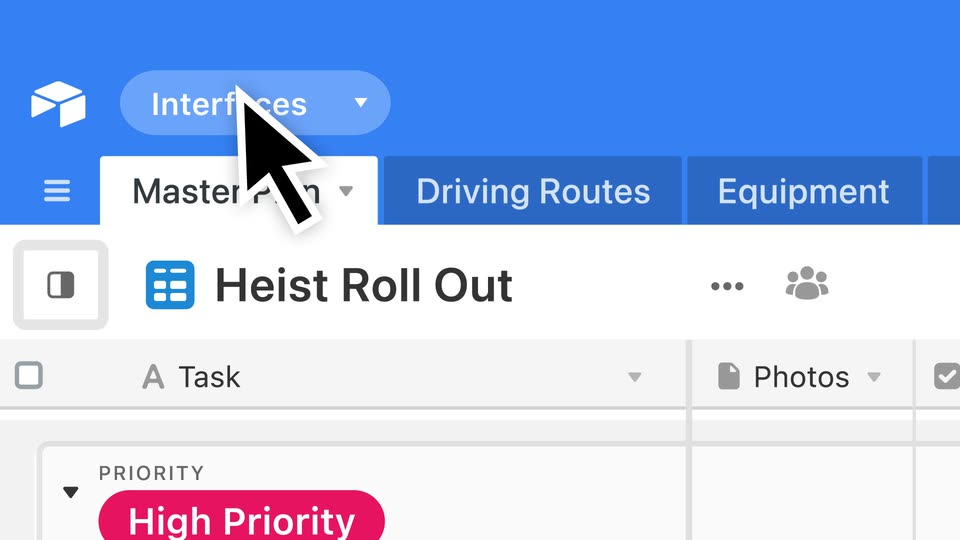 0:11–0:13Airtable · Airtable: introducing interface designerA large black cursor sweeps across a blue project-management interface, lifting from the Master Plan tab to the Interfaces dropdown. A compact tooltip card springs open to the right, pairing a small screen illustration with the label Record Summary.
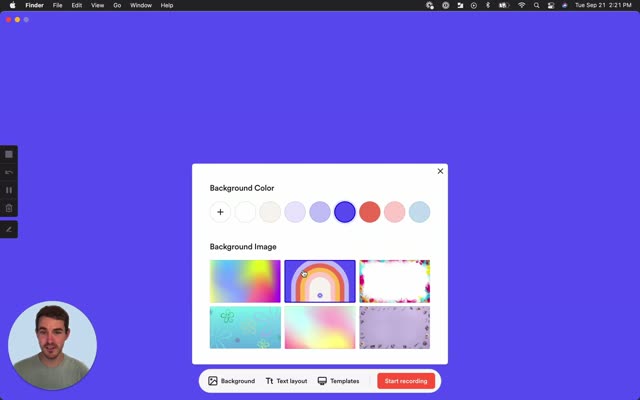 0:36–0:38Loom · Introducing CanvasA settings panel sits over a purple interface. The cursor moves from a blue color swatch to a rainbow image thumbnail.
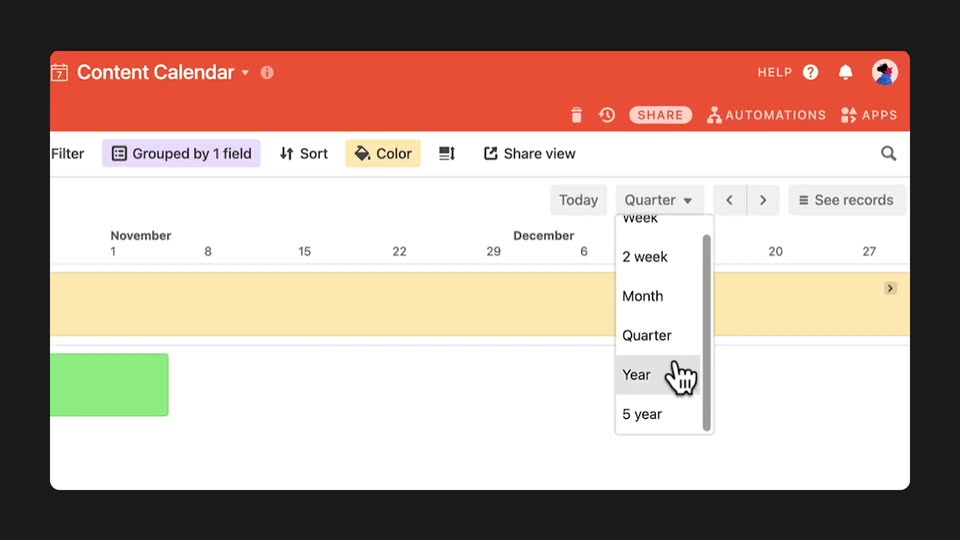 0:37–1:13Airtable · Introducing Timeline View | AirtableA screen recording of a content calendar app. The cursor collapses the sidebar, switches timeline views, and zooms into the date-scale menu to pick Year. It then drags the edges of colored campaign bars, with tooltips showing the updated dates.
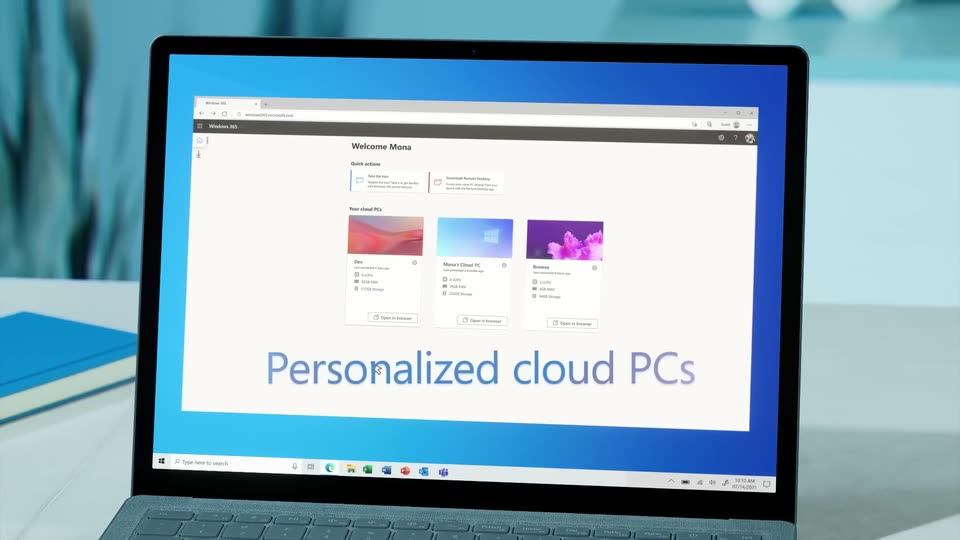 0:34–0:37Microsoft · Introducing Windows 365A laptop on a white desk against a blue backdrop shows a Windows cloud PC dashboard with three device cards. A large blue-purple headline fades in over the lower screen as a cursor arrow drifts across the interface. The camera holds a slight angle and pulls back slowly.
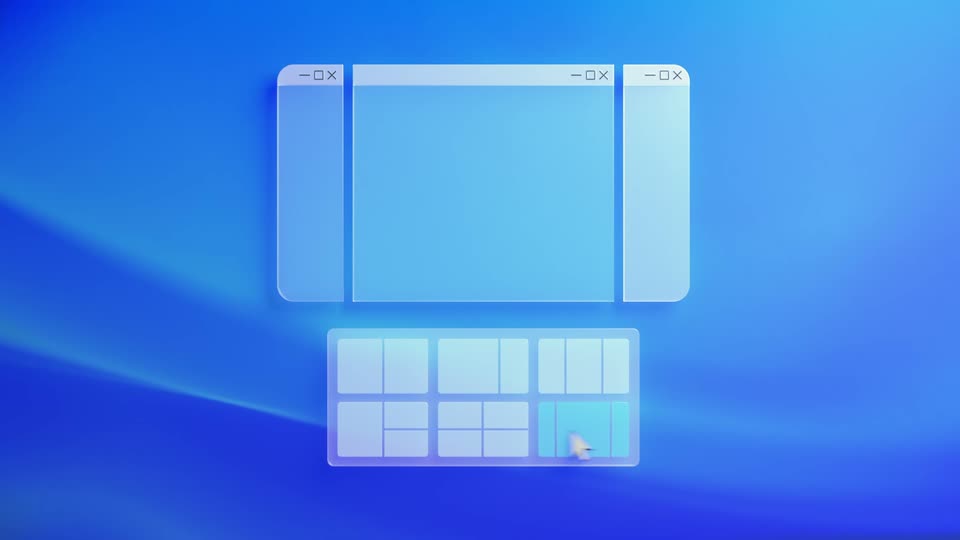 1:09–1:10Microsoft · Introducing Windows 11A translucent blue window reflows from three vertical panes into a two-by-two grid and back, each pane carrying minimize, maximize and close glyphs. A white arrow cursor moves across a translucent keyboard below, on a blue gradient background.
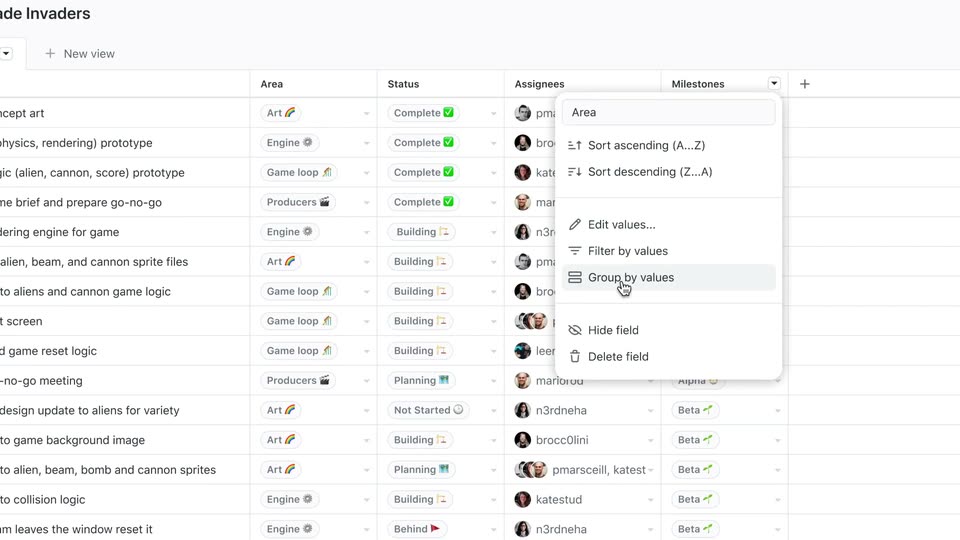 0:32–0:36GitHub · The new GitHub IssuesA light spreadsheet table lists game tasks across Area, Status, Assignees and Milestones columns. A cursor clicks the Milestones header, opening a dropdown menu, then glides down to highlight Group by values as the frame zooms in on the menu.
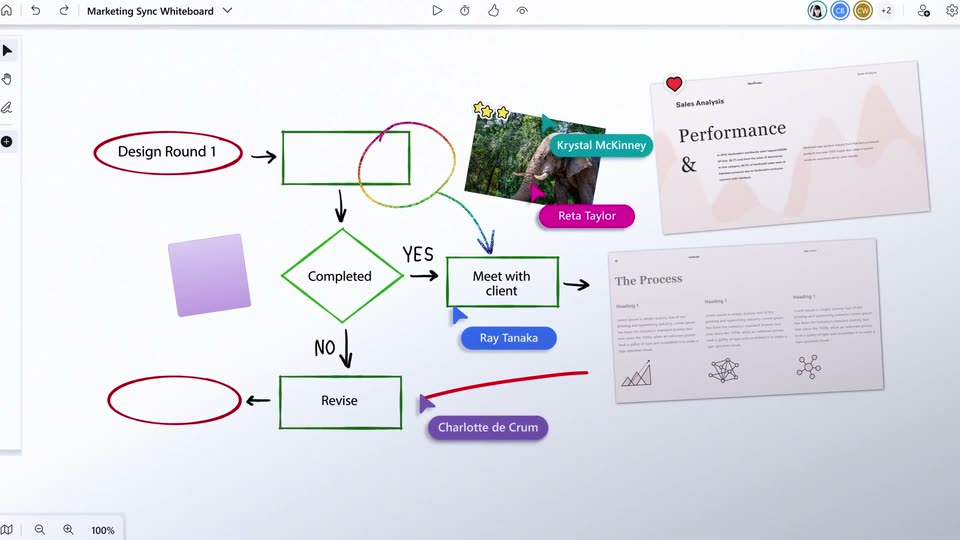 0:20–0:23Microsoft · Meet the new Microsoft Whiteboard designed for Hybrid WorkA whiteboard app shows a hand-drawn flowchart with an elephant photo and two document cards. Four colored name tags drift to new positions as a red arrow is drawn toward the Revise box.
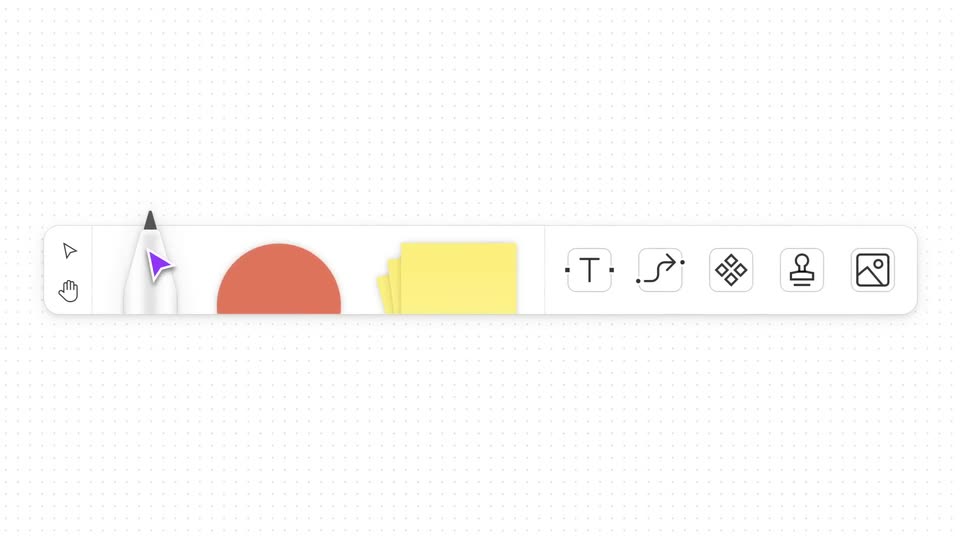 0:06–0:07Figma · Welcome to FigJamA white floating toolbar of design tool icons rests on a dotted grid canvas. A purple arrow cursor glides left from an orange semicircle shape to the pen tool icon.
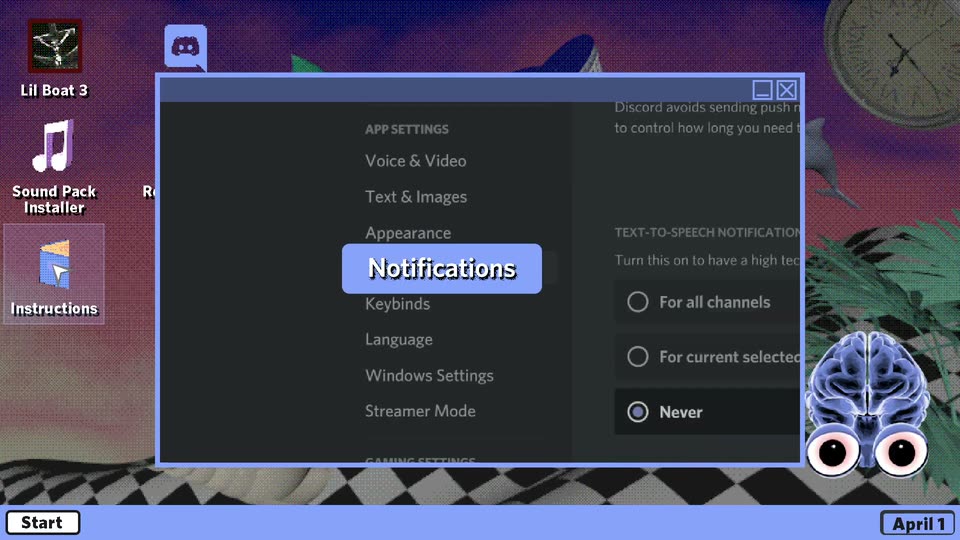 1:06–1:09Discord · Announcing Discord Sound Packs ft. Lil YachtyA Discord settings window sits on a busy Windows desktop. The left menu keeps Notifications highlighted in a blue callout while the right panel scrolls from password options to text-to-speech settings. A hand cursor clicks the Never radio button.
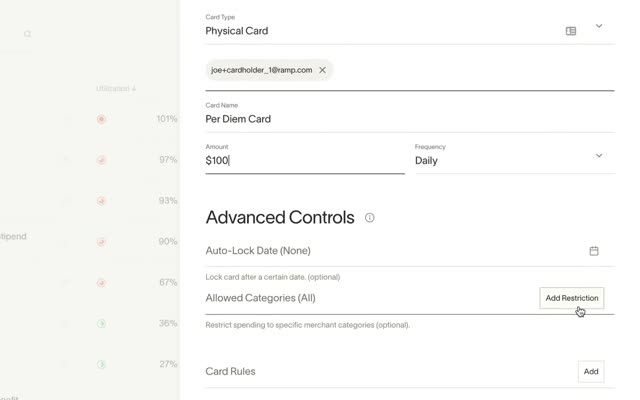 0:09–0:14Ramp · Meet Ramp: The finance automation platform that saves you time & moneyA card-creation form fills in as a cursor selects a cardholder from a dropdown, types a dollar amount, then a category list panel opens on the right beside the card list.