
0:59
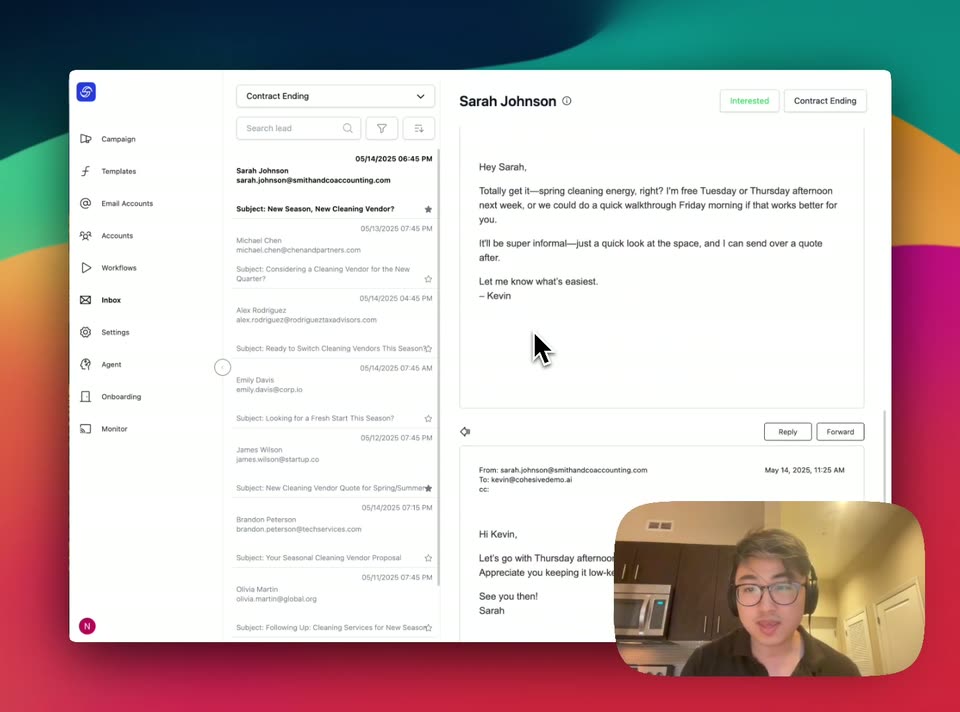

Cohesive AI (YC X25) - The agentic CRM for blue-collar commercial services
Cohesive · B2B · May 2025
Durate · Nov 2024 · 4:12 · Full motion · AI-annotated
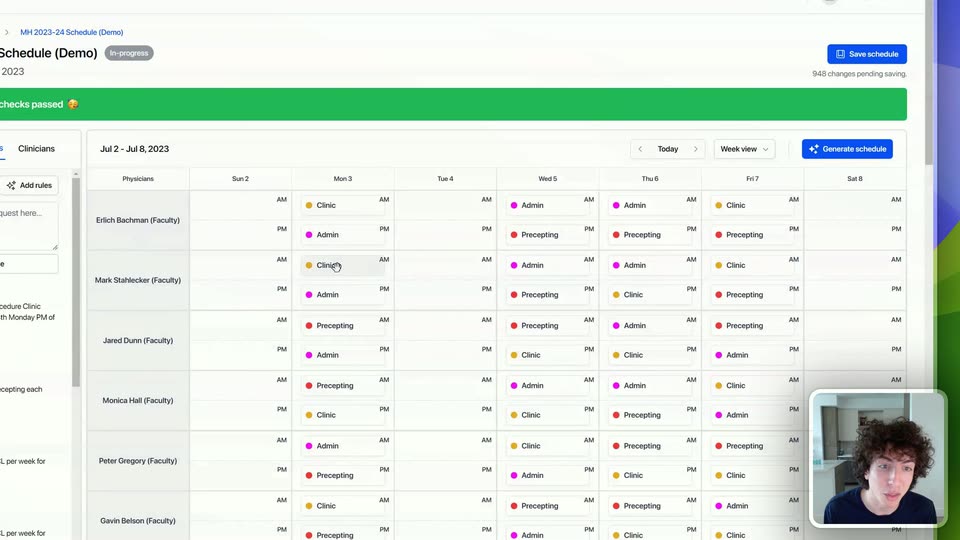
Durate’s 4:12 launch film runs 6 scenes, about 42 s each. The product is on screen from the first frame and 3 features are revealed. The call to action lands at 3:46 (90% in), over a voiceover. One long, slow screen-recording take of the DocFlow web app with a pinned face-cam inset, cut only a handful of times so each beat plays in real time. The cursor drives every action, zoom-ins spotlight the toolbar and side panels, and the red-to-green status banner plus colored shift tags carry the before/after of each rule change.
Is this your launch? to your site or press kit.
Cohesive · B2B · May 2025
OpenAI · AI · Oct 2026
A browser window shows the Docflow schedule grid on a gradient desktop, with the presenter's face-cam in the corner. The cursor hovers the week grid, then the view zooms into the toolbar as the grid fills with colored shift tags and the red banner turns green.
Techniques: Cursor demo, UI zoom
Camera: Pan
A browser window shows the Docflow scheduling grid, with a presenter's webcam in the lower right. The cursor scrolls the roster, opens the Rules tab, clicks Add rules, and types a request into a text field as the view zooms into the panel.
Techniques: UI zoom, Cursor demo
Camera: Pan
A locked-off screen recording of the Docflow scheduling app. A white modal with a circular spinner and the caption “Analyzing rule change...” floats over the center of the weekly schedule grid, while a small webcam feed of the presenter sits in the bottom right corner.
Camera: Static
A browser window shows the Docflow week-schedule grid with a red violation banner and a small webcam inset of the speaker. The cursor clicks Generate schedule; the banner turns green and the grid cells shuffle as the frame zooms in.
Techniques: UI zoom, Cursor demo
Camera: Static
A browser window shows the Docflow scheduling grid, with a left panel listing rule explanations and a webcam feed of a curly-haired presenter in the bottom-right corner. The staff schedule scrolls vertically through rows of names and AM/PM slots as the panel text shifts.
Camera: Static
A browser window shows the Docflow scheduling grid on a gradient desktop; the week view advances and the staff list scrolls down, then back up. A presenter talks in a small video call window at bottom right, and a cursor moves over the grid.
Techniques: Cursor demo
Camera: Static