0:50

Topaz Labs - @Adobe + Topaz Labs 🤝🙌 Just announced—you can now access select Topaz
Topaz Labs · Oct 2025
Perplexity · Nov 2026 · 0:41 · Full motion · AI-annotated
Perplexity’s 0:41 launch film runs 12 scenes, about 3.5 s each. The product is on screen from the first frame and 4 features are revealed. There is no explicit call to action. The video alternates serif headline cards that build line by line with tight dark UI mockups, each feature introduced by a text card and proven with a typed input and a white outline cursor. A coral four-lobed mark travels between scenes as the connective motif, and the Perplexity logo closes the piece.
Is this your launch? to your site or press kit.
Films whose music sounds like this one, voice left out
MecAgent · Electronic
TasteSkill · Electronic, synthwave, chiptune
Fastlane · Electronic, Synthwave, Chiptune
Colorful 3D blobs drift in an arc around centered white serif text on black. The text builds line by line, then fades as the blobs swell and slide out of frame, and a new line appears at the top.
On-screen text: “Teammates”, “are personal agents”, “designed for work.”, “You can give them any job.”
Techniques: Kinetic type
Camera: Static
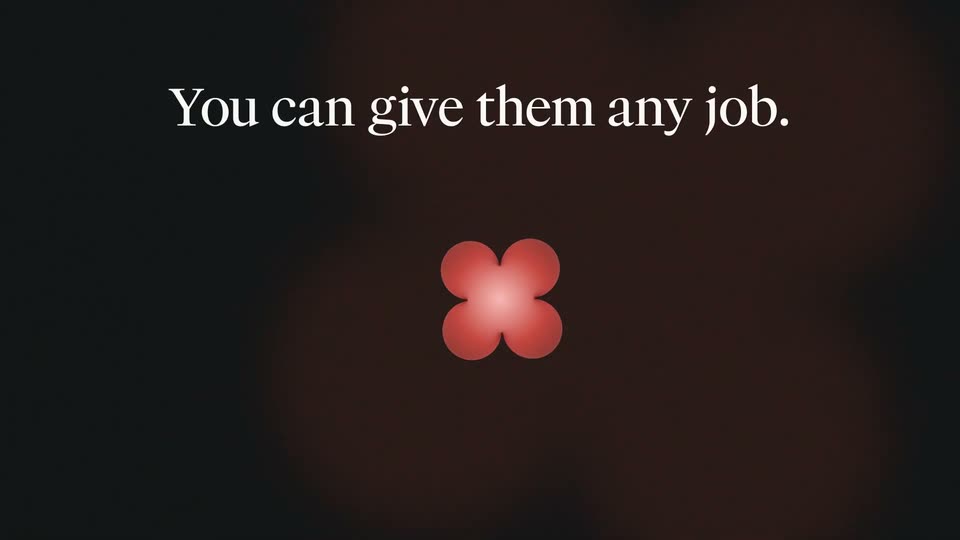
A white serif headline sits at the top of a dark frame while a coral four-lobed 3D shape spins below, then settles into a rounded square app icon tile with a soft warm glow.
On-screen text: “You can give them any job.”
Techniques: Morph
Camera: Static
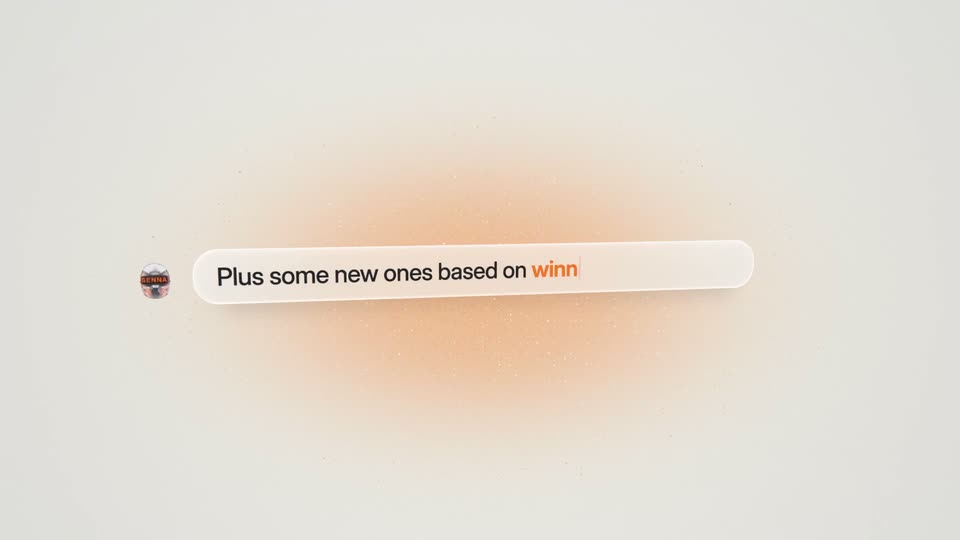
A dark “Create Teammate” modal with a red four-petal icon fades in over a warm orange glow. A white outlined cursor sits in the Instructions field while a sentence types out letter by letter, ending with the cursor resting at the line's end.
Techniques: Cursor demo, Kinetic type
Camera: Static
A locked-off close-up of a dark dialog panel showing a Cancel button and a Create button. A white outlined cursor drifts down to hover over the Create button.
Techniques: Cursor demo
Camera: Static
A small glowing red four-lobed shape floats on a dark brown gradient, drifting from center to the lower right while the white serif headline “Add teammates to any Slack channel.” fades in line by line.
On-screen text: “Add teammates to any”, “Slack channel.”
Techniques: Kinetic type
Camera: Static
A dark modal with a hashtag list and Cancel and Save changes buttons settles into view; a white outline cursor glides down and rests on Save changes. The modal then vanishes, leaving a red 3D blob at the top of a dark brown field.
Techniques: Cursor demo
Camera: Static
A red 3D petal drifts over a blurred maroon backdrop, then the serif headline 'Assign recurring tasks.' holds center. It cuts to a flat UI: a 'SEO Consultant' chip above an input bar where a prompt types itself out, and a cursor clicks the send arrow.
On-screen text: “Assign recurring tasks.”
Techniques: Cursor demo
Camera: Static
A dark notification card with an orange four-petal icon slides in from the left, reading “SEO Consultant #seo-review, Your Monday report is ready.” The frame zooms out as the card becomes the top of a three-card stack, each with a numbered task line.
Techniques: UI zoom
Camera: Static
A rounded Approve button sits on a blurred brown background as a cursor glides to it. The button morphs into a glowing red four-petal shape that drifts down. A white serif headline builds word by word, then a Monday report card with an off toggle slides in.
On-screen text: “Turn on automations for any job.”
Techniques: Cursor demo, Morph, Kinetic type
Camera: Static
A dark settings card with a toggle switch sits on a blurred brown background while a cursor flips it on. The card cycles through three automation names, then fades out as a 3D fingertip enters from the top right and the serif word 'Your' fades in.
On-screen text: “Turn on automations for any job.”, “Your”
Techniques: Cursor demo, Masking
Camera: Static
A 3D orange four-lobed logo mark floats and rotates around the frame on a dark brown gradient as the serif lines “Your SEO consultant.” and “Built in Perplexity.” appear one after the other at center. It ends on the white line logo with the “perplexity” wordmark below.
On-screen text: “Your SEO consultant.”, “Built in Perplexity.”, “perplexity”
Camera: Static
The Perplexity logo and wordmark sit centered on a dark field with a soft brown glow. They hold steady, then the frame fades to black.
On-screen text: “perplexity”
Camera: Static