0:20
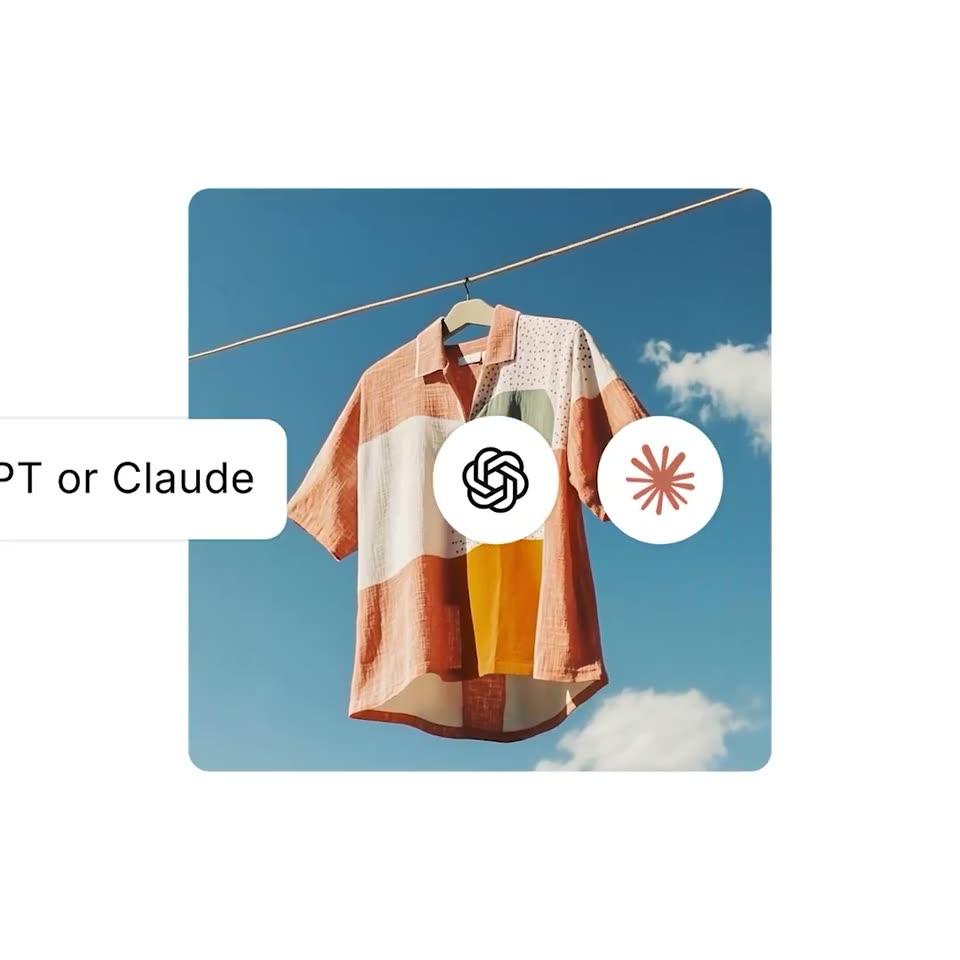

Shopify - manage your store inside ChatGPT or Claude get insights, add product
Shopify · Business software · May 2026
Krea Ad Studio · Oct 2026 · 0:34 · AI-annotated
Krea Ad Studio’s 0:34 launch film runs 14 scenes, about 2.5 s each. The product is on screen from the first frame and 3 features are revealed. There is no explicit call to action. A single continuous white field demo where a cursor performs every step: typing a brand URL, assembling a brand kit, generating 24 ads and prompt editing one into social posts. Signature moves are the snap to grid card assemblies, the dashed ring counter and the colored arrow cursors that tap, drag and type prompts.
Is this your launch? to your site or press kit.
Shopify · Business software · May 2026
Adobe · Sep 2023
ClickUp · Productivity · Oct 2026
On a plain white field, the centered black title Ad Studio holds still while a cursor glides in from the lower right, sharpens over the letter S, then the whole title blurs and dissolves out.
On-screen text: “Ad Studio”
Techniques: Cursor demo
Camera: Static
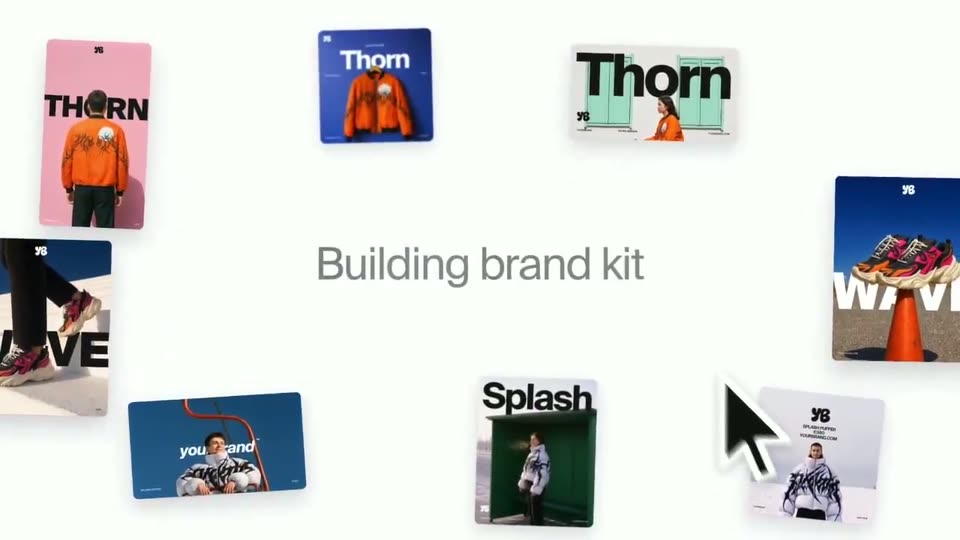
A black caret types yourbrand.com in the center as a large arrow pointer hovers below it. Blurred brand cards sharpen into a ring around the line, which then fades to the caption Building brand kit.
On-screen text: “yourbrand.com”, “Building brand kit”
Techniques: Kinetic type
Camera: Push in
Small brand cards with photos and logos drift in 3D perspective around the centered caption, then converge and snap into a rounded grid layout on a white background.
On-screen text: “Building a brand kit”
Techniques: 3D mockup, Morph
Camera: Pull out
On a pale gray field, a brand board of white cards assembles: a monogram logo, the name YourBrand, six named color swatches and two font samples. Each card fades and scales in from a slight offset, then the group settles to a flat centered view.
Camera: Pull out
A white brand-kit board with logo, name, color swatches and font samples sits beside a grid of six fashion product cards. The camera zooms onto the product grid, then pink, green and blue cursor arrows tap the cards.
Techniques: UI zoom, Cursor demo
Camera: Push in
A two-row product grid sits on white beside a left panel holding a logo, color swatches and body copy. The panel slides out, centering the grid, then the product photos, prices and labels dissolve to flat color tiles as three cursor arrows fade.
Camera: Static
Three product photos, each tagged with a colored arrow cursor, spread apart across a light background while a thin white line draws a curved path linking them.
Camera: Static
A dashed ring on a white field surrounds a large black counter that ticks from 0 to 5 above the word ads. Product cutouts with pink, green and blue arrows shoot outward from the ring, leaving small duplicates behind.
On-screen text: “ads”
Camera: Static
Product shots of orange jackets, sneakers, and checkered shoes ring a dashed circle around a counter that counts up from 14 to 24 above the word ads. A black Generate button appears, a cursor clicks it, and the composition zooms with motion blur as the items scatter outward.
On-screen text: “24”, “ads”, “Generate”
Techniques: Cursor demo
Camera: Pan
A grid of fashion cards flies in from scattered, blurred positions and snaps into two neat rows on a white background, then the view zooms onto the top row as a cursor hovers over a card.
Techniques: UI zoom, Cursor demo
Camera: Push in
A photo card of a woman in a puffer jacket is edited by prompt chips: jacket turns hot pink, sky goes night with a moon, a pug joins her arms, a white After dark headline lands. The card becomes a social post, switching from Facebook to YouTube Shorts.
On-screen text: “Make it hot pink”, “Make it night”, “Put a pug in her arms”, “Headline: After dark.”, “After dark.”
Techniques: UI zoom, Cursor demo, Masking, Morph
Camera: Static
A single phone mockup plays a vertical ad on a white field, then the camera pulls back to a grid of social media cards. The grid scrolls down, revealing more posts with bold headlines in 3D perspective.
Techniques: 3D mockup
Camera: Pull out
On a white field, a black dot at the center grows into a four-petal logo as app interface cards, a music player, a vertical video and a post, spin and blur outward, clearing the frame.
Techniques: Morph
Camera: Pull out
A small black logo mark sits centered on a plain off-white field. Its rounded strokes shift subtly while a gray offset eases in behind it, settling the mark into place.
Camera: Static