Cursor demo
A visible cursor operates the interface.
15,098 scenes · page 148 of 252
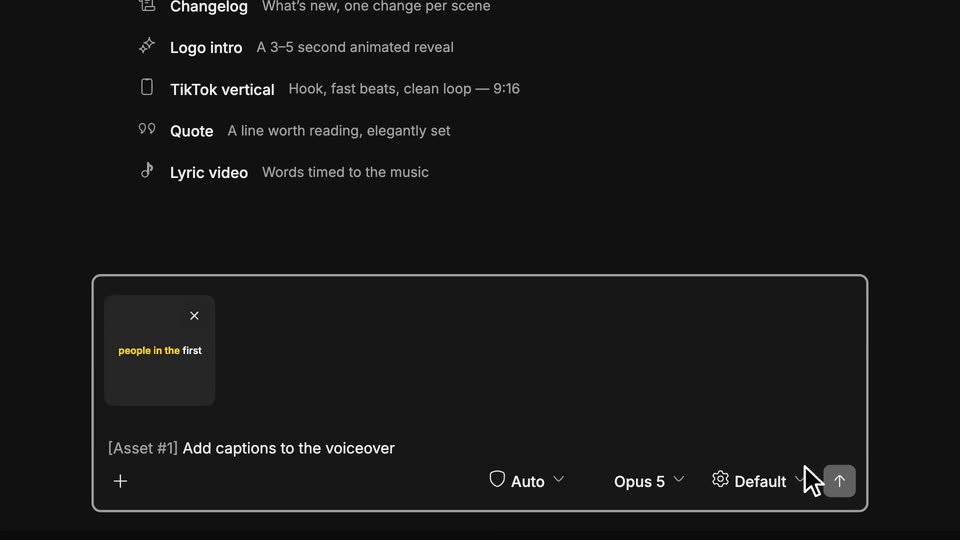 0:21–0:25Remocn · Remocn - Reintroducing Remocn Studio v1.1.0 :DDD Shaders, Captions, Linux, RedDark interface scrolls down from the template list to a prompt panel. The input field types “Add captions to the voiceover” letter by letter while a small preview card cycles yellow-highlighted words, then the cursor clicks the up-arrow button.
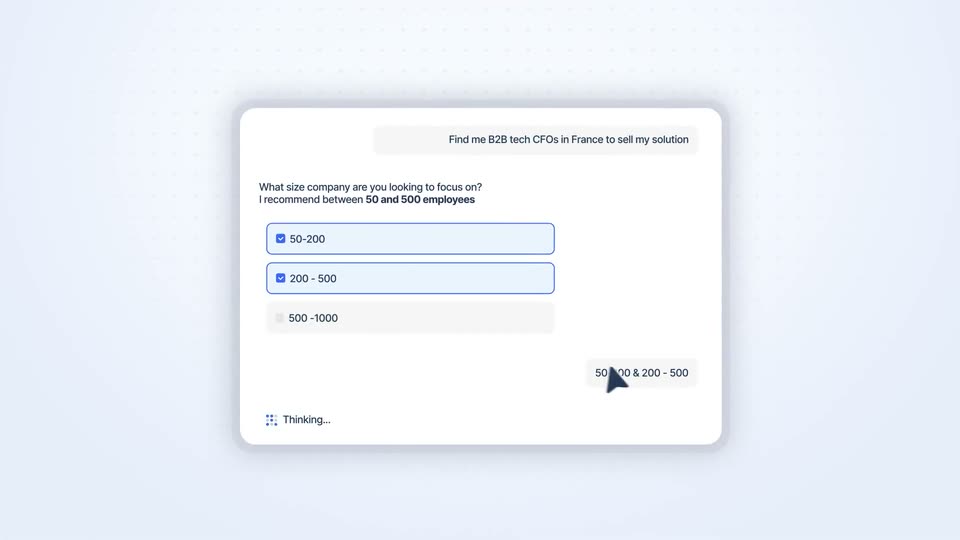 0:34–0:35Lemlist · Lemlist | Find Your Next Customers | Motion Design VideoA white chat card on a dotted light-blue background shows a company-size question with two checkboxes ticked and a cursor beside a tooltip. The card then blurs and slides left as a contact list panel slides in from the right.
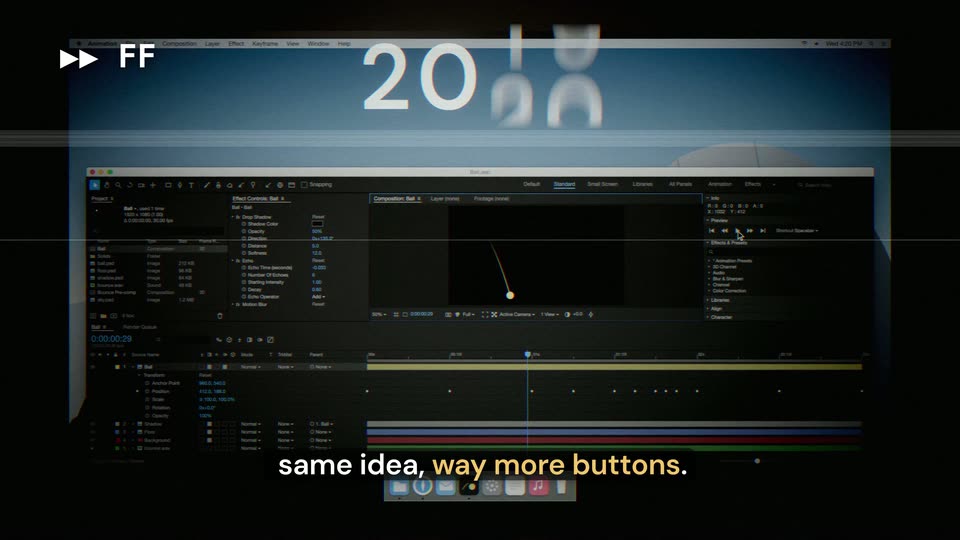 1:00–1:01ManimGX · Sina Atalay - Introducing ManimGX, the 3D animation engine for agents. - BlazinglyA locked-off screen recording of a Mac desktop with After Effects open on a ball-and-trail composition. A cursor clicks through the panels while a large white year counter rolls to 2022 behind the window. A bottom caption reads, same idea, way more buttons.
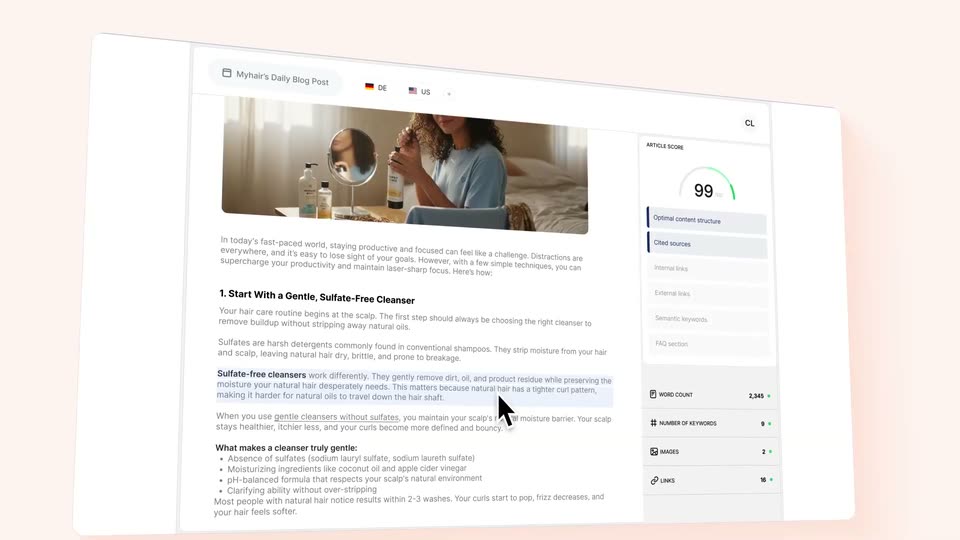 0:40–0:43BabyLoveGrowth · BabyLoveGrowth | Grow Your Traffic with AI | Motion Design VideoA tilted 3D mockup of a blog editor sits on a white background, showing an article with a photo and a right-hand score panel. A cursor hovers over a highlighted line as the view slowly zooms in.
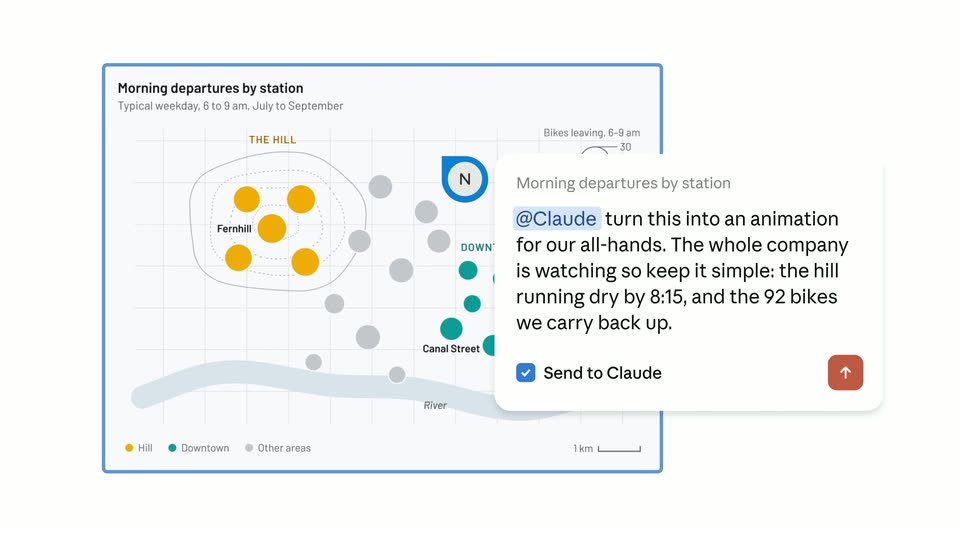 0:38–0:42Anthropic · Introducing Claude Dashboards and Claude MotionA comment prompt asks @Claude to turn the dashboard into an animation for the all-hands meeting, with the empty uphill docks as the story. Text is entered in a comment box over the map.
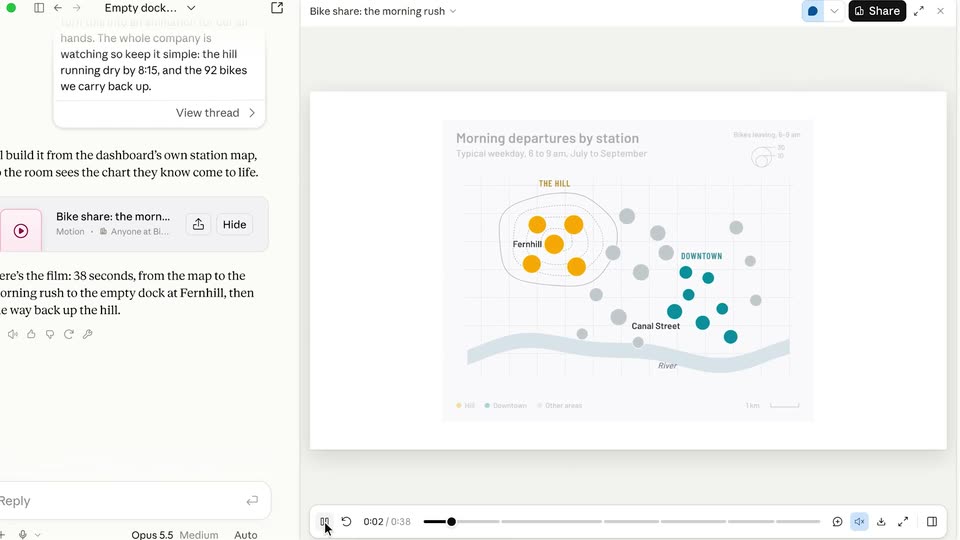 0:45–0:47Anthropic · Claude - Claude Dashboards and Claude Motion are in beta today. Ask Claude toA cursor clicks the play button on an embedded chart inside a document pane, beside a chat panel. The empty station map fills with orange, gray and teal dots, then the view zooms into a dark blue city grid crossed by a river.
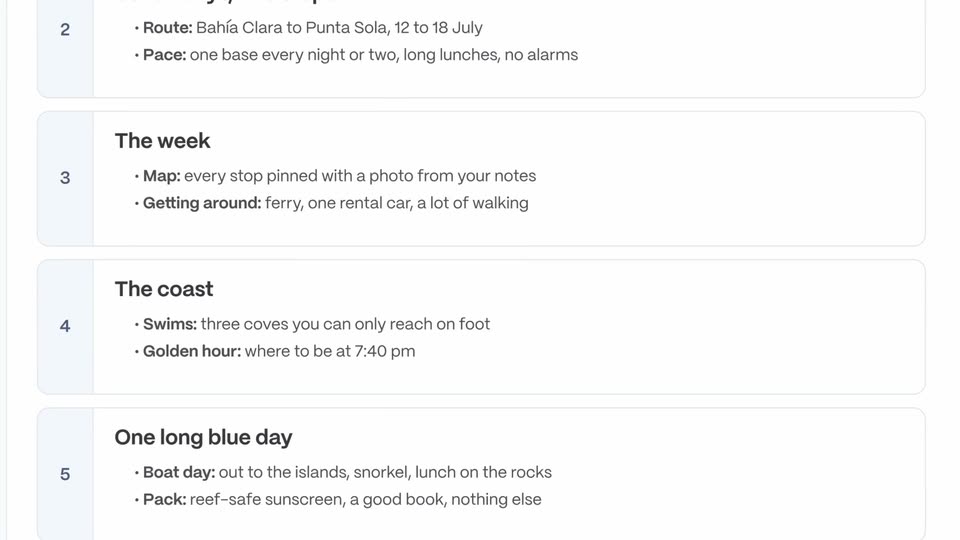 0:16–0:19Gamma · Gamma - Gamma 5 is here! It's a complete overhaul of Gamma to create the mostA close-up of a numbered travel-plan outline scrolls upward, then a blue Generate button pops in as a cursor hovers over it. The view zooms out to reveal the full app window, chat sidebar and document, on a blue gradient backdrop.
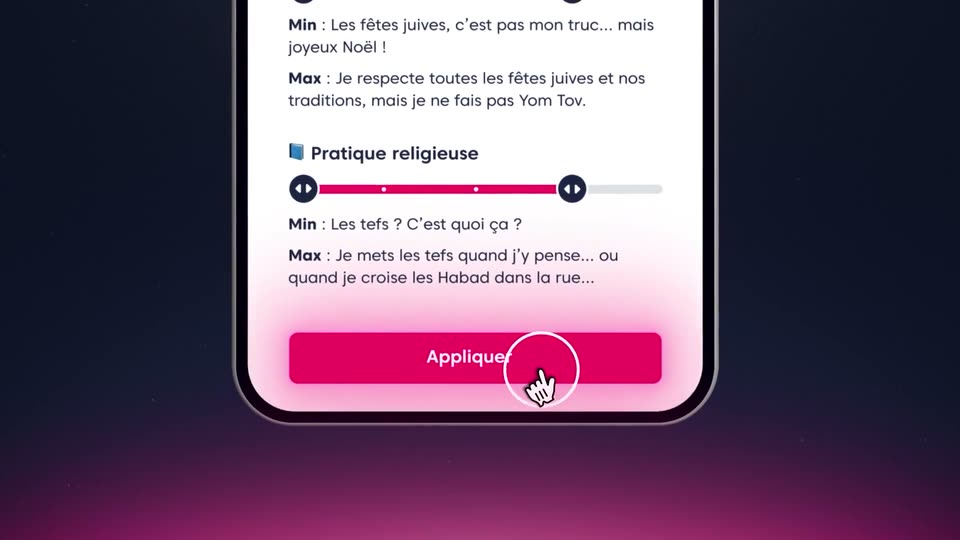 0:33–0:36JewBuzz Love · JewBuzz Love | L’amour au sein de la communauté juive | Vidéo motion designA phone screen shows a quiz card with a pink slider and a pink Appliquer button. A hand cursor taps the button with a ripple, then the frame pulls back to reveal a large gray word fading in below the device.
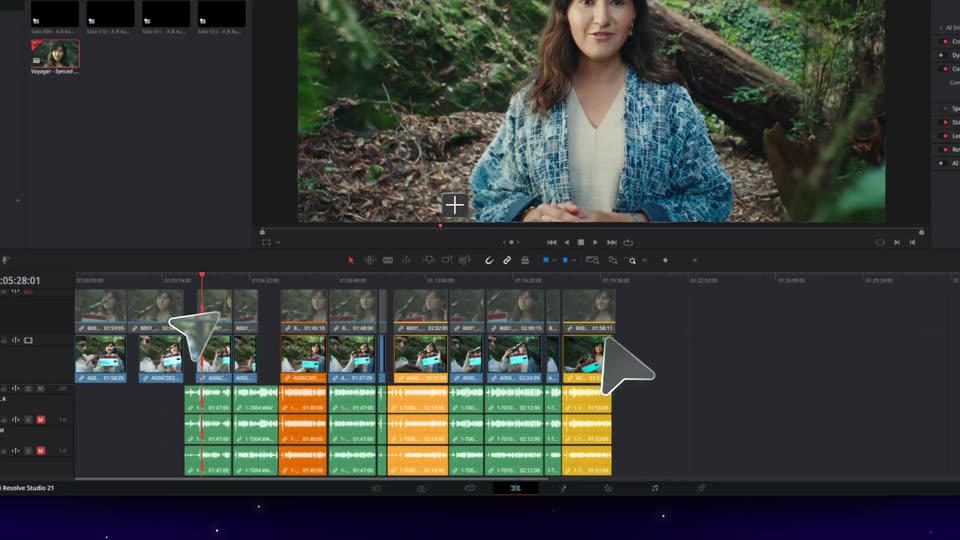 0:33–0:35Voyager · Voyager - AI Harness for Creative WorkA video editor app floats in 3D over a starry field, then the frame zooms flat into the timeline as a cursor rests on the colored clips.
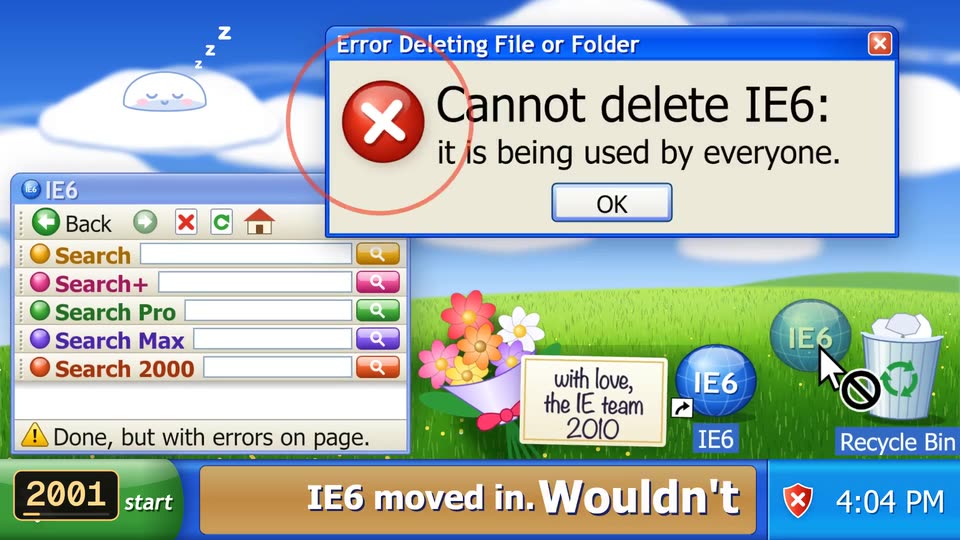 0:19–0:21Bun · Bun - bun check ./slopcore.tsA cartoon desktop of blue sky, sleeping cloud and green field holds an IE6 window with a yellow JS mascot, a bouquet and a note. A cursor drags the glossy IE6 icon toward the recycle bin, where a red no-entry sign pops up.
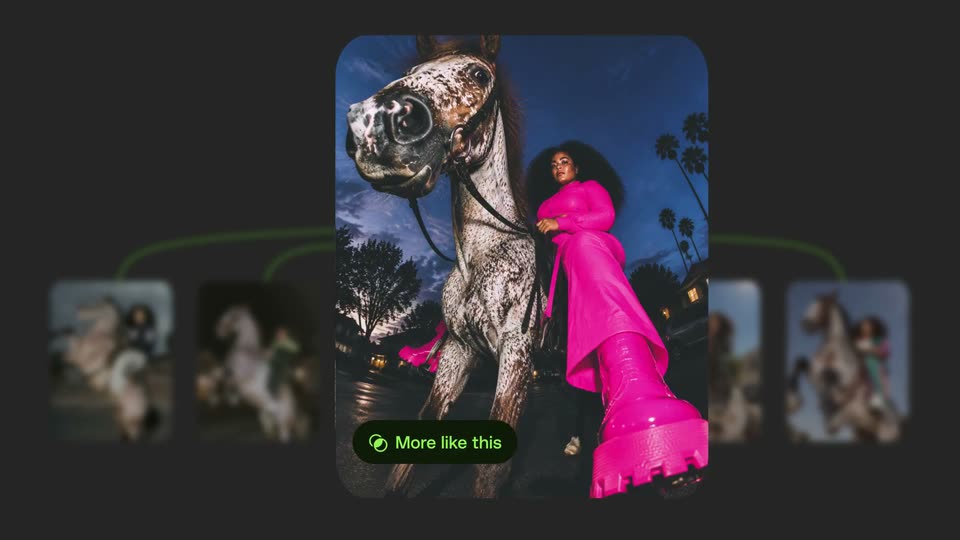 0:28–0:29Envato · Envato - Most AI tools expect you to know exactly what you want. But creativeA photo card of a woman in pink on a horse floats center, flanked by blurred horse thumbnails linked by thin green lines. The main image dissolves to a low-angle shot while a cursor rests on a green More like this button.
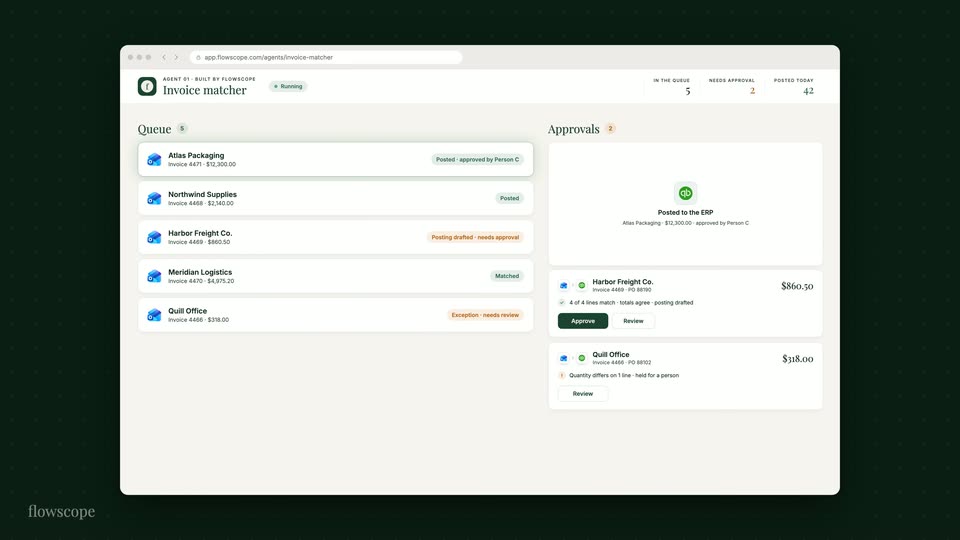 1:21–1:31flowscope · flowscope: Your AI process consultantA browser window of the Invoice matcher app floats over a dark dotted backdrop. A new invoice enters the queue, matches, and moves to Approvals; a cursor clicks Approve, the card becomes a Posted to the ERP note, then the window fades out.
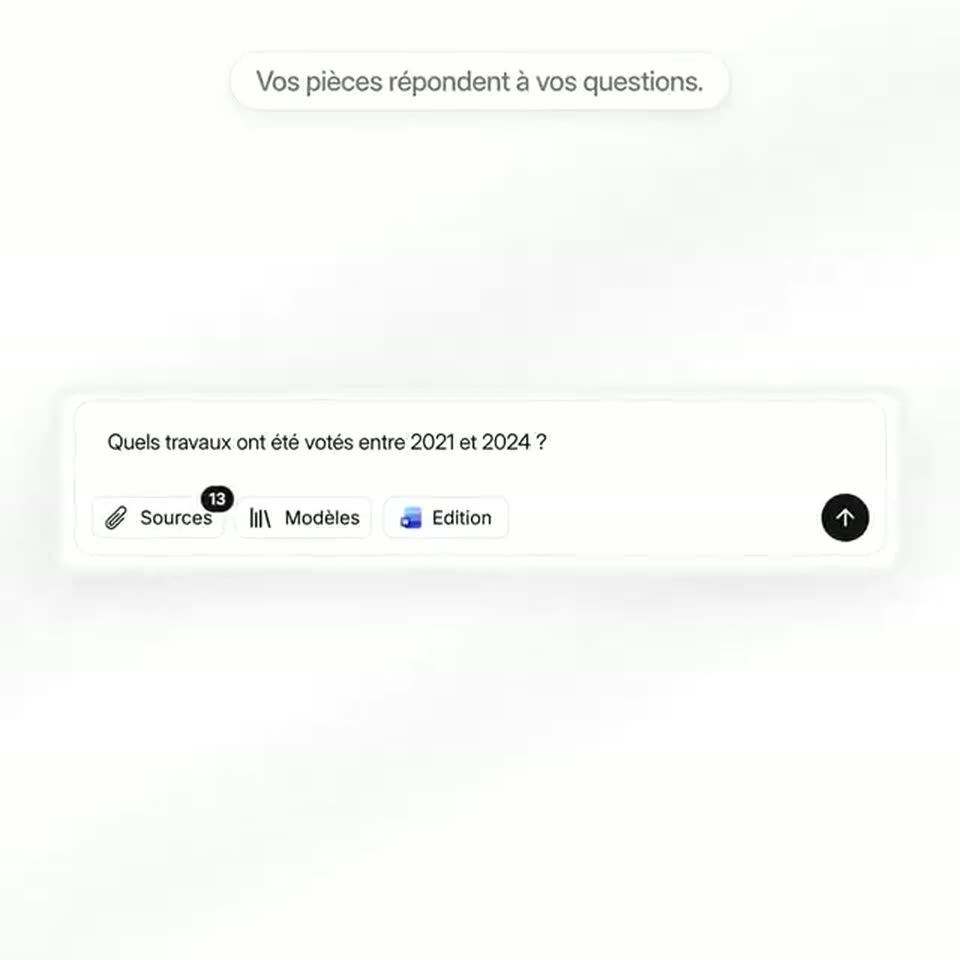 0:17–0:21Oguste · Derrière chaque signature, un dossier à maîtriser. Des pièces à lire, des informations à croiser, des points de vigilance à vérifier. Oguste est l’IA spécialisée pour les études notariales. Elle… | OgusteOn a light chat screen, a rounded pill at the top slides in with the tagline while a question types itself into the input field below. A cursor then clicks the send arrow and a table of voted works fades in over the toolbar.
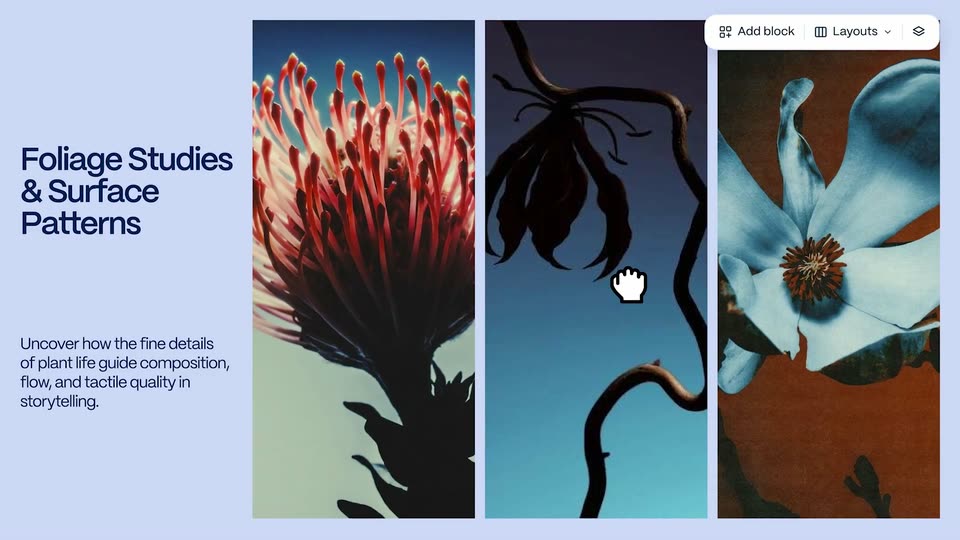 1:46–1:48Gamma · Grant Lee - Everyone is sick of generic AI, including us. Gamma was the first AIA light-blue design canvas holds three vertical plant photo columns. A hand cursor grabs the left column, marked by a blue selection frame, and drags it to the center, pushing the red-flower column left. The frame detaches as it drops.
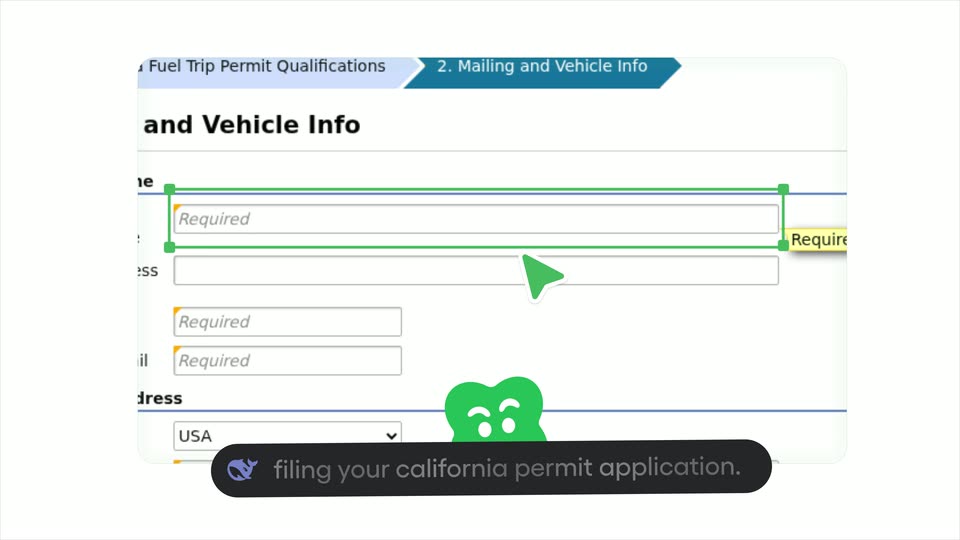 0:12–0:14Gumloop · Gumloop - Agent Browsers are live on Gumloop today so your agents can reach theA California fuel trip permit form fills the frame, a green cursor hovering over the highlighted Name field and a green blob mascot peeking below. The view zooms out and fades to white as the gray headline all powered by... appears over ghosted UI shapes.
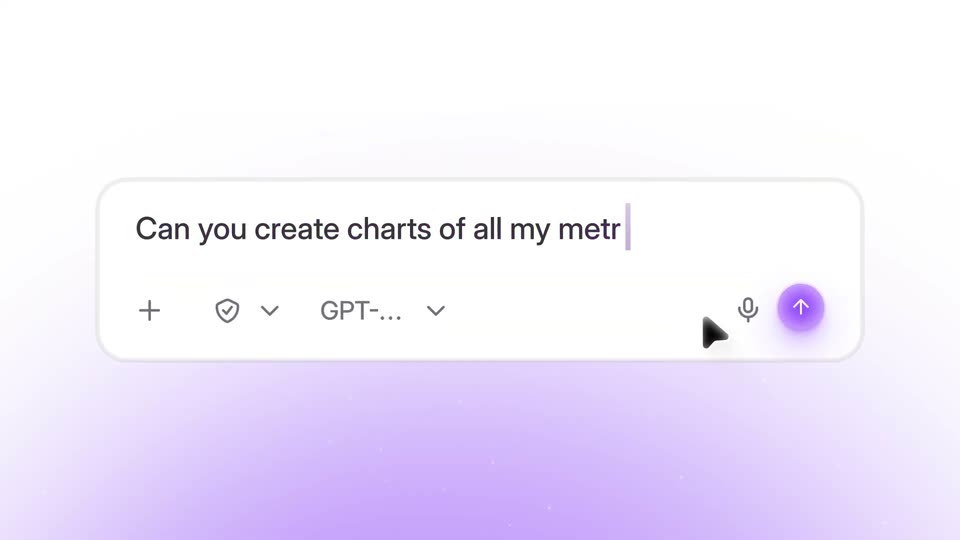 0:13–0:15HeroUI · Heroui Agents Launch VideoA rounded white input bar sits on a soft purple gradient. A prompt types out letter by letter, ending with a blinking caret, then a mouse cursor glides in and hovers the purple send button on the right.
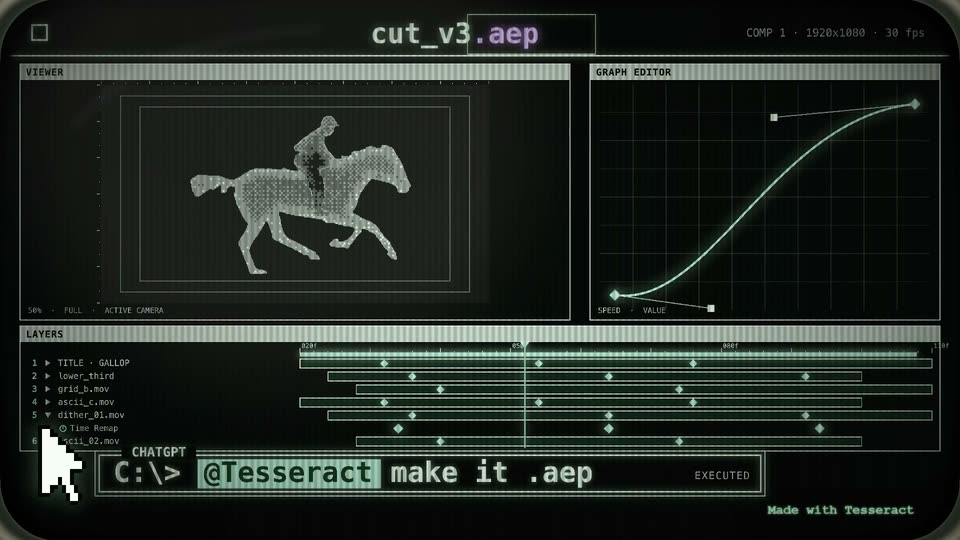 0:12–0:13Mirage · Mirage - Now Claude and ChatGPT can natively create Premiere (.PRPROJ) and AftA retro After Effects window fills the frame: a dithered horse and rider gallop in the viewer panel while a white pixel cursor moves through the layers timeline. An easing curve sits in the graph editor, and a command line holds the prompt along the bottom.
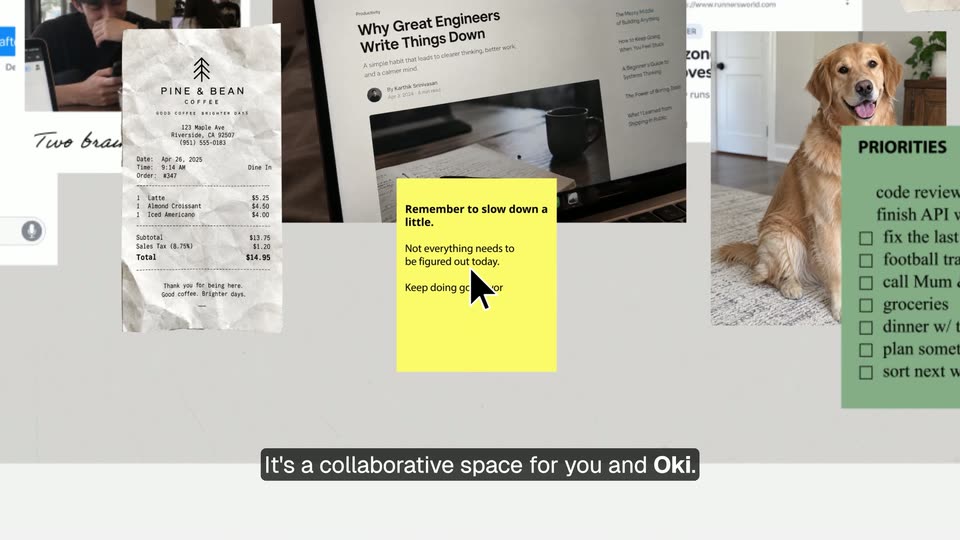 0:49–0:51Oki · Luofei - Say hello to Oki Home, your Personal AI Computer. We're building aA black cursor drags a yellow sticky note from a bottom icon row up onto a whiteboard canvas holding a coffee receipt, an article, a dog photo and a green checklist. The note types out a short message as it settles. A caption sits at the bottom.
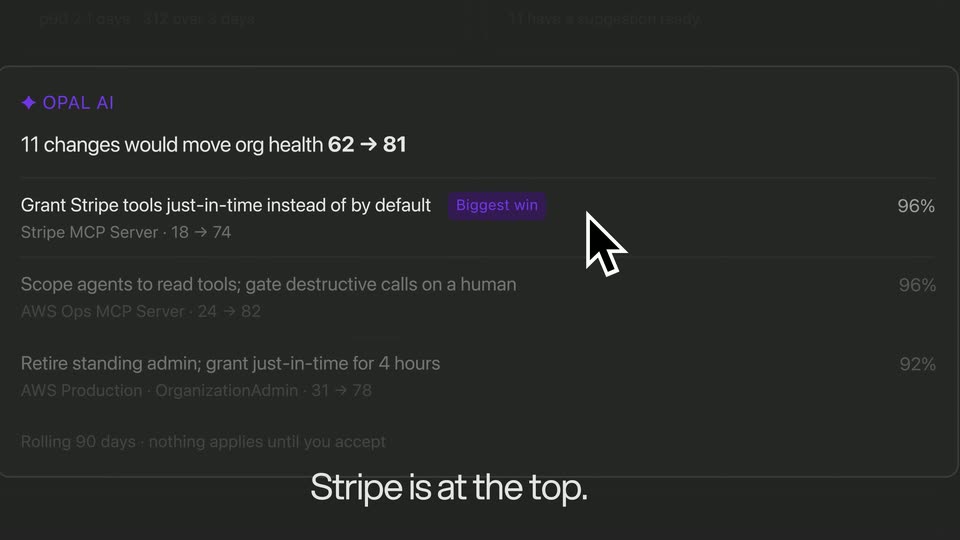 0:47–0:51Opal · Opal Zero — SaaS Product Explainer Video | SaaS AnimateA dark dashboard reframes onto the Opal AI panel as a cursor hovers the top recommendation and a purple Biggest win tag pops in. It cuts to the Stripe MCP Server view, where a change card and a tool-access table fill the frame.
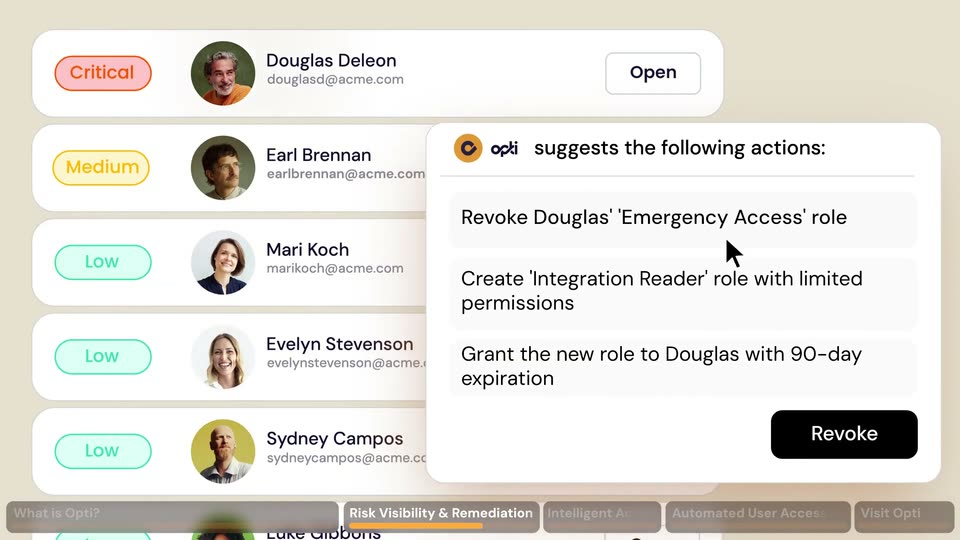 0:39–0:46Opti · Opti — SaaS Product Explainer Video | SaaS AnimateA user-access list with color-coded risk pills scrolls up as the cursor clicks the Open button on the Critical row. A white panel slides in from the right listing three suggested actions; the cursor clicks Revoke, which fills blue with a check mark.
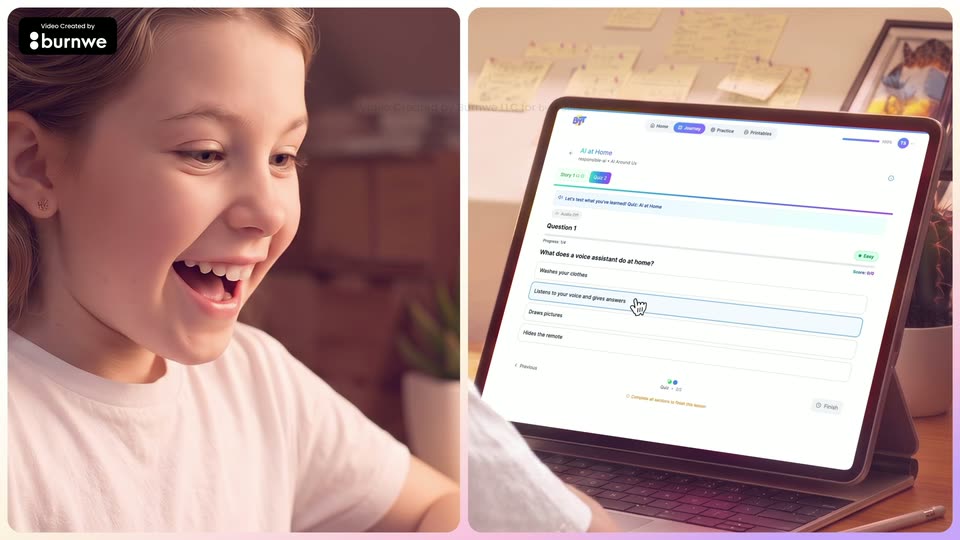 0:34–0:38BYT · Motion Graphics Explainer Video for AI Education Platform | BYTSplit screen: a girl laughs on the left while a laptop on a desk shows a quiz on the right. A hand cursor clicks an answer option, which fills green as she smiles.
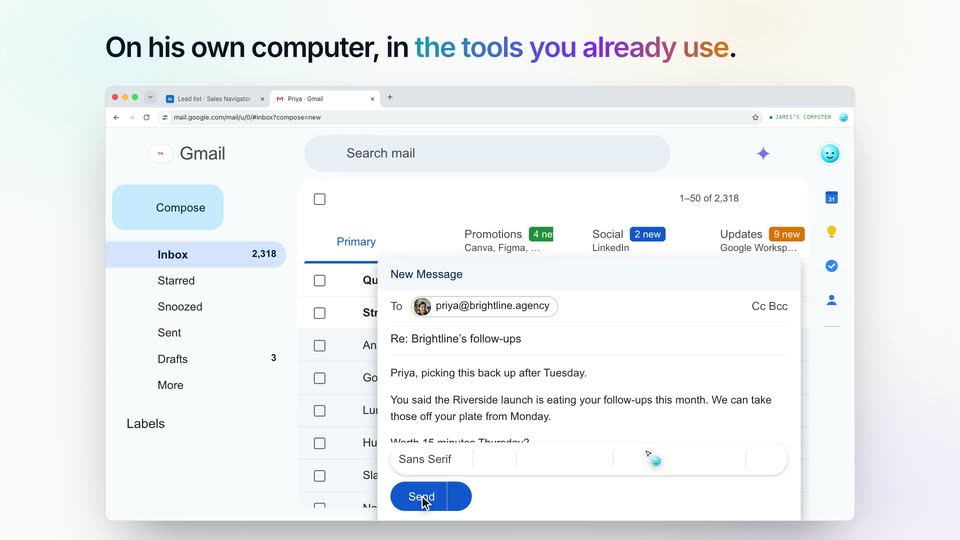 0:35–0:37James · Cole Le - Introducing James, a Super Intelligence (SI) employee for business owA headline sits above a flat browser mockup of Gmail on a light background. The open compose window disappears, a dark Message sent toast pops in at the lower left, and a cursor with a blue sparkle glides down onto the HubSpot inbox row.
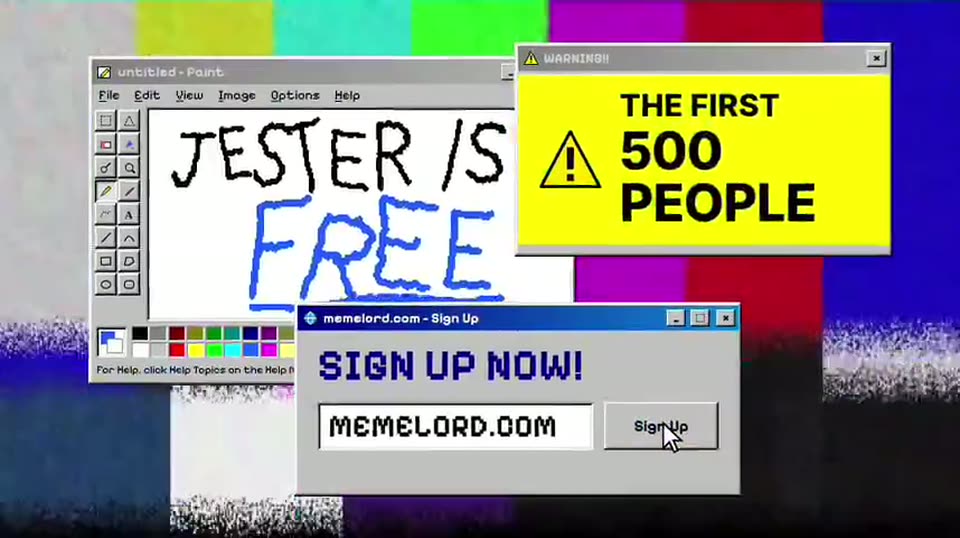 0:42–0:43Jester · Memelord.com - introducing jester, ur free imessage meme dealer roast ur mom in theA Windows 95 desktop stacks three windows over a colorful static background: a Paint canvas with hand-drawn “JESTER /S FREE”, a yellow warning box reading “THE FIRST 500 PEOPLE”, and a sign-up dialog with a cursor resting on the Sign Up button.
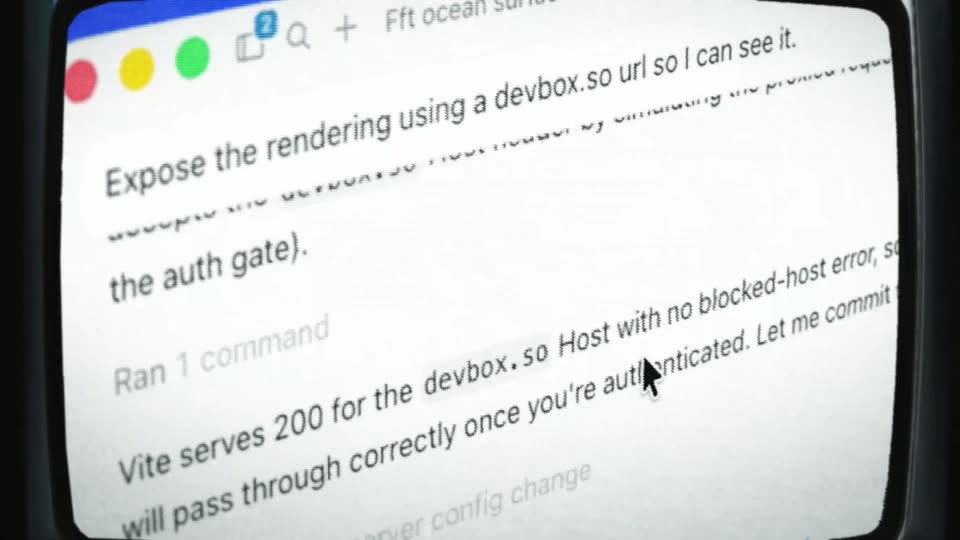 1:22–1:24Namespace · Hugo Santos - Today, I'm excited to share that we've raised a $42M Series B led byA tablet in 3D perspective shows a browser window with developer notes about a devbox.so URL. A blue panel wipes off the left edge to reveal the white page, and a cursor hovers over the text as the frame tightens slightly.
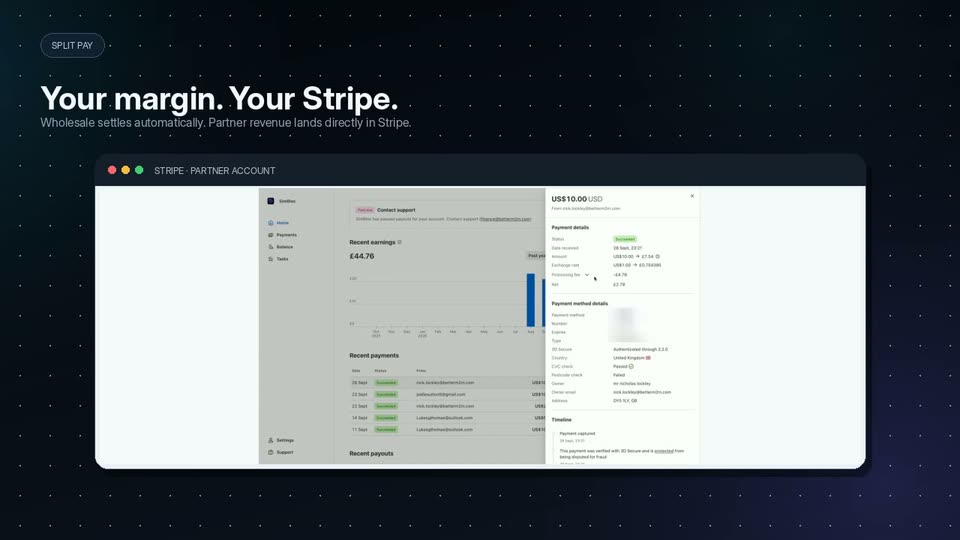 1:03–1:12SimBlox · Introducing SimBlox V2.0!A browser labeled STRIPE · PARTNER ACCOUNT loads earnings, a chart and recent payments beneath “Your margin. Your Stripe.” A payment row opens a right-side details drawer and a fee tooltip appears. This is the film’s partner-payment demonstration; the visible balances do not independently establish revenue.
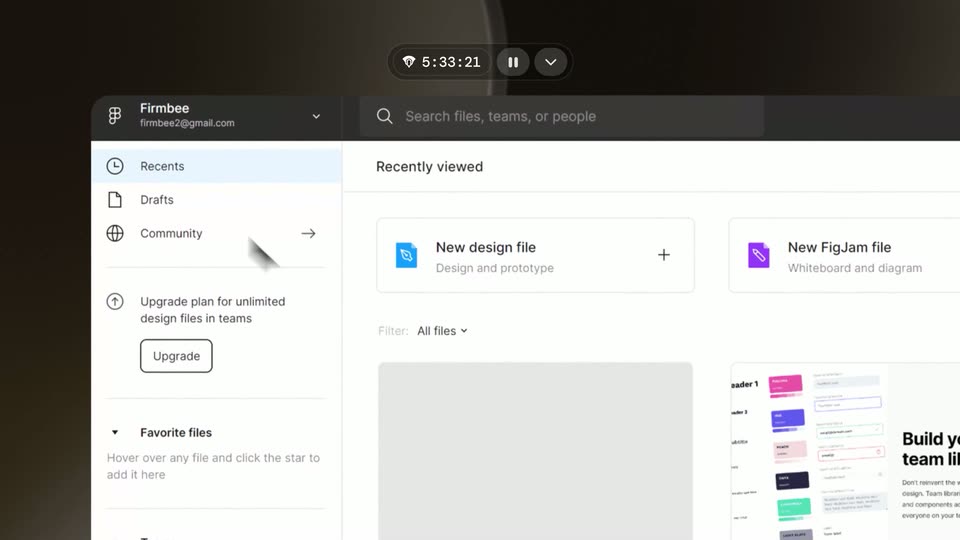 0:46–0:47Promethee · N. - introducing Promethee, an app that turns your work into a multiplayerA dimmed dashboard brightens as a diagonal light beam sweeps across it, revealing a file browser with a left sidebar and recently viewed cards. A cursor drifts from the top-left logo toward the menu while a recording timer ticks along the top edge.
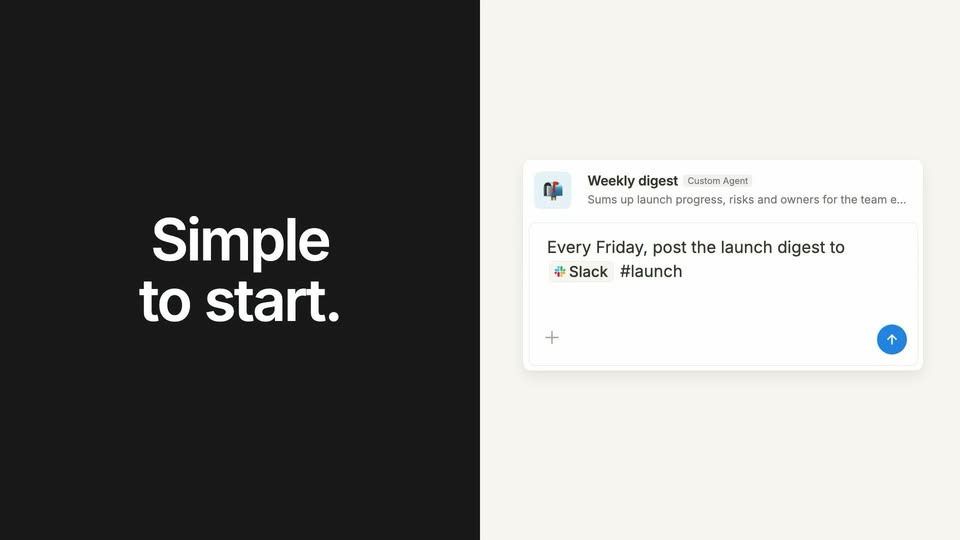 0:40–0:42Motionfly · Motionfly - Introducing Motionfly V2.0. We trained motionfly with more than 10Split screen: bold white text on a black panel left, a Weekly digest agent card on a cream panel right. A caret types a scheduling prompt into the card's field, a Slack chip appears, then the card and headline blur and slide up out.
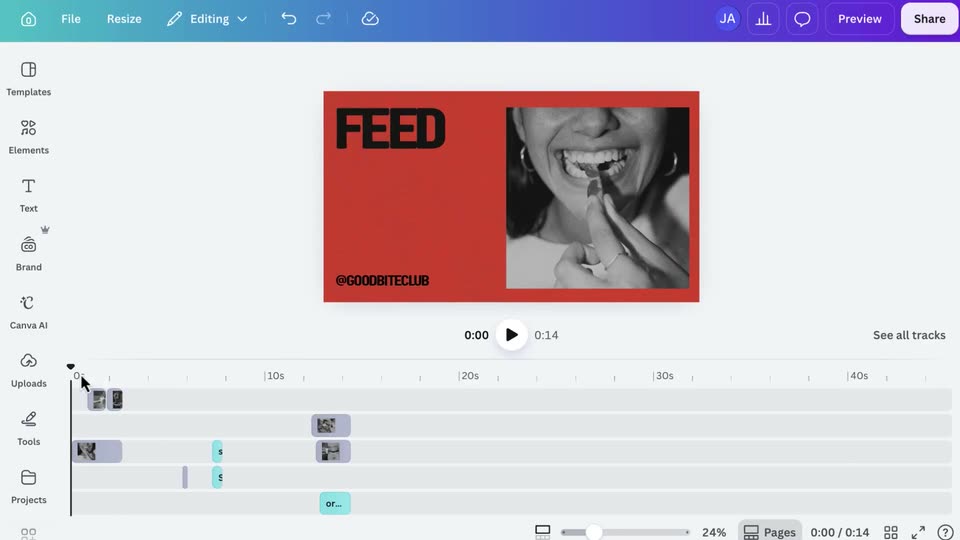 2:14–2:29Canva · Create and launch TV ads straight from CanvaA design editor shows a red poster with FEED and a black-and-white photo of a person eating. The cursor drags the handle text to the corner, shrinks it, then scrubs the timeline so the poster frames change, adding a YOUR sticker and MOOD.
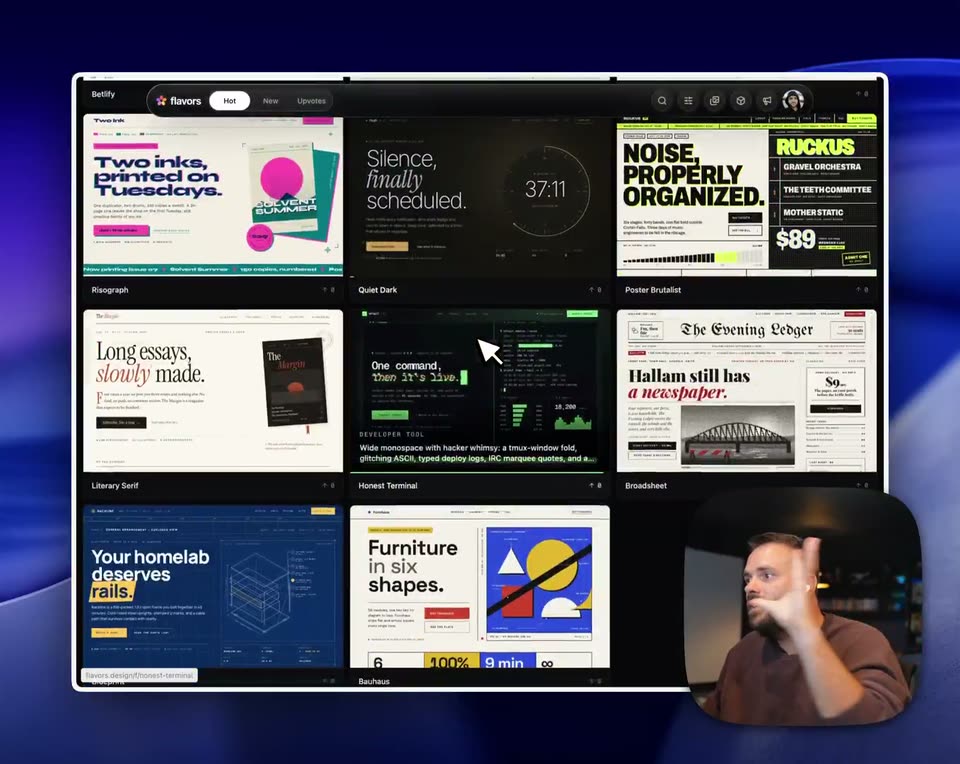 0:11–0:12flavors design · Dr. Kitze ❤️ healthmaxx.app - your agent can code, but it has zero taste. introducing 🌸 a galleryA browser window shows a grid of design-style template cards that scrolls, revealing new rows at the bottom, with a white arrow cursor held at the center. A small picture-in-picture of a gesturing man in earbuds sits in the bottom-right corner over a blue gradient backdrop.
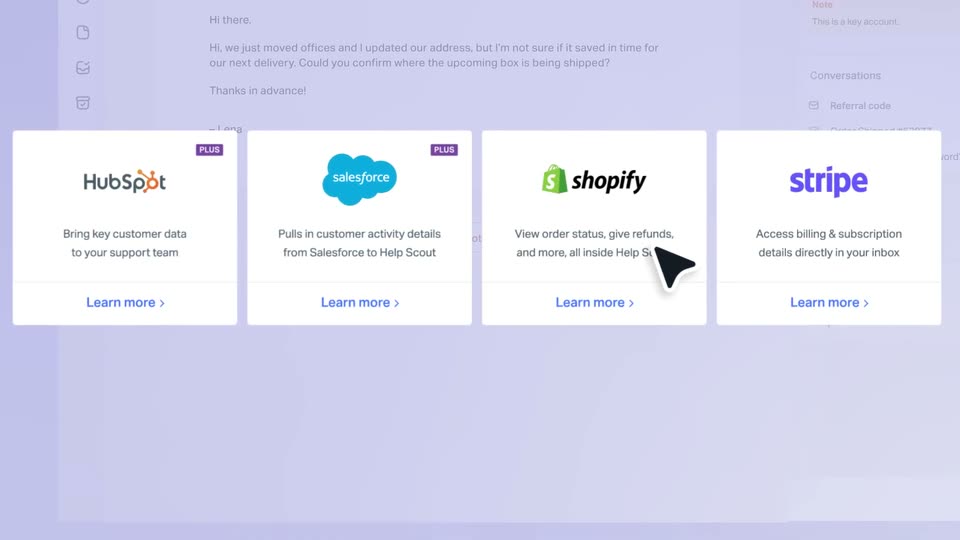 0:24–0:28Help Scout · Customer Support Software Demo | Help Scout x MotionCueA dimmed Help Scout inbox sits in the background as four white integration cards for HubSpot, Salesforce, Shopify and Stripe line up across the frame. A black cursor glides over the cards, hovering each in turn, while the Stripe card fades in.
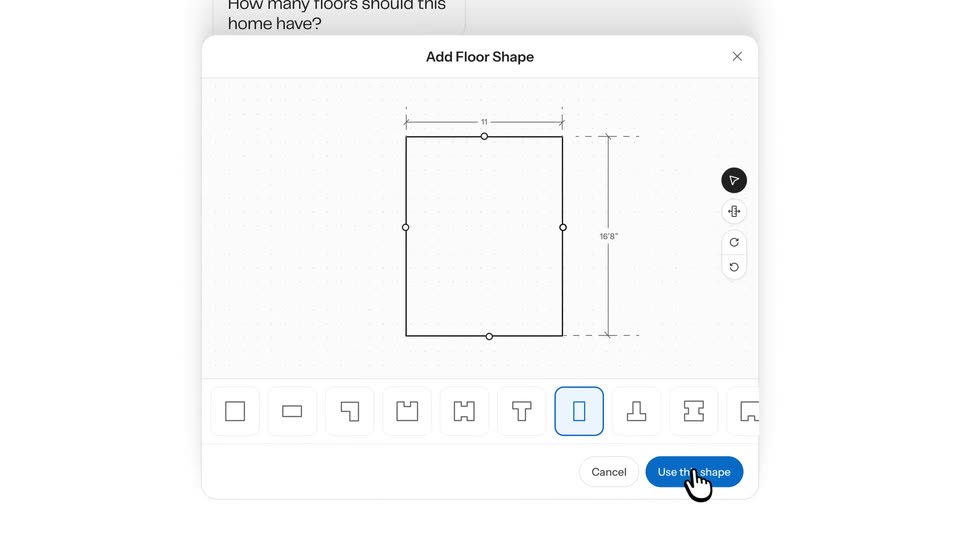 0:33 · 0.5sMaket · Maket - Introducing Maket 2.0: The all-in-one platform for designing your nexA white “Add Floor Shape” modal with a drawn floor plan and shape toolbar fades out, revealing a conversational overlay. A floor-count list (1 to 4 floors, “2 floors” highlighted blue) sits on the right, chat text “2 floors, got it!” on the left, a hand cursor present.
 0:39–0:40Telamont · Introducing Telamont - Construction Risk Operations PlatformA close-up of a document review panel shows body copy, a page chip and a row of action buttons. A cursor slides up onto the Draft the notice button, which gains a light blue outline, then the whole frame fades out.
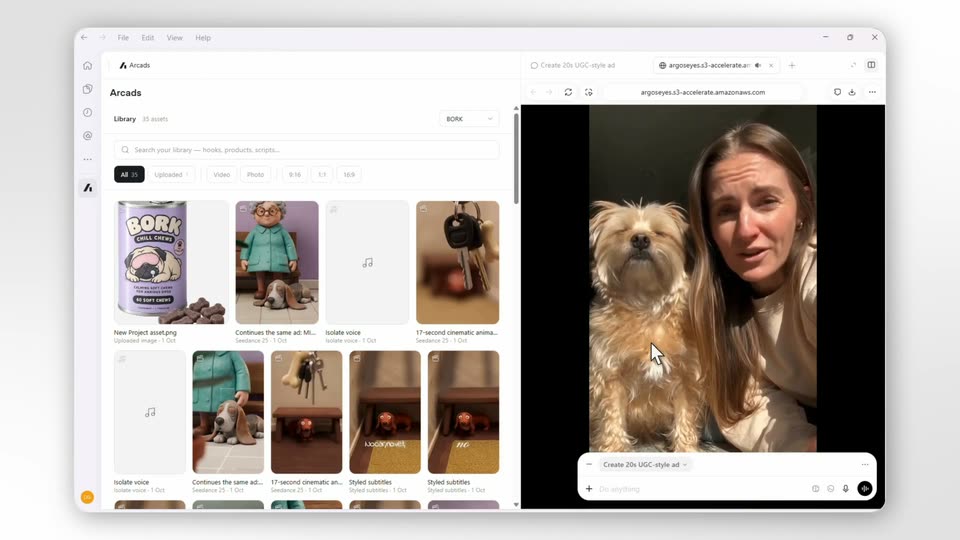 0:23–0:25Arcads · arcads AI - Introducing Arcads plugin in ChatGPT, Access all your assets right iA browser window shows the Arcads interface with a left library grid of asset thumbnails and a right video player. The player plays a clip of a woman holding a small dog, then lifting a purple BORK can beside it, while a cursor hovers over the footage.
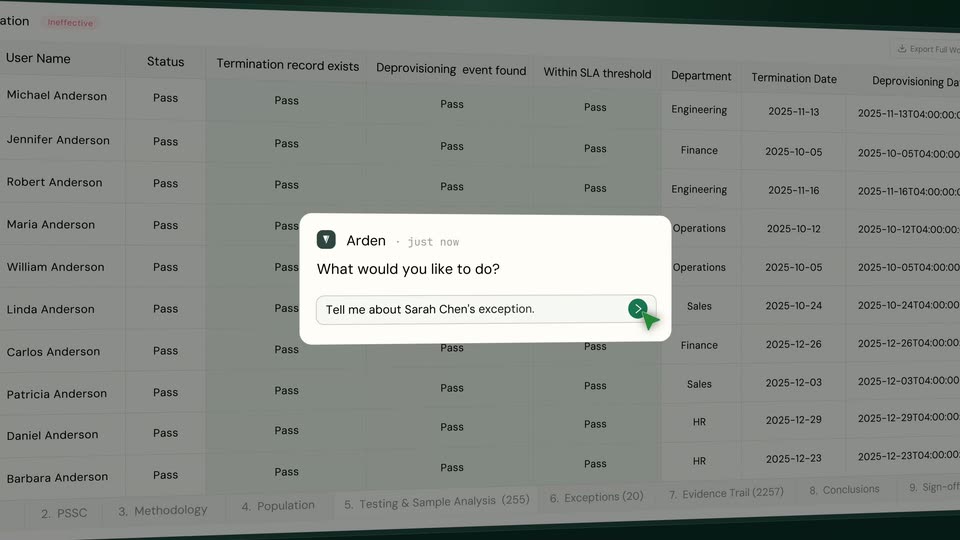 0:44–0:47Arden · Arden Launch Video (YC P26) | Unveil StudioA chat prompt card labeled Arden sits over a compliance results table, showing a placeholder question. A cursor clicks the green send button, the card collapses to its header, and the view zooms into the table rows.
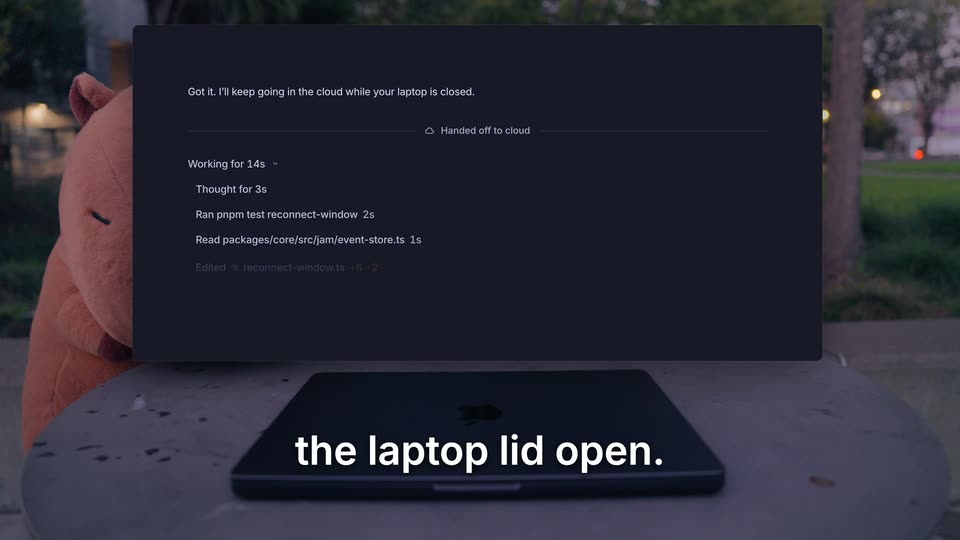 1:02–1:06Capy · justin - Introducing Capy Desktop: the best way to orchestrate coding agents aA closed MacBook on a concrete table at dusk, an orange plush beside it, with a dark chat panel floating above showing cloud hand-off activity lines appearing. White captions swap along the bottom, then a cut to the theme settings screen with a cursor on the dropdown.
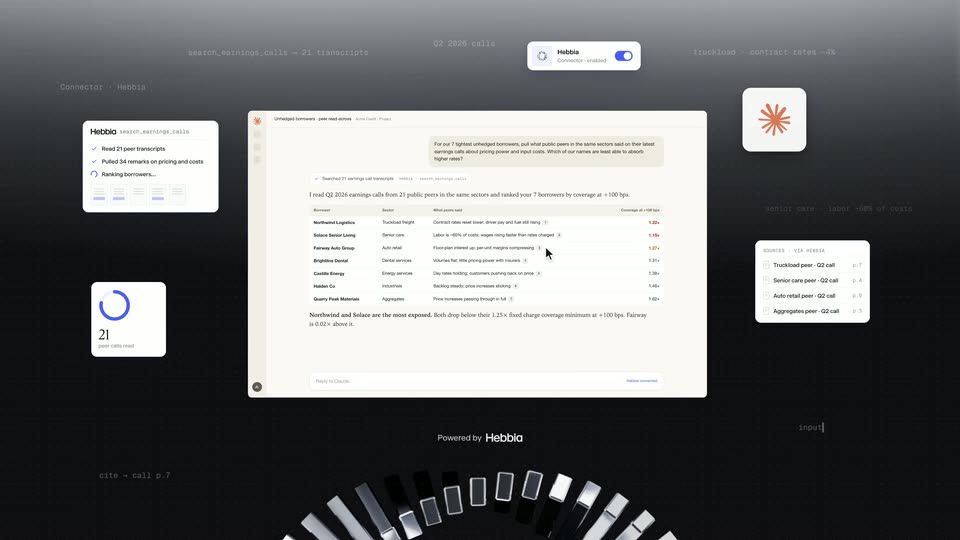 0:29–0:33Hebbia · Hebbia - Introducing Headless Hebbia: your firm’s knowledge, wherever you useFloating Hebbia UI cards (document table, checklist, rates list) drift over a dark field of faint gray data labels, with a fan of small tiles arcing along the bottom; a cursor hovers the table, then the layout cuts to a spreadsheet view with a green Hebbia row.
 1:47–1:48Hyperknow · Leslie - Introducing @hyperknow_ai: a new way to learn. The AI professor thatA light interface shows a blue pill button at the bottom with a hand cursor resting on it. Colorful confetti particles burst upward from the button while faint body copy sits in the background.
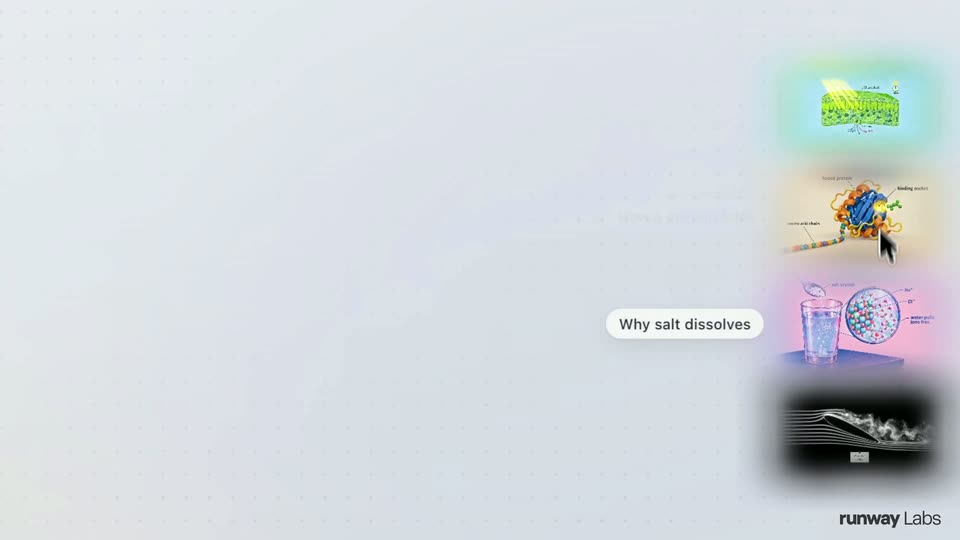 1:42–1:51Runway · Introducing Continuum: A Real-Time Video Operating System | Runway LabsA browser window of Google results closes, clearing the pale dotted desktop. Four small science thumbnails at the right edge scale up and sharpen as white pill labels appear beside them. The cursor hovers the green leaf card, which pops out and enlarges toward the center.
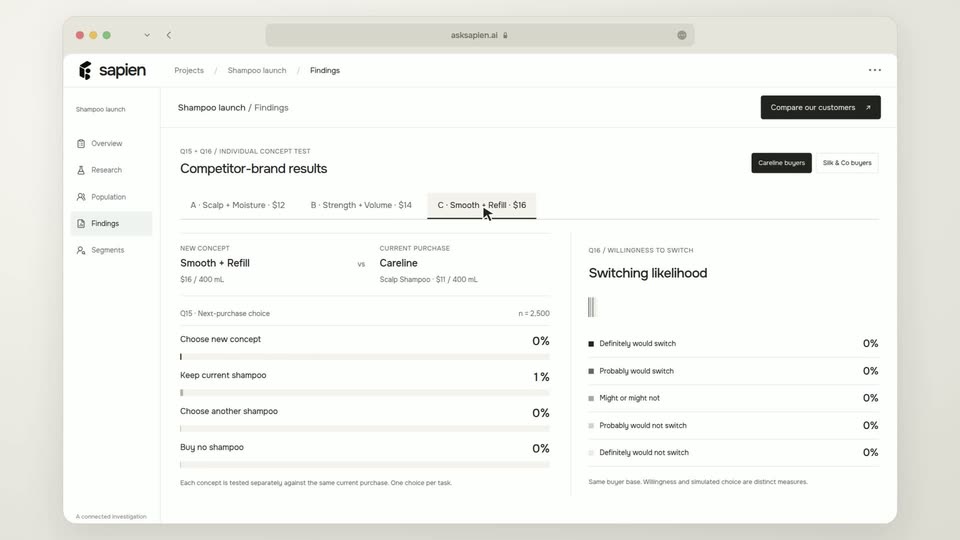 0:43–0:52Sapien · SAPIEN - This is Sapien.A flat browser mockup of the Sapien research dashboard on a plain gray background. A black cursor clicks through three concept tabs, then flips the buyer-segment toggle, and the percentage bars and figures on both panels count up and resize with each change.
 0:23–0:24Arcads · arcads AI - Introducing Arcads Singing Ads 🎶 This format is CRUSHING on Meta ..A white cursor rests on a magenta Approve button at the top; the button then fades out, revealing a small pink brain over a gray robot-head icon to the left of the centered line Editing together the final video, which scales in.
 0:50–0:51Runway · Introducing Runway Ads | RunwayA dark interface shows a chat message and a Let's do it button with a cursor on it, then three vertical video panels of a woman holding a soda can slide in side by side, each labeled with a country name.
 0:50–0:51Runway · Runway - Introducing Runway Ads, an autonomous engine for performance marketinA dark UI shows a cursor on a send button, then reveals three vertical video cards labeled United States, Mexico, and Germany, each showing a woman holding a purple can.
 1:25–1:26SideShift · Nick Lawton - Introducing SideShift: the first AI creator marketer. AI can now scaA screen shows a campaign setup interface with a list of selected posts and a row of destination platform icons. Two white cursors point to different sections of the form.
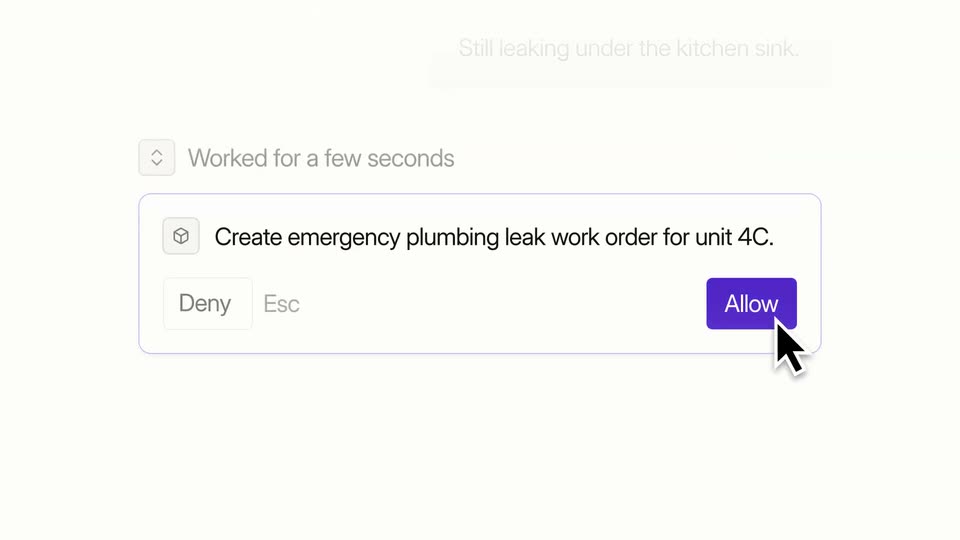 0:56–0:58Apollo · Best AI SaaS Product Video | ApolloA rounded permission card on a light background shows a request to create a plumbing work order, with a Deny button and a purple Allow button. A cursor slides in from the bottom right, presses Allow, and the card fades out.
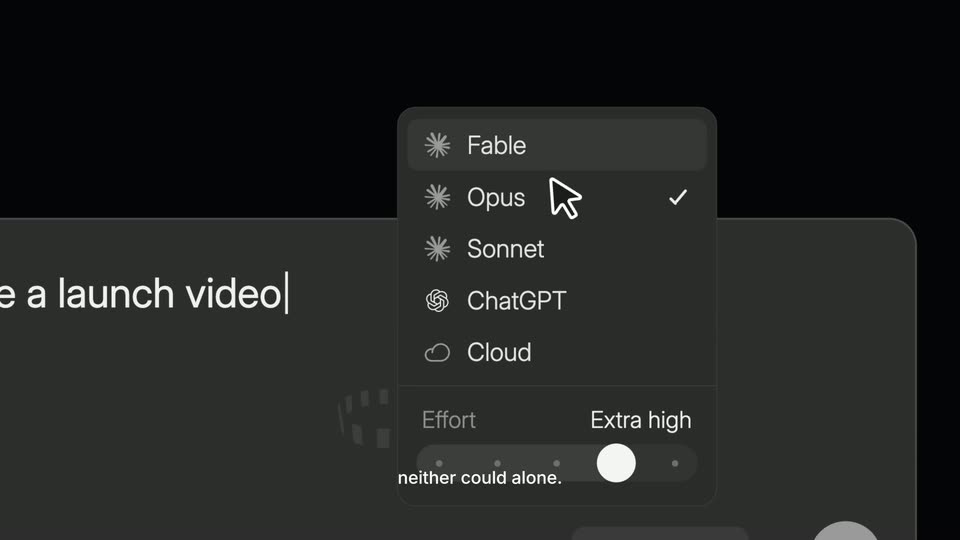 0:43–0:46Cardboard · Saksham - We have solved video editing once and for all and…. It’s FREE AvailA dark prompt box on black types out a request while a cursor hovers over it. A model picker dropdown opens, the selection switches from Opus to Fable, and the frame reframes closer on the input box.
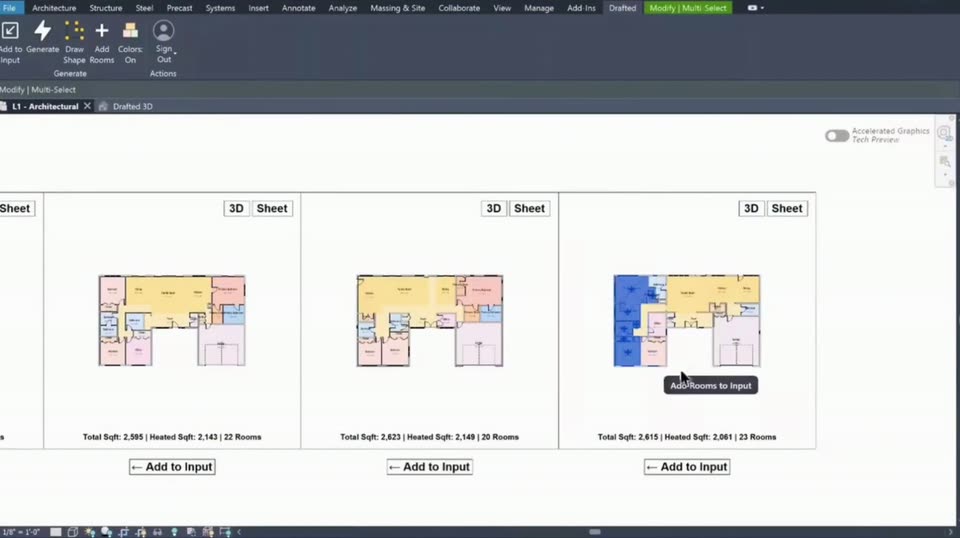 0:28 · 0.8sDrafted · Drafted - Introducing Drafted in Revit. Draw a footprint, add your room list,A screen recording of a BIM interface shows three colored floor plan cards. A cursor drags a selection box over the left rooms of the third plan, highlighting them blue, as a tooltip appears. The top ribbon switches to Modify mode.
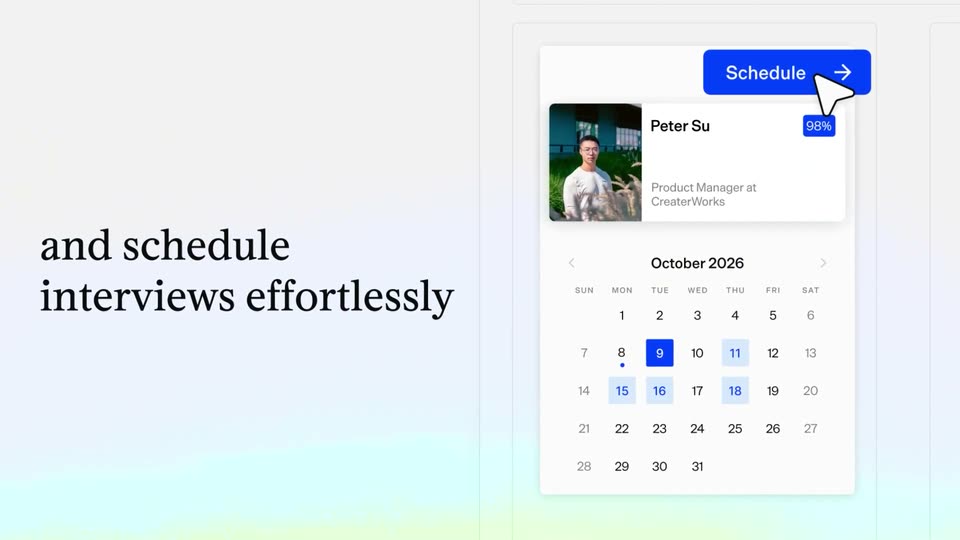 0:37–0:39Gem · A Fresh Look for Gem | UI Animation & Sound DesignA profile card and October calendar sit on the right; a cursor clicks the blue Schedule button, and the profile card zooms in to fill the screen as the serif headline on the left fades out.
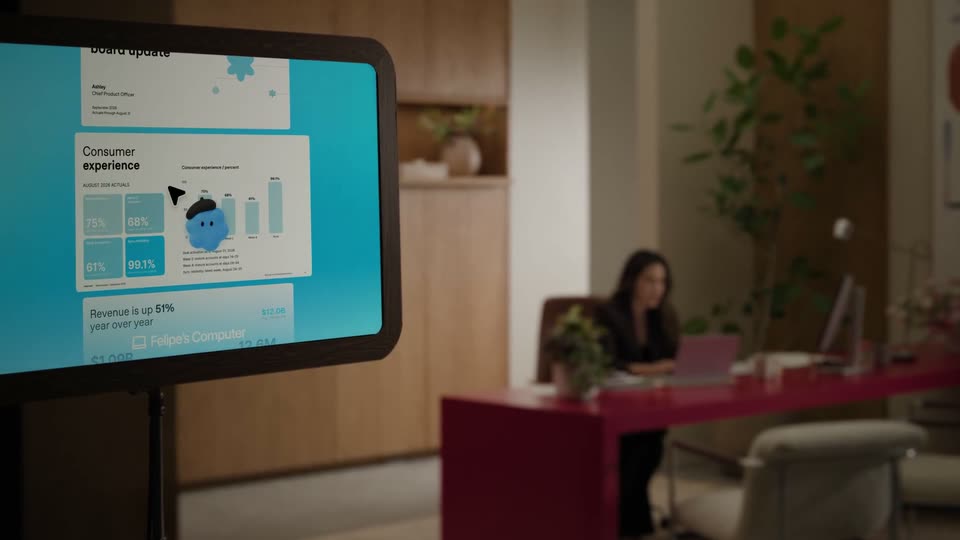 1:45–1:47OpenAI · Introducing dots, always-on agents built to handle everything.A monitor on the left shows a presentation of stacked cards with charts; the content scrolls and a cursor hovers over the Consumer experience card as its chart animates. Behind it, a blurred woman works at a red desk in a warm office.
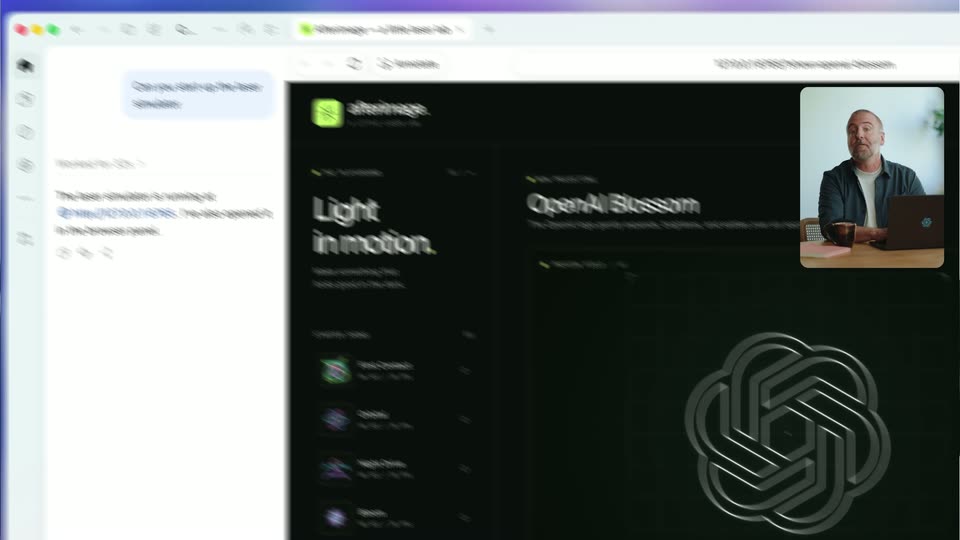 1:16–1:17OpenAI · Meet the all new Codex CloudA dark control-room interface lists starter shows with a hand cursor on OpenAI Blossom, while the line-drawn OpenAI logo sits on a grid preview. The frame then whips into an angled, motion-blurred reframe of the same screen.
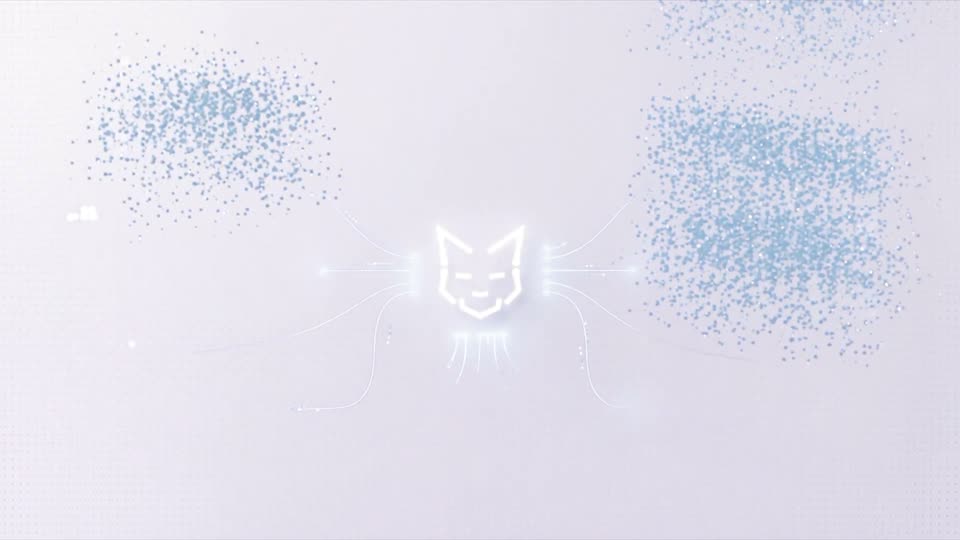 3:46–4:10Qantum · Qantum · L'ERP financier IA natif · PrésentationA white fox logo anchors the center while glowing lines branch to an invoice card on the left and three cost-center cards on the right; the cards dissolve into particles and re-form as tilted Comptabilité and Gestion panels whose equal results are linked by an equals sign.
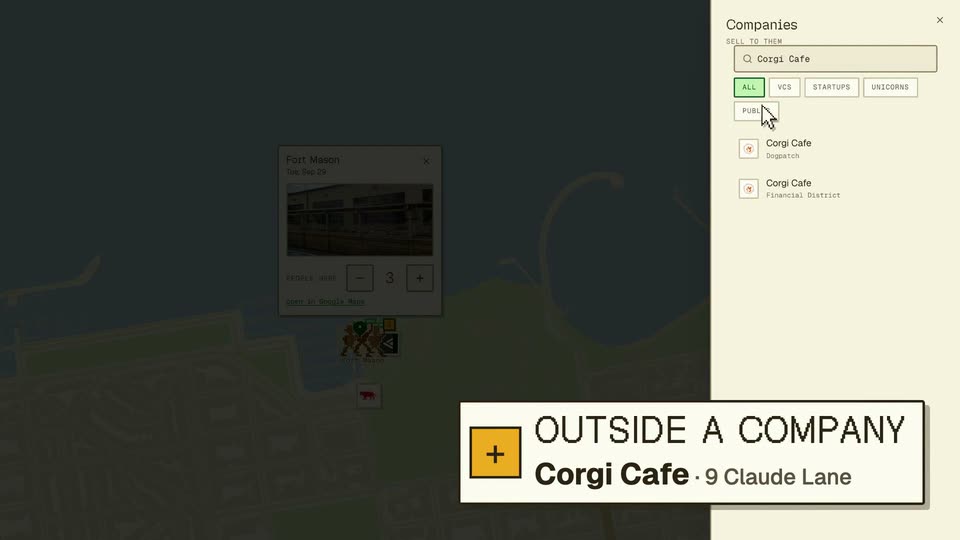 0:12–0:14Rentahuman · Alex - Today we're launching The easiest way to advertise your product to tA dimmed map sits behind a white Companies panel; a cursor types Corgi Cafe into the search box and the list swaps from tech firms to three Corgi Cafe rows. A white caption card with an orange plus icon reads OUTSIDE A COMPANY, Corgi Cafe, 9 Claude Lane.
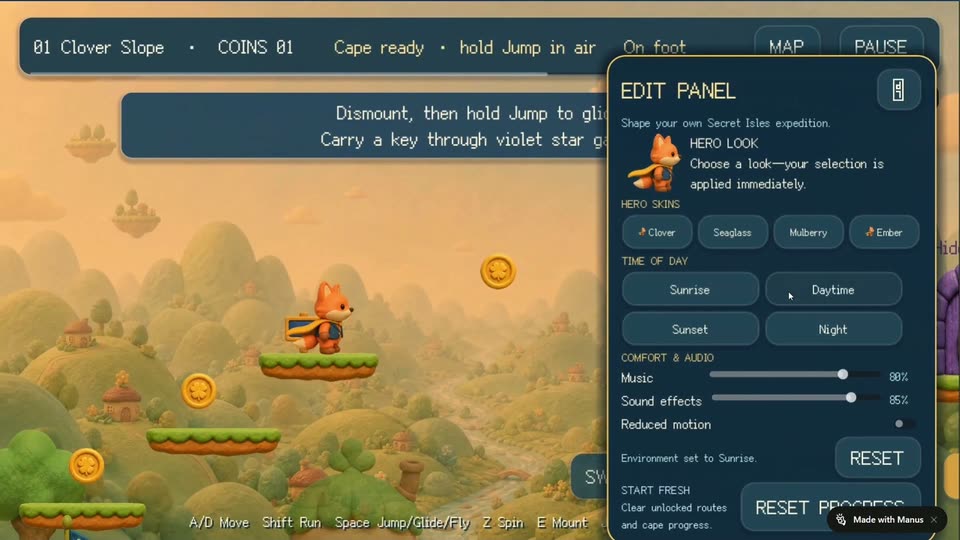 0:35–0:37Manus · Manus - Introducing Manus 2.0A game editor screen shows a 2D platformer on the left and an Edit Panel on the right. A cursor moves from the Sunrise button to the Daytime button and clicks it, and the game's sky shifts from pale dawn to warm orange.
 2:31–2:34Wajo AI · Shivani Poddar - I led engineering at Google DeepMind. Today, I'm proud to introduceA pink “Join Wajo.ai” button with a cursor sits amid falling pastel confetti, then the button drops away to reveal the black WAJO logo as the confetti fades out, leaving the mark alone on white.
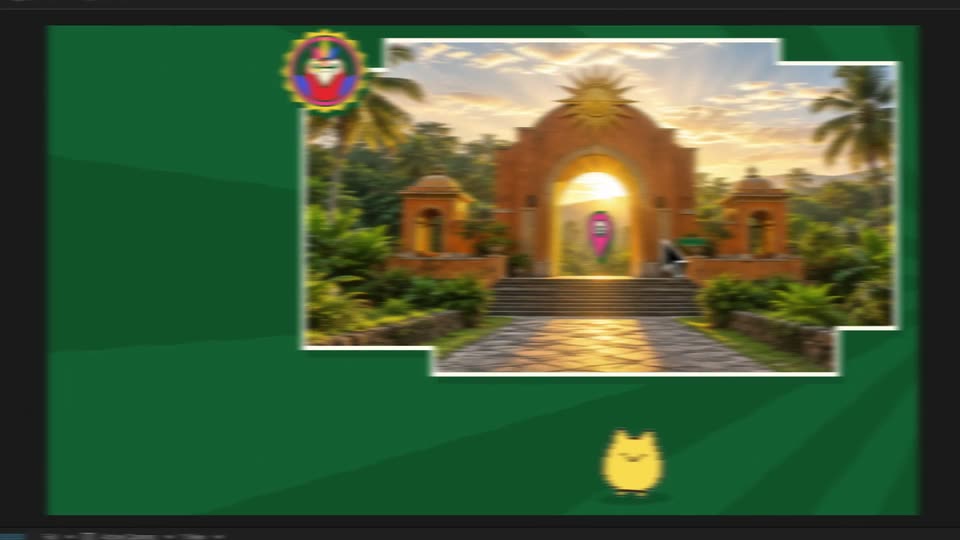 0:55–0:56Higgsfield · Higgsfield AI 🧩 - Introducing Higgsfield x Claude Opus 5.5 for Motion Design. With HigA dark green editor viewport holds a white viewfinder frame. A pixel cursor hovers over a glowing yellow dot that resolves into a rendered image of a sunlit stone archway flanked by palms, its border glowing. A tiny yellow pixel cat stands at the bottom.
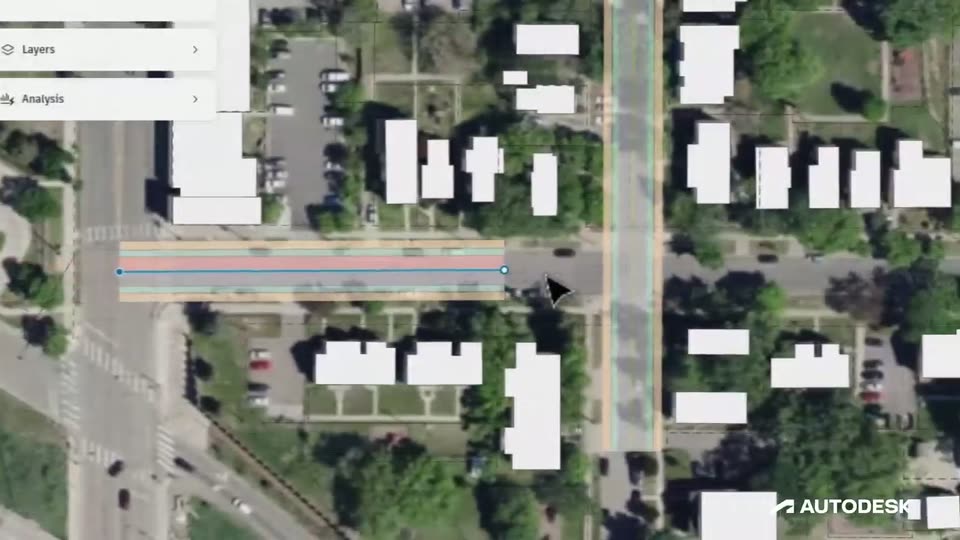 1:11–1:13Autodesk · Autodesk Forma Launch Film at Autodesk University 2026An orange ribbon wipes away the interview and leaves curved route lines on pale gray. A matching street alignment and satellite map slide in from the right; the Layers/Analysis panel appears as the route is shown in the interface.
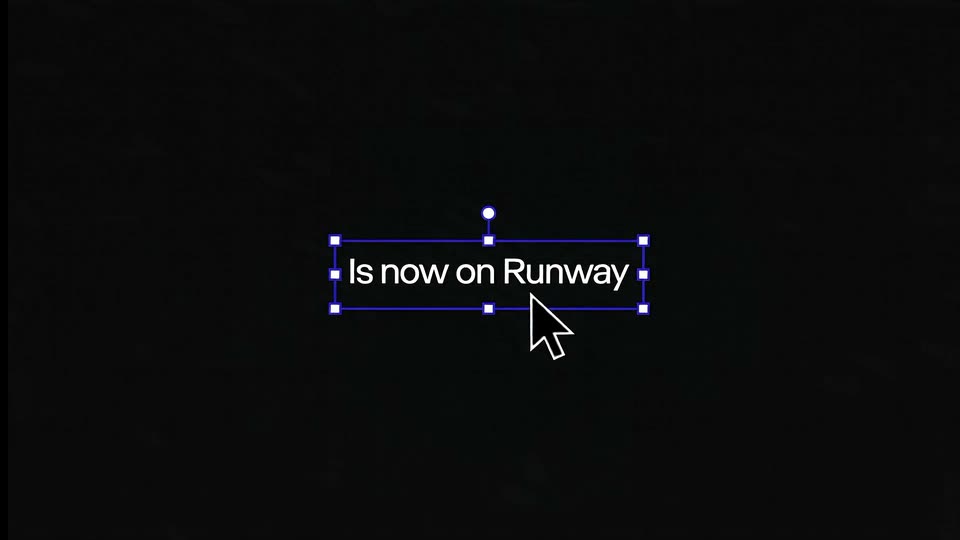 0:09–0:11Runway · Runway - New in Runway, Layers. Split any image into editable layers with a siOn a near-black background with a faint smoky texture, the white line Is now on Runway sits centered above a thin outline cursor. A blue selection box with square handles snaps around the line, and the cursor drags it left until it exits the frame.
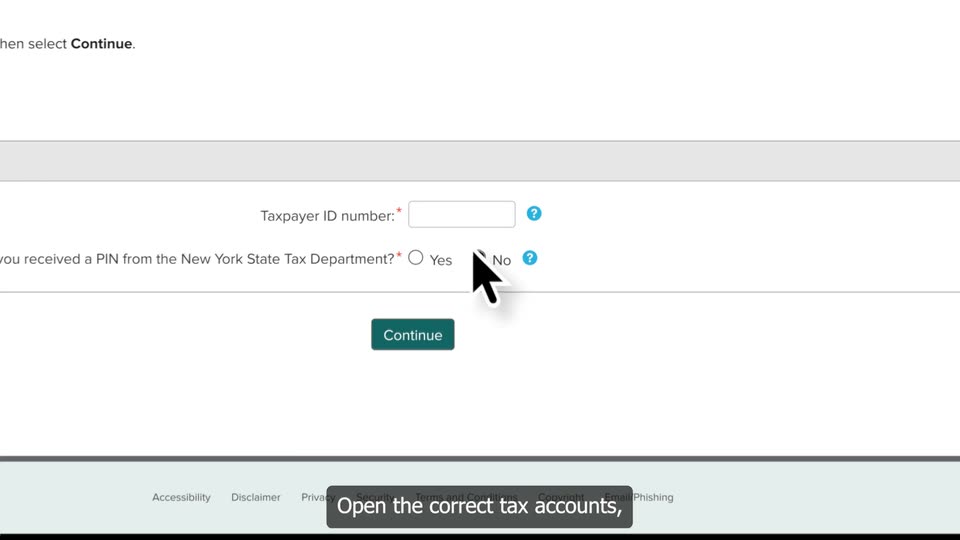 0:49–0:50Warp · Ayush S - We’ve raised $85M for this moment. Introducing Warp 2.0: The firstA tax form interface shows a taxpayer ID field and yes/no radio questions; a cursor hovers over the options while the view scrolls up to reveal a Continue button. A dark caption box sits at the bottom.
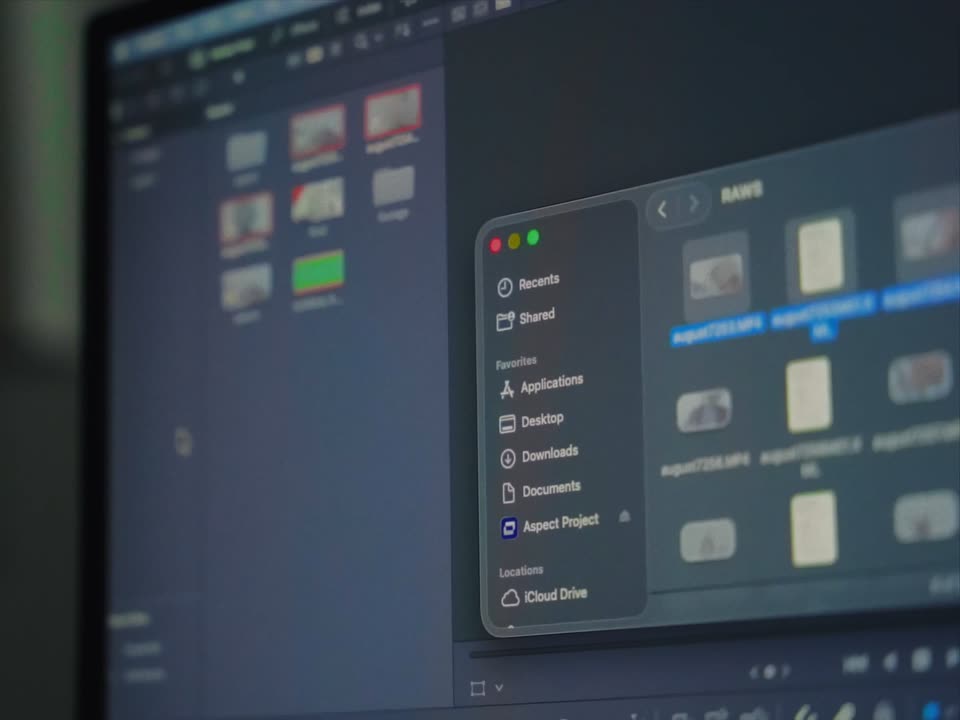 1:28–1:29Aspect · gurish - Today we are making infinite storage free to use for everyone. 6 monAn angled close-up of a laptop screen in soft focus shows a macOS Finder window. The sidebar lists favorites and locations while a grid of RAW files sits selected in blue on the right, and a cursor drifts on the left.
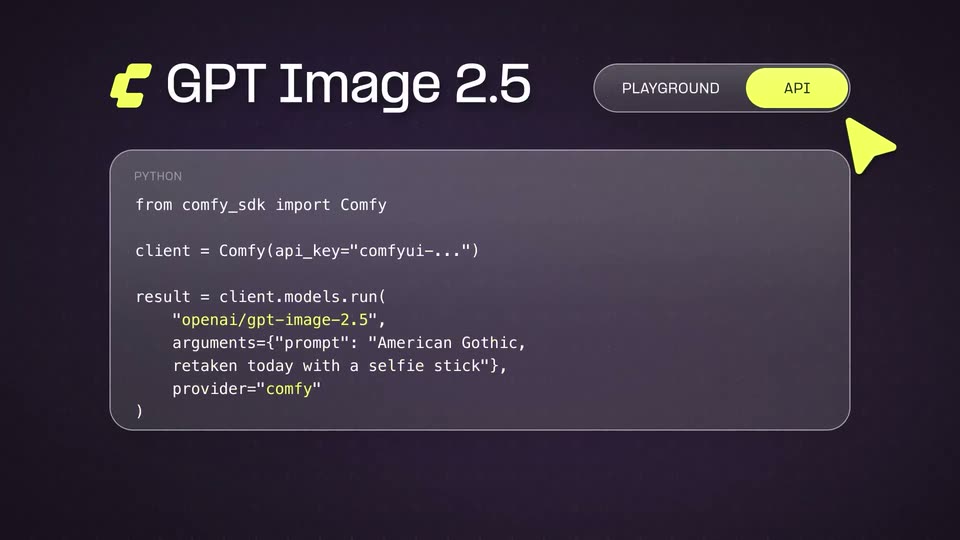 0:38–0:39Comfy Router · ComfyUI - Comfy Router is live One API for frontier image, video, 3D, and audiA dark dotted-grid screen shows the Comfy logo and white title top left, with a yellow cursor pointing at the highlighted API toggle top right. A Python code card slides in below, its text resolving from a garbled ghost into a clean snippet.
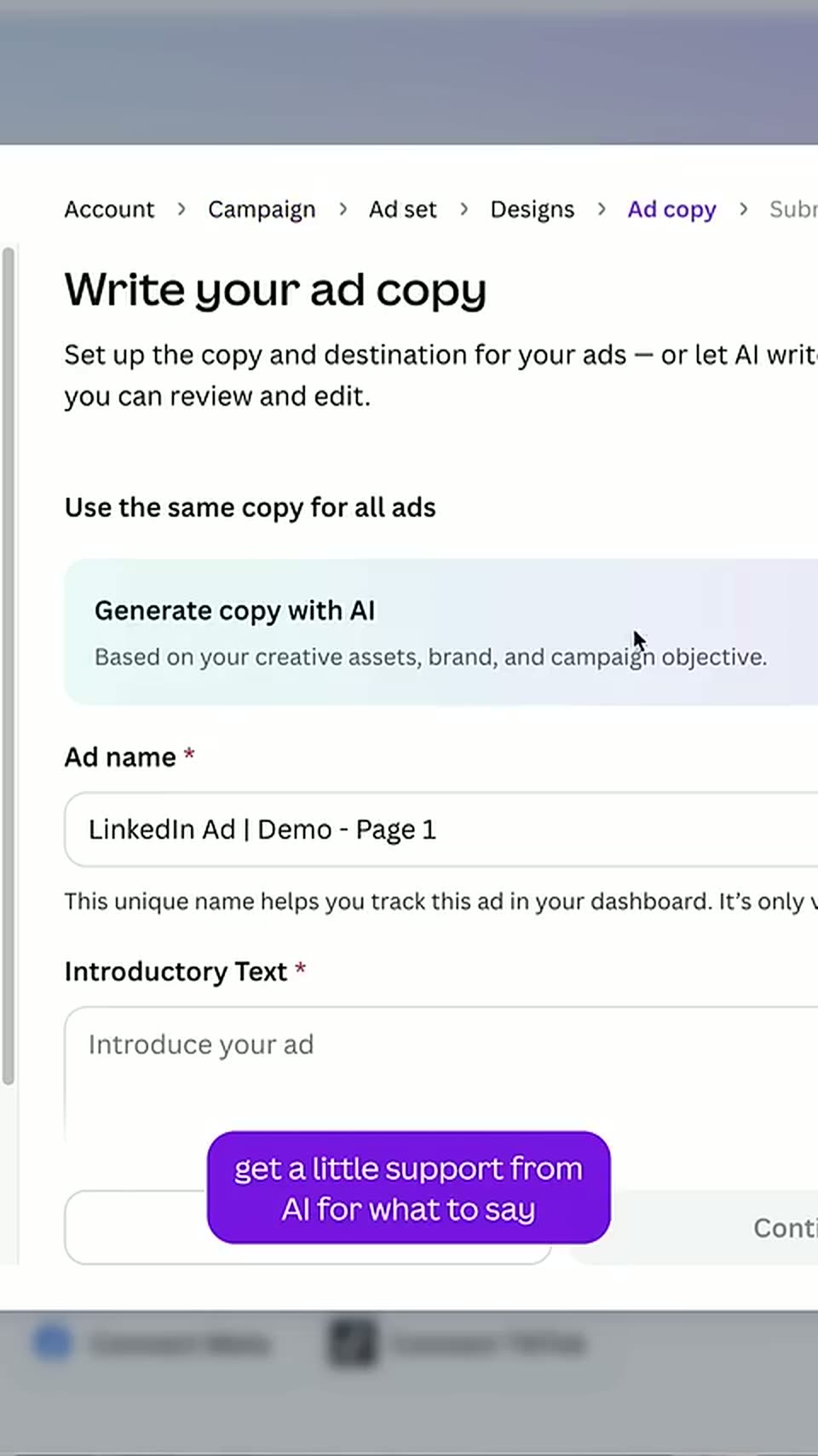 0:14–0:15Canva · Create & launch LinkedIn Ads without leaving CanvaA LinkedIn ad copy setup screen sits in a locked-off frame, the Generate copy with AI box tinted teal. The cursor drifts right across the form as a purple caption card pops in at the bottom.