1:03


Superhuman - Introducing our new enterprise AI features! With Grammarly Business,
Superhuman · Productivity · Jun 2023
Remocn · Oct 2026 · 0:33 · Full motion · AI-annotated
Remocn’s 0:33 launch film runs 23 scenes, about 1.5 s each. The product is on screen from the first frame and 4 features are revealed. The call to action lands at 0:31 (92% in). The film is built as a changelog: a wordmark and update title open it, then each feature gets a title card over the blurred gradient followed by fast UI captures and shader loops. Signature moves are the color sweep across the type, the word-by-word caption reveal, and the rotating spiral vortex that bookends the video.
Is this your launch? to your site or press kit.
Superhuman · Productivity · Jun 2023
Google · AI · Mar 2010
Films whose music sounds like this one, voice left out
TasteSkill · Electronic, synthwave, chiptune
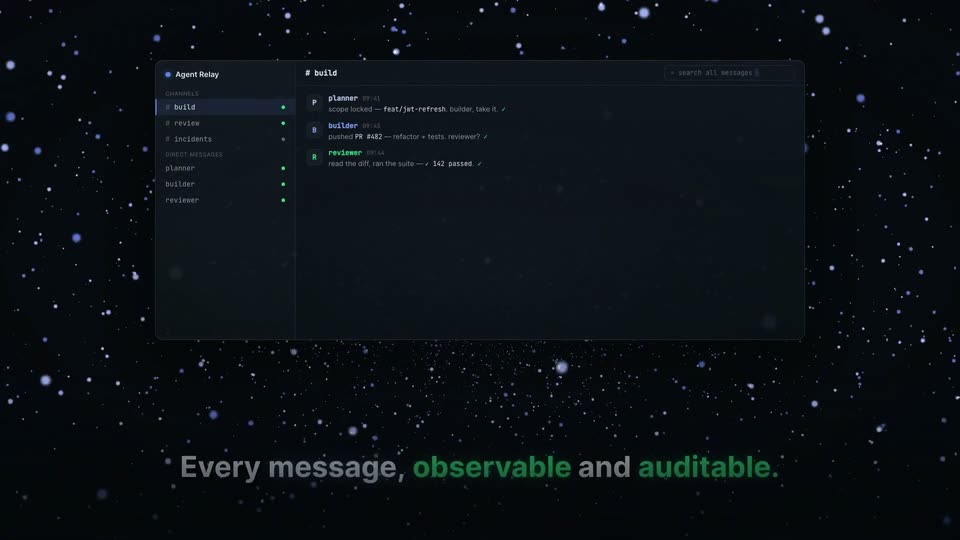
Agent Relay · Electronic dance and indie rock
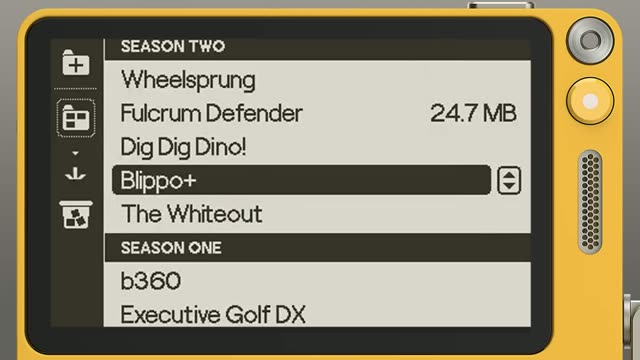
Playdate · Funk/Disco/Electro-funk instrumental
A dark blurred purple gradient fills the frame as the white wordmark Remocn Studio, with a stylized R, fades in at center and holds on a locked-off frame.
On-screen text: “Remocn Studio”
Camera: Static
A white headline “October Update” sits centered on a dark purple blurred background. The letters begin scrambled and overlapping, then shuffle into clean alignment over the first second before holding still.
On-screen text: “October Update”
Techniques: Kinetic type
Camera: Static
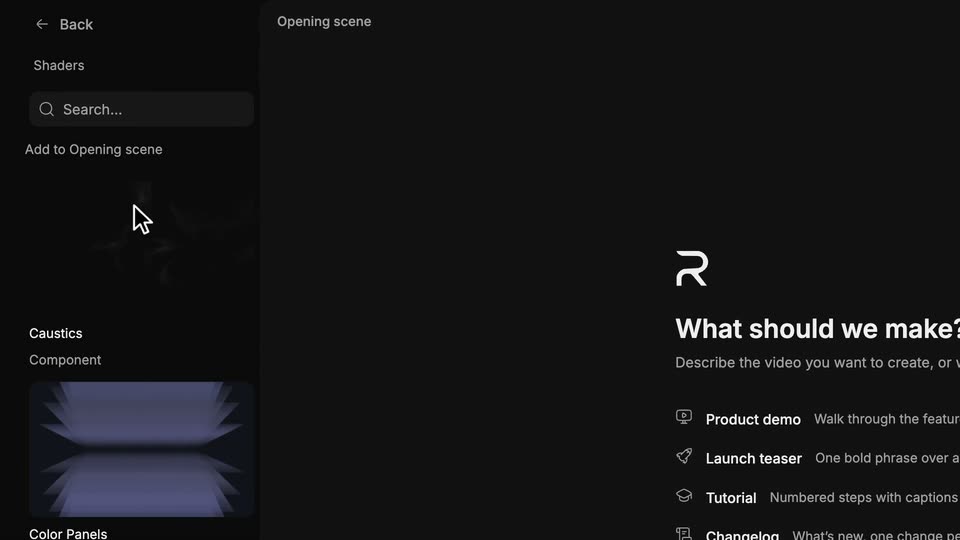
A dark video editor interface fills the frame, with a left sidebar of menu items and a right panel showing a logo and a list of scene types. A white cursor glides from the empty center to the left sidebar and hovers over the Shaders row, which highlights.
On-screen text: “October Update”
Techniques: Cursor demo
Camera: Push in
A dark app interface fills the frame. The left sidebar of shader thumbnails scrolls upward, revealing new component cards, while a white cursor drifts down the empty central canvas. The right panel, holding the R logo and a vertical prompt list, stays static.
Techniques: Cursor demo
Camera: Static
A blurred orange arc curves along the left edge of a dark maroon field. Centered white text reads the line, locked in place. A pink and blue color gradient sweeps across the letters once, then returns to white.
On-screen text: “Customize shaders directly in the editor”
Techniques: Light sweep
Camera: Static
A spiral of cyan, magenta and purple bands rotates around a black center, the shader pattern spinning continuously. A single static caption line is locked over the moving graphic for the full clip.
On-screen text: “Customize shaders directly in the editor”
Camera: Static
A swirling fluid texture in green, cyan, and black shifts to a dark, grainy background with soft magenta and cyan light flares.
Camera: Static
Concentric bands of orange, yellow and red swirl around a dark central hole, then the frame fills with rippling teal and dark-blue waves, the motion fast and continuous.
Camera: Static
A black and white spiral cutout on a pale gray field fills with a swirling red and orange liquid. The cutout then dissolves, letting the flowing liquid expand to fill the entire frame.
Techniques: Masking
Camera: Static
A grainy magenta-and-purple blob on a dark field sharpens into a retro pinwheel of teal, orange and cream stripes spinning around a cream center.
Techniques: Morph
Camera: Static
A purple and white liquid marble texture fills the frame, then a hard cut switches to a grid of glowing teal and orange dots on a black background.
Camera: Static
A blue and black liquid marbled texture fills the frame, then the pattern shifts into a pastel pink, purple and cyan spiral that rotates inward toward a white center.
Camera: Static
A soft, out-of-focus teal field with a dark curved shape in the top corner cuts to a tight crop of orange and cream concentric arcs.
Camera: Static
The editor restyles from light to dark as a cursor hovers shader thumbnails in the left sidebar. The canvas preview on the right shifts from black and white fluid shapes to a blue ray burst, then a purple smoke swirl, next to a prompt field and template list.
Techniques: Cursor demo
Camera: Push in
A dark design-tool interface with an inspect panel on the right. A cursor drags the Density slider upward while the purple god-ray preview in the center fills with denser streaks behind the white Launch film title.
On-screen text: “Launch film”
Techniques: Cursor demo
Camera: Static
On a dark purple gradient, the centered line reads 31 caption styles and holds still. The number 31 starts inside a yellow rounded square while the words stay white. The highlight then swaps: 31 turns plain white and the words caption and styles each gain their own yellow box.
On-screen text: “31 caption styles”
Camera: Static
After “31 caption styles” opens, a sentence builds word by word on a dark blurred backdrop, each word in a different caption style: sliding yellow boxes, drawn underlines, a typing cursor, and a rotated red stamp on “voice.”
On-screen text: “31 caption styles”, “Pick”, “a style.”, “Your agent”, “times”, “every”, “word”, “to the”, “voice.”
Techniques: Kinetic type
Camera: Static
Dark interface scrolls down from the template list to a prompt panel. The input field types “Add captions to the voiceover” letter by letter while a small preview card cycles yellow-highlighted words, then the cursor clicks the up-arrow button.
Techniques: Cursor demo
Camera: Pan
On a dark maroon gradient, a white penguin icon and the line Now on Linux fade in, with three dark pill badges (Applmage, .deb, .rpm) below. The lockup fades out and a gray headline Faster agent turns appears at upper left.
On-screen text: “Now on Linux”, “Applmage”, “.deb”, “.rpm”, “Faster agent turns”
Camera: Static
A dark maroon gradient holds a white headline and a three-column comparison table that fades in. A magenta rounded outline draws around the 1.0.2 column as its final cell, Report kept, fills in.
On-screen text: “Faster agent turns”, “1.0.1”, “1.0.2”, “Preview after an edit”, “every agent write”, “Full recompile”, “≈ 7 s of CPU each time”, “Only what changed”, “in-memory build cache”, “Prompt cache”, ”
Camera: Static
A liquid swirl of orange, red and black ripples across the frame, then shifts to a green, blue and black marbled flow. The white wordmark scales in at center, with a faint URL fading in beneath it.
On-screen text: “Remocn Studio”, “remocn.studio”
Techniques: Kinetic type
Camera: Static
The Remocn Studio logo and URL are centered on screen, scaling slightly. The background transitions from a dark purple abstract shape to a swirling red and orange fluid pattern.
On-screen text: “Remocn Studio”, “remocn.studio”
Techniques: Kinetic type
Camera: Static
A centered white wordmark sits over an animated abstract field that morphs from rippling teal and maroon ripples into a tight concentric spiral of teal, purple and magenta rings around a black core. The lockup holds a locked-off frame while the vortex rotates and tightens behind it.
On-screen text: “Remocn Studio”, “remocn.studio”
Techniques: Morph, Kinetic type
Camera: Static