1:38
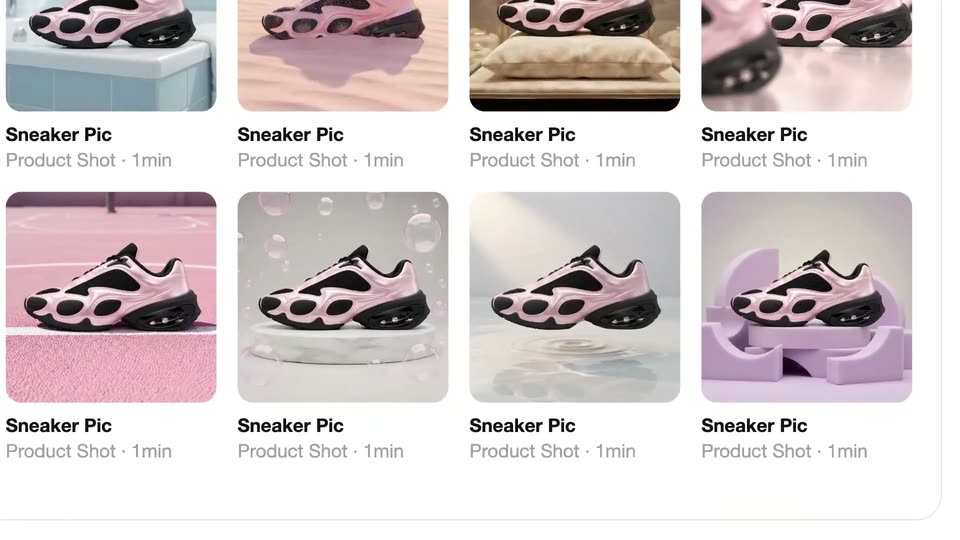

The Pika x ChatGPT Plugin Extension is here
Pika · AI · Oct 2026
Gumloop · Oct 2026 · 0:39 · AI-annotated
Gumloop’s 0:39 launch film runs 21 scenes, about 1.9 s each. The product is on screen from the first frame and 6 features are revealed. The call to action lands at 0:37 (95% in). The video leads with the product name, cuts through a fast montage of the browser completing real web tasks, then settles into a steady list of capability cards that build word by word with small logo pops, and ends on the URL. Signature moves are the gray-to-black headline snap, underline, bracket and arc accents that draw in around the words, and pastel blob mascots that react to each action.
Is this your launch? to your site or press kit.
Pika · AI · Oct 2026
OpenDesign · Oct 2026
Proto · B2B · Nov 2026
A purple rounded-triangle logo with two white eye marks shrinks from center as the black title “introducing the Gumloop Browser” appears. The title words then slide apart to the frame edges, revealing a centered browser sign-in window with the logo docked at its corner.
On-screen text: “introducing the”, “Gumloop Browser”
Techniques: Kinetic type
Camera: Push in
A Rippling sign-in card floats in 3D perspective over a large background label. A purple cursor moves over the form as selection boxes snap onto the header, email field and button, while the camera zooms in. A black pill caption reads 'checking your pto policies..' then 'checking across 60 organizations.'
On-screen text: “Gumloop Browser”, “checking your pto policies..”, “checking across 60 organizations.”
Techniques: 3D mockup, UI zoom, Cursor demo
Camera: Push in
A Target search-results page lists cleaning sprays in a row. A pink selection box with a pointer arrow slides from the first listing to the second while a black caption pill at the bottom reads checking prices across 60 target listings..
On-screen text: “checking prices across 60 target listings..”
Camera: Push in
A flat view of a Target shopping page lists three cleaning sprays. A pink selection box with corner handles frames the middle bottle, a pink arrow cursor points at it, and a black caption pill with the ChatGPT mark sits at the bottom.
On-screen text: “checking prices across 60 target listings...”
Techniques: Cursor demo
Camera: Push in
A flat OFAC sanctions search page zooms in on the lookup form. A red selection box frames the type dropdown as it expands to reveal options, while a cartoon red hand cursor slides down the form. A black caption pill sits along the bottom edge.
On-screen text: “screening the new vendor against the ofac list...”
Techniques: UI zoom, Cursor demo
Camera: Push in
A CDTFA permit form scrolls up on a white screen as a green arrow cursor highlights the Owner Name field and it fills with 'John Smith.' A small green blob shape pops in at the bottom right, and a dark rounded caption bar sits along the base.
On-screen text: “filing your california permit application...”
Techniques: Cursor demo
Camera: Push in
A California fuel trip permit form fills the frame, a green cursor hovering over the highlighted Name field and a green blob mascot peeking below. The view zooms out and fades to white as the gray headline all powered by... appears over ghosted UI shapes.
On-screen text: “filing your california permit application...”, “all powered by...”
Techniques: Cursor demo, UI zoom
Camera: Pull out
The black lowercase phrase “all powered by...” sits centered over a grid of pastel abstract UI tiles, each holding lines, bars and small face icons, which scales down to reveal more rows.
On-screen text: “all powered by...”
Camera: Pull out
A grid of pastel wireframe tiles, each holding abstract layout shapes, a small colored icon and a cursor arrow, frames a central white panel. The black lowercase text sits still in the middle while the tile grid drifts slowly around it.
On-screen text: “all powered by...”
Camera: Static
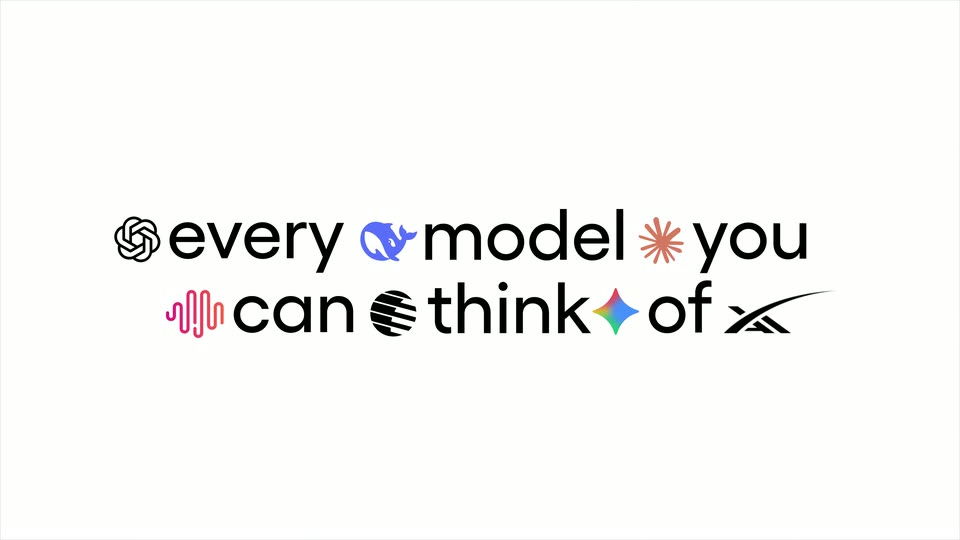
A locked-off white frame: the headline builds word by word, fading in light gray before snapping to solid black. Small colorful model logos then pop in between the words.
On-screen text: “all powered by...”, “every model you can think of”
Techniques: Kinetic type
Camera: Static
On a plain white background, the phrase “every model you can think of,” dotted with small AI model icons, cross-dissolves into “a password vault,” then “built for agents” fades in below it. The frame stays locked off throughout.
On-screen text: “every model you can think of”, “a password vault”, “built for agents”
Techniques: Kinetic type
Camera: Static
A white card shows the black headline “a password vault”, the word “password” masked by gray asterisks that slide across it. On the second line, “**** for agents” clears as the asterisks drift away. A black pill badge “compatible with 1Password” scales in below the text.
On-screen text: “a password vault”, “**** for agents”, “compatible with 1Password”
Techniques: Masking, Kinetic type
Camera: Static
On a plain white background, the black line trusted conections sits centered with a blue underline drawing beneath the first word. A gray line & CAPTCHA handling fades in below, and a small pink arc draws in at the upper right.
On-screen text: “trusted conections”, “& CAPTCHA handling”
Techniques: Kinetic type
Camera: Static
A rounded status pill with a refresh icon and the caption 'Verifying your agent's identity' hovers over six ghost mascots; the spinner ticks green and one mascot turns green. It cuts to a plain card reading 'trusted conections & CAPTCHA handling', then to 'human in the loop' scaling up.
On-screen text: “Verifying your agent's identity”, “trusted conections”, “& CAPTCHA handling”, “human in the loop”
Techniques: Kinetic type
Camera: Static
On a light background, the black line “human in the loop” scales in beneath an orange corner mark, then the gray line “with secure handoffs” slides in and darkens to black as a blue underline draws beneath “handoffs”.
On-screen text: “human in the loop”, “with secure handoffs”
Techniques: Kinetic type
Camera: Static
A flat login card with email and password fields sits on a white background. The card slides down as a purple blob and a green blob with white marks appear on either side, while the headline scales in above and the subline slides in below.
On-screen text: “human in the loop”, “with secure handoffs”
Techniques: Kinetic type
Camera: Push in
On a white field, a flat black login card with email and password fields sits between purple and green blobs, overlaid by the headline “human in the loop”. The card drops away as the remaining lines of black text slide and settle into place.
On-screen text: “human in the loop”, “with secure handoffs”, “and session”, “recording with full”
Techniques: Kinetic type
Camera: Static
Three centered lines of black sans text sit on a plain white card. The o in recording is a small red circle that loses its two white dots and becomes a solid dot.
On-screen text: “and session recording with full audit logs”
Techniques: Morph
Camera: Static
On a white field, the rec logo sits left of a dashed vertical timeline as three caption rows with timestamps and small GOV.UK page thumbnails slide in. The rows then spread apart and exit, and the large text 'all within' appears, leading into 'and session recording with full audit logs'.
On-screen text: “Visited vendor-onboarding 7:17”, “Typed into search input 3:24”, “Clicked on company 13:48”, “all within”, “and session”, “recording with full”, “audit logs”
Techniques: Kinetic type
Camera: Pan
A white card holds the centered black tagline all within your own cloud as the AWS logo morphs into a flat cloud glyph. A green underline, an orange bracket and a magenta arc draw in around the words.
On-screen text: “all within your own”, “cloud”
Techniques: Morph
Camera: Static
The black Gumloop.com wordmark sits centered on a white background. A purple rounded-triangle mark with a white zigzag inside slides up from the bottom right and settles just past the end of the wordmark.
On-screen text: “Gumloop.com”
Camera: Static