0:39
Explore
OpenDesign - Introducing OpenDesign Motion. The open-source alternative to Claude
OpenDesign · Oct 2026 · 0:37 · AI-annotated
- Length
- 0:37
- Scenes
- 46 · 0.8 s avg
- Product on screen
- 0:00
- Features shown
- 1
- Call to action
- 0:34 · 94%
- Voiceover
- No
00:00:00 / 00:37:11
OpenDesign’s 0:37 launch film runs 46 scenes, about 0.8 s each. The product is on screen from the first frame and 1 feature is revealed. The call to action lands at 0:34 (94% in). The video is a fast-cut launch film for OpenDesign Motion, an open-source motion design tool. It opens with a 3D title reveal over a painterly sky, states its open-source positioning on cream cards, runs a rapid montage of style references and kinetic type, then lands one feature beat on any model and any agent with UI demos, and closes with a spinning icon cube and a URL card.
No filming indicatedEstimated needs: 3 capture groups — your screens or recordings · 1 official logo — reused across the film · 11 graphic passages — draw or supply · 8 3D passages — build or supply
Is this your launch? to your site or press kit.
More like this
1:38
The Pika x ChatGPT Plugin Extension is here
Pika · AI · Oct 2026
1:05
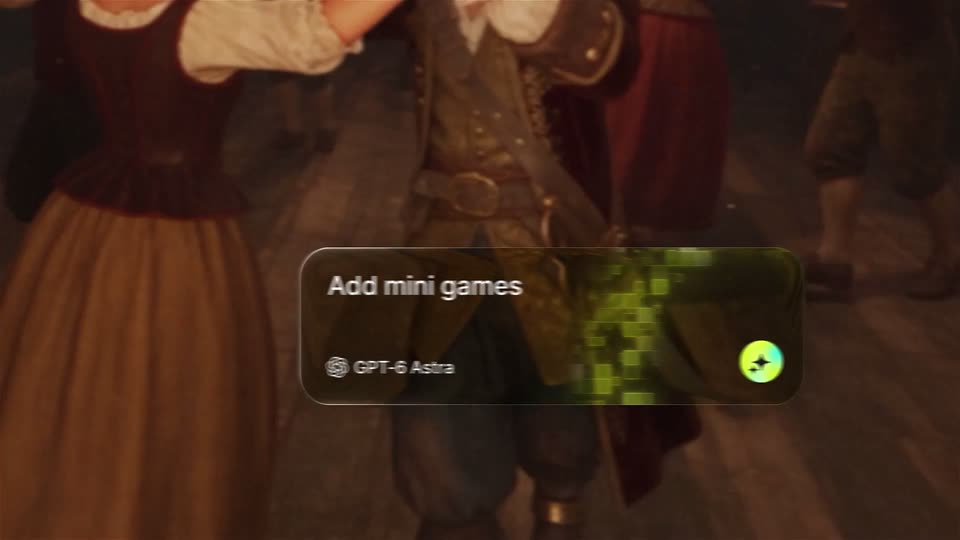
Higgsfield AI 🧩 - GPT-6 Astra + Higgsfield = AGI in gaming Meet Higgsfield Games 2.0 p
Higgsfield AI · Sep 2026
OpenDesign - Introducing OpenDesign Motion. The open-source alternative to Claude, scene by scene
· 46 scenes as text
01 · Product intro · 0:00–0:02
Locked-off view of a prompt screen over a painterly sky. A serif headline and a white input card sit centered; a green caret types a prompt line by line while a mouse arrow glides to the black up-arrow button.
Techniques: Kinetic type, Cursor demo
Camera: Static
02 · Product intro · 0:02–0:03
A white prompt card floats on a pastel sky beneath a serif headline. The card fades and drops as 3D letters spelling Introducing OpenDesign MOTION rise up from it in white and teal.
On-screen text: “Let's create Motion design”, “Good work starts here”, “Introducing OpenDesign MOTION”
Techniques: Kinetic type
Camera: Static
03 · Product intro · 0:03–0:04
A painted sky of blue and pink clouds fills the frame. 3D white letters with colored extruded sides form the words Introducing, OpenDesign and MOTION. The large MOTION letters rotate, split apart and settle into a line as the smaller OpenDesign line drifts upward.
On-screen text: “Introducing”, “OpenDesign”, “MOTION”
Techniques: Kinetic type
Camera: Pull out
04 · Product intro · 0:04–0:06
On a cream background, the orange asterisk mark and the wordmark “Claude Motion.” fade in letter by letter, then the lockup scales down and settles beneath a large “The open-source” headline as “to” appears in front of it.
On-screen text: “Claude Motion.”, “The open-source”, “to Claude Motion.”
Techniques: Kinetic type
Camera: Static
05 · Product intro · 0:06–0:07
A bold black headline sits on a cream background, with a green highlight bar behind the words open-source and a small orange starburst before Claude Motion. The type scales up slightly as the frame holds.
On-screen text: “The open-source alternative to Claude Motion.”
Techniques: Kinetic type
Camera: Static
06 · Product intro · 0:07–0:08
A cream card holds the black headline, with the words open-source sitting on a green highlight bar and a small red starburst icon before the last line. The whole text block scales down from filling the frame to a small centered caption.
On-screen text: “The open-source alternative to Claude Motion.”
Techniques: Kinetic type
Camera: Pull out
07 · Demo · 0:08–0:09
A grid of colorful design cards sits flat on a cream background, then tilts into a 3D perspective as the card contents shuffle, before flattening back to a head-on view.
Techniques: 3D mockup
Camera: Static
08 · Demo · 0:09–0:11
A tilted 3D grid of design cards zooms into one tile, which expands into a red-and-blue pop art comic panel. A yellow starburst with the caption CLICK pops in at the corner.
On-screen text: “1962”, “MEANWHILE, IN 1962..”, “POP ART”, “ONE IDEA...”, “GLICK!”
Techniques: 3D mockup, UI zoom
Camera: Push in
09 · Demo · 0:11–0:11
A red field of white irregular dots fills the frame. A yellow ring scattered with black dots holds a black cursor arrow at the center. A white label at the top reads 1965 over Infinity dots. The composition is static and locked off.
On-screen text: “1965”, “Infinity dots”
Camera: Static
10 · Demo · 0:11–0:12
On black, a white cursor sits inside a rainbow-ringed circle as a white beam refracts into a spectrum on the right. The year 1973 sits as a thin outline below, and the lines dissolve into dashes as star glints twinkle on the ring.
On-screen text: “OPTICS · DISPERSION OF WHITE LIGHT”, “1973”
Techniques: Light sweep
Camera: Static
11 · Demo · 0:12–0:12
A pixel game screen: a golden ring with a white cursor spins, its outline shifting from oval to square. The view cuts to a grid of panels: the game, a blue screen with repeated WORLD type and a glass sphere, and a yellow caption THE FUTURE IS ALREADY HERE.
Techniques: Morph, Split screen
Camera: Pull out
12 · Demo · 0:12–0:13
A translucent iridescent cube rotates at the center inside a rotating cage of white dots joined by thin lines, set over a wall of repeated black MIND lettering on electric blue, with small monospace HUD readouts and a barcode in the corners.
On-screen text: “FTN/2026 ~ THE FUTURE IS ALREADY HERE”, “MIND”, “04 MIND”, “03 ARCHIVE”, “128 BPM”
Techniques: Particles
Camera: Static
13 · Demo · 0:13–0:14
Concentric rings of bold text repeating THE FUTURE IS ALREADY HERE rotate and zoom into a black center hole, alternating black and cream bands. Small monospace HUD labels sit at the corners as the tunnel spins.
On-screen text: “THE FUTURE IS ALREADY HERE”, “FTH/2024 - THE FUTURE IS ALREADY HERE”, “00:33:582”, “VORTEX :: DEPTH: 368”, “RNG 00/13 :: RPM 1482”, “03 :: ARCHIVE”, “1980 RPM :: LVL 00”
Techniques: Kinetic type
Camera: Push in
14 · Demo · 0:14–0:15
A 4x3 grid of black-and-white tiles, each holding a word or graphic, spells a phrase across the frame. The view then pulls back to reveal the grid as one panel inside a larger motion-design interface, where a central card animates a vortex of white dashes with green flecks.
On-screen text: “THE”, “FUTURE”, “IS”, “ALREADY”, “NOW”, “HERE”, “alternative to Claude Motion.”
Techniques: UI zoom, Particles
Camera: Pull out
15 · Demo · 0:15–0:15
A bright green frame holds a huge black EASE whose right edge breaks into pixel blocks. It cuts to a near-black frame where white IN. and a green dot sit with a gray motion-blur trail beneath the letters. Small monospace HUD labels mark the corners.
On-screen text: “EASE”, “IN.”
Techniques: Kinetic type
Camera: Static
16 · Demo · 0:15–0:16
A full-frame green word EASE sits on white with layered echo trails behind its last letters, inside a thin corner-bracket frame with small metadata labels. At 0.3s the colors invert to a green field and a white OUT. appears with the same trails.
On-screen text: “EASE”, “OUT.”
Techniques: Kinetic type
Camera: Static
17 · Demo · 0:16–0:16
On a flat light-green field, the word NEVER types in left to right with stacked motion-blur echoes, then locks solid black while a grid of outlined NEVER repeats fills the background. Small monospace reel labels sit in the four corners.
On-screen text: “OPEN DESIGN MOTION REEL - 2024”, “06 - KINETIC TYPE”, “NEVER”
Techniques: Kinetic type
Camera: Static
18 · Demo · 0:16–0:17
On a near-black dot-grid field, the word LINEAR. assembles from vertical slats that snap into solid bold white type, a green dot settling as the final period. Tiny monospace HUD labels sit in the four corners.
On-screen text: “OPEN DESIGN MOTION REEL — 2026”, “06 — KINETIC TYPE”, “LINEAR.”, “60 FPS”, “120 BPM”, “BAR 7/8”
Techniques: Kinetic type, Masking
Camera: Static
19 · Demo · 0:17–0:17
A green card holding a centered logo mark inside white rings cuts to a Van Gogh Starry Night illustration. A yellow moon with a star at its blue core sits center as a rounded-square stroke draws around it, with the year and movement label above.
On-screen text: “1889”, “Post-Impressionism”
Camera: Pull out
20 · Demo · 0:17–0:17
On a soft teal-and-green painterly gradient, large black numbers flip from 80K to 91K on the left with a Day label beneath, while a white card on the right holds a static Star History line chart.
On-screen text: “80K”, “Day 104”, “91K”, “Day 132”
Techniques: Kinetic type
Camera: Static
21 · Demo · 0:17–0:17
A gray toggle switch sits centered on a plain light gray background, its white knob resting on the left side. A black cursor arrow hovers at the knob's right edge, poised to flip the switch.
Techniques: Cursor demo
Camera: Static
22 · Demo · 0:17–0:18
A hand-drawn film strip with a rocket and a small black character, captioned motion films, cuts to a large blue halftone eye on black. HUD readouts frame the eye as a match percentage ticks from 4.3% to 15.3%.
On-screen text: “motion films”
Camera: Static
23 · Demo · 0:18–0:19
A halftone girl and a white course card on blue hard-cut to a pop-art comic grid, where a red cursor pointer sits in a sunburst panel and a CLICK! starburst pops in at the corner.
On-screen text: “02 - anything”, “PENNYELLOW 00:00:03:17”, “MEANWHILE, IN 1962...”, “1962”, “POP ART”, “ONE IDEA...”, “CLICK!”
Camera: Pull out
24 · Demo · 0:19–0:19
A blue halftone field fills the frame as giant chrome 3D letters spell FUTURE, with bold white IS ALREADY HERE set beneath. A ghosted echo of the line slides behind it while the whole lockup pulses slightly. Small monospace HUD labels sit in the four corners.
On-screen text: “F1H/2026 — THE FUTURE IS ALREADY HERE”, “00:15:18”, “FUTURE”, “IS ALREADY HERE”, “04 ARRIVAL”, “120 BPM”
Techniques: Kinetic type
Camera: Static
25 · Feature reveal · 0:19–0:21
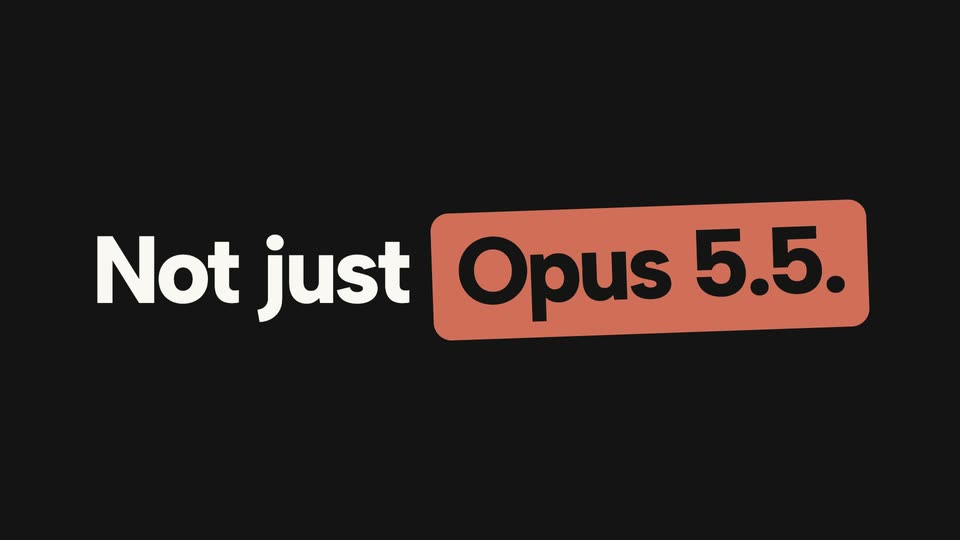
The text “Not just” scales into view on a dark background, followed by “Opus 5.5.” appearing inside a red rounded rectangle.
On-screen text: “Not just”, “Opus 5.5.”
Techniques: Kinetic type
Camera: Static
26 · Feature reveal · 0:21–0:21
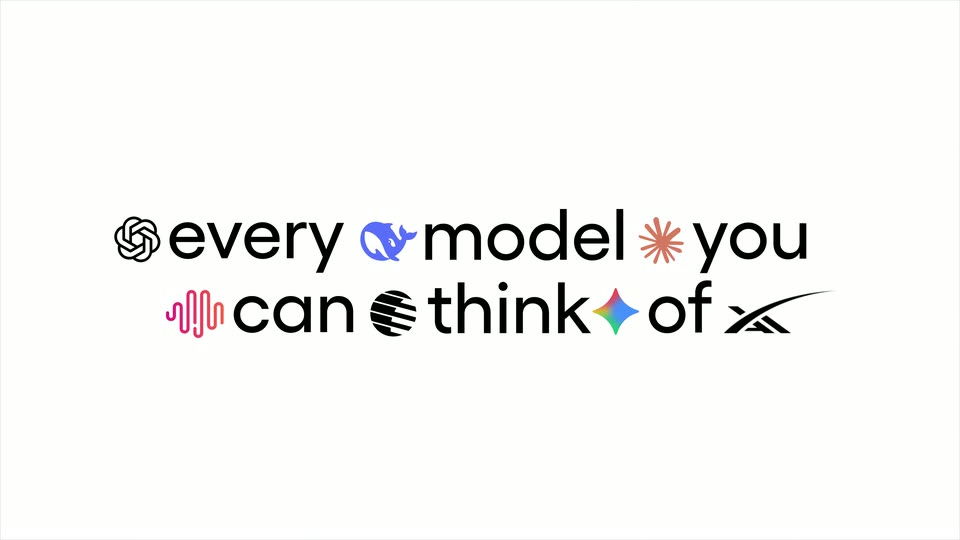
On a flat light blue field, the word “Any” eases up from the lower left as “model.” fades in beneath it and rises into line, the o set as a dark-ringed circular badge with a blue play glyph.
On-screen text: “Not just”, “Opus 5.5.”, “Any model.”
Techniques: Kinetic type
Camera: Static
27 · Feature reveal · 0:21–0:22
On a flat tan background, the bold black wordmark “Any mOdel.” sits centered and still, while the letter “o” is a circular badge that spins and swaps between AI framework logos.
On-screen text: “Any mOdel.”
Techniques: Morph
Camera: Static
28 · Feature reveal · 0:22–0:22
On a flat sage-green background, the bold black phrase “Any model.” sits centered and still. The letter o is a white circle that cycles its inner icon, first a crossed-out OpenAI wordmark, then a robot head shifting from red to blue to white.
On-screen text: “Any model.”
Camera: Static
29 · Feature reveal · 0:22–0:23
Centered on a pale blue field, the bold black word “Any model.” holds still. The letter o is a circular cutout revealing a small 3D logo that spins, shifting from a blue angular form to a purple wireframe cube.
On-screen text: “Any model.”
Camera: Static
30 · Feature reveal · 0:23–0:23
On a flat blue field, the lockup “Any model. agent.” holds still while a white badge beside “Any” gains a third black cube icon. The gray “model.” line tilts out as “agent.” turns black and a small blue dot drops in at its base.
On-screen text: “Any model.”, “agent.”
Techniques: Kinetic type
Camera: Static
31 · Feature reveal · 0:23–0:24
On a tan field, the black words Any and agent. hold still at left and right while a row of white circular app icons fades in across the gap between them, left to right, then settles.
On-screen text: “Any”, “agent.”
Camera: Static
32 · Feature reveal · 0:24–0:25
On a flat sage-green field, the bold black words Any and agent. sit left and right of a row of overlapping white circles, each holding a small app icon. The rightmost circle swaps its icon mid-shot. The frame stays locked off.
On-screen text: “Any”, “agent.”
Techniques: Morph
Camera: Static
33 · Feature reveal · 0:25–0:25
On a pale teal background, the dark gray words Any and agent. flank a horizontal row of white circular app icons. The icons then fan outward into a large spiral ring, clearing the text.
On-screen text: “Any agent.”
Camera: Static
34 · Feature reveal · 0:25–0:26
A two-panel interface: left, a chat holding a launch-film prompt; right, a Preview card where a clock's hand rotates as its background changes from an orange Greek black-figure design to a cream Gothic manuscript. A Made with Claude Opus 5.5 badge tops the preview.
Camera: Static
35 · Feature reveal · 0:26–0:27
A desktop app window shows a chat panel on the left and a preview panel on the right. The preview cuts from a blue clip of large 3D green letters to a light blue screen with a dark player card, while the model list under the input swaps entries.
Camera: Static
36 · Feature reveal · 0:27–0:27
A product window shows a chat prompt on the left and a live preview on the right. The model list scrolls vertically while the preview swaps from a colorful WORLD poster to a cream studio dashboard with a robot mascot.
Camera: Static
37 · Feature reveal · 0:27–0:28
A rounded app window shows a chat column left and a preview panel right. The left list of model names scrolls above an input field, while the right preview cuts from a synthwave title card to a light scene with a search box and a red robot card.
Camera: Static
38 · Feature reveal · 0:28–0:28
A window titled Launch film shows a chat prompt on the left and a Preview panel on the right. The preview dissolves from a blue cartoon robot holding a laptop into a glossy black 3D number 3, while a dropdown of model names scrolls behind the input box.
Camera: Static
39 · Feature reveal · 0:28–0:29
A product UI window on a cream background shows a chat prompt on the left and a preview panel on the right, where a white 3D number 2 rotates over a blue and black split. Two cursors rest at the bottom edge of the window.
Techniques: 3D mockup
Camera: Static
40 · Feature reveal · 0:29–0:29
A chat interface shows a prompt to make a launch film beside a preview panel. The view zooms into the preview, filling the frame with a blue 3D numeral 1 on black, ringed by thin orange and blue orbits and small HUD readouts.
Techniques: UI zoom
Camera: Push in
41 · Other · 0:29–0:30
A full-frame stack of the word MORRO in alternating solid black and outlined rows holds a tilted 3D extruded text block over a wireframe sheet, with a small spec card in the corner. The whole composition scales down to a centered rounded-square app icon, and the pink 3D shape inside it rotates.
On-screen text: “SPEC / PRISM”, “MATERIAL”, “IOR”, “ROUGH”, “ROT/S”
Techniques: 3D mockup
Camera: Static
42 · Other · 0:30–0:32
A rounded-square app icon spins in place on a cream background, its faces cycling through blue and dark 3D scenes with a white circle-and-cursor logo and wireframe lines.
Techniques: 3D mockup
Camera: Static
43 · Other · 0:32–0:32
A rounded cube with app icons on each face spins in place on a cream background. The rotation reveals a black paper-plane icon, a yellow illustrated face with a person, and a blue face with a white emblem.
Techniques: 3D mockup
Camera: Static
44 · Other · 0:32–0:33
A rounded 3D cube spins against a plain beige backdrop, its faces cycling through a green cursor icon, a tan compass rose marked 530 BC, a blue circular emblem, and a white 100K GitHub stars badge.
Techniques: 3D mockup
Camera: Static
45 · Other · 0:33–0:34
A 3D cube, its side faces printed with map graphics, sits on a cream background with a black app icon on the front. It rotates to face the camera and flattens into the centered icon.
Techniques: 3D mockup, Morph
Camera: Static
46 · CTA · 0:34–0:37
A black rounded app icon with a white speech-bubble and cursor mark sits centered on a cream field. The wordmark OpenDesign Motion fades in beneath it, then a dark pill badge carrying the URL open-design.ai appears below.
On-screen text: “OpenDesign Motion”, “open-design.ai”
Camera: Static