
0:30
Explore
00:00:00 / 00:30:06
- Length
- 0:30
- Scenes
- 30 · 1.0 s avg
- Product on screen
- 0:00
- Features shown
- 4
- Call to action
- 0:26 · 89%
- Voiceover
- No
- Views
- 104K on YouTube
as of November 22, 2026
Affinity’s 0:30 launch film runs 30 scenes, about 1.0 s each. The product is on screen from the first frame and 4 features are revealed. The call to action lands at 0:26 (89% in). The film alternates flat typographic cards with 3D-tilted tablet mockups on near-black, cutting roughly every second to a fast beat. Signature moves are the stylus drawing green underlines, tool pills sliding along a black band, and glossy 3D balloons with a cartoon bee popping out of the canvas.
Footage neededEstimated needs: 3 capture groups — your screens or recordings · 1 official logo — reused across the film · 5 filmed passages — shoot, supply or replace · 3 graphic passages — draw or supply · 7 3D passages — build or supply
Is this your launch? to your site or press kit.
More like this

Similar soundtrack
Films whose music sounds like this one, voice left out
0:35
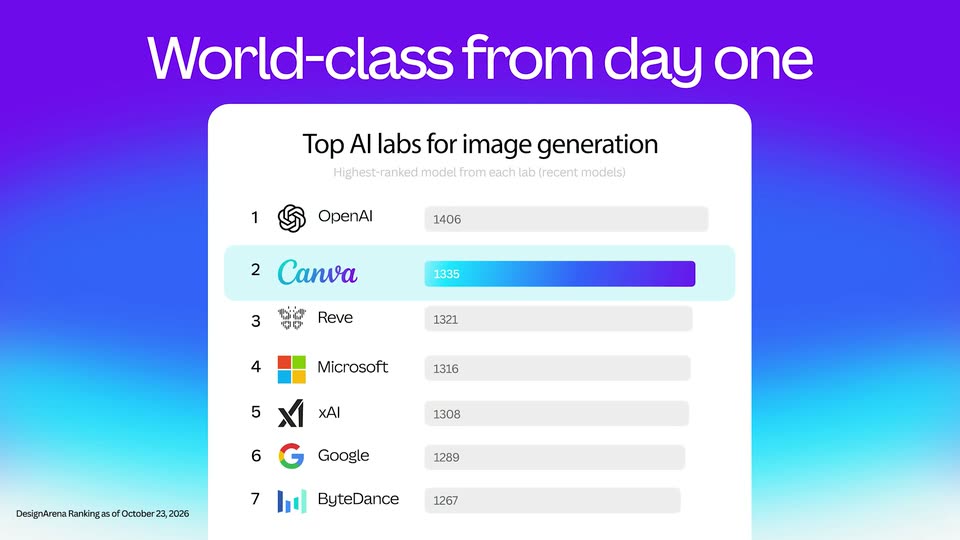

Canva - Introducing Canva Craft 🚀 Extraordinary image generation is now avai
Canva · Electronic dance music with hip-hop and funk influences
0:33


Introducing Luma Dream Machine - Next Generation AI Video
Luma AI · Electronic Dance Music (House/Tech House)
0:29
Clicks - Clicks builds phones now. Introducing the Clicks Communicator… Reserv
Clicks · Deep house / Tech house
One app to craft it all, Affinity for iPad is officially live!, scene by scene
· 30 scenes as text
01 · Product intro · 0:00–0:01
A green rounded square icon with a black stylized shape is centered on a black background. The white serif word 'affinity' slides in from the left to form a complete logo lockup.
On-screen text: “affinity”
Camera: Static
02 · Product intro · 0:01–0:01
A white serif wordmark reads 'affinity' on a black field, then 'for iPad' joins the line as the whole phrase scales up to full size in a locked-off frame.
On-screen text: “affinity for iPad”
Techniques: Kinetic type
Camera: Static
03 · Product intro · 0:01–0:02
On a black field, the white serif title 'affinity for iPad' holds center and stays still. A white stylus illustration arcs around it, drawing a thin green underline beneath the word, then rotates vertical and lifts out of frame.
On-screen text: “affinity for iPad”
Camera: Static
04 · Demo · 0:02–0:03
A tablet mockup in 3D perspective shows a design app with a living room photo on its canvas. A yellow cartoon worm with black outlines slithers across the screen from right to left, while pink wavy lines drift in the black background.
Techniques: 3D mockup
Camera: Pan
05 · Demo · 0:03–0:05
On a black background, a tablet shows a colorful living-room illustration in a drawing app. A wavy line of yellow bubble letters spelling WONDERWORLD slides off to the left as the tablet zooms in, then a large bubble O with a yellow scratch stroke appears in the center.
On-screen text: “WONDERWORLD”
Techniques: Kinetic type
Camera: Pull out
06 · Feature reveal · 0:05–0:06
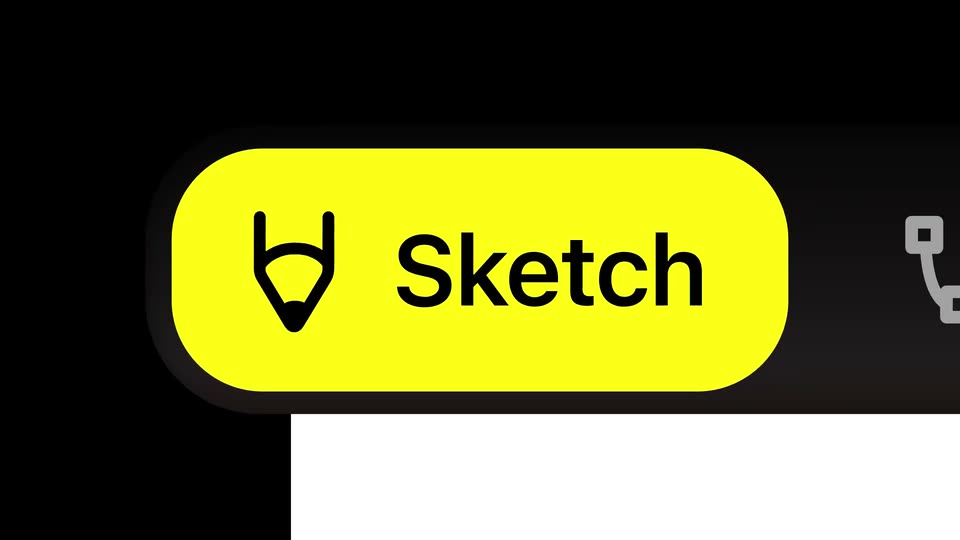
A yellow rounded badge holding the black Sketch mark and wordmark sits centered on a black field, scaling up slightly. A white card corner peeks in at the bottom edge.
Camera: Static
07 · Feature reveal · 0:06–0:08
A hand holds a white stylus and draws line art of a robot on a landscape tablet centered on a black background. The stylus tip glides across the canvas of a drawing app, adding strokes to the illustration.
Camera: Static
08 · Feature reveal · 0:08–0:08
A hand holding a white stylus draws on a tablet screen filled with a line sketch of a figure and a blue painted panel. Toolbars line the screen edges. The hand sweeps left across the canvas against a black background.
Techniques: Cursor demo
Camera: Static
09 · Feature reveal · 0:08–0:09
A black band holds a row of design-tool logos over a blurred pencil sketch. The center pill shifts from lime green to cyan as Vector slides in beside a node icon; Sketch sits left, a circular mark and letter P sit right.
On-screen text: “Sketch”, “Vector”
Techniques: Kinetic type
Camera: Pull out
10 · Feature reveal · 0:09–0:10
A hand holds a white stylus over a tablet tilted in 3D perspective on black, drawing a red stroke across a line-art sketch in a drawing app.
Techniques: 3D mockup
Camera: Pull out
11 · Feature reveal · 0:10–0:11
A 3D tablet on black runs a Canva drawing app over a line-art figure. A real hand with a white stylus taps a pink swatch on the right, then moves left to fill the figure's neck with a red stroke.
Techniques: 3D mockup
Camera: Static
12 · Feature reveal · 0:11–0:12
A tablet angled in 3D perspective shows a colorful 3D balloon illustration in a design app. A hand holding a white stylus taps the layers panel, and a dark context menu with layer actions opens over it.
Techniques: 3D mockup, Cursor demo
Camera: Static
13 · Feature reveal · 0:12–0:13
A black horizontal band carries the word Vector, a purple pill with a clock icon and the word Pixel, and a layer icon with Layers, sliding right across a glossy 3D background of balloon shapes and a bee.
On-screen text: “Vector”, “Pixel”, “Layers”
Techniques: Kinetic type
Camera: Pull out
14 · Feature reveal · 0:13–0:15
A hand with a white stylus drags the hue slider in a color panel on a tablet screen showing a model in a turtleneck surrounded by glossy 3D balloon shapes, on a black background. The turtleneck shifts from purple to dark brown as the slider moves.
Techniques: Cursor demo
Camera: Pull out
15 · Feature reveal · 0:15–0:16
A black bar with white “Pixel” and an orange pill with black “Layout” hold over a seated man in black clothing, framed by glossy 3D balloon flowers and a bee. The labels stay locked while the colorful background remains still.
On-screen text: “Pixel”, “Layout”
Camera: Static
16 · Feature reveal · 0:16–0:17
A hand holds a white stylus over a tablet running a layout app. The stylus taps a properties panel on the right edge while a magazine cover reading Going Wild, set with glossy 3D balloon shapes, fills the canvas.
Techniques: Cursor demo
Camera: Static
17 · Feature reveal · 0:17–0:18
A tablet on black shows a colorful magazine cover design inside an app. A hand with a stylus draws a white arc on the right side as the view zooms into the cover.
Techniques: Cursor demo, UI zoom
Camera: Static
18 · Other · 0:18–0:18
A bright green field holds a black Didone serif line that types out letter by letter, settling on One app with a thin vertical caret at the right.
On-screen text: “One app”
Techniques: Kinetic type
Camera: Static
19 · Other · 0:18–0:19
A flat lime-green field holds two lines of oversized black serif type. The lines slide horizontally across the frame while a thin white rule crosses the middle, bringing 'to craft' into full view.
On-screen text: “One app”, “to craft”
Techniques: Kinetic type
Camera: Static
20 · Other · 0:19–0:21
A tablet mockup tilts in 3D perspective over a black background, then rotates flat to face the camera. On its green canvas, the tagline lines One app, to craft, it all slide in one after another.
On-screen text: “One app”, “to craft”, “it all”
Techniques: 3D mockup, Kinetic type
Camera: Static
21 · Demo · 0:21–0:21
A tablet mockup floats at an angle on black, its screen running a drawing app with a color wheel over a portrait. A hand holds a stylus at the right edge, then a finger points at the left toolbar as the artwork cuts to a blue-and-red portrait.
Techniques: 3D mockup
Camera: Static
22 · Demo · 0:21–0:22
A tablet in 3D perspective on black displays a painting app with a colorful abstract canvas and a man's photo. A real hand holding a white stylus draws a looping white brush stroke across the screen from right to left.
Techniques: 3D mockup
Camera: Static
23 · Demo · 0:22–0:22
A tablet in 3D perspective sits on a black background, its screen showing a photo editor with a green island over turquoise water. Inside the canvas, the frosted text LONE ISLAND scales up across the water while the camera stays locked off.
On-screen text: “LONE ISLAND”
Techniques: 3D mockup, Kinetic type
Camera: Static
24 · Demo · 0:22–0:24
A tablet mockup floats in 3D on a black background. Its screen shifts from a blue canvas where a hand draws with a stylus to a grid of fitness design assets, then the whole device scales down to a small centered frame.
On-screen text: “LONEISLAND”
Techniques: 3D mockup
Camera: Static
25 · Other · 0:24–0:25
A black card holds the white serif headline 'Desktop power at your fingertips', with a green underline under 'fingertips' that fades out. The line then cuts to the single word 'for' centered on black.
On-screen text: “Desktop power at your fingertips”, “for”
Camera: Static
26 · Other · 0:25–0:26
On a dark green field, the word Meet in a black and mint serif script spins inside a thin 3D wireframe cage with corner nodes; the background flips to mint as the type snaps upright and centered.
On-screen text: “Meet”
Techniques: Kinetic type, Morph
Camera: Static
27 · Pricing · 0:26–0:26
The word Free in white display serif type sits centered on a black background and scales up slightly across the short clip.
On-screen text: “Free”
Techniques: Kinetic type
Camera: Static
28 · Pricing · 0:26–0:26
The word Free in black serif type sits on a pale rectangle centered on a green field. It scales up in place while the background shifts from pale to vivid green.
On-screen text: “Free”
Techniques: Kinetic type
Camera: Static
29 · Pricing · 0:26–0:26
A black box holding the white serif word Free sits centered on a flat beige field and scales up over the brief clip.
On-screen text: “Free”
Techniques: Kinetic type
Camera: Static
30 · CTA · 0:26–0:30
A black card holds the white affinity for iPad wordmark centered above the App Store badge. At the open, a large Free scales away while a white particle trail and a purple brushstroke fade out, then the frame locks on the title.
On-screen text: “Free”, “affinity for iPad”, “Download on the App Store”
Techniques: Kinetic type, Particles
Camera: Pull out