1:44
Explore
Affinity - When iPad? NOW iPad. Affinity for iPad is live 🔥 One app to craft i
Affinity · Nov 2026 · 0:30 · AI-annotated
- Length
- 0:30
- Scenes
- 29 · 1.0 s avg
- Product on screen
- 0:00
- Features shown
- 4
- Call to action
- 0:26 · 89%
- Voiceover
- No
00:00:00 / 00:30:05
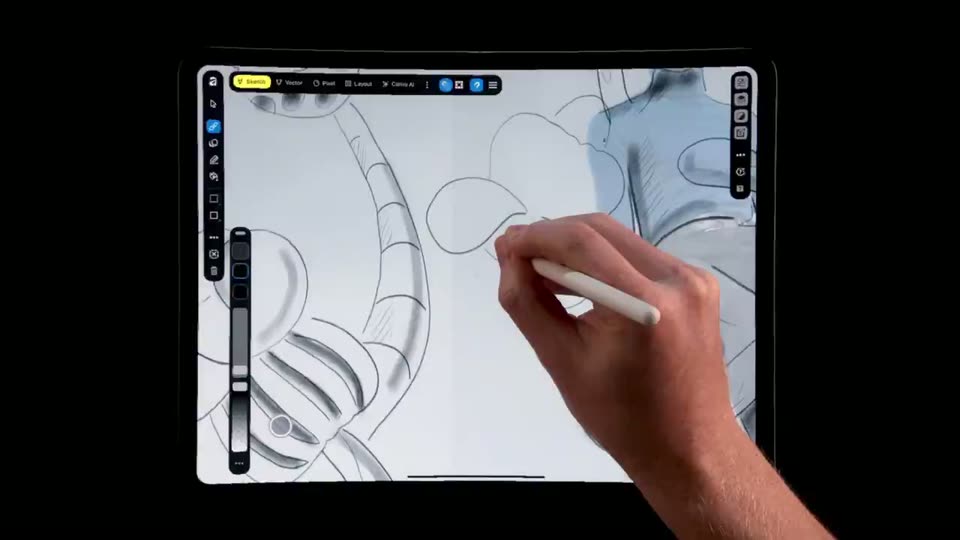
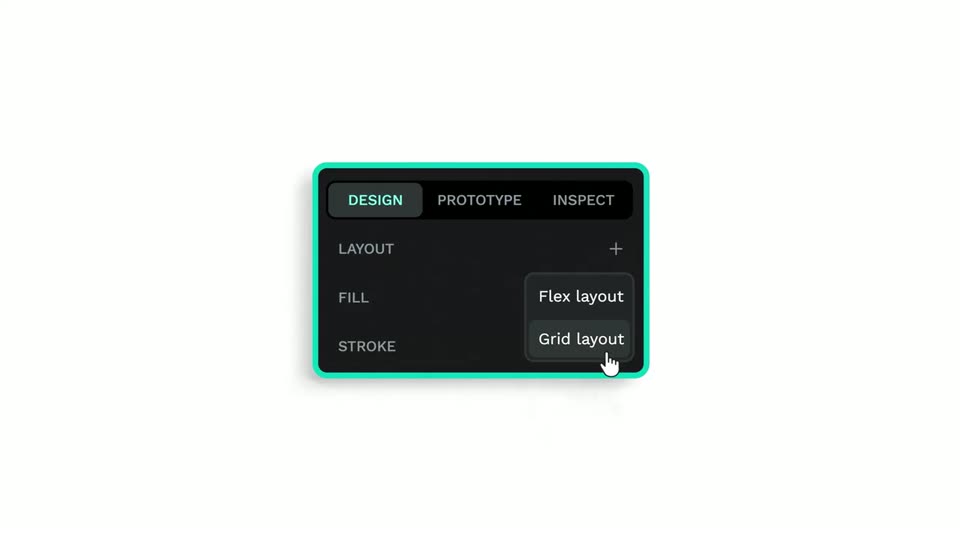
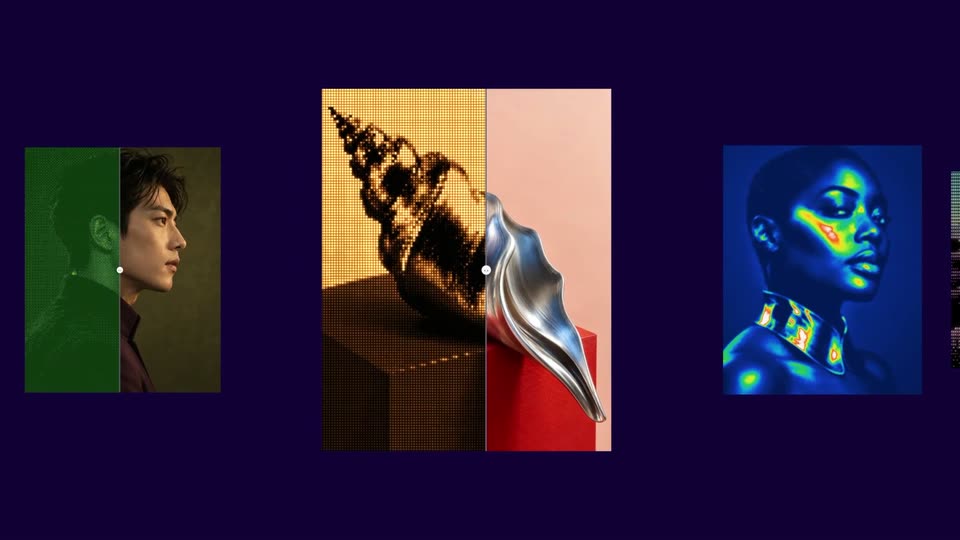
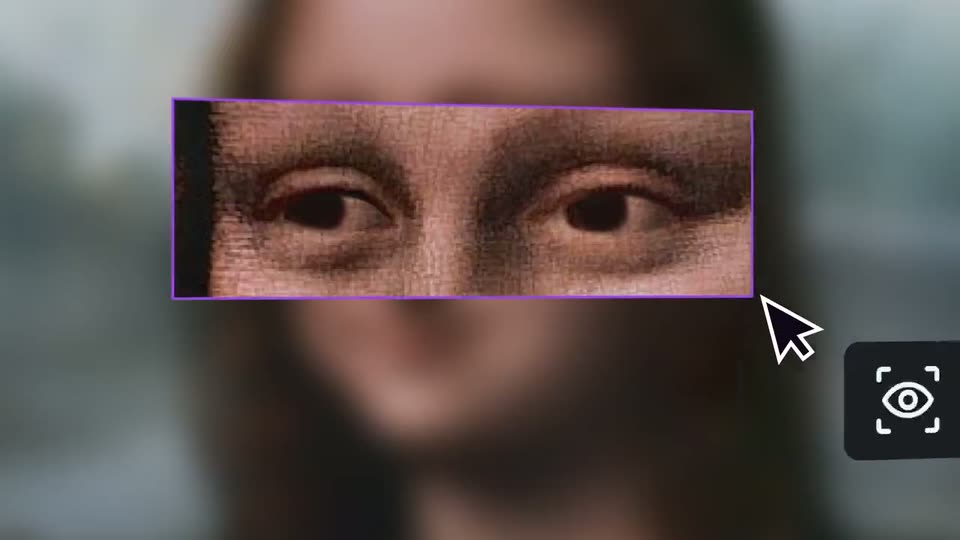
Affinity’s 0:30 launch film runs 29 scenes, about 1.0 s each. The product is on screen from the first frame and 4 features are revealed. The call to action lands at 0:26 (89% in). The video is built as a rapid feature tour: a wordmark opening, then four mode spotlights (Sketch, Vector, Pixel, Layout), each a colored title pill followed by a live stylus demo on a black field. It closes with a tagline montage and a free App Store CTA, at a fast pace of about 64 cuts per minute, with 3D flourishes like the yellow worm and glossy balloons as the signature moves.
Footage neededEstimated needs: 1 capture group — your screens or recordings · 1 official logo — reused across the film · 6 filmed passages — shoot, supply or replace · 3 graphic passages — draw or supply · 9 3D passages — build or supply
Is this your launch? to your site or press kit.
More like this
Affinity - When iPad? NOW iPad. Affinity for iPad is live 🔥 One app to craft i, scene by scene
· 29 scenes as text
01 · Product intro · 0:00–0:01
The green Affinity app icon sits centered on white, then cuts to a black field where the white title reveals left to right as a vertical stylus tip slides across the line.
On-screen text: “affinity for iPad”
Techniques: Masking
Camera: Static
02 · Product intro · 0:01–0:02
A white stylus tilts and slides down across a black frame, drawing a thin green curve, while pink brush strokes appear above. The white serif title 'affinity for iPad' holds fixed at center.
On-screen text: “affinity for iPad”
Camera: Static
03 · Product intro · 0:02–0:03
A tilted tablet mockup floats on a black background, its screen showing a design app over a living room photo with hand-drawn doodles. A yellow segmented worm with black eyes and looping pink ribbons crawl through the 3D space in front of and around the device.
Techniques: 3D mockup
Camera: Pan
04 · Product intro · 0:03–0:05
A tablet mockup on black shows a colorful living-room illustration inside a design app. A wavy chain of yellow disc beads sweeps across the frame, then the tablet scales down as a striped yellow V logo stamps into the center.
Techniques: 3D mockup
Camera: Pull out
05 · Feature reveal · 0:05–0:06
A yellow rounded pill holding the black Sketch mark and wordmark eases from the lower left into the center of a black field, then holds still. A white panel at the bottom edge recedes as the pill settles into place.
On-screen text: “Sketch”
Camera: Static
06 · Feature reveal · 0:06–0:08
A tablet sits centered on a black background, its screen showing a line-art robot sketch in a drawing app. A hand holding a white stylus enters from the right and traces new strokes along the drawing, the pen tip following the curves of the sketch.
On-screen text: “Sketch”
Camera: Static
07 · Feature reveal · 0:08–0:08
A hand grips a white stylus and draws a curved line on a tablet showing a line-art figure in a drawing app. Toolbars and a brush slider line the left edge of the screen. The hand shifts in small strokes against a solid black background.
Camera: Static
08 · Feature reveal · 0:08–0:09
A dark horizontal band carries a row of product logos over a faint pencil-sketch background. The center rounded pill shifts from lime to cyan as the word Vector slides in beside its icon, while the strip drifts left.
On-screen text: “Sketch”, “Vector”, “P”
Camera: Pull out
09 · Feature reveal · 0:09–0:10
A tablet in 3D perspective on a black background displays a line-art character sketch in a drawing app. A hand holds a white stylus and draws a red curved stroke that extends downward across the canvas.
Techniques: 3D mockup
Camera: Pull out
10 · Feature reveal · 0:10–0:11
A hand holding a white stylus colors a line drawing on a tablet set against a black background, adding pink dots to a red curved shape. The drawing app's color palette panel remains open on the right of the screen.
Camera: Static
11 · Feature reveal · 0:11–0:12
A hand holds a white stylus while its index finger taps the layers panel on a tablet showing a colorful balloon illustration. The panel slides closed and the hand lifts the pen to the right of the screen against a black background.
Techniques: Cursor demo
Camera: Static
12 · Feature reveal · 0:12–0:13
A black band carries the labels Vector, Pixel and Layer over glossy 3D blobs in orange, green, blue and pink. The labels slide right as a purple pill scales up around the clock icon and Pixel, then the frame holds.
On-screen text: “Vector”, “Pixel”, “Layer”
Techniques: Kinetic type
Camera: Pull out
13 · Feature reveal · 0:13–0:15
A centered tablet mockup on a black background shows a design app with a colorful artwork of a person among glossy balloon shapes. A hand holding a white stylus drags the color wheel, and the turtleneck hue shifts from purple to brown.
Techniques: 3D mockup
Camera: Pull out
14 · Feature reveal · 0:15–0:16
A black rounded bar carries the white word Pixel on the left while a coral pill holding a layout icon and the black word Layout slides right across it. Behind, a person in black sits among glossy 3D balloon shapes on a gray studio backdrop.
On-screen text: “Pixel”, “Layout”
Camera: Static
15 · Feature reveal · 0:16–0:17
A tablet floats in 3D perspective on a black background, its screen showing a design app with a magazine cover. A hand holding a white stylus drags a dark panel aside, revealing the italic word next to the large serif headline as the title scales up.
Techniques: 3D mockup
Camera: Static
16 · Feature reveal · 0:17–0:18
A tablet in 3D perspective on black shows a design app with a Going Wild poster and colorful balloon shapes. A hand with a white stylus draws on the canvas, then the view zooms to the poster as a white curved stroke appears at the right.
Techniques: 3D mockup, Cursor demo, UI zoom
Camera: Static
17 · Other · 0:18–0:18
On a flat lime-green field, a black serif phrase types itself out behind a thin vertical cursor, growing from a single letter to the full word “One app”.
On-screen text: “One app”
Techniques: Kinetic type
Camera: Static
18 · Other · 0:18–0:19
Large black serif text on a lime green background. The lines 'One app' and 'to craft' slide vertically, drifting past a thin white horizontal rule that bisects the frame.
On-screen text: “One app”, “to craft”
Techniques: Kinetic type
Camera: Static
19 · Other · 0:19–0:21
A tablet mockup in 3D against black rotates to face the camera, showing a design app with side toolbars. On the lime green canvas, the headline “One app to craft it all” slides in line by line in mixed serif and script type.
On-screen text: “One app”, “to craft”, “it all”
Techniques: 3D mockup, Kinetic type
Camera: Static
20 · Demo · 0:21–0:21
A tablet floats on black, its screen showing a drawing app. A hand with a stylus paints a green glove over a portrait, then the artwork cuts to a glitched blue-face figure as a finger drags a vertical strength slider.
Techniques: Cursor demo
Camera: Static
21 · Demo · 0:21–0:22
A hand holding a white stylus sweeps across the right edge of a tablet, laying down white brush strokes over a colorful abstract painting of a person in a drawing app. Toolbars line both sides of the screen. The tablet sits flat on a black background.
Camera: Static
22 · Demo · 0:22–0:22
A tablet device sits centered on a black background, its screen showing a design app with a tropical island photo and the brush-lettered title LONE ISLAND over turquoise water. Side toolbars and a top menu frame the canvas. The shot is locked-off and static.
Techniques: 3D mockup
Camera: Static
23 · Demo · 0:22–0:24
A tablet on black shows a design app: the canvas flips from a yellow-to-blue gradient with a ball illustration to a grid of workout-meal images, then a hand holding a white stylus draws a line across the screen.
On-screen text: “LONE ISLAND”
Techniques: 3D mockup, Cursor demo
Camera: Static
24 · Pricing · 0:24–0:25
A black frame holds the white headline “Desktop power at your fingertips,” the last word in a flowing script over a thin green line. The line then cuts to the single serif word “for,” which holds briefly before the screen goes black.
On-screen text: “Desktop power”, “at your fingertips”, “for”
Camera: Static
25 · Pricing · 0:25–0:26
On a dark green field, the word Wee in a heavy serif script sits inside a thin wireframe polygon with node markers. The background inverts to light green as the word and polygon skew and stretch diagonally.
On-screen text: “Wee”
Techniques: Kinetic type, Morph
Camera: Static
26 · Pricing · 0:26–0:26
The word “Free” in white serif lettering sits centered on a black field and scales up across the short shot, holding still at the end.
On-screen text: “Free”
Techniques: Kinetic type
Camera: Static
27 · Pricing · 0:26–0:26
A bright green field centers the word Free in a black serif face on a pale rectangle. The block scales up and sharpens while the green saturates, ending larger and crisper.
On-screen text: “Free”
Techniques: Kinetic type
Camera: Static
28 · Pricing · 0:26–0:26
A white serif word “Free” sits centered in a black rectangle on a flat light-gray field. The box and the type scale up slightly across the short clip.
On-screen text: “Free”
Techniques: Kinetic type
Camera: Static
29 · CTA · 0:26–0:30
On a black background, a large white word “Free” scales as a dotted particle swirl and a purple brushstroke fade out. The white serif wordmark “affinity for iPad” holds centered, with the App Store badge below it.
On-screen text: “Free”, “affinity for iPad”, “Download on the”, “App Store”
Techniques: Kinetic type, Particles
Camera: Pull out